
 by
by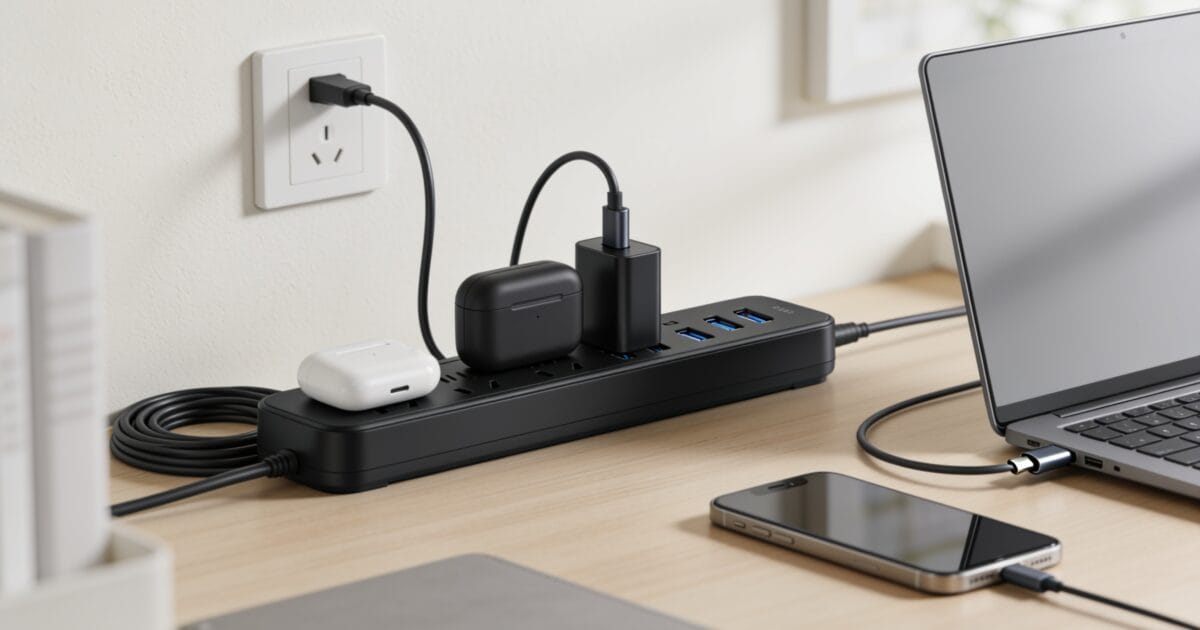
The best power strips and surge protectors do two quiet jobs at once: they turn one wall outlet into many, and they stand between your expensive electronics and the voltage spikes that fry them. I’ve replaced enough scorched chargers and one dead TV to take this seriously, and the gap between a $5 no-name strip and a properly rated surge protector is the difference between a saved laptop and a ruined one.
The catch is that “power strip” and “surge protector” aren’t the same thing, and most cheap strips offer no real protection at all. Joule rating, USB-C wattage, cord length, and outlet spacing all matter more than people think. So I’ve tested and compared the options worth buying in 2026, from flat-plug travel strips to smart Wi-Fi units and heavy-duty home-theater protectors.
This list covers a pick for every situation: desks, walls, workshops, home theaters, and travel. Each one names who it’s for and what it does best. If you’re setting up a workspace, it pairs naturally with my home office setup guide and the wider home automation roundup.
1. Anker 12-Outlet Surge Protector: best overall
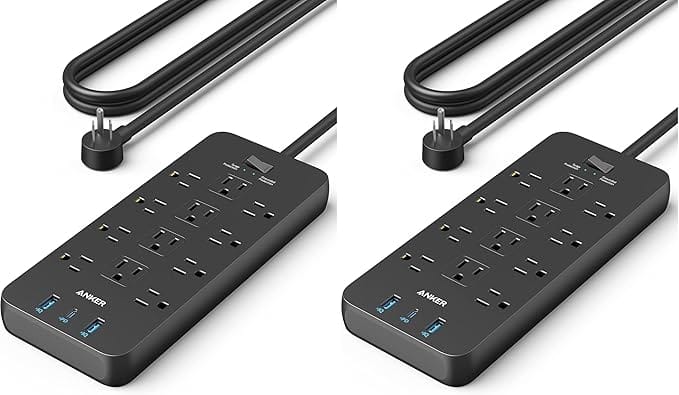
Anker 12-Outlet Surge Protector Power Strip (3 USB, 2100J)
- 12 AC outlets + 3 USB (USB-C)
- 2,100-joule surge rating
- 10-foot cord
- Trusted Anker safety
The Anker 12-outlet strip is the one I’d put on most desks. You get 12 AC outlets plus three USB ports (including USB-C) for charging phones and tablets without adapters, a real 2,100-joule surge rating, and a long 10-foot cord that actually reaches the wall. Anker’s build quality and reputation for safe charging make this the easy default for a home office or entertainment center.
2. Amazon Basics 6-Outlet: best budget
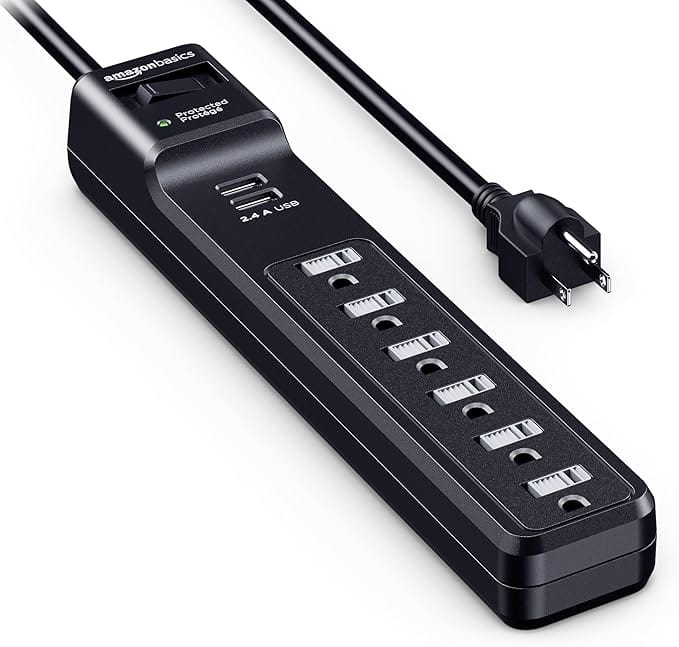
Amazon Basics 6-Outlet Surge Protector (2 USB, 1000J)
- 6 outlets + 2 USB
- 1,000-joule rating
- 6-foot cord
- Amazon Basics value
When you just need reliable protection without spending much, the Amazon Basics 6-outlet surge protector is the value pick. Six outlets, two USB ports, a 1,000-joule rating, and a 6-foot cord cover the basics for a desk or nightstand. It won’t shield a high-end setup the way a higher-joule unit will, but for lamps, chargers, and everyday electronics, it’s honest protection at the lowest sensible price.
3. TESSAN Flat-Plug Surge Protector: best long cord
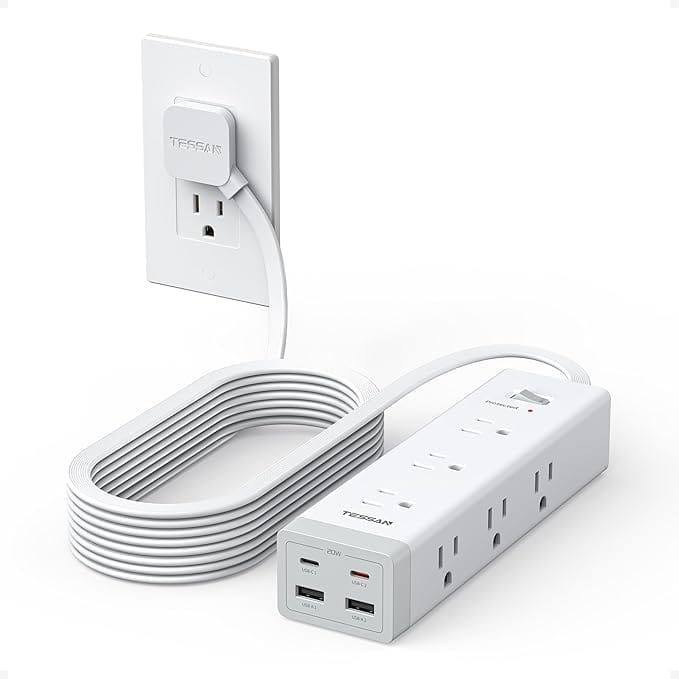
TESSAN Flat Plug Surge Protector (9 Outlets, USB-C PD, 15ft)
- 9 outlets, flat plug
- USB-C PD charging
- 15-foot extension cord
- Sits flush to the wall
The TESSAN’s ultra-thin flat plug sits flush against the wall so furniture can push right up to it, and the 15-foot extension cord reaches outlets nothing else here can. With nine outlets and USB-C PD charging, it’s ideal for rooms where the only socket is awkwardly placed. The flat plug alone solves a problem most strips ignore.
4. Belkin 6-in-1 Travel Power Strip: best for travel
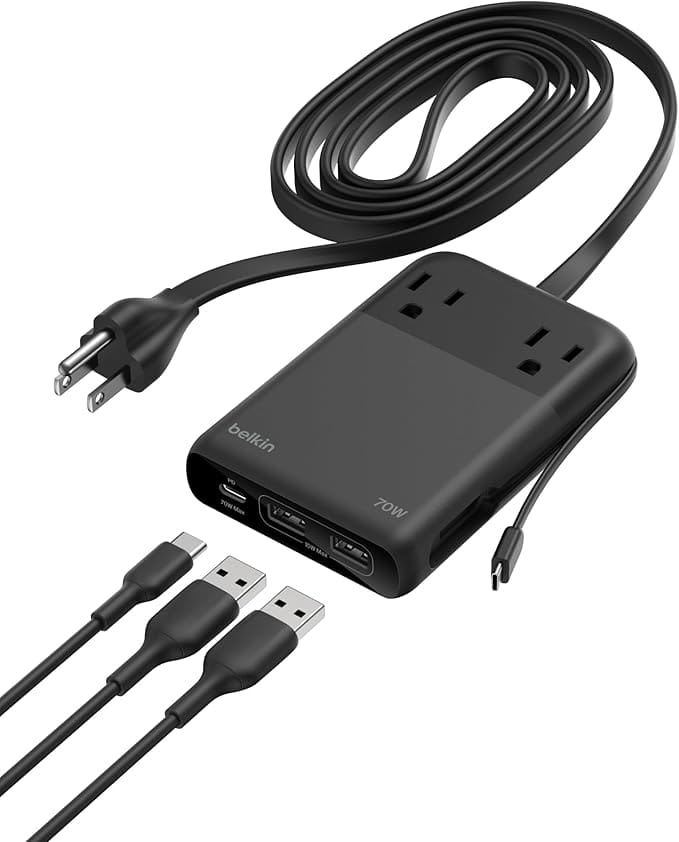
Belkin 6-in-1 Travel Power Strip (70W GaN USB-C)
- 6-in-1: 2 AC + USB
- Up to 70W USB-C
- GaN compact design
- Fast-charges a laptop
For trips and tight spaces, the Belkin 6-in-1 is a compact GaN charging station with two AC outlets and multiple USB ports, pushing up to 70W of USB-C power, enough to fast-charge a laptop. It replaces a bag full of bricks with one small block. If you travel with a laptop, phone, and earbuds, this is the one that earns its place in your carry-on.
5. BESTEK 8-Outlet with Wireless Charger: best all-in-one
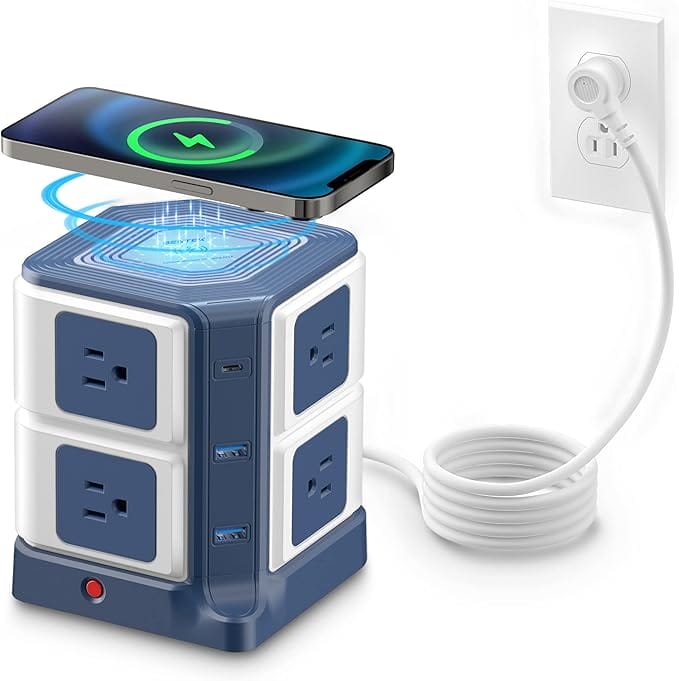
BESTEK 8-Outlet Power Strip (USB + Wireless Charger)
- 8 outlets + USB
- Built-in Qi wireless pad
- Surge protected
- Tidy desk footprint
The BESTEK combines an 8-outlet surge protector with USB ports and a built-in wireless charging pad on top, so your phone tops up just by sitting there. It’s a tidy desk solution that consolidates a charger, a strip, and a Qi pad into one footprint. A smart pick if you hate cable clutter and want one device doing three jobs.
6. One Beat 6-Outlet (10ft): best value long-cord
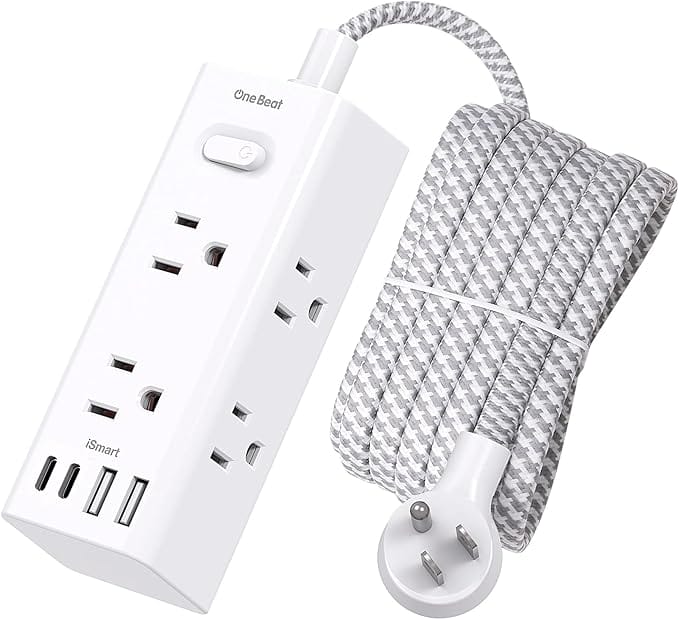
One Beat 6-Outlet Surge Protector (4 USB, 10ft)
- 6 wide-spaced outlets
- 4 USB ports
- 10-foot cord
- Fits bulky adapters
The One Beat strip pairs six widely spaced outlets with four USB ports and a generous 10-foot cord at a budget price. The wide spacing is the real win: it fits bulky wall-wart adapters without blocking the next outlet, something pricier strips routinely get wrong. Great value for a bedroom, dorm, or behind-the-TV setup.
7. Addtam 5-Outlet Wall Extender: best outlet extender
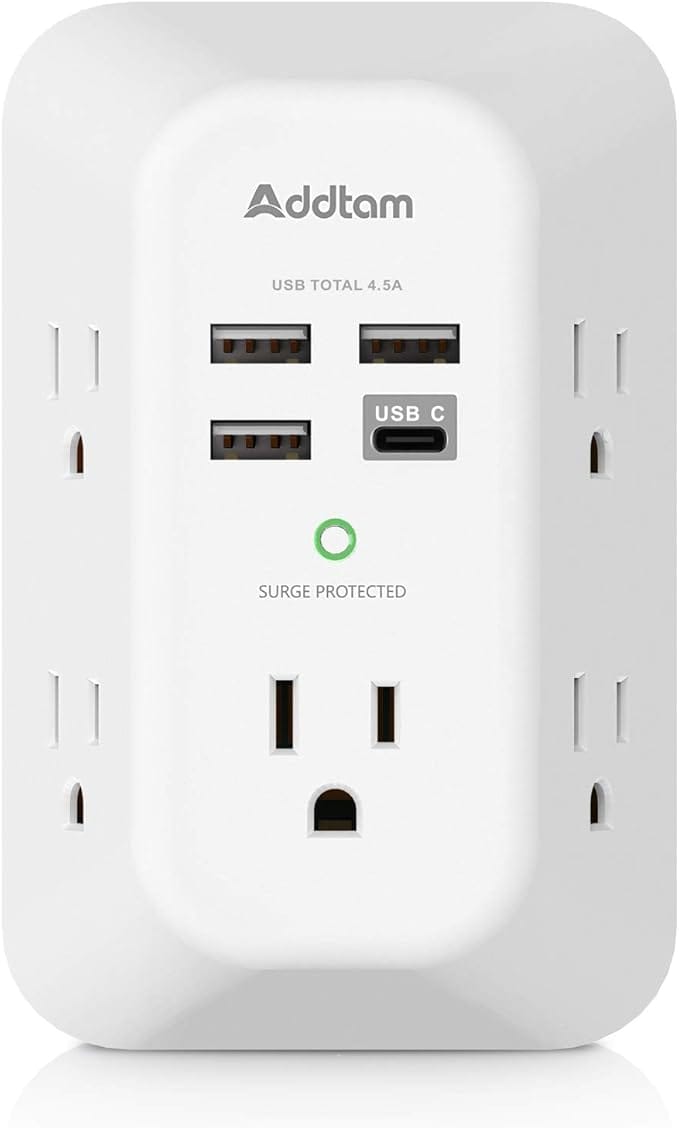
Addtam 5-Outlet Wall Extender (4 USB)
- 5 outlets, no cord
- 4 USB charging ports
- Wall-mounted design
- Great for counters
No cord, no clutter: the Addtam plugs straight into a wall socket and fans out into five outlets plus four USB charging ports. It’s perfect for a kitchen counter, bedside table, or anywhere a dangling cord would be in the way. For turning a cramped two-socket wall plate into a proper charging hub, it’s hard to beat.
8. JACKYLED 12-Outlet Tower: best tower
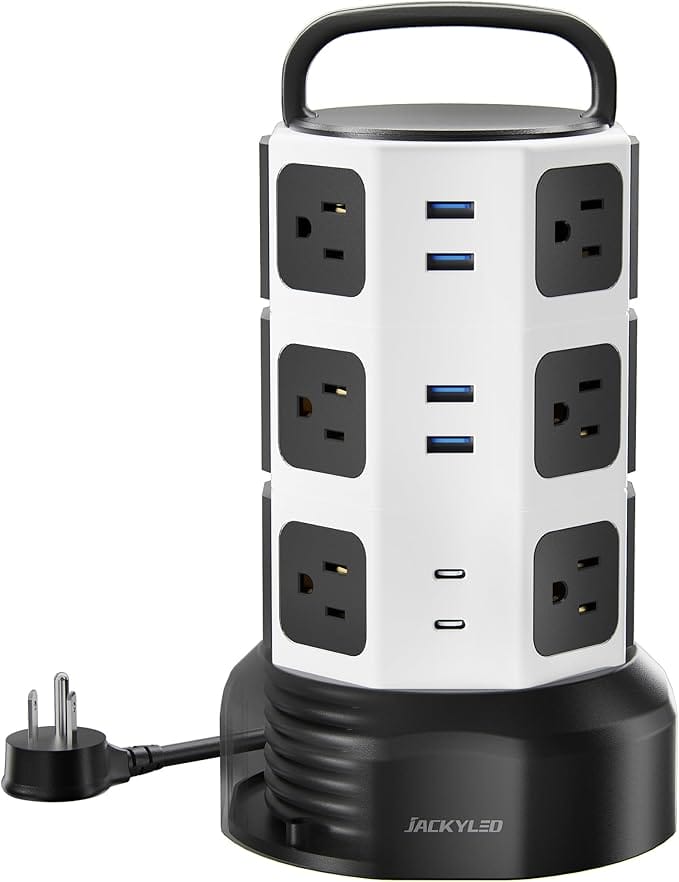
JACKYLED 12-Outlet Surge Protector Tower (6 USB)
- 12 outlets + 6 USB
- USB-C included
- Vertical desk/floor design
- Tidy cable layout
The JACKYLED tower stands upright on your desk or floor with 12 outlets and six USB ports (including USB-C) arranged around its sides, so every plug is easy to reach. It’s the answer for a power-hungry workstation or a living room full of devices. The vertical design keeps cables sorted instead of sprawled across the floor.
9. CRAFTSMAN Magnetic Power Strip: best for the workshop
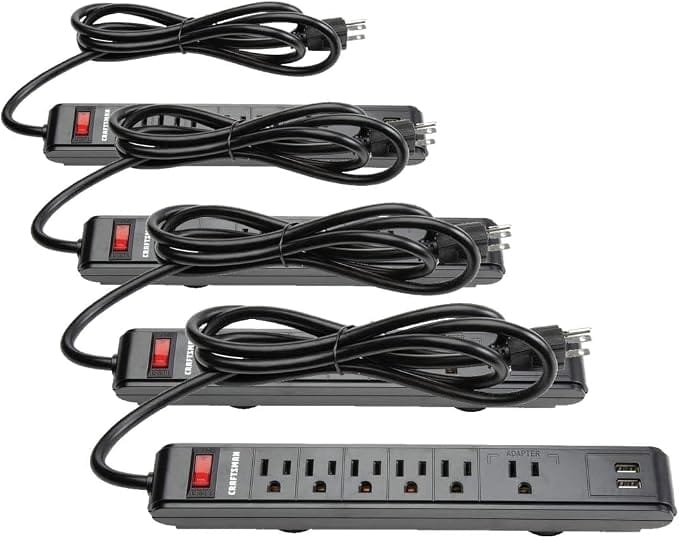
CRAFTSMAN Magnetic Power Strip (CMST82693)
- Strong mounting magnets
- Keyhole wall mounts
- Rugged build
- Made for garages
Built for garages and workshops, the CRAFTSMAN strip has strong magnets and mounting keyholes so it sticks to a toolbox, workbench, or any steel surface. It keeps power tools and chargers reachable without eating bench space. If your projects live in the garage, this is the rugged, stay-put strip that belongs out there.
10. Tripp Lite TLP1208SAT: best for home theater
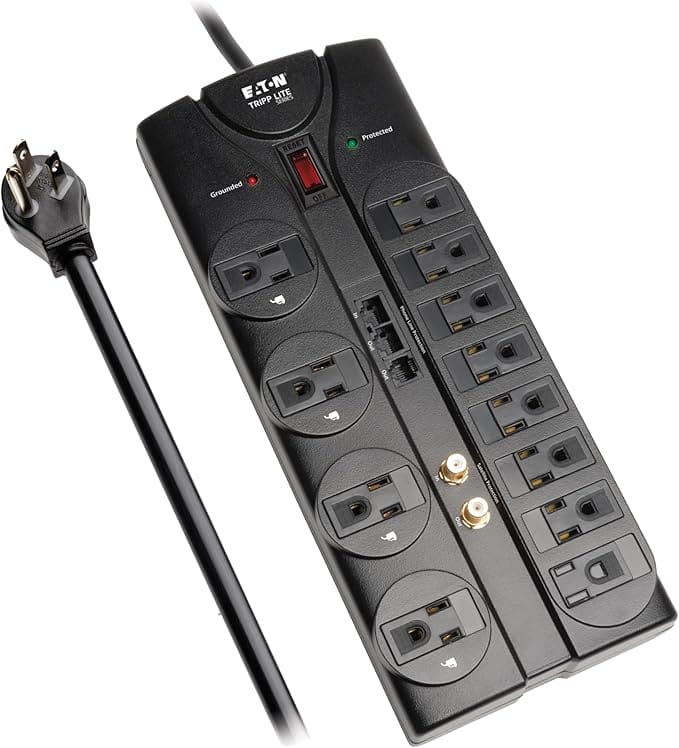
Tripp Lite TLP1208SAT 12-Outlet Surge Protector (8ft)
- 12 outlets, flat plug
- Coax line protection
- 8-foot cord
- Tripp Lite warranty
The Tripp Lite “Protect It!” is the one I’d trust behind a TV. Twelve outlets, a flat plug, an 8-foot cord, and coax protection for your cable or antenna line make it built for an AV stack. Tripp Lite’s reputation in surge protection is well earned, and the included connected-equipment warranty is the kind of backing budget strips never offer.
11. TP-Link Kasa HS300: best smart power strip
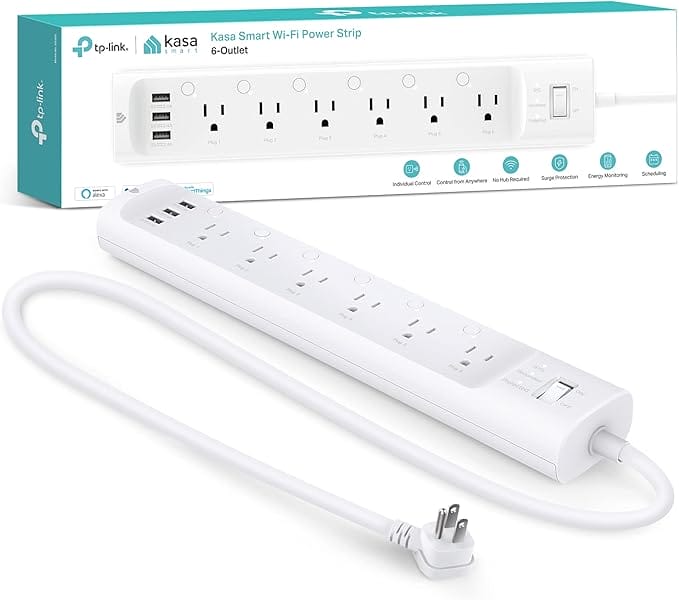
TP-Link Kasa Smart Wi-Fi Power Strip HS300 (6 Smart Outlets)
- 6 individually smart outlets
- Alexa & Google control
- Energy monitoring
- Schedules and timers
The Kasa HS300 gives you six individually controlled smart outlets you can switch on and off from your phone or with Alexa and Google Assistant, plus energy monitoring and schedules. It’s the strip for anyone building a smart home, kill phantom drain, automate lamps, or reboot a router remotely. Genuinely useful automation in a strip that also protects against surges.
12. Belkin 12-Outlet (8ft): best heavy-duty
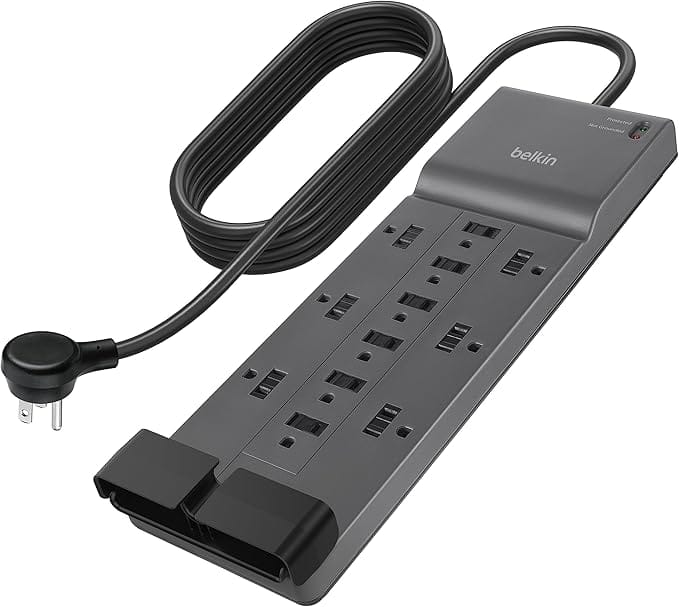
Belkin 12-Outlet Surge Protector (8ft Flat Plug)
- 12 AC outlets
- 8-foot flat-plug cord
- UL-listed, high joules
- Belkin warranty
The Belkin 12-outlet is the UL-listed workhorse: a dozen AC outlets, an 8-foot flat-plug cord, and a high joule rating for a full desk or rack of gear. It’s the strip you buy when you want a recognized brand and room to grow. Heavy-duty, well-built, and backed by Belkin’s warranty, it handles a serious setup without breaking a sweat.
13. Baseus 67W 10-in-1 Charging Station: best desktop charger
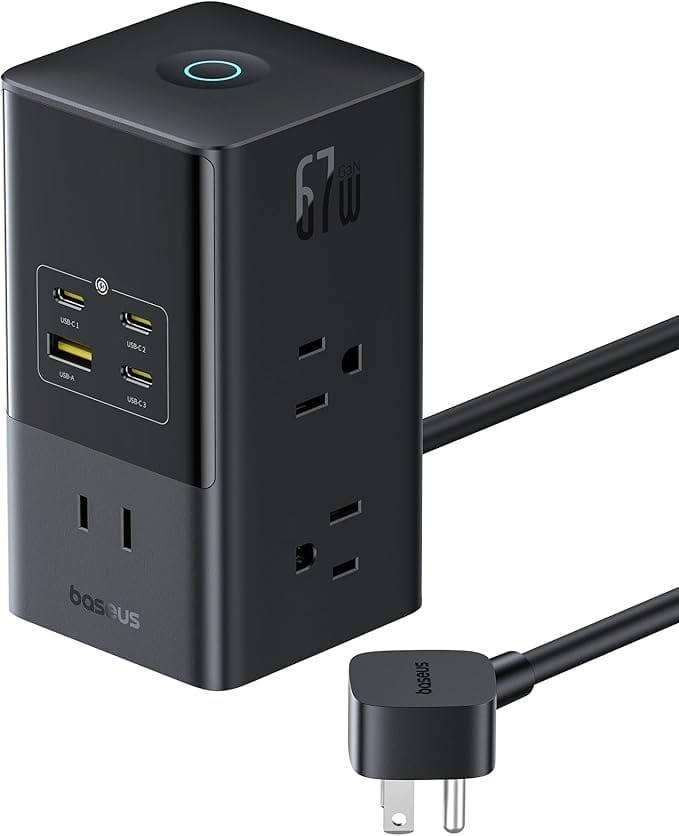
Baseus 67W 10-in-1 Charging Station (1200J Surge)
- Up to 67W USB-C
- 10-in-1 ports
- 1,200-joule surge
- Compact desktop design
The Baseus packs AC outlets and a stack of USB-A and USB-C ports into a compact desktop block, with up to 67W of USB-C power and a 1,200-joule surge rating. It’s the modern strip for a laptop-and-phone desk where most of your devices charge over USB-C. One unit, every cable, no wall-wart juggling.
14. CyberPower CSB1206: best high-joule protection
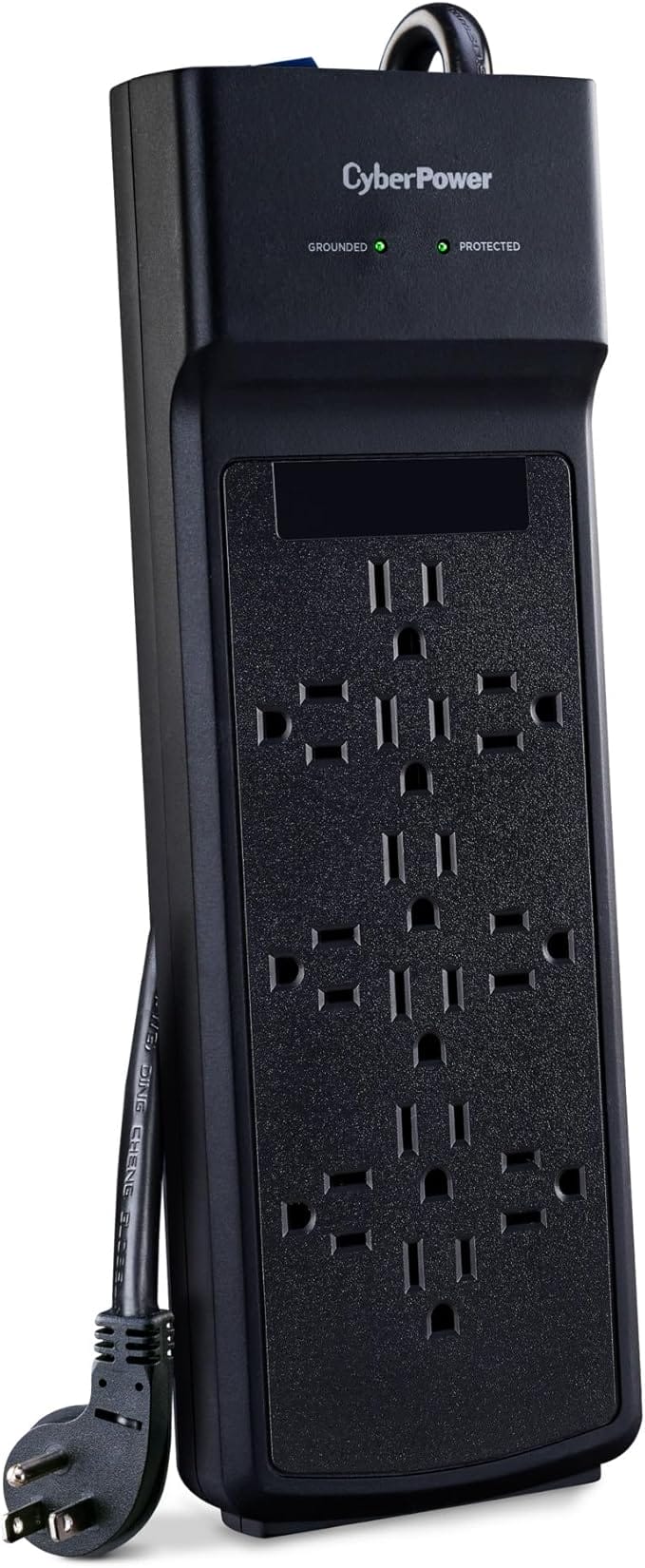
CyberPower CSB1206 Essential Surge Protector (12 Outlets, 3600J)
- 3,600-joule rating
- 12 outlets
- 6-foot cord
- Best for PCs and rigs
If protection is the priority, the CyberPower CSB1206 leads here with a 3,600-joule rating across 12 outlets and a 6-foot cord. The higher the joule rating, the more energy the unit can absorb before it stops protecting, so this is the one for a gaming PC, a workstation, or anything you really don’t want to lose to a spike. Strong protection at a fair price.
15. JXGUCAT Desk-Clamp Power Strip: best for desks
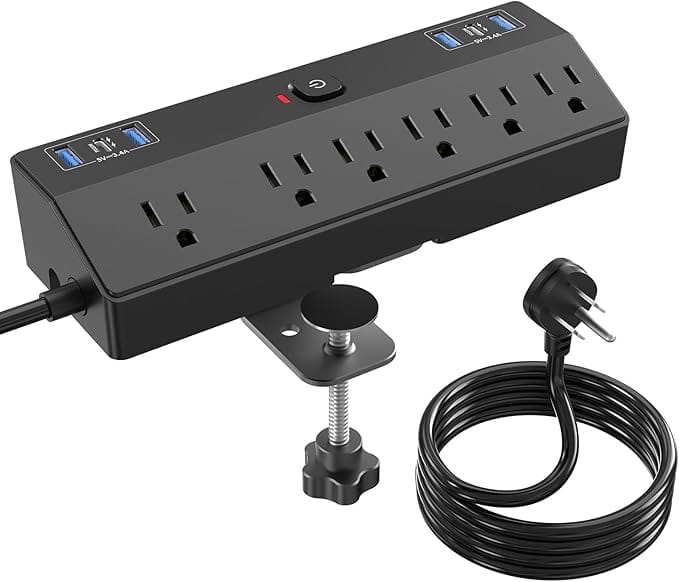
JXGUCAT Desk-Clamp Power Strip (40W USB-C)
- Desk-clamp mount
- 40W USB-C charging
- Flat plug
- Always within reach
The JXGUCAT clamps to the edge of your desk so power lives on top, not on the floor. It mixes AC outlets with 40W USB-C charging in a flat-plug design that keeps everything within arm’s reach. For a clean desk where you’re forever reaching for a charger, mounting power at the surface is a small upgrade you feel every day.
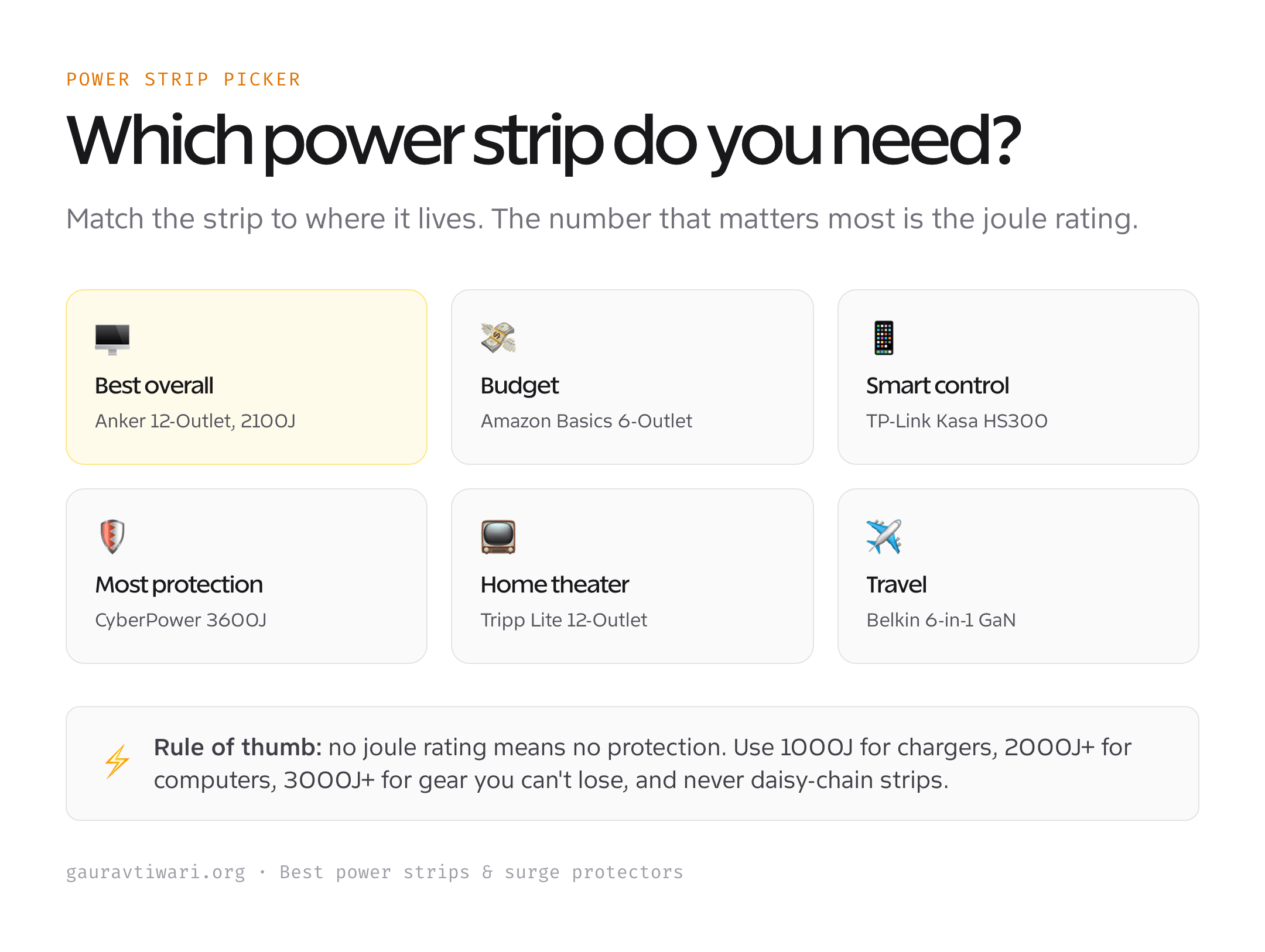
How to pick the right power strip
A few specs separate real protection from a glorified extension cord. Here’s what actually matters.
- Joule rating. This is the headline number for protection. Under 1,000J is light-duty (lamps, chargers); 2,000J+ suits computers and TVs; 3,000J+ is for gear you can’t afford to lose. Higher is better.
- Surge protector vs power strip. A plain power strip only splits power, it offers no protection. If a unit doesn’t state a joule rating, assume it has none. For electronics, always buy a rated surge protector.
- USB and USB-C wattage. Built-in USB saves adapters, but check the wattage. 20W+ USB-C fast-charges a phone; 60W+ is needed to meaningfully charge a laptop.
- Outlet spacing. Bulky wall-wart adapters can block neighboring outlets. Widely spaced or rotating outlets let you use every slot.
- Cord length and plug. Measure before you buy, and prefer a flat plug if the strip sits behind furniture. A UL listing is a basic safety must-have.
Match those to your setup and you won’t overspend or under-protect. A desk wants USB-C and a clamp or flat plug; a home theater wants high joules and coax protection; a smart home wants app control. For the wider desk build, the ergonomic chairs guide rounds out the setup.
Which power strip should you buy?
For most people, the Anker 12-outlet is the right call: plenty of outlets, USB-C, real protection, and a brand you can trust. On a budget, the Amazon Basics 6-outlet does the job. Want app control? The TP-Link Kasa HS300. Protecting a serious rig? The CyberPower CSB1206’s 3,600 joules. Travelling? The Belkin 6-in-1. Match the strip to where it lives and what it powers, and skip the unrated $5 strips entirely, they’re the false economy that costs you a device.
Frequently asked questions
What is the difference between a power strip and a surge protector?
A power strip simply turns one outlet into several, with no protection against voltage spikes. A surge protector adds components that absorb excess voltage and shield your electronics, measured in joules. If a product doesn’t list a joule rating, treat it as an unprotected power strip and don’t plug expensive gear into it.
How many joules do I need in a surge protector?
For lamps and phone chargers, 1,000 joules is fine. For computers, monitors, and TVs, aim for 2,000 joules or more. For a gaming PC, a home theater, or anything costly, look for 3,000 joules and up. A higher rating means the unit can absorb more energy over its life before protection wears out.
Do surge protectors wear out?
Yes. The components that absorb surges degrade over time and after large spikes. Most quality units have an indicator light that shows protection is still active; if it goes out, replace the unit. As a rule of thumb, replace a hard-working surge protector every three to five years, or after a major electrical event like a nearby lightning strike.
Can I plug a power strip into another power strip?
No, this is called daisy-chaining and it’s a fire risk. It overloads the circuit and most manufacturers and safety codes prohibit it. If you need more outlets, buy a single strip with enough of them or run a dedicated circuit. Never chain strips or plug one into an extension cord into another strip.
Are USB ports on a power strip worth it?
Yes, they save adapters and free up AC outlets. Just check the wattage: a USB-C port needs about 20W to fast-charge a phone and 60W or more to charge a laptop meaningfully. Lower-wattage ports are fine for trickle-charging accessories but slow for anything bigger.
Do I need a smart power strip?
Only if you want app or voice control and scheduling. A smart strip like the Kasa HS300 lets you switch individual outlets remotely, automate lamps, monitor energy use, and cut phantom drain. If you just need protected outlets, a standard surge protector is cheaper and does the core job just as well.
The bottom line
A good surge protector is cheap insurance for everything plugged into it. The Anker 12-outlet is my overall pick, the Amazon Basics covers tight budgets, the Kasa HS300 adds smart control, and the CyberPower CSB1206 brings the heaviest protection. Match the joules, cord, and ports to where it lives, avoid daisy-chaining, and replace any unit whose protection light has gone dark. Get that right and one small purchase quietly guards thousands of dollars of electronics.