How do I add bookings to my website?
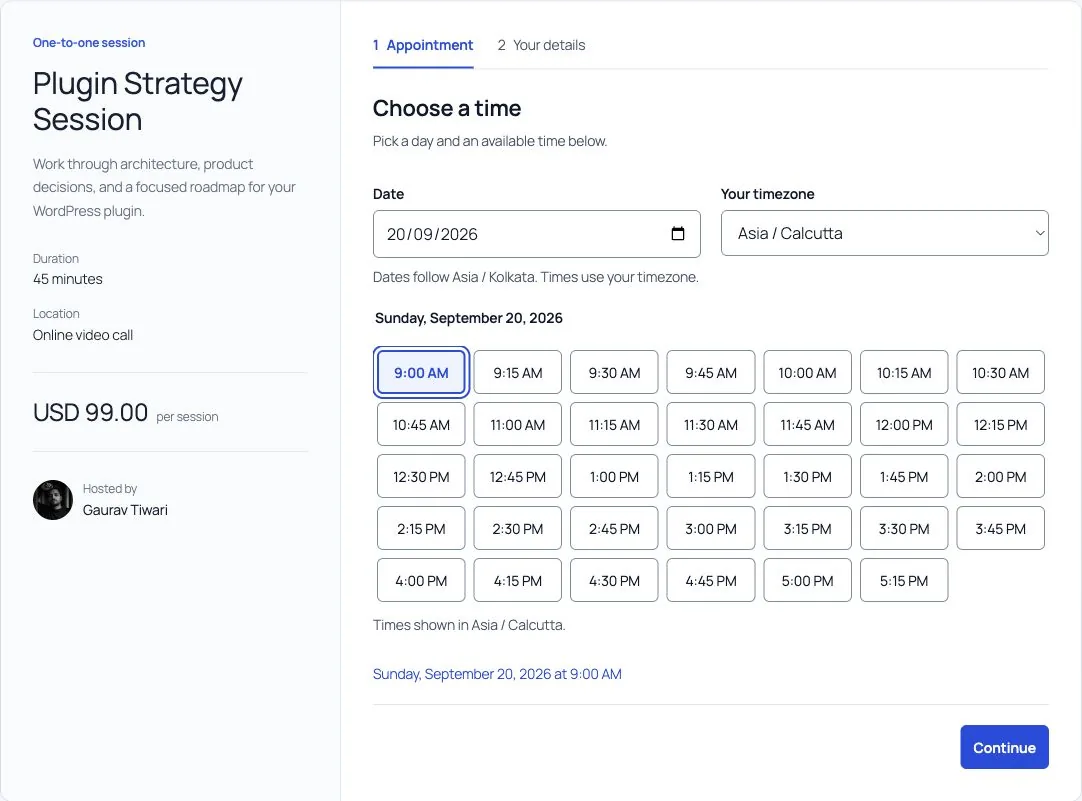
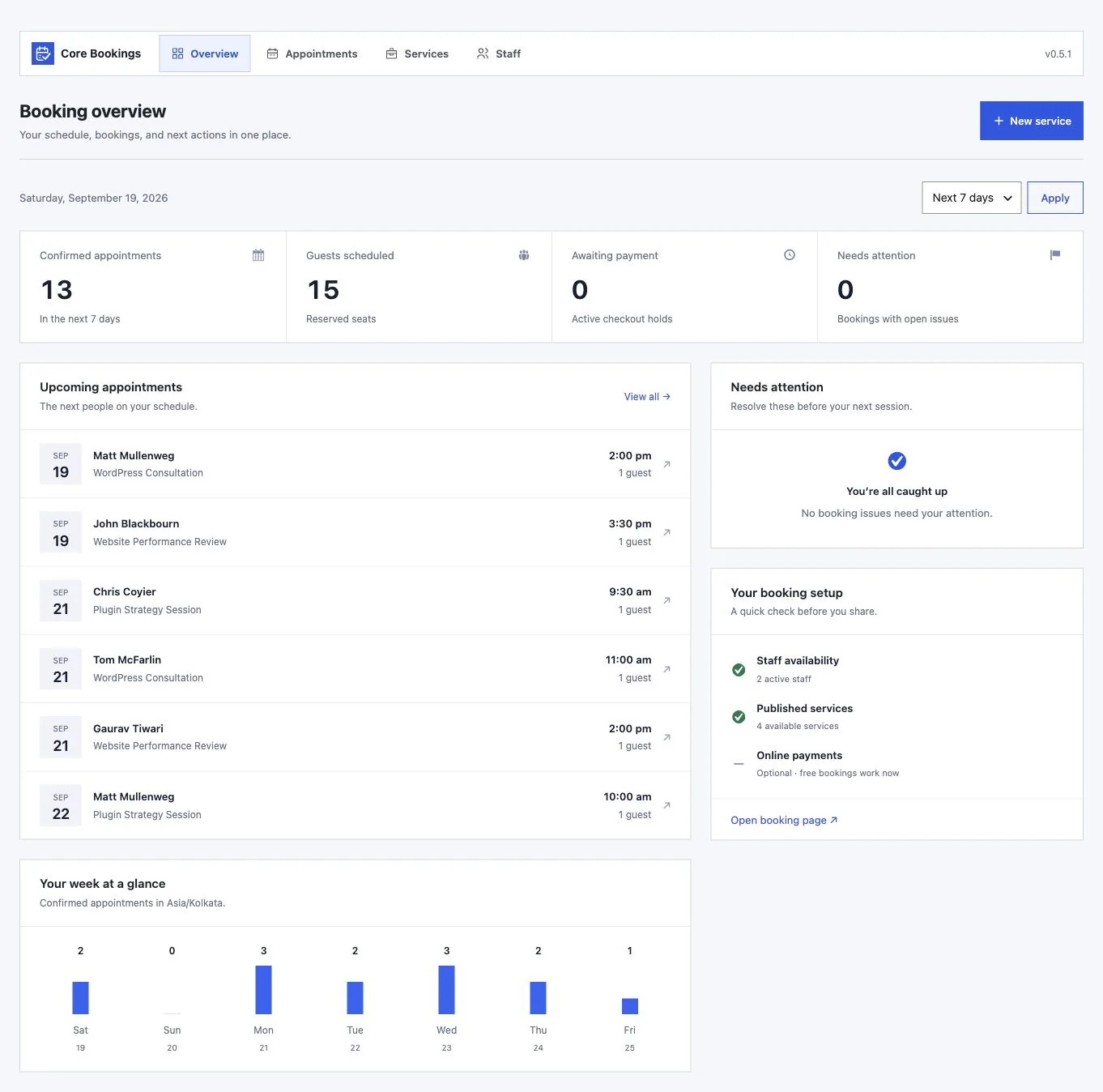
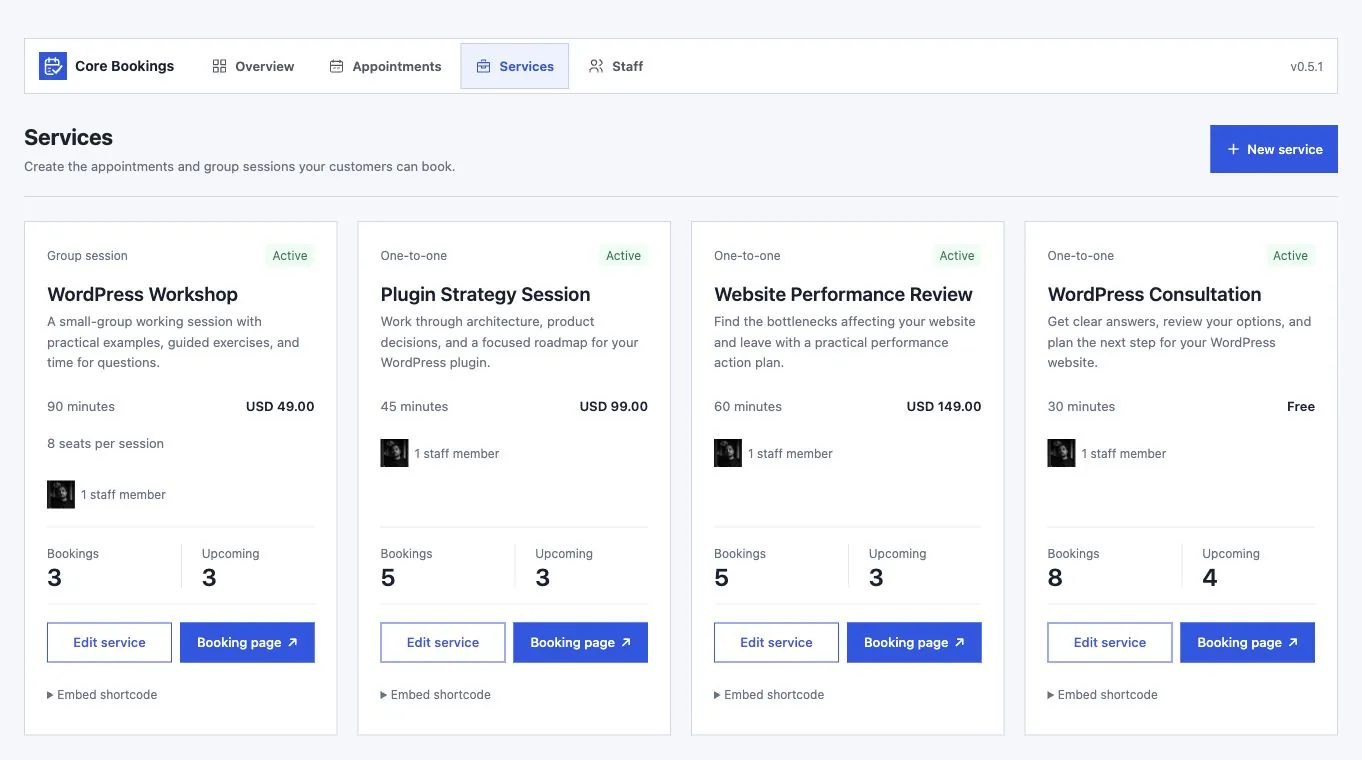
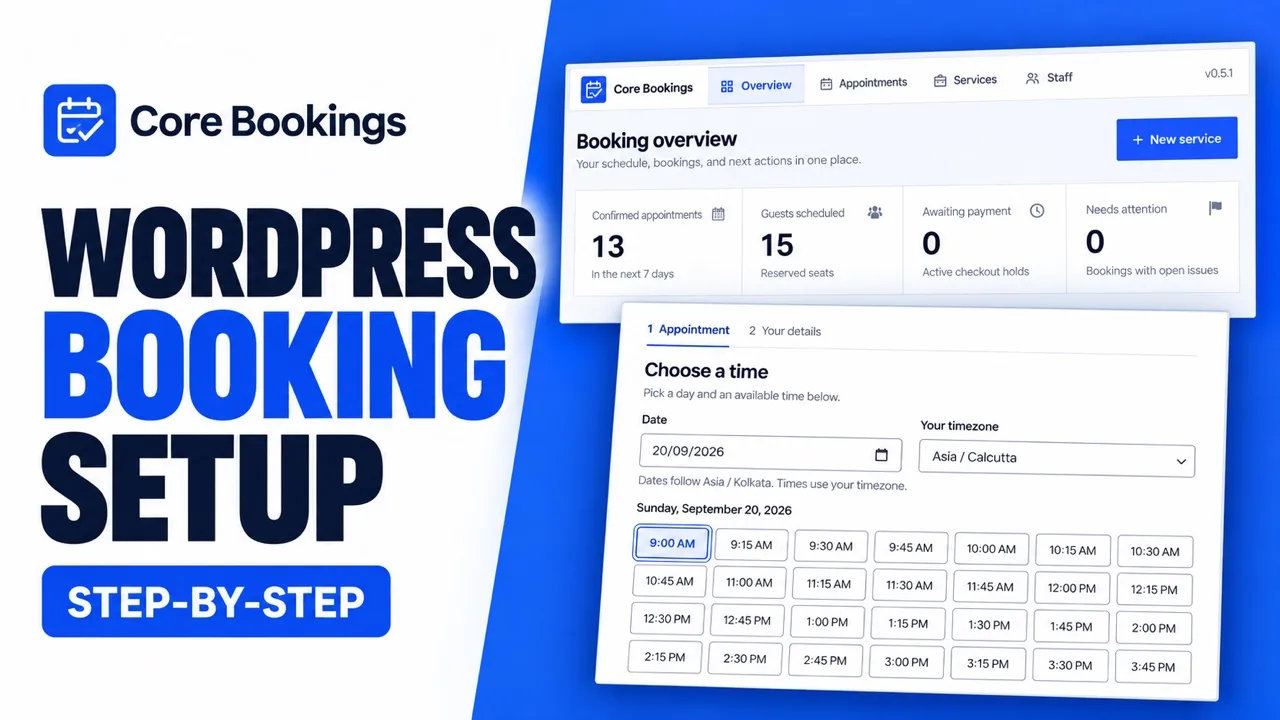
Create a service, assign staff, and set availability. Then add the Core Bookings block to a page or share the standalone service link. No custom code is needed for the native booking form.
Can I use it on client sites?
Yes. The lifetime license allows unlimited site activations. Each installation manages its own bookings, staff schedules, and license activation.
Can I offer both appointments and group sessions?
Yes. Use one-to-one services for individual appointments or group sessions with a seat limit. Each service can have its own duration, staff, and payment rules.
How do availability and timezones work?
Set weekly working hours, time off, buffers, minimum notice, and the booking window. Customers can choose their timezone; you review appointments in your WordPress timezone.
Can customers reschedule or cancel?
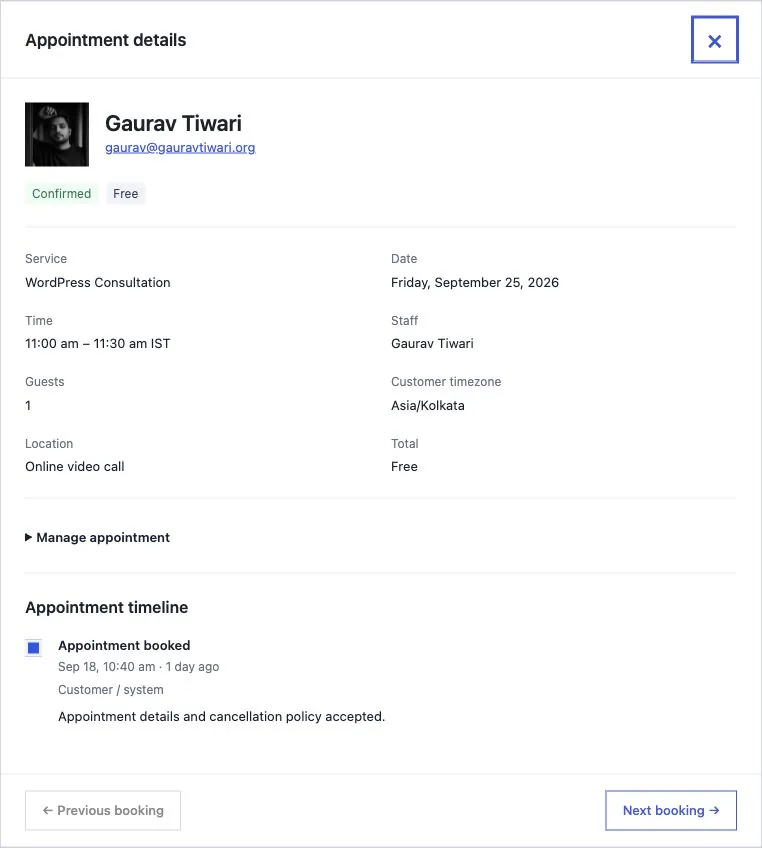
Yes. Private management links let customers change or cancel their appointment within the cutoff you set.
Will the booking form match my theme?
It inherits your theme's font family. The block editor lets you adjust text, colors, spacing, corners, and layout, as well as the fields you display.
Does it send confirmation emails and reminders?
Yes. Core Bookings queues booking confirmations and reminders and lets you review delivery issues. Reliable delivery depends on your WordPress mail configuration and scheduled jobs.
Can I import existing appointments?
Yes. Use a Core Bookings JSON export or a CSV file with the Calendly, Acuity, or custom mapping option. Review duplicates, conflicts, and mappings before importing. Imports do not send booking notifications.
Will my lifetime license change after beta?
No. A lifetime license bought during beta keeps its lifetime validity and unlimited site allowance. There is no recurring license fee, and lifetime updates are included.
Can I pay in my local currency?
The offer is shown in USD. Supported local currencies are available at checkout, where you can review the final amount before paying.
How do I get updates and support?
Activate your license in WordPress to receive available plugin updates. Your account provides the plugin download and license key; use the Product Support page when you need help.
Does cancelling an appointment issue a refund?
No. Cancelling an appointment and refunding its payment are separate actions. Refunds are handled manually outside Core Bookings.
What does my WordPress site need?
Core Bookings requires WordPress 6.9 or newer, PHP 8.3 with Sodium, and MySQL or MariaDB with InnoDB. Scheduled reminders depend on your site's cron setup.