
Top Productivity Tools for Freelancers and Entrepreneurs
Freelancers and entrepreneurs juggle too many responsibilities with too few hours. The right productivity tools don't just organize tasks; they eliminate friction from your daily workflow. From project management and time tracking to note-taking and communication, every tool should earn its place in your stack. I've tested hundreds of productivity tools over the years and identified the ones that genuinely improve output for independent professionals.
 by
by
Managing time. Meeting deadlines. Juggling clients. Freelancers and entrepreneurs wear too many hats. One minute you’re handling emails, the next you’re switching tabs, trying to remember what task was half-done. Sound familiar?
According to a 2023 survey, the average freelancer spends more than 2.5 hours per day on distractions. That’s over 17 hours a week — gone.
The solution? The right productivity apps. Not just any tools — but those that actually get the job done, without adding to the chaos.
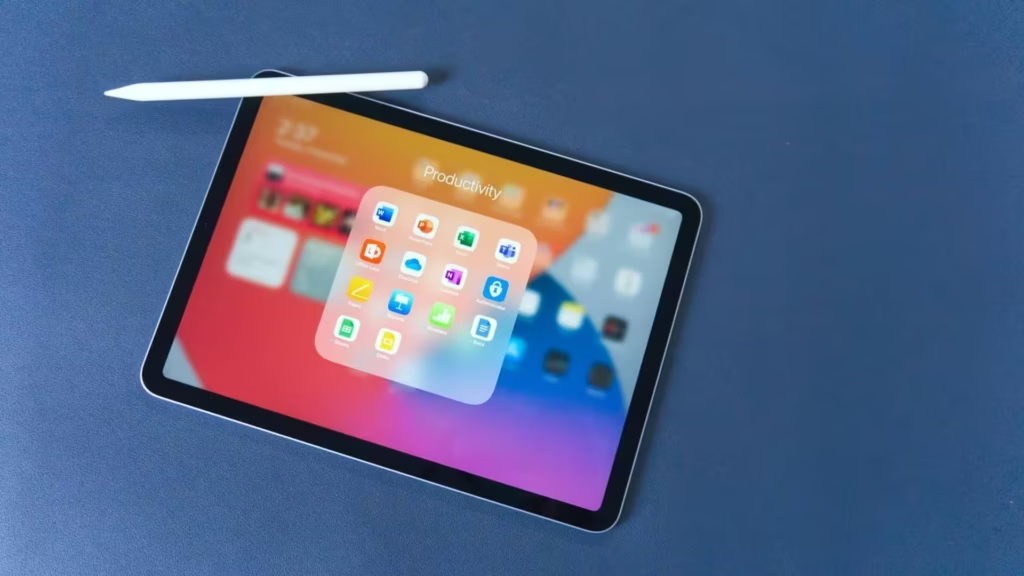
Let’s explore the best of them.
Table of Contents
1. Trello – Visual Task Management That Just Works
Drag. Drop. Done. Trello is the go-to tool for those who think in boards, lists, and cards.
Whether you’re a solo freelancer or managing a small remote team, this app simplifies task tracking with its visual interface.
- Create boards for clients, campaigns, or content calendars.
- Add cards for tasks and assign deadlines.
- Use power-ups like calendar view, integrations with Slack or Google Drive.
Simple yet powerful. Many users say Trello becomes second nature within a day.
Not into visuals? No problem — move on.
2. Notion – The Everything Workspace
Note-taking. Project planning. Collaboration. Databases.
Notion does it all. Some call it a blank slate, others a second brain. Either way, it’s customizable enough to be whatever you need.
Freelance writer? Use it to manage article drafts. Entrepreneur? Build CRM pages, SOPs, or even a lightweight website.
And here’s a fun fact: In 2024, Notion crossed 30 million users worldwide. That’s no accident.
Still feels overwhelming? Try using ready-made templates. You don’t need to build from scratch.
3. iCall – A Simple Communication Booster
Freelancers often underestimate the importance of seamless communication. Missed calls? Lost clients.
In the field of communication, it is difficult to overestimate the importance of having a good call recorder app for the iPhone, such as iCall. Just install the app and employees will be able to create recording calls, suitable for further analysis. Forgotten order details? Need to clarify details or data for sending? The client refuses to give his word? If you have a call recorder, these problems will disappear by themselves.
It doesn’t try to do too much — and maybe that’s why it works.
But if calls aren’t your thing, skip to the next tool.
4. Clockify – Because Time Is Money
You think you’re working 8 hours a day — until Clockify tells you otherwise.
Time tracking can feel tedious, but Clockify makes it almost… invisible. Just click “start” when you begin a task, “stop” when you finish. Or set it to run in the background.
Why track time?
- Bill clients more accurately
- Understand where your hours go
- Stop overworking on unpaid projects
A 2022 freelance trends report found that 56% of freelancers undercharge due to poor time tracking. Clockify fixes that.
* Bonus: It’s free for individuals.
5. Todoist – Tiny App, Big Impact
Big dreams? Start with small tasks.
Todoist takes the overwhelming “to-do” list and turns it into manageable steps. You can add tasks via voice, email, or browser extension. Set deadlines, priorities, or recurring tasks like “send an invoice every Friday.”
It even gives you a “Karma” score for staying on top of your list. Gamified productivity? Why not?
One user described it as “the quiet coach I never knew I needed.”
Don’t like lists? Scroll down. There’s more.
6. Grammarly – Your Personal Writing Assistant
Let’s face it — poorly written emails can cost you clients. Grammarly fixes that.
It doesn’t just spot typos. It suggests tone adjustments, helps tighten your writing, and offers alternatives for repetitive words.
Especially useful for:
- Pitch emails
- Social media posts
- Client proposals
- Website content
Whether you’re a native speaker or not, Grammarly smooths out your communication. A clean message builds trust.
Mistake-free writing? Now that’s productive.
7. Google Calendar – Still Unbeatable
Yes, it’s basic. Yes, everyone uses it. But that’s the point.
Google Calendar helps you plan days without the fluff.
- Block time for deep work
- Add color-coded events
- Share availability with clients
One pro tip? Use it with a time-blocking method. Schedule everything — even lunch. You’ll start respecting your own time more.
And it syncs across every device. No excuses.
8. Slack – Conversations Without Clutter
Email overload is real. Slack offers a cleaner, faster way to communicate with teams or clients.
Channels for projects. Threads for discussions. DMs for side talk.
Bonus: It integrates with almost every other productivity app mentioned here. Trello, Notion, Google Drive — you name it.
If you’re juggling multiple collaborators, this one’s non-negotiable.
Just don’t forget to turn off notifications after work hours. Or you’ll never unplug.
Productivity Isn’t About Doing More
It’s about doing what matters. And finishing it. Without burning out.
The right productivity apps don’t complicate your life — they simplify it. Whether it’s iCall helping you stay connected, Trello organizing your chaos, or Grammarly polishing your words — they each remove friction from your day.
No app will do your work for you. But the right combination can make your workflow smoother, faster, and smarter.
Try a few. Drop the ones that don’t fit. Stick with what works. That’s the freelancer’s way.
Must-Read Productivity Books for Freelancers
After 18 years of freelancing and building Gatilab, I’ve learned that the difference between profitable freelancers and struggling ones isn’t talent. It’s systems. These five books build the mental operating system that makes everything else work.
The Power of Habit is where I’d start. Understanding habit loops explains why some freelancers thrive and others burn out. Atomic Habits gives you the practical framework. The 7 Habits is the classic for good reason. For more, see my guide on improving organizational skills.
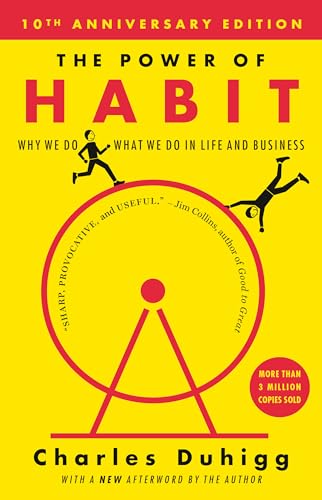
The Power of Habit: Why We Do What We Do in Life and Business
- By Charles Duhigg
- Best for: freelancers whose working day runs on autopilot they never chose
- Level: No prerequisite
- Main strength: Explains the cue, routine, reward loop well enough that you can spot your own and intervene at the cue
- Watch-out: Heavy on case studies and light on a step-by-step method you can run tomorrow
- Published: Random House Trade Paperbacks, 2014 paperback edition
- Pairs well with: Atomic Habits, which supplies the mechanics this book explains
- Verify the exact edition, format, and seller before buying
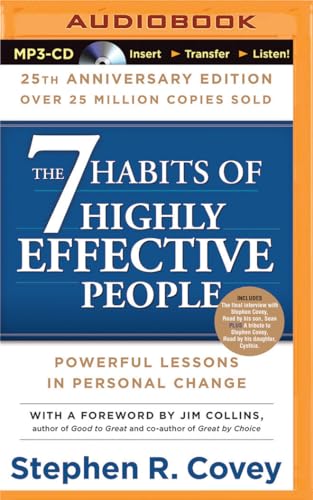
7 Habits of Highly Effective People: 25th Anniversary Edition, The
- By Stephen R. Covey
- Best for: solo operators who need a decision framework, not a task system
- Level: No prerequisite, though it rewards a second pass
- Main strength: Puts principles before tactics, which is why it survives every productivity fashion cycle
- Watch-out: This ASIN is the 25th Anniversary audio edition, so check the format if you want print
- Published: Franklin Covey on Brilliance Audio, 2015
- Pairs well with: Essentialism, for the narrower modern take on the same idea
- Verify the exact edition, format, and seller before buying
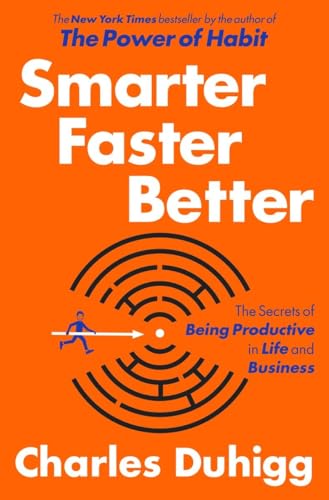
Smarter Faster Better: The Secrets of Being Productive in Life and Business
- By Charles Duhigg
- Best for: entrepreneurs starting to manage other people rather than just themselves
- Level: No prerequisite
- Main strength: Covers motivation, goal setting, and team decision-making instead of personal task hygiene
- Watch-out: Broader than a productivity manual, so the takeaways need translating into your own process
- Published: Random House, 2016
- Pairs well with: The 12 Week Year, for turning the goal-setting chapters into a cadence
- Verify the exact edition, format, and seller before buying
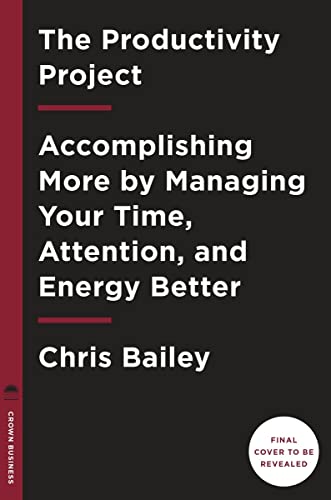
The Productivity Project: Accomplishing More by Managing Your Time, Attention, and Energy
- By Chris Bailey
- Best for: readers who want the experiments run for them before they commit a year
- Level: No prerequisite
- Main strength: A year of self-experiments on attention, energy, and time, reported with what failed
- Watch-out: Experiment-led rather than systematic, so it is a menu more than a method
- Published: Crown Business, 2016
- Pairs well with: Deep Work, which turns the attention findings into a working rule
- Verify the exact edition, format, and seller before buying
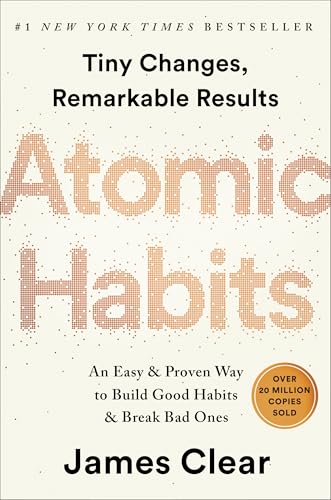
Atomic Habits: An Easy & Proven Way to Build Good Habits & Break Bad Ones
- By James Clear
- Best for: anyone whose plan keeps failing at the point of daily execution
- Level: No prerequisite
- Main strength: Turns habit change into four levers you can actually pull, with environment doing most of the work
- Watch-out: Improves recurring behavior but will not tell you which projects deserve the habit
- Published: Avery, 2018
- Pairs well with: The ONE Thing, which handles the choosing this book deliberately skips
- Verify the exact edition, format, and seller before buying
Best Gear for Your Home Office
Three upgrades made the biggest difference in my home office. Noise-cancelling earbuds (AirPods Pro eliminated coffee shop distractions). A second monitor (Samsung 27″ at $100, doubled my screen space). And a standing desk ($120, saved my back during long coding sessions). These cost less than one month’s coworking membership. For more app recommendations, see my business productivity apps guide.
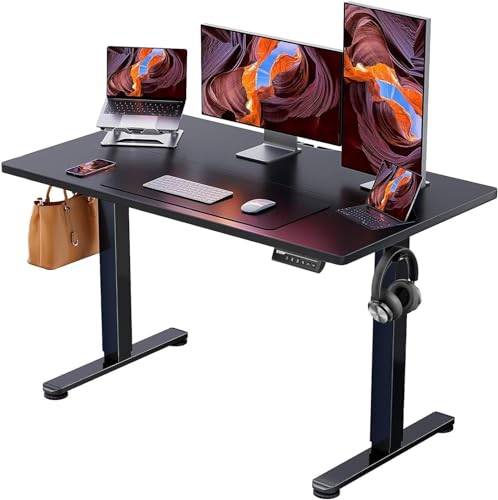
- Steel frame, 48 by 24 inch top, rated to hold a multi-monitor setup steady at full height
- Height range roughly 28 to 46 inches with three saved presets
- Assembly is genuinely one-person, which is not true of most desks at this price
- Check the current top size and colour options, since the listing covers several variants
Krisp eliminates background noise on all your calls and records transcripts automatically. The AI note taker creates meeting summaries with action items so you never miss follow-ups. Free for up to 60 minutes per day.
Gamma generates client proposals and pitch decks from text prompts. I stopped spending 2-3 hours on proposal design after switching to Gamma. It handles layouts, visuals, and branding automatically.
Trafft eliminates scheduling friction. Clients book calls, consultations, or project kickoffs directly from your link. It collects payments, sends reminders, and syncs to your calendar.
Frequently Asked Questions
What is the single most important productivity tool for freelancers?
A calendar blocking tool. Not a to-do list, not a project manager, but a calendar where you block time for deep work, client calls, and admin tasks. I use Google Calendar with color coding. Without time blocking, freelancers let urgent tasks crowd out important ones every single day.
How many productivity tools should I use?
As few as possible. Three to five maximum: a task manager, a calendar, a note-taking app, a communication tool, and a time tracker if you bill hourly. Every additional tool adds switching costs and maintenance overhead. The most productive freelancers I know use fewer tools, not more.
Do productivity tools actually make you more productive?
Only if they replace a manual process that’s actually slowing you down. Adding Notion because it looks cool won’t help if your real problem is saying yes to too many clients. Tools solve system problems. Discipline solves behavior problems. Know which one you’re dealing with.
What productivity system works best for solo entrepreneurs?
Time blocking combined with a weekly review. Every Sunday, plan your week. Every morning, plan your day. Use whatever tool feels natural, even pen and paper. The system matters more than the tool. Most productivity failures come from skipping the review step, not from picking the wrong app.
Tell Google you want more of this.
Add Gaurav Tiwari as a preferred sourceOne tap, and this site shows up more often in your own Top Stories, AI Overviews and AI Mode. Remove it any time.
Disclaimer: This site is reader-supported. If you buy through some links, I may earn a small commission at no extra cost to you. I only recommend tools I trust and would use myself. Your support helps keep gauravtiwari.org free and focused on real-world advice. Thanks. - Gaurav Tiwari
