
Best MacBooks for Students in 2026: Ranked
I've bought, recommended, and set up MacBooks for students and professionals for over 18 years. The honest answer is that most students should get the MacBook Air, but which Air and which year depends on your major and budget. Here are the best MacBooks for students in 2026, ranked by value, performance, and suitability for different academic programs.
 by
by
The best MacBooks for students are rarely the most expensive ones, the trick is buying exactly the right amount of Mac for your major and no more. After helping plenty of students choose, I keep landing on the same truth: a MacBook Air handles around 90% of college work beautifully, and only specific fields, video, music production, heavy code, or engineering, justify stepping up to a Pro. Apple’s switch to its own silicon means even the entry Air is fast, silent, and lasts all day.
The two decisions that matter are chip generation and size. A current M4 Air is the safe long-term buy; last year’s M3 and the older M2 save money while still flying through everyday tasks. Size is about portability versus screen space, the 13-inch is the classic backpack companion, the 15-inch gives you room to multitask.
So here are the MacBooks worth buying for students in 2026, ranked by who they suit, each with a clear buy/skip. If you’re weighing Mac against Windows or Chromebook, see my wider best laptops for college students guide, and the full laptops for students roundup for every option.
1. MacBook Air 13″ (M4): best overall
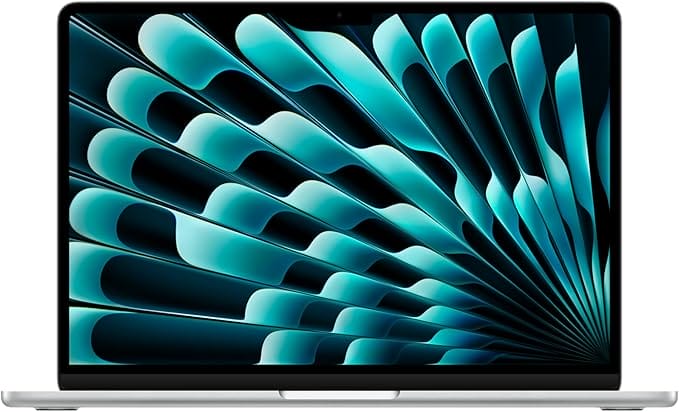
- Apple M4 chip
- All-day battery, fanless
- Light, premium build
- Future-proof for years
The 13-inch MacBook Air with the M4 chip is the MacBook I’d recommend to almost every student. It’s fanless and silent, fast enough for everything short of heavy creative work, and the battery genuinely lasts a full day of classes. It’s light, beautifully built, and macOS will stay smooth for years. Unless your major demands a Pro, this is the smartest long-term buy on the list.
🍎 Buy if you want the best all-round student MacBook that lasts. Skip if you do heavy video or music work, or want to save with an older chip.
2. MacBook Air 13″ (M3): best value
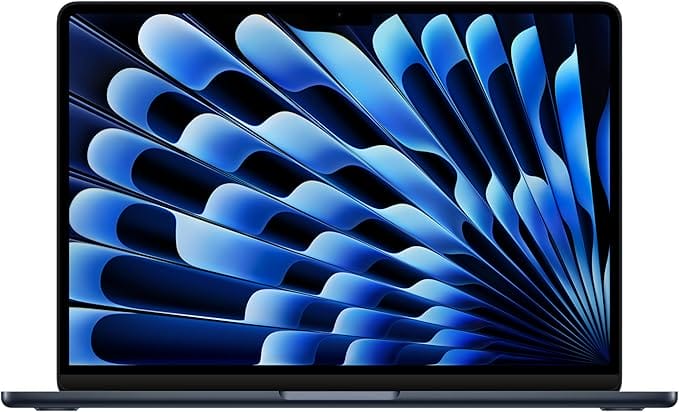
- Apple M3 chip
- Same screen and battery
- Premium aluminum build
- Great value now
The previous-generation 13-inch Air with the M3 chip is the value sweet spot. It does virtually everything the M4 does, same gorgeous screen, same all-day battery, same premium build, for noticeably less now that it’s a year old. For typical student work, writing, research, browsing, and streaming, you won’t notice the difference. The smart-money MacBook.
🍎 Buy if you want a current-feeling MacBook for less. Skip if you want maximum future-proofing, the M4 buys another year of headroom.
3. MacBook Air (M2): best budget
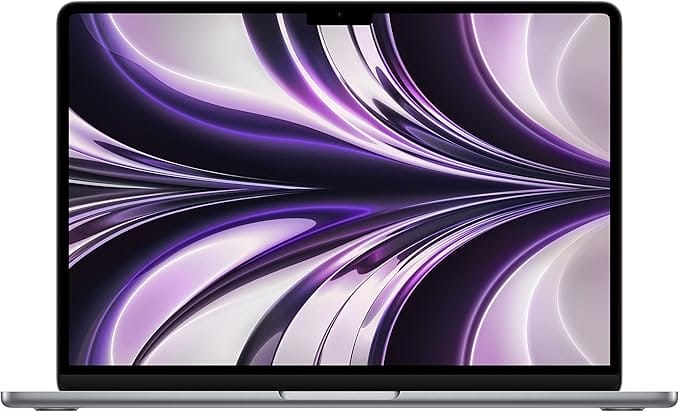
- Apple M2 chip
- Fast, silent, efficient
- All-day battery
- Lowest MacBook price
If price is the priority, the M2 MacBook Air remains a fantastic buy, the chip that proved Apple Silicon’s magic, still fast, silent, and efficient years on. It runs the full range of student apps without breaking a sweat and has the same all-day battery the Air line is known for. For a budget-conscious student who wants into the Mac ecosystem cheaply, it’s all the MacBook most people need.
🍎 Buy if you want the cheapest way into a quality MacBook. Skip if you want the latest chip or plan to keep it 5+ years.
4. MacBook Air 15″ (M4): best big screen
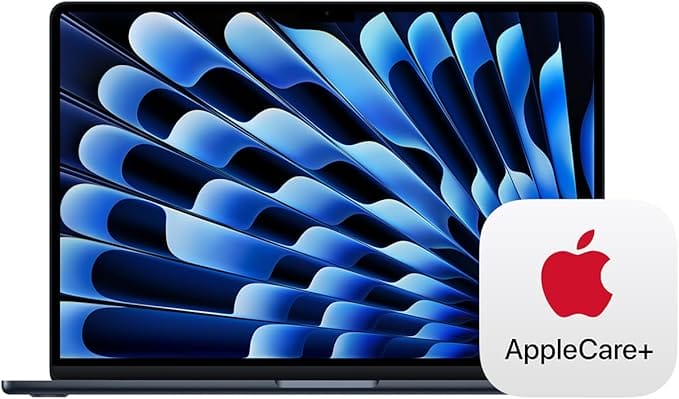
- 15-inch larger display
- Apple M4 chip
- All-day battery
- Still thin and light
For students who want more screen for multitasking, the 15-inch MacBook Air gives you the same M4 power and all-day battery on a larger, more comfortable display, ideal for writing papers with sources open side by side, or spreadsheets and design layouts. It’s still impressively thin and light for its size. If you do most work at a desk but want one portable machine, the 15-inch Air is the sweet spot.
🍎 Buy if you want a bigger screen without losing portability. Skip if you carry it everywhere daily, the 13-inch is lighter and cheaper.
5. MacBook Pro 14″ (M4 Max): best for creative and pro work
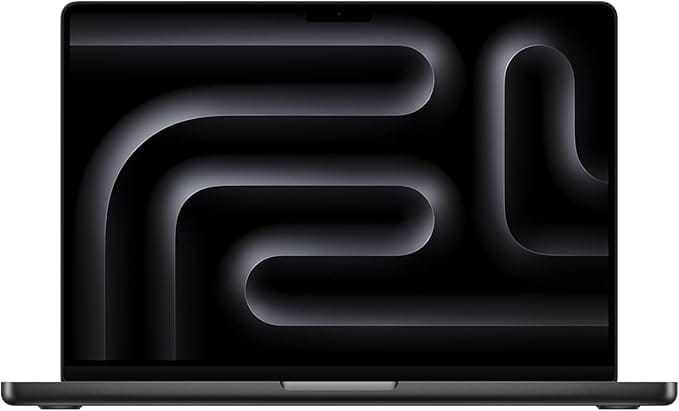
Apple MacBook Pro 14" (M4 Max)
- Liquid Retina XDR display
- M4 Max power + bandwidth
- More ports, sustained performance
- For demanding majors
Some majors genuinely need a Pro: video editing, music production, 3D, data science, or serious software engineering. The 14-inch MacBook Pro with the M4 Max chip brings a stunning Liquid Retina XDR display, far more power and memory bandwidth, more ports, and the cooling to sustain heavy workloads. It’s a serious investment, but for students whose coursework hammers the machine, it pays for itself in time saved. Overkill for everyone else.
🍎 Buy if your major is video, music, 3D, or heavy development. Skip if you do general coursework, the Air does it for far less.
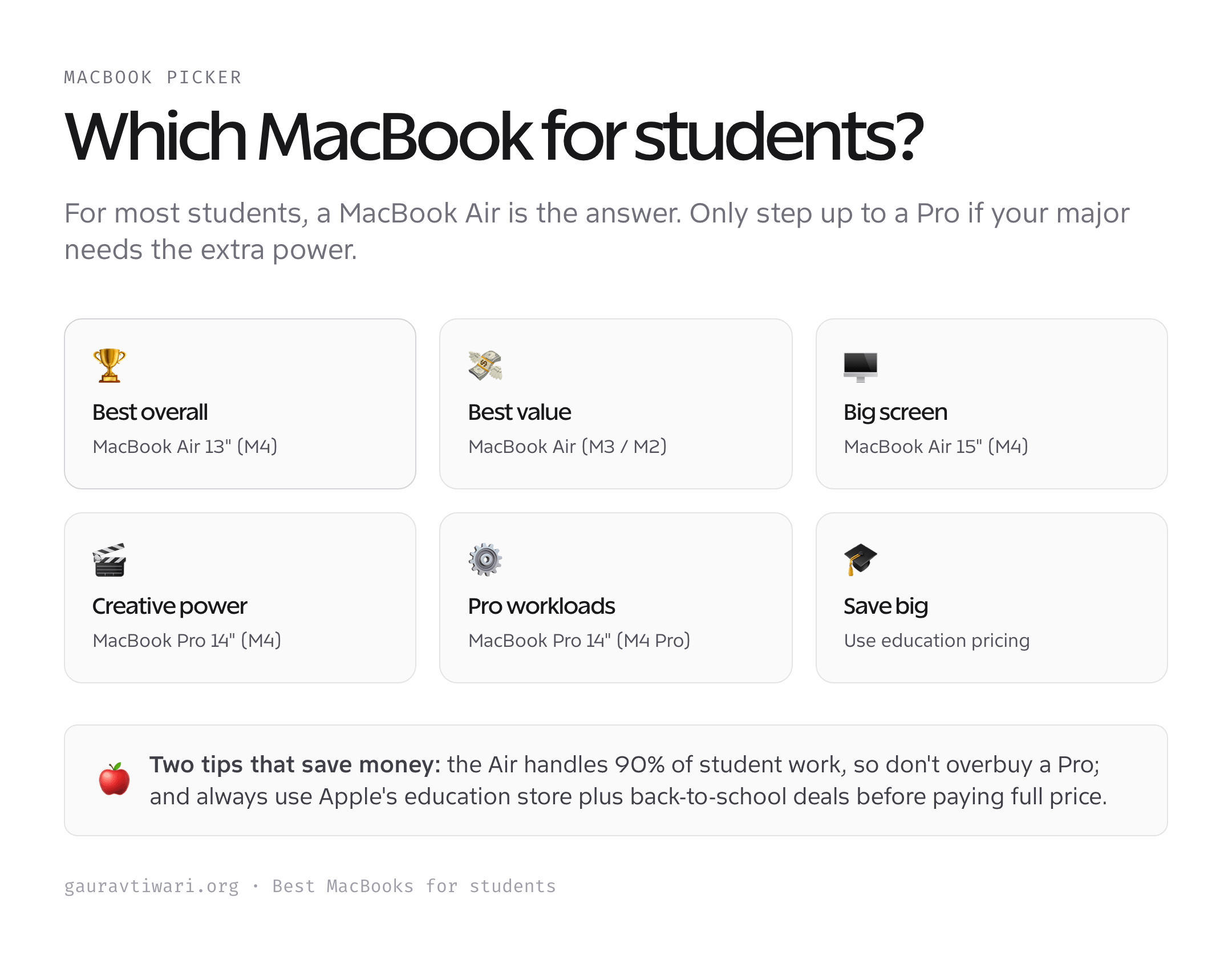
How to choose a MacBook as a student
Buy for your major and your budget, and don’t pay for power you won’t use.
- Air vs Pro. The Air covers nearly all student work, writing, research, browsing, light photo and code. Choose a Pro only for video, music production, 3D, or heavy development.
- Chip generation. The latest (M4) lasts longest; the M3 and M2 save money and are still plenty fast for everyday tasks. All are excellent.
- RAM matters most. Get at least 16GB if you can; it can’t be upgraded later and makes the biggest difference to how long the machine stays smooth.
- Storage. 512GB is the comfortable choice; 256GB works if you lean on cloud storage. Upgrading Apple storage later is impossible, so plan ahead.
- Use education pricing. Apple’s education store and back-to-school promotions are real savings, never pay full retail as a student.
Get those right, especially RAM and the Air-vs-Pro call, and you’ll have a MacBook that lasts the whole degree.
Which MacBook should you buy?
For most students, the 13-inch MacBook Air (M4, or the M3/M2 to save money) is the right choice, light, long-lasting, and powerful enough for everything college throws at it. Want a bigger screen? The 15-inch Air. Studying video, music, or engineering? The MacBook Pro 14″ earns its premium. Prioritize 16GB of RAM, use education pricing, and you’ll buy once and keep it for years.
Frequently asked questions
Is a MacBook Air enough for college?
For the vast majority of students, yes. The MacBook Air handles writing, research, web browsing, streaming, light photo editing, and most coding effortlessly, and its fanless design and all-day battery are ideal for class. Only students in video editing, music production, 3D, data science, or heavy software engineering genuinely need the extra power of a MacBook Pro. For everyone else, the Air is the smarter, cheaper choice.
M2, M3, or M4, which MacBook chip should I get?
All three are excellent and fast enough for student work. The M4 is the latest and will stay current the longest, so it’s the best choice if you keep laptops a long time. The M3 offers nearly identical real-world performance for less, and the older M2 is the budget pick that still flies through everyday tasks. Buy the newest you can comfortably afford, then prioritize RAM over chip generation.
How much RAM and storage does a student MacBook need?
Aim for 16GB of RAM and 512GB of storage. RAM is the most important upgrade because it cannot be changed later and keeps the machine smooth for years as your workload grows. 256GB storage works if you rely on iCloud or external drives, but 512GB is more comfortable. Since Apple’s upgrades are pricey and permanent, buy enough RAM up front even if you economize elsewhere.
Should I buy a MacBook with the education discount?
Yes, always check it first. Apple’s education store offers genuine discounts to students and educators, and the back-to-school promotion often adds a gift card or accessory. Authorized retailers also run student deals. These savings are real money, so never pay full retail as a student, compare the education price against current sales and buy whichever is lower.
13-inch or 15-inch MacBook Air?
The 13-inch is lighter, cheaper, and the classic carry-everywhere student laptop. The 15-inch costs more and weighs a bit more but gives you noticeably more screen for multitasking, writing with sources open, spreadsheets, and design. If you carry your laptop across campus all day, choose 13-inch; if you work mostly at a desk and want more room, the 15-inch is worth it.
Is a MacBook worth it over a Windows laptop for students?
It depends on your program. MacBooks offer outstanding battery life, build quality, and resale value, and macOS is excellent for writing, design, and general study. But some engineering, CAD, and statistics software is Windows-only, so always check your department’s required apps first. If your courses run fine on macOS or in the browser, a MacBook is a superb long-term investment; if not, choose Windows.
The bottom line
The best MacBook for a student is almost always a MacBook Air, the M4 for longevity, the M3 or M2 to save money. Step up to the 15-inch Air for more screen, or the MacBook Pro 14″ only if your major demands serious power. Prioritize 16GB of RAM, use Apple’s education pricing, and you’ll have a fast, silent, all-day machine that comfortably lasts the whole degree.