
Best Laptops for Medical Students in 2026
Medical school demands more from your laptop than almost any other program. Anatomy apps, 3D modeling, hundreds of lecture recordings, and massive pathology slide decks all need to run smoothly. I've helped medical students and professionals choose the right tech. Here are the best laptops for medical students that handle the unique demands of medical education.
 by
by
The best laptops for medical students aren’t the most powerful, they’re the ones that last all day and never get in your way. Med school runs on Anki flashcards, mountains of PDFs, recorded lectures, and proctored exam software, none of which need a powerhouse. What you really need is all-day battery, light weight you’ll happily carry from lecture to library to clinic, a sharp screen for hours of reading, and rock-solid reliability. I’ve helped students pick laptops for exactly this, and the priorities are clear.
Two practical things decide your shortlist. First, check whether your school requires Windows for its exam software, most proctored apps like Examplify run on both Mac and Windows, but confirm before you buy. Second, prioritize battery and weight over raw specs, because you’ll carry this everywhere and won’t always find an outlet between classes.
So here are the laptops I’d actually recommend to a medical student in 2026, from the all-day MacBook Air to a sharp budget Windows pick, each with who it’s for. For a wider view, see my best laptops for college students and Apple-focused best MacBooks for students guides.
1. MacBook Air 13″ (M4): best overall
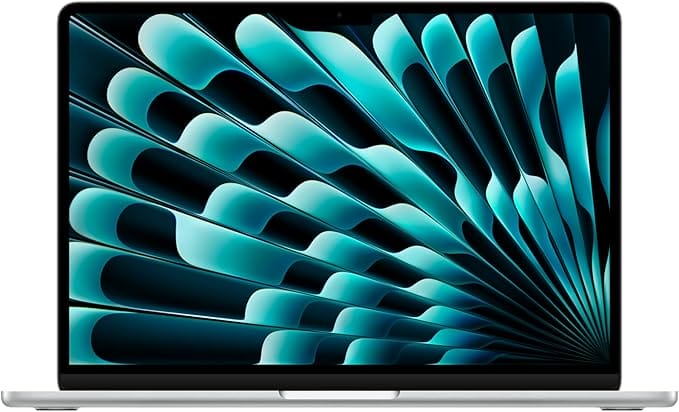
- Apple M4 chip
- All-day battery, fanless
- Light, premium build
- Effortless for Anki and PDFs
The MacBook Air with the M4 chip is the laptop I’d recommend to most medical students. It’s silent and fanless, fast enough for Anki, PDFs, and lectures with ease, and the battery genuinely lasts a full day of back-to-back classes. It’s light enough to carry everywhere and built to survive all four years. As long as your school’s exam software runs on macOS, this is the safest, most reliable pick.
🩺 Buy if you want the best battery, weight, and reliability and your exam software supports macOS. Skip if your school mandates Windows-only apps.
2. Dell XPS 13: best premium Windows
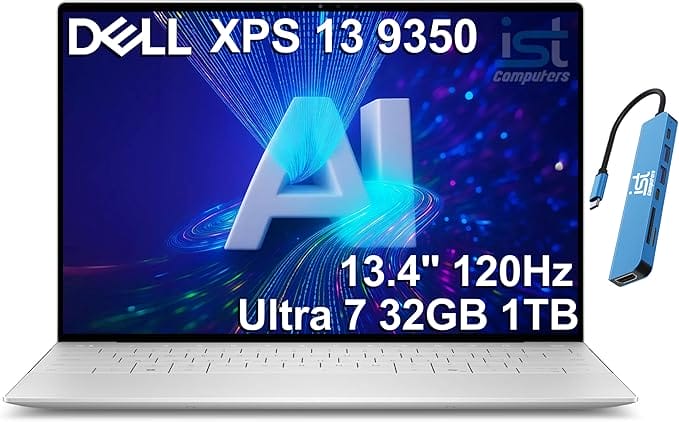
- Intel Core Ultra
- Sharp high-refresh screen
- Compact aluminum body
- MacBook-level polish
If you want a premium Windows machine, the Dell XPS 13 is the one, a gorgeous compact laptop with an Intel Core Ultra chip, a sharp high-refresh display, and a beautifully thin aluminum body. It’s powerful enough for any med-school task and stylish enough to feel like an investment. For students who need Windows but want MacBook-level polish, the XPS 13 delivers.
🩺 Buy if you want premium Windows in a compact, beautiful body. Skip if you’re on a budget, you’re paying for the design.
3. Microsoft Surface Laptop 7: best for note-taking and battery
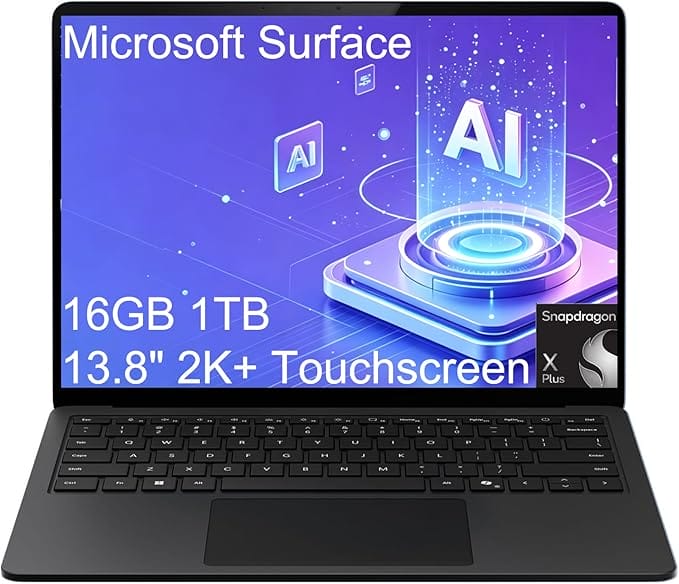
- Snapdragon X, all-day battery
- 2K touchscreen for annotation
- Light and premium
- Great for note-taking
Built on an efficient Snapdragon X chip, the Surface Laptop 7 is the Windows battery champion, easily lasting a full day, with a crisp 2K touchscreen that’s excellent for annotating slides and PDFs with a pen. It’s light, premium, and the touchscreen is a real asset for medical study. Just confirm any niche Windows software you need runs natively, since a few older apps use emulation on Snapdragon.
🩺 Buy if you want a touchscreen for annotation and the longest Windows battery. Skip if you rely on legacy Windows software that needs native x86.
4. ASUS Vivobook 17: best big screen
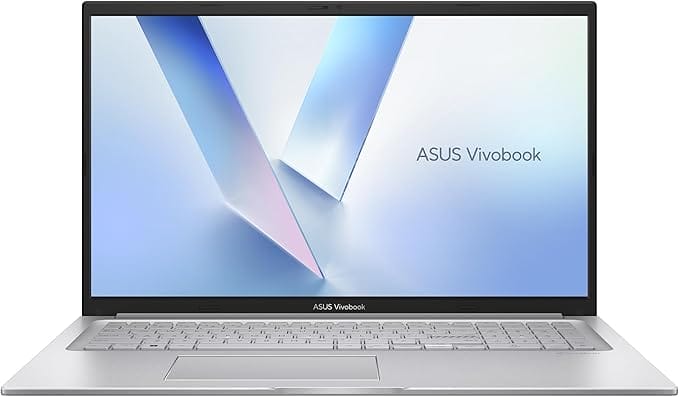
- 17-inch large display
- Great for diagrams
- Split-screen friendly
- Comfortable for long study
For students who study at a desk and want maximum screen real estate, the ASUS Vivobook 17 gives you a large 17-inch display for viewing detailed anatomy diagrams, split-screening notes and references, and reducing eye strain over long sessions. It’s heavier than an ultrabook, so it’s best if you don’t carry it constantly, but for a home study base at a fair price, the big screen is a genuine productivity boost.
🩺 Buy if you study mostly at a desk and want a large screen. Skip if you carry your laptop everywhere, it’s big and heavy.
5. Acer Aspire 5: best budget
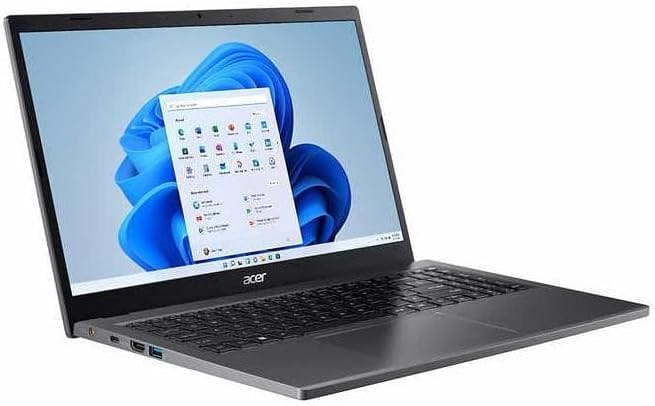
- 15.6" Full HD touchscreen
- Capable Intel Core CPU
- Runs Windows-only apps
- Won't dent your tuition
Med school is expensive enough, and the Acer Aspire 5 proves you don’t need to overspend on a laptop. It’s a dependable 15.6-inch Windows touchscreen with a capable Intel Core processor and enough RAM and storage for Anki, PDFs, and lectures, all at a price that won’t dent your tuition budget. It’s not premium, but it’s reliable, repairable, and runs the Windows-only software some programs require.
🩺 Buy if you want a capable, affordable Windows laptop for the essentials. Skip if you want all-day battery or premium build, spend more on the Air or XPS.
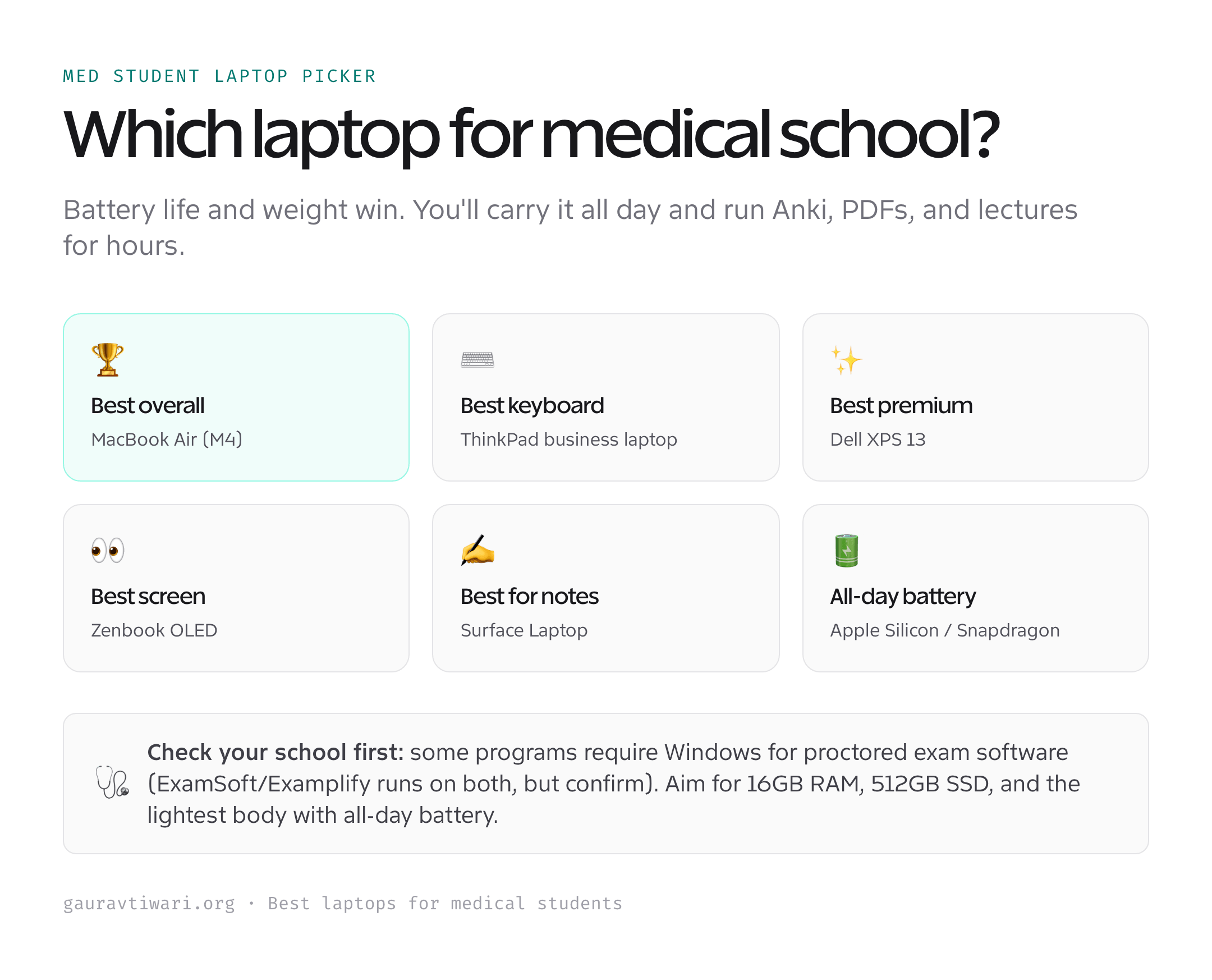
How to choose a laptop for medical school
The right med-school laptop is about endurance and reliability, not raw power. Here’s what matters.
- Check exam-software compatibility first. Confirm your school’s proctored exam app (often Examplify) supports your chosen OS before buying. Most support both Mac and Windows, but verify.
- Battery and weight win. You’ll carry it all day and study for hours without an outlet. All-day battery and a light body beat extra speed you won’t use.
- 16GB RAM, 512GB SSD. Plenty for Anki, PDFs, lectures, and browser tabs, with room to last all four years. 8GB feels tight fast.
- A good screen for reading. You’ll stare at it for hours, so prioritize a sharp, comfortable display, and a touchscreen helps if you annotate slides.
- Don’t overbuy power. Med-school software is light. Skip gaming laptops and workstation chips, an efficient ultrabook serves you far better.
Confirm your exam software, prioritize battery and weight, aim for 16GB RAM, and you’ll have a laptop that quietly carries you through all four years.
Which laptop should a medical student buy?
For most medical students, the MacBook Air (M4) is the best choice, unbeatable battery, light, and reliable, provided your exam software runs on macOS. Need Windows? The Dell XPS 13 is the premium pick and the Surface Laptop 7 the best for note-taking and battery. Want a big study screen? The ASUS Vivobook 17. On a budget? The Acer Aspire 5. Confirm exam-software compatibility, prioritize battery and 16GB of RAM, and you’re set.
Frequently asked questions
Can medical students use a MacBook?
Yes, MacBooks are extremely popular in medical school. They excel at the core tasks, Anki, PDFs, lectures, and note-taking, and offer unmatched battery life and reliability. The one thing to verify is your school’s proctored exam software: most, including Examplify, support macOS, but a few programs require Windows. Always confirm with your specific school before buying, then a MacBook Air is an excellent choice.
How much RAM and storage do medical students need?
Aim for 16GB of RAM and a 512GB SSD. Medical study software is light, but you’ll have many browser tabs, large PDF atlases, Anki decks, and recorded lectures open at once, and RAM keeps that smooth for years. 512GB of storage comfortably holds lecture recordings and resources; 256GB works if you use cloud storage. RAM usually can’t be upgraded later, so buy enough up front.
Do I need Windows for medical school exam software?
It depends on your school. The most common proctored exam app, Examplify (ExamSoft), runs on both Mac and Windows, so a MacBook is usually fine. However, some schools or specific software require Windows, so always check your program’s official requirements before buying. If you’re unsure or want maximum compatibility, a Windows laptop removes any doubt.
Is a tablet enough for medical school instead of a laptop?
A tablet like an iPad is fantastic as a second device for handwritten notes, annotating slides, and reading on the go, but it usually can’t run proctored exam software or replace a full laptop for everything. Most med students use a laptop as their main machine and a tablet alongside it. If you can only have one device, choose a laptop, or a touchscreen 2-in-1 that does both.
How much should a medical student spend on a laptop?
You don’t need to overspend. A capable Windows laptop like the Acer Aspire 5 runs around $500-800 and handles everything med school requires. A MacBook Air or premium ultrabook runs roughly $1,000-1,400 and adds better battery, build, and longevity. Since med-school software is light, put your money toward battery life, 16GB of RAM, and a comfortable screen rather than a powerful processor you won’t use.
The bottom line
The best laptop for medical school is the one that lasts all day, stays light, and never gets in your way. The MacBook Air (M4) is the overall winner for battery and reliability, the Dell XPS 13 and Surface Laptop 7 are the premium Windows picks, the Vivobook 17 gives you a big study screen, and the Acer Aspire 5 covers tight budgets. Confirm your exam software, aim for 16GB of RAM, and prioritize endurance, and your laptop will carry you through all four years.