
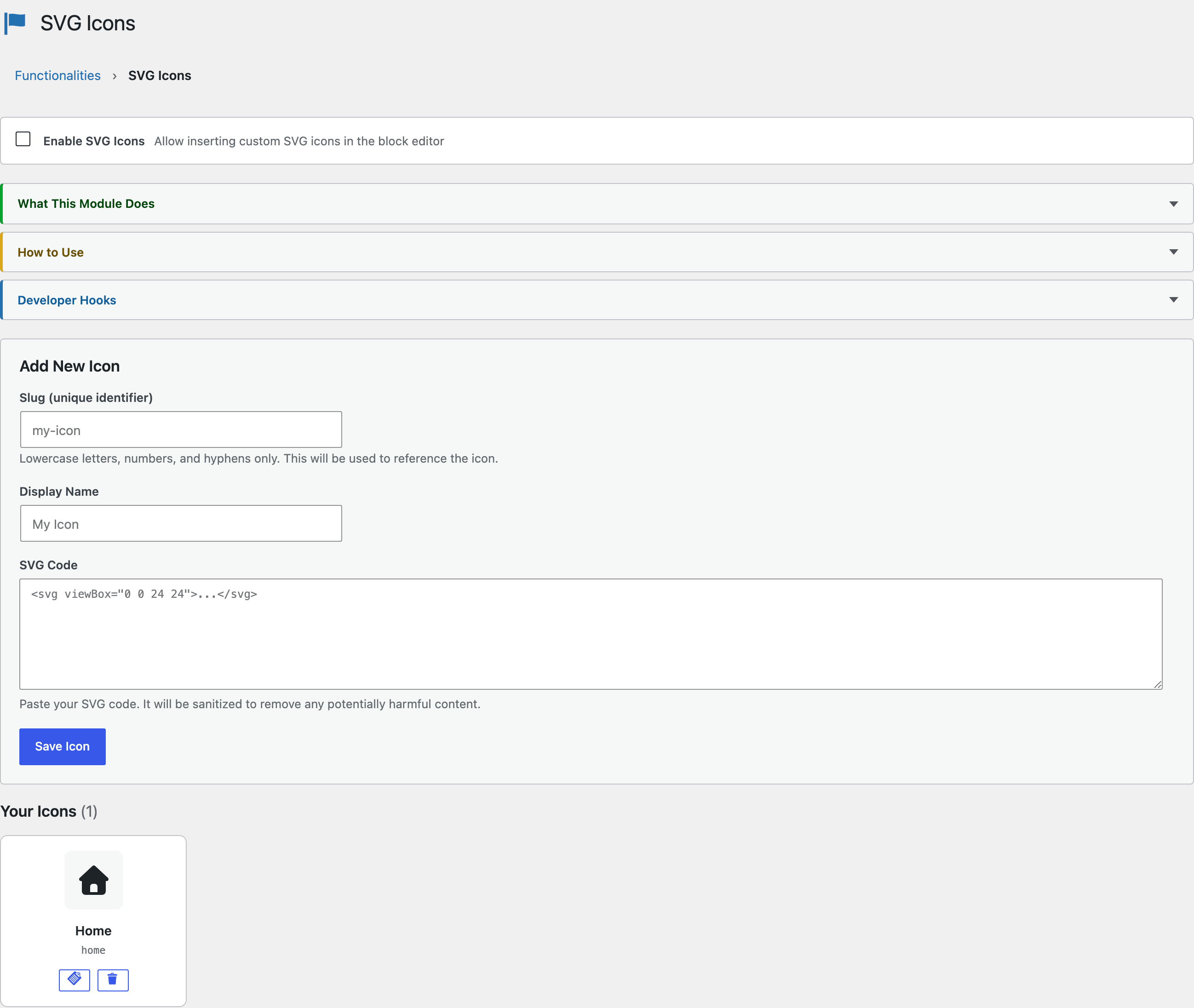
WordPress blocks SVG uploads by default, and for good reason: an SVG is an XML document that can carry scripts, event handlers, and external references. The SVG Icons module makes WordPress SVG icons safe to use, sanitizing every upload and letting you insert icons inline in the block editor where they scale with the surrounding text.
I use it for the small inline icons across my own site: arrows in buttons, checkmarks in feature lists, logos in comparison tables. No icon font, no extra HTTP request, no JavaScript library.
How Sanitization Works
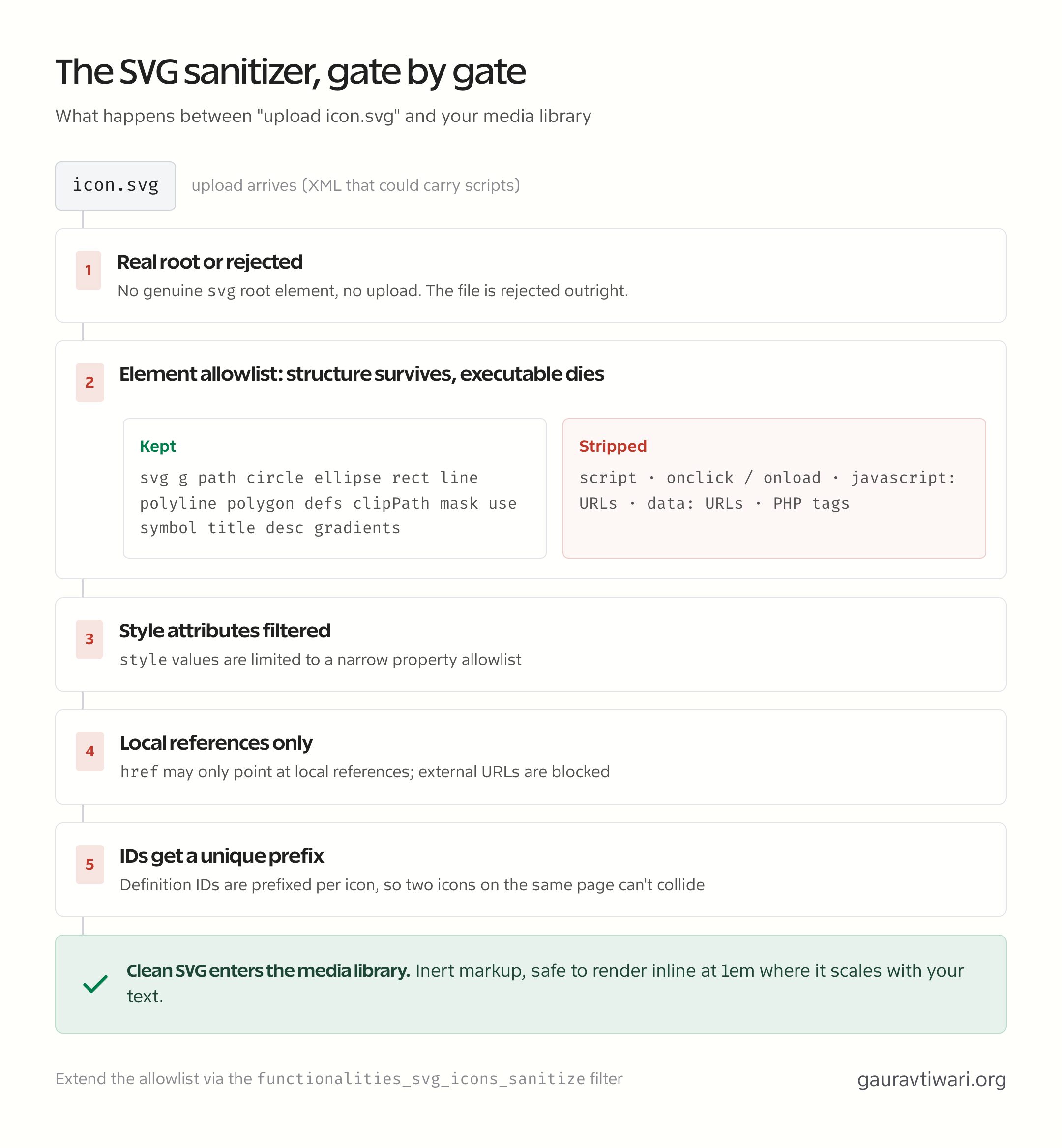
Every uploaded SVG passes through an allowlist sanitizer before it touches your media library. Structural and shape elements survive; anything executable dies:
- Allowed:
svg,g,path,circle,ellipse,rect,line,polyline,polygon,defs,clipPath,mask,use,symbol,title,desc, gradients and stops - Stripped:
scripttags, event handlers likeonclickandonload,javascript:URLs,data:URLs, and PHP tags
The sanitizer is strict about the shape of what it accepts. An upload must have a real svg root element or it’s rejected outright, style attributes are limited to a narrow property allowlist, href values may only point at local references, so external URLs are blocked, and definition IDs get a unique prefix, so 2 gradient icons on the same page cannot collide and steal each other’s fill.
The sanitizer is filterable through functionalities_svg_icons_sanitize if you need to extend the allowlist for a specific workflow.
Two Ways to Insert Icons
Inline insertion is the everyday path: a button in the RichText toolbar drops an icon directly into a paragraph, heading, list item, or button, and the icon renders at 1em × 1em so it scales with the text around it. Bump the font size and the icon follows.
The dedicated SVG Icon block is the layout path: a standalone block for icons that act as visual elements rather than inline glyphs. It sizes icons in px, em, or rem and offers 2 color modes, monochrome, where the icon inherits whatever color you set, and original color, which keeps the artwork’s own palette. Accessibility is built in too. Mark an icon decorative and screen readers skip it, or give it a label and they announce it.
The block runs on Block API v3 and can pull from the WordPress core icon set as well as your own library, with transforms in both directions so an icon can move between the 2 sources without being rebuilt. Its icon attributes are marked as content, which is what lets a synced pattern override them per instance and makes them reachable from block bindings. There is an Icon Callout pattern in the inserter if you want the common case ready made.
The icon library is stored without autoloading, which matters more than it sounds. Full SVG markup is bulky, and an autoloaded option is read on every single request including REST and cron, so a library of 40 icons would otherwise be loaded in full to render a page that shows none of them.
The icon picker also stopped loading your whole library at once. Icons load lazily in pages with search and a “Load more” button, selection works from the keyboard, and if an icon is deleted from the library the block shows a notice and asks you to choose a replacement instead of silently breaking.
Zero Frontend Bloat
No CSS or JavaScript loads on the front end unless a page actually contains icons. The module also ships full block editor iframe compatibility, so icons render correctly inside the iframed editor canvas that WordPress has used since 6.3.
Why Not an Icon Font or a Plugin?
Icon fonts load every glyph to show three, and generic “enable SVG” plugins skip sanitization entirely, which reopens the exact XSS vector WordPress blocked uploads to prevent. Inline sanitized SVG is lighter than the first and safer than the second. For the upload-security side of this topic, my roundup of WordPress security plugins covers what a dedicated scanner adds.
That wraps the core features. The next group starts with Login Security, then the two monitoring modules that watch your site for silent breakage.