
Assumption detection is monitoring for the failures nothing else catches: the silent ones. Every WordPress site runs on implicit assumptions, like one analytics tag, one schema source, one jQuery instance, one font pipeline. Install a plugin, switch a theme, paste a snippet, and one of those assumptions quietly stops being true. Nothing errors. The site just gets slower, or your structured data starts conflicting.
This module exists because I once shipped duplicate GA4 tags for a month. A theme bundled its own analytics integration, my snippet was already there, and every pageview counted twice. No error log will ever tell you that.
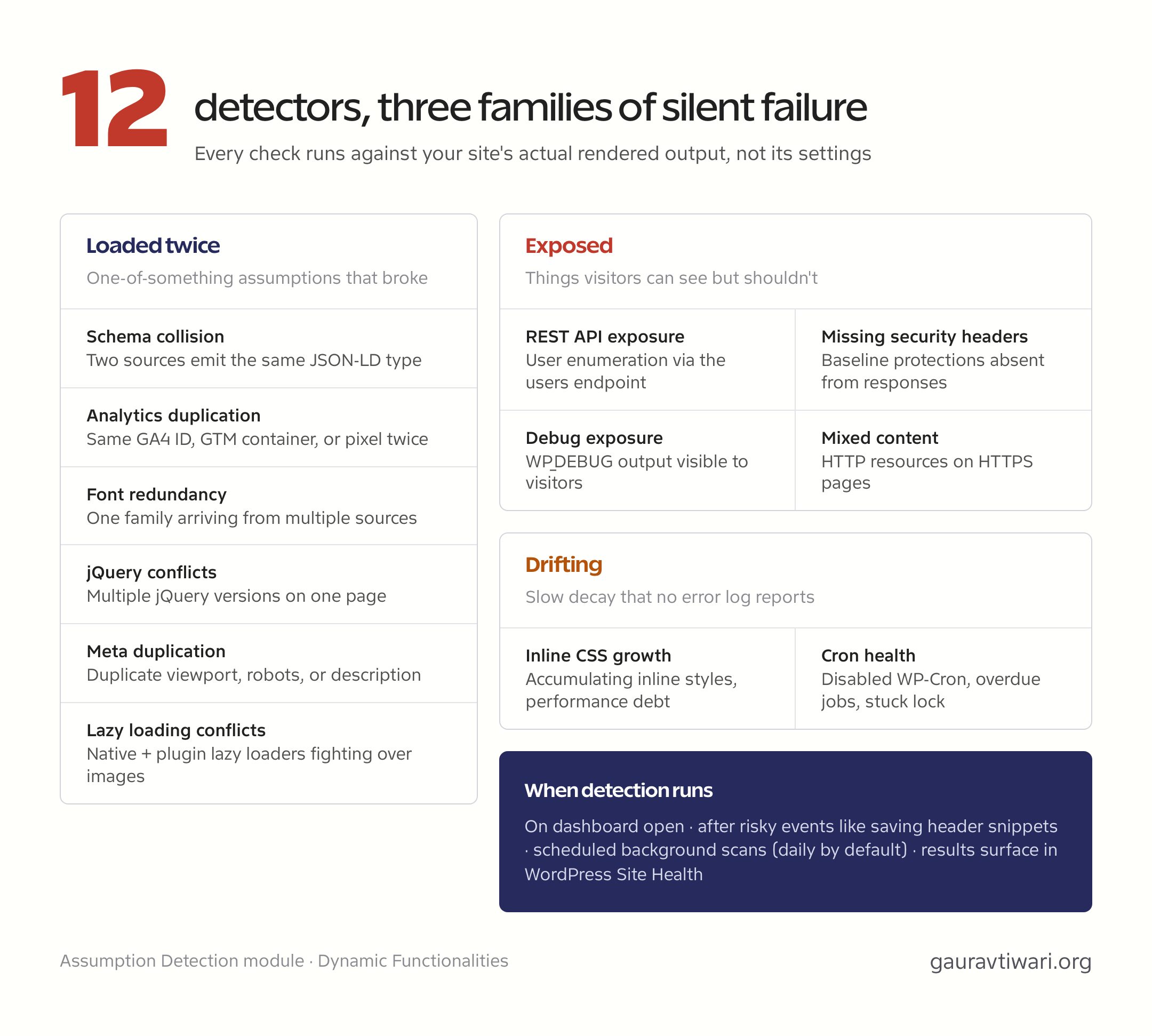
The Twelve Detectors
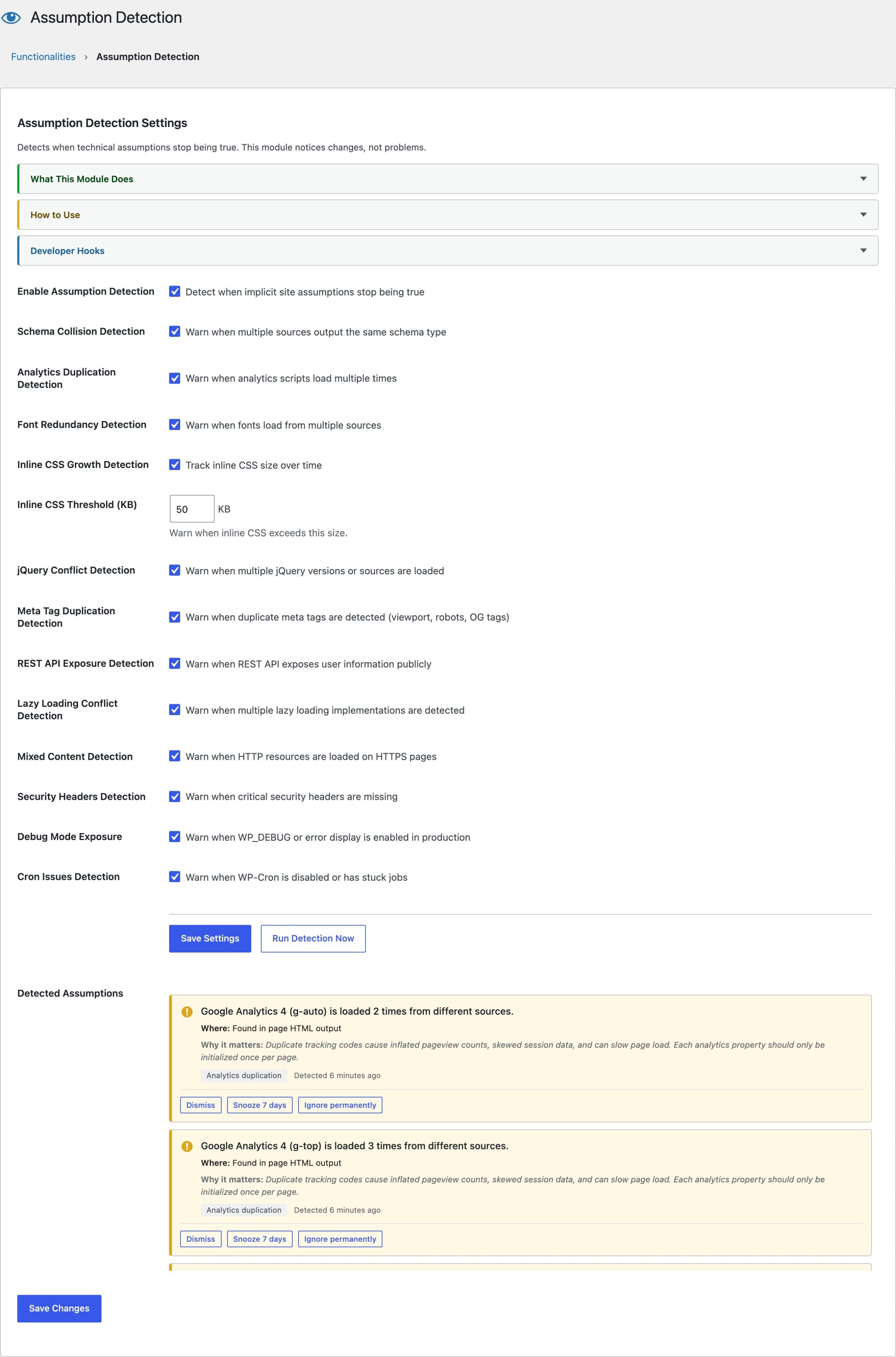
Assumption Detection runs a battery of checks against your site’s actual rendered output and flags anything that violates a sane single-source assumption:
- Schema collision: multiple JSON-LD sources outputting the same schema type, like two plugins both emitting BreadcrumbList
- Analytics duplication: the same UA or GA4 measurement ID, GTM container, or Facebook pixel loaded more than once
- Font redundancy: the same font family arriving from multiple sources
- Inline CSS growth: accumulating inline styles that signal performance debt
- jQuery conflicts: multiple jQuery versions or sources on one page
- Meta duplication: duplicate viewport, robots, or description tags
- REST API exposure: user enumeration available through the REST users endpoint
- Lazy loading conflicts: multiple lazy-load implementations fighting over the same images, including native loading, lazysizes, and the implementations bundled in WP Rocket, Jetpack, and Smush
- Mixed content: HTTP resources loading on HTTPS pages
- Missing security headers: checks the response headers your homepage actually sends and flags missing baseline protections
- Debug exposure: flags
WP_DEBUGandWP_DEBUG_DISPLAYleft enabled where visitors can see the output - Cron health: catches a disabled WP-Cron, overdue scheduled jobs, and a stuck cron lock
When Detection Runs
Checks run automatically when you open the Functionalities dashboard, and they’re scheduled after events likely to break assumptions, like saving new header snippets. There’s also a “Run Detection Now” button for the moments right after you’ve installed something new, which is exactly when you should look.
The monitoring is continuous rather than visit-driven. Scheduled background scans run hourly, twice daily, daily, or weekly, with daily as the default, and the results feed a check in WordPress Site Health, so a broken assumption shows up where you already look for site problems. There’s also an opt-in email summary that only fires when the finding set actually changes, at most once a day. The email itself contains no content or URLs, just a pointer back to the dashboard.
2 filters open the module up: functionalities_assumption_detection_enabled takes the detector key as its second argument, so a single detector can be switched off without disabling the module, and functionalities_assumption_detection_warnings hands you the finished findings before they are stored.
Reading the Results
Each finding names the assumption that broke and the evidence, like which two sources emitted the same schema type. Fixes are usually one toggle: disable the duplicate breadcrumbs in one of the two plugins, remove the redundant font enqueue, or turn off a second lazy loader. The point is knowing the conflict exists at all.
Why This Matters for Speed and SEO
Duplicate analytics skews every decision you make from the data, duplicate schema can demote rich results, and a second jQuery copy is 30 KB of pure waste on every page. These are exactly the regressions that creep in over a year of normal site maintenance. Pair this module with Content Integrity, which does the same job for your content, and check my lesson on speed monitoring for the performance side of ongoing vigilance. The Functionalities plugin ships both detectors in the same install.