
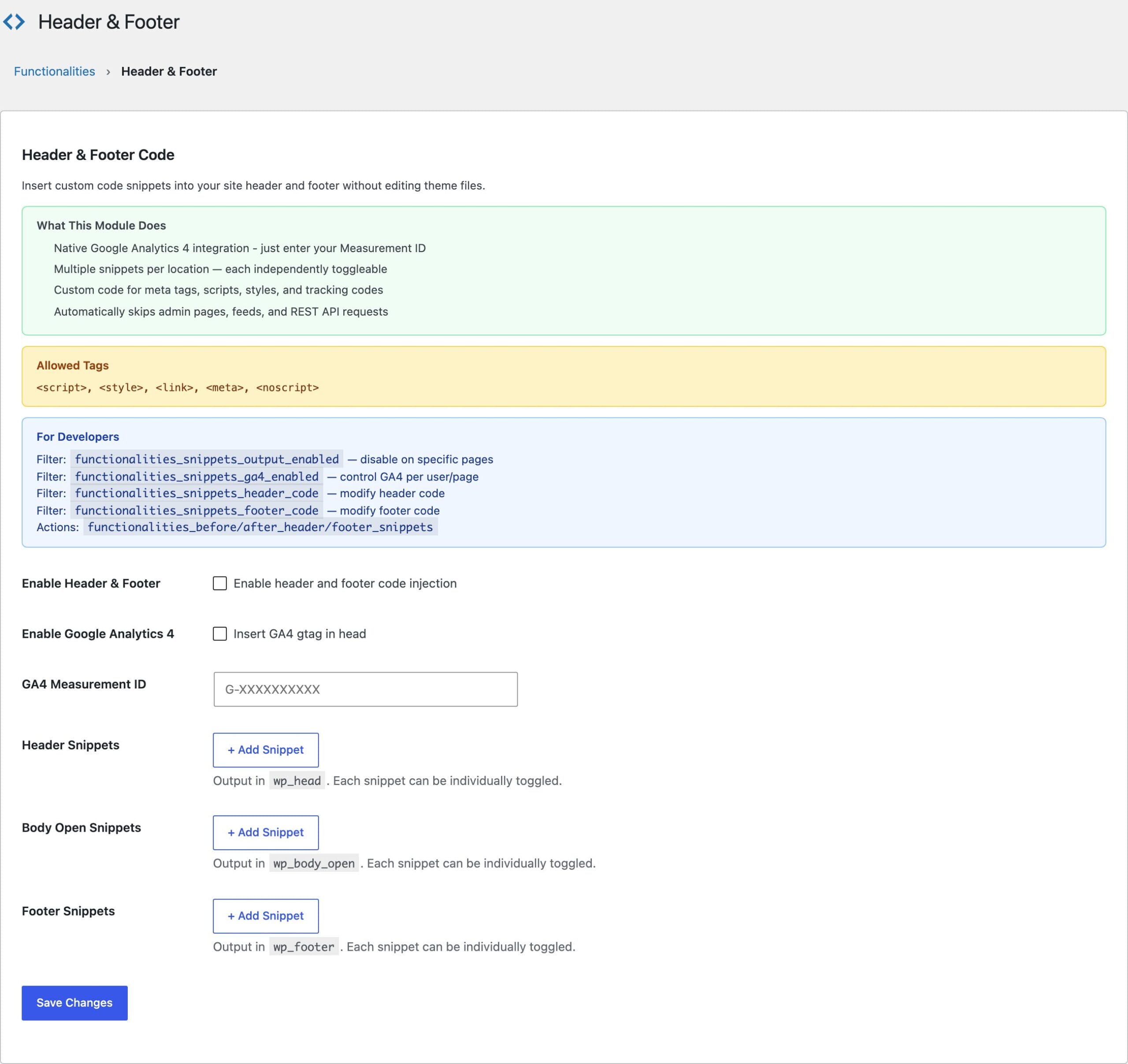
Adding WordPress header and footer code usually means either editing theme files that get overwritten on update, or installing a snippets plugin that ships a code editor, a licensing nag, and a database table you didn’t ask for. The Header & Footer module in Dynamic Functionalities does the one job: inject code into your site’s head, body open, and footer, safely.
It powers the analytics and verification tags on my own site. Each snippet is an independent card you can label, toggle, and edit without touching the others, so a broken experiment never takes down your tracking.
Injection Points
The module outputs code at the three standard WordPress hooks, each at priority 20:
- Header (
wp_head): meta tags, verification codes, analytics, critical CSS - Body Open (
wp_body_open): Tag Manager containers and noscript fallbacks - Footer (
wp_footer): tracking pixels, chat widgets, deferred JavaScript
Each location holds multiple snippets. Cards collapse, carry CSS/JS/Meta type badges, and rename inline, which matters once a site accumulates a dozen tags from different tools.
Built-In GA4 Integration
Google Analytics 4 doesn’t even need a snippet. Paste your G-XXXXXXXXXX measurement ID into the GA4 field and the module outputs the gtag code for you. If you’d rather not run Google Analytics at all, I’ve reviewed Independent Analytics as a WordPress-native alternative.
Where Snippets Don’t Output
Snippets stay out of three contexts automatically: admin pages, RSS feeds, and REST API responses. Your tracking code belongs in front of visitors, not in your feed markup or API payloads.
Script Attributes Survive Sanitization
The module sanitizes snippet markup with a hardened wp_kses setup that still preserves the attributes real-world tags need: async, defer, nomodule, id, nonce, crossorigin, and data-* attributes on script, style, and link tags. Plenty of snippet plugins quietly strip these and break consent managers; this one doesn’t.
Conditional Output for Developers
One filter controls whether snippets print on a given request. Use it to silence tracking on logged-in users, staging environments, or specific templates:
add_filter( 'functionalities_snippets_output_enabled', function( $enabled ) {
    if ( is_user_logged_in() ) {
        return false; // no tracking for logged-in users
    }
    return $enabled;
});
The next lesson covers Link Management, the module that automates nofollow and new-tab behavior across your entire archive.