
Most WordPress task manager plugins bolt a SaaS product onto your database: custom tables, frontend scripts, sync services, monthly fees. The Task Manager module in Dynamic Functionalities takes the opposite route. It’s a file-based task management system that lives entirely inside your WordPress admin and stores every project as a plain JSON file.
I use it for editorial checklists and site maintenance punch lists. The whole thing has zero frontend footprint: no CSS, no JavaScript, no database queries on any public page. If you close the admin tab, the module is effectively dormant.
How It Works
Task Manager stores each project as one JSON file on disk. No custom database tables, no postmeta bloat, nothing to migrate. Copy the folder and you’ve backed up every project.
The files sit inside a per-site folder whose name is 20 random characters, under wp-content/functionalities/. That randomized segment is the point: a redirect map or a task list is not something a stranger should be able to fetch by guessing a URL. Both the outer folder and the inner one carry an index.php, Apache deny rules and an IIS web.config, and a Site Health check confirms over HTTP that the folder really is unreachable rather than assuming the rules took.
wp-content/
└── functionalities/
    ├── index.php                 # blocks directory listing
    ├── .htaccess                 # Apache deny rules
    ├── web.config                # IIS deny rules
    └── a1b2c3d4e5f6g7h8i9j0/     # 20 random characters, unique per site
        └── tasks/
            ├── editorial.json     # one project
            └── site-redesign.json # another project
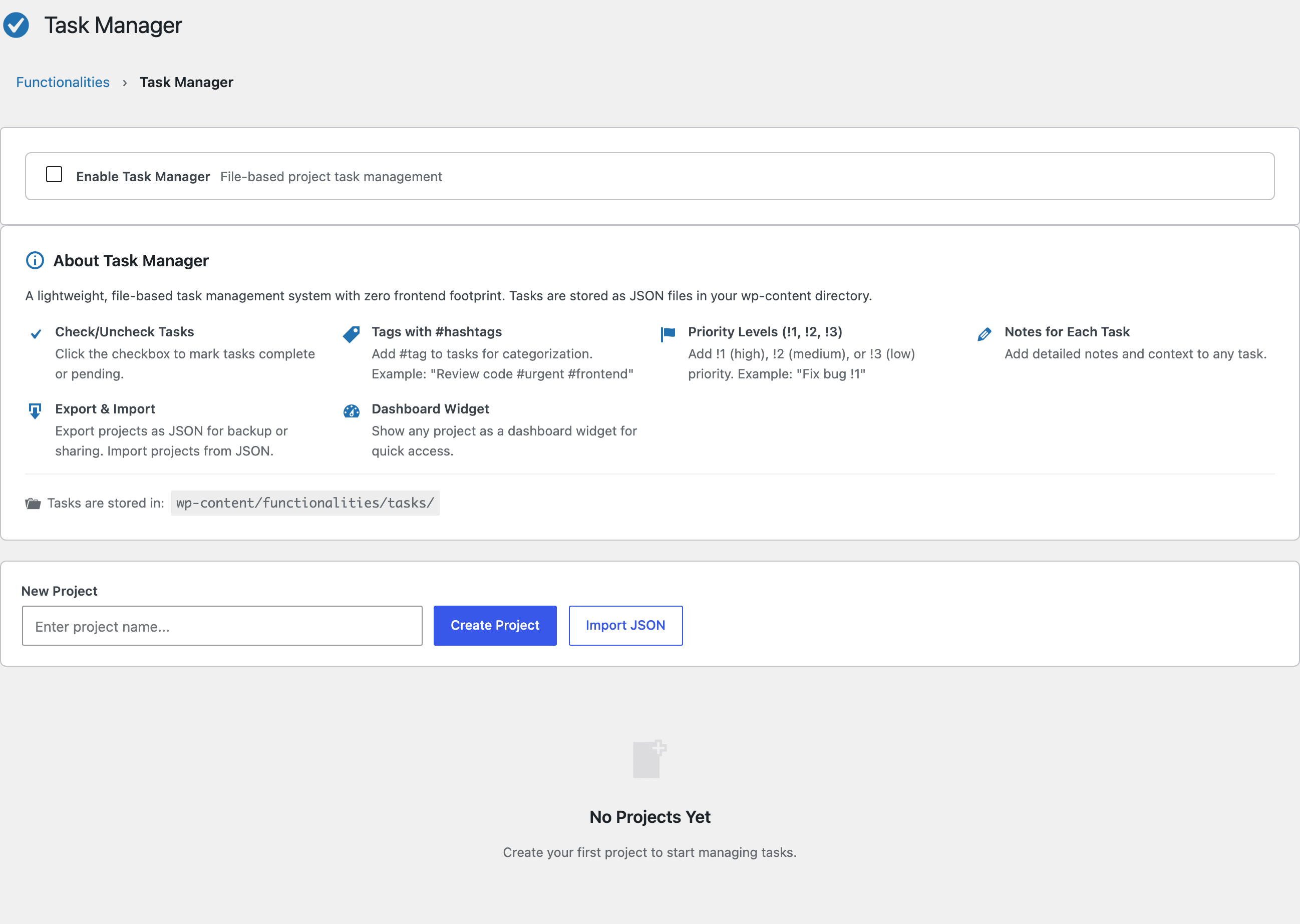
Like every module in the plugin, it’s off by default. Flip the “Enable Task Manager” toggle at the top of the module page and the project grid appears.
Smart Syntax for Fast Entry
The fastest way to organize tasks is to type the metadata straight into the task text. The parser picks it up automatically:
#hashtagsbecome clickable tags:Fix contact form #backend #urgent!1marks high priority (red):!1 Patch the login redirect!2marks medium priority (yellow):!2 Update plugin screenshots!3marks low priority (blue):!3 Reword footer credits
Every task also accepts free-form notes, so context lives with the task instead of in a separate doc.
Projects: Create, Import, Export
Projects display as a card grid with progress at a glance. Create a project with a unique slug, export any project as a JSON file for backup or hand-off, and import a JSON file to restore it on another site. I move checklists between staging and production this way instead of recreating them.
One detail worth knowing: the import, export, and delete actions keep working even while the module toggle is off. The handlers register whenever you’re in the admin, so switching the module off never strands projects you still need to get out of the site.
On WordPress 7 the module also gets a DataViews workspace: the same projects in a searchable, sortable, filterable table, with a DataForm for creating tasks. The classic card grid stays as the fallback, and on anything below WordPress 7 it is simply what you get. The panel only appears while the module is enabled, so a switched-off Task Manager no longer shows an empty table and a form that could only return an error.
The Dashboard Widget
Any project can be pinned to the main WordPress Dashboard as a widget. You get a progress bar, the pending task count, and priority indicators without opening the module. For recurring maintenance checklists, that’s usually the only view I need.
Security
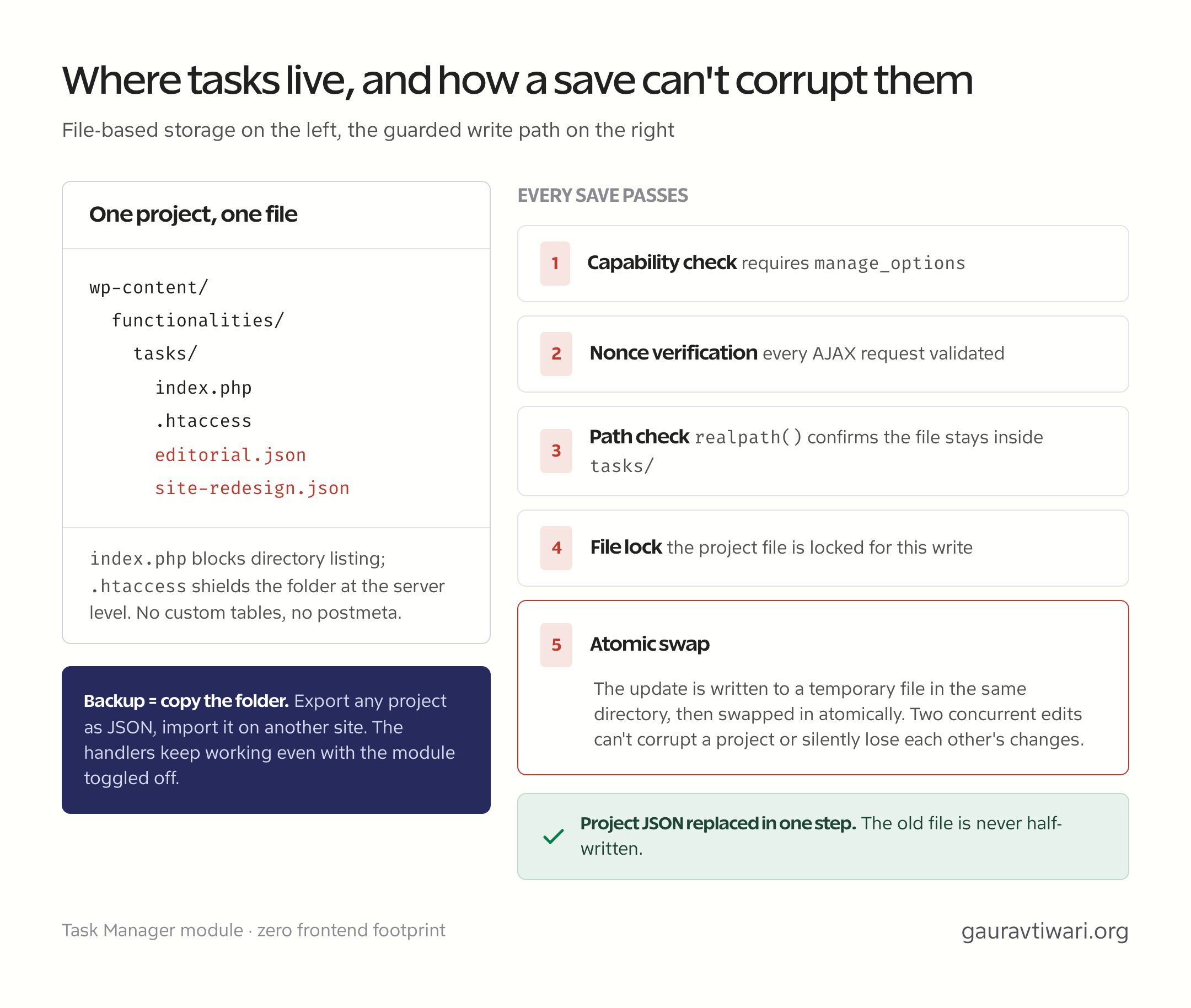
File-based storage raises fair questions, and the module answers them directly:
- Capability check: every screen and action requires
manage_options - Nonce verification: all AJAX requests are validated
- Path traversal prevention:
realpath()confirms every file stays inside the tasks directory - Direct access block:
index.phpand.htaccessshield the folder - Locked, atomic writes: every project update takes a file lock, writes to a same-directory temporary file, and replaces the original atomically, so two concurrent edits can’t corrupt a project or lose each other’s changes
When to Use It
Task Manager replaces a Trello board or a Notion page for site-scoped work, not your whole project management stack. If you run client work across many sites, a dedicated tool still wins; my comparison of time tracking tools for freelancers covers that side. For tasks that belong to one WordPress site, keeping them inside that site’s admin, versioned as JSON, is the simpler system. Next up: the Redirect Manager, the module with the best performance story in the whole Functionalities plugin.