
 by
by
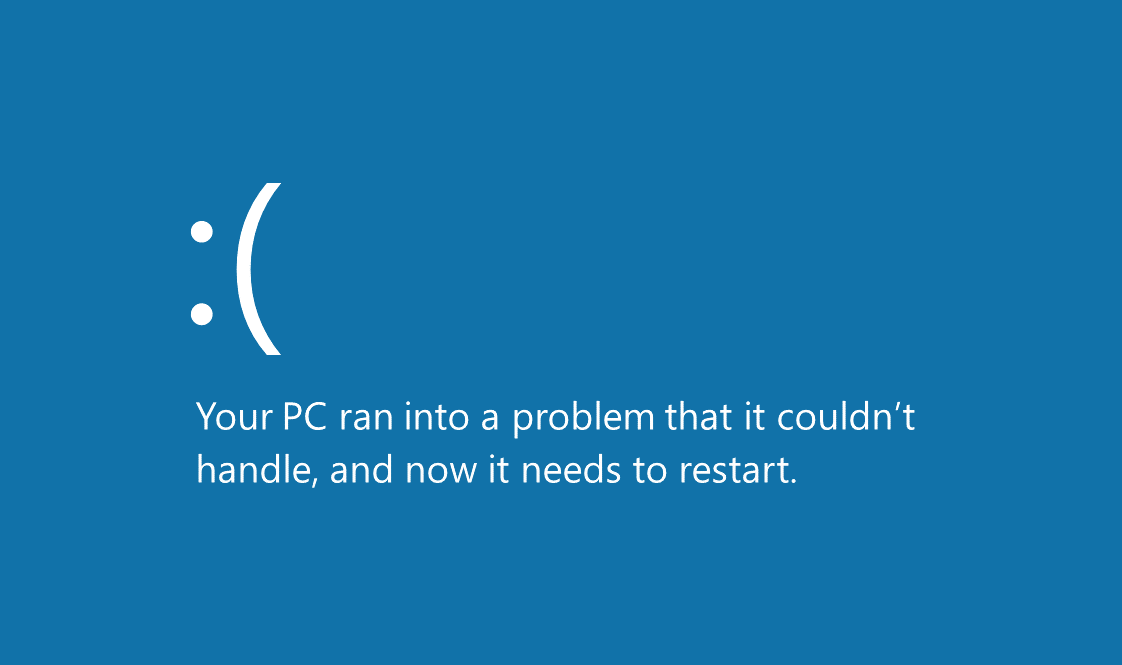
The signs your computer has a virus are not diagnoses. A slow computer can have a full disk, a failing drive, a bad update, or malware. Treat sudden, unexplained combinations of symptoms as a reason to isolate and investigate, not as proof of one cause.
If accounts are being used without you, files are encrypted, security tools are disabled, or the device is contacting destinations you do not recognize, act now. For an employer-owned device, stop and call the security team. A well-meant cleanup can destroy evidence or spread the incident.

What to Do First
- Disconnect the affected device from networks. Turn off Wi-Fi, unplug Ethernet, and disconnect shared storage. In a business incident, the FTC advises disconnecting an infected device without powering it down because shutdown can remove useful investigative evidence.
- Use a separate, clean device. Change the email password first, then financial, cloud, and administrative accounts. Revoke active sessions and recovery tokens; a password change alone may not invalidate every stolen session.
- Record what happened. Note warnings, filenames, extensions, timestamps, account alerts, recent downloads, and affected systems. Do not forward a suspicious attachment to colleagues.
- Update the scanner and run the appropriate scan. On Windows, use a full scan and consider an offline scan for persistent threats.
- Escalate when the impact is material. Contact qualified incident-response help, the account provider, financial institution, insurer, and relevant authorities when money, regulated data, or multiple systems are involved.
The FTC small-business cybersecurity guidance organizes the work as prevention, detection, response, and recovery. That sequence is more useful than guessing the malware family from one symptom.
Unexpected Signs and Their Non-Malware Alternatives
| Observed sign | Malware is possible when | Also test |
|---|---|---|
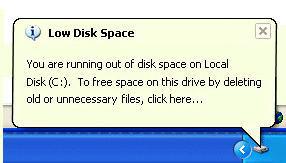
| Sudden slowdown or fan activity | An unfamiliar process uses CPU, disk, or network at idle | Updates, indexing, thermal throttling, low memory, or failing storage |
| Unexpected network usage | Usage continues after normal sync and update tools are closed | Cloud backup, game updates, operating-system delivery optimization |
| Browser redirects or changed search | Extensions or policies appeared without approval | Notification permissions, adware, changed DNS, or a compromised router |
| Files renamed or inaccessible | Many files gain the same strange extension or a ransom note appears | Sync conflicts, disk corruption, permission errors, or failed encryption software |
| Security tools disabled | Protection cannot be re-enabled and settings change again | Expired license, organization policy, incompatible security products |
| Account alerts and sent messages | New sessions, rules, recovery methods, or messages appear | Credential reuse, phishing, delegated access, or provider-side compromise |

Open Task Manager on Windows or Activity Monitor on macOS and record the process name, publisher, path, CPU, disk, and network use. Do not delete a file merely because its name looks odd. Search the publisher and path, scan it, and use the operating system’s quarantine flow.
If the slowdown remains after a clean scan, use my guide to boosting the performance of a low-end computer to test ordinary resource limits.

Choose the Scan for the Situation
| Scan | Useful for | Limit |
|---|---|---|
| Quick scan | Common persistence locations and a routine health check | It does not inspect every file. |
| Full scan | A deeper check after suspicious behavior or exposure | Large archives and disks can make it slow. |
| Offline scan | Persistent threats that may hide while Windows is running | The computer restarts; save work first. |
| Second-opinion on-demand scan | Independent confirmation after the primary tool completes | Do not run multiple real-time engines together. |
Microsoft Defender is built into current Windows security. An on-demand tool such as Malwarebytes can provide a second opinion. If you want a paid real-time suite, compare Bitdefender and Surfshark Antivirus on detection, platform coverage, renewal price, support, and what is actually included.
Recovery Is More Than Removing One File
- Confirm: run the updated scan again and inspect protection history.
- Restore: use a known-good backup made before the compromise. Scan restored files before opening them.
- Patch: update the operating system, browser, extensions, document tools, router, and exposed applications.
- Reset access: rotate credentials from a clean device, revoke sessions, remove unknown recovery methods, and review forwarding rules.
- Monitor: watch financial accounts, email rules, cloud logs, and security alerts for renewed activity.
- Reinstall when trust cannot be restored: a clean operating-system installation is safer than an endless sequence of uncertain removals.
If Malwarebytes or another scanner reports a detection, save the exact detection name and path before deleting it. A generic “threat found” message is not enough for a business incident report.
Prevent the Next Incident
- Turn on automatic operating-system, browser, and application updates.
- Use unique passwords, a guide to password managers, and phishing-resistant multi-factor authentication where available.
- Keep at least one backup version isolated from the device or network it protects.
- Remove unused browser extensions and software; restrict administrator access.
- Test restore steps and account-recovery contacts before an incident.
A VPN can protect traffic on an untrusted network, but it does not disinfect a computer, block every phishing page, or make a malicious download safe. Use why you should use a VPN for that narrower decision.
For the surrounding controls, continue with five tips to ensure defense from cyber threats, WiFi security measurements every user should know, and best practices to secure your business. The historical term is associated with researcher Frederick Cohen; today’s practical problem is broader malware, account theft, and recovery.
Safety boundary: do not upload confidential files to public scanners, pay a ransom on your own, or keep experimenting on a company device. When regulated data, money, or multiple systems are involved, preserve evidence and bring in qualified help.
Tell Google you want more of this.
Add Gaurav Tiwari as a preferred sourceOne tap, and this site shows up more often in your own Top Stories, AI Overviews and AI Mode. Remove it any time.