
Functionalities Training
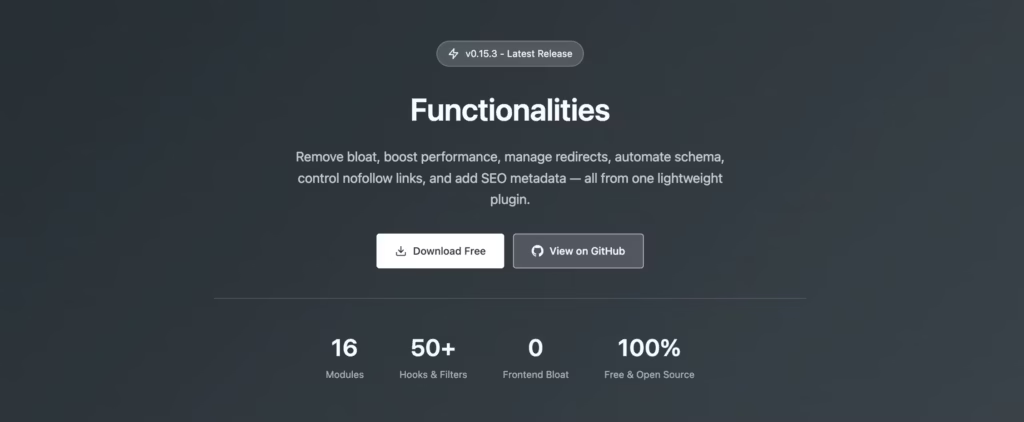
Complete training for the Functionalities WordPress plugin. Learn how to activate and configure each module, from performance optimizations and admin utilities to content enhancements and developer tools. Covers module settings, hooks for extending functionality, compatibility notes, and best practices. Work through organized lessons to get the most out of every modular feature available.
What you'll learn
- Activate and configure performance, security, and content modules
- Set up redirect management, login security, and content regression detection
- Use header/footer snippets, Schema settings, and SVG icons
- Extend Functionalities with hooks and the technical reference
Instructor

Gaurav Tiwari
WordPress developer and content strategist with 16+ years of experience building performance-driven solutions for 800+ clients. Creator of multiple WordPress plugins with 10,000+ active installs.
Course content
Getting Started 3 lessons
Install and configure the Functionalities plugin and understand its role in managing custom code snippets.
Core Features 6 lessons
Use core features to add custom post types, taxonomies, shortcodes, and widget areas without writing a child theme.
Security & Advanced 3 lessons
Implement security hardening measures and advanced techniques for extending WordPress functionality safely.
Reference 3 lessons
Complete reference of available functions, hooks, and configuration options for the Functionalities plugin.