
 by
byWordPress contact form plugins should be compared by what happens after someone presses Submit. Core Forms is my pick for clean, developer-controlled output. WPForms is easier for beginners. Gravity Forms is stronger for complex workflows, and Fluent Forms gives you more room before the paid upgrade.
A useful comparison has to go beyond drag-and-drop screenshots. I look at generated markup, entry storage, spam controls, payments, webhooks, data handling, maintenance cost, and the work required to deliver notifications reliably.
Ownership note: I built and sell Core Forms, which is ranked first below. I apply the same fit and limitation criteria to it, and I name the cases where WPForms, Gravity Forms, Fluent Forms, Formidable Forms, or HubSpot is the better choice.
Best WordPress Contact Form Plugins

This list of WordPress contact form plugins covers free and premium choices. Most share the same core features: drag-and-drop builders, email notifications, spam protection, and shortcode or block embedding. Where they differ is in markup control, pricing model, integration depth, data storage, and maintenance cost.
I’ll call out the specific strengths and weaknesses of each one.
- Core Forms: Best for developers wanting full HTML control ($59/year or $249 lifetime)
- WPForms: Best for beginners with a visual drag-and-drop builder
- Gravity Forms: Best for advanced workflows and conditional logic
- Fluent Forms: Best freemium option with premium features included free
- Formidable Forms: Best for application-style forms and calculators
- Contact Form 7: Best free, battle-tested solution for HTML-savvy users
- SureForms: Best block-native form plugin for Gutenberg users
- HTML Forms: Best lightweight form handler for performance-focused sites
- HubSpot: Best for forms connected to a free CRM
- Ninja Forms: Best free drag-and-drop builder for beginners
- Forminator: Best for WPMU Dev members
- Everest Forms: Best for contact forms plus user registration
- Bit Form: Best for deep integrations without Zapier
- HappyForms: Best for visual form building in the Customizer
- ARForms: Best lifetime deal on a premium form builder ($39)
- Jetpack Forms: Best for sites already running Jetpack
Core Forms
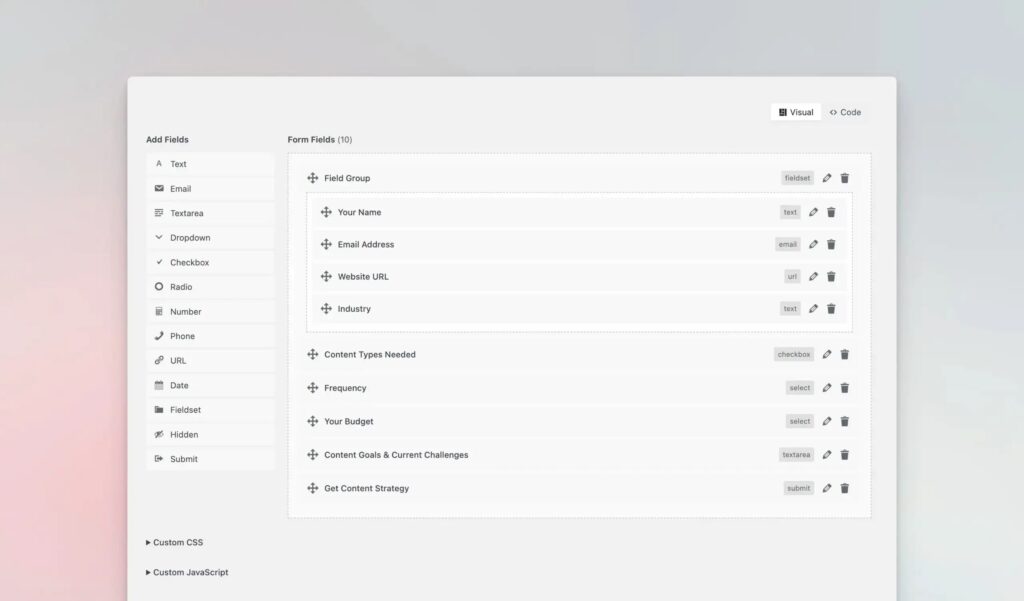
Best for: Developers and performance-focused site owners who want full HTML control
I built Core Forms because generated form markup kept becoming the part I had to undo. You can write the form HTML or start in its builder, while the plugin handles AJAX submission, notifications, database storage, file uploads, webhooks, submission limits, and spam controls.
The useful difference is control: your class names and markup stay yours, there is no jQuery dependency, and the plugin does not require a theme of generated inline styles. Entries can stay in WordPress and export to CSV. Webhooks can route data to Zapier, Make, n8n, or another endpoint. File uploads, submission limits, reCAPTCHA v3, and hCaptcha are included.
Core Forms is not the right default for everyone. Pick WPForms if a non-technical editor needs a template-first visual workflow. Pick Gravity Forms, Fluent Forms, or Formidable Forms when their mature add-on ecosystems match a complex payment or automation requirement. Pick HubSpot when the hosted CRM is the reason you need the form.
Pricing: $59/year or $249 lifetime for unlimited sites. The current CFLAUNCH promotion shows $47/year or $199 lifetime; treat those as promotional prices, not the regular price.
WPForms
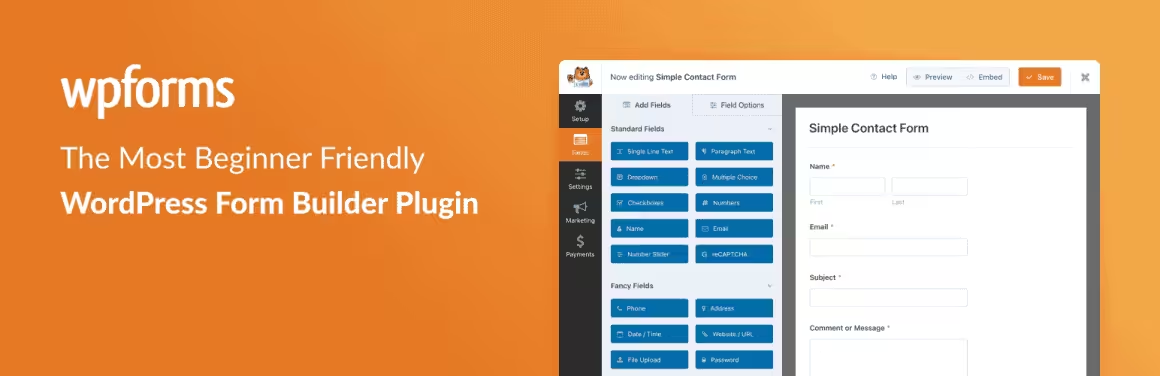
Best for: Beginners who want a visual builder with templates
WPForms is more than just a contact form plugin. It’s one of the most popular business tools in the WordPress ecosystem. The free version (WPForms Lite) handles basic contact forms well, and the premium version opens up dozens of add-ons for pricing calculators, admission forms, email subscription forms, polls, surveys, and payment processing.
WPForms has a library of 300+ templates that let you import prebuilt forms and customize them with drag-and-drop. It integrates natively with WP Mail SMTP for reliable email delivery, plus CRMs, PayPal, Stripe, and Square payments.
The downside? The free version is limited, and the premium tiers can get expensive if you need advanced features. But for most beginners, WPForms is the safest starting point.
Pricing: Free or $39.50/year to $299.50/year
Learn more about WPForms or download the free version.
Gravity Forms

Best for: Businesses needing advanced form workflows and conditional logic
Gravity Forms is the premium standard for complex WordPress forms. It handles everything from simple contact forms to multi-page applications with conditional logic, calculations, and payment processing. The add-on ecosystem is mature, and the developer community is large enough that you’ll find solutions for most edge cases.
I’ve used Gravity Forms on client projects where the form requirements went beyond what free plugins handle: multi-step registration workflows, pricing calculators with complex logic, and forms that need to push data to multiple external systems simultaneously.
Pricing: Basic costs $59/year for 1 site, Pro $159/year for 3 sites, and Elite $259/year for unlimited sites. Compare the Gravity Forms licenses with the add-ons you need; Signature and User Registration require Elite.
Learn more about Gravity Forms
Fluent Forms

Best for: Users who want premium features at a freemium price point
Fluent Forms is the best freemium contact form plugin right now. The free version includes features that other plugins lock behind paywalls: conversational form designs, marketing integrations, and 60+ ready-made templates. The Pro version adds payment processing (PayPal/Stripe), custom post type creation from form submissions, and advanced automation workflows.
If you want a full-featured form builder without immediately hitting a paywall, Fluent Forms is the one I’d recommend trying first.
Formidable Forms

Best for: Power users who need application-style forms
Formidable Forms goes beyond typical contact forms. It’s a form application builder that can create directories, calculators, registration systems, and data-driven front-end applications. If WPForms is the beginner-friendly option, Formidable Forms is the power-user choice.
The visual editor supports conditional logic, calculations, and repeatable fields. CRM and email marketing integrations are solid. For businesses that need forms to do serious data processing, Formidable is hard to beat.
Pricing: Free or $39.50/year to $299.50/year
Learn more about Formidable Forms or download the free version.
Contact Form 7

Best for: Developers comfortable with HTML who want a free, battle-tested solution
Contact Form 7 is the original WordPress form plugin. It powers over 10 million active sites and has been around since the early days of WordPress. No visual builder, no drag-and-drop. You write forms using a tag-based syntax in an HTML-like editor.
CF7’s strength is its massive add-on ecosystem. Need to save submissions to your database? Install Flamingo (same developer). Need drag-and-drop? There’s an add-on for that too. The pay-as-you-grow model means you only add what you need.
The honest downside: the UI hasn’t aged well, and if you need modern features like conditional logic or payment processing, you’ll end up installing multiple add-ons that may not play nicely together.
Download Contact Form 7 (free)
SureForms
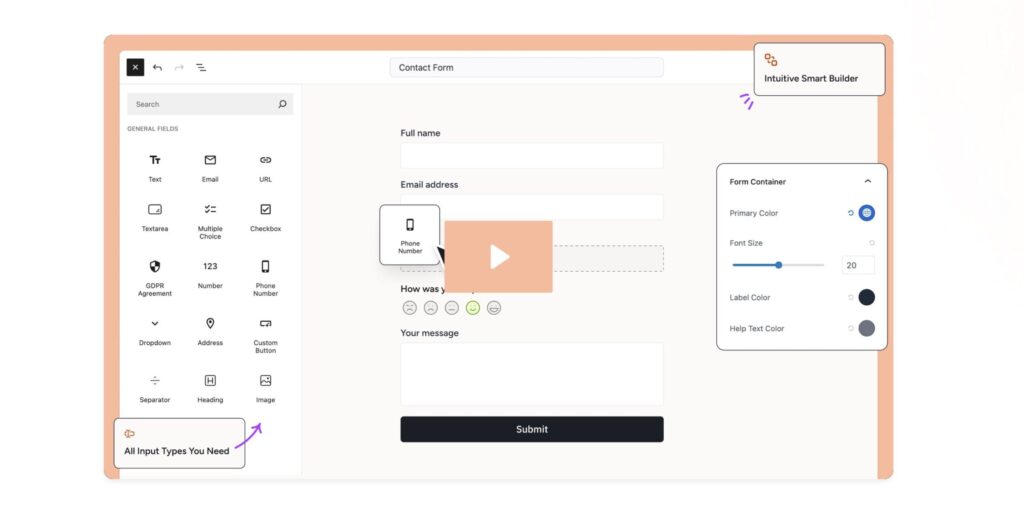
Best for: Block editor users who want native Gutenberg forms
SureForms is a block-native form plugin from Brainstorm Force (the team behind Astra, Starter Templates, and SureCart). Instead of a separate form builder interface, you build forms directly in the block editor using form blocks like any other Gutenberg block. Your forms inherit your theme styling automatically.
The conditional logic works without heavy JavaScript overhead. Forms render as native HTML with minimal CSS. Multi-step forms, file uploads, and email marketing integrations are all supported. If you’re fully committed to the block editor workflow, SureForms feels natural in a way that older form plugins don’t.
Best For: Sites already using the block editor that want forms without another plugin’s CSS and JS overhead.
HTML Forms

Best for: Performance-focused developers who know HTML
HTML Forms is similar in philosophy to Core Forms. You write your form markup in HTML, and the plugin manages the PHP backend and minimal JavaScript to make it work. The difference is that HTML Forms has been around longer and has a simpler feature set.
The free version handles most use cases. The premium version ($81/year) adds webhooks, notification badges, file uploads, and data management features. For developers who just need a lightweight form handler, HTML Forms does the job cleanly.
Download HTML Forms (free) or learn about the premium features.
HubSpot

Best for: Businesses that want forms connected to a free CRM
The HubSpot WordPress plugin is more than forms. It bundles a CRM, live chat, analytics, and contact forms in one free plugin. Forms integrate directly with HubSpot’s CRM, so every submission automatically creates or updates a contact record. Use pre-built templates or the visual editor to create forms.
If you’re already using HubSpot for CRM or marketing, the form plugin is a natural fit. If you just need a standalone contact form, it’s heavier than necessary.
Pricing: Free
Download the HubSpot plugin or sign up for HubSpot free.
Ninja Forms
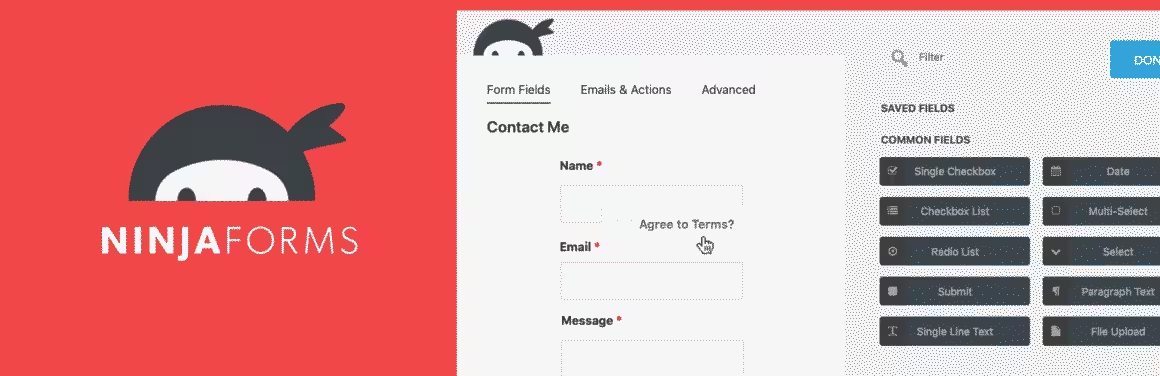
Best for: Beginners who want a free drag-and-drop builder
Ninja Forms is a beginner-friendly drag-and-drop form builder trusted by over a million WordPress sites. The free version is more limited than Fluent Forms, but the premium add-ons cover payments, CRM integrations, and advanced logic.
Pricing: Free or $29/year to $249/year
Learn more about Ninja Forms or download the free version.
Forminator

Best for: WPMU Dev users who want forms included in their membership
Forminator is a free (with optional premium) form plugin from the WPMU Dev team. It includes drag-and-drop building, prebuilt layouts, calculation support, responsive design, and CRM integrations. The free version is genuinely capable. If you’re already a WPMU Dev member, Forminator comes included and is worth using.
Pricing: Free or $6/month ($60/year)
Learn more about Forminator.
Everest Forms
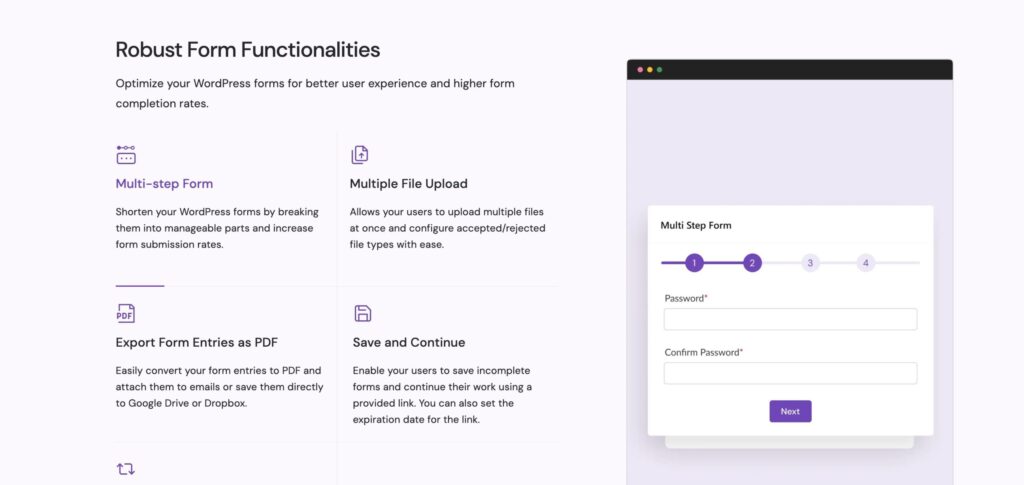
Best for: Sites needing both contact forms and user registration
Everest Forms is a drag-and-drop form builder from WPEverest (the ThemeGrill team). It covers contact forms, surveys, multi-step forms, and payment integrations. The free version handles most basic needs, and premium plans add conditional logic, email templates, and Zapier integration.
WPEverest also makes User Registration, which handles custom registration forms and profile builders. If you need both contact forms and user sign-up flows, the combined User Registration + Everest Forms bundle covers both without overlapping plugins.
Bit Form
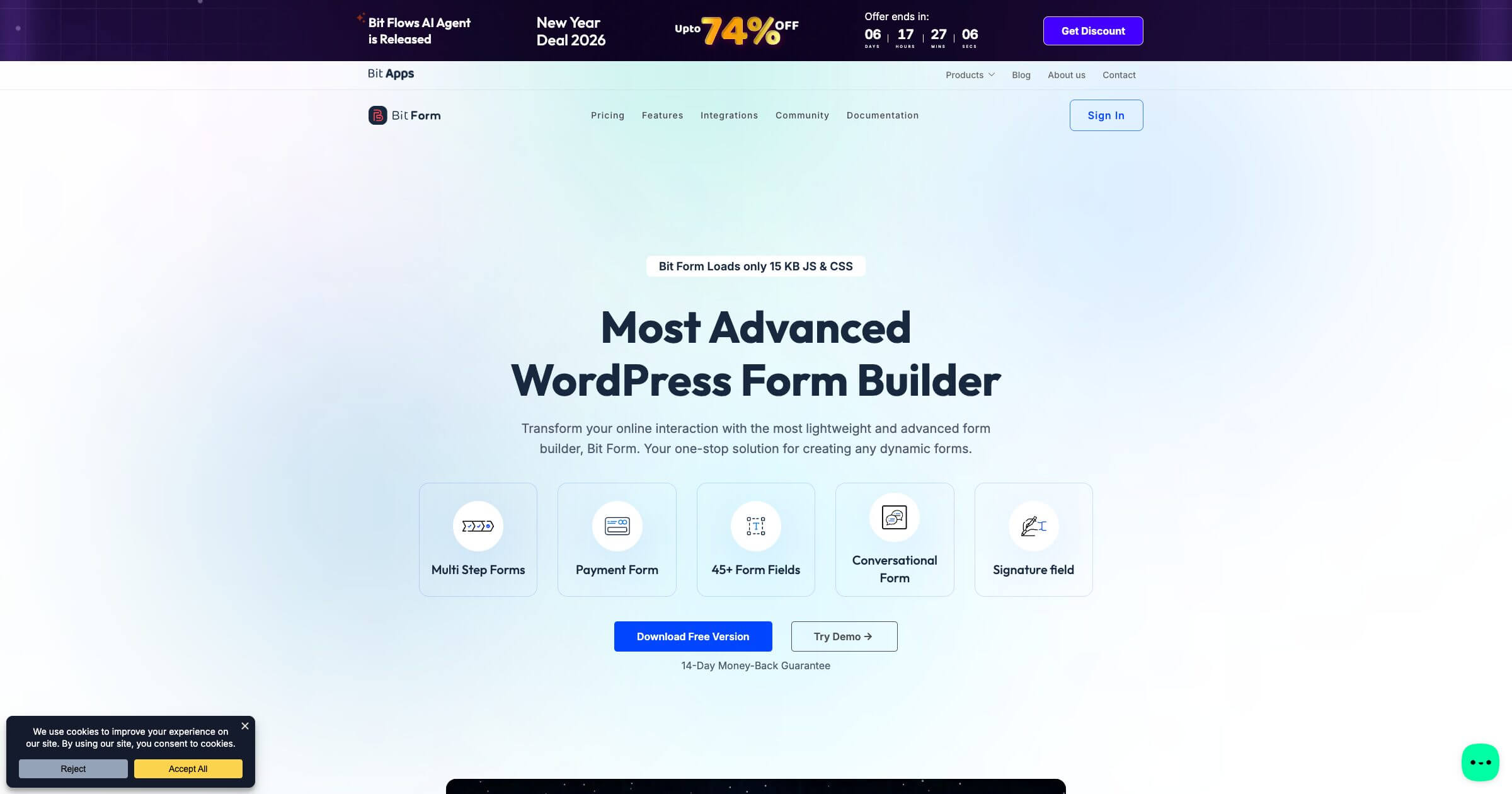
Best for: Users who need deep integrations without Zapier
Bit Form takes a different approach to integrations. Through its sibling plugin Bit Integrations, you can connect form submissions directly to 200+ apps, including CRMs, email platforms, project management tools, and spreadsheets. No Zapier required. The form builder supports multi-step forms, file uploads, payment fields, and conditional logic.
Pricing: Free version available. Pro starts at $49/year.
Learn more about Bit Form.
Claspo (external lead-capture platform)
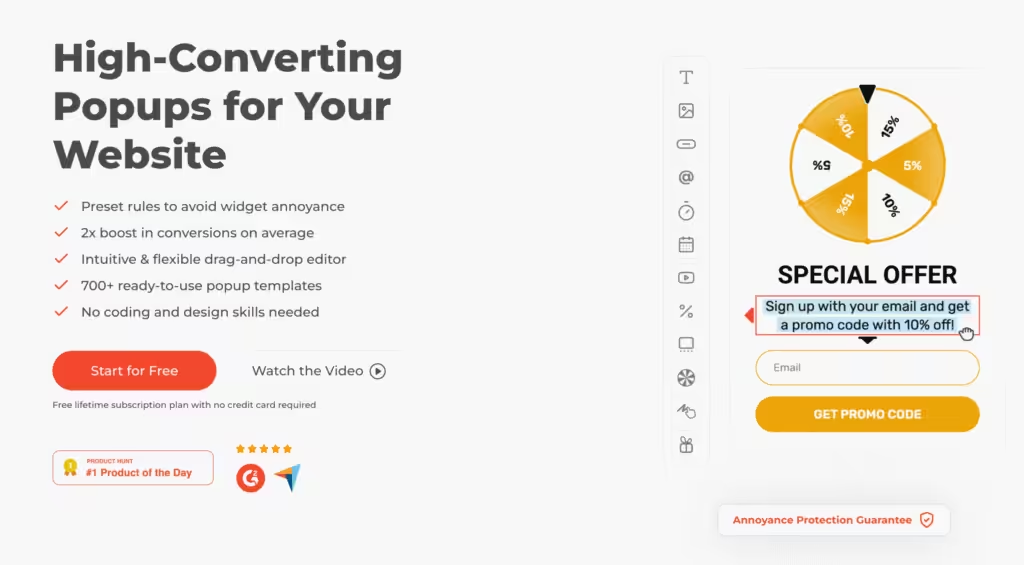
Best for: Conversion-focused lead capture with popups and gamification
Claspo is not included in the native WordPress ranking because it is a hosted popup and lead-capture platform connected through WordPress. Consider it when display rules, experiments, and campaign widgets matter more than native form ownership. Confirm current plan limits on Claspo’s pricing page before choosing it.
Display rules include exit intent, scroll depth, time on page, user location, and UTM parameters. Integrations with Mailchimp, Klaviyo, Google Sheets, and CRMs via webhooks. Built-in A/B testing and real-time analytics for optimization.
Pricing: A free plan and paid plans are available. Pricing and traffic limits can change, so check the current hosted-service terms.
HappyForms
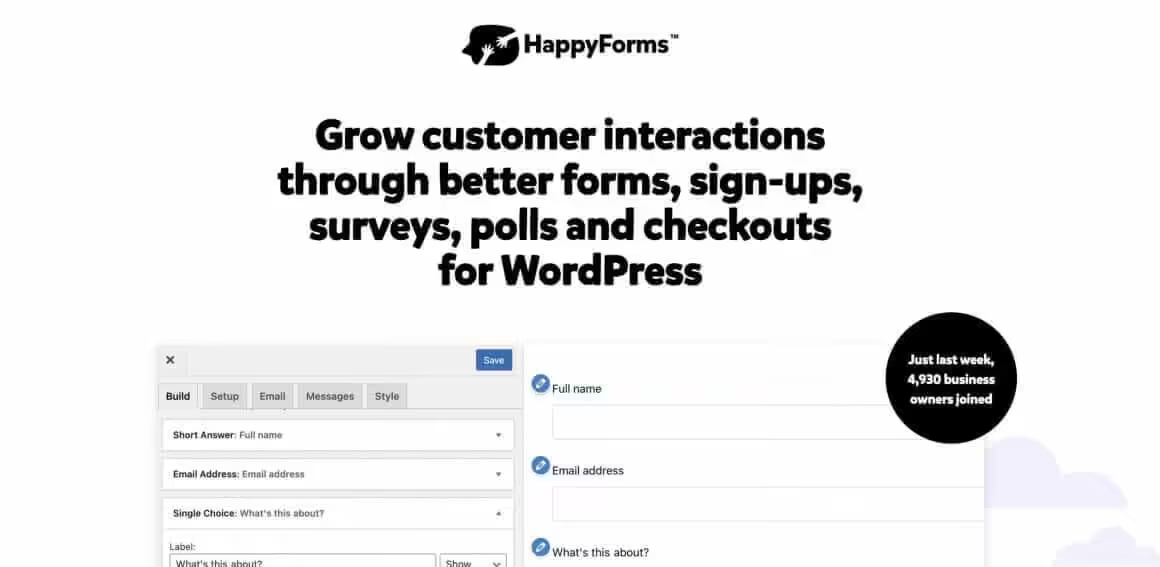
Best for: Users who want a clean, visual form building experience
HappyForms uses the WordPress Customizer for form building, which gives you a real-time preview as you design. Integrations with popular services, good customer support, and works with both Classic and Block editors via shortcodes and blocks.
Pricing: Free or $53.80/year to $283.60/year
Learn more about HappyForms or download the free version.
ARForms

Best for: Users who want a lifetime deal on a premium form builder
ARForms is available on CodeCanyon as a one-time purchase. Unlike subscription-based plugins, you pay $39 once and get the premium version forever. Includes marketing integrations, drag-and-drop builder, spam protection, color themes, and responsive forms.
Pricing: Free for basic. $39 for premium (lifetime)
Buy ARForms on CodeCanyon or download the free version.
Jetpack Forms
Best for: Sites already running Jetpack that need basic forms
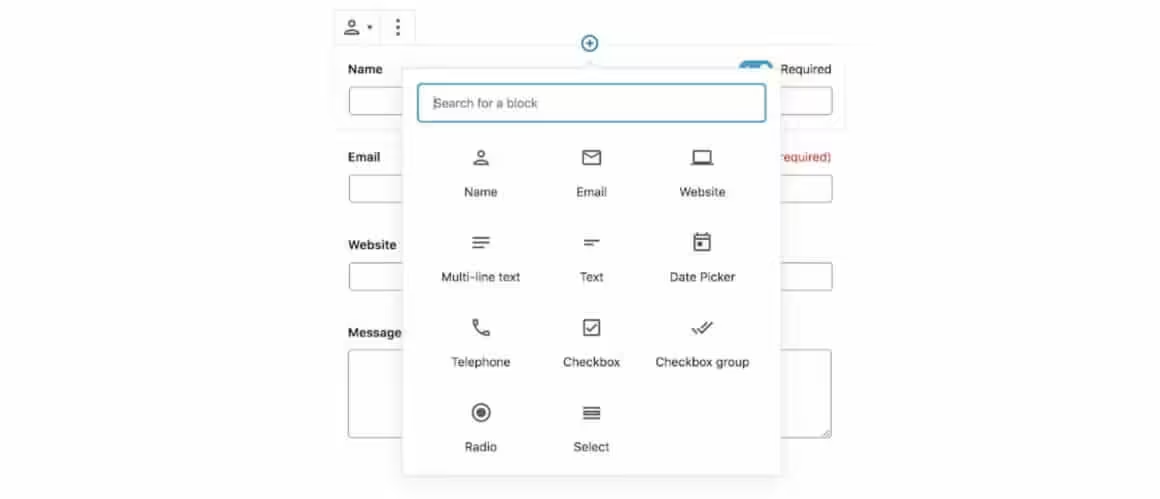
The Jetpack plugin includes a contact form module. Build appointment forms, feedback forms, newsletter signups, and registration forms directly in the Block Editor. Options are limited compared to dedicated form plugins, but if you’re already running Jetpack, it’s free and doesn’t add another plugin to manage.
Pricing: Free
Learn more about Jetpack Forms or download Jetpack.
Contact Forms Comparison
These WordPress contact form plugins solve different workflows. Compare the native products first, then treat Claspo as a separate hosted lead-capture option.
| Product | Type | Best fit | Entries | Payments | Main limitation |
|---|---|---|---|---|---|
| Core Forms | Native plugin | HTML control and webhooks | Included | Not the main strength | Less template-led than beginner builders |
| WPForms | Native plugin | Beginners and templates | Plan-dependent | Paid tiers | Advanced features raise renewal cost |
| Gravity Forms | Native plugin | Complex workflows | Included | Add-ons | No free full plugin |
| Fluent Forms | Native plugin | Feature-rich free start | Included | Plan-dependent | Advanced automation needs Pro |
| Formidable Forms | Native plugin | Calculators and applications | Included | Paid tiers | More setup than a simple contact form needs |
| Contact Form 7 | Native plugin | Free, code-friendly basics | Needs an add-on | Needs an add-on | No visual builder or native entry log |
| SureForms | Native plugin | Block-editor workflows | Available | Plan-dependent | Younger ecosystem |
| HTML Forms | Native plugin | Minimal form handling | Available | No | You build more of the experience yourself |
| HubSpot | Hosted CRM plus plugin | CRM-connected leads | Hosted in HubSpot | Via HubSpot tools | Data and workflow move into a hosted platform |
| Ninja Forms | Native plugin | Visual builder with add-ons | Available | Add-ons | Add-on costs accumulate |
| Forminator | Native plugin | Forms, polls, and quizzes | Included | Available | Broader UI than a basic form needs |
| Everest Forms | Native plugin | Forms plus registration | Available | Plan-dependent | Key workflows sit in paid tiers |
| Bit Form | Native plugin | Direct integrations | Included | Available | Smaller ecosystem than category leaders |
| HappyForms | Native plugin | Customizer-based editing | Plan-dependent | Plan-dependent | Customizer workflow will not suit every block-first team |
| ARForms | Native plugin | One-time premium license | Included | Available | Marketplace support terms differ from SaaS subscriptions |
| Jetpack Forms | Native module | Existing Jetpack sites | Included | Limited | Fewer advanced workflow controls |
| Claspo | External platform | Campaign popups and experiments | Hosted | No | Not a native WordPress form system |
Form notifications and email delivery are separate systems
A form plugin decides what to collect, validate, store, and route. It may call WordPress mail functions, but it does not make your web server a reliable email provider. For important leads, use a transactional email service or a correctly configured SMTP route, authenticate the sending domain, keep a database copy of submissions, and alert on failures.
- Store entries: Keep a recoverable copy when email is delayed, filtered, or rejected.
- Authenticate mail: Configure SPF, DKIM, and DMARC for the sending domain.
- Test the route: Submit from mobile and desktop, then confirm receipt, reply-to behavior, and failure logging.
- Monitor failures: A green success message in the browser only proves that the form handler accepted the request.
Check data handling before you install a form builder
Contact forms can collect names, email addresses, files, payment details, health information, and other sensitive data. Decide where entries live, who can export them, how long they remain, and which integrations receive a copy.
- Collect only the fields needed for the stated purpose.
- Restrict WordPress capabilities for viewing and exporting entries.
- Set a retention and deletion process for stored submissions and uploads.
- Review webhook, CRM, payment, analytics, CAPTCHA, and email-provider transfers.
- Use HTTPS, validate uploads, limit file types and sizes, and scan files when risk warrants it.
Which Contact Form Should I Use?
With this many options, here’s how I’d narrow it down based on your situation:
- If you care about performance and want full HTML control: Core Forms (my plugin, $59/year or $249 lifetime)
- If you’re a beginner and want drag-and-drop simplicity: WPForms
- If you want the most free features before upgrading: Fluent Forms
- If you need complex workflows, calculations, or multi-page forms: Gravity Forms
- If you live in the block editor: SureForms
- If you want forms connected to a free CRM: HubSpot
- If you need 200+ integrations without Zapier: Bit Form
- If you’re already using Jetpack: use Jetpack Forms
- If you want a one-time premium license: Core Forms ($249 lifetime) or ARForms (confirm the current marketplace price and support term)
Choose Core Forms when you want to own the markup and route submissions with webhooks. Choose WPForms when editing speed for beginners matters more. For payment-heavy or multi-stage business workflows, start the comparison with Gravity Forms, Fluent Forms, and Formidable Forms.
FAQs
Do I need a contact form plugin on WordPress?
A plugin is the practical choice when you need validation, spam controls, entry storage, routing, uploads, or structured fields. A mailto link cannot provide those controls. Keep a stored entry for important forms because browser success does not prove email delivery.
Which contact form plugin is best for beginners?
WPForms is the easiest template-first choice for most beginners. Its visual builder and onboarding reduce setup work. Fluent Forms and SureForms are also approachable, while Core Forms makes more sense when you care about HTML control or webhooks.
Which WordPress form plugin has the cleanest output?
Core Forms and HTML Forms give developers the most direct control over markup. That does not guarantee a faster page by itself; theme CSS, CAPTCHA, analytics, payment scripts, and integrations still affect the result. Measure the form on the page where it will run.
Is Contact Form 7 still a good option?
Yes, for a basic form when you are comfortable with its tag-based setup and add-on ecosystem. It does not include a visual builder or native entry database. Add those deliberately rather than assuming the email notification is the only record you need.
Which form plugin is best for complex workflows?
Gravity Forms is the safest first comparison for conditional logic, multi-step workflows, payments, calculations, and a mature add-on ecosystem. Formidable Forms is strong for data-driven applications, while Fluent Forms offers broad automation at a different price point.
Which form plugin has the strongest free tier?
Fluent Forms and Forminator are useful places to start when you need more than a basic contact form without paying immediately. Check the exact integration, payment, storage, and upload feature you need because free tier boundaries change.
Does a contact form plugin guarantee email delivery?
No. The plugin can hand a notification to WordPress or an email service, but delivery depends on domain authentication, the sending route, reputation, recipient filtering, and provider response. Use a transactional service or configured SMTP route and keep stored entries.
What is the current Core Forms price?
Regular pricing is $59/year or $249 lifetime for unlimited sites. The CFLAUNCH promotion currently displays $47/year or $199 lifetime. I built and sell Core Forms, so compare it on workflow fit rather than treating the ownership or promotion as ranking evidence.
Check out my other lists of the best WordPress plugins:
- Best WordPress SEO Plugins
- Best WordPress Security Plugins
- Best WordPress Email Marketing Plugins
- Best WordPress Caching Plugins
- Best Gutenberg Blocks Plugins
- Best WordPress Membership Plugins
Tell Google you want more of this.
Add Gaurav Tiwari as a preferred sourceOne tap, and this site shows up more often in your own Top Stories, AI Overviews and AI Mode. Remove it any time.
Disclaimer: This site is reader-supported. If you buy through some links, I may earn a small commission at no extra cost to you. I only recommend tools I trust and would use myself. Your support helps keep gauravtiwari.org free and focused on real-world advice. Thanks. - Gaurav Tiwari