
 by
byThe best writing app for Mac depends on what you’re writing. A novel needs a different tool than a blog post. A screenplay demands an app no word processor can replace. A morning journal works better in something minimal than in Microsoft Word. Match the tool to the work, and writing gets easier. Pick the wrong tool and you’ll fight the software every session.
I’ve tested dozens of Mac writing apps across blog posts, technical tutorials, book chapters, notes, and scripts over the past decade. Some apps I use daily. Some I tried for a week and uninstalled. Some are free and open-source with 10,000+ GitHub stars. Some cost $50 a year and earn every dollar through focused design.
This guide covers 18 writing apps for Mac (most also run on Windows, iPad, and iPhone), ranked with a bias I should disclose: apps that live on my own Mac and survive real deadlines outrank apps I only tested. Skip to the tool that matches your work.
Best Writing Apps for Mac at a Glance
Typora, Craft, and Bear are the three I open every week: draft, deliverable, and notes. Ulysses is still the best all-in-one library app, Scrivener still owns novels, Final Draft still owns screenwriting, and Obsidian and Zettlr remain the free picks.
- Typora: Best paid markdown editor with live-preview writing and export to PDF, DOCX, HTML ($14.99)
- Craft: Best block-based document app for polished, shareable pages (Free / ~$8 per month)
- Bear: Best writing and notes app for the Apple ecosystem with markdown and fast sync
- Obsidian: Best free writing app for connecting notes, research, and drafts with backlinks
- Ulysses: Best overall writing app for Mac with a markdown editor, library, and export to any format ($39.99/yr)
- iA Writer: Best minimalist writing app with focus mode, syntax highlighting, and clean export ($29.99)
- Scrivener: Best book writing software for novels, screenplays, and long-form manuscripts ($59.99 one-time)
- Notion: Best all-in-one writing workspace for writers who need databases, organization, and AI assistance
- Final Draft: Industry-standard screenwriting software used by Hollywood and TV writers ($249)
- WriterDuet: Best collaborative screenwriting software with real-time co-writing and version history
- Fade In: Best affordable screenwriting alternative to Final Draft ($79.95 one-time)
- Zettlr: Best free open-source markdown editor for academic writing, citations, and research
- Apple Pages: Best free word processor built into every Mac with iCloud sync and templates
- Scapple: Best freeform outlining app for brainstorming and structuring ideas before writing ($18)
- Ghostwriter: Best free open-source distraction-free markdown writing app for Mac and Linux
- Novlr: Best cloud-based novel writing app with goal tracking and creative writing courses
- The Most Dangerous Writing App: Best free tool for forcing yourself through first drafts with delete-on-pause
- Setapp: Best subscription bundle that includes Ulysses, iA Writer, and 240+ other Mac writing apps ($9.99/mo)
Writing Apps Comparison Table
Different writing apps target different writers. Here’s how the 18 tools compare on platform support, pricing, and what they’re actually designed for.
| App | Platform | Price | Best For | Format | Open Source |
|---|---|---|---|---|---|
| Typora | Mac, Win, Linux | $14.99 | Markdown preview | Markdown | No |
| Craft | Mac, iPad, iPhone, Win, web | Free / ~$8/mo | Polished docs, sharing | Blocks | No |
| Bear | Mac, iOS, iPad | Free / $2.99/mo | Notes + writing | Markdown | No |
| Obsidian | Mac, Win, Linux, iOS, Android | Free / $4/mo | Connected notes | Markdown | No (but free) |
| Ulysses | Mac, iOS, iPad | $39.99/yr | Blog, long-form | Markdown | No |
| iA Writer | Mac, Win, iOS, Android | $29.99 | Minimalist writing | Markdown | No |
| Scrivener | Mac, Win, iOS | $59.99 | Novels, manuscripts | Rich text | No |
| Notion | Any (web) | Free / $10/mo | Writing + databases | Rich text | No |
| Final Draft | Mac, Win, iPad | $249 | Screenwriting | Fountain/FDX | No |
| WriterDuet | Web, Mac, Win | Free / $11.99/mo | Collab screenwriting | Fountain | No |
| Fade In | Mac, Win, Linux, iOS | $79.95 | Screenwriting (budget) | Fountain/FDX | No |
| Zettlr | Mac, Win, Linux | Free | Academic writing | Markdown | Yes (GPL-3) |
| Apple Pages | Mac, iOS, iPad, web | Free | Word processing | Rich text | No |
| Scapple | Mac, Win | $18 | Outlining | Mind map | No |
| Ghostwriter | Mac, Linux, Win | Free | Distraction-free | Markdown | Yes (GPL) |
| Novlr | Web | $10/mo | Novel writing | Rich text | No |
| Most Dangerous | Web | Free | Forced drafts | Plain text | No |
| Setapp | Mac | $9.99/mo | App bundle | Multiple | No |
The apps, ranked
The order is not neutral. Six of these apps are installed on the Mac this article was written on, and they rank ahead of the ones I only tested. The top three, Typora, Craft, and Bear, are the three I actually open every week: Typora finishes the drafts, Craft builds the documents other people see, and Bear holds the notes everything starts from.
1. Typora
Best for: Final drafts. The last app every article on this site touches before WordPress.
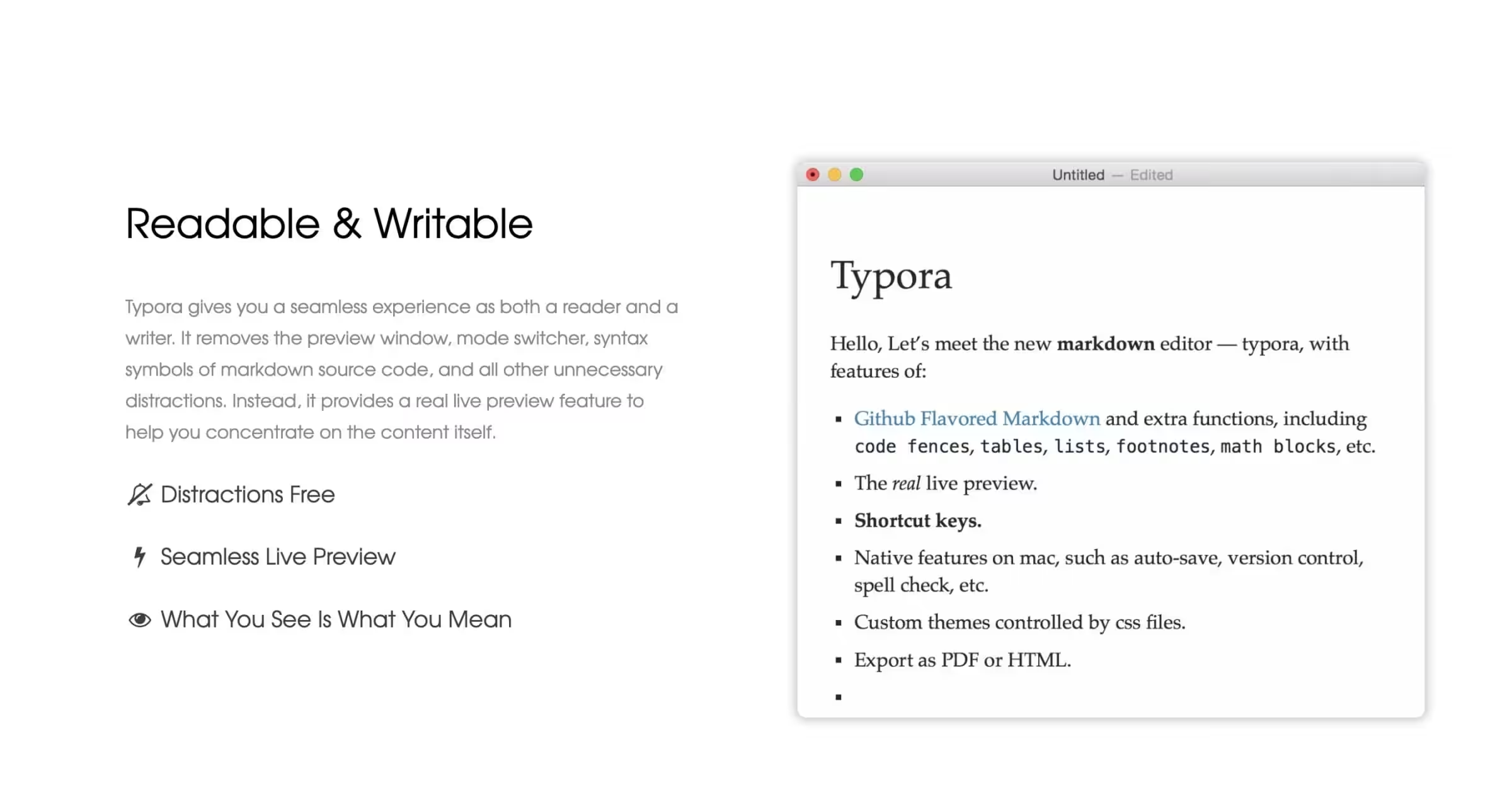
Typora is the app this article was finished in, the same as nearly everything I publish. Ideas and research live elsewhere; when it’s time to write the version readers see, Typora is the last stop before WordPress. It is a live-preview markdown editor. Type a pound sign followed by a space, and your text instantly becomes a heading. Type brackets and parentheses, and you get a link. The markdown syntax disappears as you type it and the formatted result appears in place. Other markdown editors show raw syntax next to a preview panel. Typora shows only the formatted result while you type.
For writers who publish to the web, Typora’s export to HTML, PDF, DOCX, and ePub handles most output needs. The theme system lets you customize how the editor looks, and custom CSS themes are a one-line import. Math equations render via KaTeX. Diagrams via Mermaid. For technical writers documenting code or APIs, Typora handles everything.
$14.99 one-time. No subscription. Cross-platform (Mac, Windows, Linux). If you write in markdown and dislike the Ulysses subscription model, Typora is the one-time-purchase alternative that covers 90% of the same use cases.
2. Craft
Best for: Documents that leave your desk: proposals, briefs, and share-as-a-link pages that need to look designed.
Craft is the odd one out on this list: a block-based document app rather than a plain-text editor, built native for Apple platforms (with Windows and web versions) and obsessed with how the finished page looks. Documents assemble from blocks, text, images, cards, toggles, and tables, and all of it exports or shares cleanly. Send someone a Craft link and they get a page that looks designed, not dumped.
It earns its place on my Mac for exactly that job. Markdown editors win for article drafts, but when the document itself is the deliverable, a proposal, a content brief, something a client reads in a browser, I build it in Craft. Daily notes and a calendar view live in the same app, so it quietly covers planning too.
The free plan is a real trial: full features with a 1,500-block content cap and 1 GB of storage. Plus removes every limit for roughly $8 a month on yearly billing, and Family and Team tiers bundle multiple accounts with a shared Space.
3. Bear
Best for: The capture layer. Notes, article ideas, and outlines that later become drafts, on Mac, iPhone, and iPad.
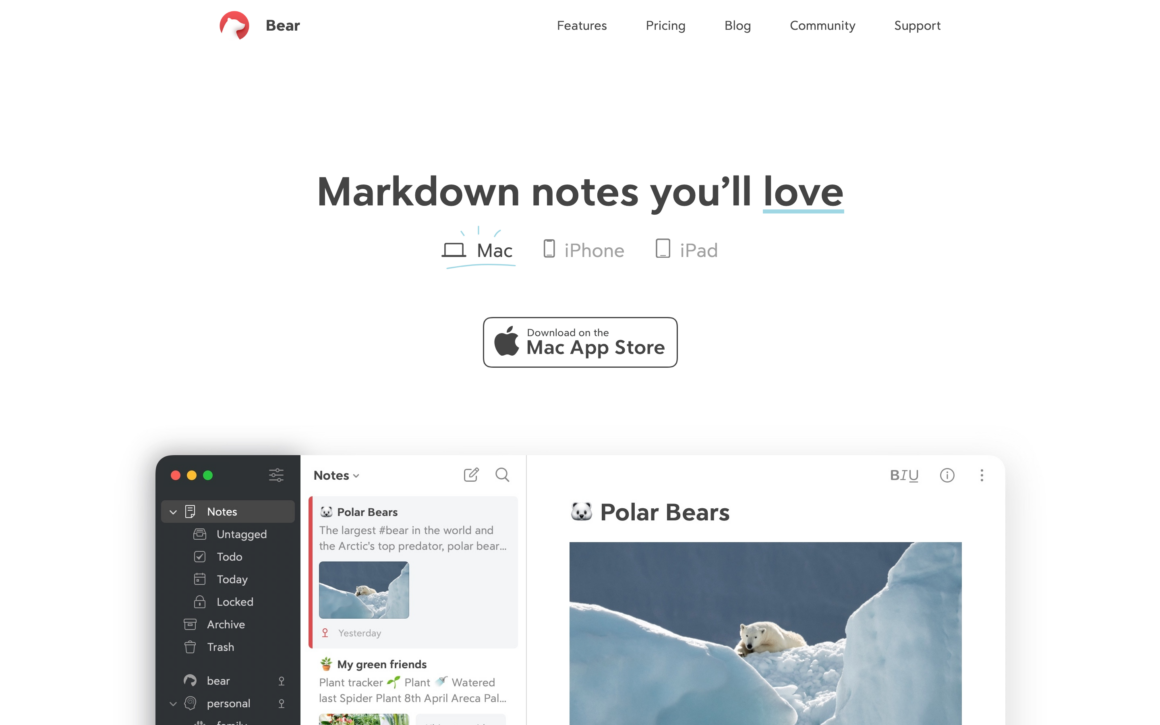
Bear is where my articles start: ideas, outlines, and status tags live there before anything reaches an editor. It is Apple’s minimalist notes app done better than Apple’s own Notes. Markdown-based, iCloud sync across Mac, iPhone, and iPad, and a typography that’s genuinely pleasant to read. Nested tags organize notes without folders. For writers who blur the line between notes and drafts, Bear handles both in one clean app.
Bear 2 (launched 2023) added PDF and ePub export, wiki-style links between notes, table editing, and handwriting support on iPad. For iPad writing specifically, Bear pairs well with Apple Pencil for annotating drafts or sketching outlines. The app is polished enough that it feels more like a published typography experiment than software.
Free tier handles most needs. Bear Pro at $2.99/month or $29.99/year unlocks sync across devices, themes, and advanced export. Cheaper than Ulysses or Evernote for similar functionality if you stay in Apple’s ecosystem.
4. Obsidian
Best for: Writers who work with lots of research, interconnected ideas, or build a personal knowledge base alongside their drafts.
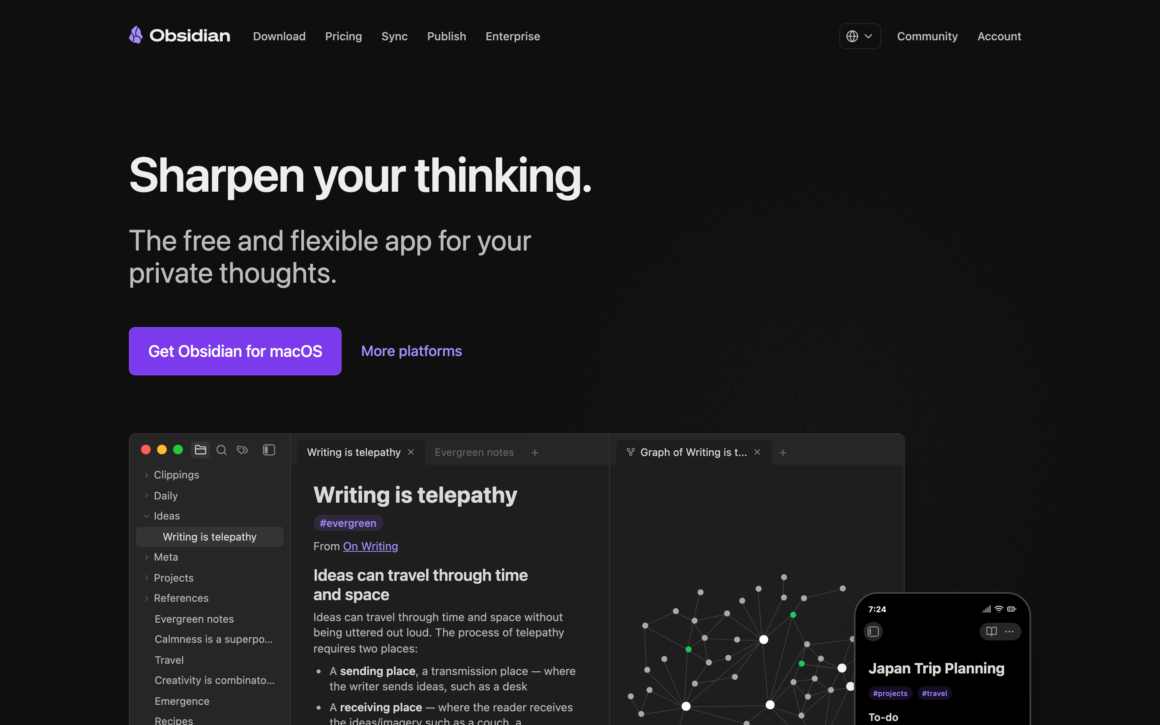
My research vaults still run on Obsidian, and it is the app I point every reader to first when the budget is zero. Obsidian is the free writing app that replaced Roam Research for most writers in 2022-2024. Plain markdown files on your local disk. Backlinks that connect every note to every other note that mentions it. Graph view that shows your entire knowledge base as a visual network. For writers doing research-heavy long-form work (books, academic papers, journalism), Obsidian is the writing platform that scales.
The plugin ecosystem extends Obsidian in every direction. Dataview queries your notes like a database. Templates automate repeat structures. Canvas lets you build visual outlines. Because your notes are plain text files, you own them forever. Obsidian works offline and doesn’t lock you into a cloud service.
Free for personal use forever. Sync ($4/month) adds encrypted iCloud-style sync across devices. Publish ($8/month) turns your Obsidian vault into a public website. For writers who think in connected ideas, Obsidian is unlike any other writing app. It’s not a traditional writing software. It’s more like your second brain that also writes books.
The best writing app is the one you’ll actually open every day. Try 2-3 on a real project (not just a fake test sentence). The friction you feel after a week is what matters, not the features you see in screenshots.
5. Ulysses
Best for: Bloggers, journalists, and writers who produce a mix of short and long-form content on Mac, iPad, and iPhone.
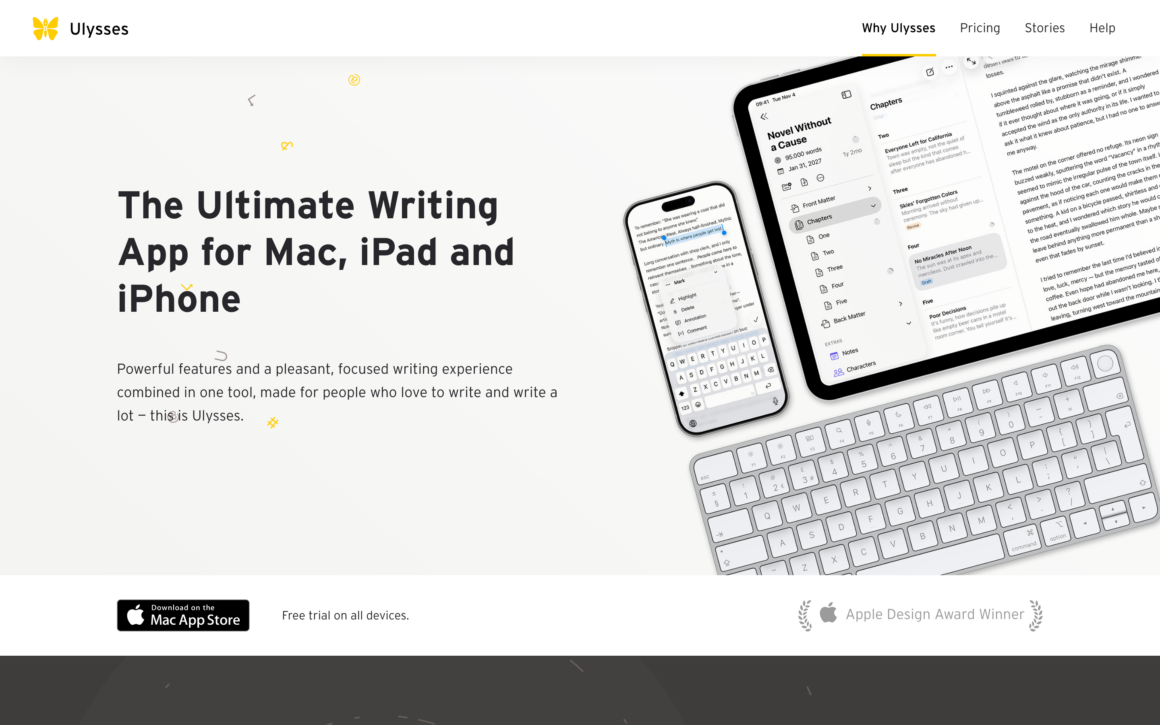
Ulysses is still the most complete writing system on the Mac, and still installed on mine, though Typora took the daily job. Ulysses is the writing app I reach for most. It’s a markdown-based writing environment with a three-column layout: library on the left, sheet list in the middle, and the editor on the right. The library holds every sheet (essay, blog post, chapter) in groups and keywords. Nothing ever gets lost. Everything syncs across Mac, iPad, and iPhone through iCloud.
The export options set Ulysses apart from other Mac writing apps. Export a sheet to WordPress, Medium, Ghost, PDF, ePub, DOCX, or HTML. The styling system uses templates that work like CSS for text. You write once and publish anywhere without reformatting.
Focus mode dims everything except the sentence or paragraph you’re writing. Goals track daily or per-sheet word counts. Smart keywords auto-tag sheets based on content. The Ulysses writing app is $39.99/year or $5.99/month, with a 14-day free trial. Students get 60% off. If you use Setapp, Ulysses is included with the subscription, which is the best deal for Mac writers.
6. iA Writer
Best for: Writers who want the cleanest possible markdown writing experience without any distractions.
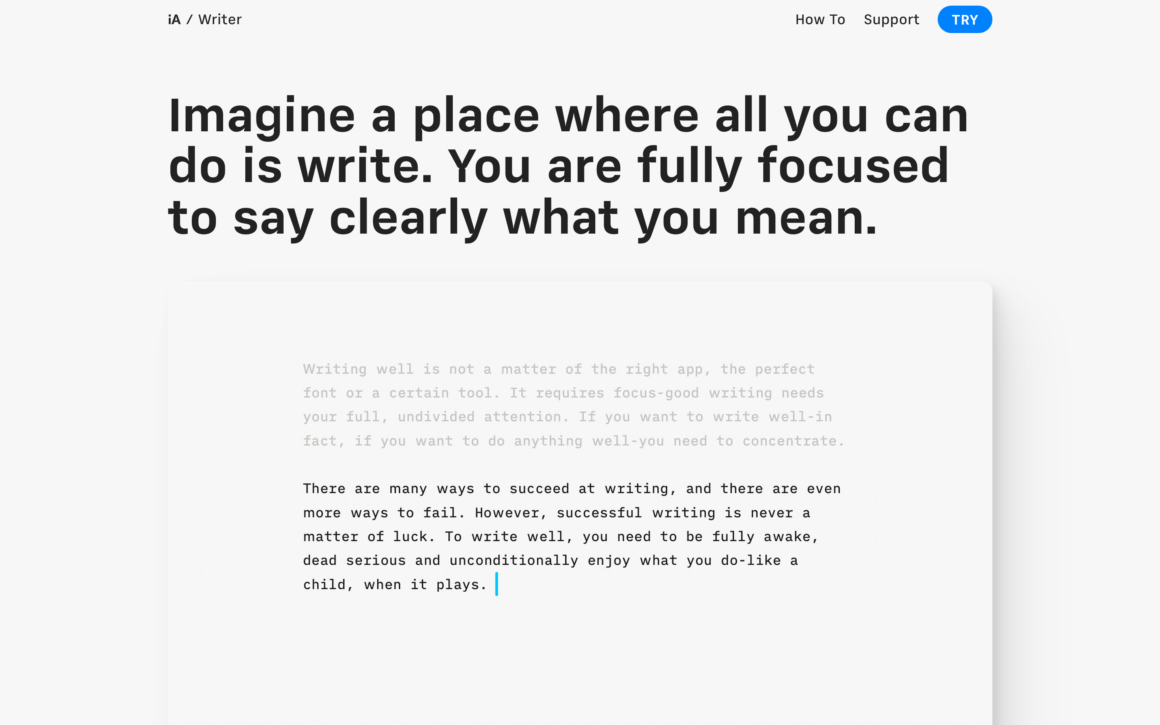
iA Writer stays installed here for the occasional piece that needs total silence. iA Writer is the minimalist writing app Apple designers themselves use. Monospace typography by default, focus mode that highlights one sentence at a time, markdown syntax highlighting, and a clean export to PDF, Word, or HTML. No toolbar clutter. No settings you’ll never use. Just text.
The Syntax Control feature is unique: iA Writer highlights adjectives, adverbs, and common filler words in different colors so you can edit for clarity. For long-form nonfiction or essays, this feature alone justifies the purchase. Content Blocks let you pull in external files (spreadsheets, images) that update when the source changes.
iA Writer costs $29.99 on Mac (one-time), $29.99 on iOS/iPadOS, and has Windows and Android versions too. If minimalism is the point and you write in markdown, iA Writer beats every other writing app on design. Included in Setapp for Mac users.
7. Scrivener
Best for: Novelists, screenwriters, academics, and anyone writing long-form manuscripts with research, outlines, and multiple drafts.
Scrivener is the gold standard book writing software. Every novelist I know either uses it or has tried it. The corkboard view lets you outline chapters as index cards you can drag around. The binder holds every draft, research file, image, and reference in one project. Split-screen mode shows research on one side and your manuscript on the other.
For novel writing specifically, Scrivener has no real competitor. Character sheets, location notes, scene tracking, word count targets for sessions and daily goals, compile settings that turn your manuscript into a publisher-ready DOCX or ePub. Once you learn Scrivener, you’ll never write a book in Word again.
Scrivener costs $59.99 one-time on Mac ($49.99 Windows, $23.99 iOS). Not a subscription. That’s rare in 2026. The learning curve is steep for the first week, then Scrivener becomes invisible. The 30-day free trial (based on days of actual use, not calendar days) gives you plenty of time to test on a real project.
8. Notion
Best for: Writers who need a writing app that also handles databases, project management, research organization, and AI assistance.
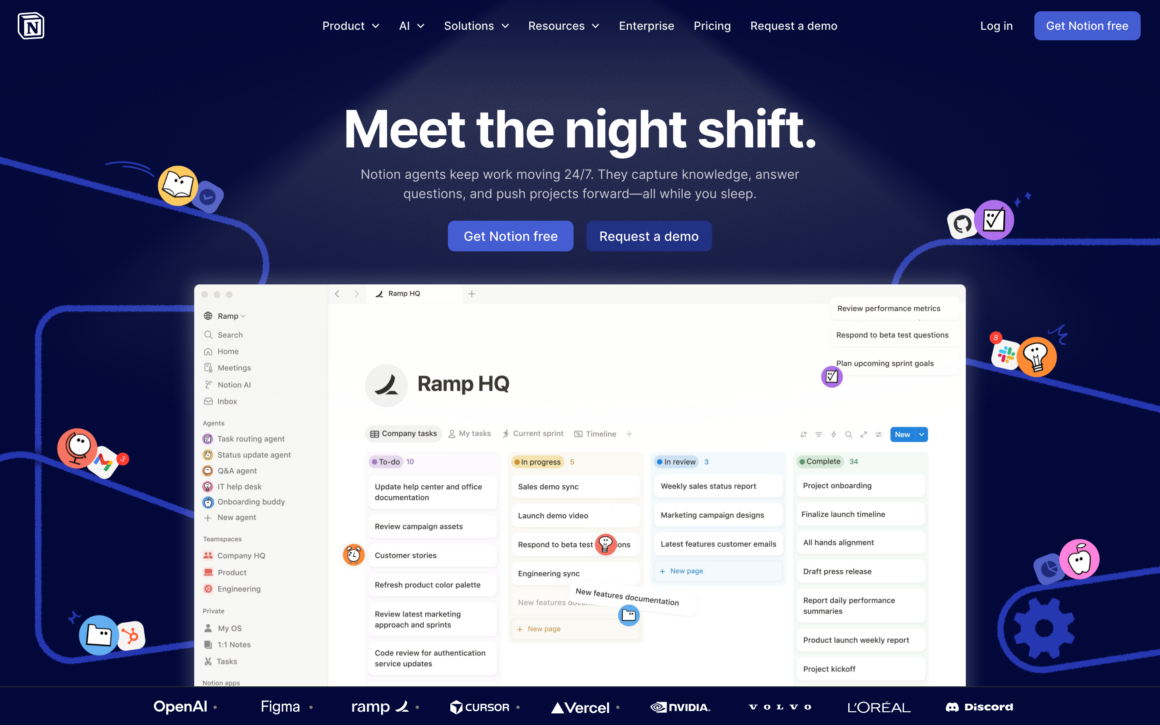
Notion is a writing workspace that’s also a database, a wiki, a task manager, and a research organizer. For writers whose work involves multiple projects, reference material, and collaboration, Notion replaces 3-4 separate apps. The writing experience is clean, the page layouts are flexible, and Notion AI generates first drafts, summaries, and outlines from prompts.
For book writing specifically, Notion works well as a research hub where you gather character notes, world-building details, and reference links, then draft chapters in linked pages. Databases track which scenes are complete, which need revision, and which are in research. This workflow doesn’t match Scrivener’s specialized tools, but it integrates with everything else in your life.
Notion is free for personal use with the most generous free tier among writing platforms. Plus ($10/month) adds unlimited file uploads and version history. Notion AI is $10/user/month extra. For writers who also run businesses, manage clients, or coordinate teams, Notion is the writing app that does the other 80% of your work too.
9. Final Draft
Best for: Screenwriters, TV writers, and anyone submitting scripts to Hollywood studios, agents, or production companies.
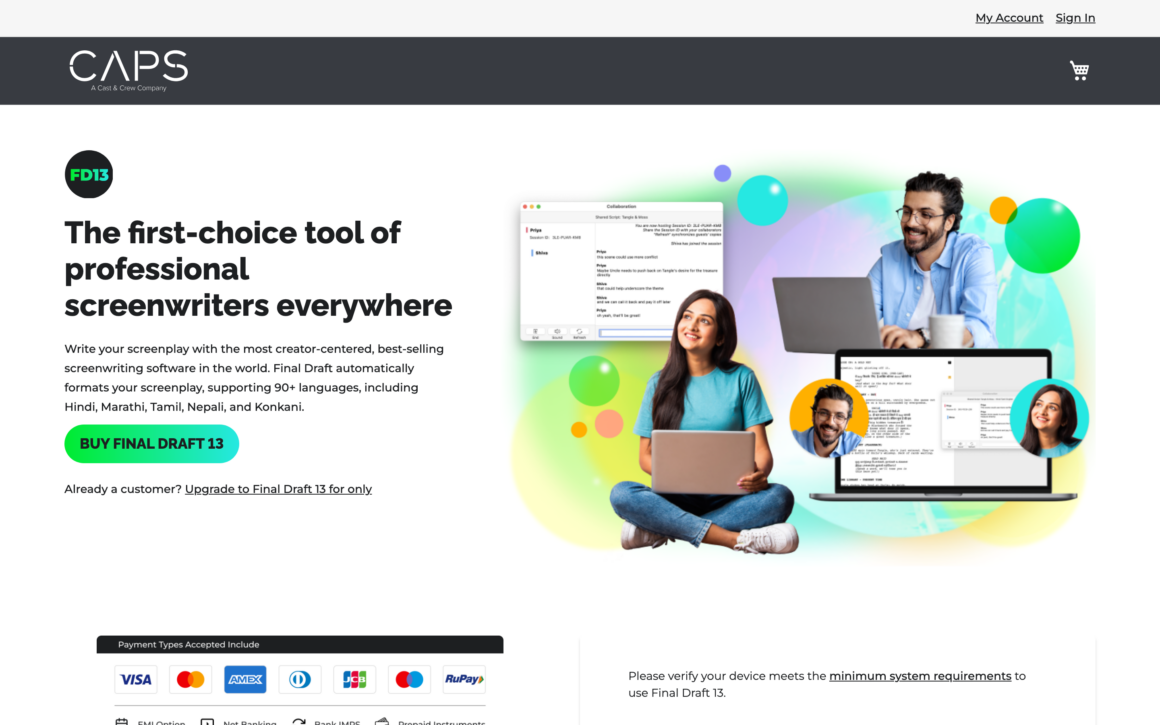
Final Draft is the industry-standard screenwriting software. Every major studio accepts Final Draft’s .FDX format. Every writers’ room in Hollywood uses it. Every film school teaches it. The formatting is so deeply baked in that you can’t accidentally mess it up. Press Tab and Enter in the right order and your script formats itself as you type.
The collaboration features added in recent versions let writers’ rooms work on scripts simultaneously. The Beat Board lets you lay out plot beats as cards before writing scenes. Report generation tracks scenes, characters, and dialogue. For TV pilots, features, or stage plays, Final Draft is the screenplay writing software to learn.
$249 one-time. Not cheap. But if you’re serious about selling scripts, this is the cost of admission. Student discount is 50% off. For screenwriters on a budget, Fade In or WriterDuet cover 90% of what Final Draft does at a fraction of the price.
10. WriterDuet
Best for: Co-writers and writers’ rooms who need real-time collaborative screenwriting with version history.
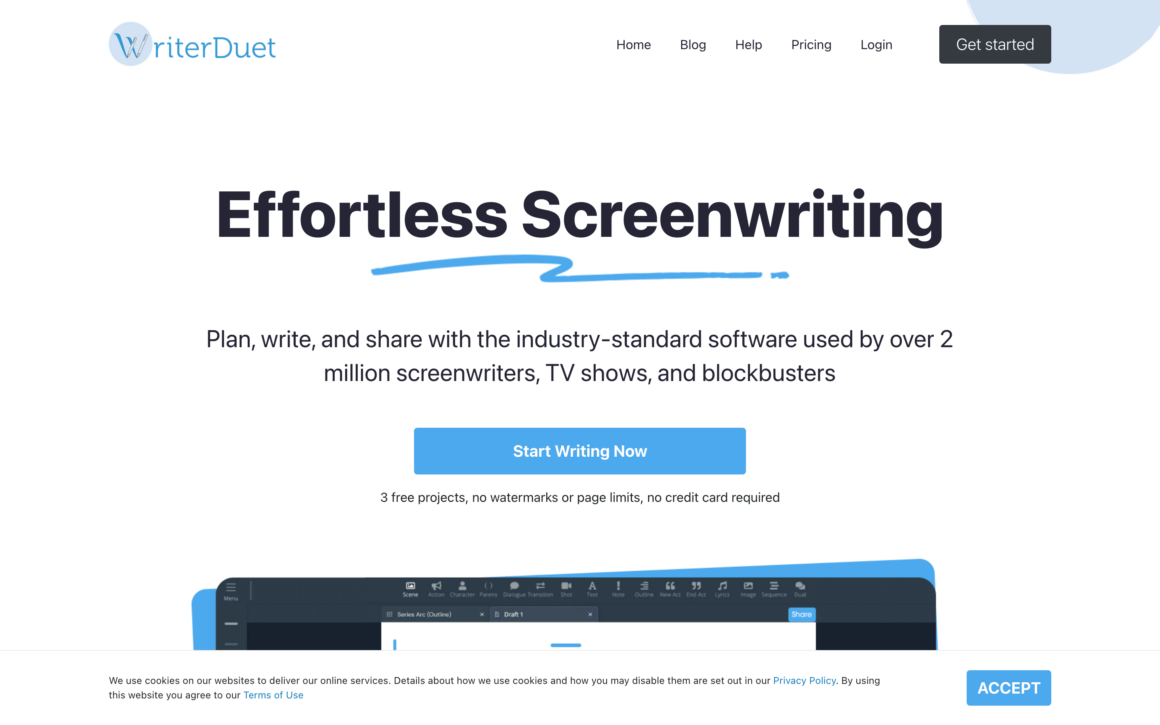
WriterDuet is Google Docs for screenwriters. Multiple writers edit the same script simultaneously, see each other’s cursors, and leave comments. Every keystroke saves to version history so you can revert to any previous state. For co-writers who collaborate remotely (increasingly common), this workflow beats the email-and-track-changes approach most script teams still use.
The script formatting matches Final Draft standards. Export to .FDX for Final Draft, .PDF for submissions, and Fountain for plain-text workflows. The outlining tools (index cards, beat sheets, sequences) are built in. You don’t need a separate tool for pre-writing.
Free plan limits you to 3 projects and occasional ads. Pro at $11.99/month removes limits. WriterDuet Pro Plus at $23.99/month adds unlimited cloud storage and team features. For writers’ rooms or long-distance co-writers, WriterDuet is genuinely faster than Final Draft + email.
11. Fade In
Best for: Screenwriters who want a Final Draft alternative at a third of the price with all the core features.
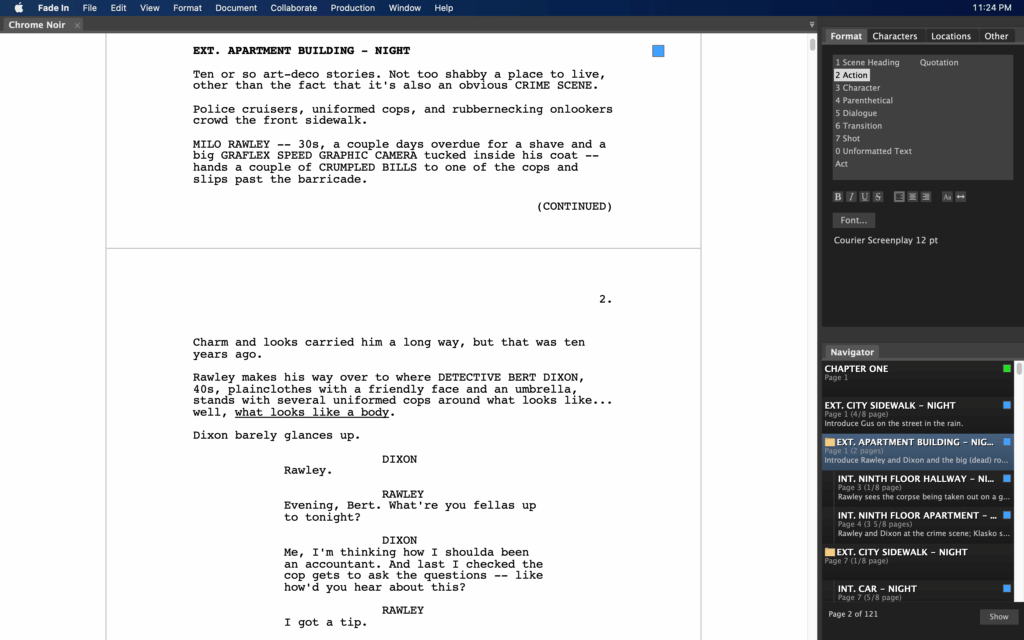
Fade In does what Final Draft does for $79.95 one-time. Same industry-standard formatting, same FDX import/export, same outlining tools. Runs on Mac, Windows, Linux, and iOS. The interface looks slightly dated compared to WriterDuet, but the functionality is solid and the one-time price beats Final Draft’s $249.
For most screenwriters at most skill levels, Fade In handles everything you need. The report generation, revision tools, and scene numbering work identically to Final Draft’s. Scripts exported from Fade In open cleanly in Final Draft if you ever need to hand off to a production company that requires FDX.
The free demo has a watermark but no time limit. If you’re writing your first screenplay and don’t want to spend $249 to find out if screenwriting is for you, Fade In is the smart starting point. Upgrade to Final Draft only if your agent or studio demands it.
12. Zettlr
Best for: Academic writers, researchers, and students who need citations, footnotes, and Pandoc export built into a markdown editor.
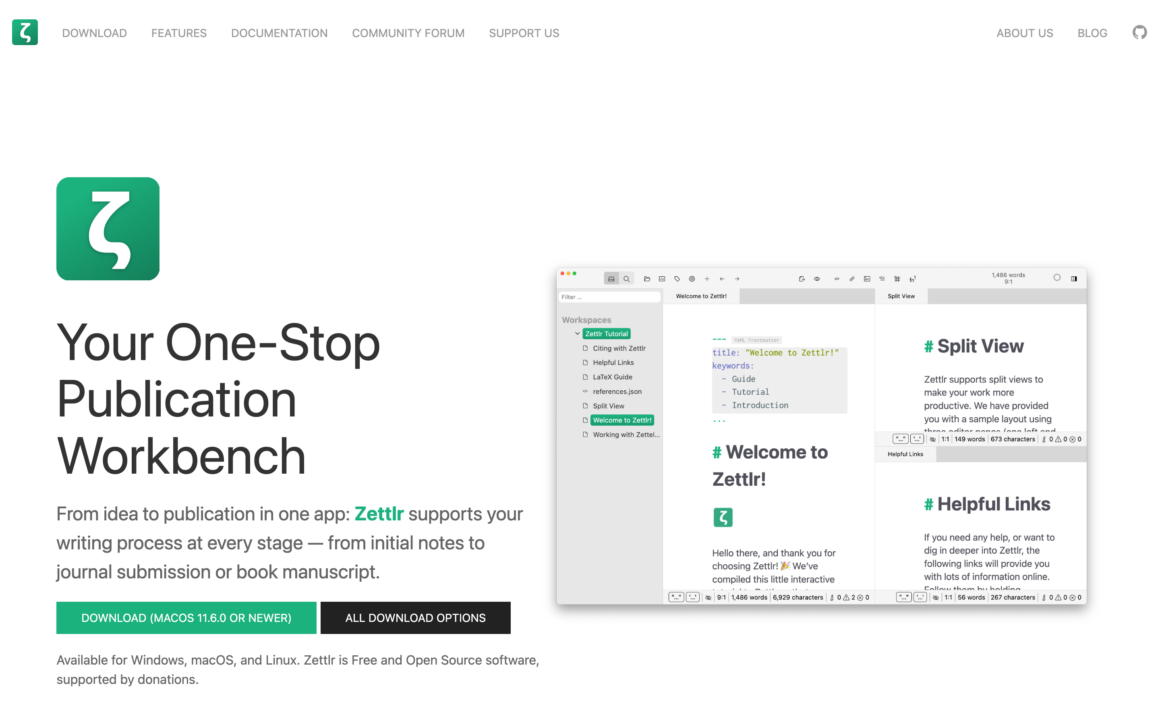
Zettlr is the best free open-source markdown writing app for academic writing. Built specifically for scholars. Zettelkasten-style note linking, citation management via Zotero or BibTeX, Pandoc export to LaTeX, DOCX, PDF, and HTML. For theses, dissertations, or research papers, Zettlr handles the full academic workflow without Microsoft Word.
The Zettelkasten method links atomic notes by concept. Type a double-bracket tag and Zettlr connects that note to every other note with the same tag. For PhD students working across hundreds of source papers, this is a research workflow that scales.
Free, open-source (GPL-3.0), cross-platform (Mac, Windows, Linux). Actively maintained on GitHub with 10,000+ stars. For academic writers who want a free writing platform with professional-grade features, Zettlr beats the $10/month academic tools and matches Scrivener for research-heavy workflows.
13. Apple Pages
Best for: Mac, iPad, and iPhone writers who want a free, capable word processor that’s already installed.
Apple Pages ships free on every Mac, iPhone, and iPad. It’s a capable word processor with templates, real-time collaboration, iCloud sync, and ePub export. For writers who just need a clean document editor without markdown or subscriptions, Pages handles it well. The templates for resumes, newsletters, reports, and books are genuinely useful.
For book writing, Pages’ ePub export generates publisher-ready files directly. The Microsoft Word compatibility is solid (imports and exports .docx cleanly). For writers who need to share drafts with editors or agents who use Word, Pages works without complaints. Track Changes and comments work the same way as Word.
Free on all Apple devices. Syncs through iCloud. For casual writing, first drafts, or writers who don’t want to learn another tool, Pages is the default Mac writing app that happens to be underrated. Not the most powerful. Not the most focused. But free, reliable, and already on your computer.
14. Scapple
Best for: Writers who outline by mind-mapping, brainstorming ideas visually before drafting.
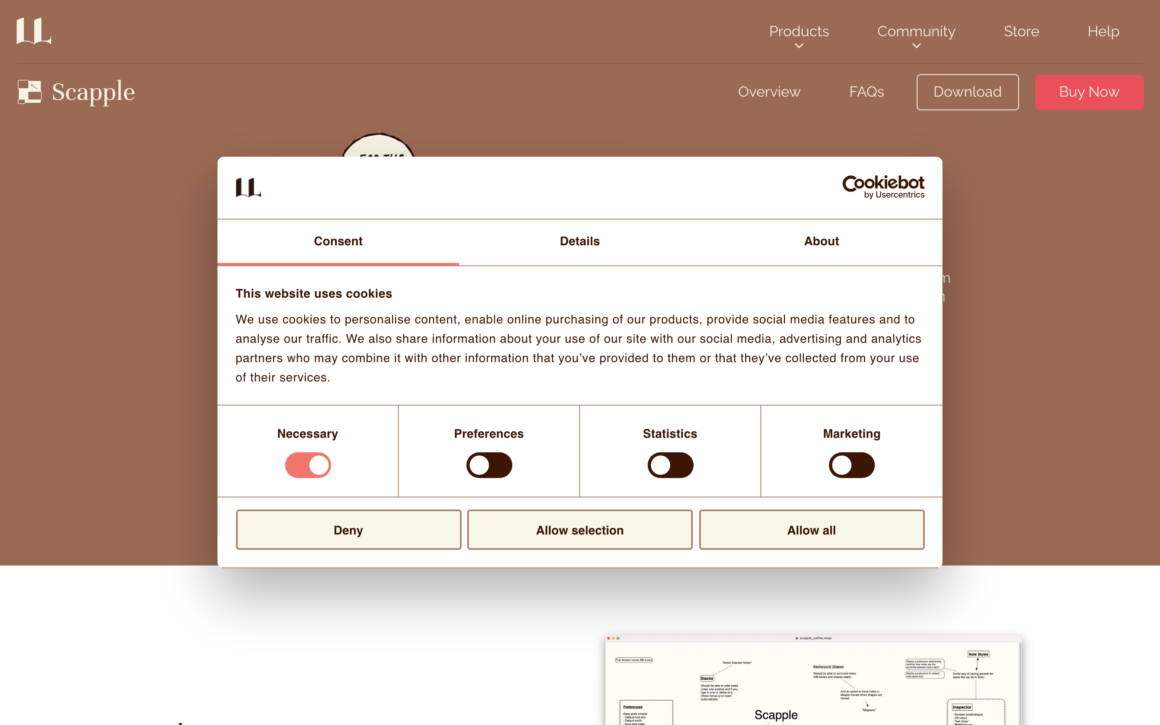
Scapple is a freeform outlining app by the makers of Scrivener. Think of it as a digital whiteboard where you write notes anywhere on a canvas and connect them with lines. No rigid hierarchy. No forced structure. Just ideas on a surface you can rearrange until the structure emerges.
For novelists plotting complex narratives, Scapple helps visualize character arcs, timelines, and plot threads in a way linear outliners can’t. Export the finished Scapple outline directly to Scrivener to start drafting with your structure in place. For nonfiction writers, Scapple works for mapping arguments or organizing research before writing.
$18 one-time on Mac and Windows. Not a subscription. The 30-day free trial (counts actual usage days) gives you time to work through a full outline. Paired with Scrivener, Scapple is the most affordable professional writing toolkit for novelists.
15. Ghostwriter
Best for: Mac and Linux writers who want a free open-source distraction-free markdown writing app.
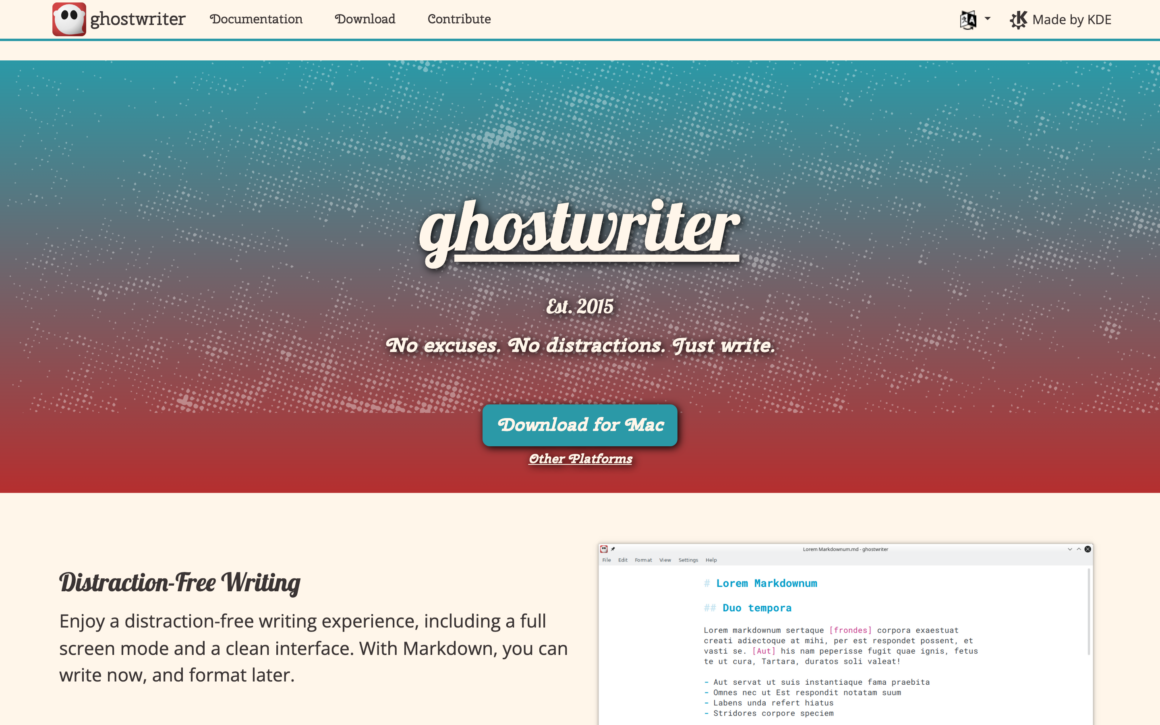
Ghostwriter is the most underrated free writing app on Mac. Cross-platform (Mac, Windows, Linux via KDE), markdown-based, with focus mode, Hemingway-style highlighted filler words, word count goals, and a clean typography. It’s Ulysses without the subscription. iA Writer without the price tag.
Themes are customizable down to fonts and colors. The live preview shows formatted markdown as you type. Export via Pandoc to HTML, PDF, DOCX, ODT, and more. For writers who want a free distraction-free writing app without the Obsidian complexity or the Apple lock-in, Ghostwriter is the FOSS alternative most people haven’t heard of.
Free, open-source (GPL-3.0), cross-platform. Active development on GitHub. If you’re on Linux or Windows and want a writing app that looks as good as Ulysses, Ghostwriter is the pick. On Mac, it’s a solid free alternative before you commit to paid options.
16. Novlr
Best for: Novelists who want a cloud-based novel writing app with goal tracking, creative writing courses, and writer community.
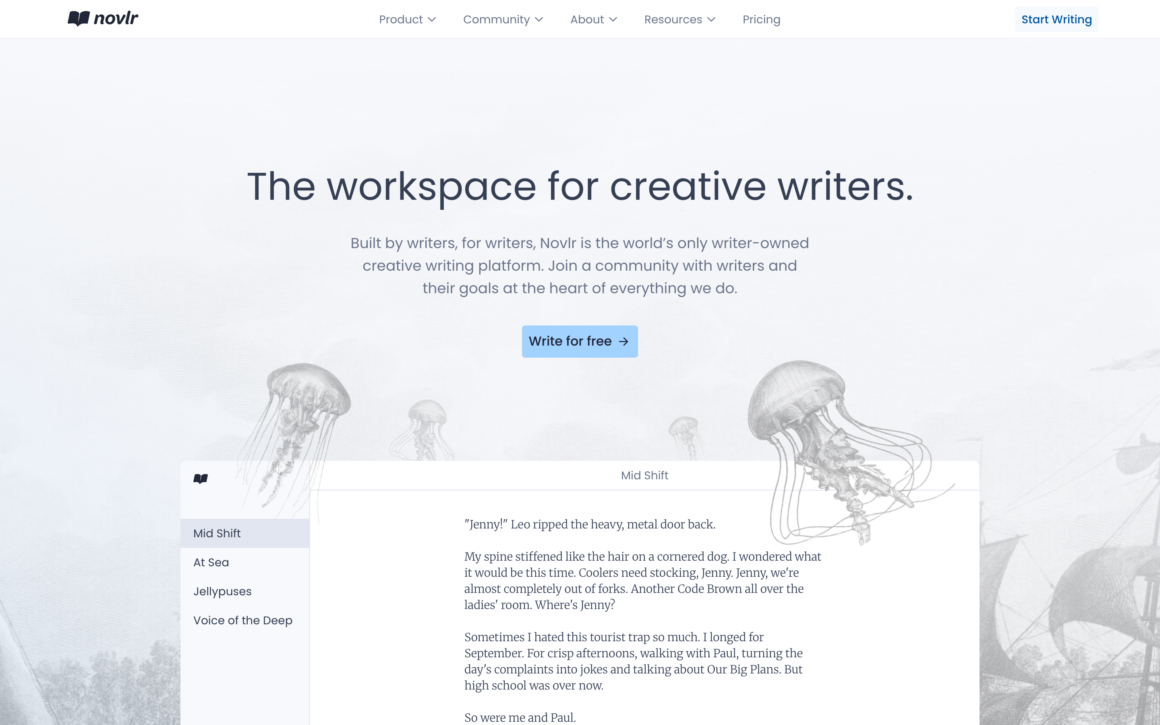
Novlr is a writer-owned (they’re a cooperative) cloud-based novel writing platform. Chapter-by-chapter drafting, word count goals, writing streaks, grammar checks, and built-in creative writing courses teach craft alongside drafting. For novelists who want structure and community without installing software, Novlr runs in any browser.
Auto-save, version history, and cloud sync mean your novel is never lost and you can write from any device. The distraction-free mode strips everything except the text. Export to Word, ePub, or PDF for publishing or sending to beta readers. The community features include writing groups, feedback exchanges, and author interviews.
$10/month. No free tier, but a 7-day free trial covers most first drafts. For novelists who want a cloud writing app with accountability and learning resources, Novlr is the modern alternative to Scrivener’s desktop-only workflow.
17. The Most Dangerous Writing App
Best for: Writers stuck on first drafts who need an app that literally forces them to keep writing.
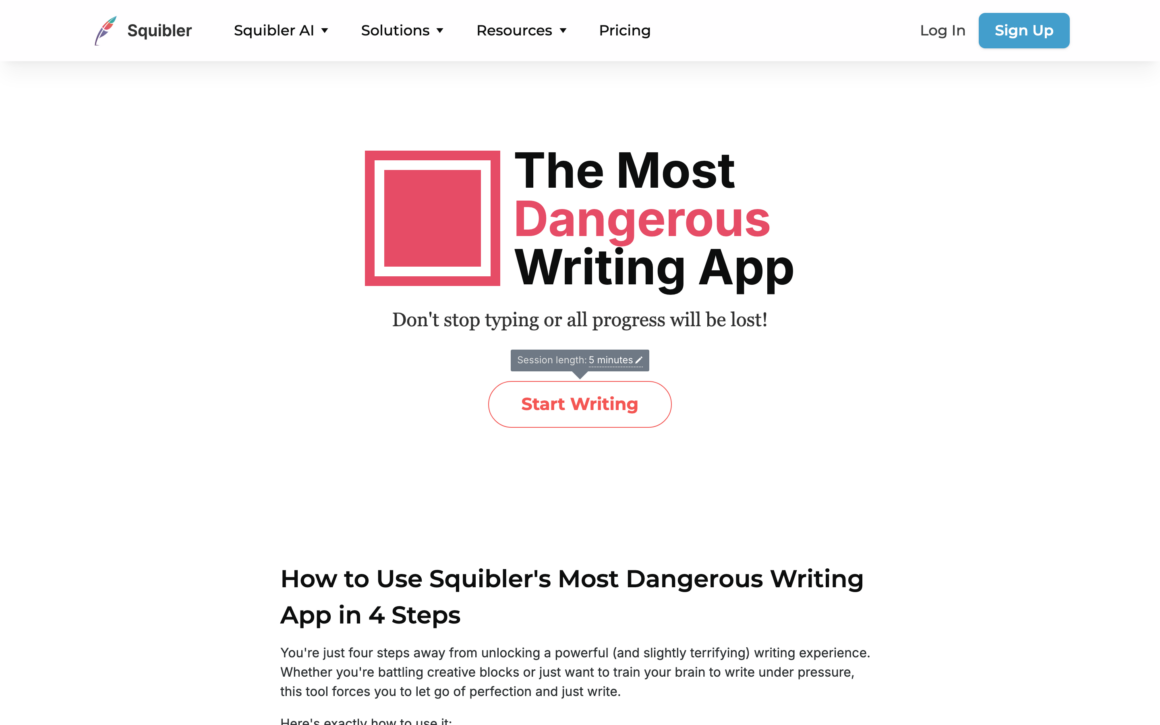
The Most Dangerous Writing App deletes everything you’ve written if you stop typing for more than 5 seconds. Yes, really. Set a time goal (5 minutes, 30 minutes) or a word goal (300 words, 1000 words) and start writing. Pause too long, and your draft disappears. No undo. No recovery.
This sounds cruel and it is. But for writers who overthink every sentence (most of us), five minutes of forced writing produces more first-draft material than an hour of careful editing. After the session, you copy the text to your real writing app and edit. The app’s job is generating raw material, not finished writing.
Free in the browser at squibler.io/dangerous-writing-prompt-app. No account needed. For morning pages, brainstorming, or getting unstuck on a chapter, this is the single most useful free writing app for anyone who procrastinates. Try it for one 10-minute session and you’ll understand.
18. Setapp (The Writer’s Mac App Bundle)
Best for: Mac writers who want access to 240+ Mac apps including Ulysses, iA Writer, and Bear for one monthly fee.
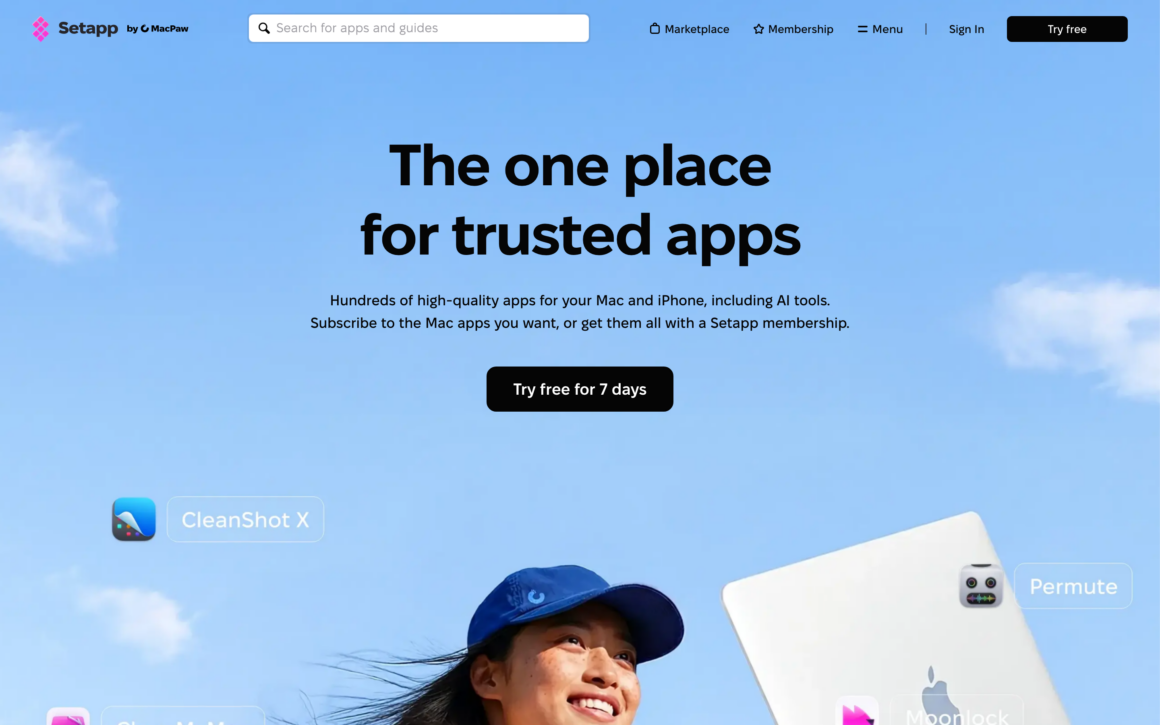
Setapp isn’t a writing app. It’s a subscription to a curated bundle of 240+ Mac apps including Ulysses, iA Writer, Bear, MarsEdit, Taio, and dozens more writing tools. For $9.99/month, you get full access to all of them. One subscription replaces 5-10 individual app subscriptions.
The math: Ulysses alone costs $39.99/year. iA Writer is $29.99. Bear Pro is $30/year. Setapp gives you all three plus 237 other productivity apps for $120/year. If you use even two Setapp writing apps, the subscription pays for itself. And the productivity tools (CleanShot X, Bartender, TablePlus, NotePlan) are genuinely useful too.
Free 7-day trial. $9.99/month solo, $14.99/month for teams, $19.99/month for family plans with 4 Macs. For writers who also use Mac productivity apps daily, Setapp is the best deal on Mac software. This is how I get Ulysses, CleanShot X, and Taio for less than one Adobe subscription.
You’ll probably end up using 2-3 writing apps, not one. A main writing app (Ulysses or Scrivener), a note- taking app (Obsidian or Bear), and a distraction-free drafting tool (Ghostwriter or The Most Dangerous Writing App). The combination covers everything from morning pages to finished manuscripts.
Specialized Writing Tools and Resources
Beyond the 18 apps above, certain writing tasks benefit from specialized tools. Here’s what to reach for when the general-purpose writing apps hit their limits.
Book Writing Software for Novels and Manuscripts
For novels, Scrivener is the default choice. The specialists around it:
- Scrivener: the default for novel manuscripts. Mac App Store
- Novlr: the cloud-based runner-up
- Atticus ($147 one-time): manuscript formatting and ePub/print export, better than Scrivener’s compile
- Vellum (Mac only, $249): the formatting tool most indie authors use for professional ePub and print PDFs
- Campfire ($89 one-time or $49/year): world-building for fantasy and sci-fi
- Zettlr with Pandoc: academic books, references, and university-press export
Screenwriting and Screenplay Writing Software
Final Draft is the industry standard, but it is not always necessary:
- Fade In ($79.95): professional screenplay formatting at a third of the price
- WriterDuet (free / $11.99 per month): real-time collaboration
- Highland 2 (Mac only, $49.99): Fountain-based plain-text screenwriting
- Celtx (web) and Arc Studio Pro: episodic TV structures
- KIT Scenarist (free, open source; Windows, Mac, Linux): learn the formatting without spending anything
AI Writing Tools and Assistants
AI writing tools changed drafting speed in 2023-2025. Current picks:
- Claude and ChatGPT: research, outlining, and drafting assistance; Claude has the more generous free tier
- Sudowrite ($10-$30 per month): built for fiction, with story-aware suggestions; beats general-purpose AI for story writing
- NovelAI ($10-$25 per month): unrestricted creative fiction
- Notion AI ($10 per month): drafts inside your existing Notion workspace
- Jasper and Copy.ai: marketing copy more than fiction
Best Writing Apps for iPad
iPad writing apps have matured into serious tools:
- Ulysses: an excellent iPad version that syncs to Mac. App Store
- iA Writer: the same clean editor on iPad, synced over iCloud. App Store
- Bear: particularly well designed for iPad, with Apple Pencil support. App Store
- Scrivener for iPad ($23.99): full manuscripts synced with the Mac version. App Store
- Pages: free on every iPad. App Store
- Notability and GoodNotes: handwritten drafts with Apple Pencil. Notability · GoodNotes
- A Magic Keyboard or Brydge keyboard turns the iPad into a credible long-form writing device
Writing Apps for Windows
Most Mac writing apps have Windows versions now:
- Scrivener, Fade In, iA Writer, Typora, Obsidian, and Zettlr: native Windows versions
- FocusWriter (free, open source): distraction-free drafting, similar to Ghostwriter
- yWriter (free): novel projects on Windows
- Microsoft Word: still the default for track changes and editor comments
Distraction-Free Writing Devices
For writers who want hardware that only writes:
- Freewrite Traveler and Smart Typewriter ($499-$649): dedicated e-ink drafting devices with no browser or email
- reMarkable 2 ($299-$599): a paper-like tablet for handwritten drafts and reading
- Kindle Scribe ($339): e-reader plus handwritten notes
- On a budget: an old iPad in Airplane Mode with a cheap keyboard works just as well
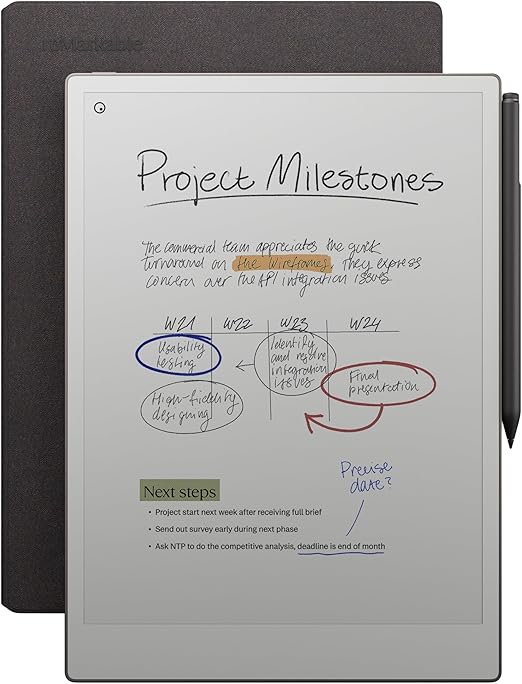
- 10.3-inch e-ink display feels like writing on actual paper
- Pencil-free distraction mode: no apps, no notifications, no email
- Converts handwritten notes to editable typed text in 30+ languages
- Syncs across Mac, Windows, iOS, and Android via reMarkable cloud
- Up to 2 weeks battery life from a single charge
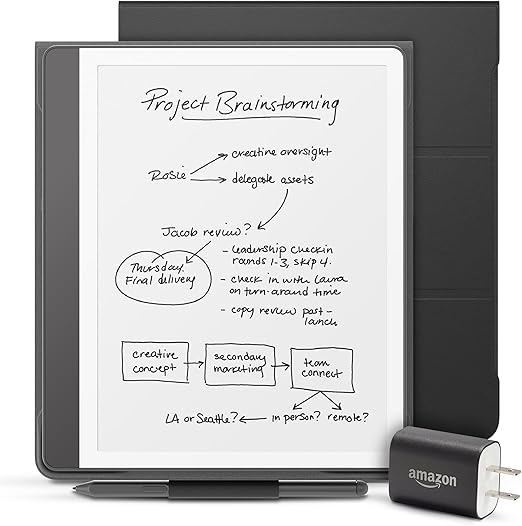
- 10.2-inch 300 ppi Paperwhite display with adjustable warm light
- Premium Pencil included for handwriting and note-taking in books
- Read and annotate millions of Kindle books plus Word documents and PDFs
- Active Canvas lets you write directly in book pages with synced notes
- 16GB storage for thousands of books plus handwritten notebooks
- Barrel roll for precision when writing and drawing
- Squeeze gesture opens tool palettes without reaching for the screen
- Haptic feedback confirms actions with subtle taptic response
- Find My support if you misplace the pencil anywhere
- Works with iPad Pro M4, iPad Air M2/M3, and newer iPad models
Book Editing and Proofreading Software
After drafting comes editing:
- Grammarly ($12 per month): spelling and grammar
- ProWritingAid ($30 per year or $120 lifetime): deeper style suggestions and readability analysis
- Hemingway Editor ($20 one-time): flags complex sentences and passive voice
- AutoCrit ($30 per month): fiction-specific, genre-based suggestions
- PerfectIt ($75 per year): consistency checks across long manuscripts
See my guide to the best Grammarly alternatives for more options.
Writing Platforms and Publishing Websites
Where to publish once the writing is done:
- Medium: general audience
- Substack: email newsletters
- Ghost: self-hosted publishing
- WordPress: the most flexible, and the one that gives you long-term control
- Wattpad and Royal Road: serial fiction that builds an audience while you write
- Inkitt: genre fiction
Also see website builders for writers for full site options.
Which Writing App Should You Pick?
Here’s what I’d do based on what you’re writing.
Blogger or journalist: what I actually run is Typora for drafts, Bear for notes, and Craft for client-facing documents. If you want it all in one subscription app, Ulysses, its library and export system remain unmatched.
Novelist: Scrivener. No other book writing software matches its long-form project structure.
Screenwriter: Fade In if budget matters, Final Draft if you’re selling professionally.
Minimalist writer: iA Writer. Cleanest typography of any writing app. Or Ghostwriter free if budget is zero.
Research-heavy writer: Obsidian (free) for connected notes. Zettlr for academic work.
Notes-to-writing workflow: Bear or Obsidian. Notes and drafts live in the same place.
Complete Mac writing toolkit: Setapp subscription. Gets you Ulysses, iA Writer, Bear, MarsEdit, and 240+ others for $9.99/month.
Writer on a budget: Pages (Mac built-in) for word processing. Obsidian free for notes. Ghostwriter free for drafting. The Most Dangerous Writing App free for stuck moments. Total cost: $0.
Don’t pick the “best” writing app. Pick the one you’ll actually open every day. Try 2-3 on a real writing project for a full week each. The one you stop thinking about (because it’s not getting in your way) is the one to keep.
Frequently Asked Questions
What is the best writing app for Mac?
Typora is the writing app I use daily on my own Mac ($14.99 one-time), with Craft for polished documents and Bear for notes. For one all-in-one subscription app, Ulysses is still the strongest pick. It combines a markdown editor, library organization, goal tracking, and multi-format export (WordPress, Medium, PDF, ePub, DOCX) into one polished app. For novelists specifically, Scrivener is the better pick with its corkboard outlining and long-form project structure. For minimalist writers, iA Writer is cleaner. For free options, Obsidian (connected notes) or Ghostwriter (distraction-free) cover most needs without spending anything.
What is the best book writing software?
Scrivener is the best book writing software for novels and long-form manuscripts. It costs $59.99 one-time on Mac ($49.99 Windows) with a 30-day free trial. The corkboard outlining, scene tracking, character notes, and compile-to-publish-format export are built specifically for book writers. Alternatives include Novlr ($10/month) for cloud-based writing with courses, Ulysses ($39.99/year) for markdown-based book writing, and Atticus ($147) for manuscript formatting. For academic books, Zettlr (free, FOSS) handles citations and Pandoc export.
What is the best free writing app?
Obsidian is the best free writing app for most writers. It handles notes, drafts, and research in a connected markdown workspace with no subscription. Other free writing apps: Zettlr (academic writing, open-source), Ghostwriter (distraction-free markdown, open-source, FOSS), Apple Pages (built-in on Mac), Notion (free tier, all-in-one workspace), and The Most Dangerous Writing App (browser-based forced drafting). All are genuinely usable, not crippled trials.
What is the best screenwriting software?
Final Draft is the industry-standard screenwriting software at $249, used by most Hollywood studios and film schools. For a cheaper alternative, Fade In ($79.95 one-time) handles professional screenplay formatting with Final Draft-compatible FDX export. WriterDuet (free/$11.99/month) adds real-time collaboration for writers’ rooms. Highland 2 ($49.99 Mac) focuses on Fountain-based plain-text screenwriting. For beginners, WriterDuet’s free tier or KIT Scenarist (free, FOSS) teach screenplay formatting without spending money.
Ulysses vs Scrivener: which is better?
Ulysses is better for blog posts, articles, and essays with multi-format publishing. Scrivener is better for novels, screenplays, and academic manuscripts with complex outlines. Ulysses uses markdown and a library-based organization. Scrivener uses rich text and a corkboard-based project structure. Ulysses costs $39.99/year (subscription). Scrivener costs $59.99 one-time. Most professional writers use both: Ulysses for short-form publishing, Scrivener for book-length projects. On Setapp, Ulysses is included in the $9.99/month bundle.
What is the best writing app for iPad?
Ulysses and iA Writer both have excellent iPad versions that sync with their Mac counterparts via iCloud. Bear is particularly well-designed for iPad with Apple Pencil support. Scrivener for iPad ($23.99) syncs full manuscripts across Mac and iOS. For Apple Pencil handwritten drafts, Notability and GoodNotes are the top picks. Apple Pages ships free on every iPad and handles most word processing needs. For novelists, the Drafts app ($20/year) is designed specifically for capture-to-draft workflows on iPad and iPhone.
What is the best AI writing app?
Claude and ChatGPT are the best general-purpose AI writing tools for research, outlining, and drafting assistance. For fiction writers specifically, Sudowrite ($10-$30/month) offers story-aware suggestions and character development. NovelAI ($10-$25/month) generates unrestricted creative fiction. Notion AI ($10/month) works inside your existing Notion workspace. For the best free AI for story writing, Claude’s free tier handles most creative writing prompts. Jasper and Copy.ai target marketing copy rather than book writing.
What is the best word processor for writers?
For traditional word processing, Apple Pages (free on Mac) and Microsoft Word ($6.99/month with Microsoft 365) remain the defaults. Both handle track changes, comments, and .docx format that editors expect. For writers who want something between a word processor and a markdown editor, Ulysses and iA Writer offer cleaner writing experiences with publish-quality export. For collaborative writing, Google Docs is the web-based word processor that handles real-time co-editing best. Scrivener is the specialized word processor for book-length projects.
How do I pick the right writing app?
Match the app to the work. For blog posts and articles, pick Typora, or Ulysses if you want a library app. For novels, pick Scrivener. For screenplays, pick Final Draft or Fade In. For notes-to-writing workflows, pick Obsidian or Bear. Don’t pick based on features you see in screenshots. Pick based on friction after using the app for a week on a real writing project. The one that gets out of your way is the right choice. Most working writers end up using 2-3 apps together (one for research, one for drafting, one for editing).
Is Setapp worth it for writers?
Yes, if you use more than one Mac writing app. Setapp ($9.99/month) includes Ulysses, iA Writer, Bear, MarsEdit, Taio, and 240+ other Mac apps. Ulysses alone costs $39.99/year. Bear Pro is $30/year. iA Writer is $29.99 (one-time but no ongoing updates). If you’d pay for two of these separately, Setapp pays for itself. It also includes productivity apps like CleanShot X, Bartender, and TablePlus that most Mac users buy anyway. Free 7-day trial to test the bundle.
Tell Google you want more of this.
Add Gaurav Tiwari as a preferred sourceOne tap, and this site shows up more often in your own Top Stories, AI Overviews and AI Mode. Remove it any time.
Disclaimer: This site is reader-supported. If you buy through some links, I may earn a small commission at no extra cost to you. I only recommend tools I trust and would use myself. Your support helps keep gauravtiwari.org free and focused on real-world advice. Thanks. - Gaurav Tiwari