
Best Podcast Recording Apps for Solo, Remote and Video Shows
 by
by
If you’re choosing the best podcast recording apps for your show, start with how you’ll record. Audacity is the sensible free choice for solo desktop audio. For remote interviews, Zencastr is worth trying when everyone has a supported computer or Apple mobile device; Riverside is a better candidate when guests need Android support.
Descript suits a different need: editing a conversation through its transcript. The right choice depends on where production gets difficult for you, and whether the app gives you the files you need when the session ends.
These recommendations compare documented features and plan limits, rather than measured sound quality or editing-speed scores. The checklist below will help you try the complete workflow before paying for a year.
Quick Comparisons
The cheapest suitable app is the one that covers your actual recording and export needs. A free local editor can be enough for a solo show, while a remote interview needs a supported way for each guest to join.
| App | Choose It For | Starting Cost | Main Restriction |
|---|---|---|---|
| Audacity | Free local audio recording and editing | Free | Remote guests need a separate capture method |
| GarageBand | Solo production on Apple devices | Free | Mac and iPhone/iPad workflows differ |
| Riverside | Remote audio/video with iOS or Android guests | Pro: $29 monthly | Confirm separate-track downloads and trial terms |
| Zencastr | Free remote audio/video recording | Vibecastr: free | No Android or mobile-browser recording |
| Descript | Remote recording followed by transcript editing | Hobbyist: $24 monthly | Rooms needs a computer; usage has separate meters |
| REAPER | Detailed multitrack recording and mixing | $60 discounted / $225 commercial | Paid license after evaluation; setup takes learning |
| Hindenburg PRO | Dialogue-led documentaries and narrative shows | Paid; select tier and currency | Specialized editing workflow; check plan entitlements |
| Alitu | Recording, routine editing and publishing together | $38 monthly | Included hosting has a download threshold |
| OBS Studio | Local video recording and live production | Free | Separate audio needs routing; no built-in guest-local capture |
Prices are USD list prices before applicable taxes. Annual billing can reduce the monthly equivalent, but it commits you to a larger payment. The product sections explain the allowances that can change which plan makes sense.
Choosing a Podcast Recorder
The useful distinction is between the conversation you hear during a call and the files you can edit afterward. A remote platform may record each person’s microphone on their own device while sending a lower-quality call feed so everyone can talk.
That local recording avoids making the final track entirely dependent on the call’s connection quality. It still needs to finish recording and uploading successfully.
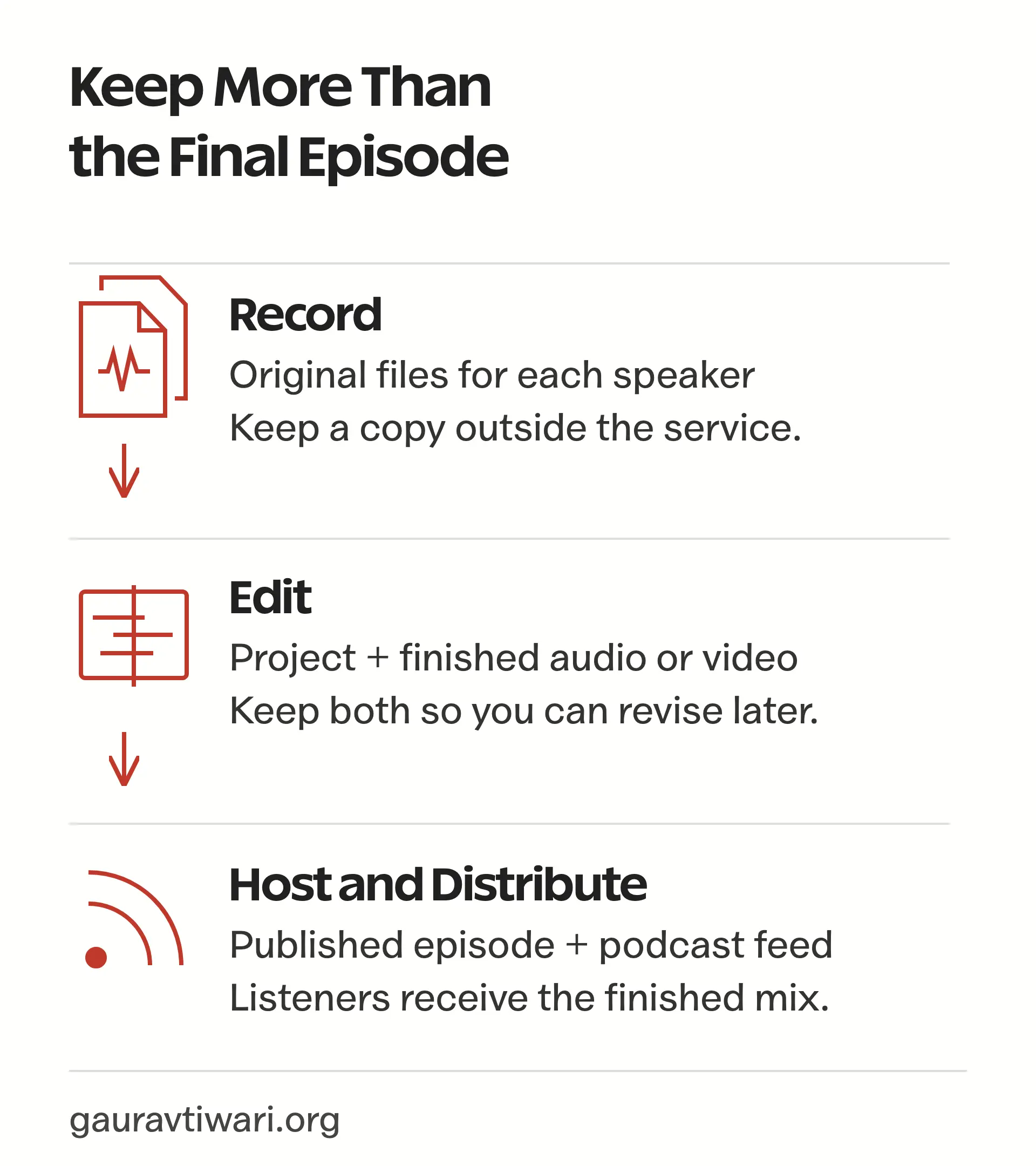
The finished episode is only one part of your archive. Keeping the original tracks and editable project lets you repair an edit or move to another application later.
Before choosing a podcast recorder, check these details:
- Separate speaker tracks: Each microphone should have its own file when you need independent control. If a guest coughs over the host’s sentence, you can lower the guest’s track without cutting the host. This won’t remove the cough if it also leaked into the host’s microphone.
- Guest requirements: A link opening successfully doesn’t prove the device supports recording. Check the required browser or app before inviting someone.
- Original-file downloads: An editable project inside a service isn’t the same as downloadable, unprocessed recordings. Ask which plan includes them.
- Usage meters: Recording hours, processing minutes and separate-track downloads may have different limits.
- Recovery: Find out what must remain on the guest’s device if an upload stalls. A cloud backup can have different quality from the primary recording.
For a solo show, local recording removes much of this coordination. For an interview, the guest’s device can decide the shortlist before any editing feature does.
Best Podcast Recording Apps
Each app below solves a different production problem. The order isn’t a sound-quality ranking: a local audio editor and a remote video studio don’t perform the same job.
Audacity
Audacity is the best starting point for free podcast recording software when you want to record and edit audio on your own computer. A spoken introduction and a music bed can sit on separate tracks, so changing one doesn’t require changing the other.
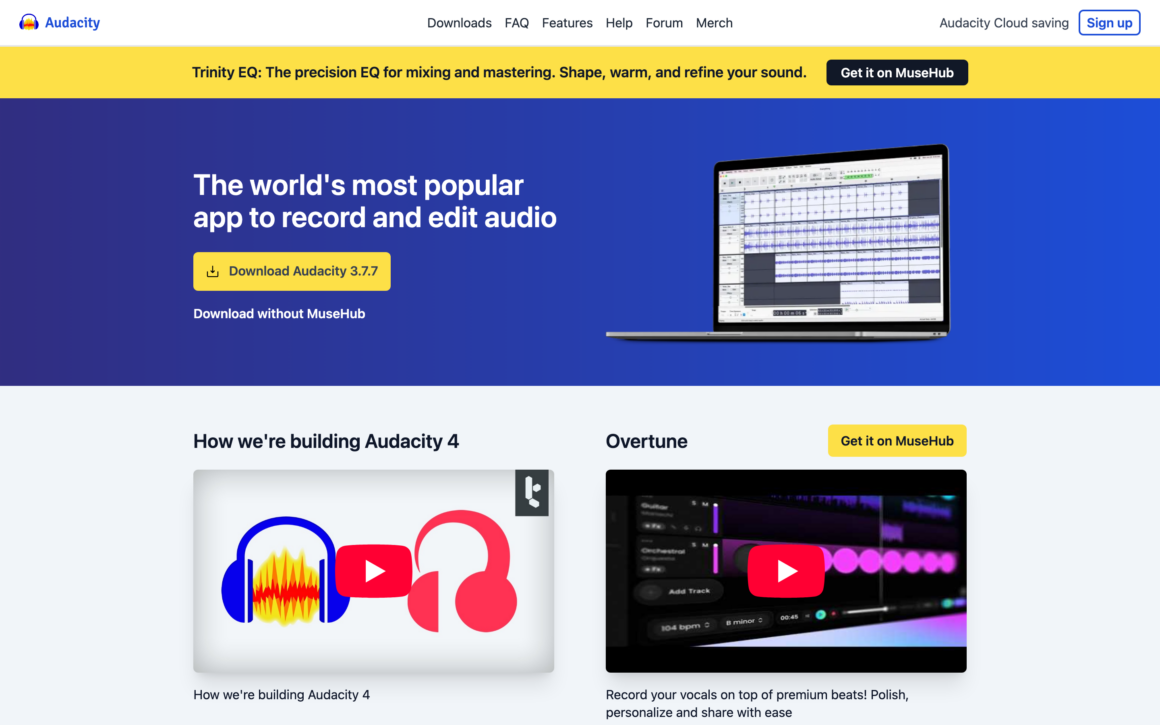
Its useful capabilities include:
- Local audio recording and multitrack editing on Windows, macOS and Linux.
- Export to common audio formats, including WAV and MP3.
- Real-time effects, so supported effects can be adjusted while listening.
- Optional OpenVINO AI plugins, with installation and compatibility requirements separate from the core app.
Audacity doesn’t provide the guest invitation and upload workflow of a remote recording service. You can import separate guest files afterward, but capturing and collecting those files remains another task.
The limitation is mainly how much editing you’re willing to do yourself. Audacity makes sense when you want direct control without a subscription. Descript is more appealing when finding and cutting passages through a transcript would make your work easier.
GarageBand
GarageBand suits an Apple-based solo show, particularly when the episode includes narration and music. It’s free on supported Apple devices, but it may need to be downloaded, and the Mac app isn’t interchangeable with the iPhone or iPad app.
The distinction matters when moving a project:
- A GarageBand project preserves editable tracks and arrangement.
- An exported song is a finished audio mix. It doesn’t hand your next editor a separate file for every track.
- The iPhone sharing workflow lets you choose between sending a project and sending audio.
GarageBand is useful when you record locally and don’t need a guest-link service. A remote interview still needs another capture method. The phone section below also covers the recording-length setting that deserves attention before a long spoken recording.
Riverside
Riverside is a strong candidate for remote video podcasts when guests need to join from a computer, iPhone or Android phone. Its separate participant recordings give you more editing control than a single combined call recording.
The buying details need careful reading:
- Pro costs $29 monthly, or $288 paid annually, equivalent to $24 a month.
- Riverside’s current Pro description lists up to 4K video and 48 kHz audio. Actual capture also depends on the participant’s equipment.
- The Pro card and pricing FAQ list 15 hours of separate-track downloads. Recording itself and downloading separate files are different allowances.
- Riverside’s trial explanation describes a 14-day trial that becomes paid unless canceled. Its pricing page still contains conflicting legacy free-plan and allowance text, so confirm the terms shown for your account before committing.
Riverside uploads during recording. Guests should keep the browser tab or mobile app open until upload completion appears. Local capture improves the recording path; it doesn’t guarantee that a closed or interrupted session has already reached the cloud.
Choose Riverside for the supported guest workflow and export you need. A claim that one recorder always sounds cleaner or survives more failures would require comparable recordings and recovery tests.
Zencastr
Zencastr’s Vibecastr plan deserves a place on the free shortlist for both audio and video interviews. It isn’t limited to the old audio-only use case.
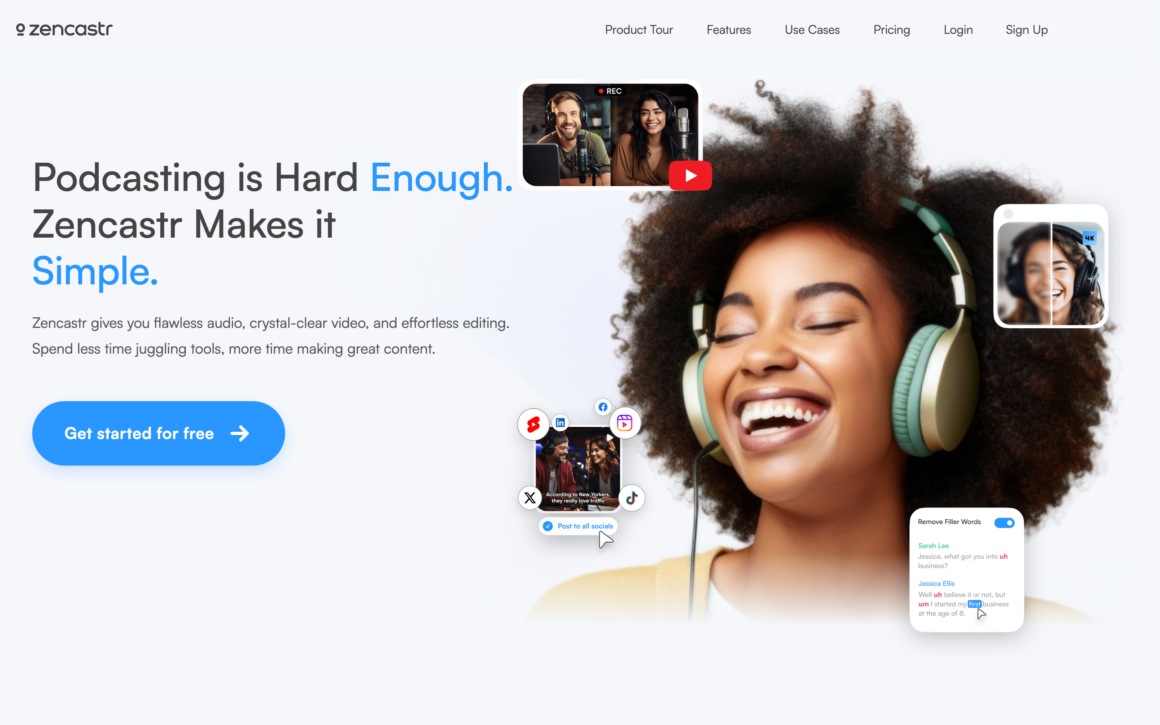
Its current advertised recording allowance includes:
- Up to 6 participants.
- Separate audio and video recording and downloads without a listed hourly cap.
- Up to 4K video and 48 kHz WAV audio.
- Local recording with progressive uploading.
The limitation that changes the recommendation is device support. Zencastr supports recording through compatible desktop browsers and its iPhone/iPad app. Its system requirements exclude Android recording and mobile browsers. Desktop Safari is also unsupported.
That makes Zencastr a sensible free option when you can arrange compatible devices. For an Android-only guest, Riverside is the more suitable candidate here.
Recording allowances and production credits should also be kept separate. Zencastr’s Vibecastr announcement describes unlimited production credits as a limited-time offer. A recurring show shouldn’t depend on that promotional allowance remaining unchanged.
Descript
Descript is most useful when editing the conversation takes more effort than recording it. Its transcript-based editor connects words to the recording, so removing a passage from the text can remove that passage from the episode.
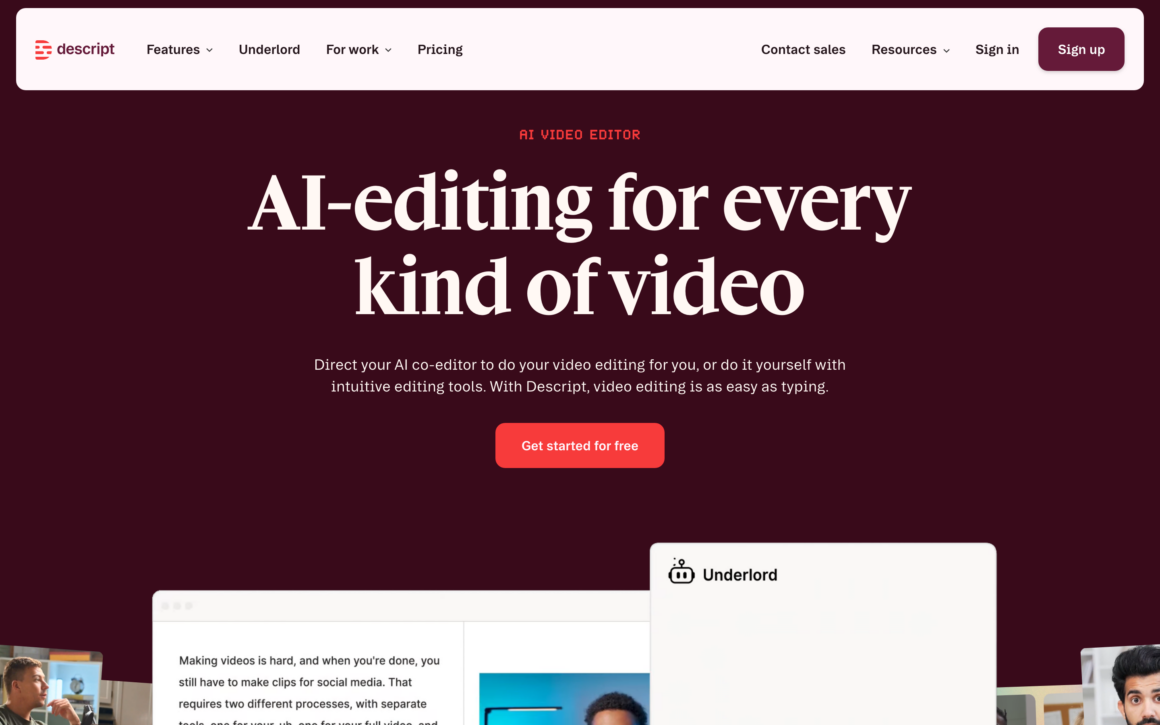
Rooms provides integrated remote recording. SquadCast belongs to Descript, but it isn’t necessary to treat the two names as separate buying recommendations. Underlord is Descript’s current AI editing assistant.
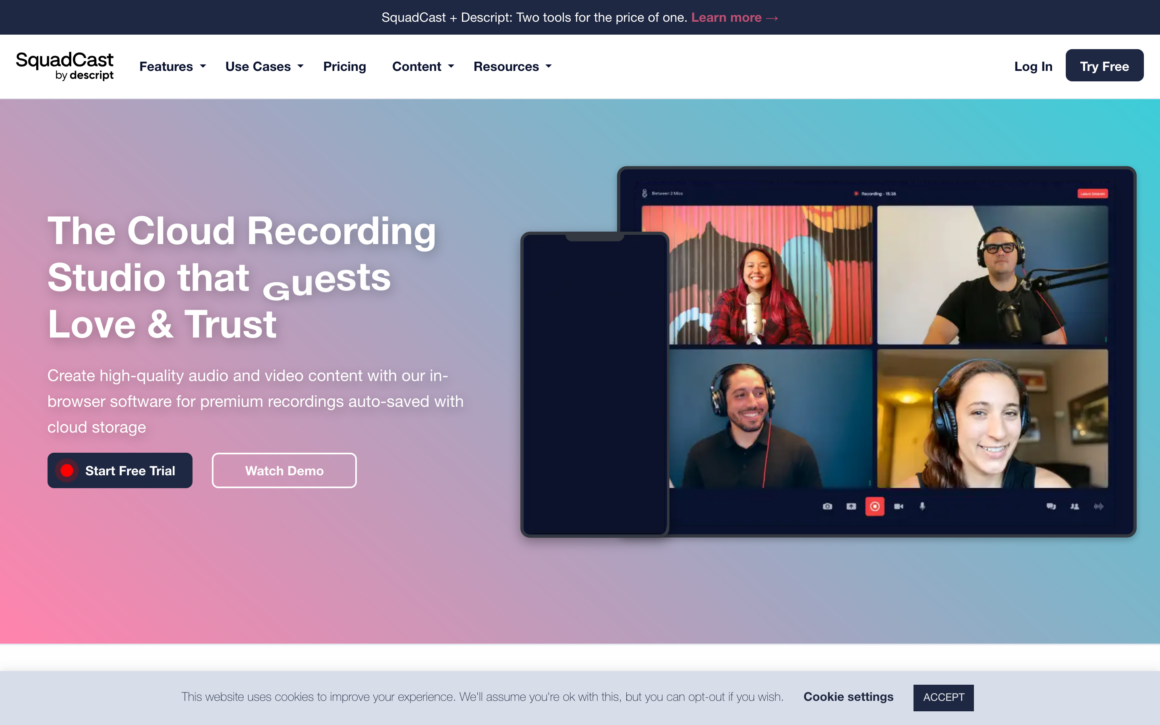
The relevant paid plans are:
- Hobbyist: $24 per person monthly, or $192 annually, equivalent to $16 a month. It lists 5 remote-recording hours and 10 media hours monthly.
- Creator: $35 per person monthly, or $288 annually, equivalent to $24 a month. It lists 15 remote-recording hours and 30 media hours monthly.
- AI credits: These are a separate allowance for features such as Studio Sound and Underlord. More recording time doesn’t mean unlimited AI processing.
Rooms requires a desktop or laptop. Mobile project access doesn’t make phone recording supported.
Transcript editing also needs listening. A text cut can remove useful hesitation or leave an awkward audio transition, especially around overlapping speech. Choose Descript when the transcript helps you make editorial decisions, and budget time to check the resulting conversation.
REAPER
REAPER suits a show that needs detailed multitrack editing. You can route microphones independently and control the mix without turning every production decision into a cloud-service allowance.
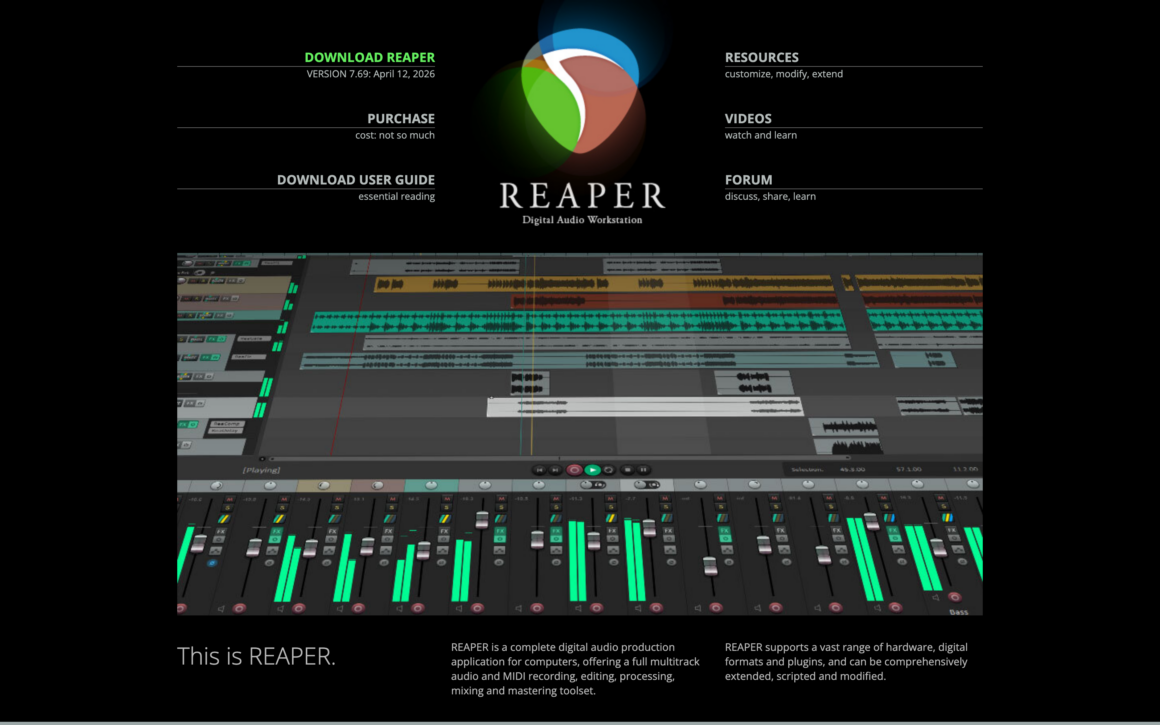
Its flexibility is useful for episodes combining interviews with narration and sound design. The same flexibility means more setup: input routing and track templates need to be understood before a session, rather than discovered while the guest waits.
The license terms are specific:
- The full evaluation lasts 60 days. Continued licensed use requires buying a license.
- The discounted license costs $60 for eligible personal, educational or nonprofit use, and eligible commercial use with annual gross revenue no higher than $20,000.
- The commercial license costs $225 when the discounted conditions don’t apply.
- A new license includes updates through the version range stated on the purchase page, rather than a promise of every future major version.
REAPER also supports video work, but editing imported video isn’t the same as recording each remote guest’s camera. OBS is the more relevant choice below for local camera capture; a remote studio handles guest-local recording.
Hindenburg PRO
Hindenburg PRO is worth considering for narrative podcasts where organizing the material is a large part of the job. Think of an episode assembled from an interview, linking narration and location sound, rather than a conversation that only needs its beginning and end trimmed.
Its spoken-word focus includes:
- Automatic leveling to help bring recordings toward usable dialogue levels.
- Transcript navigation and editing, including offline transcription in its documented workflow.
- Clipboards for organizing interviews, music and ambience.
- Multitrack editing and loudness-oriented export tools.
This is a voice-first production environment, not an editor that forbids music or sound effects. Its value depends on whether those organization and dialogue tools save you enough work to justify the selected plan.
The purchase area separates tiers and billing options; select your currency and check the included transcription and processing allowances before comparing its price with REAPER. For a straightforward solo recording, Audacity is an easier cost decision. Hindenburg earns consideration when the episode itself is more complicated to assemble.
Alitu
Alitu suits a repeatable show where you want fewer handoffs between recording and publication. Its built-in recorder captures audio and video, and the episode builder combines recordings with routine processing.
The current offer includes:
- Lossless audio recording and 1080p video downloads.
- Audio cleanup and leveling, with editing through text or a waveform.
- Publishing through Alitu hosting or supported external hosts.
- $38 monthly, with a 7-day trial. Annual billing advertises 2 months free.
- Included hosting up to 1,000 downloads a month; the listed next hosting allowance costs $10 extra for up to 10,000 monthly downloads.
That hosting threshold matters when comparing subscriptions. Alitu can cover several jobs for a small show, but the advertised subscription isn’t an unlimited hosting commitment.
Alitu’s automation is appealing when the same production steps recur each week. REAPER or Hindenburg makes more sense when you need detailed control over a complex mix. In either case, someone still needs to decide what belongs in the episode and listen before publishing it.
OBS Studio
OBS Studio is a free option for local video podcasts and live production. It can record the sources you configure on your computer, making it useful for a camera-led show that also includes a screen demonstration.
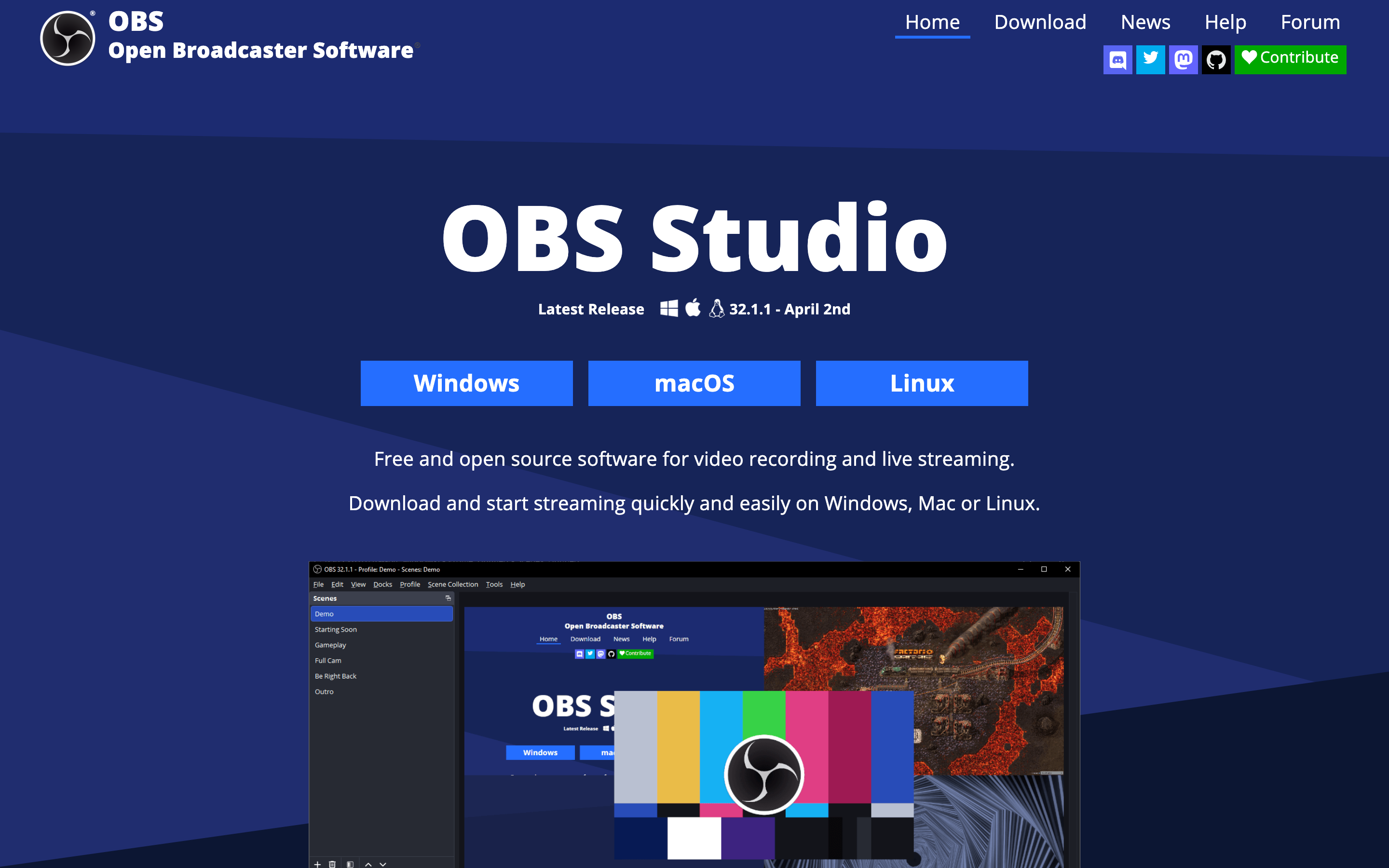
Separate audio requires deliberate setup:
- Switch to the appropriate recording output settings and enable the audio tracks you want.
- Assign microphone and other sources in Advanced Audio Properties.
- Keep a complete mix on one track for ordinary playback, with isolated sources on other tracks for editing.
The OBS multitrack guide explains why that complete mix matters: a typical player plays one audio track at a time. A file with several tracks can sound incomplete in a player even though the other audio exists.
OBS records the sources it receives. Capturing a remote call in OBS doesn’t automatically create a local original on the guest’s computer. For guest-local recordings, choose a remote recording service or arrange independent recording at both ends.
Other Recording and Editing Tools
These tools can be useful without becoming compulsory parts of your setup. Each solves a narrower problem than the main recommendations above.
Async
Async, formerly Podcastle, combines recording and editing with AI creation tools. It deserves consideration if that broader workflow is useful to you, rather than simply because an older guide recommended Podcastle.
The current plan comparison uses Free, Essentials, Pro, Teams and Business. Free allowances can be lifetime allocations: the listed hour of media uploaded to AI chat and 10 AI credits aren’t monthly podcast-recording promises. Check the recording and export rows separately from AI usage before choosing a tier.
Adobe Podcast
Adobe Podcast includes Studio for recording and editing, as well as Enhance Speech for processing audio. The free plan’s download rules make a practical difference:
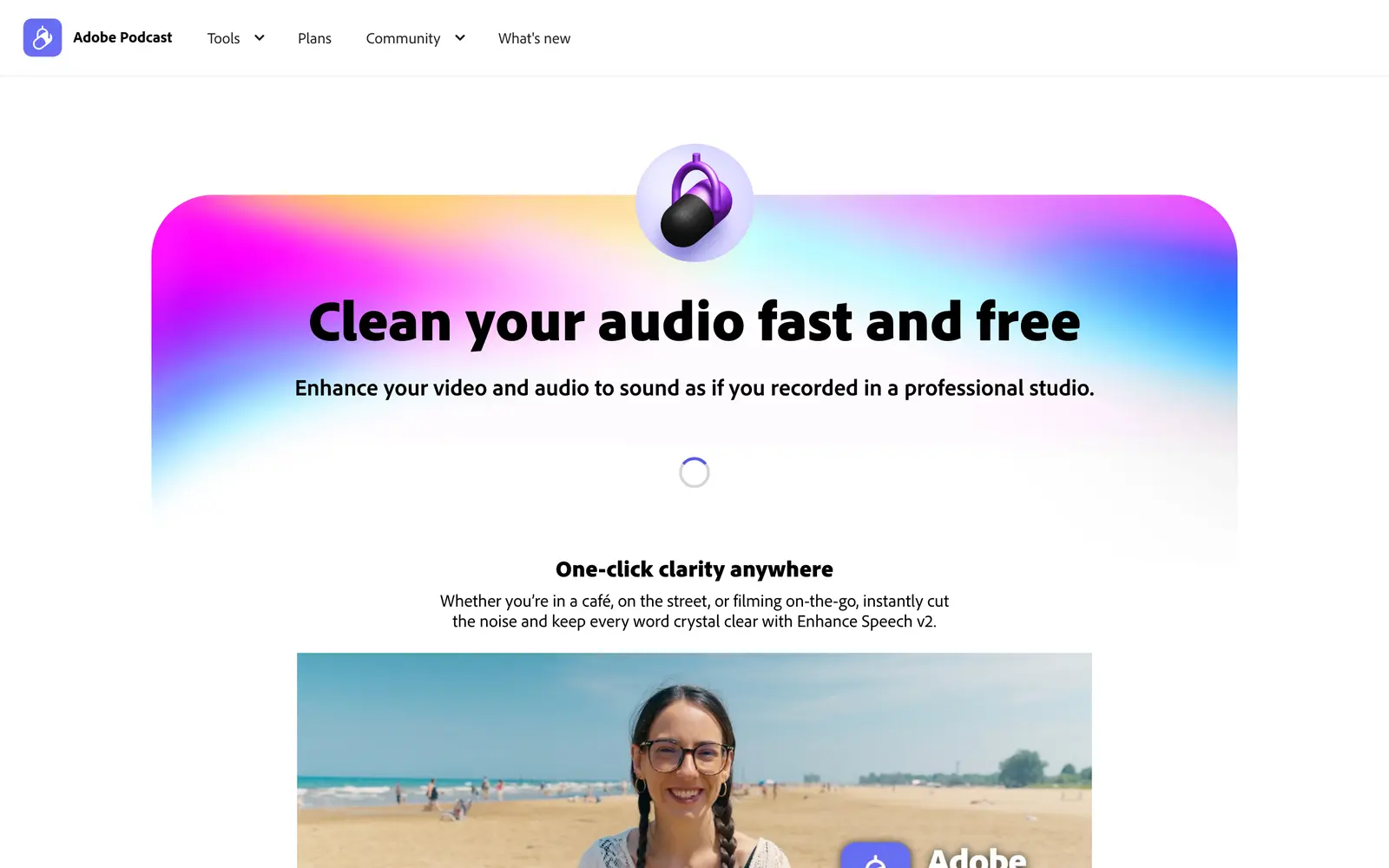
- Free Studio permits 2 project downloads daily, with projects up to 30 minutes, and doesn’t include downloading original recordings.
- Premium access includes downloading the speaker-separated originals and removes Studio’s project-download limits.
- Free Enhance Speech accepts audio up to 30 minutes and 500 MB per file, with up to 1 hour processed daily.
A short edited export may be enough for a quick segment. A show that needs to archive the originals requires a different plan or recording route.
Ocenaudio
Ocenaudio is worth trying for simple audio-file edits when you don’t need to assemble a multitrack episode. Its real-time effect preview and multi-selection editing suit tasks such as trimming a recording or adjusting several passages.
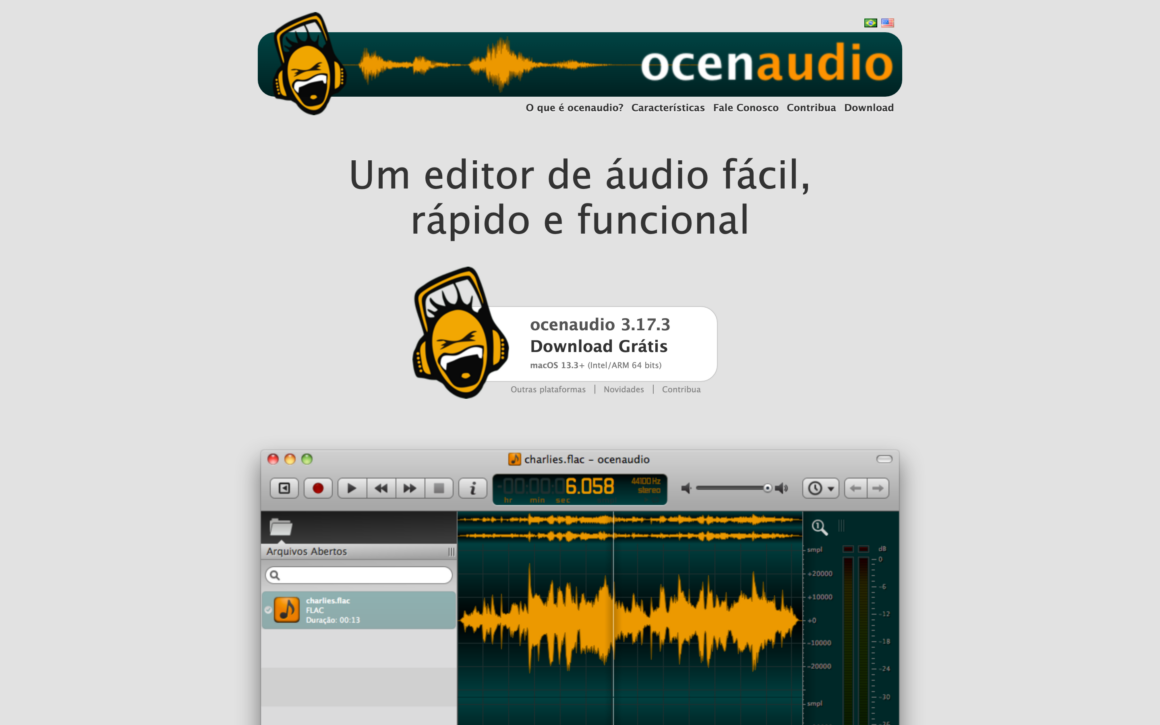
It’s free on Windows, macOS and Linux. Audacity is the more relevant starting point when independent tracks are central to the episode, and real-time effects are no longer a reason to dismiss Audacity.
Streaming and Podcast Clips
A live show or a promotional clip adds another production task. These supporting tools belong beside the recorder only when your show needs that task.
Castr
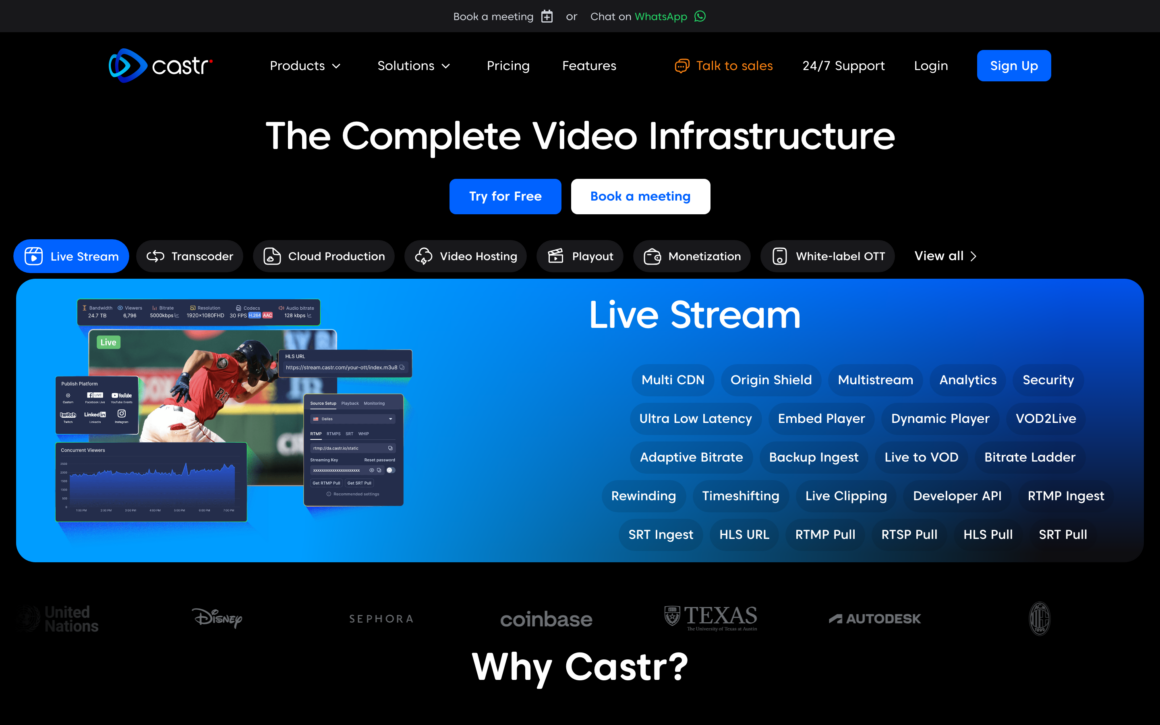
Castr distributes a live feed to multiple destinations and provides streaming infrastructure. It fits a show with a live audience; recording an ordinary interview doesn’t require a multistreaming subscription. Check the selected plan’s destinations and recording allowance before using it for a live production.
CapCut
CapCut edits video and creates short social clips from footage you’ve already recorded. It can handle the promotional edit, but it doesn’t replace the guest-local recording workflow described above. Check availability in your region and the licensing and export terms for any template or asset you use.
Adobe Express
Adobe Express can help prepare episode artwork and social videos. It’s a separate creative app from Adobe Podcast. Choose it for the promotional assets you need, rather than expecting it to provide Adobe Podcast’s recording or speech-enhancement workflow.
Recording on iPhone and Android
You can record a podcast on a phone, but solo recording and joining a remote interview need different instructions. The host and guest also need to check their own supported devices; the host’s subscription doesn’t make an unsupported phone work.
| App | Host or Solo Recorder | Remote Guest | Phone Requirement |
|---|---|---|---|
| Riverside | Computer or supported mobile app | Computer or supported mobile app | iOS or Android app; wait for upload completion |
| Zencastr | Supported desktop browser or iOS app | Supported desktop browser or iOS app | iPhone/iPad app; Android and mobile browsers unsupported |
| Descript Rooms | Desktop or laptop | Desktop or laptop | Mobile recording unsupported |
| GarageBand | Local recording on Mac, iPhone or iPad | No built-in guest session | Apple app; share audio or project afterward |
For remote guests, follow the current Riverside joining instructions, Zencastr iOS instructions or Descript Rooms requirements. A successful practice join is more useful than discovering the app requirement at interview time.
For a solo iPhone recording in GarageBand:
- Choose Audio Recorder and check the microphone input.
- Open the song section controls and set the section length to Automatic for an open-ended spoken recording. Apple’s section-length instructions explain the setting.
- Record a short passage and play it back before recording the episode.
- From My Songs, share the recording as Song when you need an audio file. Choose uncompressed WAV or AIFF where appropriate, then Save to Files. Apple’s audio export instructions show this path.
- Keep the GarageBand project as well if you want to revise the tracks later.
For Android solo recording, the phone’s recorder may be sufficient for a first take. Check the exact app’s duration limits and audio-file export before relying on it. Android devices don’t all ship the same recorder, and recording a voice note doesn’t automatically capture a remote interview.
Monthly Podcast Costs
The useful budget is based on recorded material, including retakes. The edited episode length can be much shorter than the session that produced it.
Suppose you plan 4 interviews a month:
- Each interview lasts 60 minutes.
- Recorded checks, introductions and retakes add 15 minutes per session.
- 4 × 75 minutes = 300 minutes, or 5 recording hours a month.
That uses Descript Hobbyist’s listed 5 remote-recording hours with no spare time for overruns. Its 10 media hours are a separate allowance, not another 10 remote-recording hours. Descript’s media-usage documentation explains how processing and AI usage are counted.
Your monthly software cost is:
Recording plan + any separate editor + hosting + required add-ons + extra paid seats.
Only add a separate editor when the recorder’s editor can’t do the work. Otherwise, the same episode is paying rent in two places.
For example, Riverside Pro plus Audacity is $29 a month before hosting and taxes on monthly billing. Adding Descript Creator takes recording and editing subscriptions to $64 a month, before hosting. That extra $35 should solve a specific editing problem; it isn’t an automatic requirement for an interview show.
An annual equivalent also deserves its full number. Riverside Pro’s $24 equivalent means $288 annually. Descript Hobbyist’s $16 equivalent means $192 annually. A short monthly trial of your workflow is a smaller commitment than paying for a year because the displayed monthly number looks lower.
Remote Recording Checklist
Before committing to a recorder in 2026, run a short session with the same guest device and microphone you expect to use. The test should end with files you can open outside the recording service.
- Check the join path. Send the guest link and confirm the intended browser or mobile app works. Follow the vendor’s storage requirements; Zencastr specifically advises against private browsing because it interferes with local backups.
- Check both microphones. Record each person speaking separately, then together. Confirm the selected microphone is actually the one being captured. Headphones help keep the call audio out of the microphones.
- Include difficult material. Try a proper name and a short passage in the languages the show uses. If you switch between Hindi and English, test that combination rather than assuming a language-support list proves accurate code-switching.
- Check every upload. When recording ends, keep the required tab or app open until each upload completes. If one stalls, follow the vendor’s recovery instructions before clearing browser data or changing devices.
- Download the originals. Open each speaker’s file in an editor. Check the beginning and end, listen for missing sections and confirm the files stay aligned.
- Finish a small edit. Remove a passage, balance the speakers and export the format you intend to publish. Check video sync as well if the show includes cameras.
This test exposes a plan that permits recording but blocks the export you need. It also gives the guest a chance to fix a microphone or app problem before the actual conversation.
For a computer-based setup, the podcasting laptop guide covers hardware considerations. Video shows that need a separate finishing editor can use the video editing software comparison.
Audio Cleanup and Recording Limits
AI cleanup should make the conversation easier to follow while preserving the speaker’s voice. It shouldn’t be a compulsory treatment for every recording.
Keep an unprocessed original. Apply cleanup to a copy, then keep the treatment only when the conversation becomes easier to understand.
The checks are straightforward:
- Keep the original file before processing.
- Compare a short processed passage with the original at a similar listening volume.
- Listen for softened consonants or speech that sounds unnaturally smoothed.
- Check meaningful pauses and overlapping speech after automatic cuts.
- Review captions for names, numbers and changes of language.
A quieter background isn’t enough if the voice becomes less clear. Microphone placement and a quieter room should be addressed before asking software to repair the recording.
Some limits need a decision before the session. A confidential interview may require approved storage and retention settings, or a local workflow. A synthetic replacement for a guest’s words needs their explicit approval. Ordinary recording consent shouldn’t be treated as permission to clone their voice or change what they said.
Closing the guest’s tab early can interrupt the original upload. Stacking several enhancement tools can make a usable voice sound processed. Canceling a subscription before downloading the archive can leave you with less access than you expected. These are avoidable problems when saving the files is part of finishing the episode.
Publishing the Episode
Recording produces source files. Editing produces the finished episode. Podcast hosting stores the published file and provides the feed that listening apps use to find episodes. One service may cover several of these jobs, but they remain separate jobs.
Spotify for Creators
Spotify for Creators belongs at this publishing stage. Its hosting role is separate from the recorder used to make the episode.
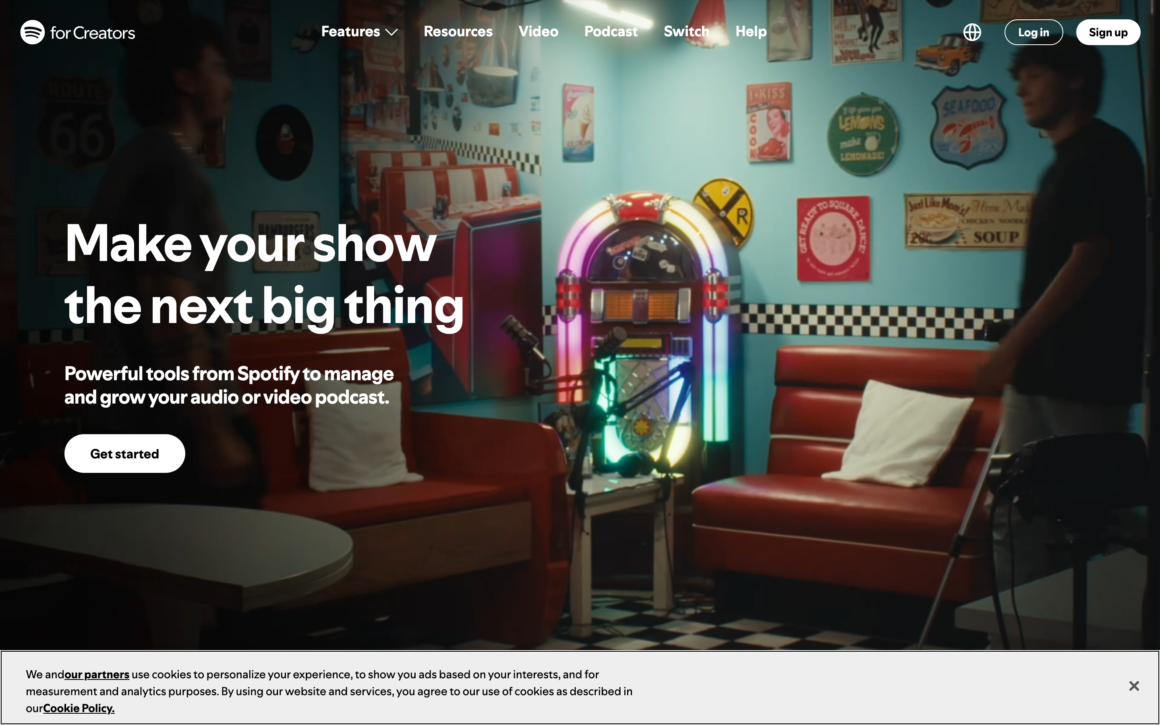
- Spotify removed its native recording and editing tools, including Record with Friends, in July 2024.
- You can upload completed audio or video, or use the supported Riverside integration for creation.
- A show hosted on Spotify doesn’t automatically appear in every other directory. Its RSS instructions explain enabling the feed and submitting it to other platforms.
Choose a host once you know what you’ll upload and what publishing features you need. The podcast hosting comparison covers that separate decision.
Buzzsprout
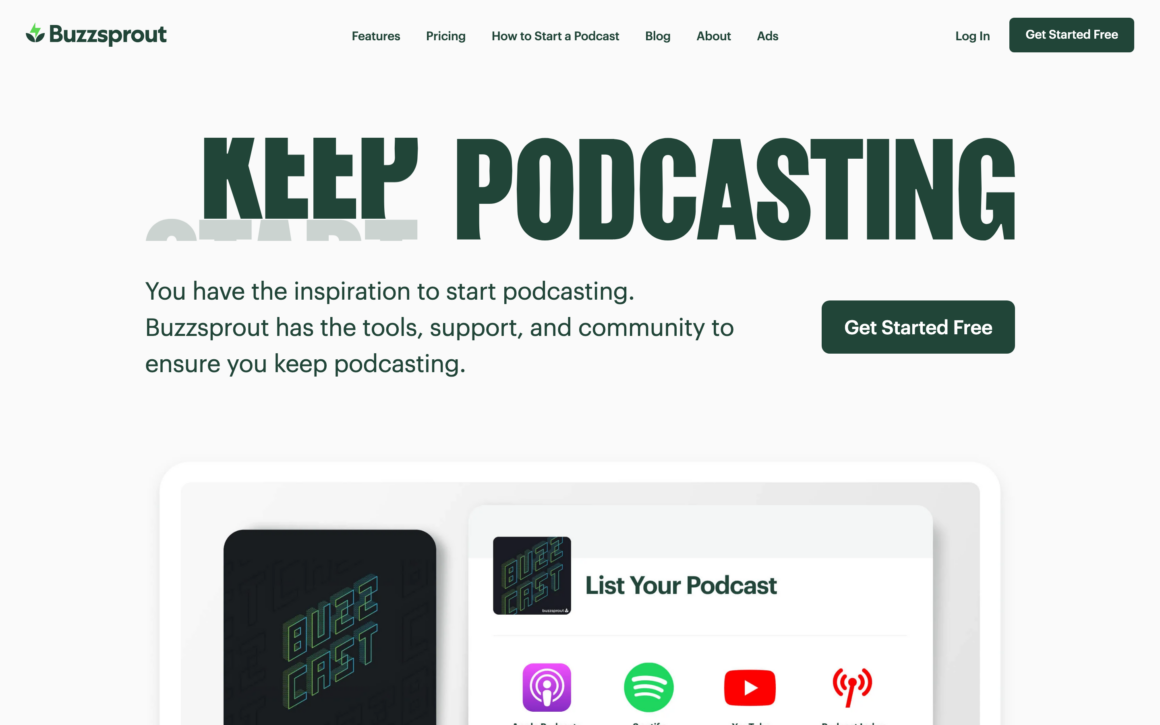
Buzzsprout provides podcast hosting and publishing tools for your finished episodes. Compare its upload allowance and episode-retention terms against your release schedule; these are hosting limits, not hours of microphone recording.
Libsyn
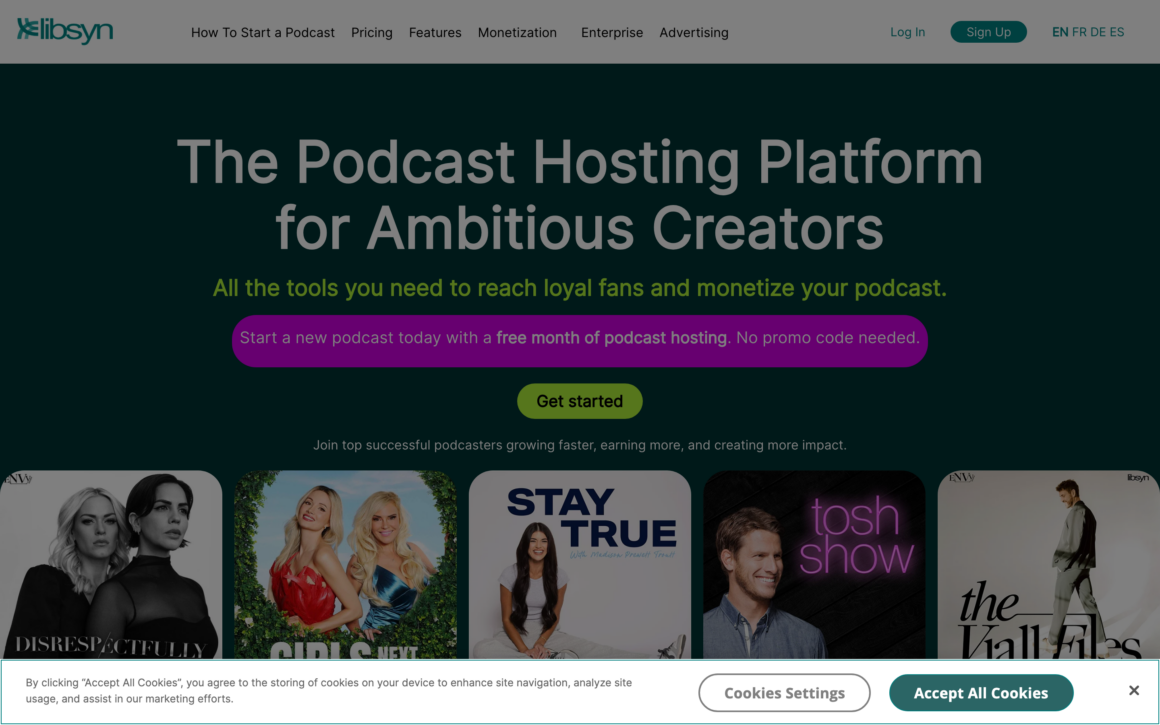
Libsyn is another podcast hosting option. Evaluate the plan against the amount you publish and the distribution tools you need. It belongs after recording and editing in your workflow, rather than alongside Audacity as an alternative microphone recorder.
FAQs on Podcast Recording Apps
These questions concern the files and setup you’ll keep using after you’ve chosen an app.
Can I record a podcast without an internet connection?
Local desktop recording in Audacity, GarageBand or REAPER can work without an internet connection once the app and required components are installed. A remote interview service needs connectivity for the call and uploads. Local capture within that service doesn’t turn it into an entirely offline interview tool.
Should I keep WAV or MP3 recordings?
Keep the original recordings at their captured quality and retain a lossless master when practical. MP3 is useful for distributing a smaller audio file, but repeated lossy exports can discard more information. Converting an existing MP3 to WAV won’t restore detail already lost.
Can I use two USB microphones on one computer?
It depends on the operating system, recorder and audio-device setup; plugging in two USB microphones doesn’t guarantee that the app can record them simultaneously as isolated inputs. For a repeatable in-person setup, an audio interface with enough microphone inputs is usually simpler to manage. Check the recorder’s supported input arrangement and test separate tracks before the session.
What should I download before canceling a recording subscription?
Save the unprocessed speaker tracks, finished episodes and any editable project exports your plan supports. Keep transcripts or captions if you’ll need them. Retention, editing access and download rights after cancellation vary by vendor and plan, so confirm those terms before canceling rather than assuming stored files will remain downloadable.
Record a Pilot
Your first commitment should be a complete pilot episode in the app that fits your show. The useful result is a recording you can edit and export without discovering another missing feature at the last step.
Keep the recording checklist for future guests, especially when their device changes. Add another paid tool only when the pilot shows what your current setup can’t do.
You can start with that small, complete workflow and build from there.
Tell Google you want more of this.
Add Gaurav Tiwari as a preferred sourceOne tap, and this site shows up more often in your own Top Stories, AI Overviews and AI Mode. Remove it any time.
