
18 Best SEO Tools that Experts Use (And You Should Too)
You’re spending hours on SEO tasks that a good tool handles in minutes. Manual keyword research, checking rankings one by one, guessing what competitors rank for. I’ve been there. I picked the wrong tool first, wasted $100+ per month on features I never touched, then switched six months later. I burned through $2,000+ on overlapping subscriptions before landing on the stack I actually use today.
The real problem isn’t a shortage of options. There are hundreds of SEO platforms out there, and they all claim to be the best for your needs. The problem is figuring out which ones deliver real data you’ll act on, and which ones just look impressive in a demo. I’ve watched clients pay for four overlapping tools when they needed two. That’s money and time you don’t get back.
I’ve tested every major SEO platform on this list with real sites and real campaigns across hundreds of client projects. What follows is a breakdown of 18 tools by what they’re actually best at, what they cost, and whether the free tier is genuinely usable. No filler tools, no padding the list. Just the ones that earn their spot.
SEMRush
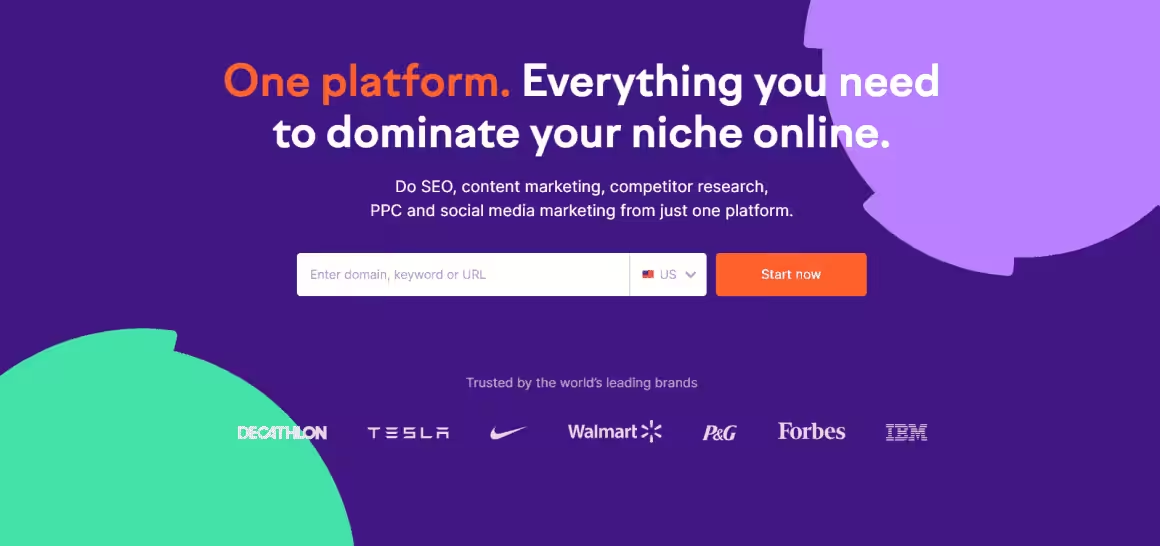
SEMRush is what I recommend for anyone serious about search rankings. It allows you to conveniently assess your rankings and get acquainted with new ranking opportunities. Most agency SEO stacks start with SEMRush for good reason.
Its Domain Vs Domain analysis helps you accurately compare your website to that of your competitors.
You can compare domains and keywords to help you generate more traffic and get an edge over your rivals.
Similarly, you can monitor your website’s rankings and get recommendations for improvement by virtue of the On-Page SEO Checker tool. If you’re using WordPress, pairing SEMRush with a solid on-page plugin makes a difference. Check out my Rank Math review for the best WordPress SEO plugin to complement your toolkit.
SEMRush
Pros
- Most complete SEO toolkit available
- Excellent competitor analysis tools
- Comprehensive site auditing
- Strong content optimization features
Cons
- Premium pricing
- Learning curve for beginners
- Per-user pricing adds up for teams
- Data can lag behind Google tools
Summary
The most comprehensive SEO toolkit available. SEMRush offers keyword research, site auditing, competitor analysis, backlink tracking, and content optimization. The industry standard for professional SEO work.
Price: USD 139.95 /month
Try SEMRushAhrefs: SEO Keyword Tool
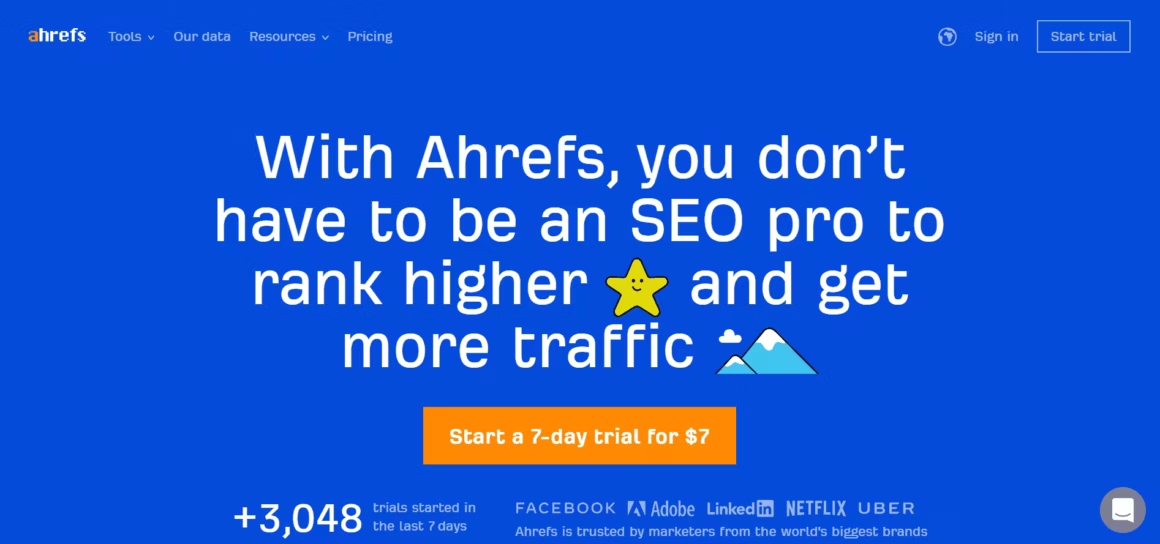
After Google, Ahrefs is the second largest website crawler available today and possibly the best SEO tool on the planet.
Ahrefs Site Audit feature stands out. It highlights the portions of your website that can be improved to rank higher in search engines, is among the most sought-after SEO analysis tools out there.
This tool can also help you analyze your rivals’ backlinks to use as a reference for your own backlink building strategies.
Ahrefs launched site auditing tools for webmasters recently and since then it has become my go-to tool for site monitoring.
Ahrefs
Pros
- Largest and most accurate backlink index
- Excellent Content Explorer for research
- Powerful keyword research with click data
- Clean and intuitive interface
Cons
- Expensive for solo users
- Limited free features
- Credits-based system can be restrictive
- No built-in content writing tools
Summary
The best backlink analysis tool with industry-leading crawl data. Ahrefs offers keyword research, content explorer, site audit, and rank tracking. Known for the most accurate backlink database in the industry.
Price: USD 129 /month
Try AhrefsGoogle Search Console
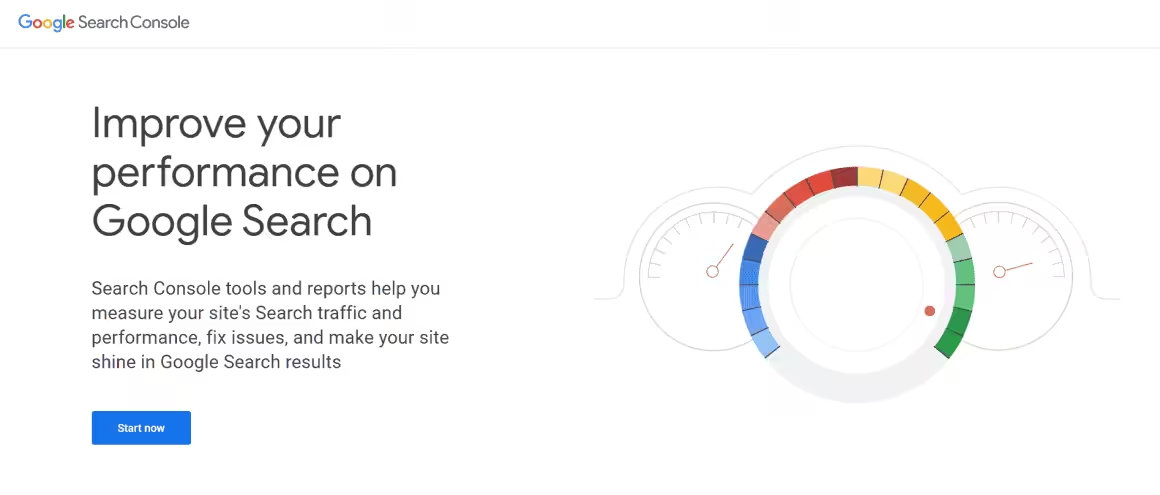
The Google Search Console, which is available for free to everyone who owns a website, is the leading SEO tool today.
You can submit your sitemap for indexing after verifying your website by going through Google Analytics or inserting a code in your website.
If you wish, you can also get a Search Console account to help you take a look at your website from the point of view of Google and its users.
Google Search Console
Pros
- Completely free from Google
- Real search data directly from Google
- Index coverage and Core Web Vitals
- URL inspection for debugging
Cons
- Limited to 16 months of data
- No competitor analysis
- Basic keyword research capabilities
- Interface can be confusing for beginners
Summary
Google’s free tool for monitoring your site’s search performance. Search Console shows real search data including clicks, impressions, CTR, and indexing status. Essential for every website regardless of other tools used.
Moz Pro

Moz Pro is a popular SEO software from Moz that has a track record of staying updated in spite of Google’s regular algorithm changes.
It also possesses an efficient support portal that provides prompt and useful responses to queries.
Moz also offers a free MozBar toolbar which allows you to view your website’s metrics when going through any page.
Moz Pro
Pros
- Domain Authority metric widely used
- MozBar browser extension is excellent
- Good beginner-friendly interface
- Link building suggestions
Cons
- Smaller crawl index than Ahrefs
- Pricing above average for features
- Data updates less frequent
- Some features feel dated
Summary
A veteran SEO toolkit known for Domain Authority and the MozBar browser extension. Moz Pro offers keyword research, link building, site auditing, and rank tracking with a focus on actionable insights.
Price: USD 99 /month
Try Moz ProMajestic
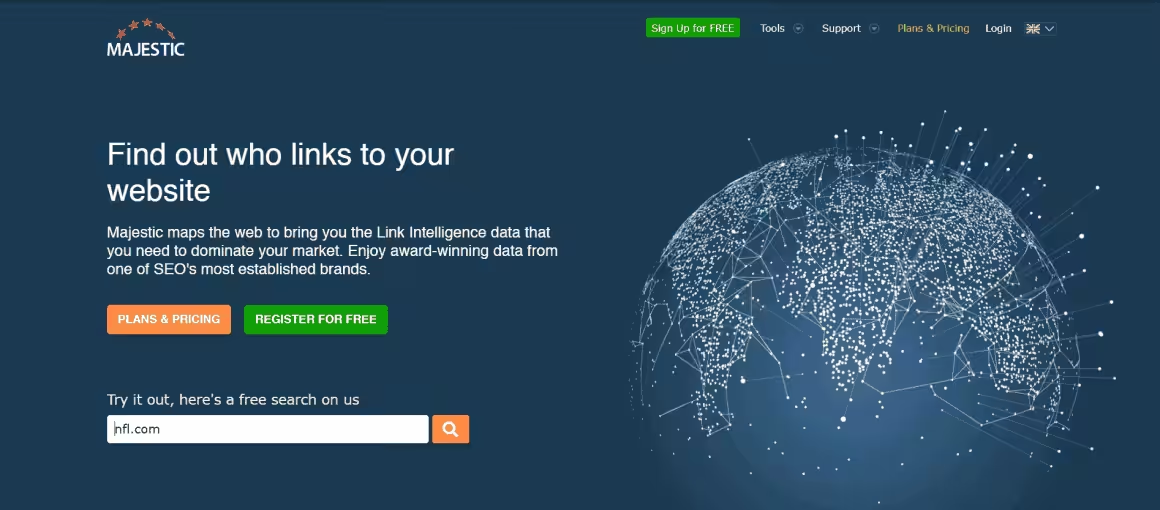
Apart from its use as an SEO keyword tool, Majestic offers a plethora of useful features for your help.
For example, its Site Explorer feature enables you to view the number of backlinks in your possession, as well as a general overview of your site.
Similarly, you can view the rankings of the top million websites with the help of another feature, The Majestic Million.
Majestic
Pros
- Massive backlink index
- Trust Flow/Citation Flow metrics
- Excellent for link building research
- Historical index for trend analysis
Cons
- Focused only on backlinks
- Interface feels dated
- No keyword research tools
- No site auditing features
Summary
A specialized backlink analysis tool with Trust Flow and Citation Flow metrics. Majestic has one of the largest link indexes and is particularly useful for link building and competitive backlink analysis.
Price: USD 49.99 /month
Try MajesticUbersuggest
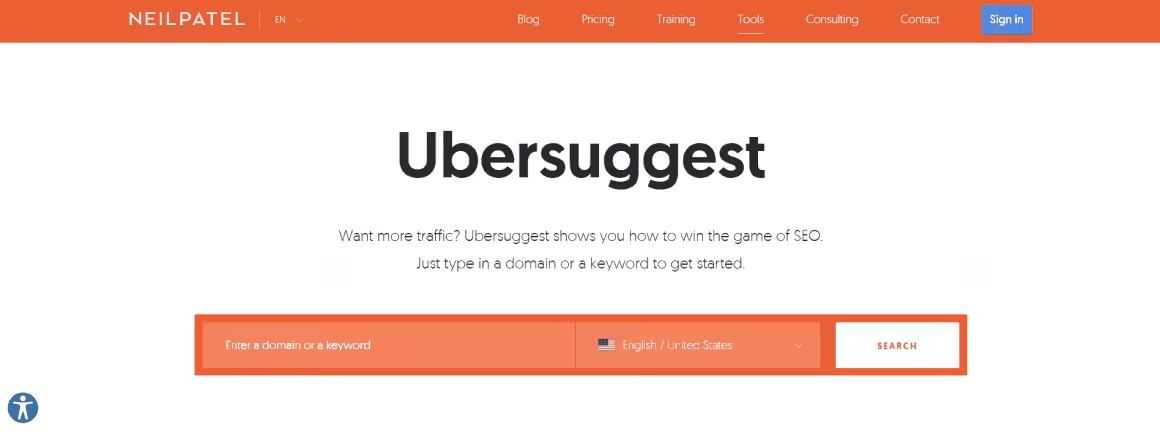
Developed by Neil Patel, this free keyword finder tool is known for displaying the top-ranking SERPs as well. It’s one of the best options for bloggers who don’t want to spend $100+ per month on keyword research alone.
This helps you determine how competitive a keyword is, and whether it is worth targeting or not.
Ubersuggest will provide a plethora of useful suggestions to help you choose the right terms to use on your website.
Ubersuggest
Pros
- Lifetime purchase option available
- Generous free tier
- Beginner-friendly interface
- Chrome extension included
Cons
- Data less comprehensive than SEMRush
- Features limited vs premium tools
- Free tier has daily limits
- Accuracy can be inconsistent
Summary
Neil Patel’s affordable SEO tool with keyword research, site auditing, and competitor analysis. Ubersuggest offers a lifetime plan option and a generous free tier. Good for beginners and small businesses on a budget.
Answer The Public

This is a freemium SEO tool that will aid you in finding better topics to write about in your blog.
Depending on your preferences, you can write content around particular keywords to improve your online ranking.
For example, if you hire a freelancer to produce content for you, you can simply send them this list of keywords.
Answer The Public
Pros
- Excellent for content ideation
- Visual query mapping is unique
- Great for finding question-based keywords
- Simple to use
Cons
- Limited to keyword visualization
- Free searches are restricted
- No site auditing or tracking
- Better as a complement to other tools
Summary
A visual keyword research tool that shows questions people ask about any topic. Answer The Public maps search queries into visual clusters for content ideation. Excellent for finding long-tail keywords and content angles.
KWFinder
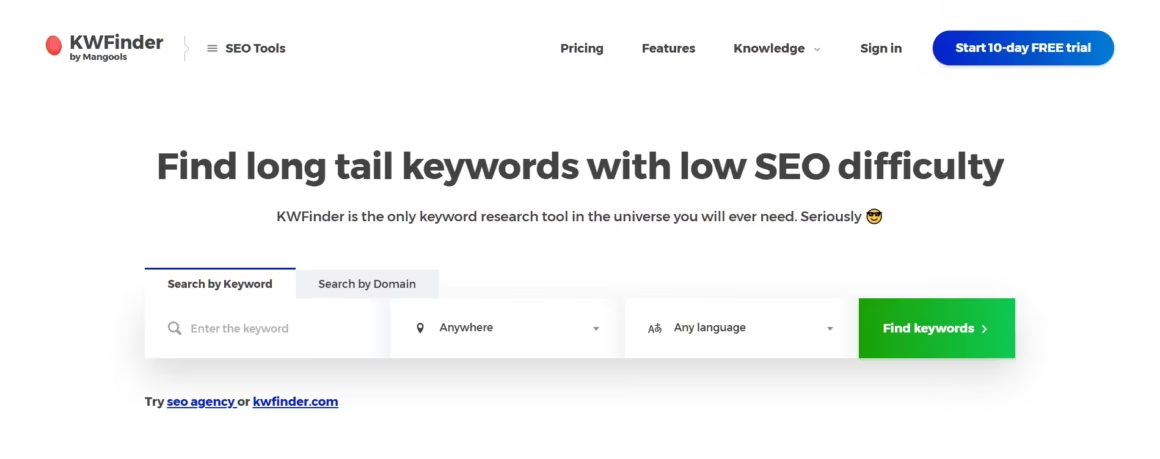
With the help of an SEO keyword tool like KWFinder, you can identify long-tail keywords that have relatively low competition.
It helps you ascertain the best keywords to help your website rank higher, and run analysis reports on SERP (Search Engine Results Page) and backlinks. You can use the Rank Tracker tool to conveniently determine your website’s ranking.
KWFinder
Pros
- Most accurate keyword difficulty scores
- Clean and intuitive interface
- Good SERP analysis included
- Affordable pricing
Cons
- Limited to keyword research
- Daily lookup limits
- Smaller database than Ahrefs/SEMRush
- Part of suite — individual tool limited
Summary
A focused keyword research tool with accurate difficulty scoring. KWFinder makes keyword research simple with a clean interface and reliable metrics. Part of the Mangools suite of SEO tools.
SpyFu
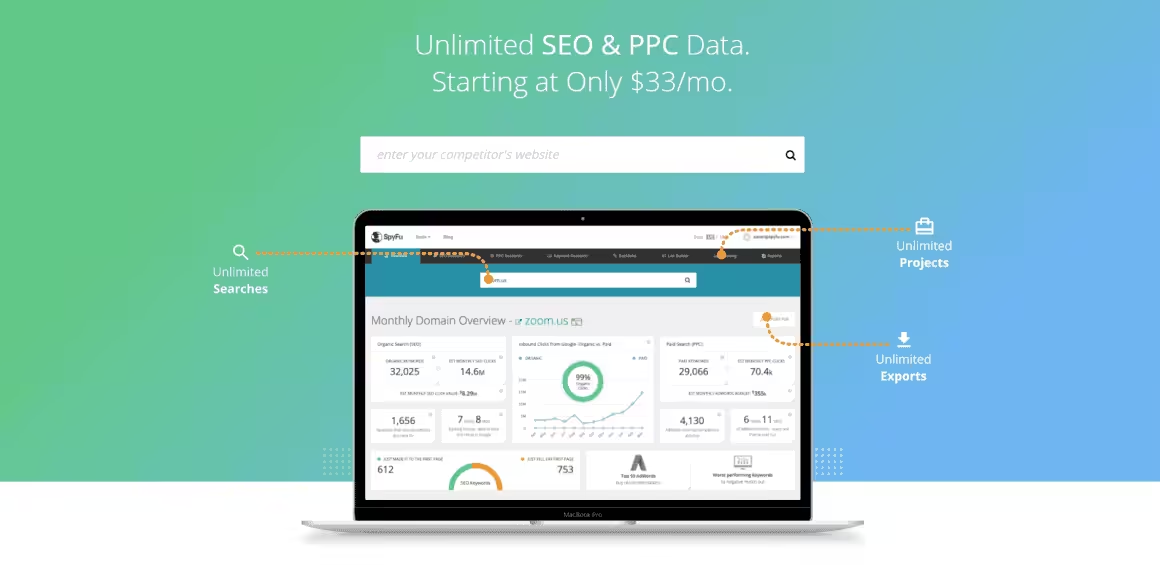
Although the premium version of SpyFu gets more attention, its free features are remarkable as well.
It will help you research any website, including your competitor’s or your own, to see how many times a particular keyword gets searched, its ranking difficulty, the number of monthly clicks it gets, the campaigns they are running with Google Ads, and much more.
SpyFu
Pros
- Best PPC competitor analysis
- 15+ years of historical data
- Unlimited searches and exports
- Good for identifying competitor strategies
Cons
- Interface feels cluttered
- Organic data less accurate than leaders
- US-focused data
- Limited site auditing
Summary
A competitor analysis tool focused on revealing competitors’ paid and organic strategies. SpyFu shows every keyword competitors rank for, every ad they run, and their PPC budget estimates.
Price: USD 39 /month
Try SpyFuWoorank
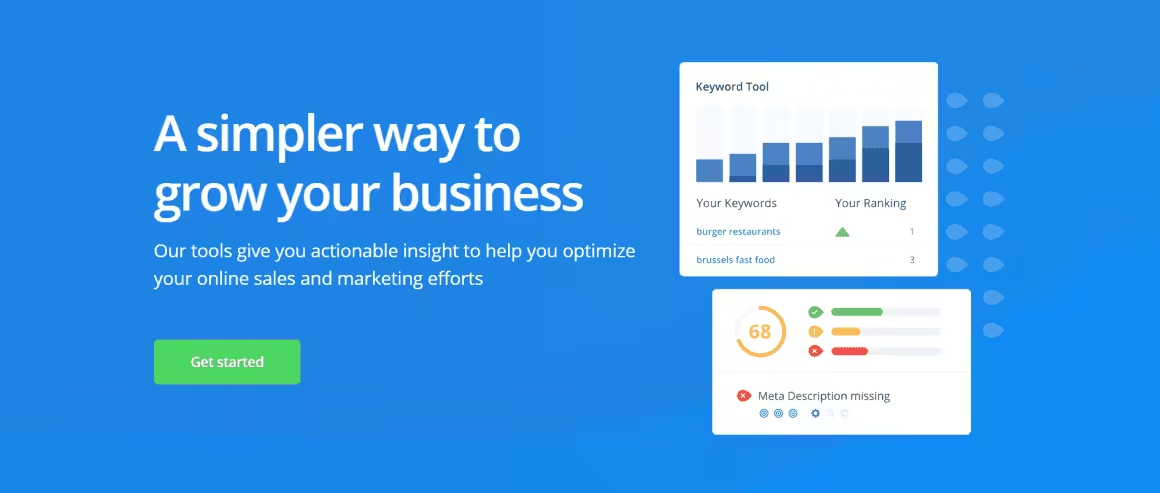
Woorank is one of the best tools for quick on-page SEO reviews. You can choose from both free and paid options to report and track your marketing data.
You can also lookup the keywords your rivals are targeting and understand how they perform in due time. That, in turn, will help you understand what your website is lacking and optimize it for search engines and users in the best possible manner.
You can also rectify issues like downtime, duplicate material, and security deficits with its help.
Woorank
Pros
- Instant comprehensive site reviews
- Actionable recommendations
- Clean PDF reports for clients
- Easy for beginners
Cons
- Limited keyword research
- Basic compared to full SEO suites
- Premium pricing for what it offers
- Better as a quick audit tool only
Summary
An SEO auditing tool that provides instant website reviews with actionable recommendations. WooRank generates detailed reports covering on-page SEO, mobile, social, and technical factors.
Google Trends
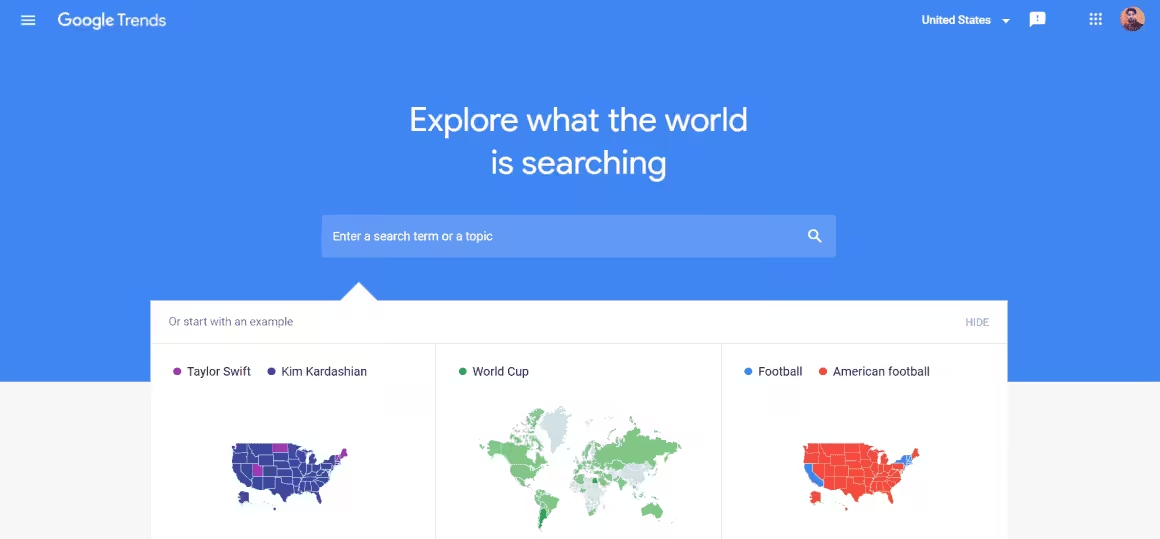
Unfortunately overlooked, this useful SEO checker tool provides information about keywords and the latest trends revolving around the topic as well.
The latter details include top queries, interests depending on geographical location, and much more. It can help you ensure healthy growth for your business in the years to come.
Google Trends
Pros
- Completely free from Google
- Real search trend data
- Excellent for seasonal analysis
- Compare up to 5 topics
Cons
- Relative data, not absolute volumes
- Limited to trend analysis
- No keyword difficulty metrics
- Cannot replace a full SEO tool
Summary
Google’s free tool for analyzing search trend data over time. Google Trends shows relative search interest, regional breakdowns, and related queries. Essential for understanding seasonal trends and topic popularity.
SiteGuru

SiteGuru is a high-quality SEO audit tool that tells you exactly where you need to start to improve your rankings. It gives you a prioritized to-do list without requiring deep technical knowledge. Now you can get SEO success without knowing all the SEO details.
SiteGuru is available on AppSumo for just $49 onwards. Buy it once and use it forever.
SiteGuru
Pros
- Prioritized to-do list format
- Very simple to understand
- Good for non-technical users
- Weekly automated crawls
Cons
- Limited compared to full SEO suites
- No keyword research
- Basic backlink data
- Pricing for what it offers
Summary
A simplified SEO auditing tool that prioritizes actionable to-do lists over complex data. SiteGuru crawls your site and provides a prioritized list of SEO improvements. Good for non-technical site owners.
SEOQuake
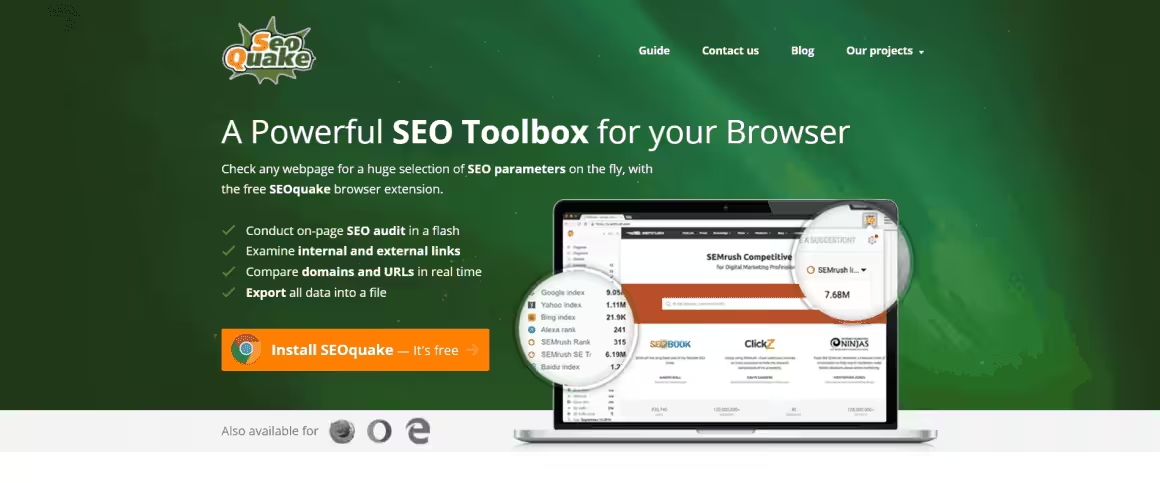
When it comes to free SEO tools, SEOQuake is a Chrome extension highly recommended by experts. It can assess both external and internal links, carry out on-site audits, compare performance with that of rivals, and perform keyword analysis as well. It also possesses a useful export feature to help you download and share data with important team members at your convenience.
SEOQuake
Pros
- Completely free browser extension
- Instant on-page SEO analysis
- SERP overlay with metrics
- Good keyword density analyzer
Cons
- Browser extension only
- Data limited without SEMRush account
- Can slow browser with heavy use
- No site crawling capabilities
Summary
A free browser extension from SEMRush that shows SEO metrics for any webpage. SEOQuake displays keyword density, internal/external links, and on-page audit data directly in your browser.
Siteliner
You can avoid getting penalized for duplicate content by using SEO checker tools like Siteliner to identify and remove it from your website. It can also help you fix broken links, decide the number of internal links on every page, and much more.
Siteliner
Pros
- Free duplicate content detection
- Broken link checking
- Simple to use
- Good for quick site audits
Cons
- Limited to 250 pages free
- Basic compared to full crawlers
- No keyword or backlink data
- Slow crawling on large sites
Summary
A free tool for finding duplicate content and broken links on your site. Siteliner crawls your pages and identifies content overlap, missing pages, and optimization opportunities.
Fat Rank
Fat Rank is an SEO Chrome extension that helps you analyze your website’s performance by learning about the ranking of your keywords. By adding keywords to your search, you can ascertain your rank per page for every keyword you optimized for. With the help of this information, you can optimize your website better for that particular keyword.
Keywords Everywhere
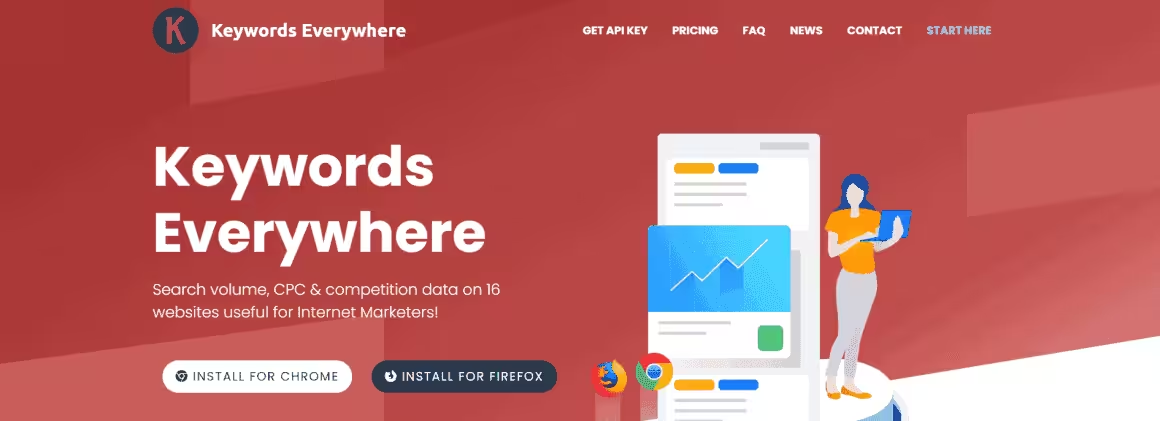
This is another useful SEO Chrome extension that collects data from various SEO tools, such as Google Trends, Search Console, Google Analytics, and many more. It helps you determine the most suitable keywords for your website with greater ease.
Keywords Everywhere
Pros
- Shows keyword data in search results
- Works across Google, YouTube, Amazon
- Very affordable credits system
- Trend chart for keywords
Cons
- Credits-based system requires purchase
- Data accuracy varies
- Limited to browser extension
- No site auditing features
Summary
A browser extension that shows keyword data directly in Google search results, YouTube, Amazon, and more. Keywords Everywhere displays search volume, CPC, and competition data as you browse.
Screaming Frog
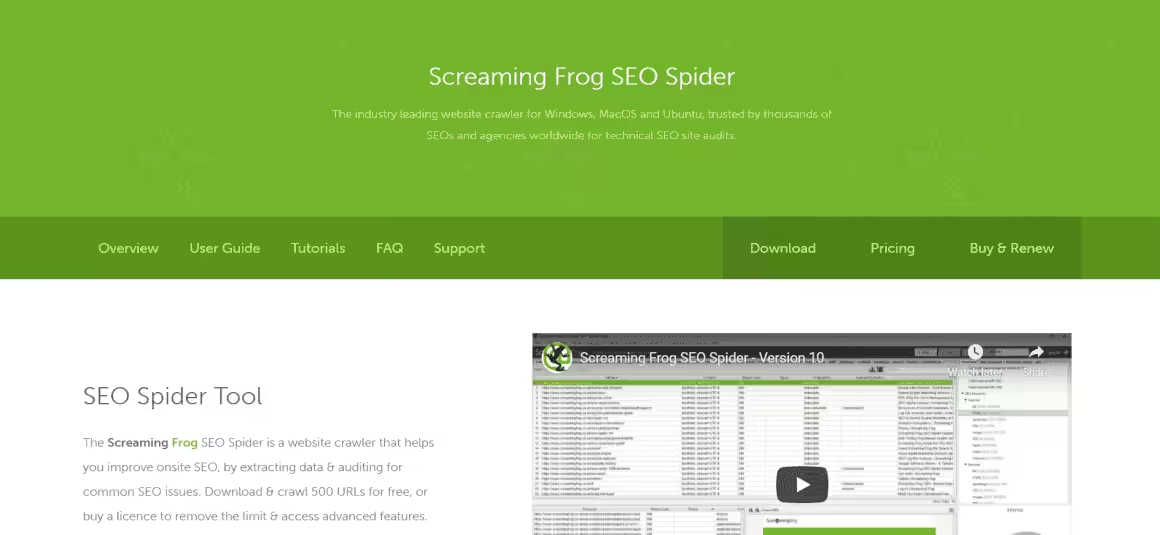
Experts consider Screaming Frog one of the best tools for technical SEO audits. Not only does it perform useful site audits and inform you about ways of optimizing your website, but it is fast enough to save you a lot of time. Its SEO Spider tool in particular has received significant praise from the community.
Screaming Frog
Pros
- Most thorough site crawler available
- Free version crawls up to 500 URLs
- Excellent for technical SEO audits
- Powerful data export and filtering
Cons
- Desktop application, not cloud-based
- Steep learning curve
- Resource-intensive on large sites
- Interface not beginner-friendly
Summary
The industry-standard website crawler for technical SEO auditing. Screaming Frog crawls your site and reveals broken links, redirect chains, duplicate content, and technical issues. Essential for technical SEO.
Serpstat
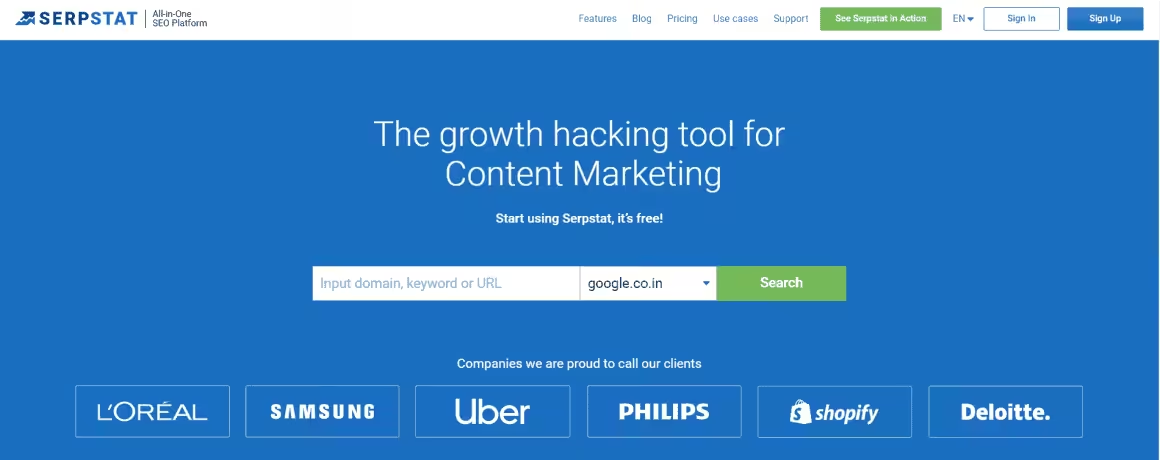
Serpstat is an all-in-one SEO platform that will help you analyze rivals, manage your team, and perform SEO jobs efficiently. Its Missing Keywords feature will show you keywords that your rivals are using to rank in the top ten search results, and you are failing to.
Serpstat
Pros
- All-in-one SEO platform
- Competitive pricing
- Good keyword clustering feature
- Team collaboration tools
Cons
- Smaller database than leaders
- Less accurate backlink data
- Interface could be more polished
- Limited advanced features
Summary
An all-in-one SEO platform offering keyword research, site auditing, rank tracking, and backlink analysis at competitive pricing. Serpstat provides good value for small to medium businesses.
Extra Tool: Incognito Mode/Private Windows
By carrying out Google searches in incognito mode and private windows, you can get fresh and unbiased results to help you better understand what your users actually get when they search for keywords. You can use its autofill options to get a useful list of semantic keywords for use.
What Are SEO Tools (and Do You Actually Need Them)?
SEO tools are software platforms that help you research keywords, audit your site for technical issues, track your search rankings, analyze competitors, and find link-building opportunities. They automate work that would take hours to do manually.
Do you need them? If you run a website and care about organic traffic, yes. You can do basic SEO without any paid tools. Google Search Console is free and gives you direct data from Google. But once you need to research what competitors rank for, find keyword opportunities at scale, or audit more than a handful of pages, free tools hit their limits fast.
The question is not whether you need SEO tools. It is which ones justify their cost for your specific situation. A solo blogger does not need a $450/month enterprise plan. A freelancer managing 20 client sites cannot rely on free tools alone.
How to Choose an SEO Tool
I have tested every major SEO platform over the past decade. Here is what actually matters when choosing one.
1. Start with what you need, not what looks impressive. Most SEO tools do five core things: keyword research, rank tracking, site audits, backlink analysis, and competitor research. Figure out which of these you actually use weekly. If the answer is just keyword research, you do not need a $200/month all-in-one platform.
2. Check the database size and freshness. The value of an SEO tool is its data. Semrush has over 26 billion keywords. Ahrefs has the largest backlink index. Smaller tools often pull from the same sources but with less coverage and slower updates. For competitive niches, database depth matters.
3. Test the free tier or trial before committing. Semrush offers a 7-day trial. Ahrefs has limited free tools (Webmaster Tools). Ubersuggest has a generous free tier. Moz has free tools. Try before you pay. The demo always looks better than daily use.
4. Consider your stack. If you use WordPress, tools like Rank Math or Yoast handle on-page SEO directly in your editor. Pair that with one external platform for keyword research and you are covered. You do not need on-page optimization from both your WordPress plugin and your external tool.
5. Watch the renewal price. Semrush is $139.95/month. Ahrefs starts at $129/month. These are real costs. Make sure you are using enough features to justify it. If you only use keyword research, a cheaper tool like KWFinder ($49/month) or Ubersuggest ($29/month) covers that single need for a fraction of the price.
Free vs Paid SEO Tools: When Each Makes Sense
Free SEO tools are not watered-down toys. Some of the best data available comes from tools that cost nothing.
Free tools that genuinely deliver:
- Google Search Console. Direct data from Google. Impressions, clicks, average position, indexing issues, Core Web Vitals. No third-party tool replicates this because they do not have Google’s data.
- Google Trends. Spot seasonality, compare keyword popularity over time, discover rising topics. Essential for content planning.
- Screaming Frog (free up to 500 URLs). Technical site audits: broken links, redirect chains, missing meta tags, duplicate content. 500 pages covers most small to mid-sized sites.
- Ahrefs Webmaster Tools. Free for site owners. Site audit, backlink data, and keyword data for your own site. Limited but useful.
- Keywords Everywhere. Browser extension that shows search volume, CPC, and competition data directly in Google search results. The free tier shows related keywords and trends.
When you need to pay:
- You manage more than 3 sites and need to track rankings across all of them.
- You need competitive intelligence (what keywords competitors rank for, their backlink profiles, their content gaps).
- You run an agency and need white-label reports for clients.
- You want historical keyword data and trends beyond what Google provides.
- You need to audit sites with more than 500 pages regularly.
My recommendation: start free. Use Google Search Console, Screaming Frog, and Keywords Everywhere. When you hit a wall (you will know when it happens), upgrade to Semrush or Ahrefs. Not before.
SEO Tools by Category
Not all SEO tools do the same thing. Here is how the 18 tools in this guide break down by what they are actually best at.
Keyword Research: Semrush, Ahrefs, KWFinder, Ubersuggest, Answer The Public, Keywords Everywhere, Google Trends
Technical Site Audits: Screaming Frog, SiteGuru, Woorank, Semrush, Ahrefs
Backlink Analysis: Ahrefs (strongest backlink index), Majestic, Semrush, Moz Pro
Rank Tracking: Semrush, Ahrefs, Serpstat, SpyFu, Fat Rank (Chrome extension for quick checks)
Competitor Research: Semrush, Ahrefs, SpyFu, Serpstat
On-Page SEO (WordPress): Rank Math, Yoast, SEOQuake (browser extension)
Content Optimization: Semrush Content Marketing Toolkit, Ahrefs Content Explorer, Answer The Public
If you are a solo blogger or small business owner, one all-in-one tool (Semrush or Ahrefs) plus Google Search Console covers every category. If budget is tight, pick category-specific free tools and build your stack gradually.
Best SEO Tools for WordPress
WordPress powers over 40% of the web. If your site runs on WordPress, you have SEO advantages that other platforms do not. Here is the stack I use on every WordPress site I manage.
Rank Math handles on-page SEO directly in the WordPress editor. Schema markup, meta titles and descriptions, XML sitemaps, redirects, 404 monitoring, and content analysis. The free version covers everything most sites need. The Pro version ($6.99/month) adds keyword tracking, Google Analytics integration, and advanced schema types.
Screaming Frog crawls your WordPress site and flags technical issues: broken links, missing alt tags, thin content pages, duplicate title tags, slow pages. Run it monthly. The free version handles up to 500 URLs.
Google Search Console is non-negotiable. Submit your sitemap, monitor indexing, check Core Web Vitals, and see exactly which queries bring traffic to your site. Every WordPress site should have this connected from day one.
Semrush or Ahrefs for keyword research and competitor analysis. These are external tools that complement your WordPress SEO plugin. Rank Math tells you how well a page is optimized. Semrush tells you what to optimize it for.
That is four tools. Rank Math (free), Screaming Frog (free up to 500 URLs), Google Search Console (free), and one paid platform for keyword research. Total cost: $0 to $140/month depending on whether you need the paid platform.
Semrush vs Ahrefs: Which One Should You Pick?
This is the question I get asked most. Both are excellent. Both are expensive. You do not need both.
Pick Semrush if:
- Content marketing and keyword strategy are your primary focus.
- You want PPC data alongside SEO data (useful for agencies).
- You need the Content Marketing Toolkit (topic research, SEO writing assistant, content audit).
- You value the largest keyword database (26+ billion keywords).
Pick Ahrefs if:
- Backlink analysis and link building are your priority.
- You want the most comprehensive backlink index available.
- You prefer a cleaner, less cluttered interface.
- You want Content Explorer for finding linkable content in any niche.
I use Semrush as my primary tool. I keep Ahrefs for backlink analysis when I need deeper link data than Semrush provides. For a more detailed comparison, read my full Semrush review.
Frequently Asked Questions
What is the best free SEO tool?
Google Search Console. It gives you direct data from Google: impressions, clicks, average position, indexing status, and Core Web Vitals. No third-party tool can replicate this because they do not have access to Google’s data. Pair it with Screaming Frog (free for up to 500 URLs) for technical audits and you have a solid free SEO stack.
Is Semrush worth the price?
If you are serious about SEO, yes. I have used Semrush on hundreds of client projects and the keyword research database alone justifies the cost. The $139.95/month Pro plan covers keyword tracking, site audits, competitor analysis, and content optimization. For freelancers and agencies managing multiple sites, it replaces 3-4 separate tools. If budget is tight, Ubersuggest at $29/month covers the basics.
What is the difference between Semrush and Ahrefs?
Semrush is stronger for keyword research, PPC analysis, and content marketing tools. Ahrefs has the larger backlink database and better site explorer. Both are excellent all-in-one SEO platforms. Pick Semrush if content and keyword strategy matter most. Pick Ahrefs if link building and backlink analysis are your priority. You do not need both.
Are free SEO tools good enough for beginners?
Absolutely. Google Search Console, Google Trends, Screaming Frog (500 URL limit), SEOQuake, and Keywords Everywhere give you solid data without paying anything. The limitation is scale: free tools work great for 1-2 sites but become painful when managing multiple projects or needing competitive intelligence.
Which SEO tools do agencies use?
Most agency SEO stacks include Semrush or Ahrefs as the primary platform, Screaming Frog for technical audits, Google Search Console for direct data, and a rank tracker. Agencies typically need white-label reporting (available in Semrush and Ahrefs higher tiers) and multi-project management. SiteGuru is popular for automated weekly audits on client sites.
How many SEO tools do I actually need?
Three. One all-in-one platform (Semrush or Ahrefs) for keyword research, rank tracking, and competitor analysis. One technical crawler (Screaming Frog or SiteGuru) for site audits. And Google Search Console for direct performance data. Everything else is nice-to-have. Do not fall into the trap of subscribing to five overlapping tools.
What are the best SEO tools for WordPress?
Rank Math for on-page SEO (free version covers most needs), Google Search Console for performance data, Screaming Frog for technical audits, and Semrush or Ahrefs for keyword research and competitor analysis. That four-tool stack costs $0 to $140/month depending on whether you use the paid keyword research platform.
Do I need paid SEO tools for a new blog?
Not immediately. Start with Google Search Console, Google Trends, and the free version of Rank Math. These three cover keyword ideas, on-page optimization, and performance monitoring. Upgrade to a paid tool like Semrush or Ubersuggest when you have enough content that competitive research and rank tracking become necessary, usually around 30-50 published posts.
What is the cheapest good SEO tool?
Ubersuggest at $29/month (or $290/year for the lifetime plan) is the cheapest paid SEO tool that provides useful keyword research, site audit, and rank tracking data. KWFinder from Mangools at $49/month is another budget option with excellent keyword difficulty scoring. Both are significantly cheaper than Semrush ($139.95/month) or Ahrefs ($129/month).
Is SEO still worth learning in 2026?
Yes. Search engines still drive the majority of website traffic. AI search (ChatGPT, Perplexity, Google AI Overviews) is growing but currently complements rather than replaces traditional search. Sites that rank well in Google also tend to get cited by AI search engines. The fundamentals (quality content, technical health, relevant backlinks) still work. The tools help you execute faster.
Conclusion
Here’s my honest take after testing all 18 tools: most people need exactly three. One all-in-one platform (I use SEMRush), Google Search Console (free and essential), and Screaming Frog for technical audits. That stack covers keyword research, rank tracking, site health, and competitor analysis for under $170/month. Start with free tools. Upgrade when you hit limits. And stop paying for tools you open once a month.
SEO is also changing fast with AI-powered search engines reshaping how content gets discovered. If you’re curious about where things are headed, read my breakdown of GEO vs SEO to understand how to optimize for both traditional and generative search.
Disclaimer: This site is reader-supported. If you buy through some links, I may earn a small commission at no extra cost to you. I only recommend tools I trust and would use myself. Your support helps keep gauravtiwari.org free and focused on real-world advice. Thanks. - Gaurav Tiwari