
Best Apps For Small Businesses in 2026
You started a business to do what you’re good at. Instead, you spend half your day chasing invoices, switching between tabs, and trying to remember which Slack message had that important file. Sound about right?
Small businesses lose an average of 21.8 hours per week to manual admin tasks, according to a Zapier survey. That’s more than half a work week gone before you touch the actual work. The right apps don’t just save time. They let you run a 5-person operation with the efficiency of a 20-person team.
I’ve used all of these across 800+ client projects over 16 years. Here are the 18 apps that actually earn their spot on your phone.
Best Apps for Small Businesses at a Glance
- Google Workspace — Best all-in-one suite for email, docs, storage, and collaboration
- FreshBooks — Best invoicing and accounting for freelancers and service businesses
- Slack — Best team communication with app integrations
- QuickBooks — Best financial tracking and bookkeeping for growing businesses
- Time Doctor — Best time tracking for remote teams with payroll integration
- Dropbox Business — Best file storage and sharing for cross-platform teams
- SurveyMonkey — Best for customer feedback, market research, and surveys
- ShipStation — Best shipping and order management for e-commerce
- Microsoft OneDrive — Best cloud storage for Microsoft 365 users
- Evernote — Best note-taking and idea capture for entrepreneurs
- Square — Best mobile payment processing with no monthly fees
- Podium — Best for collecting customer reviews via text message
- Crowdfire — Best social media scheduling for beginners
- Dropbox Sign — Best for digital document signing
- TripIt — Best travel organizer for business trips
- Evernote — Best note-taking and idea capture for entrepreneurs
Google Workspace
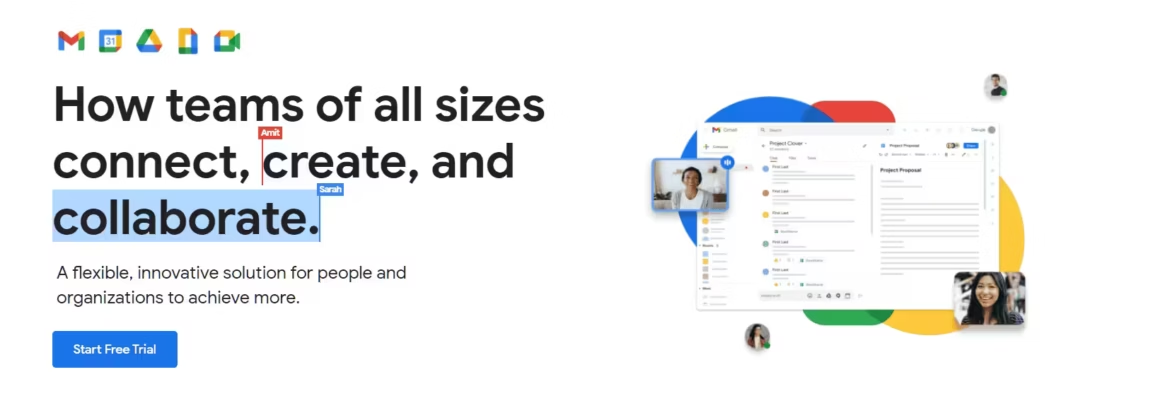
Best for: Small businesses that need email, docs, spreadsheets, video conferencing, and cloud storage in one subscription.
Google Workspace is the foundation I recommend to every small business. You get a professional email address (you@yourbusiness.com), Google Docs, Sheets, Slides, Drive, Meet, Calendar, and Chat. Everything syncs across devices, multiple people can edit the same document simultaneously, and the search functionality actually works.
The Business Starter plan at $7/user/month gives you 30GB of storage per user, custom email, and all the core apps. Business Standard at $14/user/month bumps storage to 2TB and adds recording in Google Meet. For most small businesses under 10 people, Business Starter is more than enough.
You can also use personal Google accounts for free with 15GB storage and most of the same apps. The main difference is the custom domain email, admin controls, and guaranteed uptime SLA that the paid plans offer.
The honest downside: Google Workspace doesn’t handle accounting, project management, or CRM. It’s your productivity backbone, not your entire toolkit. And if your team is deep in the Microsoft ecosystem, switching to Google means retraining habits.
FreshBooks
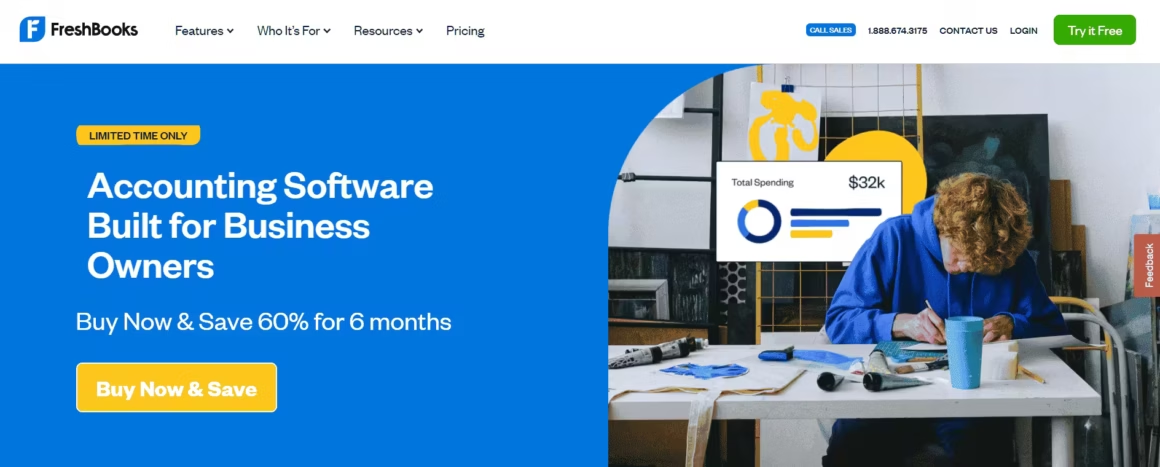
Best for: Freelancers and service-based businesses that need simple invoicing, expense tracking, and basic accounting.
FreshBooks makes invoicing dead simple. Create a professional invoice in under 60 seconds, set up automatic payment reminders, and accept credit card payments directly. The app tracks when clients open your invoice, so you know if they’re ignoring it or just haven’t seen it yet.
Beyond invoicing, FreshBooks handles expense tracking (snap a photo of receipts), time tracking, basic accounting reports, and tax-time summaries. It connects to your bank accounts and automatically categorizes transactions. For freelancers and agencies billing by the hour, the built-in timer links directly to invoices.
Price: Lite at $19/month (5 billable clients). Plus at $33/month (50 clients). Premium at $60/month (unlimited clients). All plans include a 30-day free trial.
The honest downside: FreshBooks isn’t full-featured accounting software. If you need inventory management, payroll, or complex financial reporting, QuickBooks is the better choice. FreshBooks is built for service businesses that bill clients, not product businesses with inventory.
Slack
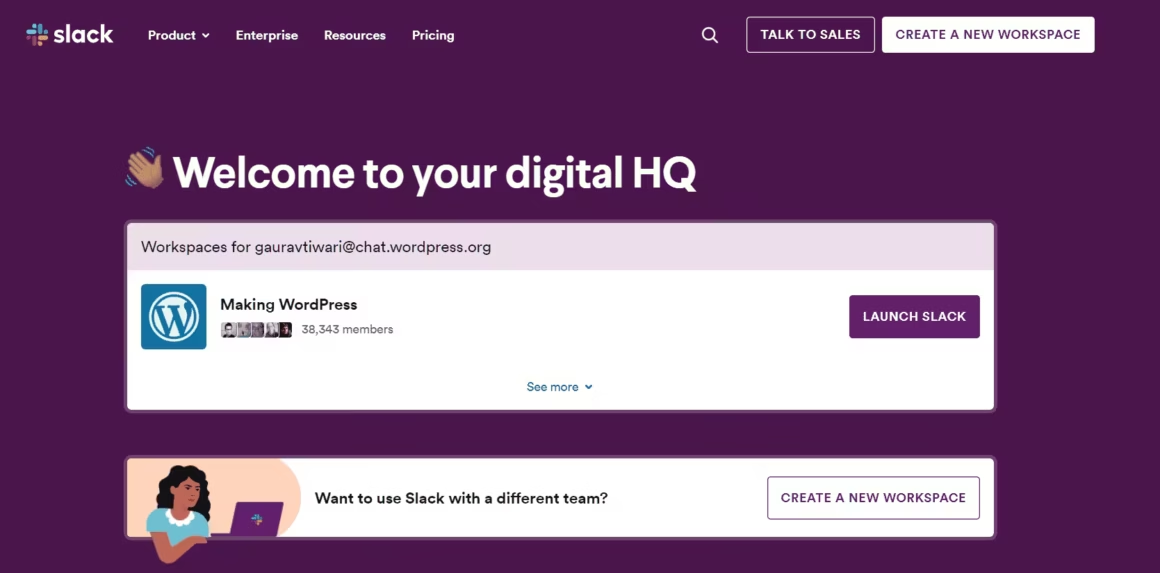
Best for: Team communication with organized channels, file sharing, and integrations with 2,600+ apps.
Slack replaces the chaos of email threads with organized channels. Create a channel for each project, client, or topic. Every conversation is searchable. Files shared in channels stay accessible. And Huddles let you jump into quick voice calls without scheduling a meeting.
The integration ecosystem is where Slack becomes essential for business growth. Connect Google Drive, Trello, Asana, GitHub, Zapier, and hundreds more. Get notifications, approvals, and updates right where your team already communicates. The Canvas feature turns channels into lightweight documentation spaces.
Price: Free plan (90-day message history, 10 integrations). Pro at $8.75/user/month. Business+ at $12.50/user/month adds SAML SSO and compliance features.
The honest downside: Slack can become a productivity killer if you don’t manage notifications. Without discipline around channel organization, your team spends more time chatting than working. The 90-day message limit on free plans hurts growing teams. And Slack is communication, not project management, so you still need a PM tool alongside it.
QuickBooks
Best for: Small businesses that need full accounting, payroll, inventory tracking, and tax preparation.
QuickBooks connects to your bank accounts and payment apps, then categorizes every transaction automatically. You get real-time cash flow visibility, profit and loss statements, balance sheets, and tax-ready reports. Snap a photo of a receipt, and QuickBooks matches it to the right expense category.
The payroll add-on handles employee salaries, tax withholdings, and direct deposits. Inventory tracking monitors stock levels and cost of goods sold. For businesses that sell physical products, the inventory features alone justify the subscription. QuickBooks also integrates with Square, Shopify, and most payment processors.
Price: Simple Start at $30/month (1 user). Essentials at $60/month (3 users). Plus at $90/month (5 users, inventory). Frequent discounts drop prices 50-75% for the first 3 months.
The honest downside: QuickBooks is overkill for freelancers who just need invoicing (use FreshBooks instead). The interface has a learning curve, and the pricing adds up fast when you factor in payroll add-ons. Customer support quality varies wildly depending on the day.
Time Doctor
Best for: Remote teams that need accurate time tracking, productivity monitoring, and automated payroll reports.
Time Doctor tracks billable hours per project, per client, per employee. It records what apps and websites employees use during work hours, takes optional screenshots, and generates detailed productivity reports. For businesses that pay hourly or bill clients by the hour, this eliminates payroll guesswork.
The automated payroll integration exports timesheets directly to payment platforms like PayPal, Wise, and Gusto. Managers get a dashboard showing who’s working, what they’re working on, and how productive each session is. The distraction alerts nudge employees when they drift to non-work sites.
Price: Basic at $7/user/month. Standard at $10/user/month (screenshots, app tracking). Premium at $20/user/month (video screenshots, VIP support).
The honest downside: some employees find the monitoring invasive. Screenshots and activity tracking can damage trust if implemented poorly. Use it transparently, tell your team exactly what’s tracked and why. The distraction alerts can also be annoying for roles that legitimately require browsing (research, marketing).
Dropbox Business
Best for: Teams that need reliable file storage, syncing, and sharing across Windows, Mac, iOS, and Android.
Dropbox Business syncs files across every device your team uses. Edit a file on your laptop, and it’s updated on your phone and your colleague’s desktop within seconds. The Smart Sync feature keeps files in the cloud until you need them, saving local storage. Link sharing with passwords and expiration dates adds security for sensitive documents.
Dropbox Paper (built-in docs tool) handles meeting notes, project briefs, and collaborative documents. The admin console gives you control over who accesses what, with audit logs tracking every file interaction. For teams that handle large files (design, video, architecture), Dropbox handles big uploads better than Google Drive or OneDrive.
Price: Plus at $11.99/month (2TB, 1 user). Business at $15/user/month (9TB, 3+ users). Business Plus at $24/user/month adds compliance and admin features.
The honest downside: Dropbox feels expensive compared to Google Drive (15GB free) and OneDrive (included with Microsoft 365). The syncing can occasionally create duplicate files during conflicts. And Paper isn’t as capable as Google Docs or Notion for document collaboration.
SurveyMonkey
Best for: Customer feedback, market research, employee satisfaction surveys, and NPS scoring.
SurveyMonkey is the fastest way to understand what your customers actually think. Build a survey in minutes using templates for customer satisfaction (CSAT), Net Promoter Score (NPS), product feedback, or market research. Distribute via email, website embed, social media, or direct link. Results come in real time with charts and filtering.
The AI-powered survey builder suggests questions and identifies bias in your wording. Skip logic routes respondents to different questions based on their answers, which means shorter surveys and better data. For small businesses, even a simple 5-question post-purchase survey reveals patterns you’d never see otherwise.
Price: Free (10 questions, 25 responses per survey). Standard at $99/month. Advantage at $39/month (annual). Special discounts for educators and students.
The honest downside: the free plan is severely limited. 10 questions and 25 responses per survey isn’t enough for meaningful data. The jump to paid plans is steep for a small business that only sends occasional surveys. Google Forms is free and handles basic surveys well enough for many use cases.
ShipStation
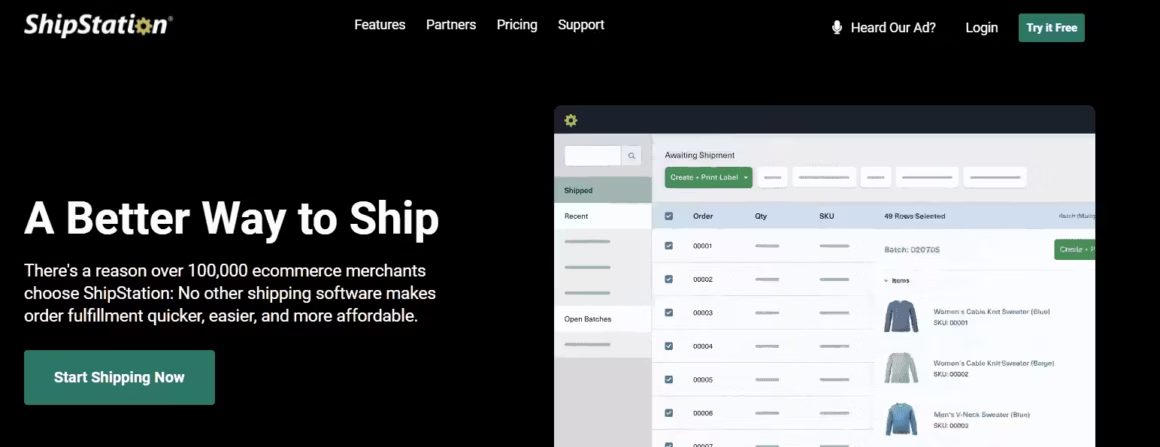
Best for: E-commerce businesses that need to manage orders and print shipping labels from multiple sales channels.
ShipStation pulls orders from Shopify, Amazon, eBay, WooCommerce, Etsy, and 100+ other channels into one dashboard. Compare shipping rates across carriers (USPS, UPS, FedEx, DHL), print labels in batch, and send tracking emails to customers automatically. For businesses shipping 50+ orders per month, ShipStation pays for itself in time savings alone.
Custom branded packing slips, shipping rules automation, and inventory sync across channels keep your fulfillment process clean. The mobile app lets you scan, pack, and ship from a warehouse or your garage. International shipping support handles customs forms and duties calculations.
Price: Starter at $9.99/month (50 shipments). Bronze at $29.99/month (500 shipments). Gold at $99.99/month (2,000 shipments).
The honest downside: ShipStation only makes sense if you ship physical products. The interface can feel cluttered with all the carrier and channel options. And the per-shipment tiers mean costs jump as you grow, so you need to pick the right plan to avoid overpaying.
Microsoft OneDrive
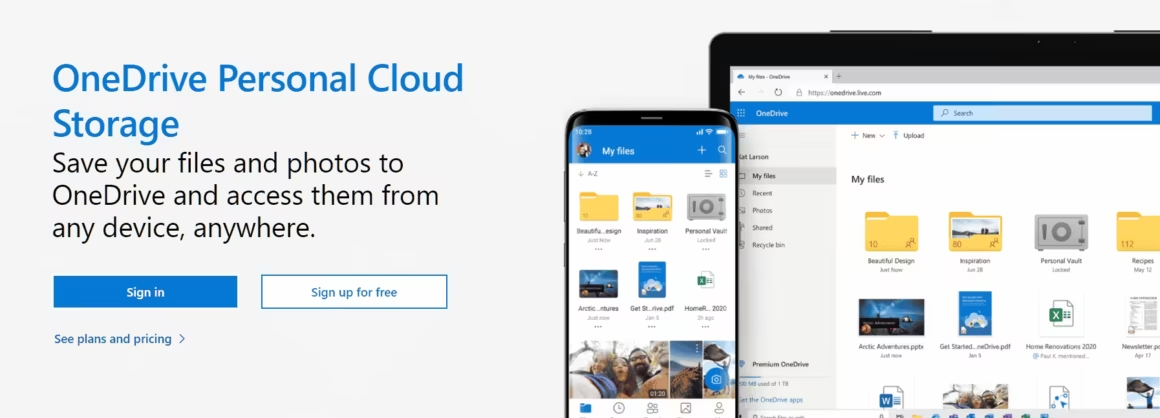
Best for: Businesses already using Microsoft 365 that need cloud storage integrated with Word, Excel, and Outlook.
Microsoft OneDrive comes included with Microsoft 365 subscriptions, so if you’re already paying for Outlook and Office apps, you’re getting OneDrive for free. Files sync across desktop, mobile, and web. The integration with Windows File Explorer makes it feel like a local folder, not a cloud service.
Personal Vault adds extra security for sensitive documents (requires additional authentication). Automatic photo and document backup from your phone keeps important files safe without thinking about it. Version history lets you roll back changes on any file.
Price: 5GB free. OneDrive standalone at $1.99/month (100GB). Included with Microsoft 365 Personal ($6.99/month, 1TB) and Business Basic ($6/user/month, 1TB).
The honest downside: OneDrive’s web apps (Word Online, Excel Online) are less capable than Google Docs for real-time collaboration. Syncing issues on Mac are more common than on Windows. And the 5GB free tier is stingy compared to Google Drive’s 15GB.
Evernote
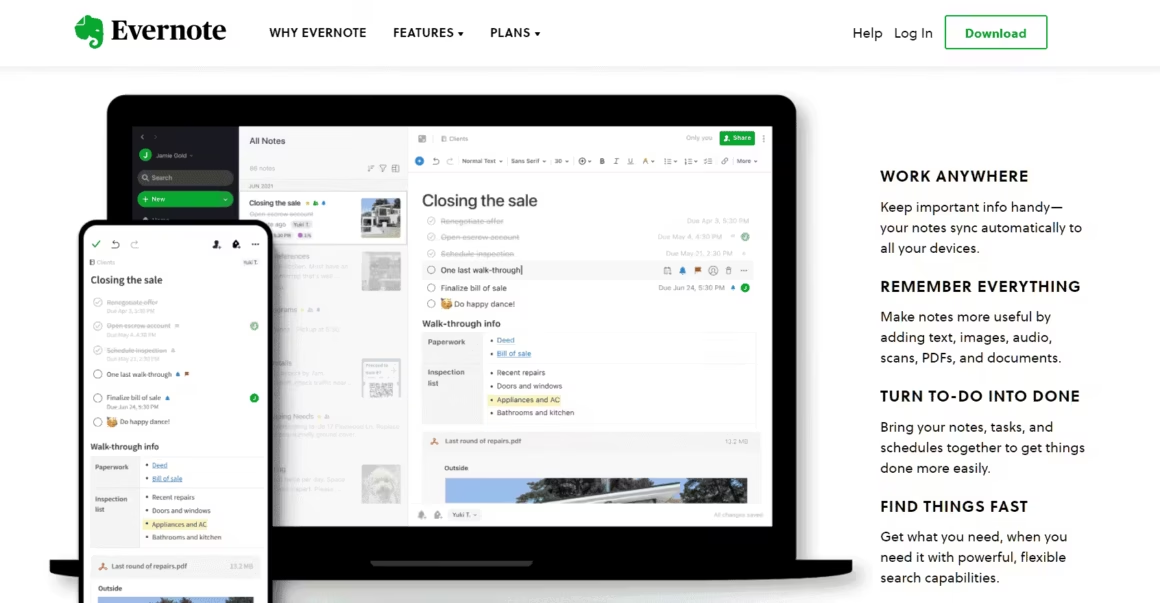
Best for: Entrepreneurs who need to capture business ideas, notes, and reference material across devices.
Evernote captures ideas in text, voice recordings, photos, PDFs, and web clippings. Everything is searchable, including text inside images and handwritten notes. Tag your notes, organize them into notebooks, and find anything in seconds with the powerful search engine.
The Web Clipper browser extension saves articles, recipes, and research pages directly to Evernote with one click. Templates for meeting notes, project plans, and habit trackers give you structure without starting from scratch. The document scanner turns physical papers into searchable digital notes.
Price: Free (1 device, 60MB monthly uploads). Personal at $14.99/month (unlimited devices, 10GB uploads). Professional at $17.99/month (adds task management and Calendar integration).
The honest downside: Evernote has lost ground to Notion, Apple Notes, and Google Keep. The free plan limiting you to one device is frustrating. The app has become slower and more bloated over the years, and pricing increased significantly. For most users, Notion offers more flexibility at a similar price point.
Square
Best for: Brick-and-mortar and pop-up businesses that need to accept credit card payments with no monthly fees.
Square turns any smartphone or tablet into a point-of-sale terminal. There’s no monthly fee. Instead, Square takes 2.6% + 10 cents per in-person transaction and 2.9% + 30 cents for online payments. You get a free card reader, and funds deposit into your bank account in 1-2 business days.
Beyond payments, Square offers a free POS app with inventory tracking, sales analytics, customer profiles, and digital receipts. Square Invoices handles billing for service businesses. Square Online lets you create a basic e-commerce site for free. The ecosystem is built so you can start free and add features as you grow.
Price: No monthly fee. 2.6% + 10 cents per in-person transaction. Free card reader included. Premium hardware (terminals, registers) sold separately.
The honest downside: the per-transaction fees add up for high-volume businesses. If you process over $20,000/month, traditional merchant accounts offer lower rates. Square can also hold funds or freeze accounts without warning if transactions trigger their risk algorithms, which is a real problem for new businesses.
Podium
Best for: Local businesses that need to collect Google reviews and communicate with customers via text message.
Podium makes review collection dead simple. After a customer interaction, Podium sends a text with a direct link to leave a Google review. No app downloads, no complicated steps. Just tap, rate, and review. Businesses using Podium typically see a 3-5x increase in review volume within the first three months.
Beyond reviews, Podium consolidates customer messaging from text, web chat, Facebook, and Instagram into one inbox. Your team responds to all channels from a single dashboard. The payment feature lets you text an invoice link to customers, who can pay via credit card or Apple Pay directly from the text.
Price: Core at $399/month. Pro at $599/month. Enterprise pricing on request. 14-day free trial available.
The honest downside: Podium is expensive for a small business. $399/month is a significant investment. It’s built for local businesses with high customer volume (dental offices, auto shops, restaurants, salons) where reviews directly drive new customers. If your business relies on B2B or online sales, Podium’s ROI is harder to justify.
Crowdfire
Best for: Small business owners new to social media who need a simple content scheduling and curation tool.
Crowdfire schedules posts across Facebook, Twitter/X, Instagram, LinkedIn, and Pinterest. But what makes it different from Buffer or Hootsuite is the content curation feature. Crowdfire suggests articles, images, and posts relevant to your niche, so you always have something to share even when you’re not creating original content.
The app analyzes your audience engagement and recommends the best times to post. You can queue up a week’s worth of content in 30 minutes. The analytics dashboard shows which posts drive the most engagement, clicks, and follower growth. For small business owners who know they “should” be on social media but don’t know where to start, Crowdfire acts as a guide.
Price: Free (3 linked accounts, 10 scheduled posts). Plus at $10/month. Premium at $50/month (adds competitor analysis and bulk scheduling).
The honest downside: Crowdfire’s content suggestions can feel generic. The free plan is too limited for serious use. And for businesses that want advanced social listening or team collaboration features, tools like Sprout Social or Hootsuite offer more depth.
Dropbox Sign
Best for: Businesses that need legally binding digital signatures on contracts, agreements, and HR documents.
Dropbox Sign (formerly HelloSign) lets you send documents for electronic signature in minutes. Upload a PDF, drag signature fields where you need them, enter the signer’s email, and done. Signers don’t need an account. The signed document is legally binding under ESIGN and eIDAS regulations, and you get an audit trail tracking every action.
The Chrome extension and mobile app let you sign documents on the go. Templates save time on recurring documents like NDAs, contracts, and employment agreements. The API lets developers embed signing into their own apps. For small businesses, the simplicity beats DocuSign’s more complex interface.
Price: Free (3 signature requests/month). Essentials at $15/month (unlimited requests). Standard at $25/user/month for teams.
The honest downside: 3 free signature requests per month isn’t much. DocuSign has broader name recognition, which matters when asking clients to sign (they trust the brand). And Dropbox Sign’s template editor is less flexible than DocuSign’s for complex documents with multiple signers.
TripIt
Best for: Business owners who travel frequently and need all trip details organized in one place.
TripIt organizes your travel chaos. Forward your booking confirmation emails, and TripIt automatically creates a master itinerary with flights, hotels, car rentals, and restaurant reservations. Everything syncs to your phone calendar. Offline access means you have your plans even without internet.
TripIt Pro ($49/year) adds real-time flight alerts, seat tracking, and alternative flight suggestions when delays happen. The neighborhood safety scores help you choose hotels in unfamiliar cities. For small business owners who travel for client meetings, trade shows, or vendor visits, TripIt eliminates the “which email had my hotel confirmation?” scramble.
Price: Free for basic itinerary organization. TripIt Pro at $49/year adds flight alerts, seat tracking, and fare refund notifications.
The honest downside: the free version is basic, just an itinerary organizer. The $49/year Pro plan is where the real value lives. Google Flights and airline apps now offer many of the same tracking features for free. TripIt is best for frequent travelers juggling multiple bookings per trip.
How to Choose the Right Apps for Your Business
Don’t install everything on this list. Start with 3-4 tools that solve your biggest pain points, then add more only when you hit a wall. Here’s the decision framework:
Every small business needs: An email/docs suite (Google Workspace), a communication tool (Slack), and an accounting/invoicing tool (FreshBooks for services, QuickBooks for products). That’s your foundation.
If you sell physical products: Add ShipStation for shipping and Square for in-person payments.
If you manage a remote team: Add Time Doctor for time tracking and Dropbox Business for file sharing.
If you need customer feedback: SurveyMonkey for surveys, Podium for reviews.
If you’re just starting social media: Crowdfire to schedule and learn what works.
My stack for running my own business: Google Workspace for everything, Slack for team communication, FreshBooks for invoicing, and Dropbox for file storage. Four tools that cover 90% of my daily operations. Start simple, add complexity only when you need it.
Zipchat
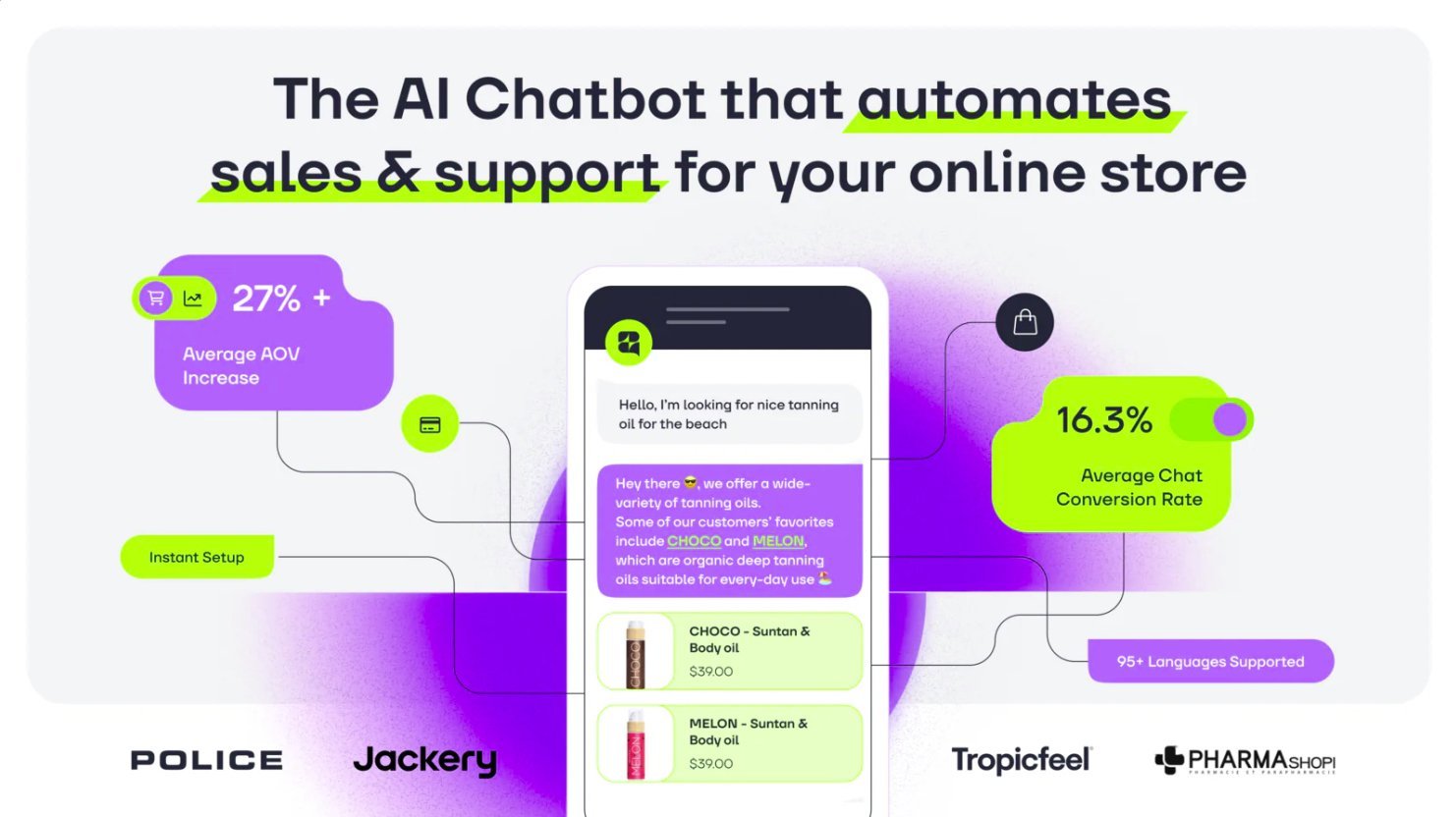
Zipchat is an AI-powered sales chat app. Chat with your customers, answer their questions, and make shopping a breeze. Supporting over 95 languages, Zipchat is dedicated to helping your business grow by delivering excellent customer service whenever you need it.
Support Board
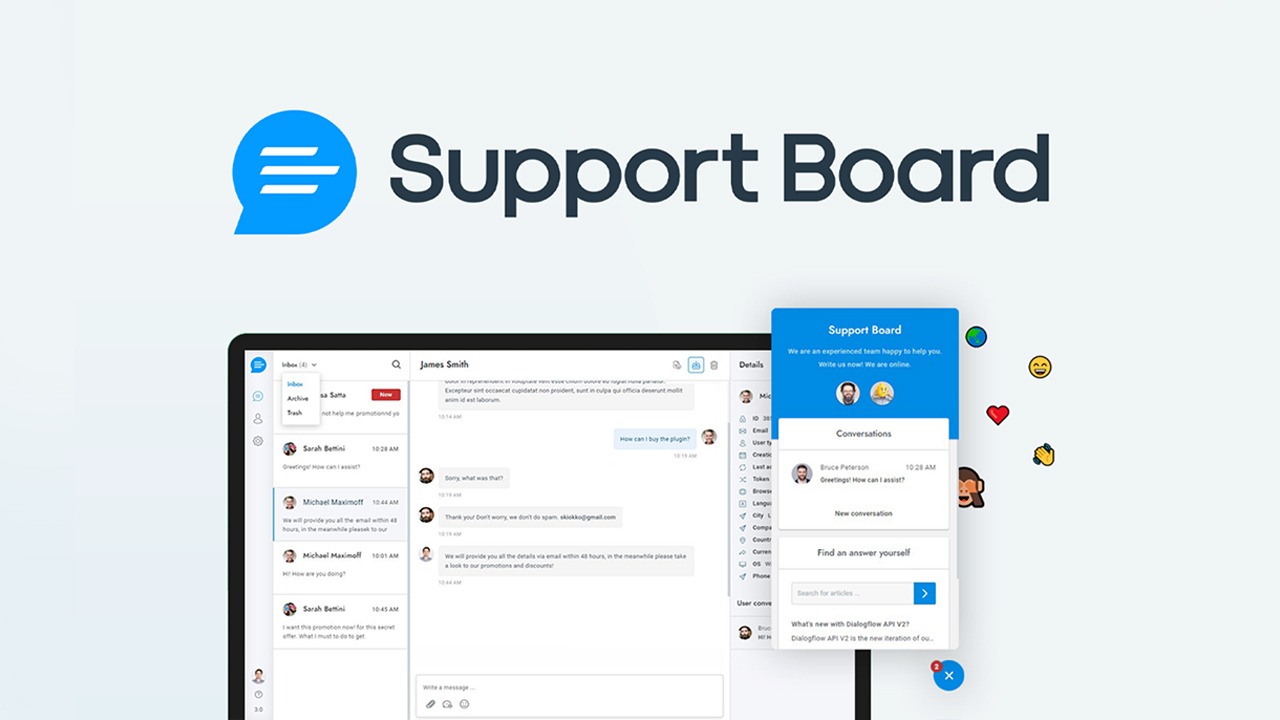
Support Board adds AI-powered chatbots to your customer support. Automate responses using OpenAI, handle tickets from multiple channels, and escalate to human agents when needed. Self-hosted solution that integrates with WordPress, Slack, WhatsApp, and Messenger. No monthly per-agent fees.
PinChat
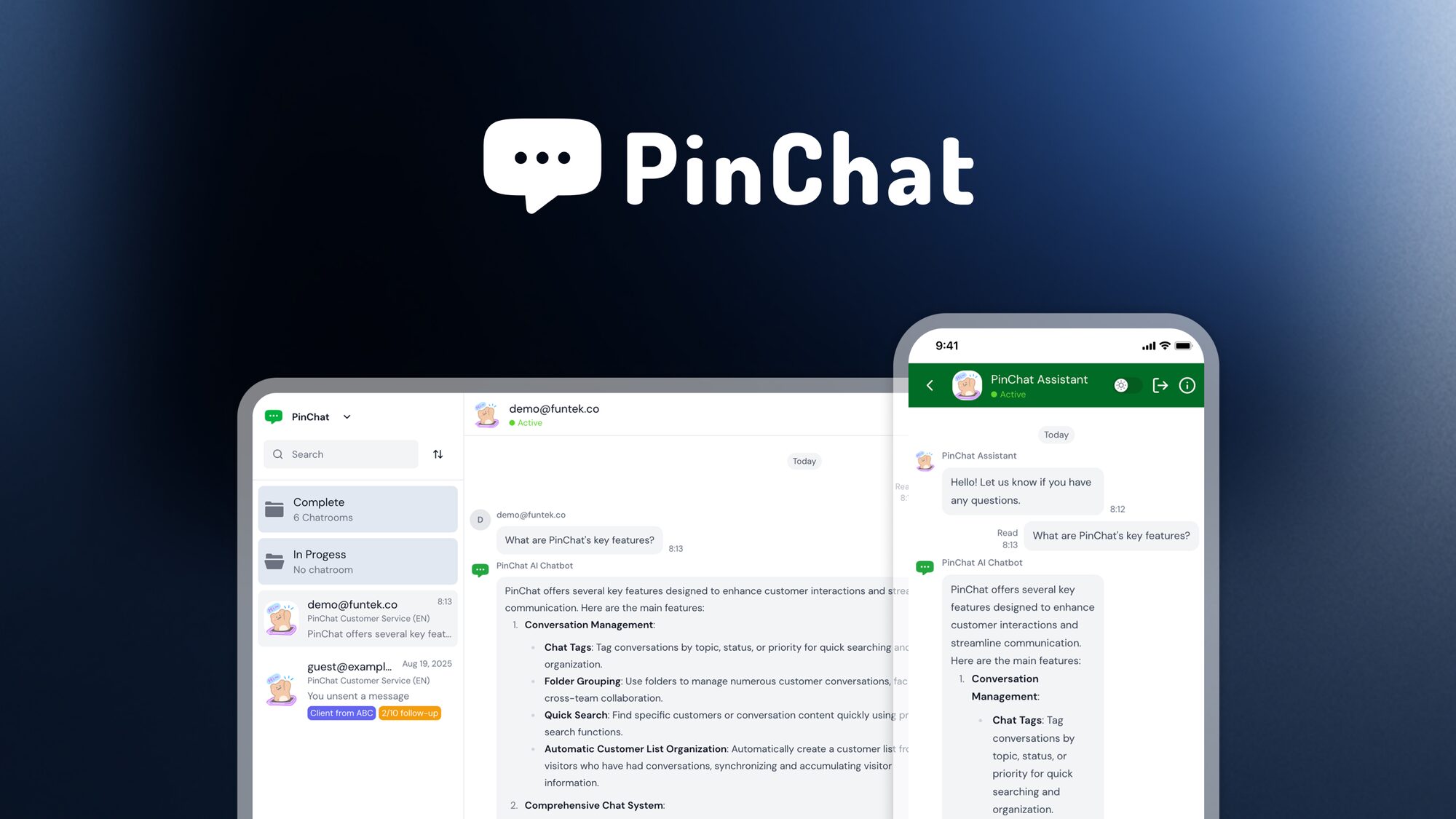
PinChat enables instant customer communication through shareable links and QR codes. Customers click a link or scan a code to start a chat, no app downloads required. Route conversations to the right team members and track engagement. Great for retail, events, and customer support.
GoBrunch
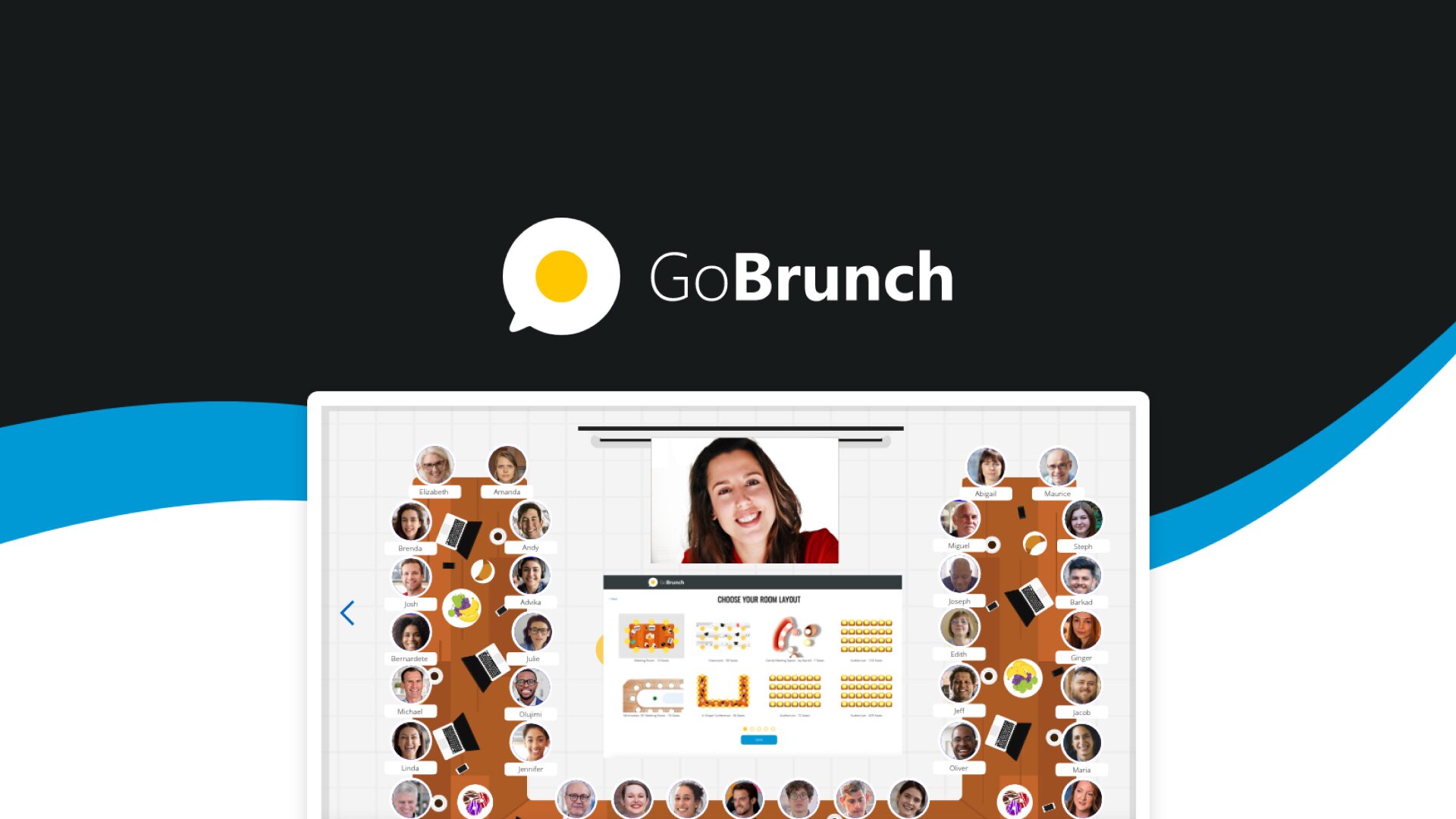
GoBrunch transforms online meetings into interactive, visually engaging experiences. Custom virtual rooms replace boring video call backgrounds. Host webinars, workshops, and training sessions with built-in engagement tools like polls, breakout rooms, and interactive whiteboards. Works without downloads.
ApiX-Drive
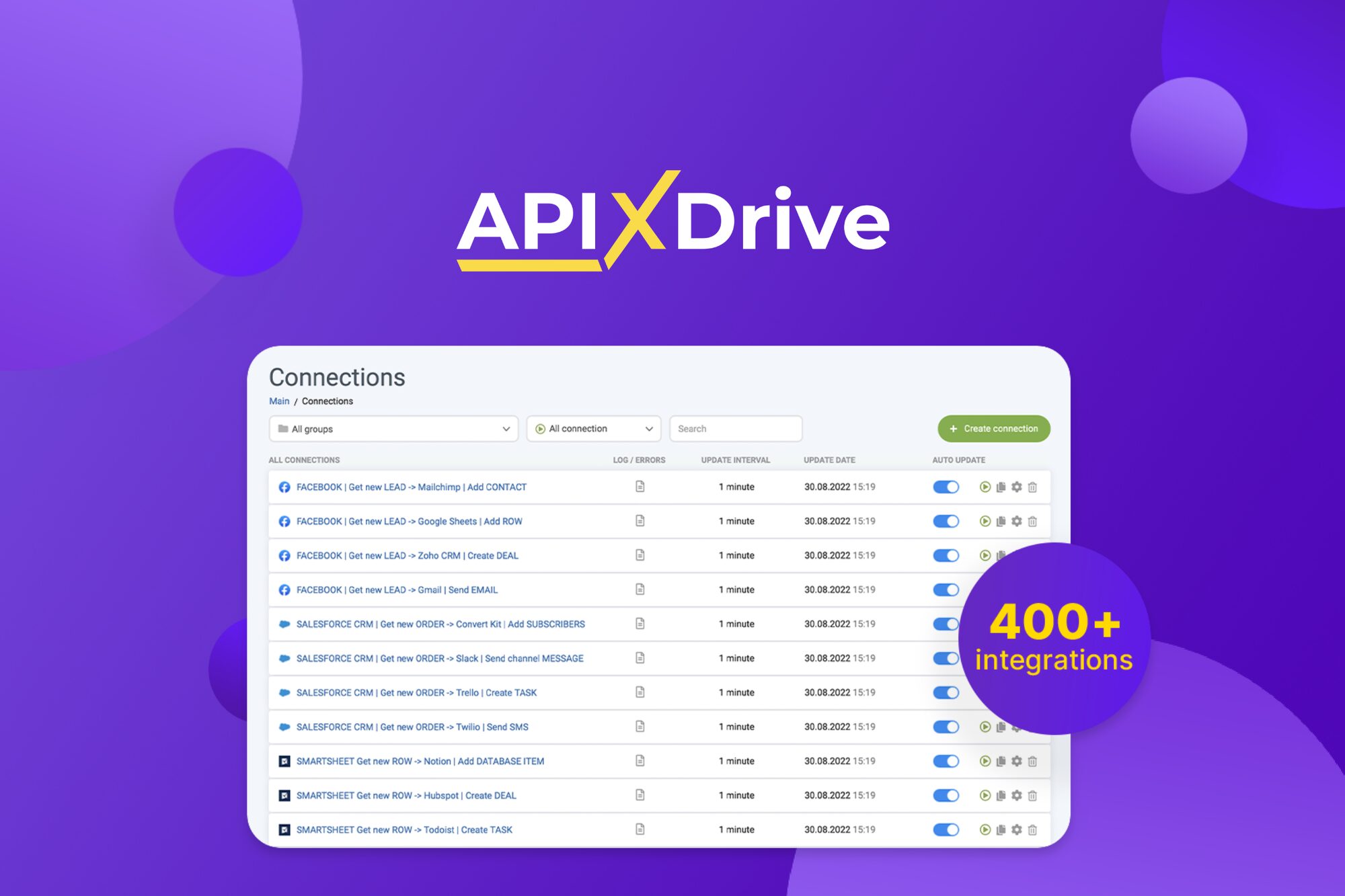
ApiX-Drive connects your apps and automates workflows without coding. Set up ready-made integrations between CRMs, email platforms, messengers, and 300+ services. Triggers fire automatically, syncing data across your stack. A solid Zapier alternative if you want lifetime access at a fraction of the recurring cost.
Bit Integrations
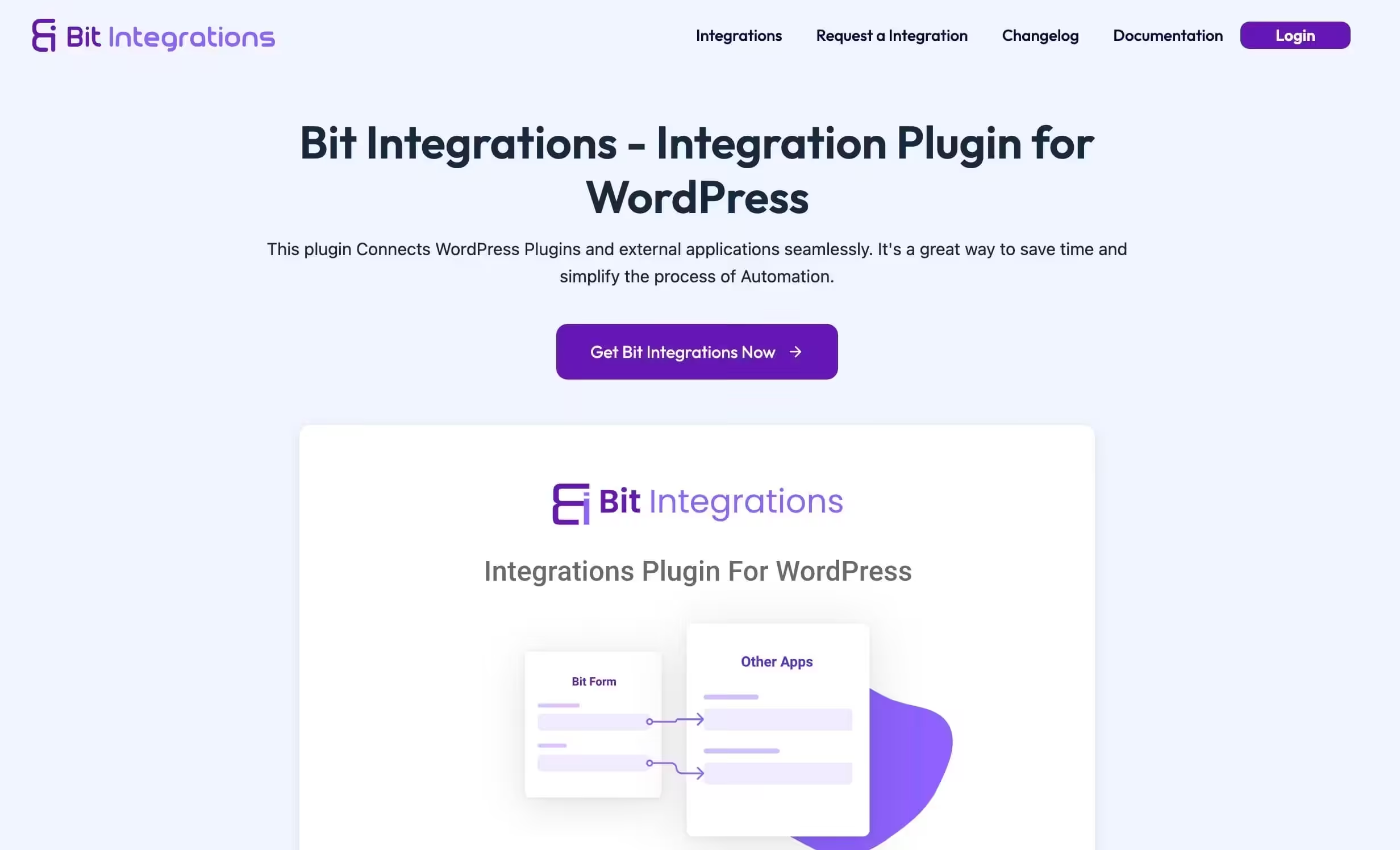
Bit Integrations connects your WordPress plugins and forms to over 200 external platforms without code or Zapier. It handles data transfer between form builders, CRMs, email marketing tools, and project management apps natively. This page covers Bit Integrations' connector library, automation capabilities, pricing, and how it compares to Zapier for WordPress users.
OttoKit
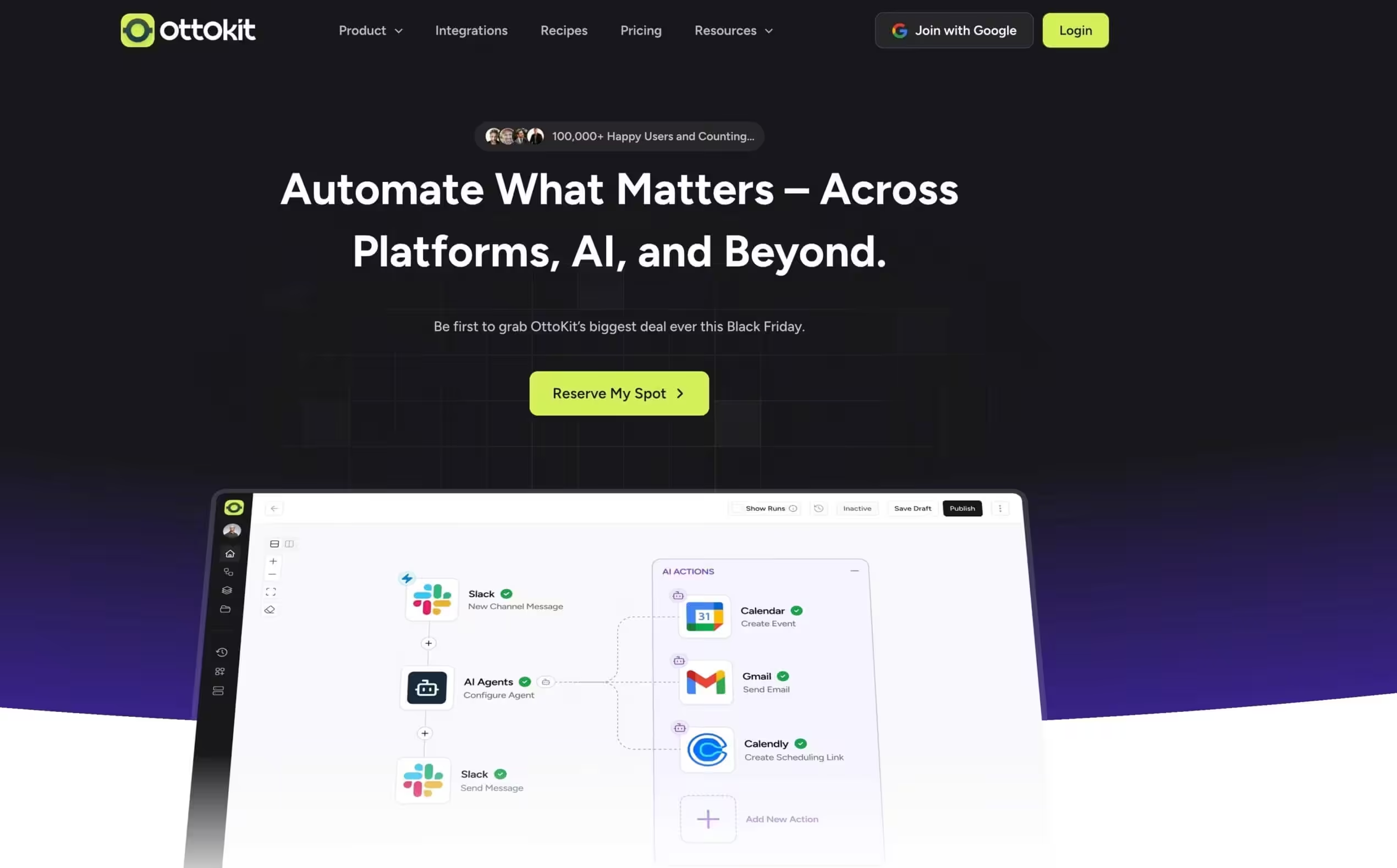
OttoKit is a WordPress automation plugin that connects your site's plugins and services through no-code workflows. It automates repetitive tasks based on triggers and actions across your WordPress ecosystem. This page covers OttoKit's automation features, supported triggers, integration library, pricing, and how it compares to other WordPress automation plugins like AutomatorWP.
SureCart
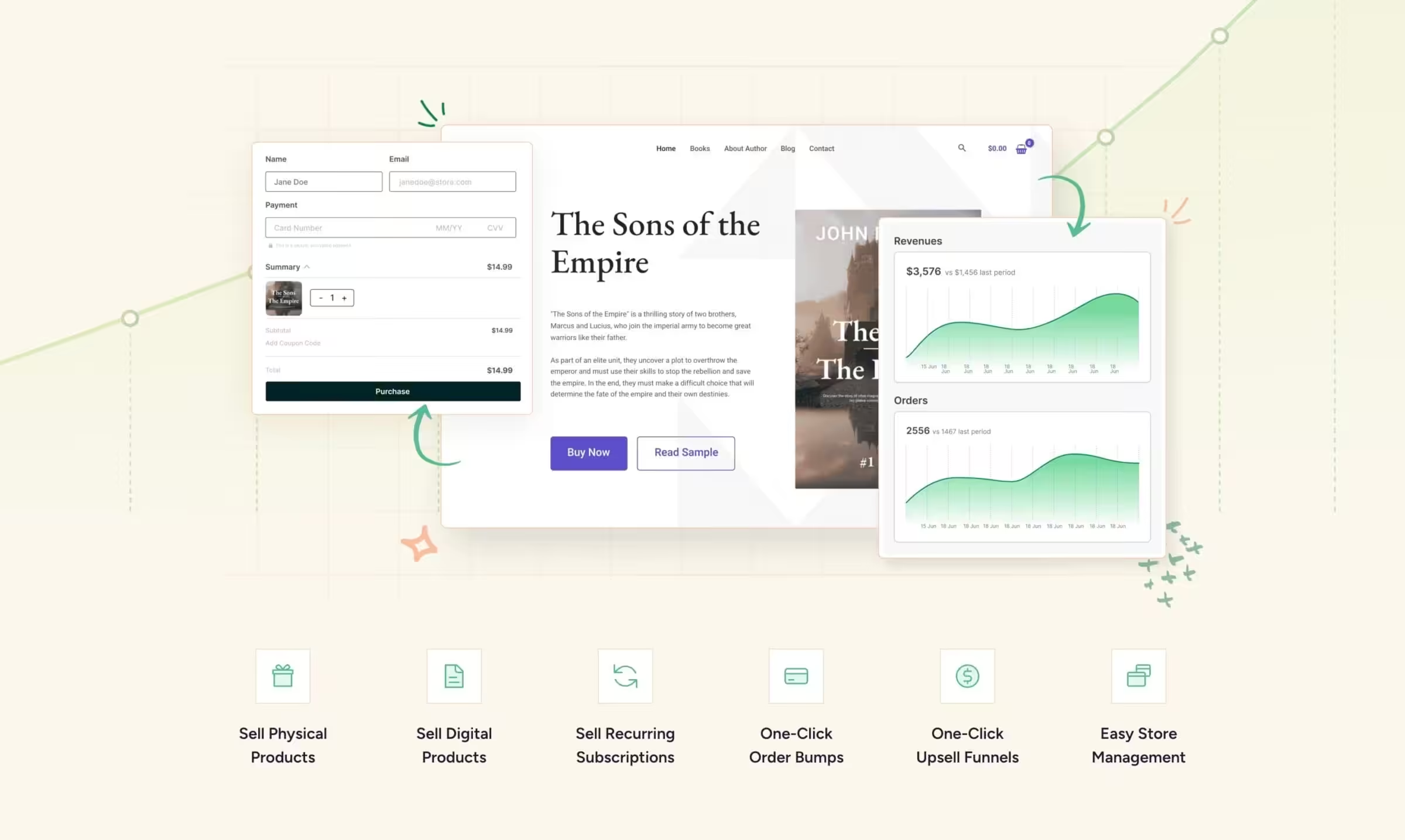
SureCart is a modern ecommerce plugin for WordPress that simplifies selling digital and physical products. It offers a cleaner, faster alternative to WooCommerce for businesses that don't need complex store functionality. This page covers SureCart's features, payment processing, pricing, integrations, and how it compares to other WordPress ecommerce solutions for different selling needs.
Crazy Domains
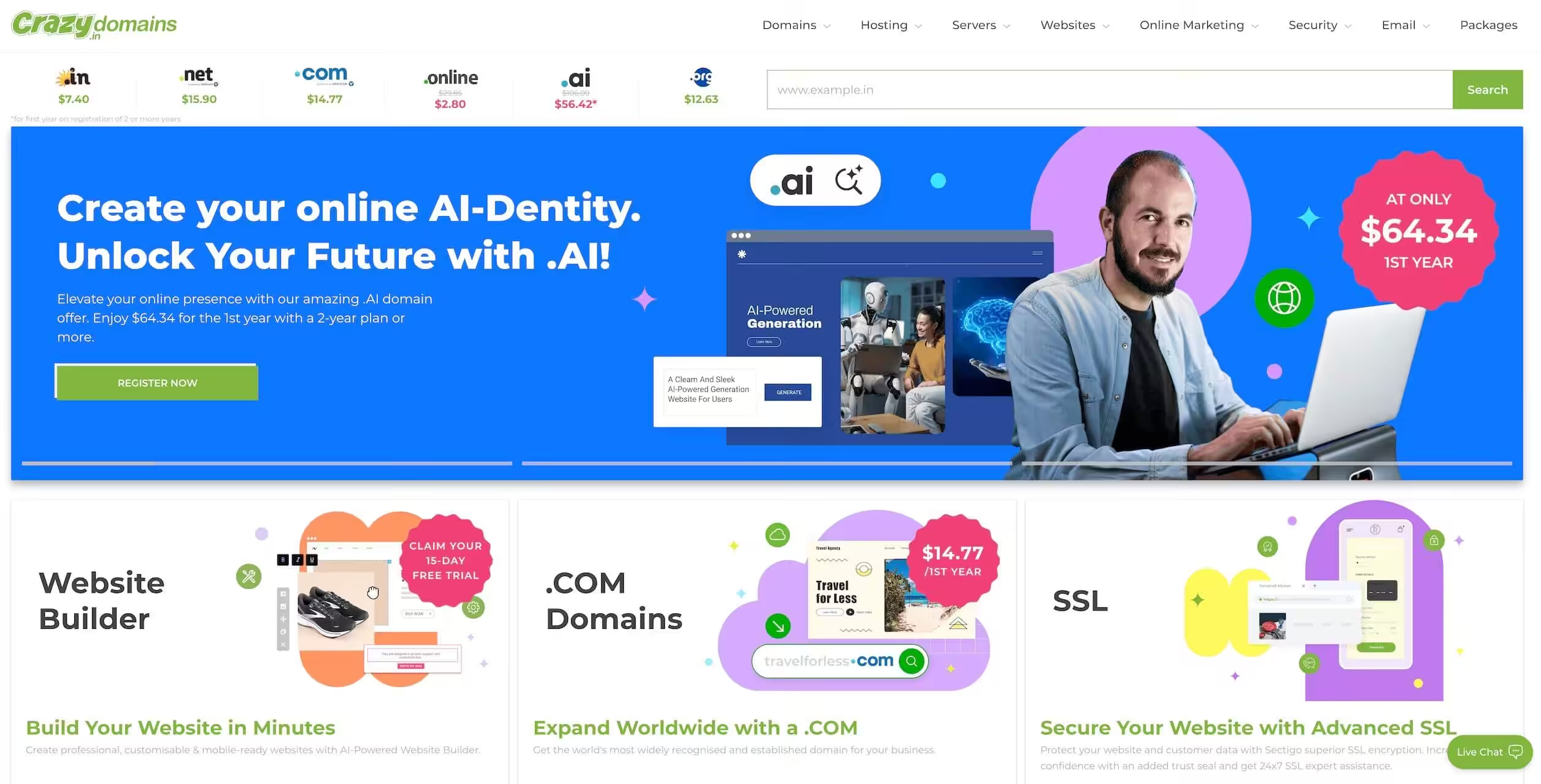
Crazy Domains is an Australian domain registrar and web hosting provider offering domain registration, website hosting, and website builder tools. This page covers Crazy Domains' domain pricing, hosting plans, website builder features, customer support quality, and how it compares to other domain registrars and hosting providers in the Australian and global markets.
Hostinger

Hostinger offers some of the most affordable web hosting available, with shared hosting plans that include a free domain and SSL certificate. Their performance has improved significantly in recent years. This page covers Hostinger's current plans, pricing, performance metrics, customer support quality, and whether Hostinger is the right budget hosting choice for your website.
Wholesale Suite
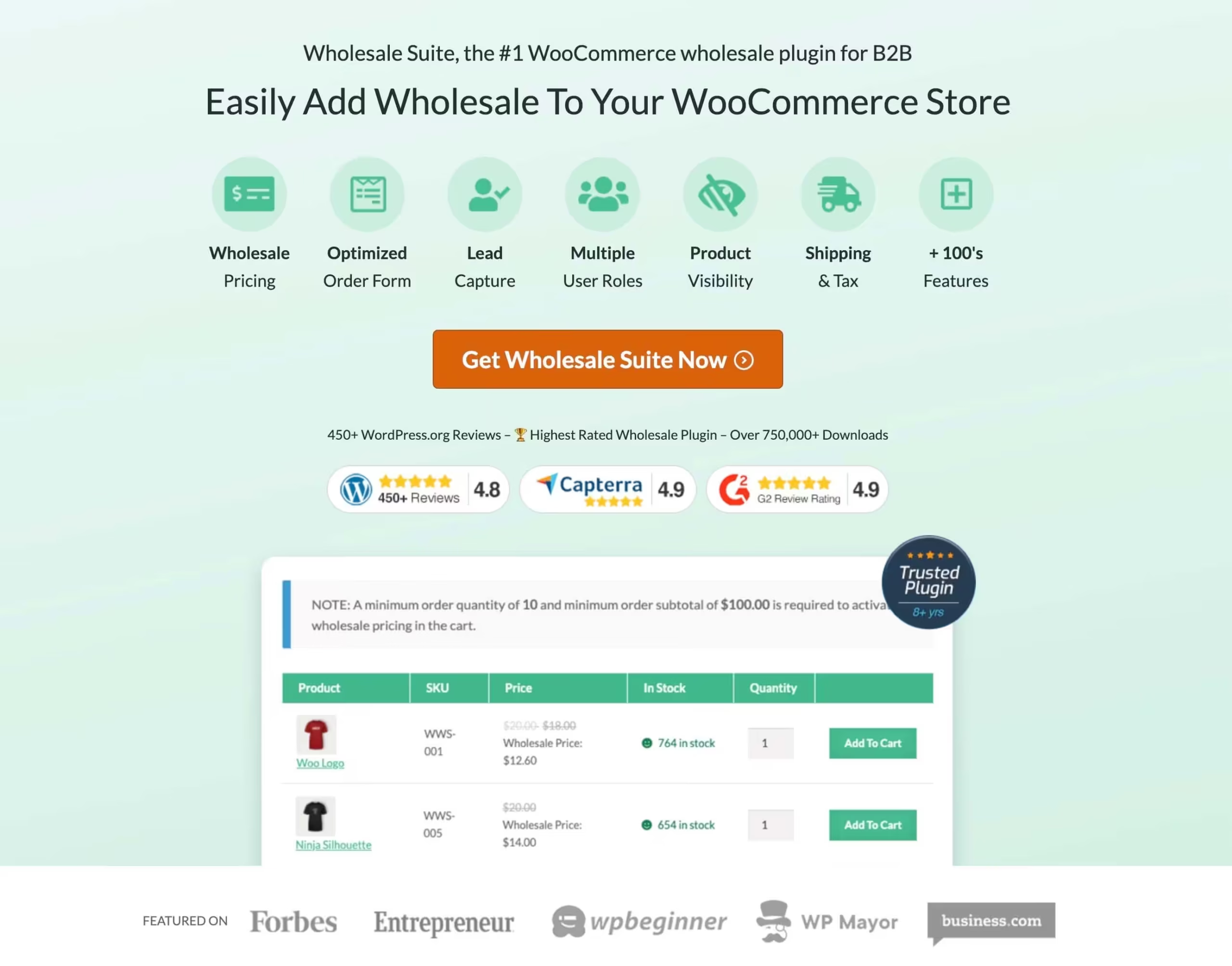
Wholesale Suite is a collection of WordPress plugins that add wholesale functionality to WooCommerce stores. It enables tiered wholesale pricing, minimum order requirements, and dedicated wholesale registration. This page covers Wholesale Suite's pricing features, order management, user roles, compatibility with WooCommerce, and how it compares to other B2B wholesale solutions for WordPress.
Bit Flows
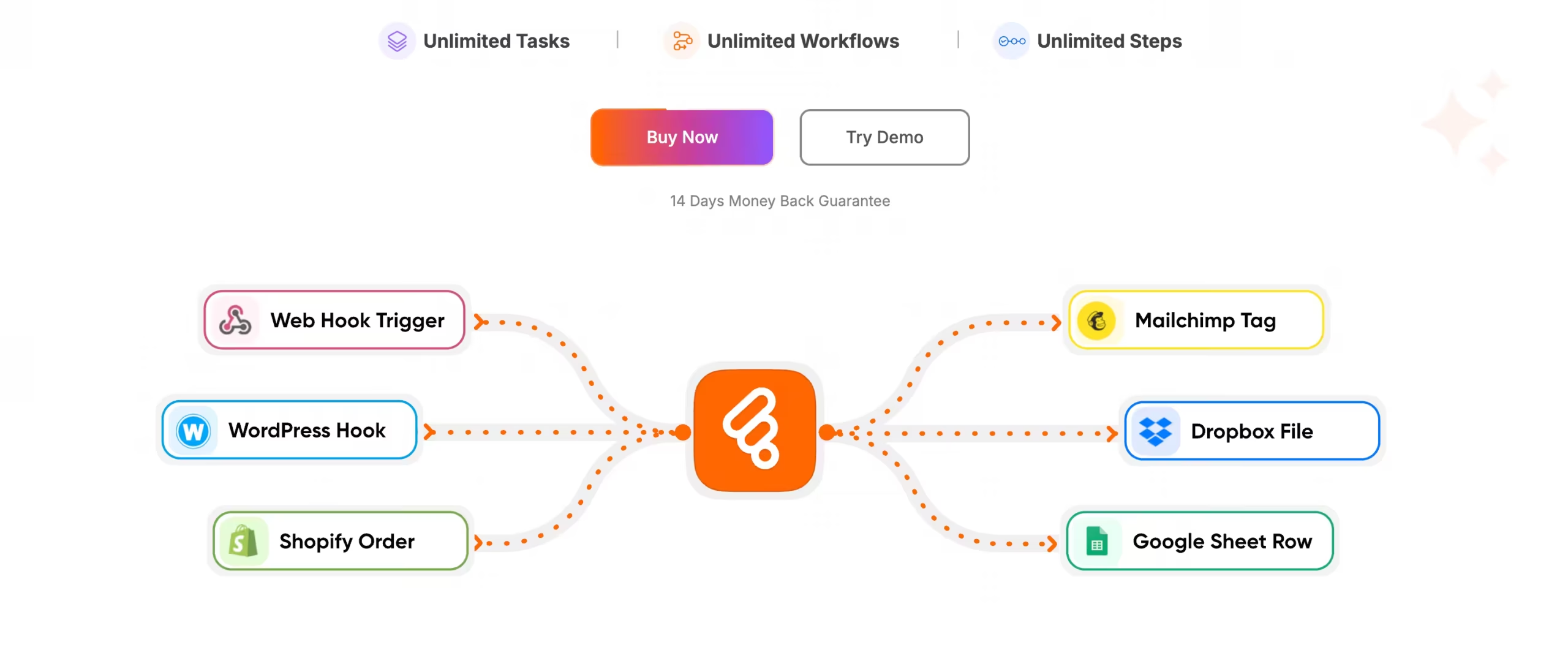
Bit Flows is a WordPress automation plugin that connects your plugins and services through automated workflows without code. It triggers actions based on form submissions, user registrations, and other WordPress events. This page covers Bit Flows' automation capabilities, supported integrations, workflow builder, pricing, and how it compares to Zapier and other WordPress automation tools.
Parallels Desktop

Parallels Desktop is the leading virtualization software for running Windows on Mac. It lets you run Windows applications seamlessly alongside macOS without rebooting. This page covers Parallels Desktop's performance, compatibility with Apple Silicon Macs, Windows integration features, pricing tiers, and how it compares to VMware Fusion and other virtualization options.
DocHub
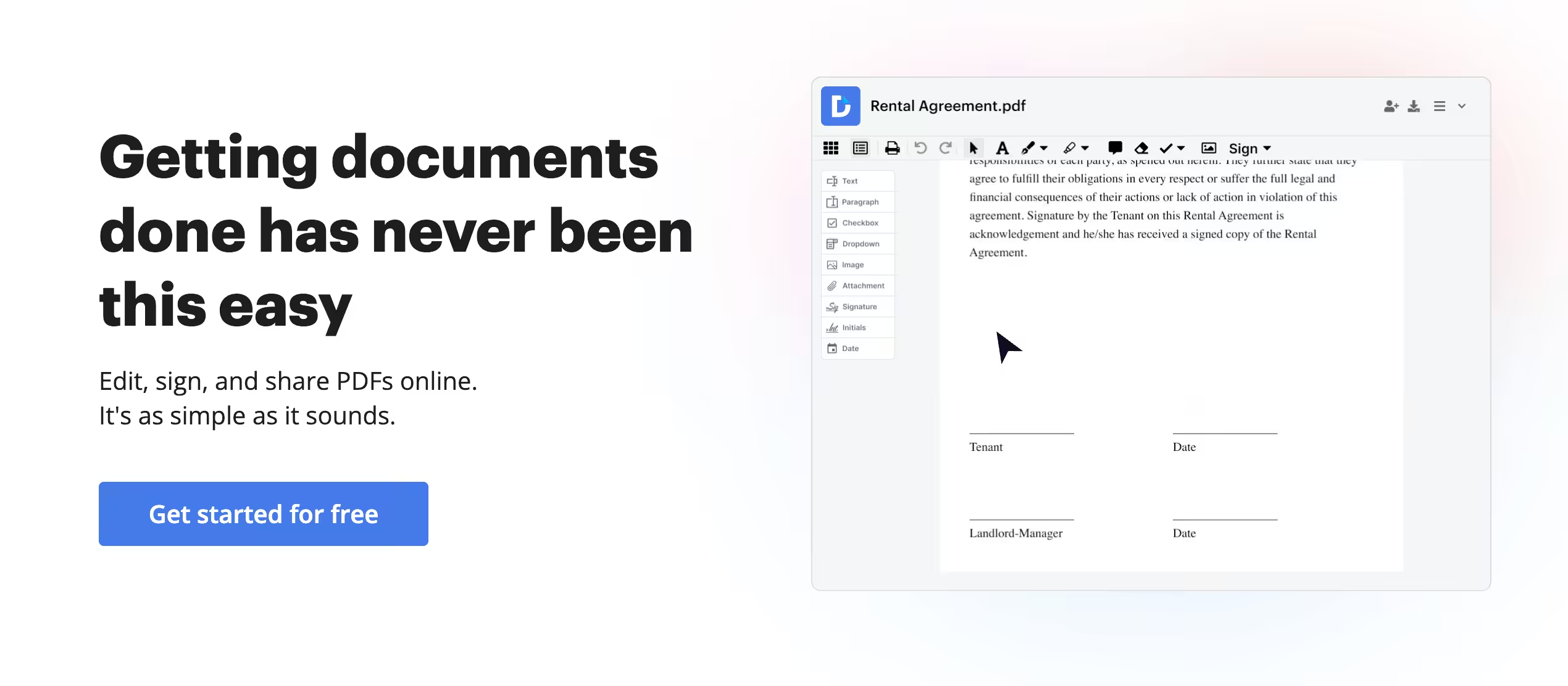
DocHub is a cloud-based document editing platform for PDFs and other file formats. It offers annotation, e-signatures, form filling, and collaborative editing without requiring desktop software installation. This page covers DocHub's editing features, integration capabilities with Google Drive and Dropbox, pricing, and how it compares to other online document editing platforms.
pdfFiller
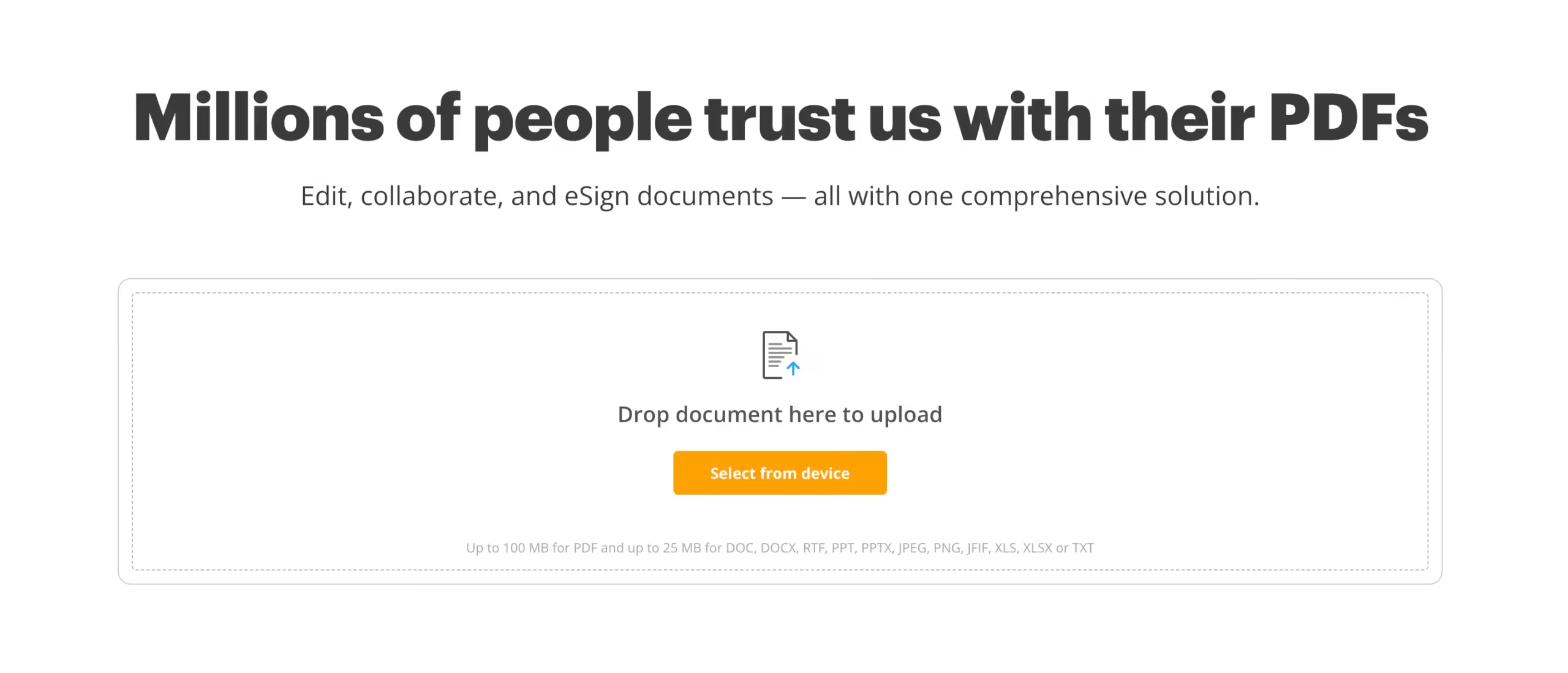
pdfFiller is an online document management platform that lets you edit, sign, and share PDF documents from any device. It combines PDF editing with electronic signatures and form creation in a single tool. This page covers pdfFiller's editing capabilities, template library, e-signature features, pricing plans, and how it compares to Adobe Acrobat and other PDF solutions.
Internxt
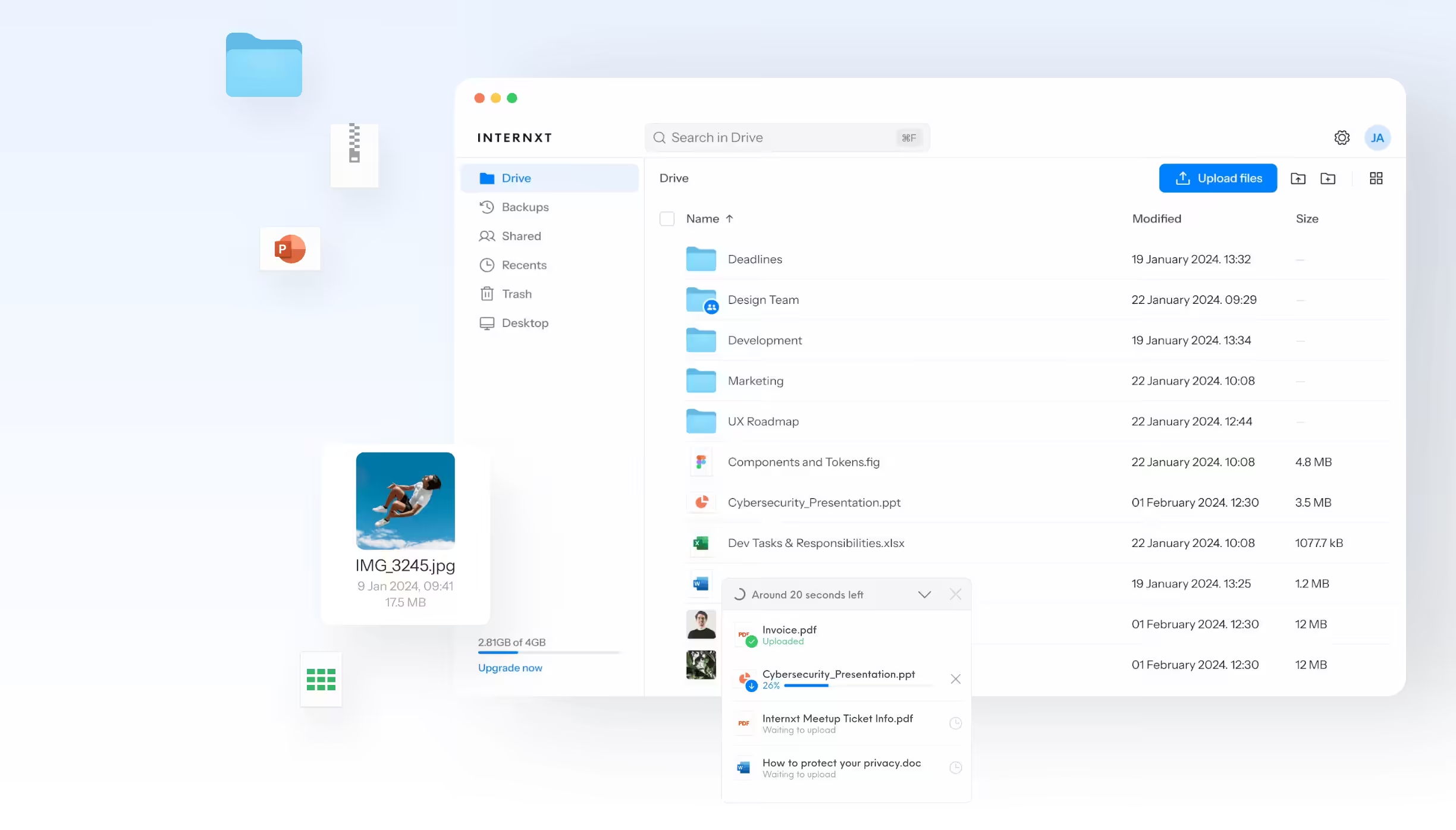
Internxt is a privacy-focused cloud storage provider that encrypts your files client-side before they ever leave your device. Unlike mainstream cloud services, Internxt can't access your data. This page covers Internxt's encryption approach, storage plans, pricing, file sharing capabilities, and how it compares to Google Drive, Dropbox, and other cloud storage options for privacy-conscious users.
Enpass
Enpass is an offline-first password manager that stores your encrypted vault locally rather than on company servers. This approach gives you complete control over your password data. It syncs across devices using your own cloud storage like Dropbox, iCloud, or Google Drive. For users who want password management without trusting a third party with their vault, Enpass is a compelling choice. This page covers features, pricing, and security model.
Klipy
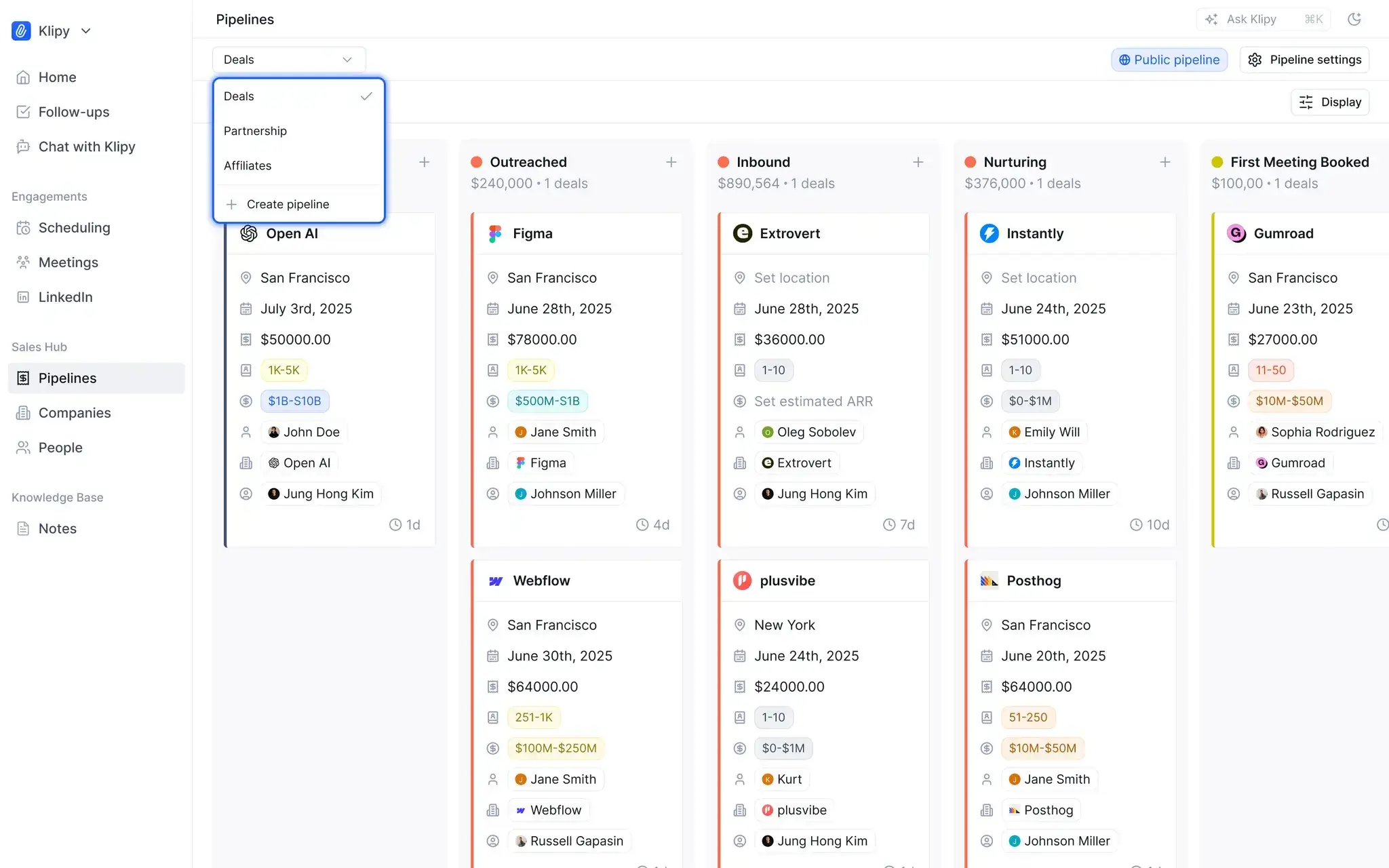
Klipy is a CRM tool designed for small businesses and solopreneurs who need relationship management without the complexity of enterprise solutions. It focuses on contact organization, interaction tracking, and follow-up automation with a clean, minimal interface. For businesses that find Salesforce and HubSpot overwhelming, Klipy provides essential CRM functionality without the learning curve. This page covers features, workflow, pricing, and who Klipy serves best.
QuoteIQ CRM
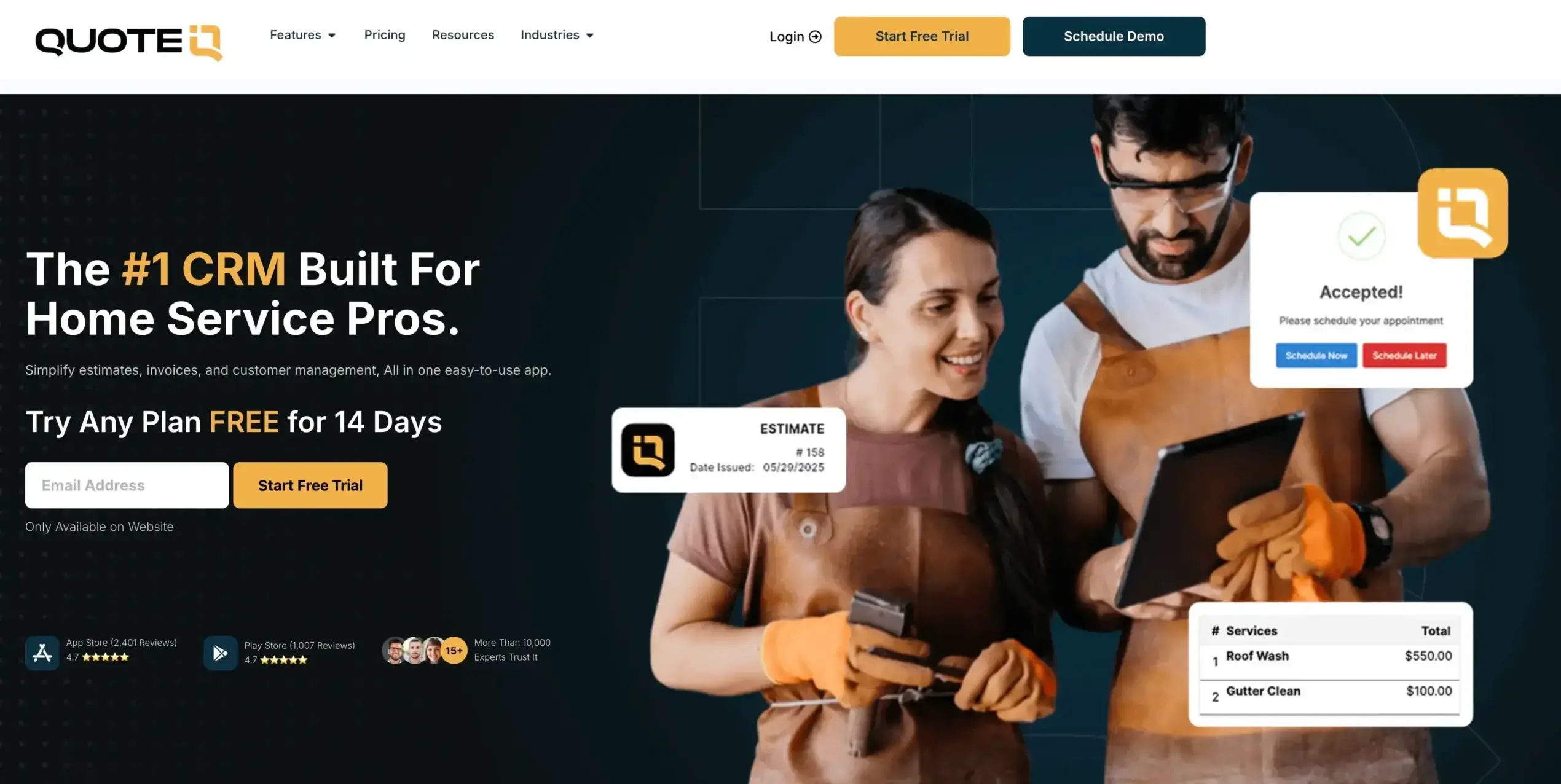
QuoteIQ CRM is a customer relationship management tool designed specifically for businesses that rely on quoting and proposal workflows. It combines CRM functionality with quote generation, follow-up automation, and pipeline management in a single platform. For sales teams that spend significant time creating and tracking quotes, QuoteIQ streamlines the entire process. This page covers features, quoting workflow, automation capabilities, pricing, and integration options.
WordPress.com

WordPress.com is the hosted version of WordPress, offering an all-in-one platform for building websites without managing your own hosting infrastructure. It differs from self-hosted WordPress.org in several important ways that affect flexibility and control. This page covers WordPress.com's plans, features, limitations, and how it compares to self-hosted WordPress for different website types.
Todoist
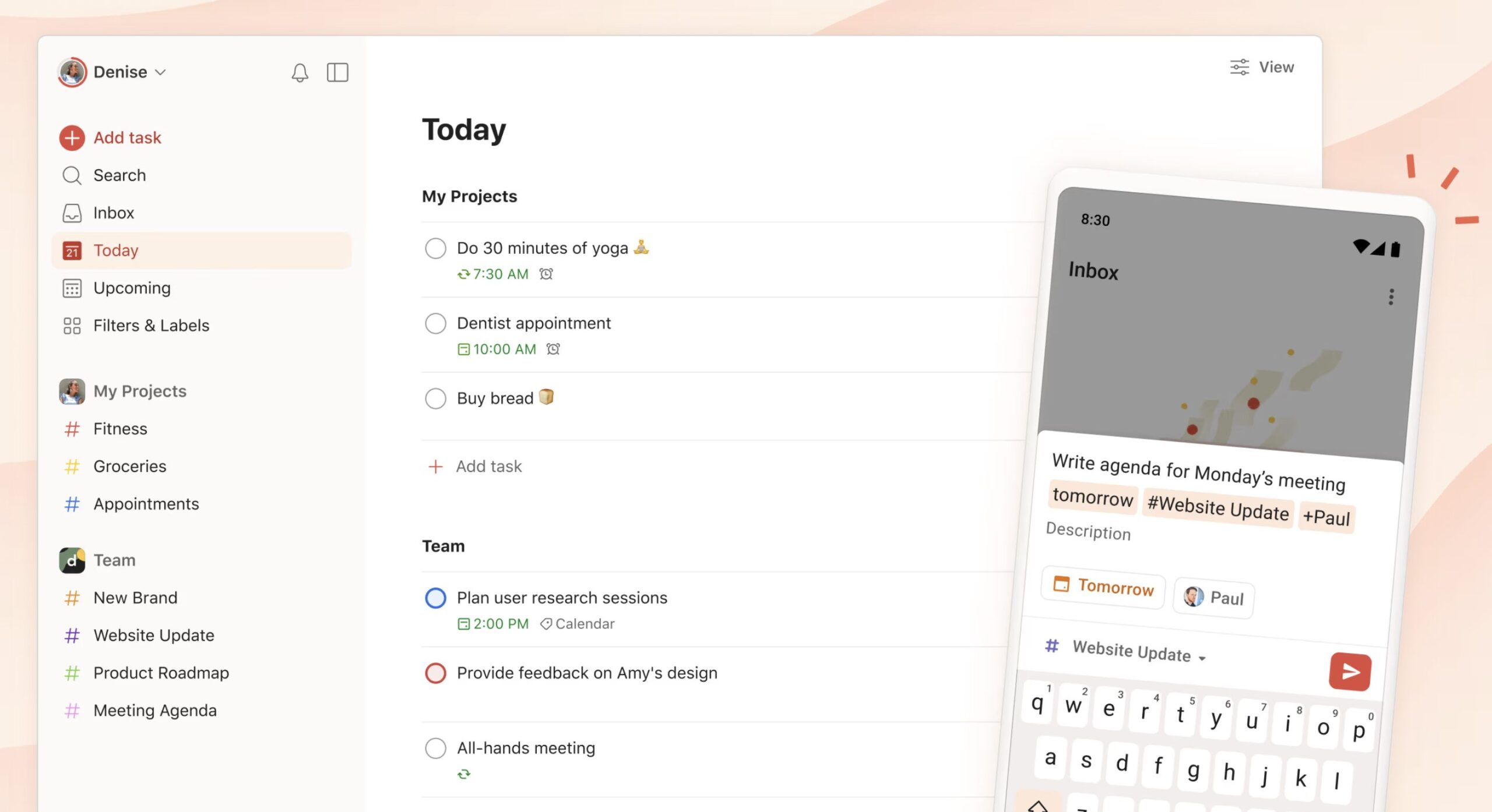
Todoist is one of the most popular task management apps available, used by millions for personal and professional productivity. Its clean interface, natural language processing, and cross-platform sync make task management effortless. This page covers Todoist's features, pricing tiers, integrations, and how it compares to alternatives like TickTick, Things 3, and Microsoft To Do.
PDF Expert
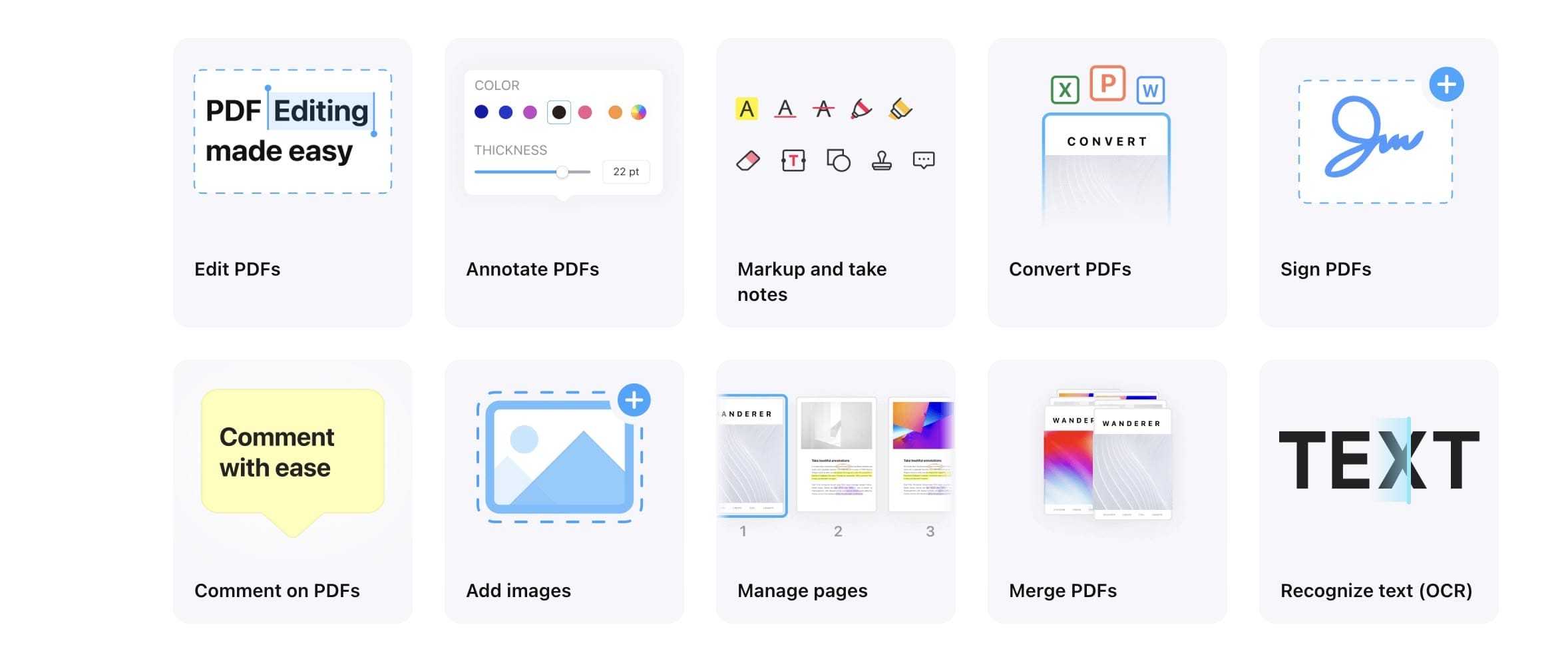
PDF Expert is a PDF editing app for Mac and iOS that handles reading, annotation, editing, and form filling with a clean, intuitive interface. It's become one of the most popular PDF tools in the Apple ecosystem. This page covers PDF Expert's features, editing capabilities, pricing, and how it compares to Adobe Acrobat and other PDF editors.
Astra Business Toolkit

Astra Business Toolkit extends the Astra WordPress theme with premium starter templates, advanced customization options, and conversion-focused features. It's part of the Astra Pro package. This page covers what the Business Toolkit includes, pricing with Astra Pro, template quality, and whether upgrading from the free Astra theme is worth the investment.
FluentBoards
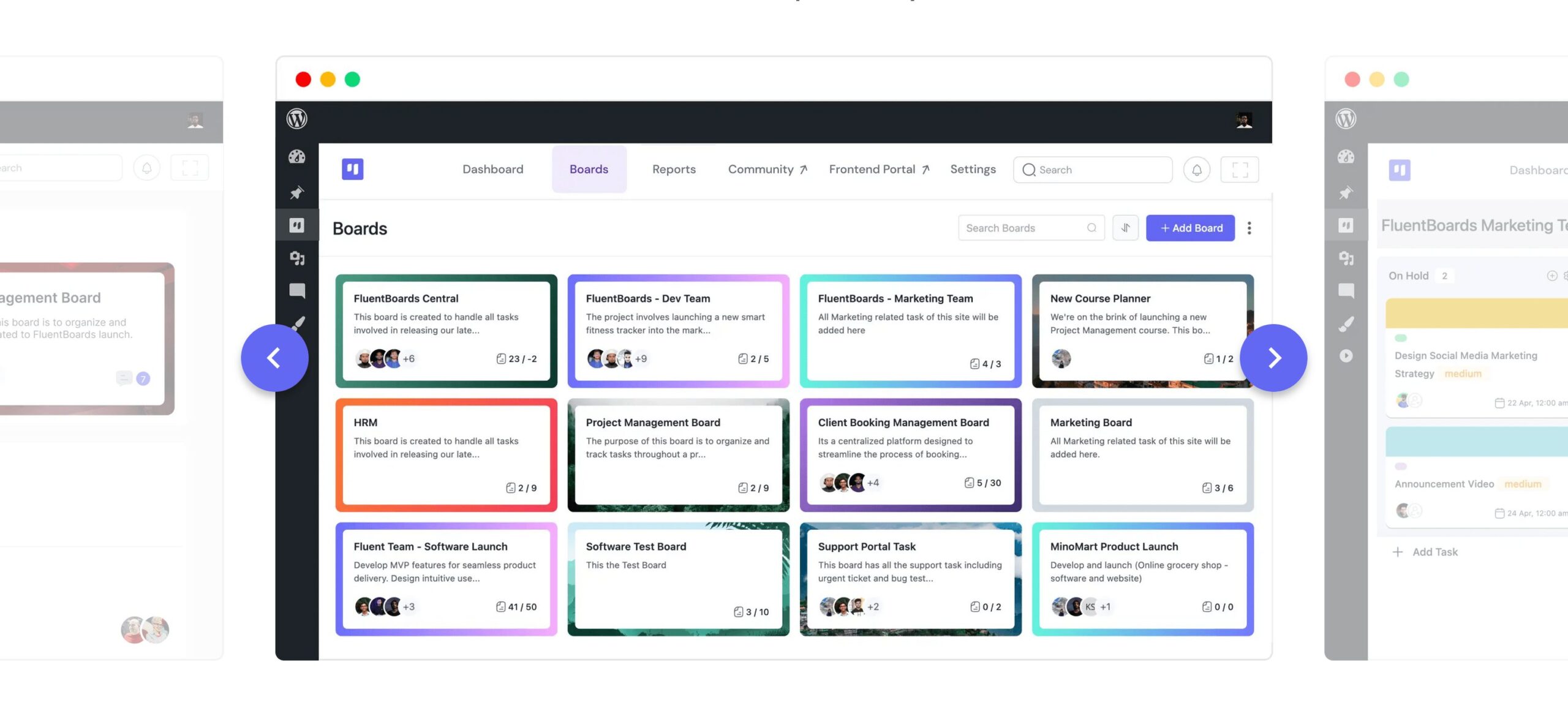
FluentBoards is a WordPress project management plugin that brings Kanban-style task boards directly into your WordPress dashboard. It handles task assignment, progress tracking, and team collaboration without external tools. This page covers FluentBoards' project management features, pricing, and how it compares to dedicated project management tools like Trello and Asana.
FluentBooking
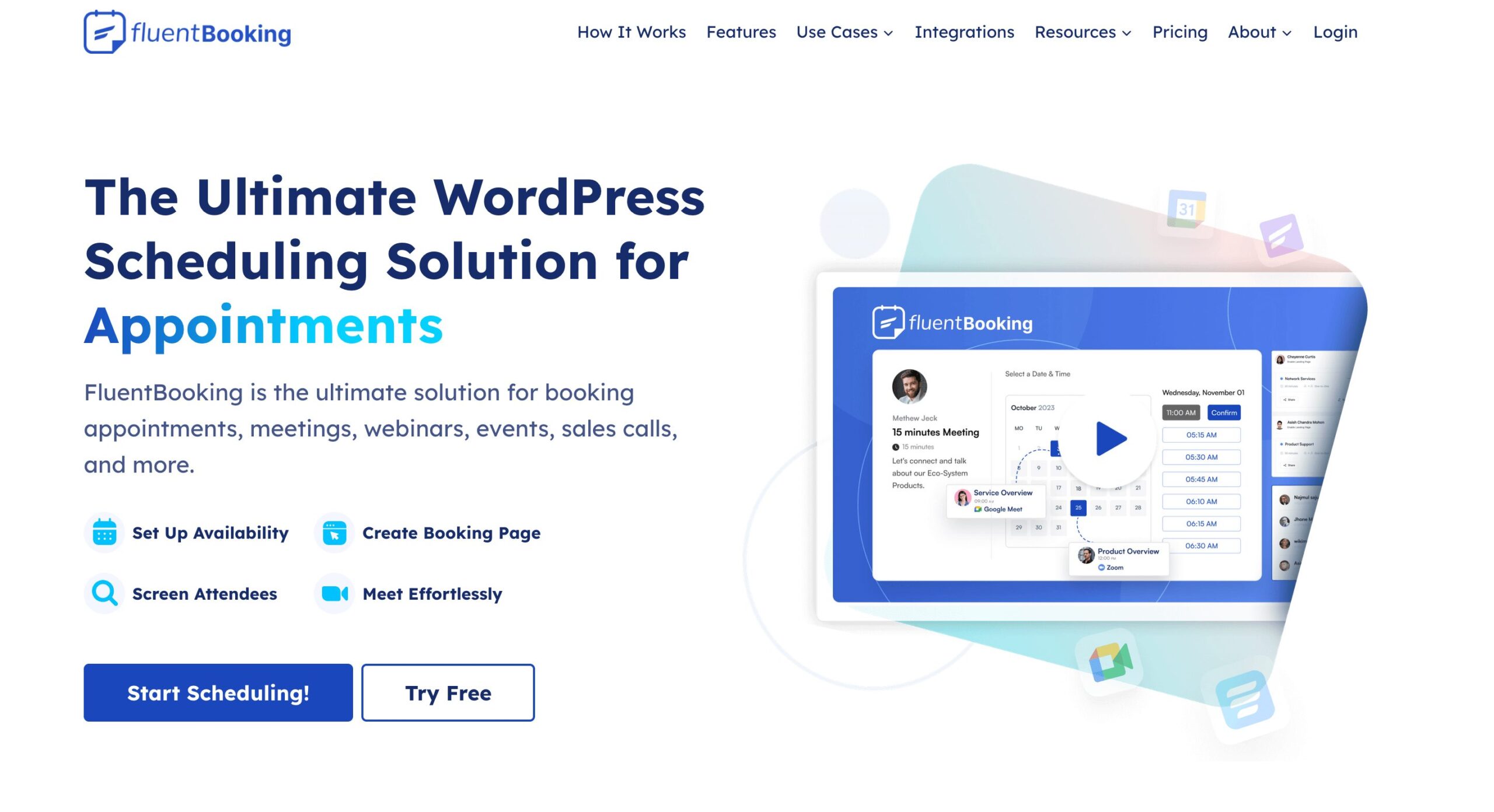
FluentBooking is a WordPress appointment scheduling plugin that handles booking calendars, availability management, and payment processing natively. It integrates with Google Calendar and Zoom. This page covers FluentBooking's scheduling features, customization options, pricing, and how it compares to other WordPress booking plugins like Amelia and BookingPress.
InstaWP
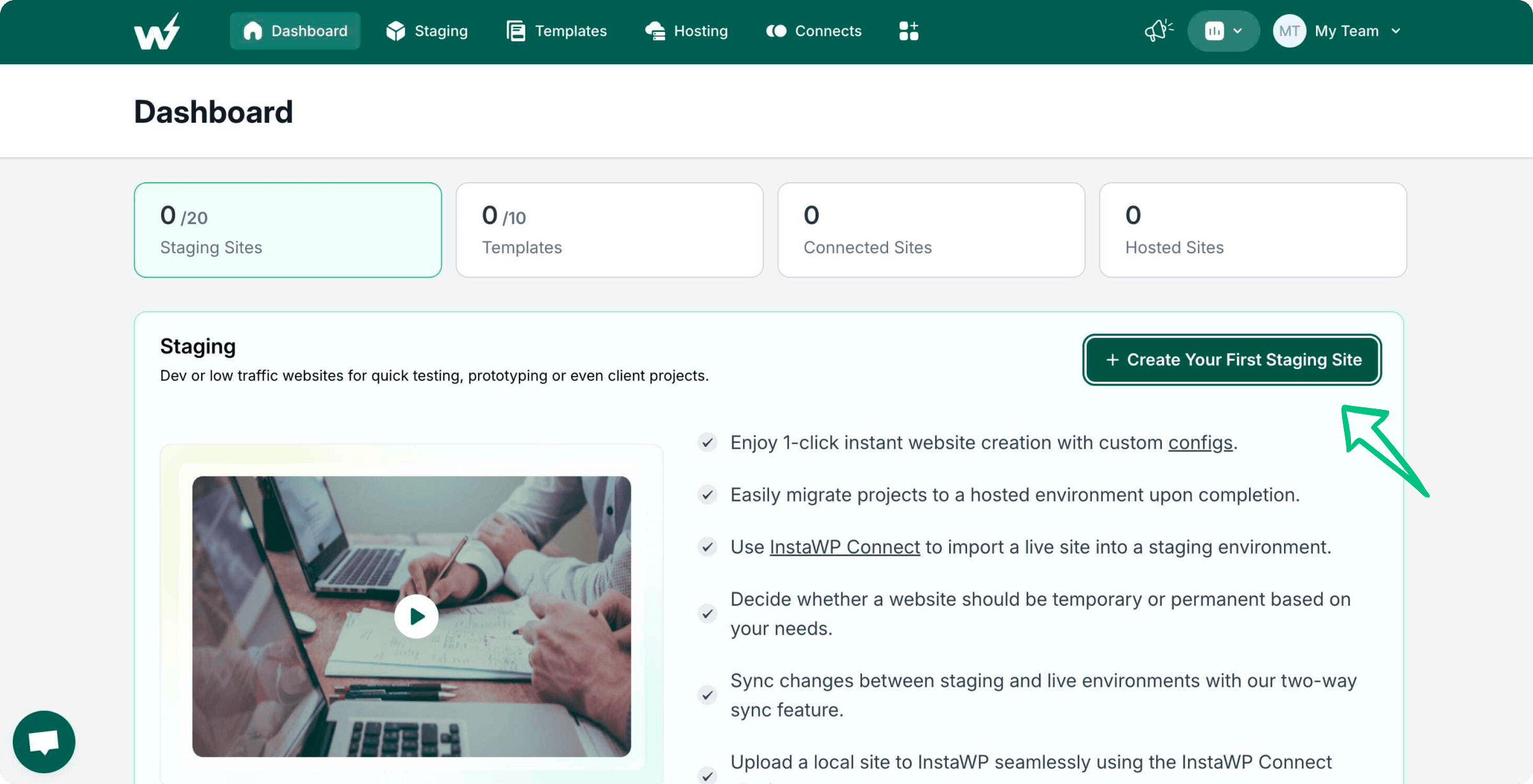
InstaWP lets you spin up disposable WordPress sites in seconds for testing, development, and client demos. No server setup required. It's become an essential tool for developers who need quick WordPress environments. This page covers InstaWP's features, template library, collaboration tools, pricing, and how it compares to other WordPress staging and testing solutions.
MailerLite
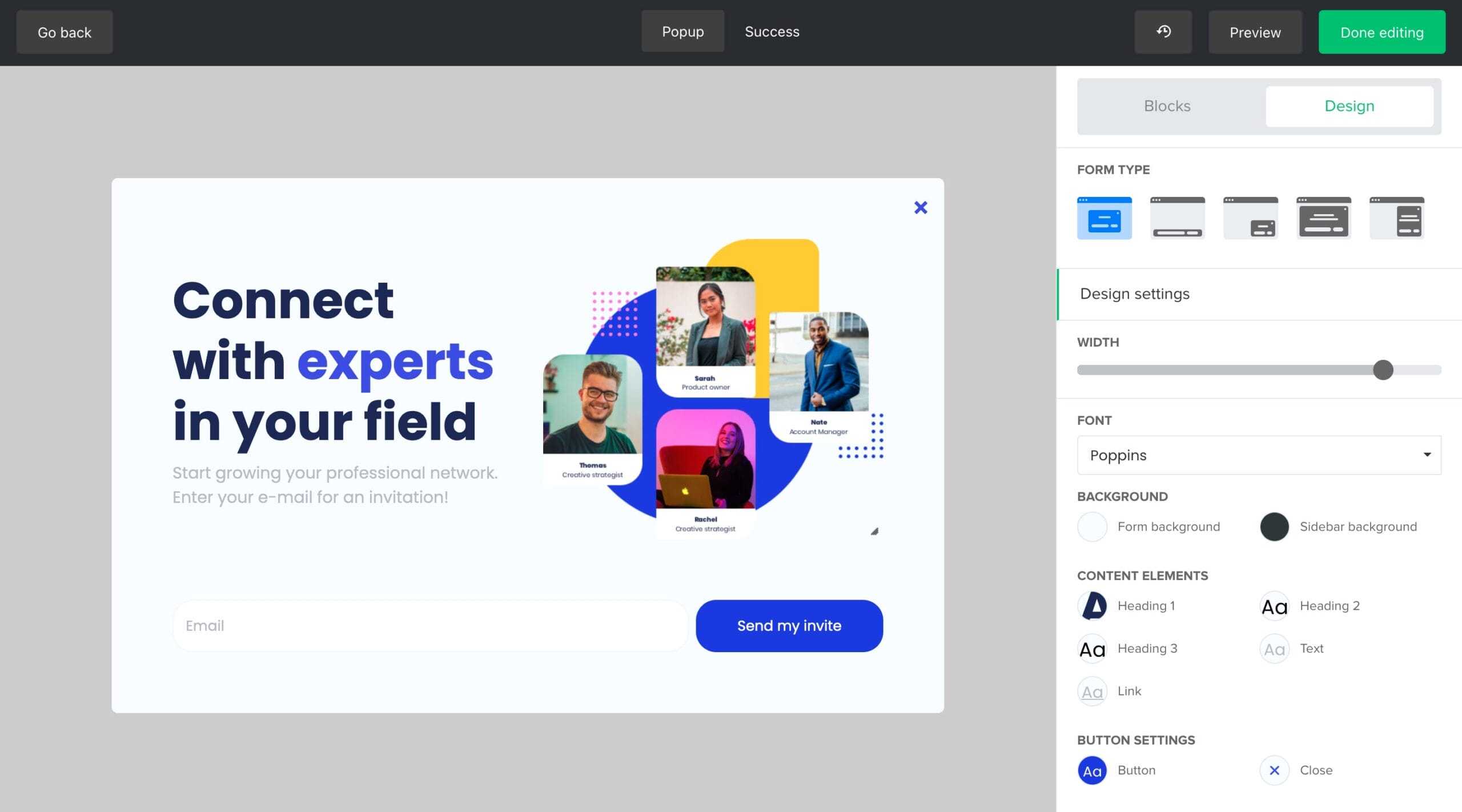
MailerLite is an email marketing platform that offers exceptional value for small businesses and creators. With a generous free plan, intuitive drag-and-drop editor, and automation features that rival more expensive competitors, it's one of my top recommendations for businesses starting with email marketing. This page covers MailerLite's email builder, automation workflows, landing pages, pricing, and how it compares to ConvertKit and Mailchimp.
BigRock

BigRock is one of India's largest domain registration and web hosting providers. Offering domains, shared hosting, VPS, and website builders, it serves individuals and small businesses primarily in the Indian market. With competitive pricing in INR and localized support, BigRock is a practical choice for Indian website owners. This page covers BigRock's domain pricing, hosting plans, features, and overall service quality.
Hostinger AI eCommerce Website Builder
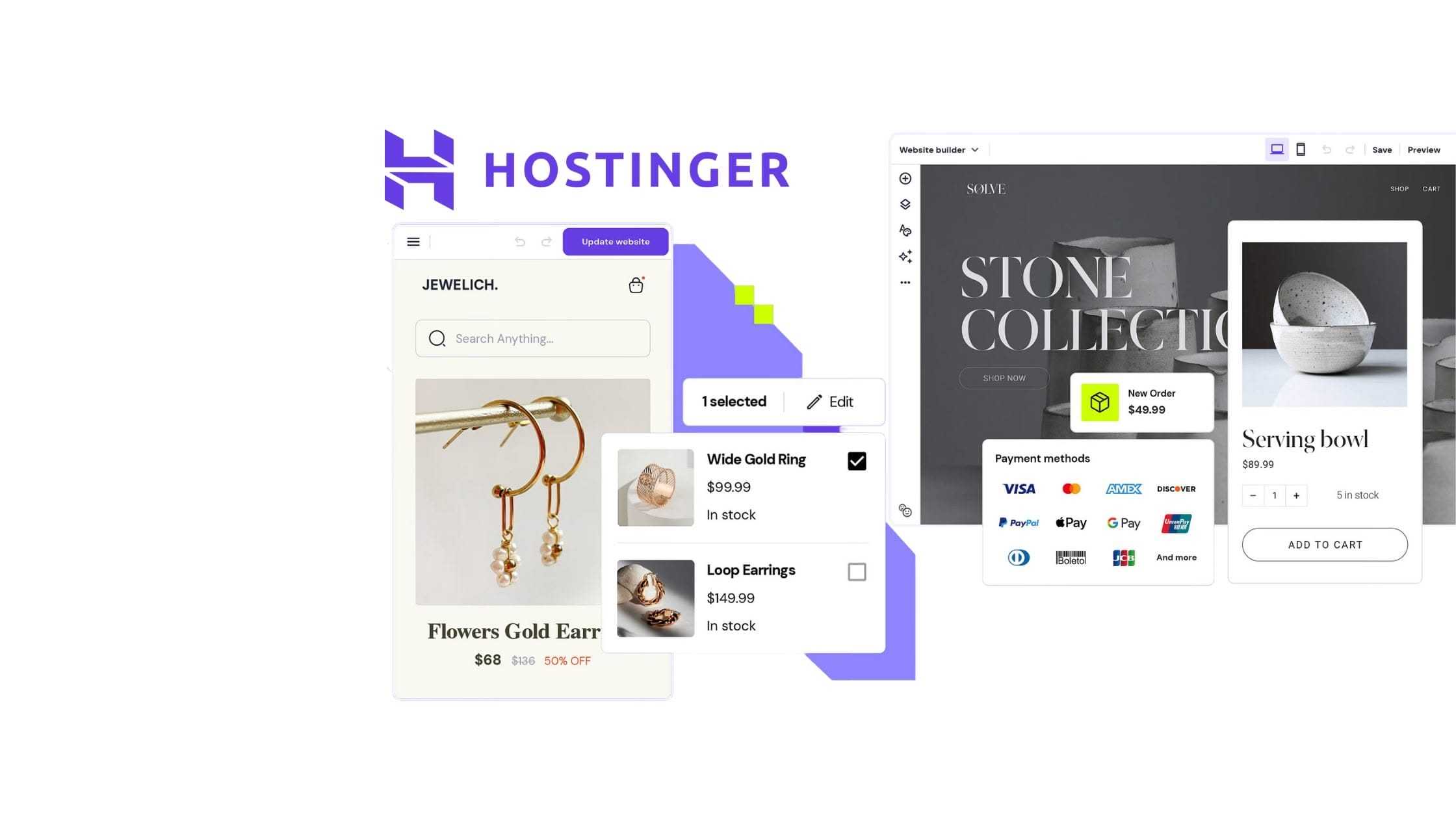
Hostinger's AI eCommerce website builder uses artificial intelligence to help you create an online store quickly without technical skills. It generates product descriptions, suggests layouts, and handles basic SEO optimization automatically. This page covers the AI builder's features, ecommerce capabilities, pricing, and how it compares to other ecommerce website builders.
Hoory AI
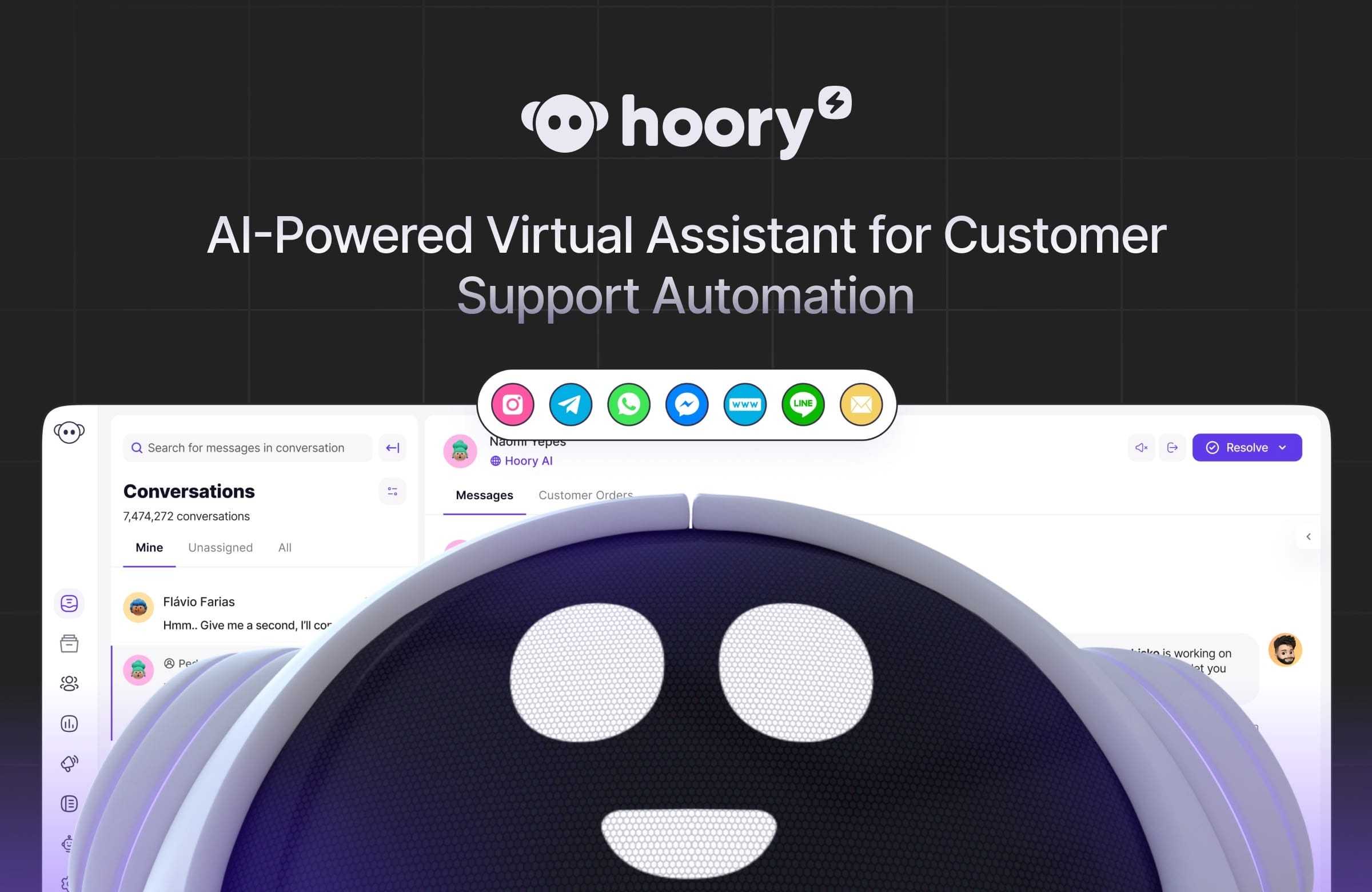
Hoory AI is a customer support automation platform that uses AI to handle customer inquiries, reduce response times, and free up human agents for complex issues. This page covers Hoory AI's chatbot features, automation capabilities, integration options, pricing, and how it compares to other AI customer support tools for businesses of different sizes.
Gravity Forms
Gravity Forms is the most trusted WordPress form plugin for developers and agencies. It handles everything from simple contact forms to complex multi-page applications with conditional logic, file uploads, and payment processing. After building hundreds of forms with it across client projects, I consider Gravity Forms the gold standard for WordPress forms. This page covers features, add-ons, pricing, and developer capabilities.
Notion
Notion is an all-in-one workspace that combines notes, databases, project management, and wikis in a single platform. It's become the tool of choice for individuals and teams who want flexible organization. This page covers Notion's features, use cases, pricing, and how it compares to competitors like Obsidian, Coda, and Microsoft OneNote for personal and team productivity.
Sapling
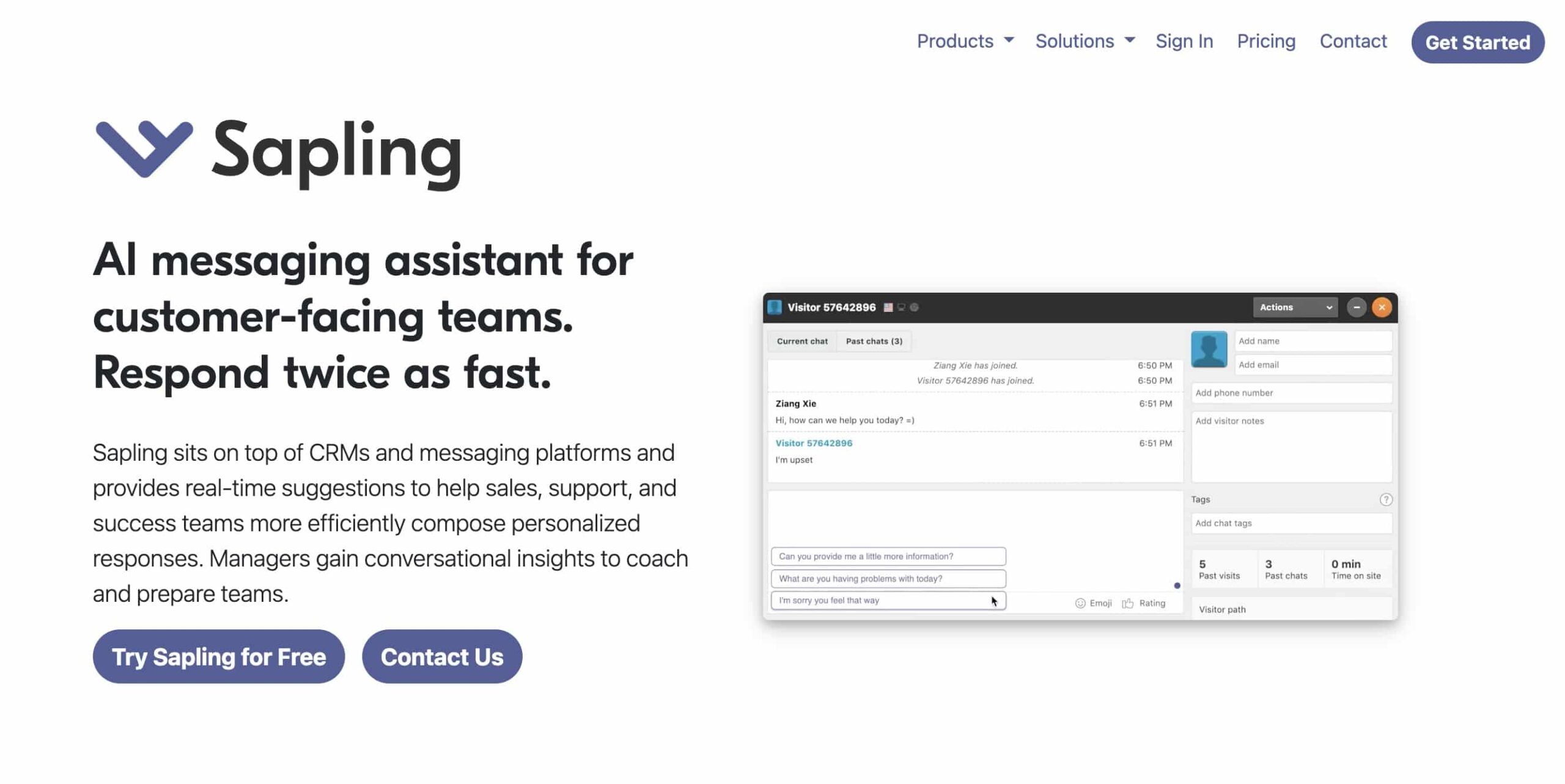
Sapling is an AI writing assistant that focuses on speed and accuracy for business communication. It integrates with email, CRM platforms, and chat tools to suggest completions and fix grammar in real time. This page covers Sapling's features, integration options, pricing, and how it compares to Grammarly and other writing assistants for professional use.
Shopify
Shopify is the leading ecommerce platform for businesses of every size, from solo creators selling handmade goods to enterprise brands processing millions in monthly revenue. With a complete ecosystem of themes, apps, and payment processing, it handles the entire online selling experience. This page covers Shopify's core features, pricing tiers, app ecosystem, and current promotional offers for new store owners getting started with ecommerce.
AppSumo

AppSumo is a digital marketplace that offers lifetime deals on software, tools, and services for entrepreneurs and small businesses. Instead of paying monthly subscriptions, you pay once and get access forever. I've purchased over 30 AppSumo deals over the years, some excellent and some disappointing. This page covers how AppSumo works, notable deals, the refund policy, and tips for evaluating which deals are actually worth buying.
KingSumo
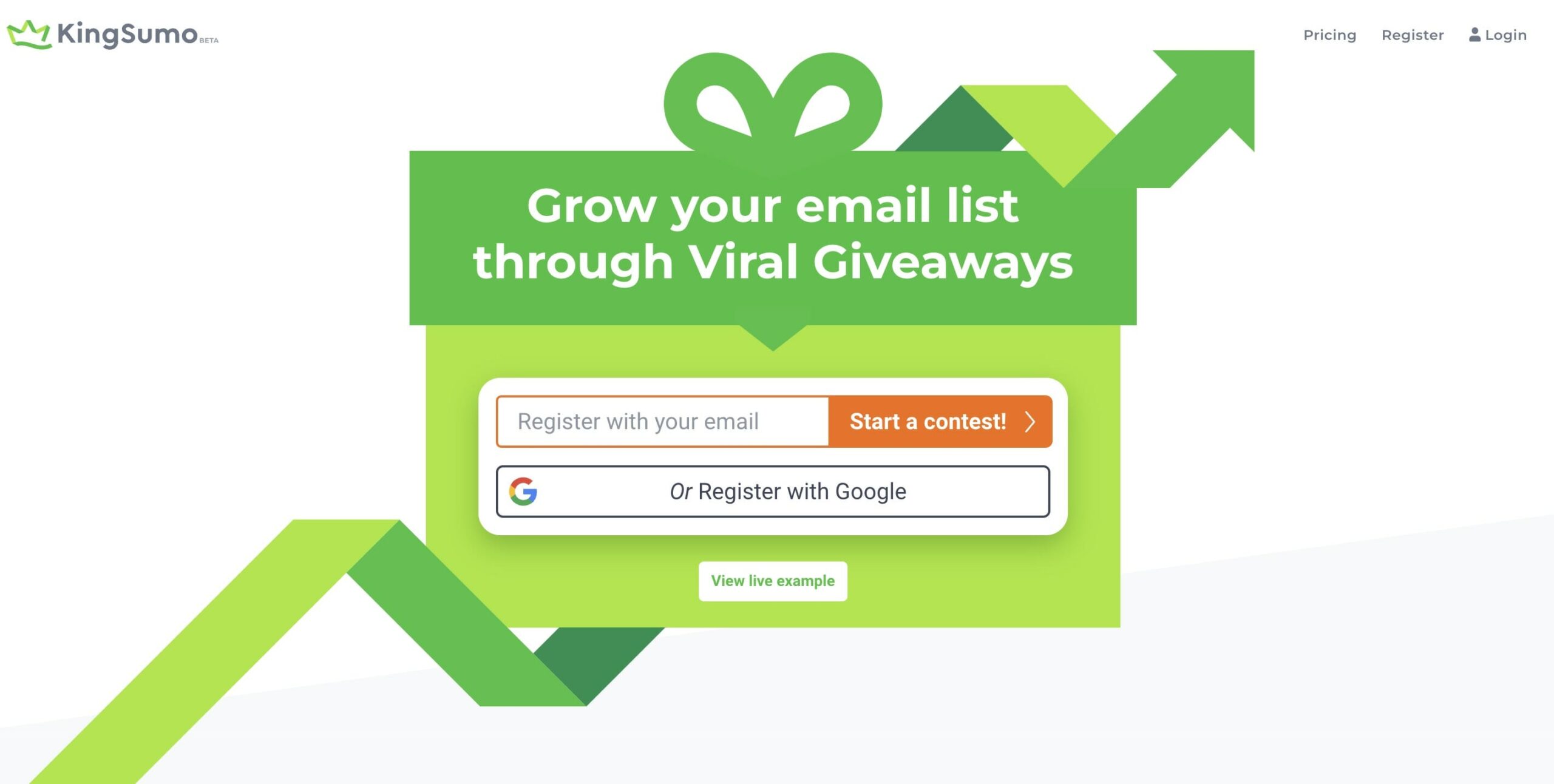
KingSumo helps you run viral giveaways that grow your email list and social media following. It incentivizes sharing by giving participants extra entries for referring friends. This page covers KingSumo's giveaway features, integration options, pricing, and how effective viral giveaways actually are for building an audience compared to other list-building strategies.
ShutterStock

Shutterstock is one of the largest stock photo and media libraries in the world, offering millions of images, videos, music tracks, and templates. This page covers Shutterstock's subscription plans, pricing tiers, image quality, licensing terms, and how it compares to other stock photo services like Adobe Stock, iStock, and free alternatives like Unsplash.
Writecream

Writecream is an AI content creation platform offering tools for blog writing, social media copy, email outreach, and even AI-generated voiceovers. Its icebreaker feature generates personalized outreach messages for LinkedIn and email campaigns. Available through lifetime deals, Writecream packs multiple AI tools into one platform at a budget-friendly price. This page covers the content tools, icebreaker feature, voiceover capabilities, pricing, and output quality.
$1,000 a Month Business Course

This $1,000 a Month Business Course teaches you how to build a profitable online business from scratch with low investment. It covers niche selection, product creation, marketing, and scaling strategies. This page explains what the course covers, who it's designed for, the teaching methodology, and whether it delivers on its promise of helping you reach $1,000 monthly revenue.
Pabbly
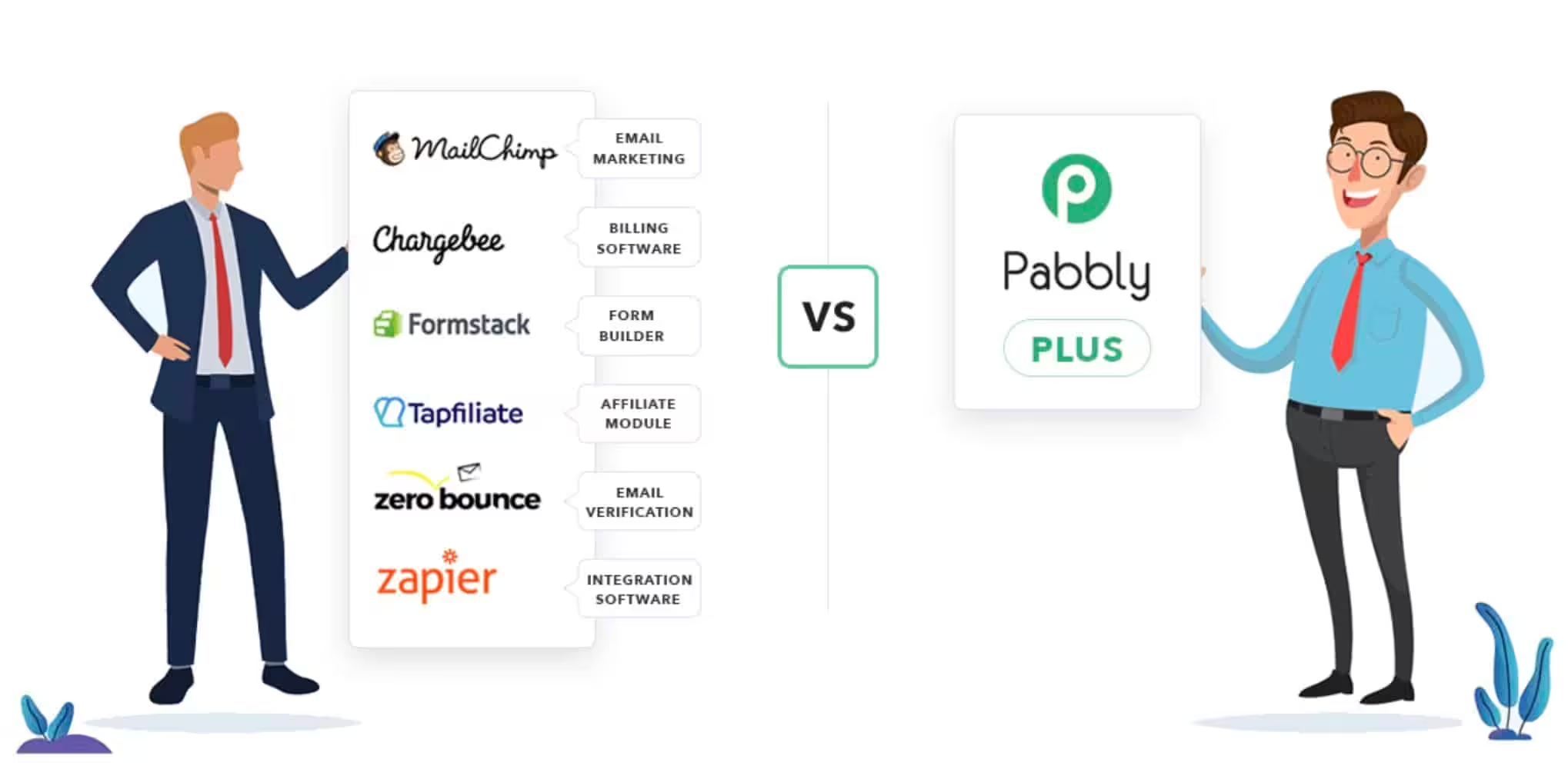
Pabbly offers a suite of business tools covering email marketing, subscription billing, form building, and workflow automation. The standout feature is Pabbly Connect, an automation platform similar to Zapier but with lifetime pricing that eliminates monthly subscription costs. For small businesses looking to automate workflows without recurring fees, Pabbly presents compelling value. This page covers the product suite, pricing, integrations, and limitations.
SendFox
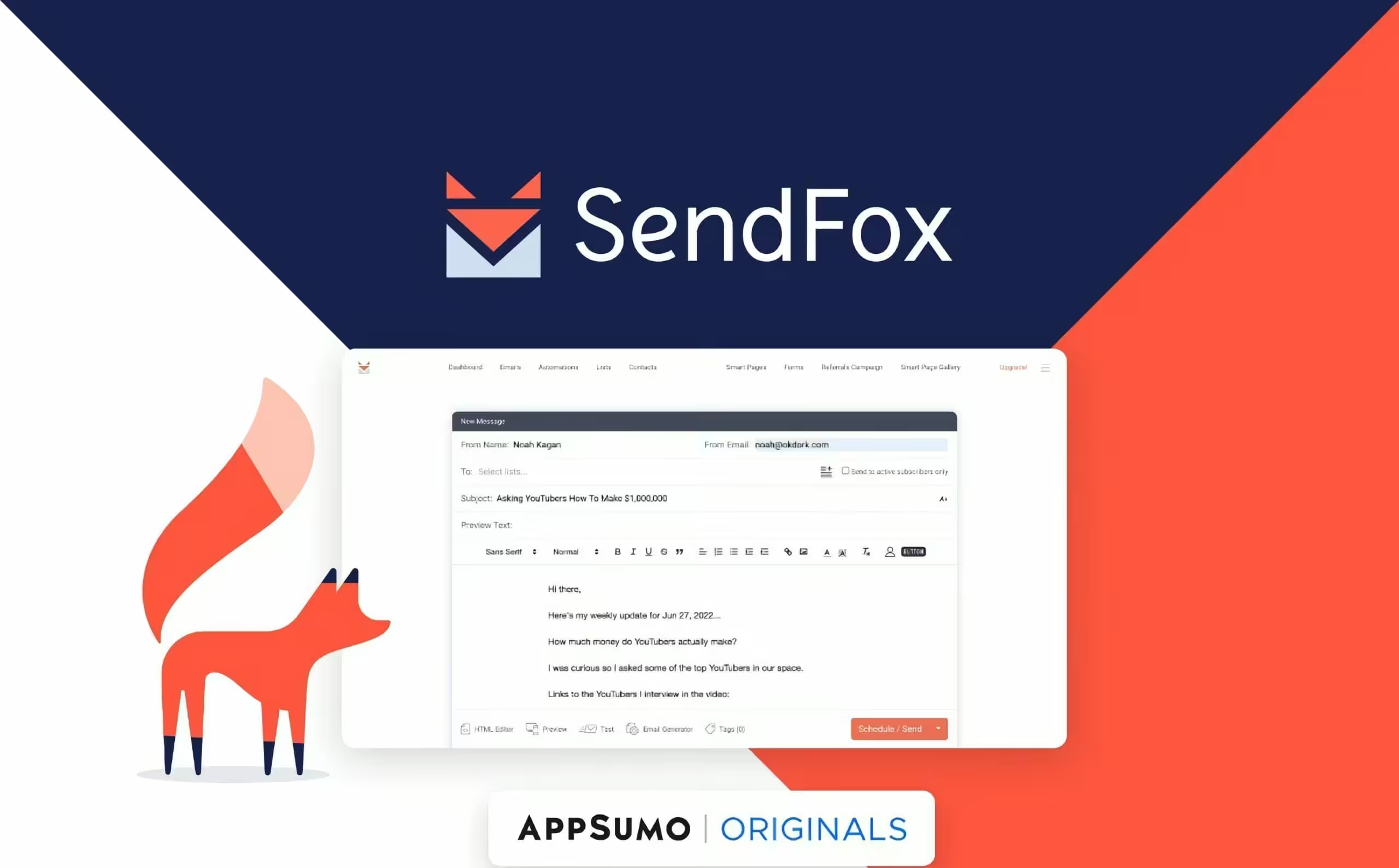
SendFox is a budget-friendly email marketing tool created by the AppSumo team, designed specifically for content creators. It offers email automation, landing pages, and RSS-to-email features at a fraction of what Mailchimp charges. This page covers SendFox's features, email deliverability, pricing, and whether it's a viable option for growing your email list.
TidyCal
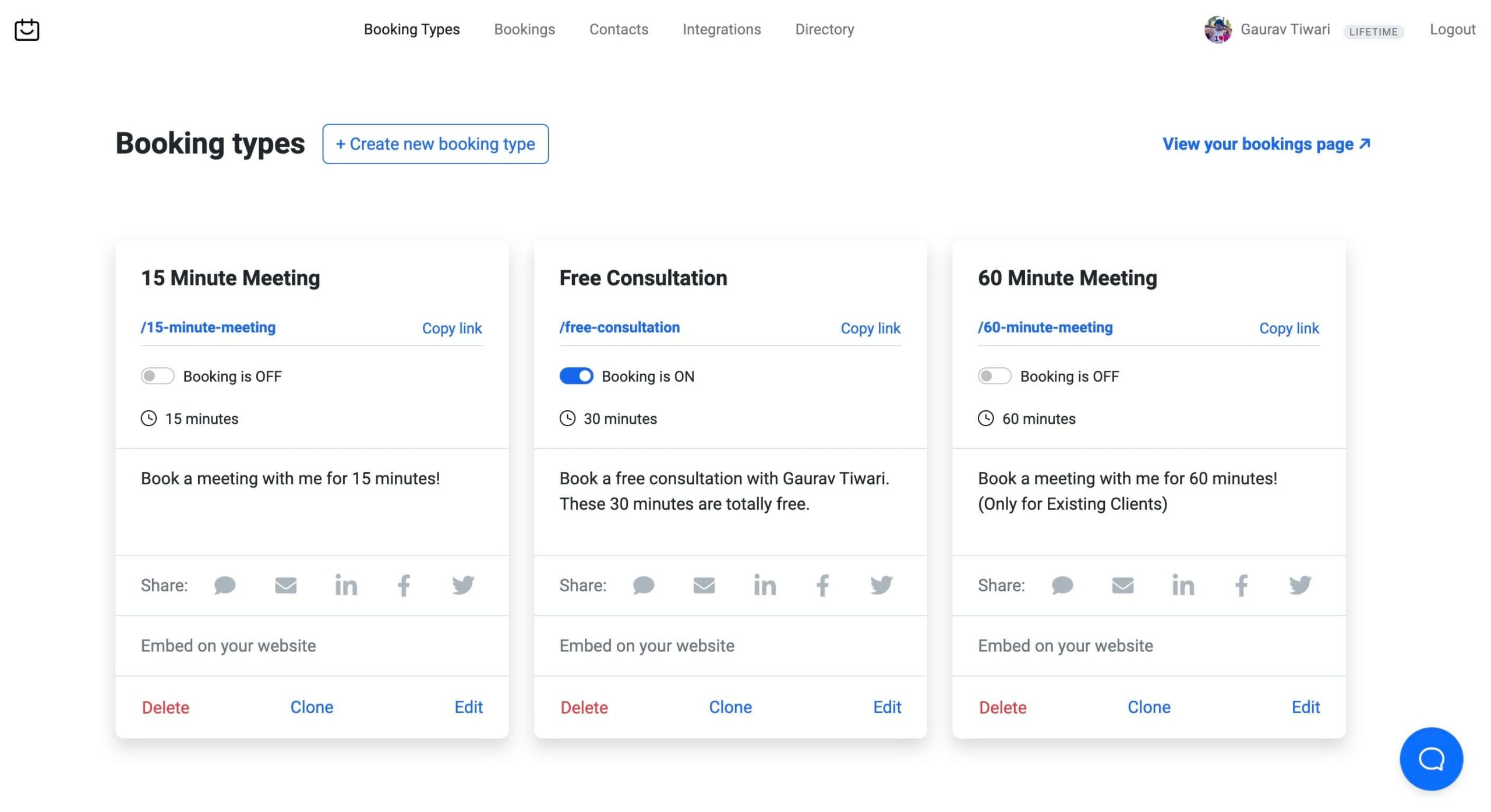
TidyCal is a simple, affordable scheduling tool that handles appointment booking without the complexity of Calendly. Purchased through AppSumo with a lifetime deal, it offers calendar integration, booking pages, and payment collection at a fraction of competitors' monthly costs. For freelancers and small businesses who need basic scheduling without subscription fees, TidyCal delivers. This page covers booking features, integrations, pricing, and limitations.
ProWritingAid
ProWritingAid is a comprehensive writing assistant that goes beyond basic grammar checking. It analyzes style, readability, sentence structure, and overused words to genuinely improve your writing quality. I've used it alongside Grammarly and prefer ProWritingAid for long-form content editing. This page covers ProWritingAid's analysis reports, integrations, pricing, lifetime deal availability, and how it compares to other writing tools.
Hexomatic Bundle

Hexomatic Bundle combines web scraping, automation, and monitoring tools in one platform. It lets you extract data from websites, automate repetitive tasks, and monitor changes across the web. This page covers Hexomatic's key features, automation workflows, scraping capabilities, pricing, and whether the bundle offers good value for marketers and researchers.
Videvo
Videvo is a stock footage platform offering free and premium video clips, motion graphics, and sound effects for creative projects. The free library includes thousands of clips under various licenses, while the premium tier unlocks higher-quality 4K footage. For video creators on a budget who need diverse footage without breaking the bank, Videvo is a solid option. This page covers the library, licensing, quality, and pricing.
NordLayer
NordLayer is a business VPN and network security solution from the team behind NordVPN. It provides secure remote access, network segmentation, and threat protection for teams of all sizes. With easy deployment and centralized management, NordLayer simplifies business network security without requiring dedicated IT infrastructure. This page covers NordLayer's security features, deployment options, pricing, and team management capabilities.
HubSpot
HubSpot is an all-in-one marketing, sales, and service platform that scales from startups to enterprise. Its CRM is free, and the marketing hub delivers email automation, landing pages, analytics, and lead management in one dashboard. I've used HubSpot for content marketing campaigns and client management across multiple businesses. This page covers HubSpot's core features, pricing tiers, free tools, and overall platform value.
SaasMantra

SaasMantra is a digital marketplace offering lifetime deals on SaaS products for businesses and entrepreneurs. Similar to AppSumo, it provides one-time payment access to software tools that normally charge monthly subscriptions. The deals cover project management, marketing, development, and productivity tools. This page covers how SaasMantra works, deal quality, refund policies, and tips for finding worthwhile lifetime software deals.
Zoho
Zoho offers a comprehensive suite of business applications covering CRM, email, project management, accounting, HR, and more. With over 50 integrated apps, it's one of the most complete business software ecosystems available. The pricing is significantly lower than competitors like Salesforce and HubSpot while delivering comparable functionality. This page covers Zoho's app ecosystem, pricing, integration capabilities, and overall business value.
Frequently Asked Questions
Disclaimer: This site is reader-supported. If you buy through some links, I may earn a small commission at no extra cost to you. I only recommend tools I trust and would use myself. Your support helps keep gauravtiwari.org free and focused on real-world advice. Thanks. - Gaurav Tiwari