
 by
by
A slow WordPress website usually needs page caching, lazy loading and better delivery of its CSS and JavaScript. Most free plugins can do these but they leave the configuration to you, and one wrong setting can break a layout. WP Rocket is a paid plugin that switches most of this on as soon as you activate it.
My verdict in this WP Rocket review is that the plugin is still worth $59.95 a year for 1 website if your host doesn’t cache pages already and you would rather pay than spend hours on settings. You should look at the alternatives if you want free caching, if your server runs LiteSpeed or if you maintain 4 to 6 websites, because WP Rocket has no license between 3 websites and 50.
WP Rocket is a premium caching and performance plugin made by WP Media, the company behind Imagify and RocketCDN. I used it on this site for years and kept renewing it. The site moved to FlyingPress later and has run GT Performance, my own free plugin, since July 2026. So the prices, terms and features in this review come from WP Rocket’s current pages and documentation, and the judgment comes from my years as a paying customer.

Pros
- Works from activation
- Every feature in every license
- Rocket Insights included
- Detailed documentation
- Refund covers renewals and upgrades
Cons
- No free version, and the trial needs a card
- Renewal price isn't published
- No license between 3 and 50 websites
Summary
WP Rocket is a paid caching and performance plugin for WordPress that switches on page caching and its first Core Web Vitals optimizations at activation. It costs $59.95 a year for 1 website and every license has every feature. It is worth the price on hosting that doesn’t cache pages for you. WP Rocket doesn’t publish a renewal price, so you should budget the renewal at the full list price.
Price: USD 59.95 per year
Get WP RocketWhat Does WP Rocket Do?
WP Rocket saves a ready HTML copy of each page and serves that copy to the next visitor, so WordPress doesn’t build the same page again through PHP and the database. This is page caching. WP Rocket then adds a set of optimizations for images, fonts, CSS and JavaScript on top of the cache.
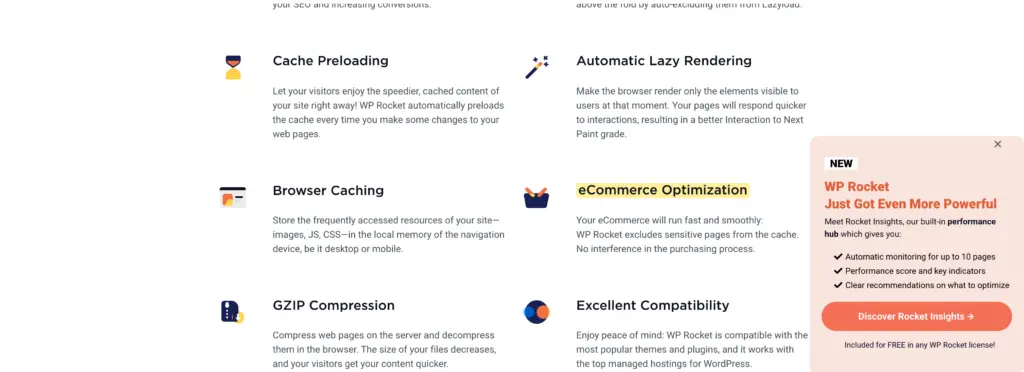
A lot of this works without any input from you. WP Rocket’s documentation lists what starts on activation:
- Page caching, with a separate cache for mobile devices
- Browser caching and GZIP compression
- Optimization of the critical image at the top of the page, which helps the Largest Contentful Paint
- Lazy rendering of the sections below the fold
- Preconnect to external domains and optimized Google Fonts files
- A cart fragments cache for WooCommerce
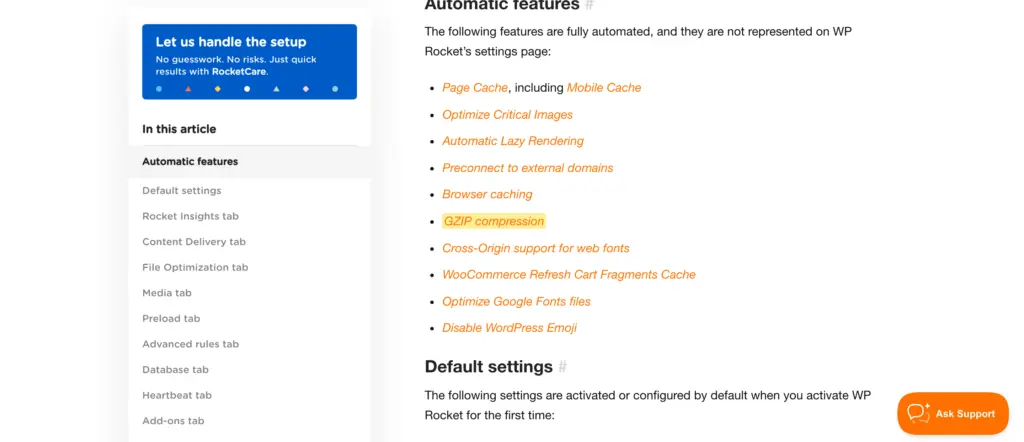
A few settings are also on by default:
- Minify CSS files and Minify JavaScript files
- Preload Cache and Preload Links
- Heartbeat Control, set to reduce activity
- A cache lifespan of 10 hours
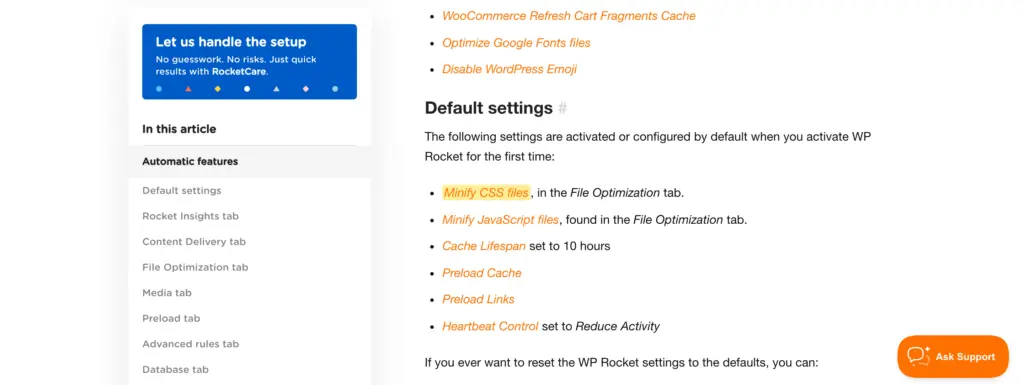
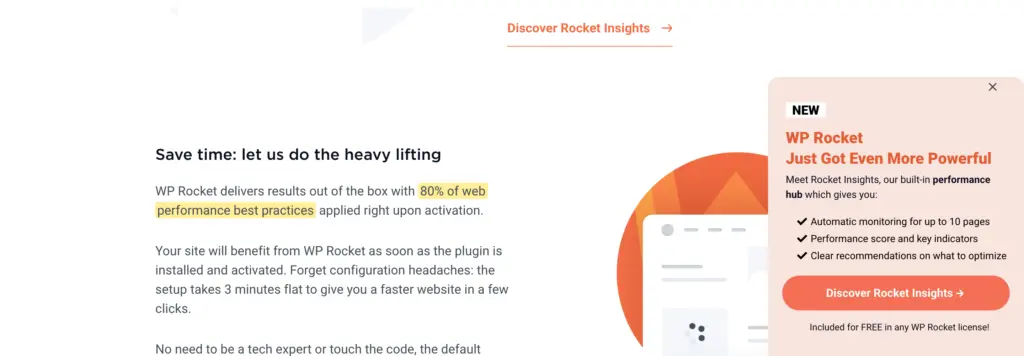
WP Rocket calls this “80% of web performance best practices”. That figure is WP Rocket’s own and I would read it as marketing. The 2 lists are the useful part, because this is the work you would otherwise do by hand in a free plugin.
WP Rocket Features
Every WP Rocket license has the same features, so there is nothing to compare between the plans. The options below are the ones you switch on yourself, and these decide how much of a Core Web Vitals problem the plugin can fix.
File Optimization
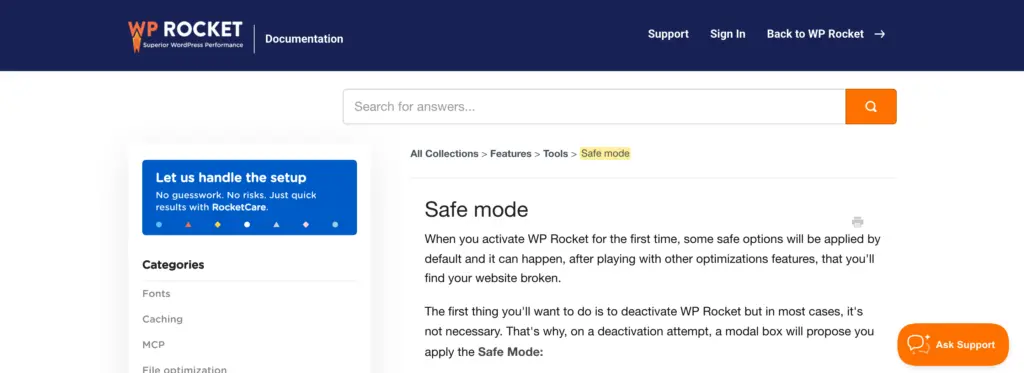
File Optimization changes how the browser receives your CSS and JavaScript. These options usually have the biggest effect on a PageSpeed score and they are also the ones most likely to break something.
- Remove Unused CSS: WP Rocket’s servers work out which CSS rules a page uses and the plugin serves only those.
- Load CSS Asynchronously: the alternative to Remove Unused CSS, which loads the critical CSS first and the rest later.
- Load JavaScript Deferred: scripts wait until the browser has parsed the HTML.
- Delay JavaScript Execution: scripts wait until the visitor scrolls, clicks or taps.
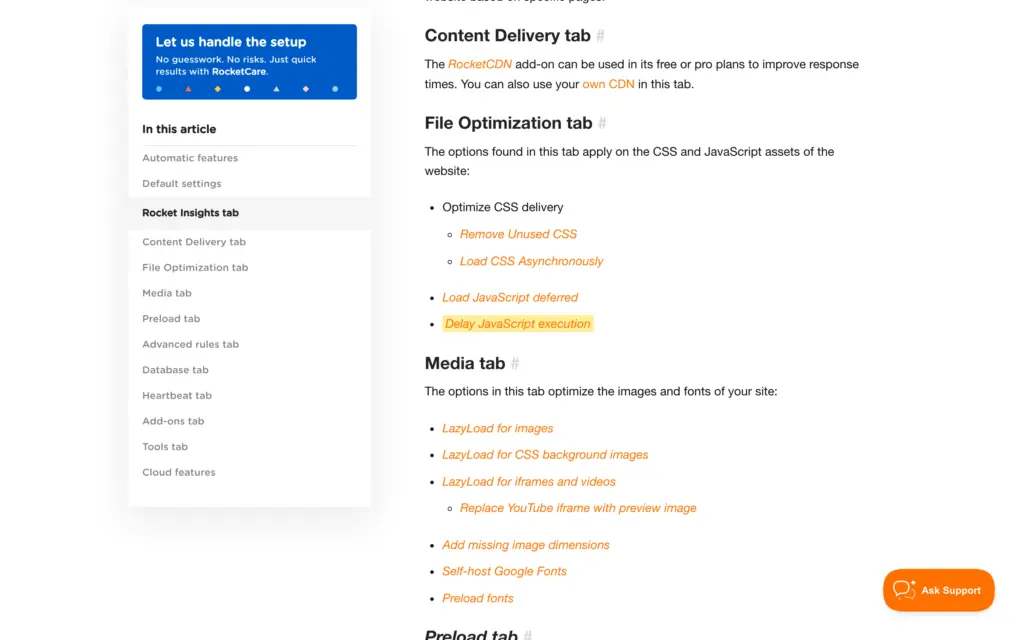
You should switch these on one at a time and check your menus, forms and checkout after each. WP Rocket maintains lists of exclusions for popular themes and plugins, and it updates these on its own while the license is active.
Media
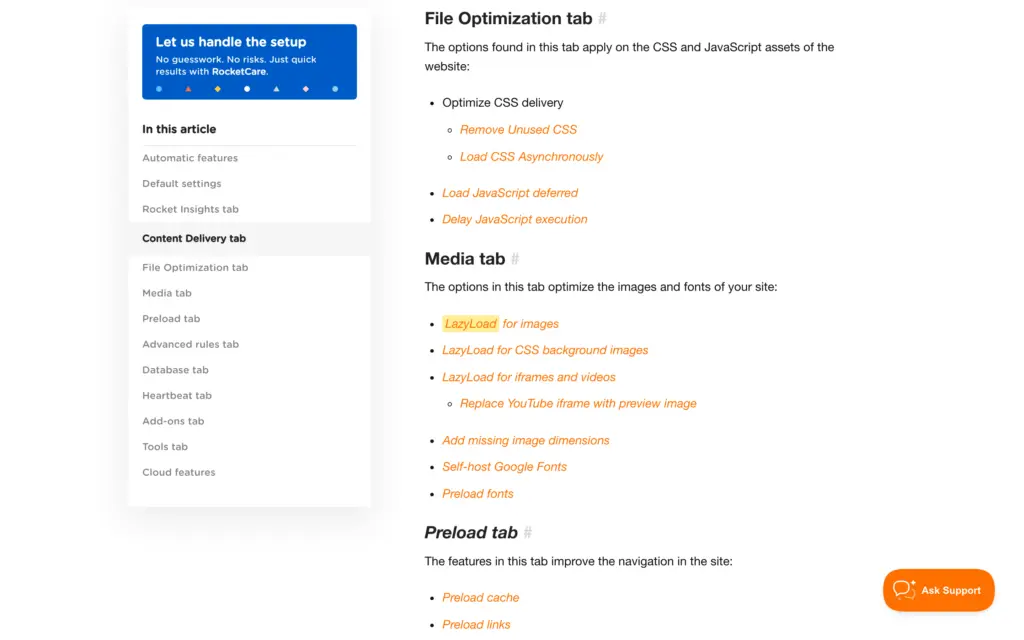
The Media tab covers images, embeds and fonts.
- LazyLoad for images, CSS background images, iframes and videos
- A preview image in place of a YouTube iframe, so the player loads only on click
- Missing image dimensions, which reduces layout shift
- Self-hosted Google Fonts and font preloading
WP Rocket doesn’t compress images or convert them to WebP. WP Media sells Imagify for that as a separate product.
Priority Elements
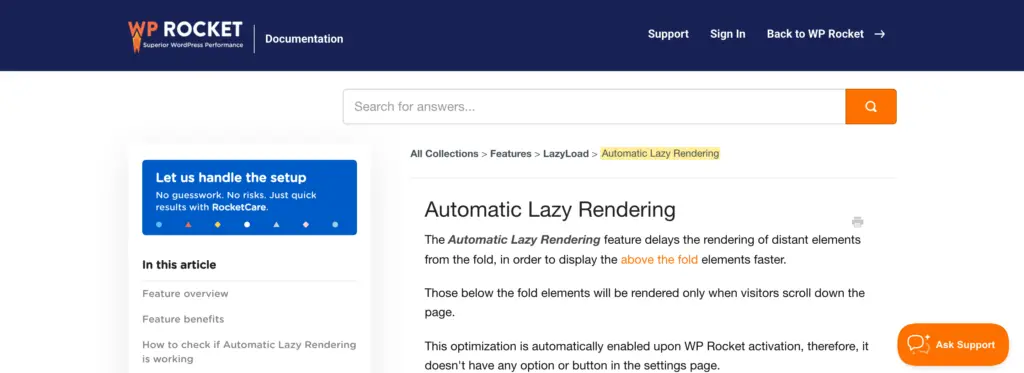
Priority Elements is WP Rocket’s name for the parts of a page that decide how fast the top of it appears. A small script detects these during a visit and WP Rocket adds the optimized markup the next time it caches the page. It treats the mobile and desktop versions of a page separately.
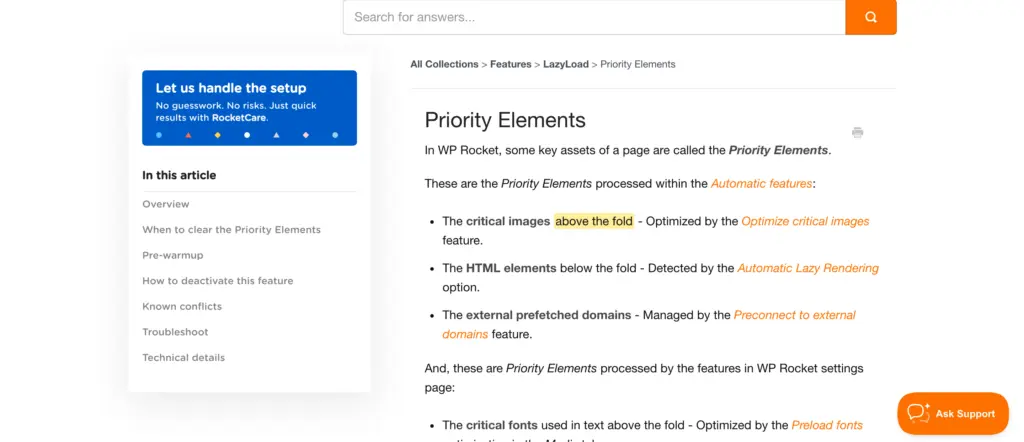
- Critical images above the fold, through Optimize critical images
- Sections below the fold, through Automatic Lazy Rendering
- External domains, through Preconnect to external domains
- Fonts used above the fold, through Preload fonts
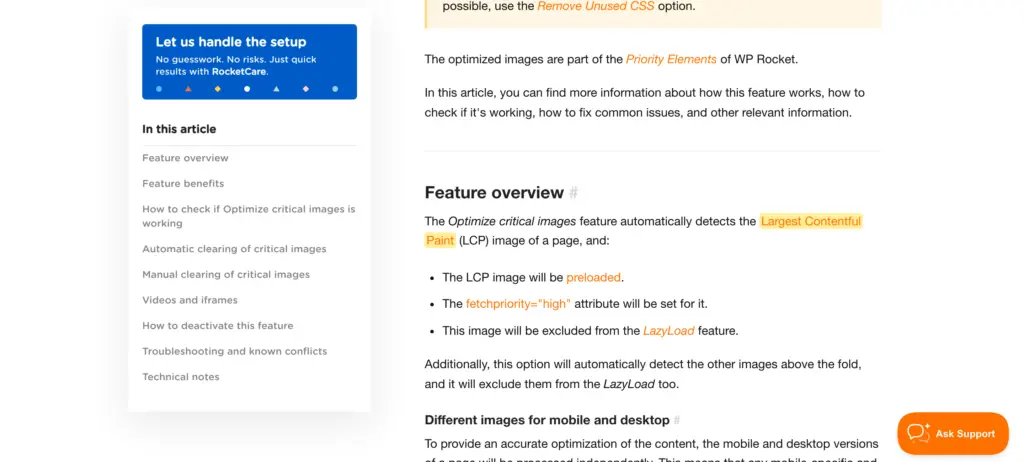
The first 3 need no configuration. Preload fonts is an option in the Media tab.
Rocket Insights
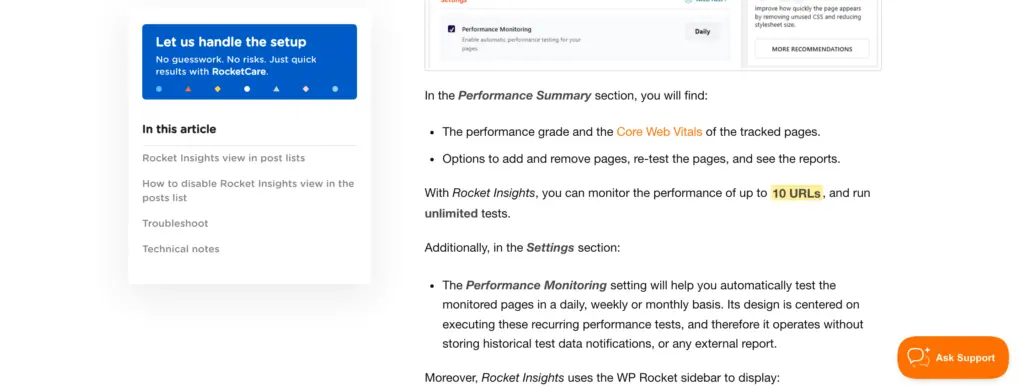
Rocket Insights is the performance monitoring section inside the WP Rocket dashboard and it runs its tests through GTmetrix. WP Rocket launched it with a limited free plan and a paid one, and made the full version a part of every license in March 2026.

- You can track up to 10 pages per website.
- Tests are unlimited and you can schedule them daily, weekly or monthly.
- Each report has a performance score with LCP, CLS, TBT and TTFB.
- The recommendations point to the WP Rocket setting that fixes the problem.
For a small website, this can replace a separate monitoring subscription. It runs on WP Rocket’s servers, so it stops with the other cloud features when a license expires.
WP Rocket MCP
WP Rocket MCP connects the plugin to AI assistants that support the Model Context Protocol, and WP Rocket names Claude and Codex. It is included in every license. You can ask the assistant to:
- check the performance of your websites and flag the slow pages
- apply a recommendation after you approve it
- prepare a client report from Rocket Insights data

It is useful mainly to agencies and freelancers who maintain many websites. If you run a single website, the dashboard does the same job.
Add-ons and CDN
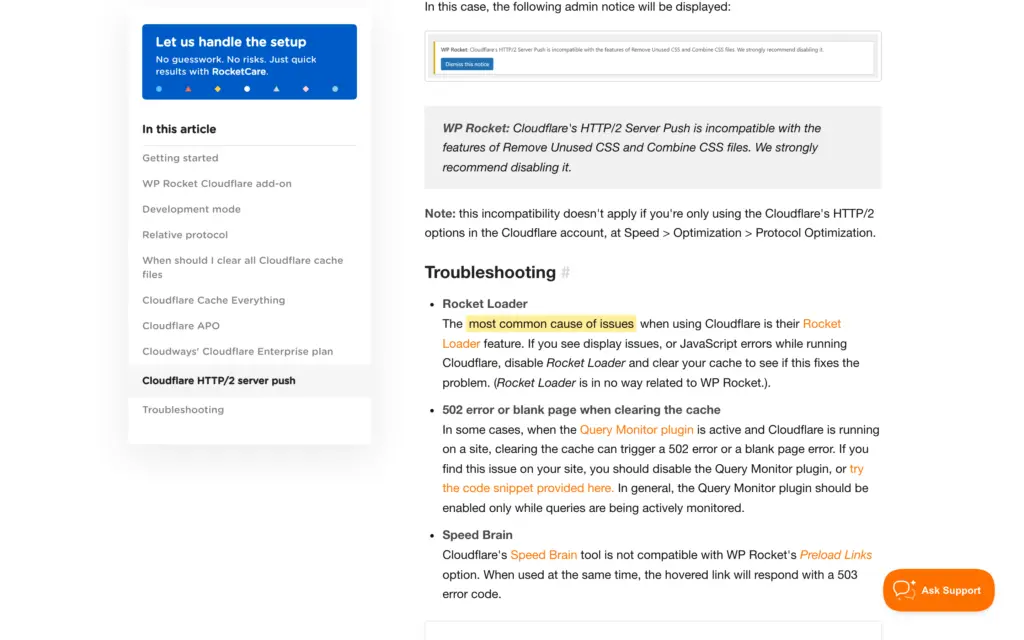
WP Rocket has one-click add-ons for Cloudflare, Sucuri and Varnish, and these keep the other cache in step with WP Rocket’s own.

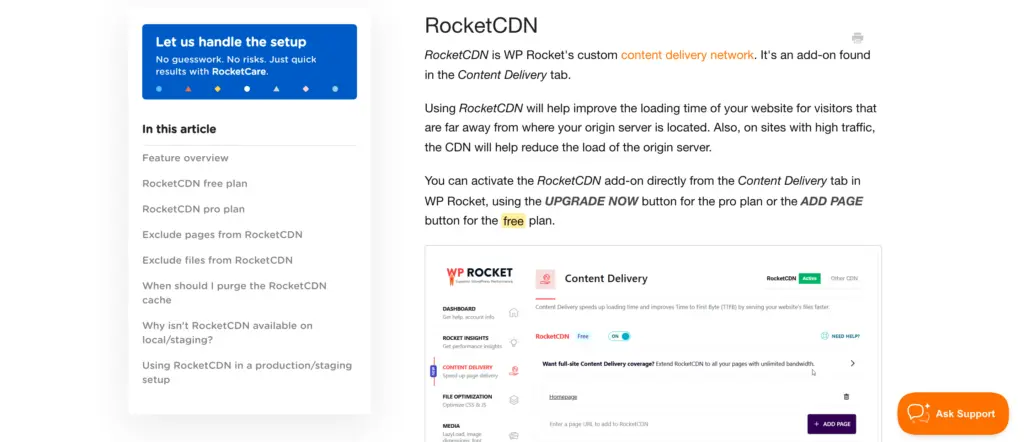
Every license includes the free RocketCDN plan, which serves up to 3 pages from 10 locations. RocketCDN Pro covers every page at $8.99 a month per domain. If your website already sits behind Cloudflare, you may not need it, and for a CDN that covers the whole website you can see my list of the best WordPress CDN services.
WooCommerce and Database
WP Rocket keeps the pages of the purchasing process out of the cache on its own, so a store doesn’t need special rules before you switch the cache on. The Database tab removes post revisions, spam comments and expired transients, and it can run on a schedule.
WP Rocket Pricing
WP Rocket sells 3 licenses and the only difference between these is the number of websites. There is no free version, no monthly plan and no lifetime license, but every license starts with a 14-day free trial. These are the list prices in US dollars for 1 year, before taxes.
| License | Websites | Price per year |
|---|---|---|
| Single | 1 | $59.95 |
| Plus | 3 | $119.95 |
| Multi | 50 | $299.95 |
| Multi | 100 | $399.95 |
| Multi | 500 | $599.95 |
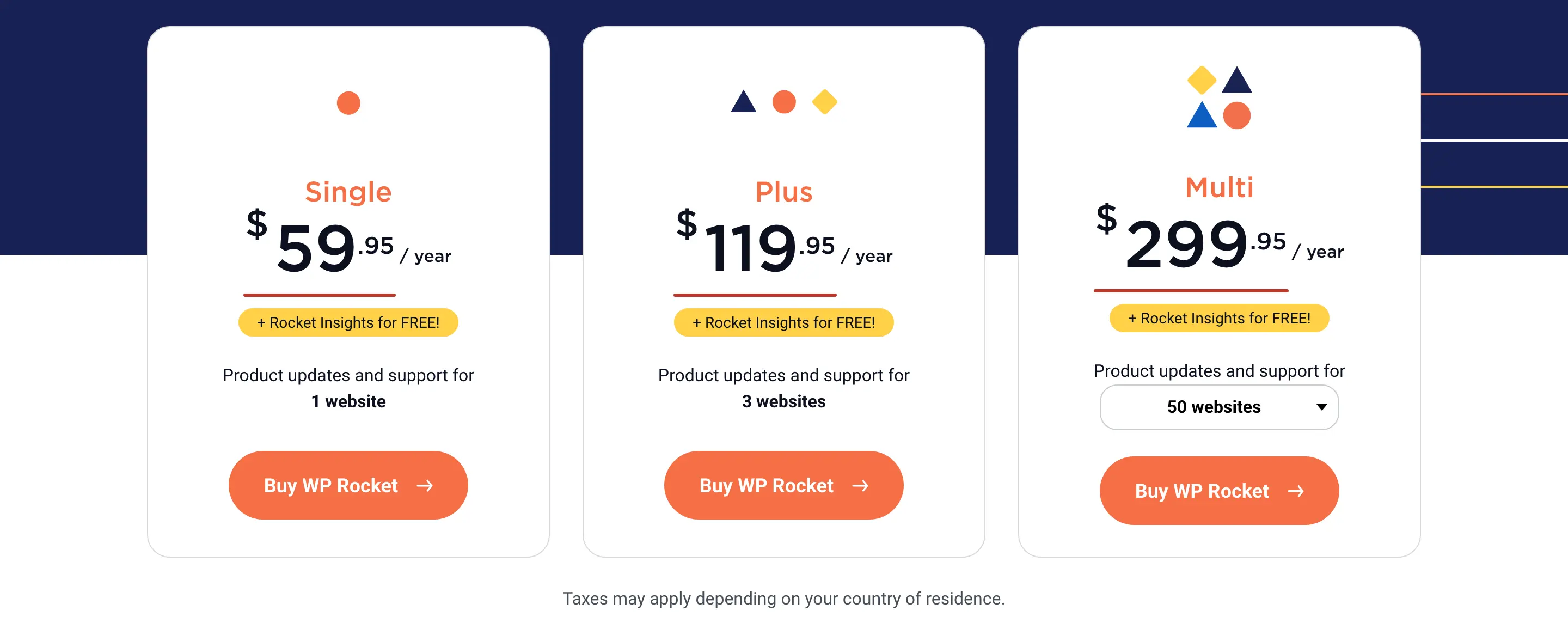
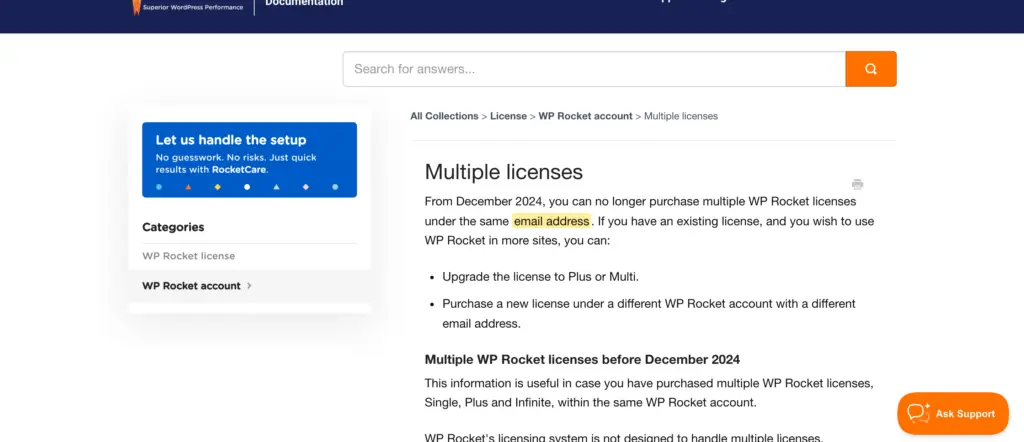
The step after Plus is a big one. A 4th website takes the bill from $119.95 to $299.95 a year, and since December 2024 WP Rocket doesn’t sell 2 licenses under the same email address. For more than 500 websites it sells a custom license. I have done the per-site math and the options for 4 to 6 websites in my guide to WP Rocket pricing.
Renewal Price
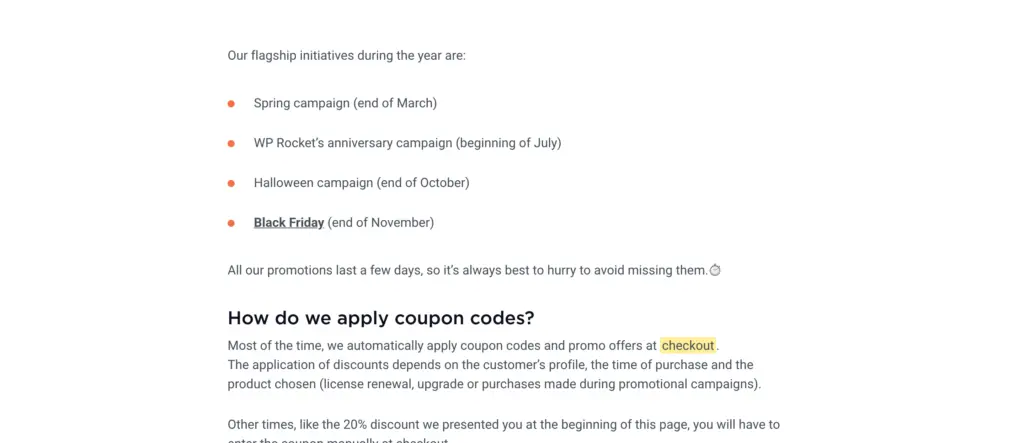
WP Rocket renews automatically every 12 months and you can turn that off from your account. It doesn’t publish a renewal price or a renewal discount. You will see discounts of 30% to 50% on renewals quoted around the web, but WP Rocket’s own pages don’t promise any of these.
Its automatic renewal policy says you get an email 15 days before the renewal with the date and the amount. Its coupon page says discounts are applied at checkout depending on your customer profile, the timing and the type of order. So that email is the first time you learn your renewal price.
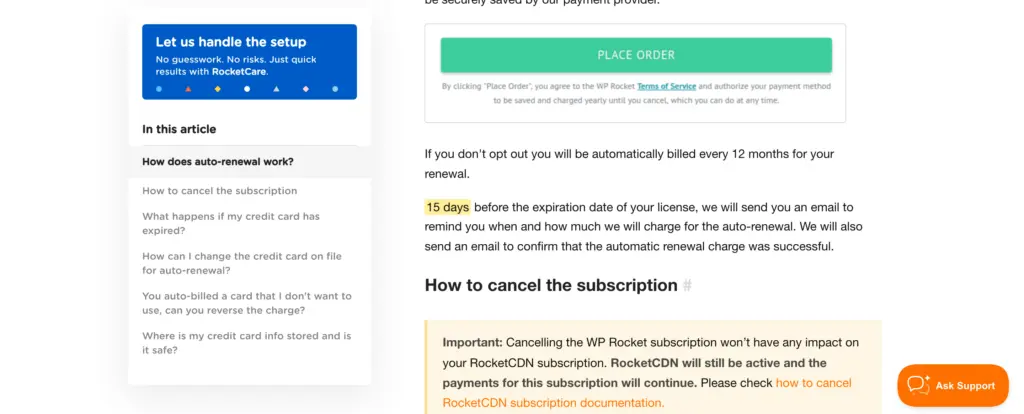
One renewal on an older single-site license cost me $24.50. That amount belongs to my purchase history and you shouldn’t expect it on a license you buy today. It is wise to budget the renewal at the full list price and treat a lower amount in that email as a bonus.
License Expiry
WP Rocket keeps running after the license expires, but it takes things away in 2 stages.
- On the day of expiry: support, plugin updates, updates to the exclusion lists and the free RocketCDN plan.
- 15 days after expiry: the cloud features, which are Remove Unused CSS, Load CSS Asynchronously, Rocket Insights and the pre-warmup for Priority Elements.
- What keeps working: page caching, preloading, lazy loading, Delay JavaScript Execution and the other features that run on your own server.
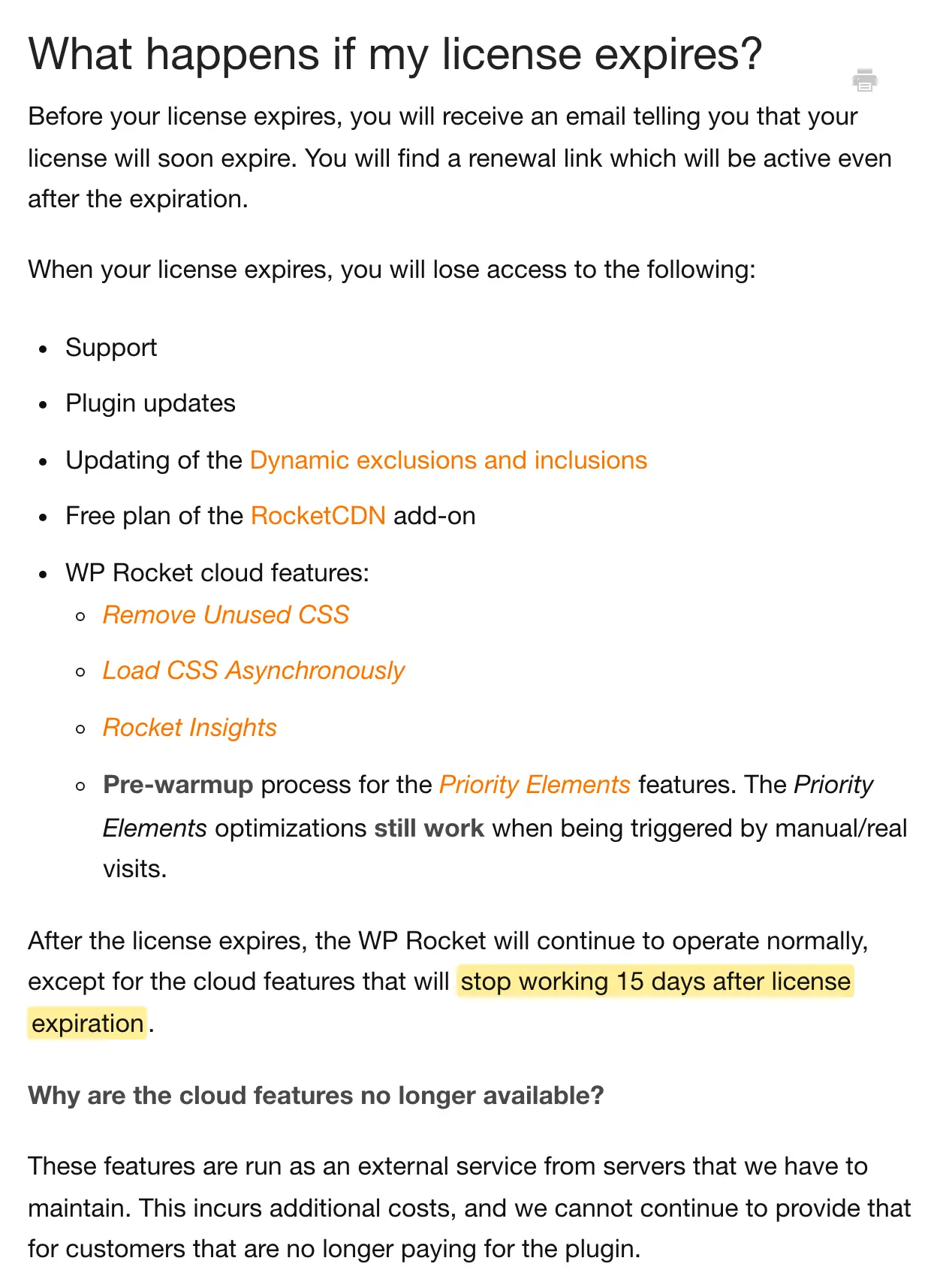
If your pages depend on Remove Unused CSS, they go back to loading the full stylesheets 15 days after expiry, and your Core Web Vitals can slip without any change from your side. You should treat the license as a running cost for as long as the website depends on these features.
Discounts and Refunds
WP Rocket has 1 standing coupon, 4 sales in a year, a 14-day free trial and a refund that covers more than the first order.
- Newsletter coupon: 20% off when you subscribe from WP Rocket’s coupon page.
- Sales: the end of March, the beginning of July, the end of October and the end of November, each for a few days.
- Free trial: 14 days on any license, with every feature and support. You add a card or PayPal account at sign-up, and the full yearly price is charged when the trial ends unless you cancel first.
- Refund: 14 days from the order, for purchases made without the trial, upgrades and renewals. The first payment after a trial isn’t covered.
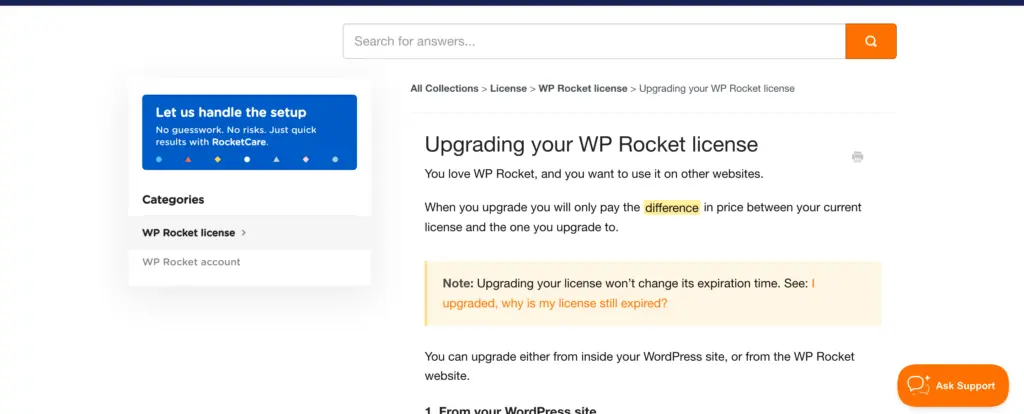
- Upgrades: you pay the difference between the 2 licenses and the expiry date doesn’t move.

Hosting Compatibility
WP Rocket works on most hosts, and on a few managed hosts it is the only caching plugin allowed. WP Rocket’s hosting documentation says it is the only optimization plugin WP Engine allows and the only caching plugin allowed on WordPress.com.
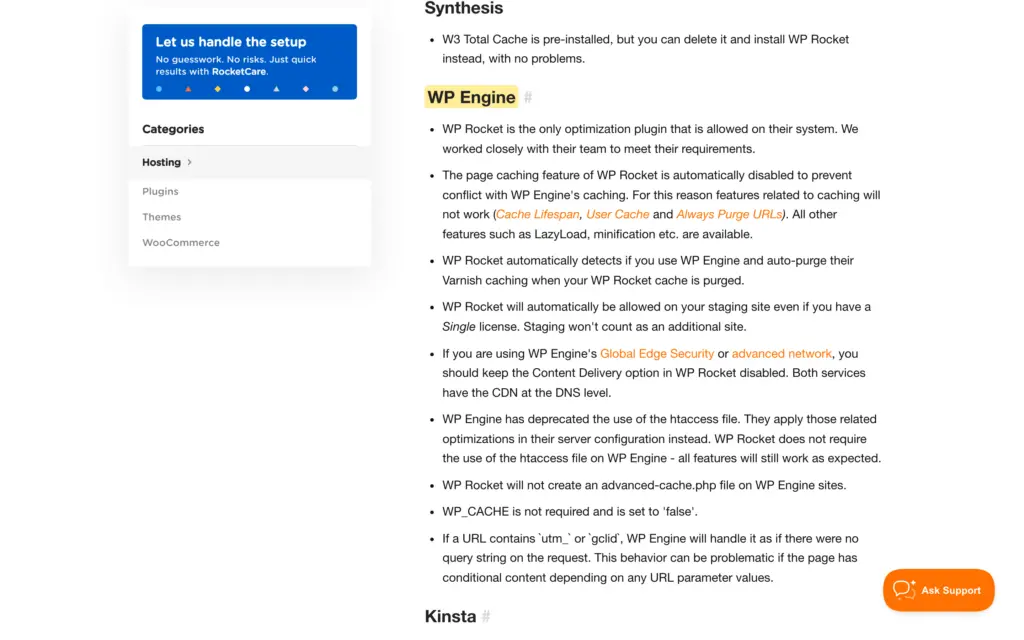
On managed hosts the page cache belongs to the host, and WP Rocket switches its own page caching off there. The list includes:
- Kinsta
- WP Engine
- WordPress.com
- Pressable
- Flywheel
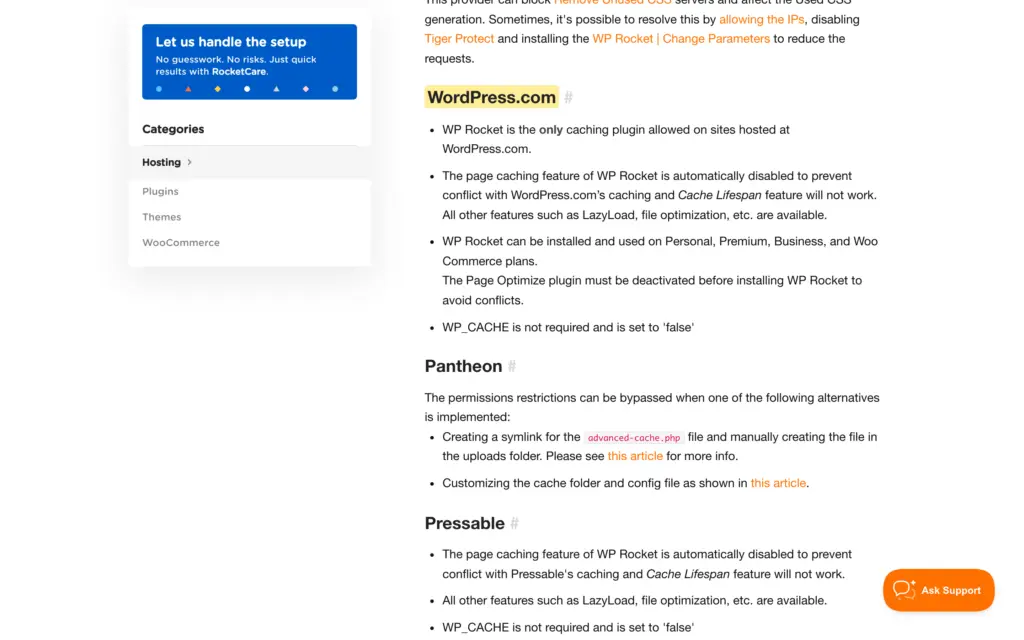
The other optimizations keep working on these hosts, so you are paying for file optimization, lazy loading and Remove Unused CSS without the caching. That can still be worth it, but you should know it before you buy.
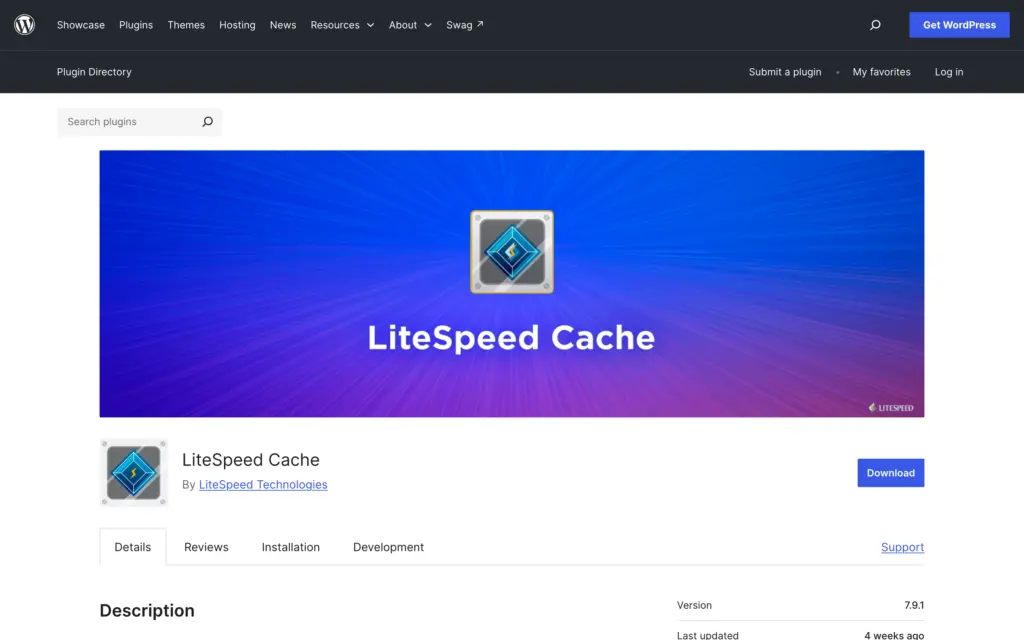
LiteSpeed servers are a different case. The free LiteSpeed Cache plugin uses the page cache built into the server itself, so on LiteSpeed hosting I would start with LiteSpeed Cache and buy WP Rocket only if something is missing.
Support
WP Rocket gives support through tickets, which you open from the plugin’s Support tab or from its website, and you need an active license to open one. Its support page offers tickets and documentation, with no live chat and no phone line.

The documentation is the stronger half of the support. It has a page for each option, each add-on and most hosts.
WP Rocket Pros and Cons
WP Rocket’s strengths are in the setup and most of its weaknesses are in the licensing.
| Pros | Cons |
|---|---|
| Page caching and the first Core Web Vitals optimizations work from activation | No free version, and the 14-day trial needs a card and bills automatically when it ends |
| Every license has every feature, including Rocket Insights and the free RocketCDN plan | WP Rocket doesn’t publish a renewal price, so next year’s bill is unknown until the renewal email |
| Allowed on WP Engine and WordPress.com, where other caching plugins aren’t | Remove Unused CSS and the other cloud features stop 15 days after the license expires |
| A 14-day free trial with support, and a 14-day refund on upgrades and renewals | No license between 3 websites and 50 |
| Detailed documentation for every option and add-on | No script manager and no image compression, and support is by ticket only |
WP Rocket Alternatives
The nearest alternatives are FlyingPress on the paid side and LiteSpeed Cache on the free side. Perfmatters gets compared with WP Rocket a lot, but it does a different job.
| Plugin | Price for 1 website | What to know |
|---|---|---|
| WP Rocket | $59.95 a year | 14-day free trial, card required |
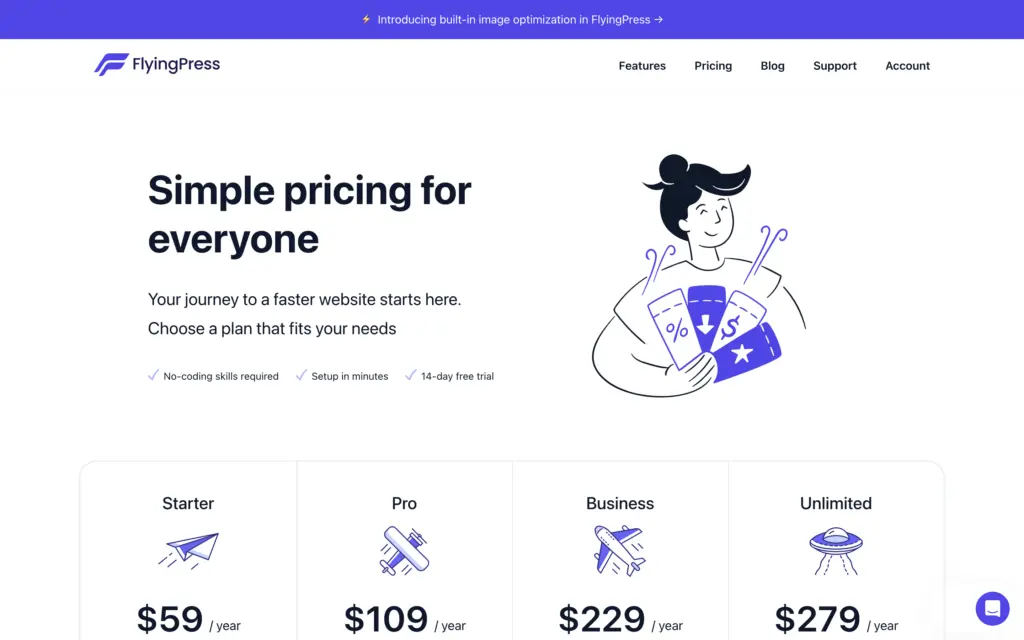
| FlyingPress | $59 a year | 14-day free trial, a 25-site plan at $229 and unlimited websites at $279 |
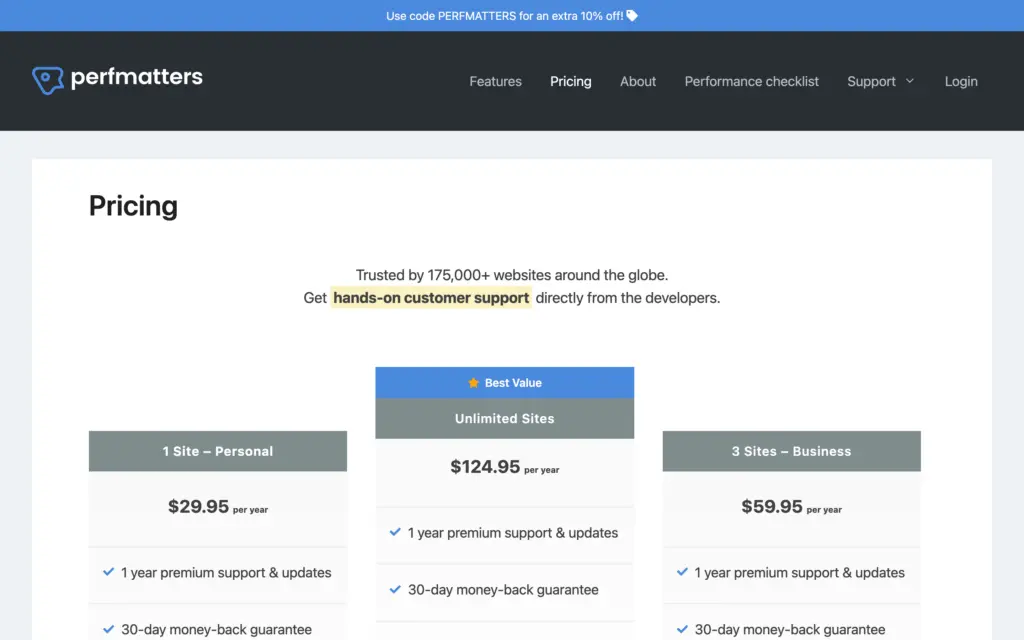
| Perfmatters | $29.95 a year | Script manager and cleanup plugin that needs a page cache beside it |
| LiteSpeed Cache | Free | Page caching needs a LiteSpeed server or QUIC.cloud |
| GT Performance | Free | My own plugin, which this site runs |
Page caching itself is available for free in plugins such as WP Super Cache and W3 Total Cache. What you pay WP Rocket for is the set of optimizations around the cache and the fact that these arrive configured. The 5 plugins above differ most in what they do beyond the cache:
| Plugin | Page cache | Unused CSS removal | Delay JavaScript | Image compression |
|---|---|---|---|---|
| WP Rocket | Yes, switched off on hosts with their own cache | Yes, on WP Rocket’s servers | Yes | No, Imagify is a separate product |
| FlyingPress | Yes | Yes | Yes | Yes, WebP and AVIF built in |
| Perfmatters | No | Yes | Yes | No |
| LiteSpeed Cache | Yes, on a LiteSpeed server or through QUIC.cloud | Yes, through QUIC.cloud | Yes | Yes, through QUIC.cloud |
| GT Performance | Yes, with cart and checkout pages kept dynamic | Yes, on your own server | Yes | Yes, WebP and AVIF |
If you want caching and image compression from 1 plugin, FlyingPress or GT Performance does it and WP Rocket needs Imagify beside it. If you want the fewest decisions after activation, WP Rocket is still the easiest of the 5 to hand to someone who will never open the settings again.
FlyingPress is the closest match on features. It costs about the same for 1 website and gets cheaper as the number of websites grows, and both let you test for 14 days before you pay. This site ran FlyingPress after WP Rocket, and I have compared the two in FlyingPress vs WP Rocket.
Perfmatters doesn’t cache pages. Its script manager switches a plugin’s CSS and JavaScript off on the pages that don’t need it, which WP Rocket can’t do, so it sits beside a caching plugin. I have explained that split in WP Rocket vs Perfmatters.
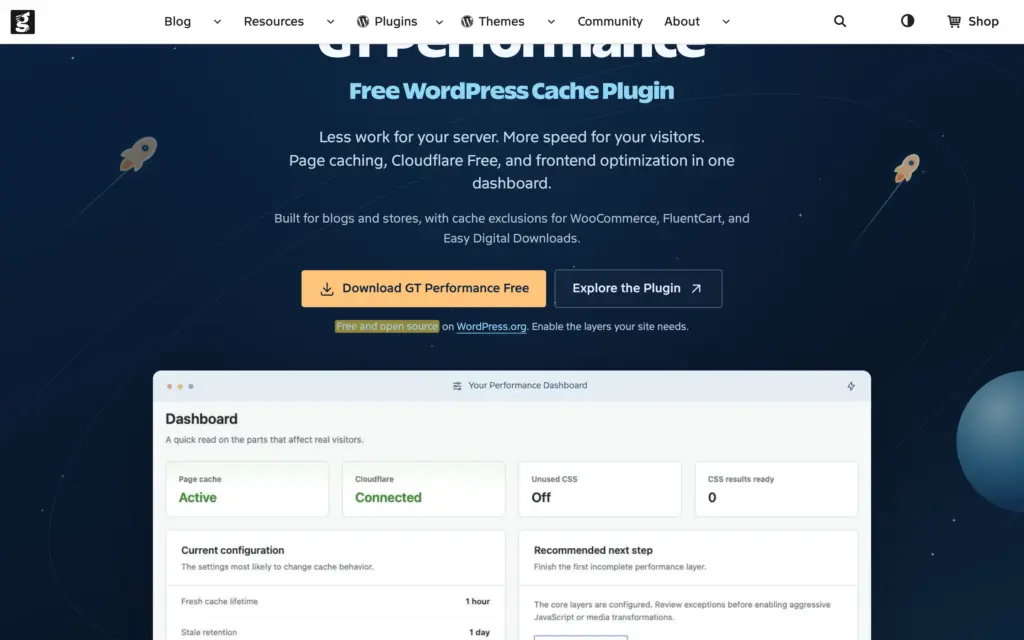
GT Performance is the free caching plugin I built, and this site has run on it since July 2026. It is my own product, so you should test it on a staging site and judge it by what it does there. What it covers:
- Page caching that keeps the cart, checkout and account pages of WooCommerce, FluentCart and Easy Digital Downloads dynamic
- Unused CSS removal that runs on your own server, with a training mode and one-click rollback
- JavaScript defer and delay, WebP and AVIF generation and local Google Fonts
- A managed Cloudflare Free cache rule and a Redis object cache drop-in, all of it free and GPL licensed
For a wider list, I have a guide to the best WP Rocket alternatives and another on the best WordPress cache plugins by hosting stack.
Should You Buy WP Rocket?
WP Rocket is a good purchase when it removes a problem you can measure and saves you the hours of tuning a free plugin, and a poor one when your host or your current setup has already done that work.
- 1 to 3 websites on shared, VPS or cloud hosting with slow pages: WP Rocket is worth trying, because caching starts at activation and the 14-day trial shows you whether the numbers move before you pay.
- Managed hosting with its own page cache: you are paying for the optimizations around the cache, and Perfmatters covers much of that for half the price.
- LiteSpeed hosting: start with LiteSpeed Cache.
- 4 to 6 websites: compare 2 separate accounts and FlyingPress’s 25-site plan before paying $299.95 for Multi.
- A website that already passes Core Web Vitals: one more plugin will not earn anything back.
I paid for WP Rocket for years and I wouldn’t have kept renewing a plugin I didn’t trust. I would still choose it for a website whose owner won’t touch the settings again after the first week, because its defaults are careful and a support team stands behind them. The rating loses most of its points on licensing, because the renewal price stays unknown until the email arrives and the cloud features stop soon after expiry.
FAQs on WP Rocket
Does WP Rocket work with Cloudflare?
Yes. WP Rocket has a Cloudflare add-on that clears Cloudflare’s cache together with its own and lets you manage a few Cloudflare settings from the plugin. WP Rocket calls the add-on a convenience, so the two work together without it as well. If a page looks broken with both active, you should switch off Cloudflare’s Rocket Loader first, because WP Rocket names it as the most common cause.
Can WP Rocket break a website?
It can, mostly through the File Optimization options. Delay JavaScript Execution and Remove Unused CSS change how scripts and styles load, and a theme or plugin can depend on the old order. You can exclude the affected file from the option, and WP Rocket’s Safe Mode switches off LazyLoad, File Optimization and Content Delivery in one step. Safe Mode deletes your existing settings, so you should export them first.
Does WP Rocket work on WordPress multisite?
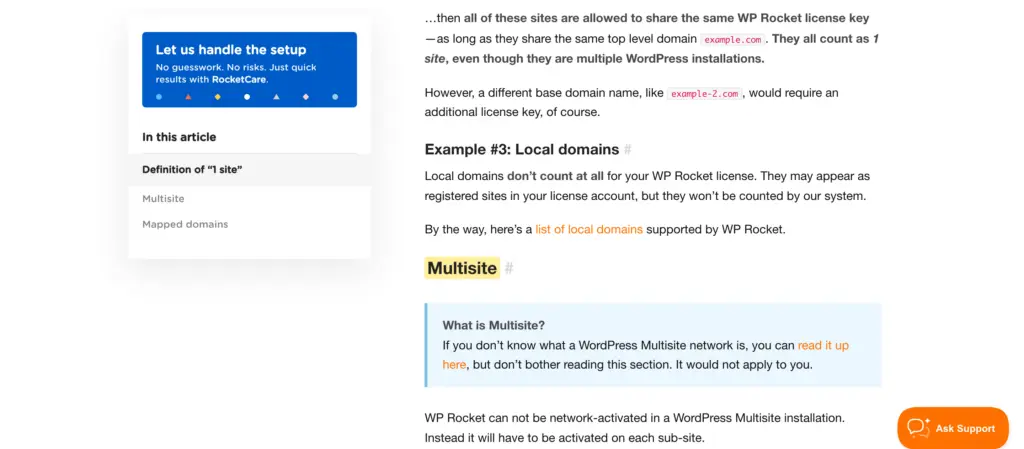
Yes, but you can’t network-activate it. You activate WP Rocket on each sub-site, and the whole network uses 1 website from your license as long as it stays on one top-level domain. A sub-site mapped to its own domain needs its own slot.
Final Remarks
WP Rocket’s 14-day free trial is your test period, and the full yearly price is charged when it ends unless you cancel.
- Note the PageSpeed Insights results of your important pages before you install it.
- Switch the options on one group at a time and check the pages that break first: menus, forms, the cookie banner and checkout.
- Cancel before the trial ends if the numbers haven’t moved, because the first payment after a trial isn’t refundable.
You can check the current WP Rocket price before you buy, and my WP Rocket settings guide covers what to turn on and what to leave alone.
Tell Google you want more of this.
Add Gaurav Tiwari as a preferred sourceOne tap, and this site shows up more often in your own Top Stories, AI Overviews and AI Mode. Remove it any time.
Disclaimer: This site is reader-supported. If you buy through some links, I may earn a small commission at no extra cost to you. I only recommend tools I trust and would use myself. Your support helps keep gauravtiwari.org free and focused on real-world advice. Thanks. - Gaurav Tiwari