
Best Free WordPress Testimonial Slider Plugins (Only 3 Survived My Cut)
Half the testimonial plugins recommended around the web no longer exist; two were removed from WordPress.org entirely. I verified every option in June 2026 and only three free testimonial slider plugins made the cut: Strong Testimonials, Real Testimonials, and Testimonial Slider. Here's what each does best, their honest downsides, and when you need no plugin at all.
 by
by
Visitors don’t believe what you say about your own business. They believe what other customers say about it. That’s the entire job of a WordPress testimonial slider plugin: put real customer words in front of skeptical visitors, at the exact moment they’re deciding whether to trust you.
Here’s the uncomfortable part. While updating this guide, I had to delete half of it. Two testimonial plugins I originally recommended have been removed from the WordPress.org repository entirely, and a third hasn’t seen an update in two years. That’s the free plugin market in a nutshell… and it’s exactly why this list is now short, current, and verified.
Three free testimonial slider plugins are worth your time right now:
- Strong Testimonials: my pick. 90,000+ active installs, front-end submission forms, and a serious developer (WP Chill) behind it.
- Real Testimonials: best free tier for video testimonials and schema markup without paying.
- Testimonial Slider: the minimalist option when you want a slider and nothing else.
How I Picked These (And Which Plugins Got Cut)
Every plugin here passed three checks in June 2026: updated within the last three months, tested against the current WordPress release, and a free tier that actually builds a working slider without a paywall ambush.
The cuts tell the real story. Easy Testimonials and WP Testimonials with Rotator Widget, both former entries on this list, are no longer available on WordPress.org. When a plugin disappears from the repository, you stop getting updates silently, and old installs keep running unpatched code. Simple Testimonials Showcase is still listed but hasn’t shipped an update since 2024, so it got cut too.
If you’re running any of those three plugins right now, plan a replacement this month. An abandoned plugin handling user-submitted content is a security hole with a UI.
1. Strong Testimonials (My Pick)
Best for: any site that wants to collect testimonials, not just display them.
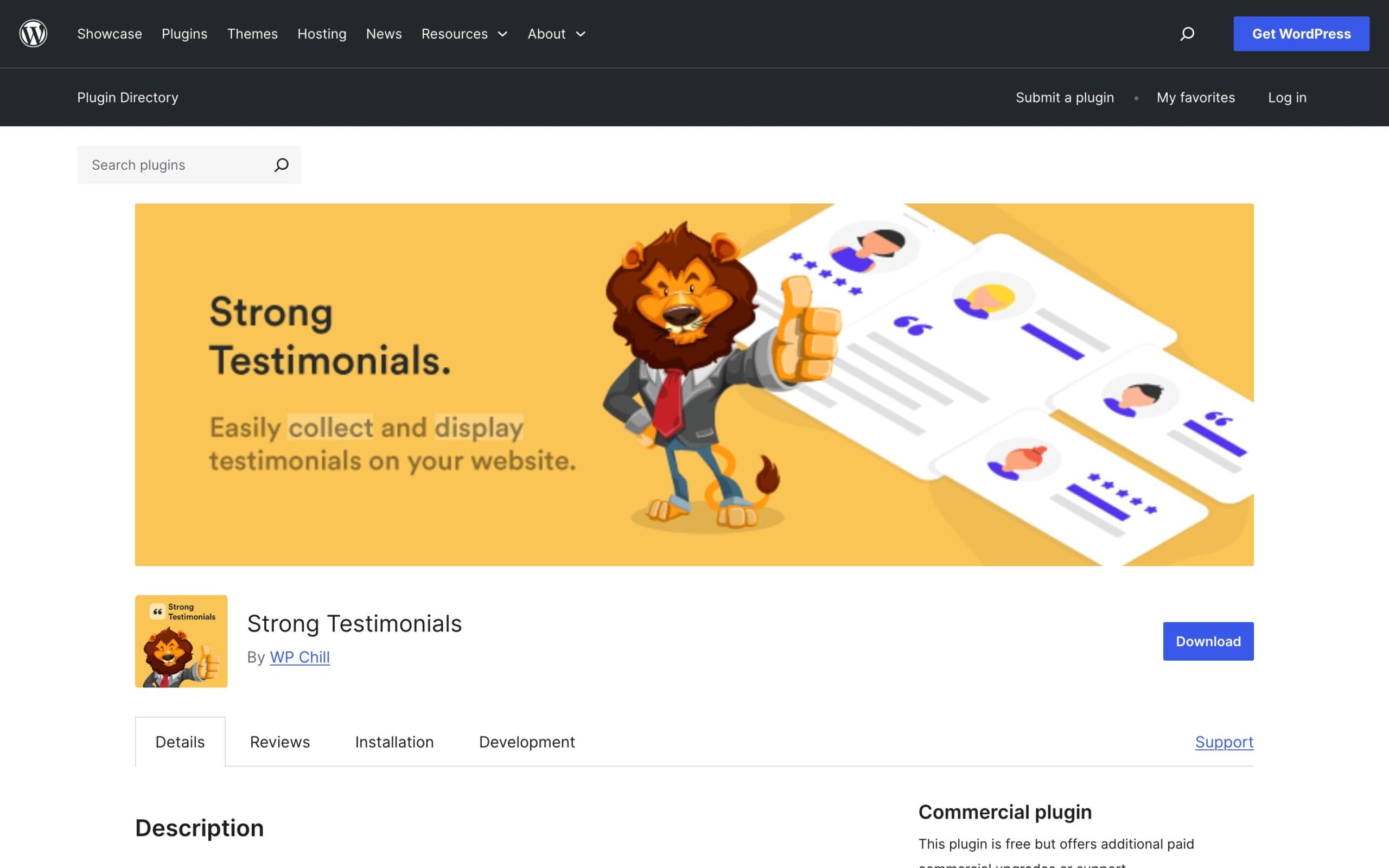
Strong Testimonials sits at 90,000+ active installs, shipped version 3.3.0 in May, and is maintained by WP Chill, the team behind several established WordPress plugins. That maintenance record matters more in this category than any feature, given what happened to half this list.
The feature that separates it: front-end submission forms with spam protection. Your customers type their own testimonials into a form on your site; you approve, and the slider updates. No copy-pasting from emails. Add custom fields, star ratings, categories for sorting, and “views” that let you reuse the same testimonials in a slider on the homepage and a grid on the services page.
The honest downside? It’s the heaviest plugin of the three, and some conveniences (form templates, advanced layouts) sit behind paid add-ons. For most sites, the free tier covers everything that matters.
2. Real Testimonials
Best for: video testimonials and schema markup on a free tier.

Real Testimonials by ShapedPlugin holds 40,000+ active installs with an April update. Its free tier is unusually generous in two specific ways: video testimonials (paste a YouTube or Vimeo link and it plays inside the slider) and built-in schema markup, which most competitors lock behind pro versions.
A video of a real customer saying real words converts harder than any text quote. If that’s the direction your social proof is going, this is the free plugin to start with. Layout options are solid too: sliders, grids, and multi-column arrangements with per-element show/hide controls.
The downside: the dashboard leans hard on pro upsells, and you’ll feel the locked-feature nudges more than in Strong Testimonials. Annoying, not disqualifying.
3. Testimonial Slider
Best for: minimalists who want one slider, configured in five minutes.
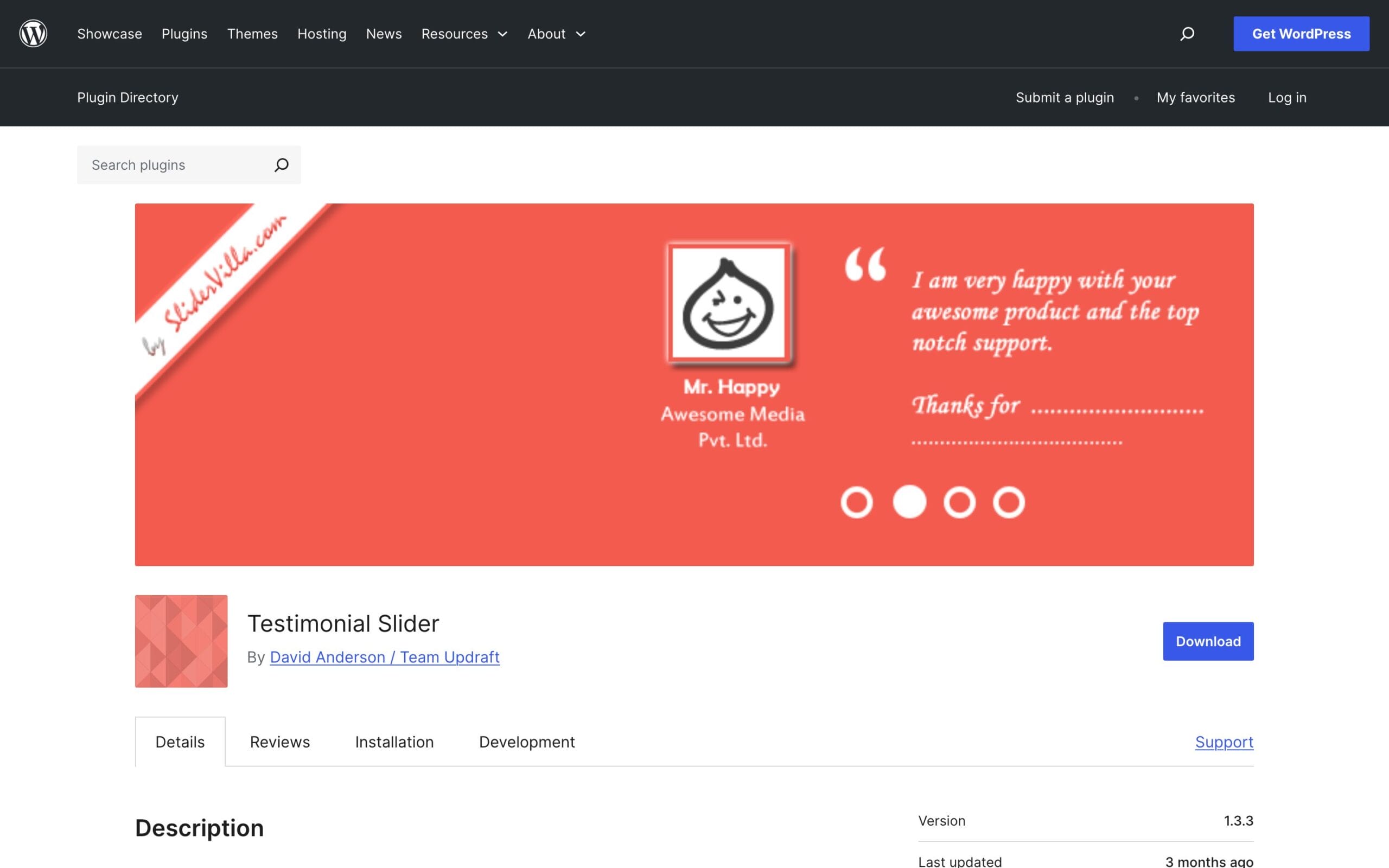
Testimonial Slider is the small, sharp knife of this list. Around 3,000 installs, a March update, and almost no settings to learn: add testimonials as a custom post type, drop a shortcode, done. The output is clean and it stays out of your way.
The tradeoff is the mirror image of its simplicity. A small install base means a small team and a thinner safety margin if the developer moves on, which is the exact failure mode that gutted this list’s previous version. Use it for simple sites; keep your testimonials backed up either way.
The No-Plugin Option Most People Overlook
Honest question before you install anything: do you actually need a plugin for this? If you have four or five evergreen quotes that change once a year, the block editor already does the job. A Group block with a quote, a name line and a photo, saved as a reusable pattern, renders faster than any slider and never needs a security update.
I’d go further: for conversion, static testimonials placed next to your call-to-action usually beat rotating sliders. Readers ignore carousels (the old “banner blindness” applies), and auto-rotating content moves right when someone starts reading it. If you do use a slider, turn autoplay off or slow it to eight seconds minimum. Your layout stability matters too… sliders are a classic source of the layout shift I covered in why WordPress sites feel slow.
Block collections like the ones in my Gutenberg block plugins roundup include ready-made testimonial blocks as well, and testimonials are only one of the trust elements that move conversions; I’ve mapped the rest in seven trust signals for service sites.
Setting Up Strong Testimonials in 10 Minutes
Since Strong Testimonials is my pick, here’s the exact setup I use on client sites:
- Install and activate from Plugins → Add New, then open the new Testimonials menu.
- Add three to five testimonials manually first: real name, real photo, one specific result per quote. Skip “great service!” filler; keep quotes that name outcomes.
- Create a View (Testimonials → Views). Choose Slideshow mode, set transition to fade, and turn autoplay off or set it to 8+ seconds.
- Place it with the Strong Testimonials block or the generated shortcode, ideally right above or beside your main call-to-action.
- Add the submission form view on a /share-your-experience/ page, enable the honeypot anti-spam option, and set new submissions to “pending” so nothing publishes unmoderated.
That last step is the compounding one. Every project that ends, every support ticket that closes happily, send that customer the form link. Six months later you’ll have a testimonial library instead of the same four quotes everyone’s seen.
Getting Testimonials People Actually Write
The plugin is the easy half. The hard half is getting words worth displaying, and the fix is mostly in how you ask. “Leave us a review” produces “great service.” Specific questions produce specific answers:
- “What problem were you trying to solve before you found us?”
- “What result can you point to since?”
- “What would you tell someone hesitating about this?”
Ask within a week of a win, while the result is fresh. And one boundary worth keeping: don’t pay for testimonials or edit words beyond trimming. Disclosure rules aside, readers can smell synthetic praise, and one fake-sounding quote poisons the genuine ones around it.
A Quick Honest Note on Testimonial Schema
Plugins love advertising “review schema for rich results,” so here’s the part the sales pages skip: Google doesn’t show star rich results for reviews you host about your own business. They call it self-serving review markup, and they’ve ignored it since 2019. Schema on your testimonials still helps machines understand the content (useful for AI search engines quoting your pages), but it will not put stars under your homepage in Google. Set your expectations, and pick your plugin for its display and collection features instead.
WordPress Testimonial Slider Plugins Compared
The June 2026 numbers, side by side:
| Plugin | Active installs | Last update | Video support | Collection form | Schema markup |
|---|---|---|---|---|---|
| Strong Testimonials | 90,000+ | May 2026 | Pro | Free | Pro |
| Real Testimonials | 40,000+ | April 2026 | Free | Pro | Free |
| Testimonial Slider | 3,000+ | March 2026 | No | No | No |
My recommendation stands simple: install Strong Testimonials if you want one answer. Pick Real Testimonials if video proof is your strategy. Skip plugins entirely if your testimonials are static. And whichever route you take, collect testimonials continuously (a simple form via Fluent Forms works fine), because the plugin is just the display case. The product is trust.
FAQs: WordPress Testimonial Slider Plugins
What is the best free testimonial slider plugin for WordPress?
Strong Testimonials. It has 90,000+ active installs, regular updates from WP Chill, and the free tier includes front-end submission forms so customers can submit their own reviews. If you specifically need video testimonials or schema markup for free, choose Real Testimonials instead.
Do testimonial sliders hurt page speed?
Lightweight ones add little, but sliders can cause layout shift if the plugin doesn’t reserve space before loading. Test your page with PageSpeed Insights after installing, and avoid auto-rotating sliders above the fold where layout stability matters most for Core Web Vitals.
Can I add testimonials in WordPress without a plugin?
Yes. A Group block with a quote, name, and photo, saved as a reusable pattern, handles static testimonials perfectly. You only need a plugin when you want sliders, customer-submitted reviews, video embeds, or testimonials reused across many pages from one place.
Are auto-rotating testimonial sliders good for conversions?
Usually not. Visitors skip carousels the way they skip banners, and content that moves mid-read gets abandoned. Static testimonials placed next to your call-to-action typically convert better. If you use rotation, disable autoplay or set it to eight seconds or slower.
What happened to Easy Testimonials?
It’s no longer available in the WordPress.org plugin repository, along with WP Testimonials with Rotator Widget. Sites still running them receive no updates or security patches. If that’s you, export your testimonials and switch to Strong Testimonials or Real Testimonials soon.
Tell Google you want more of this.
Add Gaurav Tiwari as a preferred sourceOne tap, and this site shows up more often in your own Top Stories, AI Overviews and AI Mode. Remove it any time.
Disclaimer: This site is reader-supported. If you buy through some links, I may earn a small commission at no extra cost to you. I only recommend tools I trust and would use myself. Your support helps keep gauravtiwari.org free and focused on real-world advice. Thanks. - Gaurav Tiwari
