
Top Productivity Tools for Freelancers and Entrepreneurs
Managing time. Meeting deadlines. Juggling clients. Freelancers and entrepreneurs wear too many hats. One minute you’re handling emails, the next you’re switching tabs, trying to remember what task was half-done. Sound familiar?
According to a 2023 survey, the average freelancer spends more than 2.5 hours per day on distractions. That’s over 17 hours a week — gone.
The solution? The right productivity apps. Not just any tools — but those that actually get the job done, without adding to the chaos.
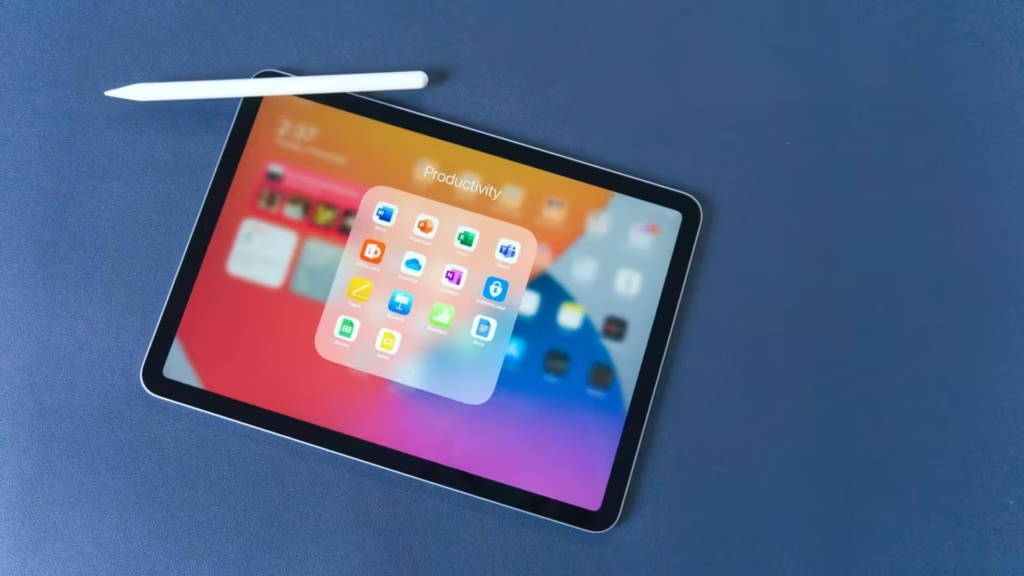
Let’s explore the best of them.
Table of Contents
1. Trello – Visual Task Management That Just Works
Drag. Drop. Done. Trello is the go-to tool for those who think in boards, lists, and cards.
Whether you’re a solo freelancer or managing a small remote team, this app simplifies task tracking with its visual interface.
- Create boards for clients, campaigns, or content calendars.
- Add cards for tasks and assign deadlines.
- Use power-ups like calendar view, integrations with Slack or Google Drive.
Simple yet powerful. Many users say Trello becomes second nature within a day.
Not into visuals? No problem — move on.
2. Notion – The Everything Workspace
Note-taking. Project planning. Collaboration. Databases.
Notion does it all. Some call it a blank slate, others a second brain. Either way, it’s customizable enough to be whatever you need.
Freelance writer? Use it to manage article drafts. Entrepreneur? Build CRM pages, SOPs, or even a lightweight website.
And here’s a fun fact: In 2024, Notion crossed 30 million users worldwide. That’s no accident.
Still feels overwhelming? Try using ready-made templates. You don’t need to build from scratch.
3. iCall – A Simple Communication Booster
Freelancers often underestimate the importance of seamless communication. Missed calls? Lost clients.
In the field of communication, it is difficult to overestimate the importance of having a good call recorder app for the iPhone, such as iCall. Just install the app and employees will be able to create recording calls, suitable for further analysis. Forgotten order details? Need to clarify details or data for sending? The client refuses to give his word? If you have a call recorder, these problems will disappear by themselves.
It doesn’t try to do too much — and maybe that’s why it works.
But if calls aren’t your thing, skip to the next tool.
4. Clockify – Because Time Is Money
You think you’re working 8 hours a day — until Clockify tells you otherwise.
Time tracking can feel tedious, but Clockify makes it almost… invisible. Just click “start” when you begin a task, “stop” when you finish. Or set it to run in the background.
Why track time?
- Bill clients more accurately
- Understand where your hours go
- Stop overworking on unpaid projects
A 2022 freelance trends report found that 56% of freelancers undercharge due to poor time tracking. Clockify fixes that.
* Bonus: It’s free for individuals.
5. Todoist – Tiny App, Big Impact
Big dreams? Start with small tasks.
Todoist takes the overwhelming “to-do” list and turns it into manageable steps. You can add tasks via voice, email, or browser extension. Set deadlines, priorities, or recurring tasks like “send an invoice every Friday.”
It even gives you a “Karma” score for staying on top of your list. Gamified productivity? Why not?
One user described it as “the quiet coach I never knew I needed.”
Don’t like lists? Scroll down. There’s more.
6. Grammarly – Your Personal Writing Assistant
Let’s face it — poorly written emails can cost you clients. Grammarly fixes that.
It doesn’t just spot typos. It suggests tone adjustments, helps tighten your writing, and offers alternatives for repetitive words.
Especially useful for:
- Pitch emails
- Social media posts
- Client proposals
- Website content
Whether you’re a native speaker or not, Grammarly smooths out your communication. A clean message builds trust.
Mistake-free writing? Now that’s productive.
7. Google Calendar – Still Unbeatable
Yes, it’s basic. Yes, everyone uses it. But that’s the point.
Google Calendar helps you plan days without the fluff.
- Block time for deep work
- Add color-coded events
- Share availability with clients
One pro tip? Use it with a time-blocking method. Schedule everything — even lunch. You’ll start respecting your own time more.
And it syncs across every device. No excuses.
8. Slack – Conversations Without Clutter
Email overload is real. Slack offers a cleaner, faster way to communicate with teams or clients.
Channels for projects. Threads for discussions. DMs for side talk.
Bonus: It integrates with almost every other productivity app mentioned here. Trello, Notion, Google Drive — you name it.
If you’re juggling multiple collaborators, this one’s non-negotiable.
Just don’t forget to turn off notifications after work hours. Or you’ll never unplug.
Productivity Isn’t About Doing More
It’s about doing what matters. And finishing it. Without burning out.
The right productivity apps don’t complicate your life — they simplify it. Whether it’s iCall helping you stay connected, Trello organizing your chaos, or Grammarly polishing your words — they each remove friction from your day.
No app will do your work for you. But the right combination can make your workflow smoother, faster, and smarter.
Try a few. Drop the ones that don’t fit. Stick with what works. That’s the freelancer’s way.
Must-Read Productivity Books for Freelancers
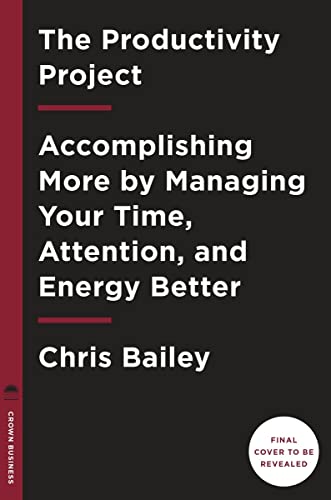
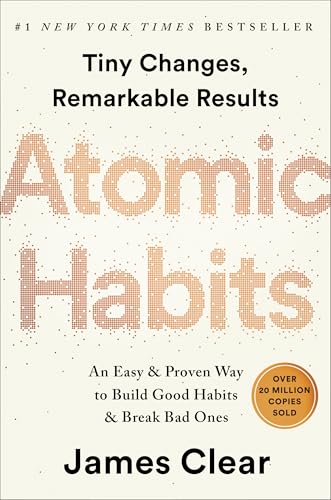
After 16 years of freelancing and building Gatilab, I’ve learned that the difference between profitable freelancers and struggling ones isn’t talent. It’s systems. These five books build the mental operating system that makes everything else work.
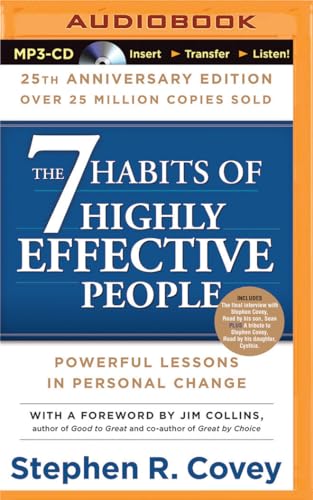
The Power of Habit is where I’d start. Understanding habit loops explains why some freelancers thrive and others burn out. Atomic Habits gives you the practical framework. The 7 Habits is the classic for good reason. For more, see my guide on improving organizational skills.
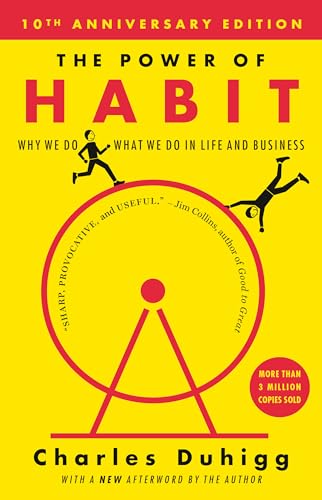
The Power of Habit: Why We Do What We Do in Life and Business
- Life changing novel
Best Gear for Your Home Office
Three upgrades made the biggest difference in my home office. Noise-cancelling earbuds (AirPods Pro eliminated coffee shop distractions). A second monitor (Samsung 27″ at $100, doubled my screen space). And a standing desk ($120, saved my back during long coding sessions). These cost less than one month’s coworking membership. For more app recommendations, see my business productivity apps guide.
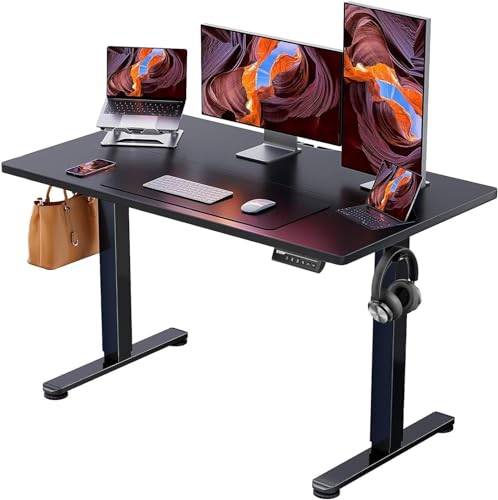
- Outstanding Stability: This electric standing desk has a sturdy solid steel frame with aerospace-grade lifting column connectors (still stable & secure after testing 100,000 times). It's a firm foundation for work, even at full height
- Smooth Height Adjustment: Freely select electric standing desk height, from 28.35" to 46.46". Save your favorite three settings and smoothly switch between them
- Uprated Motor: Powerful lifting performance and reliable long-term operation (tested 50,000 times and still going strong)
- Safe Low-VOC Materials: Formaldehyde and other VOC emissions are sharply reduced, meeting US federal and state safe air standards
- Simplified Assembly: This electric standing desk has an easier assembly process with fewer steps and less lifting
Krisp eliminates background noise on all your calls and records transcripts automatically. The AI note taker creates meeting summaries with action items so you never miss follow-ups. Free for up to 60 minutes per day.
Gamma generates client proposals and pitch decks from text prompts. I stopped spending 2-3 hours on proposal design after switching to Gamma. It handles layouts, visuals, and branding automatically.
Trafft eliminates scheduling friction. Clients book calls, consultations, or project kickoffs directly from your link. It collects payments, sends reminders, and syncs to your calendar.
Frequently Asked Questions
What is the single most important productivity tool for freelancers?
A calendar blocking tool. Not a to-do list, not a project manager, but a calendar where you block time for deep work, client calls, and admin tasks. I use Google Calendar with color coding. Without time blocking, freelancers let urgent tasks crowd out important ones every single day.
How many productivity tools should I use?
As few as possible. Three to five maximum: a task manager, a calendar, a note-taking app, a communication tool, and a time tracker if you bill hourly. Every additional tool adds switching costs and maintenance overhead. The most productive freelancers I know use fewer tools, not more.
Do productivity tools actually make you more productive?
Only if they replace a manual process that’s actually slowing you down. Adding Notion because it looks cool won’t help if your real problem is saying yes to too many clients. Tools solve system problems. Discipline solves behavior problems. Know which one you’re dealing with.
What productivity system works best for solo entrepreneurs?
Time blocking combined with a weekly review. Every Sunday, plan your week. Every morning, plan your day. Use whatever tool feels natural, even pen and paper. The system matters more than the tool. Most productivity failures come from skipping the review step, not from picking the wrong app.
Disclaimer: This site is reader-supported. If you buy through some links, I may earn a small commission at no extra cost to you. I only recommend tools I trust and would use myself. Your support helps keep gauravtiwari.org free and focused on real-world advice. Thanks. - Gaurav Tiwari