
Shopify Review (2026): Real Experience After Building 15+ Stores
Let me tell you something nobody mentions in Shopify reviews. I’ve built 15+ stores on this platform since 2019. Small craft businesses doing $2K/month. Six-figure dropshipping operations. A food brand that went from zero to $40K in month three. And every single time, the conversation starts the same way: “Should I use Shopify or WooCommerce?”
Here’s my honest answer after 7 years: Shopify is the best platform for people who want to sell things, not manage websites. Full stop. The transaction fees will annoy you. The app costs will surprise you. But the time you save not fighting plugins, hosting issues, and security patches? That’s time you spend actually growing your business.
But I need to be real with you. That $39/month Basic plan? That’s just the starting price. By the time you add the apps you actually need, you’re looking at $100-250/month for a proper store. I’ve watched too many beginners get sticker shock after month one. So let’s break down everything: what Shopify does well, where it falls short, what it actually costs, and whether it’s the right move for your specific situation.
What Shopify Actually Does
Shopify handles everything you need to sell online: hosting, checkout, payment processing, inventory management, shipping, taxes, and analytics. You get a complete store without managing servers, security certificates, or third-party integrations. It’s a rental, not a purchase, and that distinction matters.
The platform includes a drag-and-drop theme editor, a product catalog system, order management, customer accounts, discount codes, abandoned cart recovery, and basic marketing tools. Advanced features come through Shopify’s app store (8,000+ apps) or higher-tier plans.
What makes Shopify different from WooCommerce: you rent the platform instead of owning it. You don’t worry about hosting, updates, security patches, or SSL certificates. Shopify handles the infrastructure. You handle selling. For most non-technical merchants, that tradeoff is worth it.
My Shopify Store Setup
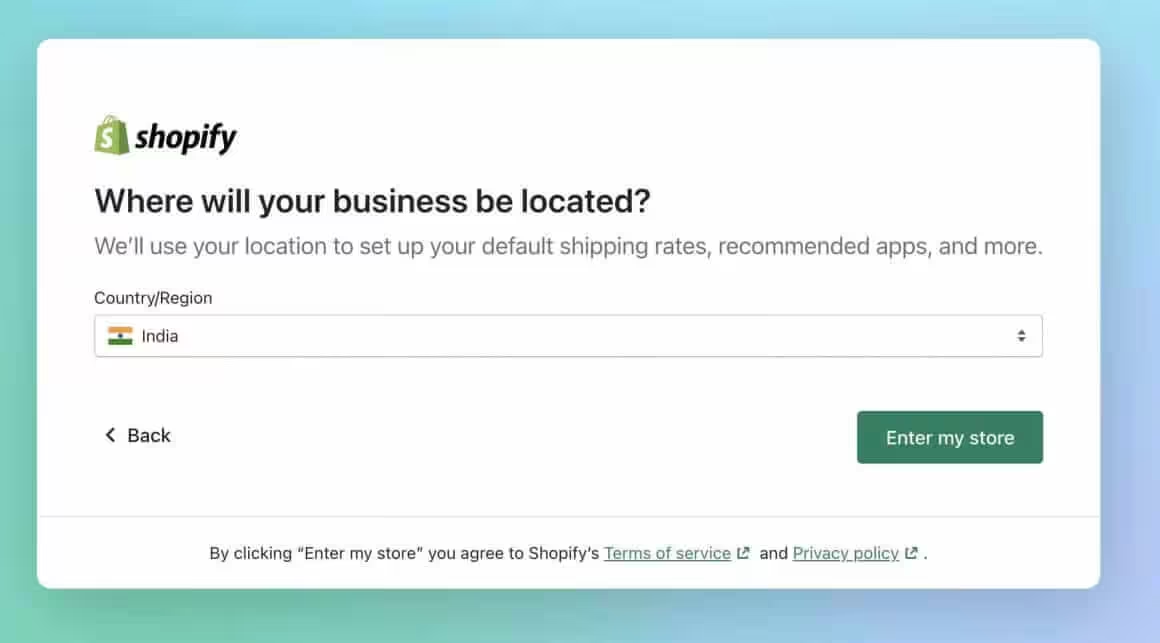
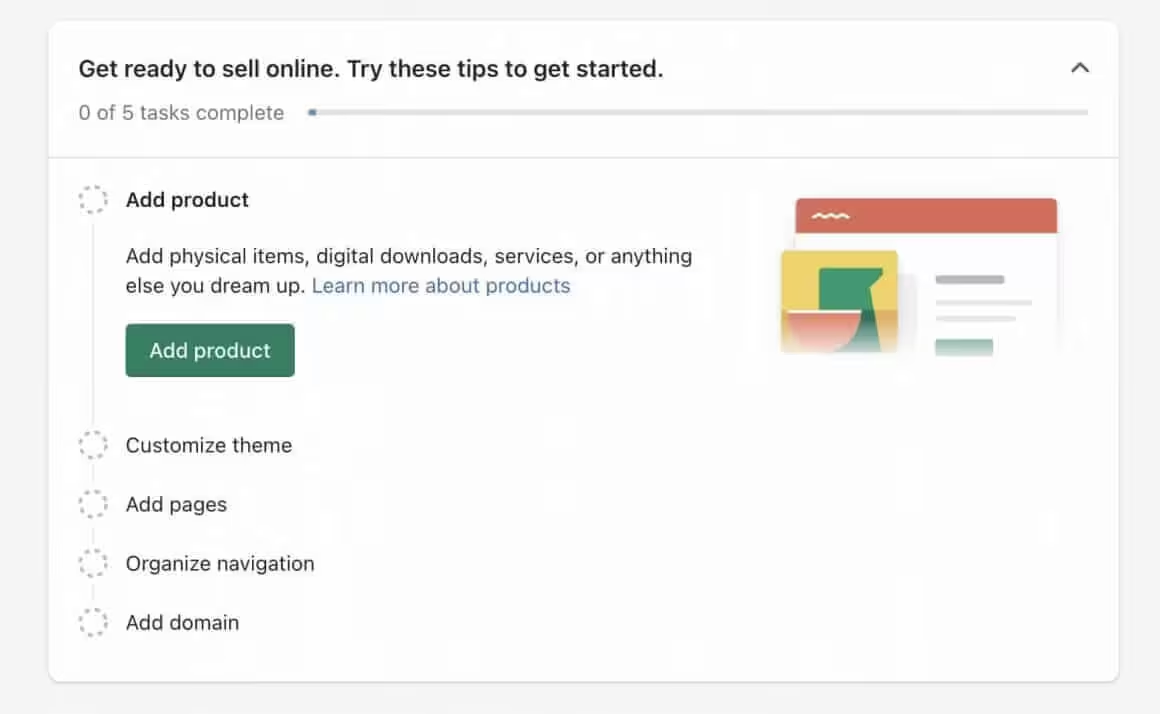
I’ve set up Shopify stores for clients across different niches. Here’s the stack I’ve refined over 7 years of client work. This isn’t theory. These are choices I’ve made after testing alternatives on real stores with real traffic.
Apps I Install on Every Store
Most Shopify stores need 4-6 apps to function properly. Here’s what I install first, regardless of the niche.
| App | Purpose | Cost |
|---|---|---|
| Klaviyo | Email marketing and automations | Free under 250 contacts, then from $20/mo |
| Judge.me | Product reviews with photo/video | Free tier or $15/mo for full features |
| PageFly | Page builder for custom landing pages | Free tier or $24/mo |
| Vitals | Bundle of 40+ features (upsells, reviews, currency) | $30/mo |
| DSers | Dropshipping from AliExpress (if applicable) | Free tier available |
Klaviyo alone has recovered thousands in abandoned cart revenue for my clients. One store saw a 14% increase in monthly revenue after setting up a 3-email abandoned cart sequence. If you install nothing else, install Klaviyo.
Apps I Avoid
| App Category | Why I Skip It |
|---|---|
| Most SEO apps | Shopify’s built-in SEO handles 90% of what you need. The apps just add bloat. |
| Multiple review apps | One review app is enough. Judge.me or Loox, not both. |
| “Speed optimization” apps | They rarely help. Shopify’s infrastructure is already fast. Fix your images instead. |
| Currency converters | Shopify Markets handles multi-currency natively now. No app needed. |
| Social proof popups | “Someone in Texas bought this 2 minutes ago” annoys more customers than it converts. |
Theme Selection
For most stores: Dawn (free) or Impulse ($380 one-time). Dawn is Shopify’s flagship free theme. It’s fast, flexible, and gets updates directly from Shopify. Impulse adds advanced features like mega menus and product bundles for larger catalogs.
Avoid: Any theme built before Shopify’s Online Store 2.0 update (late 2021). Old themes miss app blocks, sections on every page, and metafield support. I’ve migrated three stores off legacy themes in the past year, and each time the performance improvement was immediate.
Key Features That Actually Matter
Shopify’s feature list is long. I’m skipping the marketing fluff and focusing on what makes a real difference when you’re running a store.
Checkout
Shopify’s checkout is the single biggest reason to choose this platform. It’s fast, mobile-optimized, and trusted by millions of buyers. Shop Pay accelerated checkout increases conversion rates by an average of 1.72x according to Shopify’s internal data. I’ve seen similar numbers on client stores.
The checkout is also the most restricted part of Shopify. Customizing it beyond basic branding requires Shopify Plus ($2,300+/month) or accepting the defaults. For 95% of merchants, the defaults convert better than anything you’d build yourself. I stopped fighting this years ago.
Shopify Payments
Shopify Payments (powered by Stripe) is the default processor. Current rates as of February 2026:
- Basic: 2.9% + 30¢ per transaction
- Grow (formerly Shopify): 2.7% + 30¢
- Advanced: 2.5% + 30¢
Using a third-party payment gateway adds 2% (Basic), 1% (Grow), or 0.6% (Advanced) on top of whatever that gateway charges. Unless you have a specific reason, stick with Shopify Payments. The extra fees on third-party gateways eat into margins fast.
Inventory Management
Multi-location inventory tracking works well for stores with a warehouse, retail location, and fulfillment center. Stock syncs across all channels. Low stock alerts prevent overselling, which saved one of my clients from a nightmare during a flash sale last year.
For dropshipping, apps like DSers connect to suppliers and sync inventory automatically. The integration is tight. Orders flow from customer to supplier without manual steps.
Shipping
Built-in shipping label printing with USPS, UPS, and DHL discounts (up to 88% off on Advanced). Calculated shipping rates at checkout. Shipping profiles for different products. The setup takes about 20 minutes, compared to the multi-hour ordeal of configuring shipping on WooCommerce with extensions.
Shopify Markets
This is a newer feature that deserves attention. Shopify Markets handles multi-currency, language translation, and duties/taxes for international selling. I’ve set this up for three clients selling internationally, and it replaced what used to require 2-3 separate apps.
Analytics
Shopify’s analytics dashboard shows sales, traffic, conversion rates, and customer data. Good enough for stores under $50K/month. Once you’re past that, you’ll want Shopify’s advanced reports (available on the Grow plan at $105/month) or third-party tools like Triple Whale for attribution.
What Shopify Does Well
Reliability That You Don’t Think About
Shopify maintains 99.99% uptime. During Black Friday 2025, the platform processed over $9.3 billion in sales globally. Your store stays online. You don’t manage servers, worry about traffic spikes, or patch security holes at 2am. For merchants, that peace of mind is worth more than most people realize.
I’ve managed WooCommerce stores that went down during traffic spikes. The revenue lost in a single hour of downtime during a promotion can exceed a full year of Shopify fees. That math changed my recommendation permanently for non-technical clients.
Checkout Conversion
Shopify’s checkout is optimized by data from billions of transactions. Shop Pay and accelerated checkout genuinely improve conversion rates. One client switched from a custom WooCommerce checkout to Shopify, and their conversion rate jumped from 1.8% to 2.6% within the first month. No other changes.
App Ecosystem
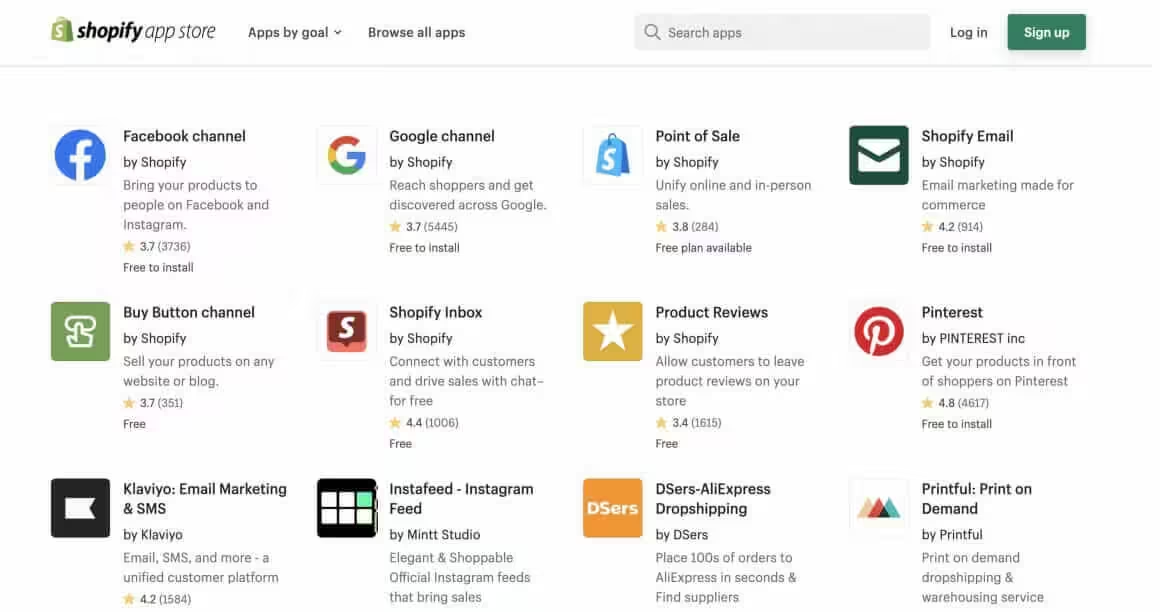
8,000+ apps for every conceivable need: email marketing, product reviews, upsells, subscriptions, dropshipping, print-on-demand, loyalty programs. Most categories have solid free options alongside paid ones. The app quality has improved drastically since Shopify tightened their review process in 2024.
Mobile Experience
All Shopify 2.0 themes are mobile-first. The Shopify mobile app lets you manage your entire store from your phone, including push notifications for orders, inventory alerts, and customer messages. I’ve watched clients process orders from their phone during commutes. Try doing that with WooCommerce.
Multi-Channel Selling
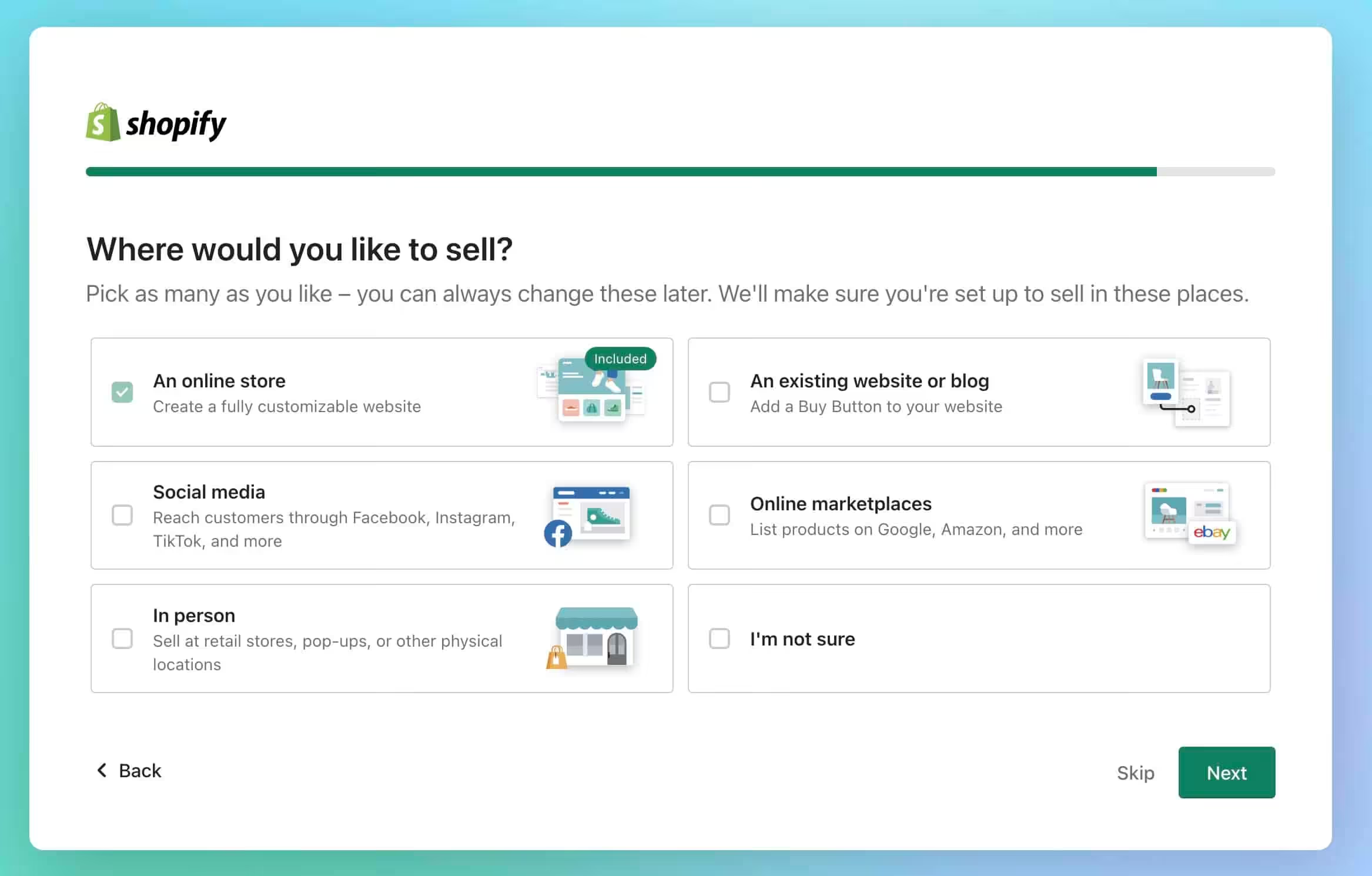
Shopify connects to Amazon, eBay, Facebook, Instagram, TikTok, Google Shopping, and Walmart Marketplace. One inventory syncs across all channels. One dashboard to manage everything. This is where Shopify genuinely outperforms every alternative. If you sell on more than one platform, Shopify’s multi-channel setup saves hours per week.
What Shopify Gets Right
- 99.99% uptime without any server management
- Checkout optimized by billions of transactions, Shop Pay boosts conversions 1.72x
- 8,000+ apps with improving quality standards
- Multi-channel selling (Amazon, eBay, TikTok, Instagram) from one dashboard
- Mobile app for full store management on the go
- Shopify Markets handles international selling natively
Where Shopify Falls Short
- Transaction fees add 0.6-2% on top of processing with third-party gateways
- Checkout customization locked behind Plus ($2,300+/mo)
- SEO and blogging capabilities are basic compared to WordPress
- Platform lock-in: themes, apps, and integrations don’t transfer if you leave
- App costs add $30-200/month to your base plan
What Shopify Doesn’t Do Well
Transaction Fees Stack Up
Using any payment gateway besides Shopify Payments adds 0.6-2% fees on top of normal processing. This punishes merchants in countries where Shopify Payments isn’t available (currently supported in about 23 countries) or those who need specific gateways for their market.
On a store doing $10,000/month, that extra 2% on the Basic plan costs $200/month, which is more than the plan itself. On the Grow plan it’s $100 extra, and on Advanced it’s $60. The math pushes you toward Shopify Payments or higher-tier plans. This is by design.
Customization Has a Ceiling
Checkout customization requires Shopify Plus ($2,300+/month). Theme customization has real limits compared to WordPress. Things that take 10 minutes in WordPress, like adding a custom field to your checkout or changing the URL structure, either require expensive apps, custom Liquid development, or simply aren’t possible on Shopify.
I’ve had clients hit this wall around the 18-month mark. They start wanting features that Shopify doesn’t support without Plus. That’s when the conversation about migrating to WooCommerce begins.
SEO Limitations Are Real
Shopify’s URL structure is fixed: /products/, /collections/, /blogs/. You can’t change it. The blog functionality is basic. No categories, no tags, limited formatting. Advanced SEO techniques available in WordPress, like proper content silos, don’t exist in Shopify.
For content marketing-heavy businesses where organic traffic is your primary acquisition channel, WordPress remains the better choice. Shopify’s blog is an afterthought, and it shows.
Platform Lock-in Is the Hidden Cost
Moving off Shopify is painful. You can export products and customer data, but themes don’t transfer. Apps don’t transfer. Custom Liquid code doesn’t transfer. You’re rebuilding from scratch on whatever platform you move to. I’ve managed two Shopify-to-WooCommerce migrations. Each took 40-60 hours of work. You’re renting, not owning, and that has long-term implications.
Shopify Pricing (Updated February 2026)
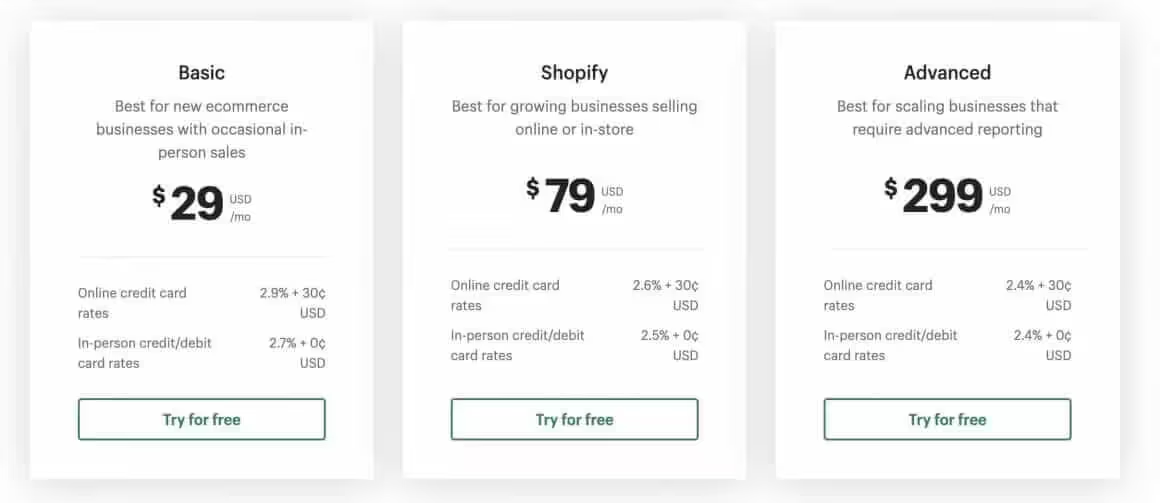
Shopify restructured their plans in late 2025. The middle tier is now called “Grow” instead of “Shopify,” and there’s a new Starter plan for social sellers. Here’s the current breakdown:
| Plan | Monthly Price | Online Card Rate | 3rd-Party Fee | Staff Accounts |
|---|---|---|---|---|
| Starter | $5 | 5% + 30¢ | 5% | 1 |
| Basic | $39 | 2.9% + 30¢ | 2% | 1 |
| Grow | $105 | 2.7% + 30¢ | 1% | Multiple |
| Advanced | $399 | 2.5% + 30¢ | 0.6% | Up to 15 |
| Retail | $89 | Varies | N/A | Unlimited POS |
| Plus | $2,300+ | Negotiated | Negotiated | Unlimited |
Annual billing saves 25% on Basic, Grow, and Advanced plans. If you’re committed, pay annually. The Basic plan drops to about $29/month.
Hidden costs nobody talks about:
- Apps: $30-200/month (most stores need 4-6 apps)
- Premium theme: $180-400 one-time
- Transaction fees on every single sale
- Custom domain: $14/year (not included)
- Email marketing app: $0-100/month depending on list size
My honest budget estimate: $120-300/month for a functioning store with the apps you actually need. Anyone telling you Shopify costs $39/month is leaving out 60% of the real cost.
Shopify vs WooCommerce Cost Comparison
For a store doing $10,000/month in sales with an average order value of $50:
Shopify Basic:
- Plan: $39
- Transaction fees: ~$320 (2.9% + 30¢ x 200 orders)
- Apps: ~$60
- Total: ~$419/month
WooCommerce (self-hosted):
- Hosting: $30-50 (Cloudways or similar)
- Payment processing: ~$320 (same Stripe rates)
- Plugins: $20-50/month
- Your maintenance time: $100-200 value
- Total: ~$470-620/month including time cost
The dollar amounts are close. The real difference is where you spend your time. Shopify merchants spend time on marketing and products. WooCommerce merchants spend time on the platform itself. Both approaches are valid. It depends on what you value.
Shopify vs WooCommerce
I’ve built stores on both platforms for years. I use WooCommerce for my own projects because I enjoy the technical control. I recommend Shopify to most clients because they don’t. Here’s how they compare:
| Aspect | Shopify | WooCommerce |
|---|---|---|
| Setup Time | 2-4 hours | 8-20 hours |
| Monthly Cost | $39-399 + apps | $30-50 hosting + plugins |
| Transaction Fees | 0.6-2% extra on 3rd-party gateways | Gateway fees only |
| Customization | Limited (Plus for checkout) | Unlimited with code access |
| Maintenance | Zero | Ongoing (updates, security, backups) |
| Ownership | Renting (you can leave, but migration is painful) | Full ownership of code and data |
| App/Plugin Ecosystem | 8,000+ apps (curated) | 60,000+ plugins (quality varies wildly) |
| SEO Capability | Good for product pages | Better for content + products |
| Multi-Channel | Built-in (Amazon, eBay, social) | Requires plugins |
| Scaling | Effortless | Requires server upgrades |
Choose Shopify if:
- You want to focus on selling, not managing technology
- You sell across multiple channels (Amazon, social, retail)
- You’re not technical and don’t have a developer on call
- You need reliability without thinking about it
Choose WooCommerce if:
- You want full ownership and data control
- Content marketing is your primary growth channel
- You’re technical or have a reliable developer
- You need deep customization (custom checkout, complex products)
For a deeper comparison of ecommerce options, I’ve written about SureCart vs WooCommerce as well. SureCart is an interesting middle ground for simpler stores.
Who Should Use Shopify
New E-commerce Merchants
If you’re launching your first online store, Shopify’s simplicity lets you start selling within a day. Learn what sells before learning technology. I’ve seen too many aspiring merchants spend months building a WooCommerce store and never actually launch. Shopify removes that excuse.
Product-Focused Businesses
If your strength is sourcing, creating, or marketing products, not building websites, Shopify keeps you in your zone. Every hour spent troubleshooting WooCommerce is an hour not spent on product development or customer acquisition.
Dropshippers
Shopify’s app ecosystem is purpose-built for dropshipping. DSers, Spocket, Printful, and dozens of other apps integrate tightly. The workflow from product import to order fulfillment is the smoothest of any platform. There’s a reason most dropshipping courses teach on Shopify.
Multi-Channel Sellers
If you sell on Amazon, eBay, Facebook, Instagram, TikTok, and your own website, Shopify’s multi-channel setup is the best in the industry. One inventory. One dashboard. One set of analytics. This alone justifies Shopify for sellers managing multiple platforms.
Who Should NOT Use Shopify
Content-First Businesses
If content marketing and SEO are your primary growth channels, WordPress handles content far better. Shopify’s blog is bare-bones. No proper categories, limited formatting, basic SEO control. I run my own content on WordPress for this exact reason.
Highly Custom Stores
If you need unusual checkout flows, complex product configurations (like configurable bundles with conditional logic), or unique functionality that doesn’t exist in the app store, WooCommerce gives you the flexibility to build anything. Shopify’s walls close in fast once you go beyond standard e-commerce.
Budget-Constrained Starters
If $39/month plus apps is a stretch, start with WooCommerce on affordable hosting. You can migrate to Shopify when your revenue justifies the monthly costs. There’s no shame in starting cheap and upgrading later. I did this with my first store.
Developers Who Want Control
If owning your platform matters, if you want to modify any line of code, if vendor lock-in keeps you up at night, WooCommerce gives full control. Shopify’s Liquid templating language is capable but restrictive compared to PHP/WordPress.
How Did Shopify Fare with Me?
I’ve built 15+ Shopify stores for clients over 7 years. The pattern is consistent: clients who want to run a business love it. Clients who want to tinker with their website find it limiting. Both reactions are valid.
For my own projects, I use WooCommerce with SureCart because I enjoy the technical control and I’m already deep in the WordPress ecosystem. For clients who ask me “which platform should I use?”, I recommend Shopify about 70% of the time. The other 30% are content-heavy businesses, developers, or merchants with custom requirements that Shopify can’t handle without Plus.
Shopify’s trajectory is clear. They keep adding features that make alternatives less necessary: Shopify Markets for international selling, Shopify Balance for banking, Shopify Email for basic email marketing, Shopify Inbox for chat. The platform gets more complete every year. Five years from now, the app dependency problem might be solved entirely.
My recommendation: If you’re a merchant whose primary skill is selling products, use Shopify. Stop overthinking the platform and start selling. The fees are the cost of that focus, and for most businesses doing $5K+ per month, the math works out.
Shopify Free Trial
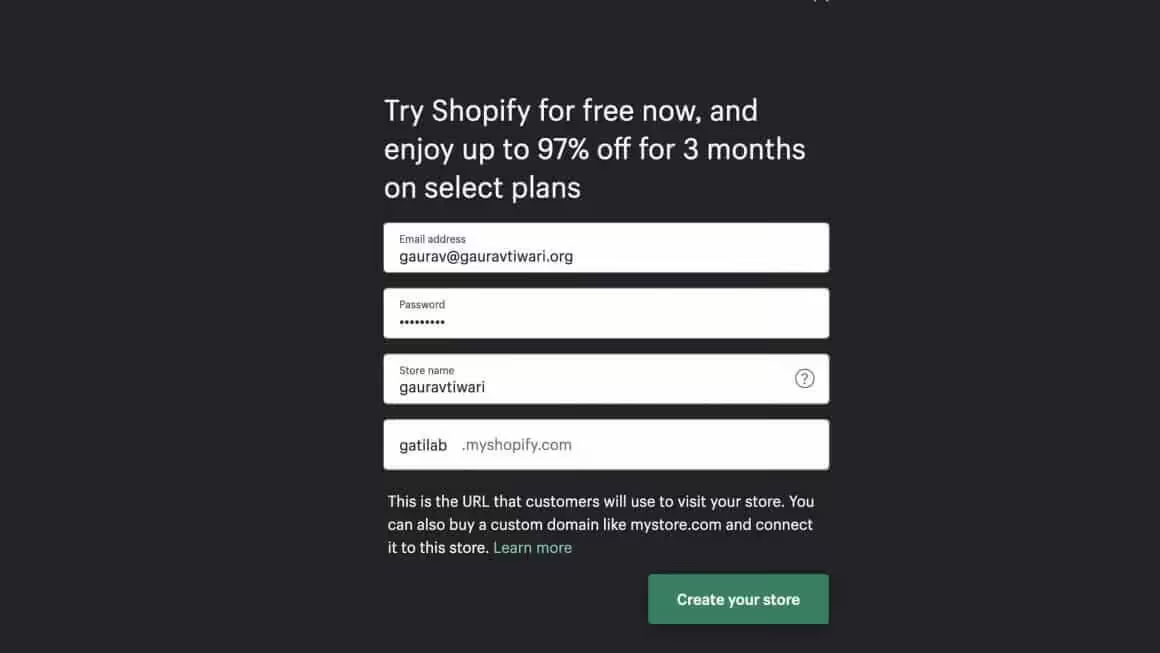
Shopify currently offers a 3-day free trial, followed by $1/month for the first 3 months. No credit card required to start. This gives you enough time to set up your store, add products, and test the platform before committing to full pricing. The promotional rate changes by region and campaign, so check the current offer before you sign up.

Try Shopify Risk-Free
3-day free trial, then $1/month for 3 months. No credit card required to start.
Shopify Review
Shopify
Pros
- 99.99% uptime with zero server management required
- Checkout optimized by billions of transactions, Shop Pay boosts conversions 1.72x
- 8,000+ apps covering every e-commerce need
- Best multi-channel selling (Amazon, eBay, TikTok, Instagram) from one dashboard
- Shopify Markets handles international selling, currency, and taxes natively
- Mobile app for full store management on the go
Cons
- Third-party gateway fees (0.6-2%) push you toward Shopify Payments
- Checkout customization locked behind Plus ($2,300+/mo)
- SEO and blogging capabilities are basic compared to WordPress
- Platform lock-in makes migration painful (40-60 hours of work)
Summary
Shopify is the best hosted e-commerce platform for merchants who want to sell without managing technology. The monthly fees, transaction costs, and app expenses add up, but the reliability, checkout optimization, multi-channel selling, and app ecosystem justify it for businesses doing $5K+ per month. Technical users wanting full control and content-heavy businesses should consider WooCommerce instead.
Price: USD 39 /month
Start Shopify Free TrialFrequently Asked Questions
How much does Shopify actually cost per month?
The Basic plan is $39/month, but that’s just the starting point. With essential apps ($30-100/month), transaction fees, and a premium theme ($180-400 one-time), budget $120-300/month for a real store. Annual billing saves 25%, bringing Basic down to about $29/month.
Shopify vs WooCommerce: Which is better?
Shopify for ease of use, reliability, and multi-channel selling. WooCommerce for full control, better SEO, and content marketing. Total costs are similar when you factor in time. Choose Shopify if you want to focus on selling. Choose WooCommerce if you want to own your platform and have technical resources.
Is Shopify good for beginners?
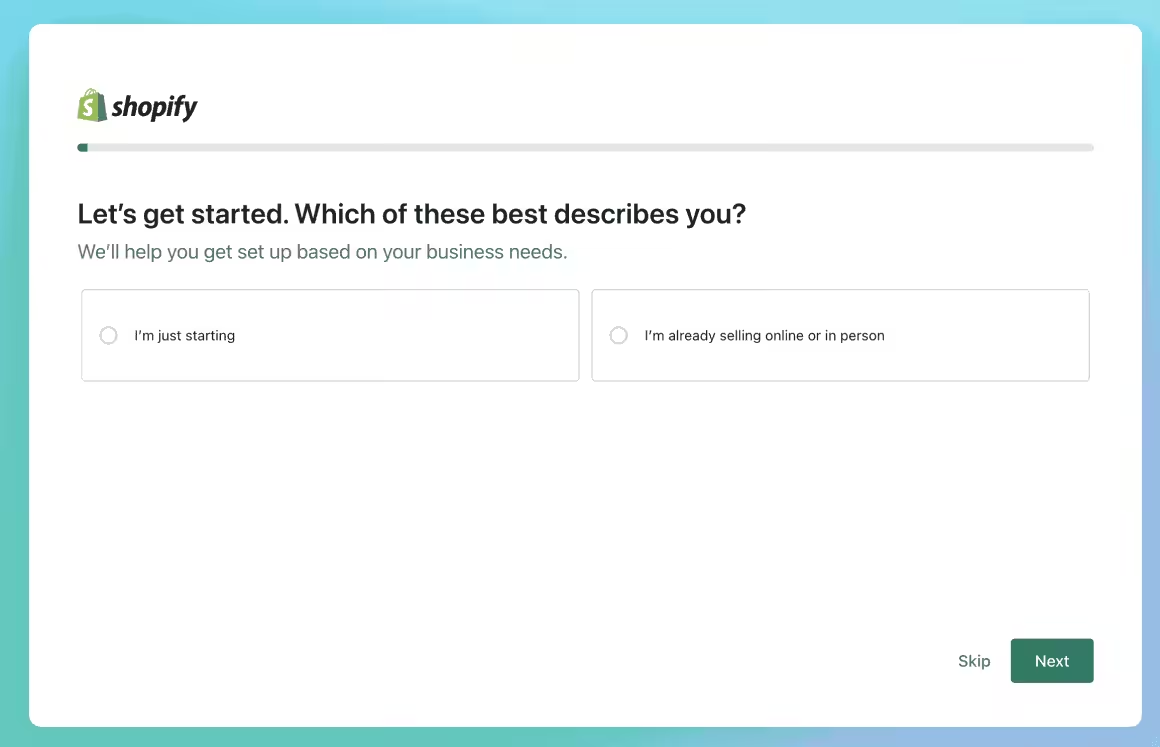
Yes. Shopify is the easiest e-commerce platform to start with. You can launch a store in 2-4 hours with no technical skills. The setup wizard, built-in guides, and 24/7 support make it approachable. The learning curve is gentle compared to WooCommerce or custom solutions.
Does Shopify take a percentage of sales?
Yes. Shopify Payments charges 2.5-2.9% + 30 cents per transaction depending on your plan. Using third-party payment gateways adds an extra 0.6-2% Shopify fee on top of whatever the gateway charges. These processing fees are standard across all e-commerce platforms, including WooCommerce with Stripe.
Can I use my own domain with Shopify?
Yes. Connect any domain you already own to Shopify through DNS settings. You can also buy domains through Shopify for about $14/year. I recommend buying domains from Namecheap or Cloudflare for cheaper renewals and better DNS management.
Is Shopify good for dropshipping?
Shopify is the best platform for dropshipping. Apps like DSers, Spocket, and Zendrop connect to suppliers and automate the entire fulfillment process. Product import, order routing, and inventory sync all happen automatically. Most successful dropshipping operations run on Shopify.
Can I sell digital products on Shopify?
Yes. Use the free Digital Downloads app for basic digital delivery, or apps like Sky Pilot or SendOwl for more advanced features like license keys and drip content. Digital products, online courses, software, and downloadable content all work on Shopify. For course-heavy businesses, a dedicated LMS like Teachable might be better.
How long is the Shopify free trial?
Shopify offers a 3-day free trial, then $1/month for the first 3 months. No credit card required to start. This gives you enough time to set up your store, add products, and test the platform before committing to full pricing. The promotional rate varies by region.
What is the Shopify Starter plan?
The Starter plan costs $5/month and lets you sell through social media, messaging apps, and link-in-bio pages. It does NOT give you a full online store. Transaction fees are 5% + 30 cents, which is steep. I only recommend it for creators testing product sales through Instagram or TikTok. Once you’re serious, upgrade to Basic.
Is Shopify SEO good enough?
For product pages, yes. Shopify handles title tags, meta descriptions, canonical URLs, sitemaps, and image alt text. For content marketing and blogging, no. The blog is basic, URLs are fixed (/products/, /collections/), and you can’t build proper content silos. If organic content is your main traffic source, WordPress is the better choice.
Disclaimer: This site is reader-supported. If you buy through some links, I may earn a small commission at no extra cost to you. I only recommend tools I trust and would use myself. Your support helps keep gauravtiwari.org free and focused on real-world advice. Thanks. - Gaurav Tiwari