
4 Best Time Management Methods for Solopreneurs
 by
by
Solopreneur time management is capacity management for a business with one bottleneck: you. Sales, delivery, support, finance, and marketing all compete for the same calendar. If each role can interrupt the others at any moment, a long workday still produces very little finished work.
The four methods that matter are a designated workspace, a short daily outcome list, calendar time blocks, and automation that passes a payback test. Time blocking is the center of the system because it gives focused work, admin, and recovery a defined place instead of making every task fight for attention.
The scale and capacity evidence: The closest official U.S. category is a nonemployer business, not the marketing label “solopreneur.” The Census Bureau counted 30,427,808 nonemployer establishments with $1.753 trillion in receipts in 2023. BLS time-use data show self-employed people who worked on an average day logged 6.14 hours at the main job in 2025. Meanwhile, Microsoft’s 2025 Work Trend Index found knowledge workers were interrupted by a meeting, email, or chat about once every two minutes. These datasets describe different populations, but they point to the same operational constraint: limited attention has to be allocated deliberately.
Table of Contents
The Real Trap: Busy Is Not Productive
The trap is uncontrolled switching. A client message arrives during writing, an invoice interrupts the reply, and a support issue interrupts the invoice. Each task remains open, so the day feels full while important work stays unfinished.
- Microsoft’s sample: 31,000 workers across 31 countries, combined with Microsoft 365 telemetry and LinkedIn labor data.
- Interruption rate: an average of 275 meetings, emails, or chats per day, about one every two minutes during the working window.
- BLS self-employed benchmark: 6.14 hours at the main job on an average working day in 2025, with 4.58 hours worked at home among those who worked there.
- Limitation: knowledge workers, self-employed workers, and solopreneurs are overlapping groups, not interchangeable populations.
Do not turn those numbers into a fake productivity percentage. Use them as a reason to measure your own week. If you are also balancing employment or study, the same capacity logic in how to manage an online business part-time matters even more.
Run this baseline before changing tools: For five working days, record the start and stop time of each work block, the task category, the number of unscheduled switches, and whether a customer-facing outcome finished. The baseline gives you something a new method can actually improve.
Establish a Designated Workspace

A designated workspace is a boundary, not a decor project. It reduces setup decisions and makes it easier to separate work from home life. Use the same place for focused work, keep the required tools ready, and remove every alert that is not necessary for the current task.
Optimize for friction removed: dependable internet, good light, a comfortable chair, and a door or signal that protects a block. My best home office setup guide covers the practical equipment choices. Buy only when a measured constraint justifies it.
Home is not automatically the right place. A flexible workspace or library can be useful when household interruptions are the actual problem. Test the alternative for five sessions and compare finished output, travel time, and cost before committing.
Create To-Do Lists

A useful daily list contains outcomes, not a warehouse of open loops. Write the list before the workday begins, choose no more than three must-finish outcomes, and separate them from optional maintenance tasks.
- Outcome: “Send the revised proposal” instead of “work on sales.”
- Definition of done: name the file, approval, message, or live change that closes the task.
- Time estimate: put a number beside each outcome, then compare estimated and actual time.
- Carryover rule: when a task rolls twice, reduce its scope, schedule a longer block, delegate it, or delete it.
Use a capture tool that is available everywhere. Todoist remains a sensible option. Pen and paper also works. The tool matters less than the discipline of moving each must-finish outcome onto the calendar.
Learn to Time Block
Time blocking assigns work to a start time, a finish time, and a task category. It turns a priority list into capacity. Batch writing with writing, support with support, and finance with finance so the day does not keep rebuilding context.
Start with two 90-minute focused blocks on three days of the week, one daily admin window, and a 30-minute buffer. That is a test design, not a claim that everyone has the same attention span. After two weeks, shorten or extend the blocks using completion data.
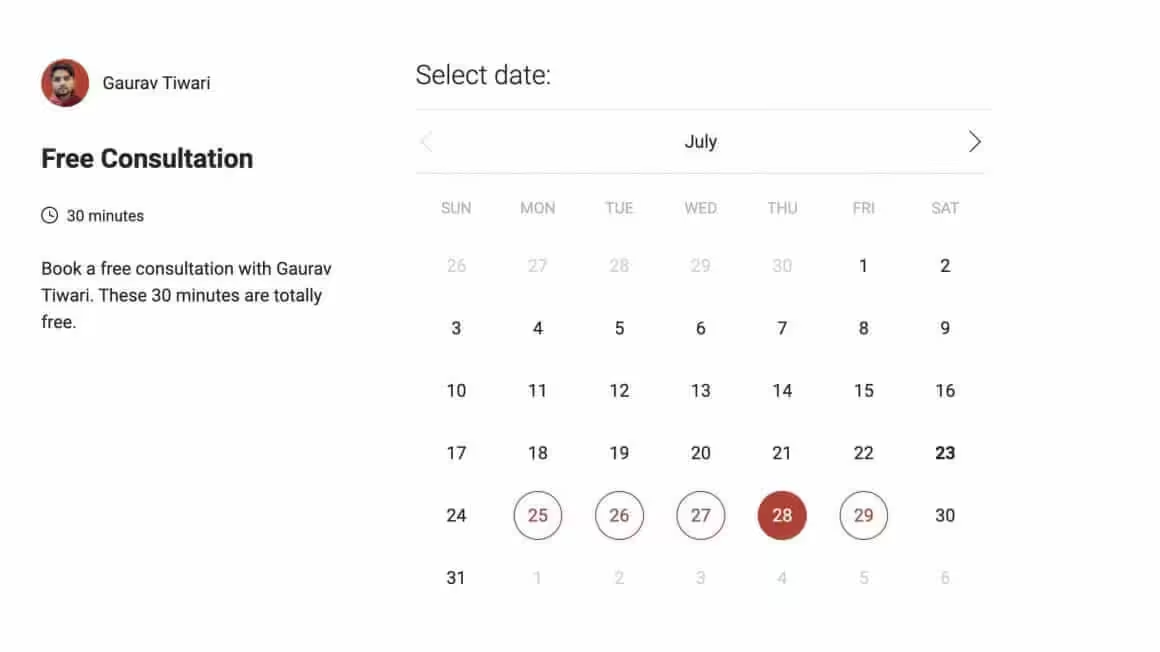
Keep meetings from scattering across those blocks. TidyCal can restrict when other people book you. Use the same batching logic to create content efficiently for marketing success: research in one block, draft in another, and edit after a break.
| Block | Example duration | Success measure | Failure signal |
|---|---|---|---|
| Focused delivery | 90 minutes | One defined client or product outcome finished | Messages or tabs repeatedly interrupt it |
| Sales and follow-up | 45 minutes | Qualified replies or proposals sent | Activity with no named prospect or next step |
| Support and admin | 45 minutes | Queue cleared to a set threshold | The window expands across the day |
| Buffer | 30 minutes | Urgent work absorbed without stealing focus time | It becomes unscheduled browsing |
| Weekly review | 30 minutes | Next week’s capacity and commitments agree | More work is accepted than the calendar holds |
Automate Your Business
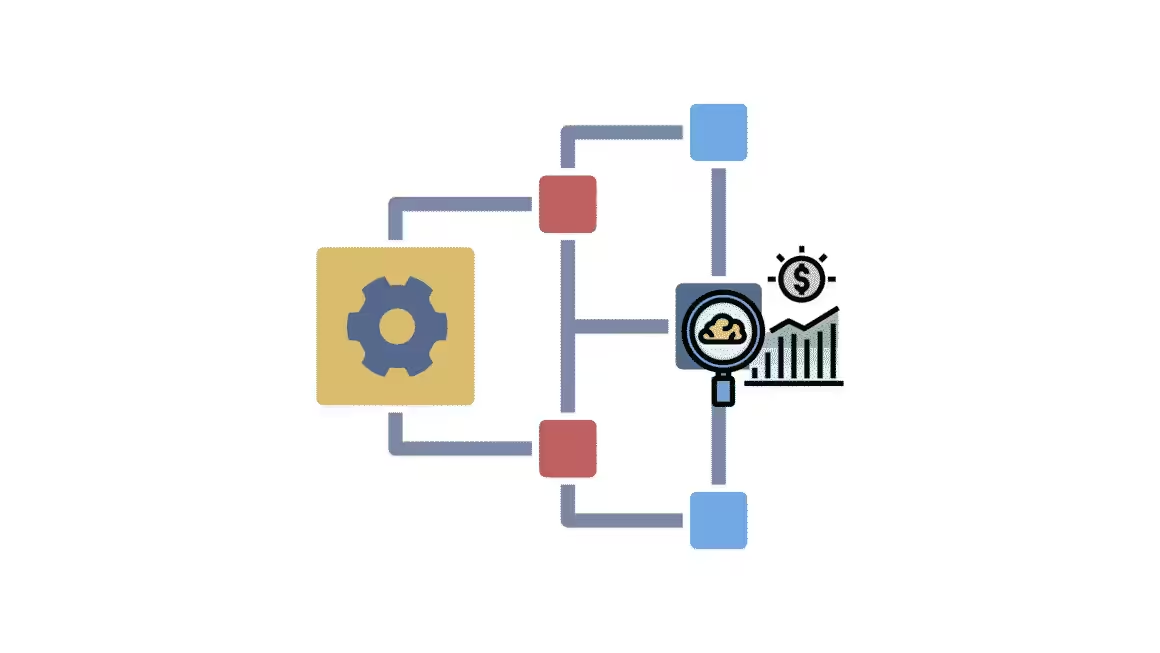
Automation is worthwhile when a stable, repeated process costs more time than the automation takes to build and maintain. Automate only after the manual version works and the exception path is clear.
Use a payback calculation: A 20-minute invoice task performed twice a week consumes 40 minutes. If automation reduces each run to a five-minute review, it saves 30 minutes a week. A two-hour setup pays back in four weeks. If the workflow changes every month or needs constant repair, the spreadsheet may be the better tool.
- Weekly time saved = frequency x manual minutes, minus review and maintenance minutes.
- Payback weeks = setup minutes / weekly minutes saved.
- Quality gate = percentage of runs that complete without manual correction.
- Stop rule = remove the automation when maintenance erases the saved time or errors reach customers.
Good candidates include invoice reminders, lead routing, appointment confirmation, file naming, and a first-line FAQ. AI chatbots can help with triage, but a person still owns accuracy and escalation. The broader workflow is covered in leveraging AI and automation in small businesses.
Do not automate ambiguity. Document the trigger, expected output, owner, exception, and rollback first. When contractors or assistants enter the system, these same boundaries make the future of workplace collaboration less chaotic for a tiny team.
The Tools and Methods I Recommend
Choose the method by the constraint you measured, then run one change for two weeks. Buying a stack before measuring the week simply adds another stack to manage.
| Constraint | Method | Tool to start with | Two-week evidence |
|---|---|---|---|
| Household or setup friction | Designated workspace | Existing room, library, or trial desk | More planned blocks finish after travel time is counted |
| Too many open loops | Three-outcome daily list | Todoist or paper | Fewer twice-carried tasks |
| Constant switching | Calendar time blocks | Calendar plus TidyCal | More finished outcomes and fewer unscheduled switches |
| Repeated admin | Automation with a payback rule | Existing app automation, then Zapier or Make | Setup has a calculable payback and low correction rate |
If you start with one change, use time blocking. Put two focused blocks on tomorrow’s calendar, define what done looks like, and count unscheduled switches. Repeat for ten working days. Solopreneur time management improves when the calendar reflects capacity, not when another app promises to manufacture it.
Tell Google you want more of this.
Add Gaurav Tiwari as a preferred sourceOne tap, and this site shows up more often in your own Top Stories, AI Overviews and AI Mode. Remove it any time.