
13 Best WooCommerce Themes for Online Stores
Most WooCommerce stores look the same. Generic layouts, slow load times, clunky mobile checkout. You pick a theme that looked good in the demo, install it, and then spend weeks fighting with settings that don’t work the way you expected. Meanwhile, your bounce rate climbs and your conversion rate stays flat.
The problem isn’t WooCommerce itself. It’s that most themes aren’t built with eCommerce performance in mind. They’re multipurpose themes with WooCommerce “compatibility” bolted on as an afterthought. The result? Heavy page loads, poor Core Web Vitals, and product pages that don’t convert.
I’ve built 800+ WordPress sites, including dozens of WooCommerce stores for clients. After testing and breaking more themes than I can count, I’ve narrowed it down to 13 that actually work for online stores. Each one handles speed, mobile responsiveness, and WooCommerce plugin compatibility without the headaches.
If you are looking for a WooCommerce theme, be ready to spend some bucks. Free WooCommerce themes are not that useful. To make money, be sure to spend some.
Gaurav Tiwari
Best WooCommerce Themes in 2026
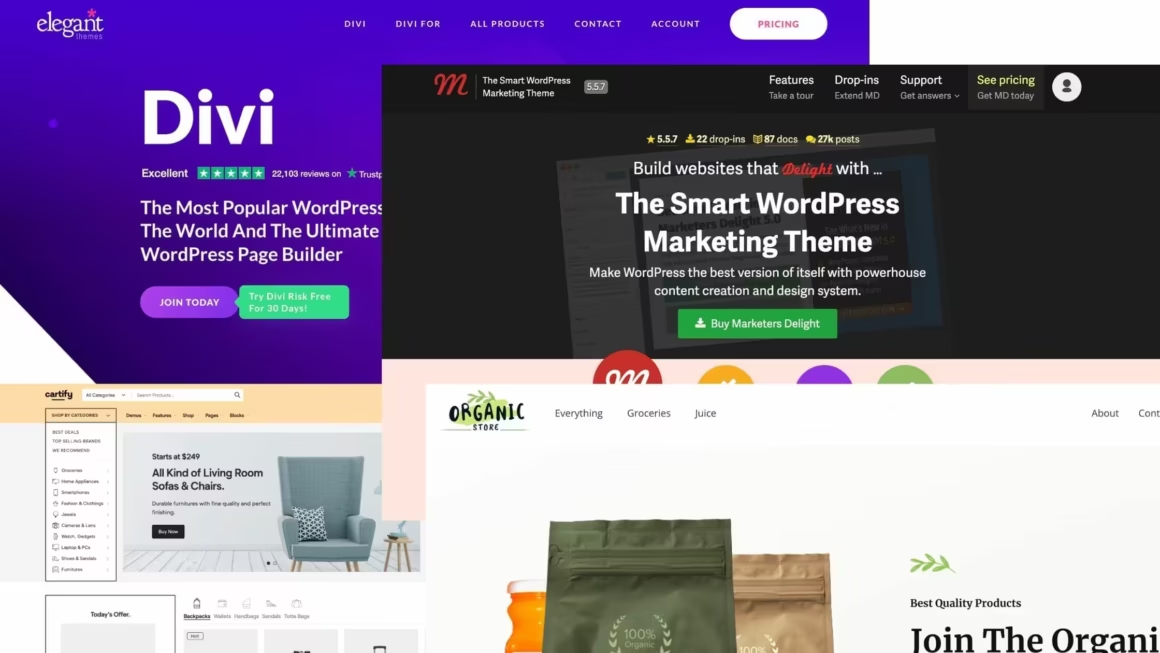
Quick Summary
Short on time? Here’s the quick rundown of all 13 themes and what each one does best.
- Marketers Delight: Built-in marketing modules, no page builder needed. My pick.
- Kadence WP: Drag-and-drop header builder with strong starter templates.
- Divi: 2,000+ layouts and a visual theme builder. Good for non-coders.
- Blocksy: Block editor-first with deep WooCommerce customizer controls.
- Astra: 2M+ installs, under 50KB footprint. The safe, popular choice.
- Responsive: Free, lightweight, 50+ starter sites. Budget-friendly option.
- Avada: Best-selling ThemeForest theme with 450+ pre-built designs.
- Neve: Under-1-second load times, mobile-first architecture.
- GeneratePress: Under 30KB, no jQuery. Rock-solid stability for 10+ years.
- Flatsome: WooCommerce-first with a built-in live UX page builder.
- XStore: 100+ pre-built shop designs with built-in product comparison.
- Porto: 120+ demos (42 eCommerce-specific), Bootstrap-based.
- Cartify: Gutenberg-native with multistep checkout and 20+ store demos.
Marketers Delight
Best for: Content marketers and bloggers who sell products alongside their content.
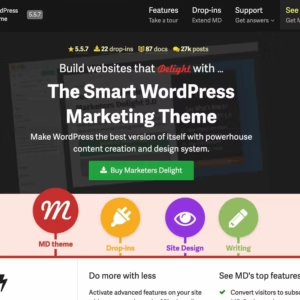
- Built-in marketing and CTA tools
- Extremely lightweight and fast
- No page builder dependency
Marketers Delight is the theme that I use and fanatically recommend to all types of WordPress websites, including WooCommerce shops. Marketers Delight, also known as MD in short, is a powerful theme that comes with inbuilt marketing and eCommerce modules.
WooCommerce features and extra functions can be added with a couple of clicks, using the inbuilt WooCommerce drop-in. In Marketers Delight, “Dropins” are add-ons that are available for free and can be activated on-demand, keeping your site fresh and fast.
Marketers Delight is a 100% SEO-ready, performance optimized and Gutenberg/Block Editor-compatible theme.
The only downside of this theme is that there isn’t a free version to try.
One-site license costs $58 per year, a 5-site license costs $97 per year, and an unlimited sites’ lifetime license costs just $297 one-time.
One extra perk is that you can install and use the theme on unlimited websites. The licenses are only for dashboard updates and customer support.
If you happen to buy this theme, I have developed some code snippets for Marketers Delight that you can try.
Kadence WP
Best for: Store owners who want a polished design without hiring a developer.
- Drag-and-drop header/footer builder
- Extensive starter template library
- Top-tier performance out of the box
Kadence has quickly become one of the strongest free themes on WordPress.org. The premium version adds features that most competitors charge twice as much for.
Kadence WP’s WooCommerce features are free to some extent, but to get the maximum, you will have to upgrade to the premium version and get the Kadence Shop Kit.
It also ships with seventeen importable demos that use hero images and clean, card-based grid layouts.
Kadence WP also gives you premium support with a purchase, a native block-based builder, and a 30-day refund window. On top of that, it has plugins for galleries, sliders, reCAPTCHA, and WooCommerce add-ons.
Divi
Best for: Non-coders who want full visual control over every page, including WooCommerce product layouts.
- 2,000+ pre-made layouts
- Visual theme builder included
- Lifetime membership available
Created and supported by Elegant Themes, Divi is a popular WordPress and WooCommerce theme well-known for its versatility and flexible page builder. Since it is a multi-purpose theme, you can use it for any website, including creating an e-commerce store.
Divi is easy to set up and gives you a ton of customization options, including custom headers and footers on a per-page basis. You can handle most updates with the drag-and-drop builder and zero coding. It also includes 800+ readymade layouts you can customize and use right away.
The theme is fully responsive across all devices and lets you control what shows at different breakpoints. Both the Divi theme and page builder work with the latest version of WooCommerce. The WooCommerce builder has multiple modules for product listings, pages, and shopping carts.
Blocksy
Best for: Block editor users who want deep WooCommerce customization without a page builder.
- Deep WooCommerce integration
- Advanced customizer controls
- Lightweight and block-editor-first
Blocksy theme is a lightweight, multipurpose WooCommerce theme completely optimized for the new WordPress block editor.
The Blocksy theme offers a lot of customization options, including layout, typography, and colors, and it is compatible with popular page builders like Elementor and Beaver Builder.
Blocksy stands out with its pre-designed starter sites, built-in performance tools, and tight WooCommerce integration.
If you’re building with the block editor and want strong WooCommerce support without a page builder dependency, Blocksy is worth a serious look.
Astra
Best for: Store owners who want a proven, widely-supported theme with a massive plugin ecosystem.
- 2 million+ active installs
- 240+ starter templates
- Under 50KB frontend footprint
Created and maintained by the team at Brainstorm Force, Astra is a fast, lightweight, and highly customizable WooCommerce WordPress theme that the developers have optimized to convert better and boost your e-commerce store’s sales.
You can use Astra to customize even the smallest website details without writing any code. It’s accessible, translation-ready, and gives you separate configuration options for mobile, desktop, and tablet views.
The free version of Astra integrates with WooCommerce out of the box. Astra Pro ($47/year or $227 lifetime) adds more WooCommerce customization and styling controls. The codebase is clean and performance-focused, with built-in Schema support for SEO.
Responsive
Best for: Small businesses and solopreneurs on a tight budget who need a free, no-bloat starting point.

- 50+ free starter sites
- WooCommerce ready
- Lightweight and bloat-free
Responsive theme by CyberChimps does more than the name suggests. It’s a full-stack theme built with conversions in mind, and its eCommerce features are surprisingly solid for a free option.
It integrates cleanly with WooCommerce and gives you enough design control to match your branding. The theme is also SEO-optimized, so your product pages get indexed properly.
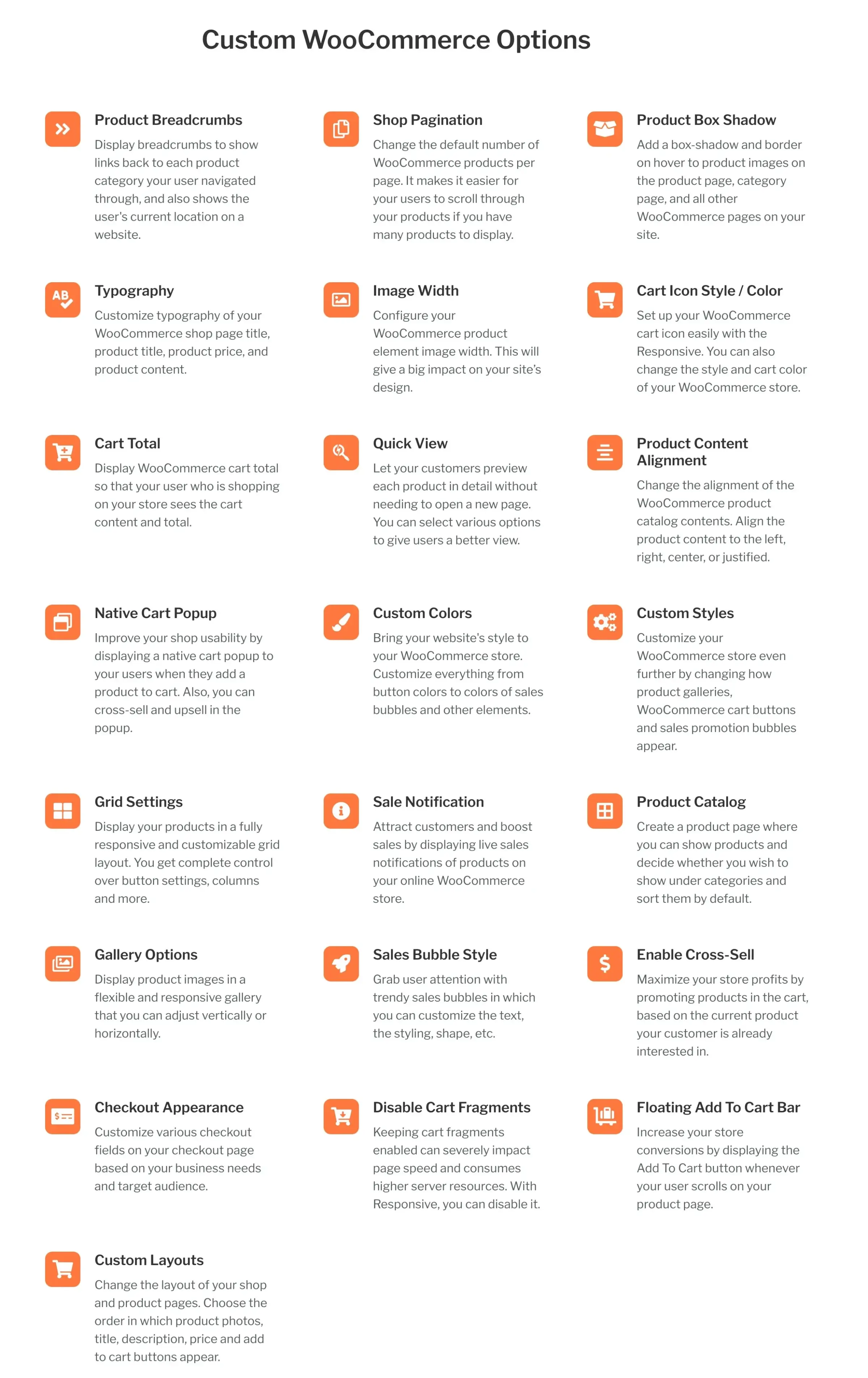
Responsive works well for small businesses, solo entrepreneurs, and creatives building their first WooCommerce store. It’s free to start, and you can add paid upgrades later if you need them.
Avada
Best for: People who want a single theme that can build any type of site, not just a store.
- Best-selling theme on ThemeForest
- 450+ pre-built page designs
- 120+ design and layout elements
Avada has been the top-selling theme on ThemeForest for years, and for good reason. It works across different business types and comes with a large library of predefined website templates that actually look professional.
Each template is built for a different business type with its own style and layout.
The custom drag-and-drop builder is a big plus for WordPress beginners. You can build out pages without touching code. Avada also loads fast, which helps with both user experience and search rankings.
Since Avada bundles its own page builder, you don’t need to download a separate one. And the template library means you won’t have to start from a blank canvas.
Neve
Best for: Mobile-heavy stores that need fast load times on every device.
- Loads in under 1 second
- AMP-ready out of the box
- 100+ starter sites included
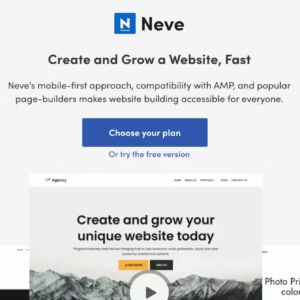
Neve by ThemeIsle is a lightweight, modular, block editor and mobile-first WooCommerce theme. The free version is usable, and the paid plans add custom layouts, an Elementor booster, full support, importable demo sites, and a 30-day refund window.
Neve readily integrates with many popular page builders like Divi and Elementor, as well as WooCommerce.
Neve gives you solid value in both the free and paid versions. If most of your shoppers are on phones, Neve’s mobile-first architecture makes it a strong pick.
GeneratePress
Best for: Developers and performance-obsessed store owners who want a theme that stays out of the way.

- Under 30KB with no jQuery
- Block-based theme builder
- 10-year track record of stability
If you have been searching for themes recently, you might have heard about GeneratePress. It is one of the most popular and most loved WordPress themes out there. I like how it fares with SEO, performance, writing experience and whatnot. But this is not only what it does. GeneratePress‘ WooCommerce integration is flawless. The only problem is that you will have to go to premium to unlock the full potential of the theme. The free version even comes with a footer link to the theme author page, which I personally hate a lot.
GeneratePress Premium is overkill and makes GeneratePress one of the best design tools out there. With an array of templates, design options and layout hooks, it helps you create the website of your dream.
If you are using the Block Editor, you can use GenerateBlocks to build the whole website using Blocks and the all new website builder.
Flatsome
Best for: Dedicated eCommerce stores that need a WooCommerce-first theme with a built-in page builder.
- Built-in live UX page builder
- WooCommerce-first design
- Product page and catalog customization
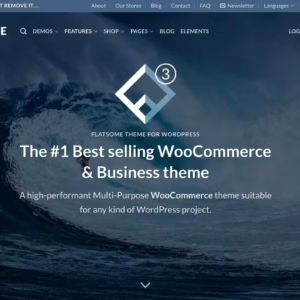
Created and supported by the team at UX Themes, Flatsome is a very customizable and multipurpose WordPress theme with plenty of features to help you create the exact kind of e-commerce store you want.
It comes with a drag-and-drop page builder and Live Customizer, so you can configure layouts without coding. Pre-made templates let you spin up new pages fast. And it’s responsive across mobile, desktop, laptop, and tablet.
Flatsome works with WooCommerce 3.8+ and most popular extensions. It uses Smart Lazy Loading on all images and runs on a lightweight CSS and JavaScript framework, so pages load fast. Yoast SEO integration is built in too.
The theme is available to purchase for $59. With each purchase, you will receive six months of support from the UX Themes team.
XStore
Best for: Store owners who want 100+ ready-made shop designs and built-in product comparison tools.
- 100+ pre-built shop designs
- Built-in product comparison and swatches
- Ajax-powered quick shop
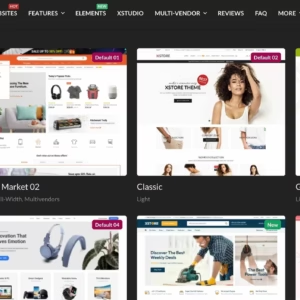
XStore comes from the 8theme team, who’ve been building WordPress and WooCommerce themes on ThemeForest for eight years. The UI is clean and easy to work with. You get 90+ ready-to-go store designs that install with a single click.
You can import any page layout from the demos with the built-in Page Importer and build custom headers using the Header Builder. The admin panel and live editor give you a WYSIWYG experience with plenty of design options. It also works with popular multi-vendor plugins if you’re building a marketplace.
Also, Xstore comes with translation files to help you with the creation of multilingual sites. It also comes with a wide range of demo stores that you can use to quickly create an e-commerce store as an inspiration for one in the future.
Porto
Best for: Stores that need a huge library of eCommerce-specific demos and multi-builder support.
- 60+ demo sites ready to import
- Advanced eCommerce features
- Speed-optimized with lazy loading
The Porto theme is a pretty popular go-to for WordPress online stores among users. The developers have built its features specifically for use with the WooCommerce plugin. For example, it has inbuilt WooCommerce-friendly pricing tables, headers, and footers. It is also readily compatible with Elementor, Visual Composer, WPBakery, and the Gutenberg editor.
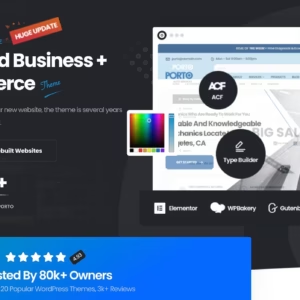
Porto presently offers more than 120 demo websites, 42 of which are for e-commerce. As a result, you will have plenty of options even if you’re not going after a pure e-commerce website. You may have a business website with a solid store section. Porto also lets you filter demos by page builder compatibility.
Most importantly, Porto is SEO-friendly, mobile-friendly (being based on the Bootstrap framework), and customizable through PortoStudio, the theme’s library of readymade elements and layouts that you can easily place onto your pages.
If you want a large selection of responsive, SEO-optimized eCommerce demos with the flexibility to switch between page builders, Porto delivers.
Cartify
Best for: Gutenberg-native stores that want multistep checkout and modern design out of the box.
- Conversion-focused product pages
- Modern, clean store design
- Optimized checkout flow
(Bonus addition that I thought you’d like.)
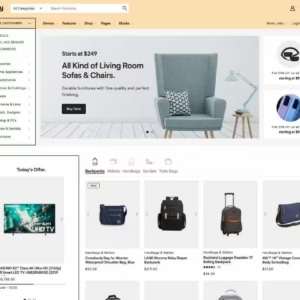
Cartify is a relatively newer WooCommerce theme for Gutenberg. It is a conversion-based theme loaded with powerful features to provide a smooth experience to users. It features more than 20 unique and responsive demo layouts entirely built upon Gutenberg blocks to help you quickly create any kind of shopping website.
Each demo features a different store layout and works consistently across all devices. You can also mix and match sections or blocks from different demos without breaking anything.
The developers have paid particular attention to the functional abilities of the theme as well. For example, you can allow users to complete their purchase using multistep checkout by giving them helpful stepwise visual clues without leaving the page. You can also let them add products directly from the shop or any other page, even if there are variations.
FAQs
How many WooCommerce themes are covered in this guide?
The guide covers 13 WooCommerce themes for 2026, with Cartify called out as a bonus addition.
Are free WooCommerce themes worth using?
They can work for a starter store, but they often feel limited. If you want real sales, plan to pay for better features and support.
What should you look for in a WooCommerce theme?
Start with WooCommerce compatibility, fast load times, and a mobile-friendly layout. Then pick a theme that fits your editing workflow, block editor or a builder.
Why does theme speed matter for a WooCommerce store?
Slow pages kill conversions and SEO. This list leans toward lightweight options like Marketers Delight and Neve, which is advertised to load in under 1 second.
Is Marketers Delight a good choice for WooCommerce?
Yes, if you want built-in marketing and eCommerce modules. You can add WooCommerce features via on-demand drop-ins, but there is no free version to try.
Which themes here are good for the WordPress block editor?
Blocksy is optimized for the block editor, and Kadence offers a native block-based builder experience. GeneratePress also pairs well with GenerateBlocks for block-based builds.
Which themes include their own visual builder for WooCommerce pages?
Divi includes a drag-and-drop visual builder and WooCommerce builder modules. Avada bundles its own builder, and Flatsome ships with a built-in live UX builder.
Can I use these themes with Elementor or other page builders?
Yes. Blocksy works with Elementor and Beaver Builder, Neve integrates with major builders, and Porto supports Elementor, WPBakery, Visual Composer, and the block editor.
What do premium licenses cost for themes mentioned in the post?
Examples from the list: Marketers Delight starts at $58 per year (single site) and $297 one-time for lifetime. Astra Pro is $47 per year or $227 lifetime, and Flatsome is $59 with 6 months support.
Which WooCommerce themes are included in the 2026 list?
Marketers Delight, Kadence WP, Divi, Blocksy, Astra, Responsive, Avada, Neve, GeneratePress, Flatsome, XStore, Porto, and Cartify.
If you’re building a content-driven store, go with Marketers Delight. It’s what I use, and its built-in marketing modules save you from installing half a dozen plugins. For pure eCommerce with no blog focus, Flatsome or XStore give you the most store-specific features out of the box.
If performance is your top priority and you don’t mind getting your hands dirty with settings, GeneratePress paired with GenerateBlocks is hard to beat. Under 30KB with no jQuery dependency. Your Core Web Vitals will thank you.
Pick one, set it up properly, and stop theme-hopping. The best theme is the one you actually build with.
Disclaimer: This site is reader-supported. If you buy through some links, I may earn a small commission at no extra cost to you. I only recommend tools I trust and would use myself. Your support helps keep gauravtiwari.org free and focused on real-world advice. Thanks. - Gaurav Tiwari