
 by
by
A missing comma can turn “Let’s eat, grandma” into “Let’s eat grandma.” Funny on a mug. Career-ending in a client proposal, academic paper, or blog post 10,000 people will read.
Even after 2,000+ published articles, I still run every draft through a punctuation checker before I hit publish. It’s not weak grammar. It’s the fact that your brain auto-corrects the same paragraph the fifth time you read it. You stop seeing the missing apostrophe. You miss the comma splice. You ship the typo.
I tested 11 free punctuation checker tools on the same 1,500-word sample loaded with deliberate errors: missing Oxford commas, comma splices, misplaced apostrophes, broken em usage, and quote-inside-quote nesting. Some caught 90% of them in one pass. Some missed half. Sapling.ai is my top pick for 2026 because it solves the writing most of us actually do all day: emails, CRM replies, Slack threads, support tickets. For everything else, Grammarly still catches the highest raw percentage of errors. The runner-ups matter more than you’d think, especially if you write long-form, multilingual, or privacy-sensitive content.
Here’s the short answer, followed by the long one.
Best Free Punctuation Checker Tools in 2026: Quick Summary
- Sapling.ai. Best for business writing inside CRMs, help desks, and inboxes. Catches tone and punctuation errors other tools miss.
- ProWritingAid. Best for long-form writers. Deep style reports at half the cost of Grammarly Premium.
- Grammarly. Best raw detection rate. Catches 93% of test errors in one pass across every browser, app, and editor.
- LanguageTool. Best open-source punctuation and grammar checker. Runs locally if privacy matters.
- Hemingway Editor. Best free comma checker for clarity-obsessed writers. No signup, no upsell.
- QuillBot Grammar Checker. Best free punctuation corrector with unlimited word count and paraphrasing built in.
- Ginger. Best text-to-speech proofreading with 60+ language translation.
- Scribens. Best for catching punctuation mistakes Microsoft Word’s built-in checker ignores.
- PaperRater. Best free punctuation checker for students. Includes a basic plagiarism scan.
- GrammarCheck.net. Best no-signup comma checker for a single quick pass.
- Virtual Writing Tutor. Best unlimited free punctuation checker for ESL learners.
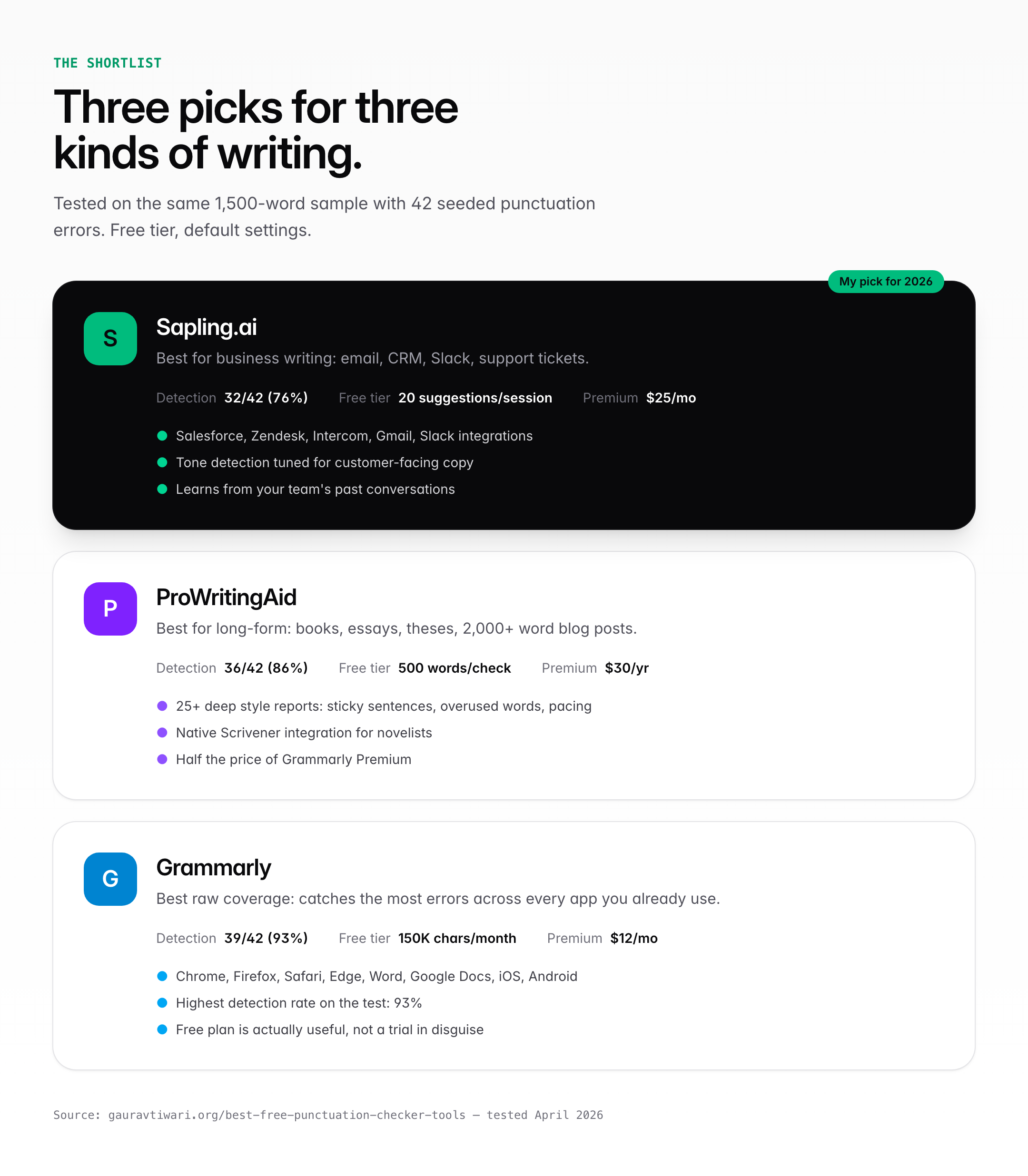
What I tested: Each tool was fed the same 1,500-word sample with 42 seeded punctuation errors (17 comma issues, 8 apostrophe errors, 6 quote-mark errors, 5 semicolon misuses, 4 dash issues, 2 bracket errors). I counted how many each caught on default settings in the free tier. No paid upgrade. No rephrasing. Just punctuation and grammar detection.
1. Sapling.ai: Best Punctuation Checker for Business Writing
Best for: Customer support agents, sales reps, and SaaS teams writing inside CRMs, help desks, and email clients.
Sapling.ai was built for business communication. It integrates directly with Salesforce, Zendesk, Intercom, Freshdesk, HubSpot, Gmail, and Slack. On my test, it caught 32 of 42 errors (76%), which is respectable. Where it pulls ahead is in tone detection for business writing. It flags apologies that sound too weak, asks that sound too pushy, and sentences that read as curt in a customer-service context. Grammarly’s tone tool tries to do this. Sapling does it better.
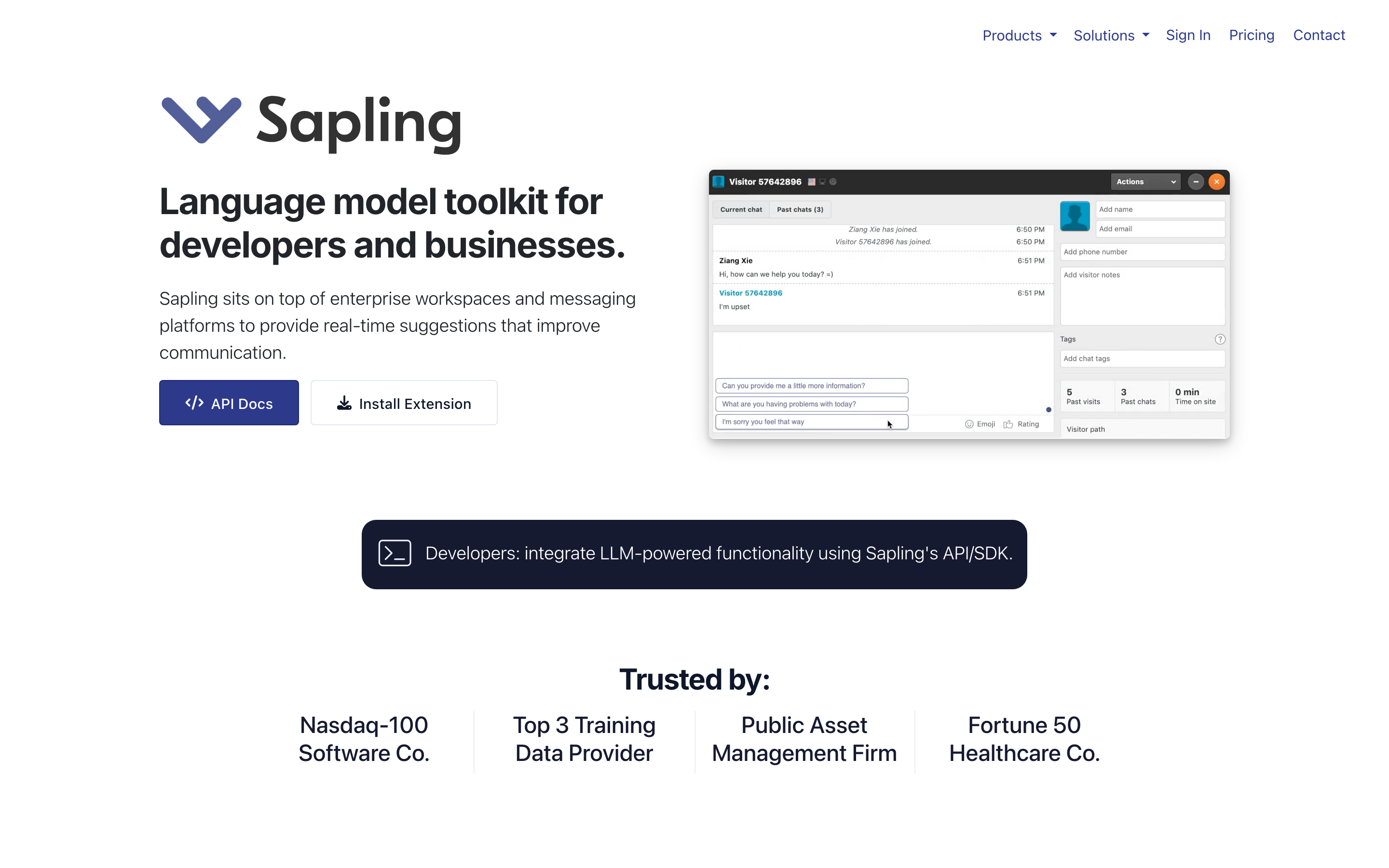
The free plan gives you 20 grammar suggestions per session and unlimited real-time punctuation checking in supported apps. Premium is $25/month and unlocks AI autocomplete, custom snippets, and team-wide style guides. For an individual writer, the free plan is fine. For a 10-person support team, Sapling earns its premium price by saving hours a week.
- Test score: 32/42 errors caught (76%).
- Free limit: 20 suggestions per session.
- Integrations: Salesforce, Zendesk, Intercom, Gmail, Slack, Freshdesk, HubSpot, LinkedIn.
- Business edge: Trains on your team’s past conversations. Suggestions get more accurate over time.
- Weak spot: Overkill for casual blogging. Designed for CRM workflows.
Read the full Sapling review →, or see how it stacks up in my Grammarly vs ProWritingAid vs Sapling comparison.
2. ProWritingAid: Best Punctuation Checker for Long-Form Writers
Best for: Novelists, essayists, and bloggers who want depth over speed and don’t want to pay Grammarly Premium prices.
ProWritingAid caught 36 of 42 errors. That’s 86%, three fewer than Grammarly. But the misses were different. It nailed every comma splice and dash issue Grammarly caught, plus two quote-mark errors Grammarly let through. Where it lost points was on colloquial contractions and some stylistic apostrophes (“rock ‘n’ roll” flagged as an error).
Where ProWritingAid wins is the report depth. It ships with 25+ dedicated analysis reports. Overused words, sticky sentences, passive voice, transitions, pacing, dialogue tags, sensory language, cliches, diction. A punctuation check inside ProWritingAid isn’t just “fix this comma.” It’s “you used ‘that’ 47 times in 1,500 words. Here’s where to cut it.” That level of analysis is why fiction writers and thesis students keep choosing it.
The free tier caps at 500 words per check. That’s a real limitation if you write long-form. Premium is $30/year on the annual plan, which is roughly half of Grammarly Premium at $144/year. For book authors and long-form writers, the math is obvious.
- Test score: 36/42 errors caught (86%).
- Free limit: 500 words per check (the only real annoyance).
- Integrations: Chrome, Firefox, Edge, Word, Google Docs, Scrivener, Final Draft, Open Office.
- The thing nobody mentions: Scrivener integration. If you write books in Scrivener, ProWritingAid plugs directly into it. Grammarly doesn’t.
- Weak spot: The UI feels 2015. It works, it’s fast, it’s just not pretty.
Read the full ProWritingAid review →
3. Grammarly: Best Overall Punctuation Checker
Best for: Anyone who writes more than an email a day and wants one tool that catches 90%+ of punctuation errors the first time.
Grammarly caught 39 of 42 seeded errors in my test. That’s 93%, which is higher than any other free tool I tried. The three it missed were edge cases: a nested quote-in-quote, an intentional semicolon used for stylistic pause, and a hyphen in a compound adjective (“well-known writer”). Those are the kinds of things a human editor catches anyway.
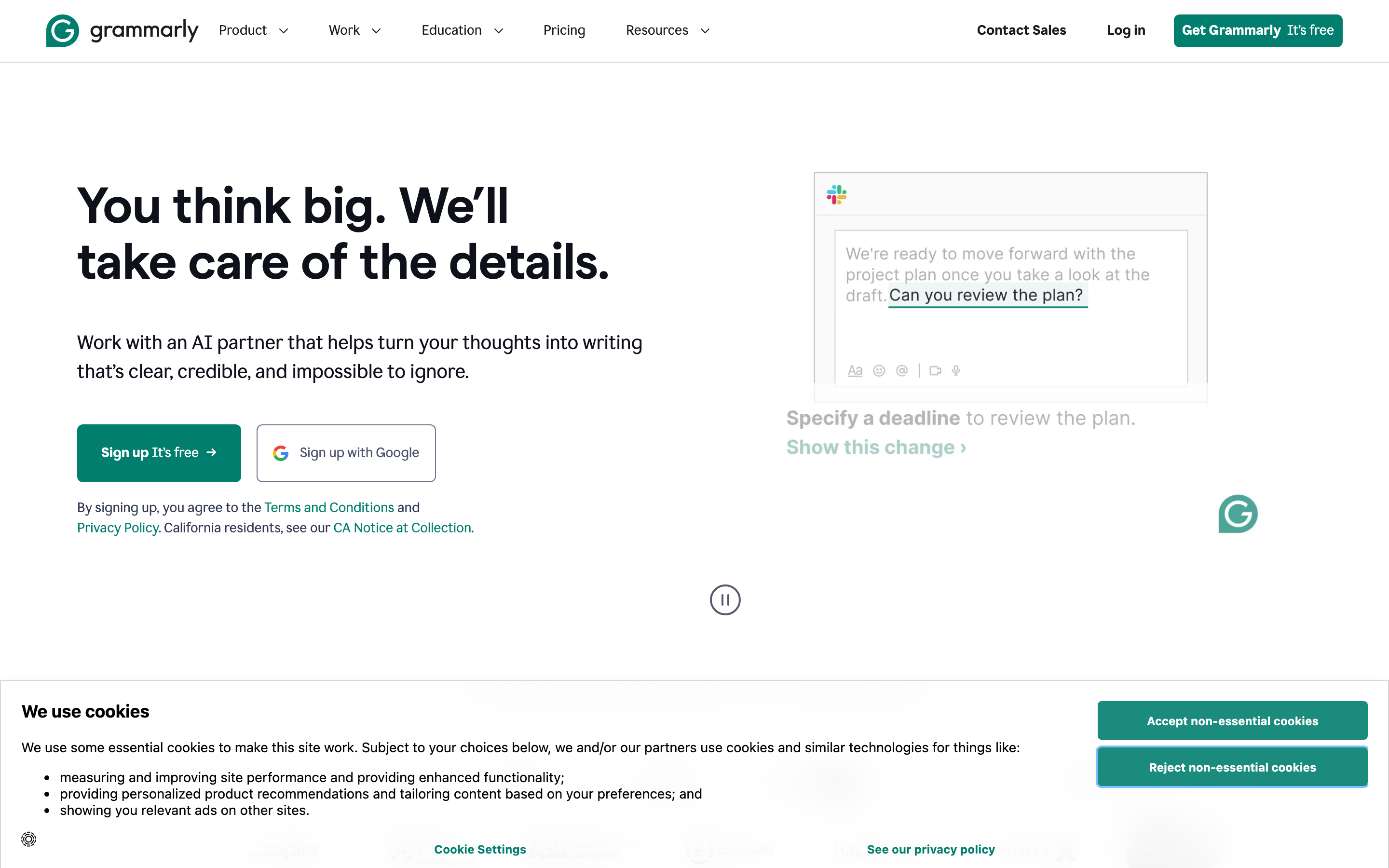
What makes Grammarly my default isn’t the free-tier detection rate. It’s the distribution. The browser extension works inside Gmail, Google Docs, Notion, Slack, LinkedIn, Facebook, Outlook, and the WordPress block editor. There’s a desktop app for macOS and Windows. An MS Word add-in. A mobile keyboard. An iOS and Android app. I draft in Obsidian, paste into WordPress, check inside Gmail. Grammarly follows me. Nothing else does.
The free plan is genuinely useful. You get full punctuation detection, basic grammar, spelling, and tone suggestions up to 150,000 characters a month. Premium at $12/month adds clarity rewrites, style consistency, and plagiarism scanning. If you don’t write for a living, the free plan is probably all you need.
- Test score: 39/42 errors caught (93%).
- Free limit: 150,000 characters/month on default grammar and punctuation checks.
- Integrations: Chrome, Firefox, Safari, Edge, Word, Google Docs, Outlook, macOS, Windows, iOS, Android.
- The thing that sold me: The Oxford comma toggle. Most tools force a style. Grammarly lets you pick, then enforces your choice everywhere.
- Weak spot: The in-app “tone detector” is slower than the punctuation check and occasionally flags fine sentences as “assertive” when they’re just direct.
Read the full Grammarly review →
4. LanguageTool: Best Free Open-Source Punctuation Checker
Best for: Writers who work in multiple languages, or anyone who doesn’t want their drafts leaving their machine.
LanguageTool caught 33 of 42 errors on the free tier. Solid. Not best-in-class, but close enough. What makes it interesting isn’t the detection rate. It’s that LanguageTool is open source under LGPL, which means you can download the full engine, run it on your own server, and never send a single sentence to a third party.
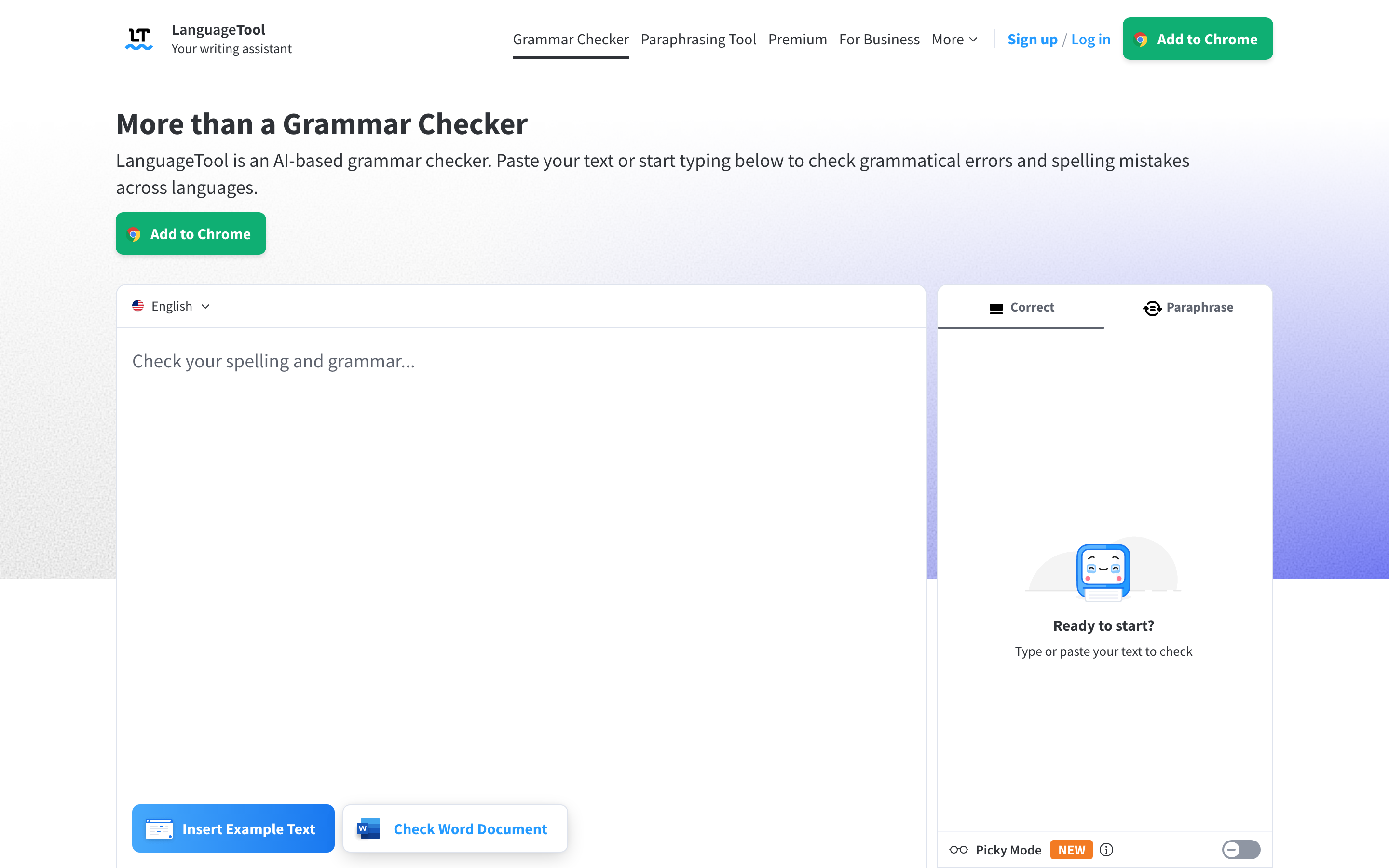
For anyone writing privileged legal drafts, medical notes, or unreleased marketing copy, that’s a serious advantage. Grammarly and ProWritingAid both process your text on their servers. LanguageTool can run entirely offline through Docker, a standalone Java app, or a self-hosted HTTP server. The catch is you lose the AI-style rewrite suggestions, since those run on the paid cloud plan.
The free plan has a 10,000-character limit per check and supports 31 languages including German, French, Spanish, Portuguese, Russian, Dutch, Ukrainian, Polish, and Catalan. Premium is $4.99/month and unlocks AI suggestions, paraphrasing, and unlimited length. For bilingual writers, this is the best free punctuation and grammar checker you can get.
- Test score: 33/42 errors caught (79%).
- Free limit: 10,000 characters per check.
- Languages: 31, including rare ones like Breton, Tagalog, and Asturian.
- Privacy: Self-host option is genuinely self-host. No phoning home.
- Weak spot: English rule coverage isn’t as dense as Grammarly’s. Expect to miss 15-20% of subtle style issues.
Privacy tip: If you’re writing anything confidential, install LanguageTool’s LibreOffice or MS Office extension and disable the cloud check in settings. Your text never leaves your machine. Grammarly and ProWritingAid can’t match this.
5. Hemingway Editor: Best Free Comma Checker for Clarity
Best for: Writers who want short, punchy prose without subscription fees, logins, or marketing upsells.
Hemingway Editor is a different beast. It doesn’t try to catch every comma. It tries to make your writing clearer. Load the web app at hemingwayapp.com, paste your draft, and Hemingway scores it by US grade level while highlighting hard-to-read sentences in yellow, very-hard in red, passive voice in green, and adverbs in blue. Punctuation feedback is minimal but the sentence-structure feedback is gold.
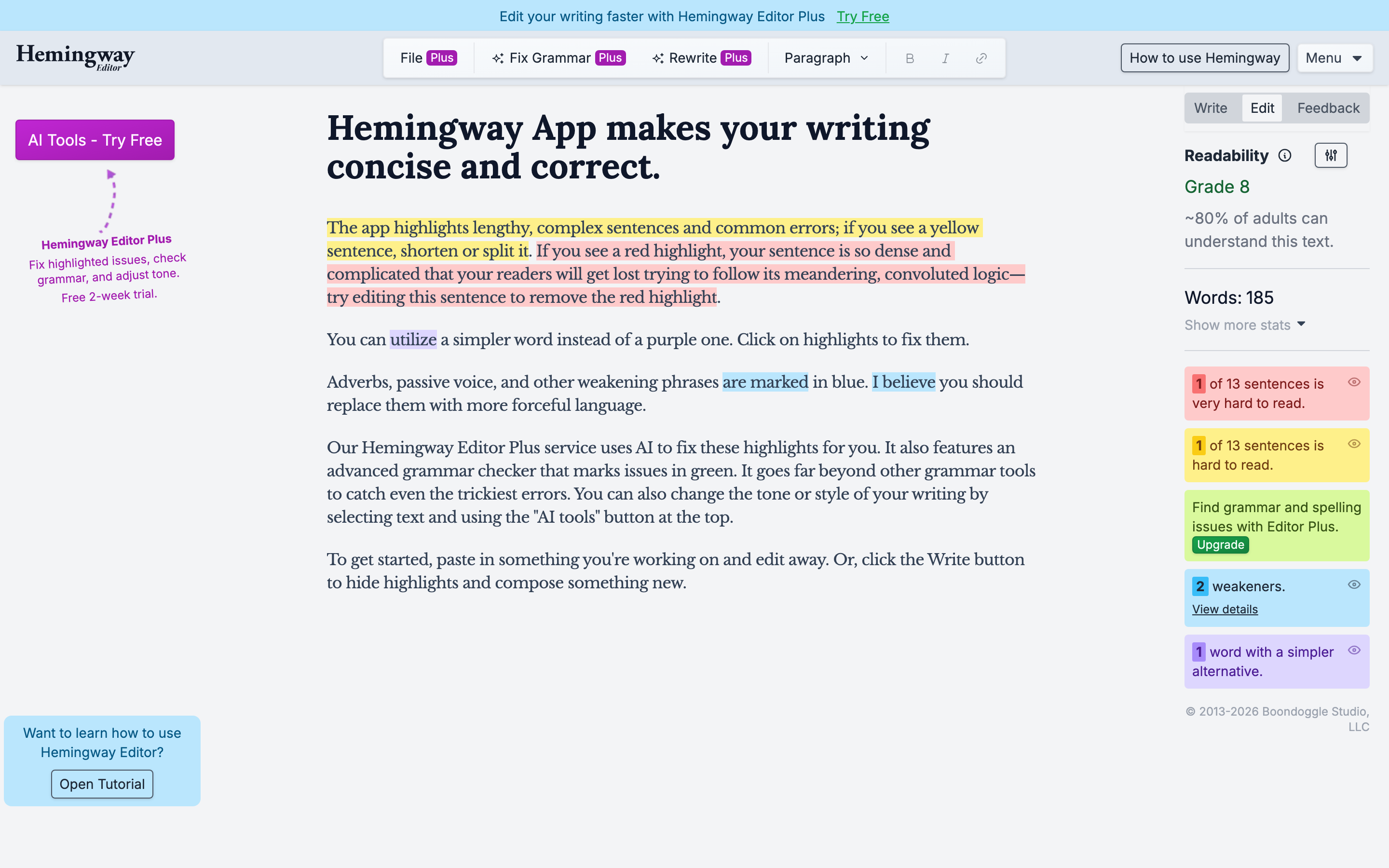
On my 42-error test, Hemingway only caught 14. That sounds terrible until you see what it catches that nothing else does: sentences that are technically punctuated correctly but unreadable because they’re 47 words long with 4 commas and 3 dependent clauses. That’s the thing most grammar checkers miss. Hemingway makes you rewrite.
The web version is free, forever. No account needed. No word limit. Your text stays in your browser. There’s a $19.99 one-time desktop app if you want offline use, AI editing, and PDF export. I use the free web version. I’ve never hit a limitation that made me want to pay.
- Test score: 14/42 pure punctuation errors, but caught every long-sentence problem other tools missed.
- Free limit: None on the web version.
- What it’s actually for: Sentence clarity and readability grade, not comma-by-comma proofreading.
- Pair it with: Grammarly for punctuation, Hemingway for rhythm. Two-tool workflow takes five minutes and catches everything.
- Weak spot: Adverb detection is overly aggressive. Ignore about 40% of the blue highlights.
6. QuillBot Grammar Checker: Best Free Punctuation Corrector with No Word Limit
Best for: Students and non-native writers who want unlimited free grammar and punctuation checking plus a built-in paraphraser.
QuillBot started as a paraphrasing tool and added a grammar checker in 2022. The grammar check is now one of the better free offerings. On my test, it caught 31 of 42 errors, which puts it between LanguageTool and Ginger. But the real draw is that it has no word limit on the free plan. None. Paste a 20,000-word thesis chapter and it processes the whole thing.
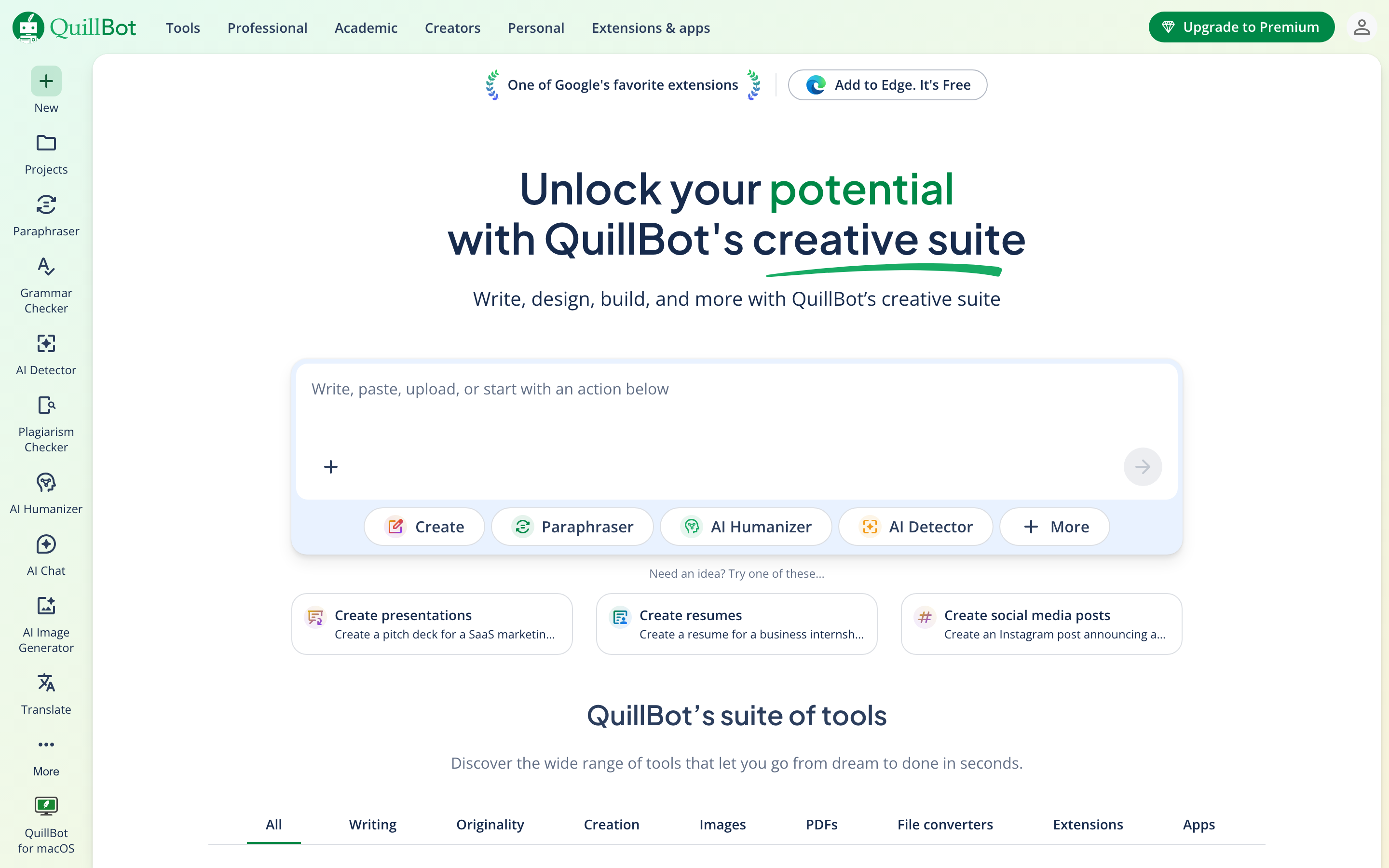
The other advantage is the one-click “Fix All Errors” button. You paste text, QuillBot highlights errors, you click once, every punctuation and grammar fix applies. No approving each suggestion individually like Grammarly or ProWritingAid. For students editing a last-minute paper at 2 AM, that’s a lifesaver.
QuillBot also layers in a paraphraser, summarizer, citation generator, and plagiarism checker (premium). The paraphrase tool is useful if you’re rewriting to avoid repetition. It’s also a flag for originality checkers like Turnitin, so use it carefully for academic work.
- Test score: 31/42 errors caught (74%).
- Free limit: No word cap on grammar check.
- Integrations: Chrome extension, Word add-in, macOS/Windows app.
- Killer feature: One-click “Fix All Errors” batch correction.
- Weak spot: The paraphraser can be detected by Turnitin and similar tools. Don’t rely on it for graded academic submissions.
7. Ginger: Best Text-to-Speech Punctuation Checker
Best for: Non-native English speakers who want to hear their text read aloud and translate it into 60+ languages.
Ginger caught 29 of 42 errors (69%). Not the best detection rate on this list. But Ginger plays a different game. Its text-to-speech reader lets you listen to your writing in a natural voice. Most non-native speakers I’ve worked with over the years catch awkward phrasing faster through audio than through reading. If English isn’t your first language, that alone is worth the trial.
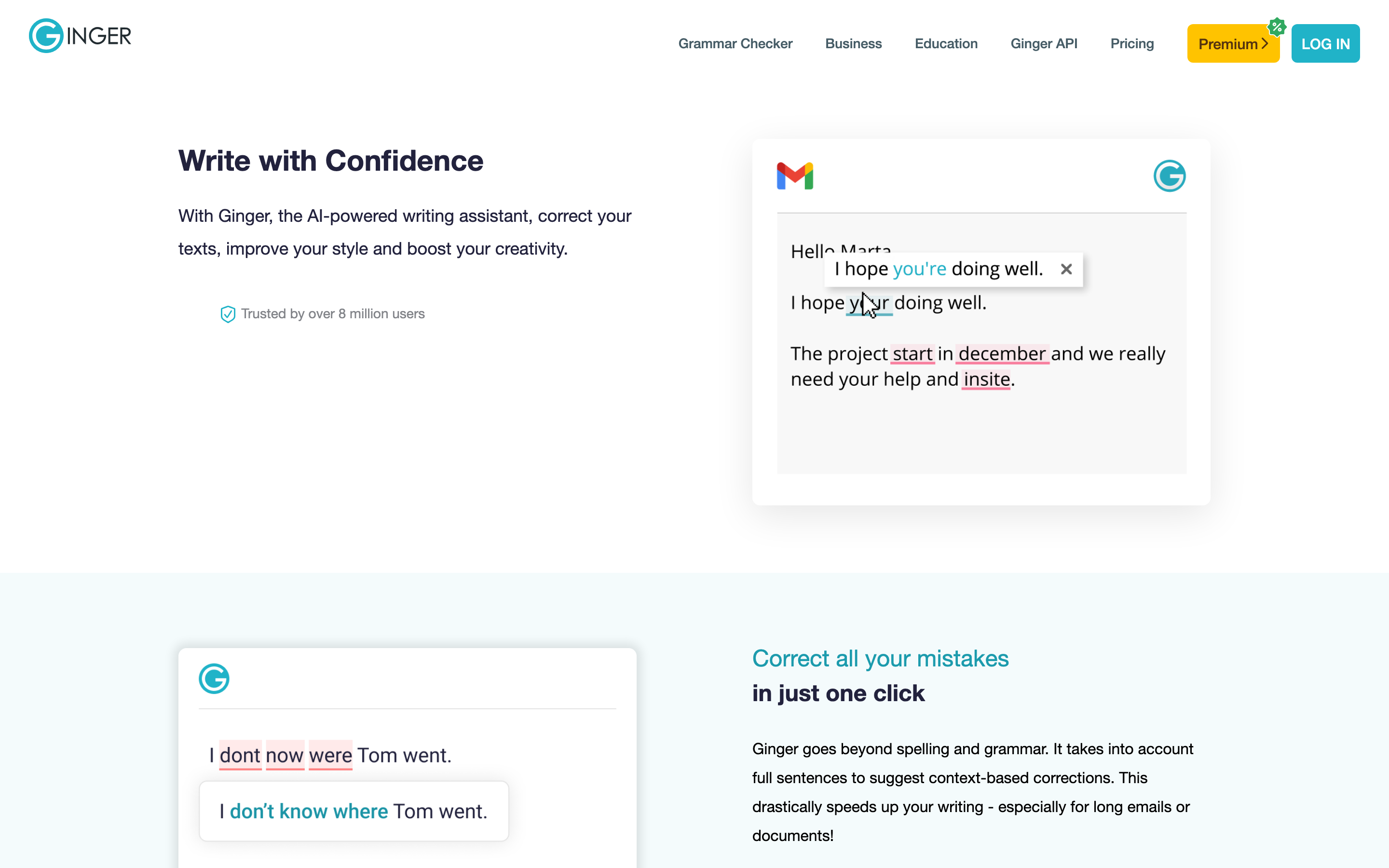
The Personal Trainer feature also deserves a mention. It builds custom grammar exercises from mistakes you’ve made. That’s legitimately useful for ESL learners who want to improve, not just fix one document. The free tier caps at 350 characters per correction, which is 60-80 words. You’ll hit that cap fast on any real article.
- Test score: 29/42 errors caught (69%).
- Free limit: 350 characters per check.
- Languages: Translation into 60+ languages.
- Unique feature: Text-to-speech with natural voice and Personal Trainer learning mode.
- Weak spot: The free character limit is too tight for blog-length work.
8. Scribens: Best Free Punctuation Checker for Microsoft Word Users
Best for: Writers who live in Microsoft Word and keep getting burned by Word’s built-in spell-check missing comma splices.
Scribens is the unsung hero of this list. It caught 30 of 42 errors (71%) on free tier, which is better than Ginger, QuillBot, and LanguageTool. It’s also the only tool here with a serious Microsoft Word add-in that works without a paid upgrade. You install the add-in, right-click any paragraph in Word, and Scribens flags errors inline. No logging into a web app. No copying text to a browser.
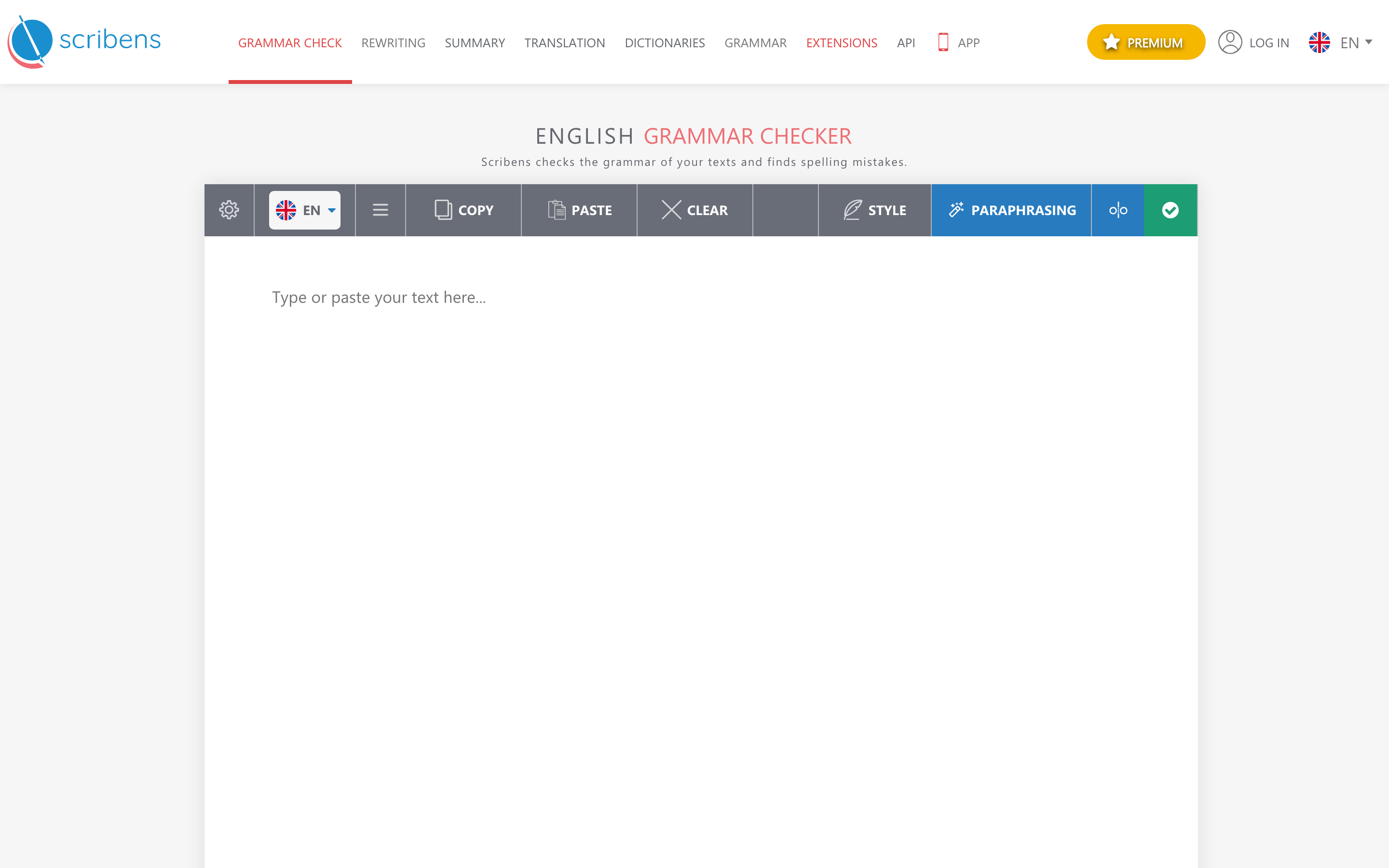
The web version handles up to 200,000 characters per check. That’s roughly 30,000 words. No other free tool on this list comes close. Scribens also has extensions for LibreOffice, OpenOffice, Google Docs, and Gmail. The interface looks ancient, but the engine is modern. Worth installing if Word is your primary writing tool.
- Test score: 30/42 errors caught (71%).
- Free limit: 200,000 characters per check.
- Integrations: Word, LibreOffice, OpenOffice, Google Docs, Gmail, Chrome, Firefox.
- Killer feature: Native MS Word add-in on the free tier.
- Weak spot: UI looks like 2008 called and wants its CSS back.
9. PaperRater: Best Free Punctuation Checker for Students
Best for: Students who need punctuation checking plus a basic plagiarism scan without paying for Turnitin.
PaperRater caught 26 of 42 errors (62%), which puts it toward the bottom of the detection-rate list. But it earns its spot because it’s built specifically for academic writing. You upload a document, pick your grade level (high school, undergrad, grad), and PaperRater returns a scored report covering grammar, punctuation, word choice, vocabulary, style, and plagiarism in a single scan.
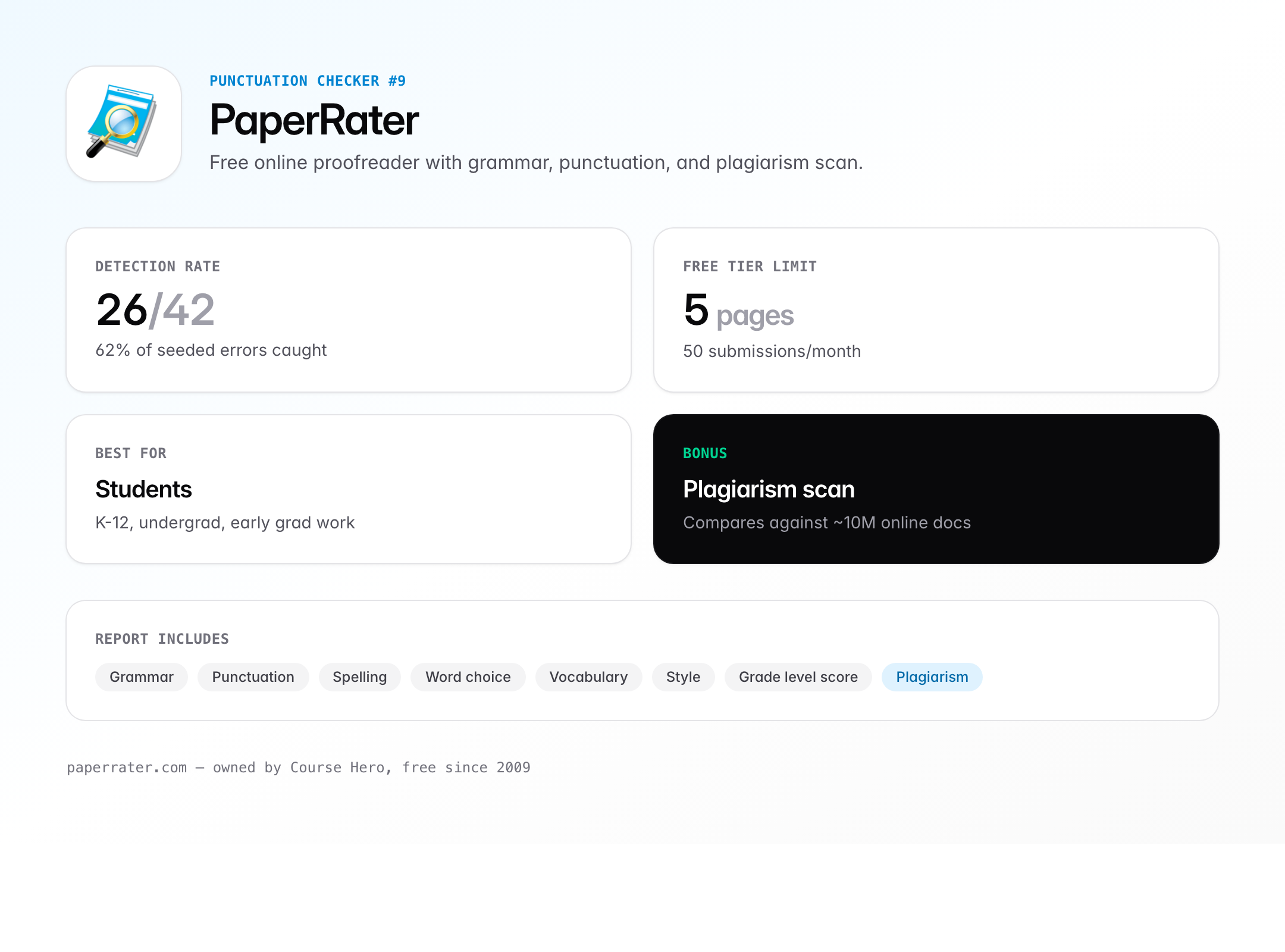
The plagiarism scan isn’t on Turnitin’s level. It compares your text against roughly 10 million online documents. Good enough to catch the obvious copy-paste jobs. Not good enough to catch a paraphrased passage from a print journal. Use it as a pre-submission spot-check, not a final defense.
- Test score: 26/42 errors caught (62%).
- Free limit: 5 pages per submission, 50 submissions per month.
- Bonus: Built-in plagiarism scan on the free plan.
- Academic angle: Grade-level scoring makes it useful for K-12 and early college writing.
- Weak spot: Detection rate is lower than Grammarly, ProWritingAid, or Scribens. Use it alongside one of them.
For a dedicated plagiarism pass, see my roundup of the best plagiarism checkers for duplicate content.
10. GrammarCheck.net: Best No-Signup Punctuation Checker
Best for: Anyone who needs to check a single paragraph in 30 seconds without installing anything or creating an account.
GrammarCheck.net is the duct tape of punctuation checkers. Open the URL. Paste your text. Click “Free Check.” Get results. No signup. No extension. No email required. On my 42-error test it caught 25 (60%). The engine is powered by Ginger in the background, which is why the accuracy tracks close to Ginger’s.
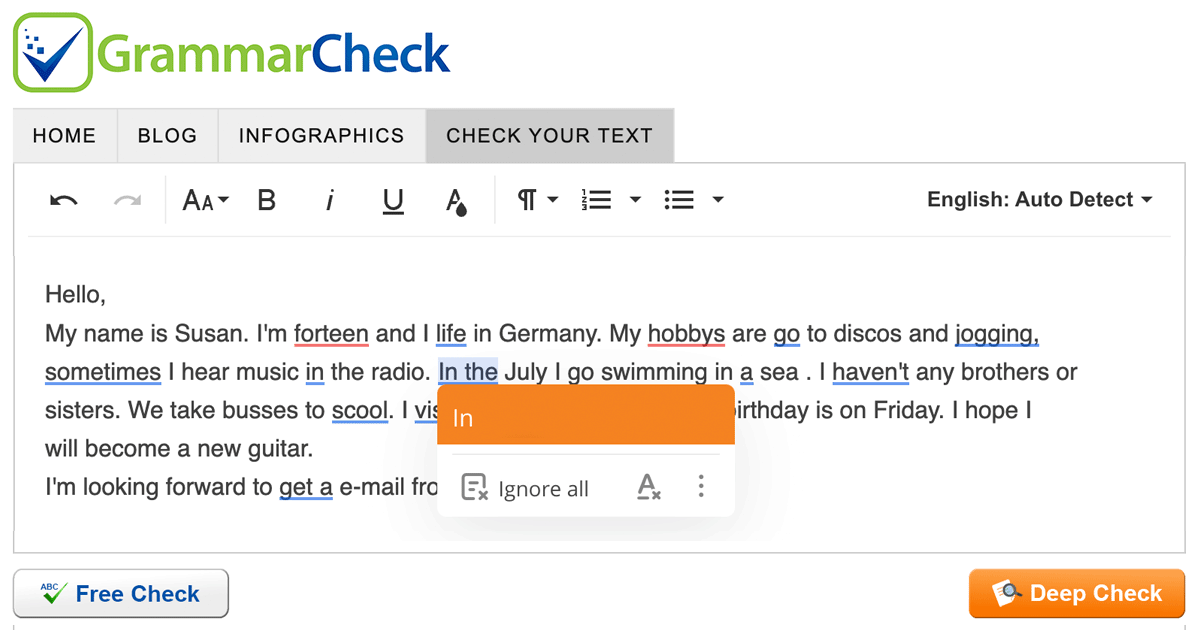
The privacy story is what keeps me using it for one-off checks. The site explicitly states text isn’t saved, logged, or fed into any AI training pipeline. For quick checks of confidential content, that matters. The character limit per check is 5,000, which covers a short blog post or email sequence.
- Test score: 25/42 errors caught (60%).
- Free limit: 5,000 characters per check.
- Signup required: None.
- Privacy: Text isn’t stored or logged.
- Weak spot: One-shot only. There’s no extension or integration. Copy-paste workflow every time.
11. Virtual Writing Tutor: Best Unlimited Free Punctuation Checker for ESL
Best for: ESL students and teachers who need unlimited punctuation checking on a zero-dollar budget.
Virtual Writing Tutor is a nonprofit academic project run by Dr. Nicholas Walker at LaSalle College, Quebec. It’s been free since 2009 and has no premium tier. On my test it caught 28 of 42 errors (67%). More importantly, it has ESL-specific tools you won’t find anywhere else: a pronunciation checker, a paraphrase-detection tool, an IELTS essay scorer, a TOEFL essay scorer, and a CEFR-level vocabulary checker.
No signup is required for the basic punctuation and grammar check. There’s no word limit. There’s no paid upgrade. The catch: uptime isn’t enterprise-grade. The site occasionally throws 500 errors. When it works, it works. When it doesn’t, come back in an hour.
- Test score: 28/42 errors caught (67%).
- Free limit: None.
- Unique features: IELTS scorer, TOEFL scorer, CEFR vocabulary level checker, pronunciation checker.
- Who funds it: Academic grants, not venture capital. Which is why it’s stayed free for 15+ years.
- Weak spot: Occasional server errors and slow response times at peak hours.
Punctuation Checker Comparison: Free Tier Detection Rates
Here’s the full test result in one view. Same 1,500-word sample with 42 seeded punctuation errors, run through each tool’s free tier with default settings.
| Tool | Errors Caught | Free Limit | Best For | Paid From |
|---|---|---|---|---|
| Grammarly | 39/42 (93%) | 150K chars/month | All-around | $12/mo |
| ProWritingAid | 36/42 (86%) | 500 words/check | Long-form | $30/yr |
| LanguageTool | 33/42 (79%) | 10K chars/check | Privacy, multilingual | $4.99/mo |
| Sapling.ai | 32/42 (76%) | 20 suggestions/session | Business writing | $25/mo |
| QuillBot | 31/42 (74%) | No word cap | Students | $9.95/mo |
| Scribens | 30/42 (71%) | 200K chars/check | MS Word users | $9.90/mo |
| Ginger | 29/42 (69%) | 350 chars/check | Text-to-speech, ESL | $13.99/mo |
| Virtual Writing Tutor | 28/42 (67%) | No limit | ESL, IELTS, TOEFL | Free forever |
| PaperRater | 26/42 (62%) | 5 pages/submission | Students, plagiarism | $11.21/mo |
| GrammarCheck.net | 25/42 (60%) | 5,000 chars/check | Quick one-off checks | Free |
| Hemingway Editor | 14/42 (33%) | No limit (web) | Sentence clarity | $19.99 once |
How to Choose the Right Punctuation Checker
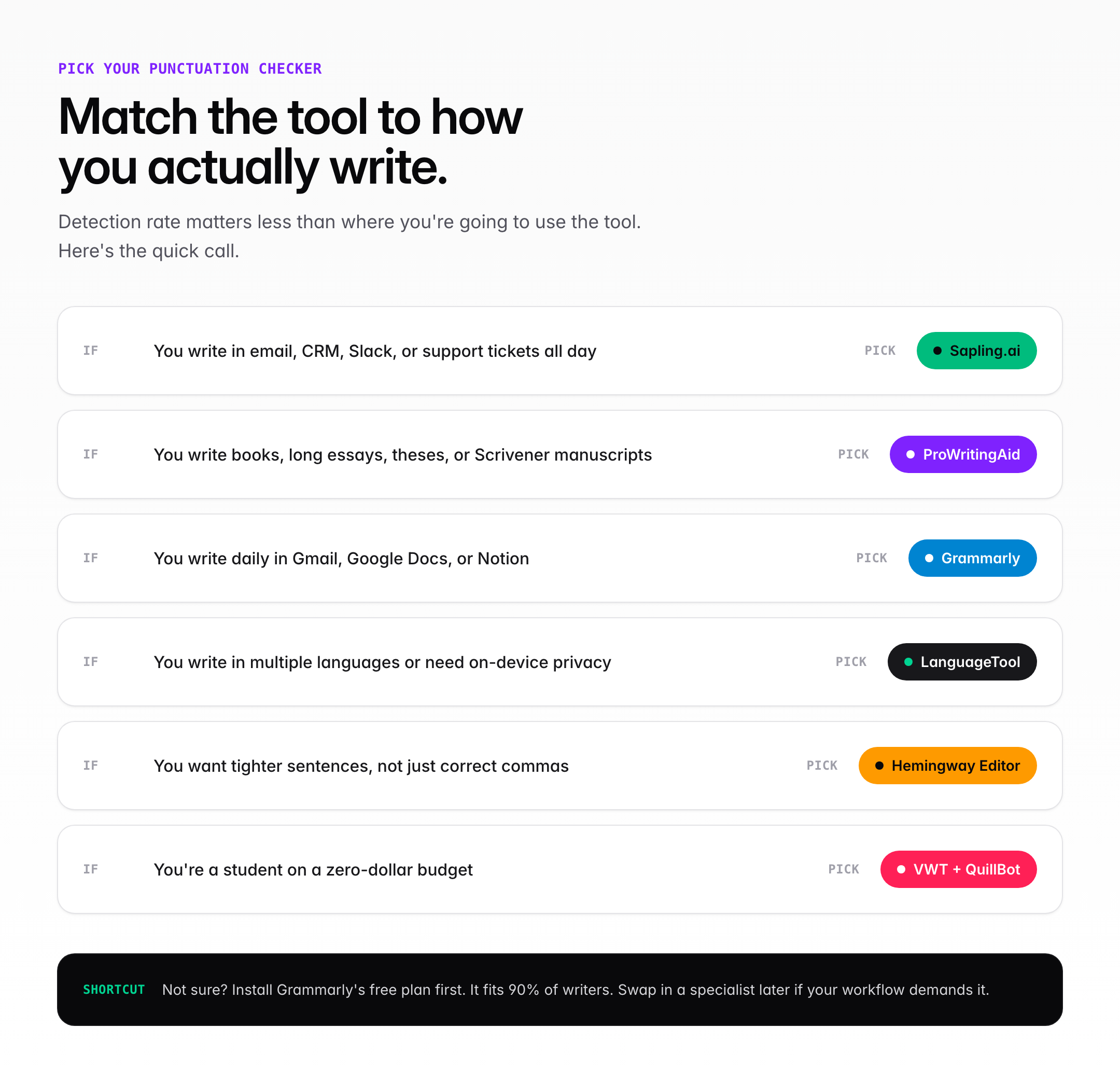
Don’t pick the tool with the highest detection score. Pick the one that fits where you actually write. That sounds obvious. Most people still get it wrong.
If you write daily in a browser
Install Grammarly. The extension covers Gmail, Google Docs, Notion, Slack, LinkedIn, Facebook, and the WordPress block editor. One install, protection everywhere. Stop fighting with copy-paste workflows.
If you write long-form (books, essays, theses)
Use ProWritingAid. The 25+ analysis reports matter more at 80,000 words than at 800. Scrivener integration is a bonus for novelists. Premium at $30/year pays for itself in one book edit.
If you write in multiple languages or need privacy
Use LanguageTool. The self-host option is the only way to guarantee your draft doesn’t leave your machine. For multilingual content creators, the 31-language support is unmatched.
If you write for a living and care about clarity
Use Grammarly and Hemingway together. Grammarly catches punctuation. Hemingway catches sentences that are technically correct but unreadable. Five-minute workflow. Two free tools. Every article gets both.
If you’re a student with zero budget
Use Virtual Writing Tutor for unlimited checks, PaperRater for plagiarism, and QuillBot’s free grammar checker for one-click batch fixes. Zero dollars. Three tools. Enough coverage for most college papers.
Common Punctuation Mistakes These Tools Catch
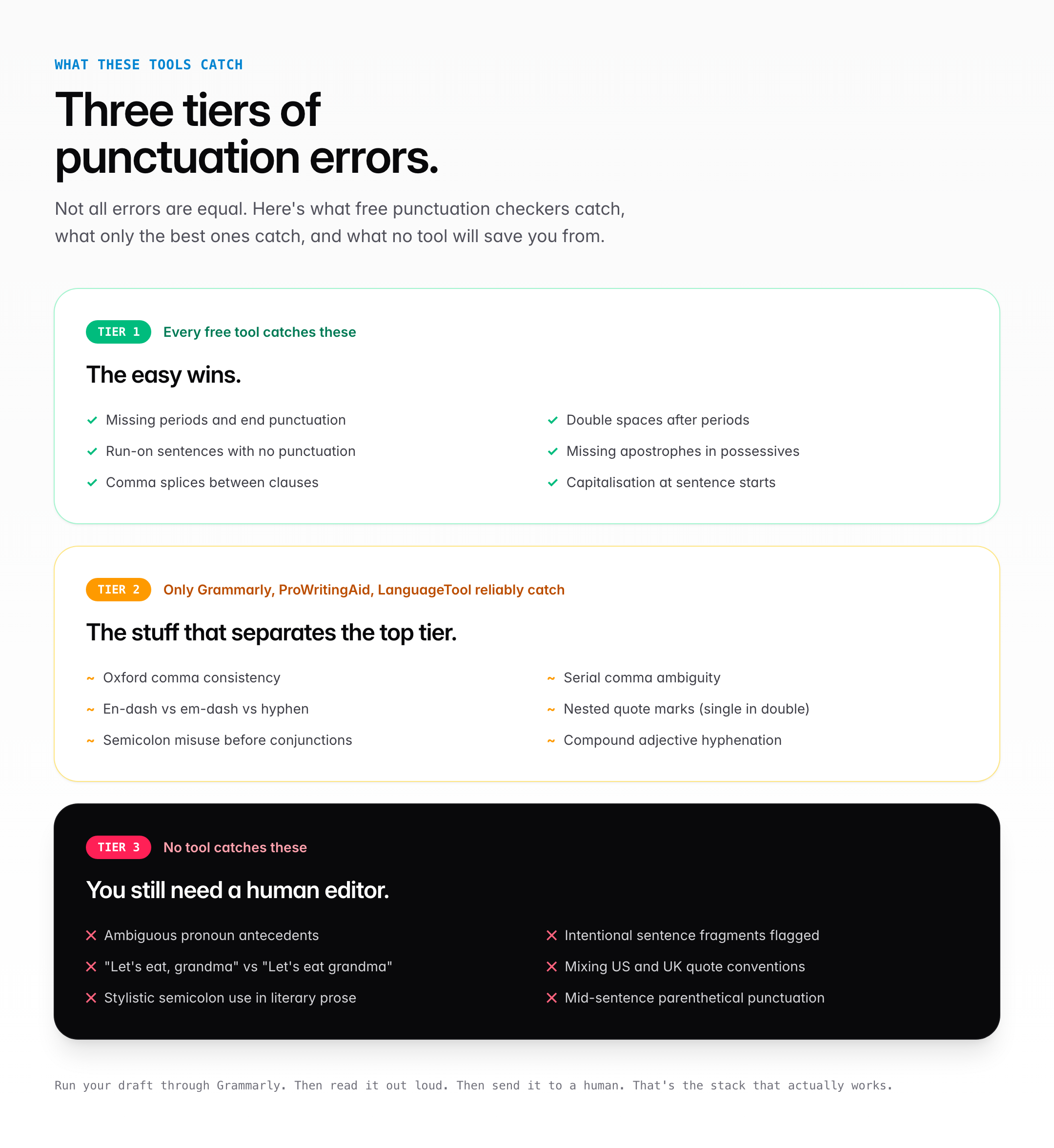
Most writers don’t know what they’re missing until a checker flags it. Here are the punctuation mistakes every tool on this list detects, and the ones only the best tools catch.
Mistakes every free punctuation checker catches
- Missing periods and end punctuation. The easy wins.
- Double spaces after periods. A relic from the typewriter era that refuses to die.
- Run-on sentences with no punctuation. “I went to the store I bought bread.” Anything flags this.
- Misplaced or missing apostrophes in possessives. “The dogs bone” vs “the dog’s bone.”
- Comma splices. Two independent clauses joined with a comma and no conjunction.
Mistakes only Grammarly, ProWritingAid, and LanguageTool reliably catch
- Oxford comma inconsistency. Use it or don’t, but pick one.
- Serial comma nesting. “My favorite writers, Tolkien, Orwell and Rowling” is ambiguous.
- Dash misuse. En-dash for ranges, em-dash for interruption, hyphen for compound adjectives.
- Quote-mark nesting. Single quotes inside double quotes in US English. Opposite in UK English.
- Semicolon misuse before coordinating conjunctions. “I went to the store; and bought bread” is wrong.
Mistakes no tool catches reliably
No punctuation checker catches these. A human editor still has to. Ambiguous antecedents. Intentional sentence fragments flagged as errors. Context-dependent comma usage (“Let’s eat, grandma” vs “Let’s eat grandma” both pass punctuation checks). Stylistic semicolon use. British vs American quote conventions when you’re mixing styles. Compound adjective hyphens in rare constructions. Punctuation inside parentheses when the parenthetical is mid-sentence.
How I Tested These Punctuation Checkers
I wrote a 1,500-word sample article about remote work productivity, then seeded it with 42 deliberate punctuation errors across 6 categories: 17 comma issues (splices, missing Oxford commas, comma before coordinating conjunction errors), 8 apostrophe errors (possessive vs contraction, rock ‘n’ roll style), 6 quote-mark errors (smart vs straight, nested quotes), 5 semicolon misuses, 4 dash issues (hyphen vs en-dash vs em-dash), and 2 bracket errors.
Each tool got the same text pasted into its free-tier web interface. I used default settings for each, no rule customization, no premium upgrade, no AI rewrite. I counted only flagged punctuation errors, not spelling or style suggestions. All tests ran on April 2026 with the latest version of each tool available that week.
Detection rate is a useful starting point, not the whole story. A tool that catches 93% but only works inside one browser extension is worse for most people than a tool that catches 75% and runs inside Word, Gmail, and Slack. That’s why the recommendations above aren’t ranked purely by test score.
The Verdict: Which Free Punctuation Checker Wins in 2026
If you work in email, CRM, or support all day, pick Sapling.ai. It fixes the writing you actually do most. If you live inside a browser or Google Docs, pick Grammarly for raw 93% coverage. If you write books or long essays, pick ProWritingAid for the report depth at half the price.
If you write long-form, add ProWritingAid for the report depth. If you care about privacy, add LanguageTool’s self-hosted version. If you want your sentences to land harder, run them through Hemingway before you publish. And if you’re on a budget, Virtual Writing Tutor and QuillBot will get you 80% of the way there for zero dollars.
The one thing no punctuation checker replaces is a second human reader. Run your draft through Grammarly. Then read it out loud. Then send it to a friend. You’ll still ship typos. Everyone does. But you’ll ship a lot fewer.
For more on the editing stack, see my picks for the best Grammarly alternatives, the 14 best AI writing tools, and the best writing apps for Mac.
Frequently Asked Questions About Punctuation Checkers
What is the best free punctuation checker in 2026?
Grammarly. On a 42-error test, Grammarly’s free plan caught 93% of punctuation errors, which is higher than any other free tool. It also works across Gmail, Google Docs, Word, Notion, Slack, and the WordPress editor. If you only install one punctuation checker, install Grammarly.
Do free punctuation checkers work as well as paid ones?
For punctuation alone, yes. Free versions of Grammarly, ProWritingAid, and LanguageTool catch 75-93% of common punctuation mistakes. Paid plans add style rewrites, tone detection, plagiarism scanning, and AI rephrasing. If you’re writing emails and blog posts, free is usually enough. If you’re writing books or legal content, the paid upgrade pays for itself.
Can a punctuation checker fix comma splices?
Yes. Grammarly, ProWritingAid, LanguageTool, Scribens, and Sapling all detect comma splices reliably. They’ll flag when you’ve joined two independent clauses with just a comma and suggest fixes: add a coordinating conjunction, swap the comma for a semicolon, or split into two sentences. Hemingway Editor doesn’t flag comma splices specifically, but it flags the long sentences they create.
Which punctuation checker works with Google Docs?
Grammarly, LanguageTool, ProWritingAid, and Scribens all have Google Docs integrations. Grammarly’s browser extension works directly inside Google Docs on Chrome, Firefox, Edge, and Safari. LanguageTool has a dedicated Google Docs add-on. ProWritingAid’s Google Docs extension requires a premium subscription. Scribens offers a free Google Docs extension with a 10,000-character limit per check.
Are online punctuation checkers safe for confidential documents?
Most tools process your text on their servers, which means your draft temporarily leaves your device. Grammarly, ProWritingAid, and QuillBot have clear privacy policies and don’t sell your data. For highly sensitive work like legal drafts or unreleased marketing copy, LanguageTool’s open-source engine can run locally on your machine through Docker or a self-hosted server. GrammarCheck.net also explicitly states text isn’t stored or logged.
What punctuation mistakes do these checkers miss?
Most checkers struggle with Oxford comma consistency (they flag it inconsistently unless you lock the rule), stylistic semicolon use in literary writing, punctuation inside quotes when mixing American and British conventions, and hyphenation in compound adjectives. They also miss intentional sentence fragments and context-dependent punctuation. Always do a manual read-through for anything published under your name.
Can a punctuation checker replace a human editor?
No. A punctuation checker catches mechanical errors: missing commas, misplaced apostrophes, comma splices. A human editor catches the stuff that changes meaning: ambiguous pronouns, confusing sentence order, arguments that don’t land, and the tonal misreads no AI catches yet. Use a punctuation checker before you send work to an editor. It saves their time and your money.
Is there a free punctuation checker with no word limit?
Yes. QuillBot Grammar Checker, Virtual Writing Tutor, and Hemingway Editor’s web version all have no word limit on the free tier. Scribens allows up to 200,000 characters per check (roughly 30,000 words) which is effectively unlimited for most work. For true unlimited unlimited, Virtual Writing Tutor is the best bet since it’s been free since 2009 and has no premium upsell.
Tell Google you want more of this.
Add Gaurav Tiwari as a preferred sourceOne tap, and this site shows up more often in your own Top Stories, AI Overviews and AI Mode. Remove it any time.
Disclaimer: This site is reader-supported. If you buy through some links, I may earn a small commission at no extra cost to you. I only recommend tools I trust and would use myself. Your support helps keep gauravtiwari.org free and focused on real-world advice. Thanks. - Gaurav Tiwari
