
Best Computer Monitoring and Control Software in 2026
Hybrid and remote work have become an integral part of our everyday lives after the COVID-19 pandemic. As the number of people using this kind of setup grows rapidly, so does the demand for computer monitoring software for tracking users’ computer activities and productivity levels during work hours. Therefore, it’s essential to have tools that can help you monitor and control your computer usage effectively.
Whether you’re a parent wanting to keep an eye on your child’s online activities, an employer seeking to monitor employee productivity, or simply someone looking to manage your own computer usage, computer monitoring and control software can be invaluable. However, despite having been created for the same purpose, software solutions under this category are highly variable in terms of core capabilities, access levels, integrated tools, and, of course, operational cost.
In this article, I will introduce you to five of the best computer monitoring and control software options available, highlighting their key features, pros, and cons. These tools have been specially designed to give you comprehensive insights into a user’s computer activities. They are particularly helpful for employers who wish to maintain, enhance and reward the productivity of company employees at the team and individual levels.
Before that, let’s take a look at some valid concerns regarding the use of these tools by people, especially employers.
Concerns regarding the use of computer monitoring and control software
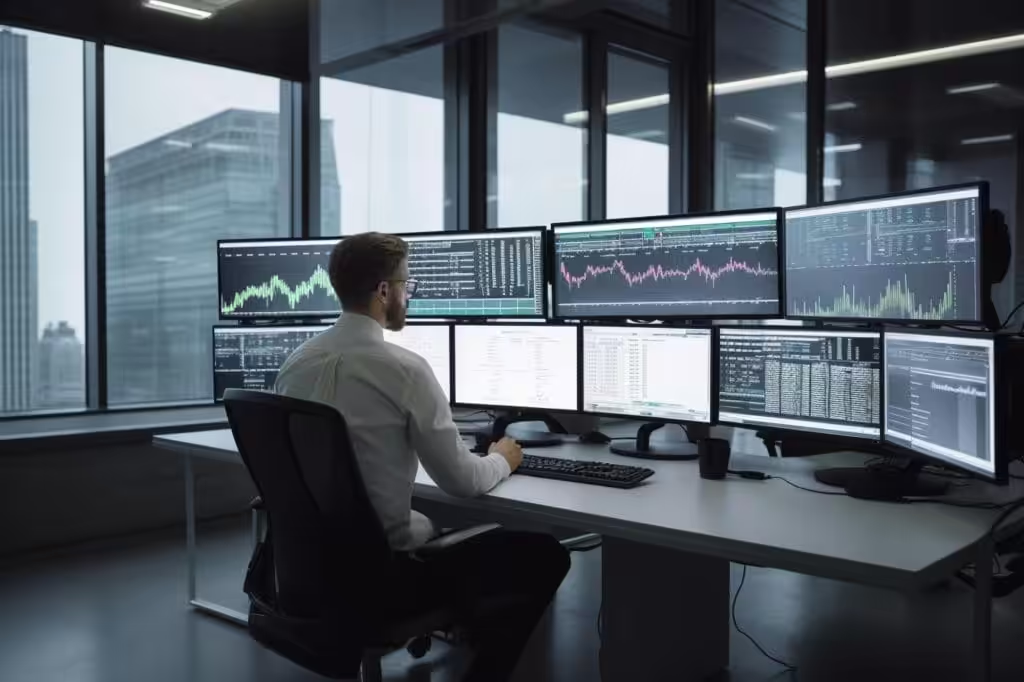
We discovered that one in every five companies has installed employee monitoring tools in the computers and even mobile devices that their employees use for work. However, despite the fast growth of technology that allows companies to monitor their employees (especially remote workers) closely, there’s much concern regarding its negative impact on employee morale.
A recent study found that the implementation of employee monitoring technologies seems to have contributed to the increase in the resignation rate. Two main reasons behind this phenomenon are a decrease in job satisfaction and employees’ frustration that arises from the knowledge that they are continuously under the scanner.
Considering the level of access and control that employers can have, employees’ privacy concerns are undoubtedly reasonable. Monitoring tools help companies gain access to the device’s location and keystrokes and remotely record audio and video. Moreover, there are many cases where companies have used stealth monitoring platforms to keep track of their employees’ computer activities without the latter’s knowledge.
Although there are companies that do this only to protect business interests, it can still lead to employees losing their trust and, eventually, their motivation to work and productivity. As a result, implementing corporate surveillance and protecting employer-employee relationships can be quite tricky. Fortunately, the best computer monitoring software can help you balance these two aspects of remote work.
Top 5 Computer Monitoring and Control Software
- Insightful — Best overall for employee productivity monitoring with automated time tracking
- Teramind — Best for insider threat detection with advanced behavior analytics
- Veriato — Best for detailed activity reporting with desktop screenshot capture
- ActivTrak — Best cloud-based option with a free tier for small teams
- Net Nanny — Best for parental controls and monitoring children’s online activity
1. Insightful
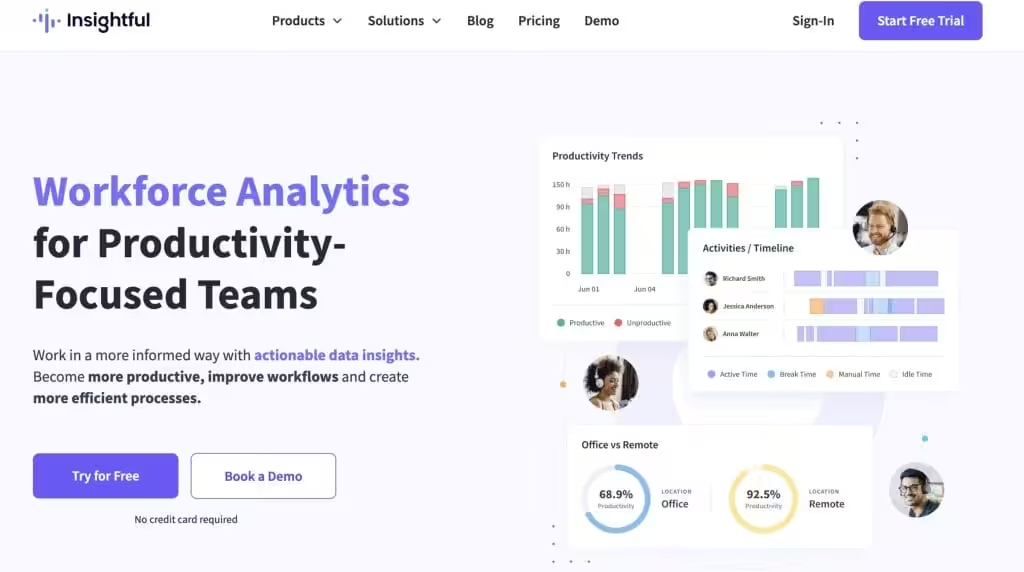
Best for: Employers who want comprehensive employee productivity monitoring with automated time tracking and detailed activity reports.
Insightful, formerly Workpuls, is a comprehensive computer monitoring, employee analytics and time-tracking software that offers a range of features for monitoring and managing user activities. It provides detailed reports on user behavior, including websites visited, applications used, and more. Insightful also offers automated time-tracking features, which can help you monitor employee productivity more effectively.
Pros:
- Comprehensive monitoring and time tracking features.
- Automated time tracking for more accurate productivity monitoring.
- Easy-to-use interface for managing monitoring policies.
Cons:
- Some features may be redundant for basic monitoring needs.
- Pricing plans may be expensive for organizations with plenty of employees.
2. Teramind
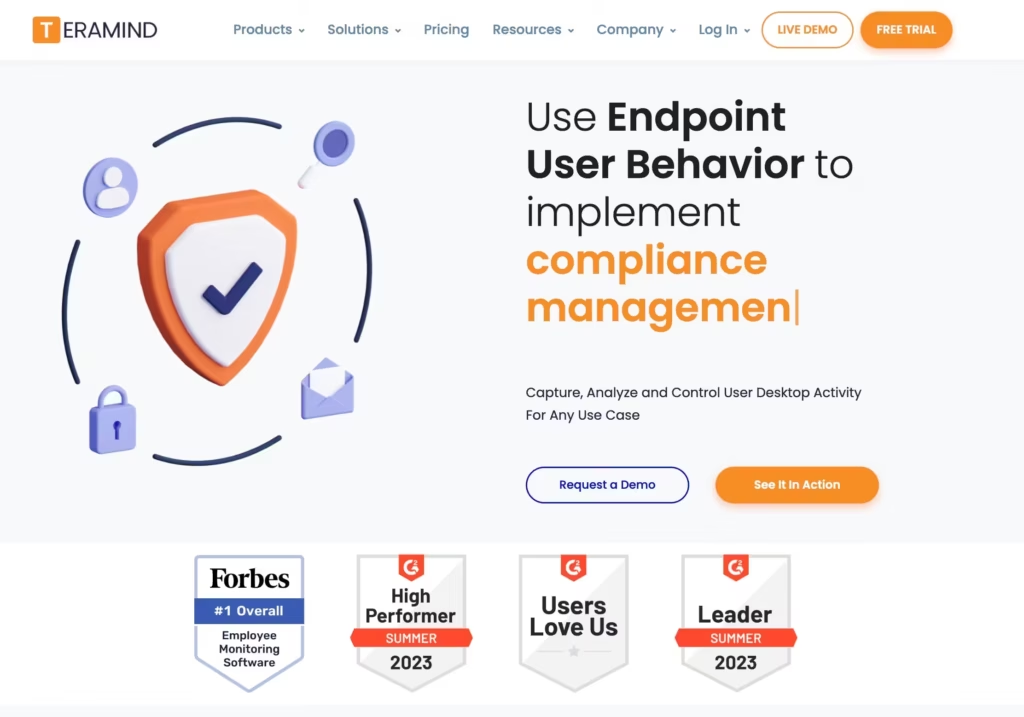
Best for: Organizations that need insider threat detection and data loss prevention alongside employee monitoring.
Teramind is a comprehensive computer monitoring and insider threat prevention solution. It offers real-time monitoring of user activities, including keystrokes, website visits, application usage, and more. Teramind also includes advanced features such as behavior analytics, which can detect and alert you to suspicious behavior patterns. Additionally, Teramind allows you to set up rules and policies to block or limit certain activities automatically.
Pros:
- Advanced behavior analytics for detecting insider threats.
- Real-time monitoring of user activities.
- Customizable rules and policies for automated actions.
Cons:
- Can be expensive for larger organizations.
- Some features may be overly complex for basic monitoring needs.
3. Veriato
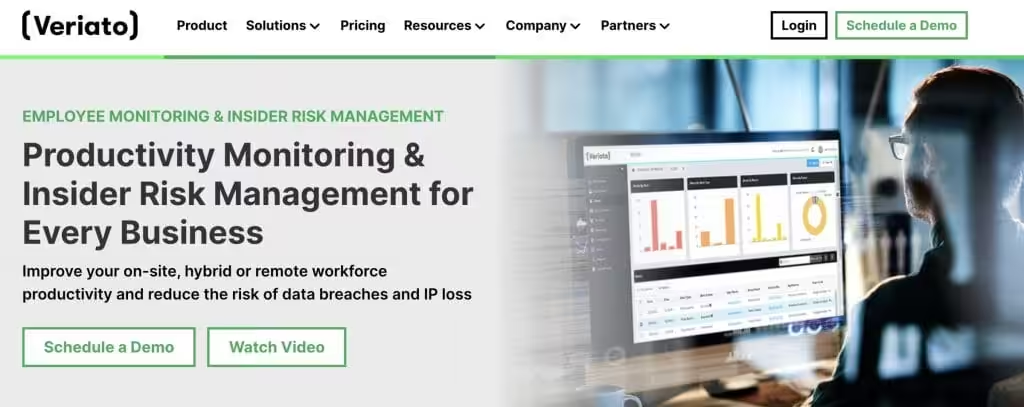
Best for: Companies that need detailed activity reporting with periodic desktop screenshots for compliance and investigation.
Veriato is another powerful employee monitoring solution that offers a wide range of features for tracking and controlling user activities. It provides detailed reports on user behavior, including websites visited, applications used, and more. Veriato also offers real-time alerts for suspicious activities and can capture screenshots of user desktops at regular intervals.
Pros:
- Detailed reports and real-time alerts for monitoring user activities.
- Screen capture feature for monitoring desktop usage.
- Easy-to-use interface for managing monitoring policies.
Cons:
- It may be seen as intrusive by some employees.
- Some features may require additional licensing fees.
4. ActivTrak
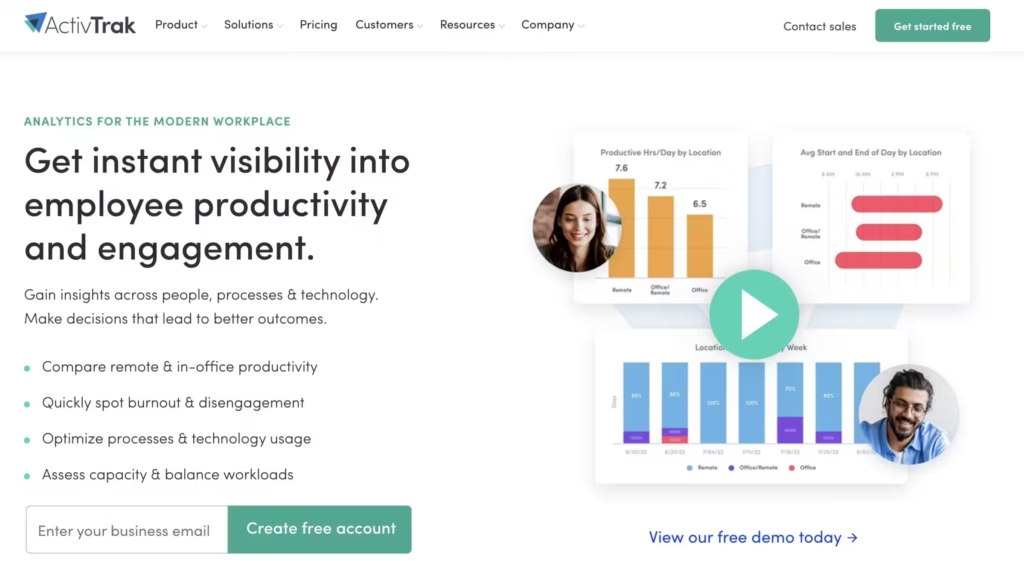
Best for: Small to mid-size teams that want cloud-based monitoring with a free tier and easy deployment.
ActivTrak is a cloud-based employee monitoring software that offers a range of features for tracking and managing user activities. It provides detailed insights into user behavior, including websites visited, applications used, and more. ActivTrak also offers productivity analysis tools, which can help you identify areas where employees may be spending too much time.
Pros:
- Cloud-based solution for easy deployment and management.
- Detailed insights into user behavior for monitoring productivity.
- Free version available for small teams.
Cons:
- Limited features compared to other monitoring solutions.
- Some users may find the interface confusing.
5. Net Nanny
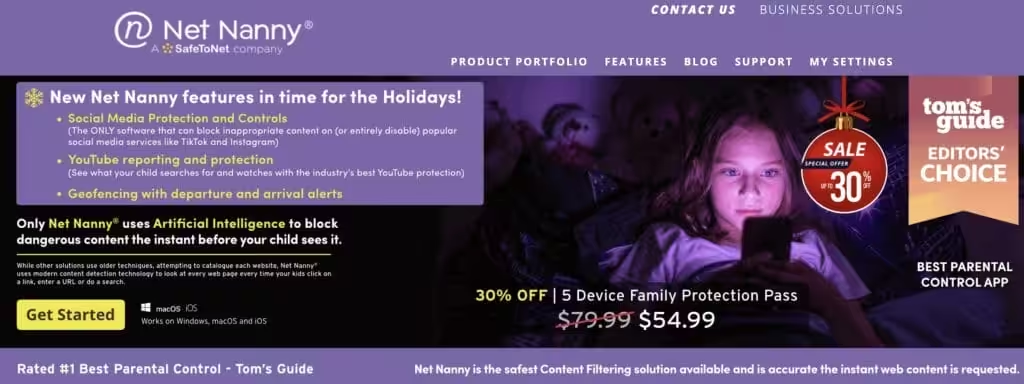
Net Nanny is one of the best parental control software that offers a range of features for monitoring and controlling children’s online activities. It allows you to block access to inappropriate websites, set time limits for internet usage, and monitor social media activities. Net Nanny also offers real-time alerts for suspicious activities and can generate detailed reports on children’s online behavior.
Pros:
- Easy-to-use parental control features for monitoring and controlling online activities.
- Real-time alerts for suspicious activities.
- Detailed reports on children’s online behavior.
Cons:
- Limited features compared to employee monitoring solutions.
- May not be suitable for monitoring older children or teenagers.
How to Choose the Right Monitoring Software
For employee productivity tracking: Insightful is the strongest choice. Automated time tracking, detailed activity reports, and a clean dashboard that doesn’t overwhelm managers with data they won’t use.
For security and threat prevention: Teramind. Its behavior analytics engine catches suspicious patterns before they become incidents. Worth the higher price if you handle sensitive data or operate in regulated industries.
For compliance and investigations: Veriato’s periodic screenshot capture and detailed activity logs create an audit trail that holds up during internal reviews. Best for companies that need documentation, not just dashboards.
For small teams on a budget: ActivTrak. The free tier covers up to 3 users, and the cloud-based setup means no IT overhead. You can be up and running in under 10 minutes.
For parental controls: Net Nanny. It’s built specifically for families, not repurposed from enterprise software. Website filtering, screen time limits, and activity reports without the complexity of business tools.
One thing worth noting: transparency matters more than the tool you pick. Companies that tell employees upfront about monitoring see better results than those that deploy it secretly. The goal is productivity improvement, not surveillance.
Is employee monitoring software legal?
Yes, in most jurisdictions it’s legal as long as employees are informed. In the US, employers can monitor company-owned devices. The EU requires explicit consent under GDPR. Always check your local laws and have a clear monitoring policy in your employee handbook.
Can monitoring software track remote employees?
Absolutely. Tools like Insightful, Teramind, and ActivTrak are built for remote teams. They track activity through lightweight agents installed on work devices, regardless of location. Some even work across multiple operating systems.
Does computer monitoring software slow down PCs?
Modern monitoring tools run lightweight background agents that use minimal system resources. You won’t notice a performance hit on most machines. Insightful and ActivTrak are particularly light. Teramind uses slightly more resources due to its deeper threat detection features.
What’s the difference between monitoring and control software?
Monitoring software tracks and records user activity like websites visited, apps used, and keystrokes. Control software goes further by letting you block websites, restrict applications, and set usage limits. Most tools on this list offer both capabilities.
Which monitoring software is best for small businesses?
ActivTrak is the strongest pick for small businesses. It’s cloud-based, deploys in minutes, and offers a free tier for up to three users. No hardware installation needed. If you need more advanced features like insider threat detection, Teramind offers small team plans.
Can employees detect monitoring software on their computers?
It depends on the tool and how it’s configured. Most enterprise solutions like Insightful and Teramind can run in stealth mode, though transparency is recommended. Net Nanny, designed for parental monitoring, also has a visible mode. Ethical best practice is to inform users that monitoring is active.
How much does computer monitoring software cost?
Pricing varies widely. ActivTrak starts free for basic features. Insightful runs around $6.40 per user per month. Teramind starts at $15 per user per month for its full-featured plans. Net Nanny costs about $55 per year for home use. Enterprise pricing typically requires a custom quote.