
 by
by
Kids in 2026 live on social media. The good news is the platforms have finally pushed real parental tools — Instagram Family Center, TikTok Family Pairing, Snapchat Family Center, Discord Family Center — and the third-party monitoring app market has matured around them. The bad news is most of those built-in tools are surface-level. They tell you when a kid is on the app, not what is happening on it.
Most of the apps below have been through my own devices over the past year. Every pick is judged on the same three things: what it catches on the platforms kids actually use (TikTok, Instagram, Snapchat, Discord, YouTube), how invasive it feels to a child, and what it costs a household with two or three kids. Pricing is current as of October 2026.
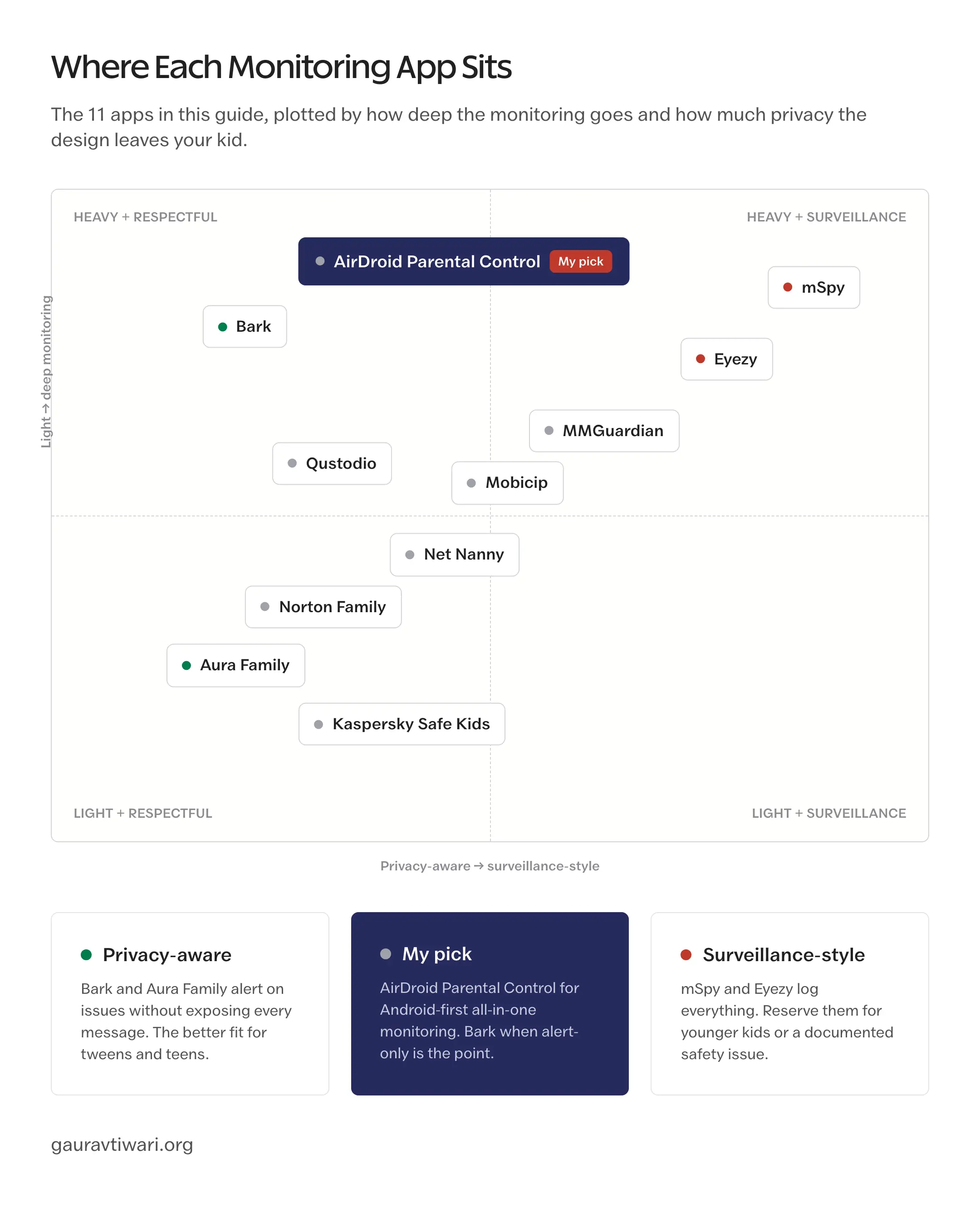
If you want one tool and your kid is on Android, AirDroid Parental Control is the strongest all-in-one pick: social keyword alerts, notification syncing, live screen visibility, web filtering, screen-time limits, and location tracking in one dashboard. For alert-based monitoring that flags serious risks without full message access, Bark. For screen time, web filtering, and social monitoring across a wider mix of devices, Qustodio. For a whole-family bundle with identity protection, antivirus, and a VPN, Aura Family. For deep surveillance on younger kids or after a documented safety issue, mSpy. Free Apple Screen Time and Google Family Link cover basic device limits without paying for anything.

Best Social Media Monitoring Apps for Parents in 2026
11 apps made the cut. Pricing is current as of October 2026.
| App | Best for | Approach | Pricing (2026) | Platforms |
|---|---|---|---|---|
| AirDroid Parental Control | Android-first all-in-one monitoring | Alerts + live monitoring | $9.99/mo, $19.99/quarter, or $59.99/yr | iOS, Android, Web |
| Bark | Social media + AI alerts | Alerts only, not full message access | $14/mo or $99/yr | iOS, Android, Mac, Win, Chromebook |
| Qustodio | Comprehensive screen time + filter | Visible monitoring | $54.95/yr Care, $99.95/yr Care+ | iOS, Android, Mac, Win, Chromebook, Kindle |
| Aura Family | Whole-family safety bundle | Visible, modern | $15/mo (family plan) | iOS, Android, Mac, Win |
| Norton Family | Households on Norton 360 | Visible monitoring | Bundled with Norton 360 ($104.99/yr) | iOS, Android, Win |
| Net Nanny | Web filtering + screen time | Visible | $54.99/yr (5 devices) | iOS, Android, Mac, Win |
| Mobicip | Multi-device families on a budget | Visible | $2.99-$7.99/mo | iOS, Android, Mac, Win, Kindle, Chromebook |
| Kaspersky Safe Kids | Light supervision, free tier | Visible | Free + $14.99/yr Premium | iOS, Android, Mac, Win |
| MMGuardian | Text + image scanning on Android | Visible, AI-driven | $3.99-$7.99/mo | iOS, Android |
| Eyezy | Heavy monitoring (modern UX) | Stealth-capable | $47.99/mo or $9.99/mo annual | iOS, Android |
| mSpy | Heavy surveillance, full message access | Stealth-capable | $48.99/mo or $11.66/mo annual | iOS, Android |
AirDroid Parental Control
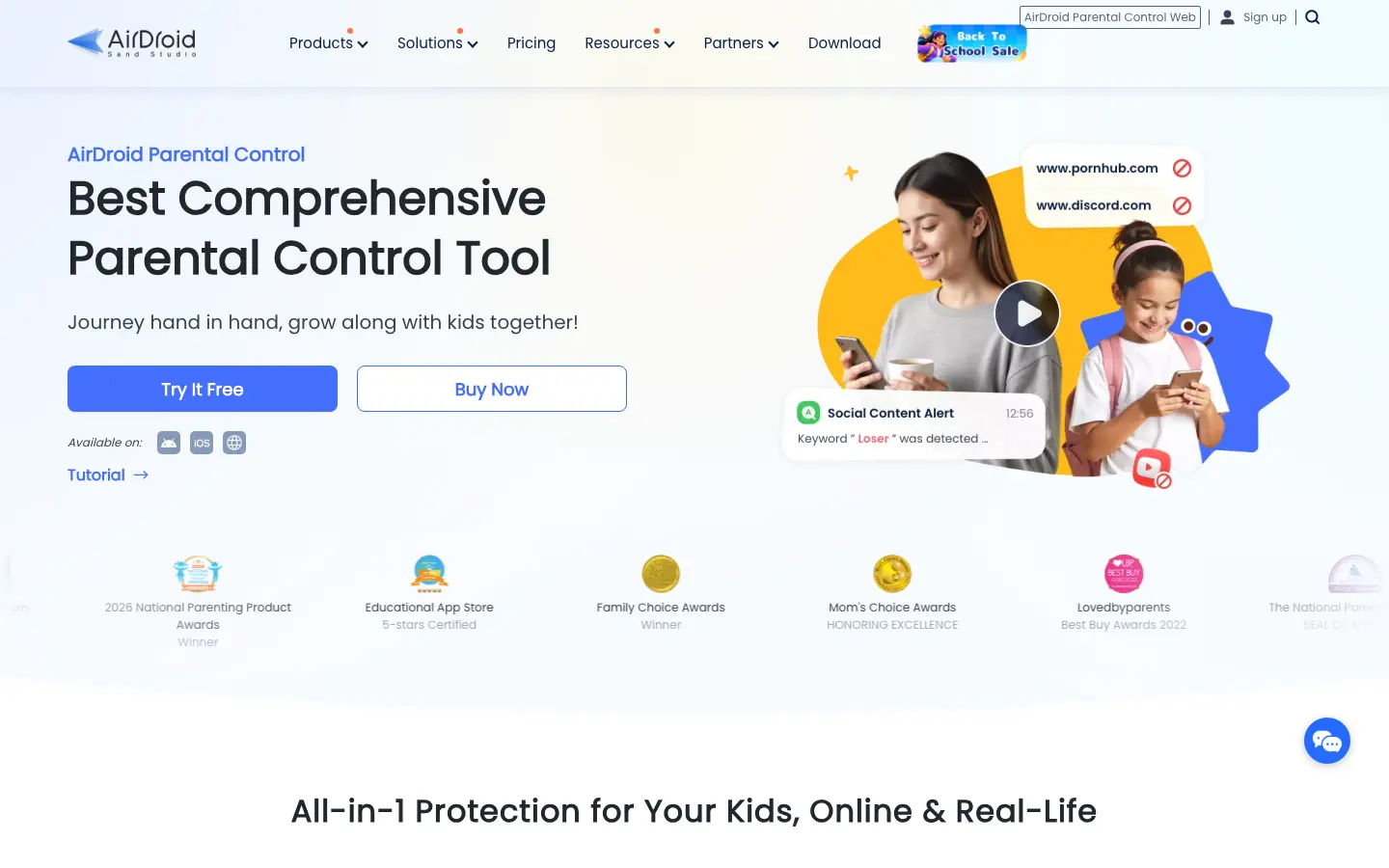
AirDroid Parental Control is the strongest all-in-one option on this list when your kid is on Android: social keyword alerts, live screen visibility, web filtering, screen-time limits, and location tracking in one dashboard.
What is good: Social Content Detection watches the apps you choose (TikTok, Instagram, WhatsApp, Snapchat, Facebook, YouTube, Reddit, Discord) for the keywords you set and alerts you on a match, so you hear about a problem without reading every chat; notification syncing mirrors the child’s Android notifications for context; screen mirroring, remote camera, and one-way audio give live visibility when an alert needs a judgment call; app blocking, downtime schedules, website restrictions, browsing history, inappropriate-image detection, location history, and geofencing round out the bundle. No rooting or jailbreaking required.
What is broken: The features that earn the top spot (Social Content Detection, notification syncing, screen mirroring, remote camera, one-way audio) are Android-only; the iOS app keeps the basics but loses the social monitoring depth to Apple’s sandbox. Keyword alerts also watch only the apps and words you configure, so an unconfigured app is a blind spot.
Under the hood: AirDroid Kids runs on the child’s device and reports to the parent app or web dashboard. On Android, device permissions power the keyword detection, notification syncing, screen mirroring, and location reporting. What you get follows the child’s operating system more than anything else.
What should be better: Bring the Android social-monitoring stack to iPhone, and make the child-awareness side of setup more prominent. Monitoring this deep works best when the kid knows it is on, and the onboarding should push parents toward that conversation harder than it does.
Bark
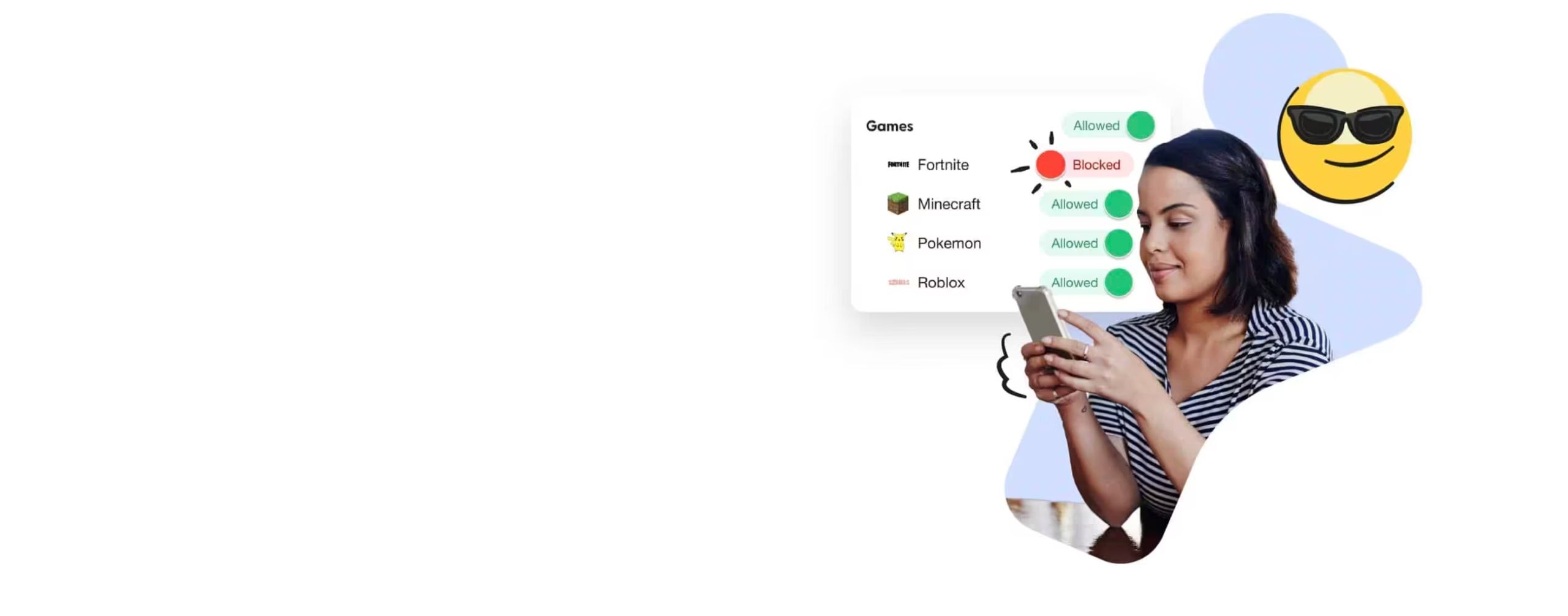
Bark is the strongest social-media-specific parental monitoring app in 2026, precisely because it does not show parents everything.
What is good: AI-driven alerts on cyberbullying, predator contact, depression, sexual content, and self-harm without exposing every message — kids feel respected, parents catch the things that matter; covers 30+ platforms including TikTok, Instagram, Snapchat, Discord, YouTube, and email; includes web filter and screen time as a bundle.
What is broken: Does not give you full message access (intentional, but some parents want it); the alert-only model can miss subtle drift in tone over time; setup requires linking the kid’s social accounts which they have to know about.
Under the hood: Cloud-based scanner that pulls flagged content via platform APIs and OAuth-linked accounts. Custom NLP models tuned on adolescent language patterns, partnered with the National Center for Missing & Exploited Childrenfn.
What should be better: Make WhatsApp and Signal monitoring possible somehow (currently impossible because of E2E encryption — Bark could partner with Apple/Google for on-device scanning).
Qustodio
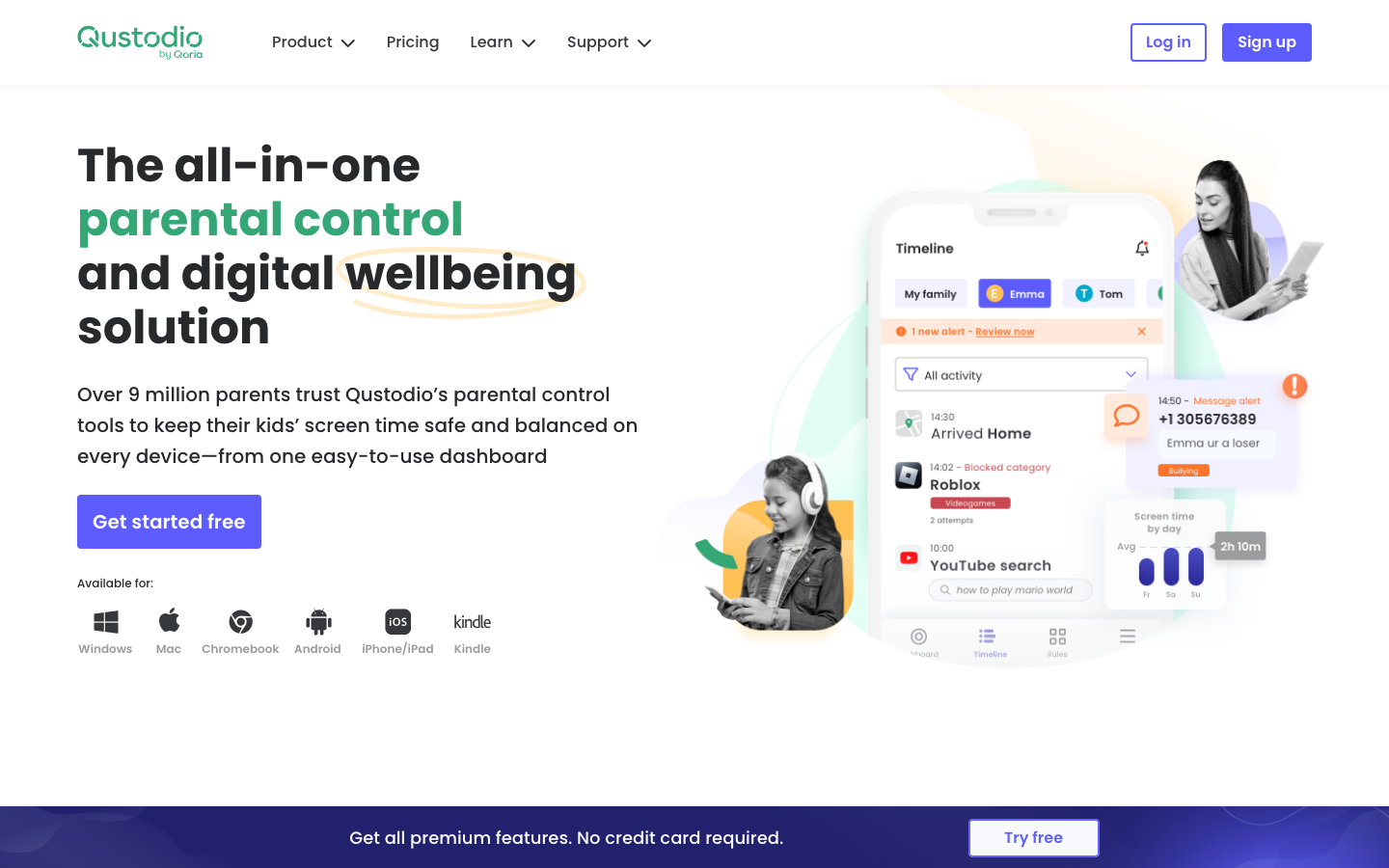
Qustodio is the broadest visible parental-control suite — best when you want screen time, web filtering, and social monitoring on a single dashboard.
What is good: Most comprehensive feature set on the list (screen time, app blocking, web filter, location tracking, calls/texts on Android, panic button, social monitoring); cross-platform on the most devices including Kindle Fire and Chromebook; family plan covers up to 15 devices.
What is broken: iOS implementation is weaker than Android (Apple sandbox limitations); the Care+ tier is required for some social media monitoring; setup is fiddly across multiple device types.
Under the hood: Visible MDM-based monitoring on iOS, full system-level access on Android. Cross-platform sync via their cloud dashboard. Acquired by Verizon in 2018fn (formerly an independent Spanish company).
What should be better: Make Care+ features available a la carte — many parents want SMS monitoring without the full bundle.
Aura Family
Aura Family is a modern all-in-one digital safety bundle — parental controls plus identity protection, antivirus, VPN, and password manager.
What is good: Most feature-complete bundle in the category (parental controls + identity theft protection + antivirus + VPN + password manager + safe browsing); clean modern app UI; family plan covers everyone in the household for one price.
What is broken: Less depth on social-media-specific alerts vs Bark; the bundling means you pay for features (VPN, antivirus) you may already have; relatively newer brand so review history is shorter.
Under the hood: Aggregated dashboard with per-vertical engines underneath — they license credit monitoring from a TransUnion partnership, antivirus from BitDefender, VPN built in-house. Family controls are first-party.
What should be better: A standalone family-controls tier under $10/month for households that already have a VPN and antivirus.
Norton Family
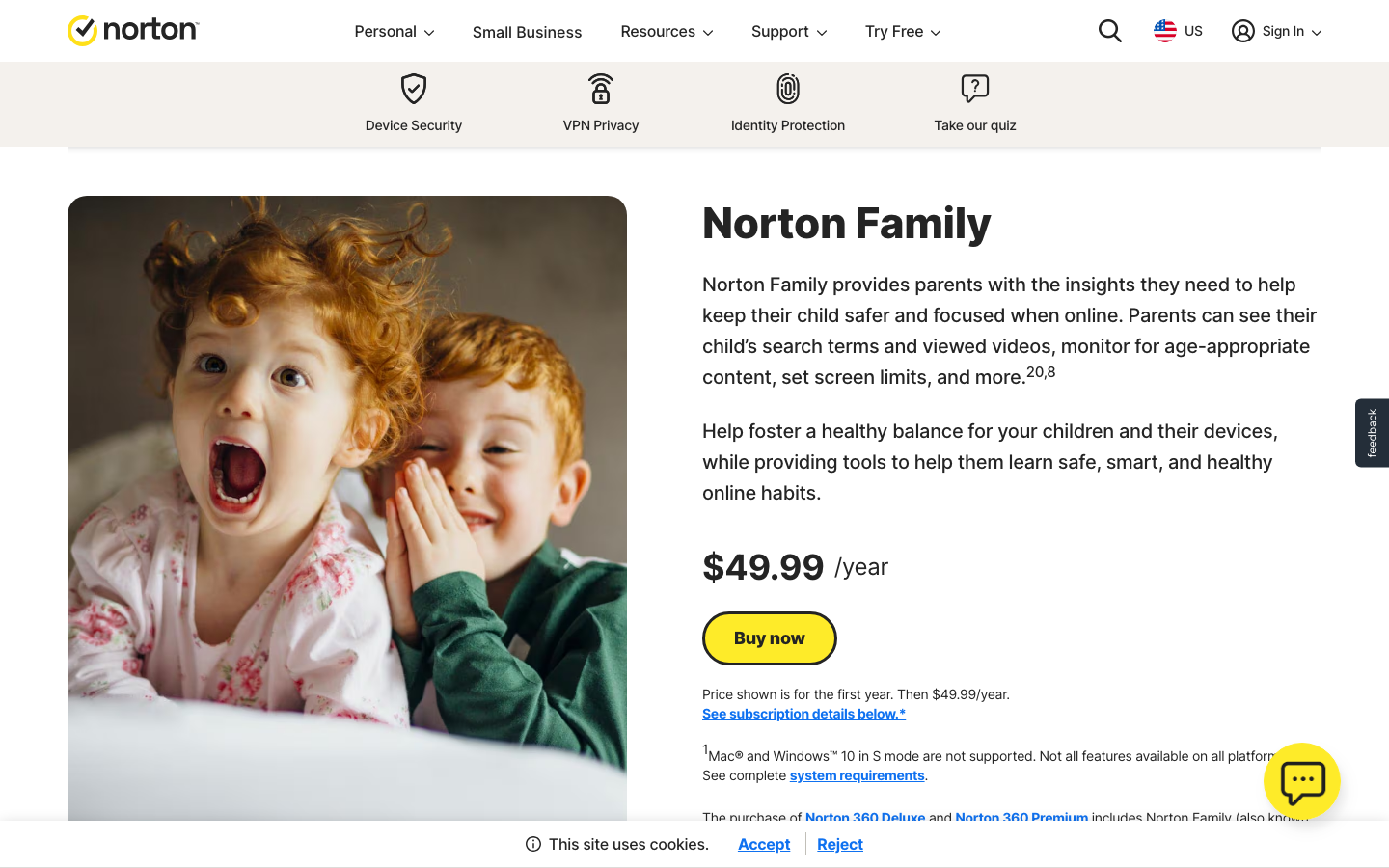
Norton Family is the right pick for households that already pay for Norton 360 — it is bundled in at no extra cost.
What is good: Bundled free with any Norton 360 subscription, no separate purchase; web supervision and search supervision are best-in-class; school time mode with location tracking; lets parents see YouTube videos watched.
What is broken: iOS support is patchy (Apple’s sandbox limits what any third-party app can do), no SMS or social media DM monitoring, the dashboard UI is dated.
Under the hood: Cloud filtering layered on top of Norton’s existing antivirus and identity protection infrastructure. School time uses geofencing.
What should be better: Add real social media DM monitoring through API integrations the way Bark does — Norton has the brand and distribution to do this well if they invested.
Net Nanny

Net Nanny is the OG of family content filtering and remains one of the strongest pure web filters in 2026.
What is good: Best-in-class real-time content analysis — categorizes pages on the fly rather than relying on blocklists; strong porn and violence detection; mature pricing model.
What is broken: Social media monitoring is shallower than Bark or Qustodio; iOS implementation is heavily limited; UI feels like Net Nanny in 2014, not 2026.
Under the hood: Pioneer of real-time URL classification (since 1995); cloud-side ML classifier checks every page request before serving the page back.
What should be better: Bring the social-media-specific feature set forward — they have the filtering bones, they need the alerting layer Bark has built.
Mobicip
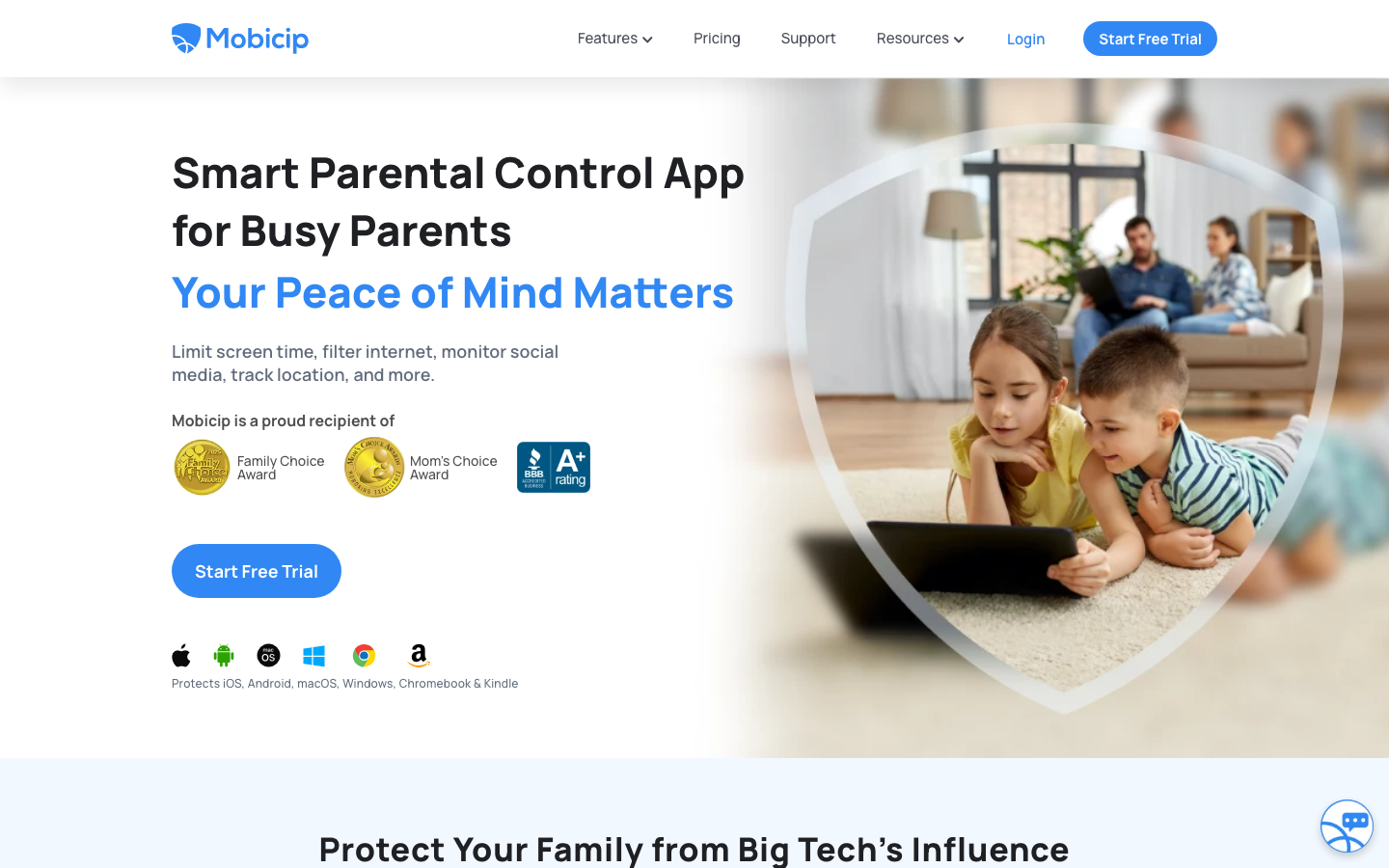
Mobicip is the value pick — multi-device family coverage starting at $2.99/month, broader platform support than most competitors.
What is good: Lowest paid-tier price on the list, supports the widest device list (iOS, Android, Mac, Windows, Kindle, Chromebook), 7-day free trial, AI-powered suspicious image detection added in 2024.
What is broken: Reports are noisier than Bark’s — you get more data and have to triage; setup is per-device which gets tedious for 5+ devices; phone support is paid-only.
Under the hood: Indian-headquartered company with a global product team. Cross-platform agent + cloud dashboard. Acquired by KnowBe4 in 2022fn.
What should be better: Cleaner alerting hierarchy — too much detail is hard to act on; surface only what changed week-over-week.
Kaspersky Safe Kids
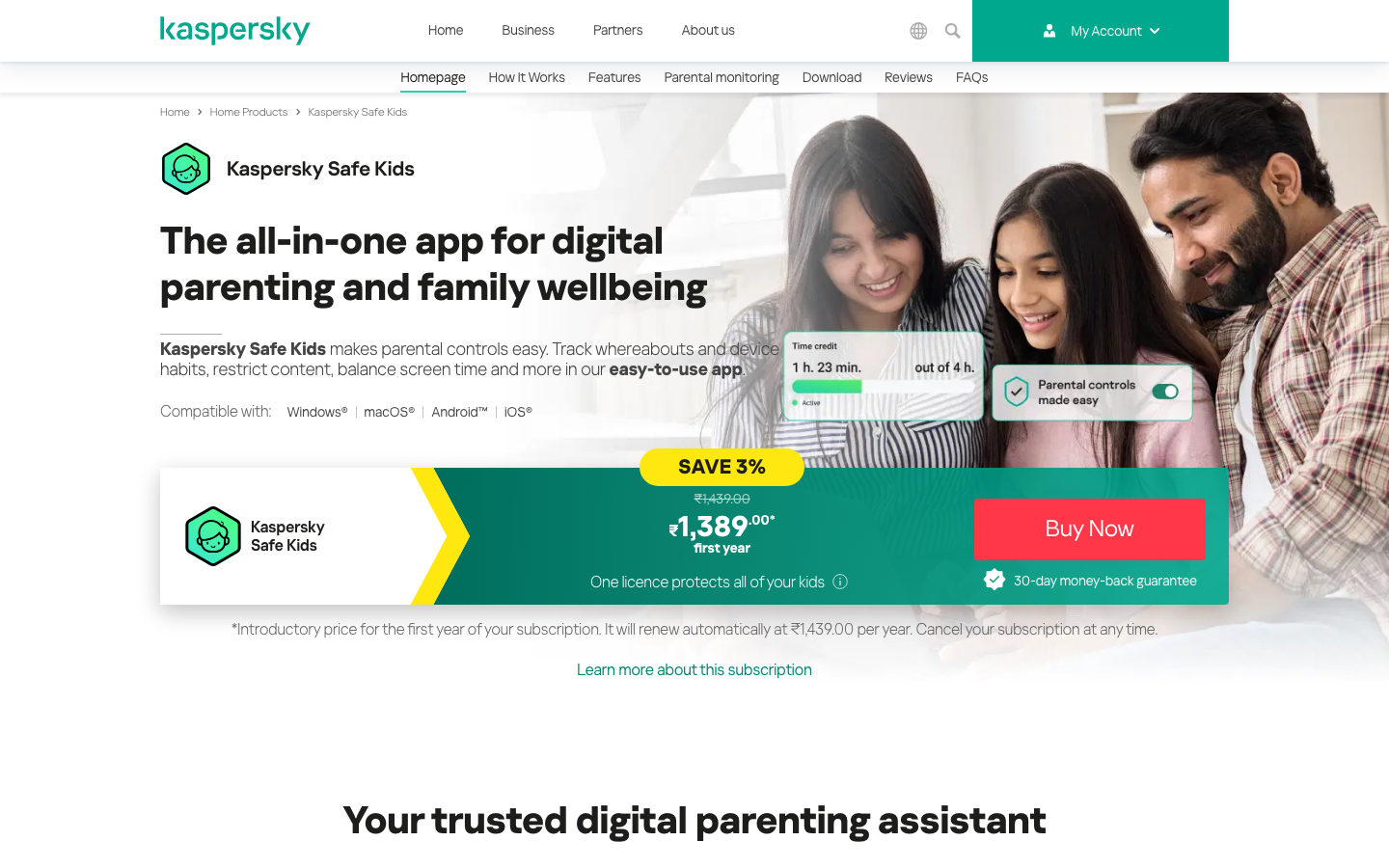
Kaspersky Safe Kids has the best free tier in the category — solid screen time and web filter for $0.
What is good: Free tier covers screen time, web filter, app management, YouTube safe search; Premium at $14.99/year is the cheapest paid tier on the list; trusted enterprise brand with long parental track record.
What is broken: Limited social media DM monitoring; iOS feature set is reduced; the company’s Russian heritage has triggered enterprise restrictions in some governments — not a parental issue but worth knowing.
Under the hood: Layered on top of Kaspersky’s antivirus engine and global threat intel. Cloud-managed, with on-device agents.
What should be better: A real social media monitoring tier between free and Premium would close the gap with Bark.
MMGuardian
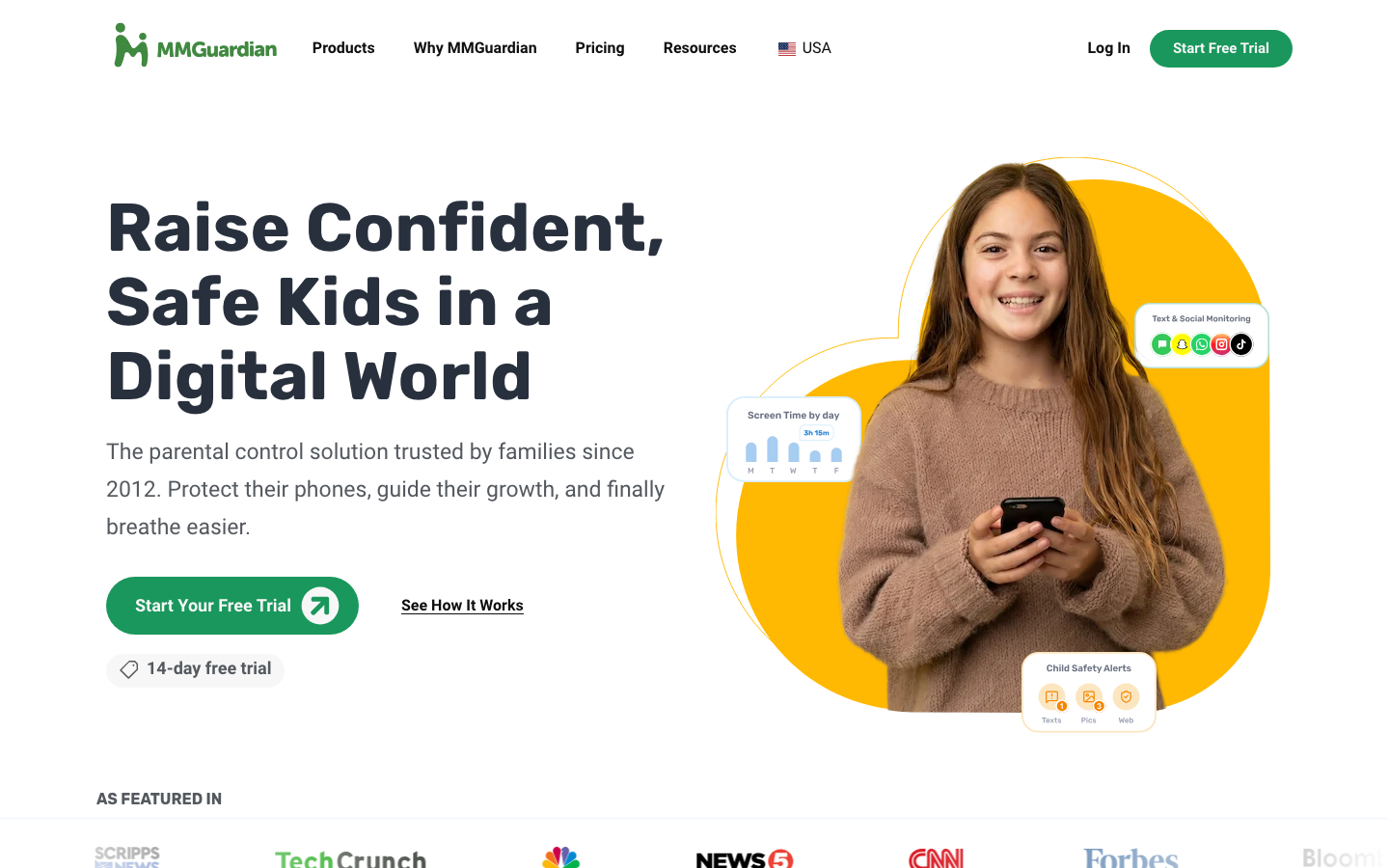
MMGuardian is the strongest parental control on Android specifically — text message monitoring and AI inappropriate-image detection that other apps cannot replicate.
What is good: Text message monitoring on Android (most apps cannot do this), AI scans every photo on the device for inappropriate images and alerts parents, real-time location tracking, app blocking down to specific schedules.
What is broken: iOS support is significantly weaker (Apple sandbox limits texting access); the on-device image AI uses battery; some teens report jailbreak-style workarounds.
Under the hood: On-device ML model for image classification (privacy preserving — images do not leave the phone unless flagged). SMS monitoring uses Android’s content provider API.
What should be better: Bring the Android feature set to iOS via the new Apple Family Sharing APIs that opened up in iOS 17 and iOS 18fn.
Eyezy
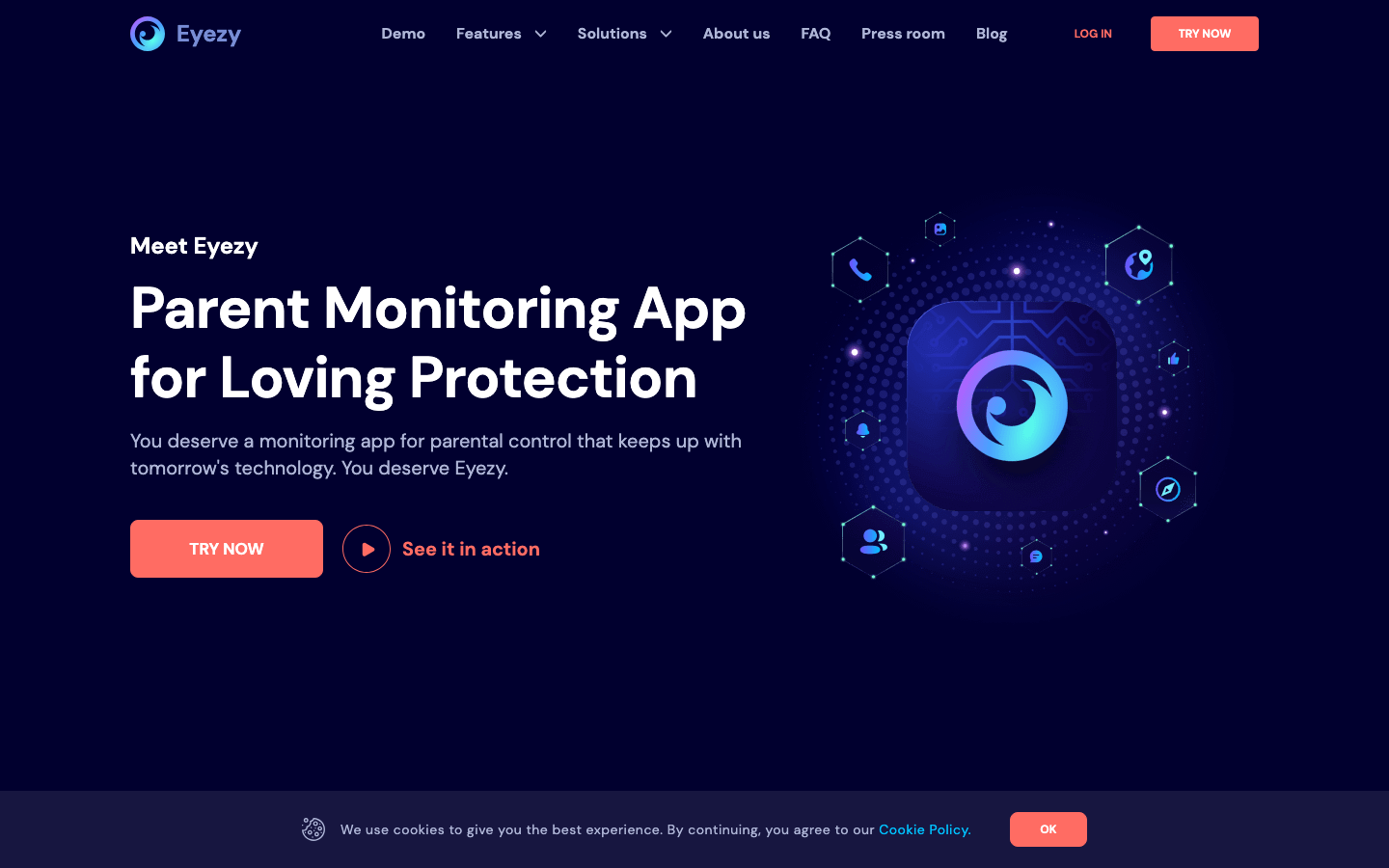
Eyezy is heavy monitoring with a modern app UI — full message access, screen recording, GPS, and stealth installation options.
What is good: Modern dashboard that does not feel like spyware-from-2010; works on Android and iOS without jailbreaking; covers WhatsApp, Snapchat, Instagram, TikTok DMs, and Telegram; AI keyword alerts for parents who do not want to read every message.
What is broken: Stealth installation possible (legal in most US states only for own minor children’s devices, illegal otherwise); pricing creeps higher than Bark/Qustodio at full retail; some platforms periodically break agent functionality.
Under the hood: Backend agent installed on the child’s device that uploads to Eyezy’s cloud. iOS uses iCloud backup credentials (no jailbreak needed but less reliable).
What should be better: Public default-on disclosure to the monitored user — make consent visible by default; parents who want stealth could opt in but the platform default should be transparent.
mSpy
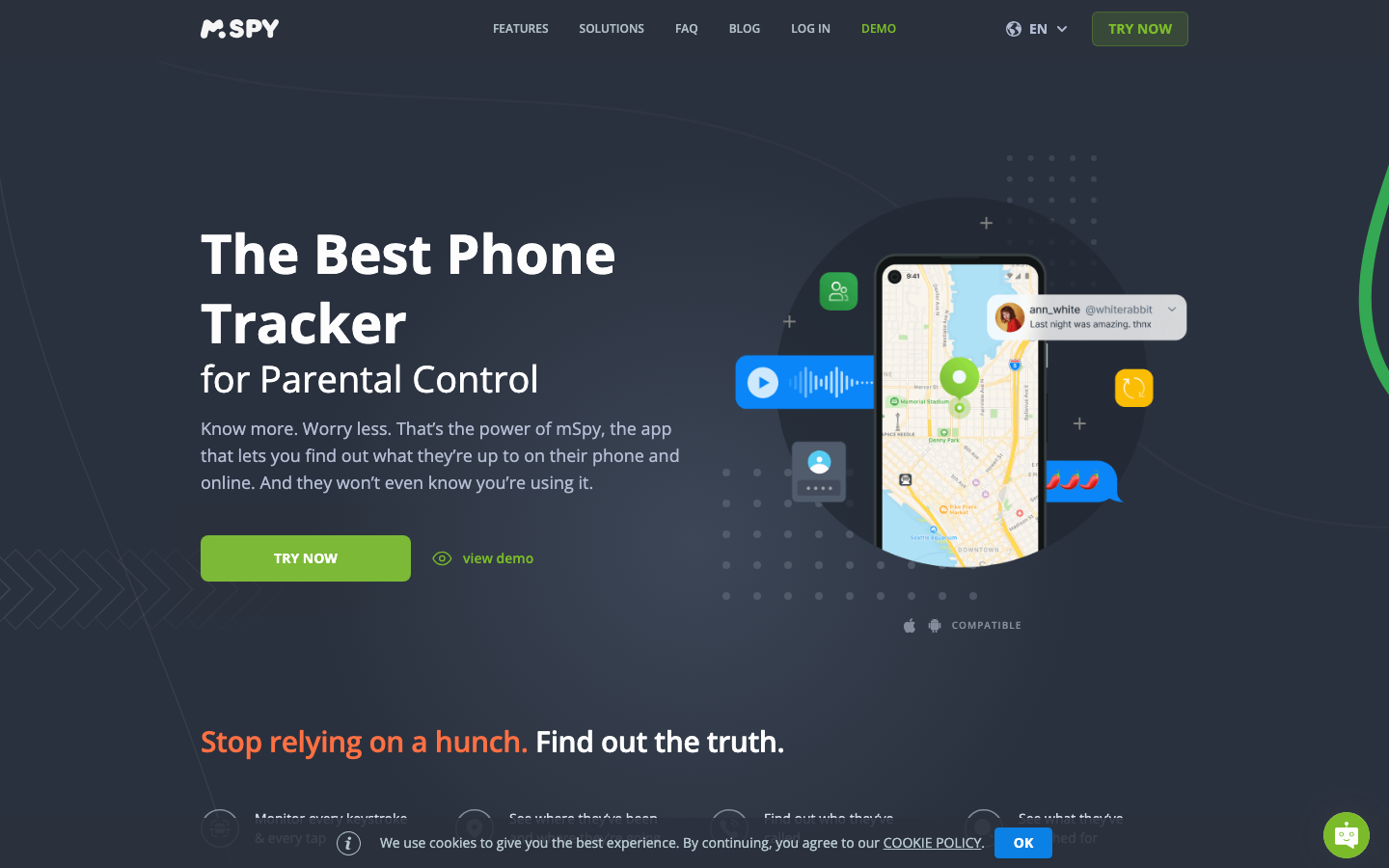
mSpy is the deepest surveillance app for younger kids or documented safety incidents — full message visibility, GPS, stealth-capable.
What is good: Most thorough message and call log access, GPS history with geofences, web history, app usage, screenshots on Android; family plan and 24/7 support; long product track record.
What is broken: Most invasive option on the list — appropriate for young kids or genuine safety crises, not as a default for teens; pricing is the highest at full retail; UI shows its enterprise-spyware lineage.
Under the hood: Agent installed on Android (root not required for most features) or iOS (uses iCloud backups for non-jailbroken). Cloud dashboard for parent. Owned by Brainstackfn.
What should be better: An honest pricing page — the renewal pricing is much higher than the intro price and they should disclose that more cleanly.
How to Pick the Right Monitoring App
Pick by your child’s age, device, and your family’s monitoring philosophy, not by feature count. If the phone is an Android and you want one app for social keyword alerts, live device context, screen-time limits, web filtering, and location, AirDroid Parental Control is the strongest all-in-one pick. For tweens and teens where conversational privacy matters more, Bark’s alert-only model keeps a better balance between independence and protection. For households managing a wider mix of devices, Qustodio is the more consistent cross-platform choice, and Norton Family stays free and good enough for anyone already paying for Norton 360. Full-visibility tools such as mSpy belong with younger children or a documented safety issue, not as the default for a teenager. For families on tight budgets, Kaspersky Safe Kids’ free tier covers the basics, while AirDroid’s $59.99 annual plan is the stronger value once Android-specific social monitoring and location features are on the must list.
Whatever you pick, tell your kid you are using it. Pediatric and digital-safety research is consistent: transparent monitoring builds trust and behavioral safety. Covert surveillance damages parent-child relationships when discovered, and it always gets discovered eventually.
The Call
Pick one app. Install it on every device in the house, including yours. Tell your kids it is on. Set the alert thresholds to high (you can dial them down later). Watch the dashboard for two weeks before adjusting any rules. Most parents over-tune the filters in the first week and miss the actual signal. The tools are not a replacement for talking to your kid about what they see online — they are a safety net so you have something to talk about.
Frequently Asked Questions
What is the best parental control app for social media in 2026?
AirDroid Parental Control is the strongest all-in-one choice for monitoring a child’s Android device: social keyword alerts, notification syncing, live screen viewing, app limits, web filtering, and location tools in one dashboard. Bark fits parents who want risk-based alerts with less device visibility, Qustodio is stronger for cross-platform screen time, and mSpy covers situations where intensive supervision is genuinely necessary.
Are social media monitoring apps legal?
Yes when monitoring your own minor children’s devices, in most jurisdictions. Some states require informing children over 13 that they are being monitored. Monitoring spouses or other adults without consent is generally illegal in the US under wiretap and stalking statutes. Always check local law and disclose to children that monitoring is in place.
Can I monitor my child’s Instagram or TikTok?
Yes. On an Android device, AirDroid Parental Control watches supported social apps (Instagram, TikTok, WhatsApp, Snapchat, Facebook, YouTube, Reddit, Discord) for the keywords you choose, syncs app notifications, and offers live screen viewing when a flag needs context. Bark, Qustodio, and Norton Family also integrate with the major platforms through API connections or screen monitoring. Coverage is thinner on iOS across the board, and no tool fully reads end-to-end encrypted apps such as Signal.
Does AirDroid Parental Control work on iPhone?
Yes, with a smaller feature set than on Android. On iOS, AirDroid Parental Control covers app management, downtime schedules, website restrictions, browsing history, content restrictions, and location tracking. Social Content Detection, notification syncing, screen mirroring, remote camera, and one-way audio stay Android-only because of Apple’s platform restrictions. If social media monitoring is the main reason you are choosing it, it works best when the child uses Android.
Which parental control apps work without my child knowing?
mSpy and FlexiSPY are the only mainstream apps that run truly hidden. Most pediatric and digital-safety experts recommend against this approach. Research consistently shows transparent monitoring builds trust while covert surveillance damages parent-child relationships when discovered. Bark, Qustodio, and Norton run visibly with the child’s awareness.
How much do parental monitoring apps cost?
AirDroid Parental Control: $9.99/month or $59.99/year. Bark: $14/month or $99/year. Qustodio: $54.95/year. mSpy: $48.99/month. Norton Family: included with Norton 360 ($104.99/year). Free options like Google Family Link and Apple Screen Time work well for basic device limits but lack social-media-specific monitoring.
What is the best free social media monitoring tool?
Google Family Link (Android) and Apple Screen Time (iOS) are the most capable free options for screen-time and content limits. Both are built into the platforms and don’t require subscriptions. For free social media-specific monitoring, the apps’ built-in parental controls (Instagram Family Center, TikTok Family Pairing) are limited but improving.
Will my child know if I install monitoring software?
Most modern apps require installation on the child’s device, which they can see. iOS Screen Time and Android Family Link show notifications when active. Bark requires manually adding social-media accounts the child knows about. Truly stealth apps (mSpy, FlexiSPY) exist but raise both ethical concerns and legal risks for non-consensual monitoring.
Are parental control apps effective at preventing cyberbullying?
Partially. AI-driven apps like Bark detect concerning content with 80-90% accuracy in research studies but generate false positives. Apps work best as part of an open communication strategy: they catch incidents the child wouldn’t otherwise report. They don’t prevent cyberbullying, just surface it earlier.
Tell Google you want more of this.
Add Gaurav Tiwari as a preferred sourceOne tap, and this site shows up more often in your own Top Stories, AI Overviews and AI Mode. Remove it any time.
Disclaimer: This site is reader-supported. If you buy through some links, I may earn a small commission at no extra cost to you. I only recommend tools I trust and would use myself. Your support helps keep gauravtiwari.org free and focused on real-world advice. Thanks. - Gaurav Tiwari