
17 Best Antivirus Software for Windows, Mac, and Linux in 2026
 by
by
Here’s the uncomfortable truth about antivirus software in 2026: Microsoft Defender, the free antivirus built into every Windows 11 PC, is genuinely good. For most people, it’s enough. That’s a big change from a decade ago when free built-in Windows security was a joke. The AV-TEST and AV-Comparatives independent labs consistently rate Microsoft Defender above 99% malware detection, on par with paid antivirus suites that cost $100/year.
But “enough for most people” isn’t the same as “best for everyone.” If you bank online, work from home with company data, have kids using your PC, run a small business, or just want extra peace of mind, a paid antivirus adds features Microsoft Defender doesn’t have: VPN, password manager, identity theft protection, parental controls, and dedicated ransomware protection. The question is which one.
I’ve tested antivirus software on clean Windows installs, infected test machines, and real-world user computers over 18 years. This guide covers 17 antivirus programs for Windows, Mac, and Linux in 2026, from the free built-in tools everyone should start with to the enterprise suites businesses pay thousands for. Pick based on what you actually need to protect, not what scares you into upgrading.
Best Antivirus Software at a Glance
Microsoft Defender wins for most Windows users because it’s free, built in, and genuinely effective. Bitdefender wins as the best overall paid antivirus. Malwarebytes wins for aggressive malware removal. Intego wins for Mac. For bundled VPN plus antivirus, Surfshark One beats buying each separately.
- Microsoft Defender: Best free antivirus for Windows 10 and 11 built directly into the operating system
- Bitdefender Total Security: Best paid antivirus with industry-leading malware detection and cross-platform support ($44.99/yr)
- Norton 360: Best antivirus suite with VPN, password manager, dark web monitoring, and cloud backup in one subscription
- McAfee Total Protection: Best antivirus for families protecting up to 10 devices across Windows, Mac, iOS, and Android
- Malwarebytes: Best specialized anti-malware tool for cleaning already-infected computers and catching what traditional antivirus misses
- ESET HOME Security: Best lightweight antivirus with minimal system impact for gaming PCs and older hardware
- Avast One: Best free antivirus for users who want VPN and additional features beyond basic virus protection
- AVG AntiVirus: Best free antivirus alternative to Avast with similar protection and different interface
- Avira Free Security: Best free antivirus with built-in VPN (500MB/day) and privacy tools
- Sophos Home: Best free antivirus for families with remote management across parents’ and kids’ computers
- Surfshark One: Best VPN plus antivirus bundle with unlimited device protection ($2.69/mo)
- Intego Mac Internet Security: Best antivirus for Mac designed specifically for macOS threats
- Trend Micro Maximum Security: Best antivirus for web-focused threats with strong phishing and scam protection
- F-Secure Total: Best antivirus for privacy-conscious users from Finland with strict data protection laws
- TotalAV: Best budget antivirus with decent protection, VPN, and optimization tools at a low annual price
- ClamAV: Best free open-source antivirus for Linux servers, Mac, and Windows command-line use
- Windows Security Suite: Built-in Windows 11 protections beyond Defender including SmartScreen, Core Isolation, and Controlled Folder Access
Antivirus Software Comparison
Here’s how these antivirus programs compare on protection, platform support, pricing, and additional features.
| Antivirus | Free Tier | Paid From | Platforms | VPN Included | Password Manager |
|---|---|---|---|---|---|
| Microsoft Defender | Built-in free | Included in Windows | Windows | No | No |
| Bitdefender | Free edition | $44.99/yr | Win, Mac, iOS, Android | Yes (limited) | Yes |
| Norton 360 | Trial | $39.99/yr | Win, Mac, iOS, Android | Yes (unlimited) | Yes |
| McAfee | Trial | $39.99/yr | Win, Mac, iOS, Android | Yes | Yes |
| Malwarebytes | Free scanner | $44.99/yr | Win, Mac, iOS, Android | Paid add-on | No |
| ESET | Trial | $39.99/yr | Win, Mac, Linux, Android | No | Yes (Premium) |
| Avast One | Generous free | $50.28/yr | Win, Mac, iOS, Android | Yes (paid) | No |
| AVG AntiVirus | Generous free | $46.99/yr | Win, Mac, iOS, Android | Add-on | No |
| Avira | Generous free | $45.99/yr | Win, Mac, iOS, Android | Yes (500MB/day) | Yes |
| Sophos Home | Free for 3 devices | $44.99/yr | Win, Mac | No | No |
| Surfshark One | No | $2.69/mo | Win, Mac, iOS, Android | Yes (core product) | No |
| Intego | Trial | $29.99/yr | Mac, iOS | No | No |
| Trend Micro | Trial | $39.95/yr | Win, Mac, iOS, Android | Paid add-on | Yes |
| F-Secure | Trial | $69.99/yr | Win, Mac, iOS, Android | Yes | Yes |
| TotalAV | Limited free | $19/yr | Win, Mac, iOS, Android | Yes | Yes |
| ClamAV | Always free | Free (FOSS) | Linux, Mac, Win | No | No |
| Windows Security Suite | Built-in | Included | Windows | No | No |
1. Microsoft Defender (Windows Defender)
Best for: Every Windows 10 and Windows 11 user. Yes, really. This is the default pick in 2026.
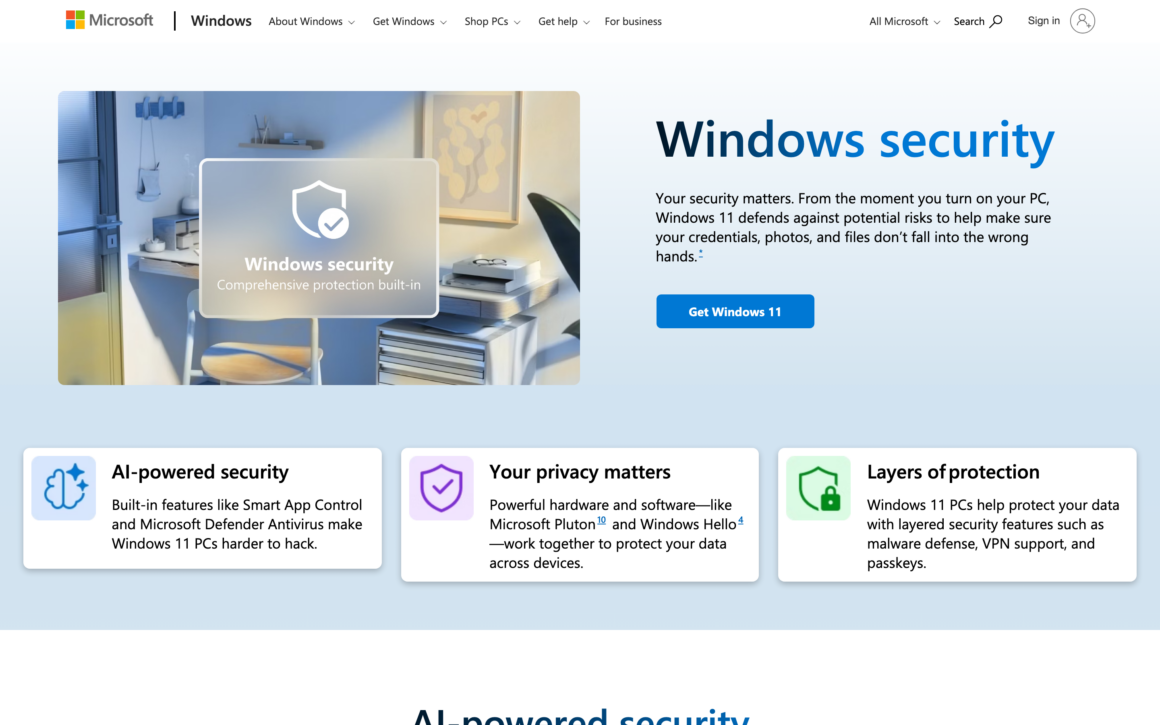
Microsoft Defender (the built-in antivirus in Windows 10 and 11) scores 99-100% malware detection in AV-TEST evaluations, matching or beating every paid antivirus. The transformation from “useless toy” to “actually good” happened around 2019, and Defender has stayed at the top since. For most home Windows users, you don’t need to install anything else.
Defender runs at zero cost, uses minimal system resources (significantly less than paid suites), integrates directly with Windows Security (the dashboard that also handles firewall, app control, and device security), and updates automatically via Windows Update. Microsoft’s backend threat intelligence comes from billions of Windows machines worldwide, giving it data paid antivirus vendors can’t match.
Limits: no VPN, no password manager, no identity theft protection, no parental controls, no cross-device management. If you want those features, you need a paid suite. But if you just want to avoid malware, Defender is all you need. This alone justifies Windows’s OS pricing for many users.
2. Bitdefender Total Security
Best for: Users who want the highest paid antivirus protection with cross-platform support and minimal system impact.
Bitdefender Total Security is the antivirus I recommend when someone wants a paid option. Year after year, Bitdefender tops AV-TEST and AV-Comparatives rankings for malware detection, performance, and usability. The behavioral detection engine catches ransomware and zero-day threats before they execute.
Bitdefender Total Security covers Windows, Mac, iOS, and Android with one license (5-10 devices depending on tier). Features include a VPN (limited to 200MB/day unless you upgrade to Premium Security), password manager, anti-tracker, microphone monitor, webcam protection, file shredder, and parental controls. The Safepay browser provides a sandboxed environment for online banking.
Pricing: Antivirus Plus $23.99/year. Internet Security $39.99/year. Total Security $44.99/year. Premium Security with unlimited VPN $99.99/year. The first-year pricing is heavily discounted. Renewal prices roughly double. For paid antivirus, Bitdefender Total Security is the best balance of protection, performance, and price.
3. Norton 360
Best for: Users who want one subscription covering antivirus, VPN, password manager, dark web monitoring, and cloud backup.
Norton 360 is the all-in-one security suite. Alongside strong antivirus protection (consistently high in AV-TEST), Norton bundles a full unlimited VPN, password manager, 50GB-500GB cloud backup (varies by tier), dark web monitoring via LifeLock (US only), parental controls, and identity theft protection. For users who’d buy all these services separately, Norton 360 saves money.
The VPN is the standout feature. Unlimited bandwidth, multiple server locations, and included on every Norton 360 plan. Against standalone VPNs like NordVPN ($70/year) or ExpressVPN ($100/year), getting VPN bundled with antivirus at $39.99-$99.99/year is a strong value proposition.
Norton 360 Standard $39.99/year (1 device, 10GB backup). Deluxe $49.99/year (5 devices, 50GB backup). Select $99.48/year (10 devices, 100GB backup). LifeLock tiers add US identity monitoring. Renewal prices roughly double after year one. For users wanting antivirus + VPN + password manager from one vendor, Norton 360 delivers the most features per dollar.
4. McAfee Total Protection
Best for: Families protecting multiple devices (up to 10+) across Windows, Mac, iOS, and Android.
McAfee Total Protection is the classic family antivirus suite. Multi-device licensing (typically 5 or unlimited devices depending on tier) makes it the affordable choice for families or households with many devices. Antivirus protection scores well in independent tests, though not as high as Bitdefender or Norton in malware detection.
The suite includes VPN, password manager (True Key), identity monitoring, scam protection, parental controls, and a web advisor that flags dangerous sites in search results. McAfee ships pre-installed on many new PCs from Dell, HP, and Lenovo, so you might already have a free trial running on your computer.
Basic plan $29.99/year (1 device). Essential $39.99/year (5 devices). Premium $59.99/year (unlimited devices). Advanced tier $89.99/year adds identity theft coverage. Renewal prices roughly double. For multi-device families where simplicity matters more than maximum protection, McAfee delivers solid coverage at reasonable prices.
5. Malwarebytes
Best for: Cleaning already-infected computers and catching threats that traditional antivirus missed.
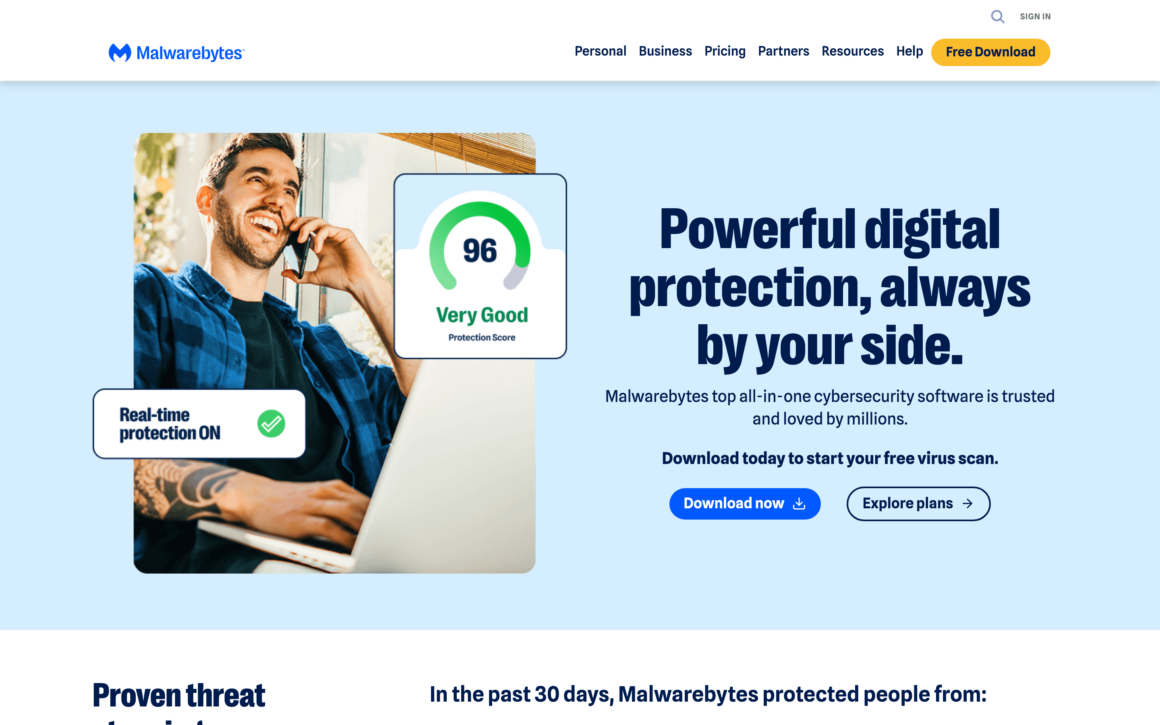
Malwarebytes started as the specialist tool IT pros used to remove malware that regular antivirus couldn’t catch. The Malwarebytes scanner finds adware, potentially unwanted programs (PUPs), browser hijackers, and persistent malware that traditional signature-based antivirus ignores. For anyone recovering a malware-infected PC, Malwarebytes is the default cleanup tool.
Malwarebytes Premium (real-time protection) runs well alongside Microsoft Defender or other antivirus without conflicts. The Browser Guard extension blocks malicious sites, trackers, ads, and tech support scams. Anti-ransomware and exploit protection catch zero-day attacks. The Mac and mobile versions handle platform-specific threats effectively.
Free scanner: manual scans only, no real-time protection. Premium $44.99/year for 1 device, $59.99/year for 5 devices. Malwarebytes Premium + VPN Bundle $89.99/year. For users wanting a second opinion alongside Windows Defender, Malwarebytes Premium is the smart complement. For users recovering from an infection, the free scanner handles most cleanups.
For most home Windows users, the ideal free security stack is: Microsoft Defender (primary antivirus) + Malwarebytes free scanner (run monthly) + Windows Security Suite settings (SmartScreen, Core Isolation, Controlled Folder Access enabled) + uBlock Origin browser extension (blocks malicious ads). Total cost: $0. Protection level: matches most paid suites.
6. ESET HOME Security
Best for: Gaming PCs, older hardware, and users who want strong antivirus with minimal system impact.
ESET HOME Security has the lightest system footprint of any major antivirus. The scan engine runs in a few hundred megabytes of RAM, compared to Norton’s 1-2GB or McAfee’s similar overhead. For gaming PCs, older laptops, and machines where every percent of CPU matters, ESET is the go-to.
Protection scores are strong: consistent Advanced+ ratings from AV-Comparatives, 99%+ detection in AV-TEST. Features include anti-phishing, banking protection, device control (block USB drives), parental control, and password manager on Premium plans. The interface is clean without pushy upsells.
ESET HOME Security Essential $39.99/year (1 device). Premium $59.99/year adds password manager and encrypted file storage. Ultimate $79.99/year adds VPN. Multi-device licenses available. ESET is popular in Europe and among IT professionals for its low impact and reliable protection without the bloat of US-market suites.
7. Avast One
Best for: Users who want a free antivirus with a VPN, password manager, and cleanup tools bundled in.
Avast pioneered free antivirus and remains one of the best free options with 500 million+ users worldwide. Avast One is the rebranded all-in-one suite (replacing the old Avast Free + paid products) with a generous free tier: antivirus, firewall, basic VPN (5GB/week), data breach monitor, and basic performance tools.
Avast One Premium ($50.28/year) unlocks unlimited VPN, advanced privacy tools, identity monitoring, and tech support. The cross-platform coverage (Windows, Mac, iOS, Android with one account) works well for small families. Avast’s malware detection consistently scores high in independent tests.
Privacy note: Avast (owned by Gen Digital, same parent as Norton) had privacy controversies in 2019-2020 around selling anonymized browsing data. They’ve since committed to not selling user data and the practice stopped. Still worth noting for privacy-conscious users. For pure antivirus functionality, Avast One Free remains one of the most generous free options.
8. AVG AntiVirus
Best for: Users who want a free antivirus alternative to Avast with similar protection and a different interface.
AVG is now owned by the same parent company (Gen Digital) as Avast and Norton. The antivirus engines share technology between AVG, Avast, and Norton, so malware detection scores are nearly identical. The AVG interface appeals to users who don’t like Avast’s design. Functionally, AVG Free vs Avast Free is a branding choice.
AVG AntiVirus Free covers Windows, Mac, and Android with real-time protection, link scanner, email scanner, and basic scanning. AVG Internet Security adds firewall, ransomware protection, webcam protection, and data shredder. The Ultimate plan bundles AVG Secure VPN and TuneUp performance tools.
Free tier handles basic Windows protection. AVG Internet Security $46.99/year. Ultimate $92.99/year with VPN and performance tools. For users who want free antivirus and happen to prefer AVG’s design, it’s equivalent to Avast in protection. Same privacy considerations as Avast apply (shared parent company).
9. Avira Free Security
Best for: Users who want a free antivirus suite with genuinely useful bundled tools (VPN, password manager, system cleanup).
Avira Free Security is the most feature-packed free antivirus. It bundles antivirus, VPN (limited to 500MB/day), password manager (Avira Password Manager), system cleanup, software updater, and privacy tools. Most competitors charge for each of those individually. Avira made all of them free because the company focuses on upselling to premium plans for unlimited VPN and priority support.
The protection engine is based on Avira’s cloud-backed detection, ranked consistently in the top tier by independent labs. Avira is owned by NortonLifeLock (now Gen Digital), so again, the same parent company as Norton, Avast, and AVG. The malware detection technology is similar across the Gen Digital portfolio.
Free tier is genuinely free forever. Avira Prime $45.99-$99.99/year unlocks unlimited VPN, premium password manager features, and priority support. For users who want free antivirus with bonus tools, Avira offers more free features than Avast or AVG. The included password manager alone is worth installing Avira.
10. Sophos Home
Best for: Families who want one parent to manage antivirus settings across all household PCs and Macs remotely.
Sophos Home is the consumer version of Sophos’s enterprise antivirus (used by businesses worldwide). The unique feature: centralized web dashboard where one family member manages antivirus settings, scans, and alerts for every computer in the household, including remote ones. Parents can check on kids’ PCs or grandparents’ computers from their own browser.
The free tier covers 3 devices (Windows or Mac) with basic antivirus and web filtering. Sophos Home Premium ($44.99/year) adds 10 devices, ransomware protection, keylogger protection, and exploit mitigation. The enterprise-grade detection engine outperforms most consumer antivirus in technical tests, though the interface is more IT-oriented than Norton’s or Bitdefender’s.
For families where one tech-savvy person manages security for everyone, Sophos Home’s remote management is uniquely useful. For individual users, Bitdefender or Microsoft Defender are better picks.
11. Surfshark One
Best for: Users who need VPN and antivirus bundled at one low monthly price with unlimited device coverage.
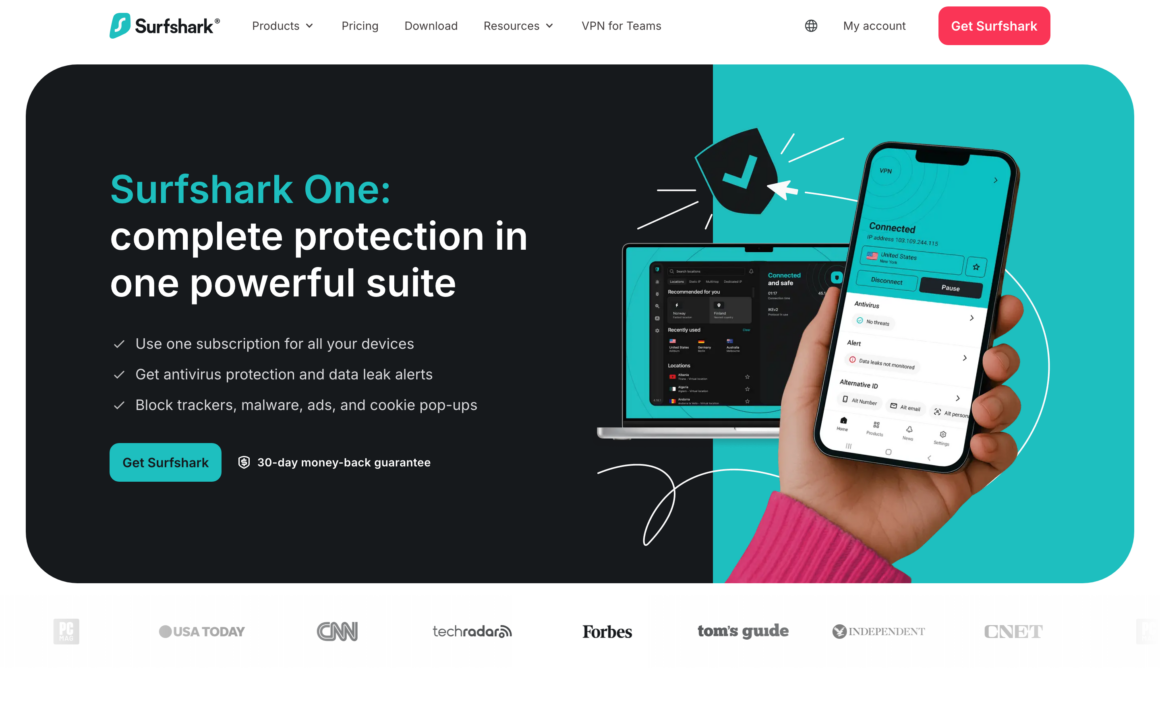
Surfshark One bundles Surfshark VPN (one of the best VPN services), Surfshark Antivirus, Surfshark Search (private search engine), and Surfshark Alert (data breach monitoring). At $2.69/month on 2-year plans, this package beats buying VPN and antivirus separately from dedicated vendors.
The antivirus itself is lighter on features than Bitdefender or Norton but covers the essentials: real-time scanning, on-demand scans, quarantine, and exclusions. Protection scores are respectable (90%+ detection), though not top-tier. Where Surfshark wins is the bundle value. Unlimited devices per license. Works on Windows, Mac, iOS, and Android.
Surfshark One Starter $2.69/month (24-month plan). Pricing jumps to ~$4.29/month on shorter plans. For users who would otherwise pay $50-$70/year for VPN + $40-$50/year for antivirus, Surfshark One is the pragmatic bundle. For security-first users, pairing standalone Bitdefender with standalone NordVPN gives better protection but costs more.
12. Intego Mac Internet Security
Best for: Mac users who want antivirus built specifically for macOS threats instead of Windows-first software ported to Mac.
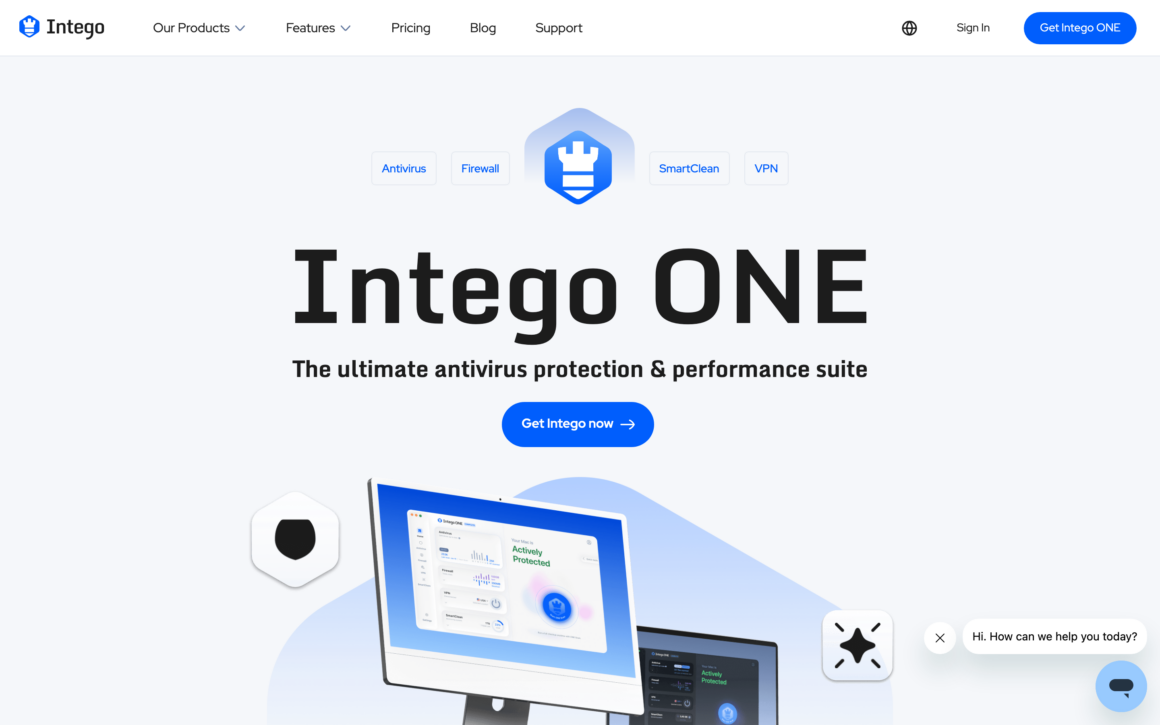
Intego is a Mac-specific antivirus company that has focused on macOS security for 25+ years. While Norton, Bitdefender, and others ported their Windows antivirus to Mac, Intego built theirs specifically for macOS from day one. The engine catches Mac-specific malware like OSX.Pirrit, Shlayer, XcodeGhost, and modern macOS threats that generic antivirus might miss.
The Mac Premium Bundle X9 includes VirusBarrier (antivirus), NetBarrier (firewall), Personal Backup, ContentBarrier (parental controls), and Washing Machine (system cleanup). For serious Mac users, this bundle covers more Mac-specific security needs than competitors’ Mac versions.
Mac Internet Security X9 $29.99/year (1 Mac). Mac Premium Bundle X9 $69.99/year. For Mac users who believe Macs don’t need antivirus (spoiler: they do, especially as Mac market share grows and malware targets Macs specifically), Intego is the Mac-first pick. Bitdefender Antivirus for Mac is the alternative for users wanting a major brand.
13. Trend Micro Maximum Security
Best for: Users who primarily face web-based threats like phishing, scam sites, and malicious downloads.
Trend Micro’s strength is web protection. The Web Threat Protection, Pay Guard (secure banking), and social media privacy checker focus on online threats rather than traditional file-based malware. For users whose main risks come from browsing (rather than downloading files), Trend Micro’s web-focused approach matches the threat landscape.
Maximum Security includes password manager (Trend Micro Password Manager), parental controls, folder shield (ransomware protection), and PC health check. Protection scores are high in AV-TEST, though the user interface is cluttered compared to Bitdefender or Norton. The Pay Guard browser for online banking is a standout feature.
Antivirus+ Security $39.95/year (1 PC). Internet Security $69.95/year (3 devices). Maximum Security $89.95/year (5 devices). Heavy pre-install partnerships mean Trend Micro often ships on new PCs. For web-focused protection and banking safety, Trend Micro is competitive with Norton or Bitdefender.
14. F-Secure Total
Best for: Privacy-conscious users who prefer European companies with strict data protection regulations.
F-Secure is a Finnish antivirus company with a strong reputation for user privacy. European data protection laws (GDPR and Finnish-specific privacy statutes) give F-Secure stricter data handling requirements than US-based competitors. For users concerned about antivirus companies accessing or sharing user data, F-Secure’s jurisdiction matters.
F-Secure Total bundles antivirus (F-Secure Safe), VPN (F-Secure Freedome), password manager (F-Secure ID Protection), and identity monitoring. Protection scores are consistently high in independent tests. The interface is minimalist and doesn’t bombard users with upsells.
F-Secure Total $69.99/year for 3 devices. More expensive than Bitdefender or ESET for equivalent features, but the privacy angle appeals to users who specifically want European alternatives to Norton or McAfee. For privacy-first users, F-Secure is a solid pick.
15. TotalAV
Best for: Budget-conscious users who want a basic antivirus suite at the lowest possible annual cost.
TotalAV is the discount antivirus. First-year pricing at $19/year beats nearly every competitor. The suite includes antivirus, VPN (Safe Browsing VPN), system optimization tools, ad blocker, and password vault. Protection scores are decent (not top-tier) with good usability ratings in AV-Comparatives tests.
The catch: renewal prices jump dramatically (to $99+/year) after the first year. Aggressive upsells during onboarding. Heavy advertising on YouTube and review sites has built TotalAV’s brand awareness quickly, but also raised questions about marketing-first product priorities. For a one-year commitment at $19, TotalAV delivers acceptable protection. For long-term use, Bitdefender or ESET at similar renewal prices are better picks.
Antivirus Pro $19/year (3 devices). Internet Security $39/year. Total Security $49/year. All first-year prices. Renewal significantly higher. For users who plan to shop for a new antivirus every year (using first-year introductory pricing), TotalAV is competitive. For set-and-forget users, pick an antivirus with fair renewal pricing.
16. ClamAV
Best for: Linux servers, mail gateways, and users who want a free open-source antivirus for scripting and automation.
ClamAV is the open-source antivirus engine that powers many commercial products and most Linux mail servers. GPL-licensed, completely free forever, with command-line tools for scripting and automation. For Linux systems, mail server scanning, web server protection, and any automated malware detection workflow, ClamAV is the default choice.
ClamAV isn’t a user-friendly consumer antivirus with a GUI. It’s a scanning engine. Admins use it for file scanning, email scanning (integrated with Postfix, Exim), and web proxy scanning (integrated with Squid). The ClamTk GUI adds a basic graphical interface for desktop Linux users who want manual scanning.
For Windows and Mac home users, ClamAV isn’t the right tool (Microsoft Defender, Bitdefender, or Intego are better). For Linux server admins, ClamAV is essential infrastructure. The free, open-source nature also appeals to privacy-focused users who don’t trust commercial antivirus vendors.
17. Windows Security Suite (Built-in)
Best for: Every Windows 11 user should enable these built-in security features alongside Microsoft Defender.
Beyond Microsoft Defender antivirus, Windows 11 includes several security features that most users don’t enable. Windows Security Suite (accessible via Windows Security app) unifies antivirus, firewall, SmartScreen, Core Isolation, device security, and account protection in one dashboard. Enabling all of them provides protection competitive with paid suites.
SmartScreen blocks known malicious websites and downloads. Core Isolation (Memory Integrity) prevents kernel-mode malware. Controlled Folder Access blocks ransomware from encrypting your files. App & browser control restricts untrusted apps. Reputation-based protection blocks unwanted apps. Tamper Protection prevents malware from disabling security settings.
All of these are free with Windows 11. Most are disabled by default because they can block legitimate apps, so Microsoft makes users opt in. Enabling them all takes 10 minutes and adds enterprise-grade security layers on top of Defender’s antivirus. Check Windows Security → Virus & threat protection settings, App & browser control, and Device security to configure.
The single biggest security upgrade most Windows users can make isn’t upgrading their antivirus. It’s enabling Core Isolation (Memory Integrity), turning on Controlled Folder Access for ransomware protection, and keeping Windows Update current. Paid antivirus is secondary to these free built-in features.
Specialized Security Tools Beyond Antivirus
Antivirus is one layer of computer security. These specialized tools handle threats antivirus alone can’t prevent.
Best Ransomware Protection Tools
For dedicated ransomware protection: Windows Controlled Folder Access (free, built into Windows 11). Bitdefender Ransomware Remediation detects and reverses encryption attempts. Malwarebytes Anti-Ransomware (included with Malwarebytes Premium) blocks ransomware behaviors. Acronis Cyber Protect combines backup with anti-ransomware for business users. The best ransomware protection is still a 3-2-1 backup strategy (3 copies, 2 media types, 1 offsite). Antivirus stops most attacks. Backups recover from the attacks that slip through.
Best VPN Services for Security
VPNs protect internet traffic but not your device from malware. Top picks: NordVPN (best overall), Surfshark (best value), ExpressVPN (best speed), ProtonVPN (best privacy), Mullvad (anonymous signup). For bundled VPN + antivirus, Norton 360 or Surfshark One save money versus separate subscriptions. VPNs alone don’t replace antivirus. You need both for full coverage.
Best Password Managers
Password managers protect against the most common attack vector: credential theft. Top picks: 1Password (best UX, $36/year), Bitwarden (best free and open-source), NordPass (from NordVPN makers), Dashlane (includes VPN), Proton Pass (privacy-first). Using a password manager with unique long passwords for every site does more for security than any antivirus upgrade. Most antivirus suites include password managers, but dedicated ones are better.
Best Malware Removal Tools
For removing existing infections (not preventing new ones): Malwarebytes (default cleanup tool), ESET Online Scanner (free browser-based scan), Kaspersky Virus Removal Tool (free offline scanner), Microsoft Safety Scanner (free on-demand Windows scanner), HitmanPro ($26/year, specialist second-opinion scanner), AdwCleaner (by Malwarebytes, free adware removal). For persistent infections, boot to a rescue USB with Kaspersky Rescue Disk or Windows Defender Offline. Running multiple removal tools sequentially catches what one tool misses.
Best Antivirus for Mac
Mac-specific picks: Intego (Mac-first antivirus for 25+ years), Bitdefender Antivirus for Mac ($39.99/year), Malwarebytes for Mac (free scanner, paid real-time protection), Norton 360 for Mac, Sophos Home for Mac. Macs do get malware despite the marketing myth. XProtect (Apple’s built-in malware scanner) catches known threats but has a smaller signature database than commercial antivirus. For most Mac users, built-in XProtect + Malwarebytes free scanner monthly is sufficient. For higher-risk Mac users, Intego or Bitdefender add active protection.
Best Antivirus for Android
Android antivirus apps: Bitdefender Mobile Security (most polished), Malwarebytes for Android (lightweight), Norton 360 Mobile Security (bundled with Norton subscription), ESET Mobile Security (efficient), Avast Mobile Security (free tier). Google Play Protect (built into Android) scans apps automatically and catches most threats. For users who install apps only from Google Play, additional antivirus may be unnecessary. For users sideloading apps from third-party sources, a secondary antivirus adds protection.
Best Internet Security Suites
For complete security packages (antivirus + firewall + VPN + password manager + identity monitoring): Bitdefender Total Security (best overall), Norton 360 Deluxe (most features), McAfee Total Protection (best for multi-device families), Kaspersky Plus (still excellent but avoid if in countries with sanctions), F-Secure Total (privacy-focused). Most users overbuy security suites. Microsoft Defender + Bitwarden + NordVPN often costs less and performs better than all-in-one suites.
Which Antivirus Should You Pick?
Match the antivirus to your actual situation. Here’s the honest recommendation by user type.
Average home Windows user: Microsoft Defender (free, built-in). Add Malwarebytes free scanner for monthly manual scans. No paid antivirus needed.
User wanting best paid protection: Bitdefender Total Security. Industry-leading malware detection at reasonable pricing.
User wanting VPN + antivirus bundle: Norton 360 (US users with LifeLock) or Surfshark One (cheaper, international).
Family with multiple devices: McAfee Total Protection or Sophos Home Premium. Family-friendly pricing for multiple devices.
Gaming PC user: ESET HOME Security. Minimal system impact preserves frame rates.
Mac user: Intego Mac Internet Security X9. Mac-specific threat detection.
Privacy-focused user: F-Secure Total or ESET. European companies with strict privacy regulations.
Budget-conscious user: Windows Defender (Windows) or Intego Mac Internet Security (Mac basic). Avira Free Security if you want bundled free tools.
Linux server admin: ClamAV for automated scanning. No consumer antivirus needed.
Cleaning an infected computer: Malwarebytes free scanner. Follow with ESET Online Scanner for second opinion.
Don’t overspend on antivirus. Microsoft Defender is genuinely sufficient for most Windows users. The money you save by not buying a $100/year antivirus suite is better spent on a VPN (NordVPN), a password manager (1Password or Bitwarden), and automatic cloud backups. Those three combined protect you from more threats than any antivirus suite.
Frequently Asked Questions
What is the best antivirus software in 2026?
Microsoft Defender (built into Windows 10 and 11) is the best antivirus for most users because it’s free, built-in, and scores 99-100% malware detection in independent AV-TEST evaluations. For paid antivirus with more features (VPN, password manager, identity monitoring), Bitdefender Total Security ($44.99/year) is the best overall. Norton 360 leads for bundled services including unlimited VPN. For Mac users, Intego Mac Internet Security X9 is the Mac-specific pick. For gaming PCs, ESET HOME Security has the lightest system impact.
Is Windows Defender good enough?
Yes, Microsoft Defender is genuinely good enough for most home Windows users in 2026. AV-TEST consistently rates Defender at 99-100% malware detection, matching Bitdefender, Norton, and other paid antivirus suites. Defender uses minimal system resources and updates automatically via Windows Update. The catch: Defender doesn’t include VPN, password manager, or identity theft protection. For those features, you need a paid suite like Bitdefender or Norton 360. For pure antivirus functionality, Defender plus Malwarebytes free scanner is all most users need.
What is the best free antivirus?
Microsoft Defender is the best free antivirus for Windows users (already installed). Beyond Defender, top free antivirus options include: Avira Free Security (best bundled free features including VPN and password manager), Avast One Free (generous free tier), AVG AntiVirus Free (Avast sibling), Bitdefender Antivirus Free Edition (limited but quality protection), Sophos Home Free (3 devices with remote management), and Malwarebytes Free scanner (for manual cleanup). For Linux, ClamAV is the free open-source standard.
Do I really need paid antivirus software?
For most home Windows users, no. Microsoft Defender is free and matches paid antivirus in malware detection. You might want paid antivirus if: you bank online frequently and want extra banking protection, you have kids and need parental controls, you want bundled VPN and password manager, you need identity theft monitoring, you manage multiple family devices remotely, or you run a small business with company data. For casual browsing, shopping, and email use, Microsoft Defender plus Malwarebytes free scanner plus common-sense browsing habits is enough.
Bitdefender vs Norton: which is better?
Bitdefender wins on pure malware protection scores and system performance (lighter on resources). Norton wins on bundled services value with unlimited VPN, cloud backup, and identity monitoring (via LifeLock in the US). Bitdefender Total Security at $44.99/year focuses on security. Norton 360 Deluxe at $49.99/year focuses on the full security suite. For users who primarily want antivirus, Bitdefender. For users wanting antivirus + VPN + password manager + identity protection in one subscription, Norton 360. Both are excellent choices.
What is the best antivirus for Mac?
Intego Mac Internet Security X9 is the best Mac-specific antivirus (built for macOS from day one rather than ported from Windows). Bitdefender Antivirus for Mac is the best major-brand option at $39.99/year. Malwarebytes for Mac excels at cleaning already-infected Macs. Apple’s built-in XProtect scanner handles known malware automatically. For most Mac users, XProtect plus occasional Malwarebytes free scans is sufficient. For higher-risk Mac users (downloads from untrusted sources, banking online), Intego or Bitdefender add real-time protection XProtect lacks.
How much does antivirus software cost?
Free antivirus options: Microsoft Defender (built into Windows), Avira Free, Avast Free, AVG Free, Bitdefender Free, Sophos Home Free, Malwarebytes Free scanner, and ClamAV. Paid antivirus first-year pricing: TotalAV from $19/year, Bitdefender from $23.99/year, Norton 360 from $39.99/year, McAfee from $29.99/year, ESET from $39.99/year. Renewal prices roughly double after the first year. Enterprise antivirus (CrowdStrike, SentinelOne) costs $30-100+ per seat per year. For most home users, free antivirus or $40-50/year paid antivirus covers all needs.
Should I use multiple antivirus programs?
No, you shouldn’t run two real-time antivirus programs simultaneously. They conflict, slow down your PC, and can miss threats while fighting each other for file access. The exception: Malwarebytes Premium is specifically designed to run alongside Microsoft Defender or other antivirus without conflicts because it focuses on different threat types (PUPs, adware, exploits). For a security-focused setup, run one primary antivirus (Defender or Bitdefender) plus Malwarebytes Premium for complementary protection. Never run two traditional antivirus products together.
What is the best antivirus for Windows 11?
Microsoft Defender is the best antivirus for Windows 11 because it’s built in, free, and scores top-tier in independent malware tests. For paid antivirus on Windows 11, Bitdefender Total Security leads on protection scores. Norton 360 leads on bundled features. The Windows Security app (built into Windows 11) provides firewall, SmartScreen, Core Isolation, and Controlled Folder Access beyond antivirus. Enable all built-in security features before considering paid alternatives. For most Windows 11 users, Microsoft Defender plus properly configured Windows Security is genuinely sufficient.
How do I protect my PC from viruses?
Four layers protect PCs from viruses. 1) Install and maintain antivirus software (Microsoft Defender is sufficient for most users). 2) Keep Windows and all software updated automatically via Windows Update. 3) Enable Windows Security features: SmartScreen, Core Isolation, Controlled Folder Access, Tamper Protection. 4) Practice safe browsing: don’t download software from untrusted sites, don’t open email attachments from unknown senders, use a password manager with unique passwords, and enable 2FA on important accounts. The human layer (safe habits) prevents more infections than antivirus alone. Add a VPN for public Wi-Fi protection.
Tell Google you want more of this.
Add Gaurav Tiwari as a preferred sourceOne tap, and this site shows up more often in your own Top Stories, AI Overviews and AI Mode. Remove it any time.
Disclaimer: This site is reader-supported. If you buy through some links, I may earn a small commission at no extra cost to you. I only recommend tools I trust and would use myself. Your support helps keep gauravtiwari.org free and focused on real-world advice. Thanks. - Gaurav Tiwari
