
10 Best Apps and Software for Business Productivity in 2026
You’re paying for six different tools. Your team still can’t find that one document. And half the “status updates” in your Monday meeting are people guessing because nobody checked the project board. Sound familiar?
The average company uses 130 SaaS apps. Most employees actually use about 5. The rest sit there eating budget while your team copies and pastes between tabs. I’ve watched this happen across 800+ client projects over 16 years, and the pattern is always the same: too many tools, not enough focus.
Here are the 10 productivity tools that actually earn their subscription. I’ve used every one of them on real projects, and I’ll tell you exactly which one fits your situation.
Best Productivity Apps and Software at a Glance
- ClickUp — Best all-in-one project management for teams that want one tool for everything
- Notion — Best for knowledge management, wikis, and flexible workspace design
- Asana — Best for structured task management with clear ownership and deadlines
- Slack — Best for real-time team communication and app integrations
- Trello — Best visual project management for small teams and simple workflows
- Zapier — Best for automating repetitive tasks between apps without code
- Basecamp — Best for remote teams that need simple, distraction-free project management
- Hive — Best for teams that need flexible project views with built-in time tracking
- ProofHub — Best for creative teams that need design proofing and project management in one tool
- SharePoint — Best for enterprise teams already invested in the Microsoft 365 ecosystem
ClickUp
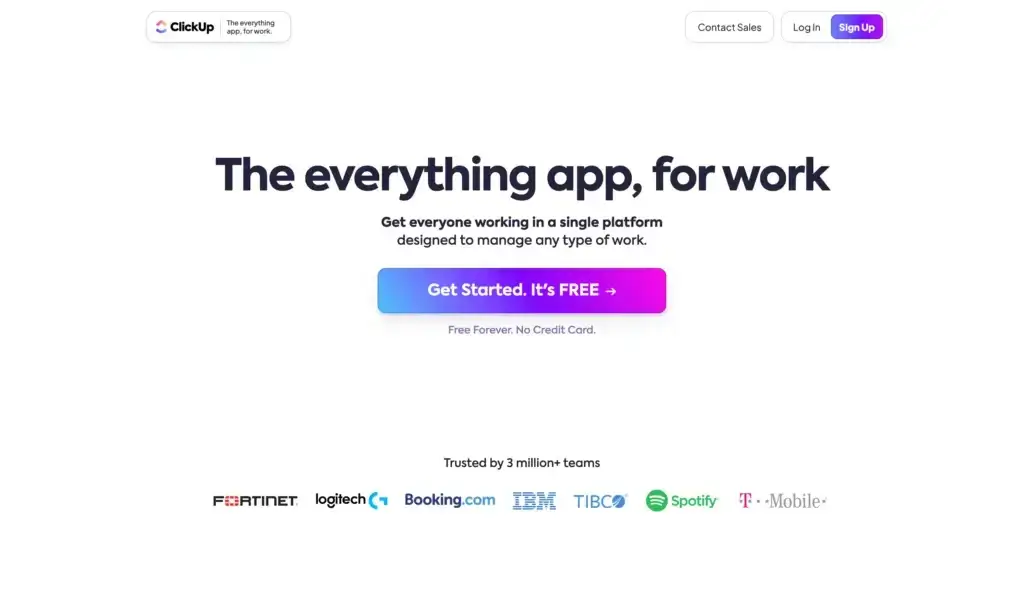
Best for: Teams that want task management, docs, goals, and time tracking in a single platform instead of juggling multiple subscriptions.
ClickUp positions itself as the “one app to replace them all,” and it genuinely delivers. Task management, docs, goals, reminders, whiteboards, and time tracking all live under one roof. I’ve used it to manage content calendars with 50+ posts per month, and the dashboard views make it easy to see what’s stuck and what’s shipping.
The customization depth is both a strength and a weakness. You can build views that match exactly how your team thinks: list view for detail-oriented managers, board view for visual thinkers, Gantt charts for timeline tracking. But that flexibility means a steeper learning curve than Trello or Asana. New users often spend their first week just configuring spaces and views.
Price: Free plan available (100MB storage). Unlimited plan starts at $7/user/month. Business plan at $12/user/month adds advanced automations, time tracking, and custom fields.
The honest downside: feature bloat. ClickUp ships new features constantly, and the interface can feel cluttered if you don’t customize it aggressively. Some teams find it overwhelming compared to simpler tools. But if you’re currently paying for 3-4 separate tools, ClickUp can genuinely replace all of them.
Notion
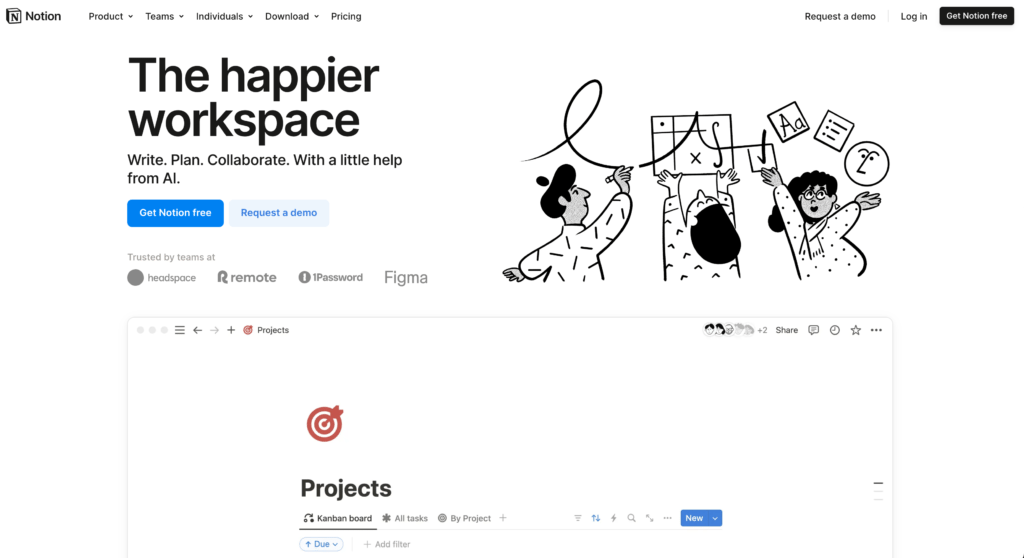
Best for: Teams that need a flexible workspace for wikis, documentation, databases, and lightweight project management.
Notion is the tool I personally use to run my entire content operation. Every SOP, editorial calendar, client brief, and knowledge base lives here. The beauty is that you design workspaces exactly how your brain works, not how a PM tool thinks you should work.
The database functionality is where Notion shines. You can create a project tracker that shows as a table, a Kanban board, a calendar, and a gallery, all from the same data. I built a content pipeline that tracks 200+ articles from ideation through publishing, and it takes 30 seconds to see what’s in any stage. The AI features (available with Notion AI add-on) handle summarizing meeting notes and drafting first passes of documents.
Price: Free for personal use (limited blocks for teams). Plus plan at $10/user/month. Business plan at $18/user/month. Notion AI add-on is $10/user/month.
The honest downside: Notion isn’t great for real-time project management. It lacks native time tracking, Gantt charts, and the kind of dependency mapping that dedicated PM tools offer. Loading speed can also lag on large databases. But for knowledge management and flexible documentation, nothing else comes close.
Asana
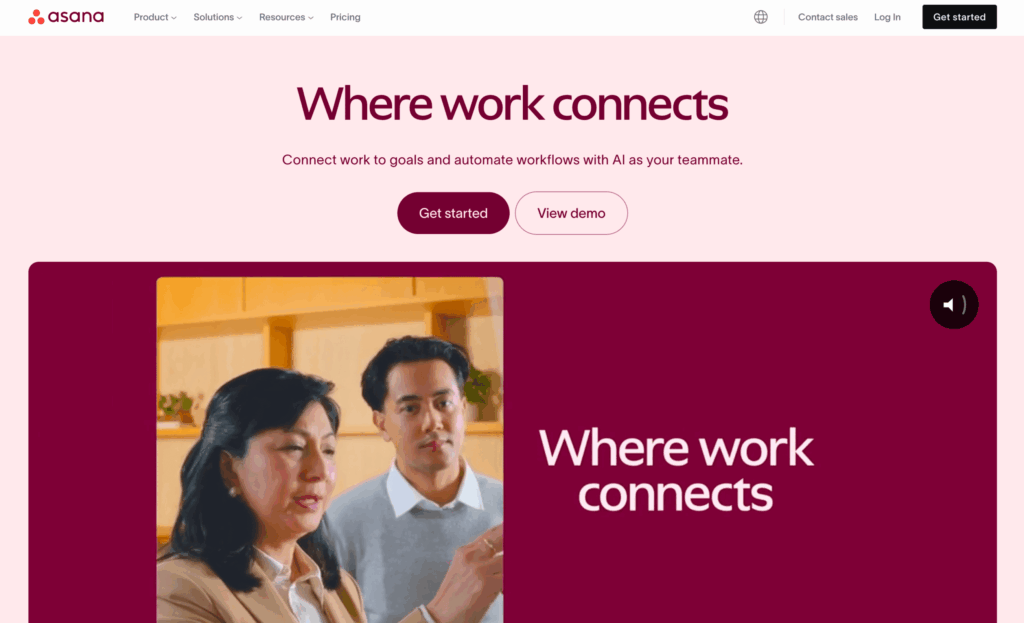
Best for: Teams that need clear task ownership, deadlines, and progress tracking without a complicated setup.
Asana takes task management and makes it dead simple. Every task has one owner, one deadline, and one status. No ambiguity about who’s responsible for what. I’ve used it with client teams of 20+ people, and the clarity it brings to project ownership is unmatched.
The built-in automation (called “Rules”) saves hours on repetitive work. When a task moves to “In Review,” it auto-assigns to the reviewer and sends a notification. When a task is marked complete, it triggers the next task in the workflow. These aren’t complex automations, they’re the ones that actually save time every day. The Timeline view gives you Gantt-chart-like visibility into how tasks relate to each other.
Price: Free for up to 10 users (limited features). Starter at $10.99/user/month. Advanced at $24.99/user/month adds custom fields, rules, and approvals.
The honest downside: Asana’s free plan is limited to 10 users, and pricing jumps quickly for larger teams. The interface can feel rigid compared to Notion’s flexibility. And while it handles task management well, it doesn’t try to be a docs platform or communication tool, so you’ll still need other apps alongside it.
Slack
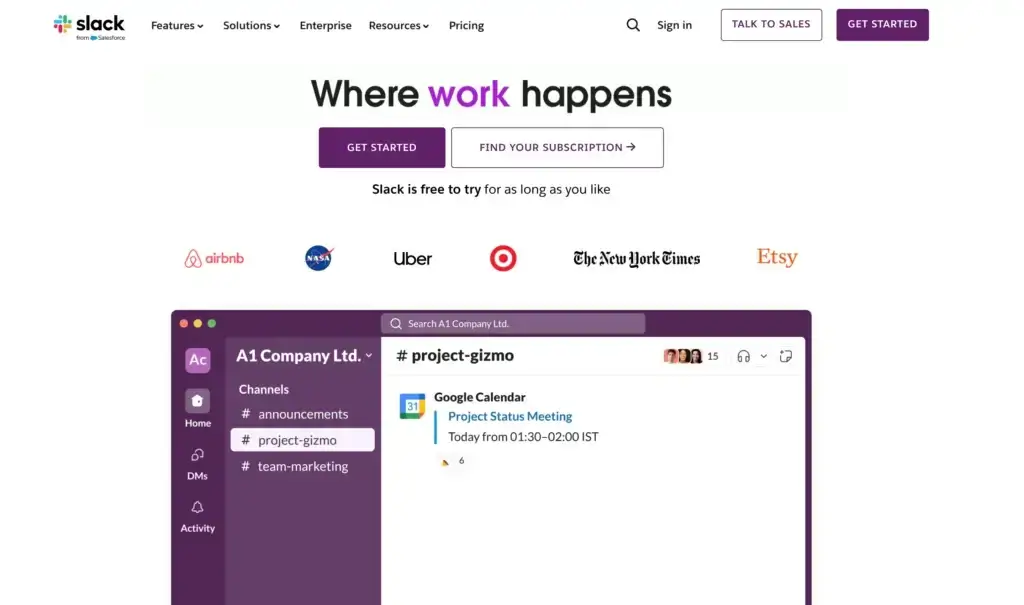
Best for: Teams that need organized, real-time communication with powerful third-party app integrations.
Slack isn’t just a chat app. It’s your office’s central nervous system. Organized channels replace the chaos of email threads. You can create channels by project, by team, by client, or by topic. Every conversation is searchable, which means you never lose that decision someone made three weeks ago in a random thread.
The integration ecosystem is where Slack becomes irreplaceable. Connect Google Drive, Trello, Asana, GitHub, Zapier, and hundreds more. Get deployment notifications, pull request updates, and calendar reminders right where your team already is. Huddles let you jump into quick voice calls without scheduling a meeting. The Slack Canvas feature turns channels into lightweight documentation spaces.
Price: Free plan (90-day message history, 10 app integrations). Pro at $8.75/user/month. Business+ at $12.50/user/month adds SAML SSO and compliance features.
The honest downside: Slack can become a massive distraction. Without discipline around notification settings and channel organization, your team ends up spending more time chatting than working. The 90-day message limit on free plans is painful for growing teams. And Slack alone doesn’t manage tasks, so you still need a PM tool alongside it.
Trello
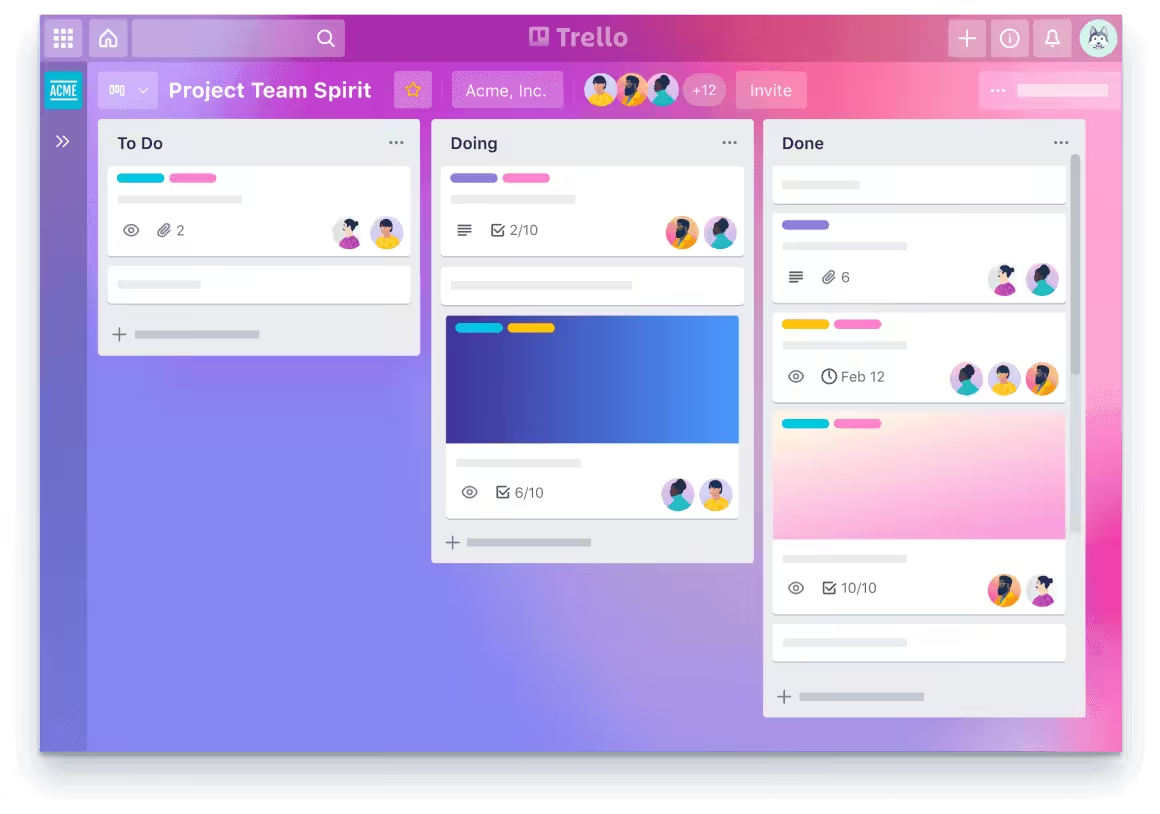
Best for: Small teams and freelancers who need visual, Kanban-style project management without a learning curve.
Trello is the simplest project management tool you’ll find, and that’s exactly why it works. Boards, lists, and cards. That’s it. Drag tasks from “To Do” to “In Progress” to “Done.” Anyone can learn it in five minutes. I still use Trello for personal task management because the visual simplicity keeps me focused.
The Power-Up system adds functionality without cluttering the core experience. Calendar views, custom fields, voting, and integrations with tools like Slack and Google Drive are all available as add-ons. Butler, Trello’s built-in automation, handles rules like “when a card is moved to Done, assign it to the reviewer and add a due date.” It’s surprisingly powerful for a free feature.
Price: Free plan (unlimited cards, 10 boards per workspace). Standard at $6/user/month. Premium at $12.50/user/month adds Timeline, Dashboard, and Calendar views.
The honest downside: Trello doesn’t scale well for complex projects. Once you have 50+ cards on a board, the Kanban view gets unwieldy. There’s no native Gantt chart, limited reporting, and no built-in time tracking. It’s perfect for small teams with straightforward workflows, but larger organizations will outgrow it quickly.
Zapier
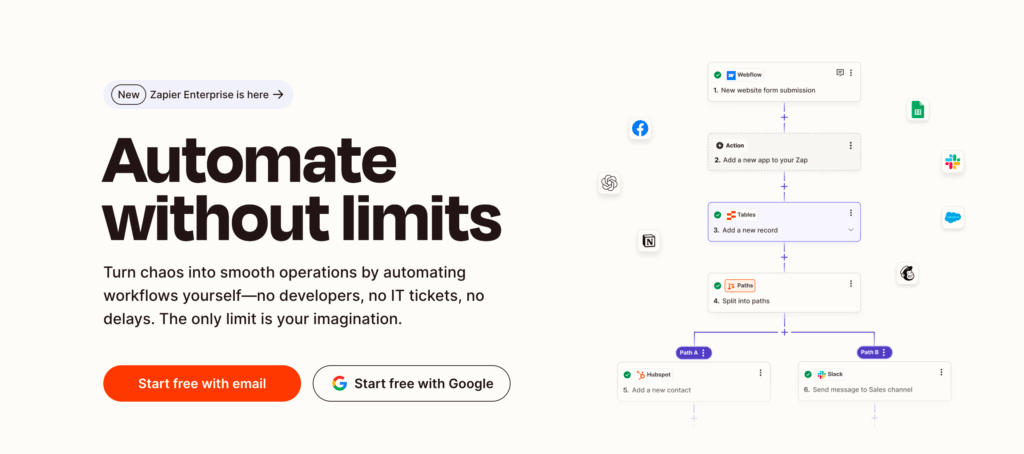
Best for: Automating repetitive tasks between apps without writing code, like syncing CRM contacts, sending notifications, or updating spreadsheets.
Zapier connects 7,000+ apps and creates workflows (called “Zaps”) that run automatically. New form submission? Auto-add to your CRM, send a Slack notification, and create a task in Asana. New blog subscriber? Add to your email list, tag them, and trigger a welcome sequence. I have 23 active Zaps running right now, saving roughly 8 hours a week of manual work.
The multi-step Zaps are where real power lives. A single trigger can fire off 10+ actions across different apps. Filter steps let you route data conditionally: if a lead scores above 80, assign to sales; below 80, add to nurture campaign. The new Tables feature even lets Zapier function as a lightweight database for automation workflows.
Price: Free plan (5 single-step Zaps, 100 tasks/month). Starter at $19.99/month (750 tasks). Professional at $49/month (2,000 tasks, multi-step Zaps).
The honest downside: Zapier gets expensive fast. Once you need multi-step Zaps and higher task volumes, costs climb to $49-$299/month. There’s also a learning curve for complex workflows, and debugging failed Zaps can be frustrating. For simpler automation needs, Zapier alternatives like Make (formerly Integromat) offer more tasks at lower prices.
Basecamp
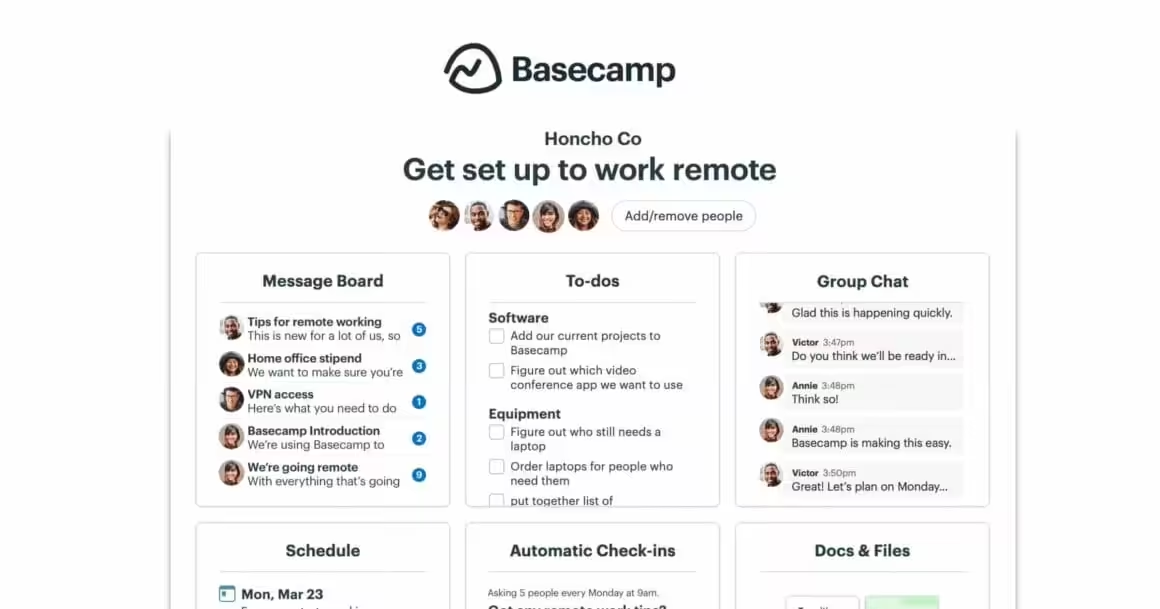
Best for: Remote teams that want simple, opinionated project management without the feature overwhelm of ClickUp or Asana.
Basecamp takes the opposite approach from tools like ClickUp. Instead of giving you 50 features and letting you configure everything, it gives you 6 tools per project: message board, to-dos, schedule, docs/files, campfire chat, and automatic check-ins. That’s it. No Gantt charts, no custom fields, no dashboards. It’s intentionally simple.
The automatic check-ins are Basecamp’s killer feature. Schedule a recurring question like “What did you work on today?” or “Any blockers?” and the team responds asynchronously. No meetings required. Hill Charts give you a visual sense of project progress that’s more intuitive than percentage-complete bars. Every project has its own space, so conversations don’t bleed across teams.
Price: Basecamp at $15/user/month. Basecamp Pro Unlimited at $299/month flat for unlimited users.
The honest downside: Basecamp is too simple for complex projects. No dependencies between tasks, no time tracking, no resource allocation. The flat $299/month plan is a great deal for 20+ users but expensive for small teams. And the opinionated design means if you don’t agree with how Basecamp thinks project management should work, you’re stuck.
Hive
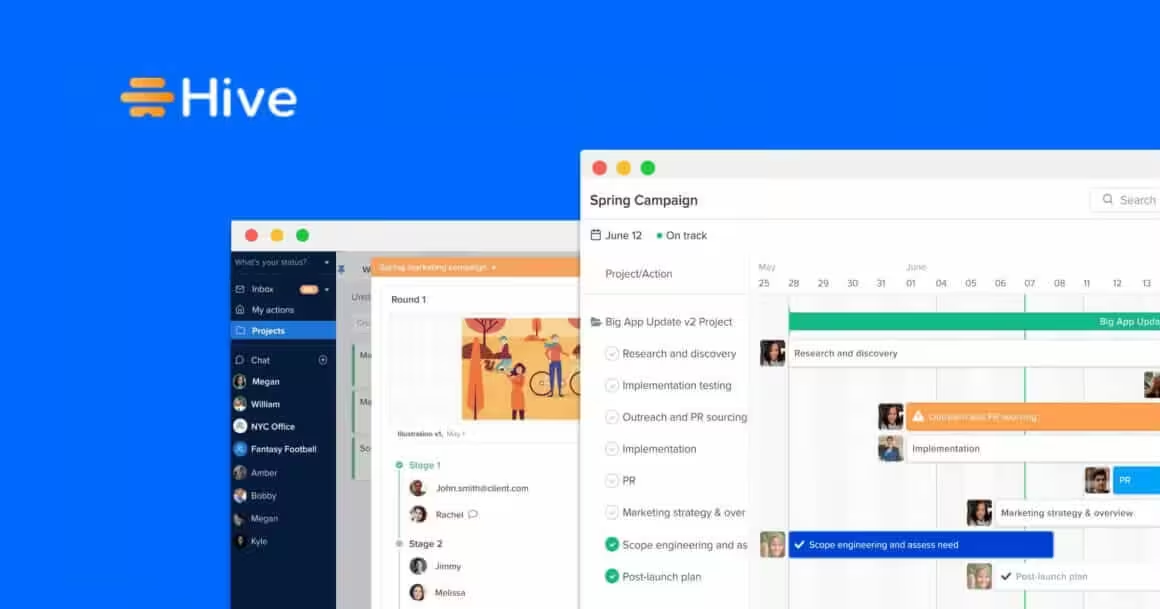
Best for: Mid-size teams that need flexible project views (Gantt, Kanban, calendar, table) with built-in time tracking and email integration.
Hive sits in the sweet spot between Trello’s simplicity and ClickUp’s complexity. You get multiple project views, native time tracking, built-in email (send and receive within Hive), and a proofing tool for creative assets. The analytics dashboard shows team workload and project health in real time.
What sets Hive apart is the “action cards” system. Each task can have sub-actions, approvals, file attachments, and time logs. The Hive Notes feature works like a lightweight Google Docs inside your project. And the resourcing view shows who’s overloaded and who has capacity, which prevents burnout before it starts.
Price: Free plan (up to 10 users, limited features). Teams plan at $12/user/month. Enterprise pricing on request.
The honest downside: Hive is less well-known than the big players, which means fewer integrations, a smaller community, and less third-party documentation. The mobile app lags behind the desktop experience. And the free plan’s limitations push you toward paid tiers faster than competitors like ClickUp or Trello.
ProofHub
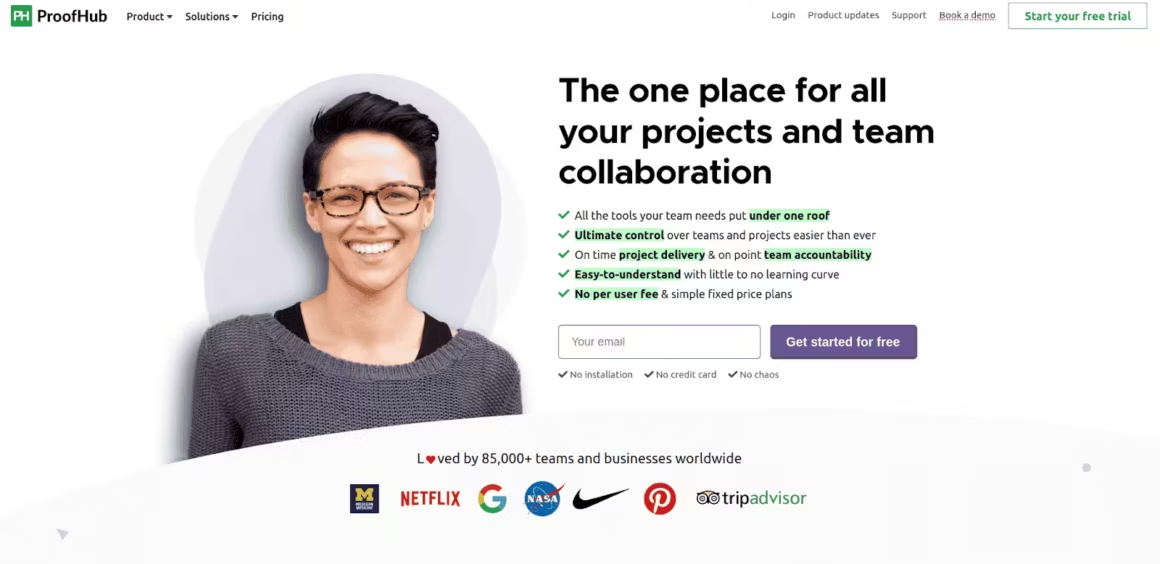
Best for: Creative and marketing teams that need design proofing, markup tools, and project management in one platform.
ProofHub combines project management with built-in proofing tools that creative teams actually need. Upload a design, and reviewers can annotate directly on the file, add comments to specific areas, and approve or request changes. No more emailing PDF markups back and forth. The Kanban boards, Gantt charts, and time tracking cover standard PM needs.
The flat-fee pricing is ProofHub’s biggest advantage. Unlike tools that charge per user, ProofHub charges a fixed monthly rate regardless of team size. For teams of 20+, this makes it significantly cheaper than Asana or ClickUp. The group chat, discussions, and @mentions keep communication inside the tool instead of scattered across Slack and email.
Price: Essential at $45/month (40 projects, unlimited users). Ultimate Control at $89/month (unlimited everything).
The honest downside: the interface feels dated compared to Notion or ClickUp. Integrations are limited, with no Zapier connection and fewer native integrations than competitors. The mobile app is functional but not polished. And while the proofing tools are useful, dedicated proofing tools like Filestage offer more advanced workflows.
SharePoint
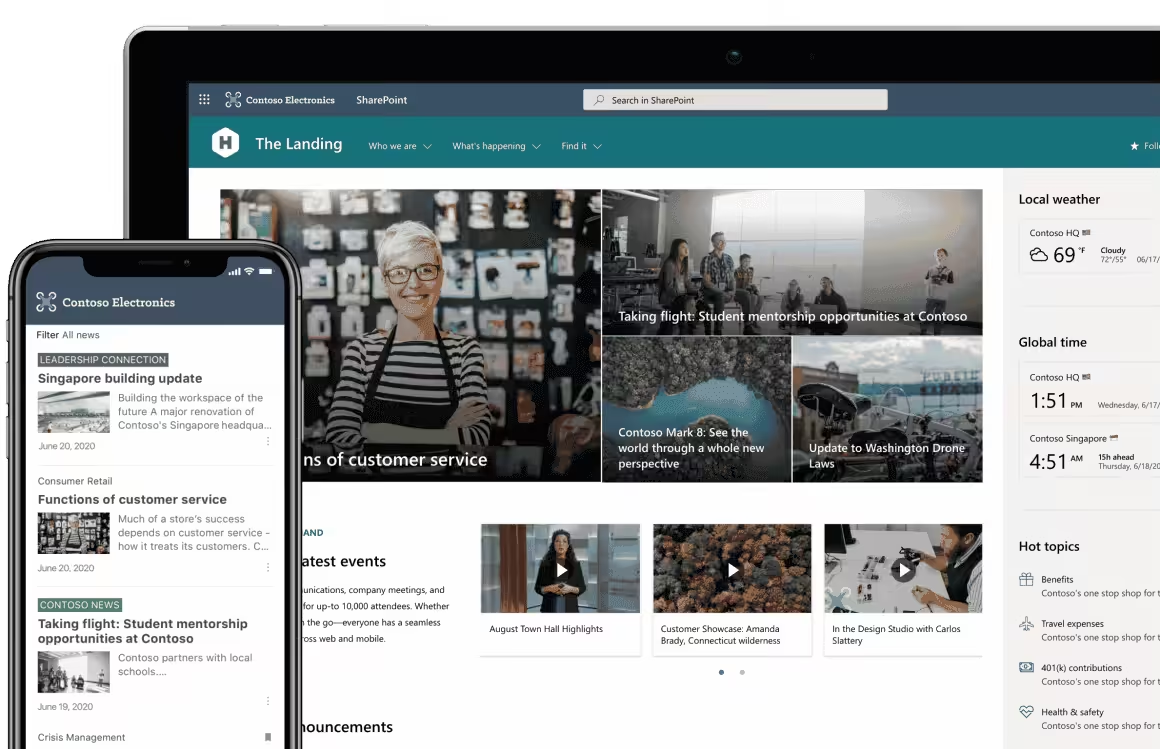
Best for: Enterprise organizations already using Microsoft 365 that need document management, intranet portals, and compliance-ready collaboration.
SharePoint is the enterprise workhorse you probably already have access to. If your company pays for Microsoft 365, SharePoint is included. It handles document management, team sites, intranet portals, and workflow automation through Power Automate. The integration with Teams, OneDrive, and Outlook makes it seamless for Microsoft-heavy organizations.
Where SharePoint earns its keep is compliance and governance. Retention policies, sensitivity labels, audit logs, and granular permissions make it suitable for industries with strict regulatory requirements: finance, healthcare, legal. The custom dashboard capabilities let administrators create views that surface relevant data from across the organization without giving everyone access to everything.
Price: Included with Microsoft 365 Business Basic ($6/user/month). SharePoint Online Plan 1 standalone at $5/user/month. Plan 2 at $10/user/month adds advanced compliance.
The honest downside: SharePoint has a steep learning curve and a reputation for being clunky. Building custom sites and workflows requires technical knowledge or a dedicated SharePoint admin. The interface hasn’t kept pace with modern tools like Notion or ClickUp. And for small teams, it’s overkill, like using a semi-truck to deliver groceries.
How to Choose the Right Productivity Tool
Don’t pick the tool with the most features. Pick the one your team will actually use. Here’s how to decide:
If you need one tool for everything: ClickUp. It replaces your PM tool, docs tool, and time tracker in one subscription. Steeper learning curve, but lower total cost.
If documentation and wikis matter most: Notion. Nothing matches its flexibility for building knowledge bases, SOPs, and content systems. Pair it with a dedicated PM tool if you need Gantt charts.
If you need clear task ownership: Asana. Best for teams where accountability and deadlines drive results. Clean, structured, no-nonsense.
If you’re a small team keeping it simple: Trello. Learn it in 5 minutes. Kanban boards that just work. Free plan is generous.
If you’re drowning in manual work: Zapier. Automate the copy-paste between apps. Start with 3 Zaps that save you the most time.
If you’re a remote team that hates complexity: Basecamp. Opinionated and simple. Async check-ins replace daily standups.
If your company already pays for Microsoft 365: SharePoint. You’re already paying for it. Use it for document management and intranet, use something else for task management.
My personal stack: Notion for knowledge management, Slack for communication, and Zapier for automation. That covers 90% of what I need across 800+ client projects.
Recommended Productivity Books
I’ve tested every productivity app on this list over the past 16 years. Apps handle your workflow. But the real productivity gains come from changing how you think about work. These five books did more for my output than any app subscription.
Atomic Habits is the one I recommend first. It’s about building systems that make productive behavior automatic. Deep Work changed how I structure my workday. The Power of Habit explains why some routines stick and others don’t. Read all three, and you’ll need fewer apps. For more, see my time management apps guide.
Deep Work: Rules for Focused Success in a Distracted World
- Brand New in box. The product ships with all relevant accessories
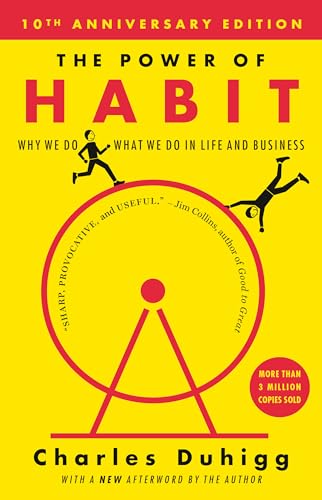
The Power of Habit: Why We Do What We Do in Life and Business
- Life changing novel
Best Headphones for Focused Work
Unpopular opinion: noise-cancelling headphones are a better productivity investment than any app on this list. I bought AirPods Pro two years ago, and they turned my co-working space into a private office. The Beats Studio Buds are the budget pick at $100.

- PIONEERING HEARING — AirPods Pro 2 unlock the world's first all-in-one hearing health experience: a scientifically validated Hearing Test,* clinical-grade and active Hearing Protection.*
- INTELLIGENT NOISE CONTROL — Active Noise Cancellation removes up to 2x more background noise.* Transparency mode lets you hear the world around you, and Adaptive Audio seamlessly blends Active Noise Cancellation and Transparency mode for the best listening experience in any environment.* And when you're speaking with someone nearby, Conversation Awareness automatically lowers the volume of what's playing.*
- IMPROVED SOUND AND CALL QUALITY — The Apple-designed H2 chip helps to create deeply immersive sound. The low-distortion, custom-built driver delivers crisp, clear high notes and full, rich bass in stunning definition. Voice Isolation improves the quality of phone calls in loud conditions.*
- CUSTOMIZABLE FIT — Includes four pairs of silicone tips (XS, S, M, L) to fit a wide range of ear shapes and provide all-day comfort. The tips create an acoustic seal to help keep out noise and secure AirPods Pro 2 in place.
- DUST, SWEAT, AND WATER RESISTANT — Both AirPods Pro and the MagSafe Charging Case are IP54 dust, sweat, and water resistant, so you can listen comfortably in more conditions.*
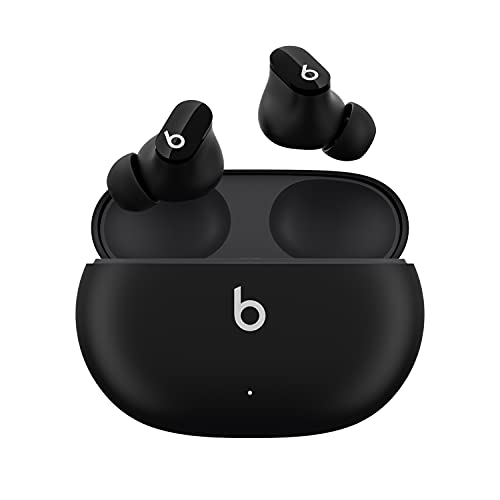
- Custom acoustic platform delivers powerful, balanced sound
- Control your sound with two distinct listening modes: Active Noise Cancelling (ANC) and Transparency mode
- Three soft ear tip sizes for a stable and comfortable fit while ensuring an optimum acoustic seal
- Up to 8 hours of listening time (up to 24 hours combined with pocket-sized charging case)
- Industry-leading Class 1 Bluetooth for extended range and fewer dropouts
Frequently Asked Questions
What’s the best all-in-one productivity tool for small teams?
ClickUp is the strongest all-in-one option. It combines task management, docs, goals, time tracking, and whiteboards in a single platform. You can replace 3-4 separate subscriptions with one tool, and it has a generous free tier for small teams.
Is Notion good for project management?
Notion excels at knowledge management, wikis, and flexible workspace design, but it’s not a traditional project manager. It lacks built-in time tracking, Gantt charts, and workload management. For structured task management with deadlines, Asana or ClickUp are better fits.
How many productivity apps does my team actually need?
Most teams do well with 3-4 core tools: a project manager (ClickUp or Asana), a communication tool (Slack), an automation tool (Zapier), and a knowledge base (Notion). The average company pays for 130 SaaS apps but employees actually use about 5.
Is Slack worth paying for?
The free plan works for small teams, but you lose message history after 90 days and can’t use group video calls. If your team relies on Slack daily and needs searchable message archives, the Pro plan at $7.25/user/month pays for itself in saved time.
What’s the best free productivity tool?
Trello’s free plan is hard to beat for simple task management with unlimited cards and up to 10 boards. ClickUp’s free tier is more powerful but has a steeper learning curve. For automation, Zapier offers 100 free tasks per month.
Can Zapier really replace a developer for automations?
For simple workflows, yes. Zapier connects 6,000+ apps and handles tasks like sending Slack notifications when a form is submitted or creating tasks from emails. But for complex logic, conditional branching, or high-volume operations, you’ll eventually need custom code or a tool like Make.
What’s better for remote teams: Basecamp or Asana?
Basecamp is better for remote teams that want simplicity. Its flat-fee pricing ($299/month for unlimited users), built-in messaging, and distraction-free design reduce tool fatigue. Asana is better when you need detailed task dependencies, custom fields, and reporting dashboards.
Disclaimer: This site is reader-supported. If you buy through some links, I may earn a small commission at no extra cost to you. I only recommend tools I trust and would use myself. Your support helps keep gauravtiwari.org free and focused on real-world advice. Thanks. - Gaurav Tiwari