
 by
Choosing a logo maker should take five minutes, and I understand why it rarely does. You need a professional logo for a new business or a side project, and agency quotes start in the thousands. Almost every online logo maker lets you design for free, then asks for money at the download button.
Pick the wrong one and you pay twice. You end up with a low-resolution PNG that blurs on a sign. Or you buy the vector files later, then rebuild your colors and fonts by hand for business cards and social posts. For most new businesses, my advice is to start with Design.com, because it builds the logo and the rest of the brand kit together.
Design.com is an AI logo maker and brand design platform. You enter your business name and industry, then pick one of the concepts it generates and edit it. Your colors and fonts carry over to business cards, email signatures and social posts. BrandCrowd is my second pick when you’d rather start from a designer-made template, and the other 10 below cover free design, one-time packages and real designers.
Summary: 12 Best Online Logo Makers
- Design.com: Best for AI-powered logo and complete brand identity
- BrandCrowd: Best for designer-made logo templates
- Canva: Best free template editor
- Looka: Best one-time AI logo package
- 99designs: Best for a custom logo from a designer contest
- Fiverr: Best budget route to a human designer
- Shopify Logo Maker: Best free logo maker for a new store
- Placeit: Best for logo mockups and merch previews
- Tailor Brands: Best for a logo bundled with LLC formation
- Brandmark: Best one-time AI logo with brand guidelines
- Wixel: Best free logo maker with SVG downloads
- LogoAI: Best for ongoing brand videos and animations
Quick Comparisons
The 2 things that change your bill most are the starting price and whether that price includes vector files. A logo without an SVG, EPS or PDF version can’t be scaled for print, so check the last column before the price.
| Logo maker | How it works | Starting price | Vector files |
|---|---|---|---|
| Design.com | AI concepts plus brand kit | Free; $3/month billed annually | SVG, EPS, PDF |
| BrandCrowd | Designer-made templates | Free to customize; $3/month billed annually | SVG, EPS, PDF |
| Canva | Template editor | Free | SVG on Canva Pro |
| Looka | AI generator | $35 one-time | SVG, EPS, PDF from $72 |
| 99designs | Designer contest | $249 | Full source files |
| Fiverr | Freelance designers | $5 plus a service fee | Depends on the seller |
| Shopify Logo Maker | AI generator | Free | None listed |
| Placeit | Templates plus mockups | $8.33/month billed annually | No, PNG only |
| Tailor Brands | Logo plus LLC formation | Free low-res download | SVG, EPS on paid plans |
| Brandmark | AI generator | $35 one-time | SVG from $35 |
| Wixel | AI design app | Free | SVG, free |
| LogoAI | AI generator plus branding suite | $10 trial, then $20/month | SVG, PDF |
What Makes a Great Online Logo Maker?
A great online logo maker needs five things: professional design quality, deep customization, vector file exports (SVG, EPS, PDF), transparent pricing and brand kit integration. I judged every tool here on them.
- Design quality comes first. Your logo represents your entire business. If it looks like clip art from 2005, it doesn’t matter how cheap or fast the tool is. Every logo maker on this list produces output I’d feel comfortable putting on a professional website.
- Customization depth matters more than template count. Some tools advertise 10,000 templates but only let you change colors. Others offer 500 templates with full control over every element. I’ll take the second option every time.
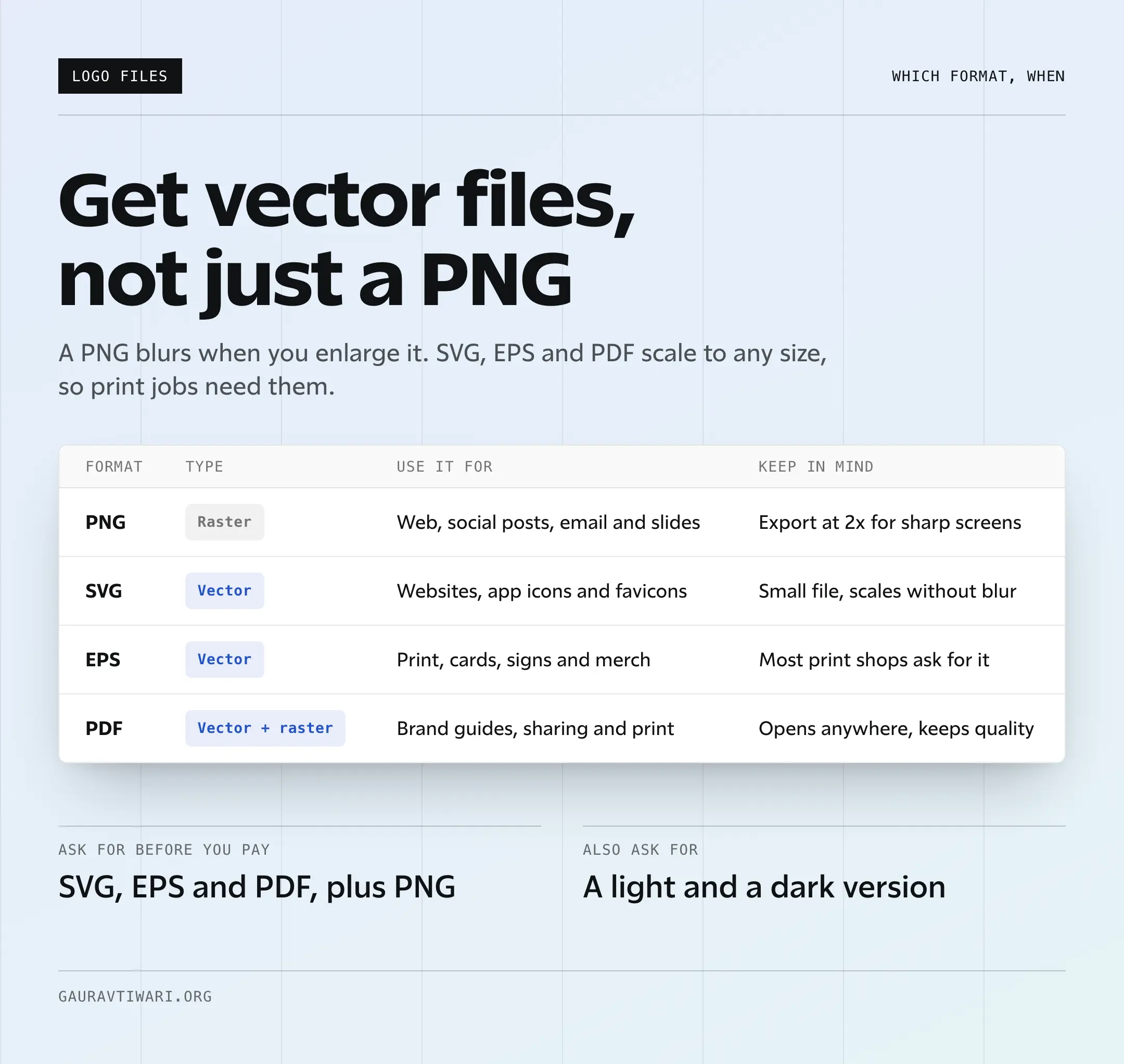
- File formats can make or break your logo’s usefulness. You need SVG for web, PNG for social media and high-resolution files for print. Any logo maker that only exports low-res PNGs isn’t worth your time.
- Pricing transparency is non-negotiable. Some tools let you design for free, then charge to unlock the file you actually need. Others are upfront about costs. I’ve flagged the pricing model for each tool so you know what you’re paying before you start designing.
- Brand kit integration separates casual tools from serious ones. Your logo doesn’t exist in isolation. It needs to work with your brand colors, fonts and other assets. If you’re starting from scratch, my guide on developing a brand identity covers the rest of that system.
For the logo and brand kit together, use Design.com. For a designer-made template, use BrandCrowd. For free, hands-on design, use Canva. For a real designer, use 99designs or Fiverr.
Best Online Logo Makers
I’ve ranked these by how much of the job each tool handles for a typical new business: the logo, the files and the brand assets that have to match it. Design.com and BrandCrowd lead because they cover all three.
Design.com
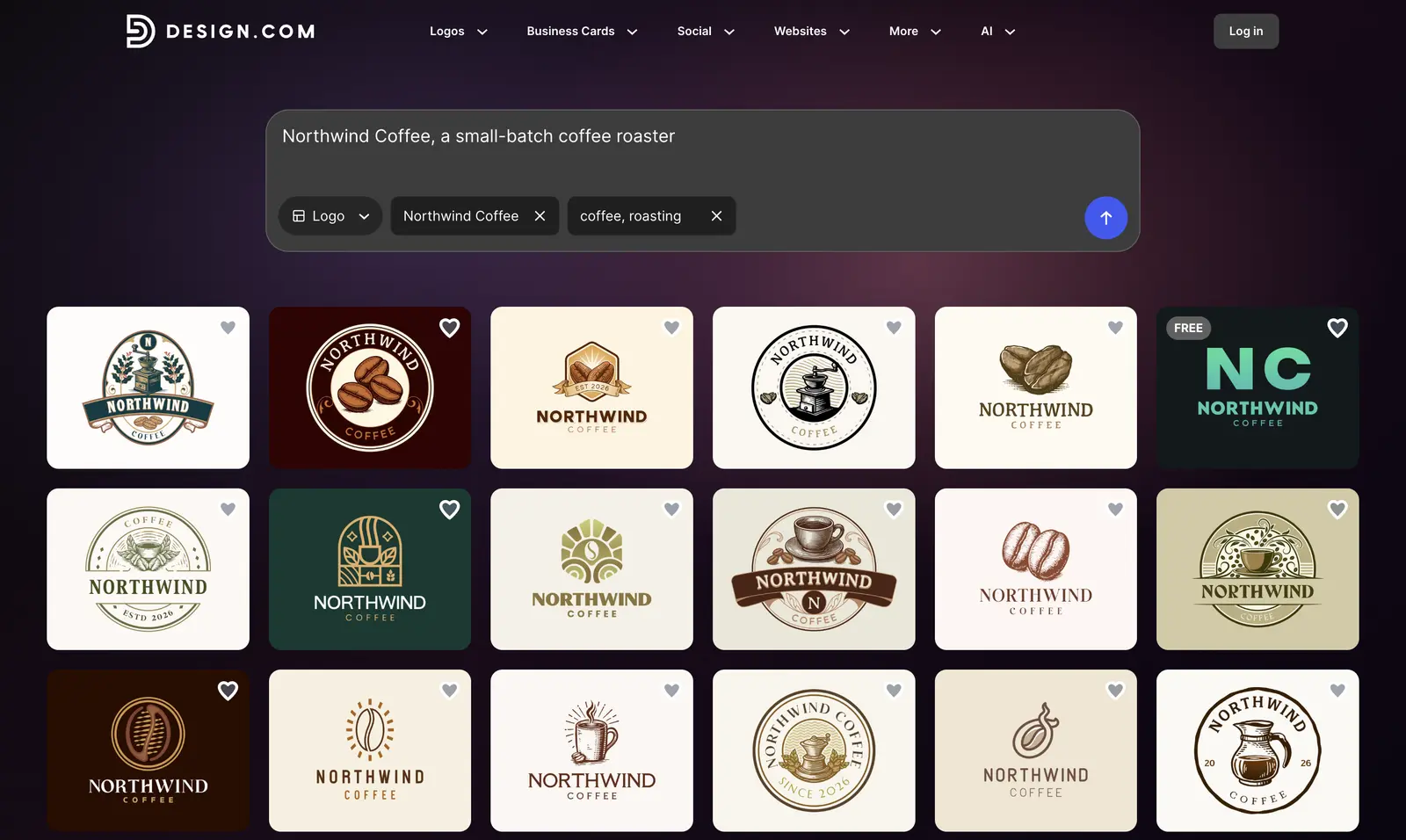
Design.com builds a complete brand identity alongside the logo in a single workflow. Enter your business name and industry, and the AI generates multiple logo concepts tailored to your market in seconds. Its standout feature is brand auto-sync: once your logo is finalized, your approved colors and typography carry over to business cards, email signatures, social posts, and letterheads without manual work.
The editor gives you full control over fonts, colors, icons, and spacing through a beginner-friendly interface. Logos come with a commercial-use license, but the standard license isn’t exclusive, so run a trademark search before you build a brand on one.
You can browse and customize logos on the free tier, so check which file formats your plan includes before you download. For businesses that need more than a logo file and want a full brand identity system built around it, Design.com keeps the whole system in one place.
This is the logo maker I’d start with for a new business. A paid plan costs about what a single one-time logo package costs elsewhere on this list. It also covers the business cards and social graphics that would otherwise mean a second tool.
Pricing: Free tier; paid plans from $3/month (Starter, billed annually), $4/month (Value with website builder), $5/month (Premium with digital business cards and link-in-bio). Best for: Entrepreneurs and small businesses that need a professional logo and complete brand identity built together without managing multiple tools. Export formats: PNG, JPG, SVG, EPS, PDF.
Skip it if: you need a desktop or mobile app – Design.com is browser-based only.
BrandCrowd
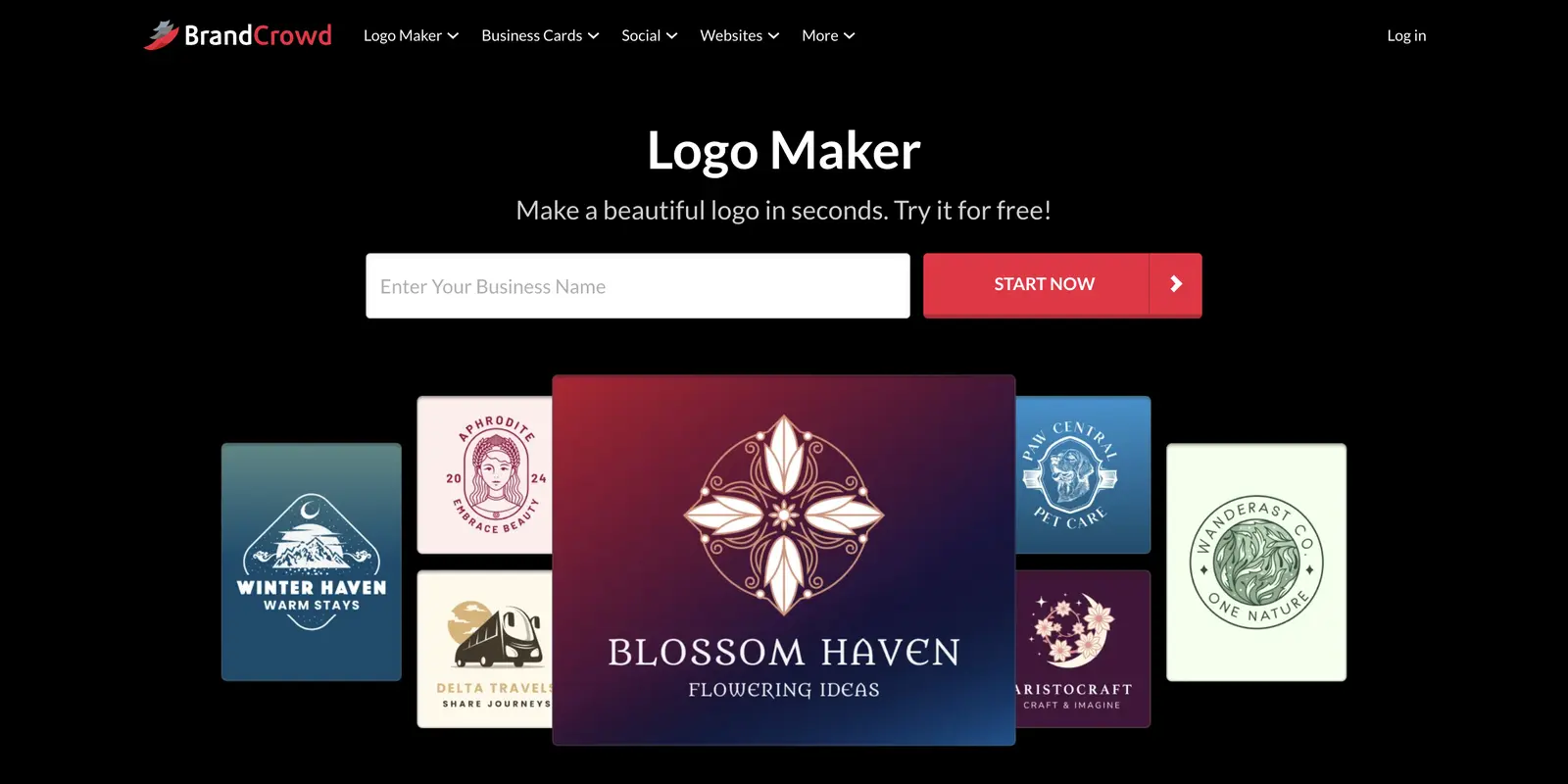
BrandCrowd takes a designer-first approach that sets it apart from fully automated tools. Instead of generating logos purely through AI, it matches your business name and industry against a library of 380,000+ templates handcrafted by professional designers – producing concepts with the proportions, visual hierarchy, and symbol-to-text balance that automated generators often miss.
The editor lets you adjust fonts, colors, icons, and layouts, and a real-world mockup preview shows how your logo looks on signage, apparel, and print materials before you download. Matching brand assets, including business cards, social media graphics, and email signatures, are generated in the same workflow.
The platform is free to browse and customize before purchasing. For entrepreneurs who want the structural quality of a designer-made logo with the speed of an online tool, BrandCrowd hits a strong middle ground.
I’d pick BrandCrowd over Design.com when you’d rather start from a designer’s layout than from AI concepts. The plans cost the same, so the choice comes down to which starting point you like.
Pricing: Free to browse and customize, $3/month (Starter, billed annually), $4/month (Value with website builder), $5/month (Premium with digital business cards and link-in-bio). Best for: Small businesses and entrepreneurs who want professionally structured logo templates rather than fully automated AI output. Export formats: PNG, SVG, EPS, PDF.
Skip it if: you want a logo generated entirely from a text prompt with no template starting point, or you need advanced AI editing features beyond the standard drag-and-drop editor.
Canva
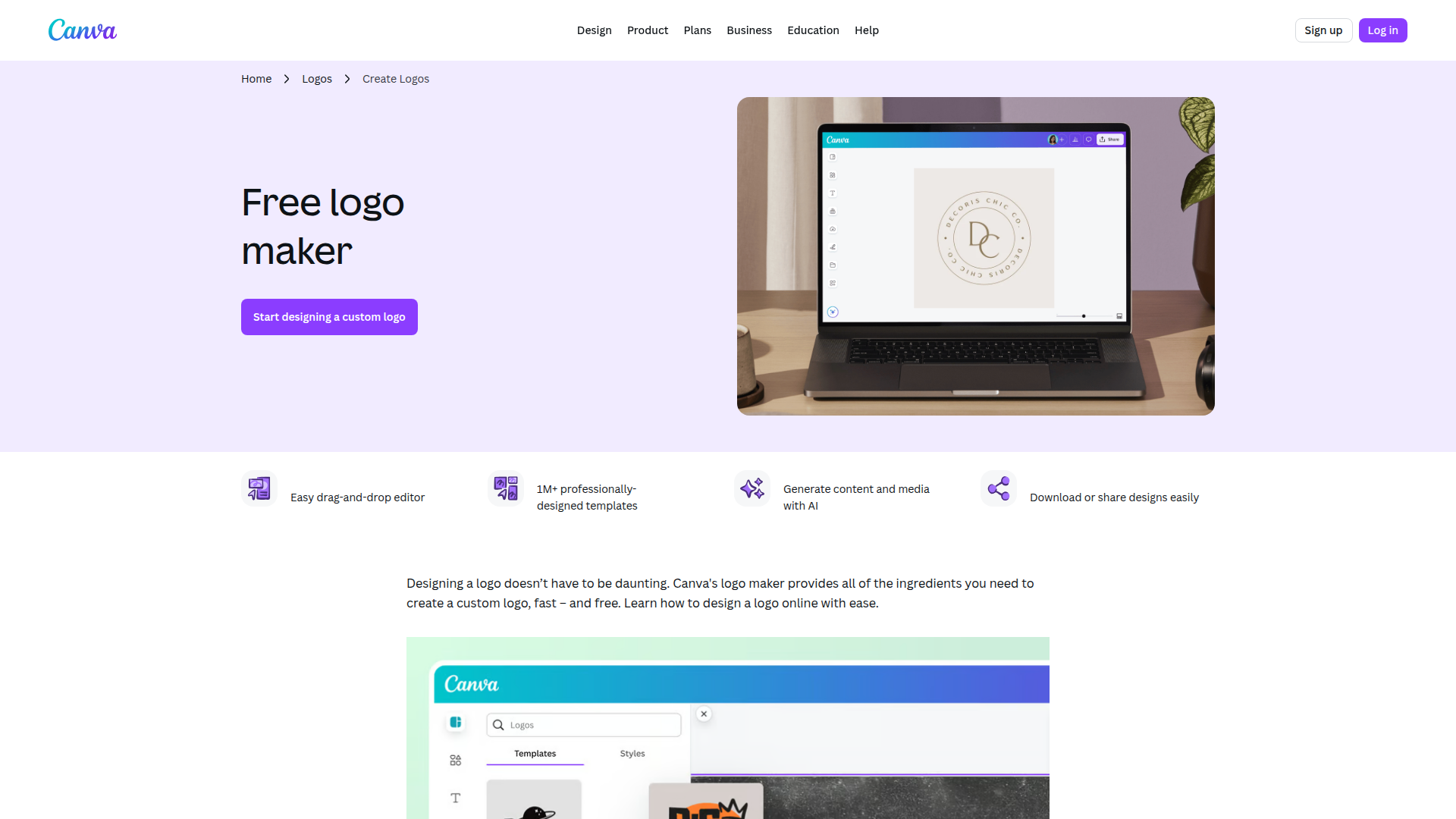
Canva is the best free template editor on this list. Canva’s logo maker has 20,000+ logo templates, and you can change every element: icons, spacing, font pairings and exact hex colors.
The free plan is generous, but the line between free and paid sits right at the files a logo needs:
- Free plan: PNG, JPG and PDF downloads
- Canva Pro: SVG downloads and transparent-background PNGs
- Brand Kit: the full kit that stores your logo, colors and fonts together is a Pro feature
One catch matters more than the price. Canva’s help center says you can’t trademark a logo made from its logo templates, because anyone else can use the same template. If you plan to register the mark, build it from basic shapes and fonts instead.
Compared with Design.com, Canva gives you more control and less help. You start from a template and do the design thinking yourself, and the matching business cards are a separate job. If Canva’s limits get in your way, my list of Canva alternatives covers other template editors.
Pricing: Free. Canva Pro (billed monthly or yearly) unlocks SVG files, transparent backgrounds and the full Brand Kit. Best for: Budget-conscious founders and side projects that want full control over a template. Export formats: PNG, JPG, PDF (free); SVG and transparent PNG (Pro).
Skip it if: you plan to trademark the logo, or you need vector (SVG) files without paying for Pro.
Looka
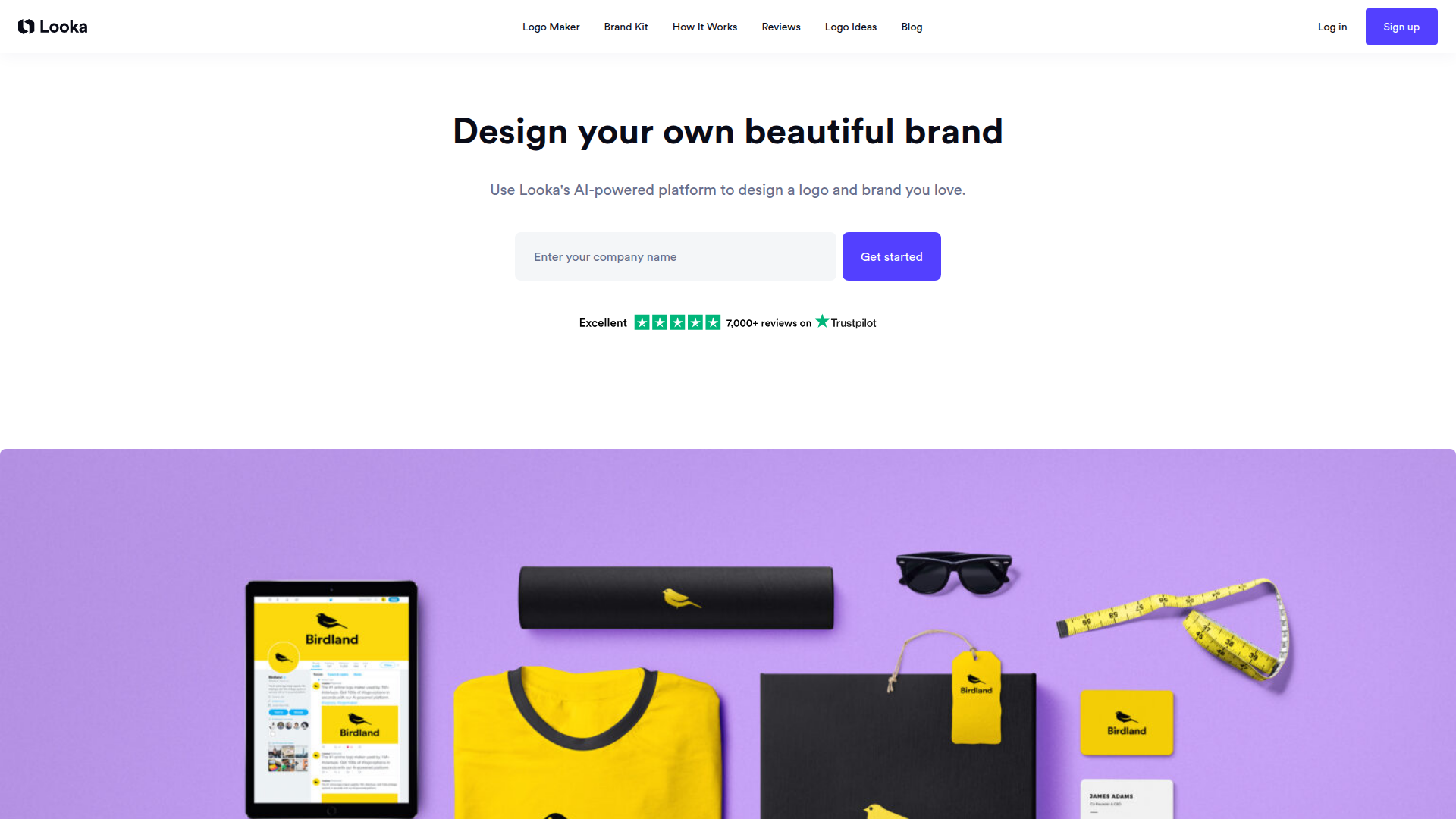
Looka is the AI logo generator I’d pick when you want to pay once instead of subscribing. It asks about your industry, preferred styles, colors and symbols, then generates logo options you can favorite and refine in its editor.
Looka splits the logo and the brand assets into separate purchases:
- Basic Logo Package ($35, one-time): 1 PNG file at 1000 x 1000 pixels on a colored background
- Premium Logo Package ($72, one-time): SVG, EPS, PDF and transparent PNG files, plus black and white versions
- Brand Kit ($96/year): 300+ branded templates for business cards, social posts, email signatures, letterheads and brand guidelines
- Brand Kit Web ($129/year): everything in the Brand Kit, plus a website on Looka’s builder
The Basic package is the trap here. A single PNG on a colored background won’t work on a dark website header or a printed sign, so I’d treat $72 as Looka’s real price. If you want the business cards and social templates too, Design.com covers them on a plan that costs less per year than Looka’s Brand Kit.
AI generators like Looka and Design.com build concepts from your inputs. Template tools like Canva start with pre-made designs you customize. Neither approach is objectively better. AI works well when you don’t have a clear vision. Templates work better when you know exactly what you want.
Pricing: Free to design, $35 (Basic Logo Package), $72 (Premium Logo Package with vector files), $96/year (Brand Kit), $129/year (Brand Kit Web). Best for: New businesses that want a one-time AI logo with vector files. Export formats: PNG (Basic); SVG, EPS, PDF and transparent PNG (Premium).
Skip it if: you want a human designer’s judgment, or you need the brand assets too, because the Brand Kit is a separate yearly subscription.
99designs
99designs by Vista is the route I’d take when the logo has to be original and you can spare a few hundred dollars and a week. You write a creative brief, designers submit concepts in a contest, and you pick the winner.
The contest packages differ mainly in how many designs you can expect and who can enter:
- Bronze ($249): about 30 designs
- Silver ($399): about 60 designs
- Gold ($799): about 90 designs
- Platinum ($1,050): top-level designers only
The terms are the same on every package:
- Timeline: a 4-day qualifying round, then a 3-day final round
- Guarantee: 100% money back within 60 days, as long as the contest hasn’t reached the final round and isn’t a guaranteed contest
- Ownership: full copyright plus the editable source files
The quality ceiling is higher than any AI tool here, because a person reads your brief and thinks about your competitors. The price and the week of back-and-forth are what that costs.
Pricing: $249 (Bronze), $399 (Silver), $799 (Gold), $1,050 (Platinum). Best for: Established businesses, funded startups and brands that need a unique, designer-crafted logo. Export formats: Full source files, usually Adobe Illustrator and EPS.
Skip it if: your budget is under $249, or you need the logo this week. A contest runs about 7 days.
Fiverr
Fiverr is the cheapest way to get a logo from a real person. Logo gigs start at $5, and Fiverr adds a service fee at checkout, so your final bill is a little higher than the gig price.
The gig price says little about quality. I’d look for a seller with a long review history, a portfolio that matches your style and a package that includes source files and revisions. Each seller sets their own delivery time, and many sell faster delivery as an extra.
Fiverr Pro is the vetted tier. Fiverr reviews each Pro freelancer’s skills, portfolio and track record before listing them, so the price is higher and the screening is done for you. If the fees or the vetting put you off, these Fiverr alternatives cover other freelance marketplaces.
Pricing: From $5 per gig plus a service fee; Fiverr Pro designers cost more. Best for: Small businesses and freelancers who want a human-designed logo on a budget. Export formats: Varies by seller, so ask for SVG, EPS and PDF in the package.
Skip it if: you don’t want to vet sellers and compare portfolios yourself. Quality swings hard between the cheapest gigs and the best ones.
Shopify Logo Maker
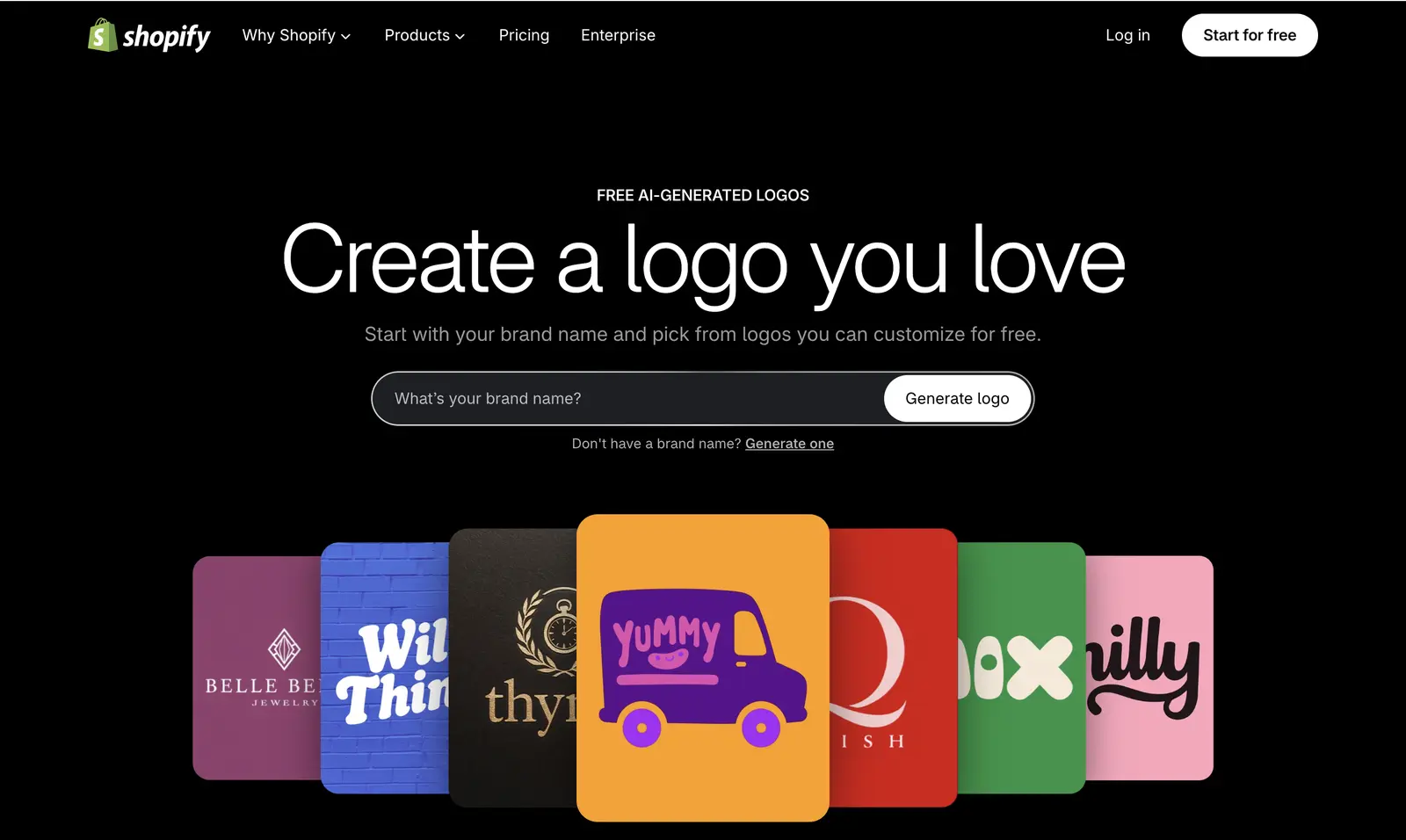
Shopify Logo Maker is Shopify’s free AI logo generator, and it replaced Hatchful. The old Hatchful address now redirects to it. You type a brand name, pick from the generated logos and customize one, and Shopify says the logo is free and yours to own.
It suits a new store owner who needs a header logo and a favicon today. Shopify doesn’t list vector downloads, though, so plan on PNG files. For a free logo with an SVG file, Wixel is the better pick. If you’re still choosing a store platform, my Shopify review covers what you get beyond the logo.
Pricing: Free. Best for: New Shopify store owners who need a simple logo fast. Export formats: PNG (no vector formats listed).
Skip it if: you need vector files for print, or you want deep editing control.
Placeit
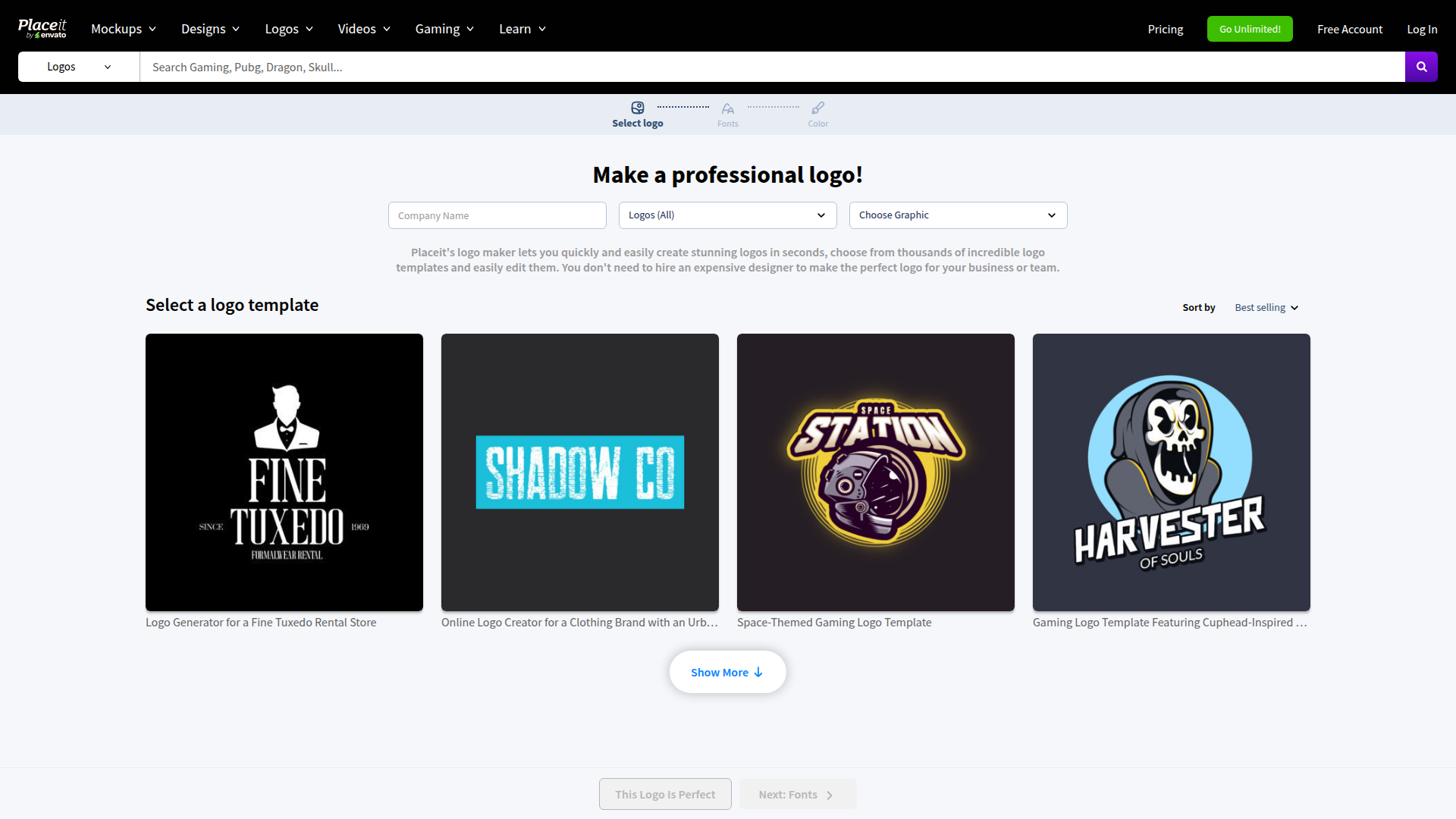
Placeit by Envato is the pick when you want to see your logo on real things before you commit. Design the logo, then preview it on business cards, storefronts, t-shirts and phone screens from a library of 43,000+ mockups.
The subscription also covers social media templates, video templates and other design assets, which makes sense if you’ll keep making marketing graphics. The logo itself has a hard limit:
- Price: $8.33/month, billed annually (about $100 a year)
- One-off purchases: available if you don’t want a subscription
- Logo files: PNG only, with no SVG or other vector format
PNG-only is the deal-breaker for print, so I’d use Placeit for mockups and get the master logo file from Design.com or a designer.
Start with a free tool like Canva or Design.com’s free tier to test a direction. Once you know what works, pay for the vector files or a designer. This saves you from paying $250 or more for a concept you end up hating.
Pricing: $8.33/month billed annually; one-off purchases available. Best for: Brands that need mockups, merch designs and marketing assets alongside the logo. Export formats: PNG.
Skip it if: you only need a single logo, or you need a vector file for print.
Tailor Brands
Tailor Brands now sells itself mainly as a business-formation service, with the logo maker built into its bundles. You can design a logo and download a low-resolution version free; high-resolution files need a paid plan.
The bundles are built around forming an LLC, and each one includes 8 logos:
- Lite: $0 plus state filing fees
- Essential: $199/year plus state fees
- Elite: $249/year plus state fees, adding a website and domain
Beyond the logo, you get LLC formation, a digital business card and a social post maker. If you’re evaluating more SaaS tools for brand marketing, Tailor Brands fits squarely in that group.
It only makes sense when you’re also forming the company. For a logo alone, you’d be paying for filing services you don’t need, and Design.com gets you further for less. If you’re forming a company from outside the US, read why founders choose a US LLC from abroad before you pick a bundle.
Pricing: Free low-resolution download; high-resolution files need a paid plan. Business bundles: Lite ($0), Essential ($199/year), Elite ($249/year), plus state fees. Best for: Founders forming an LLC who want the logo in the same package. Export formats: PNG, SVG, EPS (high-resolution files on paid plans).
Skip it if: you just want a logo, or your business is already registered.
Brandmark
Brandmark is the AI logo maker I’d pick when you want brand guidelines for a one-time payment. Enter your brand name, tagline and a few style keywords, and it generates logo concepts with matching color palettes and font pairings.
Every package is a one-time payment with no monthly charge:
- Basic ($35): PNG plus vector files
- Designer ($95): source files, unlimited revisions, brand guidelines, business card, social and presentation designs, and a one-page website
- Enterprise ($195): everything in Designer, plus up to 10 hand-crafted concepts and a font download
The editor lets you change fonts, colors, layout and the icon, and you can keep editing after you pay. For the money, the $95 Designer package covers most of what Looka splits into a $72 logo package and a $96 yearly Brand Kit.
Pricing: $35 (Basic), $95 (Designer), $195 (Enterprise), all one-time. Best for: Design-conscious founders who want a polished AI logo and a brand guide without a subscription. Export formats: SVG, PNG, PDF.
Skip it if: you want hundreds of matching templates for social posts and print. Brandmark gives you the core brand set, not a template library.
Wixel
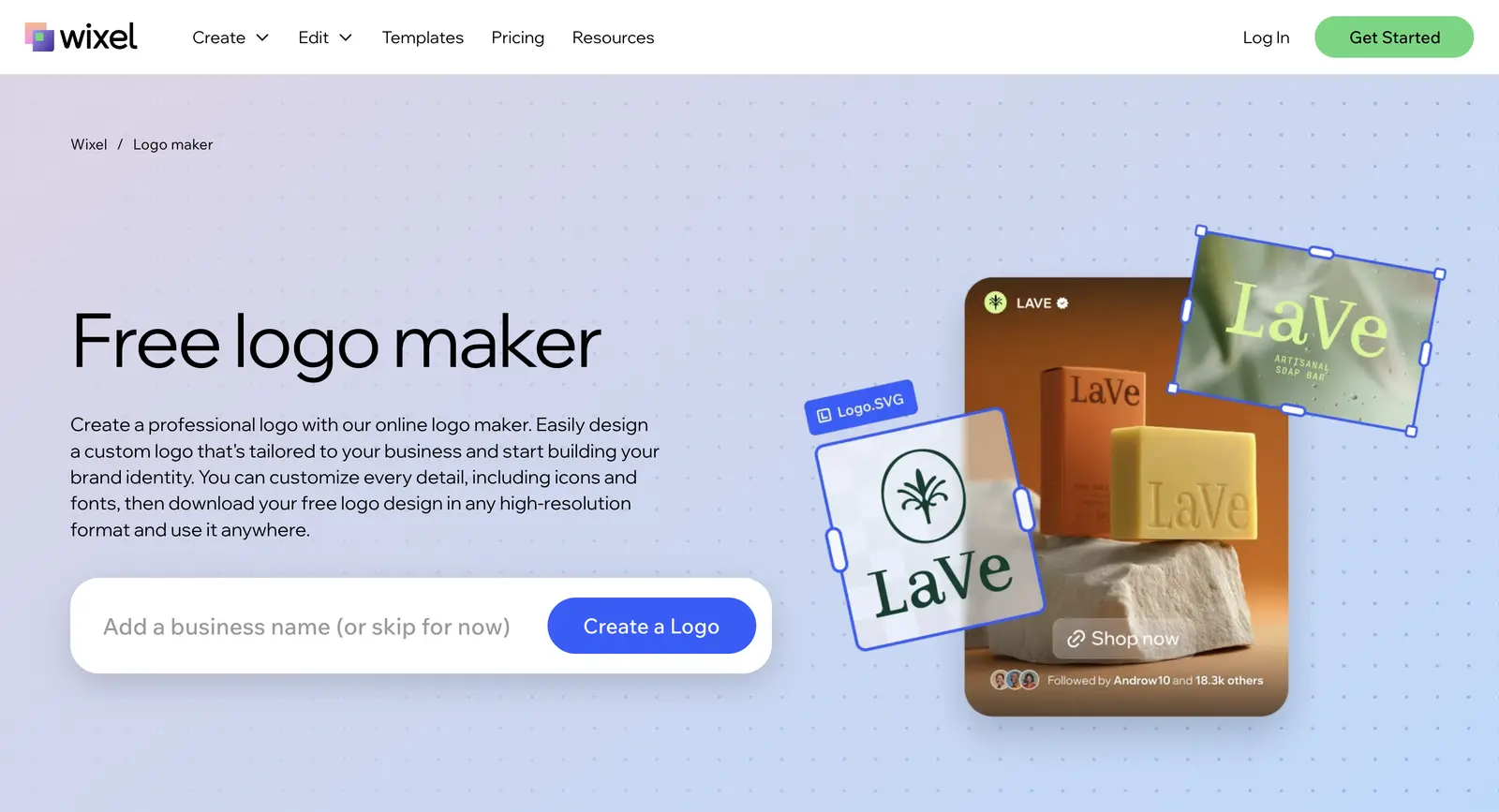
Wixel is where Wix now runs its logo maker, inside its AI design app. It’s the free pick I’d point to when you need an SVG file and don’t want to pay.
The pricing works differently from the rest of this list:
- Downloads: high-quality PNG, JPG and SVG files are free and unlimited on every plan, including the free one
- Credits: AI generation and AI edits use credits, and the free plan includes 120 a month
- Paid plans: Basic ($90/year), Pro ($290/year) and Max ($590/year) for more credits
- Wix sites: the logo doesn’t sync to your site automatically, so you download it and upload it to the site’s Media Manager
Free SVG downloads are rare on this list, so Wixel deserves a look even if you never build on Wix. If you’re also deciding where your site will live, I compared Wix, WordPress and Squarespace side by side.
Pricing: Free (120 AI credits a month); paid plans from $90/year for more credits. Best for: Anyone who wants a free logo with a vector file. Export formats: PNG, JPG, SVG.
Skip it if: you expect the logo to drop into your Wix site automatically. Wixel logos are downloaded and uploaded by hand.
LogoAI
LogoAI has moved from one-time logo packages to a monthly subscription. Beyond the logo, its Branding Suite adds a Brand Kit, logo animations, brand videos, social post templates and an AI mockup tool.
The plan is simple, but watch the renewal:
- Trial: $10 for 7 days with 200 credits
- Pro: $20/month with 500 credits, which the trial renews into
- Files: SVG, PNG and PDF
A monthly plan makes sense if you’ll keep producing brand videos and social posts, which is how AI logo tools are used in e-commerce brand building. For a one-off logo, Looka or Brandmark costs less than a year of LogoAI, so I’d cancel the trial within 7 days if you only wanted the files.
Pricing: $10 for a 7-day trial, then $20/month (Pro). Best for: Online businesses that want ongoing brand videos, animations and social templates. Export formats: SVG, PNG, PDF.
Skip it if: you only need a logo file. A subscription is the expensive way to buy one.
Some logo makers let you design for free but charge to download the file you need. Others sell a cheap basic package and lock SVG files behind a higher tier, and a few turn a trial into a monthly plan. Check which file formats you get, and at what price, before you start designing.
How to Choose the Right Logo Maker
For most new businesses, I’d start with Design.com. You get logo concepts, vector files and matching brand assets in one place, and a paid plan costs less per year than a one-time logo package plus brand extras elsewhere.
If you don’t have a business name yet, settle it first with a free business name generator, because most logo makers build their concepts from the name.
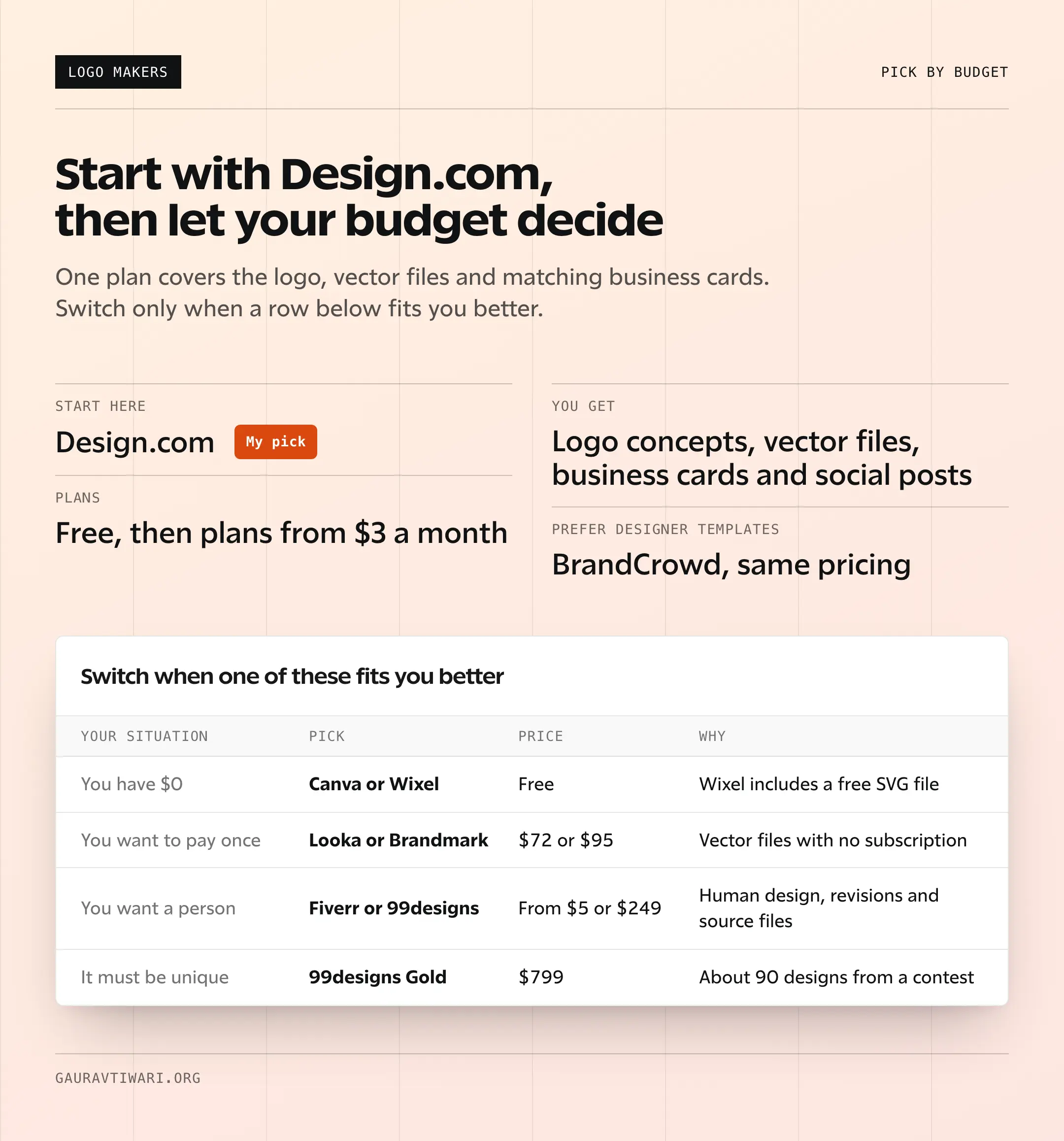
Switch to another tool when one of these fits you better:
- You have $0: Canva for full control over a template, Wixel when you need a free SVG or Shopify Logo Maker for a quick store logo
- You’d rather start from a designer’s layout: BrandCrowd, on the same pricing as Design.com
- You want to pay once: Looka’s $72 Premium package or Brandmark’s $95 Designer package
- You have $100 to $500: a well-reviewed Fiverr designer, or a 99designs Bronze ($249) or Silver ($399) contest
- You have $500 or more: a 99designs Gold ($799) or Platinum ($1,050) contest
- You’re also forming a company: Tailor Brands
- You need mockups and merch: Placeit, alongside a vector logo from somewhere else
One piece of advice: don’t overthink your first logo. Your logo will evolve as your business grows. Nike’s original swoosh cost $35, and Google’s first logo was made in GIMP.
What matters is starting with something clean and professional, then refining it as your brand matures. If you’re replacing an existing logo, check the signs it’s time to rebrand your business first. If you want to try designing one yourself, here’s my guide on how to design a logo on your own.
Free vs Paid Logo Makers
Free logo makers give you a usable file, but the limits differ more than the word “free” suggests. Paid tools add vector files, brand kits and clearer licensing, and designer marketplaces add a person who reads your brief.
- Free: Canva’s free plan stops at PNG, JPG and PDF. Wixel includes SVG files at no cost. Shopify Logo Maker is free with PNG files. Design.com’s free tier lets you customize a logo before you pay.
- Paid logo makers: Design.com and BrandCrowd from $3/month billed annually, and Looka and Brandmark from $35 one-time. These add vector files, brand assets and commercial-use rights.
- Designer marketplaces: Fiverr from $5 per gig plus fees, and 99designs contests from $249 to $1,050. Here you’re paying for original human work and full source files.
I’d start free to explore directions. If a concept works, I’d take it to Design.com for the files and the brand kit. And if your brand will be the face of a funded business, spend $250 or more on a human designer. The logo is the most visible piece of your brand, so the spend should match the stakes.
Logo Design Tips
These principles hold whichever tool you use. Most of them are older than any logo maker, as the history of logo design shows.
Keep it simple. The most recognizable logos in the world are also the simplest. Apple, Nike, Target, FedEx. Your logo needs to work at 16×16 pixels (favicon) and on a billboard. Complex designs with fine details fall apart at small sizes. If your logo doesn’t look good as a social media avatar, simplify it.
Limit your colors to 2-3. More colors mean more printing costs, harder brand consistency and visual clutter. Pick one primary brand color and one accent. That’s usually enough. Look at how many iconic brands use just one or two colors: Coca-Cola (red), Facebook (blue), Spotify (green + black).
Test on multiple backgrounds. Your logo needs to work on white backgrounds, dark backgrounds, colored backgrounds and photographs. Always create a light version and a dark version, and ask for both before you pay, because not every package includes them.
Typography matters more than the icon. A well-chosen font with proper spacing can carry a logo without any icon at all. Google, FedEx, Coca-Cola and Disney are all typography-first logos. If you’re not sure about an icon, try a text-only approach first.
Always get vector files. PNG files work for web, but they can’t be scaled without losing quality. SVG and EPS files scale to any size without pixelation. You’ll need these for print materials, vehicle wraps, signage and merchandise. Never accept only raster files from a logo maker.
If you’re building a serious brand, consider trademarking your logo. AI-generated logos can come out close to existing trademarks, and template logos are shared by other businesses. Before you spend on brand materials, run a search in the USPTO’s free trademark search (US) or your country’s trademark office. A search costs little now; a forced rebrand costs far more later.
Compare Design Tools
| Feature | Canva | Adobe Creative Cloud | Figma | CorelDRAW | Envato Elements |
|---|---|---|---|---|---|
| Free Plan | Yes (generous) | No (7-day trial) | Yes (3 projects) | No (15-day trial) | No (7-day trial) |
| Price | $12.99/mo | $59.99/mo (all apps) | $12/editor/mo | $24.50/mo | $16.50/mo |
| Ease of Use Key Factor | Very Easy | Advanced (steep learning) | Moderate | Moderate | Very Easy (templates) |
| Templates | 250,000+ | Adobe Stock (paid) | Community files | Limited | 12M+ creative assets |
| Photo Editing | Basic | Excellent (Photoshop) | No | Yes (Photo-Paint) | No (assets only) |
| Vector Graphics | Basic | Excellent (Illustrator) | Yes | Excellent | No |
| Video Editing | Yes (basic) | Premiere Pro + After Effects | No | No | Video templates |
| Collaboration | Yes (real-time) | Yes (Creative Cloud) | Yes (excellent) | Basic | No |
| Brand Kit | Yes (pro) | Yes (Libraries) | Yes (libraries) | No | No |
| Best For | Non-designers, social media | Professional creatives | UI/UX design teams | Print + vector design | Ready-made creative assets |
| Visit Canva | Visit Adobe CC | Visit Figma | Visit CorelDRAW | Visit Envato |
For icons, vectors and graphic elements to drop into your logo, Vecteezy is a good free-and-paid resource alongside the logo makers above.
FAQs on Online Logo Makers
What is the best online logo maker?
Design.com is the best online logo maker for most new businesses, because it generates logo concepts and carries your colors and fonts into business cards, social posts and email signatures. BrandCrowd is the better fit if you prefer designer-made templates, Canva is the best free template editor, and 99designs is the pick for a fully custom logo.
What is the best free online logo maker?
Canva is the best free logo maker for hands-on design, with 20,000+ logo templates and free PNG, JPG and PDF downloads. Wixel is the better free pick when you need an SVG file, because its free plan includes SVG downloads. Shopify Logo Maker is free too, but expect PNG files only.
How much should I pay for a logo?
For a side project, $0 to $40 is enough: a free tool or a year of a low-cost plan like Design.com’s. For a serious small business, $70 to $150 gets you a one-time AI package with vector files or a well-reviewed Fiverr designer. For funded startups and established businesses, a 99designs contest at $249 to $1,050 is worth it. The logo is your most visible brand asset, so match the spend to your business stage.
Can I trademark an AI-generated logo?
Usually yes, because a trademark protects a mark that identifies your business, however it was made. Copyright is different: the US Copyright Office won’t register work generated entirely by AI, so your protection rests on the trademark. Run a trademark search first, since AI tools can produce designs close to existing marks, and avoid template-based logos you plan to register. Canva, for example, says logos made from its templates can’t be trademarked.
What file formats do I need for my logo?
At minimum, you need PNG for web and social media and SVG for websites and scaling. For print, you’ll want EPS or PDF files. Free plans often stop short of vector files: Canva’s free plan gives you PNG, JPG and PDF but not SVG, while Wixel includes SVG at no cost.
Is it worth hiring a designer instead of using a logo maker?
It depends on your budget and how crowded your market is. AI logo makers like Design.com and Brandmark now produce clean, usable logos, but a skilled designer brings competitor research and real originality. If visual differentiation matters in your market, a designer is worth the extra spend. Fiverr makes that affordable, and Fiverr Pro gives you vetted designers if you don’t want to screen sellers yourself.
How long does it take to create a logo with an online logo maker?
AI logo makers like Design.com, Looka and Brandmark generate concepts in seconds, and you can finish a logo in a single sitting. Template tools like Canva take about as long if you have a clear idea. Fiverr designers deliver on the schedule each seller sets, and a 99designs contest runs about 7 days.
Can I use my logo commercially with free logo makers?
Usually, but check each tool’s terms. Canva’s free plan allows commercial use, but you can’t trademark a logo made from its templates. Shopify says logos from its free logo maker are yours to own. Template-based logos are never exclusive, so another business can end up with a similar mark. For a logo nobody else can use, hire a designer and get full copyright.
Final Remarks
If you’re still unsure, I’d open Design.com, type your business name and see whether one of the first concepts feels close. If one does, you can have the logo and matching business cards the same day.
When none of them fit, I’d stop fighting an AI tool and pay a person on 99designs or Fiverr instead. Best of luck.
Tell Google you want more of this.
Add Gaurav Tiwari as a preferred sourceOne tap, and this site shows up more often in your own Top Stories, AI Overviews and AI Mode. Remove it any time.
Disclaimer: This site is reader-supported. If you buy through some links, I may earn a small commission at no extra cost to you. I only recommend tools I trust and would use myself. Your support helps keep gauravtiwari.org free and focused on real-world advice. Thanks. - Gaurav Tiwari