
Top 12 Midjourney Alternatives in 2026 (Tested and Ranked)
Finding the best AI image generator used to be simple: Midjourney for quality, DALL-E for convenience. That’s no longer the case. ChatGPT now generates artificial intelligence images natively. Google dropped Nano Banana Pro. Black Forest Labs shipped FLUX.2. And Midjourney? Still excellent, but no longer the obvious default.
I have tested every major AI image generator on this list with real prompts across photorealism, typography, character consistency, and creative styling. Several of these are free AI image generators with no subscription required. Here is what actually works in 2026, who each tool is best for, and where each one falls short.
Why Look Beyond Midjourney?
Midjourney V7 is genuinely impressive. The April 2025 rebuild brought better anatomy, faster generation through Draft Mode, and voice input that actually works. But at $10-120/month with Discord-based access (yes, still), it’s not the right fit for everyone.
Maybe you want free image generation built into a chat interface. Maybe you need vectors and SVGs for logo work. Maybe text rendering matters more than artistic flair. Maybe you just don’t want to learn Discord commands in 2026.
Whatever your reason, these Midjourney alternatives aren’t compromises. Several now match or exceed it as an AI photo generator, and a few surpass it entirely for specific tasks like text rendering, vector output, or commercial licensing.
1. ChatGPT Images (GPT-5)
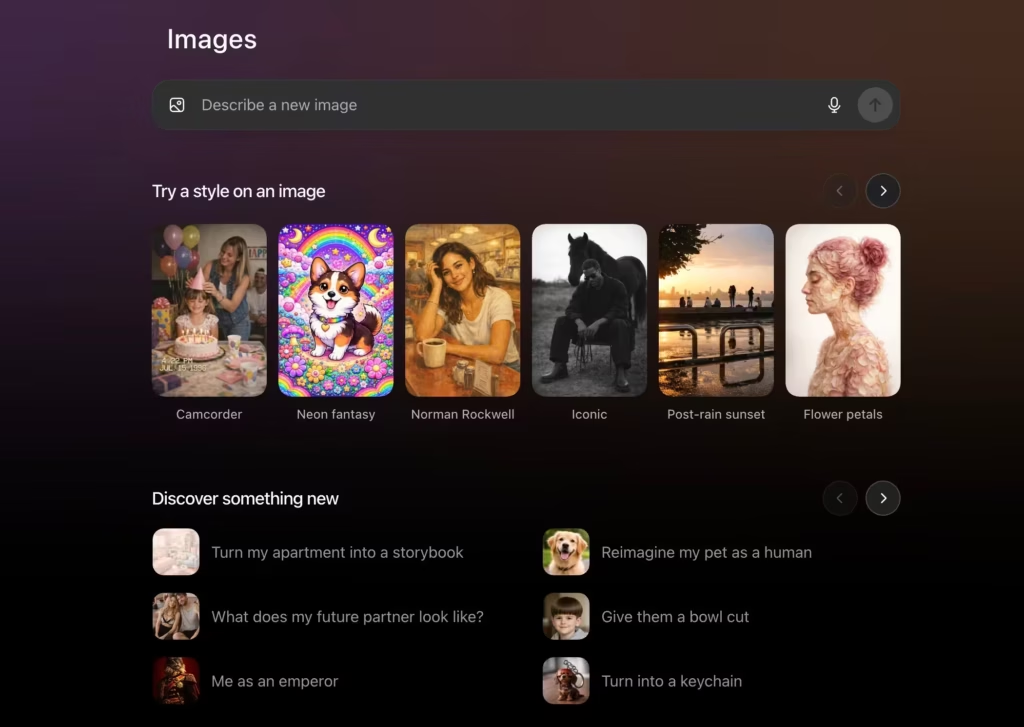
Best for: People who already use ChatGPT and want image generation without switching tools
Website: chat.openai.com
OpenAI launched native image generation in GPT-4o on March 25, 2025, and it has since been upgraded to the GPT-5 series. This wasn’t an incremental update. It replaced DALL-E 3 as the default and fundamentally changed what’s possible with conversational AI.
The key difference is context. You can describe an image, get a result, ask for specific changes, and the model understands what you meant. “Make the background warmer” or “add a coffee cup on the table” just works. No need to regenerate the entire prompt from scratch.
Text rendering finally works properly. I’ve generated images with paragraphs of readable text, multiple languages, and typography that actually looks designed rather than hallucinated. This was the biggest weakness of earlier models, and GPT-4o handles it remarkably well.
Free users get 3 images per day. Plus subscribers ($20/month) get higher limits. The September 2025 upgrade to GPT Image 1.5 improved instruction following and dense text rendering even further.
Strengths:
- Conversational editing through chat
- Superior text rendering across languages
- Context awareness from prior messages
- Works on free tier (limited)
- 4K resolution support (up to 4,096×4,096)
Limitations:
- Optimized for single-shot scenes, not multi-page documents
- GPU throttling during peak usage
- Some copyright restrictions on recognizable characters
Pricing: Free (3 images/day), ChatGPT Plus $20/month, Pro $200/month
2. Nano Banana Pro (Google Gemini 3 Pro Image)
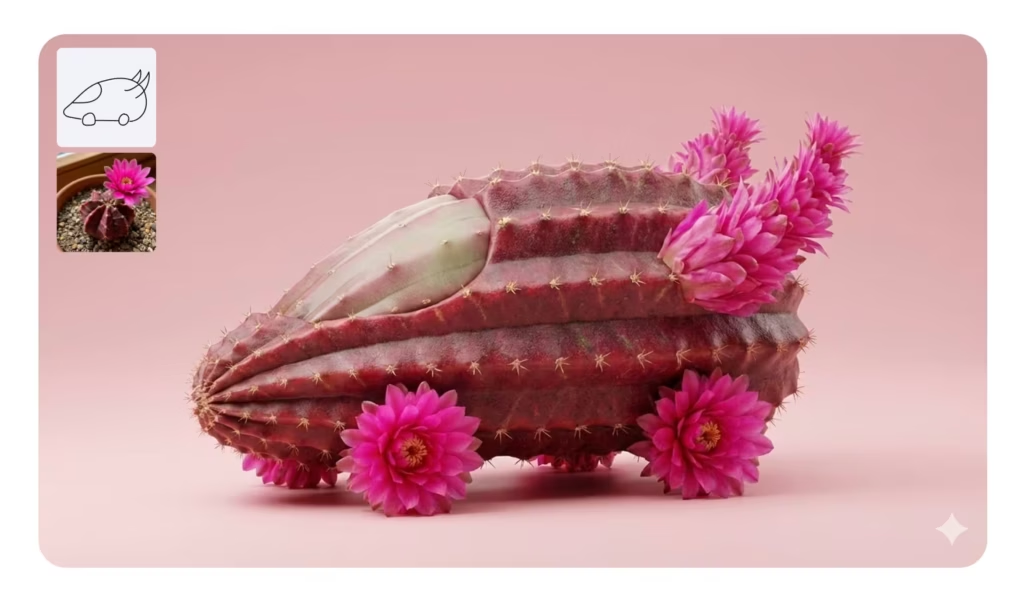
Best for: Studio-quality control, multilingual text, and Google ecosystem integration
Website: gemini.google/overview/image-generation
Google shipped Nano Banana Pro on November 20, 2025, and it immediately became one of the most capable image generators available. Built on Gemini 3 Pro, it combines reasoning capabilities with image generation in ways that feel genuinely new.
The name comes from its codename during secret testing on LMArena, where it dominated before anyone knew it was Google. The “Nano Banana” nickname stuck even after the official reveal.
What sets it apart is text rendering quality. This isn’t just “readable text” but properly styled typography in multiple languages, including complex scripts that trip up other models. Mockups, posters, and infographics come out looking professionally designed.
The model can also ground generations in Google Search, pulling in factual information to create accurate visuals. Need an infographic about recent events? It can pull current data.
Native 4K output, under 10-second generation times, and SynthID watermarking for transparency. Available in Gemini app, Google AI Studio, Vertex AI, and now integrated into Adobe Firefly and Photoshop.
Strengths:
- Best-in-class multilingual text rendering
- 4K native resolution
- Grounding with Google Search for factual accuracy
- Studio-grade editing controls
- Character consistency across multiple images
Limitations:
- Pushes toward realism, which can cause issues with intentionally surreal prompts
- Free tier has limited quotas
- Thinking mode required for Pro features
Pricing: Free with Gemini (limited), AI Plus/Pro/Ultra subscriptions for higher quotas
3. FLUX.2 Pro
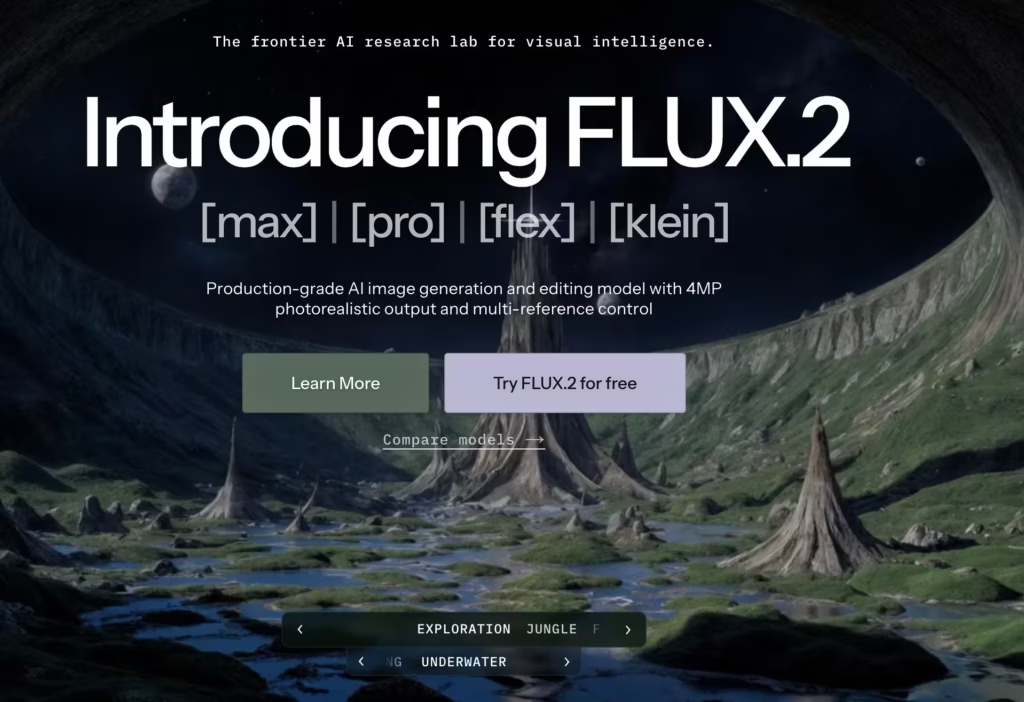
Best for: Production workflows requiring character consistency and precise color control
Website: blackforestlabs.ai
Black Forest Labs released FLUX.2 in November 2025, and it addresses the biggest pain point in professional image generation: consistency. You can feed it up to 10 reference images, and it maintains identity, style, and product appearance across generations.
This matters when you’re creating campaign assets where the same character needs to appear in different scenes, or product shots where lighting and color must stay consistent across variants.
The technical improvements run deep. A redesigned VAE latent space lets it do 4MP edits without tearing the image apart. Typography actually holds up with correct baseline alignment, kerning, and font weights. Shadows and lighting follow physics instead of vibes.
Available through Freepik’s AI Image Generator, fal.ai, getimg.ai, and direct API access. The open-source FLUX.2 [dev] variant runs on consumer GPUs through ComfyUI with FP8 support, putting serious capability in reach for developers.
Strengths:
- Multi-reference support (up to 10 images)
- Hex-code color control for brand consistency
- 4MP editing without quality degradation
- Open-source variant available
- Production-ready reliability
Limitations:
- Requires more structured prompts than casual tools
- Less whimsical/artistic than Midjourney
- Learning curve for multi-reference workflows
Pricing: Via Freepik Premium ($12/month), fal.ai ($0.03/megapixel), or self-hosted
4. Midjourney V7
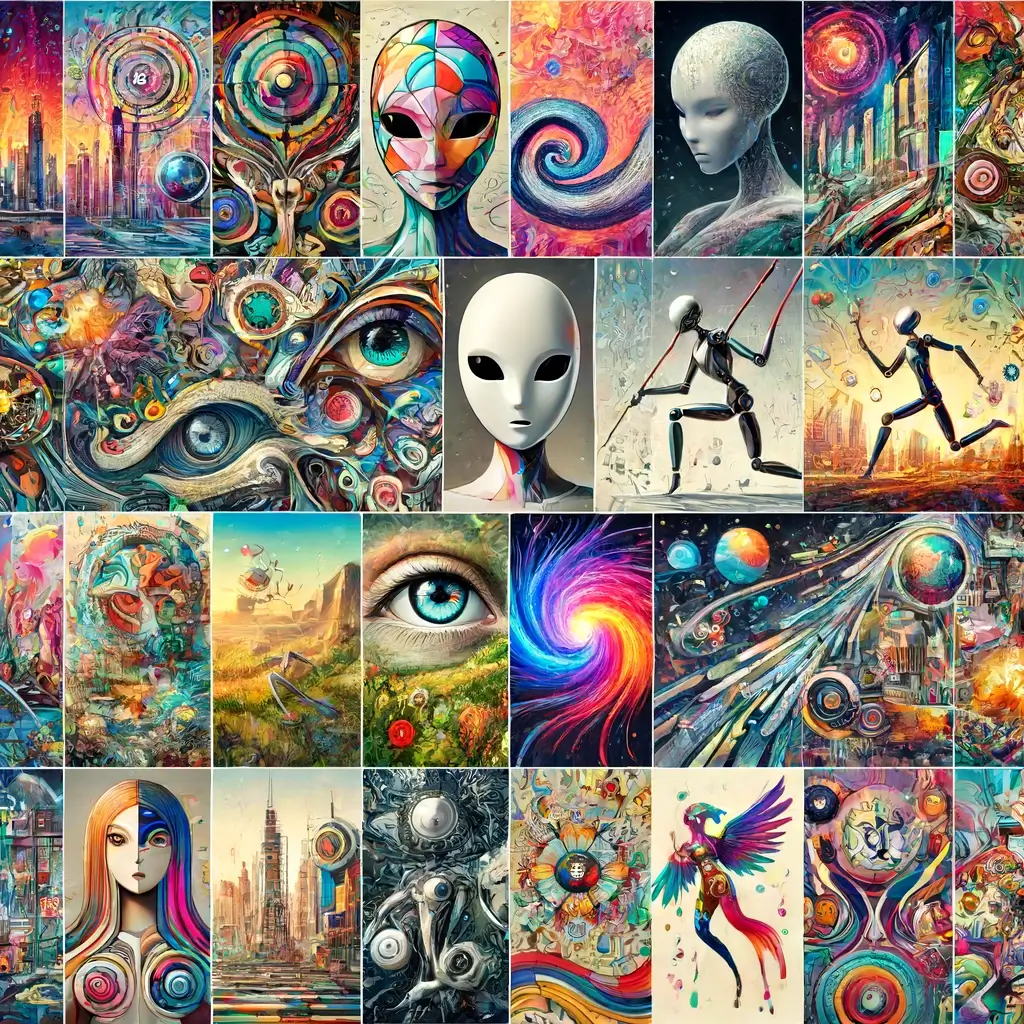
Best for: Artistic quality and aesthetic coherence when you want images that look designed
Website: midjourney.com
I said we’re covering alternatives, but Midjourney still deserves mention because V7 (released April 2025, default since June 2025) represents a complete rebuild. If you tried Midjourney years ago and bounced off it, the experience has changed substantially.
Draft Mode generates images 10x faster at half the cost. It’s meant for exploration rather than final output, but the speed transforms how you can iterate on ideas. Voice input lets you describe images out loud and watch them generate in near real-time.
The personalization system learns your aesthetic preferences by having you rate about 200 images during onboarding. Every generation afterward is subtly tuned to your taste. Results vary, but when it works, it feels like the tool understands what you want before you finish describing it.
Anatomical accuracy improved dramatically. A 40% reduction in hand/face errors according to their testing. Prompt understanding is about 35% better, meaning simpler prompts produce results closer to what you imagined.
Text rendering remains Midjourney’s weakest area (only 15% improvement over V6), so if typography matters, look elsewhere.
Strengths:
- Best-in-class artistic coherence and composition
- Draft Mode for rapid iteration
- Voice input on web interface
- Omni-reference (–oref) for character consistency
- Style references with 2,500+ Sref codes
Limitations:
- Still requires Discord for some features
- Text rendering lags behind competitors
- No free tier
- $10-120/month depending on usage
Pricing: Basic $10/month, Standard $30/month, Pro $60/month, Mega $120/month
5. Ideogram 3.0
Best for: Typography-heavy designs like posters, logos, and marketing materials
Website: ideogram.ai
Ideogram launched version 3.0 on March 26, 2025, doubling down on what made it stand out: accurate text rendering. While ChatGPT and Nano Banana Pro have caught up in text quality, Ideogram still leads for design-focused work where typography is the main event.
The Style Reference system lets you upload up to 3 reference images to guide aesthetics. Combined with access to 4.3 billion style presets (yes, billion), you can specify looks that are nearly impossible to describe with words alone.
Canvas editor brings inpainting and outpainting to the platform with Magic Fill and Extend features. Batch Generation handles high-volume workflows by processing multiple prompts at once. These aren’t experimental features but production-ready tools that marketing teams actually use.
Photorealism improved significantly in 3.0. Lighting, textures, and environmental details now blur the line between generated and photographed images. Human faces remain inconsistent compared to Midjourney, but for product shots and scenes, quality is professional-grade.
Strengths:
- Industry-leading text rendering and typography
- Style References with 4.3B presets
- Canvas editor with Magic Fill/Extend
- Batch generation for volume work
- Clean, readable text in multiple languages
Limitations:
- Human faces can appear unnatural
- Less artistic flair than Midjourney
- Some features locked to paid plans
Pricing: Free (10 credits/week), Plus $7/month, Pro $16/month, Team plans available
6. Adobe Firefly
Best for: Commercial projects requiring copyright-safe images and Creative Cloud integration
Website: firefly.adobe.com
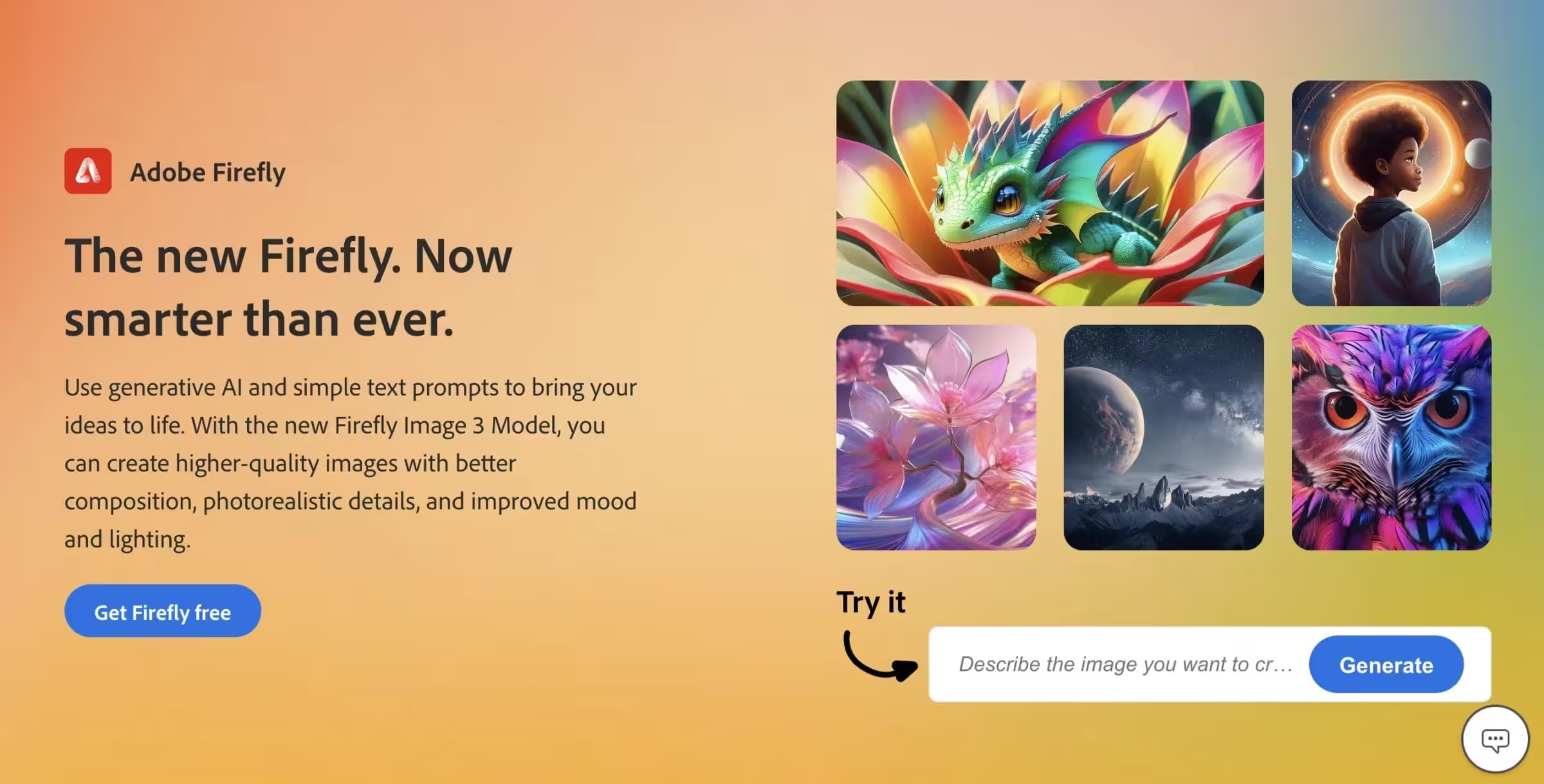
Adobe Firefly has evolved from a single model into a platform hosting multiple AI engines. The October 2025 MAX announcement introduced Image Model 5 (4MP photorealistic generation), plus integrations with third-party models including Nano Banana Pro, FLUX.2, GPT Image, and Ideogram.
The model-switching approach means you pick the best engine for each task without leaving the platform. Need photorealism? Use Firefly. Need text accuracy? Switch to Nano Banana Pro. Need character consistency? Use FLUX.2. All within the same workflow.
Firefly Boards provides collaborative ideation space where teams can brainstorm, organize concepts, and generate visuals together. The video editor (now in public beta) supports prompt-based editing. You can describe changes like “make the sky overcast” or “zoom in on the subject” and the AI applies them to existing clips.
The commercial safety angle remains Adobe’s differentiator. Firefly models train on licensed content, not scraped images, providing clear ownership rights that matter for enterprise use.
Strengths:
- Multiple AI models in one platform
- Commercially safe (trained on licensed content)
- Deep Photoshop/Premiere integration
- Firefly Boards for team collaboration
- Video generation and editing
Limitations:
- Image quality alone doesn’t match specialized tools
- Full features require Creative Cloud subscription
- Some models generate slower than competitors
Pricing: Free tier available, Premium plans from $4.99/month, included with Creative Cloud
7. Leonardo AI
Best for: Game developers, concept artists, and character design workflows
Website: leonardo.ai
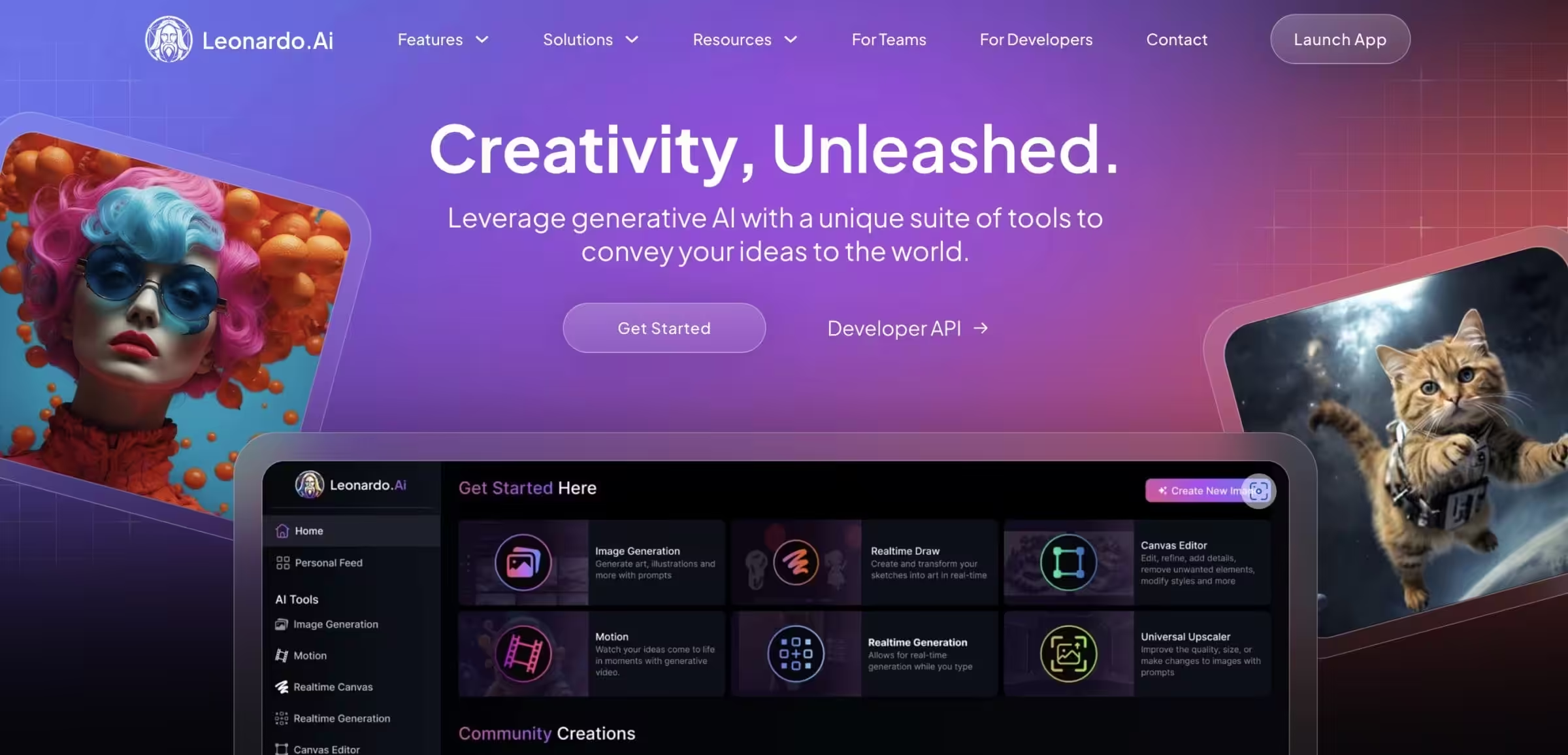
Leonardo AI positioned itself for game art and entertainment from the start. The Lucid Origin Ultra model delivers consistent character design that maintains identity across poses and scenes, which matters when you’re building visual worlds.
The platform now hosts multiple external models including Nano Banana, Ideogram 3.0, and FLUX.1 Kontext Max. You choose the engine that fits each task without switching applications. Asset libraries and prompt history tools help manage large projects with hundreds of generated images.
The free tier remains generous at 150 daily tokens, making it accessible for experimentation. Paid plans unlock higher resolution, faster generation, and commercial rights.
Training custom models on your art style is supported, letting you create consistent assets that match existing game aesthetics. This capability puts serious production power in reach for indie developers who can’t afford traditional concept art budgets.
Strengths:
- Best for game assets and character consistency
- Multiple AI models available
- Custom model training
- Generous free tier (150 daily tokens)
- Asset library and prompt history
Limitations:
- Interface complexity for new users
- Some models require premium access
- Less focused on photorealism
Pricing: Free (150 tokens/day), Apprentice $12/month, Artisan $30/month, Maestro $60/month
8. FLUX (Open Source)
Best for: Developers and technical users who want local control and customization
Website: github.com/black-forest-labs/flux
FLUX represents the open-source option for teams that need full control. FLUX.1 [schnell] ships under Apache 2.0 license, meaning you can run it locally, integrate it into products, and modify it for your needs.
The latest FLUX.2 [dev] variant is lightweight enough to run on consumer GPUs through ComfyUI with FP8 support. Performance approaches the closed pro tier while remaining accessible to researchers and developers.
Running locally means no per-image costs, no rate limits, and no data leaving your infrastructure. For agencies processing thousands of images or companies with privacy requirements, this matters more than any feature comparison.
The tradeoff is setup complexity. You need technical skills to configure the environment, manage GPU resources, and handle the infrastructure. This isn’t a click-and-generate solution.
Strengths:
- Open source under Apache 2.0
- Run locally with no per-image costs
- Full customization and fine-tuning
- No data leaves your infrastructure
- Community-developed LoRAs and extensions
Limitations:
- Requires technical setup
- GPU hardware needed
- No support beyond community forums
- Steeper learning curve
Pricing: Free (self-hosted), or via hosted services
9. Recraft V3
Best for: Vector graphics, logos, icons, and scalable design elements
Website: recraft.ai
Recraft occupies a unique niche: AI-generated vector graphics. While other tools output raster images, Recraft exports SVGs that scale infinitely and remain editable in design software.
For logo design, icon sets, and brand elements, this changes the workflow entirely. Instead of generating a raster image and manually vectorizing it, you get clean scalable output directly. The model handles typography well within this context, producing readable text that exports as actual paths.
Batch generation with consistent style and color palettes makes brand asset creation faster. You describe what you need, set color constraints, and generate entire icon sets that match your design system.
The free tier (50 credits/day) lets you test whether vector generation fits your workflow before committing.
Strengths:
- SVG vector output (not just raster)
- Logo and icon design focus
- Batch generation with style consistency
- Export as editable vectors
- Product mockup capabilities
Limitations:
- Narrower use case than general image generators
- Less suitable for photorealistic work
- Learning curve for style controls
Pricing: Free (50 credits/day), Basic $12/month, Pro $40/month
10. Stable Diffusion
Best for: Maximum flexibility and the largest ecosystem of community tools
Website: stability.ai
Stable Diffusion remains the most customizable option through its open license and massive community ecosystem. You can run specific versions locally, train them on custom datasets, and access thousands of community-developed models, LoRAs, and ControlNets.
Many team members from Stability.AI moved to Black Forest Labs, where they built FLUX. But Stable Diffusion’s ecosystem advantage persists. If someone has built a specialized model for a particular style or subject, it probably exists as a Stable Diffusion variant.
The base models fall behind newer offerings in raw quality. But with the right fine-tune or community model, you can achieve results that aren’t possible with closed systems. The tradeoff is time investment in finding and configuring the right tools.
Strengths:
- Massive community ecosystem
- Thousands of specialized fine-tunes
- Full customization possible
- ControlNet, LoRA support
- Run locally with no API costs
Limitations:
- Base models lag behind current leaders
- Requires curation to find quality
- Technical setup for advanced use
- Steeper learning curve
Pricing: Free (self-hosted), or via Stability AI API and third-party hosts
11. Seedream 4.0
Best for: Volume generation at lower cost when you need many variants
Website: Available via higgsfield.ai, freepik.com/ai, and other platforms
ByteDance’s Seedream 4.0 quietly climbed to the top of some image generation leaderboards. It currently leads the Artificial Analysis Text-to-Image rankings with an ELO of 1,197, outranking Nano Banana and Imagen 4 Ultra.
The model handles both generation and editing at up to 4K resolution. Multiple reference images can combine into single outputs with high fidelity. Text rendering performs well, putting it in the same tier as Ideogram for typography work.
What makes Seedream interesting for production is cost efficiency at volume. When you need hundreds of variants for A/B testing, mockups, or concept exploration, per-image pricing matters. Seedream delivers quality competitive with premium tools at budget-friendly rates.
Available through Higgsfield AI, Freepik, Leonardo AI, and Krea AI rather than a standalone interface.
Strengths:
- Top-tier performance on benchmarks
- 4K resolution support
- Strong text rendering
- Cost-effective for volume
- Multiple reference image support
Limitations:
- No standalone interface
- Less community documentation
- Availability varies by platform
Pricing: Via hosting platforms (varies)
12. Reve Image
Best for: Strict prompt adherence when other tools interpret too freely
Website: reve.art
Reve appeared unexpectedly in March 2025 and immediately topped the Artificial Analysis leaderboard before being overtaken by GPT-4o days later. The small team built something genuinely capable.
The standout feature is instruction following. When you specify “warrior holding sword, wizard holding staff,” that’s exactly what you get. Not a warrior with a staff and wizard with a sword. Other models interpret prompts; Reve follows them.
Multi-image editing is where Reve excels. Combine multiple inputs into cohesive outputs while maintaining fidelity. Drag-and-drop editing for targeted changes like removing shadows, restoring images, or moving elements.
The aesthetic sits between Midjourney’s artistic flair and FLUX’s production reliability. Professional quality without the “signature AI look” that makes generated images immediately recognizable.
Strengths:
- Best-in-class prompt adherence
- Multi-image editing and combination
- Visual drag-and-drop editing
- Strong text rendering
- Professional quality without obvious AI tells
Limitations:
- Smaller user community
- Less documentation than established tools
- Newer platform with less track record
Pricing: Free tier available, subscription plans for higher usage
13. Freepik AI Image Generator
Best for: Marketers and content creators who need AI-generated images alongside stock photos, vectors, and templates in one platform
Website: freepik.com/ai
Freepik started as a stock resource library and has evolved into a full AI creative suite. Their AI Image Generator uses multiple models including FLUX and Mystic (their in-house model) to produce photorealistic images, illustrations, and even 3D renders from text prompts.
What sets Freepik apart from standalone AI image generators is the ecosystem. You generate an image, then edit it with their background remover, upscaler, or AI retouching tools without leaving the platform. The generated images integrate directly with their design editor for social media posts, presentations, and marketing materials.
Freepik also hosts Seedream, FLUX, and other third-party models through their platform. So you get access to multiple generation engines under one subscription. For teams already paying for Freepik stock assets, the AI tools come bundled at no extra cost on premium plans.
Strengths:
- Multiple AI models (FLUX, Mystic, Seedream) in one platform
- Integrated editing tools (background remover, upscaler, retoucher)
- Bundled with stock photos, vectors, and templates
- Real-time AI sketch-to-image conversion
- Commercial license included on premium plans
Limitations:
- Free tier limited to 3 AI images/day
- Less fine-grained control than dedicated tools like ComfyUI
- Image quality varies by model selection
Pricing: Free (3 images/day), Premium from $8/month (includes AI generation credits + full stock library)
OpenArt AI aggregates multiple AI image models in one platform. You get Stable Diffusion, DALL-E, and community models with an image generator that supports inpainting, outpainting, and custom model training on your own images. OpenArt pricing includes a free tier with limited credits.
Which Alternative Should You Choose?
The best AI image generator for you depends entirely on what you’re making. There is no single “best” Midjourney alternative anymore.
For everyday use with chat integration: ChatGPT Images. You’re probably already using ChatGPT for other things. Adding image generation to the same interface removes friction.
For typography and design work: Ideogram 3.0 or Nano Banana Pro. Both handle text rendering better than anything else available.
For production workflows with consistency requirements: FLUX.2 Pro. Multi-reference support and color control make it suitable for campaign work where everything needs to match.
For commercial safety: Adobe Firefly. The licensed training data matters for enterprise legal requirements.
For game assets and character design: Leonardo AI. Built specifically for this use case with appropriate tooling.
For vector graphics and logos: Recraft. SVG output changes the entire workflow.
For maximum control: Stable Diffusion or FLUX (open source). Run locally, customize freely, pay nothing per image.
For artistic quality when cost isn’t a concern: Midjourney V7 remains hard to beat for pure aesthetic coherence.
AI Image Generator Comparison
Here is every AI image generator from this list side by side. I have included pricing, whether there is a free tier, and what each one does best.
| Tool | Free Tier | Paid Plan | Best For |
|---|---|---|---|
| ChatGPT Images | 3 images/day | $20/mo | Chat-based editing, text rendering |
| Nano Banana Pro | Yes (Gemini) | $20/mo | Multilingual text, Google ecosystem |
| FLUX.2 Pro | No | $0.04/image | Production workflows, consistency |
| Midjourney V7 | No | $10-120/mo | Artistic quality, aesthetic coherence |
| Ideogram 3.0 | 25 images/day | $8-80/mo | Typography, posters, infographics |
| Adobe Firefly | 25 credits/mo | $10/mo | Commercial safety, licensed training |
| Leonardo AI | 150 tokens/day | $12-60/mo | Game assets, character design |
| FLUX (Open Source) | Yes (self-host) | Free | Local control, developers |
| Recraft V3 | 50 credits/day | $12-40/mo | SVG vectors, logos, icons |
| Stable Diffusion | Yes (self-host) | Free | Maximum customization, community |
| Seedream 4.0 | Varies | Via platforms | Volume generation, cost efficiency |
| Reve Image | Yes | Subscription | Strict prompt adherence, editing |
| Freepik AI | 3 images/day | $8/mo | All-in-one creative suite, stock + AI |
The 2026 Reality
A year ago, picking the best AI picture generator was simpler. Midjourney for quality, DALL-E for accessibility, Stable Diffusion for open source. Done.
Now? ChatGPT generates artificial intelligence images that rival purpose-built tools. Google shipped a model that understands multiple languages. FLUX proved that open source AI image generators can compete at the highest levels. Midjourney rebuilt everything and added voice input.
The competition has driven quality up and prices down. Free tiers that would have been premium features 18 months ago are now standard. Text rendering, the historical weakness of AI photo generators, has been largely solved by multiple vendors.
Try the free tiers. Test with your actual prompts. See which interface clicks with how you think. That matters more than any benchmark ranking.
If you use AI beyond image generation, check my guides on the best AI chatbots and AI tools for marketers. For writing-focused AI, see my AI writing tools roundup.
What is the best AI image generator in 2026?
The best AI image generator depends on your use case. For all-around quality, ChatGPT Images and Midjourney V7 lead the pack. For typography and text in images, Ideogram 3.0 and Nano Banana Pro are best. For commercial use with licensed training data, Adobe Firefly is the safest choice. For free image generation, Ideogram (25 images/day), Leonardo AI (150 tokens/day), and ChatGPT (3/day) offer the best free tiers.
What is the best free AI image generator?
Ideogram 3.0 offers the most generous free tier at 25 images per day with excellent text rendering. Leonardo AI gives 150 free tokens daily. ChatGPT provides 3 free images per day with conversational editing. For unlimited free generation, Stable Diffusion and FLUX are both open source and can run locally on your own hardware with no per-image costs.
Is Midjourney still worth paying for?
Yes, if aesthetic quality is your top priority. Midjourney V7 still produces the most visually cohesive and artistically appealing images. However, ChatGPT Images now matches it for many use cases at a lower price point, and tools like Ideogram and FLUX.2 Pro surpass it for text rendering and production consistency. If you primarily need photorealism or text-heavy images, other tools may be better value.
Which AI image generator is best for beginners?
ChatGPT Images is the easiest starting point. You describe what you want in plain English, and it generates the image. You can then ask for changes conversationally without learning any special syntax. Ideogram is the next easiest with a simple prompt box and no Discord requirement. Avoid Stable Diffusion and FLUX (self-hosted) as a beginner since they require technical setup.
Can AI-generated images be used commercially?
Most AI image generators allow commercial use on paid plans. Adobe Firefly is the safest option since it trains exclusively on licensed content. Midjourney, ChatGPT Images, Ideogram, and FLUX.2 Pro all permit commercial use on their paid tiers. For open-source tools like FLUX and Stable Diffusion, check the specific model license. FLUX.1 schnell uses Apache 2.0 which allows full commercial use.
What is the best open source AI image generator?
FLUX by Black Forest Labs is the best open source AI image generator right now. FLUX.1 schnell ships under Apache 2.0 and can run locally on consumer GPUs. Stable Diffusion has the largest community ecosystem with thousands of fine-tuned models and LoRAs. Both are free to self-host with no per-image costs, though they require technical setup and GPU hardware.
Disclaimer: This site is reader-supported. If you buy through some links, I may earn a small commission at no extra cost to you. I only recommend tools I trust and would use myself. Your support helps keep gauravtiwari.org free and focused on real-world advice. Thanks. - Gaurav Tiwari