
Best Online Teaching Platforms for Educators to Create & Sell Online Courses
Are you an educator or an upcoming online learning startup looking for the best online teaching platforms to create and sell courses? If you are either of these two, you are in the right place.
The E-learning or Online Learning market is growing exponentially with each passing year and in the next 4-5 years, it is expected to reach the $400 billion mark.
Some of the best edtech brands are centered on selling online courses and subscriptions. As an educator or online learning startup, you can work & grow your business around online teaching. You can use these best online teaching platforms that I am about to list to create online courses, sell those courses using one-off payments or subscriptions and more.
In this article, I will talk about the 20 best online teaching platforms to create and sell courses. I will also discuss how these platforms fare in terms of features, pricing, values, usability and more.
Table of Contents
But before I start, let me clear some facts for the sake of understanding.
What are these Online Teaching Platforms?

These online teaching platforms are mostly SaaS (Software as a service) products. This means that your online courses will be hosted and maintained by the providers (i.e., online teaching platform companies).
Such SaaS products are really easy to use and set up – and 99.99% time they work as expected. Plus you get dedicated customer support, in-person demos and more enterprise-level features. You can customize your learning platform as per your needs and even white-label those, host your own domains, etc., so that no one will ever know that you are using a certain SaaS.
I researched over 50 apps and websites, hereby called platforms for creating and selling online courses. Out of these, I have listed 20 of the best online teaching platforms in this article.
Affiliate Disclaimer: I have included some affiliate links in this article. Revenue generated from these links helps me run this blog smoothly. If you click on a link and make a purchase, I may be offered a commission at no extra cost to you. But affiliates have no impact on how I list or rank products. It is all up to their usefulness and impact. Please read the full affiliate disclaimer here.
Best Online Teaching Platforms
Here is the table of the various online teaching platforms that have been discussed.
| Platform | Monthly Cost | Annual Cost | Trial | Sign up |
|---|---|---|---|---|
| Thinkific Best Value | Free to $499 | Free to $4788 | Free Tier Forever | View Deal |
| Teachable | Free to $299 | Free to $2988 | Unlimited with Free Plan | View Deal |
| LearnWorlds | $29-$299 | $288-$2988 | Up to 14 days | View Deal |
| Podia | $39-$199 | $390-$1990 | Up to 14 days | View Deal |
| Kajabi | $149-$399 | $1428-$3828 | Up to 14 days | View Deal |
| Mighty Networks | $39-$119 | $390-$1190 | Up to 14 days | View Deal |
| Zenler | $67-$197 | $647-$1447 | Available | View Deal |
| Xperiencify | $49-$149 and custom plans | $504-$1404 | Available | View Deal |
| Uscreen | $99-$199 + $0.50 per subscriber | $948-$1908 + $0.50 per subscriber | - | View Deal |
| Graphy | $59-$349 | $648-$3840 | Available | View Deal |
| Pathwright | $99-$499 | $1068-$5388 | Available | View Deal |
| WizIQ | $25 to customized plans | $300 to customized plans | Available | View Deal |
| Udemy | Individuals: Free on commission base Business: $360 per user per year | Individuals: Free on commission base Business: $360 per user per year Higher plans available for enterprises and corporations | Unlimited with Free Plan | View Deal |
| Coursera | $399 per year | $399 per year | - | View Deal |
| Skillshare | Free to $159 per user per year to custom plans | Free to $159 per user per year to custom plans | Unlimited | View Deal |
| Simplero | $70.80-$178.80 | $708-$1788 | Up to 14 days | View Deal |
| Upwisy | Free to $99 | Free to $948 | Up to 20 learners | View Deal |
| Gumroad | Free + Commission based | Free + Commission based | Unlimited | View Deal |
| Moodle | Free | Free | Free | View Deal |
| LinkedIn Learning | Free (if you are selected) | Free (if you are selected) | Unlimited | View Deal |
Thinkific

- Drag-and-drop course builder
- Built-in marketing tools
- No transaction fees on paid plans

Thinkific is one of the most highly rated standalone course platforms in existence. It provides one of the most amazing online course hosting options you will ever find in the market. Moreover, it boasts of several excellent features such as membership integration, course bundle options, and email marketing.
One of the greatest advantages of Thinkific is that it has been optimized for people who don’t have much knowledge of technology. It will host your course and its content, handle your sales, marketing, payment plans and processing, manage your affiliate program, and much more. It also has a friendly and efficient customer support team to improve user experience.
Thinkific

Pros
- Powerful drag-and-drop course builder
- Generous free plan to start
- No transaction fees on paid plans
- Good student engagement tools
Cons
- Advanced features need Pro plan
- Email marketing requires integration
- Limited community features
- Design customization has limits
Summary
The best overall platform for creating and selling online courses. Thinkific offers a powerful course builder, flexible pricing, and complete student management. Excellent free plan to start.
Teachable
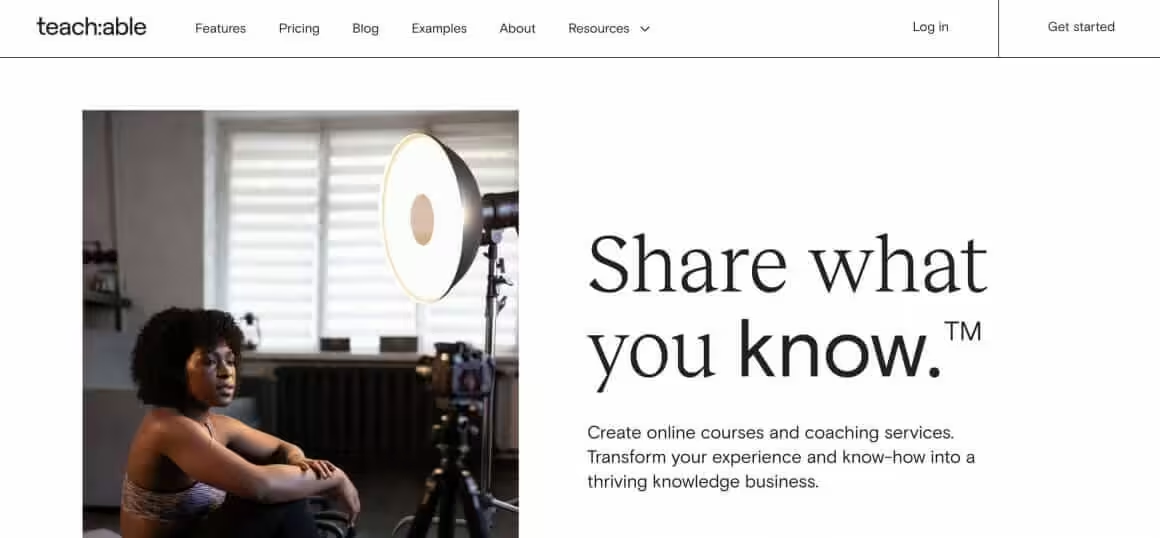
Teachable is one of the leading, most popular and hosted-online, all-in-one learning platforms for educators. It may not be the most ideal for business purposes, but it is certainly amongst the best options for individuals intending to create branded courses. It allows you to create courses and sell them without having to manage any software or install updates.
The platform is very easy to use and provides a convenient drag-and-drop platform to create courses, upload content, and publish your work. Its robust integrations allow you to use third-party tools for efficient marketing and growth. It is up to you to use it on your own custom domain name or to add it as a subdomain on a pre-existing website.
Teachable

Pros
- Handles payments and tax compliance
- Built-in affiliate program
- Easy to set up and use
- Good sales page builder
Cons
- Transaction fees on basic plan
- Limited customization
- Course builder less flexible
- Email features basic
Summary
A popular course platform focused on ease of use and marketing. Teachable handles payments, tax compliance, and affiliate programs. Good for creators who want to focus on content, not tech.
Price: USD 39 /month
Try TeachableLearnWorlds
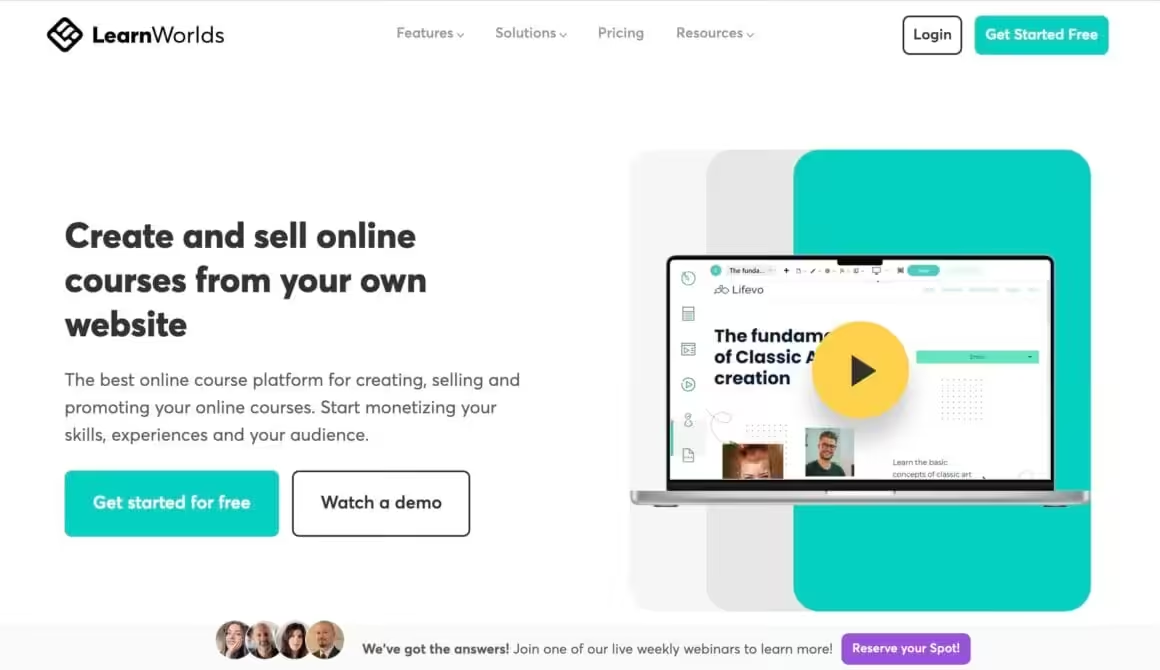
Have you ever thought of starting your own online school? If yes, then you can make your dream come true using LearnWorlds. It allows you to set up an online school website with a comprehensive course catalog and several teachers. You can add instructors and choose the course you’d like them to teach. Although instructors can author courses, they can’t change general settings or publish new courses.
The platform’s course builder comes with several unique tools. For example, you can upload videos from your device or Vimeo when adding content to your course. Thereafter, you may choose from a wide range of editing options such as adding images, logos, text, titles, interactive buttons, and pointers to your video. It also allows you to add content from other platforms such as YouTube and SoundCloud.
LearnWorlds

Pros
- Interactive video with in-video quizzes
- Built-in community features
- Website builder included
- Certificate generator
Cons
- Steeper learning curve
- Pricing above entry-level
- Some features need higher tiers
- Mobile app limited
Summary
An interactive course platform with built-in community and website builder. LearnWorlds offers interactive video, assessments, and certificates. Good for educators wanting engagement-focused courses.
Price: USD 24 /month
Try LearnWorldsUdemy
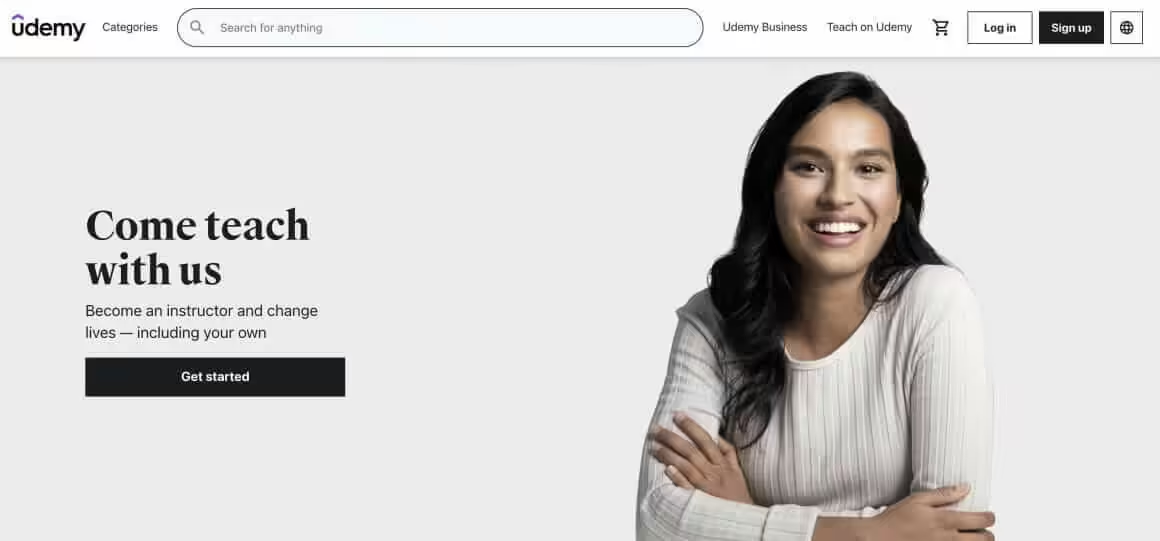
Udemy is one of the first platforms that actually made the concept of online teaching possible. Today, it has more than 40 million students and over 65,000 qualified instructors. It offers excellent support for creating and marketing courses. To ensure quality, all courses are required to have at least five lectures and 30 minutes of video. If you aren’t sure if your courses are good enough, you may submit a sample for review and receive feedback on audio and video, along with advice regarding equipment.
Udemy also features a Teach Hub with helpful tips and tricks for filming your first video, planning a course, and so on. If you’re facing difficulties with your initial sales, you needn’t worry – the platform offers support with the help of customized marketing programs. Also its marketplace insights also help you select an appropriate course topic and ascertain how it compares to other courses on the platform.
Udemy

Pros
- Massive built-in student audience
- No upfront cost to publish
- Marketing and promotion included
- Mobile app for students
Cons
- Steep revenue share model
- No control over pricing
- Course can be deeply discounted
- Limited branding control
Summary
The largest online course marketplace with millions of students. Udemy handles all marketing and student acquisition. Best for instructors who want built-in audience but accept revenue sharing.
Graphy
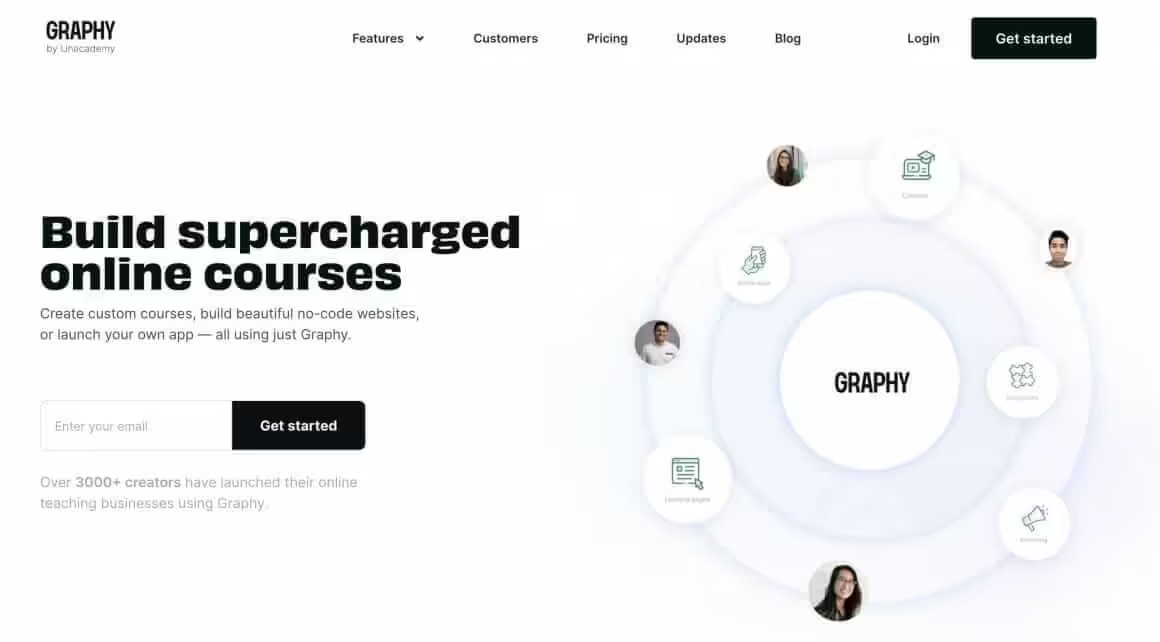
Graphy is a popular cloud-based learning management system, LMS, that allows users to create and sell their online courses with ease. It is especially notable for being a product of one of India’s leading online educational brands – Unacademy. It is a great platform for users to share their knowledge with others while earning money at the same time. You will be able to offer courses, hold live sessions, and expand your community all in one spot.
Everything you produce on Graphy – from your audience to your mailing list – is yours alone. The service is simple to use and houses all of its content on a secure server. Thus, even if something happens to go wrong during the course launch or the session hosting process, you won’t lose track of anything. As a teacher, you are allowed to charge whatever you wish for your course.
Graphy

Pros
- White-label mobile apps
- Good for Indian market
- Integrated webinar hosting
- Community features included
Cons
- Less established globally
- Interface could be more polished
- Support response can be slow
- Fewer integrations
Summary
An all-in-one platform for course creators with website, courses, and community. Graphy offers white-label mobile apps, webinars, and payment gateway integration. Good for Indian creators.
Kajabi
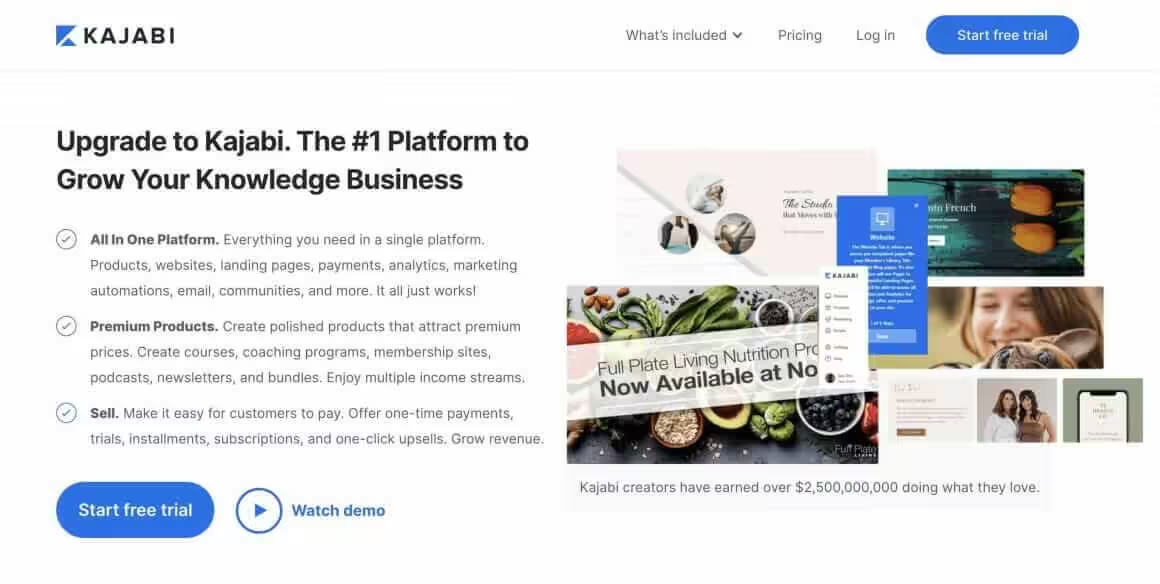
Kajabi is an efficient online teaching platform that allows you to create a website without writing any code at all. Using its services, you can create your own customized online courses with great ease and efficiency. It comes with several handy site themes for producing comprehensive and detailed courses. It gives you access to an easy-to-use custom domain or subdomain. You will be able to create as many pages as you need for creating a static website.
The platform allows you to upload video content and conveniently drag-and-drop your images and videos to the working area. If you ever face any problem, you can contact Kajabi’s efficient team for 24/7 customer support.
The only major downside is that it is one of the more expensive online teaching platforms out there.
Kajabi

Pros
- Most complete all-in-one platform
- Built-in email marketing
- Sales funnel and pipeline builder
- No transaction fees
Cons
- Premium pricing starting $149/month
- Can be overkill for beginners
- Learning curve for all features
- No free plan
Summary
The premium all-in-one platform for knowledge entrepreneurs. Kajabi combines courses, memberships, email marketing, website, and sales funnels. Replaces 5+ tools for serious course businesses.
Price: USD 149 /month
Try KajabiSkillshare
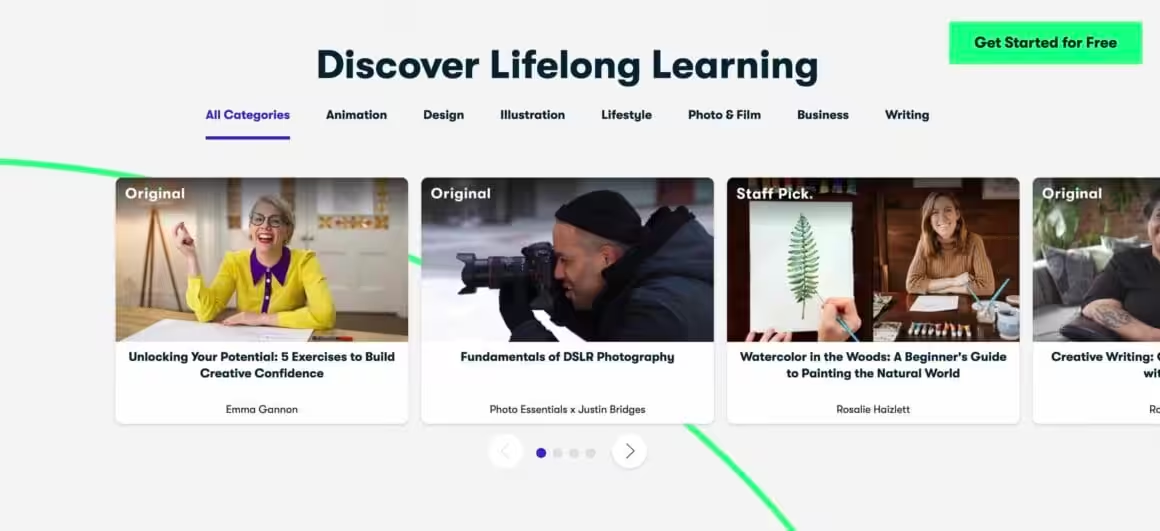
Skillshare is an expansive platform with more than 5 million students that focuses on creative education. Courses featured here range from cooking and fine art to music production and graphic design. It also has classes on more technical topics such as e-commerce, analytics, and data science. By virtue of its large user base of entrepreneurs and creators, it is an excellent option for instructors in creative fields.
The classes at Skillshare are all excellent in terms of quality. The platform ensures that your class will best match the requirements of their audience for optimal effectiveness. If you are a creative course creator wanting to reach out to a new audience, then I certainly recommend giving Skillshare a try.
Skillshare
Pros
- Strong creative skills community
- Built-in student audience
- Project-based learning format
- Easy to start teaching
Cons
- Revenue based on watch minutes
- Less control over pricing
- Short-form content expected
- Revenue can be unpredictable
Summary
A creative learning marketplace focused on design, illustration, photography, and business skills. Skillshare uses a subscription model where students pay monthly for access to all courses.
Zenler
Zenler is a relatively new all-in-one platform that offers plenty of marketing, sales, and delivery features. It not only allows you to create new courses but also helps you set up and run your entire online business. It features a user-friendly online course builder and various other useful features such as email automation, a handy page designer, marketing and sales funnels, and the ability to create membership websites and online communities.
The platform is quite similar to Kajabi and seems to be intended as a cost-effective alternative to the same. Although it’s presently in the beta testing phase, you can use most of its features for free. Go for it if you’re looking for a convenient platform to launch your business without the hefty tag price that accompanies platforms like Kajabi.
Zenler

Pros
- Live class streaming built in
- Built-in email marketing
- Good all-in-one value
- No transaction fees
Cons
- Less polished interface
- Smaller user base
- Support could improve
- Limited third-party integrations
Summary
An all-in-one course platform with live classes, email, and community. Zenler offers live streaming, drip content, and built-in email marketing. Good value for those wanting everything in one platform.
Xperiencify
Like Zenler, Xperiencify is a relatively new online teaching platform that appears to be very promising. It mainly focuses on video content and also lets course creators add various different supporting resources to every lesson, such as slide presentations, handouts, audio files, and so on. Notably, it offers various gamification features to help users make their courses more engaging. As a result, students will be more motivated to actually complete the course.
Such features include the ability for students to achieve course milestones and earn experience points for each module they successfully complete. You can set the number of design unique milestones and points for each module as required. If you choose to pay for the services annually, then you can avail of a discount as well.
Xperiencify

Pros
- Best gamification in course platforms
- Improves course completion rates
- Points, badges, and celebrations
- Reduces refund rates
Cons
- Higher pricing
- Gamification not for all content
- Fewer standard features
- Smaller ecosystem
Summary
A gamification-focused course platform using points, badges, and rewards to boost completion rates. Xperiencify applies game psychology to online courses for higher engagement and lower refunds.
LinkedIn Learning
LinkedIn Learning is a vast online teaching platform that is now a part of the well-known professional social networking website LinkedIn. Previously known as Lynda.com, it presently offers over 17,000 courses under three main categories – Business, Creative, and Technology. More classes are being added regularly at a steady pace. The platform is especially well known for the handsome payments that it offers to its instructors.
However, it is important to mention that becoming an instructor at LinkedIn Learning is extremely tough. The platform has very high standards for instructors and mandates you to submit an application to be considered for the post. If you are an experienced and established individual in your field with professional credentials, then you should certainly try applying to be an instructor at LinkedIn Learning.
LinkedIn Learning

Pros
- Certificates display on LinkedIn profile
- High-quality professional courses
- Large course library
- LinkedIn ecosystem integration
Cons
- Not for selling your own courses
- Subscription-based access only
- Focused on professional skills only
- Less interactive than competitors
Summary
A professional development platform with courses taught by industry experts. LinkedIn Learning integrates with LinkedIn profiles and offers certificates that display on your professional profile.
Coursera
Coursera is notable for being a marketplace exclusively dedicated to offering its students the best possible education. Like a university course, the courses featured on this platform are highly detailed and comprehensive. They have everything it takes to leave a lasting impact on students. Unlike other platforms listed in this article, Coursera isn’t an openly accessible marketplace. It employs instructors from some of the world’s top-ranked universities and only accepts the best candidates.
If you are an experienced teacher with a proven track record with online courses previously or have a glowing reputation in your field, then you should certainly take up the opportunity to teach at Coursera.
Coursera

Pros
- Courses from top universities
- Accredited certifications and degrees
- Free audit option for most courses
- High-quality academic content
Cons
- Revenue share for instructors
- Strict academic requirements
- Not for casual course creators
- Certificates cost extra
Summary
An academic course marketplace partnered with top universities and companies. Coursera offers courses, specializations, and full degrees. Best for academic and professional certification content.
Uscreen
Uscreen is an all-in-one platform that lets users host, distribute, and monetize their video content under their own brands. It comes with powerful features for putting together an impressive video catalog. Thus, you will be able to deliver your content smoothly on all popular devices (including OTT platforms), build an exquisite website, and effectively monetize your content.
Although Unscreen isn’t optimized for creating and selling online courses, its features have been designed to help users build a subscription-based video on demand business under their brand. It is a great choice if you need to build a professional video streaming business similar to Netflix without actually creating a custom platform.
Uscreen

Pros
- OTT apps for TV and mobile
- Netflix-style video library
- Live streaming included
- Community features built in
Cons
- Expensive starting price
- Video-focused only
- Not ideal for text courses
- Limited marketing tools
Summary
A video monetization platform for creators who want Netflix-style streaming. Uscreen offers OTT apps, live streaming, and community. Best for fitness, yoga, and video-heavy course creators.
Podia
Podia is an economically priced all-in-one platform that provides everything one needs to create, promote, and sell their course online. It features a completely customizable storefront, courses, and landing pages. If you want to brand your course and have full control over its visual appearance, then Podia is a great option for you to consider.
Apart from online courses, Podia allows you to sell other products like digital downloads and members. It comes with an email service for collecting email addresses and sending out drip emails and newsletters. However, its most remarkable feature is the ability to put together your own Affiliate Program. It is a handy tool for creators who wish to give an important role in joint ventures in their marketing.
Podia
Pros
- No transaction fees on any plan
- Extremely simple to set up
- Courses, downloads, and coaching
- Built-in email marketing
Cons
- Fewer advanced course features
- Limited customization
- Basic analytics
- No free plan anymore
Summary
A clean and simple platform for selling courses, downloads, coaching, and memberships. Podia offers an easy setup with no transaction fees and includes email marketing. Best for creators wanting simplicity.
Simplero
If you seek a reliable and customizable online course builder, you needn’t look any further than Simplero. It allows you to create and outline your course curriculum and add your learning content with great speed. However, Simplero isn’t merely an app for creating online courses; it comes with powerful automation and list management features.
The app allows you to build, publish, and market courses, maintain your customer list, and track financials and sales. By integrating it with third-party applications, you can perform many more tasks, such as creating new Simplero subscribers from form submissions and adding new students to your email list automatically.
Simplero

Pros
- All-in-one business platform
- Good automation workflows
- Membership and subscription billing
- Landing page builder
Cons
- Higher starting price
- Interface less modern
- Smaller user base
- Better course-specific tools exist
Summary
An all-in-one business platform combining courses, memberships, email, and automation. Simplero handles everything from course delivery to subscription billing. Good for coaches and small businesses.
Mighty Networks
Mighty Networks allows you to build a thriving and active paid community around your online course. It largely focuses on community-building, including online courses, events, and groups. On this platform, you can sell individual courses, community membership, or a combination of the two of them. Every course can be priced separately or offered free of cost to paying members.
Likewise, each course comes with an inbuilt Activity Feed that serves to develop conversation and engagement as members complete your course. It allows members to share all kinds of content ranging from images and links to quick text posts. You, as the instructor, can set topics to keep the conversation going and host live events in your courses (both IRL and online). The app also allows instructors to change the verbiage used in their community if required.
Mighty Networks

Pros
- Best community features in course platforms
- Native mobile app for your community
- Events and live streaming
- Member networking and discussions
Cons
- Course builder less advanced
- Community focus may not suit all
- Pricing above basic platforms
- Less marketing tools
Summary
A community-first platform that combines courses with community engagement. Mighty Networks focuses on building communities around your content with discussions, events, and member networking.
WizIQ
WizIQ allows educators and teachers to easily set up virtual classrooms for live interactive online classes. As of now, more than 400,000 instructors have used WizIQ to successfully teach more than 4 million students across 200 countries through virtual classes. The platform offers state-of-the-art tools for live training, such as video streaming, analytics, assessments, mobile options, and discussion boards.
If you happen to be a corporate leader or educator who wishes to reach out to your audience live anywhere in the world, then WizIQ could be just the platform you are looking for. I suggest checking out their free 14-day trial.
WizIQ

Pros
- Purpose-built virtual classroom
- Interactive whiteboard
- Breakout rooms for group work
- Course recording included
Cons
- Dated interface
- Limited self-paced course tools
- Premium pricing
- Fewer marketing features
Summary
A virtual classroom platform for live online teaching. WizIQ offers virtual whiteboard, breakout rooms, and LMS features. Best for institutions and trainers who focus on live instruction.
Pathwright
Pathwright is the platform of choice for instructors who wish to launch a fully action-oriented course for learners. It features one of the most intuitive and fluid course creators you will ever find in the software market. You begin by outlining your course syllabus and subsequently adding particular actions for students to complete.
With each step, Pathwright allows you to choose the action students must perform from a dropdown menu, such as listen, submit, read, etc. Thus, the students have a clear path to take through the course material.
Pathwright

Pros
- Unique step-by-step learning format
- Beautiful course design
- Good completion tracking
- Guided learning paths
Cons
- Less flexible than competitors
- Smaller user base
- Limited marketing tools
- Niche approach not for everyone
Summary
A step-based learning platform focused on guided learning paths. Pathwright uses a unique step-by-step approach where students follow curated learning journeys. Good for structured educational content.
Gumroad
Gumroad is one of the best platforms in existence when it comes to selling digital products. It allows you to sell everything from online courses to merchandise, games, software, apps, books, music, podcasts, animations, and much more. It comes with an inbuilt, robust analytics system to track all the relevant data and efficiently responds to customers’ queries. Most importantly, the platform is free to use (though you can pay to gain access to advanced features).
Gumroad features a simple and user-friendly design along with inbuilt workflows. You can also integrate it with third-party platforms such as Google Analytics, and Facebook for additional features.
Gumroad

Pros
- No monthly fees — pay per sale
- Extremely simple to set up
- Sell any digital product
- Built-in audience discovery
Cons
- 10% transaction fee
- Very basic course features
- Limited customization
- No advanced course tools
Summary
A simple platform for selling digital products including courses, ebooks, and memberships. Gumroad takes a percentage of sales but has no monthly fees. Best for creators who want the simplest path to selling.
Moodle
Moodle is the world’s largest open-source Learning Management System (LMS). It is widely considered to be one of the best options for higher education. It allows users to create customized courses and offers powerful tools to manage classrooms, generate certificates, and use analytics to measure the success of training programs. Its social learning functionality allows instructors and learners to send direct messages to each other on course forums.
Moreover, Moodle comes with OneNote integration, support for third-party plugins like Office 365, mobile-friendly themes, and the ability to sell courses via PayPal. It has been translated to more than 95 languages and powers numerous learning environments all across the world. It is a great choice for freelancers, educators, public administrations, and businesses.
Free Online Teaching Platforms
Here are the online teaching platforms that offer free versions (at least to some extent):
- Thinkific
- Udemy
- SkillShare
- LinkedIn Learning
- Upwisy
- Gumroad
- Moodle
Best Online Teaching Platforms for Various Needs
- For individuals: Thinkific
- For professional individuals with years of experience: LinkedIn Learning
- Best online teaching platform for Indian education startups: Graphy
- Best online teaching platform for the USA: Thinkific
- The best overall online teaching platform for teachers: Thinkific
- For selling online products, like Video files & course materials: Gumroad
- Best online teaching platform with various TV apps support: Uscreen
- Best for startups: Teachable
Moodle

Pros
- Completely free and open source
- Most customizable LMS available
- Massive plugin ecosystem
- SCORM and xAPI compliant
Cons
- Requires self-hosting and tech skills
- Dated interface out of the box
- Setup and maintenance complex
- Steep learning curve
Summary
The most popular open-source learning management system. Moodle offers complete control over your LMS with self-hosting, extensive plugins, and SCORM compliance. Best for institutions with technical resources.
GoToWebinar is purpose-built for live and automated webinars. It supports up to 3,000 attendees with engagement tools like polls, Q&A, and handouts. Educators use it for large-scale live classes, product demos, and recurring virtual events. The automated webinar feature lets you pre-record and schedule sessions that run on autopilot.
For scheduling student sessions and consultations, Trafft automates appointment booking with custom availability, payment collection, and reminders. Trafft features include group booking, recurring appointments, and Zoom integration. Check Trafft pricing for educator plans.
Disclaimer: This site is reader-supported. If you buy through some links, I may earn a small commission at no extra cost to you. I only recommend tools I trust and would use myself. Your support helps keep gauravtiwari.org free and focused on real-world advice. Thanks. - Gaurav Tiwari