
 by
by
Udemy is huge but it owns your audience. The platform takes 50-75% of the revenue on courses sold through their marketplace, dictates the discount cycles, sends “$9.99 for 30 days” promos that gut your pricing power, and the only way you talk to your students is through Udemy’s in-app messaging. Most experienced course creators in 2026 either run a Udemy presence as a side channel or move off entirely.
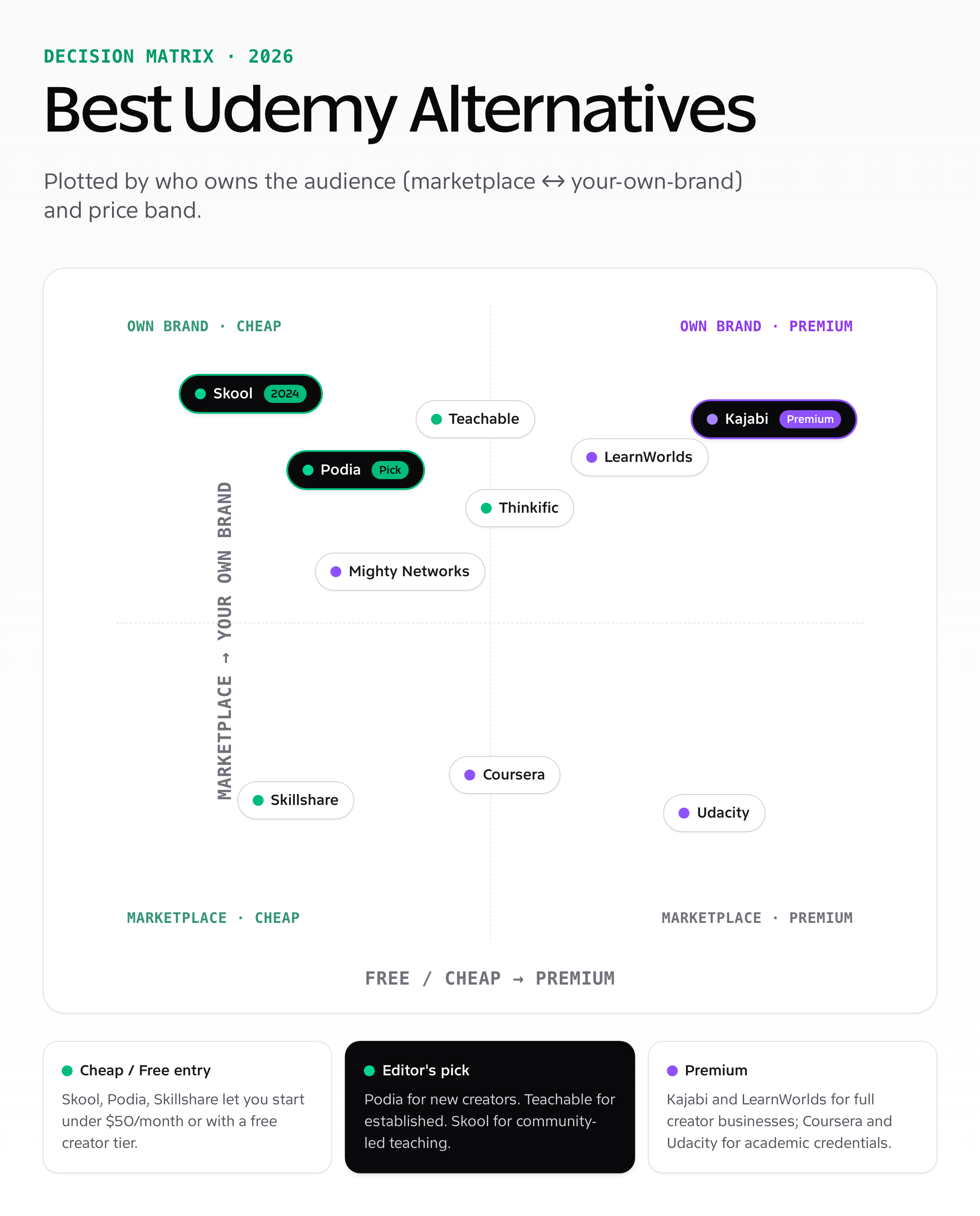
I have built courses on three of the platforms below, advised four other creators on platform choices, and watched the Skool launch in 2023 reshape what a community-first teaching platform looks like. The ten alternatives below cover every model — your-own-brand SaaS (Teachable, Thinkific, Kajabi, Podia, LearnWorlds), community-led (Skool, Mighty Networks), and academic-style marketplaces (Coursera, Udacity, Skillshare). Pricing is current as of October 2026.
Quick verdict: If you are a new creator, start with Podia at $39/month — courses, downloads, memberships, email, and webinars on one platform. For a more polished course experience, Teachable. For premium all-in-one creator business, Kajabi. For community-first, Skool at $99/month. For academic credentials, Coursera.
Best Udemy Alternatives in 2026
Ten platforms made the cut after testing real course launches. Pricing is current as of October 2026.
| Platform | Best for | Free tier? | Paid (2026) | Revenue cut |
|---|---|---|---|---|
| Teachable | Established course creators | Yes (10 students) | $59/mo Basic · $159/mo Pro | 0% on paid plans |
| Thinkific | Mid-tier course creators | Yes (1 course, no transaction fees) | $49/mo Basic · $149/mo Grow | 0% on paid plans |
| Kajabi | Premium creator business | 14-day trial | $149/mo Kickstarter · $399/mo Growth | 0% |
| Podia | New creators, all-in-one | Yes (free with 8% fee) | $39/mo Mover · $89/mo Shaker | 0% on paid plans |
| LearnWorlds | Interactive courses + apps | 30-day trial | $24/mo Starter · $79/mo Pro Trainer | 0% (Starter has $5 transaction fee) |
| Skool | Community + courses (NEW 2026) | 14-day trial | $99/mo (one flat tier) | 0% |
| Mighty Networks | Community-led teaching | 14-day trial | $41/mo Community · $98/mo Business | 0% (top tier) / 2% (lower) |
| Coursera | Academic credentials | Yes (audit most courses) | $59/mo Coursera Plus | Marketplace · revenue share |
| Skillshare | Project-based subscription | 30-day trial | $13.99/mo | Revenue pool / minutes watched |
| Udacity | Tech career credentials | Free courses available | $249-$399/mo Nanodegrees | Marketplace |
Teachable
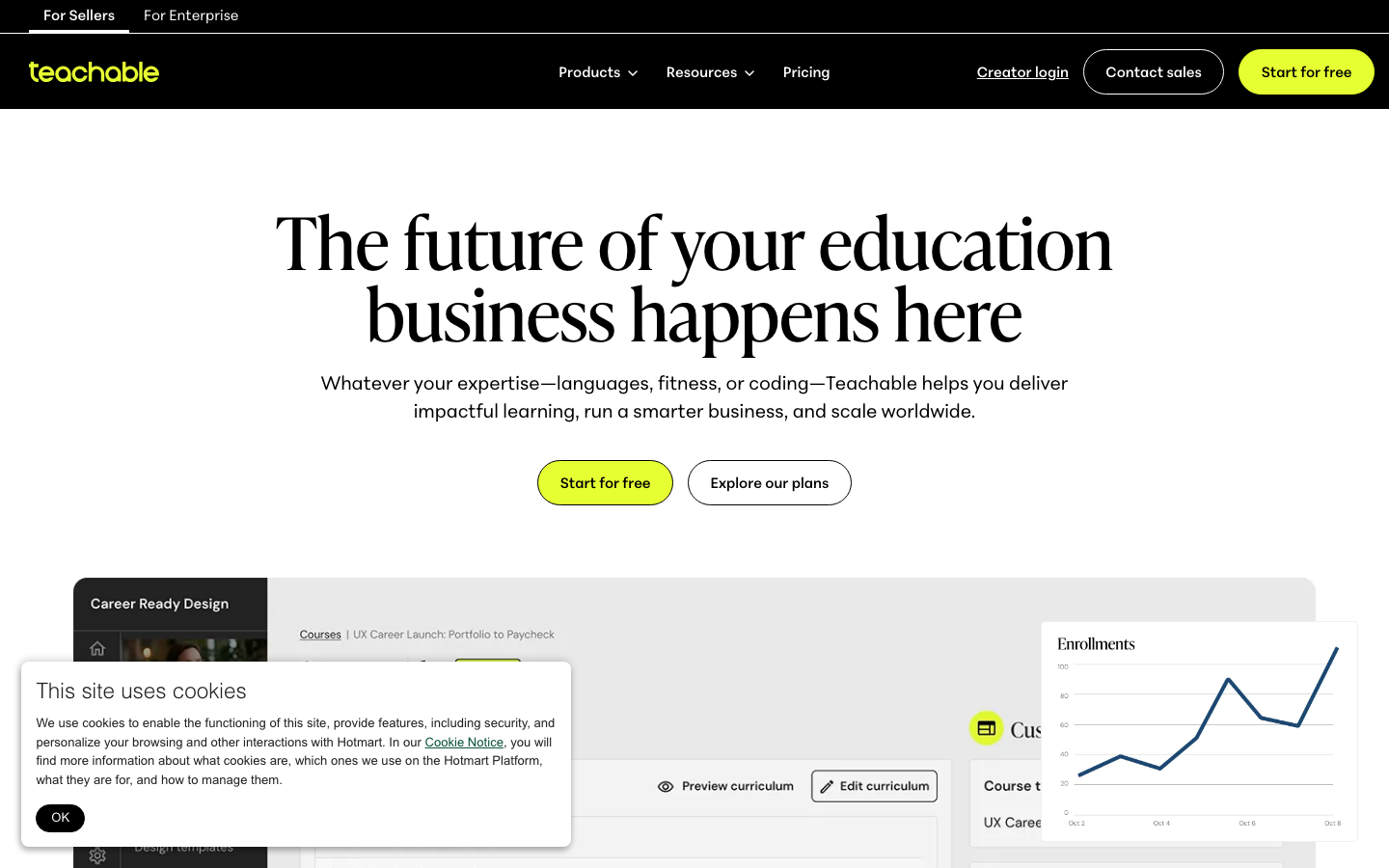
Teachable is the SaaS course platform most creators land on first — solid product, decent free tier, and the strongest affiliate referral program in the category for anyone with an audience.
What is good: 0% transaction fee on paid plans; built-in affiliate marketing tool (your students can earn commissions sending you new students); Quizzes, Videos with chapter markers, Drip schedules, and Bulk-import students; Teachable’s payment processor handles EU VAT and US sales tax automatically.
What is broken: $59/month Basic is steeper than Podia’s entry tier; the free plan caps students at 10 (test only); custom domain and certification require Pro at $159; some legacy features (course bundles, advanced reporting) live behind the higher tiers.
Under the hood: Acquired by Hotmart in 2020. Backend on Ruby on Rails. Stripe + PayPal payments with built-in tax handling via Stripe Tax.
What should be better: Bundle the affiliate marketing tool into the Basic plan — gating it behind Pro creates friction for creators who would otherwise spread the word organically.
Thinkific

Thinkific is the close peer of Teachable — same SaaS course-platform model, similar pricing, slightly cleaner UI, and a generous free tier with no transaction fees.
What is good: Truly free tier (one course, unlimited students, no transaction fees) which Teachable does not match; clean modern course-builder UI; built-in app store with 60+ integrations; communities feature added in 2023.
What is broken: Email marketing tool is weaker than Kajabi’s; some advanced features (memberships, advanced quizzing) require Grow at $149/month; Thinkific Plus enterprise tier is genuinely expensive.
Under the hood: Backend on a Ruby + Vue stack. Vimeo for video hosting. Stripe + PayPal native payments.
What should be better: Better email automation — Thinkific would be unbeatable if their email matched Kajabi or Podia.
Kajabi
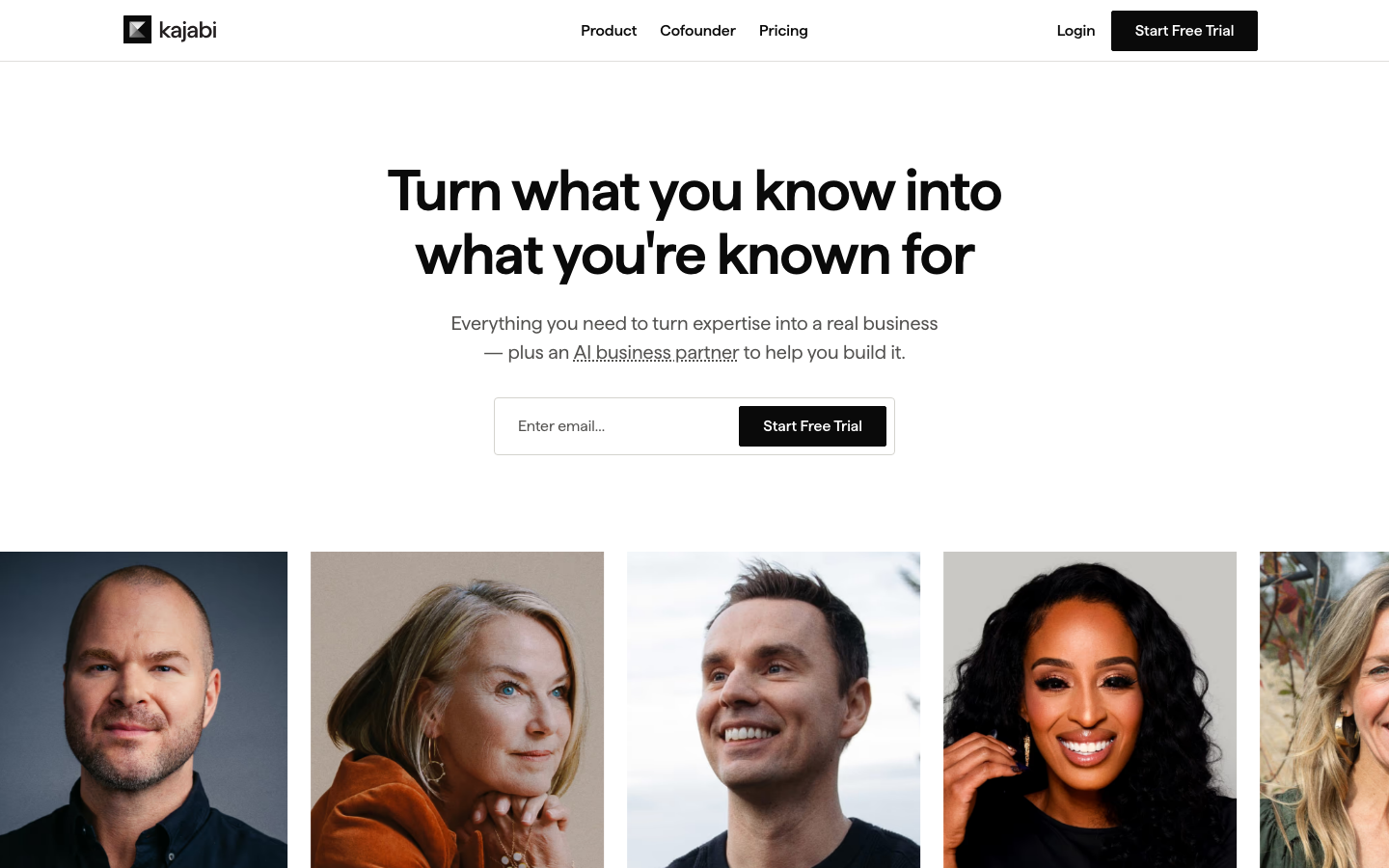
Kajabi is the premium all-in-one creator business platform — courses + communities + email marketing + landing pages + sales pipelines on one subscription.
What is good: Truly all-in-one (kills 6+ tools — ConvertKit, Teachable, Memberful, Kajabi pages replace Webflow, etc.); strongest email automation in the course-platform category; unlimited bandwidth and video hosting included; Pipelines builder for full funnels.
What is broken: $149/month Kickstarter is the highest entry price on this list; the bundling model means you pay for tools you may not need; UI feels heavier than Teachable.
Under the hood: Mature SaaS stack with Wistia-grade video. Mailchimp-class email engine. Communities feature based on the Heartbeat acquisition.
What should be better: An a-la-carte option — buying just the email or just the courses, not the full suite.
Podia
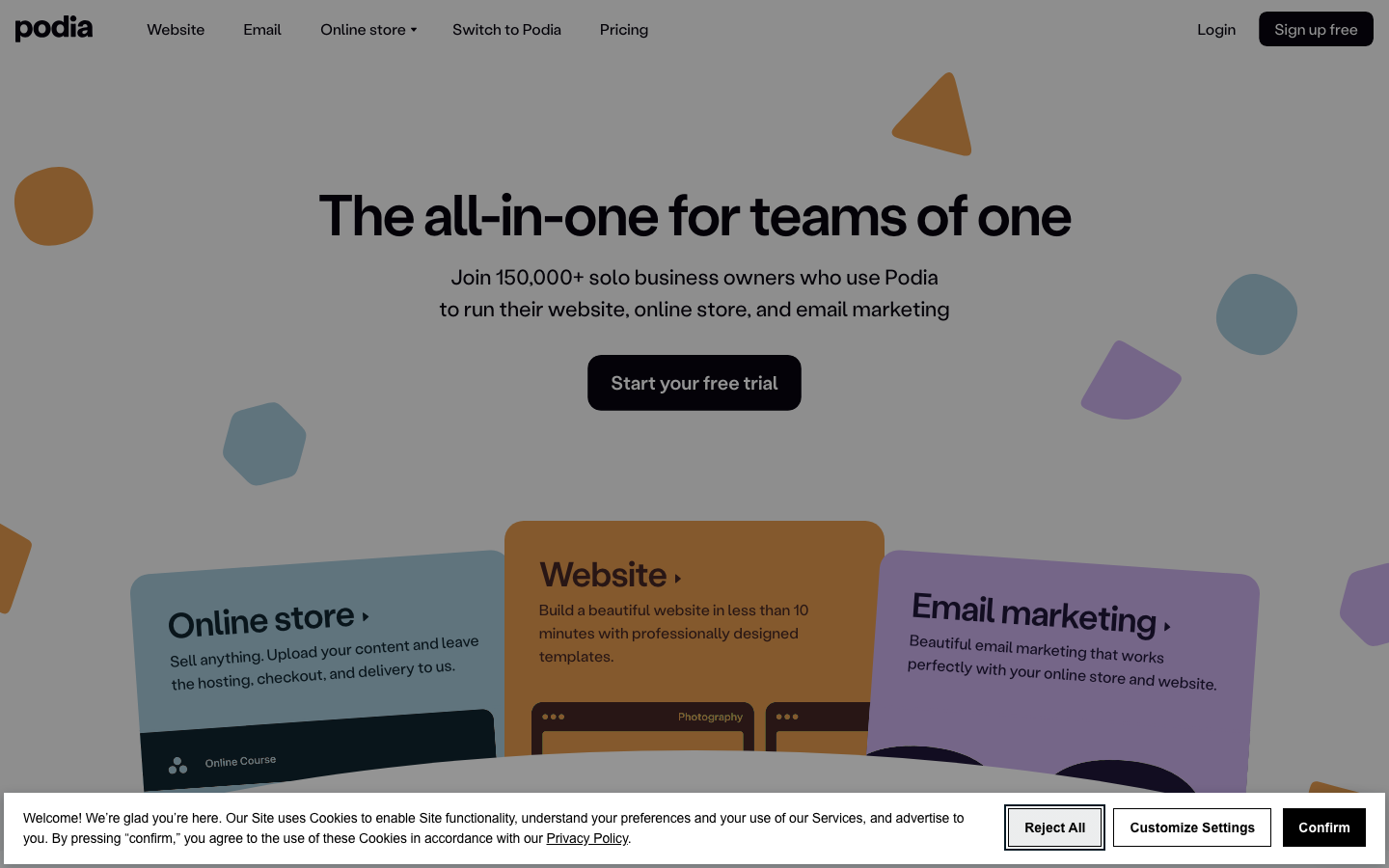
Podia is the right pick for new creators in 2026 — $39/month covers courses, digital downloads, memberships, webinars, and email marketing in one platform.
What is good: Lowest entry price for an all-in-one creator platform ($39/mo Mover); free plan with an 8% transaction fee for testing; no transaction fees on paid plans; clean modern UI; built-in email tool integrates with course delivery.
What is broken: Email automation features are simpler than Kajabi or ConvertKit; communities feature is functional but lighter than Mighty Networks; harder ceiling for very large catalogs.
Under the hood: React-based front-end with a Rails backend. Stripe + PayPal payments. Mux for video.
What should be better: More advanced quiz and assessment options — Podia’s assessment features lag the dedicated course platforms.
LearnWorlds
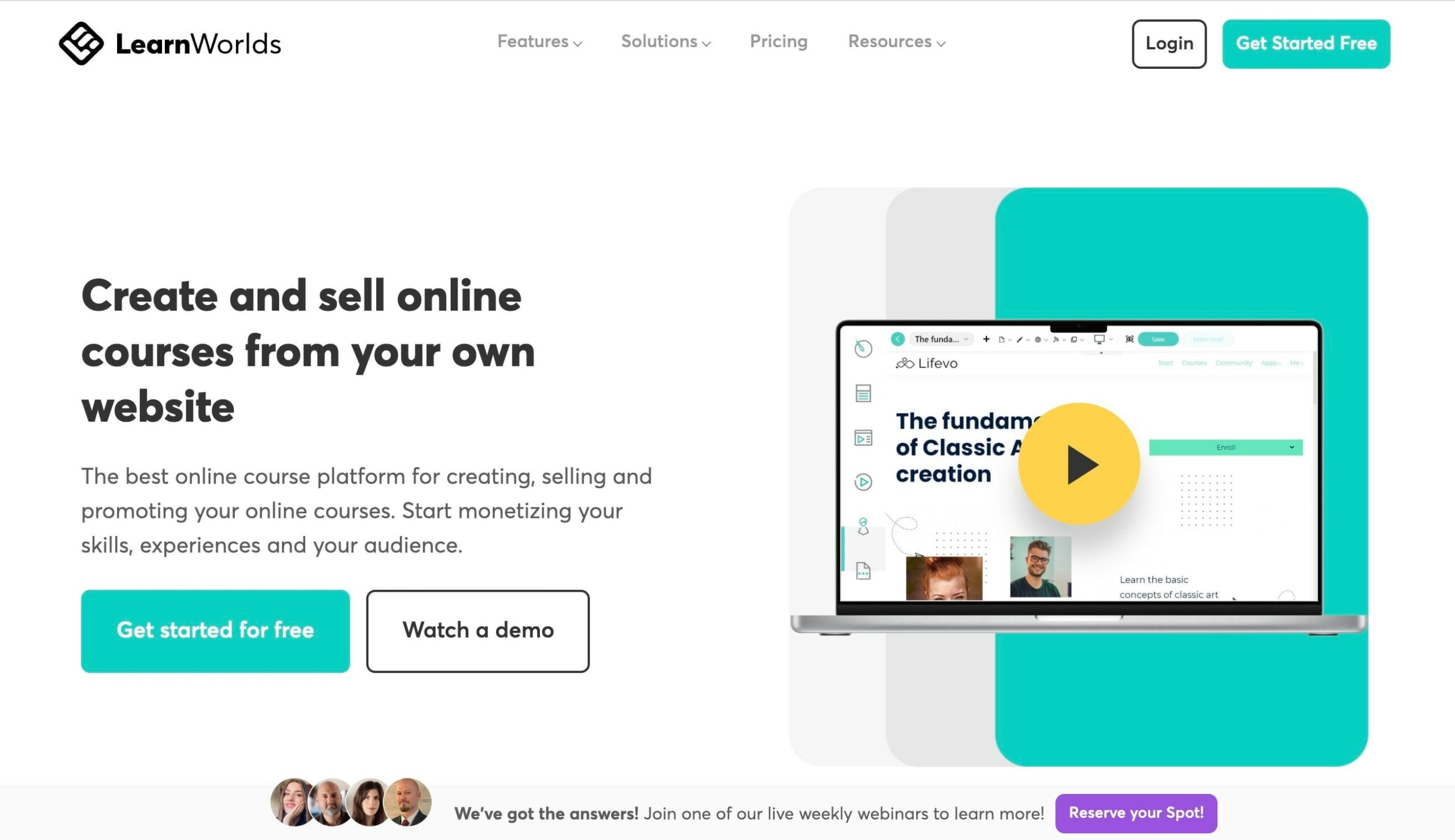
LearnWorlds is the choice for creators who want interactive courses and a branded mobile app — SCORM-compliant, fully white-labeled, with native iOS and Android apps for your school.
What is good: Native iOS and Android apps you fully brand (App Store and Play Store entries with your name); interactive video player with overlay questions, fill-in-the-blanks, and chapter-anchored notes; SCORM and xAPI compliance for corporate training; multi-language interface.
What is broken: $24/month Starter has a $5/sale transaction fee until you reach Pro Trainer ($79/mo); branded mobile apps cost extra ($299/month add-on); the editor has more options than other platforms which raises the learning curve.
Under the hood: Hosted on AWS with a custom HTML5 video player. Mobile apps generated via custom Ionic + React-Native builds. SCORM 1.2 / 2004 / xAPI standards.
What should be better: A built-in community feature on the lower tiers — currently Pro Trainer or higher to unlock the community.
Skool
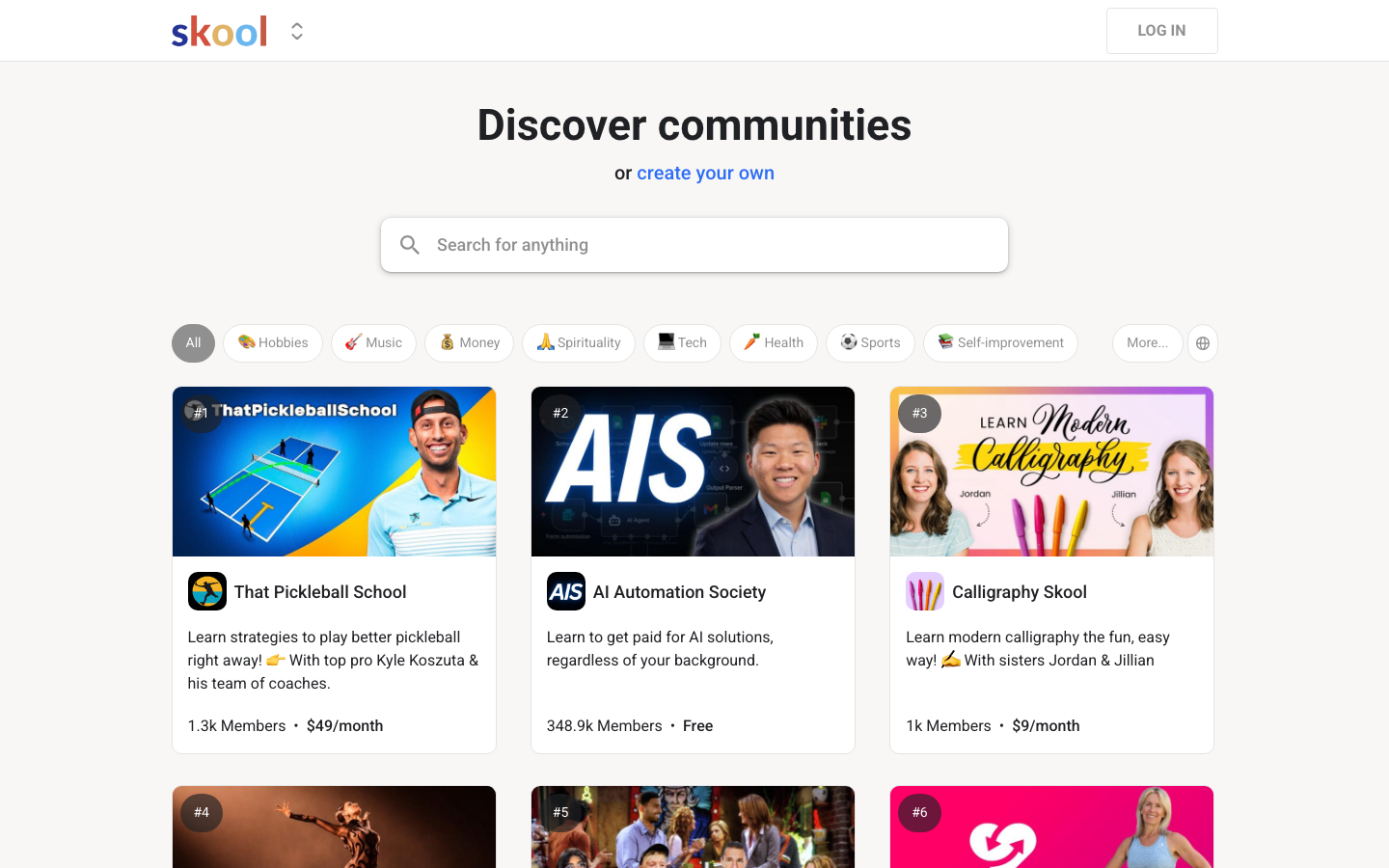
Skool is the platform that took over the creator economy in 2024 — community-first, courses inside the community, gamified rankings, and a single $99/month flat price.
What is good: Community is the primary surface (most platforms make it secondary); built-in points/leaderboard gamification keeps members active; flat $99/month for unlimited members in your group; courses inside the community feel native, not bolted on; Alex Hormozi acquired equity and pushed adoption hard in 2024.
What is broken: $99/month is the floor — no cheaper plan; brand customization is limited compared to LearnWorlds; the platform is opinionated (one path) which is a feature for some, a constraint for others; payment processor charges show up separately.
Under the hood: React + Node stack on AWS. Stripe payments for course/membership sales. Built-in calendar, classroom, and chat features. Skool merged with Whop in late 2024.
What should be better: More white-label control — current limits on theming push large-brand creators to LearnWorlds.
Mighty Networks
Mighty Networks is the community-first option for creators who want to build a member-led group with courses, events, and a custom-branded mobile app.
What is good: Best mobile app experience among community platforms — native iOS and Android with your branding; live events and meetup tools built in; AI-driven member matchmaking; 0% transaction fees on the Business tier.
What is broken: $41/month Community tier is fine for starters but most creators end up needing Business at $98/mo for full features; building courses inside Mighty Networks is functional but less rich than Thinkific or Teachable; Mighty Pro custom-app tier starts at $360/month.
Under the hood: Modern stack with native mobile apps. Their AI matchmaker uses lightweight ML for member-to-member discovery.
What should be better: Better course-creation tools — Mighty Networks is great for community but lags pure course platforms.
Coursera
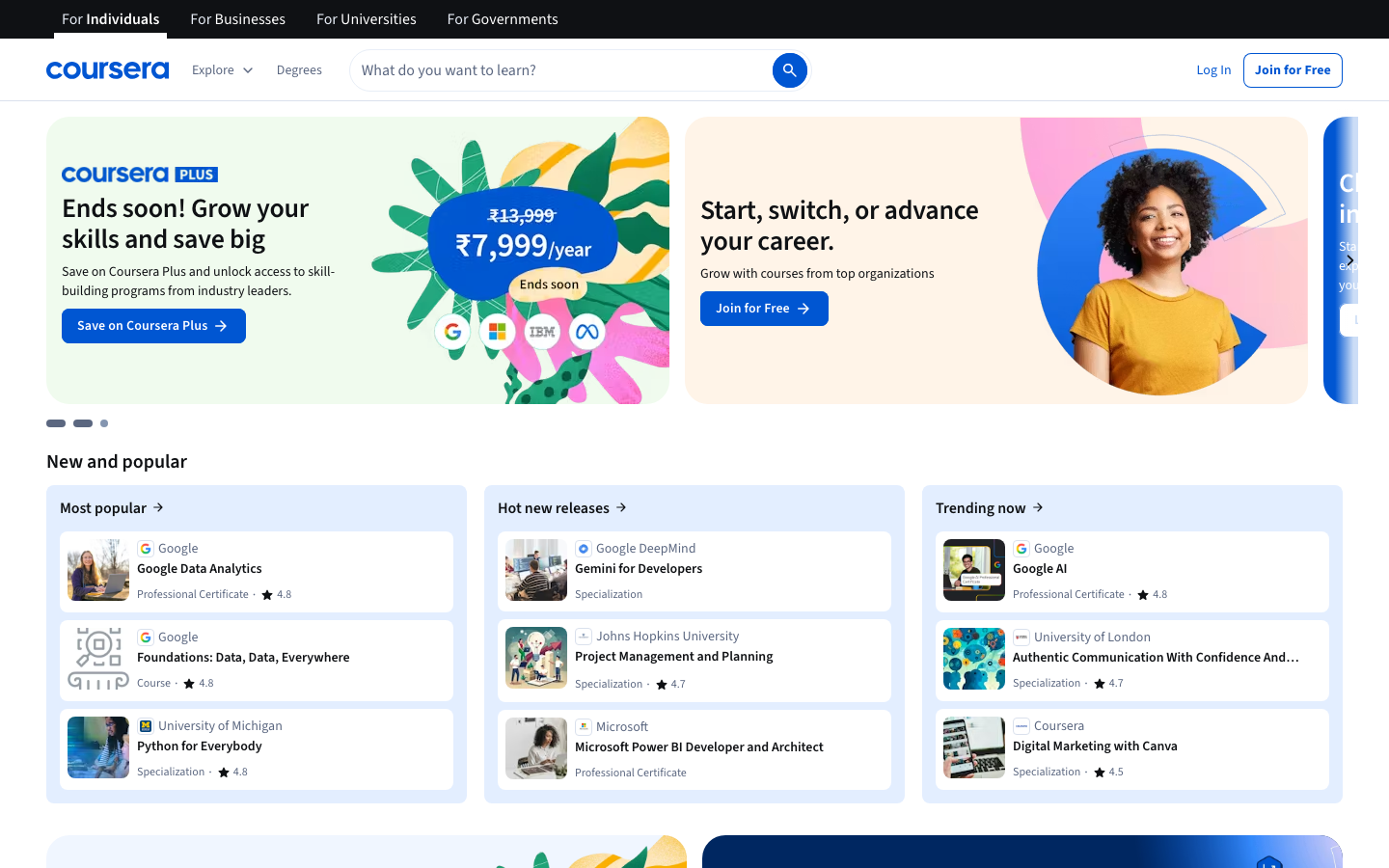
Coursera is the academic-credential marketplace — courses from Stanford, Yale, Google, and Meta, with full degrees from top universities. Not a creator platform; you join as a learner or partner-instructor through your institution.
What is good: Real university and big-tech partner credentials (degrees from Penn, Imperial, Illinois); Coursera Plus at $59/month unlocks 7,000+ courses across all subjects; Specializations are 3-9 month bundles that build cumulatively; financial aid available for eligible learners.
What is broken: You cannot publish your own course as an individual — instructor model is institution-led; subscription model means you pay even when you take a break; some certificates are valuable, others are not.
Under the hood: Spun out of Stanford in 2012. Currently public on the NYSE. Backend has invested heavily in AI-driven recommendations and AI Chat assistance for learners.
What should be better: An individual creator track for solo experts — Coursera vetted-individual tier would compete head-on with Teachable.
Skillshare

Skillshare is the project-based marketplace alternative — short, creative-skills-focused courses with a single subscription that unlocks every class.
What is good: $13.99/month subscription for unlimited access to 35,000+ classes; project-based learning model means students learn by making something; teachers earn from the watch-time-based royalty pool plus referral bonuses; strong focus on creative subjects (design, illustration, photography, business).
What is broken: Royalty pool revenue is unpredictable — what you earn depends on total platform watch time and your share of it; teaching there is best as a brand-building exercise, not a primary income source; less suited for technical / certification-heavy subjects.
Under the hood: Subscription-funded marketplace with shared royalty pool. Teachers approved through a review process. Native iOS and Android apps.
What should be better: A flat-fee per minute tier — the pool model makes earning predictability hard for serious creators.
Udacity
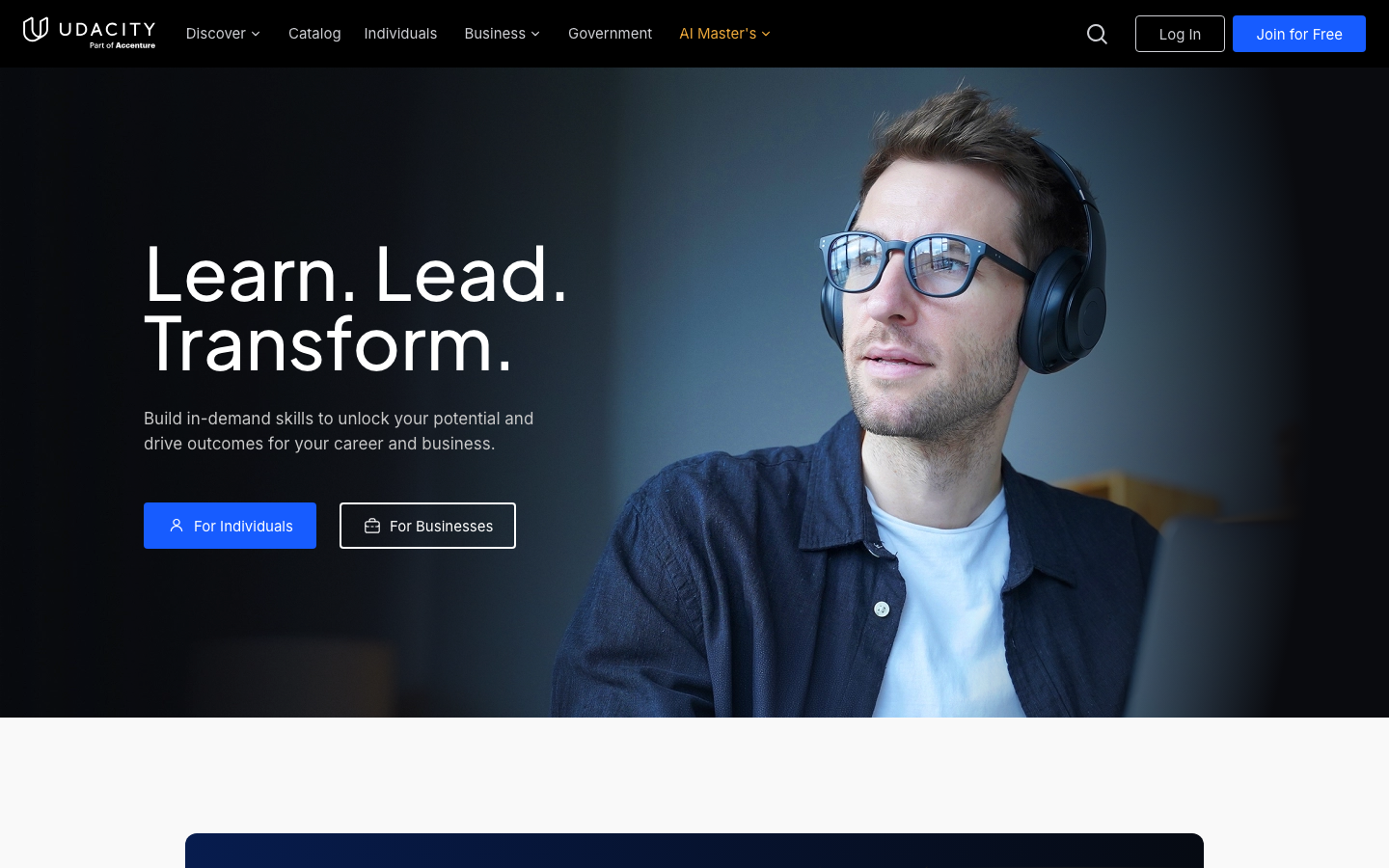
Udacity is the tech-focused career platform — Nanodegrees in AI, ML, autonomous systems, data engineering, and cloud computing, built with industry partners like Google, AWS, and NVIDIA.
What is good: Real industry partnerships (programs co-built with Google, AWS, NVIDIA, Mercedes-Benz); project-based mentorship and code reviews; career services (resume coaching, interview prep, hiring partners); Nanodegree certificates are recognized by tech recruiters.
What is broken: $249-$399/month Nanodegree pricing is steep — total program cost runs $1,000-$2,500; not for hobby learners; not a creator platform — you cannot teach on Udacity unless you partner with their content team.
Under the hood: Acquired by Accenture in 2024 — likely accelerates the corporate-training direction.
What should be better: More transparent total-cost upfront — the per-month pricing obscures the full Nanodegree cost.
How to Pick a Udemy Alternative
Pick by what you are selling and how much you have already built. New creators with no audience: Podia ($39/mo, all-in-one). Established creators with email lists: Teachable or Thinkific ($49-59/mo). Premium creator business with multiple income streams: Kajabi ($149/mo). Community-led teaching: Skool. Mobile-app-first: LearnWorlds. Just want to learn: Coursera for academic, Skillshare for creative.
See also: best online teaching platforms, how to set up an online teaching website with WordPress.
The Call
Stop running your business on Udemy’s 50-75% revenue share. Pick one platform from this list and migrate your top three courses in the next two weeks. The single biggest mistake creators make is staying on Udemy because it has “more traffic” — Udemy’s traffic does not transfer when a student finishes your course, and you spent the same effort either way. Own your audience.
Frequently Asked Questions
What is the best Udemy alternative for new creators in 2026?
Podia at $39/month is the right pick for new creators. It covers courses, digital downloads, memberships, webinars, and email marketing on one platform — most new creators do not need to bolt on six tools. Once you outgrow Podia (typically at 1,000+ paying students), Teachable or Thinkific are the natural upgrades.
Is Skool worth $99/month?
If your teaching style is community-led, yes. Skool combines a community feed, courses, leaderboards, calendar, and chat into one $99/month platform with no per-member upcharges. The catch: it is opinionated (one design template, light branding control). Creators who teach in cohorts and rely on member-to-member learning see strong retention. Solo course-only teachers are usually better served by Teachable or Podia.
Teachable vs Thinkific — which is better in 2026?
Both are mature platforms at similar price points. Teachable has the stronger built-in affiliate marketing tool and slightly bigger market presence. Thinkific has a generous free tier (no transaction fees, one course, unlimited students) and a slightly cleaner UI. Pick Thinkific if you want to start free and grow into paid; Teachable if you want the affiliate marketing program from day one.
Can I really make money on Skillshare or Coursera?
Yes, but the model is different. Skillshare pays from a watch-time royalty pool, so earnings are unpredictable; treat it as marketing for your audience-building work. Coursera revenue requires partnering through a university or large org — individual creator listings are not available. For predictable per-course revenue, Teachable, Thinkific, Kajabi, or Podia are the right places.
What is the cheapest Udemy alternative?
Podia free plan (8% transaction fee, no monthly cost) and Thinkific free plan (no transaction fees, one course) are the two cheapest entry points. LearnWorlds Starter at $24/month is the cheapest paid tier with custom branding, though it has a $5 transaction fee per sale. Skillshare at $13.99/month is the cheapest if you only want to consume.
Which Udemy alternative supports certificates?
Teachable, Thinkific, Kajabi, LearnWorlds, Podia, and Mighty Networks all support automated PDF certificates with branding. LearnWorlds is the strongest for SCORM-compliant corporate certificates. Coursera issues real university-backed certificates which carry more weight than self-issued ones for academic and corporate audiences.
Can I import my Udemy courses to another platform?
Most platforms (Teachable, Thinkific, Podia, Kajabi) support video upload and CSV-based import for course structure. You will not be able to export your Udemy student list — that is the platform’s biggest leverage point. Plan to relaunch your courses with email-list-based marketing rather than expecting to bring students with you.
Should I use WordPress with an LMS plugin instead?
WordPress + LearnDash, Tutor LMS, or LifterLMS works for technically comfortable creators who want full ownership. The trade-off is hosting management, plugin updates, and security on your shoulders. SaaS platforms (Teachable, Thinkific, Podia, Kajabi) handle all of that for $39-$149/month. Most creators are better served by SaaS unless they have specific customization or compliance needs.
Tell Google you want more of this.
Add Gaurav Tiwari as a preferred sourceOne tap, and this site shows up more often in your own Top Stories, AI Overviews and AI Mode. Remove it any time.
Disclaimer: This site is reader-supported. If you buy through some links, I may earn a small commission at no extra cost to you. I only recommend tools I trust and would use myself. Your support helps keep gauravtiwari.org free and focused on real-world advice. Thanks. - Gaurav Tiwari
