
17 Best Google Apps to Use in 2026
I run my entire business on Google apps. Email, docs, spreadsheets, video calls, cloud storage, AI research. All of it. I’ve tried Notion, Microsoft 365, Zoho, and a bunch of self-hosted setups. Google’s ecosystem is the one I keep coming back to because everything just works together.
These are the 17 Google apps I actually use and recommend. Not every Google product makes this list. I’m skipping the ones that are half-baked or redundant. If you’re looking for the best productivity apps overall, I’ve covered that separately. This guide is specifically about Google’s best work.
Best Google Apps in 2026
- Google Search for finding anything on the web
- YouTube for video hosting, learning, and marketing
- Gmail for email with 15 GB free storage
- Google Chrome for fast, extensible web browsing
- Google Maps for navigation and local business visibility
- Google Gemini for AI-powered research and content generation
- Google Drive for cloud storage and file sharing
- Google Photos for photo backup and AI-powered editing
- Google Meet for video conferencing
- Google Contacts for managing your address book
- Google Keep for quick notes and reminders
- Google NotebookLM for AI-powered research notebooks
- Google Play for apps, games, books, and movies
- Google Earth for exploring the world in 3D
- Google Sheets for spreadsheets and data analysis
- Google Slides for presentations
- Google Calendar for scheduling and time management
Google Search
Since its inception in 1997, Google Search has revolutionized how we access information. Pre-installed on most Android devices, it’s the go-to internet search engine for billions globally.
Over the years, Google has enriched it with features like Google News, offering current events updates, Google Assistant for voice-activated inquiries, and Google Lens for visual searches. Its powerful search algorithm sifts through countless websites, providing relevant and accurate results. Google Search’s versatility and user-friendly interface make it indispensable for daily internet use, leading users to a vast array of services and information on the web.
YouTube
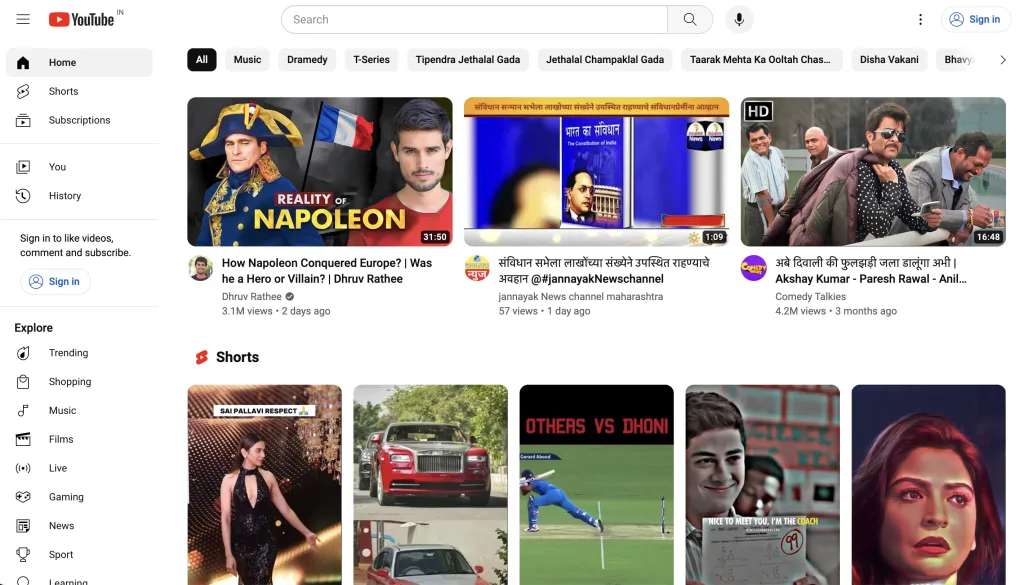
YouTube, the world’s premier video-sharing platform, was created in 2005 by three former PayPal employees. Google acquired it in 2006, enhancing its reach and capabilities.
Today, with over 2.6 billion users, YouTube is a central hub for a diverse range of content, including educational tutorials, entertainment, and news. The platform supports content creators and viewers alike, fostering a community where information and creativity flourish. Its user-friendly interface, coupled with powerful algorithms that suggest personalized content, makes it a daily destination for users seeking knowledge, entertainment, or a platform to share their own videos.
Gmail
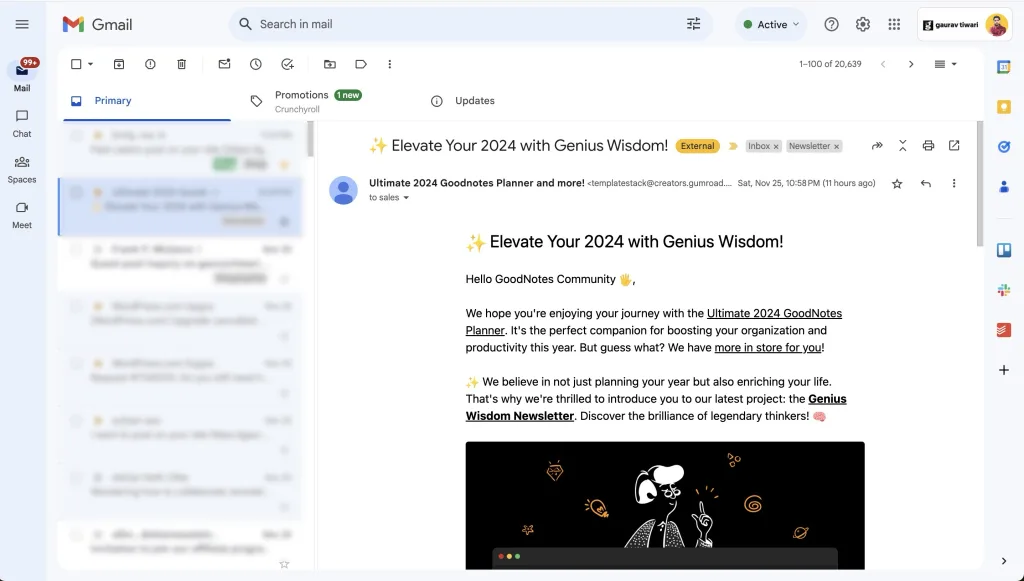
Gmail, launched in 2004, has consistently been at the forefront of email services. Integrated deeply with Android, it offers an intuitive, user-friendly experience. Gmail stands out for its robust spam filtering, substantial storage space, and seamless integration with other Google services like Calendar and Drive. Its constantly updating features, like smart compose and priority inbox, enhance user experience.
The service’s reliability and security make it the preferred choice for personal and business communications alike.
Gmail’s widespread adoption is a testament to its efficiency and effectiveness in managing electronic correspondence in the digital age.
Google Chrome
Google Chrome, launched in 2008, quickly became the benchmark for web browsers. Praised for its speed, security, and simplicity, Chrome offers a seamless browsing experience across devices. It syncs bookmarks, history, and passwords, making the transition between desktop and mobile effortless.
Chrome’s robust extension ecosystem extends its functionality, catering to a wide range of user needs. Its minimalistic design focuses on user experience, while under-the-hood, Chrome utilizes advanced technology to ensure fast, secure, and stable browsing. Chrome is also the backbone of Chromebooks, which run ChromeOS, a lightweight operating system built entirely around the browser.
Google Maps
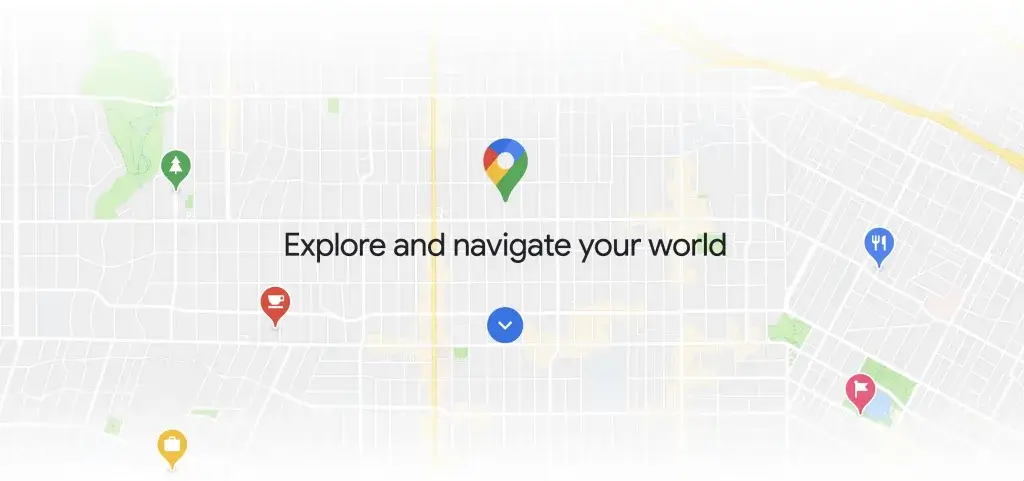
Google Maps, introduced in 2005, is a powerful navigation and mapping tool. It offers detailed, up-to-date maps and satellite imagery of locations worldwide. Users can get directions for driving, public transit, walking, and biking, making it invaluable for travelers and commuters. Maps also provide live traffic updates, local business information, and street views, enhancing real-world navigation. Its ability to save maps offline is particularly useful in areas with limited internet access. The app also allows for personalization, such as saving favorite places and creating custom maps, making it a go-to tool for both everyday use and exploring new destinations.
Google Gemini
Google Gemini is Google’s powerful AI chatbot and assistant that has quickly become one of the most important apps in the Google ecosystem. Launched in February 2024 as the successor to Google Bard, Gemini has rapidly become one of the most capable AI assistants available. It competes directly with ChatGPT and Claude, and in many benchmarks now leads on reasoning and long-context tasks. It is available as a web app at gemini.google.com, as well as dedicated apps for Android and iOS, making it accessible across all your devices.
Gemini’s capabilities are extensive — from answering complex questions and generating images to analyzing documents, writing code, and helping you brainstorm ideas. With Gemini Live, you can have natural voice conversations with the AI, making it feel like talking to a real assistant. The latest models, Gemini 3.1 Pro and Gemini 3 Flash (both released in March 2026), deliver major improvements in reasoning, coding, and multimodal understanding. Gemini 3.1 Pro supports a 1 million token context window, making it capable of processing entire books or large codebases in a single conversation. Gemini 3 Flash at $0.10 per million input tokens through the API is also one of the cheapest useful AI models available.
What makes Gemini especially powerful is its deep integration with Google Workspace. It can help you draft emails in Gmail, create content in Google Docs, analyze data in Google Sheets, and much more. If you’re exploring AI tools beyond Google, I’ve also reviewed the best AI writing tools available right now. A free tier is available for all Google users, while the premium experience through Google One AI Premium unlocks advanced models and extended capabilities. As Google continues to replace Google Assistant with Gemini as the default voice assistant on Android, this app is becoming central to how millions interact with their devices daily.
Google Drive
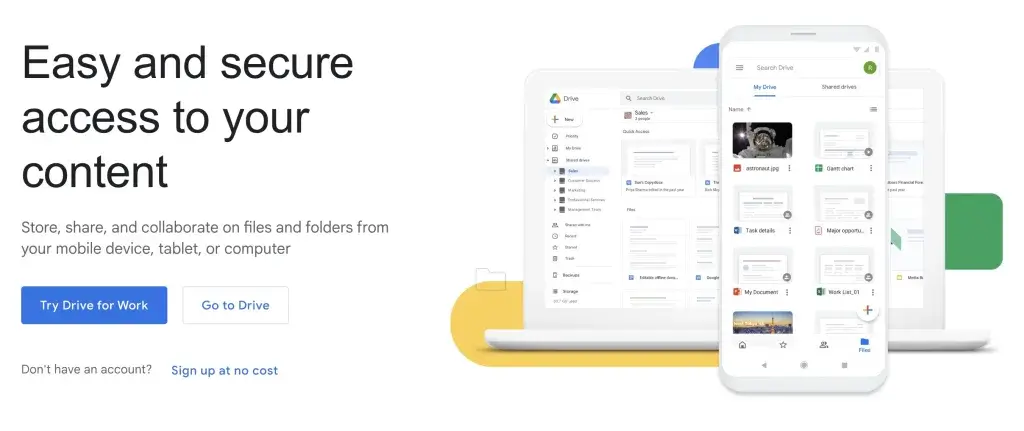
Google Drive, launched in 2012, is a comprehensive file storage and synchronization service. It provides a secure space for storing files in the cloud, accessible from any device. Drive integrates with Google’s Office suite, including Google Docs, Sheets, and Slides, facilitating collaborative editing and sharing of documents. Its generous storage allowance, with additional space available for purchase, caters to various user needs.
Drive’s powerful search functionality and file-sharing capabilities make it a preferred choice for individuals and businesses. The service’s emphasis on collaboration and accessibility has made it a cornerstone of cloud-based productivity.
Google Photos
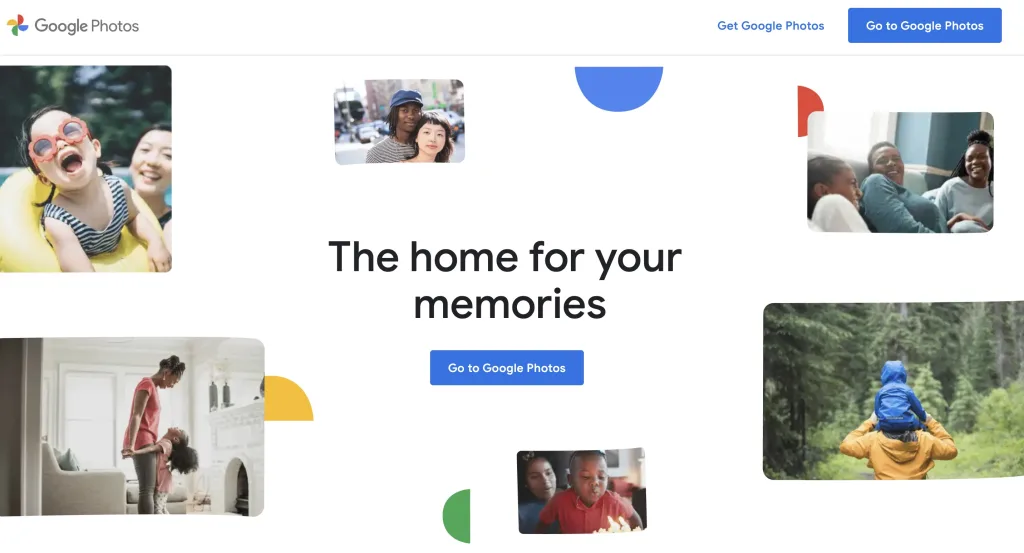
Google Photos, launched in 2015, is a cloud-based photo sharing and storage service. It stands out for its advanced image recognition technology, which automatically categorizes photos by people, places, and subjects. This feature enables users to effortlessly organize and search their photo library.
Google Photos’ storage is shared among all apps. You get 15GB of storage to backup your images, making it a good choice for backing up precious memories. Its editing tools, shared albums, and automatic backup capabilities enhance the user experience. The service also creates animations, collages, and memories, adding a personal touch to photo management. You can expand the storage and editing features by subscribing to a Google One plan.
Google Meet
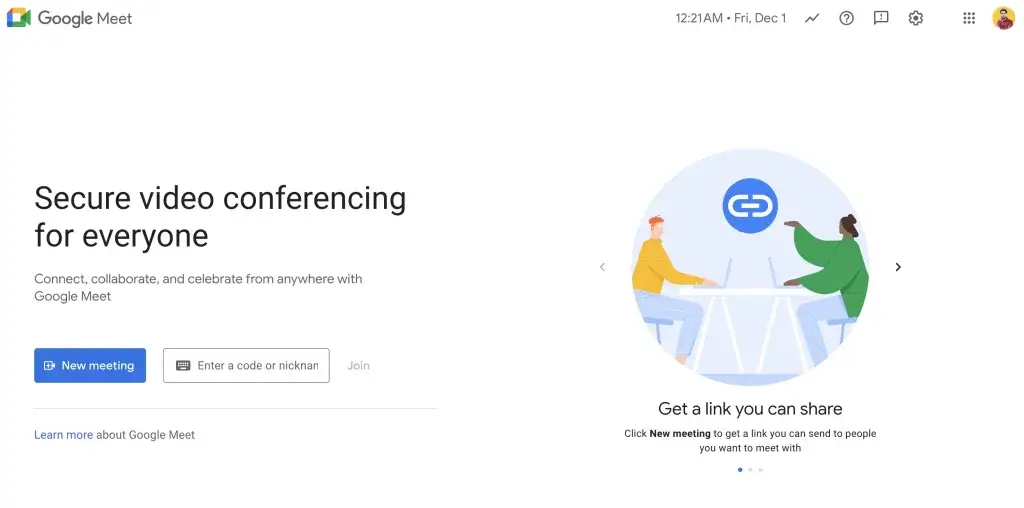
Google Meet, introduced in 2017, is a reliable video-communication service. Developed by Google, it facilitates secure, high-quality video meetings. Easily accessible via browser or app, Meet supports a range of features like screen sharing, real-time captions, and adjustable layouts. It’s integrated with Google’s ecosystem, allowing seamless scheduling with Google Calendar and collaboration with Google Drive.
Meet caters to businesses, educators, and individuals, offering a scalable solution for virtual meetings. Its importance has grown in the remote work and learning environments, proving to be a vital tool for maintaining communication and collaboration in a digitally connected world. Recently, Google has supercharged Meet with Gemini AI features, including automatic meeting summaries, real-time translated captions, and AI-generated meeting notes — making it easier than ever to stay on top of discussions without manual note-taking.
Google Contacts
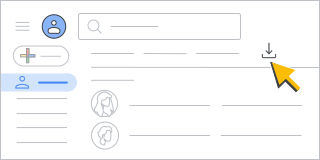
Google Contacts, released in 2015, is a comprehensive contact management app integrated with Gmail and Android. It centralizes contact information from various sources, ensuring easy access and management. Users can sync their contacts across devices, making them accessible wherever they log in with their Google account.
The app also facilitates easy import and export of contacts, group organization, and merging of duplicate entries. This synchronization is vital for maintaining an up-to-date contact list, especially in a professional context. Google Contacts is an indispensable tool for anyone relying on Google’s ecosystem for communication and organization.
Google Keep
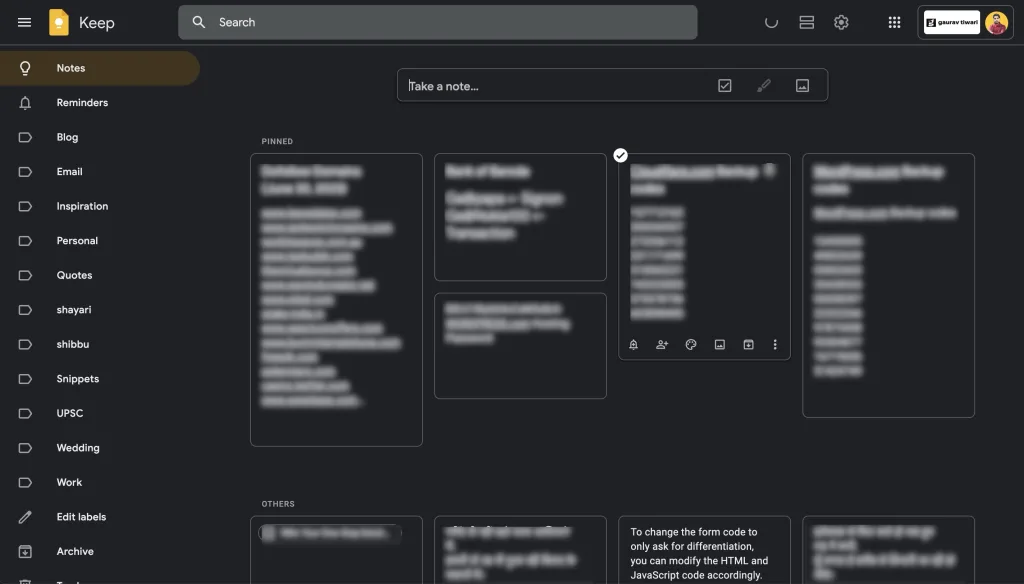
Google Keep, launched in 2013, is a versatile note-taking app that caters to various user needs. Whether it’s jotting down ideas, making lists, or saving web content, Keep provides a straightforward, user-friendly platform. Its integration with Google Drive allows for easy access and synchronization across devices.
Keep’s features include color-coded notes, voice memos, location-based reminders, and image insertion, enhancing its functionality. Its simplicity, combined with powerful organizational tools, makes Keep a handy app for personal and professional use. If you need something more robust for academic work, check my best note-taking apps for students list.
Google NotebookLM
Google NotebookLM is an AI-powered research and note-taking tool that brings the power of Google’s advanced language models to your personal documents. Available for free at notebooklm.google.com, it allows users to upload sources like PDFs, Google Docs, websites, and even YouTube videos, then interact with them through an intelligent AI that understands the content deeply.
What sets NotebookLM apart is its ability to generate summaries, answer questions based on your uploaded sources, and even create audio overviews — essentially turning your documents into a podcast-style discussion. This makes it an incredibly powerful tool for students, researchers, and professionals who need to quickly digest and understand large volumes of information.
NotebookLM is particularly useful for studying, preparing reports, or getting up to speed on new topics. Since its responses are grounded in your uploaded sources, it provides accurate, citation-backed answers rather than general knowledge. As Google continues to expand its AI capabilities, NotebookLM represents a glimpse into the future of how we interact with information.
Google Play
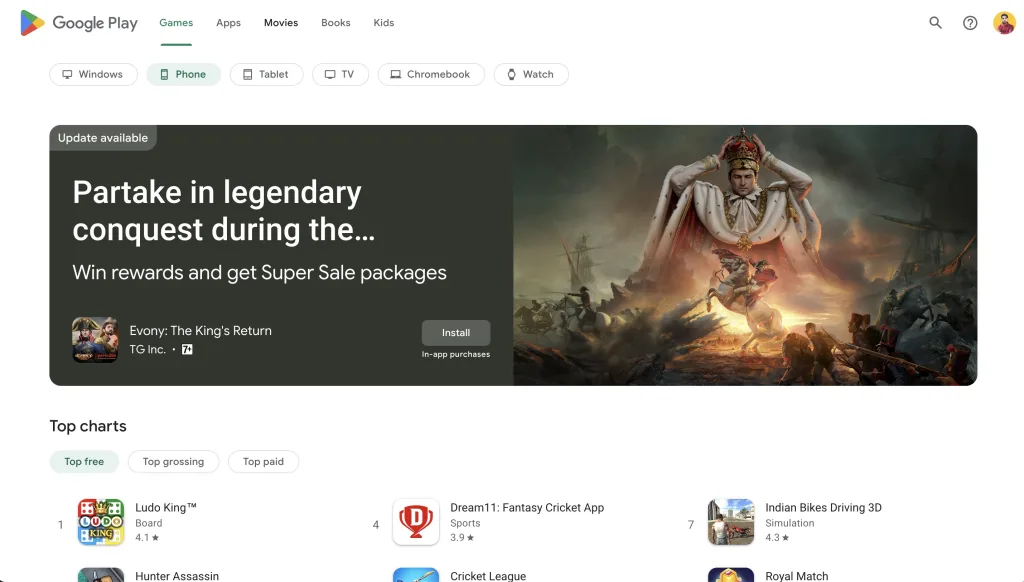
The Google Play Store, originally the Android Market, is an essential component of the Android ecosystem. Launched in 2012, it is the primary source for downloading apps, games, and other digital content on Android devices. The Play Store offers a vast selection of apps, both free and paid, covering various categories from productivity to entertainment. It ensures the safety and security of apps through stringent policies and regular updates.
Beyond apps, the Play Store also provides access to a wealth of digital media, including music, books, movies, and TV shows, making it a comprehensive digital marketplace for Android users.
Google Earth
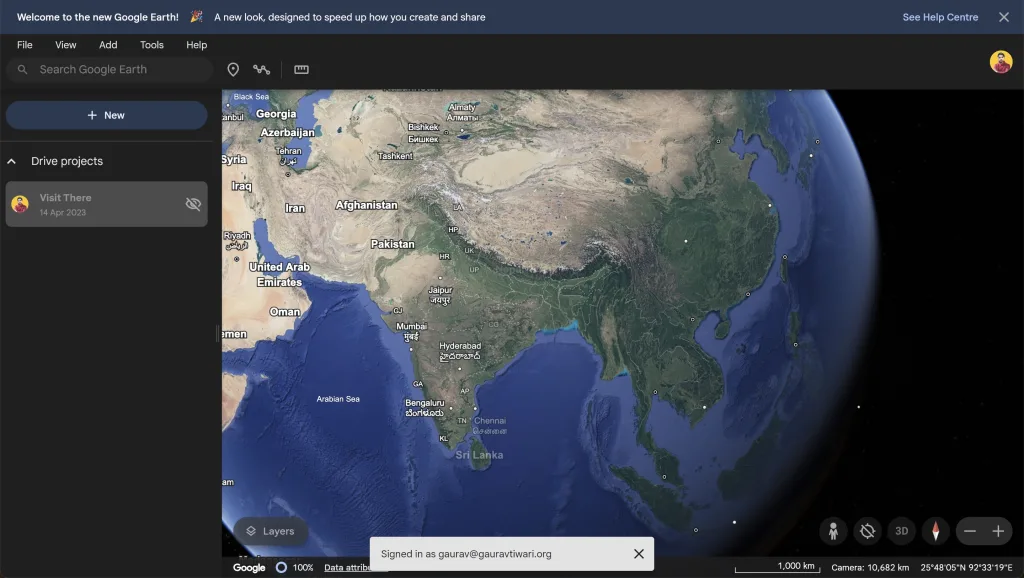
Google Earth, released in 2001, is an extraordinary tool that lets users explore the planet virtually. It combines satellite imagery, maps, and the power of Google Search to put the world’s geographic information at your fingertips. From street views to 3D renderings of terrain and buildings, it provides an immersive experience.
Users can travel to any corner of the globe, explore natural wonders, and tour famous landmarks. Google Earth’s educational potential is immense, offering a unique way to learn about geography, environmental science, and world cultures. Its user-friendly interface makes global exploration accessible to everyone.
Google Sheets
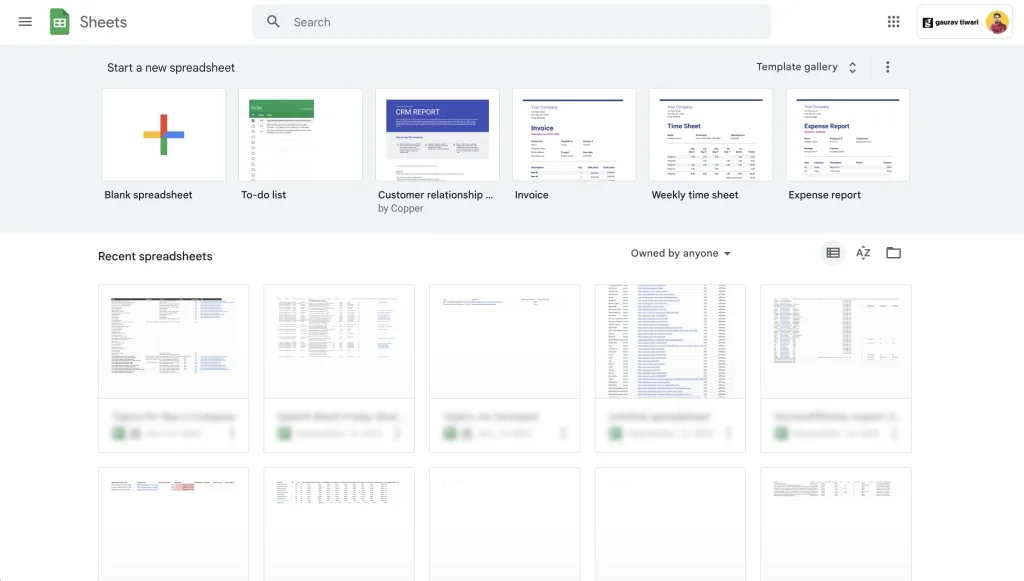
Google Sheets is a free online spreadsheet program launched in 2013. It allows users to create, edit, and collaborate on spreadsheets in real-time.
As part of Google’s office suite, Sheets integrates seamlessly with other Google apps like Drive and Docs. It supports complex formulas, pivot tables, and various types of charts, making it a robust tool for data analysis.
Sheets is accessible from any device, ensuring that users can work from anywhere. Its collaborative features, like simultaneous editing and commenting, make it ideal for team projects. For those seeking a flexible, powerful spreadsheet tool, Google Sheets is a top choice.
Google Slides
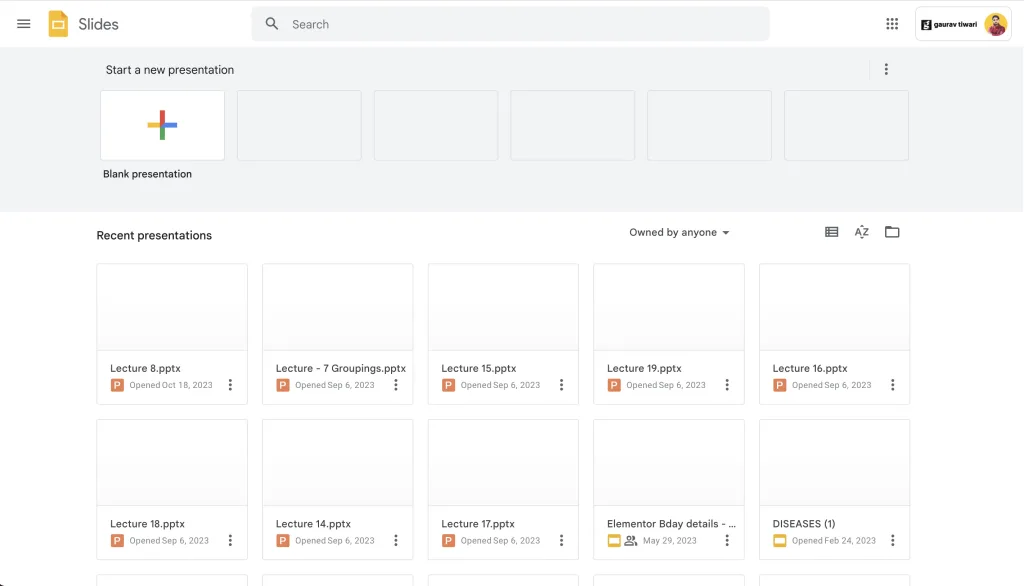
Google Slides, part of Google’s Office suite, is a dynamic presentation-making program. Launched alongside Google Sheets and Docs, Slides allows users to create, edit, and present professional presentations online. It supports real-time collaboration, making it easy for teams to work together from different locations.
Slides offers a variety of templates, animations, and slide transitions, enabling users to create visually appealing presentations. Its integration with Google Drive ensures that presentations are automatically saved and accessible from anywhere. Google Slides is a go-to solution for anyone needing a reliable, feature-rich tool for creating presentations in an online, collaborative environment.
Google Calendar
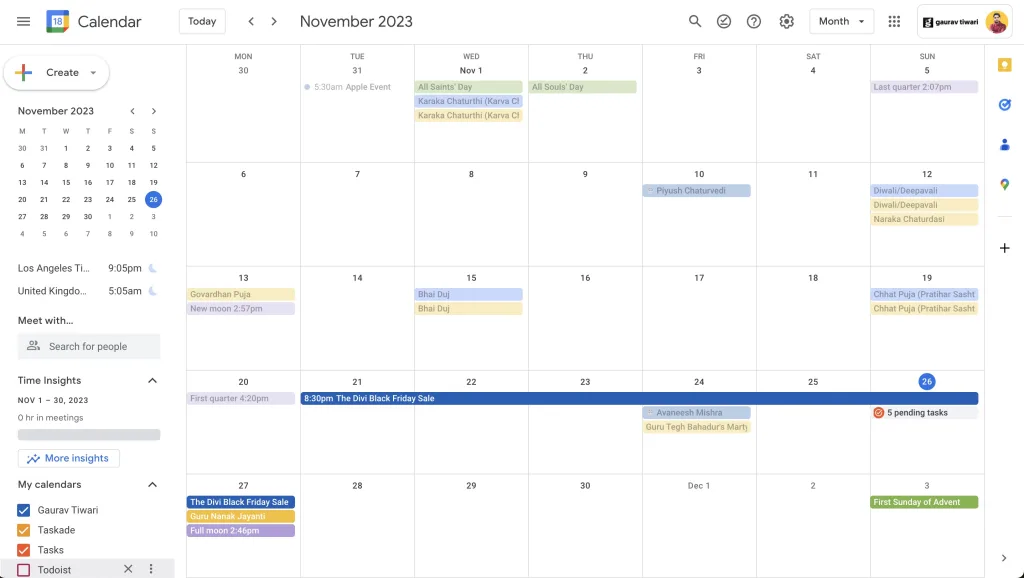
Google Calendar, launched in 2006, is a versatile time-management and scheduling tool. It allows users to create, manage, and share events and appointments. Integrated with Gmail, it can automatically add events from emails, such as flight bookings or hotel reservations.
Calendar’s features include customizable reminders, event invitations, and the ability to create multiple calendars for different aspects of life. Its integration with other Google services makes it a central part of personal and professional organization. Google Calendar’s user-friendly interface and synchronization across devices make it an essential tool for keeping track of commitments in today’s fast-paced world.
| App Name | Description | Launch Year |
|---|---|---|
| Google Search | The cornerstone of internet browsing, offering powerful search across the web. | 1997 |
| YouTube | World’s premier video-sharing platform, a hub for diverse content. | 2005 |
| Gmail | Leading email service known for its robust features and integration with Android. | 2004 |
| Google Chrome | Popular web browser for smartphones and computers, known for speed and security. | 2008 |
| Google Maps | Powerful navigation tool providing maps, directions, and local business information. | 2005 |
| Google Gemini | Google’s AI chatbot and assistant with conversational AI, image generation, and Workspace integration. | 2024 |
| Google Drive | Comprehensive file storage and synchronization service with collaborative tools. | 2012 |
| Google Photos | Cloud-based photo sharing and storage service with advanced image recognition. | 2015 |
| Google Meet | Secure, high-quality video communication service with Gemini AI-powered meeting summaries. | 2017 |
| Google Contacts | Centralizes contact information, syncing across devices with Gmail integration. | 2015 |
| Google Keep | Versatile note-taking app with synchronization across devices. | 2013 |
| Google NotebookLM | AI-powered research tool for analyzing documents, generating summaries, and audio overviews. | 2023 |
| Google Play Store | Primary source for downloading Android apps and digital content. | 2012 |
| Google Earth | Virtual exploration tool with satellite imagery and 3D views of the planet. | 2001 |
| Google Sheets | Free, online spreadsheet program allowing real-time collaboration. | 2013 |
| Google Slides | Dynamic presentation-making program supporting real-time collaboration. | 2013 |
| Google Calendar | Time-management and scheduling tool integrated with Gmail. | 2006 |
Google’s ecosystem works best when you use multiple apps together. Gmail feeds into Calendar. Drive connects to Docs, Sheets, and Slides. Meet integrates with Calendar for scheduling. Photos backs up to Drive storage. The more you use, the more seamless everything becomes. That’s the real advantage over using apps from different companies.
If you’re a student, pair these with the best productivity tools and you’ll have everything covered for school and side projects.
Google Workspace vs Personal Google Apps: What Is the Difference?
Most Google apps are free with a personal Google account. Google Workspace is the paid business version of the same apps with extras: custom email domains (you@yourcompany.com), more storage, admin controls, advanced security, and team collaboration features.
Personal Google account (free) gives you Gmail (yourname@gmail.com), 15 GB combined storage across Drive, Gmail, and Photos, access to Docs, Sheets, Slides, Meet, Keep, and all the apps listed above. Perfect for individuals, students, and most freelancers.
Google Workspace (formerly G Suite) starts at $7/month per user for Business Starter. You get your own domain email, 30 GB to 5 TB of storage per user depending on the plan, Meet recording, custom Vault retention policies, and an admin console to manage users. Most small businesses only need the Starter plan. See my guide to using Gmail with a custom domain for the full setup walkthrough.
The apps themselves are identical. Google Docs on a personal account is exactly the same software as Google Docs on Workspace. What changes is the email domain, storage limits, and admin features.
Best Google Apps for Business
If you are running a business, these are the Google apps that deliver the most value for the time invested in learning them.
- Gmail (with custom domain via Workspace). Professional email on your own domain. Client-facing trust is impossible with a yourname@gmail.com address.
- Google Drive. Central file storage with granular sharing permissions. Replaces Dropbox for most small businesses. At 2 TB (Business Standard plan), it covers most content businesses comfortably.
- Google Docs and Sheets. Real-time collaboration, version history, commenting, and suggesting mode. Free and better than Microsoft Word for team-based document workflows.
- Google Meet. Video conferencing with no software to install. Free tier supports 100 participants for 60 minutes. Workspace plans remove the time limit and add recording, noise cancellation, and attendance tracking.
- Google Calendar. Integrates with every scheduling tool (Calendly, TidyCal, Cal.com). Essential for team scheduling and client meetings.
- Google Gemini. Drafts emails, analyzes spreadsheets, summarizes meetings, and researches topics. Built into Workspace plans at no extra cost on higher tiers.
For most small businesses, Workspace Business Starter ($7/user/month) covers everything. Upgrade to Business Standard ($14/user/month) when you need Meet recording, 2 TB storage per user, or shared team drives.
Best Google Apps for Students
Students get the best of Google for free. Every app on this list works with a standard free Google account, and many schools provide Google Workspace for Education at no cost, which unlocks unlimited storage and additional features.
Essential for academic work:
- Google Docs for writing papers and collaborating on group projects. Version history prevents losing work, and commenting lets teammates review drafts.
- Google NotebookLM for research. Upload lecture slides, textbook chapters, and articles, then ask questions across all of them. Answers are grounded in your sources with citations. This is the single most transformative Google tool for students in 2026.
- Google Scholar for finding academic papers. Not always listed in Google app guides but essential for literature review. Free, massive database, direct links to papers and citation counts.
- Google Keep for lecture notes and quick references. Syncs across devices and integrates with Google Docs.
- Google Drive for organizing course materials by semester and subject. 15 GB free is enough for thousands of PDFs and notes.
- Google Calendar for class schedules, assignment deadlines, and exam dates. Set multiple calendars (one per course) for better organization.
- Google Gemini for homework help, concept explanations, and brainstorming. Use it as a tutor, not a writer: ask it to explain concepts, not to write your essays.
If your school uses Google Workspace for Education, you also get Google Classroom (for assignments and grading), unlimited Drive storage, and Meet without time limits.
Best Google Apps for Content Creators and Bloggers
Content creators have specific needs: research, writing, publishing, analytics, and distribution. Google covers most of these better than any competitor.
- Google Search Console (not in the main list but essential). Shows which keywords drive traffic to your site and catches SEO issues before they hurt rankings. If you run a blog or website, this is non-negotiable.
- Google Analytics 4 for understanding visitor behavior, traffic sources, and content performance. Free and powerful, though the interface takes time to learn.
- Google Trends for spotting rising topics and seasonal patterns. Essential for content planning.
- YouTube for video content. Google’s second search engine and the second most visited website in the world. For creators, a YouTube channel is the highest-leverage content asset you can build.
- Google Docs for drafting articles. The commenting and suggesting features are better than any dedicated writing tool I have tested.
- Google Gemini for research, outlining, and brainstorming. Drafts first versions faster than writing from scratch. See my guide to AI tools for marketers for more AI-powered content workflows.
Are Google Apps Really Free?
Yes, every Google app on this list is free to use with a standard Google account. The cost, if any, is storage. A free Google account includes 15 GB of storage shared across Gmail, Google Drive, and Google Photos.
When you actually pay:
- Google One. Personal storage upgrade from $1.99/month (100 GB) to $9.99/month (2 TB) to $24.99/month (5 TB). Needed when you exceed 15 GB, which happens quickly if you back up photos or receive large email attachments.
- Google Workspace. Business version starting at $7/user/month for Business Starter.
- Google One AI Premium. $19.99/month for access to Gemini Advanced (most capable models), 2 TB storage, and Gemini integration in Docs, Sheets, Gmail, and Meet.
- YouTube Premium. $13.99/month (or $8.99 for students) for ad-free YouTube and YouTube Music. Not required to use YouTube.
For most users, the free tier is more than enough. Personal Gmail users rarely need more than 15 GB. Most individuals who pay Google are paying for Google One storage upgrades rather than Workspace.
Frequently Asked Questions
Are Google apps free to use?
Yes. Every app on this list has a free tier. Gmail, Drive, Docs, Sheets, Slides, Keep, Calendar, Meet, Contacts, Photos, Maps, Search, YouTube, Earth, Play Store, NotebookLM, and Gemini are all free. Some apps like Drive and Photos have storage limits (15 GB shared across Google services), and upgrading to Google One gives you more space. Gemini has a premium tier for advanced AI models.
What is Google One and is it worth paying for?
Google One is Google’s paid storage and benefits plan. It starts at $1.99/month for 100 GB and goes up to 2 TB for $9.99/month. You get extra Drive, Gmail, and Photos storage, plus VPN access and the ability to share with up to 5 family members. If you’re running out of the free 15 GB, the 100 GB plan is a no-brainer.
Can I use Google apps without an Android phone?
Absolutely. Almost every Google app works on iOS (iPhone/iPad) and through any web browser. Gmail, Drive, Docs, Sheets, Slides, Maps, Photos, Calendar, Meet, and Chrome all have iOS apps. You just need a Google account, which is free to create regardless of your device.
Which Google app is best for students?
Google Docs, Sheets, and Slides are essential for schoolwork since they’re free alternatives to Microsoft Office with real-time collaboration. Google Drive handles file storage and sharing. Google Calendar keeps assignments and deadlines organized. And Google NotebookLM is excellent for studying and research since it can summarize your uploaded materials and answer questions about them.
What is the difference between Google Gemini and Google Assistant?
Google Assistant handles device actions like setting timers, controlling smart home devices, and making calls. Google Gemini is a conversational AI that can write, analyze documents, generate images, and help with complex reasoning. Google is gradually replacing Assistant with Gemini as the default voice assistant on Android, combining both capabilities into one experience.
How much free storage do you get with a Google account?
Every Google account comes with 15 GB of free storage shared across Gmail, Google Drive, and Google Photos. This fills up faster than you’d expect, especially if you back up photos at original quality. Once you hit the limit, you’ll need to either delete files or upgrade to a Google One plan starting at $1.99/month for 100 GB.
Which Google app is most popular?
Google Search is the most used Google app with over 8.5 billion searches per day as of 2026, making it the most visited website in the world. YouTube is second with over 2.5 billion monthly active users. Gmail has 1.8 billion active users. Google Maps has over 1 billion monthly users. For personal productivity, Google Drive and Google Docs are the most widely adopted.
What is the difference between Google apps and Google Workspace apps?
The apps are identical. Google Workspace is the paid business version of the same Google apps, adding custom domain email, more storage (30 GB to 5 TB per user), admin controls, advanced security, and team features. Personal Google accounts use the same Gmail, Docs, Drive, and Meet apps but with free-tier limits.
Can I use Google apps on an iPhone?
Yes. Every Google app on this list has a native iPhone app in the App Store. Gmail, Google Maps, Google Drive, Google Docs, Google Photos, Google Meet, YouTube, Google Calendar, and Google Keep all work perfectly on iOS. Some iOS users actually prefer Google apps over Apple’s built-in equivalents.
Which Google apps work offline?
Gmail, Google Docs, Google Sheets, Google Slides, Google Drive, Google Maps (with downloaded areas), Google Keep, and YouTube (with downloaded videos) all work offline. Enable offline mode in each app’s settings. Changes sync automatically when you reconnect.
Is Google NotebookLM free?
Yes. Google NotebookLM is free to use with a standard Google account. There is also a Plus tier at $19.99/month as part of Google One AI Premium, which increases the number of notebooks, sources per notebook, and audio overview generations. For most users, the free tier is more than enough.
What is replacing Google Assistant?
Google Gemini is replacing Google Assistant as the default voice assistant on Android. The transition has been rolling out since 2024 and is now the default on most Android devices. Gemini handles voice commands, questions, smart home controls, and much more, but with significantly more advanced AI reasoning than Google Assistant.