
Best Android Apps to Manage Personal Finance
The average American has 3.8 financial accounts spread across different banks, brokerages, and credit cards. Tracking all of them manually means spreadsheets, sticky notes, and the constant anxiety of not knowing where your money actually went last month.
That disconnect between earning and tracking costs real money. Missed bill payments trigger late fees ($35+ per occurrence). Unnoticed subscriptions drain $200-300/year from most people. And without a clear picture of spending patterns, budgets stay theoretical instead of functional.
Personal finance apps fix this by connecting directly to your accounts, categorizing transactions automatically, and showing exactly where every dollar goes. The best ones go further with investment tracking, bill negotiation, and shared budgets for couples or families. Here are the 10 best personal finance apps for Android right now.

The best Android apps to manage personal finance
- Monarch Money for comprehensive budgeting that replaced Mint
- YNAB for zero-based budgeting with every dollar assigned a job
- Empower for investment tracking and retirement planning
- Rocket Money for canceling forgotten subscriptions and negotiating bills
- Robinhood for commission-free stock and crypto trading
- PocketGuard for a simple “how much can I spend today” answer
- Goodbudget for envelope-style budgeting without bank linking
- Spendee for shared wallets with family or roommates
- Honeydue for couples managing money together
- Toshl Finance for expense tracking with multi-currency support and receipt scanning
Monarch Money
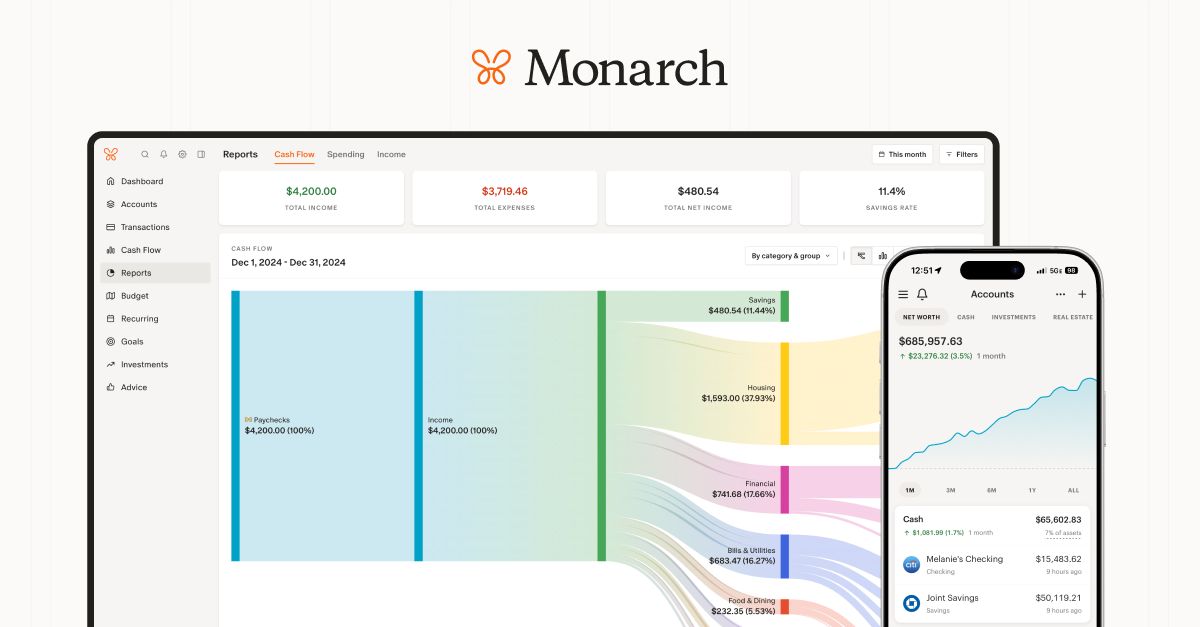
Best for: Full-featured budgeting and financial planning (the best Mint replacement).
When Intuit killed Mint in early 2024, Monarch Money absorbed a huge chunk of its user base, and for good reason. It connects to over 11,000 financial institutions, pulls in transactions automatically, and categorizes them with solid accuracy. The dashboard gives you net worth tracking, cash flow analysis, and budget progress all in one view. It also supports investment tracking, so you don’t need a separate app for your brokerage accounts.
The budgeting system is flexible. You can set recurring monthly budgets by category, roll over unspent amounts, and track spending against income goals. The “Sankey” cash flow chart is genuinely useful for spotting where money leaks out. Collaborative features let you share finances with a partner without merging accounts.
The downside is price. There’s no free tier beyond the 7-day trial. At $14.99/month or $99.99/year, it’s one of the more expensive options. But if you want a single app that handles budgeting, investments, and net worth tracking, Monarch is the most complete option on Android right now.
Price: $14.99/month or $99.99/year (7-day free trial)
YNAB (You Need A Budget)
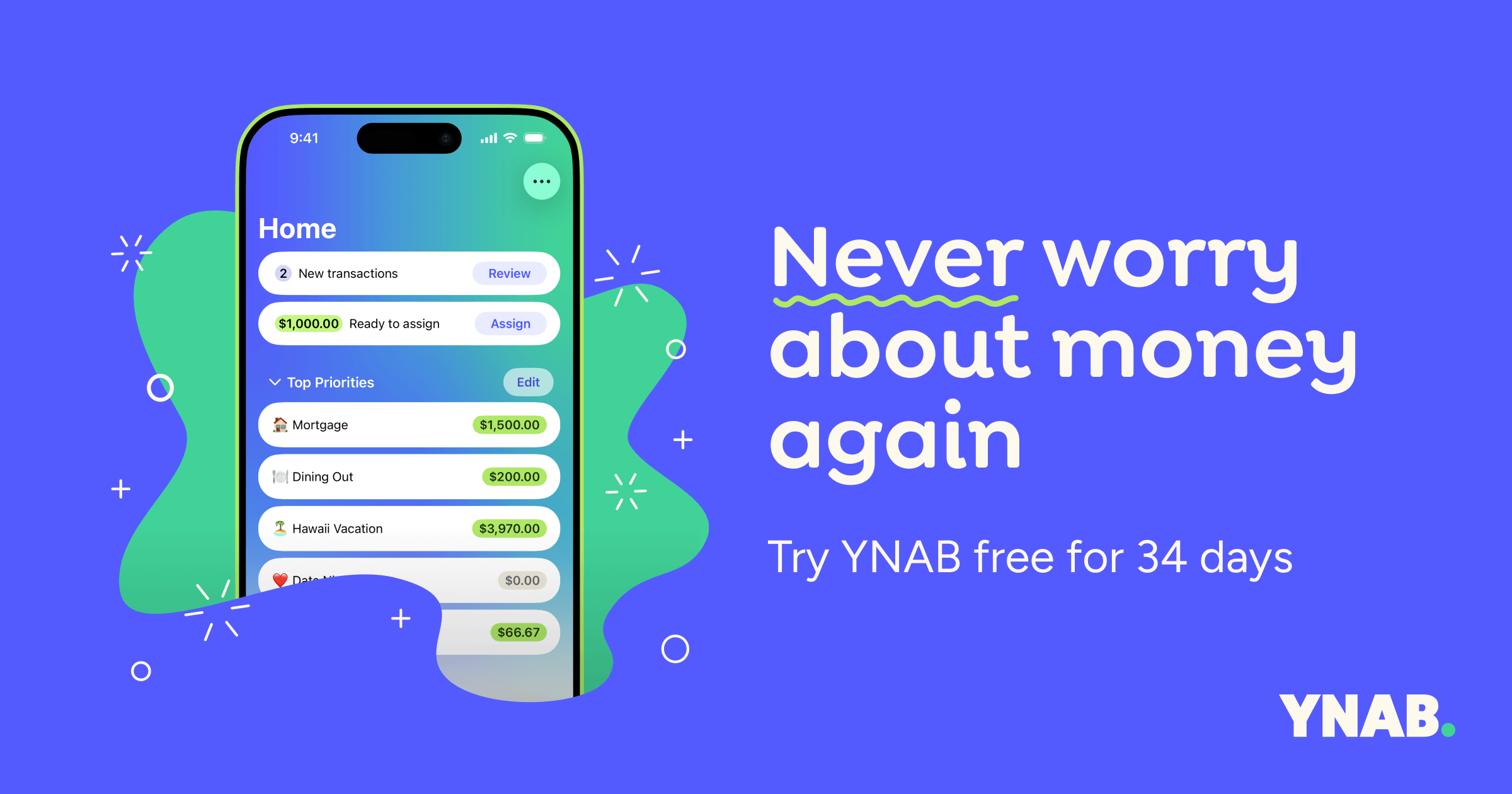
Best for: Zero-based budgeting where every dollar gets a job before you spend it.
YNAB’s approach is different from most budgeting apps. Instead of tracking what you already spent, it makes you assign every incoming dollar to a category before you touch it. The four rules (give every dollar a job, embrace true expenses, roll with the punches, age your money) sound simple, but they fundamentally change how you think about spending. YNAB claims the average new user saves $600 in the first two months and over $6,000 in the first year.
The Android app syncs with your bank accounts and imports transactions automatically. You can also enter transactions manually at the point of purchase, which reinforces awareness of every dollar leaving your account. Goal tracking lets you save for specific targets like vacations, emergency funds, or large purchases with visual progress indicators.
The learning curve is real. YNAB’s methodology takes a few weeks to click, and the interface isn’t as intuitive as simpler apps. It’s also not cheap at $14.99/month or $109/year. But people who stick with it tend to become evangelical about it. There are entire Reddit communities dedicated to YNAB strategies. If you’re serious about changing your financial habits (not just observing them), this is the app.
Price: $14.99/month or $109/year (34-day free trial)
Empower (formerly Personal Capital)

Best for: Investment portfolio tracking and retirement planning alongside basic budgeting.
Empower (rebranded from Personal Capital in 2023) connects to over 14,000 financial institutions and gives you a consolidated view of checking accounts, savings, credit cards, loans, and investment portfolios. The net worth tracker updates in real time. The investment checkup tool analyzes your portfolio allocation and flags overconcentration or excessive fees. The retirement planner uses Monte Carlo simulations to project whether you’re on track.
The budgeting side is functional but basic compared to YNAB or Monarch. You can categorize transactions and see monthly spending breakdowns, but there’s no envelope system or detailed budget rules. Where Empower shines is the investment analysis. The fee analyzer alone has saved users thousands by identifying hidden fund expenses. The savings planner and education cost projections add extra planning depth.
The free tier covers everything most people need: budgeting, net worth, investment tracking, and retirement planning. Empower makes money through its wealth management advisory service for accounts over $100,000, which charges 0.49-0.89% annually. You’ll get occasional nudges to upgrade, but the free tools are genuinely excellent. If your priority is investments and retirement over day-to-day budgeting, Empower is the right pick.
Price: Free (advisory services for portfolios $100K+ start at 0.89%/year)
Rocket Money (formerly Truebill)
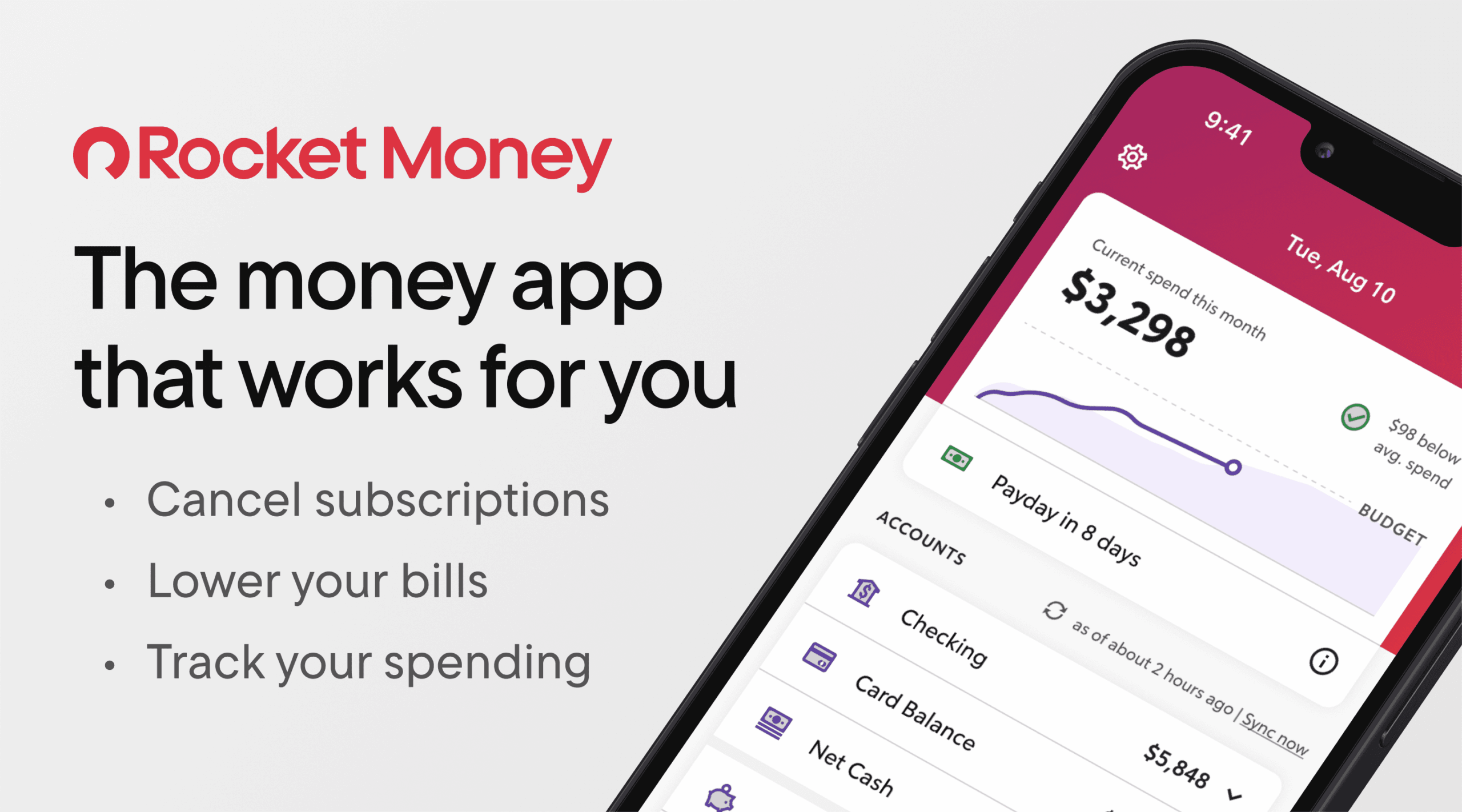
Best for: Finding and canceling forgotten subscriptions and negotiating lower bills.
Rocket Money scans your linked accounts and surfaces every recurring charge, including subscriptions you forgot about. The average user finds $300+/year in subscriptions they didn’t know they were still paying for. You can cancel unwanted subscriptions directly through the app without calling customer service. The bill negotiation feature is the real standout: Rocket Money’s team contacts your providers (internet, phone, cable, insurance) and negotiates lower rates on your behalf.
Beyond subscription management, it works as a basic budgeting app with spending tracking, net worth monitoring, and smart savings (automated transfers to savings based on your spending patterns). The credit score monitoring is included free. The app’s interface is clean and notification-driven, pinging you when unusual charges appear or when a bill increases.
The free tier lets you track subscriptions and see spending breakdowns. Premium ($6-12/month or $48-96/year, you choose what to pay) unlocks bill negotiation, unlimited budgets, and the smart savings feature. Rocket Money takes 30-60% of the first year’s savings from successful negotiations, which is steep. But if you haven’t audited your subscriptions lately, the free tier alone might save you hundreds.
Price: Free basic tier; Premium $6-12/month (choose your price)
Robinhood
Best for: Commission-free investing in stocks, ETFs, and cryptocurrency.
Robinhood made commission-free trading mainstream, and it’s still one of the simplest ways to start investing on Android. You can buy and sell stocks, ETFs, options, and cryptocurrencies (Bitcoin, Ethereum, Solana, and 15+ others) without paying per-trade fees. Fractional shares let you invest in expensive stocks like Amazon or Nvidia with as little as $1. The app’s design is intentionally minimal, which makes it approachable for beginners but frustrating for experienced traders who want advanced charting.
Robinhood Gold ($5/month) adds professional research from Morningstar, Level II market data, and a higher instant deposit limit. The Robinhood Cash Card (a debit card) rounds up purchases and invests the spare change automatically. IRA accounts with a 1% match on contributions make it useful for retirement savings too, not just active trading.
The limitations are worth knowing. Customer support has improved but still isn’t great compared to traditional brokerages. The research tools are thin on the free tier. And the gamified interface (confetti animations on trades, push notifications about price movements) can encourage impulsive trading if you’re not disciplined. For buy-and-hold investors or people just starting to invest, Robinhood is hard to beat on simplicity and cost. For active traders, you’ll outgrow it.
Price: Free (Robinhood Gold: $5/month)
PocketGuard
Best for: A simple answer to “how much can I safely spend right now?”
PocketGuard’s core feature is the “In My Pocket” number: it takes your income, subtracts bills and savings goals, and shows exactly how much discretionary money you have left. That single number eliminates the mental math most people do (or avoid doing) every day. The app connects to your bank accounts, tracks recurring bills, and auto-categorizes transactions.
The bill tracking is solid. PocketGuard identifies recurring charges, estimates upcoming bills, and warns you before overdrafts. The “Autosave” feature (premium only) analyzes your cash flow and automatically moves safe amounts into savings. For people who find YNAB overwhelming or Monarch too feature-heavy, PocketGuard’s simplicity is the selling point.
The free version covers basic budgeting and the “In My Pocket” calculation. PocketGuard Plus ($7.99/month or $34.99/year) unlocks unlimited budgets, debt payoff planning, and Autosave. The category budgets on the free tier are limited to a few, which pushes you toward Premium faster than feels fair. Still, if you just want a quick daily spending limit without setting up an elaborate budget system, PocketGuard delivers that better than anyone.
Price: Free basic; PocketGuard Plus $7.99/month or $34.99/year
Goodbudget
Best for: Envelope-style budgeting without connecting your bank account.
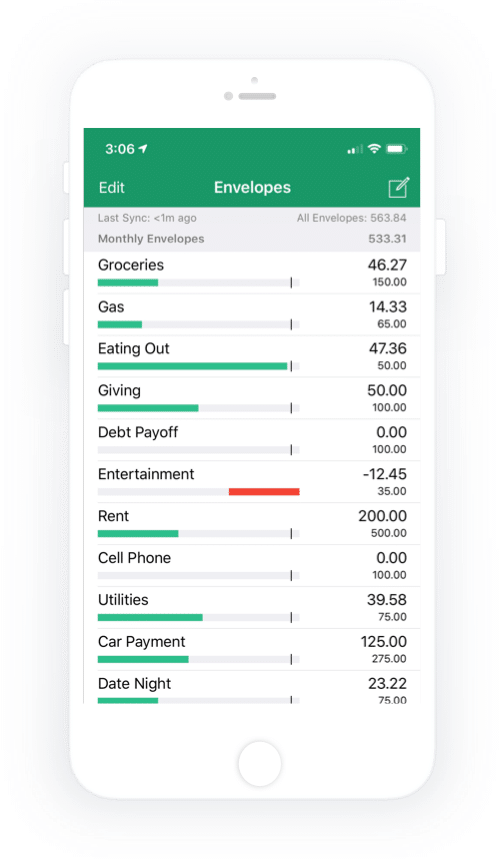
Goodbudget digitizes the envelope budgeting method your grandparents used. Instead of stuffing cash into labeled envelopes, you create virtual envelopes for each spending category (groceries, gas, entertainment, etc.) and allocate your income across them. When an envelope is empty, you stop spending in that category. No bank linking required, which appeals to people uncomfortable connecting financial accounts to third-party apps.
Transactions are entered manually, which sounds tedious but actually builds spending awareness faster than automatic tracking. You can sync across devices (Android, iOS, web), making it work for couples or families sharing a budget. The reporting shows spending trends over time and helps identify categories where you consistently overspend.
The free tier gives you 10 envelopes and one account, which is enough for basic budgeting. Goodbudget Plus ($10/month or $80/year) unlocks unlimited envelopes, multiple accounts, debt tracking, and 7 years of transaction history. The manual entry requirement means this app only works if you’re committed to logging purchases. It’s not for people who want set-it-and-forget-it automation. But for budgeting purists who want full control, Goodbudget’s simplicity is a feature, not a limitation.
Price: Free (10 envelopes); Goodbudget Plus $10/month or $80/year
Spendee
Best for: Shared wallets for families, roommates, or group expenses.
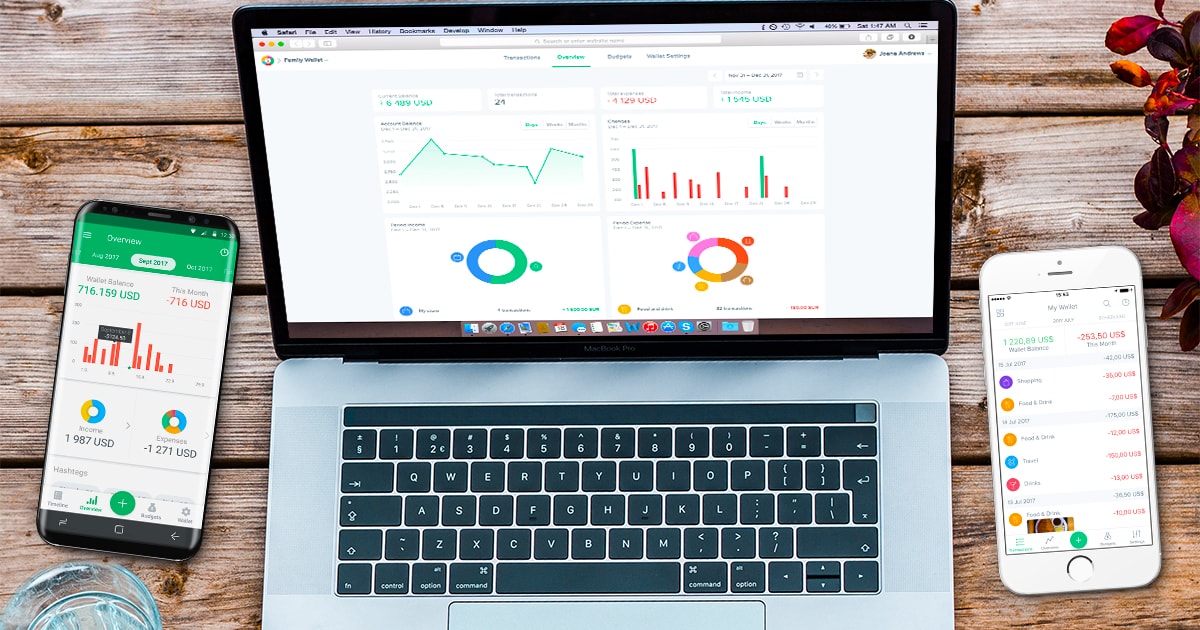
Spendee’s standout feature is shared wallets. You can create wallets for specific purposes (household expenses, trip budget, shared rent) and invite others to track spending collaboratively. Each person logs their contributions and expenses, and Spendee shows who owes what. It’s particularly useful for roommates splitting rent and utilities, or families managing a shared household budget.
The personal budgeting side works well too. The app connects to banks in 40+ countries, categorizes transactions with customizable categories, and shows spending breakdowns with clean visualizations. You can set budgets per category and get alerts when approaching limits. The interface is one of the best-designed among finance apps, with color-coded categories and intuitive charts.
The free tier covers one wallet with manual entry. Spendee Plus ($2.99/month or $22.99/year) adds bank connections and multiple wallets. Spendee Premium ($4.99/month or $34.99/year) unlocks shared wallets and currency conversion. Developer support can be inconsistent based on user reviews, and automatic categorization isn’t as accurate as Monarch or YNAB. But for the shared finance use case, nothing else on Android handles it as cleanly.
Price: Free basic; Plus $2.99/month; Premium $4.99/month
Honeydue
Best for: Couples managing finances together with controlled transparency.
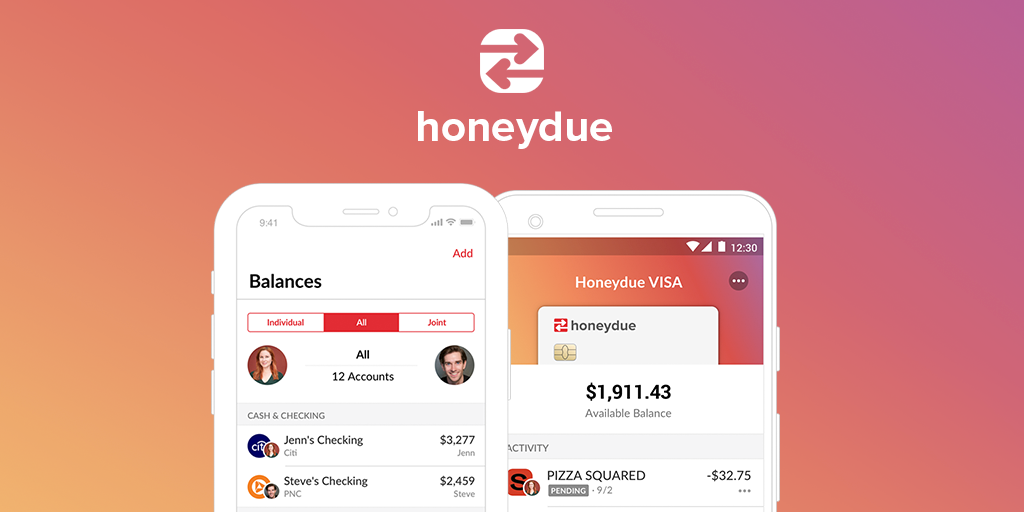
Honeydue is purpose-built for couples. Both partners connect their accounts, and the app shows shared spending, upcoming bills, and account balances in one view. The key feature is privacy control: you choose exactly which accounts and how much detail to share with your partner. You can share everything, share just totals, or keep certain accounts completely private. This graduated transparency solves the awkward “how much do we share?” problem most couples face.
The bill tracking splits recurring expenses and sends reminders to both partners. You can set monthly spending limits by category and get notified when either person makes a large purchase. There’s even an in-app chat for discussing finances without switching to a messaging app. The monthly spending summaries help facilitate money conversations without the stress of digging through statements.
Honeydue is completely free, which is rare for a finance app with this level of functionality. It makes money through optional tips from users and partnerships with financial products. The trade-off is that it’s narrowly focused on couples, so it won’t work for single users or general family budgeting. Bank sync can be slow with some institutions, and the reporting isn’t as detailed as Monarch or YNAB. But for its specific use case (two people, one financial picture), it’s the best free option available.
Price: Free
Toshl Finance
Best for: Expense tracking with multi-currency support and receipt scanning.
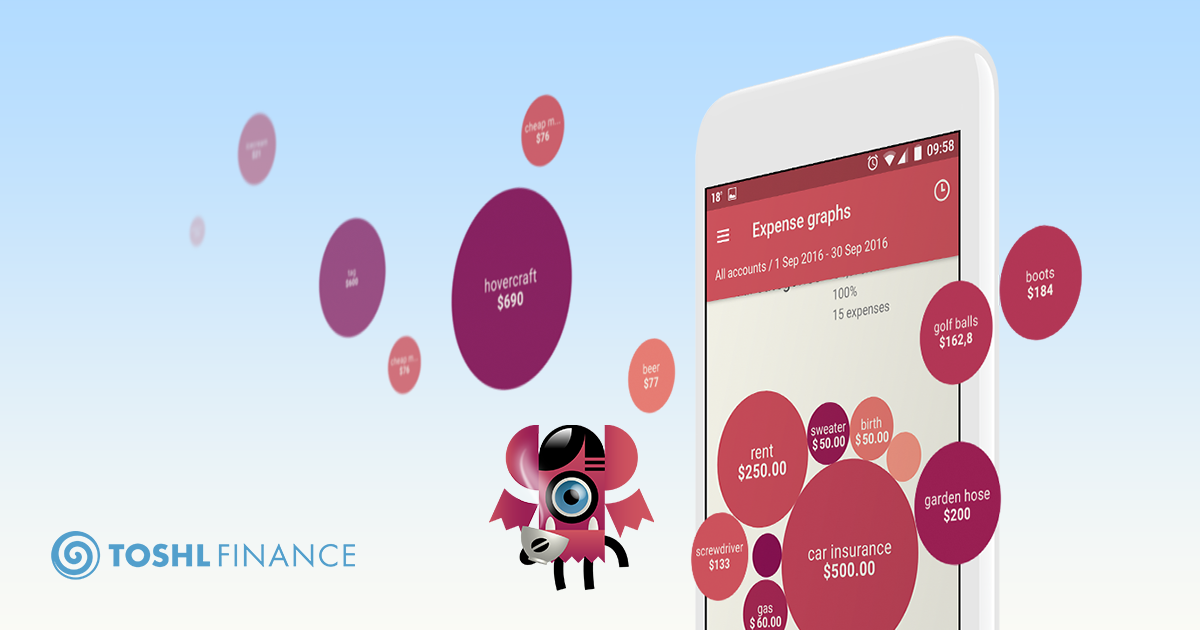
Toshl Finance has been around since 2010, which makes it one of the longest-running personal finance apps still actively developed. It connects to banks in 50+ countries and supports over 200 currencies with real-time exchange rates. If you freelance internationally, travel frequently, or earn income in multiple currencies, Toshl handles this better than any other app on this list. You can set budgets in one currency and track expenses in another without manual conversion.
The receipt scanning uses OCR to extract amounts and merchants from photos. You can attach receipts to any transaction for record-keeping, which is useful for tax documentation or expense reports. The budgeting system supports multiple budgets running simultaneously (monthly groceries, annual insurance, trip budget), and the reporting is detailed with customizable date ranges and category breakdowns.
Toshl’s free tier is limited to 2 financial accounts and basic features. Toshl Pro ($2.99/month or $23.99/year) unlocks unlimited accounts, bank connections, receipt scanning, and data exports. Toshl Medici ($4.99/month or $39.99/year) adds business features and priority support. The quirky monster-themed interface won’t appeal to everyone, and the free tier is restrictive enough that you’ll hit its limits fast. But for multi-currency users, Toshl’s currency handling is genuinely best-in-class.
Price: Free basic; Pro $2.99/month; Medici $4.99/month
Conclusion
The right finance app depends on what you actually need. If you want full-featured budgeting that replaced Mint, go with Monarch Money. If you’re trying to build better spending discipline, YNAB‘s zero-based approach works better than anything else. For investment-focused users, Empower gives you portfolio analysis tools for free that financial advisors charge hundreds for.
Don’t overcomplicate it. Pick one app that matches your biggest financial pain point, use it consistently for 30 days, and see if your spending patterns actually change. The best personal finance app is the one you’ll open every day.