
20+ Best AI Video Generators to Convert Text to Videos Online
Video production used to require a camera, lighting, editing software, and hours of post-production. Even a simple 60-second explainer could take a full day. For most businesses and solo creators, that meant either paying $500+ per video or not making videos at all.
The cost isn’t just money. It’s the opportunity cost. Every week without video content is lost reach on YouTube, TikTok, LinkedIn, and Instagram. And competitors who figured out video early are already dominating those feeds. The gap between “has video” and “doesn’t have video” keeps widening.
AI video generators have closed that gap. Some create footage from text prompts. Others put AI avatars on screen so you never need a camera. Others automate the tedious editing work. The problem is that “AI video generator” means wildly different things depending on who’s selling it. Here are 20+ tools organized by what they actually do, so you pick the right one for your use case.
No matter how good these AI video tools get, they still need human direction. The best results come from treating AI as a starting point, not a finished product. Every video here required editing after the AI did its thing.

The best AI video generators
- AI Video Editors: InVideo for quick social videos, VEED for beginners, Kapwing for teams, Submagic for short-form content
- AI Avatars: Synthesia for enterprise training, HeyGen for multilingual marketing, Elai.io for quick avatar videos, Colossyan for L&D teams
- Text-to-Video: Google Veo 3.1 for cinematic quality, OpenAI Sora 2 for creative experimentation, Runway Gen-4 for filmmakers, Kling AI for best value, Seedance for motion quality, PixVerse for stylized content, Wan 2.6 for open-source, LTX-2 for real-time generation
- Blog-to-Video: Lumen5 for repurposing articles, Designs.AI for multi-format content
- Video Repurposing: Opus Clip for turning long videos into viral shorts
AI Video Editors with Smart Features
These AI video makers won’t generate footage from nothing. You bring in your clips or use their stock libraries, and AI handles the tedious parts: cutting silences, adding captions, suggesting B-roll, matching music to mood. Think of them as video editors with a competent assistant built in.
InVideo
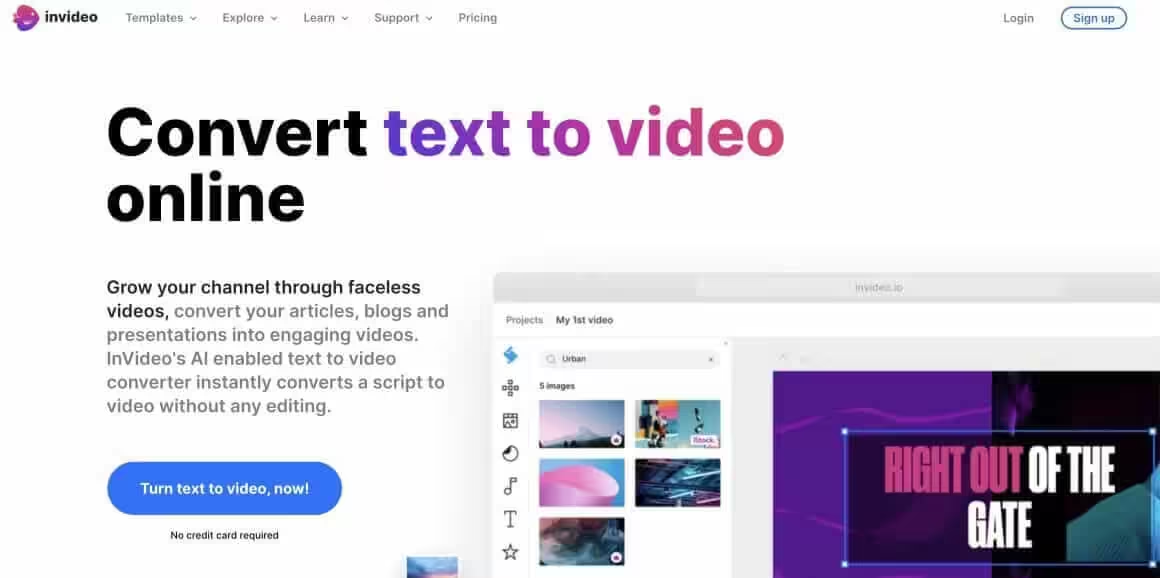
InVideo is my go-to recommendation when someone asks for a simple AI video creator that doesn’t require learning Premiere. You describe what you want, pick a template, and the AI assembles a rough cut using stock footage and text overlays.
The template library is massive (5,000+ options), and the text-to-video feature actually understands context reasonably well. I’ve used it to create quick explainer videos for clients who needed something “by tomorrow” and didn’t have footage ready. The free plan lets you export videos up to 40 minutes, which is generous compared to most AI video generators.
Where it falls short: the output looks like InVideo. After you’ve seen a few dozen videos made with it, you recognize the style. Fine for social media content, less ideal if you need something distinctive for your brand.
Best for: Quick social videos, YouTube content, ads, and explainers when you don’t have raw footage.
Pricing: Free tier available. Paid plans start at $25/month.
Leonardo AI
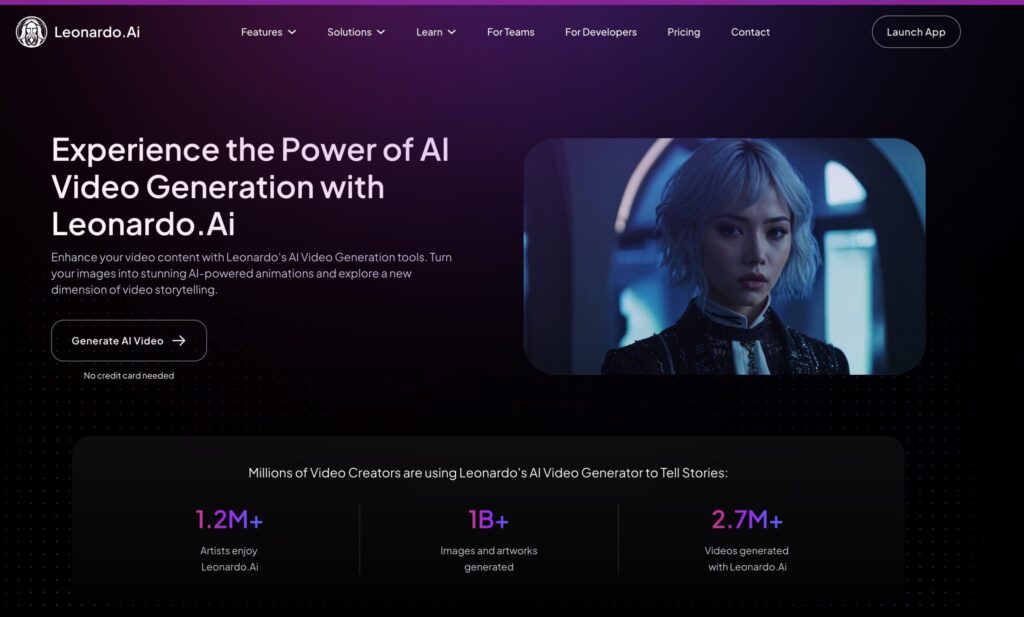
Leonardo AI started with AI image generation tools and grew into something more interesting: a creative suite that lets you generate images, animate them into video, and access third-party video models like Veo 3.1, Kling 2.5 Turbo, and Sora 2, all from one platform. If you’re already using Leonardo for image generation (and a lot of creators are), the video tools are a natural extension.
The first-party video models, Motion 2.0 and Motion 2.0 Fast, handle image-to-video and text-to-video at 480p and 720p. The results are decent for short clips (4-8 seconds), with controls for vibe, lighting, shot type, and color theme. Motion 2.0 Fast is the quicker option at roughly half the token cost. But the real draw is access to third-party models. You can generate a Veo 3 video on Leonardo for about $0.30 worth of tokens, compared to $0.75 on Google’s own platform. Same model, lower entry price.
The token system is where things get tricky. Free users get 150 tokens daily, which is enough for a few images but barely scratches the surface for video. A single Veo 3 generation costs 2,500 tokens. That one 8-second video eats the same tokens as 300+ basic images. The “Unlimited Relaxed Generation” on higher-tier plans sounds great, but it only covers Leonardo’s own Motion models. Third-party models like Veo 3.1, Kling, and Sora 2 always burn fast tokens, no exceptions. This catches a lot of people off guard.
Paid plans run from $12/month (Apprentice, 8,500 tokens) to $60/month (Maestro, 60,000 tokens). Annual billing drops those to $10 and $48 respectively. Free plan generations are public and Leonardo retains usage rights. Paid plans give you private generations and commercial licensing. If video is your primary use case, you’ll burn through tokens fast and the value proposition weakens compared to going directly to Kling AI or Runway. But if you’re already generating images on Leonardo and want to animate them or occasionally tap into premium video models without separate subscriptions, it’s a solid all-in-one option.
Best for: Creators already using Leonardo for image generation who want video capabilities in the same platform, and anyone who wants cheaper access to Veo 3 and other premium video models without separate subscriptions.
Pricing: Free tier with 150 daily tokens. Apprentice at $12/month ($10/month annually, 8,500 tokens). Artisan at $30/month ($24/month annually, 25,000 tokens). Maestro at $60/month ($48/month annually, 60,000 tokens). API access from $9/month.
VEED
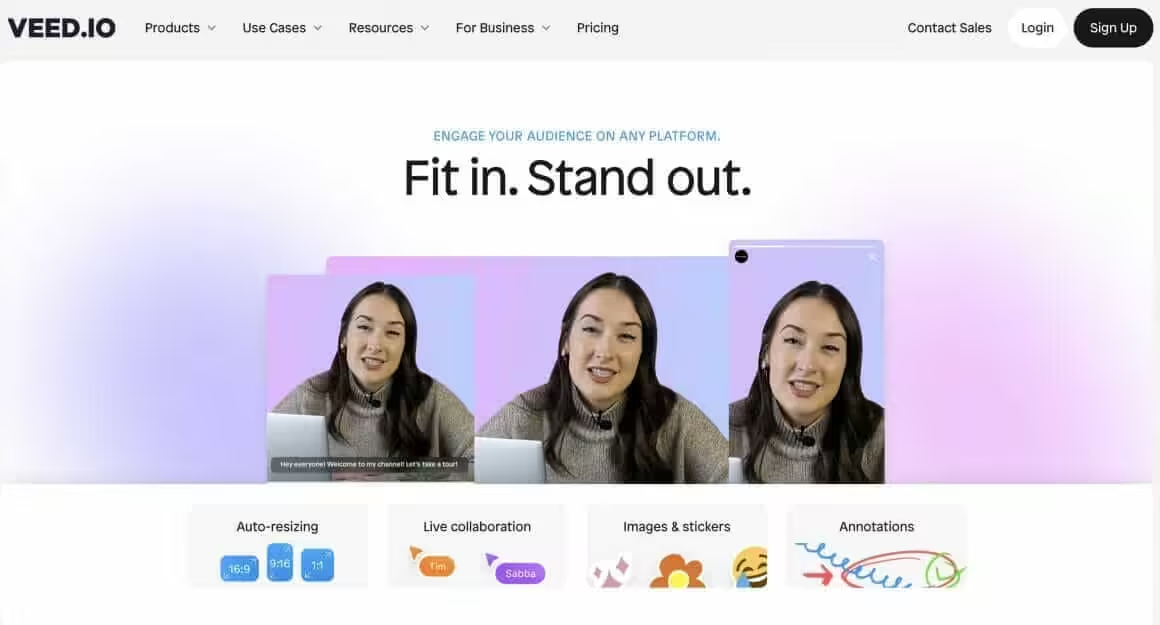
VEED positions itself as the simplest browser-based AI video editor, and it delivers on that promise. The interface is clean enough that you can hand it to someone who’s never edited video and they’ll figure it out in minutes.
The AI features focus on practical time-savers: auto-subtitles in 100+ languages, background noise removal, and eye contact correction (genuinely useful for webcam recordings where you’re looking at notes). Unlimited file uploads and unlimited projects on all plans.
The auto-subtitle feature occasionally trips up on technical jargon and heavy accents. Not a dealbreaker, but expect to do a proofread pass. Free plan exports up to 10 minutes with a watermark.
Best for: Beginners, webcam content, podcast clips, and anyone who values simplicity over advanced features.
Pricing: Free tier available. Paid plans start at $18/month.
Kapwing
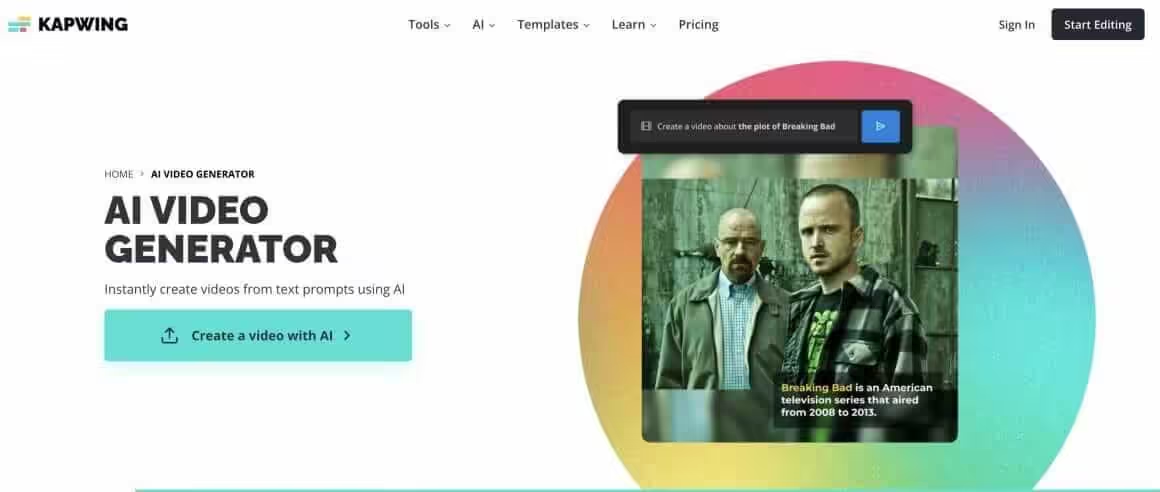
Kapwing started as a meme generator and evolved into a surprisingly capable AI video creator. The free tier is one of the most generous in this space, which makes it perfect for creators testing the waters with AI video generation.
Their AI features include Smart Cut (removes silences and filler words automatically), auto-resize for different platforms, and a text-to-video generator that pulls relevant clips from stock libraries. The collaborative features are solid if you’re working with a team.
The interface feels slightly less polished than VEED, but the functionality is comparable. Good choice if budget is your primary constraint.
Best for: Teams, meme content, social media clips, and budget-conscious creators.
Pricing: Generous free tier. Pro starts at $16/month.
Submagic
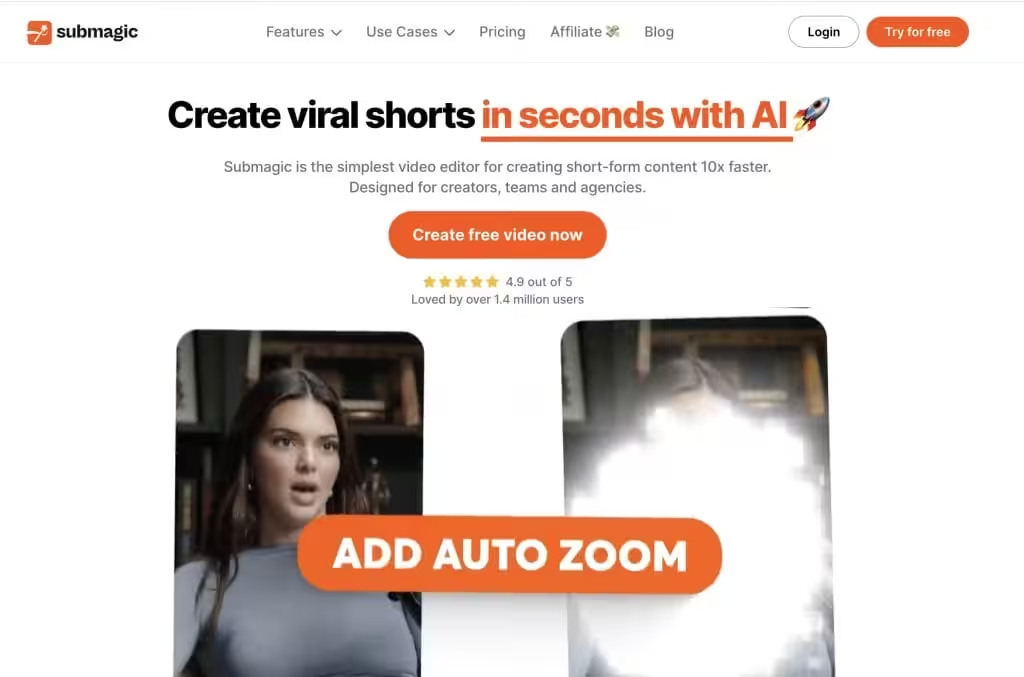
Submagic does one thing exceptionally well: turning talking-head videos into scroll-stopping short-form content. If you’re creating TikToks, Reels, or YouTube Shorts, this AI video maker is purpose-built for that workflow.
The auto-captions are accurate (99.5% in my testing across 50+ languages), but the real value is in the styling. Animated captions that highlight words as they’re spoken, auto-zoom on key moments, B-roll suggestions from StoryBlocks, and sound effects that actually match the content. The “viral video” aesthetic that takes hours to create manually happens in minutes here.
Over 700,000 creators use it, which tells you something about product-market fit. If short-form is your focus, this is the specialized tool worth paying for.

Best for: TikTok, Instagram Reels, YouTube Shorts, and any vertical video content.
Pricing: Free trial available. Plans start at $20/month.
AI Avatar and Presenter Tools
These AI video generators create videos featuring synthetic human presenters. You write a script, pick an avatar (or create one from your own footage), and the AI generates a realistic talking head. Useful for training videos, product demos, multilingual content, and any situation where you need a presenter but don’t want to be on camera.
Synthesia
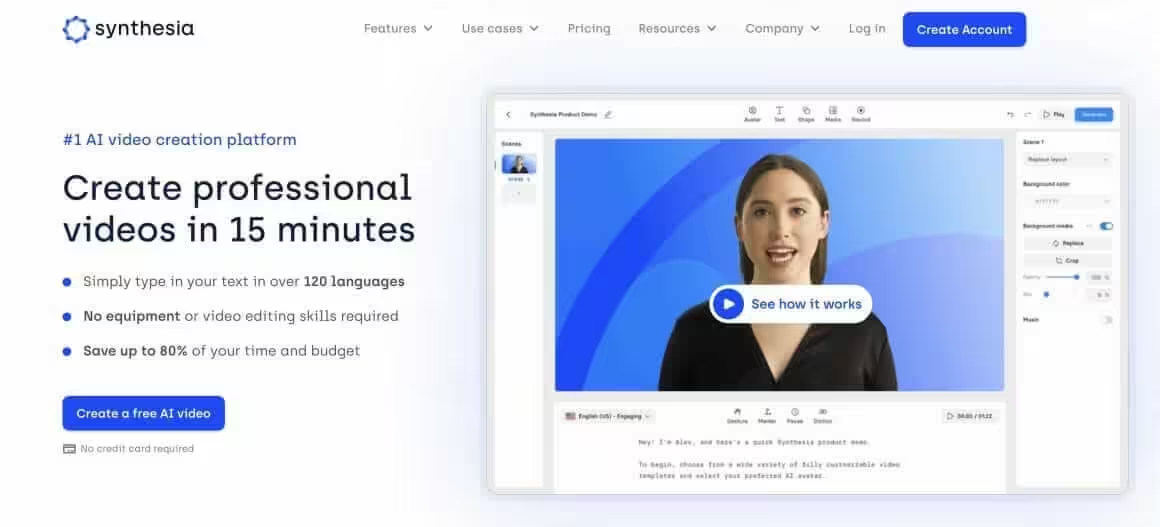
Synthesia was the first AI avatar video creator to gain serious enterprise traction, and it’s still the name most people think of in this category. You pick from 240+ AI avatars (or create a custom one), paste your script, and it generates a video of that avatar speaking your words.
The lip-sync is good enough that viewers often don’t realize they’re watching AI. Support for 160+ languages makes it popular for companies creating training content across multiple regions. The template library and brand kit features help maintain consistency across videos. Their October 2025 update (version 3.0) added “Video Agents” that can hold real-time conversations with viewers, which is a significant leap for training applications.
The limitation: it’s expensive for individual creators, and the avatars, while realistic, still have that slightly-off quality if you look closely. The video minute caps on lower tiers run out faster than expected. Best suited for corporate use cases where the alternative is expensive video production.
Best for: Corporate training, product demos, multilingual content, and L&D teams.
Pricing: Free plan with 3 minutes/month. Starter at $29/month ($18/month annually) for 10 minutes/month. Creator at $89/month ($64/month annually) for 30 minutes/month. Enterprise pricing available.
HeyGen
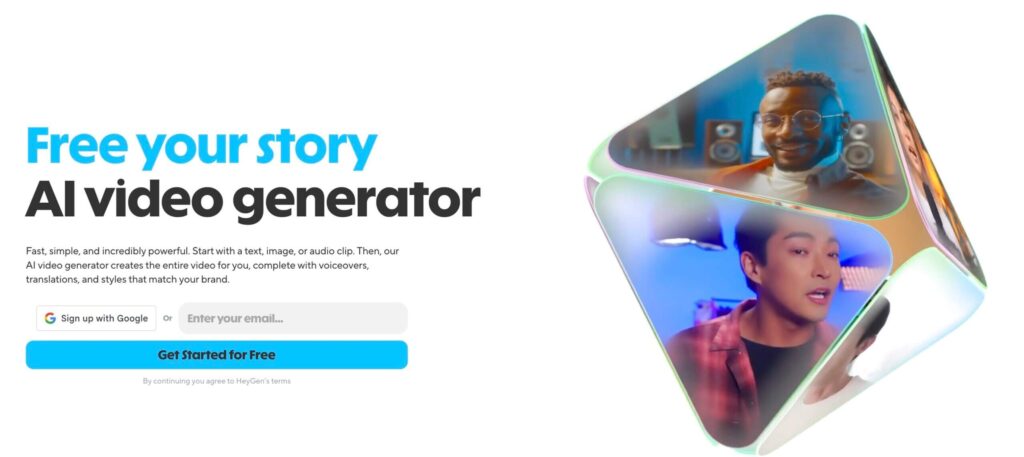
HeyGen has quietly become the strongest Synthesia alternative, and in some ways, it’s surpassed the original. Their Avatar IV engine (launched August 2025) delivers full-body motion, micro-expressions, and hand gestures that sync with your script’s emotional tone. The lip-sync quality is noticeably better, especially for non-English languages.
The standout feature is video translation. You can take an existing video of yourself speaking English, and HeyGen will generate a version where you’re speaking Spanish, French, or 173 other languages with matching lip movements. I’ve seen this used for YouTube channels expanding internationally, and the results are impressive. The November 2025 update added Speed Mode for quick turnaround and Precision Mode for high-stakes content.
If you’re choosing between Synthesia and HeyGen today, I’d start with HeyGen unless you specifically need Synthesia’s enterprise features or existing integrations.
Best for: Video translation, personalized sales videos, and creators who want custom avatars.
Pricing: Free tier with 3 videos/month (watermarked). Creator plan at $29/month ($24/month annually) with unlimited avatar videos. Team plan at $30/month per seat.
Elai.io
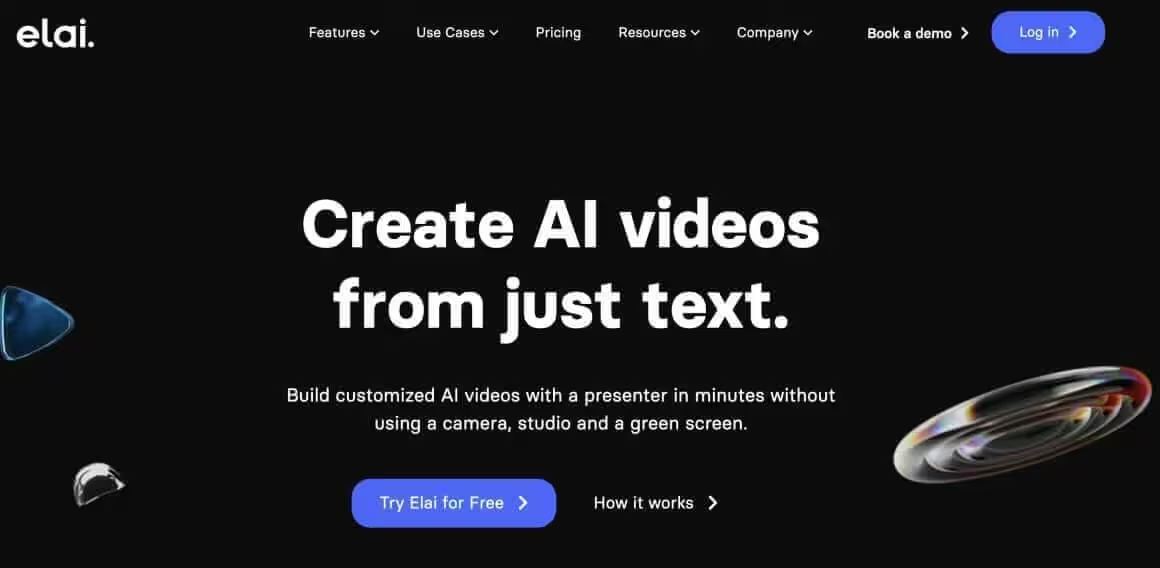
Elai.io targets the same market as Synthesia but with a focus on ease of use. The interface is cleaner, and the learning curve is shorter. You can go from script to finished AI video in under 10 minutes on your first try.
The unique angle here is the URL-to-video feature. Paste a blog post URL, and Elai automatically generates a video summary with an AI presenter. I’ve tested this with a few of my articles, and while the output needs editing, it’s a solid starting point for repurposing written content.
Avatar quality is a step below Synthesia and HeyGen, but the price reflects that. Good middle-ground option if you need AI avatar videos but don’t have enterprise budgets.
Best for: Content repurposing, quick explainers, and teams new to AI video generation.
Pricing: Free trial available. Basic plan starts at $23/month.
Colossyan
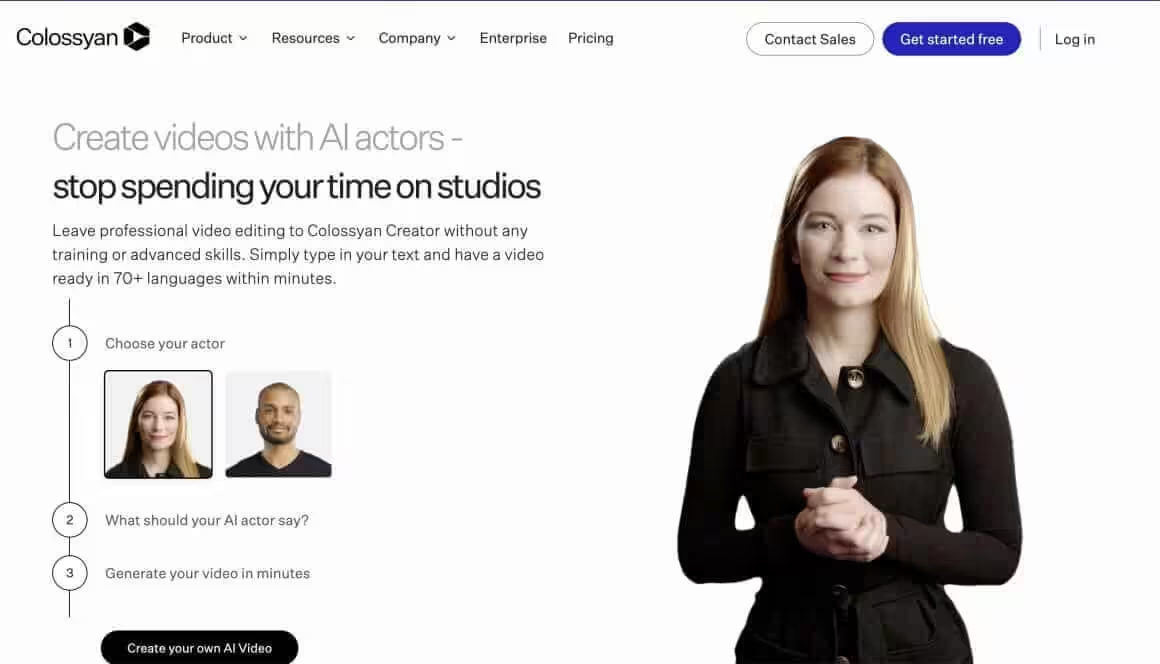
Colossyan takes a slightly different approach to AI avatars. Instead of purely synthetic faces, they filmed real actors in a studio and created AI versions of those performances. The result is avatars that feel more natural, with better emotional range and body language.
The platform supports 70+ languages with automatic translation and lip-sync. The built-in learning features (quizzes, assessments) make it particularly suited for corporate training and e-learning. If you’re building a course and want a presenter without filming yourself, Colossyan handles that workflow well.
Enterprise-focused pricing puts it out of reach for most individual creators, but for L&D departments, it’s worth evaluating alongside Synthesia.
Best for: Corporate training, e-learning courses, and enterprise teams.
Pricing: Starter plan at $27/month. Enterprise pricing for larger teams.
Text-to-Video AI Generators
This is what most people imagine when they hear “AI video generator.” You type a text prompt describing what you want to see, and the AI creates video footage from scratch. No stock libraries, no templates, no existing footage. Pure generation.
This technology has exploded in 2024-2025. What was a research demo two years ago is now usable for actual production work. The major players (Google Veo, OpenAI Sora, Runway, Kling) are now competing on quality, speed, and price. Native audio generation is the new battleground.
Google Veo 3.1
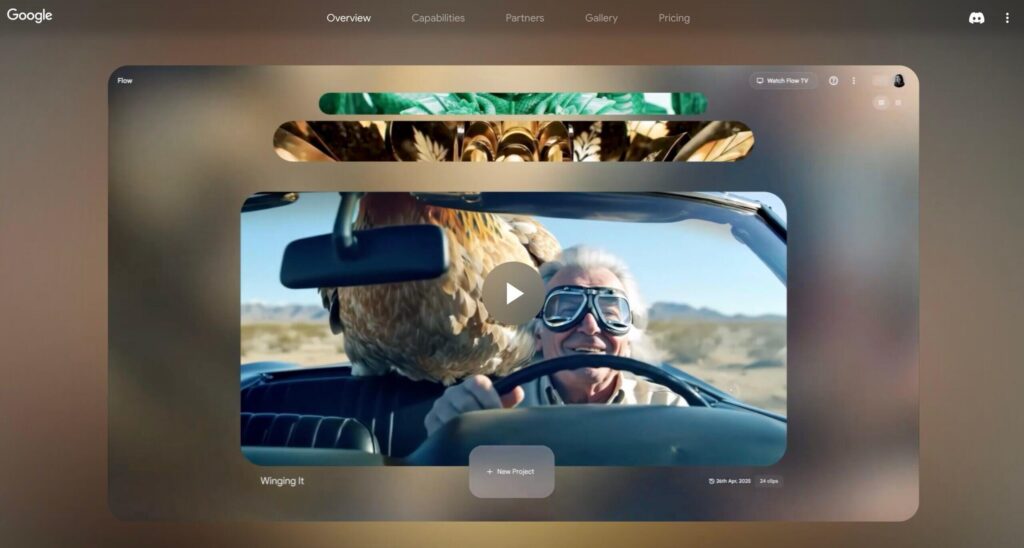
Google’s Veo 3.1 is the text-to-video AI generator that other models are measured against right now. Released in October 2025, it creates 1080p videos up to 60 seconds with native audio generation, including dialogue with accurate lip-sync, sound effects, and ambient noise. All in a single generation.
The standout feature is “Ingredients to Video.” Upload up to three reference images of characters, objects, or backgrounds, and Veo 3.1 maintains consistency across scenes. You can create a character in one shot and have them appear identically in the next. For anyone who’s struggled with character consistency in other AI video creators, this is a genuine breakthrough.
The model is accessible through Google’s Gemini app, Flow (their dedicated filmmaking interface), and Vertex AI for enterprise. Flow is where the real creative control lives: scene-building tools, camera movement presets, and the ability to extend clips into longer sequences. Google AI Pro ($19.99/month) gets you about 90 Veo 3.1 Fast generations monthly. AI Ultra ($249.99/month) unlocks the full model with higher limits and 4K upscaling.
The limitation: it’s still slower than some competitors for rapid iteration, and the pricing adds up quickly at scale. But for quality-to-features ratio, Veo 3.1 is currently the benchmark for AI video generation.
Best for: Cinematic storytelling, multi-scene narratives requiring character consistency, and anyone who needs synchronized audio without post-production.
Pricing: Google AI Pro at $19.99/month (Veo 3.1 Fast). AI Ultra at $249.99/month for full Veo 3.1 access. API pricing starts at $0.15/second (Fast) and $0.40/second (Standard).
OpenAI Sora 2
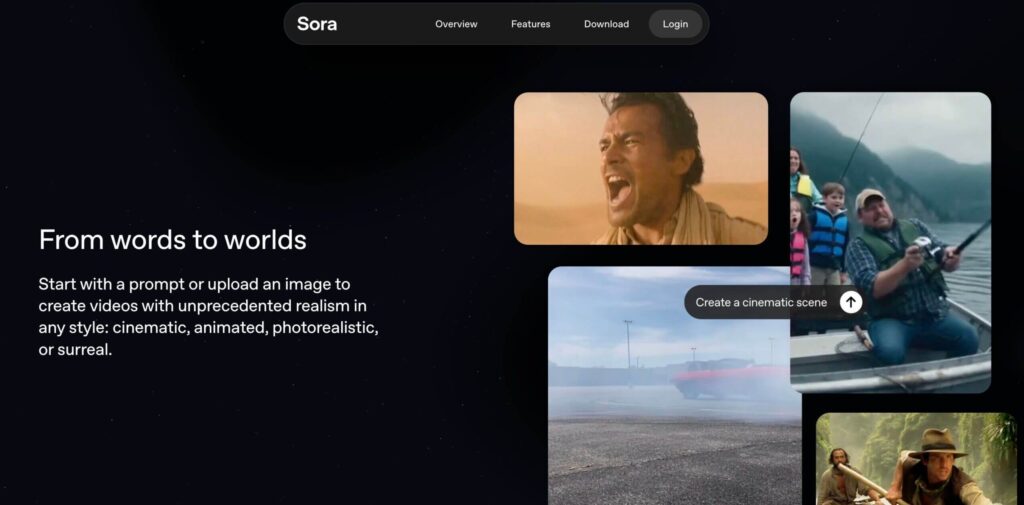
OpenAI’s Sora 2 is the AI video generator that launched as a social iOS app, which tells you everything about OpenAI’s strategy. It creates strikingly realistic videos from text prompts with physics simulation that makes water splash, cloth move, and objects interact in ways that feel genuinely physical.
The unique “cameos” feature lets you insert yourself into AI-generated scenes. Record a short video and audio clip, and Sora 2 can place you in any generated environment with remarkable fidelity. It’s part video generator, part social experiment, and it’s generating a lot of viral content.
Sora 2 produces 10-20 second clips in HD with synchronized dialogue and sound effects. The photorealism, particularly for human faces and dynamic motion, sets a high bar. Where Veo 3.1 excels at consistency across scenes, Sora 2 excels at making individual scenes look like they came from a real camera.
Access is currently invite-only through the iOS app in the US and Canada. ChatGPT Plus subscribers ($20/month) get 50 video generations monthly at 720p with a 5-second max. ChatGPT Pro subscribers ($200/month) get access to Sora 2 Pro with higher quality and experimental features. The API exists but pricing is steep: $0.10-0.50 per second depending on resolution and model variant.
Best for: Social content creators, anyone who wants to insert themselves into AI scenes, and projects where photorealism matters more than video length.
Pricing: Free with invite (limited generations). ChatGPT Plus at $20/month for basic access. ChatGPT Pro at $200/month for Sora 2 Pro. API at $0.10-0.50/second.
Runway Gen-4
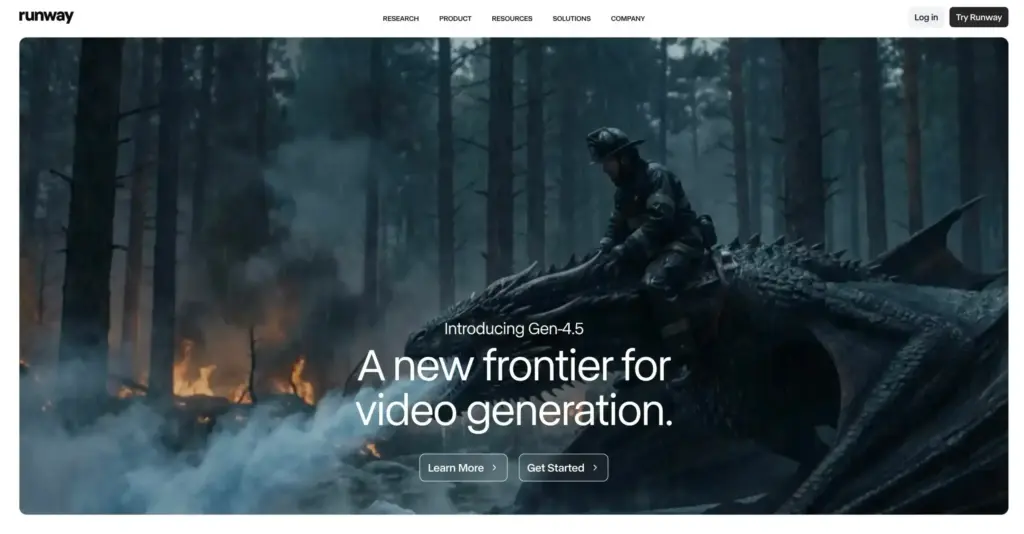
Runway has been the industry standard for text-to-video generation, and their Gen-4 model (released 2025) continues that legacy. The focus with Gen-4 is consistency and controllability: persistent characters, locations, and objects across scenes when you provide an input image.
The quality jump from Gen-3 to Gen-4 was significant. Motion is smoother, physics are more believable, and the AI better understands complex prompts. Professional video editors and filmmakers are actually using this in production work now, not just for experiments. The Motion Brush tool for precise movement control remains unmatched.
Runway uses a credit-based system. Gen-4 costs 10-12 credits per second, while Gen-4 Turbo costs 5 credits per second for faster iterations. A 10-second high-quality clip runs about 120 credits. The limitations are real: 10-second clips, occasional weird artifacts (especially with hands and faces), and results that work better for certain styles than others. But for professional-grade AI video creation, Runway remains essential.
Best for: Filmmakers, music videos, creative projects, and anyone who needs original footage that doesn’t exist.
Pricing: Free tier with 125 credits (one-time). Standard plan at $12/month (625 credits). Pro at $28/month (2,250 credits). Unlimited at $76/month.
Kling AI
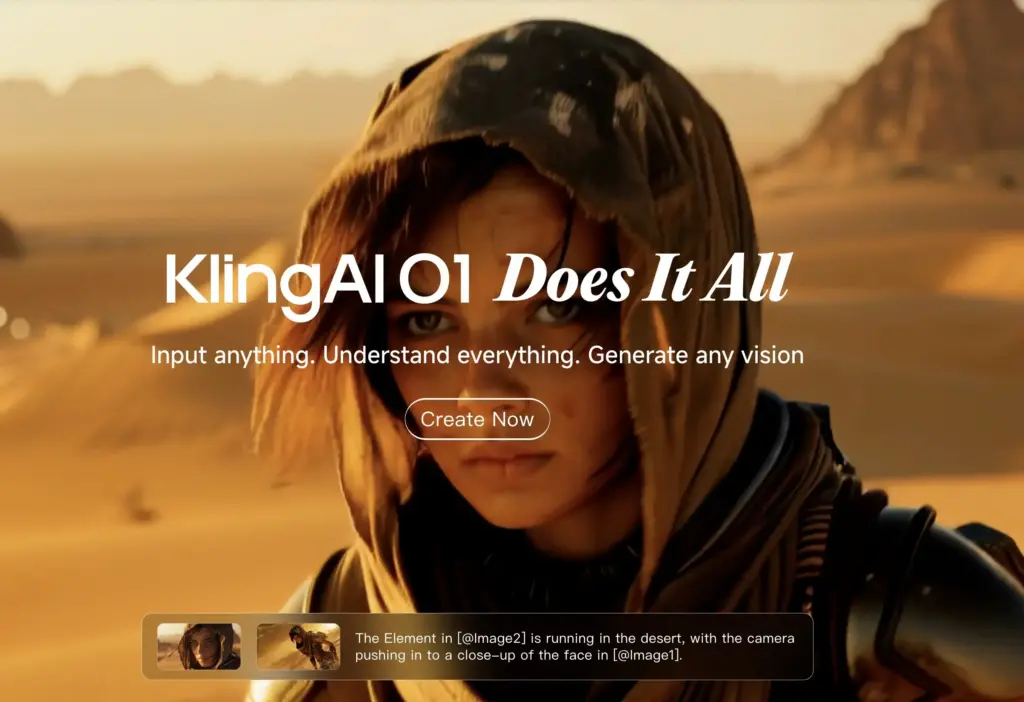
Kling AI emerged from China and surprised everyone with quality that rivals the big players at a fraction of the cost. The latest version, Kling 2.6 (December 2025), added native audio generation with synchronized dialogue, sound effects, and ambient soundscapes in both English and Chinese.
The evolution has been rapid: Kling 2.0 extended video length to 2 minutes with improved physics simulation. Kling 2.5 Turbo delivered 60% faster speeds and 62% cost reduction. Kling 2.6 Pro now matches the audio capabilities of Veo 3.1 while maintaining competitive pricing. The Kling O1 model (December 2025) uses Chain of Thought reasoning to actually “understand” physics and logic before rendering.
The free tier remains generous (66 daily credits, enough for 1-2 videos), and the output quality on certain prompts actually exceeds what Runway produces. Particularly strong with human figures and faces, which is exactly where most text-to-video AI struggles. The multi-element editor lets you add, remove, or replace elements in a video by simply entering images or text.
The interface is less polished than Western competitors, and queue times can be long during peak hours. But if you’re experimenting with AI video generation and don’t want to burn through expensive credits, Kling is worth trying first.
Best for: Experimentation, creative projects on a budget, and anyone curious about text-to-video AI.
Pricing: Free tier with 66 daily credits. Standard at $10/month (660 credits). Pro at $37/month (3,000 credits). Premier at $92/month (8,000 credits).
Seedance 1.0 Pro
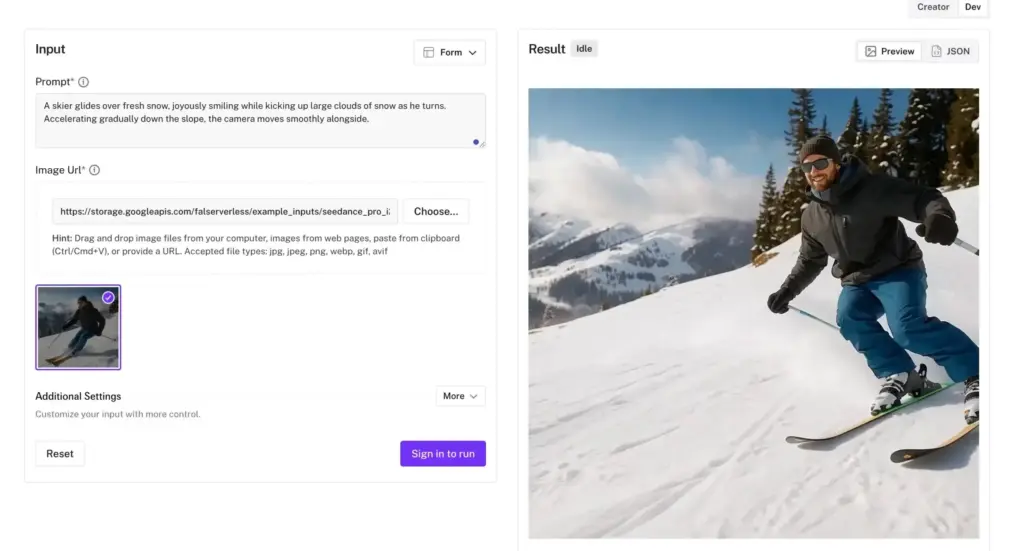
ByteDance (the TikTok parent company) released Seedance 1.0 Pro as their answer to the AI video generation race, and it immediately ranked at the top of independent benchmarks for prompt adherence, motion quality, and aesthetic quality. Outperforming both Veo 3 and Kling 2.1 in head-to-head comparisons.
The model creates 1080p videos with smooth motion, rich details, and cinematic aesthetics. What sets it apart is motion stability. Faces stay focused, scenes hold together, and every frame looks intentional. The wide dynamic range handles both subtle expressions and large-scale action without the jitter or warping common in other generators.
Multi-shot generation is native to Seedance. Create narrative videos with multiple cohesive shots while maintaining consistency in subjects, visual style, and atmosphere across transitions. From photorealism and cyberpunk to illustration and felt texture, it accurately interprets diverse stylistic prompts.
Speed and price are the killer combination. A 5-second 1080p video generates in about 41 seconds and costs roughly $0.50. The Pro Fast variant is 3x faster at 60% lower cost. At fifty cents per generation, you can afford to iterate extensively, testing 30 variations and keeping the best one.
No native audio generation (yet), which is a notable gap compared to Veo 3.1 and Kling 2.6. You’ll need to add sound in post. But for visual quality at this price point, Seedance is hard to beat.
Best for: Music video creators, product videos, short-form content where you’re adding your own audio, and anyone who values visual quality per dollar.
Pricing: Approximately $0.50 per 5-second 1080p video. Pro Fast at ~60% lower cost. Available through Doubao app, fal.ai, Replicate, and Freepik. API pricing at $0.01/second for Lite.
PixVerse 5.5
PixVerse 5.5 is the AI video creator that’s taken over TikTok and Instagram with viral effects like AI Kiss, AI Hug, and AI Muscle transformations. If you’ve seen those trending videos where two photos merge into an animated scene, there’s a good chance PixVerse made them.
The v5.5 update introduced multi-shot cinematic storytelling with intelligent scene segmentation. You can now generate complete video sequences with dynamic camera work, seamless transitions, and consistent visual logic in a single generation. The model handles over-the-shoulder shots, close-up details, and action sequences without the visual artifacts that plague other tools.
Audio-visual integration is solid. PixVerse 5.5 synchronizes dialogue, ambient sound, and effects with visual action. Footsteps echo as characters move, impacts land with precise timing, and you get infinite voice options for character personalities. The rendering speed is impressive: complete 10-clip sequences in seconds.
The style versatility is notable. Photorealistic footage, cinematic fantasy, stylized animation, period-specific looks. Switch between styles within a single sequence or blend aesthetics for distinctive creative expression. For social media content where visual impact matters more than perfect realism, PixVerse delivers.
Best for: TikTok and Instagram Reels creators, viral effect videos, anime-style content, and anyone making short-form social videos.
Pricing: Free tier with 60 daily credits. Standard at $10/month (1,200 credits). Pro at $30/month (6,000 credits). Enterprise with API access from $100/month.
Wan 2.6
Alibaba’s Wan 2.6 is the AI video generator that’s quietly becoming the best value option in the market. It creates 1080p videos up to 15 seconds with multi-shot storytelling, synchronized audio, and character consistency, all at roughly 80% lower cost than Google Veo or Sora 2.
The multi-shot narrative capability is where Wan 2.6 stands out. Describe a scene with multiple camera angles and shot transitions, and it automatically coordinates them into a coherent sequence. Key details stay consistent between shots. Combined with reference video support (use a 5-second clip to establish a character’s look and voice), you can create remarkably consistent content.
Audio generation improved significantly from Wan 2.5. Natural dialogue with realistic vocal timbre, stable multi-speaker conversations, and higher-quality music and singing. The lip-sync accuracy is competitive with the best in class. Sound and visuals feel unified rather than stitched together.
The model supports text-to-video, image-to-video, and video-to-video workflows at 720p and 1080p resolutions. Aspect ratios cover everything from 16:9 to 9:16 for vertical video. For creators and small businesses who need regular video output without burning through expensive credits, Wan 2.6 hits the sweet spot of quality and affordability.
Best for: Budget-conscious creators, social media teams, product marketers, and anyone who needs consistent quality without premium pricing.
Pricing: Starter plan at $21/month (100 credits, ~20 videos). Pro plan at $34/month (200 credits). Credit packs available from 50-2000 credits. API access around $0.50 per 10-second video.
LTX-2
LTX-2 is the open-source text-to-video AI generator that’s making waves among developers and creators who want to run models locally. Built by Lightricks (the team behind Facetune and VideoLeap), it generates native 4K video at up to 50fps with synchronized audio in a single pass. And unlike most competitors, you can download the model weights and run it on your own hardware.
Speed is where LTX-2 shines. A 6-second Full HD video renders in about 5 seconds on a high-end consumer GPU like the RTX 4090. Compare that to cloud-based models that take 1-2 minutes for similar output. For rapid iteration and creative experimentation, that speed difference matters.
The model supports text-to-video, image-to-video, and video-to-video workflows. It has multi-keyframe conditioning, 3D camera logic, and LoRA fine-tuning for custom styles. NVIDIA announced optimized workflows that make it 3x faster with 60% less VRAM on RTX 50 series cards.
The catch: visual fidelity is excellent for an open-source model, but motion can feel slightly mechanical in complex scenes. It’s not quite at Veo 3.1 or Sora 2 levels for photorealism. Character consistency across long videos remains challenging. But at 50% lower compute costs than proprietary alternatives, the value proposition is strong.
Best for: Developers building video pipelines, creators who want local generation without API costs, and anyone experimenting with AI video who values rapid iteration.
Pricing: Free (open-source). Cloud access via Fal, Replicate, and ComfyUI. LTX Studio offers paid plans starting around $10/month for hosted access.
Blog-to-Video Converters
These AI video creators specialize in turning written content into videos. Paste a blog URL or article text, and they generate a video with relevant visuals, text overlays, and voiceover. Not true video generation, but useful for content repurposing at scale.
Lumen5

Lumen5 pioneered the blog-to-video category and remains the most polished option. Paste your article URL, and it automatically extracts key points, finds matching stock footage, and generates a video storyboard.
The AI is good at identifying the most important sentences to highlight and selecting visually relevant B-roll. You’ll still want to review and adjust the output, but it gets you 70% of the way there in minutes instead of hours.
RSS feed integration means you can automatically create video drafts for every new blog post. Marketing teams love this for scaling social video without scaling headcount. If you’re building a full content marketing toolkit, Lumen5 fits right in.
Best for: Content marketers, bloggers repurposing articles, and social media managers.
Pricing: Free tier available. Creator plan at $19/month.
Designs.AI
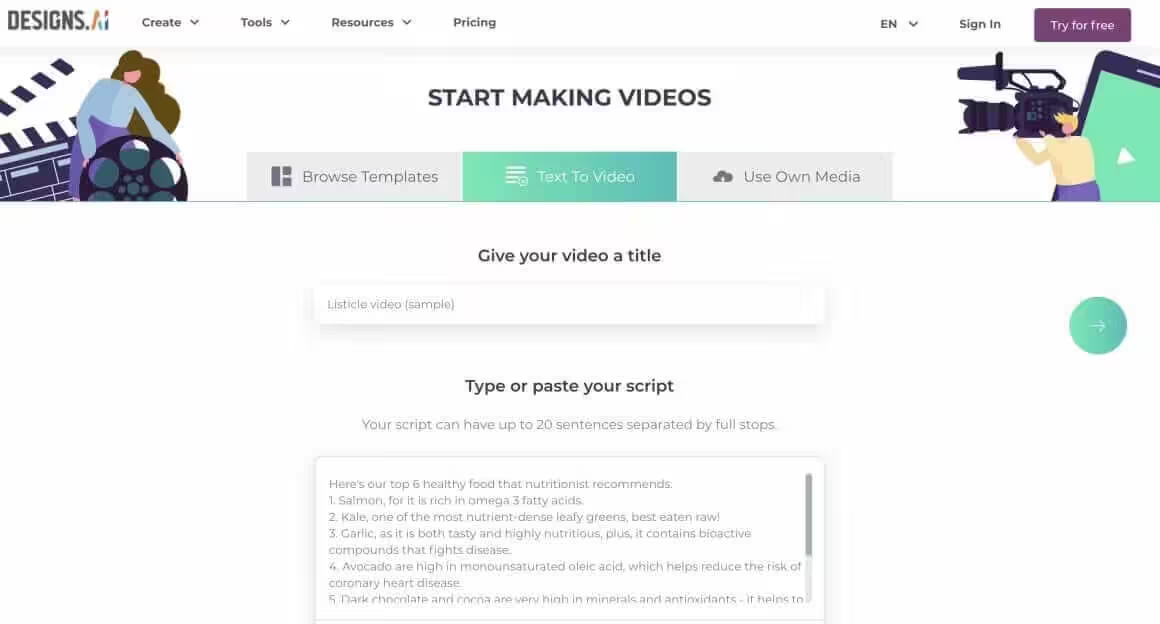
Designs.AI bundles video creation with logo design, banner creation, and other AI design tools. The video maker works similarly to Lumen5: input text or a URL, and it assembles a video using stock media.
The asset library is massive (170+ million images, 10 million video clips, 500,000 audio files), which means more options for matching visuals to your content. The 50 AI voices cover most languages and accents you’d need.
The all-in-one approach makes sense if you need multiple design tools. If you only need video, Lumen5 or InVideo are more focused options.
Best for: Small businesses needing multiple design tools, and creators who want everything in one platform.
Pricing: Basic plan at $29/month. Pro at $69/month.
AI Video Repurposing Tools
These AI video tools take existing long-form content and automatically extract the best moments for short-form platforms. Different from editors, different from generators. A specific solution for a specific workflow.
Opus Clip
Opus Clip has become the default tool for turning podcasts, webinars, and long YouTube videos into TikTok/Reels-ready clips. Upload a video, and it automatically identifies the most engaging segments, adds captions, and crops to vertical format.
The AI is trained on viral content patterns, so it’s good at finding moments with natural hooks, clear points, and emotional peaks. It’s not perfect (you’ll still reject some of the suggestions), but the hit rate is high enough that it saves hours of manual scrubbing through footage.
If you’re creating long-form content and want to maximize its reach across platforms, this is the tool to try first. The workflow improvement is significant.
Best for: Podcasters, YouTubers, webinar hosts, and anyone repurposing long content to short platforms.
Pricing: Free tier with watermark. Starter at $15/month.
Which AI Video Generator Should You Use?
Here’s how I’d break down the decision:
- For cinematic quality with synchronized audio: Google Veo 3.1 is the current benchmark. The “Ingredients to Video” feature for character consistency is unmatched, and native audio generation means less post-production.
- For true text-to-video generation on a budget: Kling AI 2.6 has a generous free tier for experimentation and now includes native audio. Wan 2.6 offers the best quality-to-price ratio with multi-shot storytelling at 80% less than premium competitors.
- For photorealism and social virality: OpenAI Sora 2 if you can get access. The physics simulation and cameo features create content that looks genuinely real. Seedance 1.0 Pro offers comparable visual quality at a fraction of the cost ($0.50 per clip).
- For professional filmmaking workflows: Runway Gen-4 offers the best creative control tools. Motion Brush, keyframing, and the overall interface are built for professionals.
- For short-form social content: Submagic if you’re editing talking-head videos. PixVerse 5.5 for viral effects and anime-style content. Opus Clip for repurposing long content into shorts.
- For developers and local generation: LTX-2 is the open-source leader. Run it on your own hardware with no API costs, generate at 3x the speed of cloud alternatives, and fine-tune with LoRAs for custom styles.
- For AI presenter videos: HeyGen offers the best quality-to-price ratio for avatar generation and video translation. Synthesia if you need enterprise features and compliance.
- For quick social videos from text: InVideo remains the go-to for template-based creation when you don’t have footage ready.
- For blog-to-video conversion: Lumen5 is still the most polished option for turning articles into video content.
- For simple editing with AI assist: VEED if you value simplicity. Kapwing if you’re on a tight budget.
- And don’t forget, Canva has been adding AI video features steadily. If you’re already using Canva for design work, their video tools might be enough without adding another subscription.
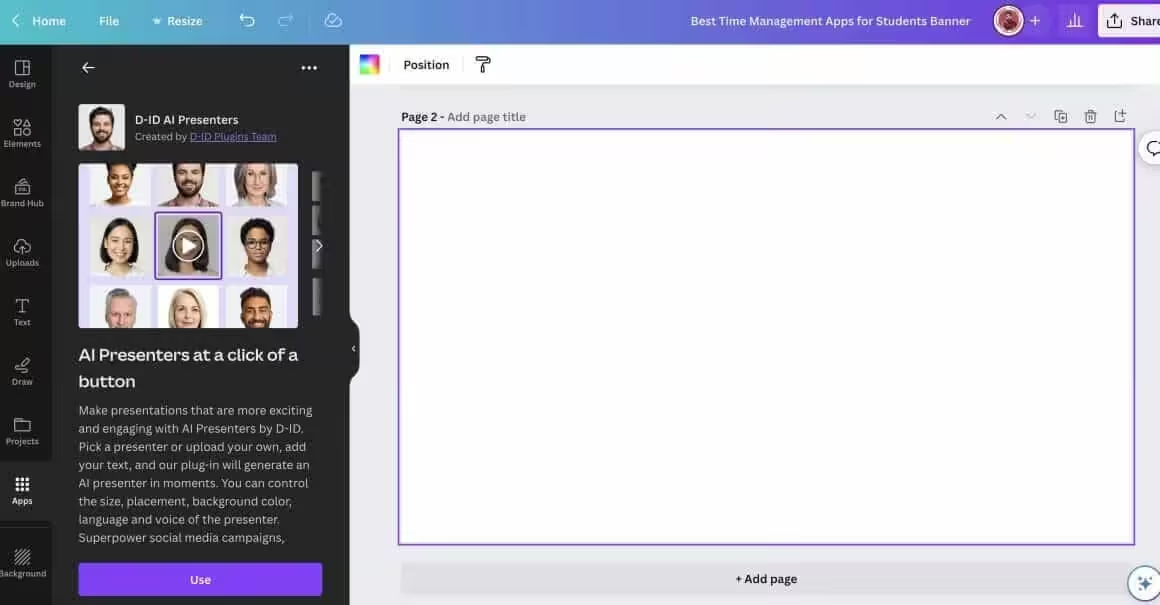
If you’re not a Canva user yet, here’s an exclusive 47-day free trial to Canva Premium (the longest you can get).
The landscape is moving fast. Six months ago, Runway Gen-3 was the clear leader. Now it’s one option among several that produce comparable results. Pick based on your specific workflow, not hype. And if you need help scheduling and distributing those videos, check out the best social media automation tools.
AI Video Generator FAQ
What is the best free AI video generator in 2026?
Kling AI offers 66 free daily credits for true text-to-video generation with native audio. Kapwing has the most generous free tier for general video editing. InVideo allows 40-minute exports on its free plan (with watermark). For AI avatars, HeyGen provides 3 free videos monthly. PixVerse 5.5 gives 60 daily credits for viral-style short videos.
Can AI actually generate video footage from text prompts?
Yes. Tools like Google Veo 3.1, OpenAI Sora 2, Runway Gen-4, and Kling AI 2.6 create actual video footage from text descriptions. These are different from template-based tools like InVideo and Lumen5 that assemble videos using stock footage. True text-to-video generation can now produce 1080p clips up to 60 seconds with synchronized audio, though character consistency across longer videos remains a challenge.
Which AI video generator has the best audio generation?
Google Veo 3.1 currently leads for native audio generation, producing synchronized dialogue with accurate lip-sync, sound effects, and ambient noise in a single pass. Kling AI 2.6 and Wan 2.6 also offer solid audio-visual integration. OpenAI Sora 2 generates good audio but has limited access. Note that Seedance 1.0 Pro and LTX-2 lack native audio generation entirely, requiring post-production sound work.
What’s the difference between AI video editors, AI avatars, and text-to-video generators?
AI video editors (InVideo, VEED, Kapwing) help you edit existing footage with smart automation like auto-captions and silence removal. AI avatar tools (Synthesia, HeyGen) create videos featuring synthetic human presenters who speak your script. Text-to-video generators (Veo 3.1, Sora 2, Runway) create entirely new footage from text descriptions. Each serves different use cases and budgets.
How much do AI video generators cost per month?
Most tools offer free tiers with limitations. Paid plans range from $10-30/month for creators. Kling AI starts at $10/month, Runway at $12/month, and Google AI Pro at $19.99/month. Budget options like Seedance cost roughly $0.50 per 5-second clip. Enterprise avatar tools like Synthesia and HeyGen run $24-89/month depending on video minutes needed. High-volume users might prefer Runway Unlimited at $76/month.
Which AI video tool is best for TikTok and Instagram Reels?
For editing existing footage into short-form content, Submagic excels with animated captions and auto-zoom features. PixVerse 5.5 dominates viral effects like AI Kiss and AI Hug transformations. Opus Clip automatically extracts the best moments from long videos for repurposing. For generating original short clips, Kling AI and Wan 2.6 offer good quality at budget-friendly prices with vertical video support.
Is there an open-source AI video generator I can run locally?
LTX-2 is the leading open-source text-to-video model. Built by Lightricks, it generates native 4K video at up to 50fps and runs locally on consumer GPUs. A 6-second Full HD video renders in about 5 seconds on an RTX 4090. You can download the model weights for free, avoiding ongoing API costs. Visual quality is excellent for open-source, though not quite at Veo 3.1 or Sora 2 levels for photorealism.
Are AI-generated videos good enough for professional and commercial use?
It depends on the use case. AI avatar videos from Synthesia and HeyGen are already used in corporate training at major companies. AI-edited videos are common in social media marketing. True text-to-video generation from Runway Gen-4 and Veo 3.1 appears in music videos and commercials. For high-stakes corporate communications or news broadcasting, traditional video production is still preferred. Most paid plans include commercial usage rights.
Disclaimer: This site is reader-supported. If you buy through some links, I may earn a small commission at no extra cost to you. I only recommend tools I trust and would use myself. Your support helps keep gauravtiwari.org free and focused on real-world advice. Thanks. - Gaurav Tiwari