
 by
by
Social media automation tools should save time without making your brand sound automated. For most solo creators, Buffer is the cleanest default. Metricool is stronger when analytics drives the calendar, SocialPilot fits agency account volume, and Planable is built for approvals.
Scheduling itself is now a commodity. The useful difference is everything around it: how a tool handles reusable content, team review, customer messages, reporting, and platform limits. Think of the scheduler as a conveyor belt for approved content, not an autopilot for your brand.
This 2026 guide compares 11 tools with distinct jobs. Prices are decision anchors, not promises, because vendors change billing periods, currencies, account limits, and add-ons. Shortlist 2 options, load each with the same 7-day content queue, and see which one removes more friction.
Compare social media automation tools by workflow
The right shortlist starts with your bottleneck, not the longest feature list.
| Tool | Best fit | Starting price | Main catch |
|---|---|---|---|
| Buffer | Simple solo scheduling | Free; paid from $5 per channel/month billed annually | Per-channel pricing grows with your network count |
| Publer | Flexible free scheduling | Free; paid plans scale by accounts | Free plan excludes X |
| SocialBee | Evergreen content libraries | $29/month or $290/year | Category setup takes more work upfront |
| Metricool | Analytics-led publishing | Free; paid from about $20/month billed annually | Free plan excludes LinkedIn and X |
| Later | Visual and Instagram workflows | From $18.75/month billed annually | No permanent free plan |
| SocialPilot | Agency account value | From $17/month billed annually | Best agency features sit on higher plans |
| Planable | Client and stakeholder approvals | 50-post trial; Basic from $33/workspace/month billed annually | Pricing is per workspace |
| Hootsuite | Broad enterprise operations | From $99/user/month billed annually | Costs rise quickly with seats |
| Sprout Social | Customer care and social inbox | From $79/user/month billed annually | Listening and deeper analytics can cost extra |
| Tailwind | Pinterest publishing | Free; Pro from $17.99/month billed annually | Less useful outside visual networks |
| Typefully | Text-first posts and threads | Free; paid plans available | Not a broad customer-care suite |
Check the vendor’s checkout page before paying. A $20 plan can become a $60 decision after extra brands, users, X access, or approval workflows enter the cart.
Count the profiles and people you need today, then add 20% headroom. Buying enterprise listening, 40 profiles, and a 6-step approval chain for a 3-channel solo workflow is a chandelier in a studio apartment: expensive, impressive, and mostly in the way.
Simple publishing should stay simple
If 1 person writes, reviews, and publishes the content, favor a clean queue over a heavy command center.
Buffer

Buffer’s advantage is subtraction. Its queue, calendar, basic analytics, and channel support cover the ordinary publishing loop without making you learn an enterprise dashboard.
It supports major networks plus newer destinations such as Threads, Bluesky, and Mastodon.
Start there.
- Free plan: Up to 3 channels with 10 scheduled posts per channel.
- Essentials: $5 per channel/month when billed annually, with unlimited scheduled posts.
- Team: $10 per channel/month when billed annually, adding unlimited users and approval features.
The catch is the pricing unit. Buffer stays inexpensive with 3 or 4 channels, but the bill expands channel by channel, so agencies should compare the total rather than the headline price.
Publer
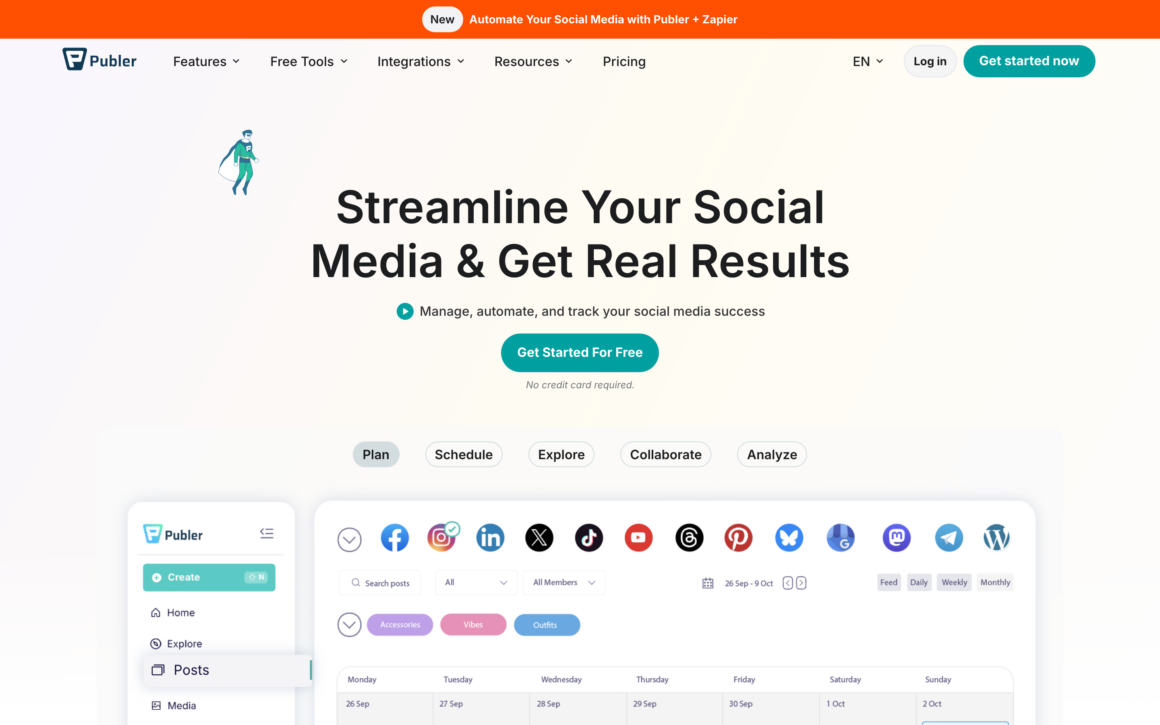
Publer is a strong fit when the budget is $0 but you still want a multi-network queue. The free plan covers 1 user, 1 workspace, and 3 social accounts, with 10 scheduled posts per account and 25 drafts.
That is enough to learn whether a scheduler changes your habits before you buy one.
Keep it lean.
- Best feature: Useful publishing limits on the free plan.
- Paid step-up: Professional adds unlimited scheduling, drafts, RSS feeds, X, and multiple workspaces.
- Main limitation: The free plan excludes X and keeps only 24 hours of post history.
Publer’s paid pricing scales with the number of accounts, so use its calculator with your real network count. A cheap base can hide a different total once a client portfolio grows.
SocialBee
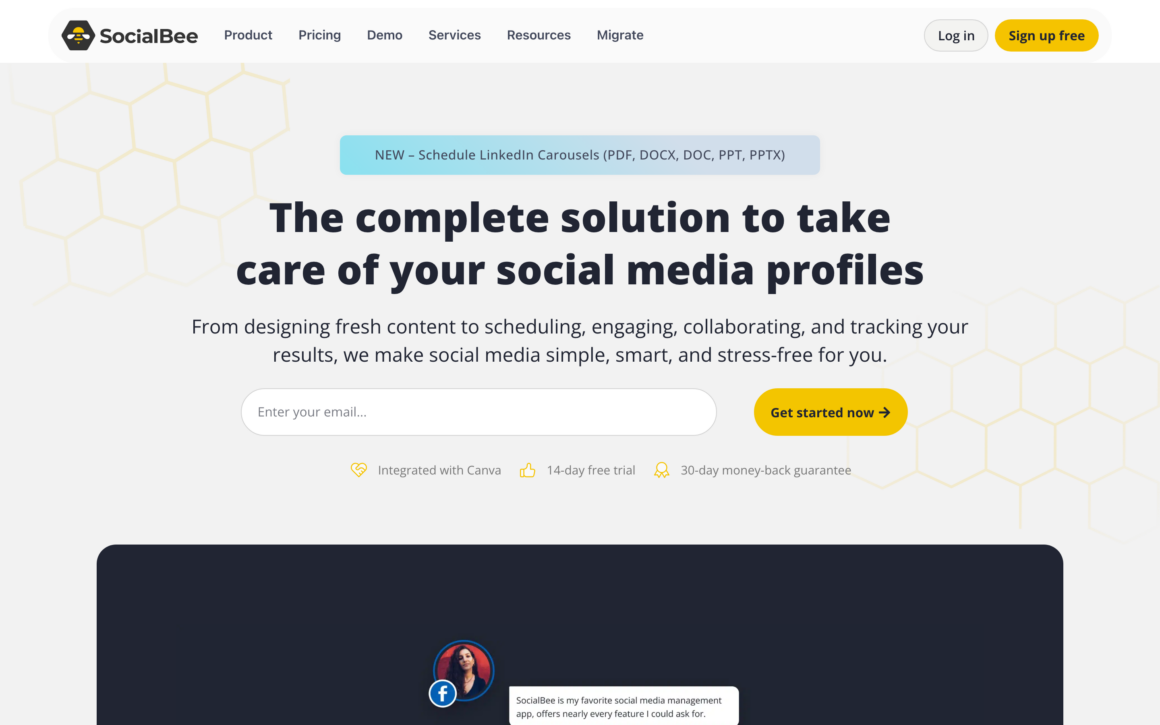
SocialBee organizes posts into categories such as tutorials, offers, questions, and evergreen resources. You assign each category a slot, then choose whether a post should recycle, expire, or stop after a date. The queue behaves more like a well-stocked pantry than a pile of disconnected posts.
That structure matters when you have 50 useful posts and no desire to rebuild the calendar every Monday.
- Bootstrap: $29 month-to-month or $290/year for 5 profiles.
- Content controls: 10 categories and 10 content sources on Bootstrap, plus recycle and expire rules.
- Trial: 14 days.
The setup is the cost. If you only schedule fresh posts and rarely reuse anything, Buffer is easier. SocialBee earns its keep when the library itself is an asset.
Analytics changes the winner
A calendar tells you what went out; a useful analytics layer tells you what deserves another turn.
Metricool
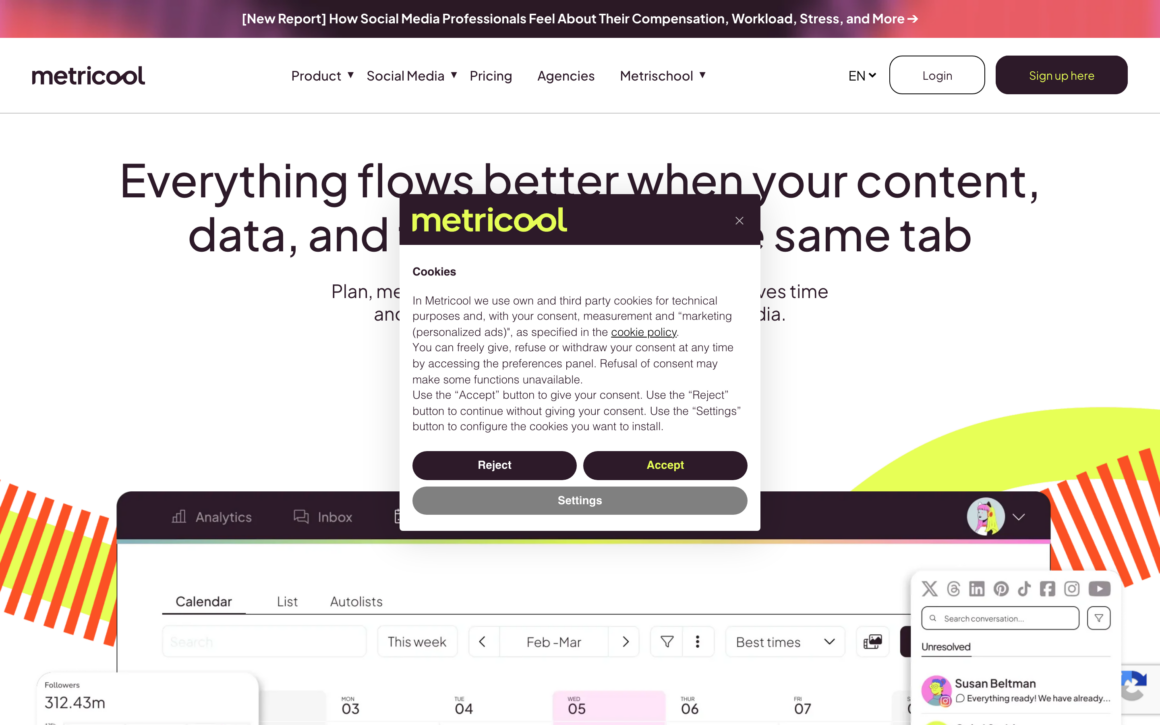
Metricool puts scheduling, post analytics, competitor tracking, and advertising reports in the same workspace. That shortens the loop between publishing and learning. Instead of treating reports like a rear-view mirror, you can use them to choose the next format, topic, and posting window.
That matters.
- Free plan: 1 brand, 20 posts per month, and 30 days of analytics history.
- Starter: Starts around $20/month when billed annually for 5 brands; the displayed total can vary by currency and billing context.
- Team step-up: Advanced adds roles, approvals, client access, and API use.
The free tier excludes LinkedIn and X, and Starter can require an X add-on. If your reporting question is specifically about campaign tags, use a dedicated guide to hashtag analytics tools before paying for a larger suite.
Later

Later makes sense when the grid, media library, and visual sequence are part of the decision. Its calendar feels closer to a storyboard than a spreadsheet, which helps Instagram-led brands see awkward repetition before it publishes. Link in Bio and post previews sit naturally beside that workflow.
- Starter: $18.75/month billed annually for 1 social set, 8 profiles, 1 user, and 30 posts per profile.
- Growth: $37.50/month billed annually, adding 2 social sets, 2 users, approvals, inbox tools, and more posts.
- Trial: 14 days; there is no permanent free tier.
Later can publish beyond Instagram, but visual planning remains the reason to choose it. If the landing-page layer matters more than the scheduler, compare the broader field of link in bio tools separately.
Agencies pay for coordination
Once several people or clients touch a post, permissions, approvals, account capacity, and reporting matter more than a prettier calendar.
SocialPilot
SocialPilot competes on practical capacity. Its annual plans move from 5 accounts and 1 user to 10 accounts and 3 users, then to 20 or 40 accounts with larger teams and client-facing features. That is a cleaner economic fit than per-seat enterprise pricing when the agency manages many modest accounts.
That creates more runway.
- Essentials: $17/month billed annually for 5 social accounts and 1 user.
- Standard: $34/month billed annually for 10 accounts and 3 users.
- Premium: $85/month billed annually for 20 accounts, 6 users, and client-management capacity.
- Ultimate: $170/month billed annually for 40 accounts and unlimited users.
Do not buy it only for the lowest price. The agency case becomes stronger when bulk scheduling, white-label reporting, account grouping, and client access remove real administrative work.
Planable

Planable is for the sentence nobody wants to hear: “I thought you approved that.” Comments, versions, previews, and approval states live beside the post, so the workflow has 1 source of truth instead of an email thread, a chat channel, and a spreadsheet arguing with each other.
The approval trail is the feature.
- Trial: The first 50 created posts are free, with no time limit; the allowance does not reset, and X publishing is unavailable during the trial.
- Basic: $33/workspace/month billed annually with 60 posts per workspace, 4 social pages, unlimited users, and 2 approval types.
- Best fit: Client review, brand review, legal review, or any process where a post needs a visible green light.
Planable is less attractive when 1 person owns everything. In a regulated or client-heavy workflow, it functions like air-traffic control: the value is not speed alone, but preventing 2 people from occupying the same runway.
Hootsuite

Hootsuite belongs on the shortlist when publishing is 1 lane inside a larger social operation. Its plans add broader account capacity, inbox work, analytics, listening, and governance as the team grows. That breadth explains the price, but it does not make the platform a sensible default for everyone.
Not cheap.
- Standard: $99/user/month billed annually for 10 social accounts.
- Professional: $199/user/month billed annually with unlimited social accounts.
- Advanced: $399/user/month billed annually, adding stronger approval and workflow controls.
- Trial: 14 days without a credit card.
Price the seats, add-ons, and governance needs together. Hootsuite can be good value when it replaces several disconnected systems, but poor value when you only need 10 scheduled posts and a basic report.
Customer care needs a real inbox
If comments and messages are support work, the scheduler must help people assign, answer, and understand conversations rather than merely publish into them.
Sprout Social
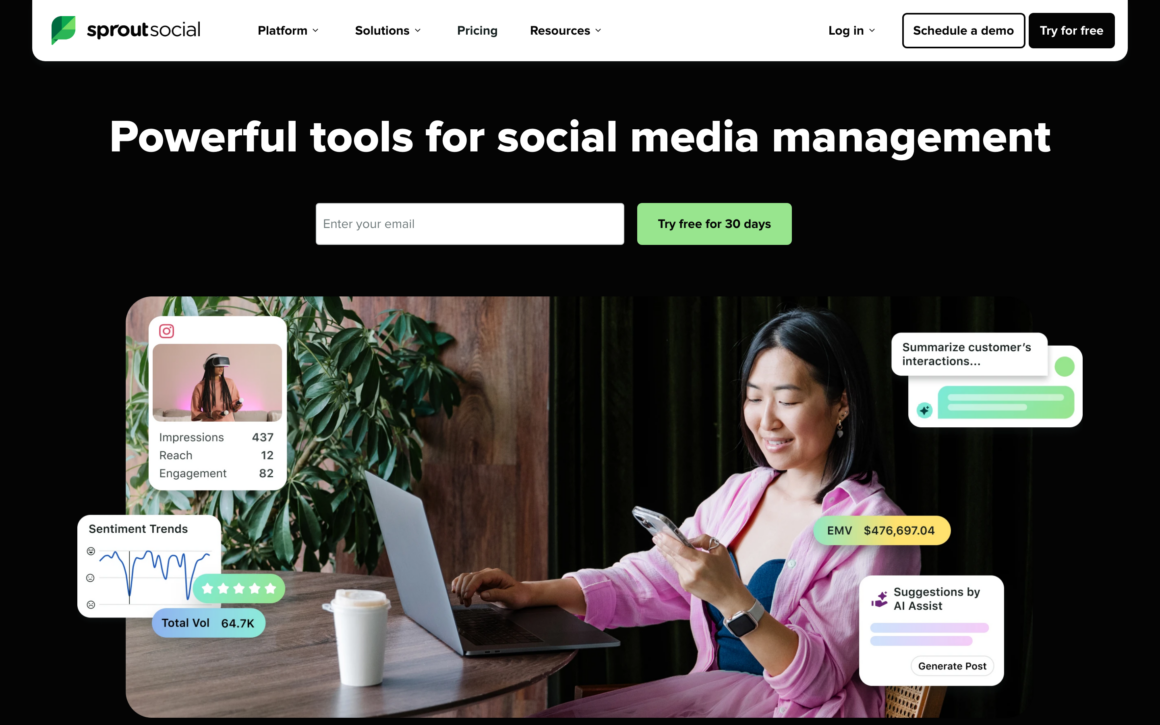
Sprout Social is strongest when an incoming message needs context, ownership, and a response trail. Its inbox turns scattered comments and DMs into a queue a team can manage. Contact history and collaboration features make it closer to a customer-care system than a simple post calendar.
That is a different job.
- Essentials: $79/seat/month billed annually for 5 social profiles and lighter publishing needs.
- Standard: $199/seat/month billed annually, adding a consolidated inbox, collaboration, and monitoring.
- Professional: $299/seat/month billed annually with unlimited social profiles.
- Add-ons: Listening and Premium Analytics may require higher plans or additional spend.
A small brand with quiet inboxes will overpay. A support-heavy brand can justify Sprout because a missed customer problem costs more than the software seat.
Specialists win on 1 network
A broad suite is not automatically better; sometimes a narrow tool fits the platform’s native shape more closely.
Tailwind
Tailwind is built around visual publishing, especially Pinterest. The platform combines scheduling, design assistance, and network-specific planning instead of treating Pinterest like another square on a generic calendar. For a blog that depends on pins for discovery, that specialist plumbing can matter more than support for 12 networks.
- Free plan: 5 posts per month for 1 account.
- Pro: $17.99/month billed annually for 150 posts per month across Pinterest, Instagram, and Facebook.
- Best fit: Bloggers, publishers, and product brands with a Pinterest-led traffic strategy.
Do not choose Tailwind merely because you also post to Instagram. Choose it when Pinterest is important enough to deserve its own workflow.
Typefully
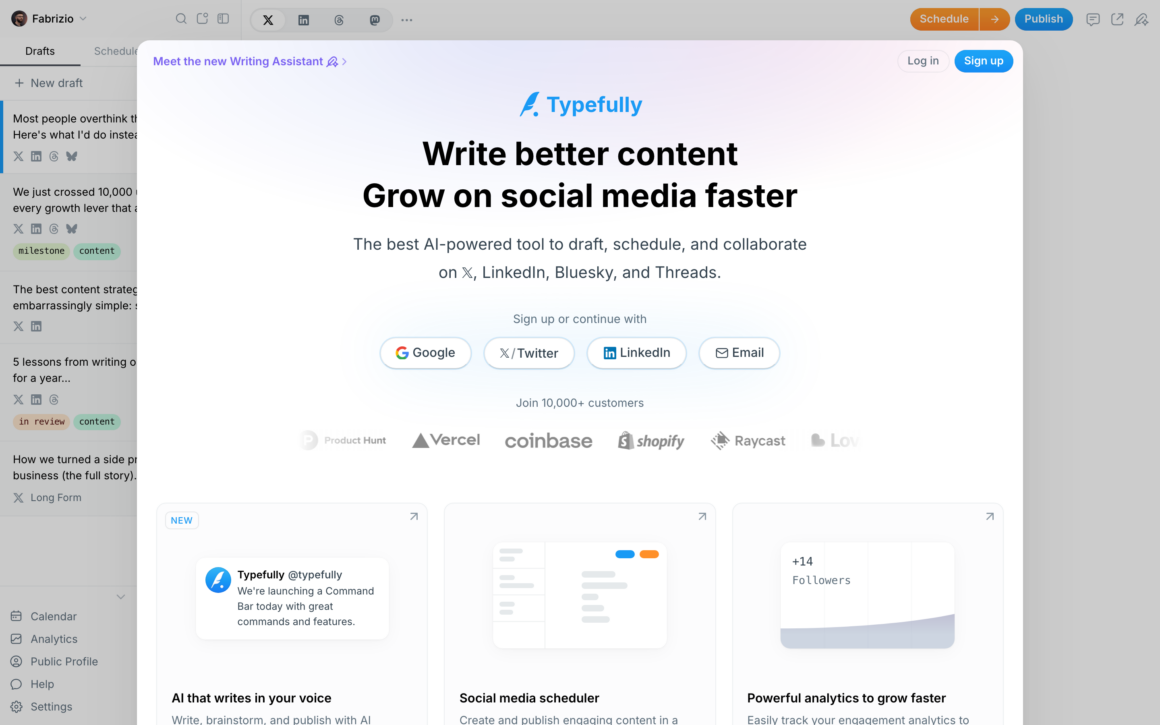
Typefully starts with a focused writing surface for posts and threads, then adds scheduling, collaboration, and analytics around it. Current support spans X, LinkedIn, Mastodon, and Threads, with Bluesky available through its social-set workflow. It is a scalpel, not a Swiss Army knife.
That is the point.
- Best fit: Founders, writers, and small teams publishing text-led ideas.
- Useful distinction: Thread composition and focused writing come before broad inbox or listening features.
- Pricing: A free plan is available; verify current paid pricing inside Typefully before comparing totals.
Choose Typefully when the writing experience is the bottleneck. If you need customer support, Pinterest publishing, or a 20-account agency dashboard, use a broader platform.
Automation stops at the human parts
Authorized scheduling is useful; fake engagement, browser bots, unsolicited messages, and bulk relationship automation are account risks wearing a productivity costume.
Be careful.
X’s automation rules warn against non-API scripting, spam, unsolicited automated replies or DMs, and bulk follow or unfollow behavior. LinkedIn’s prohibited software guidance likewise bans bots and extensions that automate activity, messages, comments, likes, shares, or artificial engagement.
- Automate: Approved scheduling, platform-specific formatting, recurring reports, asset handoffs, and reminders.
- Review: AI-written captions, links, dates, tags, images, and cross-network adaptations before publishing.
- Keep human: Replies, conflict, customer complaints, relationship building, judgment, and anything that could embarrass the brand.
- Avoid: Auto-comments, auto-likes, unsolicited auto-DMs, copied replies, fake engagement, and tools that depend on browser scripting around platform controls.
A scheduler also cannot rescue an empty strategy. Decide what each network is for, build a useful content system, and then automate the repetitive distribution. This social media marketing guide for bloggers covers that foundation.
Automate distribution, not relationships. Let the tool carry approved posts across the week, but keep judgment at the wheel. The moment automation starts pretending to be a person, convenience turns into trust debt.
Frequently asked questions
These answers cover the purchase questions that remain after the workflow comparison.
What is the best social media automation tool for most people?
Buffer is the best starting point for most solo creators and small teams because its free plan, clean queue, broad network support, and simple pricing make it easy to evaluate. Choose Metricool instead when analytics drives the workflow, SocialPilot for agency account volume, or Planable for approvals.
What is the best free social media scheduling tool?
Buffer and Publer are the strongest free starting points. Buffer supports up to 3 channels with 10 queued posts per channel. Publer supports 3 accounts with 10 scheduled posts per account, although its free plan excludes X. Native tools such as Meta Business Suite can be better when you only publish to Facebook and Instagram.
Is social media automation safe?
Approved scheduling through official platform integrations is generally the safer form of automation. Bots, browser scripting, unsolicited automated messages, bulk follow or unfollow behavior, and fake engagement can violate platform rules and put an account at risk. Keep replies, judgment, and relationship work human.
How much should a social media management tool cost?
A solo scheduler can cost $0 to about $30 per month. Analytics-led or approval-led tools often start around $20 to $100 per month. Enterprise customer-care and governance platforms can cost $79 to $399 or more per user each month. Compare the total for your profiles, brands, users, add-ons, and billing period rather than the advertised base price.
Buffer vs Hootsuite: which should I choose?
Choose Buffer when you want a simple publishing queue for a small number of channels. Choose Hootsuite when several people manage many accounts and need broader inbox, analytics, listening, reporting, or governance features. Buffer is the better default; Hootsuite should earn its higher cost by replacing real operational complexity.
Pick the bottleneck, not the longest feature list
Your final shortlist should be small enough to test, not large enough to become another research project.
- Simple solo scheduling: Buffer first, Publer if the free-plan limits fit better.
- Evergreen publishing: SocialBee.
- Analytics-led planning: Metricool.
- Visual and Instagram planning: Later.
- Agency account capacity: SocialPilot.
- Client or legal approval: Planable.
- Broad enterprise operations: Hootsuite.
- Customer-care inbox: Sprout Social.
- Pinterest-led publishing: Tailwind.
- Text-first posts and threads: Typefully.
Build the same 7-day queue in your 2 finalists. Invite the real approver if you have one, publish to the networks you actually use, and generate the report you will need next Monday. The better tool is the one that removes steps without hiding control.
Then decide.
Automate the repetition. Keep the judgment.
Tell Google you want more of this.
Add Gaurav Tiwari as a preferred sourceOne tap, and this site shows up more often in your own Top Stories, AI Overviews and AI Mode. Remove it any time.
Disclaimer: This site is reader-supported. If you buy through some links, I may earn a small commission at no extra cost to you. I only recommend tools I trust and would use myself. Your support helps keep gauravtiwari.org free and focused on real-world advice. Thanks. - Gaurav Tiwari