
Kadence Theme Review: Is the Hype Worth it?
I’ve been using Kadence theme since 2021. That’s 5 years of building client sites, testing updates, and watching this theme evolve from a promising newcomer to one of the most capable WordPress themes available.
Here’s my Kadence theme review and honest take on its features after using it on dozens of projects.
Why Kadence Theme Stands Out
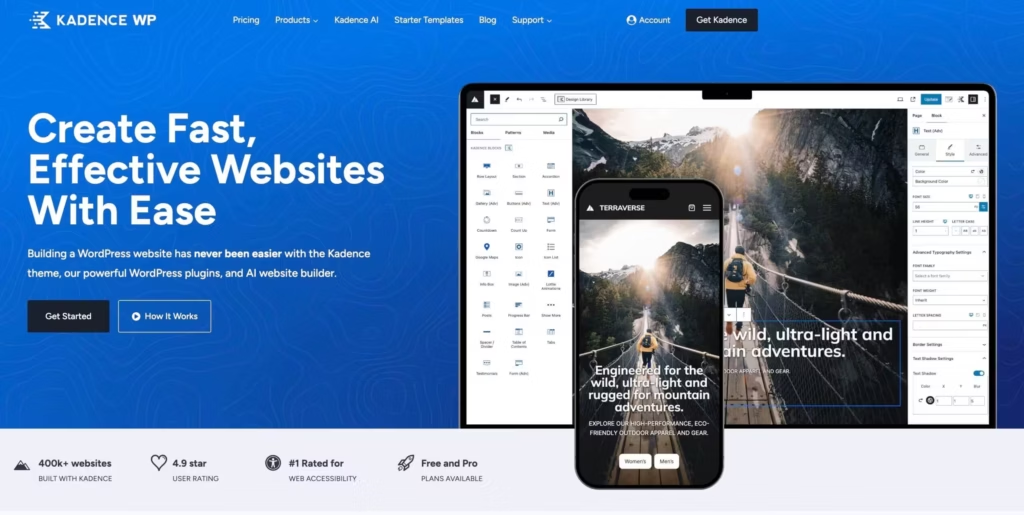
Most WordPress themes force you to choose between speed and features. Kadence doesn’t make you pick.
The Kadence Starter Templates library is one of the strongest reasons to choose Kadence. You get full-site designs that import in one click: pages, global styles, and block patterns. Unlike generic template libraries, these are built specifically for the Kadence ecosystem, so header builders, color systems, and typography all work out of the box.
The free version alone gives you global color palettes, typography controls, a drag-and-drop header builder, and WooCommerce integration. Features that competitors lock behind $99+ paywalls.
I switched from GeneratePress to Kadence for one simple reason: I could build better-looking sites faster, without touching a page builder. The theme customizer handles most of what I used to need Elementor for.
Kadence Free vs Kadence Pro: What’s the Real Difference?
Kadence Theme Free Features
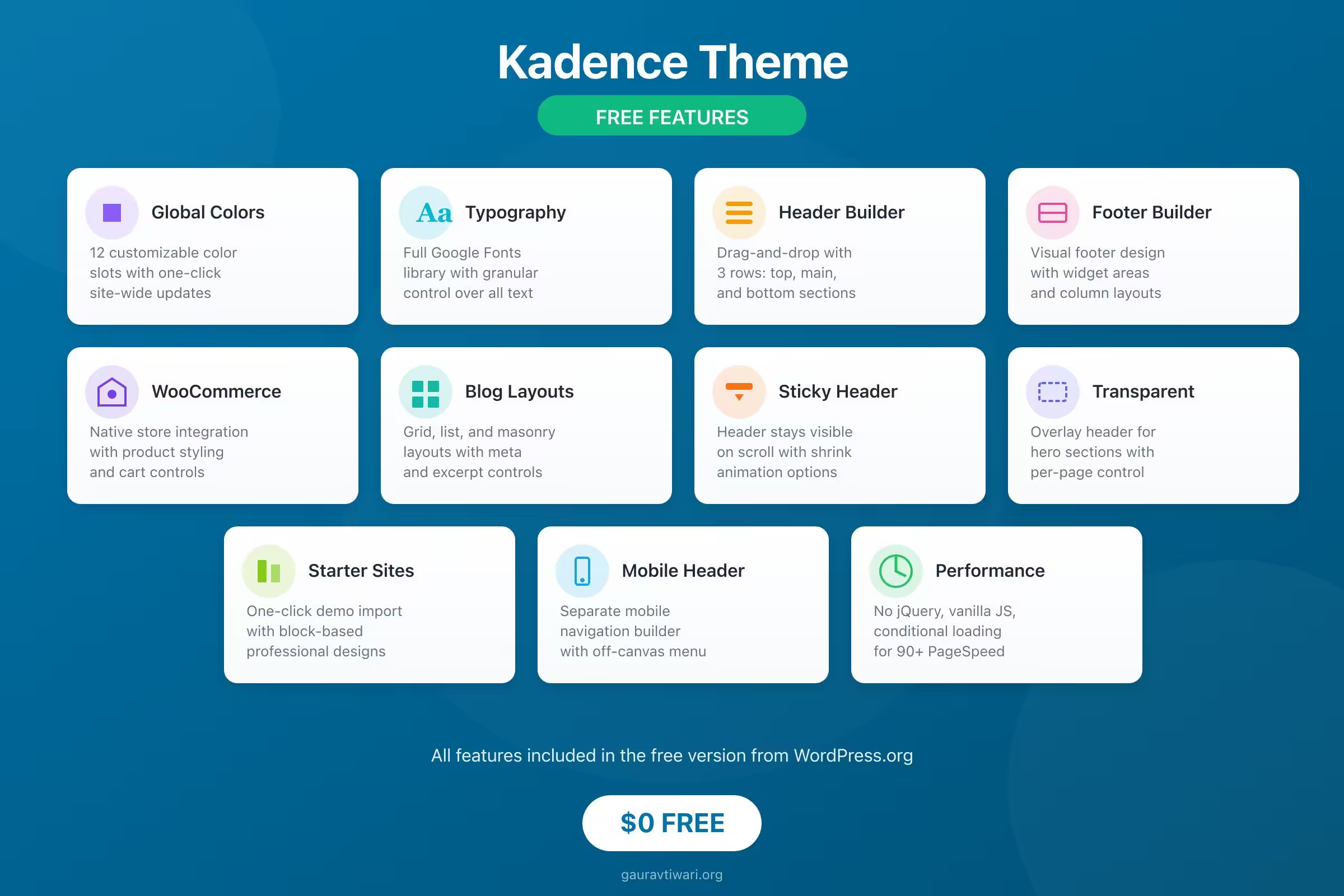
The free theme is genuinely impressive. You get:
- Global color palette system with 12 customizable colors
- Full typography controls including Google Fonts
- Drag-and-drop header and footer builder
- WooCommerce basic integration
- Blog layout options
- Transparent header capability
- Sticky header
- Multiple starter templates
For a personal blog or simple business site, the free version handles everything. I’ve built profitable affiliate sites using nothing but Kadence free.
What Kadence Pro Adds
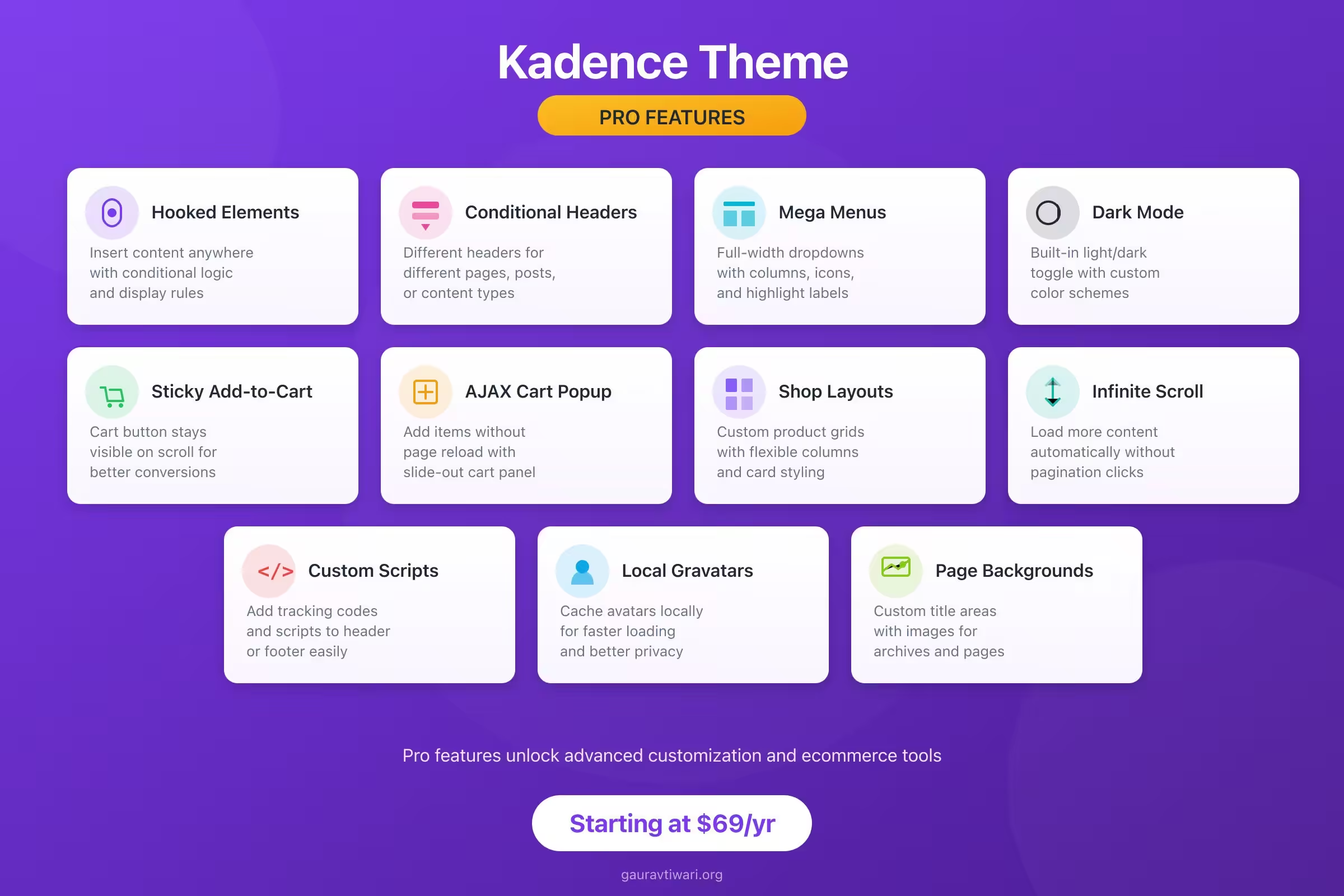
The pro version ($69/year) unlocks features that matter for serious sites:
- Hooked Elements: Inject custom content anywhere without coding
- Conditional Headers/Footers: Different headers for different pages
- Advanced WooCommerce Controls: Sticky add-to-cart, AJAX cart, custom shop layouts
- Mega Menus: Full-width dropdown menus with columns
- Dark Mode Toggle: Built-in light/dark theme switching
- Infinite Scroll: Load more content without pagination
Is the pro version worth $69? If you’re building an ecommerce store or need conditional layouts, absolutely. For simple blogs, the free version is enough.
Key Features that Actually Matter
1. The Header/Footer Builder

This is where Kadence beats most competitors.
You get three rows (top, main, bottom) that you can customize independently. Drag widgets, logos, menus, buttons, social icons, search bars, or custom HTML into any position.
What I love: You can create completely different mobile and desktop headers. The mobile header builder is separate, so your phone navigation doesn’t have to be a cramped version of your desktop menu.
2. Global Color System
Kadence’s color palette system is smartly designed. You define your brand colors once, then reference them throughout your site.
Change your primary color in one place, and it updates everywhere. No more hunting through CSS to update button colors.
3. Hooked Elements (Pro Feature)
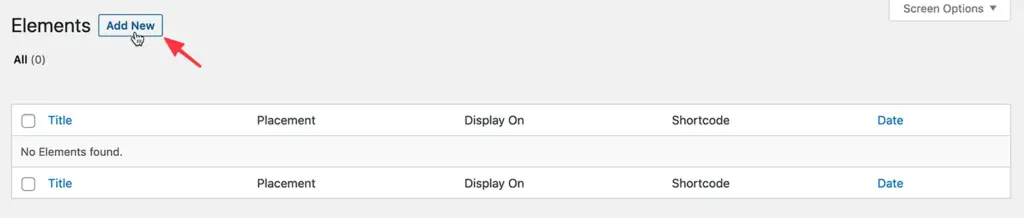
This is the feature that sold me on Kadence Pro.
Hooked Elements let you insert any content, anywhere on your site, with conditional logic. Want to show a banner only on product pages? Add a CTA after the third paragraph of every blog post? Display different content based on user role?
Here’s what you can control:
- Placement: Before/after any element (header, footer, content, sidebar, post title, etc.)
- Display conditions: Show on specific pages, post types, categories, or user roles
- Device targeting: Desktop only, mobile only, or both
I use Hooked Elements for:
- Email signup forms after blog posts
- Product recommendations on specific categories
- Holiday banners that only show during promotions
- Different CTAs for logged-in vs. logged-out users
4. WooCommerce Integration
Kadence handles WooCommerce better than most dedicated ecommerce themes.
The free version gives you basic product styling. The pro version adds features that actually increase conversions:
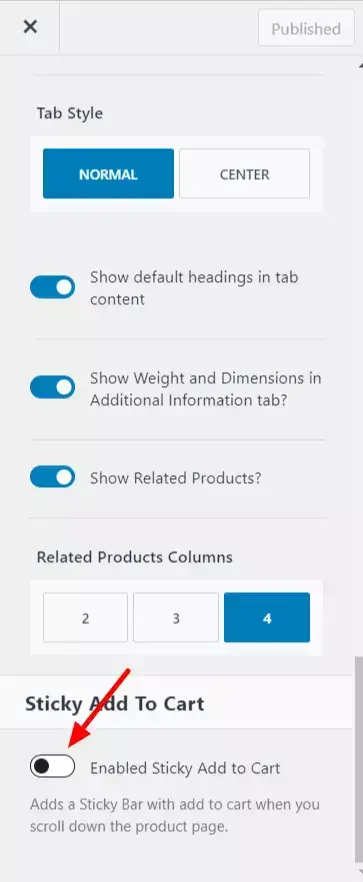
Sticky Add-to-Cart: The add-to-cart button stays visible as customers scroll through product descriptions. Simple feature, measurable impact on sales.
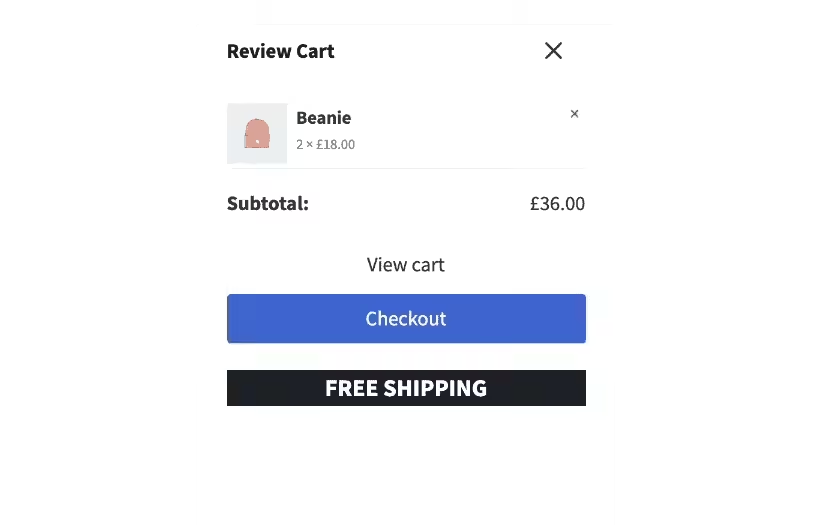
AJAX Add-to-Cart with Popup: Customers can add items without page reloads. A slide-out panel shows the cart contents and a checkout button.
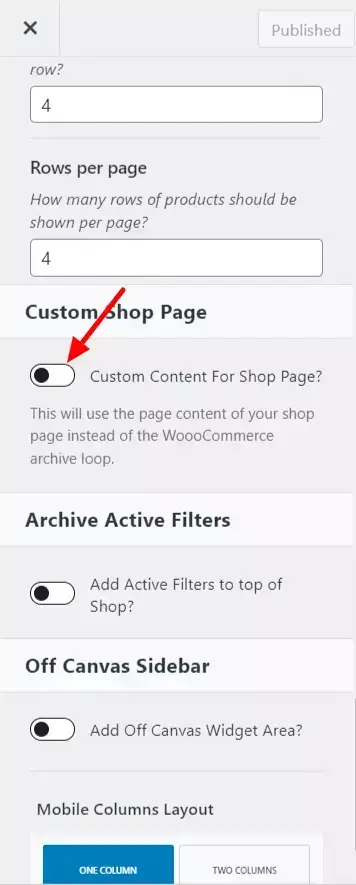
Custom Shop Page Layouts: Override the default WooCommerce grid with your own design. Control columns, spacing, and product card elements.
5. Mega Menu Support
Building mega menus usually requires a plugin. Kadence includes this feature in the pro version.
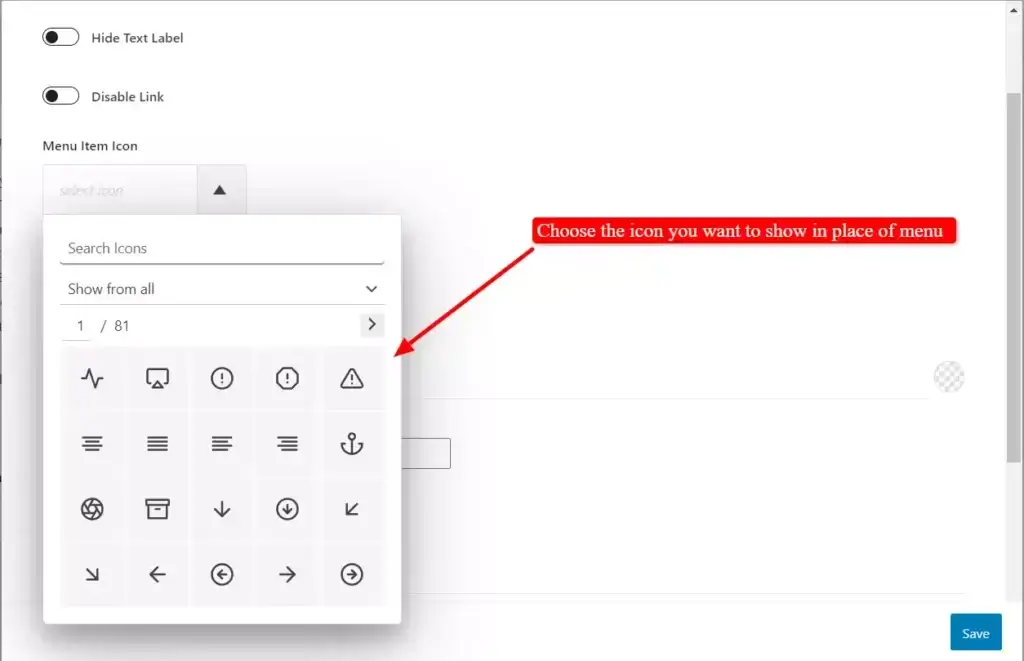
Enable mega menu support, then configure each menu item with columns, width settings, and background options.
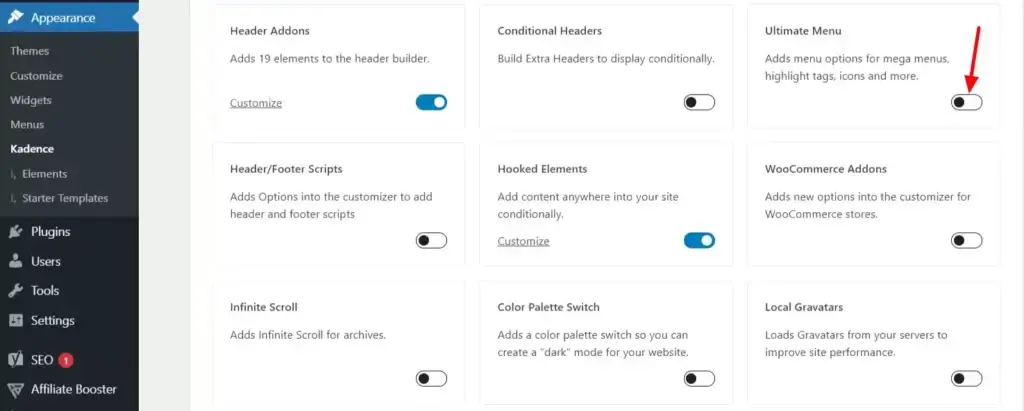
You can also add icons to menu items and create highlight labels (like “New” or “Sale” badges).
6. Dark Mode Toggle
Dark mode isn’t a gimmick anymore. Users expect it.
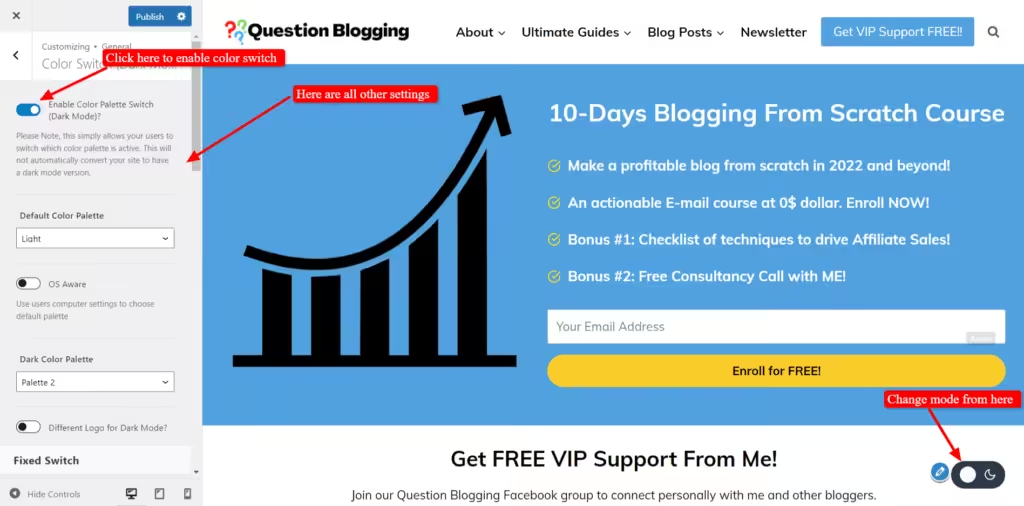
Kadence Pro includes a color palette switch that lets visitors toggle between light and dark themes. You define both color schemes, and the theme handles the transition.
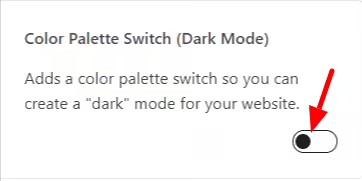
The toggle can appear as a fixed button on the page or in your header/footer.
Kadence Blocks Plugin
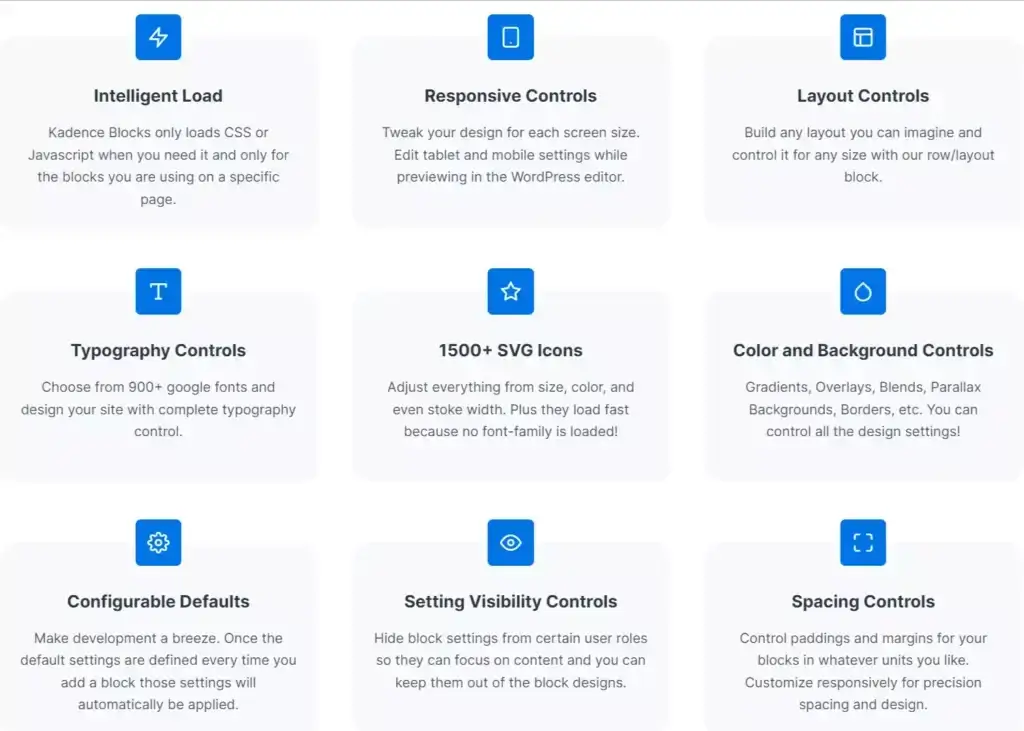
Kadence Blocks is a separate plugin that pairs with the theme. It adds 25+ custom blocks to the WordPress editor:
Free blocks include:
- Row/Section layouts
- Advanced heading and button blocks
- Icon and icon list blocks
- Tabs and accordion blocks
- Testimonial blocks
- Form builder
- Table of contents
- Countdown timer
Pro blocks add:
- Modal/popup blocks
- Video popup
- Advanced slider
- Image overlay effects
- Portfolio grid/carousel
- Animate on scroll
- Dynamic content support
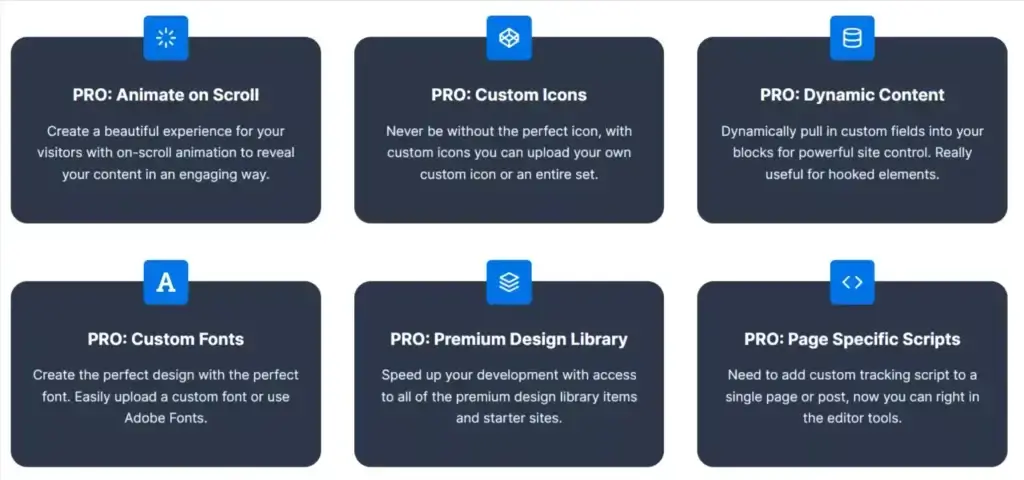
The blocks load CSS and JavaScript only when used. This intelligent loading keeps your site fast even with multiple block types on a page.
For bloggers who don’t need advanced layouts, Kadence Blocks free is plenty. The pro version matters for landing pages and marketing sites.
Starter Templates and AI Features
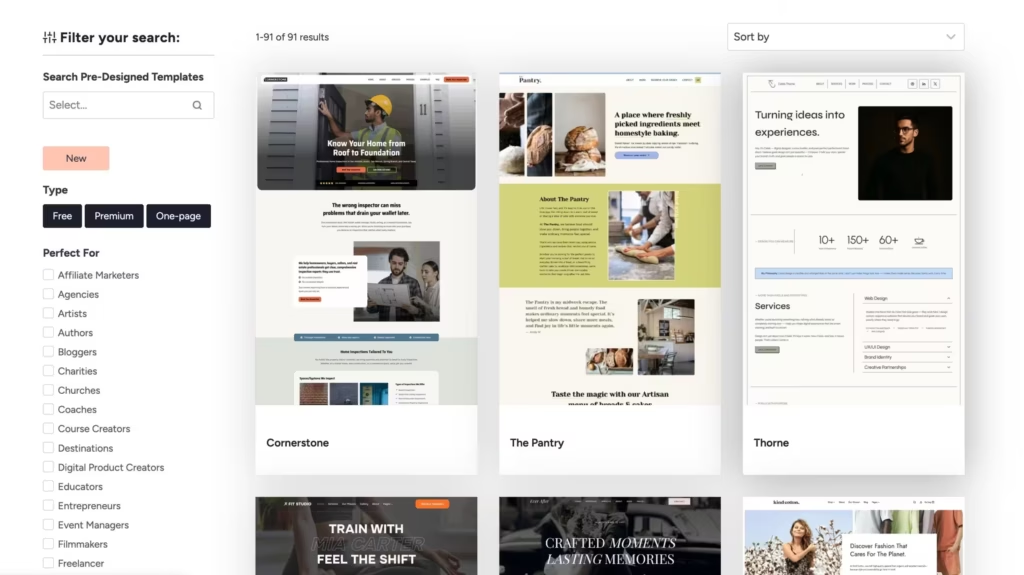
Kadence offers AI-powered starter templates. Pick a template, answer questions about your business, and Kadence AI generates draft content and suggests royalty-free images.
The templates use global colors and fonts, so changing your brand palette updates the entire site.
The template library isn’t as extensive as Astra’s, but the quality is solid. Each template is built for the block editor, not Elementor, which means better performance.
Third-Party Integrations
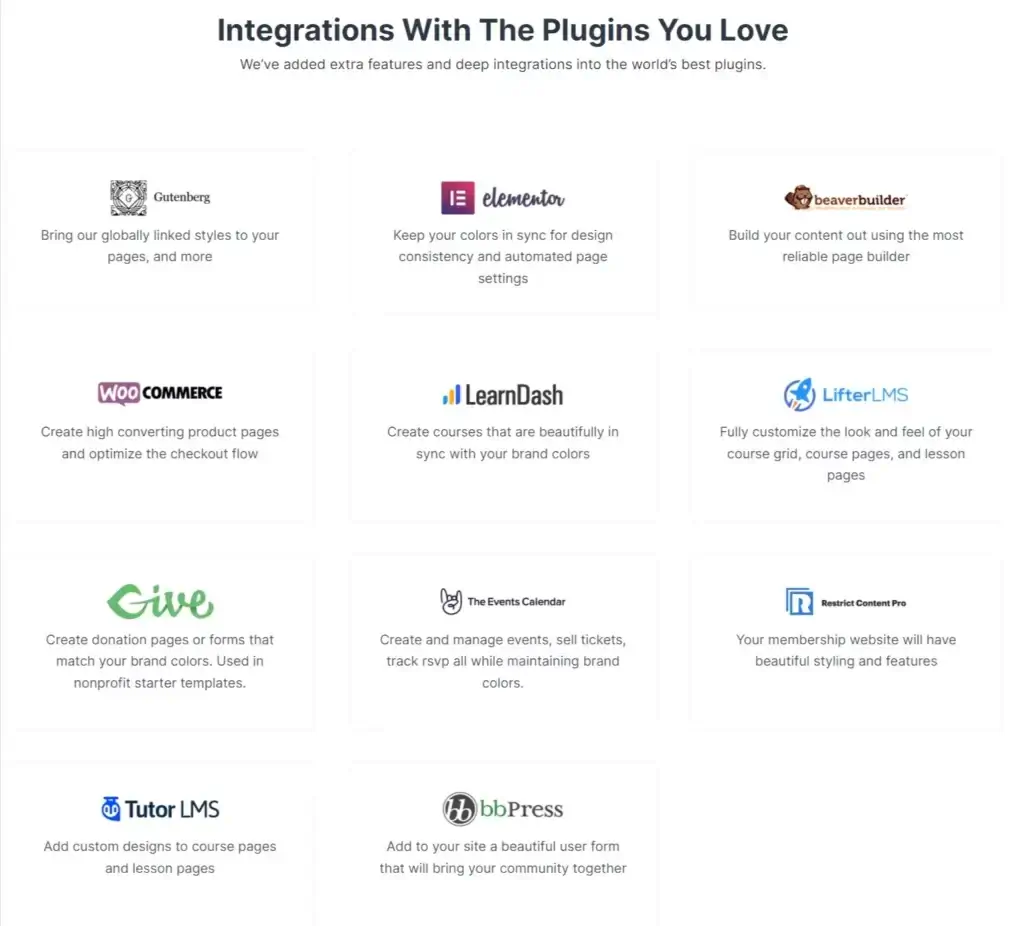
Kadence plays well with:
- Page builders: Elementor, Beaver Builder, Divi
- Ecommerce: WooCommerce (native integration)
- LMS: LifterLMS, LearnDash, Tutor LMS
- Membership: BuddyPress, bbPress
- Forms: Works with any form plugin
- Events: The Events Calendar, Give
I don’t recommend using Kadence with Elementor though. The theme’s native capabilities make page builders unnecessary for most sites. Adding Elementor just slows things down.
Performance and SEO
Kadence scores well on Core Web Vitals. The theme generates minimal CSS, loads assets conditionally, and includes schema markup by default.
What makes it fast:
- No jQuery dependency (vanilla JavaScript)
- Conditional CSS loading
- Native lazy loading support
- Minimal HTTP requests
- Clean HTML output
I’ve tested Kadence sites with PageSpeed Insights and consistently see 90+ scores on mobile without aggressive caching or CDNs. Adding a caching plugin pushes most sites to 95+.
The theme includes basic schema markup for articles, products, and FAQs. For advanced SEO, you’ll still want a dedicated plugin like RankMath or Yoast, but Kadence provides a solid foundation.
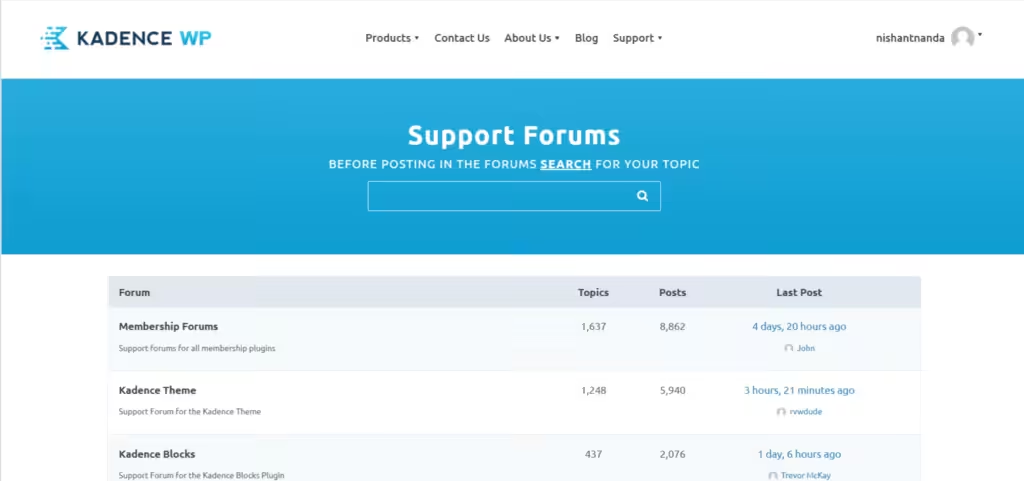
Documentation and Support
This is where Kadence could improve.
The knowledge base covers most features, but articles can be scattered. Finding specific information sometimes requires searching through multiple pages.
Support options:
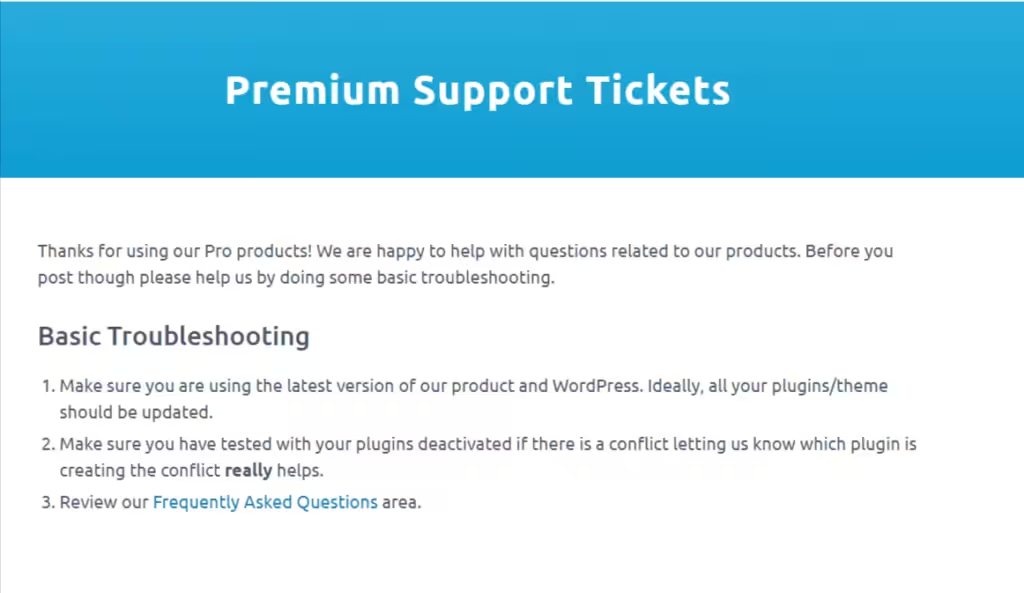
- Premium ticket system for paying customers
- Free support forum (rare for a free theme)
- Facebook community with 50,000+ members
- Contact form for general inquiries
Response times vary. The team is smaller than Astra’s or GeneratePress’s, which shows during busy periods. The Facebook group often provides faster answers than official support.
One thing I appreciate: Kadence offers support to free users through their forum. Most theme companies ignore non-paying customers entirely.
Pros and Cons
What I Like
- Generous free version with features competitors charge for
- Fast performance without sacrificing functionality
- Header/footer builder that eliminates the need for plugins
- Hooked Elements for inserting content anywhere
- WooCommerce features that actually improve conversions
- Block editor focus instead of page builder dependency
- Active development with regular feature updates
- Accessibility compliance out of the box
What Could Be Better
- Smaller template library compared to Astra
- Support response times during peak periods
- No white-labeling option for agencies
- Documentation organization could be clearer
Kadence Theme Pricing
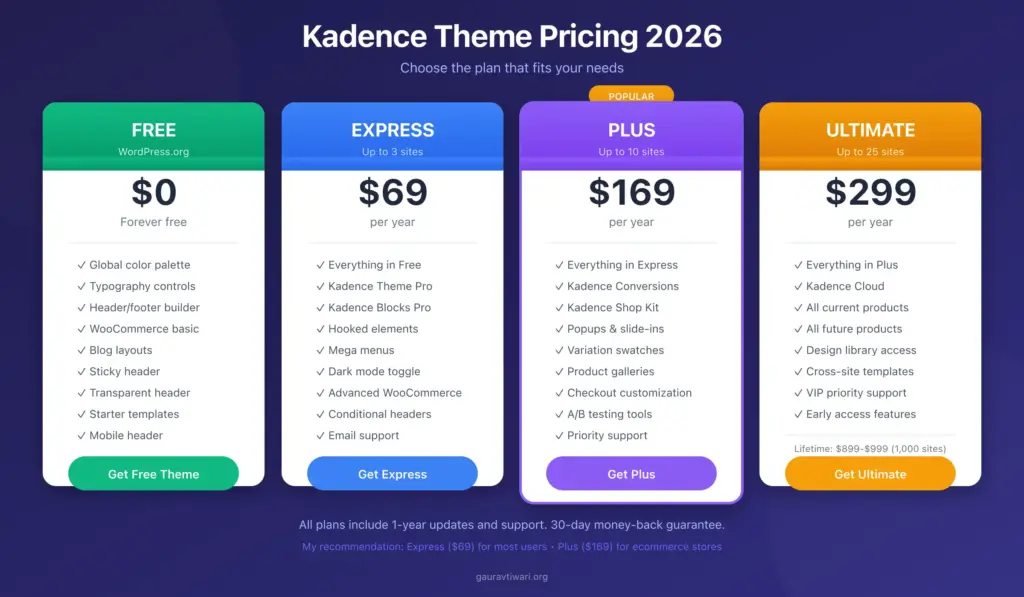
Kadence restructured their pricing in 2024, replacing the old Essential and Full bundles with new tiered plans. The free theme is still available from WordPress.org.
Current premium options:
- Express: $69/year for up to 3 sites (Kadence Pro + Kadence Blocks Pro)
- Plus: $169/year for up to 10 sites (adds Kadence Conversions + Shop Kit)
- Ultimate: $299/year for up to 25 sites (everything Kadence makes + priority support)
- Lifetime Ultimate: $899-$999 one-time for lifetime access with up to 1,000 sites
All plans include Kadence Theme Pro, Kadence Blocks Pro, and access to the AI-powered starter templates. Higher tiers add the sister products.
Kadence Sister Products
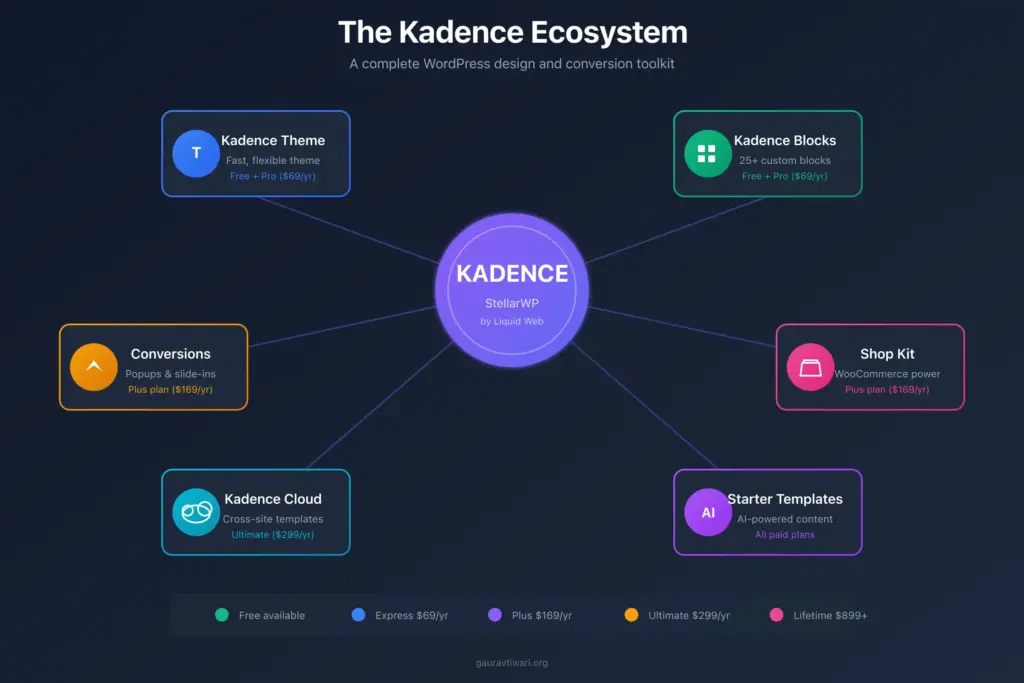
Beyond the theme and blocks plugin, Kadence offers several companion products:
- Kadence Conversions: Popups, slide-ins, and banners with targeting rules for lead generation
- Kadence Shop Kit: Advanced WooCommerce features like product galleries, variation swatches, and checkout customization
- Kadence Cloud: Save and reuse design sections across multiple sites
- Starter Templates AI: AI-generated content and images for quick site setup
My recommendation: The Express plan at $69/year covers most needs. You get Kadence Pro and Kadence Blocks Pro for 3 sites, which handles 90% of what you’d use a page builder for. If you’re running an ecommerce store, the Plus plan adds Shop Kit and Conversions, both worth having.
If you’re building one simple site, start with the free version. Most bloggers never need to upgrade.
Kadence vs. Alternatives
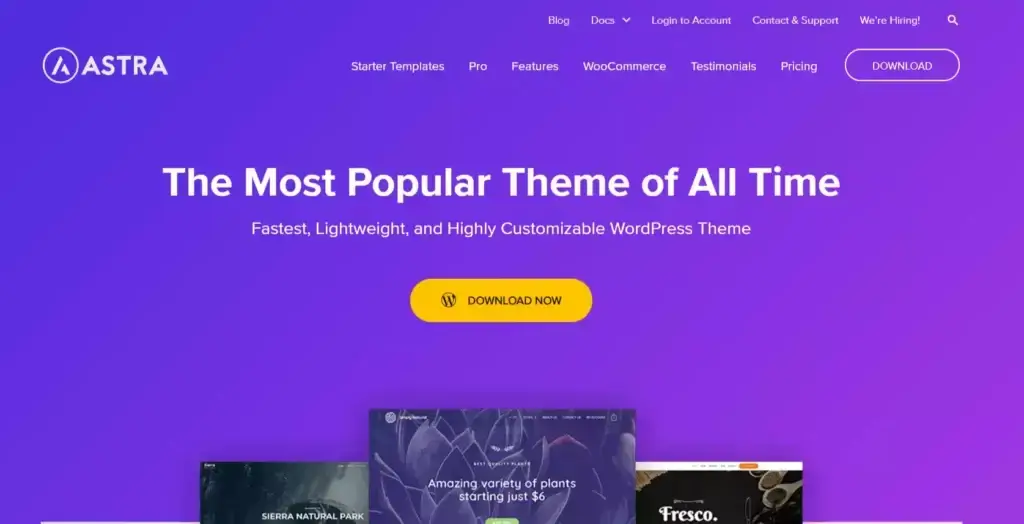
Kadence vs. Astra
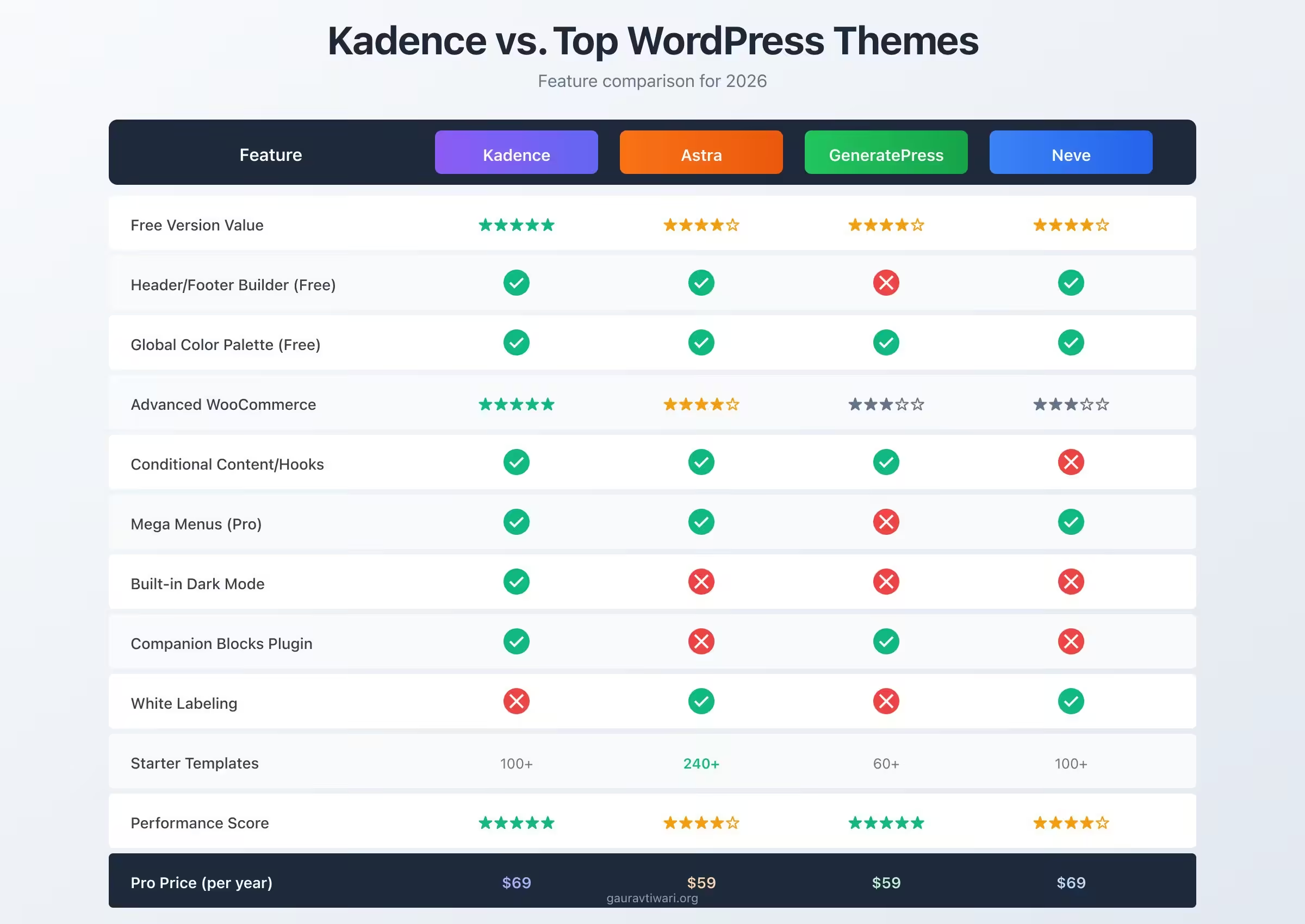
Astra has more starter templates and white-labeling for agencies. Kadence has better WooCommerce features and a more powerful free version.
- For ecommerce: Kadence wins.
- For agencies: Astra wins (white-labeling).
- For bloggers: Both work well, but Kadence’s free version is more complete.
Kadence vs. GeneratePress
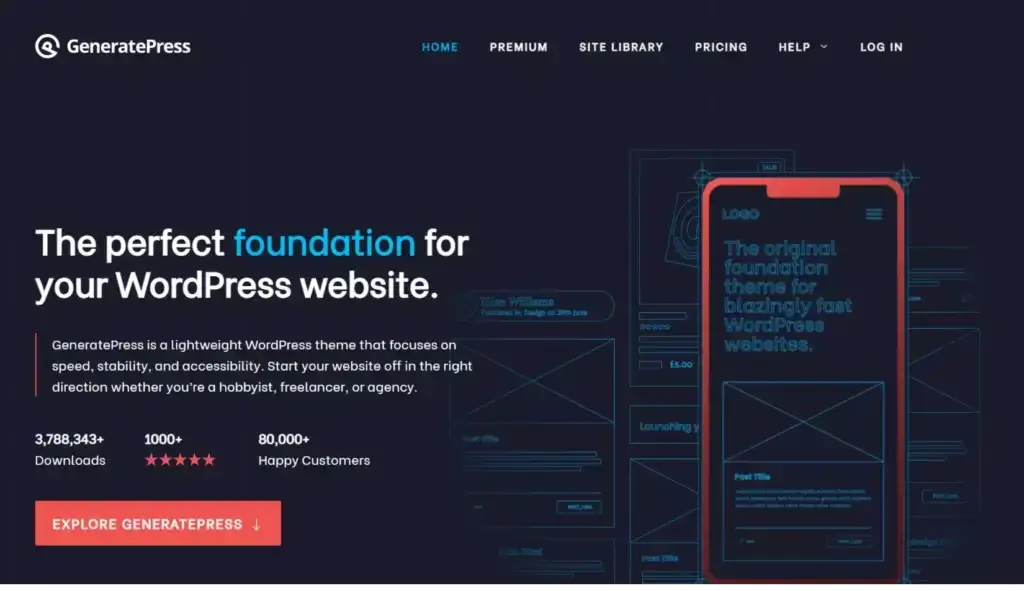
GeneratePress is slightly faster and more developer-friendly. Kadence is easier for non-developers to customize.
- If you’re comfortable with CSS: GeneratePress
- If you want visual controls: Kadence
Kadence vs. Neve
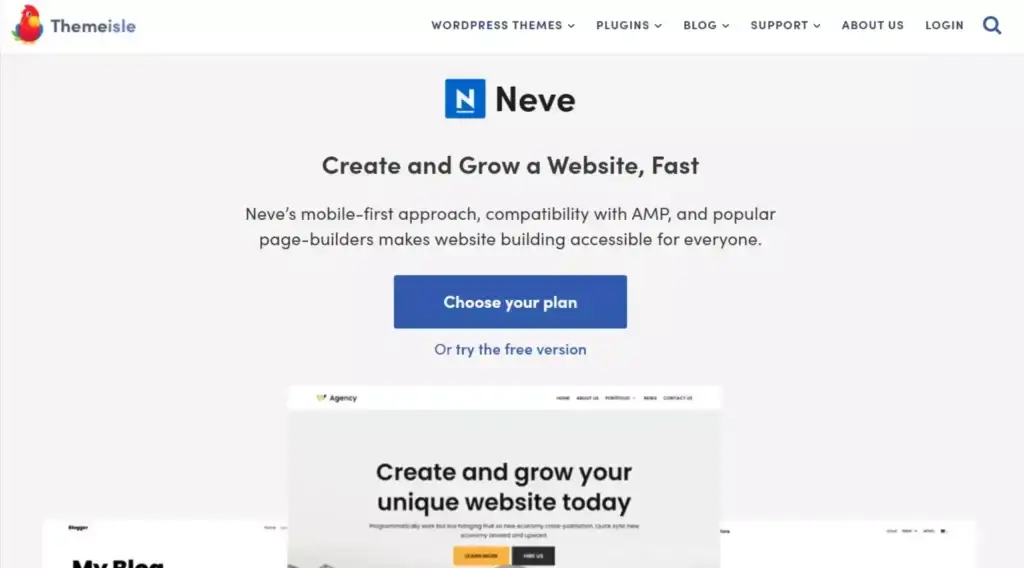
Neve offers AMP support and white-labeling. Kadence has more advanced WooCommerce and conditional logic features.
- For AMP sites: Neve
- For everything else: Kadence
| Feature | Kadence (Pro) | GeneratePress (Premium) | Astra (Pro) | Blocksy (Pro) |
|---|---|---|---|---|
| Price | $149/yr (Essential) | $59/yr | $49/yr | $49/yr |
| Free Version | Yes (strong) | Yes | Yes | Yes |
| Block Editor Integration | Kadence Blocks (25+ blocks) | GenerateBlocks | Spectra compatible | Built-in blocks |
| Header/Footer Builder | Yes (visual) | Yes (code-based) | Yes (visual) | Yes (visual) |
| WooCommerce Support | Deep integration | Basic | Deep integration | Good |
| Starter Templates | Yes + AI | Limited | Yes (large library) | Yes |
| Performance (TTFB) | Excellent | Excellent | Good | Good |
| Learning Curve | Moderate | Steeper | Easy | Easy |
Is Kadence Worth It in 2026?
Yes. After 5 years of using this theme, I still recommend it as my top choice for most WordPress sites.
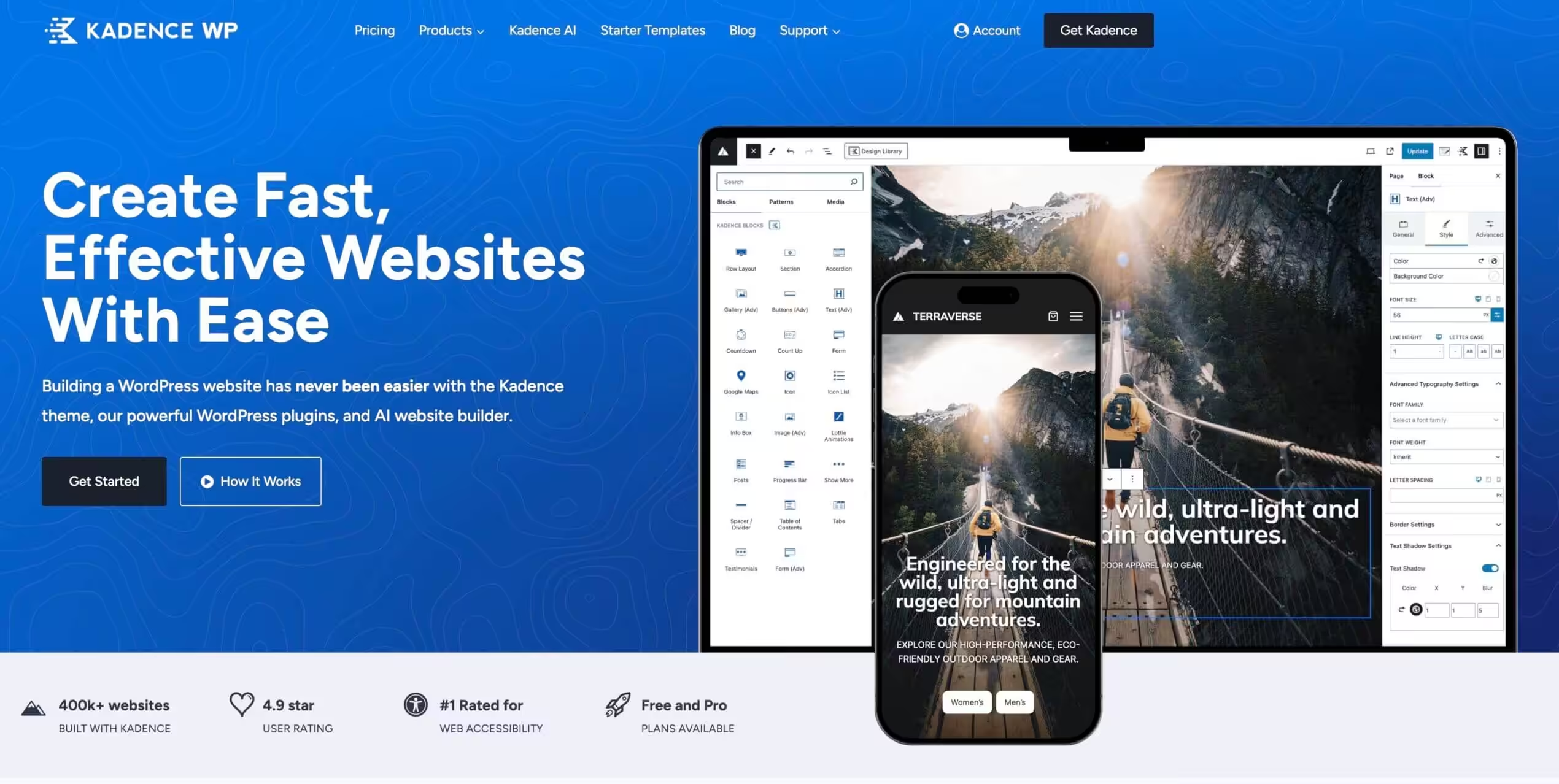
Kadence Theme
Pros
- Most generous free version of any WordPress theme. Header builder, global colors, typography controls included.
- Excellent Core Web Vitals scores. No jQuery, conditional CSS loading, vanilla JavaScript.
- Best WooCommerce integration. Sticky add-to-cart, AJAX cart popups, custom shop layouts in Pro.
- Hooked Elements let you inject content anywhere with conditional logic. Game-changing for marketers.
- Kadence Blocks plugin adds 25+ custom blocks. Free version covers most needs.
- Part of StellarWP ecosystem. Active development, regular feature updates, long-term stability.
Cons
- Smaller starter template library than Astra (100+ vs 240+).
- No white-labeling option for agencies. Astra and Neve offer this.
- Support response times can lag during peak periods. Facebook group often faster.
- Documentation organization could be clearer. Finding specific info requires multiple searches.
Summary
Kadence is my top WordPress theme recommendation for 2026. The free version alone beats most premium themes with its header builder, global colors, and WooCommerce integration. The pro version adds hooked elements, conditional headers, mega menus, and dark mode. Now part of StellarWP, it gets consistent updates and long-term support. Best fit for bloggers, ecommerce stores, and anyone who wants page-builder power without the performance penalty.
Price: USD 69 /year
Try Kadence Theme FreeThe free version alone outperforms many premium themes. The pro version adds features that genuinely improve site functionality, not just flashy additions that slow things down.
Kadence is now part of StellarWP (Liquid Web‘s WordPress product family), which means continued development and long-term support. The theme gets regular updates with meaningful improvements, not just security patches.
If you’re starting a new WordPress site, try Kadence free first. You might not need anything else.
WordPress themes compared
| Feature | GeneratePress | Astra | Kadence | Blocksy | Neve | Divi |
|---|---|---|---|---|---|---|
| Free Version | Yes | Yes | Yes | Yes | Yes | No |
| Pro Price | $59/yr | $49/yr | $149/yr | $49/yr | $69/yr | $89/yr |
| Performance Key Factor | Excellent (lightest) | Very Good | Good | Very Good | Good | Average |
| Page Size (no plugins) | ~30 KB | ~50 KB | ~70 KB | ~50 KB | ~60 KB | ~200 KB |
| Block Editor Support | Excellent (GP Elements) | Excellent | Excellent (Kadence Blocks) | Excellent | Good | Own builder |
| Starter Templates | 60+ | 240+ | 100+ | 80+ | 100+ | 2,000+ |
| Header Builder | Yes (pro) | Yes (pro) | Yes (free) | Yes (free) | Yes (pro) | Yes |
| WooCommerce | Good (pro) | Excellent | Good | Good | Good | Good |
| Hook System | Yes (Elements) | Yes (Custom Layouts) | Yes (Elements) | Yes (Hooks) | Yes (pro) | No |
| Lifetime Option | $249 | $239 | No | $149 | No | $249 |
| Best For | Speed purists, developers | Most starter templates | Free header builder | Modern design, FSE | Budget lightweight | Visual builder fans |
| Visit GeneratePress | Visit Astra | Visit Kadence | Visit Blocksy | Visit Neve | Visit Divi |
Frequently Asked Questions
Is Kadence theme good for SEO?
Yes. Kadence generates clean, semantic HTML with built-in schema markup. It scores well on Core Web Vitals and loads quickly without aggressive optimization. For advanced SEO, pair it with RankMath or Yoast.
Does Kadence work with Elementor?
Yes, Kadence is fully compatible with Elementor. However, I don’t recommend using them together. Kadence’s built-in features and Kadence Blocks handle most design needs without the performance overhead of a page builder.
Is Kadence theme mobile-friendly?
Kadence is fully responsive and includes a separate mobile header builder. You can create entirely different navigation experiences for desktop and mobile users.
Is Kadence good for WooCommerce stores?
Kadence is one of the best themes for WooCommerce. The free version handles basic store styling. Kadence Pro adds sticky add-to-cart, AJAX cart popups, custom shop layouts, and product gallery options that directly improve conversions.
Which popular websites use Kadence?
BloggingWizard.com, FluentCRM, and thousands of other sites run on Kadence. The theme powers blogs, ecommerce stores, membership sites, and business websites across every niche.
Can I use Kadence theme for free?
Yes. Kadence’s free version is available on WordPress.org and includes features that most themes charge for: header builder, global colors, typography controls, and WooCommerce integration. Many users never need to upgrade.
What’s the difference between Kadence Theme and Kadence Blocks?
Kadence Theme controls your site’s overall design: header, footer, colors, typography, and layout. Kadence Blocks is a plugin that adds custom blocks to the WordPress editor for building page content. They work together but are separate products.
Is Kadence Pro worth the upgrade?
For simple blogs, the free version is enough. For ecommerce stores, membership sites, or sites needing conditional headers and hooked elements, Kadence Pro pays for itself. The Express plan at $69/year gets you both Kadence Pro and Kadence Blocks Pro for up to 3 sites.
Disclaimer: This site is reader-supported. If you buy through some links, I may earn a small commission at no extra cost to you. I only recommend tools I trust and would use myself. Your support helps keep gauravtiwari.org free and focused on real-world advice. Thanks. - Gaurav Tiwari