
Best Resume Builder in 2026: 10 Tools I Actually Tested
Your resume gets about 7 seconds of a recruiter’s attention. Seven. That’s all the time your experience, skills, and career story get before someone decides to keep reading or move on.
I’ve tested dozens of resume builders over the years. Most are mediocre. A few are genuinely good. And some charge you $25/month for features you can get free elsewhere.
Here’s my honest breakdown of the best resume builders available right now. I used each one to build real resumes, tested their AI features, checked ATS compatibility, and compared export options. No filler. Just what works.
What Makes a Good Resume Builder?
Before the list, here’s what actually matters when picking a resume builder:
- ATS compatibility — If your resume can’t pass Applicant Tracking Systems, it won’t reach human eyes. Most companies use ATS software to filter applications before a recruiter reads anything.
- Template quality — Not just “pretty” templates, but ones with clean hierarchy, proper spacing, and professional fonts that work across industries.
- AI assistance — The best tools now use AI to suggest better phrasing, optimize for specific job descriptions, and fill content gaps.
- Export options — PDF is the standard. If a builder only exports in their proprietary format or charges extra for PDF, skip it.
- Price transparency — Too many builders let you create a resume for free, then charge you to download it. I’ll flag which ones do this.
The 10 Best Resume Builders for 2026
I’ve ranked these based on output quality, ease of use, AI features, and value for money. Your situation might be different based on industry and experience level, but this gives you a solid starting point.
Here’s a quick comparison before we get into the details:
| Resume Builder | Best For | ATS-Friendly | AI Writing | Free Plan | Paid From |
|---|---|---|---|---|---|
| Kickresume | Best overall | Yes | Yes (advanced) | Limited | $19/mo |
| Enhancv | AI-powered content | Yes | Yes (ChatGPT) | Limited | $24.99/mo |
| Rezi | ATS optimization | Yes (23-point check) | Yes (GPT) | Yes | $29/mo |
| Notion | Free & flexible | Depends on template | No | Yes (fully free) | Free |
| Canva | Design-focused | No (creative layouts) | No | Yes | $13/mo (Pro) |
| ResumeLab | Guided writing | Yes | Yes (basic) | Create only | $2.95/mo |
| Wozber | Free ATS resumes | Yes (job matching) | No | Yes (fully free) | Free |
| ResumeNow | Quick resumes | Yes | Yes (basic) | Limited | $2.75/mo |
| Resume Genius | Beginners | Yes | No | Limited | $7.95/mo |
| ResumeHelp | Simple resumes | Yes | No | Limited | Varies |
1. Kickresume — Best Resume Builder Overall
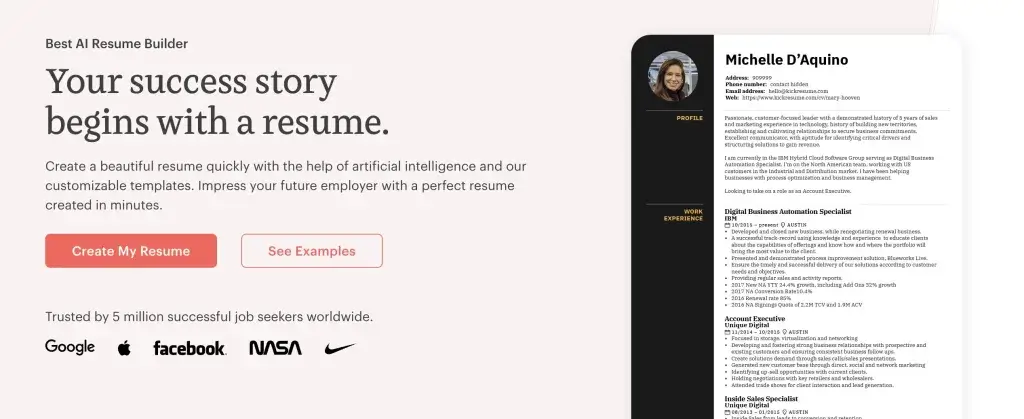
Kickresume is the best resume builder I recommend to most people. Forbes named it the best resume builder in 2025, and it’s only gotten better since.
What makes it stand out: pre-written phrases by career experts. You don’t stare at a blank screen wondering how to describe your marketing role. Pick from industry-specific phrases, tweak them, and you’ve got a section that sounds professional without being generic.
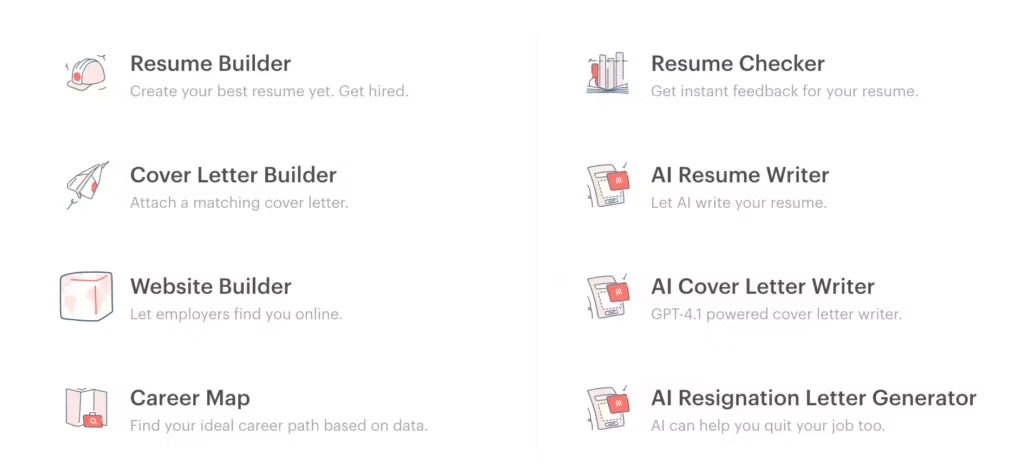
The AI writing assistant is actually useful here. It doesn’t just rephrase your text. It suggests improvements based on the job you’re targeting. The templates are clean and modern, and the personal website feature lets you turn your resume into a live portfolio page that recruiters can view instantly.
Pricing: Free plan available. Premium starts at $19/month.
Best for: Job seekers who want polished results with minimal effort.
2. Enhancv — Best AI Resume Builder
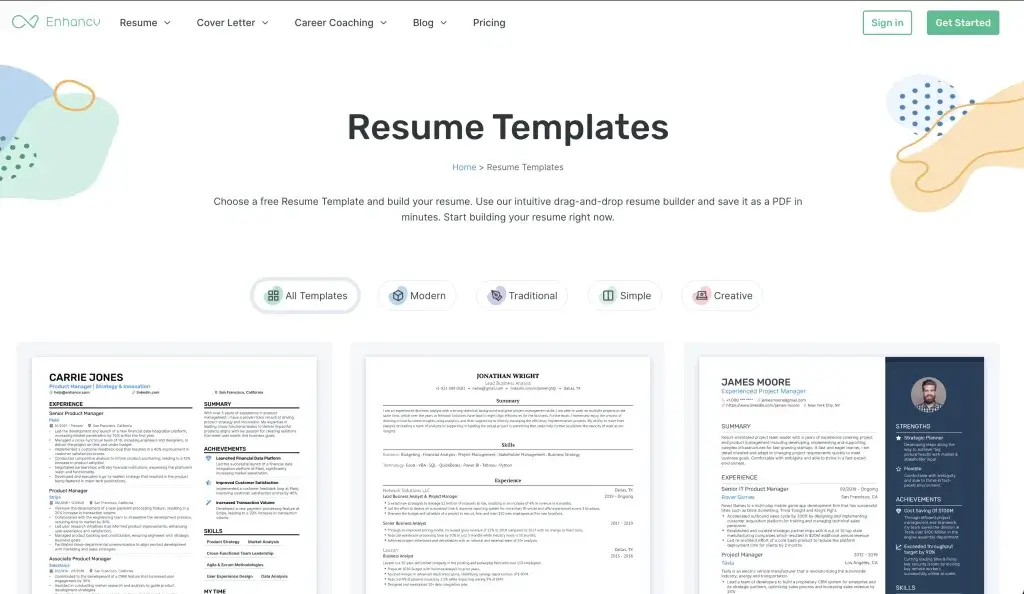
Enhancv has evolved from a simple template tool into one of the best AI-powered resume builders available. Their ChatGPT integration generates content that actually sounds like you wrote it, not a robot.
The standout feature is their resume check tool. It analyzes your resume against ATS requirements and tells you exactly what to fix. I ran three different resumes through it, and each time it caught formatting issues I’d missed.
You can share your resume online for feedback before submitting, which is genuinely useful. The templates lean toward modern and creative, so if you’re in a traditional industry like finance or law, you might want something more conservative.
Pricing: Free plan with limited features. Pro at $24.99/month.
Best for: People who want AI help writing content that doesn’t sound AI-generated.
3. Rezi — Best for ATS Optimization
If getting past ATS filters is your main concern (and it should be), Rezi is built specifically for that. Their 23-point ATS optimization check scans your resume and scores it against real ATS criteria.
Over 4 million job seekers use Rezi, and the tool keeps getting smarter. Paste in a job description, and Rezi highlights gaps between your resume and the role requirements. It’s like having a recruiter look over your shoulder and tell you what’s missing.
The AI content generation uses GPT to write bullet points, but you can dial the creativity up or down. I found the “professional” setting produces the most natural-sounding results.
Pricing: Free tier available. Pro at $29/month or $129/year.
Best for: Anyone applying to large companies where ATS filtering is aggressive.
4. Notion — Best Free Resume Builder
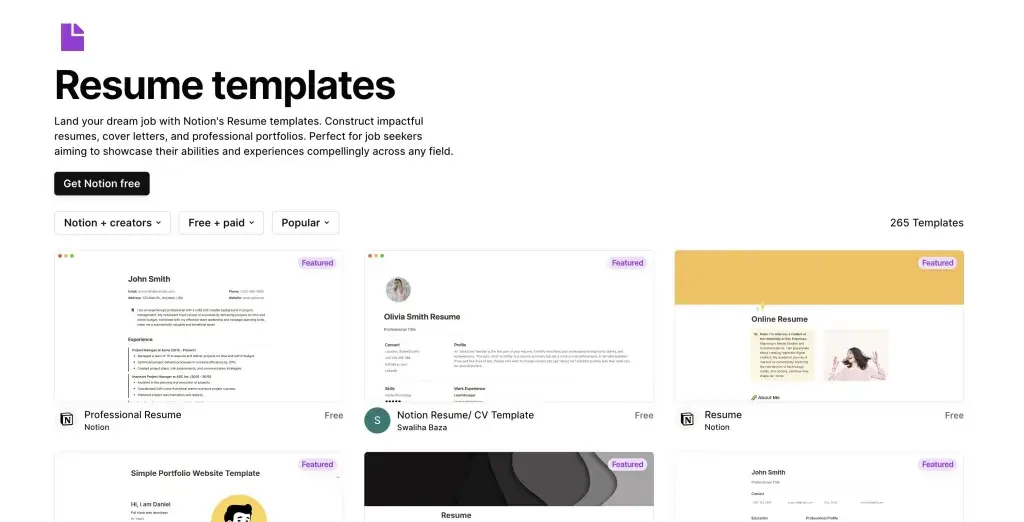
Notion isn’t a traditional resume builder, and that’s exactly why it works so well. It’s completely free, infinitely customizable, and your resume lives as a live web page you can share with a link.
There are 265+ free resume templates in Notion’s gallery. Pick one, swap in your details, and you’ve got a clean resume that doesn’t look like everyone else’s. Because Notion is a general-purpose tool, you can structure your resume however you want. No rigid templates boxing you in.
The catch: you need to be comfortable with Notion’s interface. If you’ve never used it, there’s a small learning curve. And if you need a traditional PDF resume, you’ll need to export it, which loses some of the formatting flexibility.
Pricing: Completely free.
Best for: Freelancers, creatives, and anyone who wants a unique resume without paying.
Explore 265+ Resume Templates on Notion (Completely Free)
5. Canva — Best for Design-Focused Resumes
Canva’s resume builder is perfect if visual impact matters in your industry. Graphic designers, marketers, and creative professionals will appreciate the design freedom.
Thousands of templates, full customization of colors, fonts, and layouts, plus the ability to add graphics and icons. The output looks more like a designed document than a typical resume. You can download as PDF for free.
The downside: Canva resumes aren’t always ATS-friendly. The creative layouts that look great to humans can confuse parsing software. Use Canva for roles where you’re emailing directly to a hiring manager, not uploading to an application portal.
Pricing: Free. Premium templates require Canva Pro ($13/month).
Best for: Creative roles where design matters more than ATS compatibility.
6. ResumeLab — Best for Guided Writing
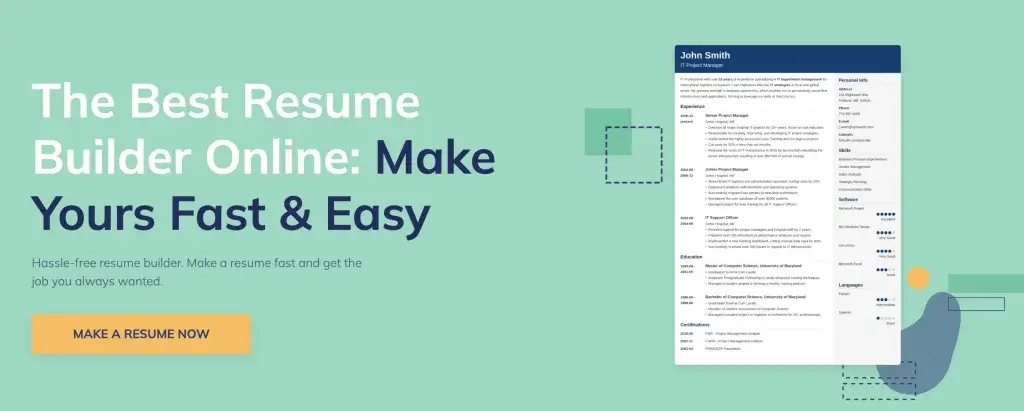
ResumeLab walks you through the resume-building process step by step. If you’re not sure what to write or how to structure your experience, this is the resume builder that guides you without being annoying about it.
The pre-written content suggestions are solid. You get expert tips alongside each section, and the resume score tool shows how your document compares to others in your field. It’s useful for benchmarking where you stand.
My gripe: the free tier is limited. You can build a resume for free, but downloading in anything other than plain text requires a paid plan. That said, the quality of the guided experience makes it worth it if you’re building your first professional resume or creating a cover letter alongside your CV.
Pricing: Free to create. Paid plans from $2.95/month for downloads.
Best for: First-time resume writers who need guidance on structure and phrasing.
7. Wozber — Best Free ATS-Friendly Resume Builder
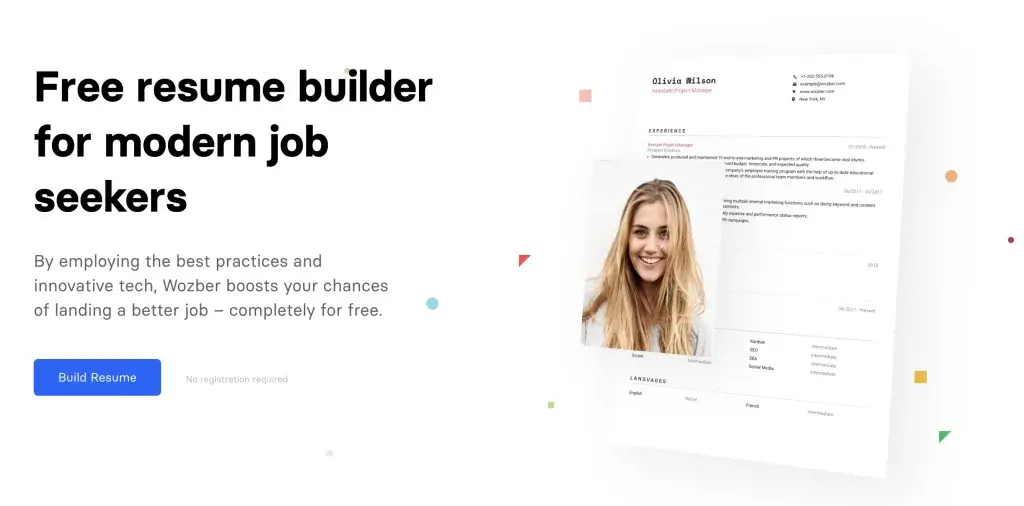
Wozber is genuinely free and focuses entirely on ATS compatibility. Their job-matching tool checks how well your resume aligns with a specific job posting and tells you what to adjust.
The templates are clean and professional. Nothing flashy, but that’s the point. You want a resume that ATS software reads correctly and humans find easy to scan. No design tricks that break parsing.
No AI writing assistants or fancy features. Just solid templates, ATS checking, and free PDF exports. If you want a free resume builder that actually delivers without upsells, Wozber is hard to beat.
Pricing: Free.
Best for: Budget-conscious job seekers who prioritize ATS compatibility.
8. ResumeNow — Best for Quick Resumes
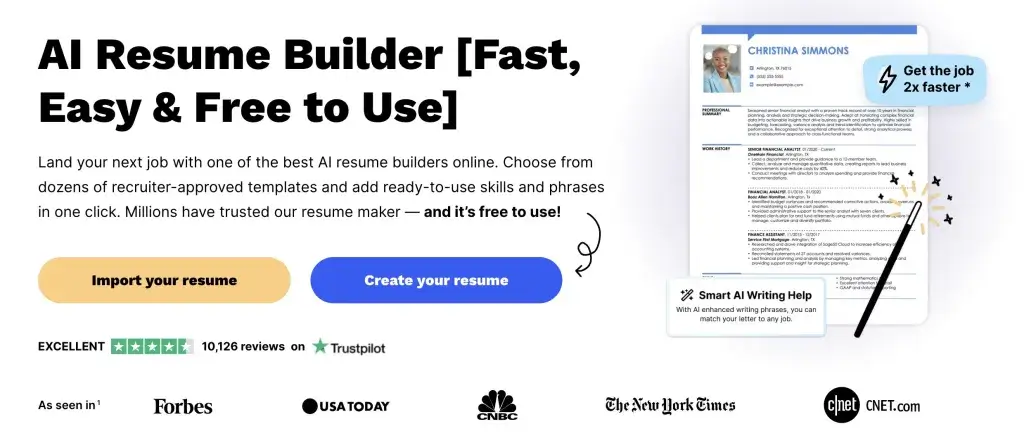
ResumeNow is built for speed. If you need a resume in 15 minutes, this online resume builder gets you there. Choose a template, fill in the guided sections, and download.
The AI features are decent. Nothing groundbreaking, but they’ll help you avoid common mistakes and suggest improvements. The printing feature is a nice bonus. It adjusts margins automatically so your resume looks professional on paper, not just on screen.
Pricing: Free basic version. Premium from $2.75/month.
Best for: People who need a professional resume fast and don’t want to overthink it.
9. Resume Genius — Best Resume Builder for Beginners
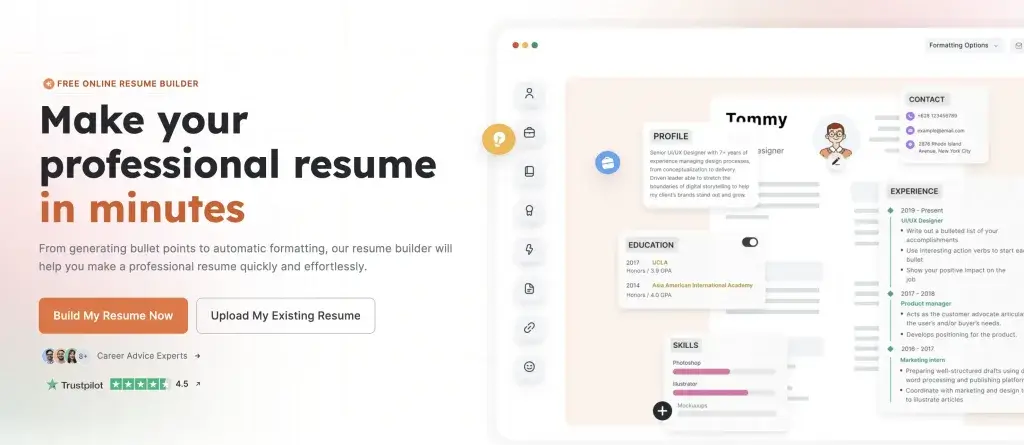
Resume Genius lives up to its name for beginners. The step-by-step wizard makes it almost impossible to mess up the structure. Answer the questions, and it builds the resume for you.
The pre-written content library covers most industries. Templates have a professional, corporate look that works for traditional industries. Nothing too creative, but everything is well-formatted and clean. Exactly what you need when you’re starting out.
Pricing: Free to try. Plans from $7.95/month.
Best for: People creating their first professional resume.
10. ResumeHelp — Best for Simple Resumes
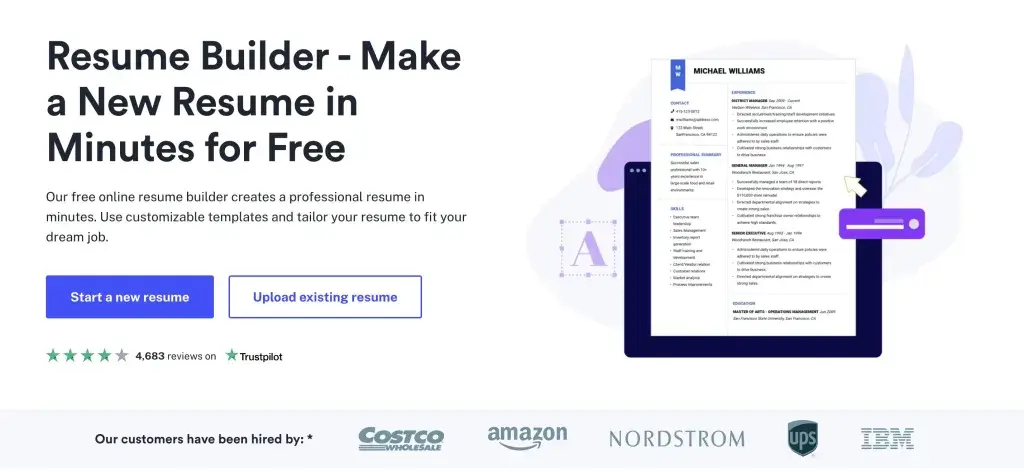
ResumeHelp does one thing well: it gets you from zero to a finished resume without complexity. The pre-written content fills in sections automatically based on your job title, and you just customize from there.
It’s not the most feature-rich resume builder, and the AI capabilities are basic compared to Kickresume or Enhancv. But if you want a straightforward tool without a learning curve, ResumeHelp delivers exactly that.
Pricing: Free basic features. Premium plans available.
Best for: Anyone who wants a no-frills resume builder that just works.
Resume Builder Pricing Comparison
Price alone doesn’t tell you much. What matters is what you actually get for free versus what’s locked behind a paywall. Here’s the breakdown:
| Resume Builder | Free PDF Export | Free ATS Check | Cover Letter | AI Writing | Monthly Cost | Annual Cost |
|---|---|---|---|---|---|---|
| Kickresume | No | No | Yes | Yes | $19 | $108/yr |
| Enhancv | No | Yes (limited) | Yes | Yes | $24.99 | $149.88/yr |
| Rezi | Yes (limited) | Yes | Yes | Yes | $29 | $129/yr |
| Notion | Yes | No | No | No | Free | Free |
| Canva | Yes | No | Yes | No | Free/$13 | Free/$120/yr |
| ResumeLab | No | No | Yes | Yes | $2.95 | $35.40/yr |
| Wozber | Yes | Yes | Yes | No | Free | Free |
| ResumeNow | No | No | Yes | Yes | $2.75 | $33/yr |
| Resume Genius | No | No | Yes | No | $7.95 | $95.40/yr |
| ResumeHelp | No | No | Yes | No | Varies | Varies |
Two things stand out in this table. First, only Wozber, Notion, and Canva give you genuinely free PDF downloads. Every other “free” plan makes you build the resume, then locks the export behind a paywall. Second, if you’re paying, Rezi at $129/year gives you the best value for serious job seekers since you get AI writing, ATS checking, and unlimited exports.
How to Choose the Best Resume Builder
Picking the right resume builder depends on three things:
Your budget. If you’re spending $0, go with Notion (most flexible), Wozber (best ATS), or Canva (best design). If you can spend $15-30/month, Kickresume or Enhancv give you significantly better AI assistance and templates.
Your industry. Creative roles? Canva or Notion. Corporate roles? Wozber, Kickresume, or Resume Genius. Tech roles? Rezi’s ATS optimization is worth it since most tech companies use aggressive applicant tracking.
Your experience level. First resume? Resume Genius or ResumeLab walk you through it. Career changer? Enhancv’s AI helps reframe your experience for a new industry. Senior professional? Kickresume’s expert-written phrases save you time.
Resume Tips That Actually Matter
Skip the generic advice you’ve read a hundred times. Here’s what I’ve seen make a real difference after reviewing hundreds of resumes:
One page unless you have 10+ years of experience. Recruiters don’t read page two. If you’re early-career with a two-page resume, you’re including too much. Cut the filler.
Mirror the job description. Read the posting carefully. Use the same language. If they say “project management,” don’t write “overseeing initiatives.” ATS software matches keywords literally.
Numbers beat adjectives. “Increased sales by 23%” is better than “significantly improved sales performance.” Always quantify when you can. If you can’t attach a number, you probably can’t prove it.
Kill the objective statement. Nobody reads “Results-driven professional seeking opportunities to leverage my skills.” Replace it with a 2-3 line summary that states what you do and what you’re good at. Specific and direct.
PDF only. Unless the application specifically asks for .docx, always submit PDF. It preserves formatting across devices and operating systems. I’ve seen great resumes turn into formatting disasters when opened in a different version of Word.
Test with an ATS checker before submitting. Rezi and Wozber both offer free ATS scans. Use them. I’ve seen perfectly written resumes get filtered out because of invisible formatting issues, columns, or headers that ATS can’t read.
The Bottom Line
The best resume builder is the one that gets you interviews. For most people, I’d start with Kickresume if you can afford it, or Wozber if you can’t. Both produce ATS-friendly resumes that look professional.
If you’re in a creative field, try Canva or Notion. For maximum AI assistance, Enhancv or Rezi are your best bets.
Don’t spend weeks picking the perfect tool. Pick one, build your resume, test it with an ATS checker, and start applying. A good-enough resume submitted today beats a perfect resume finished next month.
Hey Gaurav Tiwari ,
Excellent post with Fab-work. Your researches and hard-works are truly appreciable.
Glad to say that you have provided great websites for creating online resume. You have presented each website very nicely along with all the crucial information that are really providing good understanding. Yes i am aware of Canva Resume Builder, EnhanCV, Resumehelp and ResumeNow but rest others are new for me to know. So kindly thanks for making me aware and providing in-depth information.
As we know that in today’s time a well maintained and professionally designed resume is truly crucial to get a dream job. As these resume builder platform will undoubtedly helps people, readers and especially job seekers to design a well maintained and a perfect resume. Using the listed sites will surely provides a modern look and professional touch to a resume.Your included list of things to be remembered while creating CV are so important and must be considered by every people while creating a perfect resume. Keeping the most recent projects, job and experiences on the top is really good idea and i completely agree with it.
After going through this complete guide i really gain ideas and
learned about various websites for an online resume creation. According to me this is a perfect guide to know about several online resume creation website.
Eventually thanks for sharing your knowledge, ideas and such an informative post.
Regards
-Aadarsh