
 by
byFree online libraries are not one thing wearing different names, and treating them as interchangeable is how you waste an evening. I use Project Gutenberg for public-domain EPUBs, Standard Ebooks when I want those same classics typeset properly, OpenStax for textbooks, and Internet Archive or HathiTrust when the book I need went out of print decades ago. Open Library lends some modern books on top, though its lending program has lost court battles and its catalog shifts under the pressure.
Copyright is the part nobody explains. A book that’s public domain in the United States can still be protected in your country, and a later translation or illustrated edition can carry its own rights even when the original text is free. So this page tells you, for every library, which kind of free you’re getting: a file you keep, a loan that expires, a preview, or a link to somewhere else.
The question is not where to download free books. It is which kind of free you are holding.
The table carries the quick answer. The rest of the page explains where each library earns its place, and which ones matter if you’re reading from India.
| Library | Best for | Access type | Formats | Account | Rights or region |
|---|---|---|---|---|---|
| Project Gutenberg | Public-domain classics | Direct download | EPUB, Kindle, HTML, text | No | US public domain; check your country |
| Standard Ebooks | Better-typeset classics | Direct download | EPUB, Kindle | No | US public domain; check your country |
| Wikisource | Transcribed source texts | Direct download and browser | HTML, EPUB | No | License varies by work |
| Open Library | Borrowing modern books | Controlled loan | Browser, PDF, EPUB | Yes, free | Worldwide; availability varies by edition |
| Libby + local library | Licensed new releases | Controlled loan | App | Library card | Depends on your library |
| Internet Archive | Out-of-print research | Download plus loans | PDF, EPUB, audio | Only for loans | Worldwide; loans vary |
| HathiTrust | Academic deep research | Full view or search-only | Browser, some PDF | No for public domain | US public domain differs abroad |
| Google Books | Finding any book fast | Preview; PD downloads | PDF for public domain | Optional | Full view varies by country |
| The Online Books Page | Locating free copies | Index | Links | No | US-focused curation |
| OpenStax | College textbooks | Open access | Browser, PDF | No | Worldwide |
| DOAB | Academic books | Open access | Links to publisher files | No | Worldwide |
| Wikibooks | Community textbooks | Open access | Browser, PDF | No | Worldwide |
| NDLI | Indian students and exams | Discovery plus licensed access | Browser, app | Free login for licensed items | India-focused |
| Rashtriya e-Pustakalaya | Indian school-age readers | App and browser reading | App, browser | Varies | India-focused |
| LibriVox | Free audiobooks | Direct download | MP3, M4B | No | US public domain; check your country |
| Perseus and Scaife | Greek and Latin study | Browser reading | HTML, XML | No | Worldwide |
Count the access types and the confusion clears: only a third of these hand you a file to keep. The rest lend, preview, index or stream, and knowing which is which before you click is the whole game.
What a Free Online Library Really Offers
Most disappointment with free libraries is a category error: expecting a download from a lending service, or a full book from a search engine. 7 kinds of access hide behind the word free, and every library on this page runs on 1 or 2 of them.
| Access type | What it means |
|---|---|
| Direct download | You receive a reusable EPUB, PDF, text or audio file |
| Public-domain full view | The whole work is readable or downloadable because copyright has expired |
| Open access | The rights holder has licensed the book for free access |
| Controlled loan | Access expires after a set period and may carry DRM |
| Preview or snippet | Only part of the book can be viewed |
| Index | The service links to material hosted elsewhere |
| Commercial free title | A bookstore or author has set the price to zero, temporarily or permanently |
That last row, bookstore freebies, is a different animal from a library. Smashwords’ free-title filter, author promotions and indie starter books belong with the download-focused sites in my guide to websites to download free ebooks. This page stays with the institutional collections: the ones built to preserve and lend, not to sell.
Best Libraries for Public-Domain Downloads
The public domain is a moving line, and it moved again this year: works published in 1930, including Faulkner’s As I Lay Dying and Agatha Christie’s The Murder at the Vicarage, entered the US public domain on January 1, 2026. That’s the US rule. Other countries count differently, which is why every serious library below carries a check-your-country warning.
Project Gutenberg
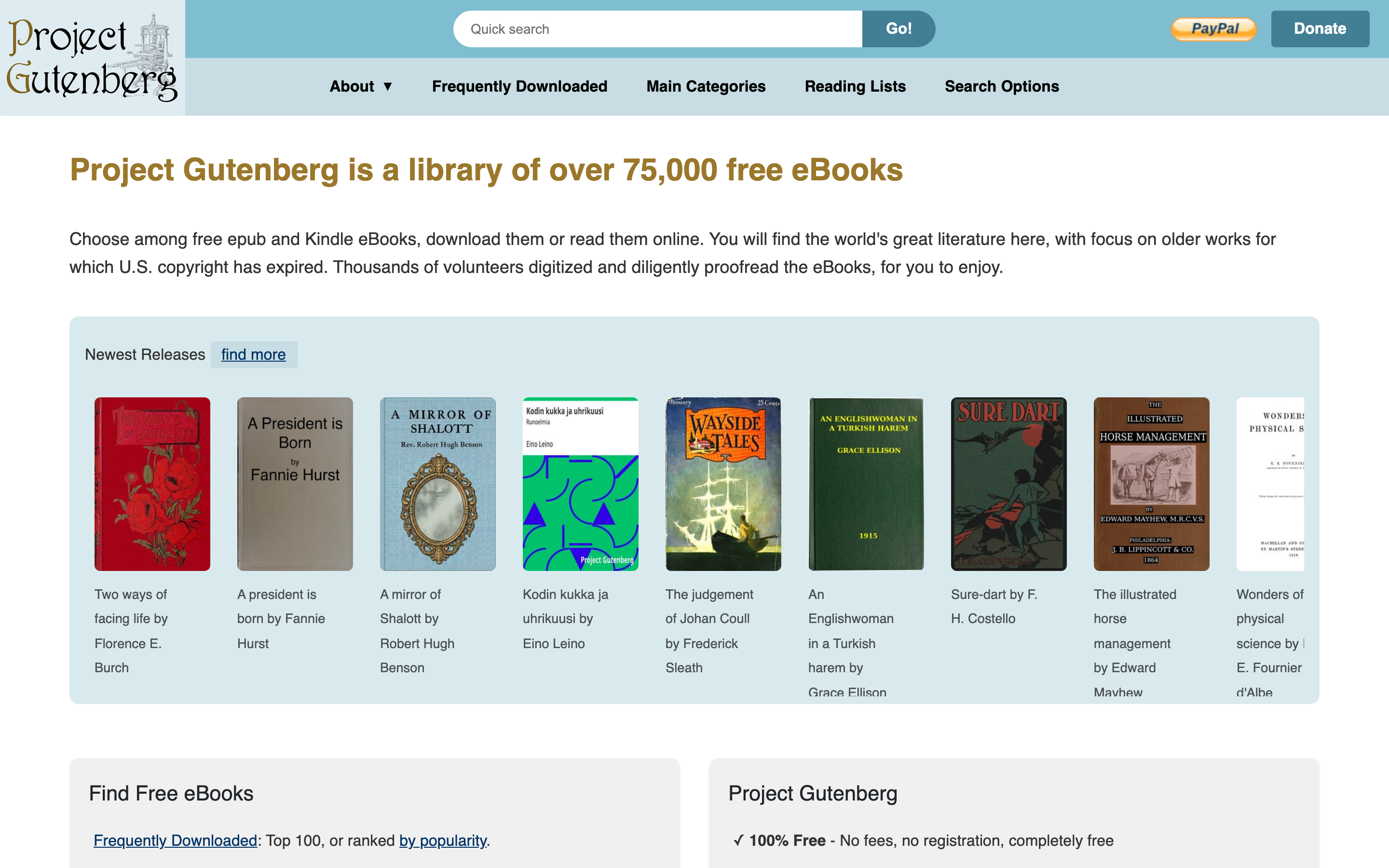
Project Gutenberg started in 1971 when Michael Hart typed the Declaration of Independence into a university mainframe, and 55 years later it’s still the first stop for public-domain texts. The catalog crossed 79,000 free ebooks, and everything works without an account, an email or a captcha. Most titles come in EPUB, Kindle, HTML and plain text, though formats vary by title.
The catch hasn’t changed: these are transcribed texts, not typeset books, so chapter navigation and section breaks on a Kindle can feel rough. That exact gap is why the next entry exists. And if you’re a developer building a corpus, use Gutenberg’s documented harvest and catalog tools; crawling ordinary book pages gets your IP blocked.
Standard Ebooks
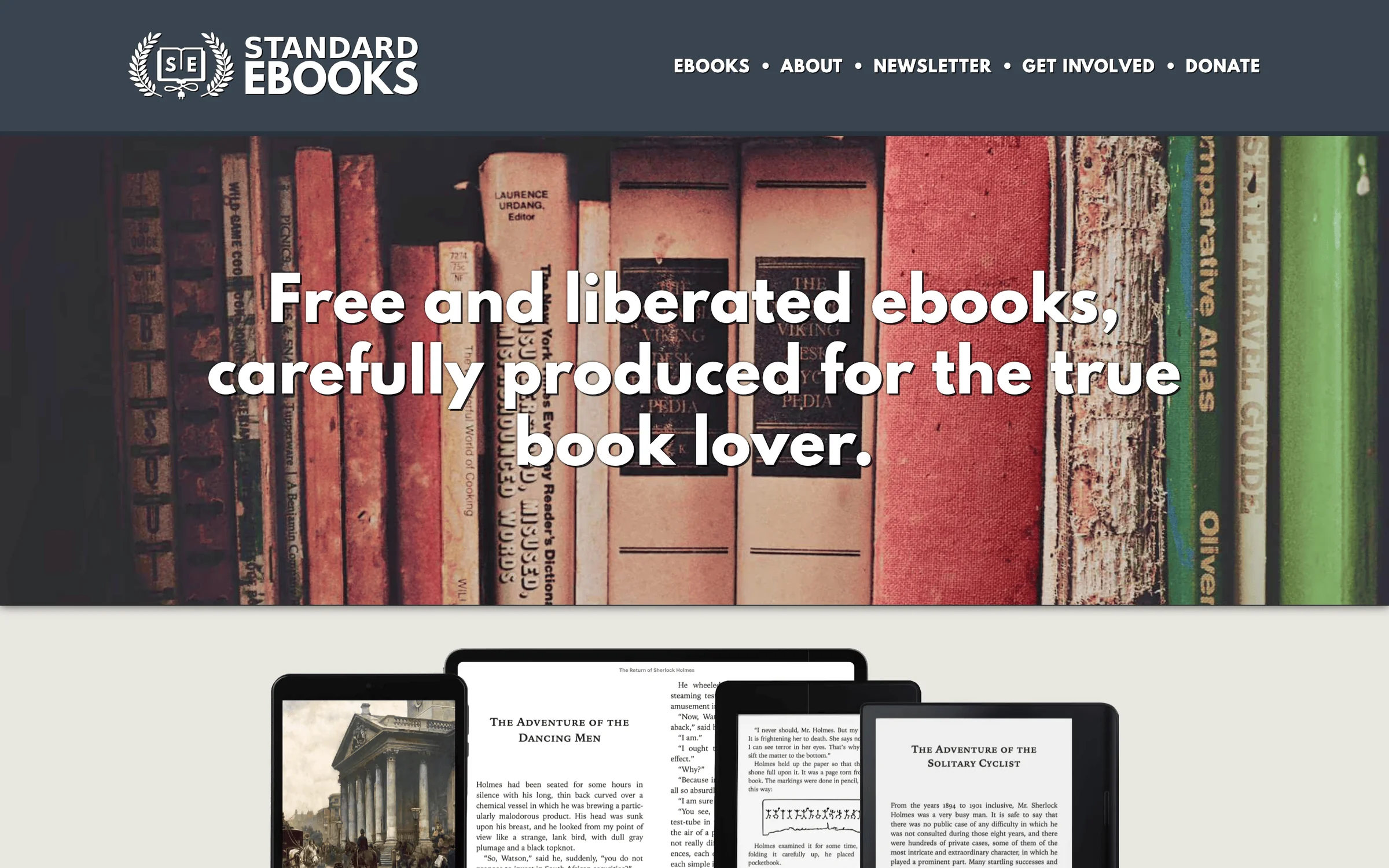
Standard Ebooks is the answer to “Gutenberg’s typography is bad.” Volunteers take public-domain texts, apply a rigorous house style manual, hand-correct errors and build covers from public-domain fine art, then ship EPUBs that read like paid editions. The catalog sits at about 1,500 titles, small next to Gutenberg’s 79,000, and every one of them is the version you’d choose to read.
My routing between the 2 is simple: search Standard Ebooks first, fall back to Gutenberg when the title isn’t there. The overlap costs you nothing; both are free files you keep.
Wikisource
Wikisource is the Wikimedia movement’s transcription library: volunteers proofread source documents against page scans, so you can verify any line against the original printing. It shines for speeches, historical documents, older Indian writing and texts too niche for the bigger projects; its English edition featured Tagore’s Nationalism lectures this August, downloadable as EPUB. Coverage is uneven and navigation is wiki-flavored, but the transcription-with-scan model makes it the version you can cite with confidence.
Borrowing Modern Books for Free
For books still in copyright, the legal free routes are all loans. Nobody legitimate hands you a permanent copy of last year’s bestseller.
Open Library
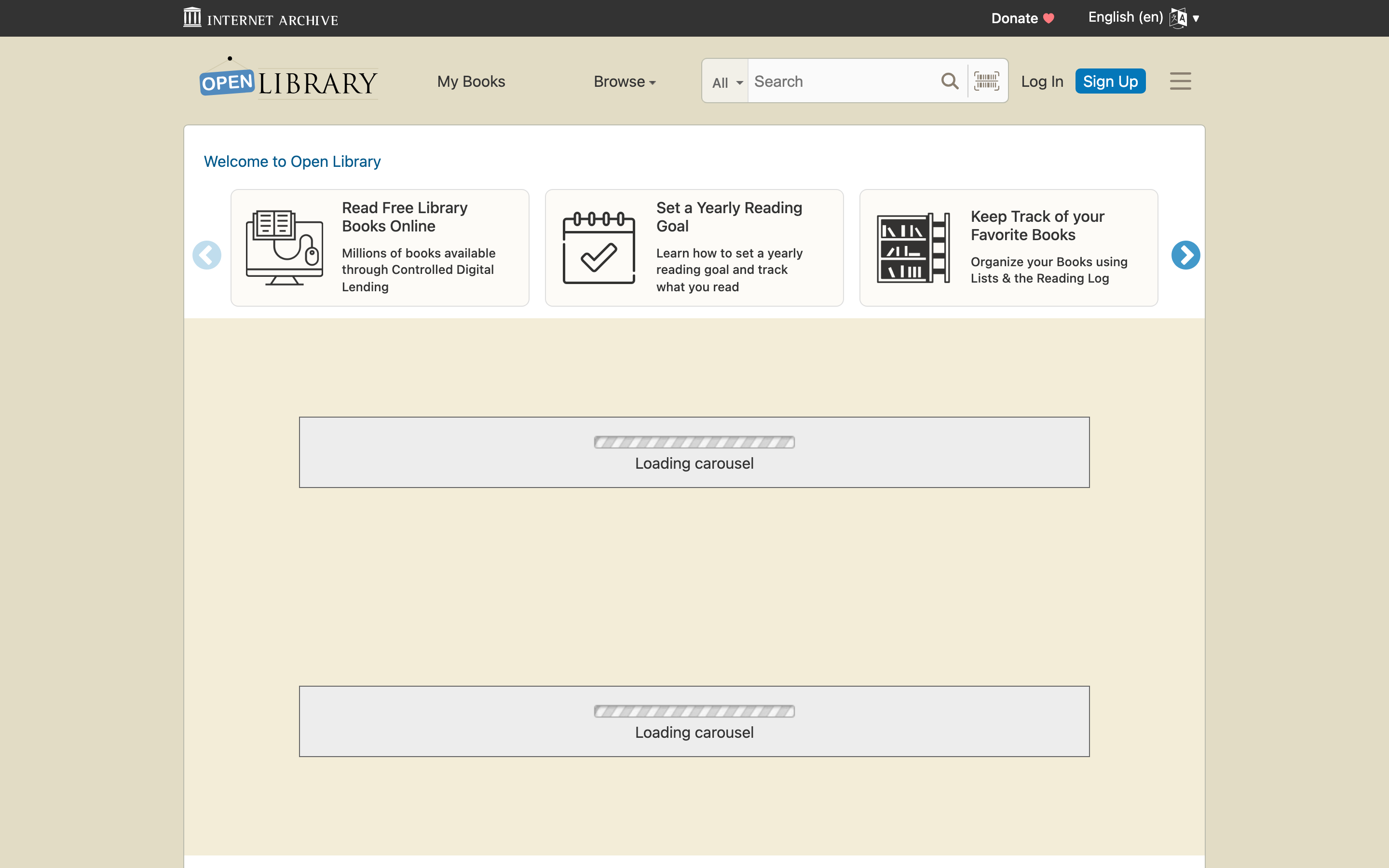
Open Library, the Internet Archive’s catalog, lends selected digitized books one borrower at a time. Say the legal part plainly: its controlled digital lending program has faced successful court challenges, publishers can request removals, and the borrowable catalog has shrunk as a result. Public-domain titles remain separately downloadable without any of that.
- Loans: 1 hour for browsing or 14 days for fully borrowable titles, up to 10 books at a time, on a free account.
- Reading: instantly in the browser, or as DRM-protected PDF and EPUB for the loan period.
- Catalog: 3M+ cataloged books; whether an edition is borrowable varies title by title.
Treat it as a real library with a shifting shelf: brilliant when the edition you want is in, and not something to plan a course reading list around.
Libby and Your Local Library
The strongest legal source of free new releases is still a library card. Libby connects that card to your library’s licensed ebook and audiobook collection, with the catalog depending entirely on what your library pays for. It’s superb where public libraries fund digital lending, mostly North America, the UK and parts of Europe. In India the equivalent muscle lives with institutional and membership libraries rather than a universal app, which is exactly why the Indian platforms further down matter.
Best Digital Libraries for Research
Research wants something different from reading: original editions, scans you can cite, and search across everything ever printed. 4 services divide that job.
Internet Archive
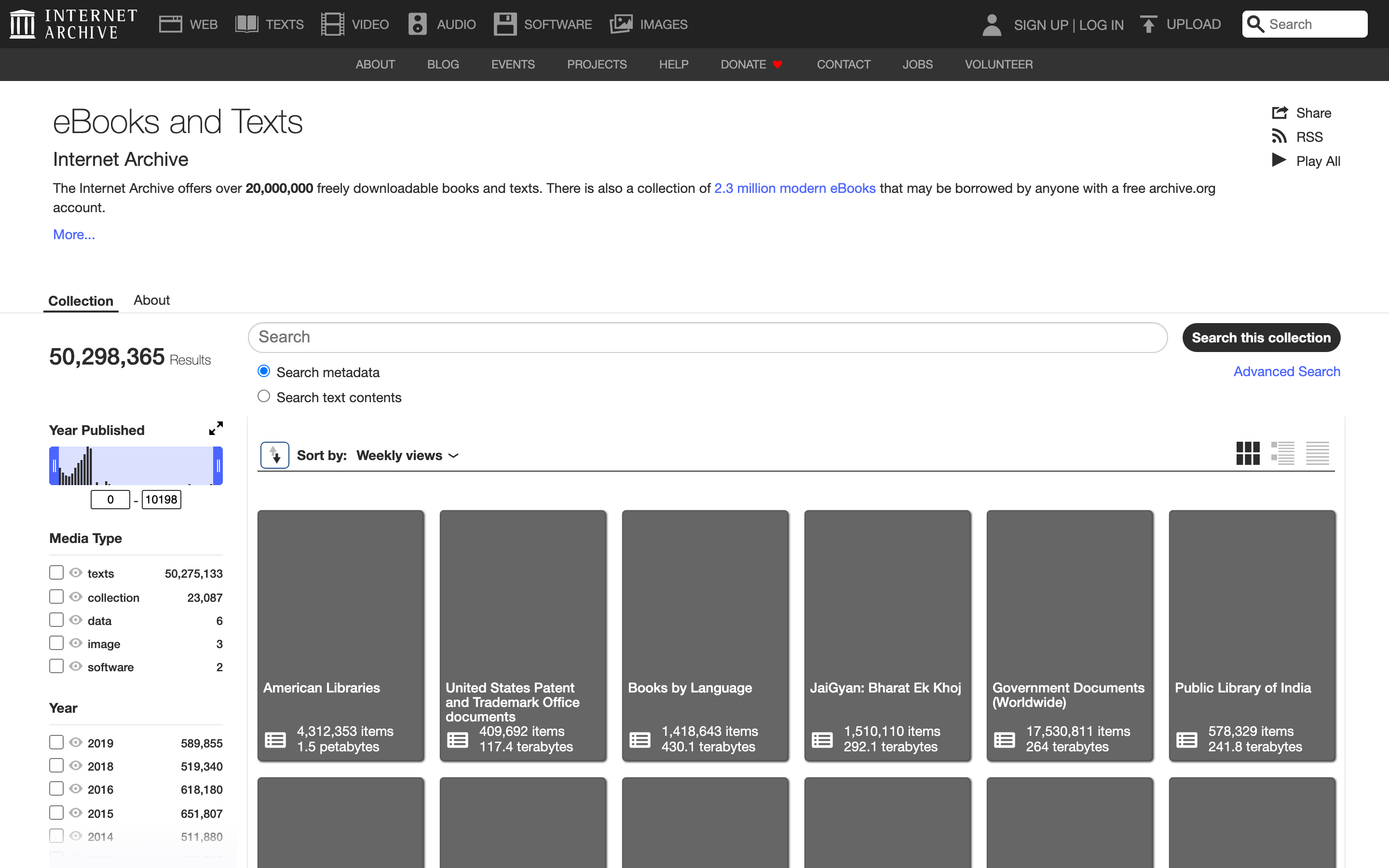
Internet Archive offers more than 20 million freely downloadable books and texts, plus a separate lending collection of about 2.3 million modern ebooks. This is where out-of-print material lives: decades of magazine back issues, NASA technical reports, government documents and university-press books that never went digital anywhere else. Full-text search across the whole corpus works, which at this scale is quietly remarkable.
Scan quality and OCR vary a lot between items, older scans especially. For reading pleasure, take the same title from Standard Ebooks; for proving what page 217 of the 1954 edition said, nothing else comes close.
HathiTrust
HathiTrust pools the digitized collections of more than 70 academic and research libraries into 19+ million items across 400+ languages, and it’s the most underused entry on this page. No account is needed to read public-domain and openly licensed items; in-copyright items drop to search-only, which still tells you exactly where a phrase appears. Whole-book PDF downloads flow easiest through member universities, so independent readers mostly page through in the browser.
Its rights labels are also the cleanest lesson in international copyright: the same book can be full view from the US and restricted elsewhere, and HathiTrust says so per item instead of pretending one rule covers the planet.
Google Books
Google Books is primarily a book search engine, and classifying it that way makes it useful instead of disappointing. It advertises more than 10 million free books: public-domain works you can read and download as PDF. Copyrighted books surface as previews, snippets, purchase links or library links through its publisher and library programs. There’s no EPUB, and how much of a book you can see varies by country.
Use it as the front door: find the exact edition, confirm the phrase you remember, then fetch the file from Gutenberg, Standard Ebooks or the Archive. As a discovery layer it beats everything else here.
The Online Books Page
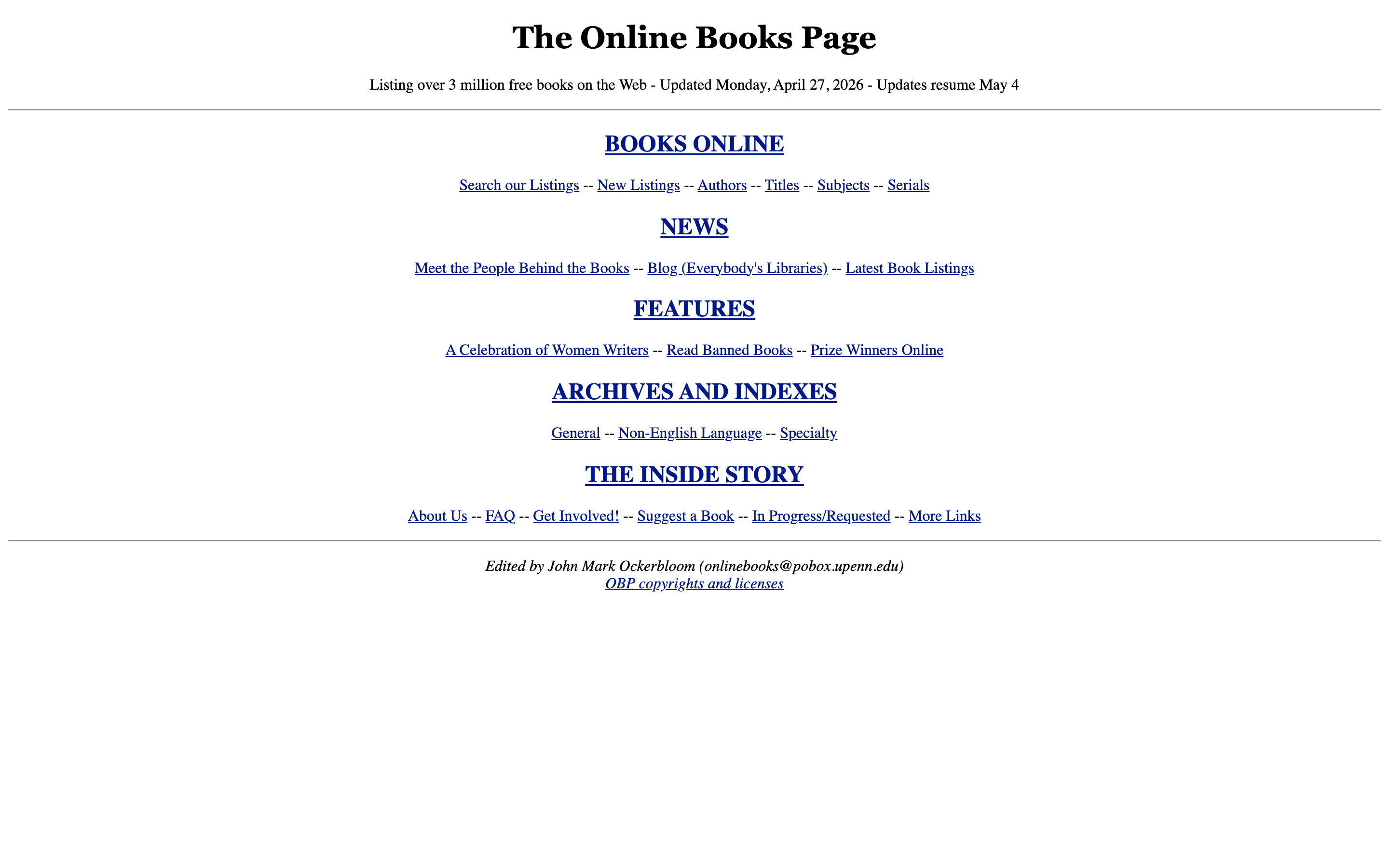
The Online Books Page at the University of Pennsylvania is an index, not a library: more than 3 million listings pointing at free books across the web, maintained by librarian John Mark Ockerbloom since 1993. The main collection is genuinely curated; some extended listings are uncurated or lack stable links, and the legality focus is US access, so treat entries from elsewhere accordingly. The new-listings feed is still the best way to watch the public domain grow week by week.
Open Textbooks and Academic Books
This category is where free means licensed to be free, not merely old. For students it’s worth more than every classics collection combined.
OpenStax
OpenStax, run from Rice University, publishes free, openly licensed, peer-reviewed textbooks for school and university subjects: physics, calculus, biology, economics, psychology and the rest of the standard curriculum. Read online or download the PDF, no account, no edition treadmill. The orientation is US course structures, but a calculus chapter doesn’t care where you sit; I’d point any first-year student here before a photocopied coursepack.
DOAB
The Directory of Open Access Books indexes more than 108,500 peer-reviewed open-access books from academic publishers and links you to the publisher-hosted files. It’s a discovery service rather than a host, so download buttons live one hop away, and quality control comes from the peer-review gate its publishers must pass. For monographs your college library doesn’t stock, this is the legal source almost nobody’s reading list mentions.
Wikibooks
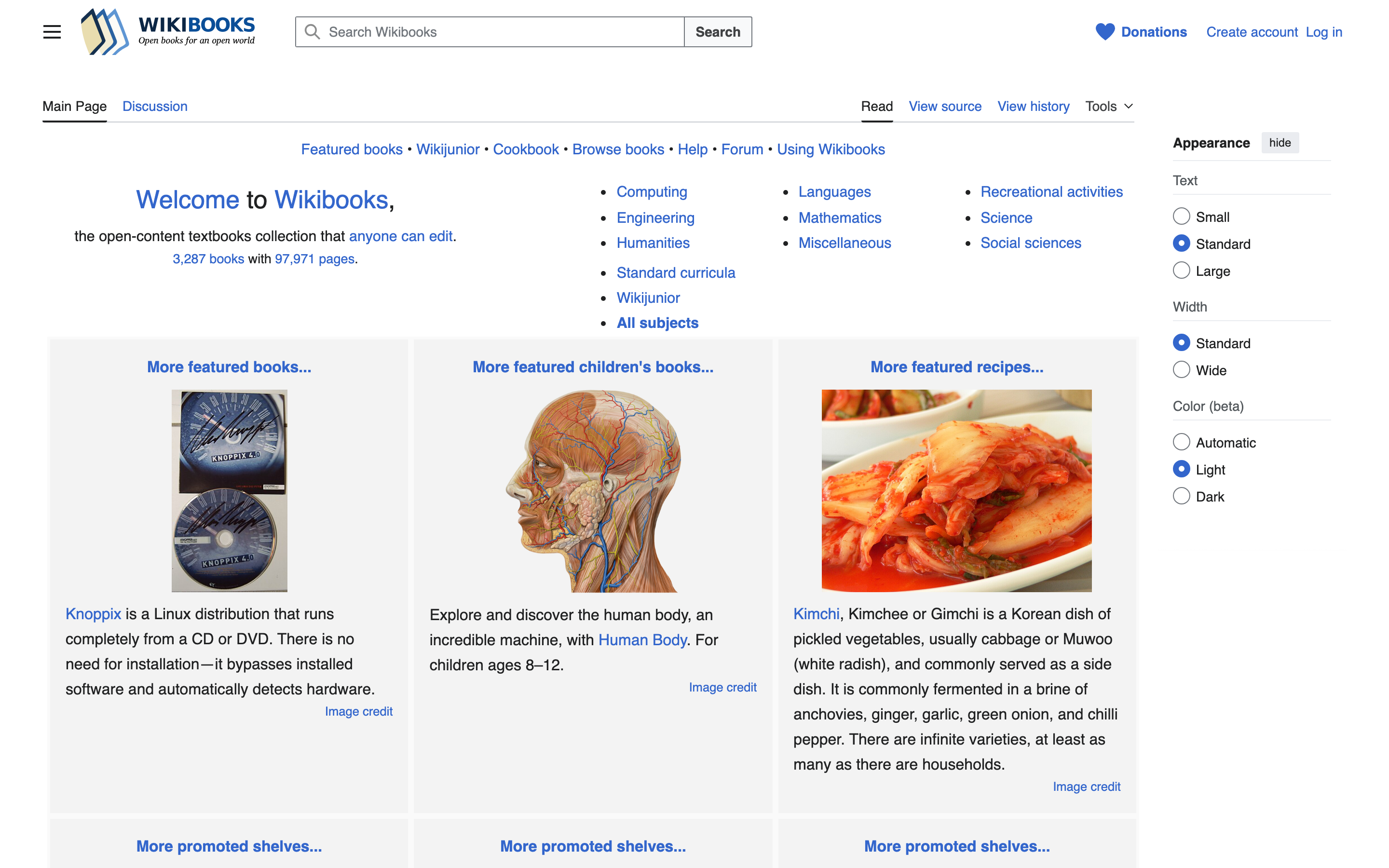
Wikibooks is the Wikimedia textbook project: openly licensed, collaboratively edited, strongest in programming languages, mathematics and language learning. The catch is the stub problem; plenty of titles are outlines that nobody finished. Start from the Featured Books list, where the completed, reviewed titles live, and export to PDF for offline reading.
Best Free Online Libraries in India
Most lists in this niche are written as if every reader holds a US library card. If you’re reading from India, 2 government-backed platforms belong at the top of your list, and both are absent from nearly every roundup in the search results.
National Digital Library of India
NDLI, run by IIT Kharagpur under the Ministry of Education, is a discovery platform across textbooks, research papers, question papers, theses, manuscripts and exam-prep material, with an interface in dozens of Indian languages. It reports more than 1 crore registered users, and a free login opens 5.5 lakh+ nationally licensed items on top of the openly accessible ones. Describe it precisely: a single search window into hundreds of collections, where some results are hosted elsewhere and carry their own access terms, not a universal download button.
For a student preparing for boards, JEE, NEET or UPSC, this replaces an afternoon of hunting scattered PDFs of dubious origin. That’s the job.
Rashtriya e-Pustakalaya
Rashtriya e-Pustakalaya, the National e-Library from the Ministry of Education, aims at general and younger readers rather than researchers: free books, audiobooks and interactive content, age-banded, in Indian languages plus English, through the app and browser. It’s the closest thing India has to a public digital library for pleasure reading, and pairing it with NDLI covers a household from Class 3 to PhD.
The worldwide entries stay useful from India with 1 caveat: Project Gutenberg, Standard Ebooks and LibriVox follow US public-domain rules, so a work free there may still be in copyright here; check before you redistribute. OpenStax, DOAB, Wikisource and Wikibooks carry open licenses that work identically everywhere. And for Indian theses, Shodhganga is the INFLIBNET repository worth knowing.
Free Audiobooks
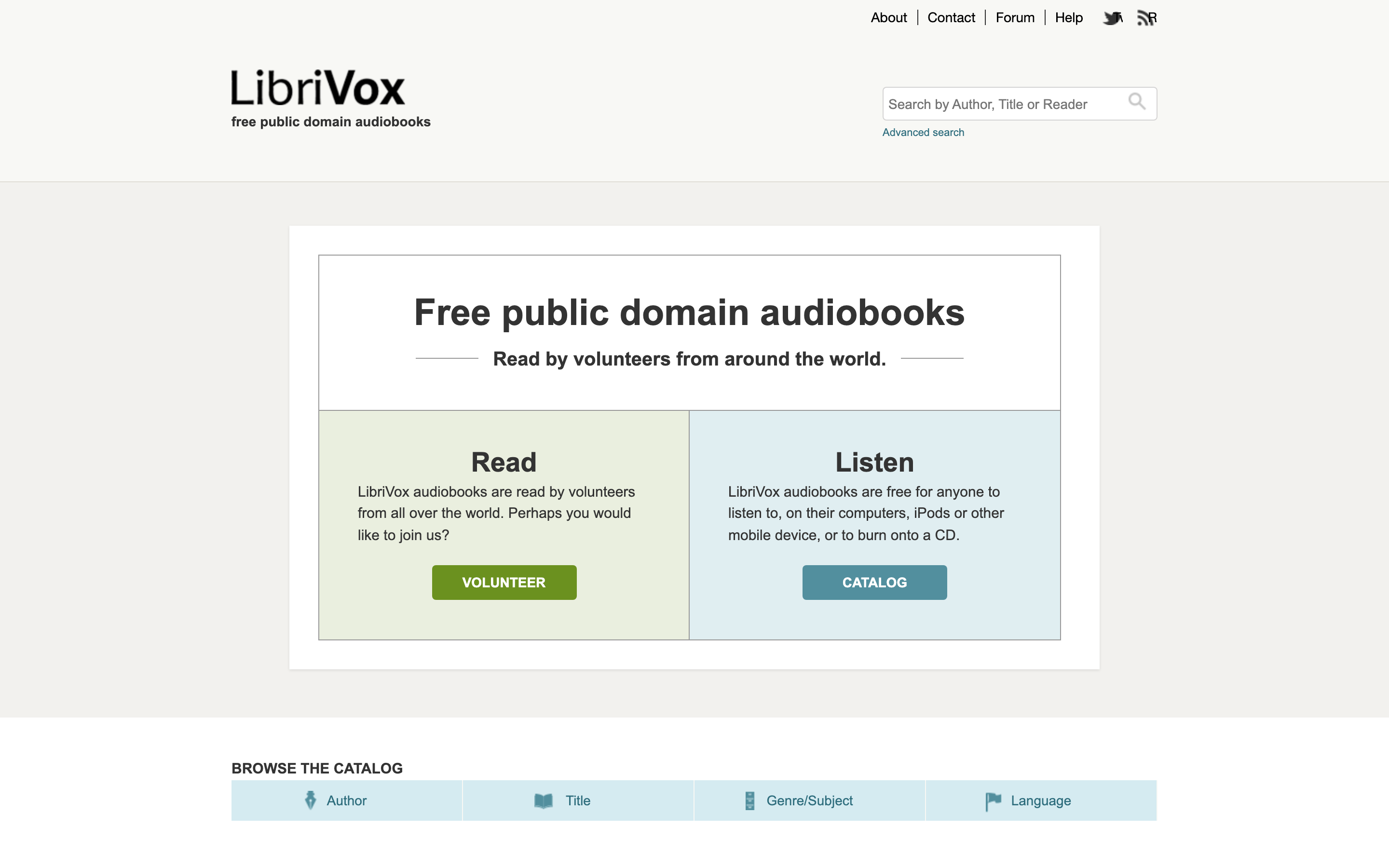
LibriVox is 2 decades of volunteers reading public-domain books aloud, and the collection passed 20,000 finished recordings back in 2024. Everything downloads free as MP3 or M4B with no signup, hosted on the Internet Archive, and popular classics often exist in several narrations so you can pick the voice you’ll spend 40 hours with.
Quality varies by reader; that’s the price of volunteer recording, so sample 5 minutes before committing to a long book. And LibriVox itself tells listeners outside the US to verify a work’s copyright status locally, the same country caveat as the text libraries above.
Perseus and Scaife Viewer
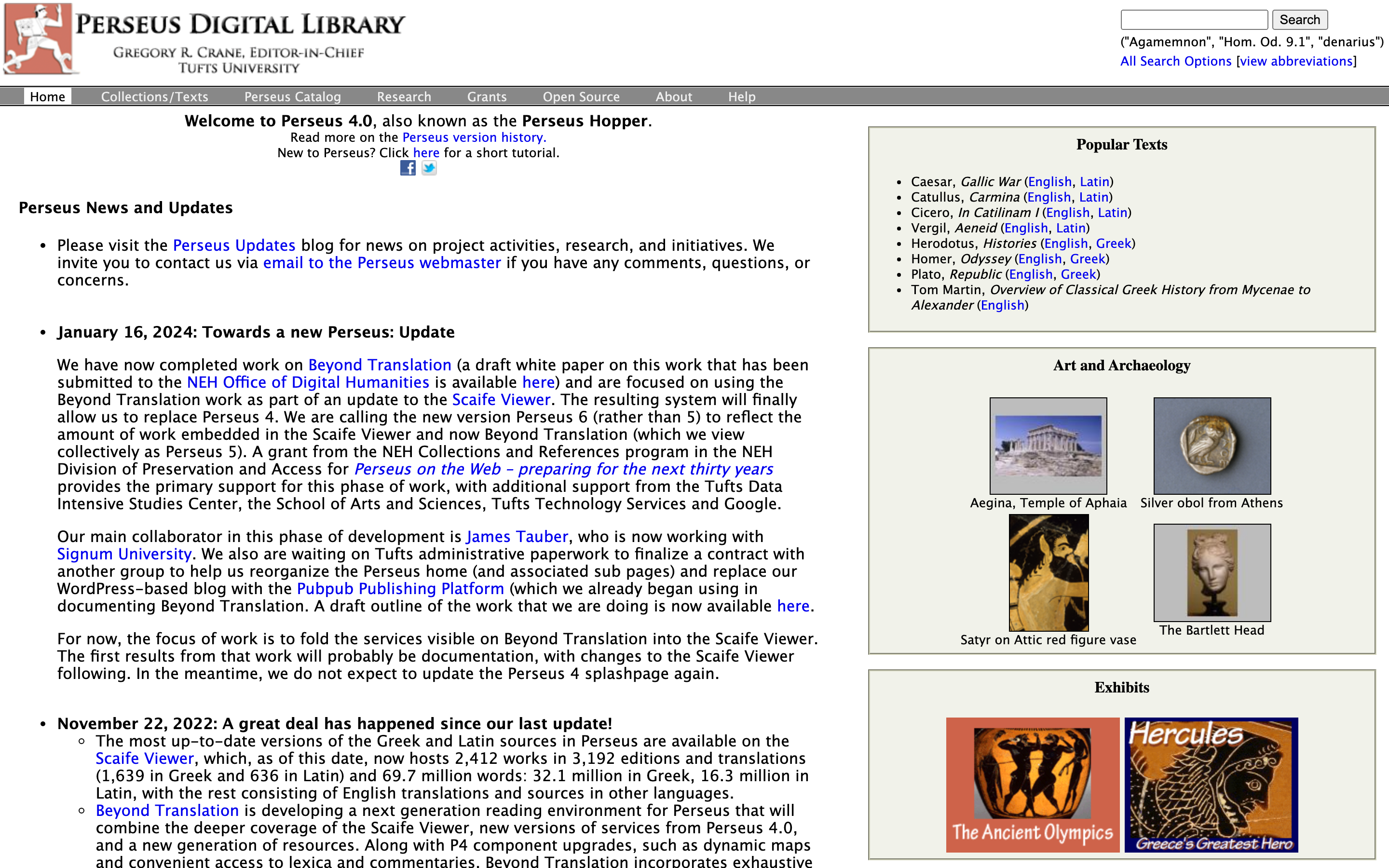
Perseus at Tufts and its modern reading environment Scaife Viewer let students read Greek and Latin works alongside translations, dictionaries and word-by-word morphological analysis; click any word and the grammar unfolds. Scaife currently carries about 2,700 works across nearly 3,900 editions and translations. These are specialist study environments rather than ebook libraries, and for classics students they’re closer to a free tutor than a download site.
How to Find One Specific Book Legally
Most readers don’t arrive browsing; they arrive hunting one title. Run the hunt in this order and you’ll either find a legal copy or know for certain there isn’t one:
- Search the exact title and author in Google Books or Open Library to identify the work and its editions.
- Work out its status: public domain, openly licensed or still in copyright. Publication year and the author’s death year are the 2 clues that matter.
- For public-domain fiction, check Standard Ebooks first and Project Gutenberg second.
- For scans and historical editions, check Internet Archive, then HathiTrust.
- For academic books and textbooks, check DOAB and OpenStax.
- For a modern copyrighted book, go to lending: Open Library, then Libby or your local library.
- Before downloading, confirm the file format suits your reader and the rights apply in your country.
7 steps, 2 minutes once it’s a habit, and it beats any single library because no single library holds everything.
Copyright Changes by Country
The rule behind everything above, stated once so the entries don’t have to keep apologizing. In the United States, copyright frees works by publication year: on January 1, 2026, works published in 1930 entered the public domain, and each new January admits another year’s worth. Most other countries instead count from the author’s death, commonly 60 years in India and 70 in the EU.
- A book can be public domain in the US and protected in your country, or the reverse.
- Translations, illustrations, annotations and revised editions can hold their own, younger copyrights even when the original is free.
- Libraries enforce this differently: HathiTrust restricts by location, Gutenberg and LibriVox warn and leave the check to you.
None of this needs memorizing. It needs remembering only when a download works from one country and mysteriously doesn’t from another; now you know why.
Reading on Kindle, Kobo, and Phones
The DRM-free EPUBs from Project Gutenberg, Standard Ebooks and Wikisource go anywhere: send them to a Kindle with Amazon’s free Send to Kindle, or copy them straight onto a Kobo and most other readers. Borrowed books are the exception; they live inside the lending app, the browser or Adobe Digital Editions until the loan expires. LibriVox audio is plain MP3, so any podcast or music app handles it. I compared the current devices in the best e-readers guide if you’re choosing hardware.
Where the free shelves genuinely stop, 2 paid layers fill the gap: Kindle Unlimited for rotating commercial fiction, weighed properly in my Kindle Unlimited review, and Audible for produced commercial audiobooks. Both are additions, not replacements; exhaust the free catalog first.
The Limits
What this whole category can’t do, stated plainly so you budget your expectations:
- Current bestsellers have no permanent free copy. Lending is the ceiling, and waitlists are part of the deal.
- Borrowable catalogs are shrinking, not growing. Open Library’s court losses mean titles leave; a book you borrowed last year may be gone.
- Catalog sizes don’t compare. A catalog record, a work, an edition, a text item and a recording are different units; the table above labels them, and any list that just stacks the raw numbers is selling excitement.
- Access is uneven by country. Full view in the US can be search-only elsewhere, and India-licensed NDLI material needs its login.
What the category does supply, better than at any point in history: essentially all of pre-1930 literature, the entire open-access academic shelf, and a lending system for a good slice of the rest. That’s not a consolation prize.
Frequently Asked Questions
Which free online libraries work in India?
The National Digital Library of India and Rashtriya e-Pustakalaya are built for Indian readers. OpenStax, DOAB, Wikisource and Wikibooks work identically everywhere because their content is openly licensed. Project Gutenberg, Standard Ebooks and LibriVox also work from India, but their collections follow US public-domain rules, so check a title’s status in India before redistributing it.
Which libraries offer EPUB downloads without an account?
Project Gutenberg, Standard Ebooks and Wikisource hand you DRM-free EPUBs with no signup. Open Library EPUBs need a free account and expire when the loan ends. Internet Archive downloads are account-free for public-domain items and account-gated for loans.
Can I legally download a modern copyrighted book for free?
Usually no. The legal free routes to in-copyright books are lending: Open Library, Libby through a participating library, or a licensed platform. A site offering permanent free copies of current bestsellers is a piracy site, whatever its About page says.
What is the difference between public domain and open access?
Public domain means copyright has expired or never applied, so nobody controls the work anymore. Open access means the rights holder still owns the work but has licensed it for free access, usually under Creative Commons. Both are free to read; what you may do with the file afterward differs.
Which free library is best for academic books?
DOAB for peer-reviewed open-access books, OpenStax for standard textbooks and HathiTrust for deep research across digitized library collections. NDLI adds Indian curricula, question papers and theses discovery on top.
Can I send these ebooks to Kindle or Kobo?
DRM-free EPUBs from Project Gutenberg, Standard Ebooks and Wikisource load onto both: use Amazon’s Send to Kindle or copy files directly to a Kobo. Borrowed books are the exception; they stay inside the lending app or DRM reader they came in.
Why is a book available in one country but not another?
Copyright terms differ by country. The US frees works by publication year, most other countries count from the author’s death, and a translation or illustrated edition can carry separate, younger rights. Services like HathiTrust and Project Gutenberg restrict or warn accordingly.
Which libraries provide audiobooks?
LibriVox is the dedicated free audiobook library, with recordings also mirrored on Internet Archive. Rashtriya e-Pustakalaya includes audiobooks for Indian readers. For current commercial audiobooks, the legal options are paid services or a lending library.
What I’d Actually Use
By use case, the way I’d set someone up today: Standard Ebooks then Gutenberg for classics on a Kindle. Internet Archive and HathiTrust for anything historical. OpenStax and DOAB for study. NDLI plus Rashtriya e-Pustakalaya if you’re in India. Open Library and a Libby card for modern books, knowing both shelves shift. LibriVox for the commute.
The reframe worth keeping: you weren’t really searching for a place to download books, you were searching for the right kind of access to a specific book, and that’s a solved problem for everything except recent commercial releases. For what to read once the shelves are open, my programmer reading list and notes on reading statistics are 2 places to start.
Best of luck.
Tell Google you want more of this.
Add Gaurav Tiwari as a preferred sourceOne tap, and this site shows up more often in your own Top Stories, AI Overviews and AI Mode. Remove it any time.
Disclaimer: This site is reader-supported. If you buy through some links, I may earn a small commission at no extra cost to you. I only recommend tools I trust and would use myself. Your support helps keep gauravtiwari.org free and focused on real-world advice. Thanks. - Gaurav Tiwari