
 by
by
Continuing from the last article on how to effectively read and learn from a book, I bring you the next in line – a topic which was better to be explained in a separate article – the trouble of correctly highlighting paragraphs.
Highlighting is essential for understanding most of the topics and simply to highlight paragraphs for later.
What is Paragraph Highlighting?
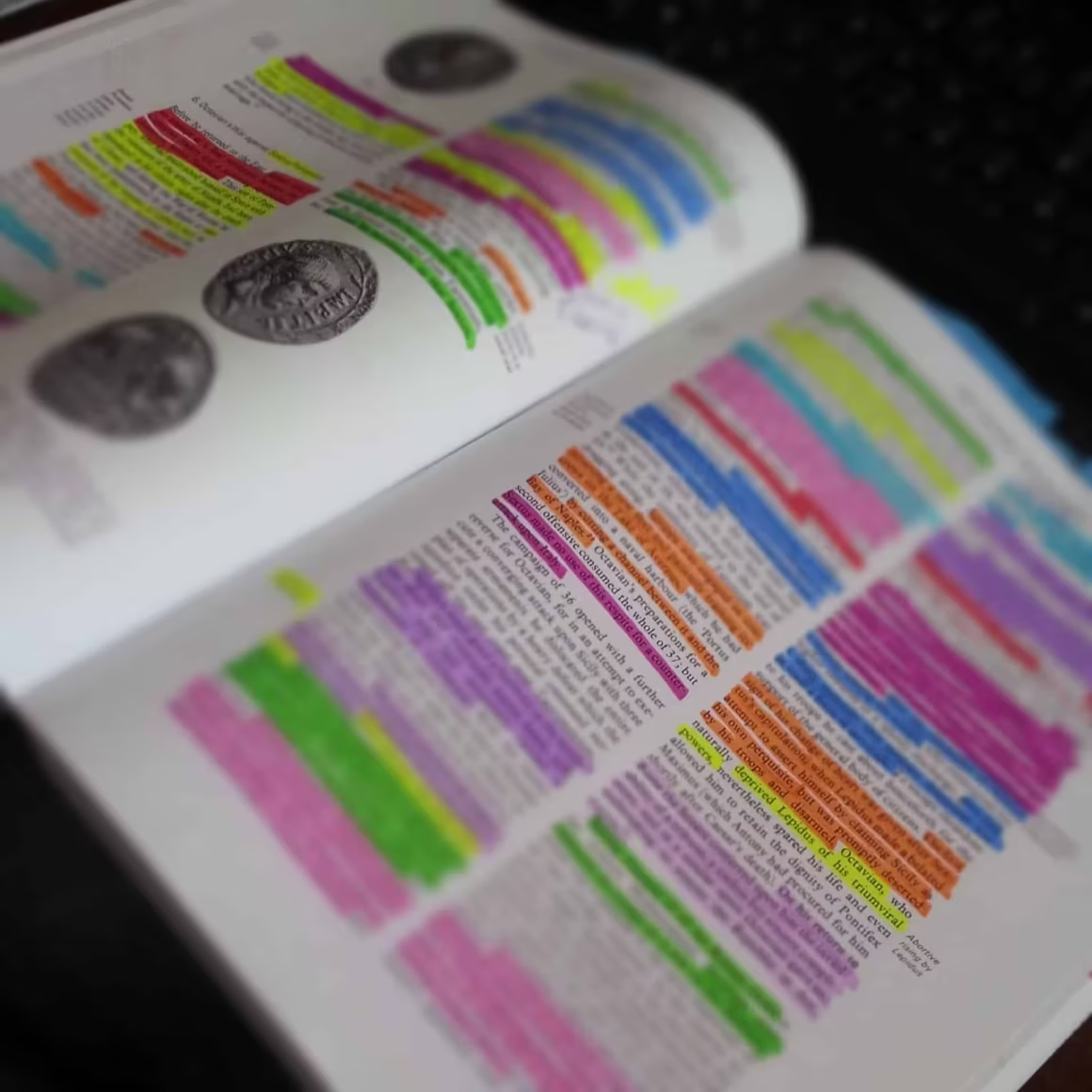
Paragraph highlighting or marking is actually not just that yellow or light green background that you’d be smudging over the text but a lot more. For an avid reader, it’s both the already-read past and an indication to take it for notice in the future. Paragraph highlighting – which should be correctly called Paragraph Marking – is the process in which you, while reading a book or according to someone’s instruction – tick certain parts of a chapter of a book.
Highlighting can be done with colored highlighters, pencils, pens and certain symbol types.
Use PDFs for your studies? See this list of best PDF Apps for Students to Read, Annotate and Edit PDF Ebooks & Documents.
How to correctly highlight paragraphs?
Choose any one from the options below to highlight a book – or even notebooks:
- Color highlighters: This are most popular and can easily attract your attention to the parts it was used for. But if the page is of poor quality – this option may rather ruin your reading experience. Additionally, highlighters’ inks are known not to last forever. By the time you’d see the highlighted area fading away. And that – there are no undos in highlighters.
- Pencils: Better option to highlight but not as popular as color highlighters. As the pencils come in many colors, these can be used to stylize highlights in multiple colors. Also, such highlights can easily be fixed as pencil marks are erasable. Unlike color highlighters, pencils can also be used to make small notes over a book if needed.
- Pens: Widely used underline tool. Can not be used for regular highlighting purposes.
- Certain symbol types: See in this post how the bullet lists have been converted into checklists. Such symbol type can be used to show mental acceptance of facts. Tick (✔) for the matter you want to remember for later. Tick (✘) for the parts that are not even to be considered. Other symbols like stars, boxes etc. can be used for similar purposes.
Once chosen your favorite tool, you can start highlighting and underlining chapters of your choice.
Highlight only important text
At first read, your instinct will tell you to highlight everything as everything you read will appear correct. But that is not correct.
You can not highlight everything you want. You will have to understand what’s important and what really is not. Proper highlighting comes from months or years of practice. Make sure the text you are highlighting right now is extremely important.
If it’s not leave it away – or just underline using a pencil or any other secondary material.
Highlight the words you don’t know
This is important as well. Highlighting unknown words make you learn those words and also remember those better. You can circle around those words if you prefer pen or pencil as your preferred medium.
Be as creative as you can be but keep the book clean, please
Poor highlighting can ruin the appearance of the book. So, make sure that all highlights are done elegantly, and make sure no extra marks are made.
If you find something, of one or two words, to note – you can do that on the book page using a pencil or pen.
But don’t do that often.
For note-taking, there are notebooks and apps – use those.
In short, don’t write a lot inside the book. Sticky notes can be an option for proper writing inside the book if that has to be.
That’s all for now but I’ll leave you with this CrashCourse video:
Tell Google you want more of this.
Add Gaurav Tiwari as a preferred sourceOne tap, and this site shows up more often in your own Top Stories, AI Overviews and AI Mode. Remove it any time.
Disclaimer: This site is reader-supported. If you buy through some links, I may earn a small commission at no extra cost to you. I only recommend tools I trust and would use myself. Your support helps keep gauravtiwari.org free and focused on real-world advice. Thanks. - Gaurav Tiwari