
How to Navigate to the Closest Grocery Store Near You
You must have visited and compared the items and prices at various grocery stores in your neighborhood. But have you ever struggled to navigate to the closest grocery store that is nearest to you?
If you urgently need some grocery items but find it difficult to navigate to the closest grocery store, you’re not alone. It is a common issue, especially if you have just shifted to a new area and need something late at night or early in the morning.
Fortunately, modern technology makes locating the grocery store closest to you much easier. These smart and state-of-the-art online tools can help people with intellectual disabilities, memory challenges, and inadequate shopping experience. If you ever lose your way, they will show you the aisles with the items you need.
Nowadays, grocery stores use many ways to reach out to customers, and so do the customers.
Apps such as Google Maps, Google Assistant, Siri, and Waze can help you find the closest grocery store based on your location.
8 Ways to Find the Closest Grocery Store
| Method | Best For | Works Offline | Accuracy |
|---|---|---|---|
| Google Maps | Everyone | ✅ (with downloaded area) | Excellent |
| Voice Search (“Hey Google”) | Hands-free, driving | ❌ | Excellent |
| Apple Maps + Siri | iPhone users | ✅ (with downloaded area) | Excellent |
| Waze | Drivers wanting fastest route | ❌ | Excellent (real-time traffic) |
| Still Open | Finding stores open right now | ❌ | Good |
| Store apps (Walmart, Target) | Specific chain stores | ❌ | Good |
| Offline Maps (Maps.me) | No internet areas | ✅ | Moderate |
| Ask neighbors/locals | When tech fails | ✅ | Variable |
Why should you prefer to shop from the closest grocery store?
Shopping at a grocery store is safer than doing online shopping. Experts agree that there are significant risks associated with online grocery shopping. The quality and age of food you receive from online stores are unknown. Appealing photos and promotions cannot guarantee that the food you order will be fresh. Moreover, online purchases frequently involve fraud and cybercrimes.
Also, grocery stores are relatively more convenient than supermarkets. Although the two of them are quite similar, the main difference is that supermarkets usually have many product-specific counters. On the other hand, grocery stores offer fewer but more essential products.
Apart from the obvious advantage of saving time and money on gas, you have a better chance of obtaining fresh foods by visiting the closest grocery store. If you enjoy hosting people, the local grocery store will help you stock up on essential items such as disposable spoons, forks, plastic plates, napkins, and cups.
How to navigate to the nearest grocery store?
By following the simple tips in this section, you can easily get to the closest grocery store. Avoid impulse buys by shopping at different stores, taking advantage of weekly deals, and not shopping when thirsty. Follow these money-saving tips. I tested and found the best option using simple tech and gadgets.
Using Google Maps
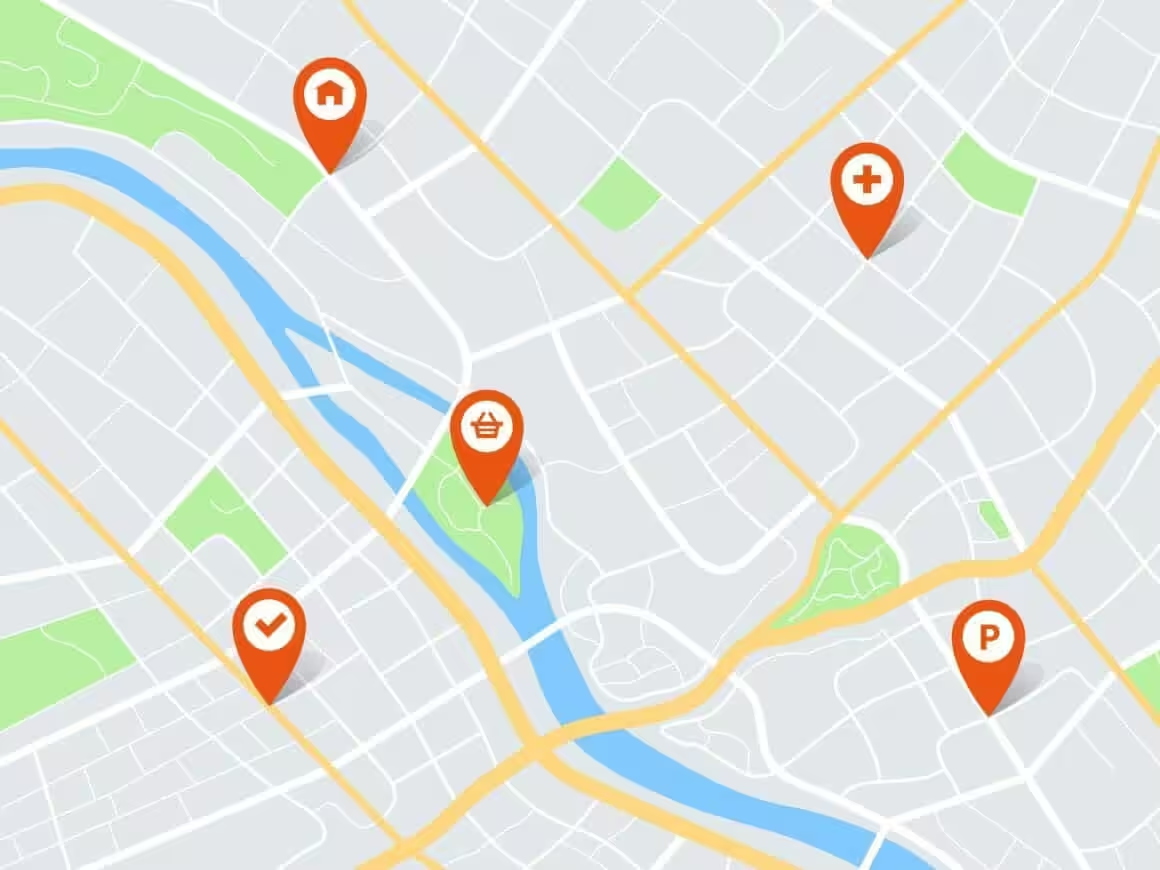
Google Maps uses local map data to provide directions to the nearest grocery store. It gives you turn-by-turn directions, public transportation details, and live traffic updates. It provides grocery pickup help and lists grocery delivery minimums as well.
Also, stores use maps’ business hours to indicate their “open hours”. You just need to find the store’s location in Maps and tap its name in the bottom white bar to get started. If you don’t have the location, you can simply search “grocery store near me”.
You can also check Google Maps on your desktop to find a 24-hour convenience store. Open Google Maps and, in the search field, enter the location or name of the territory where you want to locate the store. From the drop-down menu under “Nearby”, choose “Grocery Stores.” You can use the above method to locate supermarkets in the area as well.
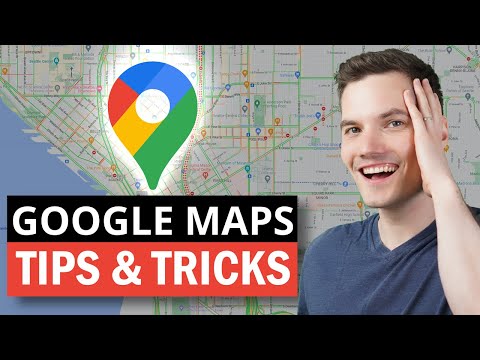
You can also use the Google Maps app on your phone. Open the app, tap the search bar, and type “grocery store near me.” Google Maps will show nearby stores as pins on the map along with a scrollable list at the bottom. Tap any result to see its distance, hours, reviews, and directions. You can sort results by distance or rating to find the best option.
Using Voice Search

Commanding your phone’s voice search with “find grocery near me” is an effective way of navigating to the closest supermarket. Open the app store on your mobile device, download Google Maps, and re-enter the closest groceries store into Google Maps’ search bar. After that, select the specific grocery store you want to visit. (Since Maps is automatically populated with relevant information when you visit a nearby store, so you will need to choose from among them.)
Once you have chosen the store, tap “Directions” and follow the highlighted route to reach your destination. Google Maps also shows how busy a store is at that moment and throughout the day. It provides the store’s opening hours, peak traffic periods, full address, phone number, and zip code – everything you need before heading out.
Using Still Open
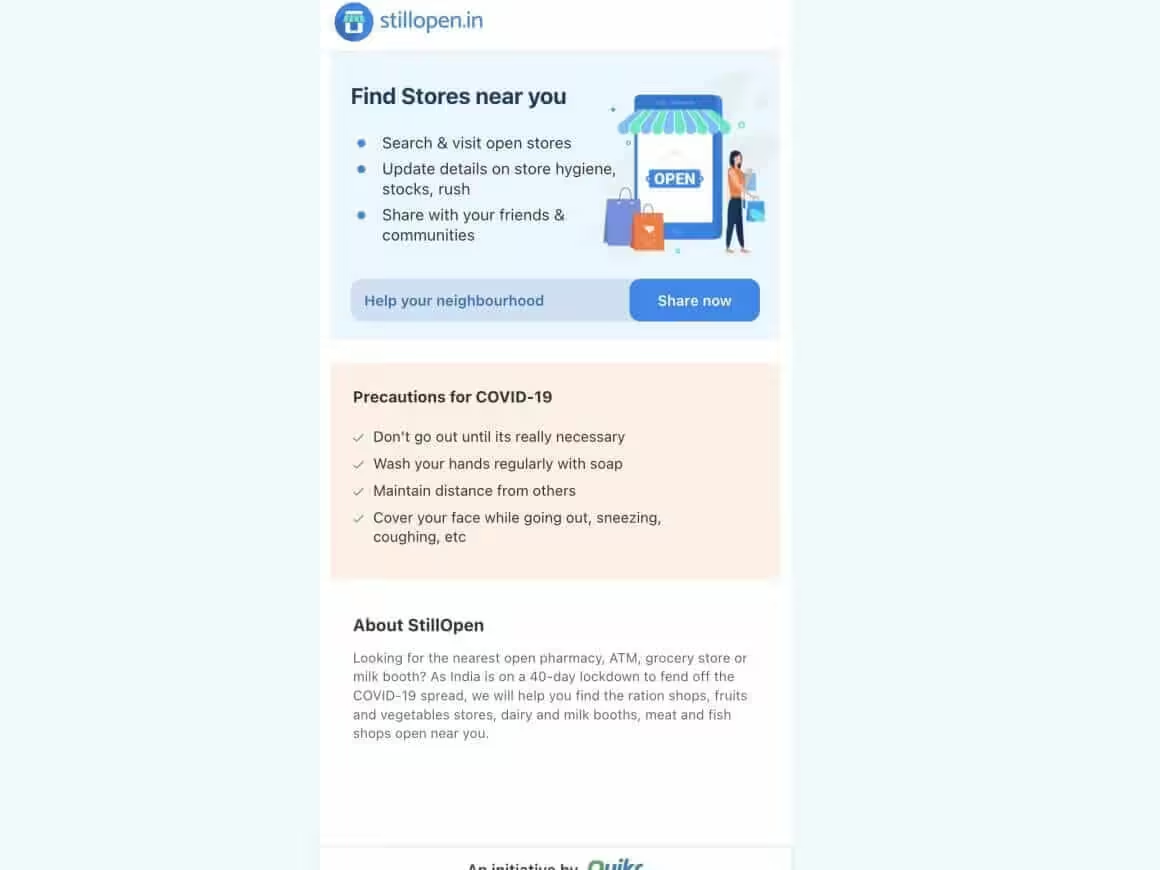
Still open is a handy website that you can use to identify the nearest grocery outlet in your vicinity. For that, you just need to follow the steps below:
- Open Still Open website
- When the website asks for your geographic location, allow it.
- It will now prompt you to locate the desired store.
Using Waze
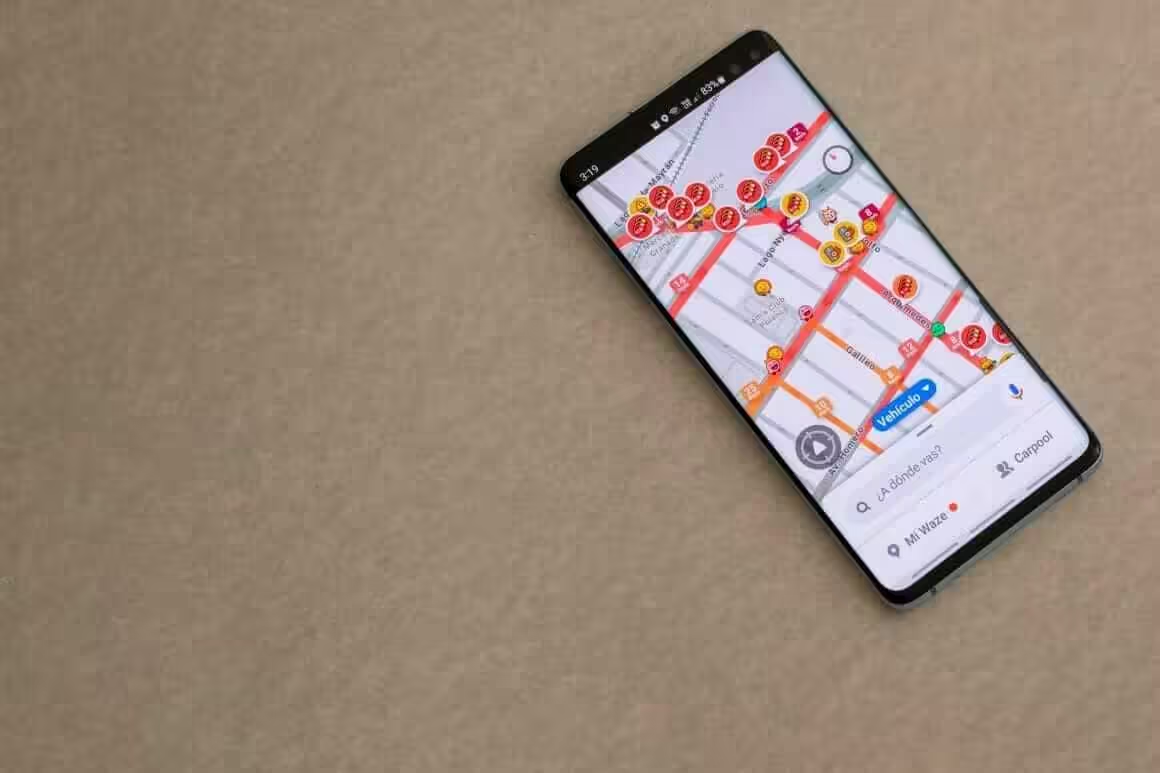
In its navigation and transport app, Waze emphasizes virtual entertainment. Waze users (“Wazers”) share real-time traffic information and road conditions to help you plan efficient routes, avoid congestion, and find affordable gas. You can readily customize Waze’s maps and icons, which may indicate the police, construction, or Waze users. Because these icons are based on demographic data, you should try alternative settings.
To get started, click “Explore Nearby” in the app’s lower-right corner and select “Food & Drink”. You can search for a particular store by tapping the icon or name in the upper-right area of the screen. Don’t forget to check whether it is currently open or not.
Also, Waze gives you additional information about nearby accessible locations. For example, if you see that the store is offering a significant discount on an item and there are no open spots at the front, you should hurry to the front of the line. Also, you can use Waze to choose a parking location close enough to the entrance so that you can avoid circling endlessly.
Ask Siri for help
Asking Siri for the closest grocery store’s location is a highly efficient approach. Siri also provides turn-by-turn directions to help you reach the store as fast as possible. To begin, activate Siri by saying “Hey Siri” or holding down the Home button. She will then give you a list of possibilities for nearby stores. When you choose the store you want to visit, she will provide turn-by-turn navigations for the same.
Use your mobile apps as a guide
If you’re a frequent shopper, you can use your phone apps to locate grocery stores. Apps such as ShopSavvy locate and provide directions to the closest grocery store. They also display coupons and retail offers that are currently available. This method helps you save time and money when traveling.
Use landmarks to guide you
When searching for a grocery store, try looking for a large sign or a unique-looking building. After setting a landmark, use it to plan your next steps. In a large metropolis, it could be tricky to tell where one supermarket ends and another begins. If you happen to lose your way, look for huge street signs or private locations.
Try using offline maps
By using offline maps to get to the closest grocery store, you can save on data plan expenses. Google’s maps are mostly offline; they allow you to use your phone’s GPS without data. Offline maps also include public transportation and traffic updates and let you store street view screenshots.
I recommend using free map software to navigate your local grocery store. You just need to download an app, use its Search function, and pick “Grocery Store” to locate one. If your phone is GPS-enabled, the app’s GPS can give you directions to reach the store.
Step-by-Step: Navigate to the Closest Grocery Store Using Google Maps
Google Maps is the fastest and most reliable way to find and navigate to the closest grocery store. Here’s exactly how to do it:
Step 1: Open Google Maps
Open the Google Maps app on your phone (iOS or Android) or go to maps.google.com on your computer. Make sure location services are enabled so Google can find stores near your current position.
Step 2: Search for “grocery store near me”
Tap the search bar at the top and type “grocery store near me” or simply “grocery store.” Google Maps will automatically use your location and show nearby results as red pins on the map. You can also say “Hey Google, find a grocery store near me” for hands-free search.
Step 3: Compare results and pick a store
Scroll through the list of results below the map. Each store shows its name, distance, rating, whether it is currently open, and estimated travel time. Pick the closest one that fits your needs. Tap on the store name to see its full details including phone number, hours, and busy times.
Step 4: Tap “Directions” and choose your travel mode
Tap the blue “Directions” button. Google Maps will calculate the fastest route. Choose your travel mode – driving, walking, cycling, or public transit. The app will show estimated arrival time for each option.
Step 5: Tap “Start” and follow turn-by-turn navigation
Tap “Start” to begin navigation. Google Maps will give you voice-guided, turn-by-turn directions until you arrive at the store. The app updates in real time, so if you miss a turn, it will automatically reroute you.
Find a Grocery Store Open Right Now
Looking for a grocery store that’s open right now? Here’s the fastest way to check:
Google Maps (Fastest Method)
- Open Google Maps on your phone
- Search “grocery store open now near me”
- Google will filter results to show only stores currently open
- Look for the green “Open” label next to store hours
- Tap “Directions” on the closest option
Siri / Google Assistant
Just say: “Find a grocery store open right now” – your assistant will show results filtered by current operating hours.
Late Night / 24-Hour Options
Most areas have at least one 24-hour option. Common chains open 24 hours include:
- Walmart Supercenter (many locations, though hours vary)
- WinCo Foods (24 hours at most locations)
- Meijer (24 hours in the Midwest)
- H-E-B (select Texas locations)
- Some Kroger locations
Search “24 hour grocery store near me” in Google Maps for the most accurate results in your area.