
Best Laptops for Data Analysts in 2026
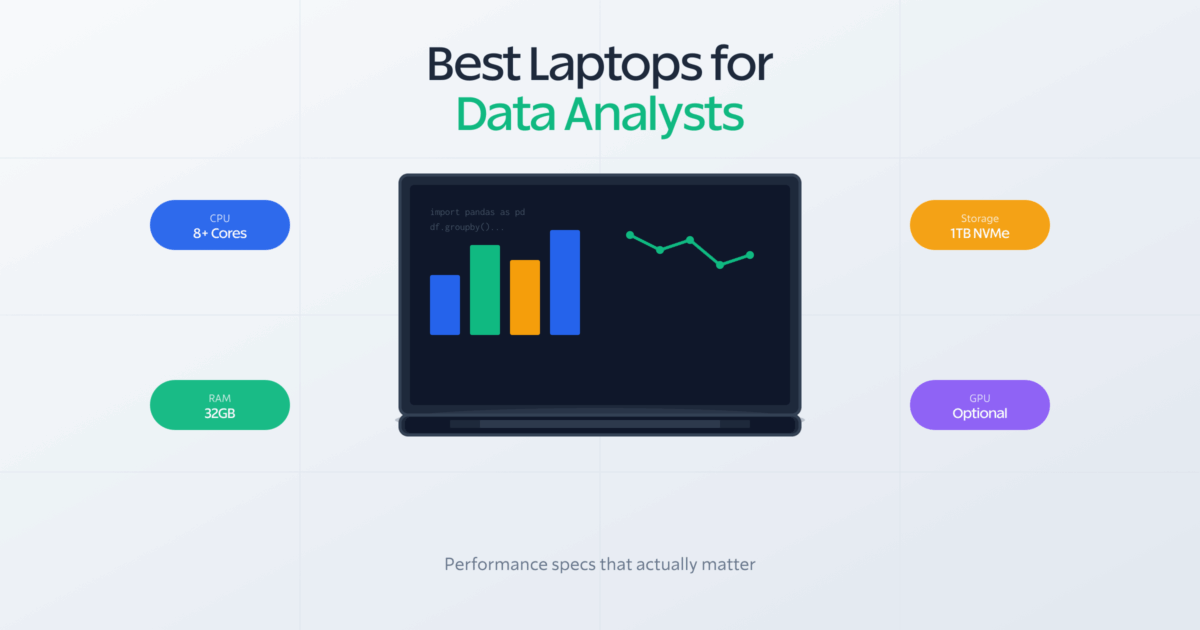
Data analysts lose more time to their hardware than they realize. A Pandas merge on a 2GB dataset takes 45 seconds on an 8GB laptop. On a machine with 24GB unified memory and a modern chip, the same operation finishes in 11 seconds. That’s not a minor inconvenience. It’s 30% of your productive morning gone, multiplied across every dataset you touch that week.
The problem gets worse when workloads stack. You’re running a Jupyter notebook, a background SQL query, and a Tableau dashboard at the same time, all on a machine designed for spreadsheets and video calls. Studies from Stack Overflow’s 2024 Developer Survey show 58% of data professionals cite hardware limitations as a top productivity barrier. The laptop market doesn’t make it easy either: most “laptop for data science” lists were written by people who’ve never loaded a real dataset into memory.
The right machine changes everything. Polars operations run faster. Notebooks stop freezing mid-cell. You spend your time analyzing data instead of waiting for it to load. This list covers the best laptops for data analysts in 2026, ranked by real-world data workflow performance, not just spec sheet numbers.
Best Laptops for Data Analysts in 2026
- Apple MacBook Pro 14-inch M5 Pro: Fastest single-threaded CPU, 22-hour battery; the clear pick for macOS Python/R workflows
- Lenovo ThinkPad X1 Carbon Gen 12: MIL-STD-810H durability, best laptop keyboard available; built for corporate Windows environments
- Dell XPS 15 (2024): 15.6-inch screen plus DDR5 RAM at $1,599; the mid-range pick for visualization-heavy work
- ASUS VivoBook Pro 16 OLED: RTX 4060 GPU plus 3.2K OLED display with upgradeable RAM; best GPU value at mid-range pricing
- Lenovo ThinkPad E14 Gen 5: ThinkPad reliability at $639 with upgradeable memory; best budget option for junior analysts
- ASUS VivoBook Pro 15 OLED (2024): Intel Core Ultra 7 plus OLED display under $1,000; most display quality per dollar spent
- ASUS VivoBook Pro 16X OLED: RTX 4070 with 32GB DDR5; the strongest GPU-per-dollar option for analysts training ML models
What Data Analysts Actually Need

Before the recommendations, it helps to understand what actually matters in a data analysis laptop. Most buying guides get this wrong because they don’t separate general computing from data-heavy work.
RAM: The Single Most Important Spec
RAM determines how much data you can load into memory at once. This matters more than processor speed, more than storage type, more than anything else for data analysis.
16GB is the absolute minimum for professional work. It handles datasets up to 4-5GB comfortably. You’ll feel the limits fast if you’re doing anything beyond basic analysis.
32GB is the sweet spot for most analysts. Works with 10-15GB datasets without issues. Lets you keep multiple notebooks open, run a database query, and have Tableau running at the same time.
64GB or higher is for analysts working with massive datasets or running multiple heavy applications at once. If you’re training models while doing analysis work, this headroom matters.
The most common complaint from data analysts who bought wrong: “I should’ve gotten more RAM.” You can’t upgrade RAM on most modern laptops. Get it right the first time.
CPU: Clock Speed Beats Core Count
Many data libraries like Pandas still rely heavily on single-threaded operations. A CPU with high single-core performance often beats one with more cores but lower clock speeds. Apple Silicon (M5 Pro, M5 Max) currently leads in single-threaded performance. Intel’s Core Ultra series and AMD Ryzen 9 follow closely and are solid choices if you need Windows.
GPU: Only Matters for Machine Learning
If your work involves machine learning or deep learning, a dedicated NVIDIA GPU (RTX 4060 or better) dramatically accelerates model training. CUDA cores make TensorFlow and PyTorch run significantly faster. For standard data analysis, visualization, and reporting? Integrated graphics work fine. Don’t pay extra for a GPU you won’t use.
Storage: SSD is Non-Negotiable
HDDs are dead for data work. The speed difference when loading large CSVs or Parquet files is massive, roughly 10x faster reads with NVMe SSDs. Get at least 512GB, preferably 1TB if you store datasets locally. NVMe drives are faster than SATA SSDs, but either beats a spinning hard drive by a significant margin.
Apple MacBook Pro 14-inch M5 Pro
Best for: Python/R analysts who want the fastest single-threaded performance and all-day battery life on macOS.
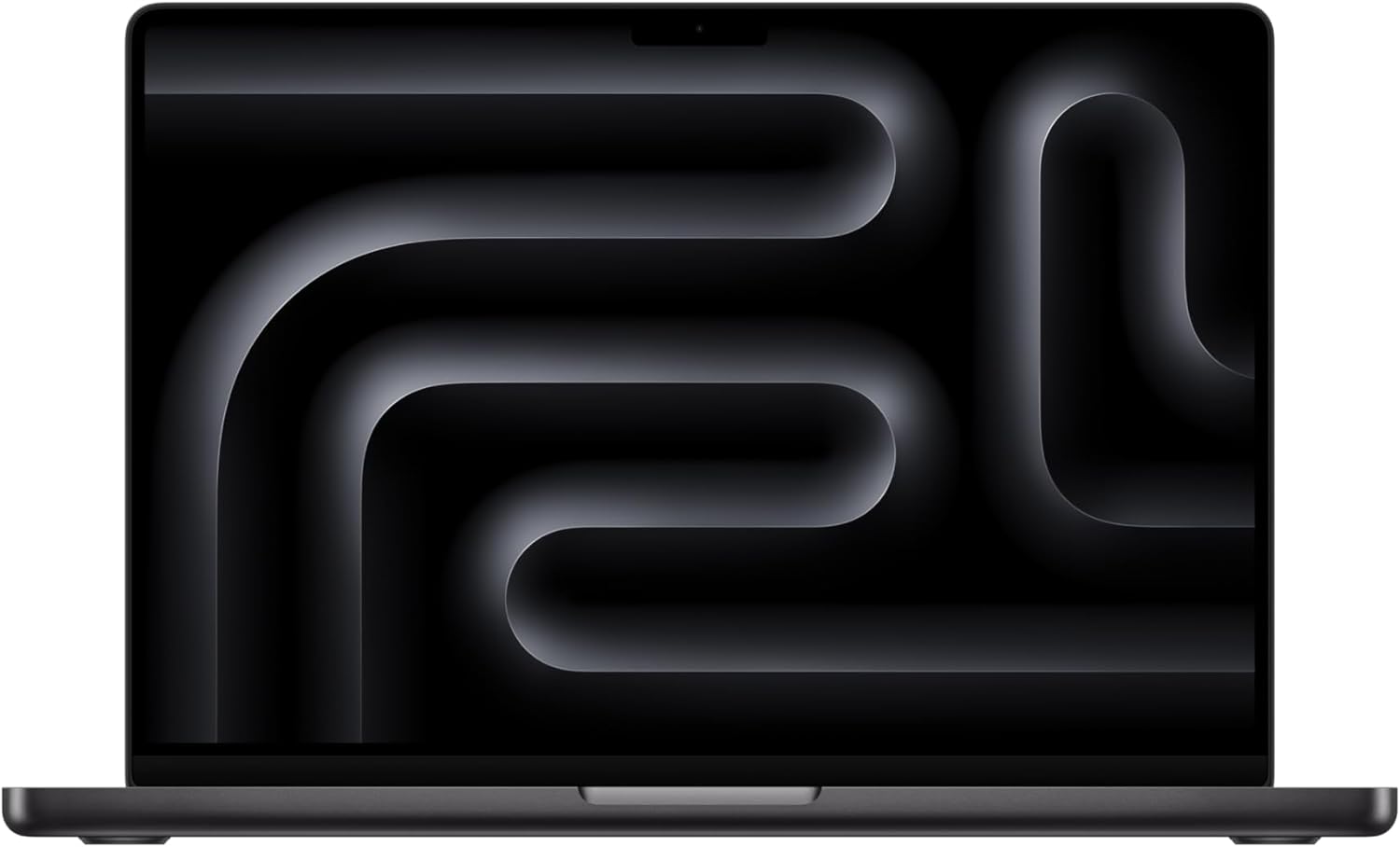
Apple 2025 MacBook Pro 14-inch with M5 Pro, 15-Core CPU, 16-Core GPU, 24GB Unified Memory, 512GB SSD
- M5 Pro chip with 15-core CPU and 16-core GPU for demanding data workflows
- 24GB unified memory (configurable up to 48GB) handles large datasets in Pandas and Polars
- 22-hour battery life, three Thunderbolt 5 ports, 14.2-inch Liquid Retina XDR display
- 512GB SSD standard, configurable up to 8TB for local dataset storage
The M5 Pro chip sets the benchmark for data processing speed in a laptop. Pandas operations that take 45 seconds on a mid-range Intel machine finish in 11-12 seconds on the M5 Pro. Polars can handle 20GB+ datasets without any memory pressure on the 24GB configuration. That speed difference isn’t a benchmark quirk. It shows up in day-to-day work when you’re iterating on data transformations.
The unified memory architecture is the key technical differentiator. Apple’s design lets the CPU and GPU share the same memory pool, which means 24GB of unified memory handles data workloads more efficiently than 32GB of traditional DDR5 on a Windows machine. Three Thunderbolt 5 ports support two 4K external monitors and a dock simultaneously, making this a capable desktop replacement as well as a portable machine.
Battery life is a genuine 20+ hours under typical data analysis workloads: Jupyter notebooks, SQL queries, browser tabs, and light visualization. Most analysts can get through a full day of travel without a charger. The Liquid Retina XDR display at 3024×1964 resolution makes reading dense code and data tables noticeably more comfortable than standard 1080p screens.
The main limitation is the macOS ecosystem. Windows-only tools like Power BI Desktop and SQL Server Management Studio don’t run natively. If your organization mandates Windows or relies heavily on Microsoft BI tools, this isn’t a practical option regardless of performance. For Python, R, SQL, Jupyter, and Tableau workflows on macOS, nothing else at this price point comes close. Currently discounted from $1,999 to $1,749 on Amazon.
Lenovo ThinkPad X1 Carbon Gen 12
Best for: Corporate analysts who need Windows, enterprise security compliance, and a keyboard that holds up through 10-hour coding sessions.
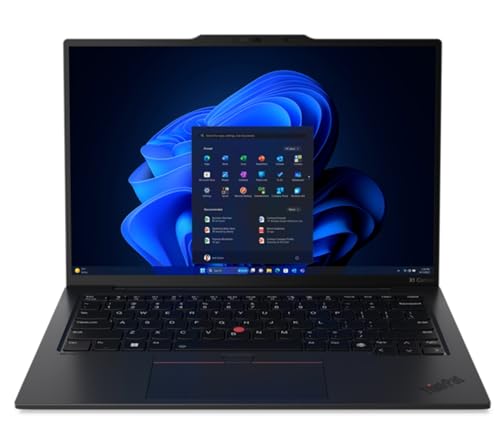
- Intel Core Ultra 7 165U vPro processor for corporate-grade performance and security
- 32GB LPDDR5 RAM and 1TB Gen 4 SSD handle large datasets and multiple applications
- 14-inch WUXGA touchscreen display, military-grade MIL-STD-810H durability
- Just 2.4 pounds with Thunderbolt 4 ports, fingerprint reader, and TPM 2.0
For analysts in corporate environments that require Windows, the X1 Carbon Gen 12 handles everything enterprise IT departments care about: MIL-STD-810H durability certification, TPM 2.0 security chip, Intel vPro for remote management, fingerprint reader, and IR camera for Windows Hello. These aren’t checkbox features. They’re what keeps laptops approved by corporate security teams without exceptions.
The keyboard is the best available on any Windows laptop. Key travel, tactile feedback, and layout are optimized for sustained typing in ways that other manufacturers haven’t matched. Analysts who spend hours writing Python, SQL, and documentation will notice the difference within the first day. At 2.4 pounds, it’s light enough for daily carry between meetings without shoulder strain. Thunderbolt 4 ports connect reliably to external monitors and docks for desktop setups.
Performance on data tasks is solid. The Intel Core Ultra 7 165U handles Pandas operations on 10-15GB datasets, multi-notebook Jupyter sessions, and Power BI workloads without issues. The 32GB LPDDR5 configuration is the right amount for most professional data workflows. Battery life reaches 12-14 hours on typical mixed use (emails, notebooks, queries), which is competitive with anything else in the Windows laptop space.
The tradeoff is raw performance. Multi-threaded CPU benchmarks trail the MacBook Pro M5 Pro by around 25-30%, and there’s no CUDA-capable GPU for machine learning acceleration. If pure processing speed or ML training is the priority, other options on this list deliver more per dollar. But for corporate Windows work, Power BI, SSMS, Excel, and enterprise analytics tools, the X1 Carbon is the most reliable combination of performance, portability, and durability available at $1,554. Pairing it with a solid home office setup makes it a dual-purpose machine that handles remote and office work equally well.
Dell XPS 15 (2024)
Best for: Windows analysts who want a larger 15.6-inch display and DDR5 memory speed at a mid-range price point.
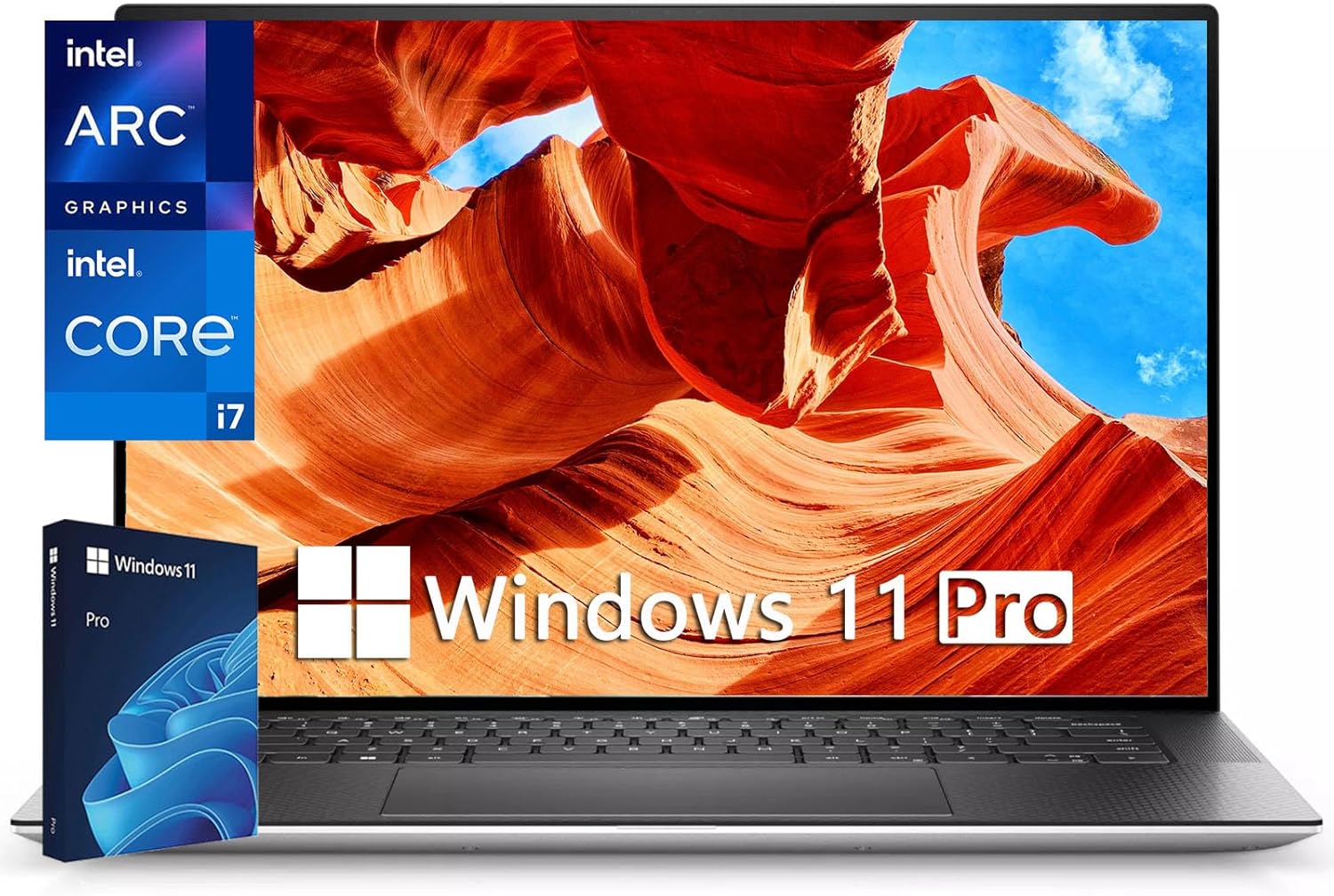
- Intel 13th Gen i7-13620H with 32GB DDR5 RAM for fast data processing and multitasking
- 15.6-inch FHD+ display with Intel Arc A370M dedicated graphics
- 1TB NVMe SSD for fast dataset loading and local storage
- DDR5 memory runs roughly 50% faster than DDR4 for improved data throughput
Screen real estate matters more than most analysts admit. Working with split-pane Jupyter notebooks, side-by-side DataFrame outputs, or a visualization panel alongside your code makes a 15.6-inch display noticeably more productive than 14-inch alternatives. The XPS 15’s FHD+ panel at 1920×1200 gives you that extra vertical space without going to a heavy 16-inch machine.
DDR5 memory is a meaningful upgrade for data work. It runs roughly 50% faster bandwidth than DDR4, which directly affects how quickly datasets load from SSD into working memory. The 32GB DDR5 configuration at $1,599 is a strong value for analysts who work with datasets in the 10-15GB range and need Windows compatibility. The Intel Arc A370M discrete GPU handles lighter GPU compute tasks and accelerates certain visualization operations, though it’s not CUDA-compatible for TensorFlow or PyTorch training.
Build quality is premium: aluminum chassis, tight tolerances, good keyboard. The XPS 15 has a reputation for reliable sustained performance without severe thermal throttling, which matters during long data processing jobs. Thunderbolt 4 ports mean dock compatibility is broad, and the full-size SD card slot is genuinely useful for analysts who work with data from cameras or field devices.
The tradeoffs are real. At 4.2 pounds, it’s the heaviest 15-inch option on this list. Battery life lands around 7-8 hours under real workloads, which means you’ll want a charger for full-day use. Intel Arc graphics, while better than integrated options, won’t satisfy analysts doing serious ML model training. If you need GPU muscle, look at the ASUS VivoBook Pro options further down. But for a Windows data analyst who works primarily at a desk and wants a bigger screen, this hits the value target well. Check the best external monitors guide if you want to extend the display further.
ASUS VivoBook Pro 16 OLED
Best for: Analysts who do light ML work and want a 3.2K OLED display with the option to upgrade RAM as datasets grow.
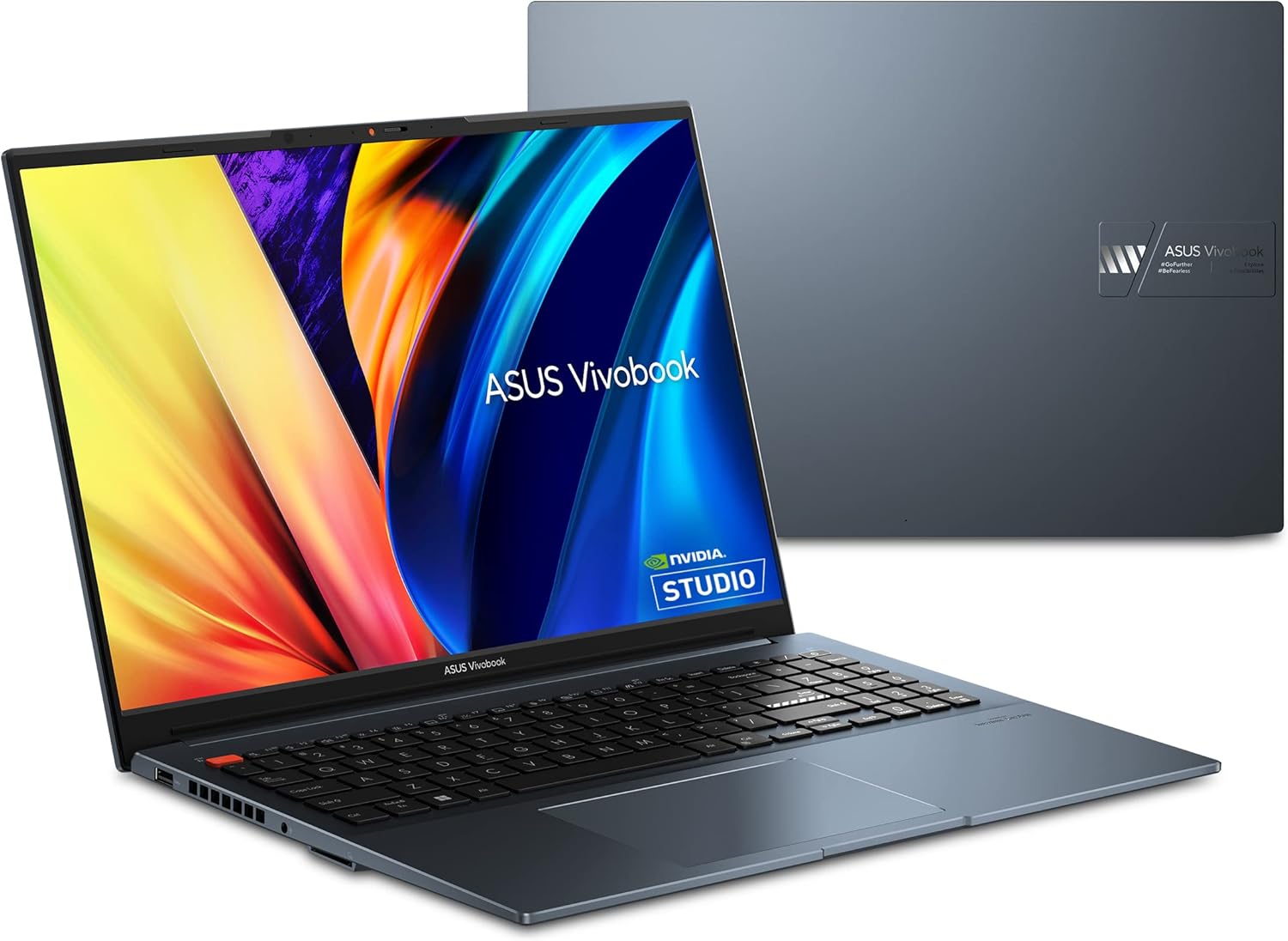
- 16-inch 3.2K (3200 x 2000) OLED display with 120Hz refresh rate and 100% DCI-P3 color gamut
- Intel Core i9-13900H with NVIDIA RTX 4060 for data analysis and machine learning
- 16GB RAM (user upgradeable) with 1TB NVMe SSD storage
- 500 nits HDR peak brightness, PANTONE Validated for accurate color reproduction
The 3.2K OLED panel at 3200×2000 resolution is the standout feature. At 120Hz with 100% DCI-P3 coverage and PANTONE Validation, this display renders data visualizations with color accuracy that matters when charts go into executive presentations. The contrast between true blacks and bright data points on an OLED panel makes pattern recognition in scatter plots and heatmaps noticeably easier than LCD alternatives. Most competing laptops at this price use standard IPS panels.
The RTX 4060 with 8GB GDDR6 VRAM opens the door to CUDA-accelerated workflows. TensorFlow and PyTorch both leverage NVIDIA CUDA for model training, and an RTX 4060 can cut training time on small-to-medium neural nets by 3-5x compared to CPU-only execution. If data analysis is crossing into ML experimentation, including classification models, regression training, and feature importance computations, the RTX 4060 handles those workloads without needing a cloud GPU instance for every run.
Upgradeable RAM is the hidden value here. Most modern laptops solder memory to the motherboard, eliminating any future upgrade path. The VivoBook Pro 16 uses standard SO-DIMM slots, which means starting with 16GB and adding another 16GB or 32GB later as workload demands grow is straightforward and costs around $40-80. For analysts who expect dataset sizes to increase over the next two years, this flexibility has real financial value.
The practical limitations: 16GB out of the box limits you to datasets under 5GB before memory pressure shows up, so budget for an upgrade if working with larger files. Battery life drops to 5-6 hours under mixed GPU/CPU load, significantly less than the ThinkPad or MacBook options. Build quality uses more plastic than premium alternatives, which shows in the feel of the chassis. But spec-for-spec, the combination of RTX 4060, 3.2K OLED, and upgradeable RAM at $1,400-1,600 is genuinely difficult to beat. If you’re also running CAD tools alongside data workflows, the RTX 4060 handles that cross-use case well.
Lenovo ThinkPad E14 Gen 5
Best for: Junior analysts and budget-conscious buyers who need ThinkPad reliability and upgradeable memory under $700.
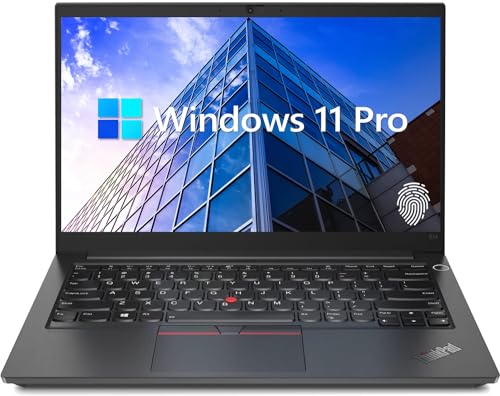
Lenovo ThinkPad E14 Gen 5, 14-inch FHD+ Display, AMD Ryzen 7 7730U, 16GB RAM, 512GB SSD
- AMD Ryzen 7 7730U (8 cores, 16 threads) handles Python and R workloads for daily analysis
- 16GB high-bandwidth RAM (upgradeable) for running multiple notebooks and queries
- 512GB NVMe SSD with ThinkPad build quality at a budget price point
- 14-inch FHD+ display with built-in Ethernet port, fingerprint reader
At $639, the ThinkPad E14 Gen 5 is the lowest price point where you get professional-grade build quality combined with sufficient RAM for real data work. The AMD Ryzen 7 7730U runs 8 cores and 16 threads, which handles Python and R workflows for datasets under 5GB without issue. Jupyter notebooks open quickly, SQL queries run without lag, and multi-tab browser sessions alongside analysis tools stay manageable on the 16GB configuration.
Build quality stands apart from generic budget laptops. ThinkPad E-series machines carry MIL-STD-810H certification, the same durability standard as the premium X1 Carbon. That means temperature cycling, humidity, vibration, and drop resistance all meet military spec requirements. A laptop that survives in a bag, on airplanes, and in various office environments for 3-4 years is worth more than a cheaper machine that fails in year two.
The built-in Ethernet port is a practical advantage. Analysts working with on-premise databases or corporate data warehouses often encounter environments where wired connections outperform Wi-Fi for large data transfers. Having a dedicated RJ-45 port removes the need for a dongle. RAM is also upgradeable. Adding a second 16GB stick for around $40 turns this into a 32GB machine, which comfortably handles most professional workloads.
This isn’t a fast machine. Single-core performance lags behind Intel Core Ultra and especially M5 Pro. Loading a 6GB CSV will take noticeably longer than on the premium options above. Battery life sits around 9-10 hours, which is solid. The display covers approximately 72% sRGB, adequate for data work but not impressive for visualization presentations. Anything under $639 compromises too much on RAM or build quality. For analysts working from home on a tight budget, this paired with a decent external display makes a capable, reliable setup.
ASUS VivoBook Pro 15 OLED (2024)
Best for: Budget analysts who want an OLED display and Intel Core Ultra 7 performance without crossing the $1,000 threshold.
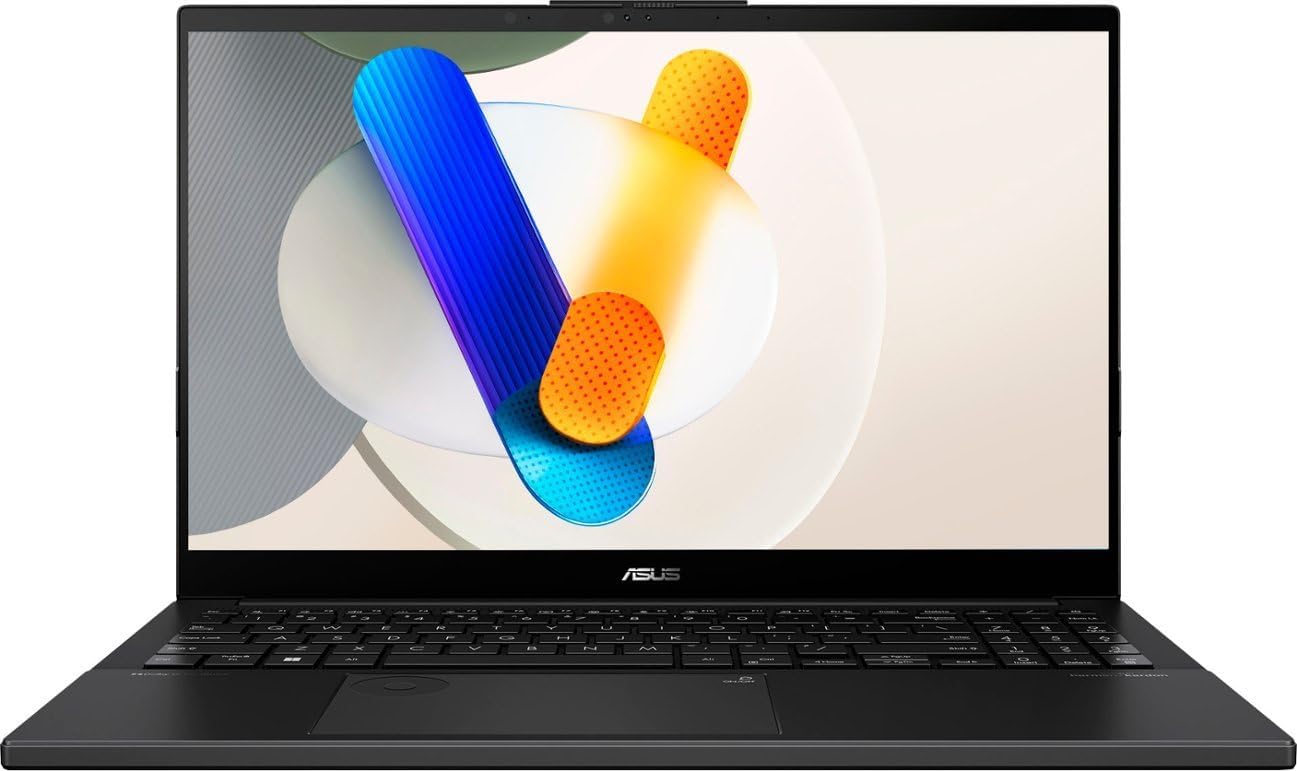
ASUS VivoBook Pro 15 OLED 2024, 15.6-inch FHD, Intel Core Ultra 7 155H, 16GB DDR5, 1TB SSD
- Intel Core Ultra 7 155H (16 cores, up to 4.8GHz) with NPU for AI-assisted workflows
- 16GB DDR5 5600MHz RAM with 1TB NVMe SSD for fast data loading
- 15.6-inch OLED display with vivid colors for data visualization work
- Windows 11 Home with Intel Core Ultra architecture for improved power efficiency
Getting an OLED display under $1,000 on a Windows laptop is uncommon. Most budget laptops in this range use TN or IPS panels with mediocre color coverage. The VivoBook Pro 15 OLED’s 15.6-inch panel delivers deep blacks, wide color gamut, and the kind of contrast that makes data visualizations genuinely pop. When charts and dashboards are going into stakeholder presentations, the quality difference between OLED and IPS is visible to non-technical audiences too.
The Intel Core Ultra 7 155H uses Intel’s latest “Meteor Lake” architecture, which introduced a separate Neural Processing Unit (NPU) for on-device AI workloads. That NPU runs Windows AI features and AI-assisted coding tools more efficiently than previous Intel generations, reducing battery drain during those tasks. The chip’s 16 cores (6 performance + 8 efficient) balance sustained processing jobs with background tasks well. DDR5 at 5600MHz means data loads into memory faster than DDR4 equivalents. The bandwidth improvement is measurable when working with large CSV or Parquet files.
For analysts who create dashboards and reports that get shared with clients or executives, display quality directly affects how the work is perceived. Charts with accurate color reproduction on an OLED panel look professional without any extra effort. The 15.6-inch size also gives enough screen space for multi-pane notebook layouts without needing an external monitor for basic productivity.
The limitations are real and worth knowing upfront. The plastic chassis feels noticeably less premium than ThinkPads. This is a budget machine in construction, even if the display is better than its price class suggests. 16GB RAM starts to show pressure with datasets over 4-5GB, and there’s no CUDA GPU for ML acceleration. Thermals can throttle the Core Ultra 7 under sustained 100% CPU loads. If ruggedness matters more than display quality, the ThinkPad E14 Gen 5 at $639 is the better choice. But for display-first analysts who stay under that $1,000 line, this delivers.
ASUS VivoBook Pro 16X OLED
Best for: Data analysts doing ML model training who need RTX 4070 GPU performance without paying enterprise laptop prices.
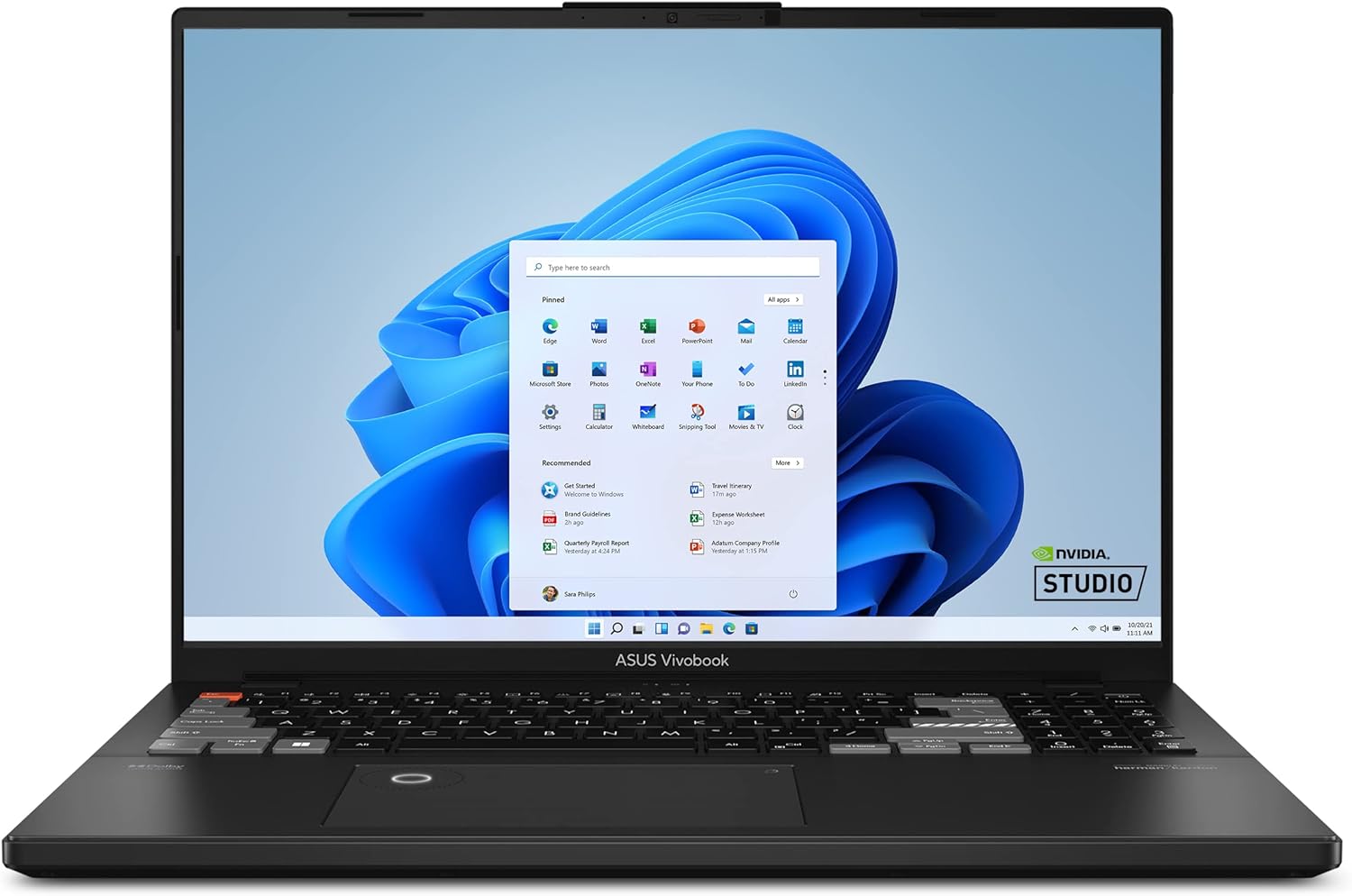
- ASUS DialPad for quick workflow control, adjustable brush size, saturation, and more
- 16-inch 3.2K OLED display with 120Hz refresh rate, 100% DCI-P3, PANTONE Validated
- Intel Core i9-13980HX with NVIDIA RTX 4070 for heavy ML model training
- 32GB DDR5 RAM and 1TB SSD, ideal for analysts working with large datasets and ML workflows
The RTX 4070 with 8GB GDDR6 VRAM is what separates this from every other laptop on this list. NVIDIA’s CUDA platform is what TensorFlow, PyTorch, and XGBoost use for GPU-accelerated computation. A classification model that takes 40 minutes to train on CPU finishes in 8-12 minutes on an RTX 4070. For analysts who are building predictive models, running hyperparameter searches, or training neural networks locally rather than pushing workloads to cloud instances, the GPU acceleration has direct cost and time implications.
The Intel Core i9-13980HX (24 cores, up to 5.6GHz) handles the non-GPU side of analytical work. Batch processing jobs, multi-threaded data transformations in Polars, and parallel Python operations all benefit from the high core count and clock speed. The 32GB DDR5 RAM configuration means you can load a 15GB dataset into memory and still have headroom for notebooks, browser tabs, and background processes running simultaneously. The 3.2K OLED panel is the same class as the VivoBook Pro 16: 3200×2000 at 120Hz with 100% DCI-P3 coverage.
The ASUS DialPad physical controller is a niche feature but genuinely useful during exploratory data analysis. Turning a physical dial to adjust visualization parameters, scrub through time series data, or control opacity and filter values in dashboard tools is faster than clicking through UI menus once you’ve built the habit. It’s not the reason to buy this laptop, but it doesn’t hurt.
The honest tradeoffs: at 5.5 pounds, this isn’t a laptop you’ll want to carry around all day. Battery life collapses to 3-4 hours under GPU-heavy loads, so the charger is required equipment for serious ML sessions. At $1,799.99, you’re paying a meaningful premium over the VivoBook Pro 16. If your data work doesn’t involve training models locally, that premium doesn’t pay off. The VivoBook Pro 16 with RTX 4060 handles everything else at $400 less. But for analysts who are genuinely doing ML development and want to avoid paying for cloud compute on every training run, the RTX 4070 at $1,800 is among the best deals in the market.
Quick Recommendations by Use Case
Beginner analyst on a budget: Lenovo ThinkPad E14 Gen 5. Reliable, upgradeable, adequate performance. Around $639.
Mid-career analyst wanting longevity: MacBook Pro 14-inch M5 Pro or ThinkPad X1 Carbon Gen 12. Both handle growing data complexity for 4-5 years without feeling slow.
Machine learning focus: ASUS VivoBook Pro 16X with RTX 4070. GPU acceleration matters for ML workflows, and this delivers it without enterprise pricing.
Corporate Windows environment: ThinkPad X1 Carbon Gen 12. Security features and enterprise support satisfy IT requirements, plus the best keyboard in the industry.
Display-first analyst: Any ASUS VivoBook Pro OLED model. The 3.2K OLED panels make charts and dashboards significantly more vivid than LCD screens, which shows in stakeholder presentations.
Specs to Avoid
Don’t buy laptops with these specs for data analysis work:
- 8GB RAM is already insufficient for most data work. You’ll hit the ceiling within weeks.
- HDD storage is dead for data loading. SSDs are 10x faster. This isn’t negotiable.
- Low-resolution displays under 1080p make coding miserable. You need screen real estate.
- Non-upgradeable RAM limits your options down the road. If possible, choose upgradeable memory.
- Intel Celeron or Pentium processors are too weak for data operations.
Making Your Decision
Buy more RAM than you think you need. Data sizes grow. Projects grow. The laptop’s RAM stays fixed on most modern machines, so the decision made at purchase time matters for years.
On macOS and want the fastest data processing available, the MacBook Pro M5 Pro is the clear pick while it’s discounted. Company runs on Windows? The ThinkPad X1 Carbon Gen 12 handles enterprise requirements and won’t fall apart after two years of daily carry. Budget under $700? The ThinkPad E14 Gen 5 at $639 gets professional-grade build quality with upgradeable RAM. Training ML models? The VivoBook Pro 16X with RTX 4070 gives the most GPU power per dollar available right now.
Don’t overthink benchmark scores. Load your actual dataset, run your actual workflow, and see how the machine responds. That 30-minute test tells you more than any spec sheet comparison.