
 by
by
Apple TV is a streaming box that quietly runs your entire smart home. Most people don’t realize this when they buy one.
The Apple TV 4K (3rd generation, 2022) isn’t just an entertainment device. It’s a HomeKit home hub, a Matter controller, a Thread border router, and the only Apple device that processes HomeKit Secure Video camera feeds locally. That’s four distinct smart home functions packed into a $129 box that most people buy to watch Ted Lasso.
I’ve been running Apple’s smart home ecosystem across multiple setups for years. Here’s what the Apple TV actually does for home automation, where it falls short, and whether it’s the right hub for your setup.
Summary: Apple TV as Smart Home Hub
- Home hub basics — Apple TV 4K acts as the local HomeKit/Matter controller for lights, locks, thermostats, cameras.
- Matter and Thread — 2022 Apple TV 4K adds Thread radio + full Matter support; the must-have model for smart home.
- HomeKit Secure Video — Apple TV’s A15 chip processes camera feeds locally; HomePod alone can’t do this.
- Apple TV vs HomePod — Both are hubs; Apple TV adds video processing and better range with Ethernet.
- vs Amazon, Google, Samsung — Apple wins on privacy and Apple-stack integration; loses on device-vendor breadth.
- Setup — Sign into iCloud on Apple TV, hub registers automatically. Verify in Home app under Hubs & Bridges.
- Specs (2022 model) — A15 chip, Thread radio, Wi-Fi 6, Ethernet on the $149 model.
- Who should buy it — Apple users running 5+ smart home devices, especially anyone using HomeKit cameras.
- FAQs — Matter, HomePod alternatives, Echo Hub comparison, Wi-Fi vs Ethernet picks.
What “home hub” actually means on Apple TV
When Apple TV is set up as a home hub, it stays connected to your home network and acts as a relay between your iPhone and your smart home devices. Without a hub, HomeKit only works when you’re on the same Wi-Fi network as your devices. With one, you get three things that matter.
Remote access. Control lights, locks, thermostats, and cameras from anywhere. Your iPhone sends encrypted commands to iCloud, which routes them to your Apple TV at home, which talks to the device. All end-to-end encrypted.
Automations. Time-based and sensor-triggered automations only run if a home hub is active. “Turn on porch lights at sunset” needs an always-on device at home to execute the command. That’s your Apple TV (or HomePod).
Shared access. Invite family members or guests to control specific devices through the Home app. The hub manages permissions and authentication.
Setup takes about 30 seconds. Go to Settings > Home on your Apple TV, and it automatically registers as a hub. If you have multiple hubs (Apple TV + HomePod, for example), the system picks one as primary and keeps the others on standby. Failover is automatic.
Matter and Thread: why the 2022 Apple TV 4K matters
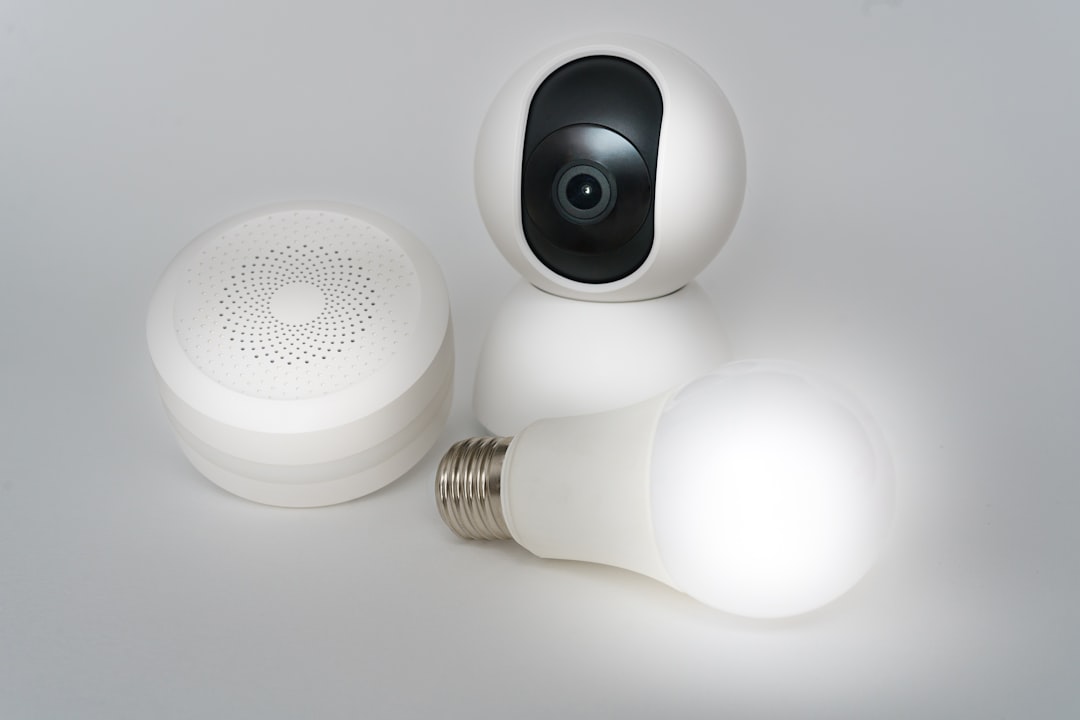
The 3rd-generation Apple TV 4K (2022) was a turning point. It added two things that older models don’t have: Matter support and a built-in Thread radio.
Matter is the cross-platform smart home standard backed by Apple, Google, Amazon, and Samsung. A Matter-certified device works with Apple Home, Google Home, and Alexa simultaneously. No more buying “HomeKit-compatible” or “Works with Alexa” versions of the same product. One device, every platform.
Apple TV 4K acts as a Matter controller. You pair Matter devices through the Home app using a QR code, and the Apple TV handles communication. Matter 1.0 launched with support for lights, plugs, switches, locks, thermostats, blinds, and sensors. Versions 1.2 and 1.3 added cameras, robot vacuums, and energy management devices. Apple has progressively added support through tvOS updates.
Thread is the mesh networking protocol that most new Matter devices use for communication. It’s low-power, self-healing, and doesn’t need a proprietary bridge. The Apple TV 4K (2022) has a Thread radio built in, making it a Thread border router. That means it bridges your Thread mesh network to your IP network automatically.
Why does this matter? Thread devices like Nanoleaf bulbs, Eve sensors, and certain Yale locks form a mesh network. More devices make the network stronger. And because Apple TV acts as a border router, these devices can talk to the internet (and your phone) without any extra hardware. No Zigbee bridge. No proprietary hub. Just the Apple TV you already have.
The older Apple TV 4K (2nd gen, 2021) supports Matter over Wi-Fi but doesn’t have a Thread radio. If you’re buying specifically for smart home use, the 2022 model is the minimum.
HomeKit Secure Video: the feature most people overlook
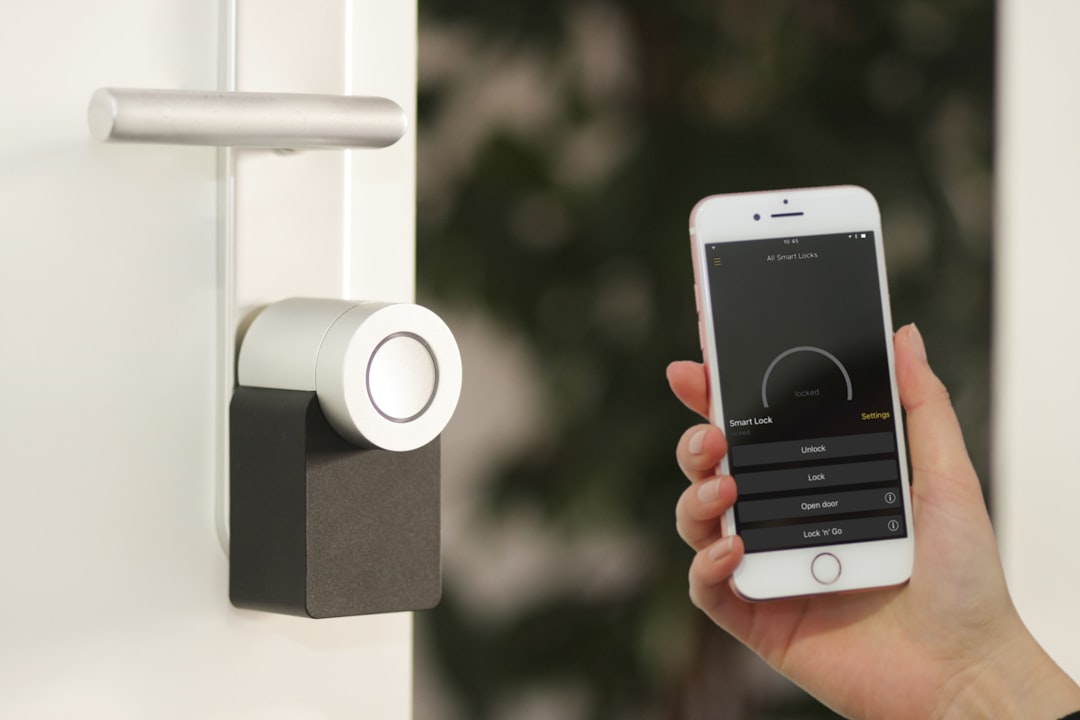
This is where Apple TV does something no other Apple device matches. HomeKit Secure Video (HKSV) uses the A15 Bionic chip in your Apple TV to analyze camera feeds locally. Person detection, animal detection, vehicle detection, package detection. All processed on-device, not in the cloud.
The clips get end-to-end encrypted and uploaded to iCloud. They don’t count against your iCloud storage quota. And because the processing happens locally on the Apple TV, your camera footage never touches Apple’s servers unencrypted.
Here’s the part that trips people up: HomePod can’t do this. Only Apple TV and iPad (when used as a home hub) can process HKSV. If you’re running security cameras with HomeKit and you care about privacy and security, the Apple TV is the device you need.
iCloud+ plans determine how many cameras you can use:
| iCloud+ Plan | Price | Cameras |
|---|---|---|
| 50 GB | $0.99/month | 1 camera |
| 200 GB | $2.99/month | Up to 5 |
| 2 TB | $9.99/month | Unlimited |
| 6 TB | $29.99/month | Unlimited |
Compatible cameras include the Logitech Circle View, Eve Cam, Eufy Indoor Cam, and Aqara Camera Hub G3. The list keeps growing as more manufacturers add HKSV support.
Apple TV vs. HomePod as a smart home hub
Both work as home hubs. Both support Matter and Thread. But they’re good at different things.
| Feature | Apple TV 4K (3rd gen) | HomePod (2nd gen) | HomePod mini |
|---|---|---|---|
| Home hub | Yes | Yes | Yes |
| Thread border router | Yes | Yes | Yes |
| Matter controller | Yes | Yes | Yes |
| HKSV processing | Yes | No | No |
| Always-listening Siri | No (remote only) | Yes | Yes |
| Camera display | Yes (on TV) | No | No |
| Intercom | Yes | Yes | Yes |
| Price | $129-$149 | $299 | $99 |
The HomePod wins on voice control. It has far-field microphones that pick up “Hey Siri” across the room. Apple TV requires you to hold the Siri Remote and press a button. If you want hands-free “turn off the lights” while cooking dinner, the HomePod is the answer.
The Apple TV wins on cameras and processing. It’s the only one that handles HKSV, and you can view camera feeds directly on your TV screen. tvOS gives you a grid view for multiple cameras, activity-based views, and quick access from Control Center.
The ideal setup? Both. Apple TV for HKSV processing and media. HomePod mini in the kitchen or bedroom for voice control. The system automatically manages failover between them. But if you’re picking one, choose based on whether you value voice control (HomePod) or camera processing (Apple TV).
How Apple TV compares to Amazon, Google, and Samsung hubs
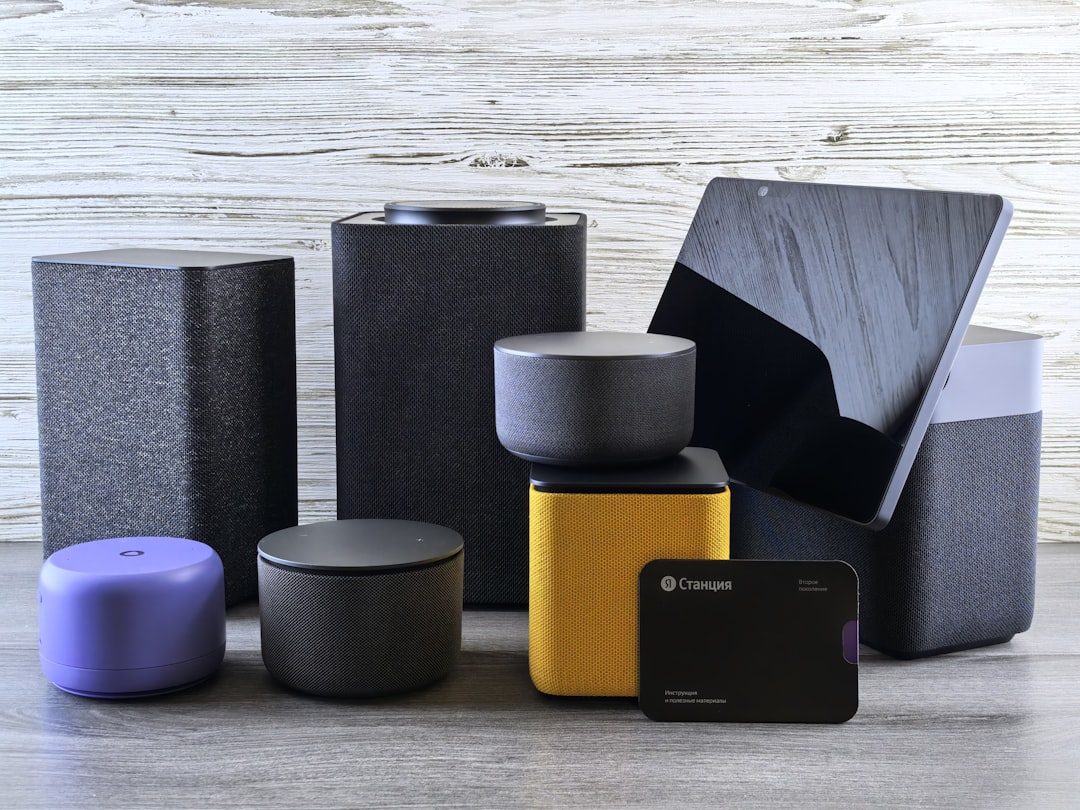
Apple TV is unusual because it’s a media device that doubles as a smart home hub. Every competitor builds dedicated smart home hardware.
Amazon Echo Hub ($179.99) is a wall-mounted 8-inch touchscreen built specifically for smart home control. It has Zigbee, Matter, and Thread built in, and Alexa’s device compatibility is the widest in the market. If sheer device support is your priority, Amazon wins. But the privacy model is the opposite of Apple’s. Amazon processes voice data in the cloud. Apple processes locally.
Google Nest Hub ($99) is a smart display with Google Assistant, Matter, and Thread support. Google rebuilt the Home app in 2023 with better automations and camera integration. Good ecosystem, but Google has a track record of discontinuing hardware lines without much warning. That’s a real risk for a device you’re building your home around.
Samsung SmartThings Station ($59.99) is the budget option. Matter, Thread, Zigbee support, and it doubles as a wireless phone charger. SmartThings has the broadest device compatibility of any platform. But no display, no media, and you’re locked into Samsung’s app ecosystem.
Apple TV’s advantage is ecosystem integration. If you’re already carrying an iPhone, wearing an Apple Watch, and using a Mac, the Home app ties everything together seamlessly. Scenes trigger from your watch. Automations run based on your phone’s location. Camera notifications show up on every Apple device. No other hub matches that cross-device experience if you’re in the Apple ecosystem.
Apple TV’s disadvantage is price and flexibility. At $129, it costs more than the Nest Hub or SmartThings Station. And if you want to mix ecosystems (some Alexa, some Google), Apple’s walled garden gets in the way. Matter helps here, but it’s still early days.
Setting up Apple TV as your smart home hub
If you already own an Apple TV 4K, you’re probably already running it as a hub without knowing it. Here’s how to verify and optimize the setup.
Step 1: Check hub status. Open the Home app on your iPhone. Tap the three-dot menu > Home Settings > Home Hubs & Bridges. Your Apple TV should show as “Connected.” If it says “Standby,” another device (like a HomePod) is the primary hub.
Step 2: Use Ethernet if possible. The Wi-Fi + Ethernet model ($149) has a Gigabit Ethernet port. A wired connection means your hub never drops off the network. For a device that controls your locks and cameras, reliability matters more than saving $20.
Step 3: Add devices. Open the Home app, tap “+”, scan the HomeKit or Matter QR code on your device (usually on the product or in the packaging). The Apple TV handles the pairing in the background. Thread devices connect through the Apple TV’s Thread radio automatically.
Step 4: Create automations. Go to the Automations tab in the Home app. You can trigger scenes based on time of day, sunrise/sunset, someone arriving or leaving, or a sensor reading. “When the last person leaves, lock the front door and turn off all lights” is a single automation that takes 30 seconds to set up.
Step 5: Set up rooms and zones. Organize devices by room (Kitchen, Bedroom, Office) and group rooms into zones (Upstairs, Downstairs). This lets you say “Turn off upstairs” or tap one button to control everything in a zone.
Apple TV 4K (2022) specs at a glance
| Spec | Wi-Fi model ($129) | Wi-Fi + Ethernet ($149) |
|---|---|---|
| Chip | A15 Bionic | A15 Bionic |
| Storage | 64 GB | 128 GB |
| Wi-Fi | Wi-Fi 6 (802.11ax) | Wi-Fi 6 (802.11ax) |
| Ethernet | No | Gigabit |
| Thread radio | Yes | Yes |
| Bluetooth | 5.0 | 5.0 |
| HDMI | HDMI 2.1 | HDMI 2.1 |
| HDR | HDR10, HDR10+, Dolby Vision | HDR10, HDR10+, Dolby Vision |
| Siri Remote | USB-C (3rd gen) | USB-C (3rd gen) |
The A15 Bionic is the same chip in the iPhone 13 Pro. It’s more than enough for streaming and local processing tasks, and it’s what enables the on-device HKSV analysis that HomePod can’t do.
Who should buy Apple TV specifically for smart home use
If you already own an Apple TV 4K (2022 or later), you don’t need to buy anything else. It’s already your hub. Just make sure it’s set up correctly.
If you’re buying new and smart home is the primary reason, here’s how I’d think about it.
Buy the Apple TV 4K if: you run HomeKit Secure Video cameras, you want to view camera feeds on your TV, you’re already in the Apple ecosystem, and you also want a premium streaming device. The $149 Ethernet model is the one to get.
Buy a HomePod mini instead if: you don’t use security cameras, you want hands-free voice control, and you don’t need a streaming box. At $99, it’s cheaper and does the hub job well.
Look at alternatives if: you’re not committed to the Apple ecosystem, you want the widest device compatibility (SmartThings), or you want a dedicated touchscreen controller (Echo Hub). Matter is making cross-platform easier, but Apple’s ecosystem still works best when you’re all-in on Apple.
The smart home market is converging on Matter and Thread. That’s good news regardless of which hub you pick. But if you’re already carrying an iPhone and have an Apple TV on your entertainment center, you’re sitting on a smart home hub that most people never bother to set up. It takes 30 seconds. And it’s genuinely one of the best things about owning an Apple TV that has nothing to do with what’s on your screen.
Frequently Asked Questions
Can Apple TV control smart home devices?
Yes. Apple TV 4K acts as a HomeKit home hub, letting you control lights, locks, thermostats, cameras, and other smart home devices through the Apple Home app or Siri. It supports both HomeKit and Matter-certified devices, giving you access to thousands of compatible products.
Which Apple TV models work as a smart home hub?
The Apple TV 4K (3rd generation, 2022) and Apple TV 4K (2nd generation, 2021) both work as home hubs. The 2022 model is recommended because it adds a Thread radio and full Matter support. The older Apple TV HD (2015) lost home hub support with tvOS 16.
What is Matter and does Apple TV support it?
Matter is a cross-platform smart home standard backed by Apple, Google, Amazon, and Samsung. A Matter device works with all platforms simultaneously. The Apple TV 4K (2022) is a full Matter controller with Thread support. The 2021 model supports Matter over Wi-Fi only.
Do I need Apple TV if I have a HomePod?
Not necessarily. HomePod and HomePod mini both work as home hubs with Matter and Thread support. But Apple TV is the only Apple device that processes HomeKit Secure Video camera feeds locally. If you use security cameras, you need an Apple TV. If you only want voice control and basic automations, a HomePod is enough.
What is HomeKit Secure Video and how does Apple TV help?
HomeKit Secure Video (HKSV) uses the Apple TV’s A15 chip to analyze security camera feeds locally for person, animal, vehicle, and package detection. Clips are end-to-end encrypted and stored in iCloud without counting against your storage quota. This processing only happens on Apple TV or iPad, not HomePod.
Is Apple TV better than Amazon Echo Hub for smart home?
It depends on your ecosystem. Apple TV is better for privacy (local processing, end-to-end encryption) and Apple ecosystem integration. Echo Hub ($179.99) has a dedicated touchscreen and broader device compatibility through Alexa. If you’re already using iPhones and Macs, Apple TV is the better hub. If device variety is your priority, Amazon wins.
How do I set up Apple TV as a home hub?
It’s mostly automatic. Sign into the same Apple ID on your iPhone and Apple TV, then go to Settings > Home on the Apple TV. It registers as a hub. Verify by opening the Home app on your iPhone, tapping the three-dot menu > Home Settings > Home Hubs & Bridges. Your Apple TV should show as “Connected.”
Should I get the Wi-Fi or Ethernet Apple TV model for smart home?
Get the Wi-Fi + Ethernet model ($149). A wired connection ensures your home hub never drops off the network. For a device that controls your door locks and security cameras, the $20 difference for reliable connectivity is worth it. You also get 128 GB storage instead of 64 GB.
Tell Google you want more of this.
Add Gaurav Tiwari as a preferred sourceOne tap, and this site shows up more often in your own Top Stories, AI Overviews and AI Mode. Remove it any time.