
10 Best Data Recovery Software and Tools
I lost 400GB of data once. Windows wouldn’t boot, and I had no backup. Three years of photos and videos gone in a single format. That was before cloud storage was mainstream, and it taught me two things: always keep backups, and always have data recovery software ready.
Whether it’s accidental deletion, a virus attack, a drive failure, or a full OS crash, the right recovery tool can pull your files back from the dead. I’ve tested most of these across client projects over the past decade. Here are the 10 best data recovery tools, ranked from the most capable to the most niche.
Table of Contents
EaseUS Data Recovery Wizard Pro
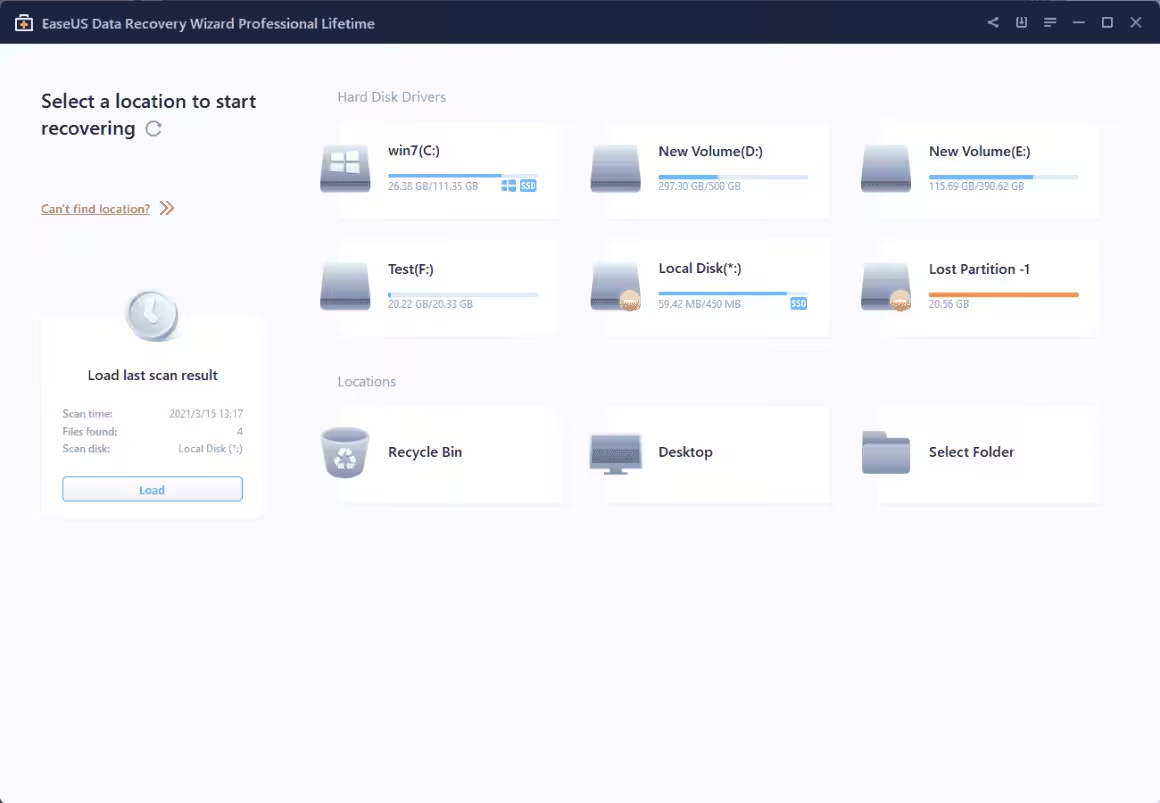
EaseUS is the brand behind several data recovery, data backup, and data security products. EaseUS Data Recovery Wizard Pro is one of the easiest and most effective data recovery tools available online. It is as straightforward as it could be. All you need is to insert your hard drive or USB or DVD into your computer (if that isn’t already in) and run the recovery wizard.
For all types of storage failures and accidental file deletions, EaseUS Data Recovery Wizard Pro is the ideal solution and undoubtedly one of the best data recovery software online. It is known to resurrect even the virus-affected files and folders after they get wiped out.
The EaseUS Data Recovery Wizard comes in two forms: Free and Pro. The free data recovery software is available for download for free, and it recovers up to 2GB. Pro version is free of any limits, and it offers not just the deleted and formatted files recovery but also recoveries related to RAW drive conversion, virus attack, human error, power failure, system crash, OS reinstallation/upgrade, hard drive crash, software crash, etc. If you buy the yearly and lifetime plans, you also get data repair that helps you reconstruct your lost photos and videos; and premium technical support.
Pro comes in 3 pricing plans – monthly, yearly, and lifetime. The monthly plan costs $69.95 per month and comes with all the features on one computer, excluding the data repair and premium technical support. Yearly and lifetime plans ($99.95 and $149.95, respectively) offer full packages without any limitations and premium customer support.
With effective pricing, a perpetual license, and a plethora of features, EaseUS Data Recovery Wizard Pro is the best Data Recovery Software available for Windows and Mac.
Stellar Data Recovery
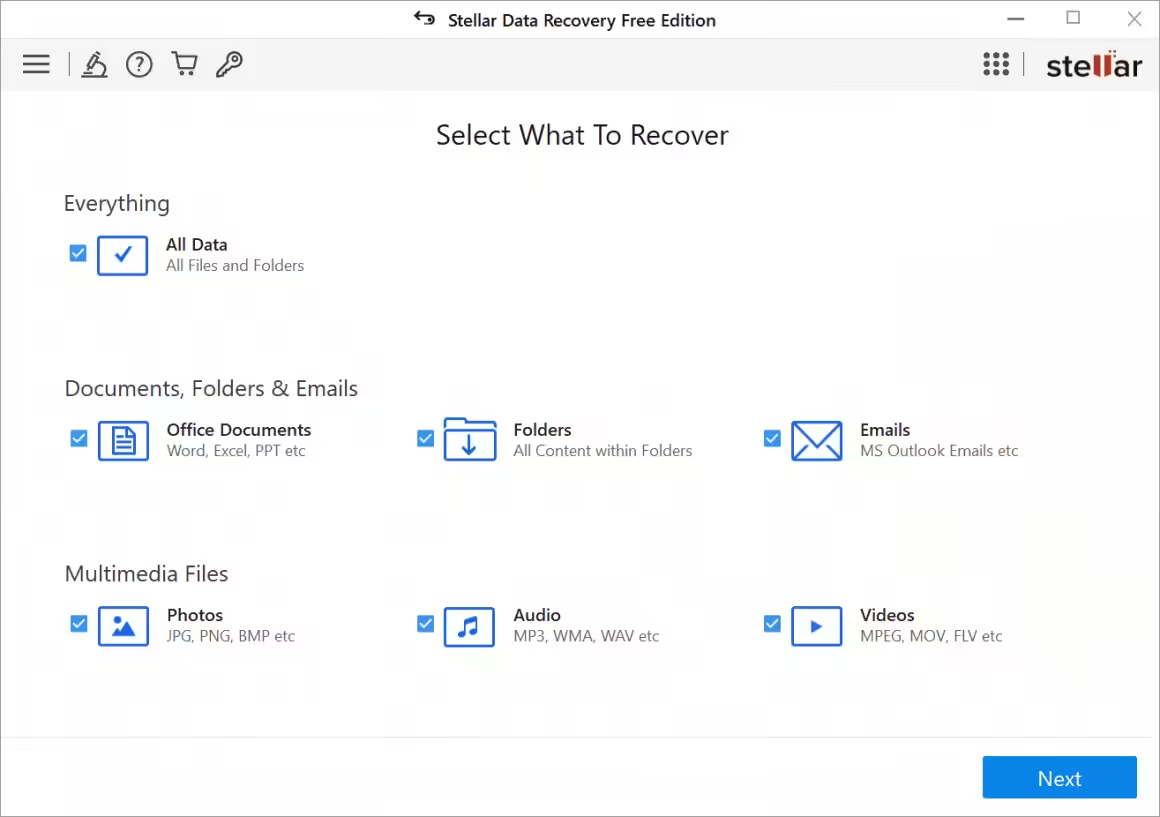
Number two on my list Stellar data recovery is one of the most powerful solutions for businesses. This comes with several scanning options for different types of data loss. When installed Stellar Data Recovery runs in the background and checks for accidental file deletion, this helps you avoid a complete system scan for minor deletes. Additionally, it is powered by advanced search capabilities, which means you can find and restore the most important files without much hassle.
Packed with features that no other tool barring EaseUS Data Recovery Wizard Pro has, Stellar Data Recovery is today one of the most popular recovery tools for businesses.
It supports all file formats, all types of hard drives, including optical media (DVDs and CDs). But all its important advantages are locked under a pricey $299 per year plan. Stellar Data Recovery has four pricing plans to choose from, Free, Standard, Professional, and Premium. Premium, free of any limitations, comes in three sub-plans: Premium, Technician, and Toolkit.
The Toolkit and Technician editions come with more features; they allow for lost or reformatted RAID volumes and feature commercial licensing for commercial use.
Paragon Backup and Recovery
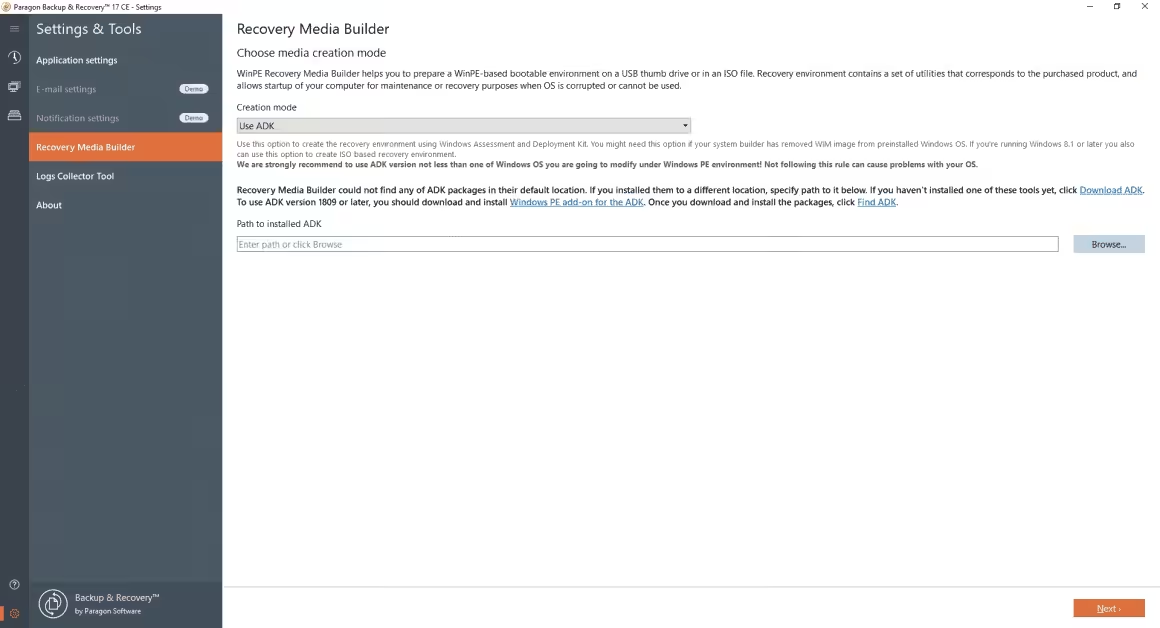
Paragon Backup and Recovery, as its name suggests, serves two different purposes – backing up data and helping you recover lost or damaged data. If you wish to make both data backup and recovery facilities rolled into one software solution, this could be just the choice for you. That said, by virtue of its robust data backup capabilities, this tool leans more heavily towards data backup than data recovery.
Apart from this, Paragon lacks the facility of online backups. That shouldn’t matter as long as you want to back up your device on an external hard drive. However, considering the increasing popularity of cloud storage, this facility should certainly have been included. It doesn’t have an active support forum either. Fortunately, Paragon has many other desirable features like data wiping algorithms, disk partitioning, and flexible backup.
You will be able to easily control your drives with their help and make sure that your data is safe and readily findable. Paragon is undoubtedly a valuable tool, but it’s unlikely to hold its ground against the top contenders in this regard. You will be able to find better software in this price range.
CrashPlan
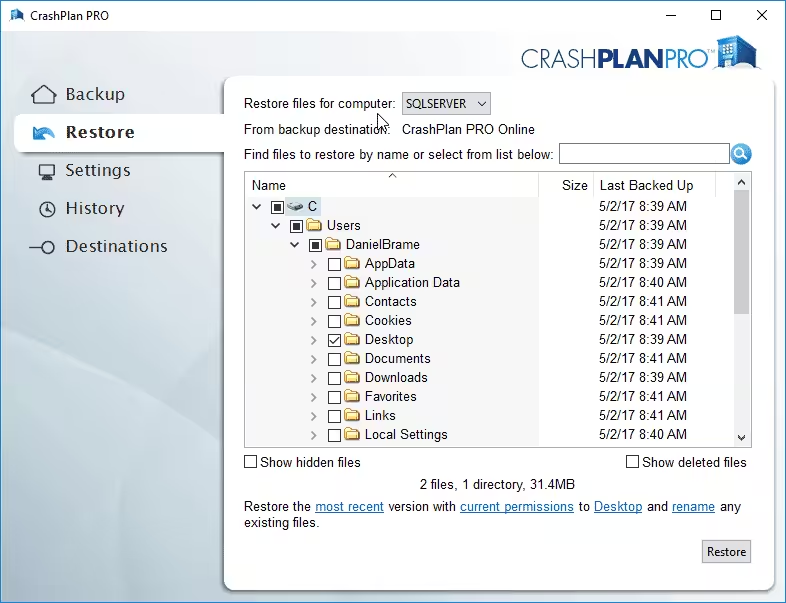
CrashPlan used to be one of the most popular free backup solutions for home users. Nowadays, it has been focused on the enterprise arena in the form of CrashPlan for Small businesses. Although it primarily serves as a data backup service, it also possesses comprehensive data recovery features that can prove to be really useful. It works silently in the background and creates complete, detailed backups of your entire device, beginning with your newest files first. After that, it transfers everything into virtual buckets and allows you to speedily access the most important files in there.
Most importantly, CrashPlan stores files that you have deleted even from RecycleBin automatically. If you want, you can turn off this feature. However, I suggest you don’t do that because you might need that long-deleted file at some point in the future after all. Since your backups are completely encrypted, those deleted files will be safely out of reach from potential dangers.
OnTrack EasyRecovery

OnTrack EasyRecovery comes in various options to help you recover every tiny bit of your data under a number of data loss conditions. Its free version helps you recover up to 1 GB of data and simply serves as a sampling of this tool’s immense power. The Home edition can recover files that have been accidentally deleted or deleted following a virus infection. The Professional edition allows you to recover data from CDs and DVDs and produce disk images as well. The Premium edition, apart from repairing damaged images and videos, can also clone HDDs and SDD’s.
Wise Data Recovery
Wise Data Recovery is pretty much unrivaled when it comes to ease of use. Despite lacking a wizard-led interface, it does not have any overly complicated settings for you to fret over. It is intuitive and efficient and can get you out of some pretty tight situations. You can easily track down recoverable data by choosing the drive in question and clicking “Scan.” If you’re not enthusiastic about going through a long list of results, you can search for recoverable files with the help of keywords.
Either way, the software will present recoverable data to you in an Explorer-like tree structure, making it easy to identify the original storage location. One of the most appreciable features of Wise Data Recovery is its use of a traffic light system to represent the health status of a file. This indicates whether you will be able to successfully recover it intact or not. There is also a file preview feature that you can use to identify files that have been detected. Although you can choose to recover either individual files or entire folders simultaneously, many operations will have to be performed if you select several files in various locations.
MiniTool Power Data Recovery
MiniTool Power Data Recovery is a remarkably straightforward tool that has some useful options for working with defective SD cards, CDs, and DVDs. However, it is rather slow when used for large drives. It is divided into five different modules, which have been listed below:
- Undelete recovery, which tries to recover files after accidental deletion.
- Digital media recovery for fixing defective USB drives or SD Cards.
- Lost partition recovery to look after your boot records if any of your partitions have gone missing.
- Damaged partition recovery, a powerful tool that recovers data from particularly uncooperative drives.
- CD/DVD recovery for recovering data from damaged CDs and DVDs.
The fifth tool is of particular importance here. While backing up our data on CD-Rs or DVD-Rs, we often fail to realize that these are temporary methods of storage. It can be difficult to retrieve data from crumbling discs, but MiniTool is one of your best options to succeeding at it.
Recuva
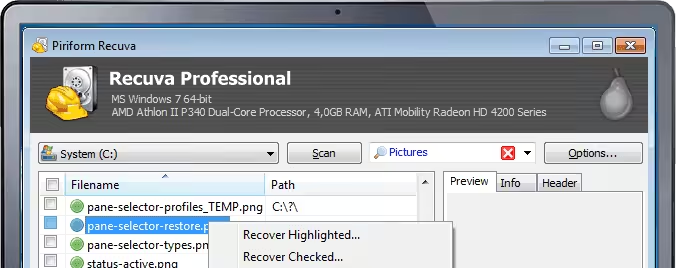
One rare freemium data recovery option in this list of top-paid tools, Recuva shines on all fronts possible — getting downed by only the limitations. Made by Piriform (the team behind CCleaner) Recuva is very affordable even if you want to upgrade to premium. At the free tier, it allows you to recover files from your Windows computer, recycle bin, digital camera card, or MP3 player! It is only available for Windows computers and doesn’t have as many features as the premium tools listed in the list.
Recover My Files
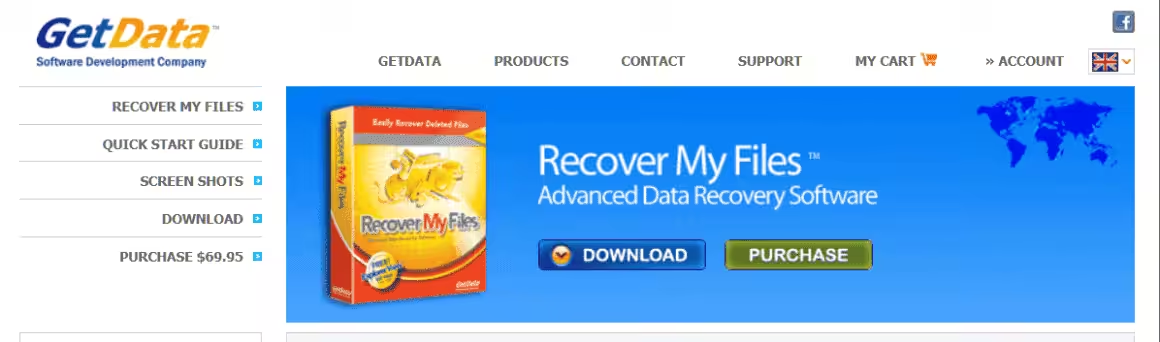
Not many people operate on just one PC today. Thus, it’s worth mentioning that a single Recover My Files license covers two different installations. It can efficiently handle NTFS, FAT, and OS X HFS-formatted drives and provides a preview of the files it discovered before you choose the ones to recover. After all, you may have intentionally deleted some files as well. You will be able to conveniently sort the recovered files as well. The Professional version is much more recommendable because it comes with a hex editor and RAID recovery. These are vital features that are not included in the Standard edition.
You don’t necessarily need to plunge into the depths of the Premium edition unless you have to manage a large network of PCs. As of now, this software is only available for PC.
GetDataBack Pro
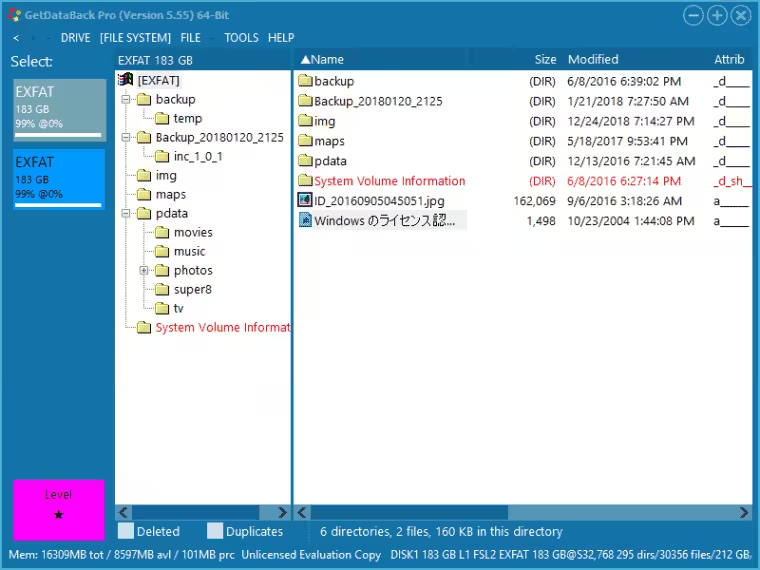
GetDataBack Pro, which has an efficiently designed interface and can be run at External, Internal (including FAT, or NTFS formatted) drives searching for files and repairing those. It costs $79 and is a one-time purchase. Although GetDataBack comes with efficient search and drives cloning features, it lacks mobile options.
Disk Drill
Disk Drill by Cleverfiles has become one of the most popular recovery tools in recent years, and for good reason. It has a clean, modern interface that makes scanning and recovering files straightforward even for non-technical users. The free version recovers up to 500MB on Windows.
What sets Disk Drill apart is its extra tools. It includes a disk health monitor, duplicate file finder, data backup utility, and a boot drive creator, all bundled in. The scanning is fast, and it supports over 400 file formats including APFS on Mac. The Pro version costs $89 for a one-time purchase, which is reasonable given the feature set. Available for both Windows and Mac.
R-Studio
R-Studio is the tool data recovery professionals actually use. It’s not pretty, and the interface looks like it was designed in 2005, but it’s the most powerful recovery engine on this list. If EaseUS or Stellar can’t find your files, R-Studio probably can.
It supports NTFS, FAT, exFAT, HFS+, APFS, ext2/3/4, and even network recovery over TCP/IP. It handles RAID reconstruction, disk imaging, and hex editing. The learning curve is steep, but if you’re dealing with a seriously damaged drive or a complex RAID failure, R-Studio at $79.99 (one-time) is worth every penny. It’s the tool I recommend to IT professionals and business owners managing their own infrastructure.
Prevent Data Loss with Reliable Storage
The best data recovery is prevention. I learned this the hard way after losing a client project in 2016. Now I use portable SSDs for real-time backups. They’re fast enough to back up while you work, and small enough to keep in your bag.
The Samsung T7 Shield is my daily backup drive. It’s shock-resistant, water-resistant, and reads at 1,050 MB/s. The SanDisk Extreme Portable is a solid alternative with IP65 durability. For your primary machine, see my laptop recommendations.
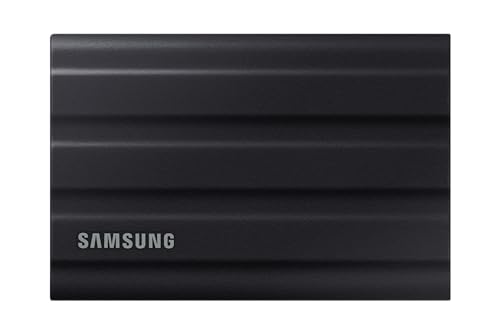
- GO THE DISTANCE: Withstand whatever adventure with the wildly reliable T7 Shield; It’s designed for the elements with water1, dust2 and drop3 resistance—all, of course, at lightning speeds
- YOUR CONTENT CAPTURED: Take on the project, then transfer all your heavy files within seconds with the USB 3.2 Gen 2 Portable Solid-State Drive; Compatible with PC, Mac, Android devices, gaming consoles and more
- SHARE IDEAS IN A FLASH: The T7 is embedded with PCIe NVME technology that brings you fast read and write speeds up to 1,050/1,000 MB/s4, making it almost twice as fast as the T5
- MAKE ROOM FOR MEMORIES: Forge your own path with a full range of storage capacities; Keep all your prized files in one place with options from 1TB to 4TB; Pack in more personal content or store your biggest tasks on this palm-sized SSD
- BRAVE THE ELEMENTS: Get it done, rain or shine. With an IP65 rating for water1 and dust2 resistance, this SSD is ready to rough it; So even when you’ve got a dreary-day deadline, you can keep your projects in perfect condition
- AES 256-bit hardware encryption with optional password protection to keep recovered files secure
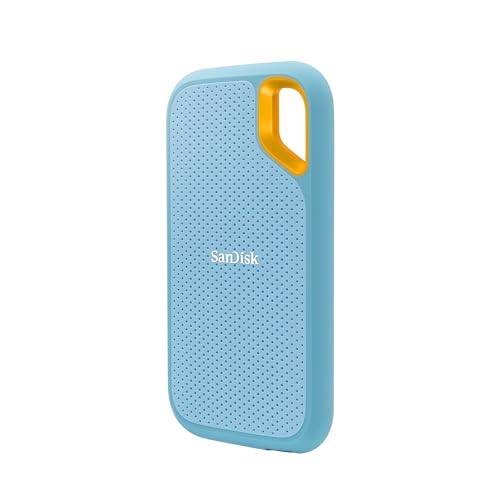
- Get NVMe solid state performance with up to 1050MB/s read and 1000MB/s write speeds in a portable, high-capacity drive(1) (Based on internal testing; performance may be lower depending on host device & other factors. 1MB=1,000,000 bytes.)
- Up to 3-meter drop protection and IP65 water and dust resistance mean this tough drive can take a beating(3) (Previously rated for 2-meter drop protection and IP55 rating. Now qualified for the higher, stated specs.)
- Use the handy carabiner loop to secure it to your belt loop or backpack for extra peace of mind.
- Help keep private content private with the included password protection featuring 256‐bit AES hardware encryption.(3)
- Easily manage files and automatically free up space with the SanDisk Memory Zone app.(5)
- Works with USB-C and USB-A (adapter included), compatible with PC, Mac, iPhone 15/16, and Android devices
Frequently Asked Questions
Can data recovery software recover permanently deleted files?
Yes, in most cases. When you delete a file, even from the Recycle Bin, the data stays on your drive until it gets overwritten by new data. Recovery software scans for these remnants and rebuilds the files. The sooner you run the recovery after deletion, the higher your chances. Stop using the drive immediately after data loss to prevent overwriting.
What is the best free data recovery software?
Recuva is the best completely free option for basic file recovery on Windows. EaseUS Data Recovery Wizard Free recovers up to 2GB, which is enough for documents and photos. Disk Drill’s free version recovers up to 500MB. For unlimited free recovery, MiniTool Power Data Recovery’s free edition handles up to 1GB per scan.
Can I recover data from a formatted hard drive?
Yes. A quick format only removes the file system index, not the actual data. Tools like EaseUS, Stellar, and R-Studio can scan formatted drives and recover most files. A full format is harder to recover from because it writes zeros to the drive, but even then, professional tools can sometimes retrieve partial data. The key is acting fast.
How much does professional data recovery cost?
Software-based recovery ranges from free to $150 for a lifetime license. Professional lab recovery services (for physically damaged drives) typically cost $300 to $1,500 depending on the damage severity. Try software recovery first since it works for most logical failures like accidental deletion, formatting, and OS crashes. Only send drives to a lab if the drive makes clicking sounds or won’t power on.
Does data recovery software work on SSDs?
It depends. SSDs use TRIM commands that permanently erase deleted data blocks to maintain performance. If TRIM is enabled (it is by default on most systems), deleted files on SSDs are much harder to recover than on traditional hard drives. Your best chance is to run recovery software immediately after deletion before TRIM executes, or disable TRIM in advance if you anticipate needing recovery.
Can I recover data from a crashed operating system?
Yes. Remove the hard drive from the crashed computer and connect it to a working computer as a secondary drive. Then run any recovery tool from this list to scan and recover your files. Some tools like EaseUS and Disk Drill also let you create bootable USB drives that can recover data without removing the hard drive.