
Best Accounting and Bookkeeping Software
I’ve set up accounting software for dozens of client businesses over the past 16 years. Some spent $500/month on tools they barely used. Others ran everything on a $15/month plan. The difference wasn’t budget. It was picking the right tool for how their business actually works.
The real cost of bad accounting software isn’t the subscription fee. It’s the 5-10 hours a week you waste on manual data entry, the tax deductions you miss because expenses aren’t categorized, and the cash flow surprises that hit because you couldn’t see them coming. One client switched from spreadsheets to FreshBooks and found $8,400 in unclaimed expenses in the first quarter.
Here are the 13 best accounting and bookkeeping tools for small businesses in 2026. Most are subscription-based, a few offer free plans, and one charges a one-time fee. I’ve organized them so you can find the right fit for your budget and workflow.
Best Accounting and Bookkeeping Software in 2026
- FreshBooks for freelancers and service businesses that bill by the hour
- Intuit QuickBooks for the deepest integration ecosystem and inventory tracking
- Wave for completely free accounting with no feature restrictions
- Zoho Books for workflow automation and multi-department collaboration
- Pabbly for affordable all-in-one billing and business automation
- mybooks for budget-friendly multi-currency and multi-business management
- Sage 50cloud for established businesses that need desktop power with cloud access
- AccountEdge Pro for a one-time purchase with no monthly fees
- Bill.com for accounts payable/receivable automation and payment processing
- FreeAgent for UK-based freelancers and contractors with built-in tax filing
- ZipBooks for free invoicing with competitive intelligence scoring
- GnuCash for free, open-source desktop accounting with no strings attached
- Oracle NetSuite ERP for scaling businesses that need enterprise-grade financial management
Some of these come with CRMs too but if you are looking for a dedicated CRM, see this list of best CRM apps.
FreshBooks
Best for: Freelancers and service-based businesses that bill clients by the hour.
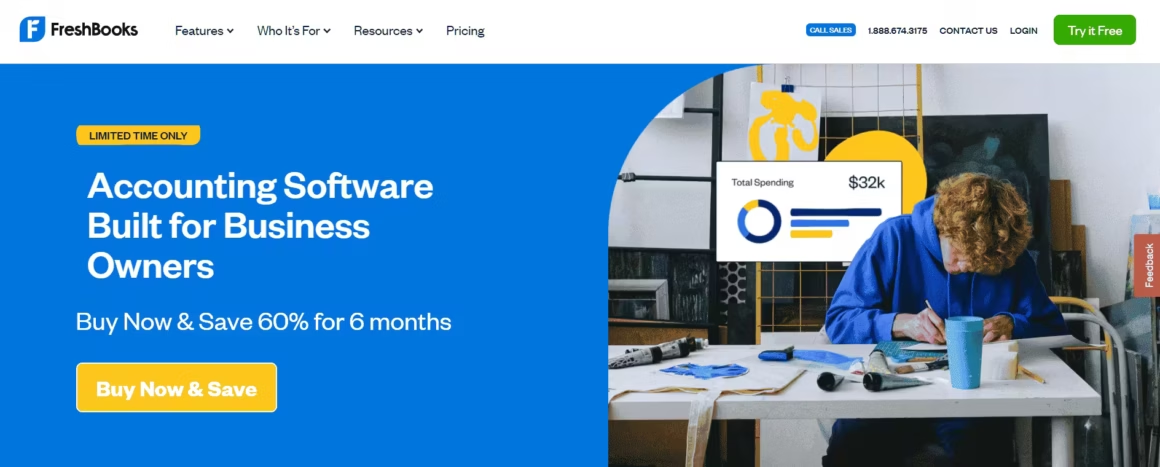
FreshBooks is the accounting tool I recommend most to freelancers. The invoicing automation alone is worth the subscription. You set up recurring invoices once, and FreshBooks sends them, chases late payments with automated reminders, and lets clients pay directly from the invoice via credit card or bank transfer. FreshBooks claims it saves users 46 hours per year on tax filing, and based on what I’ve seen with clients, that’s conservative.
The time tracking is what makes FreshBooks stand out from QuickBooks for service businesses. Start a timer, tag it to a client and project, and those hours automatically flow into your next invoice. If you’re a consultant, designer, developer, or any professional billing by the hour, this feature alone eliminates the spreadsheet gymnastics of tracking time separately from billing.
FreshBooks also handles expense tracking, financial reporting, project management, and basic tax preparation. The mobile app is genuinely useful for capturing receipts on the go. You snap a photo, and FreshBooks categorizes the expense automatically.
The downsides: FreshBooks doesn’t handle inventory well. If you sell physical products, QuickBooks is a better fit. The reporting is also simpler than what accountants expect. Your CPA might ask for exports in formats FreshBooks doesn’t natively support. And the lower-tier plans limit how many clients you can bill.
Price: Starts at $17/month (Lite plan, up to 5 billable clients). Plus plan is $30/month for 50 clients. Premium is $55/month for unlimited clients. All plans include a 30-day free trial.
Intuit QuickBooks

Best for: Product-based businesses that need inventory tracking and the widest app ecosystem.
Intuit QuickBooks is the most popular accounting software in the US, and that popularity is self-reinforcing. Because so many businesses use it, virtually every third-party app integrates with it. Your payment processor, your e-commerce platform, your payroll service, your CRM, they all have QuickBooks connectors. That ecosystem is QuickBooks’ biggest advantage.
For product-based businesses, QuickBooks’ inventory tracking is the best in this price range. You can track stock levels, set reorder points, get low-stock alerts, and see cost of goods sold on your P&L automatically. It integrates with Shopify, Amazon, PayPal, and Square, pulling in sales data from all channels.
QuickBooks also offers full-service payroll (add-on), receipt capture with AI categorization, 24/7 chat support, and a mobile app. Advanced plans include workflow automation, batch invoicing, and custom user permissions for teams.
The downside: QuickBooks has gotten more expensive over the years, and Intuit has a reputation for price increases on existing customers. The Simple Start plan is $30/month but limits you to one user. The Essentials plan at $60/month adds bill management and 3 users. If you need inventory, you’re looking at the Plus plan at $90/month. The interface has also become bloated compared to cleaner alternatives like FreshBooks or Wave.
Price: Simple Start at $30/month (1 user). Essentials at $60/month (3 users). Plus at $90/month (5 users, inventory). Advanced at $200/month (25 users). Often runs 50% off for the first 3 months.
Wave
Best for: Solopreneurs and freelancers who want genuinely free accounting.
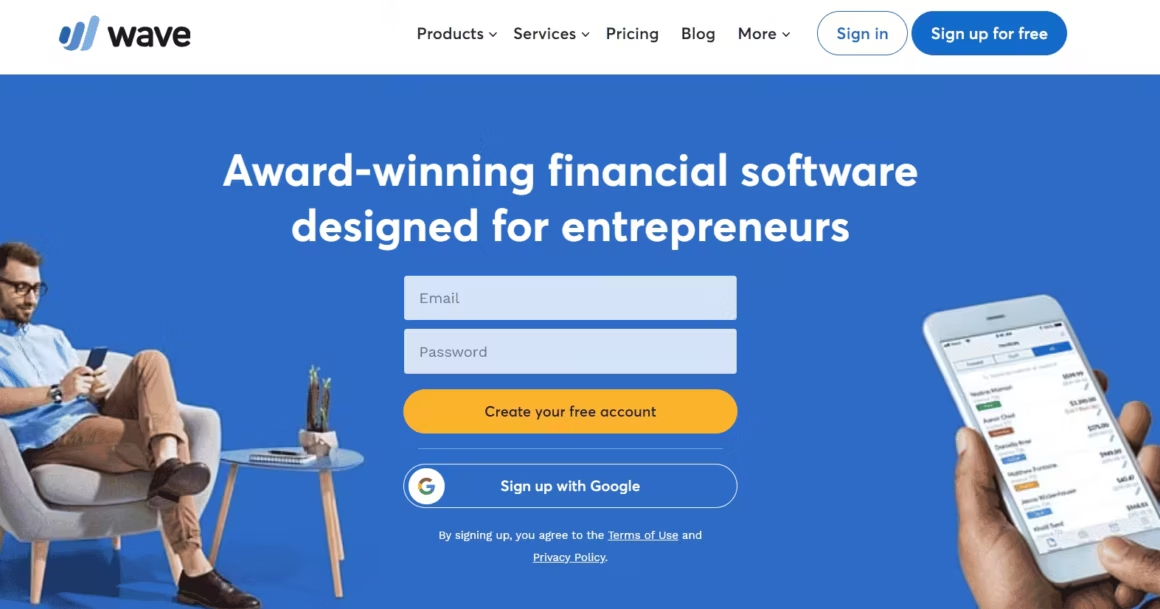
Wave is the best free accounting software, period. Not “free trial” or “freemium with crippled features.” Actually free. You get unlimited invoicing, expense tracking, financial reporting, bank connections, and receipt scanning without paying anything. Wave makes money from optional paid services like payment processing and payroll, not by locking core features behind a paywall.
For a free tool, the feature set is surprisingly complete. You can connect unlimited bank and credit card accounts, categorize transactions automatically, generate profit and loss statements, balance sheets, and tax summaries. The invoicing is professional and supports custom branding. Receipt scanning via the mobile app works well for basic expense capture.
Wave works best for businesses with straightforward finances: service providers, freelancers, small online stores. If you need inventory management, time tracking, project billing, or multi-currency support, you’ll outgrow Wave quickly. There’s also no phone support on the free plan, just email and a knowledge base. And the reporting, while functional, isn’t as detailed or customizable as QuickBooks or Zoho Books.
Price: Free for accounting, invoicing, and reporting. Payment processing: 2.9% + $0.60 per credit card transaction. Payroll: $20-$40/month base plus $6/employee.
If you’re just starting out and don’t want to spend money on accounting software, Wave is the answer. Upgrade to a paid tool later when your business complexity outgrows it.
Zoho Books
Best for: Growing businesses that want workflow automation and Zoho ecosystem integration.
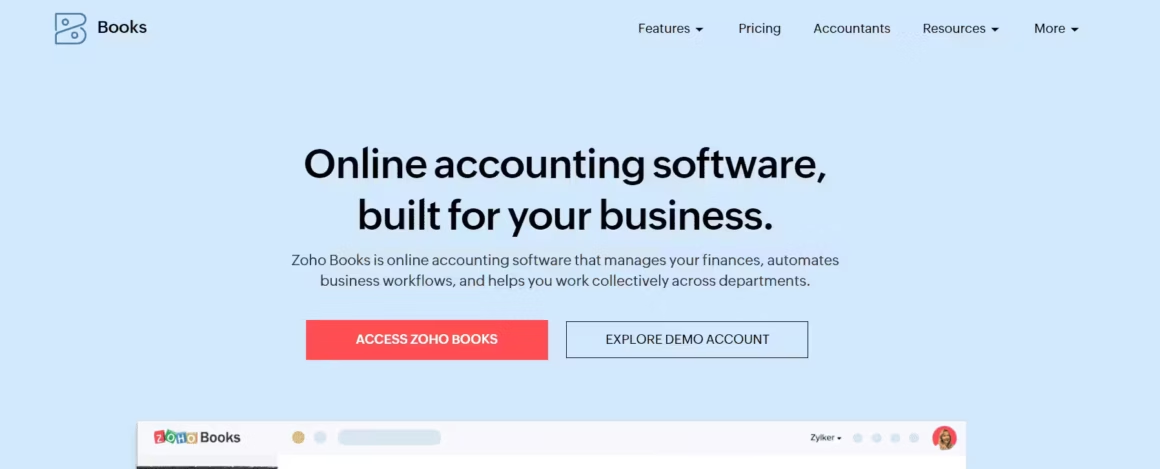
Zoho Books is the best mid-range option for businesses that need more than basic invoicing but don’t want to pay QuickBooks prices. The standout feature is workflow automation: you can set up rules to automatically categorize transactions, send payment reminders, create recurring invoices, and trigger actions based on conditions you define. Most competitors charge premium prices for this level of automation.
If you’re already using other Zoho products (Zoho CRM, Zoho Projects, Zoho Inventory), the integration is seamless. Data flows between apps without manual exports or third-party connectors. Zoho Sign integration lets you send contracts and get them signed directly from your invoices. The project and timesheet features are solid for service businesses that need to track billable hours across teams.
Zoho Books supports multi-currency transactions, multiple tax rates, and automated bank feeds. The reporting is detailed enough for accountants, with customizable dashboards and over 50 built-in reports. The mobile app handles invoicing, expense capture, and time tracking.
The downside: the free tier is limited to revenue under $50,000/year and basic features. The interface, while powerful, has a steeper learning curve than FreshBooks. And if you’re not in the Zoho ecosystem, the integration advantage disappears since QuickBooks has more third-party integrations overall.
Price: Free for businesses under $50K revenue. Standard at $15/month. Professional at $40/month. Premium at $60/month. Elite at $120/month.
Pabbly
Best for: SaaS businesses and creators who need subscription billing and workflow automation.
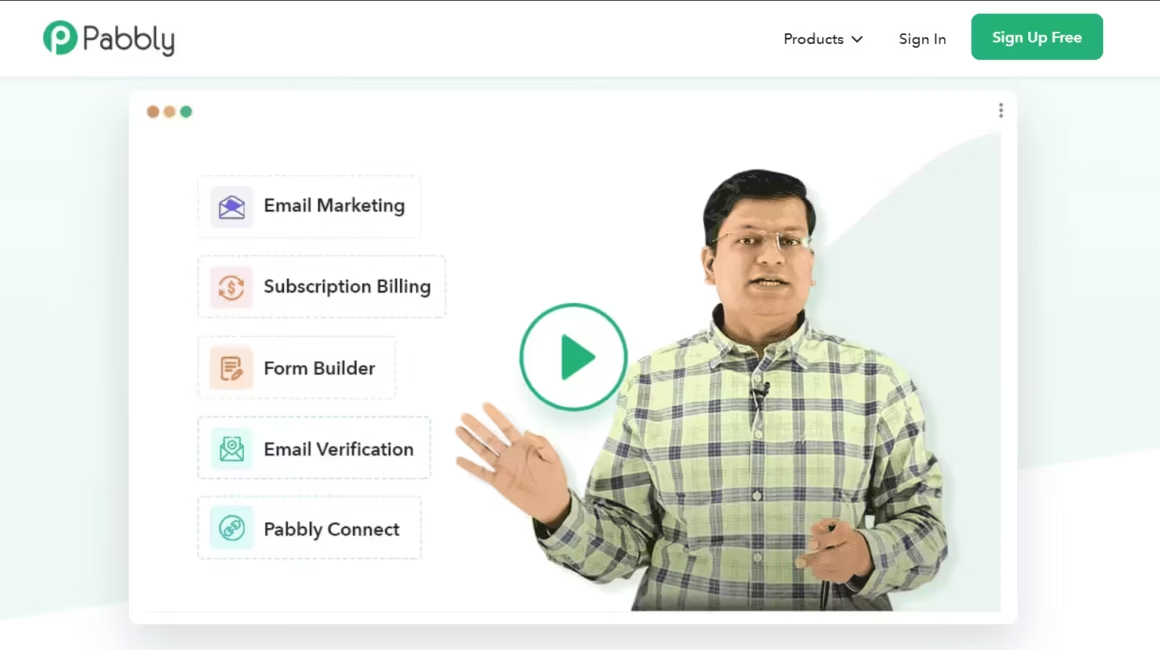
Pabbly isn’t a traditional accounting tool. It’s more of an all-in-one business suite that handles subscription billing, invoice creation, email marketing, and workflow automation. The subscription billing is the real strength here. If you sell digital products, courses, memberships, or any recurring service, Pabbly handles the entire billing lifecycle: signups, payment collection, dunning (failed payment recovery), upgrades, downgrades, and cancellations.
Pabbly Connect, their workflow automation tool, integrates with over 1,000 apps. You can automate invoice creation, payment notifications, customer onboarding emails, and accounting entries across your tech stack. The lifetime deal on Pabbly Connect is one of the best values in the SaaS tool space.
The limitation is that Pabbly isn’t a full double-entry accounting system. If you need balance sheets, cash flow statements, or detailed financial reporting, you’ll need to pair Pabbly with a proper accounting tool like QuickBooks or Zoho Books. Think of Pabbly as handling the billing and automation layer, while your accounting software handles the books.
Price: Pabbly Subscription Billing starts at $9/month. Pabbly Connect lifetime deals available from $249 one-time.
mybooks
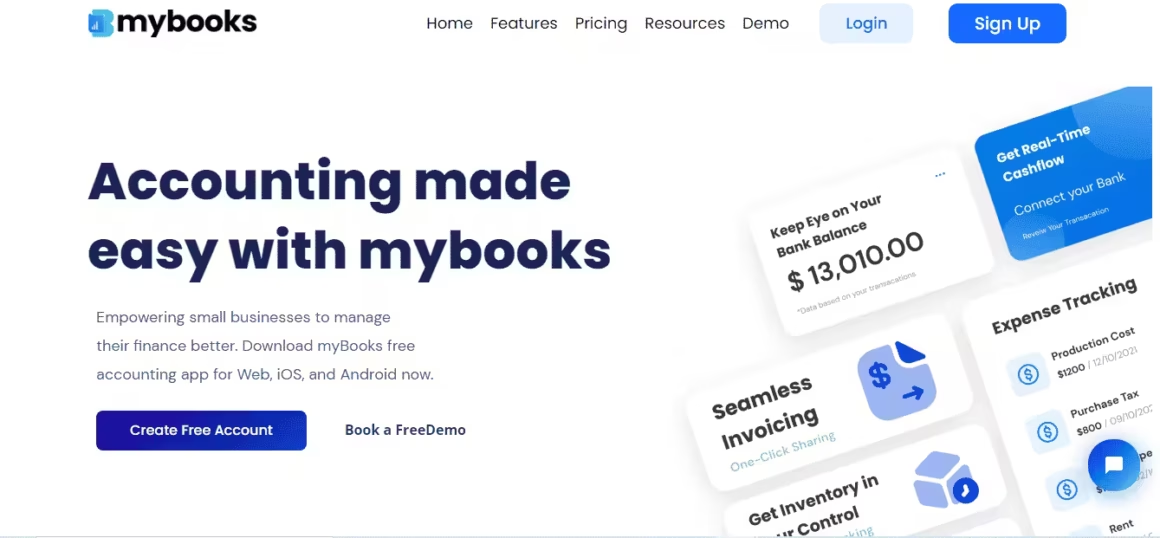
Best for: Small businesses managing multiple currencies and multiple business entities on a budget.
mybooks by Zetran punches above its weight at the price point. For under $10/month, you get multi-currency support, multi-business management (separate books for each business from one account), inventory management, double-entry accounting, and journal entries. Most competitors charge 3-5x more for multi-currency and multi-business features.
The app is available on iOS, Android, and web, so you can manage your books from anywhere. Features include invoicing and billing, accounts payable and receivable, industry-specific templates, and multi-user role access. The free plan covers basic accounting for a single business, which is generous enough to test whether it fits your workflow.
The trade-off: mybooks is a smaller company with a smaller user base than QuickBooks or FreshBooks. That means fewer third-party integrations, less community support, and a thinner knowledge base. The interface is functional but not as polished as the bigger players. If you need extensive reporting or complex automation, you’ll hit walls faster.
Price: Free plan for basic features. Standard at $4.99/month. Premium at $9.99/month.
Sage 50cloud
Best for: Established businesses that want desktop accounting power with cloud backup and access.
Sage 50cloud is a hybrid: it runs locally on your desktop (fast, reliable, works offline) but syncs to the cloud for backup, remote access, and Microsoft 365 integration. If you’ve been using desktop accounting software for years and don’t want to move entirely to the cloud, Sage 50cloud gives you the best of both worlds.
The accounting features are deep. Double-entry bookkeeping, job costing, budgeting, departmental accounting, and over 100 customizable reports. Sage 50cloud handles invoicing, expense tracking, payment processing, and bank reconciliation. The audit trail is comprehensive enough for serious accountants who need to track every transaction modification.
The downsides are real: Sage 50cloud doesn’t include time tracking, project management, or collaboration tools. Payroll is a separate add-on. The software runs on Windows only (no Mac support). And at $340+/year, it’s significantly more expensive than cloud-first alternatives like Zoho Books or FreshBooks. The interface also feels dated compared to modern cloud apps.
Price: Pro Accounting starts at $340/year (1 user). Premium starts at $505/year (up to 5 users). Quantum starts at $870/year (up to 40 users).
AccountEdge Pro
Best for: Businesses that want to buy software once and avoid monthly subscriptions.
AccountEdge Pro is the last man standing in the one-time purchase accounting software category. For $149, you get a full double-entry accounting system with invoicing, time billing, inventory, job costing, payroll (US/Canada), and over 150 reports. No monthly fees. No subscriptions. You own the software outright.
The feature set is surprisingly complete for the price. AccountEdge Pro handles accounts receivable and payable, purchase orders, sales orders, inventory with multiple locations, employee time tracking, and customizable invoices and statements. You can also add cloud collaboration ($10-$30/month) to access your data from the web or mobile devices.
The major drawback is that AccountEdge Pro is a desktop application (Mac and Windows). Without the cloud add-on, your data lives on one computer. There’s no real-time bank feed integration on the base product. And the interface looks like it was designed a decade ago, because it was. If you’re used to modern cloud apps, AccountEdge will feel clunky. But if you want to avoid subscription fatigue and your accounting needs are straightforward, the one-time price is hard to beat.
Price: $149 one-time purchase. Cloud collaboration add-on: $10-$30/month. Annual upgrades available but not required.
Bill.com
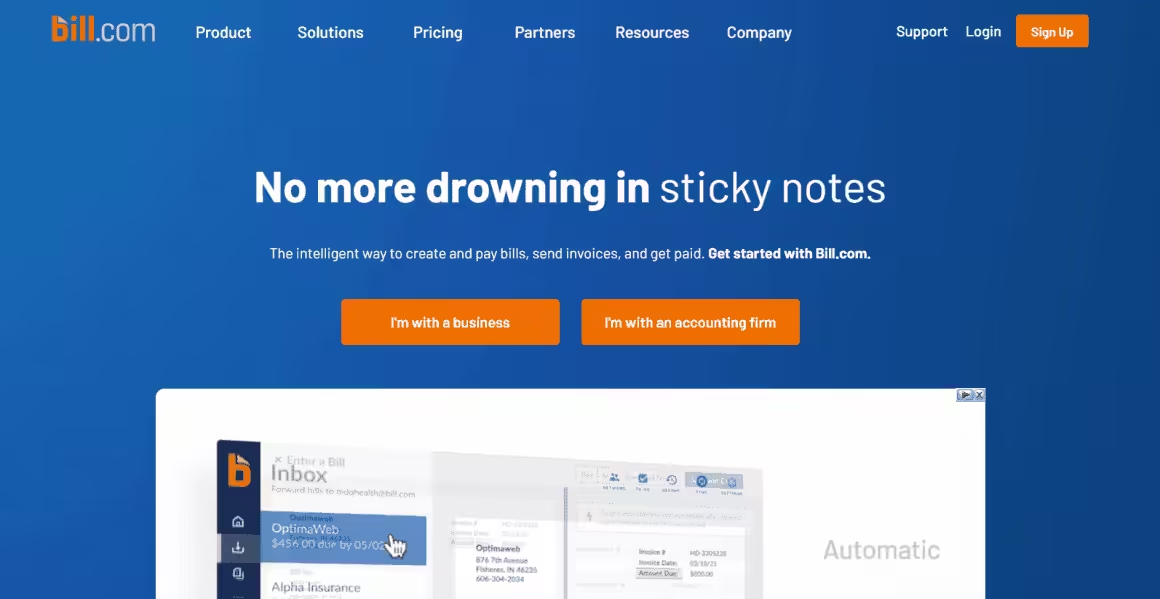
Best for: Businesses that process a high volume of bills and need AP/AR automation.
Bill.com isn’t a full accounting suite. It’s a specialized tool for accounts payable (bills you pay) and accounts receivable (money owed to you). If your business processes dozens of vendor invoices per month, Bill.com automates the entire workflow: data capture, approval routing, payment execution, and reconciliation.
The AI-powered data entry scans incoming invoices, extracts vendor details, amounts, and due dates, and creates bill records automatically. It flags potential duplicate invoices and detects anomalies. Payment options include ACH, virtual credit cards (which earn cash back), international wire transfers, and physical checks. The approval workflow lets you set up custom rules: bills over $1,000 need manager approval, bills from new vendors need finance review, and so on.
Bill.com integrates with QuickBooks, Xero, Sage, and NetSuite, syncing transactions bidirectionally. This means you use Bill.com for the payment workflow and your accounting software for the books. It’s an add-on, not a replacement.
The pricing is steep for small businesses. At $39-$69/month per user, it only makes financial sense if you’re processing enough bills to justify the automation. For a freelancer paying 3 bills a month, it’s overkill. For a business managing 50+ vendor relationships, it’s a time-saver.
Price: Essentials at $39/month per user. Team at $49/month per user. Corporate at $69/month per user. Enterprise pricing on request. Free trial available.
FreeAgent
Best for: UK-based freelancers and contractors who need built-in tax estimation.
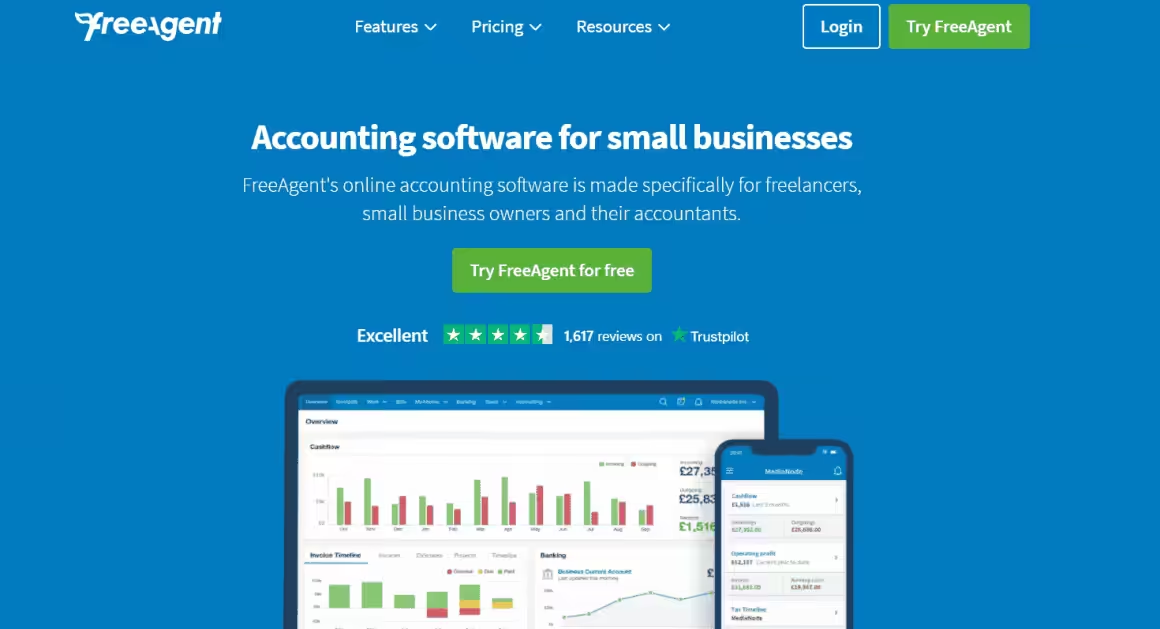
FreeAgent is particularly popular with UK freelancers and small businesses, partly because NatWest, Royal Bank of Scotland, and Ulster Bank customers get it for free. The tool handles invoicing, expense tracking, time tracking, bank reconciliation, and project management. But the killer feature is the built-in tax estimation. FreeAgent continuously calculates your tax liability based on your current income, expenses, and UK tax rules, so you always know what you owe HMRC.
The cash flow timeline is another standout. It shows a visual projection of your bank balance based on expected invoices and upcoming bills, helping you spot cash crunches before they happen. For freelancers who live invoice-to-invoice, this visibility is invaluable.
Outside the UK, FreeAgent is less compelling. The tax features are UK-specific, and the pricing ($24/month after the introductory period) puts it in the same range as FreshBooks, which has a bigger feature set and more integrations. If you’re US-based, FreshBooks or Wave will serve you better.
Price: $12/month for the first 6 months, then $24/month. Free for NatWest/RBS/Ulster Bank customers. 30-day free trial.
ZipBooks
Best for: Freelancers who want free invoicing with smart financial insights.
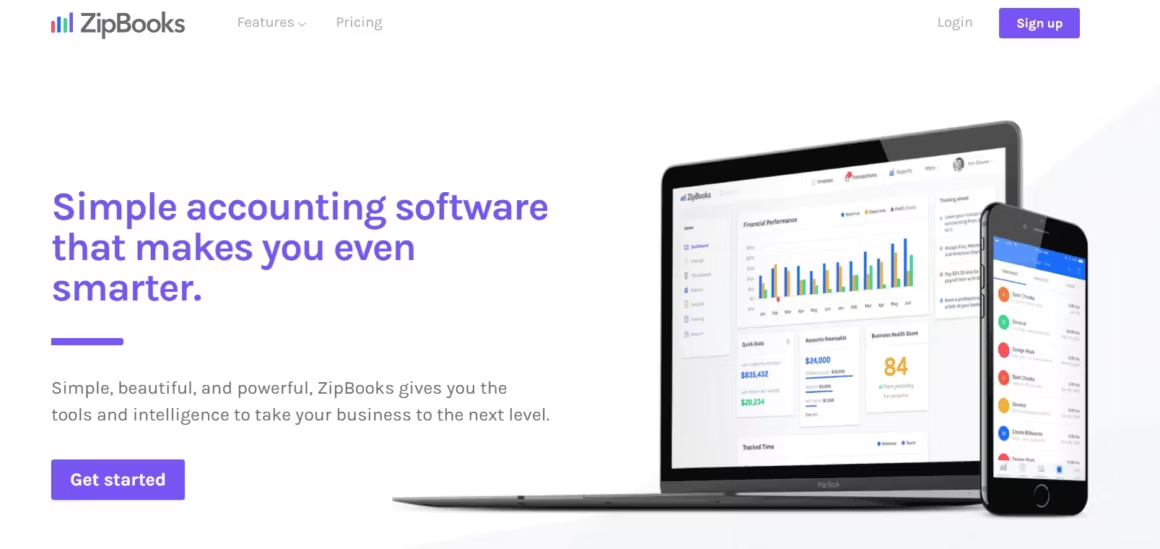
ZipBooks offers a unique feature that no other tool on this list has: a business health score. It analyzes your financial data and scores your business on metrics like invoice speed, expense management, and revenue trends. You also get “intelligence” ratings on individual clients, showing which ones pay on time and which are consistently late. This competitive intelligence helps you make better decisions about who to work with.
The free Starter plan includes unlimited invoicing with auto-billing and payment reminders, which is generous. You can accept credit card and bank payments through Square integration. The paid plans add expense tracking, bank connections, recurring invoices, and team collaboration features.
ZipBooks is lighter than QuickBooks or Zoho Books. It won’t handle complex inventory, multi-currency, or enterprise-grade reporting. But for freelancers and small service businesses, the combination of free invoicing and smart analytics fills a nice niche between Wave (full free accounting) and FreshBooks (full paid accounting).
Price: Starter plan is free (unlimited invoicing). Smarter at $15/month. Sophisticated at $35/month.
GnuCash
Best for: Tech-savvy users who want free, open-source desktop accounting with no cloud dependency.
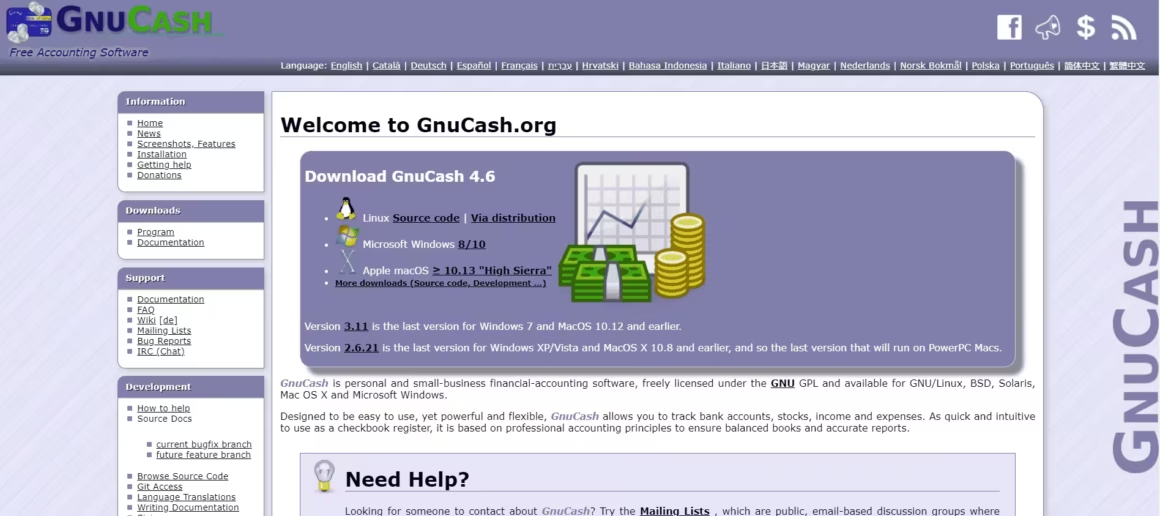
GnuCash is completely free, open-source, and runs on Windows, Mac, and Linux. There’s no company behind it trying to upsell you, no data leaving your computer, and no features locked behind a paywall. If you’re privacy-conscious or just philosophically opposed to subscription software, GnuCash is your option.
The software uses proper double-entry accounting and supports personal finance alongside business accounting. Features include scheduled transactions, invoicing, vendor tracking, job costing, and financial reporting (P&L, balance sheet, cash flow). It can import QIF, OFX, and CSV files from your bank. For a free tool, the accounting depth is on par with paid desktop software.
The downsides are significant for most modern users. GnuCash is desktop-only, with no cloud sync, no mobile app, and no browser access. The interface looks like 2005 and has a steep learning curve if you’re not familiar with accounting concepts. There’s no automated bank feed. You have to manually import transactions or enter them by hand. And forget about integrations. GnuCash doesn’t connect to anything except your bank’s export file.
Price: Completely free. Open source. No premium version.
Best for people who understand accounting and want a free, no-strings-attached tool. If you’re comfortable with double-entry bookkeeping and don’t need cloud access, GnuCash does everything you need for $0.
Oracle NetSuite ERP
Best for: Growing businesses that need enterprise-grade financial management, supply chain, and ERP.
Oracle NetSuite ERP is in a different league from the other tools on this list. It’s a full enterprise resource planning system that handles financial management, CRM, e-commerce, supply chain, inventory, warehousing, and HR. You don’t buy NetSuite for basic invoicing. You buy it when your business has outgrown QuickBooks and needs real-time visibility across multiple departments, entities, or countries.
The financial management module includes multi-subsidiary consolidation, multi-currency, revenue recognition, fixed asset management, and real-time dashboards. If you’re managing multiple business entities or operating internationally, NetSuite handles the complexity that smaller tools simply can’t. Automated intercompany transactions, multi-GAAP reporting, and currency translation are built in.
The obvious downsides: NetSuite is expensive (custom pricing, but expect $999+/month as a starting point), complex to implement (budget 3-6 months for setup), and overkill for businesses under $1M in revenue. You’ll likely need a NetSuite consultant for implementation, which adds $10,000-$50,000 or more. It’s a serious investment that only makes sense for businesses with serious complexity.
Price: Custom pricing. Annual license typically starts at $999+/month. Implementation costs additional. Contact Oracle for a quote.
A Comparison
| Feature | FreshBooks | Zoho Books | Wave | QuickBooks | Bonsai | Pabbly | myBooks | FreeAgent | ZipBooks | GoDaddy Bookkeeping | Sunrise | Bill.com | Sage 50cloud | AccountEdge Pro | GnuCash | NetSuite ERP |
|---|---|---|---|---|---|---|---|---|---|---|---|---|---|---|---|---|
| Free Plan | No (30-day trial) | Yes (1 user, <50K revenue) | Yes (fully free) | No (30-day trial) | No (7-day trial) | No | Yes (limited) | No (30-day trial) | Yes (basic) | No (trial) | Yes (basic) | No | No (trial) | No (trial) | Yes (open source) | No |
| Starting Price | $8.50/mo | $15/mo | Free | $15/mo | $21/mo | $9/mo | $9.99/mo | $12/mo | $15/mo | $4.99/mo | Free | $39/mo | $340/year | $149 one-time | Free | Custom ($999+/mo) |
| Best Feature Standout | Beautiful invoices + time tracking | Full accounting suite | 100% free accounting | Industry standard | Freelancer all-in-one | Subscription billing | Simple free tier | UK tax compliance | Clean minimal UI | Cheapest paid option | Generous free tier | AP/AR automation | Inventory + job costing | No subscription fees | Completely free forever | Enterprise scalability |
| Invoicing | Excellent | Good | Good | Good | Good | Good | Good | Good | Good | Basic | Good | Good | Good | Good | Basic | Good |
| Expense Tracking | Yes | Yes | Yes | Yes (receipt scan) | Yes | Limited | Yes | Yes | Yes | Yes | Yes | Limited | Yes | Yes | Yes | Yes |
| Tax Features Essential | Basic (tax reports) | GST/VAT compliant | Basic | Advanced (tax categories) | Tax prep + 1099s | Basic | Basic | UK MTD ready | Basic | Schedule C | Basic | Limited | Advanced | Good | Manual | Advanced |
| Time Tracking | Yes (built-in) | Yes | No | Yes (add-on) | Yes | No | No | Yes | Yes | Yes | No | No | Yes | Yes | No | Yes (module) |
| Contracts/Proposals | Yes (proposals) | No | No | No | Yes (contracts, proposals) | No | No | No | No | No | No | No | No | No | No | Yes (module) |
| Payment Gateways | Stripe, PayPal, cards | Stripe, PayPal, Razorpay | Stripe, PayPal | Cards, bank, PayPal | Stripe, PayPal | Stripe, PayPal, Razorpay | Stripe, PayPal | Stripe, GoCardless, PayPal | Stripe, PayPal, Square | PayPal | Stripe, PayPal | ACH, cards | Various | Limited | None (manual) | Various |
| Best For | Freelancers, service businesses | Small businesses (India-friendly) | Startups on zero budget | Growing businesses, accountants | Freelancers + consultants | Subscription businesses | Micro-businesses | UK freelancers, small teams | Simple invoicing needs | eBay/Etsy sellers | Basic bookkeeping | Payment workflow automation | Medium businesses | Desktop-preferring users | Tech-savvy users | Enterprise, scaling companies |
| Watch Out For | Limited advanced accounting | UI feels dated | North America only | Complex for beginners | Higher price point | Limited integrations | Restrictive free plan | Limited customization | Few integrations | Won't scale | Paid tier expensive | Not full accounting | Expensive + complex | No cloud sync | 2005-era interface | Overkill for small biz |
| Visit FreshBooks | Visit Zoho Books | Visit Wave | Visit QuickBooks | Visit Bonsai | Visit Pabbly | Visit myBooks | Visit FreeAgent | Visit ZipBooks | Visit GoDaddy | Visit Sunrise | Visit Bill.com | Visit Sage | Visit AccountEdge | Visit GnuCash | Visit NetSuite |
Which Accounting Software Should You Pick?
If you’re a freelancer or solo business owner, start with FreshBooks or Wave. FreshBooks is my top pick because the invoicing automation alone saves hours every month. Wave is free and works well if your needs are basic.
For growing teams (5-20 people), QuickBooks or Zoho Books makes more sense. QuickBooks has the deepest integration ecosystem, while Zoho Books is cheaper and includes workflow automation.
For businesses expecting rapid growth or managing inventory at scale, NetSuite ERP is the enterprise-grade option. It’s overkill for most small businesses, but if you’re scaling past $1M in revenue, it’ll save you from outgrowing simpler tools.
For subscription businesses, pair Pabbly (for billing) with Zoho Books or QuickBooks (for accounting). And if you want to avoid monthly fees entirely, AccountEdge Pro’s $149 one-time purchase or GnuCash’s free open-source option will get the job done.
If you need help managing your team alongside your books, check out the best project management tools to keep everything organized.
Frequently Asked Questions
What is the best free accounting software for small businesses?
Wave is the best completely free option. It handles invoicing, expense tracking, and financial reporting without charging a dime. GnuCash is also free but desktop-only and better suited for people comfortable with traditional double-entry accounting. For freemium options, Zoho Books and mybooks both offer free tiers with basic features.
Is FreshBooks or QuickBooks better for small businesses?
FreshBooks is better for freelancers and service-based businesses because of its invoicing automation and time tracking. QuickBooks is better for product-based businesses or teams that need inventory tracking and payroll. If you sell physical products, go with QuickBooks. If you bill for time, FreshBooks is the better fit.
How much does accounting software cost per month?
Prices range from free (Wave, GnuCash) to $5-17/month for basic plans (mybooks, FreshBooks, Zoho Books) to $39-69/month for advanced tools (Bill.com). AccountEdge Pro charges a one-time fee of $149 instead of monthly subscriptions. Most tools offer free trials so you can test before committing.
Do I need an accountant if I use accounting software?
For basic bookkeeping and invoicing, no. Tools like FreshBooks and QuickBooks can handle daily financial tasks without professional help. But for tax filing, financial planning, and complex business structures, you should still work with an accountant. The software handles the data entry and organization. The accountant handles strategy and compliance.
Can accounting software integrate with my bank account?
Yes. Most modern accounting tools (FreshBooks, QuickBooks, Wave, Zoho Books) connect directly to your bank account and automatically import transactions. This saves hours of manual data entry and reduces errors. Some tools like ZipBooks also pull in data from Square if you use it for payment processing.
What accounting software do freelancers use?
FreshBooks is the most popular choice among freelancers because of its invoicing, time tracking, and expense management features. Wave is the best free alternative. FreeAgent is another solid option designed specifically for freelancers and contractors, with built-in tax estimation features particularly useful for UK-based users.
Disclaimer: This site is reader-supported. If you buy through some links, I may earn a small commission at no extra cost to you. I only recommend tools I trust and would use myself. Your support helps keep gauravtiwari.org free and focused on real-world advice. Thanks. - Gaurav Tiwari