
10 Best WordPress CDN Services for Faster Performance
Your WordPress site loads in 2.8 seconds for visitors in the US, but takes 6+ seconds for someone in India or Europe. That’s not a hosting problem. That’s a CDN problem. Without a Content Delivery Network, every request travels back to your single origin server, no matter where your visitor sits.
I’ve tested over a dozen WordPress CDN services across client sites in the last 5 years. Some are genuinely fast. Others add complexity without meaningful speed gains. A few are flat-out discontinued. This guide covers the ones that actually work in 2026, with real pricing, real performance numbers, and clear recommendations based on your budget.
If you want the short answer: FlyingCDN ($10/month) is the best option for WordPress sites already using FlyingPress. For everyone else, Bunny CDN ($1/month) or Cloudflare (free) will get the job done.
What Is a WordPress CDN and Why You Need One
A CDN (Content Delivery Network) stores cached copies of your site’s static files (images, CSS, JavaScript, fonts) on servers distributed across the globe. When a visitor loads your page, the CDN serves those files from the nearest server instead of your origin host.
The impact is measurable. On gauravtiwari.org, adding a CDN reduced my global average LCP (Largest Contentful Paint) from 2.8 seconds to 1.4 seconds. For visitors in Asia and Europe, the improvement was even larger because my origin server sits in the US.
Here’s why a CDN matters for WordPress specifically:
- Core Web Vitals: Google uses LCP, INP, and CLS as ranking factors. A CDN directly improves LCP by cutting asset delivery time. If you’re failing Core Web Vitals, a CDN is often the fastest fix. My Core Web Vitals guide covers the full optimization stack.
- Server load reduction: CDNs handle static file requests so your origin server only processes dynamic PHP/MySQL queries. This means your hosting can handle more concurrent visitors before slowing down.
- Global reach: If you have visitors from more than one continent, a CDN eliminates the latency penalty of cross-ocean requests. A visitor in Mumbai loading files from a New York server adds 200-400ms of latency per request.
- DDoS protection: Most CDN providers include basic DDoS mitigation, absorbing traffic spikes that would otherwise crash your origin server.
Best WordPress CDN Services Compared
Here’s a quick comparison of every CDN I’ve tested and recommend for WordPress sites. Pricing is current as of 2026.
| CDN Service | Starting Price | Best For | WordPress Integration |
|---|---|---|---|
| FlyingCDN | $10/month | FlyingPress users | Automatic (zero config) |
| Bunny CDN | $1/month | Budget-conscious sites | Plugin + WP Rocket |
| Cloudflare | Free | General purpose | Plugin + APO ($5/mo) |
| RocketCDN | $8.99/month | WP Rocket users | One-click with WP Rocket |
| Amazon CloudFront | Free tier (1TB) | AWS infrastructure users | Manual or plugin |
| KeyCDN | $0.04/GB | Pay-as-you-go sites | Plugin available |
| Jetpack CDN | Free | Basic image CDN | Built into Jetpack |
| Sucuri | $229/year | Security-first sites | Plugin + firewall |
FlyingCDN (My Top Pick for WordPress)
FlyingCDN is a WordPress-specific CDN built on Cloudflare Enterprise infrastructure. It’s made by the same team behind FlyingPress, which means the integration between the two is seamless. No CNAME configuration, no CDN URL setup, no cache purge headaches. You activate it and it works.
I switched to FlyingCDN on gauravtiwari.org after using Bunny CDN for two years. The difference was noticeable: my global LCP dropped from 1.8s to 1.4s, and the cache hit ratio jumped from 82% to 96%. FlyingCDN caches not just static assets but full HTML pages at the edge, which is what Cloudflare’s APO does but with better WordPress awareness.
At $10/month per domain, it includes 100GB of bandwidth, a free wildcard SSL certificate, edge caching, and automatic image optimization. Extra bandwidth costs $5 per 100GB. For most WordPress sites doing under 100K monthly pageviews, the 100GB included bandwidth is more than enough.
The only downside: FlyingCDN only makes sense if you’re also using FlyingPress. Without FlyingPress, you lose the automatic cache purging and tight integration that makes it special. If you’re using a different caching plugin, go with Bunny CDN or Cloudflare instead.
- Built on Cloudflare Enterprise infrastructure
- Zero-config integration with FlyingPress
- Full-page edge caching + image optimization
- 100GB bandwidth included per domain
- Free wildcard SSL certificate
- 7-day free trial, no credit card required
Bunny CDN

Bunny CDN is the best value CDN for WordPress. It starts at roughly $1/month for most blogs because you only pay for what you use ($0.01/GB in major regions). I used Bunny CDN on this site for two years before switching to FlyingCDN, and it performed excellently.
Bunny has 123 PoP (Point of Presence) locations across 6 continents, runs on an 80 Tbps+ network, and includes features you’d expect from CDNs costing 5x more: perma-caching, free SSL, built-in DDoS protection, and image optimization via Bunny Optimizer.
WordPress integration is straightforward. You can use Bunny’s official plugin, connect it through FlyingPress, or configure it via WP Rocket. Setup takes under 5 minutes. The dashboard is clean, the metrics are clear, and you can purge cache with one click.
If you’re not using FlyingPress, Bunny CDN is my default recommendation. The pricing is predictable, the performance is consistently good, and the 14-day free trial lets you test without commitment.
- Pay-as-you-go from $0.01/GB
- 123 PoP locations across 6 continents
- 80 Tbps+ global network
- Free SSL and DDoS protection
- Works with FlyingPress, WP Rocket, or own plugin
Cloudflare CDN

Cloudflare is the most widely used CDN in the world, and the free tier is genuinely useful for WordPress sites. It includes DNS management, SSL, basic CDN caching, and DDoS protection at no cost. For most personal blogs and small business sites, the free plan is enough.
Where Cloudflare gets interesting for WordPress is the APO (Automatic Platform Optimization) add-on at $5/month. APO caches your entire WordPress site at Cloudflare’s edge, including HTML pages. This turns Cloudflare from a static asset CDN into a full-page CDN, similar to what FlyingCDN does but without the tight FlyingPress integration.
The Pro plan ($20/month) adds image optimization (Polish), Mirage for mobile image loading, and enhanced WAF rules. The Business plan ($200/month) is overkill for most WordPress sites unless you need custom SSL certificates or advanced security features.
Setup requires changing your domain’s nameservers to Cloudflare, which takes 5-10 minutes. Use the official Cloudflare WordPress plugin for cache purging when you publish or update content.
RocketCDN
RocketCDN is built by the team behind WP Rocket. If you’re already using WP Rocket as your caching plugin, RocketCDN activates with a single click inside the WP Rocket dashboard. No CNAME setup, no DNS changes.
It’s priced at $8.99/month (billed annually) with unlimited bandwidth. That flat pricing is attractive if your site uses heavy media. However, at $8.99/month for a static asset CDN (no full-page caching), it’s more expensive than both Bunny CDN and Cloudflare’s free tier. RocketCDN makes sense only if you value the one-click WP Rocket integration and don’t want to configure anything manually.
Amazon CloudFront
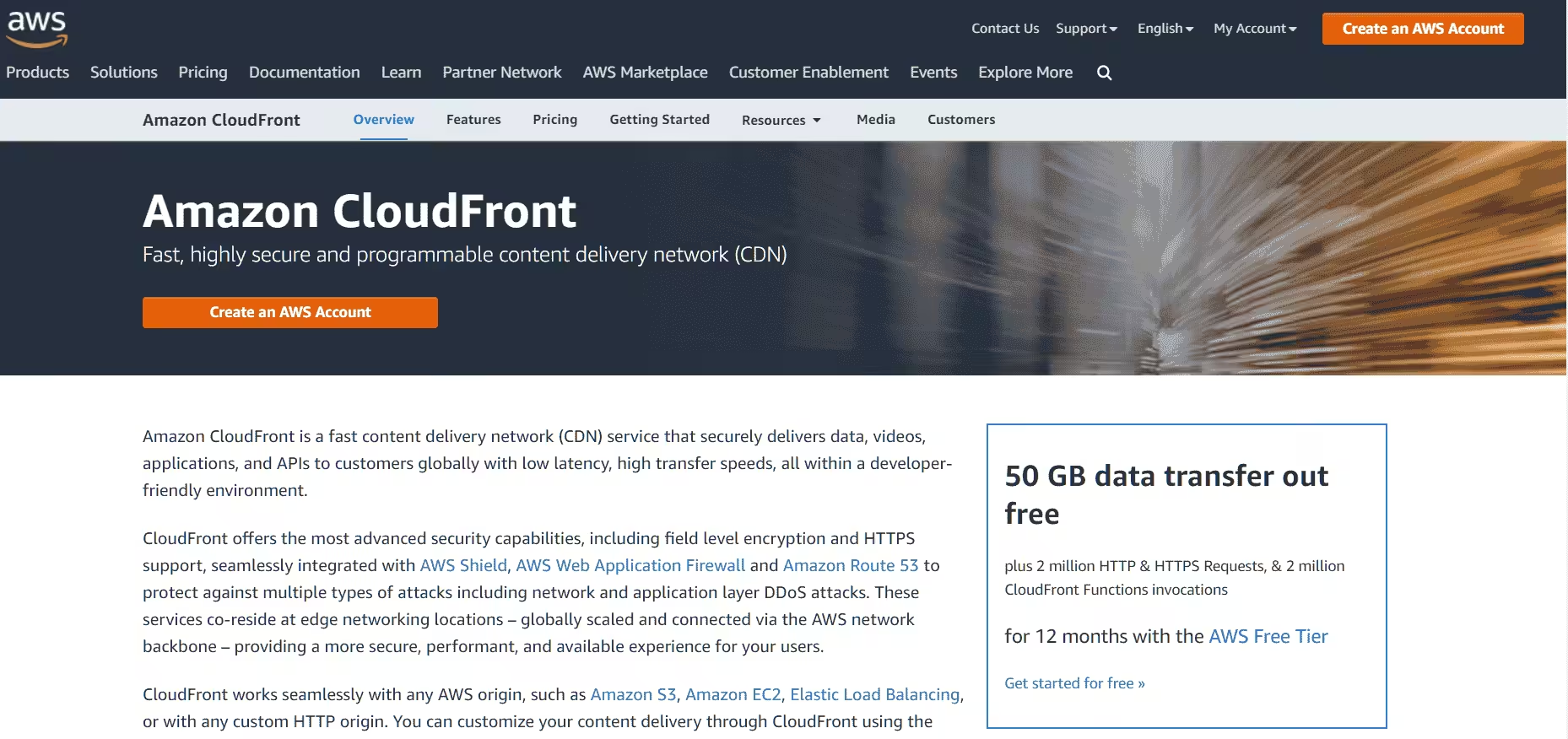
Amazon CloudFront is the CDN arm of AWS with over 600 edge locations worldwide. It offers a free tier that includes 1TB of data transfer and 10 million HTTP requests per month, which is generous enough for most WordPress blogs.
The downside is setup complexity. CloudFront wasn’t built for WordPress. You need to create a distribution, configure origin settings, set up cache behaviors, and handle SSL certificates manually. There’s no official WordPress plugin that makes this simple. If you’re already running your WordPress site on AWS (EC2 or Lightsail), CloudFront makes sense because it integrates natively with your infrastructure. For everyone else, Bunny CDN or Cloudflare is easier and faster to set up.
Pay-as-you-go pricing beyond the free tier starts at $0.085/GB for the first 10TB in North America and Europe.
KeyCDN

KeyCDN uses a pay-as-you-go model starting at $0.04/GB with a $4 minimum monthly charge. It has PoP locations across North America, Europe, and Asia Pacific, with SSD-powered servers and built-in DDoS mitigation.
KeyCDN offers a dedicated WordPress integration through its CDN Enabler plugin, which rewrites your asset URLs to serve through KeyCDN. It also supports HTTP/2, Let’s Encrypt SSL, and real-time analytics. The pay-per-use model can be cheaper than flat-rate CDNs for low-traffic sites, but costs can spike during traffic surges. If your traffic is unpredictable, a flat-rate CDN like RocketCDN or FlyingCDN gives you more cost certainty.
Jetpack CDN
Jetpack‘s Site Accelerator (formerly Photon) is a free image and static file CDN built into the Jetpack plugin. It’s the simplest CDN option for WordPress: install Jetpack, toggle on Site Accelerator, and your images are served from WordPress.com’s global network.
The limitation is scope. Jetpack CDN handles images and some static assets, but it doesn’t cache your CSS, JavaScript, or HTML pages. It also re-encodes your images, which can sometimes reduce quality. For a basic blog that just needs image delivery offloaded, it’s fine. For serious performance optimization, you need a full CDN alongside a caching plugin like FlyingPress.
Jetpack CDN works best as a complement to other optimization tools, not as your primary CDN strategy.
Sucuri CDN
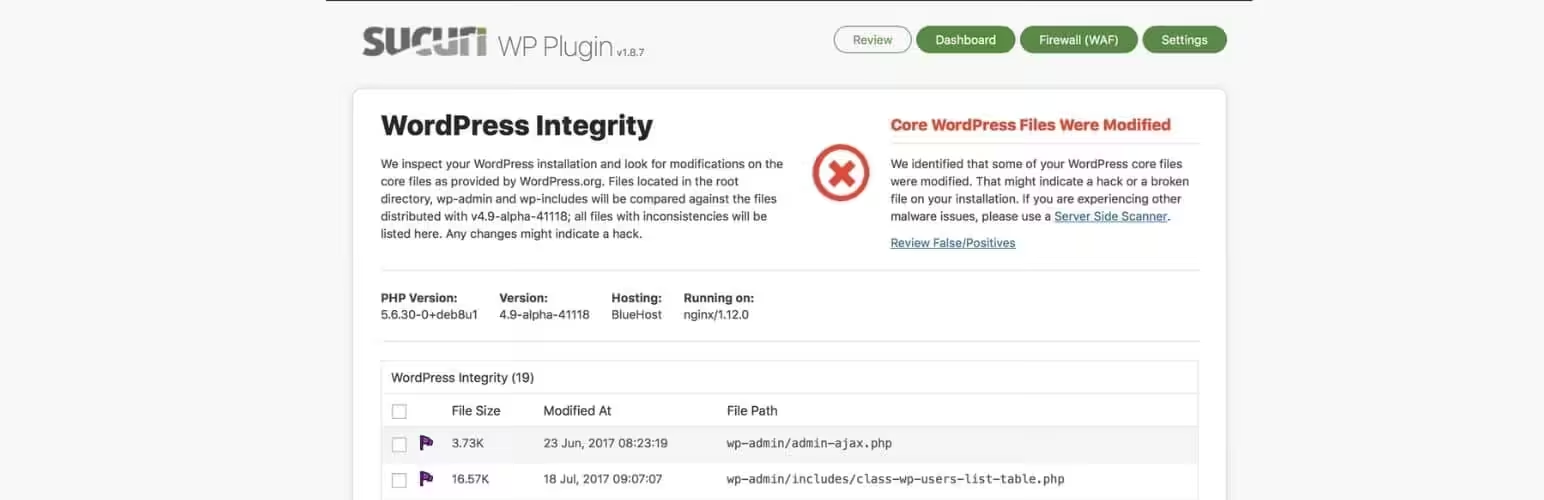
Sucuri is primarily a WordPress security company, but its firewall plan ($229/year) includes a CDN. Every visitor request passes through Sucuri’s network first, which filters malicious traffic before it reaches your server. The CDN component caches static assets at edge locations globally.
If security is your primary concern, Sucuri makes sense because you get firewall, malware scanning, and CDN in one package. But as a pure CDN play, it’s expensive compared to Cloudflare (free) or Bunny CDN ($1/month). I recommend Sucuri for sites that have been hacked before or handle sensitive data, not for general performance optimization.
How to Choose the Right CDN for Your WordPress Site
The best CDN depends on your caching plugin, budget, and traffic profile. Here’s a decision framework I use with clients:
| Your Situation | Recommended CDN | Why |
|---|---|---|
| Using FlyingPress | FlyingCDN | Zero-config, full-page edge caching, automatic purge |
| Using WP Rocket | Bunny CDN or RocketCDN | Bunny for value, RocketCDN for one-click simplicity |
| Zero budget | Cloudflare Free | Solid CDN + DNS + SSL at no cost |
| Heavy media site | Bunny CDN | Image optimization built in, predictable pricing |
| AWS infrastructure | Amazon CloudFront | Native integration, generous free tier |
| Security-first | Sucuri | CDN + WAF + malware scanning in one |
| Just need image CDN | Jetpack CDN | Free, zero config, images only |
How to Set Up a WordPress CDN (General Steps)
The setup process varies by CDN provider, but the general workflow is the same for all of them:
- Sign up and create a pull zone: Point the pull zone to your WordPress site’s domain. The CDN will fetch and cache files from your origin server.
- Configure your CDN URL: You’ll get a CDN URL (like
cdn.yourdomain.com). Set up a CNAME record in your DNS pointing to the CDN. Some CDNs (FlyingCDN, Cloudflare) handle DNS automatically. - Connect to WordPress: Enter your CDN URL in your caching plugin’s CDN settings. FlyingPress, WP Rocket, W3 Total Cache, and LiteSpeed Cache all have dedicated CDN fields.
- Configure SSL: Make sure your CDN serves assets over HTTPS. Most CDNs provision free SSL certificates automatically.
- Test and verify: Open your site in an incognito browser. Inspect any image or CSS file. The response headers should show the CDN’s server (like
cf-cache-status: HITfor Cloudflare orbunnycdn-serverfor Bunny). - Purge cache when needed: After major design changes or plugin updates, purge the CDN cache so visitors get fresh files. Most WordPress CDN plugins add a purge button to your admin bar.
For FlyingCDN specifically, you skip steps 2-3 entirely because it integrates automatically with FlyingPress. That’s the main reason I recommend it for FlyingPress users. My FlyingPress advanced setup guide covers the full CDN configuration.
CDN Performance: What to Expect
Real-world CDN improvements depend on your visitor geography, asset sizes, and origin server speed. Here’s what I typically see across client sites:
| Metric | Without CDN | With CDN |
|---|---|---|
| TTFB (cross-continent) | 400-800ms | 50-150ms |
| LCP (mobile, global avg) | 3.0-5.0s | 1.2-2.5s |
| Total page weight served from CDN | 0% | 70-90% |
| Origin server CPU usage | 60-80% | 20-35% |
The biggest gains come from full-page edge caching (FlyingCDN, Cloudflare APO). With static asset-only CDNs (Bunny, KeyCDN, standard Cloudflare), the improvement is smaller but still significant for image-heavy pages.
Pair your CDN with a solid caching plugin for the best results. I use FlyingPress for caching and Perfmatters for script management. Together with FlyingCDN, this stack consistently passes Core Web Vitals on every site I’ve applied it to. Read my FlyingPress vs WP Rocket comparison if you’re deciding between caching plugins.
CDN Pricing Breakdown for 2026
CDN costs vary from free to enterprise pricing. Here’s a realistic monthly cost breakdown for a WordPress site with 50,000 monthly pageviews and 50GB of bandwidth:
| CDN | Monthly Cost (50GB) | Billing Model | Bandwidth Included |
|---|---|---|---|
| Cloudflare Free | $0 | Free tier | Unlimited |
| Jetpack CDN | $0 | Free (images only) | Unlimited |
| Bunny CDN | ~$0.50 | Pay-per-GB ($0.01/GB) | Pay-as-you-go |
| Cloudflare + APO | $5 | Monthly | Unlimited |
| RocketCDN | $8.99 | Monthly (annual billing) | Unlimited |
| FlyingCDN | $10 | Monthly per domain | 100GB ($5/extra 100GB) |
| Sucuri | ~$19 | Annual ($229/year) | Included with firewall |
| Amazon CloudFront | ~$4.25 | Pay-per-GB ($0.085/GB) | 1TB free tier |
For most WordPress bloggers and small business sites, the sweet spot is $0-10/month. You don’t need enterprise CDN features unless you’re serving millions of pageviews.
Frequently Asked Questions
What is the best free CDN for WordPress?
Cloudflare’s free tier is the best free CDN for WordPress. It includes global CDN, DNS management, SSL, and basic DDoS protection. Jetpack CDN is another free option but only handles images and some static files. For full-site performance improvement, Cloudflare’s free plan delivers more value.
Do I need a CDN if I have fast hosting?
Yes, if your visitors come from multiple geographic regions. Fast hosting gives you low TTFB for visitors near your server, but someone on another continent still faces 200-400ms of network latency per request. A CDN eliminates this by serving cached content from a nearby edge server. Even with premium hosting like Cloudways or Kinsta, a CDN improves LCP for international visitors.
Can I use a CDN with WP Rocket or FlyingPress?
Yes. Both WP Rocket and FlyingPress have built-in CDN settings. WP Rocket works with RocketCDN (one-click), Bunny CDN, Cloudflare, and most other CDNs. FlyingPress integrates automatically with FlyingCDN and also supports custom CDN URLs for Bunny, Cloudflare, and others. Enter your CDN URL in the plugin settings and the plugin handles URL rewriting automatically.
What is the difference between a CDN and caching?
Caching stores pre-built HTML pages on your server so WordPress doesn’t regenerate them for each visitor. A CDN distributes those cached files across servers worldwide so they load faster regardless of visitor location. They complement each other: caching reduces server processing, CDN reduces network latency. For best results, use both together, such as FlyingPress (caching) with FlyingCDN or Bunny CDN (content delivery).
Does a CDN help with Core Web Vitals?
Yes, primarily by improving LCP (Largest Contentful Paint). A CDN reduces the time it takes for your largest above-the-fold element to load by serving it from a nearby server. Full-page CDNs like FlyingCDN and Cloudflare APO also improve TTFB, which directly feeds into LCP. CDNs don’t directly fix INP or CLS, which require JavaScript and CSS optimization respectively.
Is FlyingCDN better than Cloudflare for WordPress?
FlyingCDN runs on Cloudflare Enterprise infrastructure, so the underlying network is the same. The difference is WordPress-specific optimization: FlyingCDN automatically purges cache when you update content, handles WooCommerce dynamic pages correctly, and requires zero configuration with FlyingPress. Cloudflare free requires manual cache purging and APO ($5/month) for full-page caching. If you use FlyingPress, FlyingCDN is better. If you don’t, Cloudflare with APO is a solid alternative at lower cost.
How much bandwidth does a WordPress site need from a CDN?
A typical WordPress blog with 50,000 monthly pageviews uses 30-60GB of CDN bandwidth per month, depending on image sizes and whether you serve video. Sites with optimized images (WebP/AVIF, compressed under 100KB each) use less. FlyingCDN includes 100GB per month which covers most sites under 100K pageviews. Bunny CDN’s pay-per-GB model means you only pay for actual usage, making it ideal if your traffic fluctuates.
Disclaimer: This site is reader-supported. If you buy through some links, I may earn a small commission at no extra cost to you. I only recommend tools I trust and would use myself. Your support helps keep gauravtiwari.org free and focused on real-world advice. Thanks. - Gaurav Tiwari