
Top 10 Cold Email Outreach Tools for Freelancers in 2026
Most freelancers hate cold outreach. You’d rather be doing the actual work than hunting for clients. But the freelancers who consistently land $5K+ projects aren’t better at their craft. They’re better at outreach.
I’ve tested dozens of cold email tools over the years, from free Chrome extensions to $200/month platforms. Most are built for sales teams with 50 reps, not solo operators with a Gmail account and a prospect list. So I narrowed it down to 10 tools that actually make sense for freelancers, based on pricing, deliverability, and how much setup they need before you can send your first campaign.
Here’s the short version:
- Snov.io for all-in-one prospecting, outreach, and CRM in a single platform
- Instantly for unlimited email accounts and AI-powered warmup at scale
- Lemlist for personalized cold emails with images, videos, and LinkedIn steps
- Saleshandy for high-volume senders who want unlimited email accounts on every plan
- Apollo for the largest free B2B contact database at 275+ million records
- Woodpecker for agencies and freelancers managing outreach for multiple clients
- Reply.io for multi-channel sequences across email, LinkedIn, calls, and SMS
- GMass for freelancers who want cold outreach without leaving Gmail
- Hunter for email finding and verification with a generous free tier
- MailerLite for freelancers who also need landing pages and email marketing alongside outreach
What Makes a Cold Email Tool Work for Freelancers
Cold email tools built for enterprise sales teams usually cost $150+/month per seat and assume you have a dedicated SDR running campaigns full-time. Freelancers need something different.
You need a tool that handles three jobs: finding prospect emails, sending personalized sequences, and tracking who opens, clicks, and replies. Bonus points if it warms up your domain so you don’t land in spam from day one.
Here’s what I look for when picking a cold email tool:
- Deliverability features. Email warmup, domain rotation, and sending limits that protect your sender reputation. Without these, nothing else matters.
- Affordable solo pricing. Per-seat pricing kills freelancers. Look for plans under $50/month that don’t cap your contacts.
- Built-in email finder. Separate prospecting and outreach tools mean double the cost and manual CSV exports. Tools that combine both save hours.
- Follow-up automation. Manual follow-ups fall apart after 20 prospects. You need automated sequences with reply detection that stops the chain when someone responds.
- Personalization beyond first name. Custom fields, conditional content, and dynamic variables that make each email look hand-written.
Before you send a single cold email, verify your list with Bouncer. Invalid addresses tank your sender reputation fast, and once Gmail flags your domain, recovery takes weeks.
Snov.io
Best for: Freelancers who want prospecting, outreach, and CRM without juggling three subscriptions.

Snov.io is a cold email software that combines email finding, drip campaign automation, and pipeline management in one dashboard. For freelancers who don’t want to pay for a separate prospecting tool, a separate outreach tool, and a separate CRM, Snov.io covers all three for $30/month.
The email finder works by company, domain, or individual name. You can pull verified contacts from LinkedIn profiles, company websites, or bulk domain searches. The verification tool runs in real-time, so you’re not importing dirty lists into your campaigns.
The drip campaign builder lets you create multi-step sequences with conditional logic. If someone opens but doesn’t reply, you can trigger a different follow-up than someone who never opened at all. That kind of branching matters when you’re sending 50-100 emails per week and can’t afford to waste touches.
Pricing: Trial plan at $30/month with 1,000 credits. Starter at $30/month with 5,000 credits. Pro at $75/month with 20,000 credits.
Key Features
- Email finder: Discover verified prospect email addresses by company, domain, or individual name. The LinkedIn extension pulls contacts without leaving your browser.
- Drip campaigns: Build automated outreach sequences with personalized follow-ups. Supports conditional logic based on opens, clicks, and replies.
- Email verifier: Real-time validation catches invalid, disposable, and catch-all addresses before they hurt your bounce rate.
- Built-in CRM: Track deals, manage conversations, and move prospects through your pipeline without a separate tool.
- Technology checker: See what tech stack your prospects use. If you’re a WordPress developer, filter for companies running WordPress and pitch accordingly.
Pros
- Combines lead generation, verification, outreach, and CRM for the price of one tool.
- Credit-based pricing means you only pay for what you use. No per-seat charges.
- The Chrome extension pulls emails directly from LinkedIn profiles and company pages.
- API access on higher plans lets you connect Snov.io to Zapier, HubSpot, or your own workflows.
Cons
- The credit system can feel limiting on the Trial plan. Heavy prospectors burn through 1,000 credits fast.
- CRM features are functional but basic compared to dedicated tools like HubSpot or Pipedrive.
- Email warmup isn’t included natively. You’ll need to warm up sending accounts separately.
Instantly
Best for: Freelancers running high-volume campaigns who need unlimited email accounts and AI warmup.
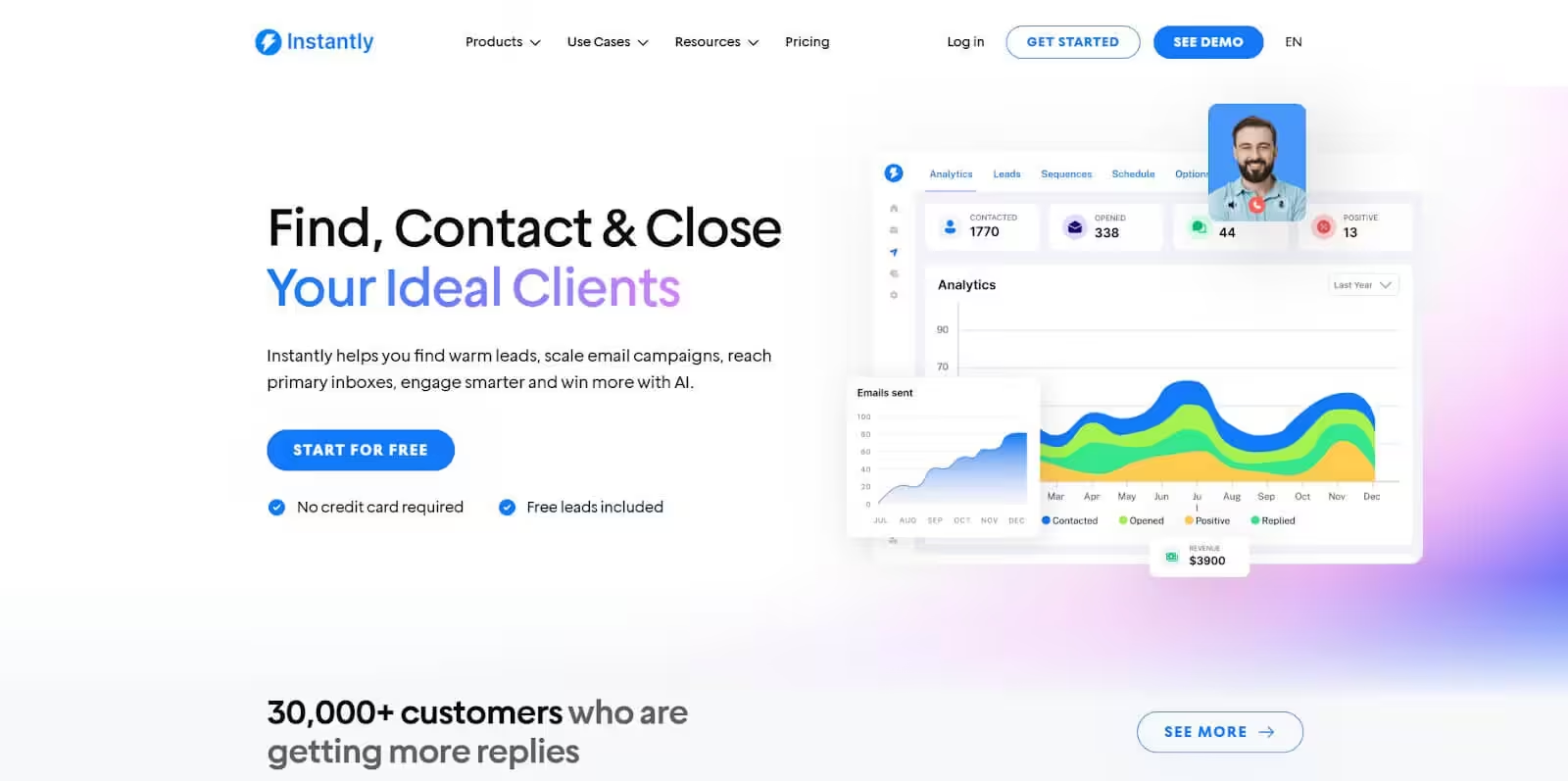
Instantly gives you unlimited email accounts on every plan, which means you can rotate sending across 5-10 accounts and keep each one under Gmail’s daily limits. Most tools charge per account. Instantly doesn’t.
The warmup feature runs automatically in the background, sending and receiving emails between Instantly users to build your sender reputation. After 2-3 weeks, your new domain goes from “unknown sender” to “trusted inbox” without you touching anything.
Instantly also has a B2B lead database with 160+ million contacts. The search filters include job title, industry, company size, location, and tech stack. Not as deep as Apollo’s database, but the integration with your outreach campaigns is tighter. You find leads and add them to sequences without leaving the platform.
Pricing: Growth plan at $30/month (1,000 active contacts, unlimited accounts). Hypergrowth at $77.60/month (25,000 contacts). Light Speed at $286.30/month (100,000 contacts).
Key Features
- Unlimited email accounts: Connect as many sending accounts as you want. Rotate across them automatically to protect deliverability.
- AI warmup network: Automated email warmup across Instantly’s user network. Your accounts send and receive real-looking emails to build reputation.
- Lead database: 160+ million B2B contacts with filters for job title, industry, company size, and technology.
- Campaign analytics: Track open rates, reply rates, and bounce rates per campaign and per sending account.
- AI email writer: Generate personalized outreach drafts based on prospect data. Useful for getting a first draft, but you’ll want to edit it.
Pros
- Unlimited sending accounts on every plan. This alone saves $50+/month compared to tools that charge per account.
- Email warmup is automatic and requires zero maintenance after setup.
- Clean interface. You can set up your first campaign in under 15 minutes.
- Generous contact limits even on the starter plan.
Cons
- The lead database (160M contacts) is smaller than Apollo’s 275M. For niche industries, you might not find enough prospects.
- No built-in CRM. You’ll need a separate tool to manage deals past the initial reply.
- The AI writer produces generic first drafts. Don’t send them without heavy editing.
Lemlist
Best for: Freelancers who want to stand out with personalized images, videos, and LinkedIn outreach steps.
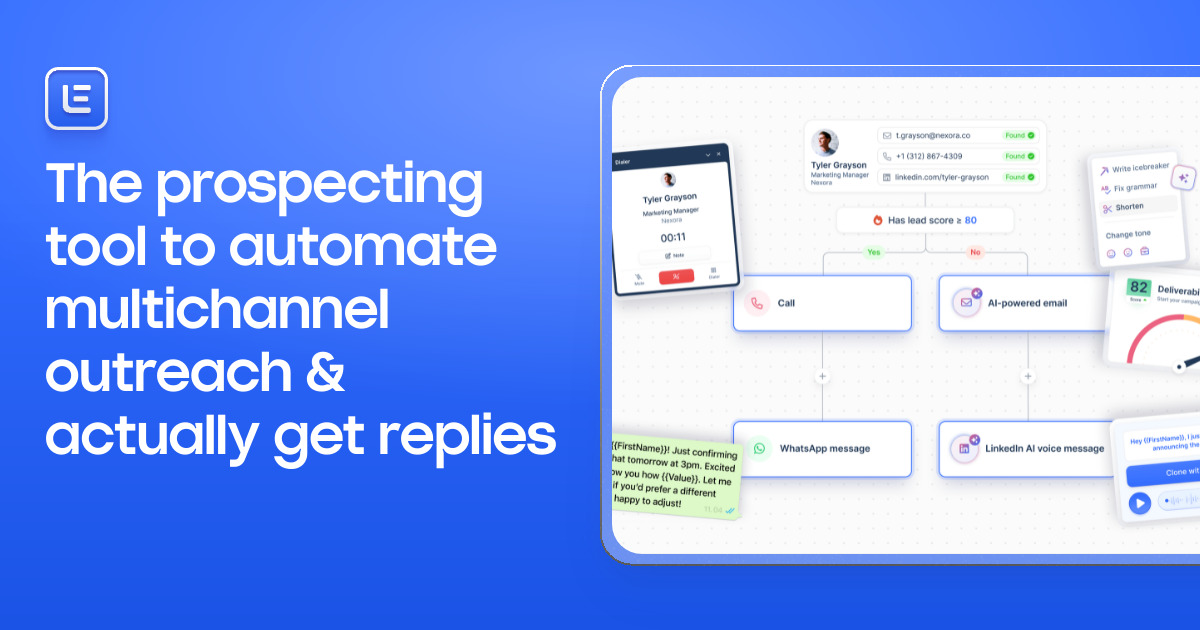
Lemlist is the tool that introduced personalized images in cold emails. You can auto-generate images with your prospect’s name, company logo, or website screenshot embedded directly in the email. It sounds gimmicky, but personalized images can increase reply rates by 2-3x based on campaign data from their user community.
Beyond images, Lemlist supports multi-channel sequences: email, LinkedIn connection requests, LinkedIn messages, and manual tasks (like calling). For freelancers targeting decision-makers on LinkedIn, this is the tool that combines both channels into one workflow.
The downside? It’s pricier than most options on this list. The Email Starter plan at $32/month doesn’t include LinkedIn steps or the lead database. You need the Email Pro ($55/month) or Multichannel Expert ($79/month) for the full feature set.
Pricing: Email Starter at $32/month. Email Pro at $55/month (includes warmup and CRM integration). Multichannel Expert at $79/month (adds LinkedIn automation and lead database).
Key Features
- Personalized images and videos: Auto-generate custom images with prospect’s name, logo, or screenshot. Embed personalized videos with dynamic thumbnails.
- Multi-channel sequences: Combine email, LinkedIn, and manual tasks in a single automated workflow.
- Lemwarm: Built-in email warmup that protects deliverability across all your sending accounts.
- Lead database: Access to 450M+ contacts with email and LinkedIn profile data on the Multichannel Expert plan.
- A/B testing: Test subject lines, email body, and send times to optimize your campaigns over time.
Pros
- Personalized images genuinely increase reply rates. Not a gimmick if done right.
- Multi-channel sequences (email + LinkedIn) in one tool eliminates the need for separate LinkedIn automation.
- Lemwarm handles email warmup automatically in the background.
- Strong community and template library for cold email inspiration.
Cons
- Gets expensive fast. The $79/month Multichannel plan is the only one with the full feature set.
- Per-seat pricing means adding a VA or partner doubles your cost.
- The interface has a learning curve. First-time setup takes longer than Instantly or GMass.
Saleshandy
Best for: High-volume senders who want unlimited email accounts, unlimited contacts, and no per-seat charges.
Saleshandy’s biggest selling point is simple: unlimited everything. Unlimited email accounts, unlimited contacts, unlimited team members on every plan. For freelancers who bring on a VA to manage outreach, that “no per-seat charge” saves $30-80/month compared to Lemlist or Reply.io.
The tool includes a B2B lead database with 700M+ contacts and 60M+ company profiles. That’s the largest database on this list. The search filters cover job title, department, industry, company size, revenue, technology stack, and location.
Sender rotation distributes your campaigns across multiple email accounts automatically. The built-in email verification runs before each send to catch invalid addresses. And the unified inbox pulls replies from all your sending accounts into one view.
Pricing: Outreach Starter at $25/month (10,000 emails/month). Outreach Pro at $74/month (125,000 emails/month). Outreach Scale at $149/month (250,000 emails/month). All plans include unlimited accounts and team members.
Key Features
- Unlimited email accounts: Connect and rotate across as many sending accounts as you need. No additional charges.
- 700M+ lead database: The largest B2B database on this list. Filter by job title, tech stack, company revenue, and more.
- Sender rotation: Automatically distribute sends across accounts to protect deliverability.
- Unified inbox: See all replies from all sending accounts in one place. No more switching between Gmail tabs.
- Email verification: Built-in verification runs before sends to catch invalid addresses automatically.
Pros
- No per-seat pricing. Bring on a VA or partner without extra cost.
- The 700M+ contact database is larger than Instantly (160M), Apollo (275M), and Lemlist (450M).
- Starts at $25/month, the cheapest option on this list for the feature set.
- The unified inbox saves time when you’re running campaigns from 5+ sending accounts.
Cons
- The interface feels cluttered compared to Instantly or Lemlist. Too many settings screens.
- Email warmup is a separate add-on (TrulyInbox). Not built into the core product.
- Reporting could be more detailed. Campaign-level stats are fine, but per-prospect engagement data is limited.
Apollo
Best for: Freelancers who need the deepest free plan for finding B2B contacts and emails.
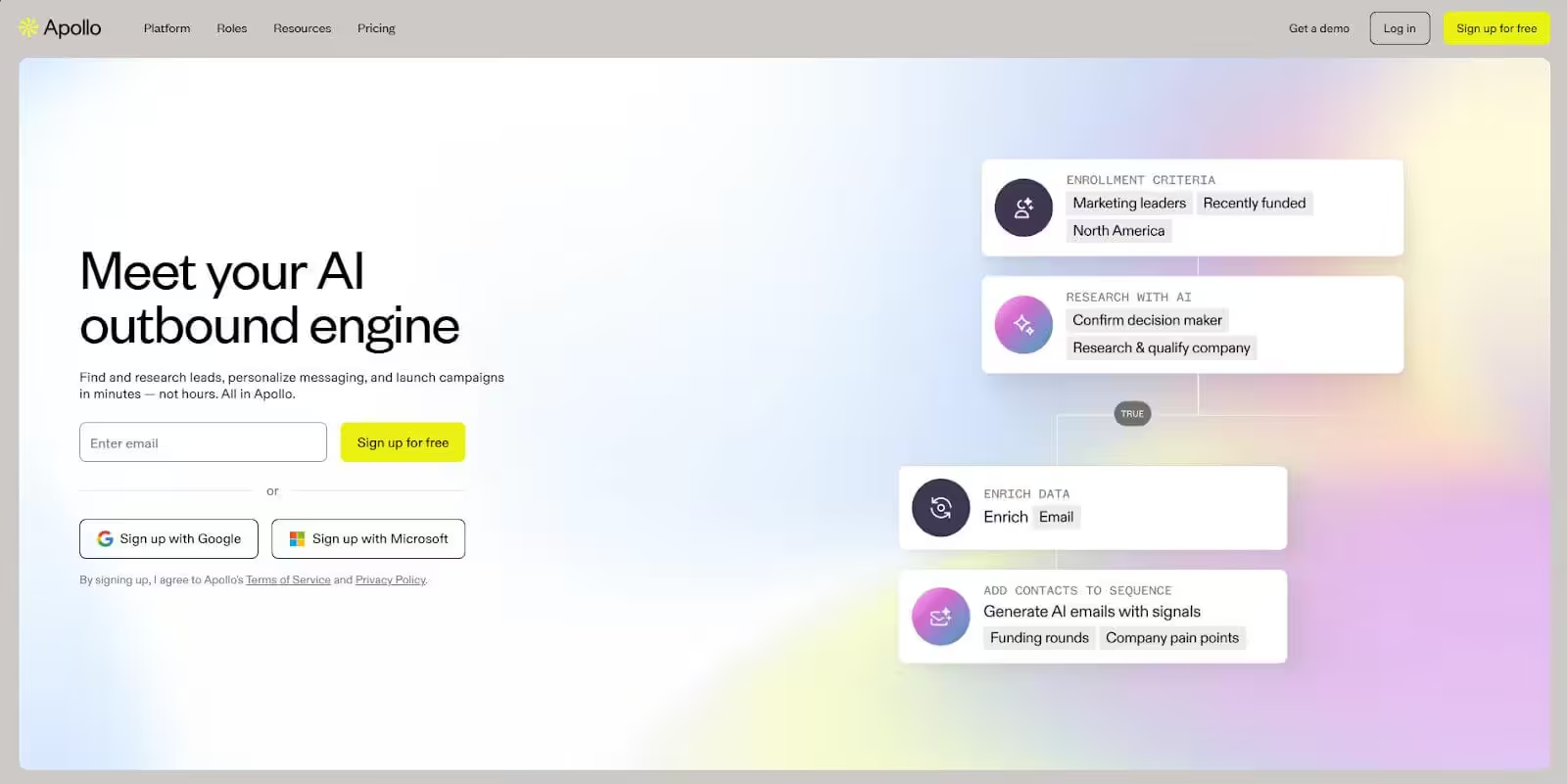
Apollo’s free plan is genuinely generous: 10,000 credits per month, 60 mobile credits, and access to the full 275M+ contact database. For a freelancer just starting with cold outreach, you can run your first 3-6 months without paying anything.
The database has 65+ search filters, including job title, seniority, department, company size, industry, technology used, funding stage, and hiring signals. If you’re a web developer targeting Series A startups that use Shopify and have 50-200 employees, Apollo can build that list in minutes.
Apollo also has built-in email sequences with automatic follow-ups. The free plan gives you 2 active sequences. Paid plans start at $49/month for unlimited sequences and advanced analytics.
Pricing: Free plan (10,000 credits/month, 2 sequences). Basic at $49/month (unlimited sequences). Professional at $79/month (advanced reports, dialer). Organization at $119/month (intent data, call transcription).
Key Features
- 275M+ contact database: One of the largest B2B databases available. Includes direct emails, phone numbers, and LinkedIn profiles.
- 65+ search filters: Narrow prospects by job title, company size, industry, funding stage, tech stack, and hiring intent.
- Email sequences: Build automated outreach sequences with conditional follow-ups based on opens and replies.
- Buying intent signals: See which companies are actively researching solutions in your category.
- Chrome extension: Pull contact data from LinkedIn profiles and company websites without leaving your browser.
Pros
- The free plan is the most generous on this list. 10,000 credits/month is enough for most solo freelancers.
- Database depth and filter precision are unmatched. You can build hyper-specific prospect lists.
- Buying intent data helps you prioritize warm prospects over cold ones.
- Strong Salesforce and HubSpot integrations if you use a separate CRM.
Cons
- The interface is overwhelming at first. There’s a learning curve before you feel comfortable navigating everything.
- Email deliverability features are basic compared to Instantly or Lemlist. No built-in warmup on the free plan.
- Paid plans get expensive fast. The Professional plan at $79/month is steep for solo freelancers.
- Contact data accuracy varies. Budget 10-15% for bounced emails even after Apollo’s verification.
The tool you pick matters less than the message you send. A well-researched, personalized email sent from a $20/month tool will outperform a generic template sent from a $200/month platform every time. Pick one tool, learn it properly, and spend 80% of your time on the message.
Woodpecker
Best for: Freelancers and agencies who manage outreach campaigns for multiple clients from one account.
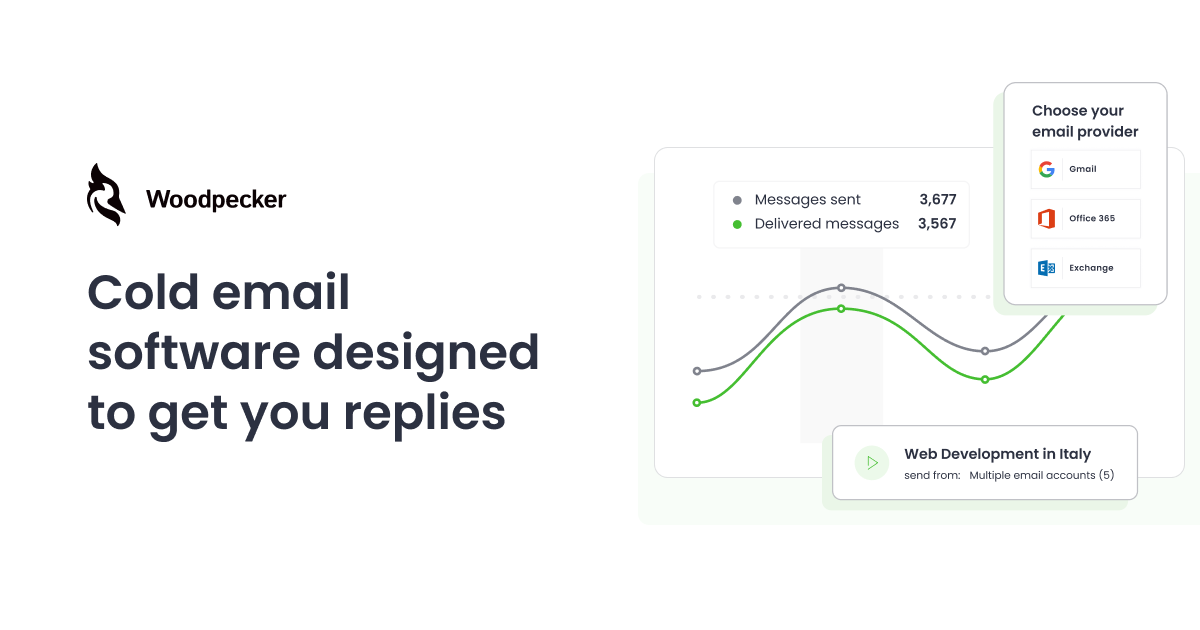
Woodpecker is built for agencies and multi-client operations. You can manage separate campaigns, sending accounts, and prospect lists for each client from a single dashboard. If you’re a freelancer who also runs outreach for clients, this is the tool that doesn’t make you buy separate subscriptions per client.
The deliverability features are strong. Woodpecker includes automatic warmup, bounce shield (pauses campaigns when bounce rates spike), and adaptive sending that adjusts volume based on your account’s reputation. The condition-based campaigns let you create branching sequences: if a prospect clicks a link, send version A of the follow-up. If they don’t open, send version B.
Pricing: Cold Email plan at $20/month for 500 contacted prospects. Scales up based on contact volume. Agency plan available with client management features.
Key Features
- Client management: Separate workspaces for each client with dedicated sending accounts, prospect lists, and analytics.
- Bounce shield: Automatically pauses campaigns when bounce rates exceed your threshold. Protects sender reputation before damage is done.
- Condition-based sequences: Create branching follow-up paths based on prospect behavior (opens, clicks, replies).
- Adaptive sending: Adjusts sending volume automatically based on deliverability signals from your accounts.
- Email warmup: Built-in warmup that runs across Woodpecker’s network to build sender reputation.
Pros
- The agency model is built for freelancers who also manage outreach for clients.
- Bounce shield prevents deliverability disasters. Most tools let you burn your domain before flagging the issue.
- Condition-based campaigns are more sophisticated than most competitors at this price point.
- Starts at $20/month, which is reasonable for the feature set you get.
Cons
- No built-in lead database. You need to bring your own prospect lists or use a separate tool like Apollo or Hunter.
- The per-contacted-prospect pricing can surprise you if you scale quickly beyond 500 contacts.
- The interface looks dated compared to Instantly or Lemlist. It works, but it’s not pretty.
Reply.io
Best for: Freelancers who want to combine email, LinkedIn, calls, SMS, and WhatsApp in one automated workflow.
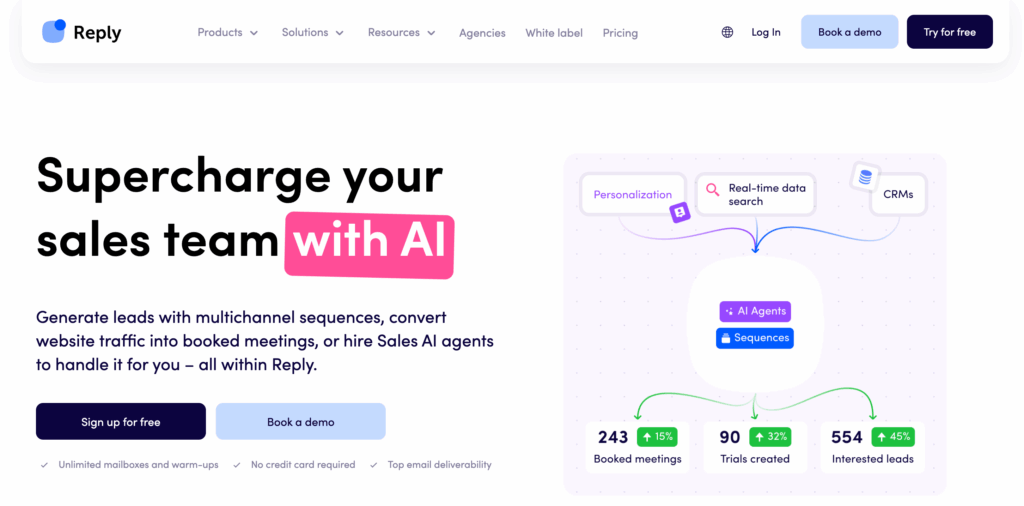
Reply.io covers more outreach channels than any other tool on this list. You can build sequences that start with an email, follow up with a LinkedIn connection request, send an SMS if they don’t respond, and log a call task. All from one platform.
The AI features are practical. The email quality scoring tells you before you send whether your email is likely to land in the primary inbox or get flagged. The AI assistant can suggest reply templates based on how the prospect responded. And the meeting scheduler lets prospects book directly from your email without the back-and-forth.
Pricing: Email Volume plan at $49/month (1,000 active contacts). Multichannel at $89/month (unlimited contacts, all channels). Agency plan at $166/month.
Key Features
- Multi-channel sequences: Email, LinkedIn, SMS, WhatsApp, and calls in one automated workflow with branching logic.
- AI email scoring: Grades your email before sending and suggests improvements for better deliverability.
- Meeting scheduler: Embed booking links that sync with Google Calendar directly in your outreach emails.
- LinkedIn automation: Send connection requests and messages as automated steps in your sequence.
- Unified inbox: All replies from every channel show up in one place for faster response times.
Pros
- The most channels available in one tool. Email + LinkedIn + SMS + calls + WhatsApp under one roof.
- AI email scoring catches deliverability issues before you hit send.
- Built-in meeting scheduler eliminates the back-and-forth of finding a call time.
- Strong integrations with Salesforce, HubSpot, Pipedrive, and Zapier.
Cons
- The $89/month Multichannel plan is expensive for solo freelancers who only need email outreach.
- LinkedIn automation requires a separate LinkedIn account connection and has daily limits imposed by LinkedIn.
- The number of features can feel overwhelming. Simpler tools like Instantly or GMass are faster to get started with.
GMass
Best for: Freelancers who live in Gmail and want cold outreach without learning a new platform.
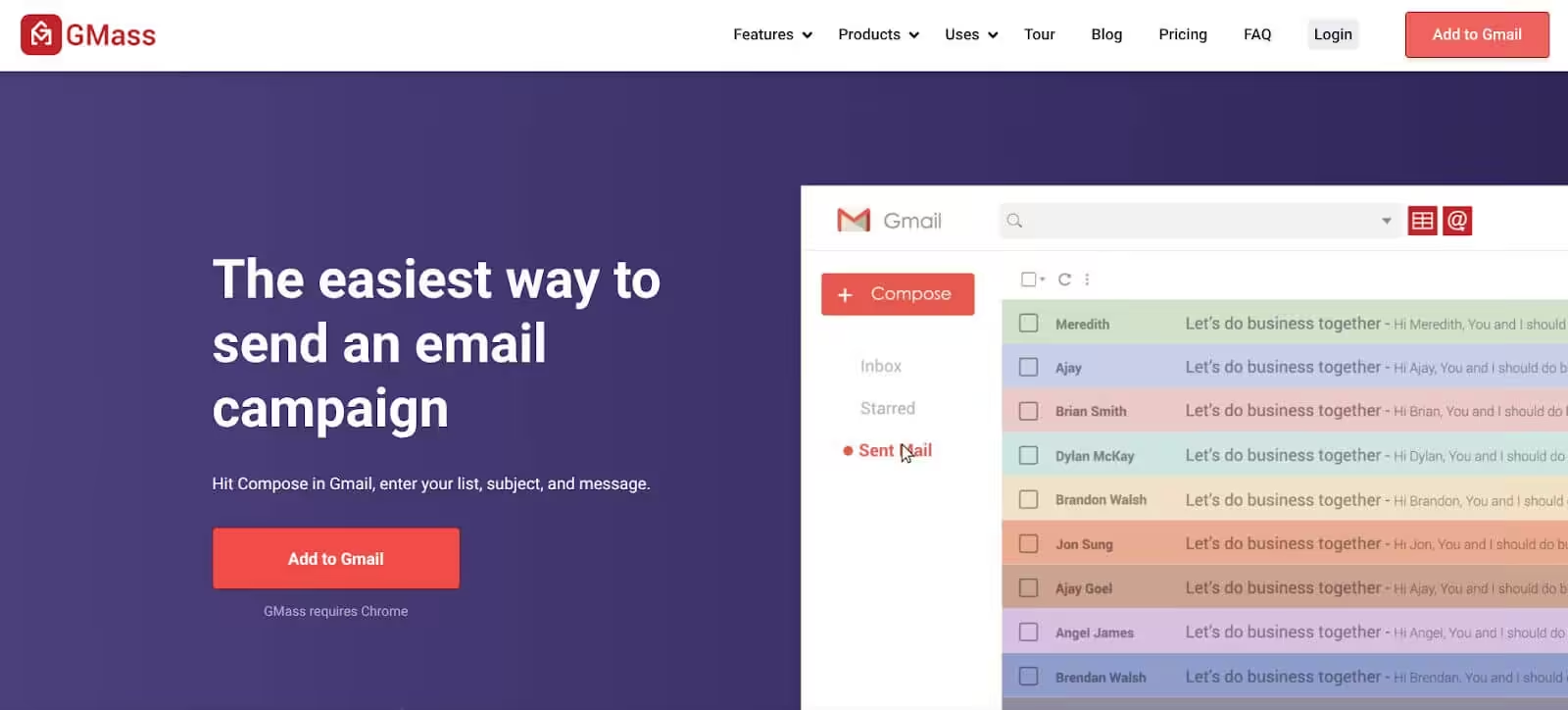
GMass installs as a Chrome extension and runs entirely inside Gmail. You compose emails in Gmail, import your contact list from a Google Sheet, and GMass handles personalization, scheduling, follow-ups, and tracking. If you already live in Gmail, the learning curve is basically zero.
The standout feature is that GMass bypasses Gmail’s 500-email daily sending limit by using its own SMTP servers. You can send up to 10,000 emails per day on the Premium plan. For a freelancer sending 50-100 emails per day, the Standard plan at $19.95/month covers everything you need.
Pricing: Standard at $19.95/month (email tracking, mail merge). Premium at $29.95/month (follow-up sequences, A/B testing). Professional at $49.95/month (API access, priority support).
Key Features
- Gmail-native: Runs entirely inside Gmail. No separate dashboard, no new interface to learn.
- Google Sheets integration: Import prospect lists directly from Google Sheets. Changes in the sheet update your campaign automatically.
- Bypass Gmail limits: Send beyond Gmail’s 500/day cap using GMass’s SMTP infrastructure.
- Automatic follow-ups: Set behavior-based follow-ups that trigger when prospects don’t open or don’t reply.
- Campaign analytics: Open rates, click rates, reply rates, and bounce tracking right inside your Gmail inbox.
Pros
- Zero learning curve if you use Gmail daily. Setup takes 5 minutes, not 5 hours.
- At $19.95/month, it’s one of the most affordable options for basic cold outreach.
- Google Sheets integration makes list management dead simple for non-technical freelancers.
- Email reports arrive in your inbox. No logging into a separate dashboard to check performance.
Cons
- Gmail-only. If you use Outlook or another email client, GMass won’t work for you.
- No built-in email finder or lead database. You need to source prospects from another tool.
- No LinkedIn or multi-channel outreach. Email only.
- The Chrome extension can slow down Gmail if you have large campaigns running in the background.
Hunter
Best for: Finding and verifying email addresses before running campaigns in another tool.
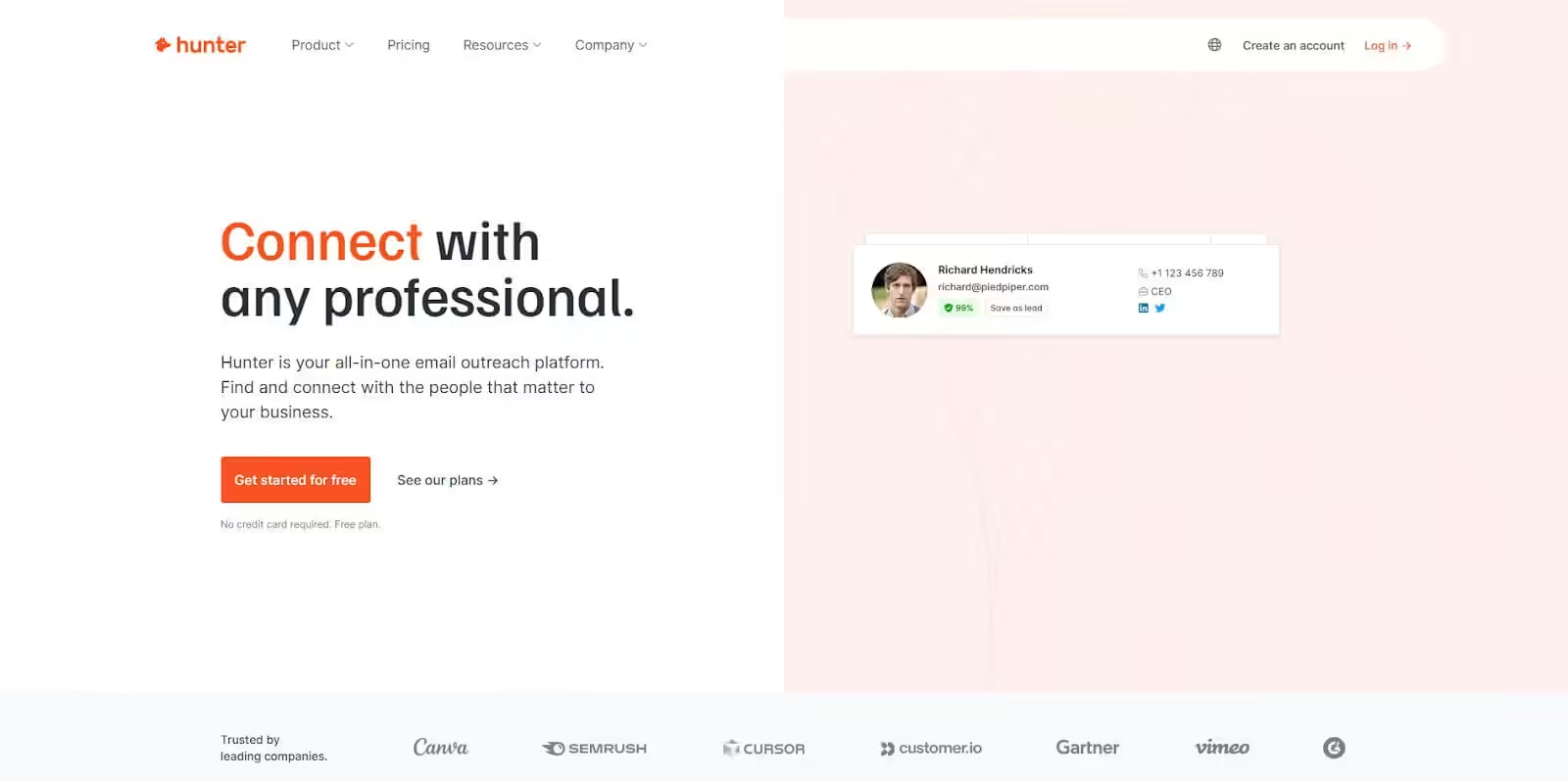
Hunter started as an email finder and that’s still what it does best. Enter a company domain and Hunter returns every email address associated with it, along with confidence scores and sources. The browser extension lets you pull emails from any website or LinkedIn profile with one click.
The free plan gives you 25 searches and 50 verifications per month. Enough to test the tool, not enough to run serious prospecting. The Starter plan at $34/month bumps that to 500 searches and 1,000 verifications.
Hunter also has cold email campaigns built in, but they’re basic compared to Instantly or Lemlist. No warmup, no multi-channel, no conditional branching. If you’re just starting out and need one tool for everything, Hunter works. But most freelancers use Hunter for finding emails and then send campaigns through a dedicated outreach tool.
Pricing: Free (25 searches/month, 50 verifications). Starter at $34/month (500 searches, 1,000 verifications). Growth at $104/month (5,000 searches). Business at $349/month (50,000 searches).
Key Features
- Domain search: Enter any company domain and get a list of verified email addresses with confidence scores and original sources.
- Email verifier: Validate any email address in real-time. Catches invalid, disposable, and catch-all addresses before they bounce.
- Browser extension: Find email addresses from LinkedIn profiles and company websites without leaving your browser tab.
- TechLookup: Filter companies by their technology stack. Find every company using Shopify, WordPress, or HubSpot in seconds.
- Campaigns: Basic cold email sequences with personalization, scheduling, and tracking built into the platform.
Pros
- The best email finder on this list. Accuracy rates are consistently 85-90% in my experience.
- TechLookup is underrated for freelancers who target companies using specific platforms.
- The free plan lets you test the tool properly before committing any money.
- Clean, fast interface. No bloat, no unnecessary features getting in your way.
Cons
- The campaign feature is basic. No warmup, no multi-channel, no advanced automation workflows.
- Pricing gets steep at higher volumes. The Growth plan at $104/month just for finding emails feels like a lot.
- Credit-based pricing means you’re always watching your search count carefully.
- Best used alongside another outreach tool rather than as a standalone solution for most freelancers.
MailerLite
Best for: Freelancers who need email marketing (newsletters, landing pages) alongside cold outreach.
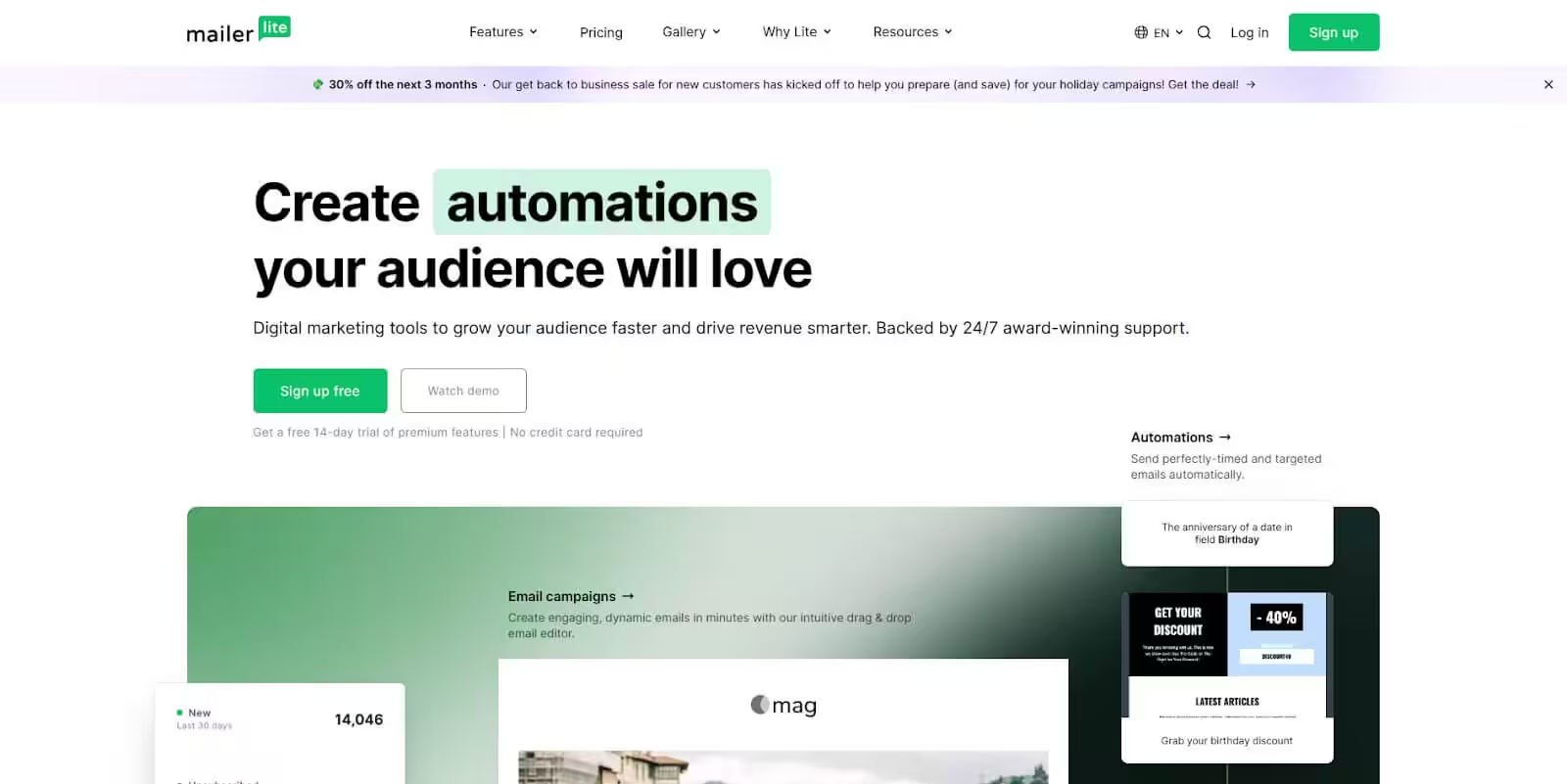
MailerLite isn’t a dedicated cold email tool. It’s an email marketing platform with automation features that some freelancers use for warm outreach and follow-up sequences. I’m including it because many freelancers need both: cold outreach to find clients and email marketing to nurture them after the first conversation.
The automation builder is where MailerLite earns its spot. You can create multi-step workflows triggered by email opens, link clicks, form submissions, or custom field changes. A/B testing is available on subject lines, content, and send times. And the landing page builder means you can create a simple portfolio page or lead magnet without a separate tool or subscription.
The free plan supports up to 1,000 subscribers and 12,000 emails per month. The Growing Business plan at $10/month removes MailerLite branding and adds full automation capabilities.
Pricing: Free (1,000 subscribers, 12,000 emails/month). Growing Business at $10/month. Advanced at $20/month (multiple automation triggers, Facebook integration). Enterprise pricing available.
Key Features
- Automation builder: Create multi-step workflows with triggers for opens, clicks, and form submissions. Supports up to 3 triggers per automation on paid plans.
- Landing page builder: Create simple landing pages for portfolios, lead magnets, or service offerings without extra tools or subscriptions.
- A/B split testing: Test subject lines, content, and send times to improve campaign performance over time.
- Segmentation: Segment contacts by behavior, tags, or custom fields for targeted follow-ups to different audience groups.
- Pop-ups and forms: Embed signup forms on your website to grow your email list from cold outreach traffic.
Pros
- The free plan is one of the best in email marketing. 1,000 subscribers and 12,000 emails covers most freelancers starting out.
- Combines email marketing, landing pages, and automation in one affordable tool under $20/month.
- A/B testing on the free plan. Most competitors lock this behind paid tiers.
- Clean, intuitive editor for building emails and landing pages without design skills.
Cons
- Not built for cold outreach. No email finder, no warmup, no domain rotation features.
- Sending unsolicited cold emails through MailerLite can get your account suspended. They enforce anti-spam policies strictly.
- If you need dedicated cold email features, pair MailerLite with one of the other tools on this list for prospecting and sending.
Which Tool Should You Pick
Don’t overcomplicate this. Here’s how I’d decide:
- If you’re just starting cold outreach: Start with Apollo’s free plan for finding leads and GMass ($19.95/month) for sending. Total cost: $19.95/month. That’s enough to book 5-10 discovery calls per month if your targeting is right.
- If you’re ready to invest: Snov.io at $30/month gives you prospecting, outreach, and CRM in one tool. Or Instantly at $30/month if you already have your prospect lists and want the best deliverability features.
- If you want multi-channel outreach: Lemlist ($79/month for multichannel) or Reply.io ($89/month) combine email and LinkedIn automation. More expensive, but the LinkedIn touchpoints can double your response rates with decision-makers.
- If you manage outreach for clients too: Woodpecker or Saleshandy handle multi-client workflows without per-seat charges eating into your margins.
When cold emails start converting to calls, you’ll need a phone system ready. CloudTalk handles VoIP with power dialing, call recording, and CRM integration so every touchpoint from email to phone is tracked in one place.
For the complete freelancer toolkit beyond outreach, check my must-have tools for freelancers and time tracking tools for freelancers. And if you want to track how your emails are performing, read up on email marketing metrics that actually matter.
Frequently Asked Questions
Is cold emailing still effective for freelancers in 2026?
Yes, but only with personalization and targeting. Mass-blasting the same template to 1,000 people doesn’t work anymore. A personalized email that references the prospect’s recent LinkedIn post or a specific problem on their website still gets 15-25% response rates. The key is research before sending, not volume.
How many cold emails should I send per day?
Start with 20-30 per day from a warmed-up domain. Scale to 50-80 after 2-3 weeks of clean sending (low bounces, no spam complaints). Going above 100/day from a single domain risks deliverability. Use tools like Instantly or Saleshandy that support multiple sending accounts to spread volume across 3-5 addresses.
What’s the difference between cold email tools and email marketing platforms?
Cold email tools (Instantly, Lemlist, Woodpecker) are built for one-to-one outreach to people who haven’t opted in. They include warmup, reply detection, and per-prospect tracking. Email marketing platforms (MailerLite, Mailchimp, ConvertKit) are for newsletters to subscribers who signed up. Sending cold emails through an email marketing platform violates their terms of service and will get your account banned.
Do I need to warm up my email before sending cold campaigns?
Yes. A new domain or email account with no sending history will land in spam if you start sending 50 emails on day one. Most tools on this list include built-in warmup (Instantly, Lemlist, Woodpecker). If yours doesn’t, use a separate warmup service for 2-3 weeks before launching campaigns.
Can I use my personal Gmail for cold outreach?
You can, but you shouldn’t. If your cold emails get flagged as spam, your personal Gmail reputation gets damaged. Set up a separate domain (yourname-consulting.com or similar) and use that for outreach. It costs $12/year for the domain and $6/month for Google Workspace. That’s $84/year to protect your primary email.
How do I write cold emails that actually get replies?
Keep it short (under 100 words for the first email). Open with something specific to the prospect: their recent article, a problem on their website, or a mutual connection. Make one clear ask. Don’t pitch your services in the first email. Just ask for a 15-minute call. The pitch comes on the call, not in the inbox.
What’s a good cold email response rate for freelancers?
A 5-10% response rate is average. 15-25% is strong. Above 25% means your targeting is on point. If you’re below 3%, either your list quality is poor, your emails are landing in spam, or your message doesn’t resonate with the audience. Check deliverability first, then test different messaging.
Is cold emailing legal?
In the US, the CAN-SPAM Act allows cold emails as long as you include your physical address, don’t use deceptive subject lines, and honor unsubscribe requests. In the EU, GDPR is stricter and requires “legitimate interest” as a legal basis, which generally covers B2B outreach to business email addresses. In Canada, CASL requires implied or express consent. Check the regulations for your target market.
Disclaimer: This site is reader-supported. If you buy through some links, I may earn a small commission at no extra cost to you. I only recommend tools I trust and would use myself. Your support helps keep gauravtiwari.org free and focused on real-world advice. Thanks. - Gaurav Tiwari