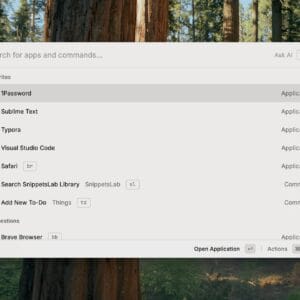
You know how they say a Mac “just works”? Yeah, that’s only partly true. Out of the box, macOS is slick — no doubt. But if you’re serious about getting real work done, you need the right stack of apps behind it. And there are a lot of apps in the Mac operating system ecosystem.…
macOS
Welcome to the macOS category, where we dive deep into Apple’s desktop operating system, exploring its features, apps, and the unique ecosystem that makes Macs stand out. I share candid reviews of macOS updates, tips on optimizing your workflow, and guides to help you unlock the full potential of your Mac—whether you’re a creative professional, a developer, or someone switching from Windows. From productivity hacks and software recommendations to security best practices and customization ideas, this space aims to make your macOS experience smoother and more enjoyable. Stay tuned for tutorials, troubleshooting help, and commentary on Apple’s latest hardware and software innovations. Discover why macOS remains beloved by professionals and enthusiasts alike. Learn shortcuts, power-user secrets, and master Spotlight search.
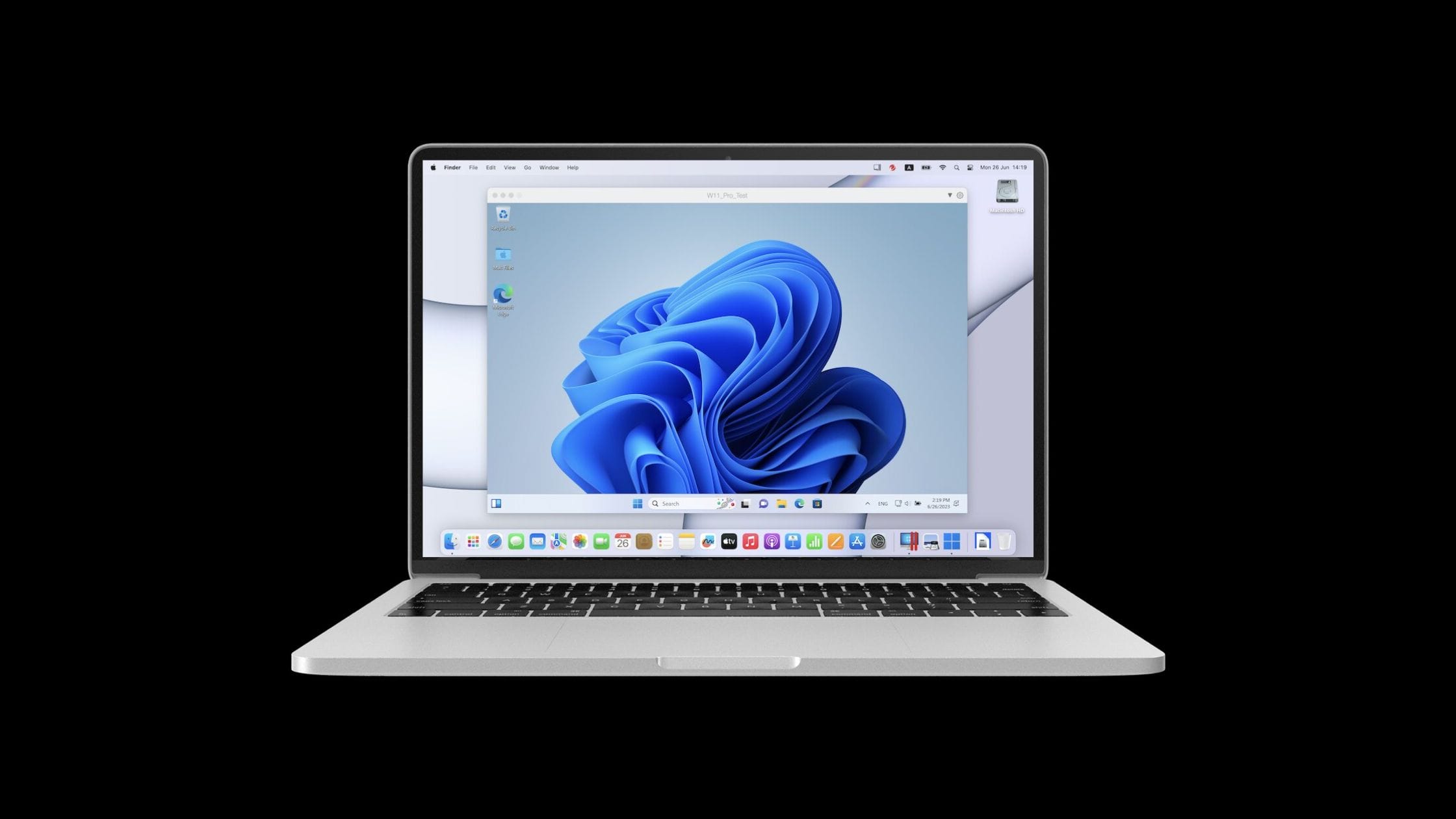
Imagine running Windows apps smoothly on your Mac without rebooting. No more switching back and forth or juggling multiple devices. Whether you need specific software for work, gaming, or everyday tasks, running Windows applications seamlessly alongside your Mac apps can dramatically enhance your productivity and convenience. In this guide, you’ll discover exactly how to make…
Google Chrome is one of the fastest web browsers that Google has designed and developed. However, it occasionally fails to load websites and as a result, the ERR_NAME_NOT_RESOLVED error turns up on your display. What many users don’t know is that the ERR_NAME_NOT_RESOLVED error is not just from Chrome’s end; the DNS address is also…
Password managers are indispensable in helping you maintain a strong security profile. They allow you to generate stronger passwords and also remember them for you. LastPass is undoubtedly one of the best password management solutions for business and personal use. Although its unique features make it ideal for larger enterprises, it is also a good…
Today, virtual machines, especially Virtual Desktop Software, have grown to become a vital part of computing, especially when it comes to business and cloud computing. However, you’ll be pleased to know that the home users can now get access to virtualization as well. They can use it to run different operating systems on their home…
$\LaTeX$ is a markup language used to write and render mathematical formulas, typeset documents and write scholarly articles. It is an easy language to learn but a harder language to master. LaTeX writing makes use of the WYSIWYM approach – which means you won’t generally see the final preview of what you are writing. Best…
Are you looking to create a GIF online or on your laptop but cannot find a suitable way out? Well, I got you covered. In this article, I will guide you through the 15 best free GIF makers available online and for Windows and MacOS. But before we move to gif makers let’s first see…
Screenshots are very common in people of our generation, and a screenshot has much use, like sharing pictures or any other information on your screen. Natively all operating systems allow screen capturing. However, in your day-to-day business, you may have to share the same information on your screen with someone else. Here comes the role…
Today, sharing our opinions and thoughts with like-minded people all around the world is easier than ever. If you have access to the right tools, you can start your very own podcast and discuss various topics, promote your brand, host interviews, and much more. To run a podcast, you need to have reliable podcast recording…
Were you searching for a video editing software that actually fits your workflow and not just a shiny marketing page? I get it. Choosing the right video editing app today feels harder than editing the video itself. The market is crowded. Really crowded. From beginner-friendly tools to professional-grade timelines, every video editor for Mac and…
Apple’s built-in media application QuickTime Player is the most popular and easy-to-use screen recording solution for Mac devices. It allows the user to record full or partial screens, edit screen recordings, and record voice-overs using the built-in microphone. However, if you need to record audio along with your screen recording for professional needs, QuickTime cannot…