
How to Write Persuasive Blog Posts: 25 Tactics That Move Readers
A landing page rewrite I did for a Gatilab client in 2024 lifted click-through from 2.1% to 6.8%. Same traffic. Same offer. The only thing that changed was how the page talked to the reader. That is the difference between writing that informs and writing that persuades.
Persuasive blog posts don’t trick people. They understand what the reader wants, remove friction, and make the next step obvious. I have written over 2,000 articles across 800+ client projects, and the posts that convert always do the same 25 things. Here they are.
What is persuasive writing?
Persuasive writing is content that moves a reader toward a specific action: buying, subscribing, clicking, sharing, or changing their mind. It uses psychological principles (Robert Cialdini’s reciprocity, social proof, authority, scarcity), copywriting frameworks (AIDA, PAS, BAB), and structural choices (answer-first paragraphs, objection handling, strategic CTAs) to guide the reader from problem awareness to decision.
The difference between persuasive writing and regular content writing is intent. A how-to article teaches. A persuasive article teaches and then directs the reader’s next move. Every section in a persuasive post earns the right to make that ask.
Why persuasive blog posts matter in 2026
Over 7.5 million blog posts are published every day (Worldometers, verified 2026). Your reader has seen the same listicle format a hundred times. The posts that actually get bookmarked, shared, and acted on are the ones that feel like they were written for one specific person with one specific problem. Persuasion is how you cut through the noise without shouting.
For bloggers and content marketers, persuasive writing directly affects revenue. A product review that handles objections converts at 3-5x the rate of one that just lists features. An email opt-in post that uses social proof gets 40-60% more signups. These aren’t abstract numbers. I have measured them on gauravtiwari.org and across client projects at Gatilab.
25 tips to write persuasive blog posts
1. Pick topics your audience already cares about
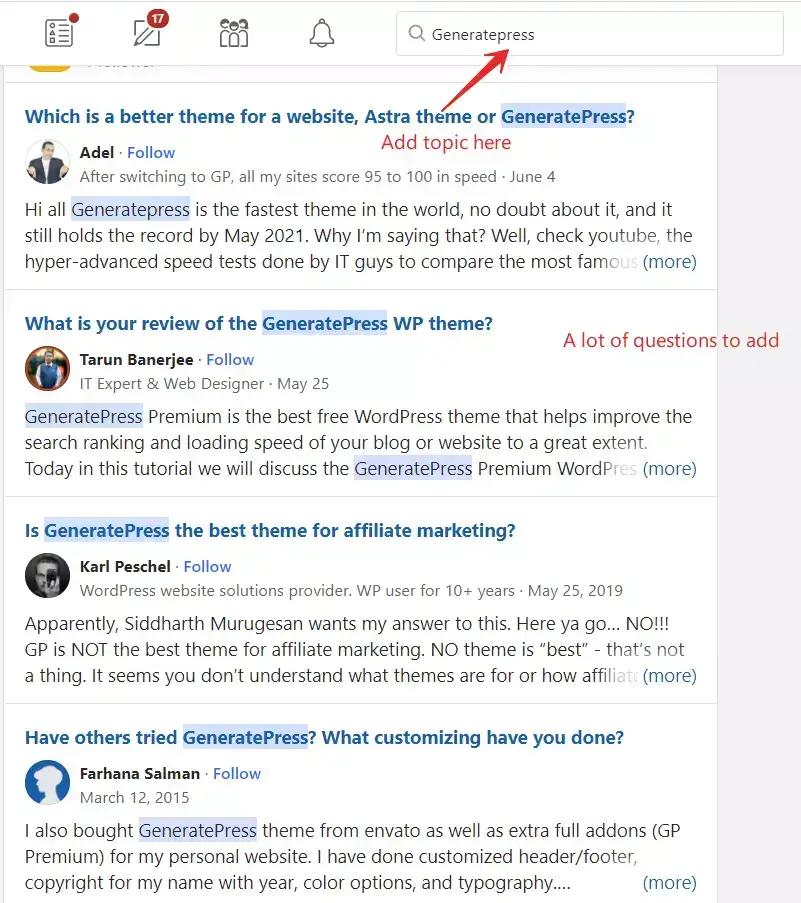
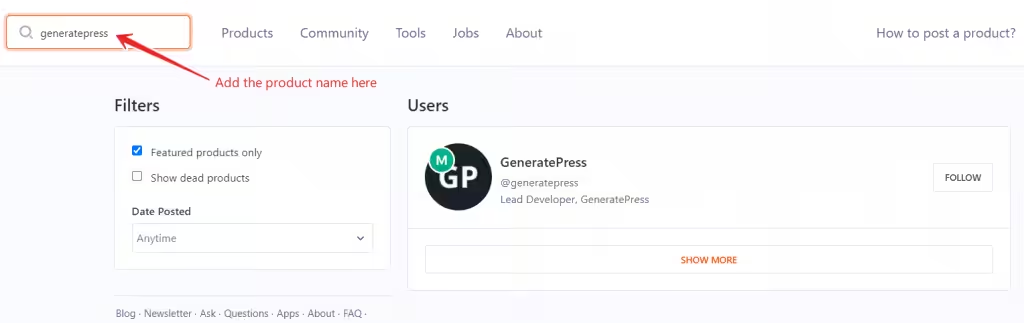
You can’t persuade someone who doesn’t care about the topic. Start with real audience pain points, not keyword volume. Use Quora, Reddit, Product Hunt discussions, and Semrush‘s Topic Research tool to find questions people are actively asking. The best persuasive content answers a question the reader typed into Google five minutes ago.
2. Identify the user’s core problem and solve it directly
Every persuasive post solves one problem. Not three, not five. One. State the problem in the first 100 words, prove you understand it, then spend the rest of the post fixing it. The PAS framework (Problem, Agitate, Solution) works because it mirrors how humans process discomfort: name it, feel it, fix it.
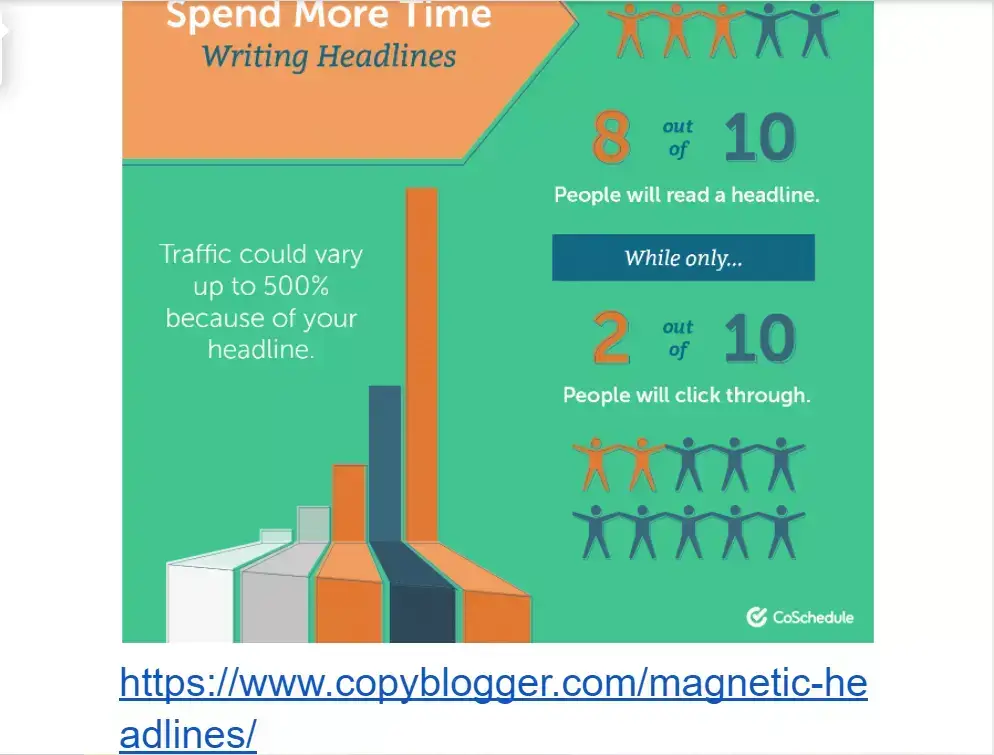
3. Write headlines that promise a specific outcome
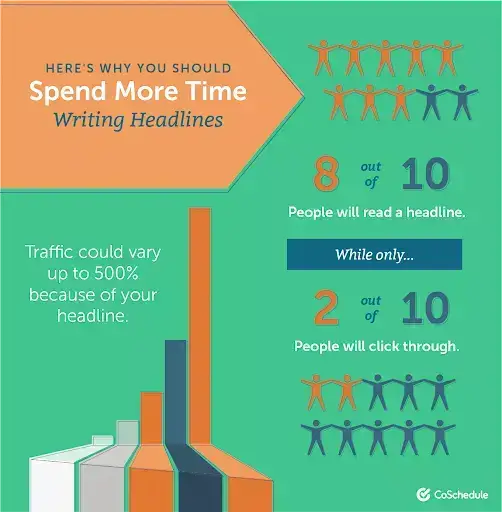
“How to Write Better” is vague. “How to Write Blog Posts That Get 3x More Shares” is specific. Persuasive headlines use numbers, timeframes, and outcomes. The Copyhackers formula: [Outcome] + [Timeframe] + [Objection handled]. Your headline is a contract with the reader. Break it and they bounce.
4. Use keywords naturally without stuffing
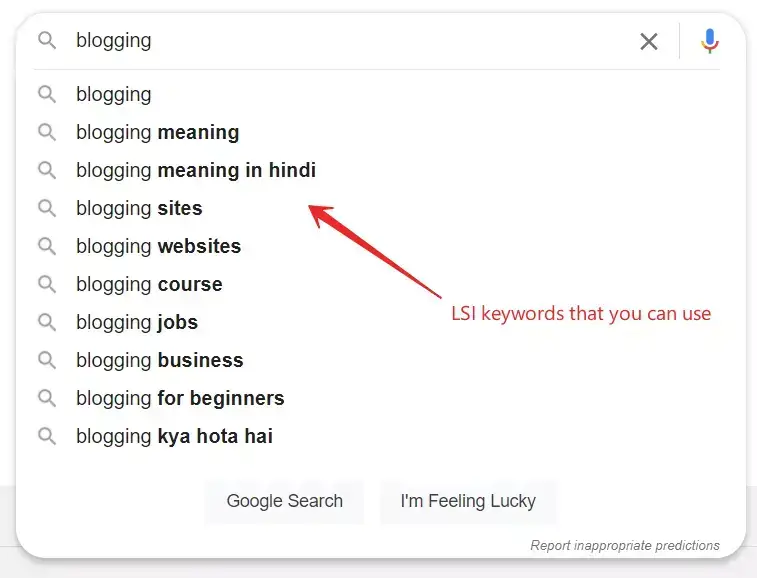
Keyword density doesn’t exist as a ranking factor anymore. What matters is semantic relevance. Use your primary keyword in the title, first paragraph, one H2, and the meta description. Use LSI variations (related terms, synonyms, long-tail queries) throughout the body. If it reads like you’re writing for a robot, you’ve gone too far.
5. Research deeply before you write a single word
Persuasion requires credibility. Credibility requires depth. Read the top 10 results for your keyword, find what they all say (that’s table stakes), then find what none of them say (that’s your information gain). First-party data, original screenshots, specific numbers, and named sources make your post the one readers trust.
6. Build a clear post structure before drafting
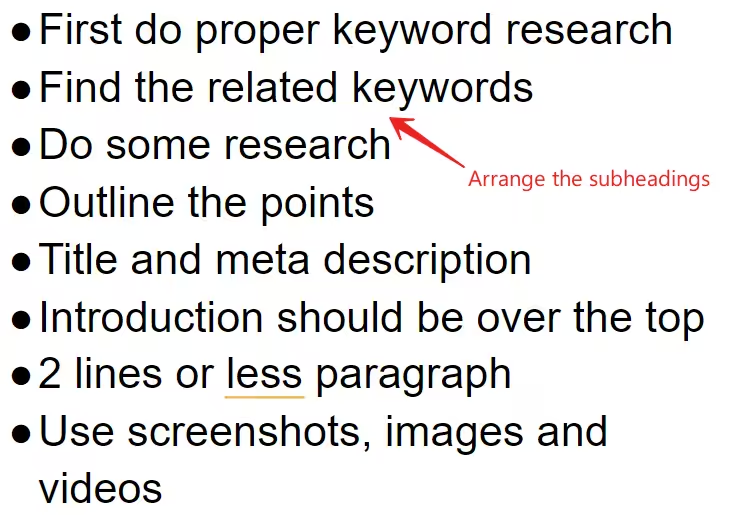
Outline before you write. Every persuasive post follows a pattern: hook (first 2 sentences), context (why this matters), body (the proof), objection handling (why the reader hesitates), and CTA (the one thing to do next). David Ogilvy outlined every ad. You should outline every post.
7. Keep your introduction under 100 words
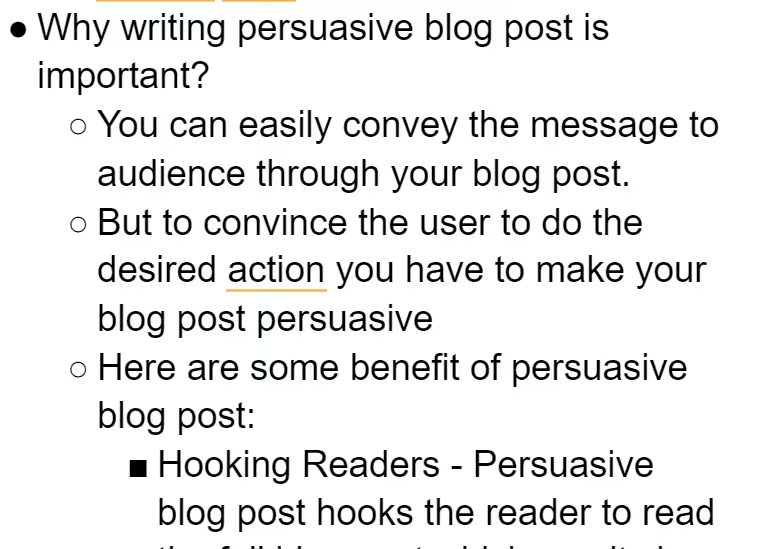
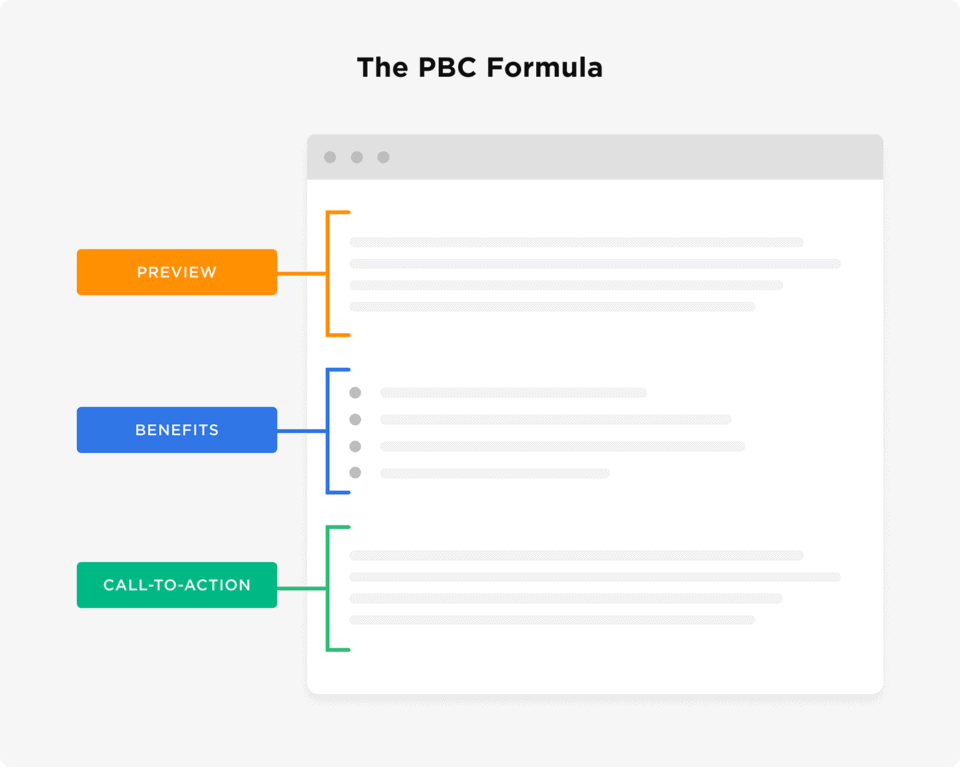
The introduction has one job: earn the next scroll. State the problem, hint at the solution, and get out. The PBC formula (Preview, Benefit, Call-to-continue) works well: tell them what the post covers, why it matters to them specifically, and transition into the first section. No backstory, no “in this article”, no throat-clearing.
8. Answer the question first, explain second
If your H2 is a question (“What is X?”), the first sentence under it should be the answer. Not the history, not the context, not “great question.” Answer first. This is the single highest-impact GEO (Generative Engine Optimization) pattern: AI search engines extract the first sentence after a heading. Make it the answer.
9. Back every claim with evidence
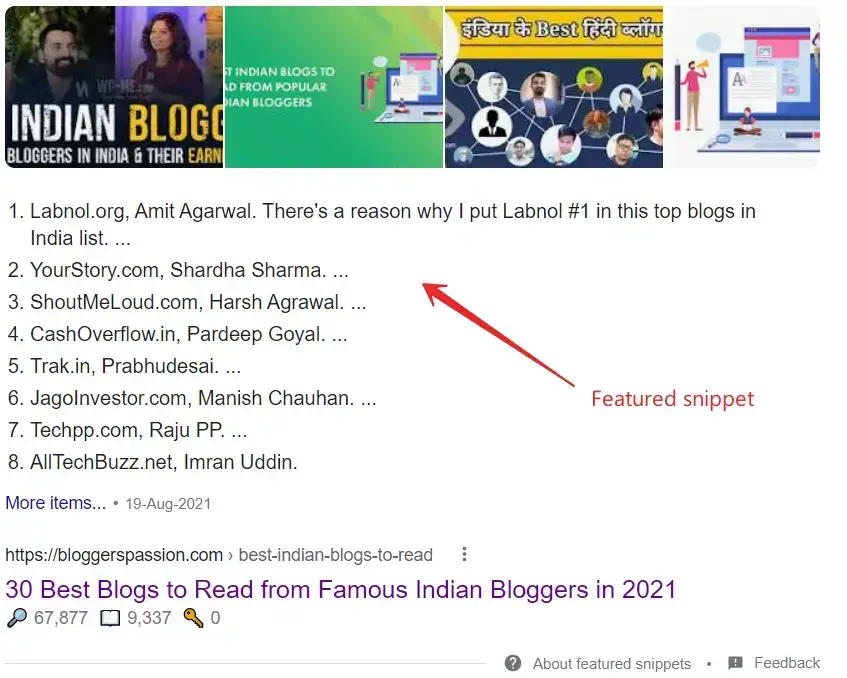
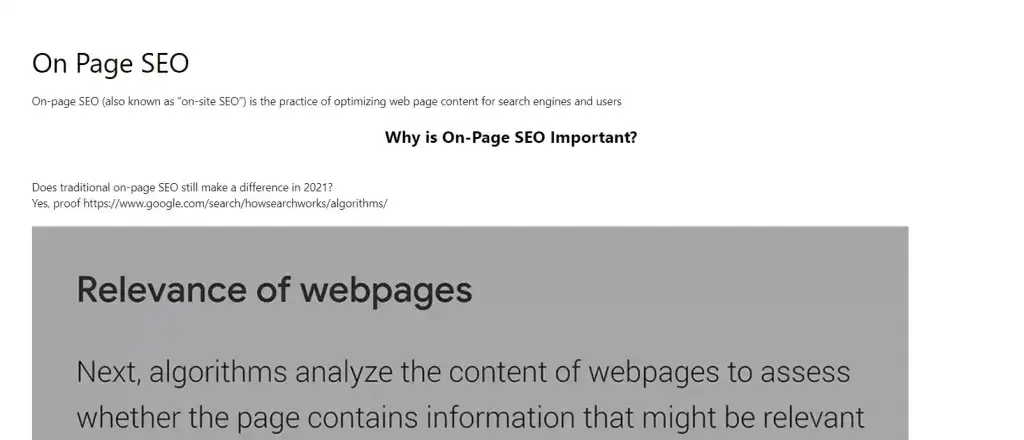
“This tool is great” persuades no one. “This tool reduced my page load from 2.4s to 0.9s on a Cloudways VPS” persuades everyone. Specificity is the currency of persuasion. Link to studies, cite your own metrics, show screenshots. Robert Cialdini calls this the Authority principle: people follow experts who show their work.
10. Explain why, not just what
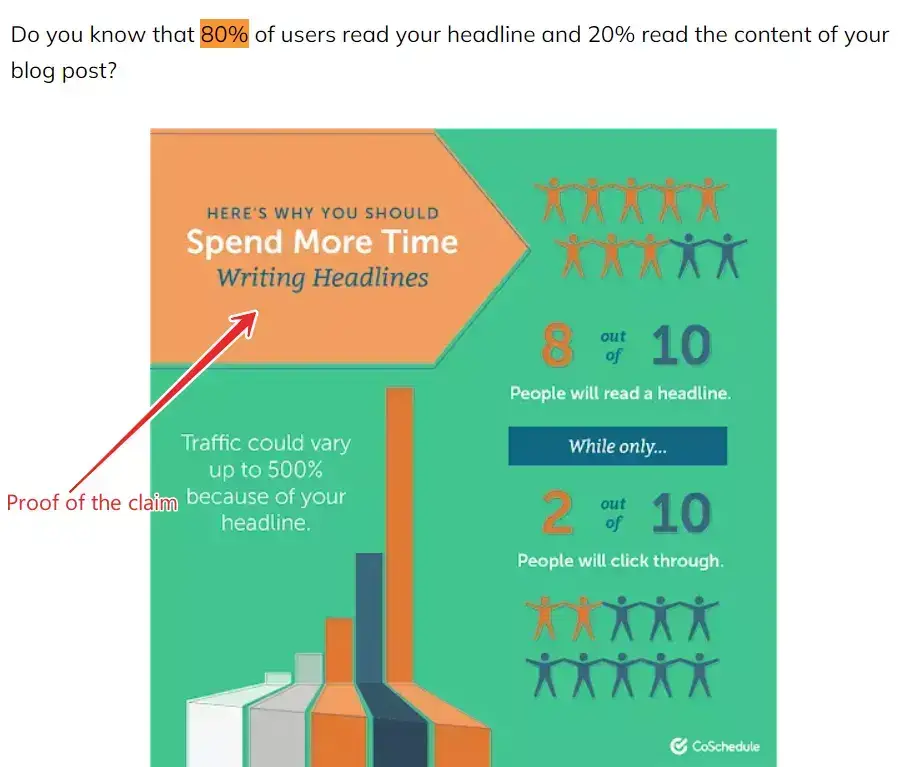
“Buy WP Rocket” is a command. “Buy WP Rocket because it dropped our LCP from 2.4s to 0.9s and that alone earned us a 12% organic traffic lift” is a reason. The “why” is where persuasion lives. Features tell. Benefits sell. Reasons convert.
11. Use questions to pull readers deeper
Questions create open loops in the reader’s brain. “But what if your audience doesn’t trust reviews?” forces them to keep reading for the answer. Use questions at the start of sections, in transitions, and before CTAs. Don’t overdo it. One per section is enough. More than that reads like an interrogation.

12. Add visuals, screenshots, and embedded videos
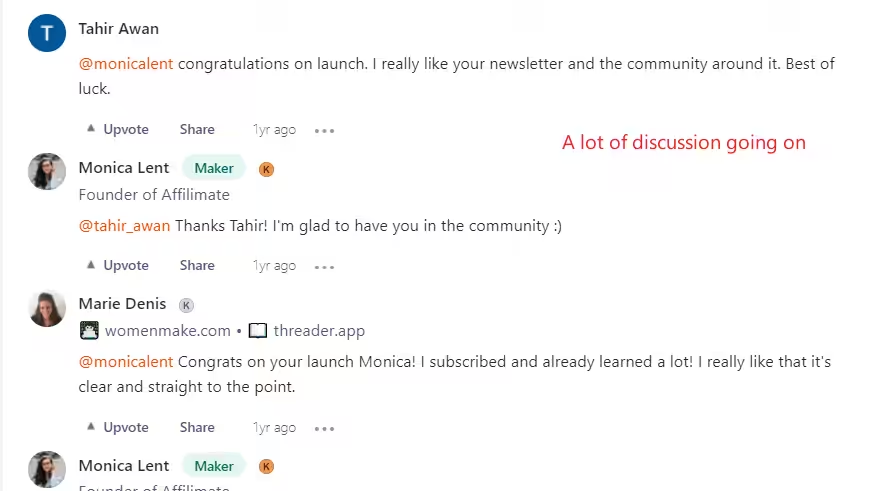
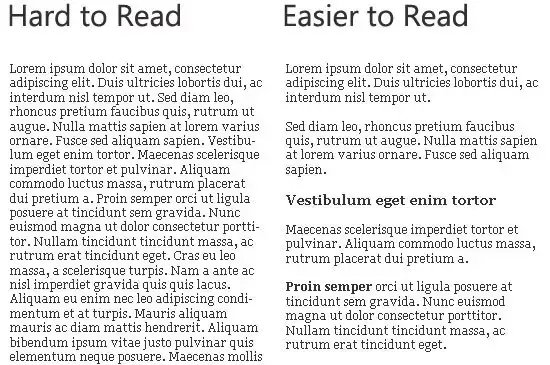
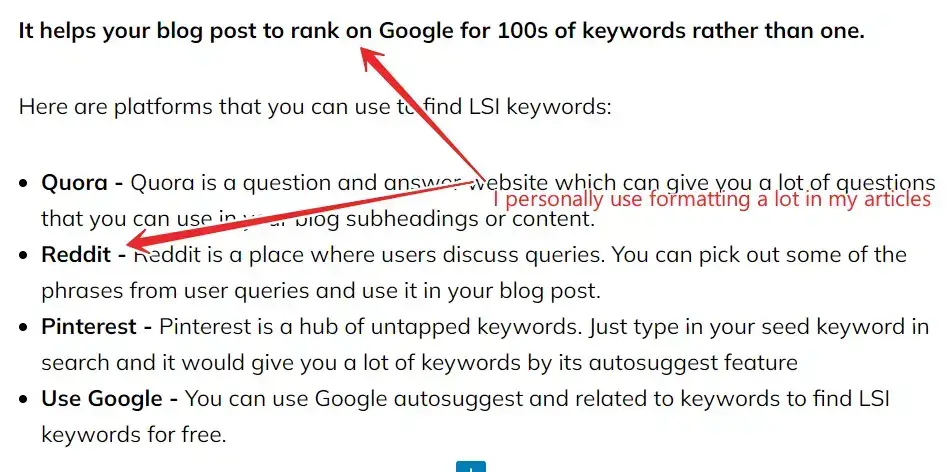
A wall of text is the fastest way to lose a reader. Break every 3-4 paragraphs with an image, screenshot, chart, or embedded video. Screenshots of real UI, real results, and real processes build trust faster than stock images. I try to include at least one screenshot for every major claim in a post.

13. Tell stories to build trust
Data convinces the analytical brain. Stories convince the emotional brain. You need both. A product review that starts with “I installed this on a client’s crashing WooCommerce store at 11 PM” is more persuasive than “This plugin has many features.” Stories create empathy, and empathy creates trust.
14. Handle objections before the reader thinks of them
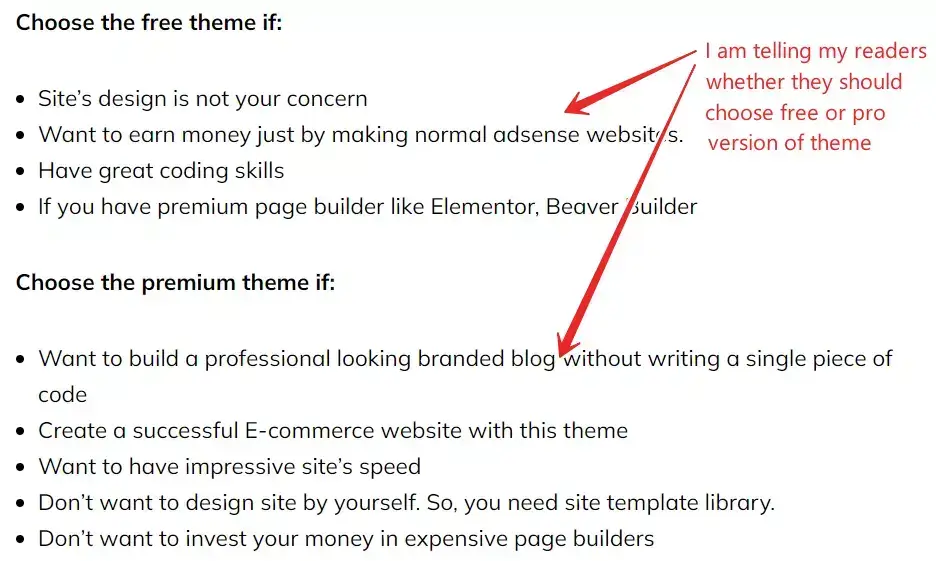
If you’re recommending a $139/month tool, the reader is thinking “that’s expensive.” Address it: “Yes, $139 is steep for a solo blogger. But if you’re running an agency billing $2,000/month per client, Semrush pays for itself on the first project.” Unspoken objections kill conversions. Spoken objections, handled well, accelerate them.
15. Help the reader visualize the outcome
“Imagine opening your analytics dashboard tomorrow and seeing double the traffic” is more persuasive than “this strategy increases traffic.” Visualization activates the same brain regions as experience (Neuroscience research, UCLA, 2015). Paint the after-picture in concrete terms: numbers, feelings, screenshots, before/after comparisons.

16. Use social proof to reduce risk
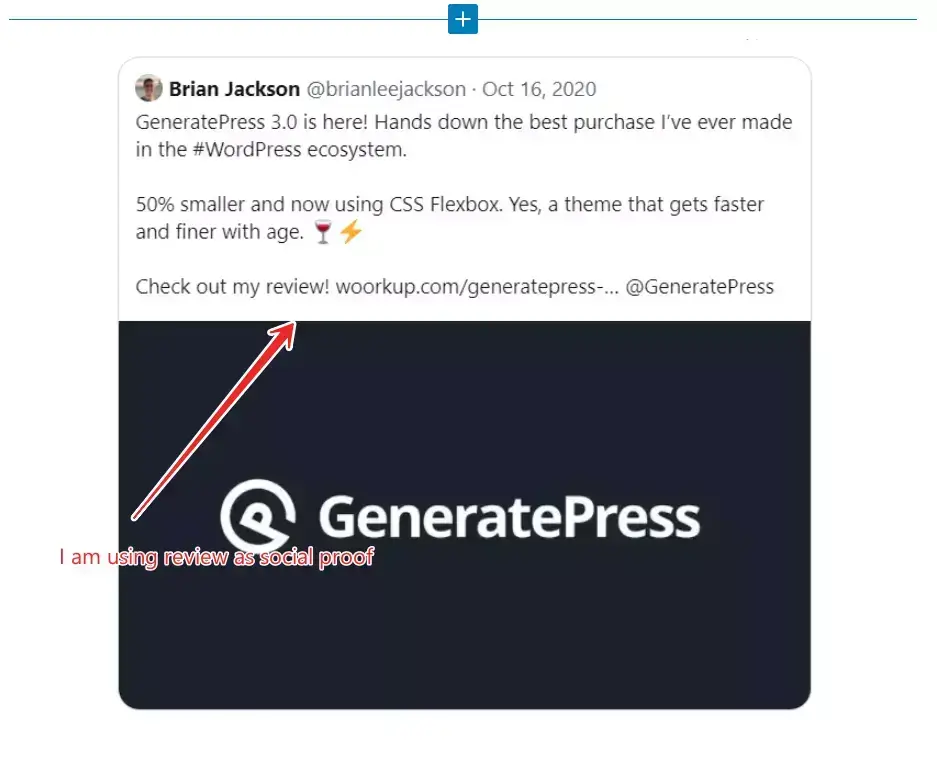
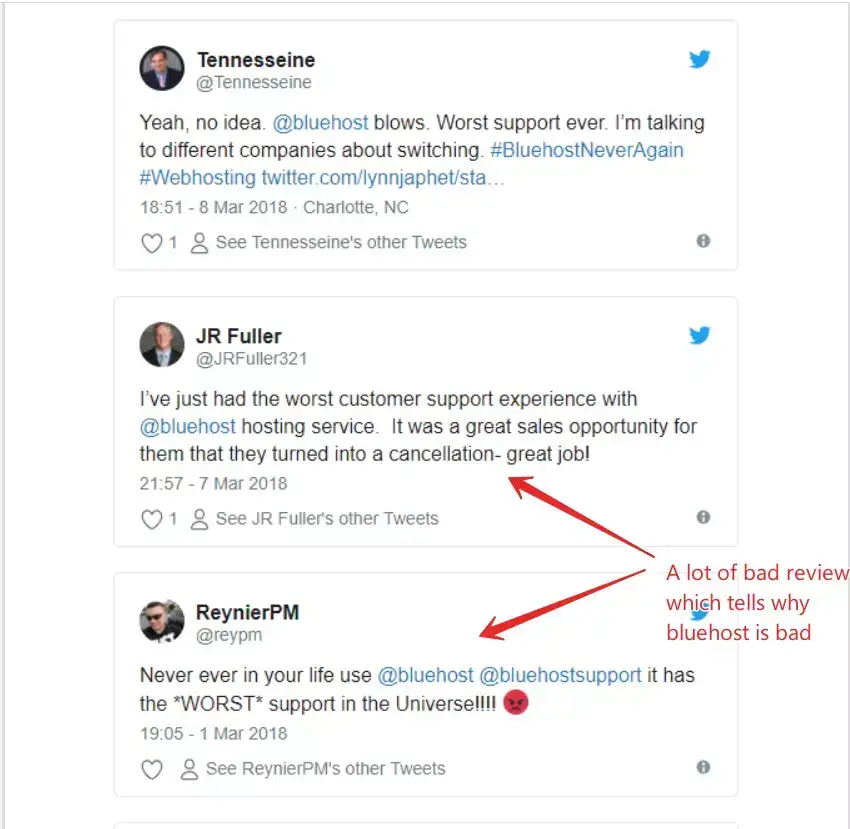
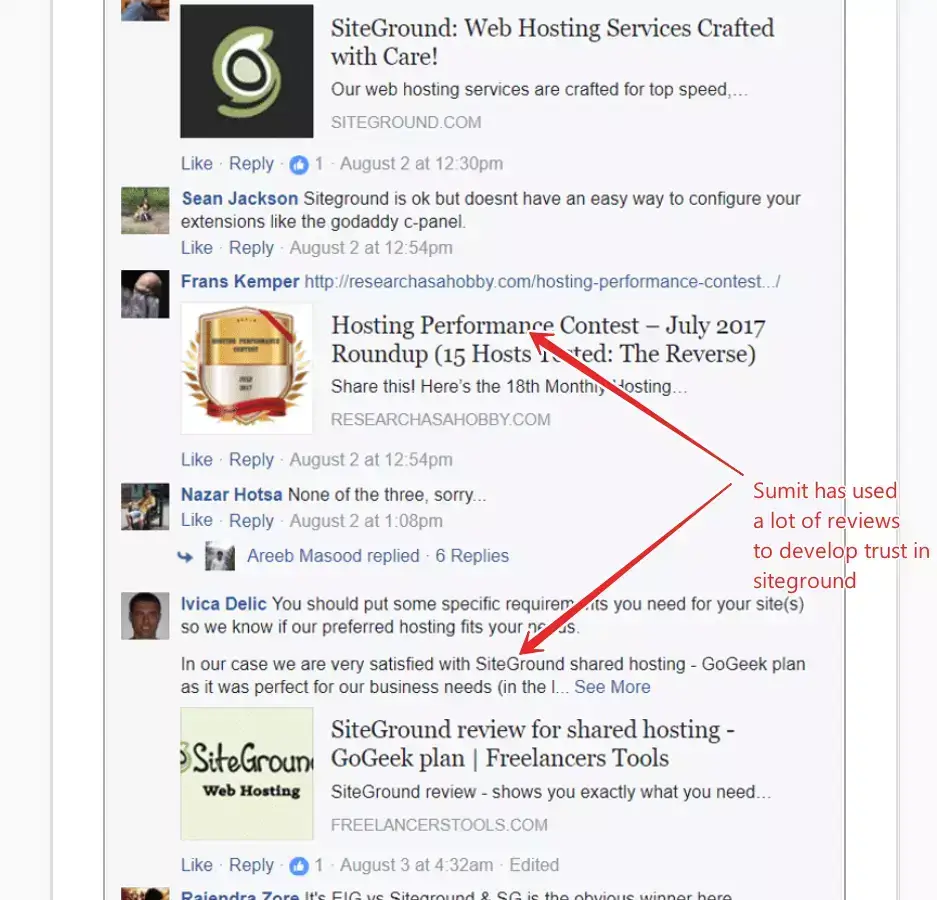
Social proof is Cialdini’s most powerful principle. Testimonials, user counts (“used by 500,000 sites”), star ratings, case studies, and “people also bought” signals all reduce the perceived risk of taking action. Add at least one form of social proof per product mention. A screenshot of a real review is worth ten sentences of praise.
17. Make your post actionable, not theoretical
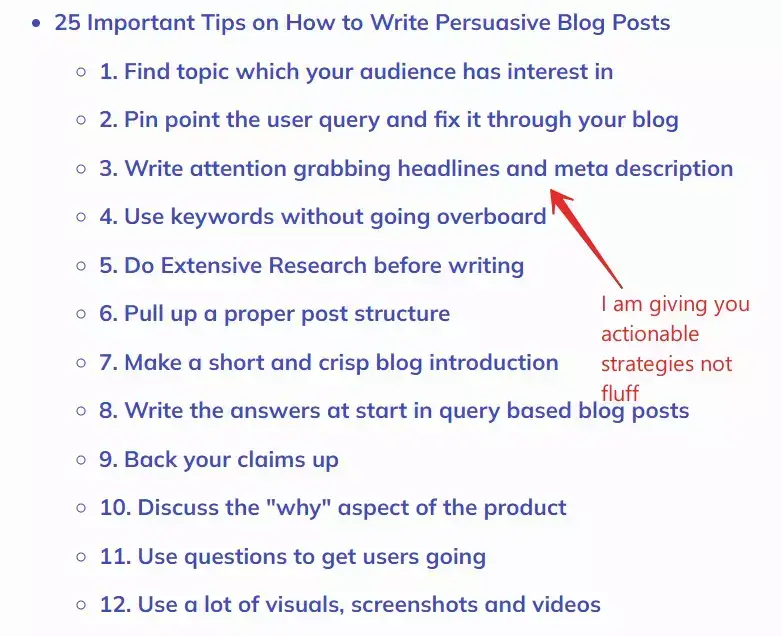
Every section should end with something the reader can do right now. Not “consider improving your headlines” but “open your last 5 blog posts, rewrite each headline using the [Outcome] + [Timeframe] formula, and A/B test one this week.” Actionable advice is the difference between content people read and content people use.
18. Write subheadings that work as standalone promises
Most readers scan before they read. Your subheadings are the second headline. Each one should promise a benefit or an answer. “Formatting tips” is lazy. “Format your post so scanners become readers” is a promise. Nielsen Norman Group research shows 79% of users scan rather than read. Your H2s are your second chance to hook them.
19. Give value before asking for anything
Cialdini’s Reciprocity principle: when you give something useful, the reader feels an obligation to give back (a click, a signup, a share). The best persuasive posts front-load value. By the time the CTA appears, the reader has already received enough insight that clicking feels like the natural next step, not a transaction.
20. Use perceptual contrast to frame pricing
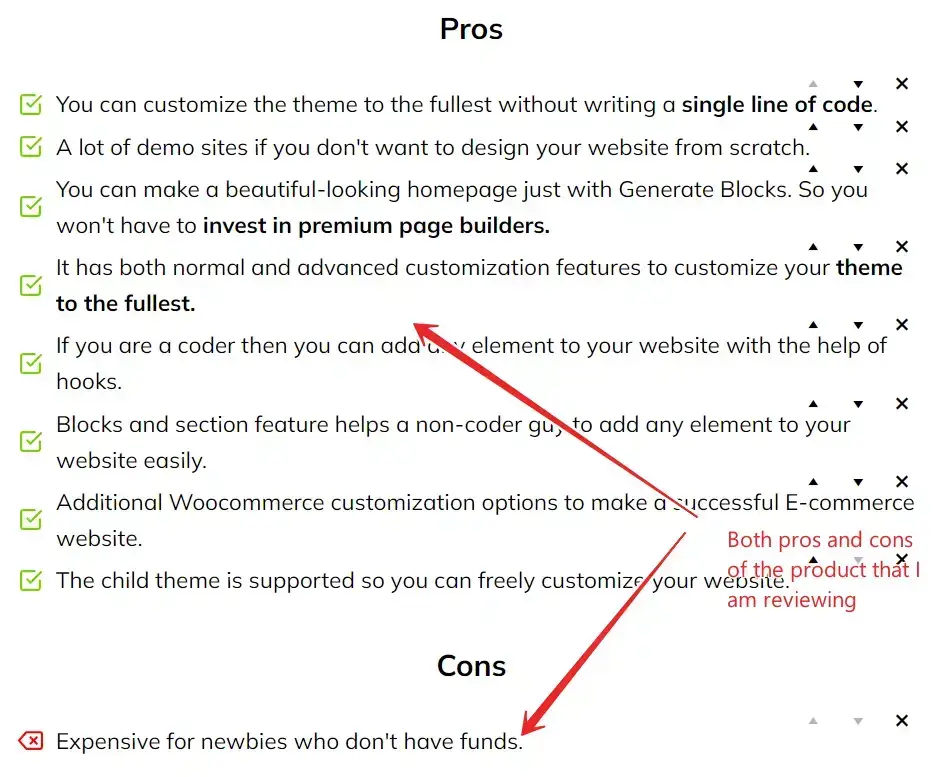
Show the expensive option first, then show the one you’re recommending. “$499/month for the Business plan” next to “$139/month for Pro (which is all most people need)” makes Pro feel cheap. This is the Contrast principle: things feel more affordable when placed next to something more expensive. Every pricing comparison post should use this framing.
21. Add shareable elements (click-to-tweet, pull quotes)
A click-to-tweet box with a sharp one-liner does two things: it gives the reader a pre-written social post (reducing friction to share) and it signals that the content is worth quoting. Put one after your strongest insight in the post, not at the end where no one sees it.

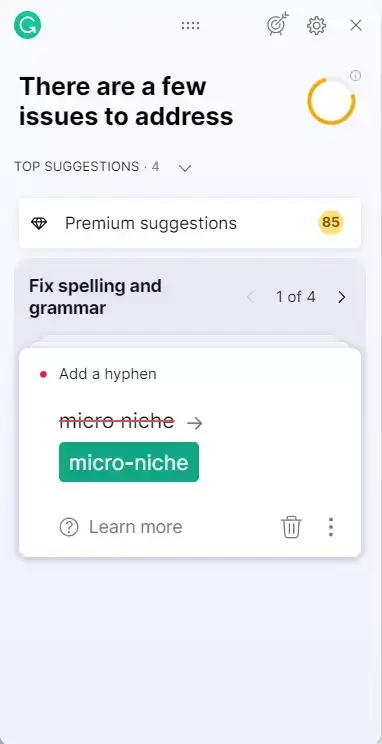
22. Fix formatting and grammar before publishing
Typos destroy credibility. A reader who spots a grammar error in your product review is less likely to trust your recommendation. Run every post through Grammarly or LanguageTool before publishing. Beyond grammar: short paragraphs (1-3 sentences), plenty of white space, bold key phrases, and bullet lists for scanners.
23. Place your CTA where the reader is ready to act
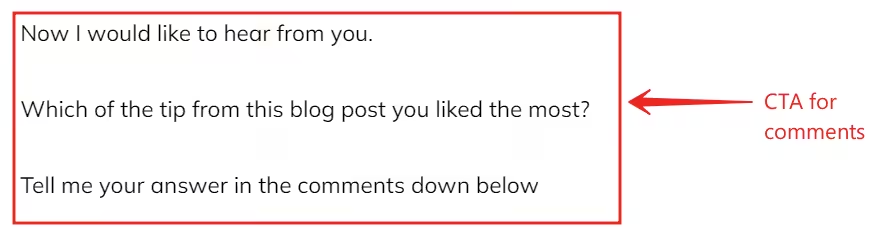
Don’t shove a “Buy Now” button after the introduction. The reader isn’t ready yet. Place your primary CTA after you’ve delivered the proof and handled the objections. For most blog posts, that’s two-thirds of the way down. A secondary CTA at the end catches people who read all the way through. Use button blocks, not text links, for primary CTAs.
24. Keep a learning journal and apply what works
Track which posts convert and which don’t. After every published post, note what you tried (new headline formula, different CTA placement, added social proof) and what the result was (CTR, time on page, conversions). Persuasive writing is a skill that improves with feedback loops, not just practice.
25. Close with empowerment, not a sales pitch
The best conclusions do three things: empower (remind the reader they can do this), reinforce (repeat the one key takeaway), and direct (give one clear next step). Don’t summarize the entire article. Don’t add new information. Don’t end with “I hope this was helpful.” End with a specific action the reader can take in the next 10 minutes.


Frequently asked questions
What is persuasive writing in blogging?
Persuasive writing is content designed to move a reader toward a specific action: buying, subscribing, clicking, or sharing. It combines psychological principles (like Robert Cialdini’s reciprocity, social proof, and scarcity) with copywriting frameworks (AIDA, PAS, BAB) to guide someone from problem awareness to decision.
What’s the difference between AIDA and PAS?
AIDA (Attention, Interest, Desire, Action) works best for landing pages and sales copy where you’re introducing something new. PAS (Problem, Agitate, Solution) works better for blog posts and reviews where the reader already has a problem and needs convincing that your solution fixes it. For most blog content, PAS converts higher because it starts with empathy.
How do I handle objections in a blog post?
Anticipate the reader’s hesitation and address it before they think of it. If you’re recommending a $139/month tool, acknowledge the price and explain the ROI. Use FAQ sections, comparison tables, and “yes, but” paragraphs to surface and resolve doubts. Unspoken objections kill conversions; spoken objections handled well accelerate them.
What’s the best copywriting formula for beginners?
Start with BAB (Before, After, Bridge). Describe the reader’s current pain (Before), paint the outcome they want (After), then show how your recommendation gets them there (Bridge). It’s the easiest framework to learn and works for blog posts, emails, and product reviews.
How long should a persuasive blog post be?
Long enough to handle every objection, short enough that nothing is filler. For most product reviews, that’s 2,500-3,500 words. For how-to guides, 2,000-2,500. The length should be driven by the number of proof points you need, not a word count target.
Does persuasive writing help with SEO?
Yes. Persuasive posts earn longer time-on-page, lower bounce rates, and more backlinks, all of which are positive ranking signals. Answer-first paragraphs also improve your chances of winning featured snippets and AI search citations.
What types of social proof work best in blog posts?
Screenshots of real user reviews, specific user counts, star ratings, case study results, and expert endorsements. A screenshot of a Trustpilot review is more persuasive than ten sentences of your own praise. Include at least one social proof element per product recommendation.
How do I write a CTA that actually gets clicks?
Place it after the proof, not before. Use a button block with action-specific copy like “Start your free trial” instead of “Click here.” One primary CTA two-thirds down the post and one at the end is the pattern that converts best in my testing.
Final word
Persuasive writing isn’t a talent. It is a checklist. Start with a real problem, back your claims with proof, handle objections before the reader thinks of them, and place your CTA where the reader is ready. If you apply even five of the 25 tips above to your next post, you’ll see the difference in your metrics within a week.
For the SEO side of writing, read how to optimize blog posts for SEO. For the tools that help with research and content planning, check the Semrush review. Questions or feedback? Find me on X @wpgaurav or through the contact form.
Disclaimer: This site is reader-supported. If you buy through some links, I may earn a small commission at no extra cost to you. I only recommend tools I trust and would use myself. Your support helps keep gauravtiwari.org free and focused on real-world advice. Thanks. - Gaurav Tiwari