
20+ Best WooCommerce Plugins to Boost Your Online Shop
A default WooCommerce install handles basic product listings and checkout. It can’t build sales funnels, manage subscriptions, handle complex shipping rules, or run loyalty programs. Most store owners end up installing 20+ random plugins that conflict with each other, slow page loads to 4+ seconds, and break after every WooCommerce update.
I’ve built and maintained 100+ WooCommerce stores over the past 16 years. Every store hits the same walls: clunky checkout flows that kill conversions, no subscription support for recurring revenue, rigid coupon limits that can’t handle real promotions, and missing invoicing that creates compliance headaches. The right plugins fix these gaps without wrecking your site speed or your sanity.
Below are the best WooCommerce plugins I’ve tested on real client stores in 2026. Each one solves a specific problem. I’ve noted what it’s best for, what it costs, and the honest downsides so you can skip straight to what you need.
Best WooCommerce plugins at a glance
- CartFlows for sales funnels, order bumps, and A/B testing
- WooCommerce Subscriptions for recurring billing and subscriber management
- WooCommerce Stripe for credit cards, Apple Pay, Google Pay (free)
- Advanced Coupons for BOGO deals, scheduled discounts, loyalty programs
- PDF Invoices & Packing Slips for auto-generated invoices and bulk printing
- YITH Wishlist for save-for-later functionality
- WooCommerce Bookings for calendar-based reservation system
- WPLoyalty for points, rewards, and referral programs
- Estimated Delivery Date for delivery estimates on product and checkout pages
- Table Rate Shipping Pro for weight and location-based shipping rules
- Smart Manager for spreadsheet-style bulk editing
- Booster for 110+ WooCommerce modules in one plugin
- WooCommerce Multilingual for multi-language store via WPML
- Checkout Field Editor for custom checkout form fields
- YITH Quick View for AJAX product preview popups
- SureCart for a lightweight WooCommerce alternative
- WooCommerce Product Addons for custom fields on product pages
- EU/UK VAT Compliance for automated VAT handling
- Order Delivery Date for customer-selected delivery dates
- YITH Compare for side-by-side product comparison tables
CartFlows
Best for: Store owners who want sales funnels with order bumps, upsells, and A/B testing without leaving WordPress.
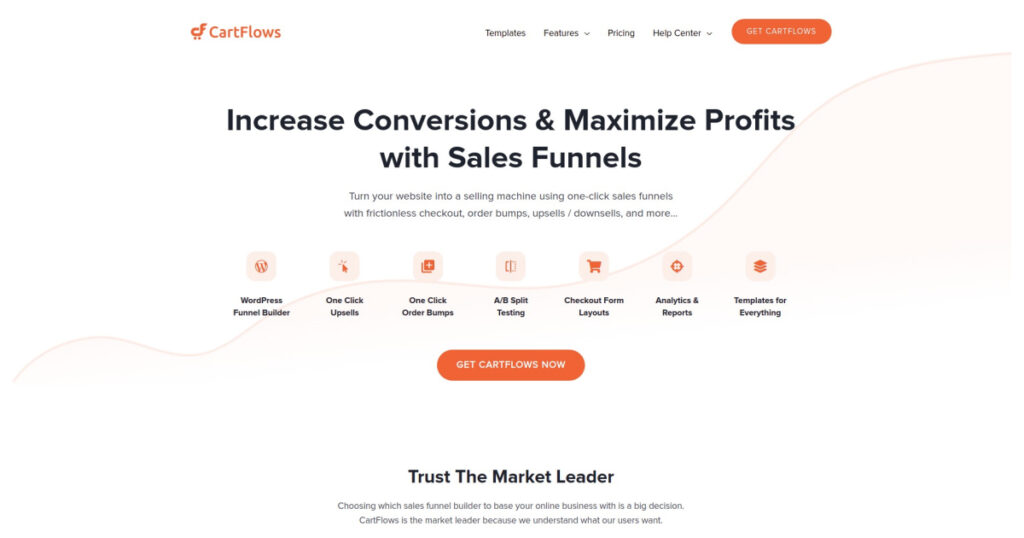
- WooCommerce funnel optimization
- Order bumps and one-click upsells
- A/B split testing built-in
CartFlows replaces WooCommerce’s clunky default checkout with conversion-optimized pages. You build multi-step funnels, add order bumps that appear right before payment, and create one-click upsells on the thank-you page.
I’ve seen it lift average order value by 15-25% on client stores just by adding a well-placed order bump. The A/B testing feature lets you test different checkout layouts without installing another plugin.
It works with Elementor, Beaver Builder, Divi, and the block editor. The free version handles basic funnels; the Pro ($239/year) adds order bumps, upsells, and dynamic offers.
WooCommerce Subscriptions
Best for: Stores selling memberships, digital subscriptions, or physical product boxes on recurring billing.

- Recurring payment management
- Automatic renewal processing
- Variable subscription products
- Free trial support
Recurring payments change how your store makes money. WooCommerce Subscriptions handles the heavy lifting: flexible billing schedules, free trials, upgrade/downgrade options, variable pricing plans.
FluentCart is a newer alternative built specifically for digital products and subscriptions. It skips WooCommerce’s physical product overhead and connects natively with FluentCRM and Fluent Forms.
If you want predictable monthly revenue, this plugin makes it happen. Works with Stripe, PayPal, and most major gateways.
WooCommerce Stripe Payment Gateway
Best for: Any WooCommerce store that needs credit card, Apple Pay, and Google Pay processing with 135+ currency support.
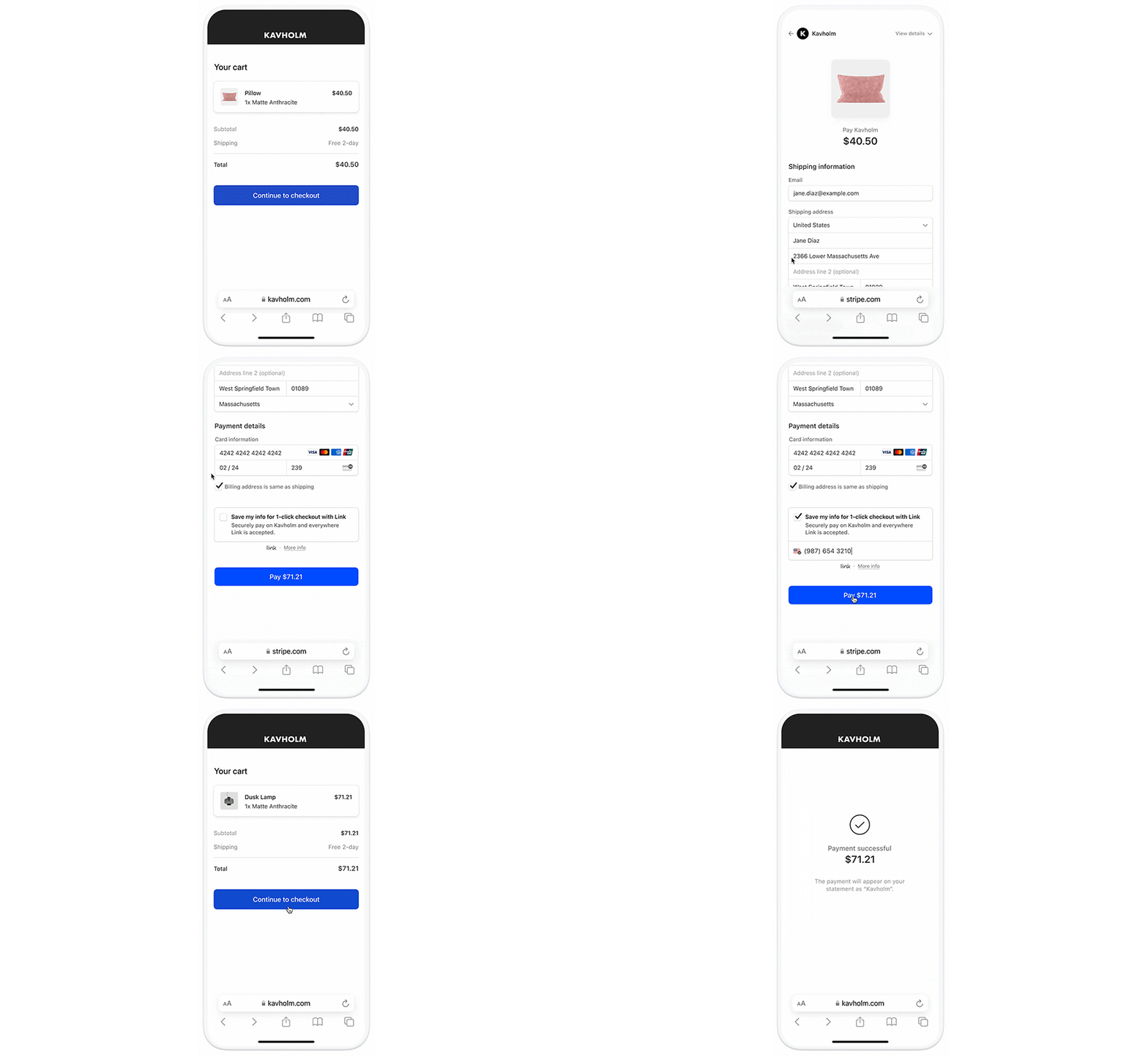
WooCommerce Stripe Payment Gateway
- Credit card payments via Stripe
- Apple Pay and Google Pay support
- 135+ currency support
- Strong Customer Authentication (SCA)
The WooCommerce Stripe Payment Gateway lets customers pay with credit cards, debit cards, Apple Pay, and Google Pay. It supports 135+ currencies for global stores.
Setup takes under 10 minutes. Connect your Stripe account, enable the payment methods you want, and you’re processing payments. SCA compliance is built in for European customers.
It’s free. No reason not to add it if your customers use digital wallets.
Advanced Coupons for WooCommerce
Best for: Stores running BOGO promotions, scheduled sales, URL-based coupons, or loyalty rewards.

Advanced Coupons for WooCommerce
- BOGO deals and shipping discounts
- Auto-apply and URL coupons
- Advanced cart conditions
- Loyalty program built-in
WooCommerce’s built-in coupon system is limited. Advanced Coupons fills the gaps with BOGO deals, scheduled discounts, URL coupons, and a built-in loyalty program.
The cart conditions are where it gets powerful. You can trigger coupons based on cart total, specific products, customer role, shipping zone, or order history. No coding required.
Particularly useful for holiday sales, flash promotions, and exclusive member discounts. Free version available; Premium starts at $59/year.
PDF Invoices & Packing Slips
Best for: Stores that need auto-generated PDF invoices attached to order emails and bulk packing slip printing.
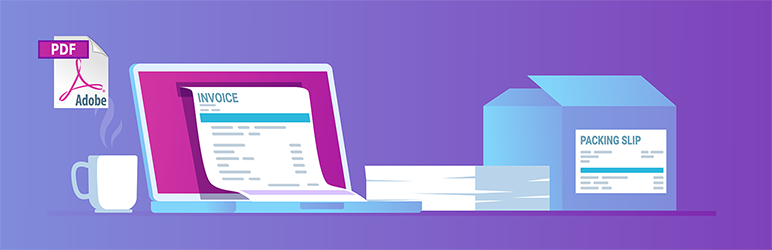
- Auto-attach PDF invoices to emails
- Bulk packing slip printing
- Customizable invoice templates
- Sequential invoice numbering
WooCommerce doesn’t generate invoices. This plugin fixes that. It auto-attaches PDF invoices to order confirmation emails and lets you print packing slips in bulk from the orders screen.
The free version covers most needs. The Professional extension ($79/year) adds custom templates, credit notes, and proforma invoices for B2B stores.
Over 1 million active installs. One of the most reliable WooCommerce plugins available.
YITH WooCommerce Wishlist
Best for: Product-heavy stores where customers browse multiple items and want to save favorites for later.
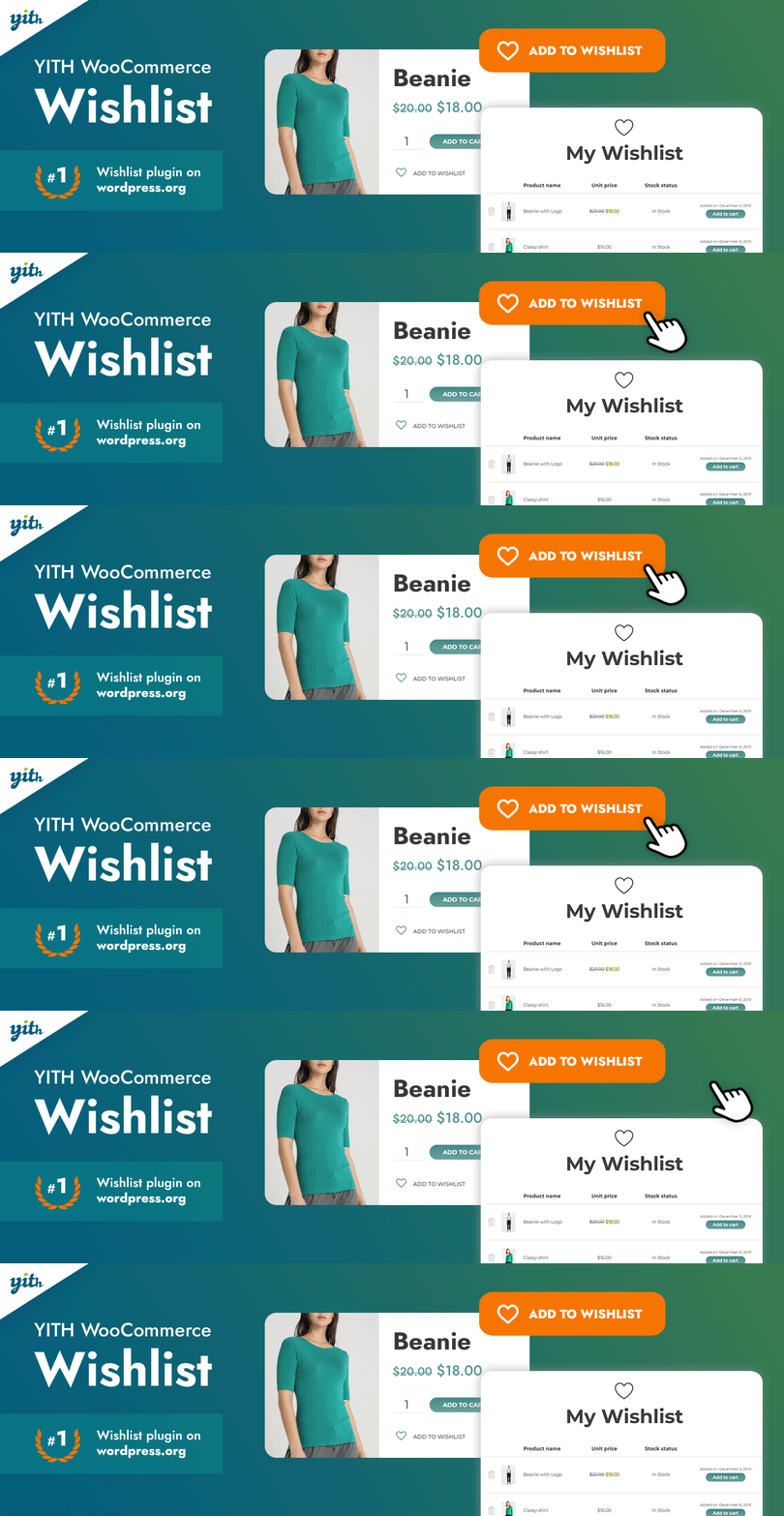
- Save-for-later on product pages
- Shareable wishlists
- Works with all WooCommerce themes
- Email notifications for wishlist items
YITH WooCommerce Wishlist adds the same save-for-later feature you’ve seen on Amazon. Customers bookmark products, come back later, and buy. Simple.
Saved items turn into purchases. I’ve seen 8-12% conversion lifts on stores that add wishlists, especially during holiday shopping when customers are comparing options across multiple sites.
Free version works well. The Pro version ($94.99) adds multiple wishlists, email reminders when wishlist items go on sale, and analytics.
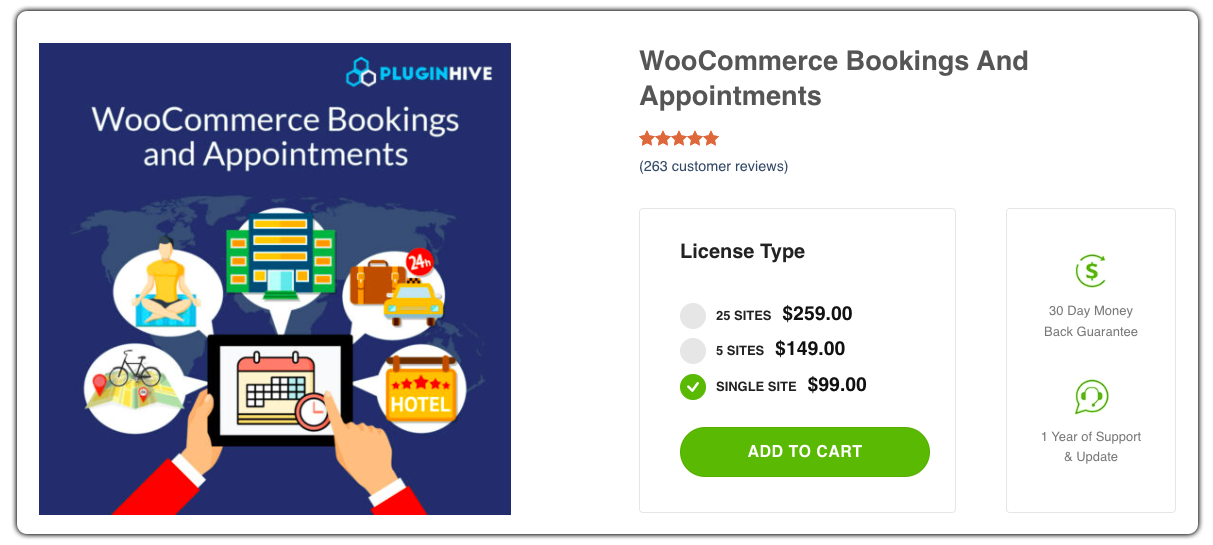
WooCommerce Bookings & Appointments
Best for: Service businesses (salons, rentals, courses, clinics) that need calendar-based booking.
WooCommerce Bookings & Appointments
- Single and multi-day bookings
- Recurring appointment support
- Google Calendar integration
- WPML compatible
PluginHive’s WooCommerce Bookings plugin handles calendar-based reservations for hotels, salons, equipment rentals, and online courses. Customers book directly from your product page.
It supports single-day, multi-day, and recurring bookings. The Google Calendar sync keeps your schedule updated across devices. WPML integration means you can take bookings in multiple languages.
PluginHive also makes FedEx, UPS, and USPS shipping integrations if you need carrier-specific rates at checkout.
WPLoyalty
Best for: Stores that want to reward repeat customers with points, referral bonuses, and review incentives.

- Points for purchases and reviews
- Tiered reward programs
- Referral bonuses
- Social share rewards
WPLoyalty goes beyond basic loyalty points. You set up tiered rewards, referral bonuses, and review incentives that turn one-time buyers into brand advocates.
Customers earn points for purchases, writing reviews, signing up, referring friends, and sharing on social media. You control the point-to-discount ratio and expiration rules.
I’ve seen client stores increase repeat purchases by 15-20% within the first quarter of running a loyalty campaign with this plugin.
Estimated Delivery Date & Time
Best for: Physical product stores that want delivery estimates on product, cart, and checkout pages.
Estimated Delivery Date & Time
- Delivery date on product pages
- Configurable working days/holidays
- Multiple date formats
- Shipping zone support
Customers want to know when their order arrives before they click “Buy.” This plugin displays estimated delivery dates on product, shop, cart, and checkout pages.
You configure working days, holidays, and minimum delivery times per shipping zone. The plugin calculates and shows a date range like “Delivery by March 20-22.”
Reduces cart abandonment because customers feel confident about delivery timing. Works with WooCommerce shipping zones and WPML.
Table Rate Shipping Pro
Best for: Stores with complex shipping needs based on weight, location, item count, or cart total.
- Weight and location-based rates
- Multiple shipping methods
- Handling fees
- Logged-in user special rates
WooCommerce’s default shipping options are basic. Table Rate Shipping Pro calculates rates based on country, state, zip code, weight, item quantity, or cart total.
You can set up multiple shipping methods (Standard, Express, Overnight), add handling fees, include or exclude tax, and hide methods based on cart contents.
The logged-in user rules feature lets you reward repeat customers with lower shipping rates. A practical incentive that doesn’t require coupons.
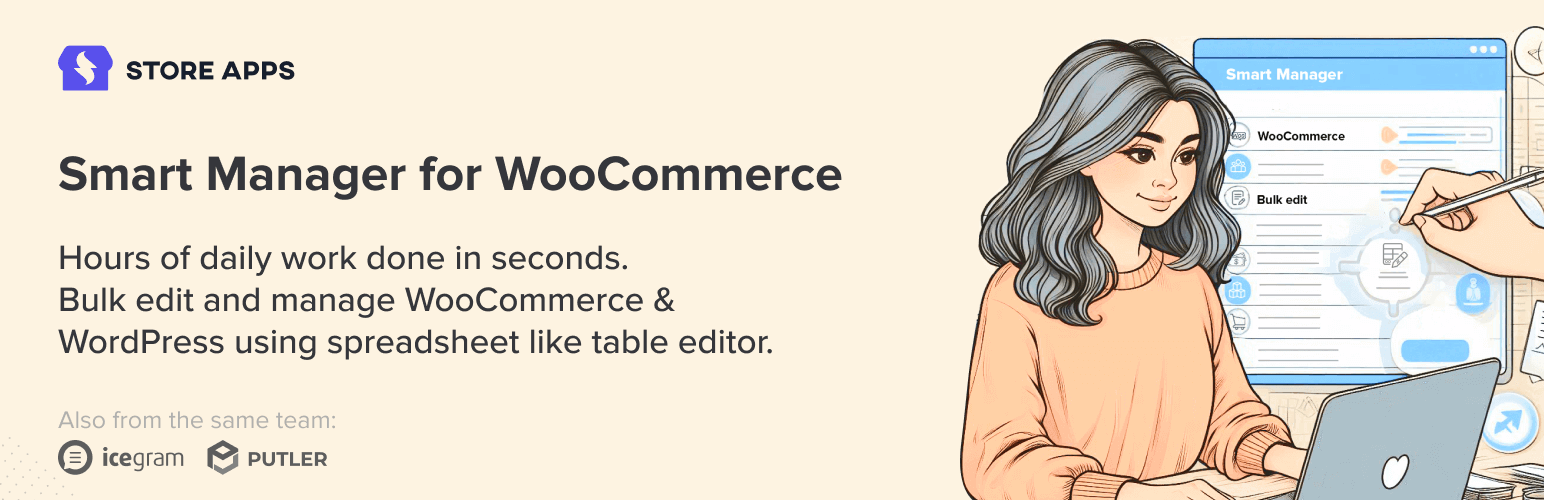
Smart Manager for WooCommerce
Best for: Store managers who need to bulk-edit products, orders, and customers in a spreadsheet interface.
- Spreadsheet-style bulk editing
- Products, orders, and customers
- Advanced search and filter
- Inline editing
Smart Manager gives you a spreadsheet-style interface to manage products, customers, and orders. Need to update 200 product prices? Done in minutes instead of clicking through individual pages.
The inline editing and search save hours on bulk operations. Filter by category, price range, stock status, then edit directly in the grid.
Free version handles basic editing. Pro ($199/year) adds advanced filters, batch updates, and export. Made by StoreApps.
Booster for WooCommerce
Best for: Store owners who’d rather install one plugin with 110+ modules than juggle 15 separate extensions.

- 110+ WooCommerce modules
- PDF invoicing built-in
- Price and currency tools
- One-page checkout
Booster for WooCommerce packs 110+ modules into a single plugin: wishlist, color swatches, PDF invoicing, product addons, one-page checkout, EU VAT handling, export tools, and more.
Instead of installing 15 separate plugins (and dealing with conflicts), you activate only the modules you need from one dashboard. Starting at $9.99/month.
Not every module is best-in-class, but the convenience factor is real. If you’re running a smaller store and want a Swiss Army knife approach, Booster makes sense.
WooCommerce Multilingual
Best for: Stores selling to customers in multiple countries who need translated products and localized checkout.
- Multi-language product pages
- Localized checkout
- Currency switching
- WPML integration
WooCommerce Multilingual connects WPML with WooCommerce so you can run your store in multiple languages. Product pages, checkout, cart, and emails all get translated.
Essential if you sell to non-English-speaking markets. The plugin handles currency switching too, so customers see prices in their local currency.
Free plugin (requires WPML, which is paid). If your store gets traffic from multiple countries, this is mandatory.
Checkout Field Editor
Best for: B2B stores and custom order businesses that need extra fields at checkout.

- Add custom checkout fields
- Remove default fields
- Reorder field layout
- Conditional field logic
The Checkout Field Editor lets you add, remove, and reorder fields on your WooCommerce checkout page. No PHP required.
B2B stores add PO numbers and company fields. Gift shops add gift message fields. Food delivery stores add delivery instructions. The plugin handles all of these.
For more advanced form building, SureForms integrates with the block editor for custom order forms and registration flows. Free core plugin; premium is $39.
YITH WooCommerce Quick View
Best for: Catalog-style stores where customers browse many products and want AJAX-powered previews.
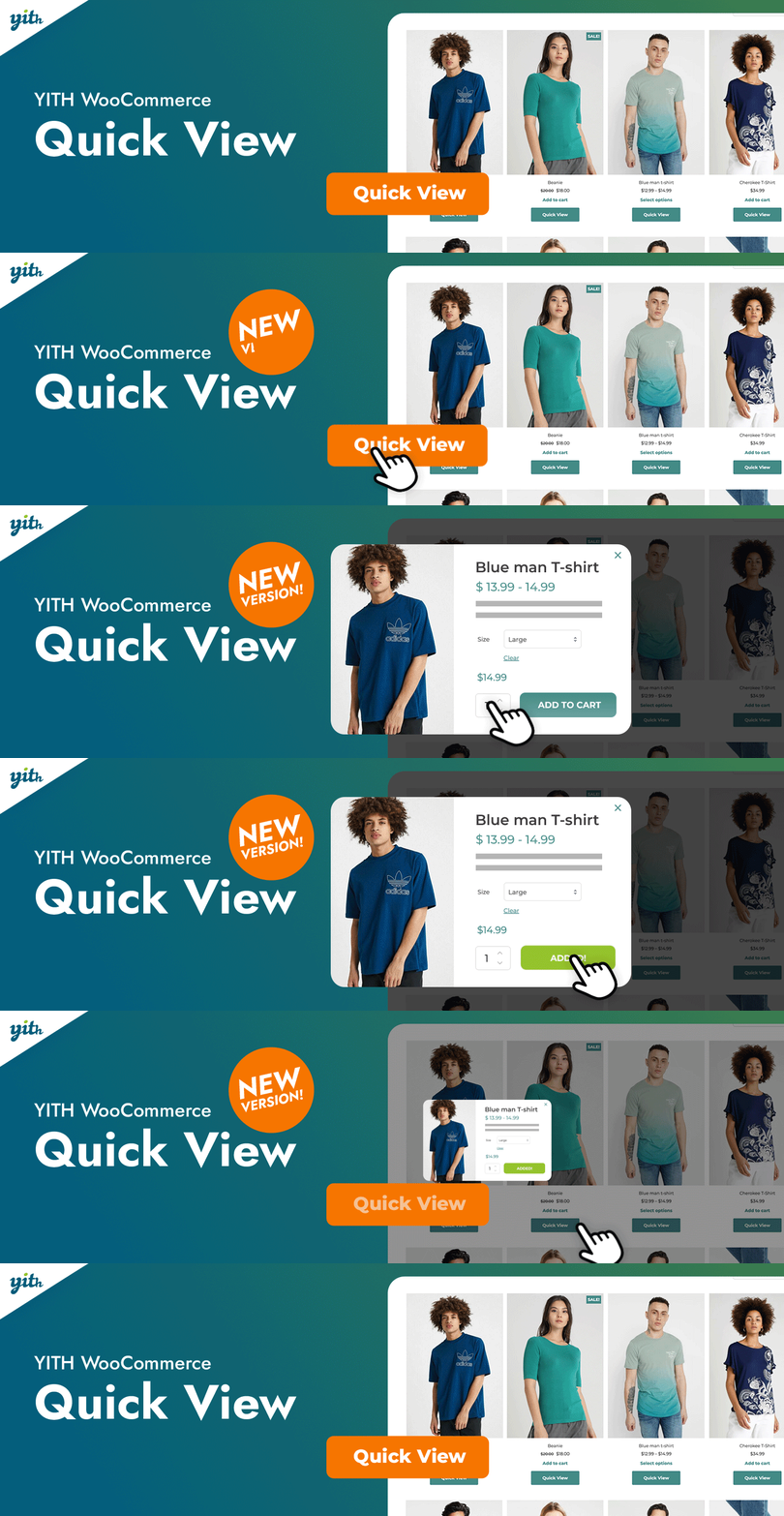
- AJAX product preview popup
- Add to cart from lightbox
- Customizable quick view layout
- Mobile responsive
YITH WooCommerce Quick View adds a popup preview so customers can check product details and add to cart without navigating away from the shop page.
The lightbox loads via AJAX, so it’s fast and doesn’t interrupt browsing. Particularly useful for stores with 100+ products where customers compare items.
Free version covers basic previews. Premium adds gallery support, variation selection, and social sharing inside the popup.
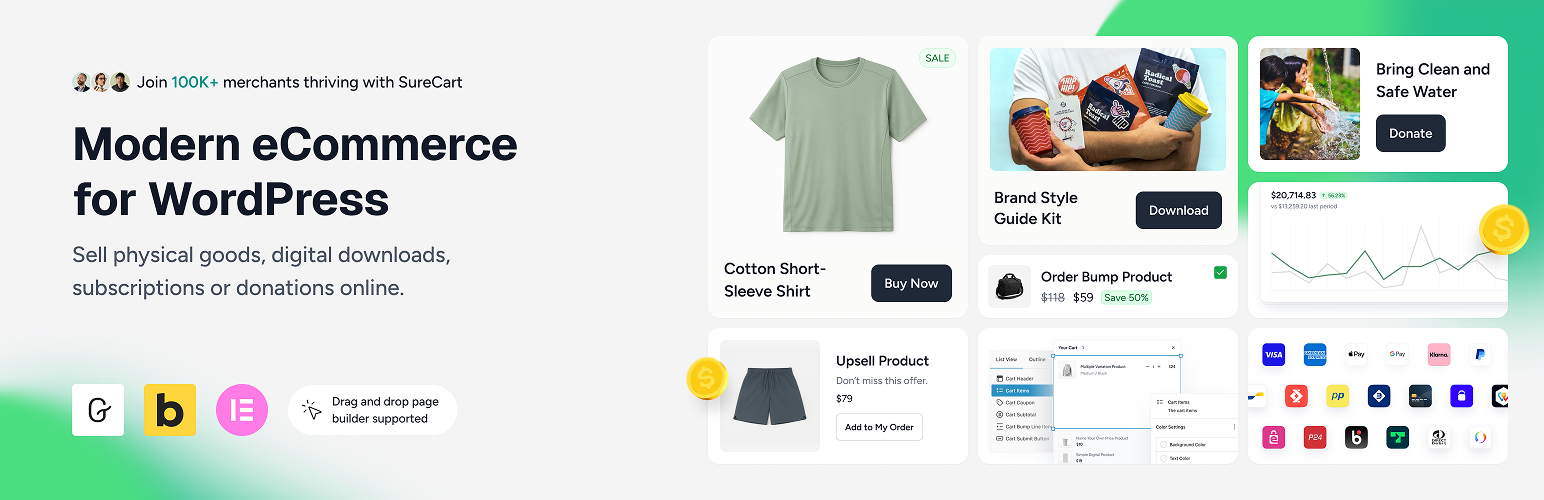
SureCart
Best for: Sellers of digital products and subscriptions who find WooCommerce too heavy.
- Stripe, PayPal, and Mollie payments
- Subscription and recurring billing
- Order bumps and donation forms
- Cloud-based transaction storage
SureCart isn’t a WooCommerce plugin. It’s a WooCommerce alternative for digital products, subscriptions, and lightweight physical goods.
It handles checkout, payments (Stripe, PayPal, Mollie), subscriptions, order bumps, and donations without WooCommerce overhead. Transaction data stays on SureCart’s cloud, keeping your WordPress database clean.
Integrates with SureMembers for membership sites. Free plan available; Pro starts at $199/year.
WooCommerce Product Addons
Best for: Stores selling customizable products that need extra input fields on product pages.

- Custom form builder for products
- Text, dropdown, and file fields
- Conditional field logic
- Price adjustments per option
WooCommerce Product Addons makes adding custom fields to product pages simple: engravings, gift wrapping options, color choices, file uploads for custom prints.
The form builder is drag-and-drop. You can set up conditional logic (show field B only if field A is selected) and adjust pricing based on selections.
Customer-submitted data shows up in your WordPress backend and gets included in order details. You can also personalize the ordering page with custom options.
EU/UK VAT Compliance Assistant
Best for: Stores selling to EU/UK customers who need automated VAT calculations.

EU/UK VAT Compliance Assistant
- Automatic VAT rate detection
- Digital goods VAT compliance
- Tax reporting tools
- VAT number validation
If you sell to EU or UK customers, VAT compliance isn’t optional. This plugin automates VAT calculations for physical and digital goods, detects customer location, and applies the correct rate.
It validates VAT numbers for B2B transactions and generates the tax reports you need for EU MOSS/OSS filing. Saves hours of manual compliance work.
Core plugin is free. Premium version ($50) adds advanced reporting and multiple VAT scenarios.
Order Delivery Date for WooCommerce
Best for: Food delivery, florists, and gift shops where customers pick exact delivery dates.
Order Delivery Date for WooCommerce
- Calendar date picker at checkout
- Configurable delivery slots
- Block specific dates
- Delivery charges per slot
Order Delivery Date adds a calendar picker to your checkout page. Instead of vague “3-5 business days” estimates, customers choose an exact date.
You control available slots, blocked dates, and delivery charges per time slot. Useful for bakeries, florists, meal prep services, and gift shops.
Free core plugin. Pro ($99) adds time slots, same-day/next-day delivery rules, and Google Calendar sync.
YITH WooCommerce Compare
Best for: Electronics and spec-heavy stores where customers compare products side by side.

- Side-by-side comparison table
- AJAX-powered popup
- Customizable comparison fields
- Add to cart from comparison
YITH WooCommerce Compare adds a “Compare” button that opens a side-by-side table of product specs. Customers pick 2-4 products and see attributes, pricing, and ratings in a clean layout.
Essential for electronics stores, appliance shops, and any catalog with spec-heavy products. Customers can add items to cart directly from the comparison view.
Free plugin with a solid feature set. Reduces bounce rate on product pages by helping customers make faster decisions.
How to choose the right WooCommerce plugins
Not every store needs every plugin. Here’s how to prioritize based on what you’re selling:
| Store Type | Must-Have Plugins | Nice-to-Have |
|---|---|---|
| Physical products | Stripe, Table Rate Shipping, PDF Invoices, Estimated Delivery Date | Smart Manager, YITH Wishlist, Product Slider |
| Digital products | Stripe, SureCart or Subscriptions | Advanced Coupons, WPLoyalty |
| Subscriptions/Memberships | Subscriptions, CartFlows, Stripe | WPLoyalty, Advanced Coupons |
| Services/Bookings | Bookings & Appointments, Stripe, Checkout Field Editor | Order Delivery Date, PDF Invoices |
| International stores | WooCommerce Multilingual, EU VAT Compliance, Stripe | Table Rate Shipping, Estimated Delivery |
Start with 3-5 plugins that solve your most urgent problems. Add more as your revenue grows. The best WooCommerce stores I’ve built use 8-12 targeted plugins, not 30 generic ones.
Final thoughts
WooCommerce’s power comes from its plugin ecosystem. But that ecosystem is also its biggest risk. Install the wrong combination and your store slows to a crawl, checkout breaks on mobile, or plugins conflict after an update.
Every plugin on this list has earned its spot through real-world testing on client stores. I’ve excluded dozens of popular plugins that looked good on paper but caused performance issues, had spotty update schedules, or broke under load. If you’re building a reliable ecommerce website, these are the plugins I’d recommend starting with.
Have questions about which plugins work for your store? Hit me up on X (@wpgaurav).
Frequently asked questions
How many WooCommerce plugins should I install?
Keep it under 15. Every plugin adds database queries and HTTP requests. I recommend 8-12 targeted plugins for most stores. Start with payments (Stripe), checkout optimization (CartFlows), and basic functionality, then add more as your store grows.
Do WooCommerce plugins slow down my site?
They can. Poorly coded plugins load scripts on every page, not just WooCommerce pages. The plugins on this list are tested for performance. Use a caching plugin and image optimization (ShortPixel) alongside them. Monitor your site speed after each new plugin install.
What’s the difference between free and premium WooCommerce plugins?
Free versions cover basic functionality. Premium versions typically add advanced features like conditional logic, priority support, and more configuration options. For stores under $10K/month revenue, free versions often suffice. Scale up to premium as your needs grow.
Can I use WooCommerce plugins with other page builders?
Most WooCommerce plugins work with any theme and page builder (Elementor, Beaver Builder, Divi, GenerateBlocks). CartFlows specifically integrates with all major builders for funnel pages. Always check the plugin’s compatibility list before purchasing.
Is SureCart better than WooCommerce for digital products?
For purely digital products and subscriptions, yes. SureCart is lighter, faster, and keeps transaction data off your WordPress database. But WooCommerce has a bigger ecosystem and more flexibility for physical products, complex shipping, and inventory management.
How do I handle WooCommerce plugin conflicts?
Test new plugins on a staging site first. Activate one at a time and check for JavaScript errors in your browser console. Common conflict points: checkout pages, cart calculations, and shipping methods. If two plugins modify the same hook, one will override the other.
Which payment gateway should I use with WooCommerce?
Stripe for most stores. It supports credit cards, Apple Pay, Google Pay, and 135+ currencies with no monthly fee (just transaction fees). Add PayPal as a second option since some customers prefer it. For EU stores, consider Mollie for local payment methods.
Do I need a WooCommerce booking plugin or a separate booking system?
If you already run WooCommerce for product sales, use a WooCommerce booking plugin (PluginHive or YITH) to keep everything in one system. If booking is your primary business, a dedicated platform like Calendly or Acuity may be simpler to manage.
Disclaimer: This site is reader-supported. If you buy through some links, I may earn a small commission at no extra cost to you. I only recommend tools I trust and would use myself. Your support helps keep gauravtiwari.org free and focused on real-world advice. Thanks. - Gaurav Tiwari