
5 Best Business Plan Software and Tools for Startups in 2026
You’ve got a business idea, maybe even a prototype. But when an investor asks for your business plan, you’re staring at a blank Google Doc wondering where to start. Financial projections, market analysis, executive summaries — it’s a lot to figure out from scratch, especially when you’re already stretched thin building the actual product.
Business plan software takes the guesswork out of the process. Instead of formatting spreadsheets and writing from a blank page, you get guided templates, automatic financial forecasting, and presentation-ready output. The right tool can turn a weekend of frustration into a few focused hours.
Here are the best business plan software options for startups in 2026, ranked by usability, features, and value.
Best Business Plan Software at a Glance
- LivePlan — Best overall for startups with guided templates, financial dashboards, and investor-ready output
- BizPlan — Best for fundraising with built-in investor networking and drag-and-drop planning
- Enloop — Best budget option with automatic financial forecasting and performance scoring
- PlanGuru — Best for detailed financial modeling with 20+ forecasting methods
- BizPlanBuilder — Best for first-time founders who need step-by-step guidance and video tutorials

| Business Plan Software | Starting Price | Free Trial | Best For |
|---|---|---|---|
| LivePlan | $15/mo | No | Overall startup planning |
| BizPlan | $29/mo | No | Fundraising + investor access |
| Enloop | $11/mo | 7-day free | Budget-friendly planning |
| PlanGuru | $99/mo | 14-day free | Financial modeling |
| BizPlanBuilder | $27/mo | Free guest account | First-time founders |
LivePlan

Best for: Startups and small businesses that want guided, step-by-step business planning with investor-ready output.
LivePlan is the most popular business plan software on the market, and for good reason. It walks you through every section of your plan with clear instructions and prompts, so you don’t need an MBA to produce a professional document. The interface is clean, the learning curve is minimal, and you can have a presentable plan ready in a single sitting.
What sets LivePlan apart is its financial dashboard. It integrates with QuickBooks Online and Xero, which means your actual revenue and expense data feeds directly into your plan. You can compare projections against real performance in real time, something most competitors don’t offer. The software also includes 500+ customizable templates organized by industry, so you’re never starting from scratch.
LivePlan lets you create unlimited plans on a single account. You can export to PDF or Word, generate a one-page pitch summary, and share your plan with investors via a private link. The one-page pitch feature is particularly useful for early-stage startups that need a quick overview before diving into the full document.
Pricing starts at $15/month on the annual plan, $18/month on six-month billing, or $20/month pay-as-you-go. There’s no free trial, which is the main drawback — you’re committing before you try. But the annual plan works out to just $180/year, which is reasonable for what you get.
BizPlan

Best for: Founders who are actively fundraising and want investor networking built into their planning tool.
BizPlan takes a different approach from traditional business plan software. It uses a drag-and-drop builder that breaks your plan into modular sections, so you can rearrange and customize without dealing with rigid templates. The interface feels more like building a website than writing a document, which makes it less intimidating for first-time founders.
The standout feature is BizPlan’s connection to the Fundable fundraising platform. Once your plan is ready, you can use it to create a funding profile and connect with potential investors directly through the platform. This integration is unique — no other business plan software doubles as a fundraising tool. You also get unlimited collaborators on your account, which is useful if you’re building the plan with co-founders or advisors.
BizPlan includes a financial dashboard for tracking key metrics, plus video tutorials and self-guided courses to help you understand what investors actually look for. The downside is the price — at $29/month for the monthly plan, it’s one of the more expensive options. The annual plan ($20.75/month billed at $249/year) and lifetime plan ($349 one-time) offer better value if you’re committed.
Enloop
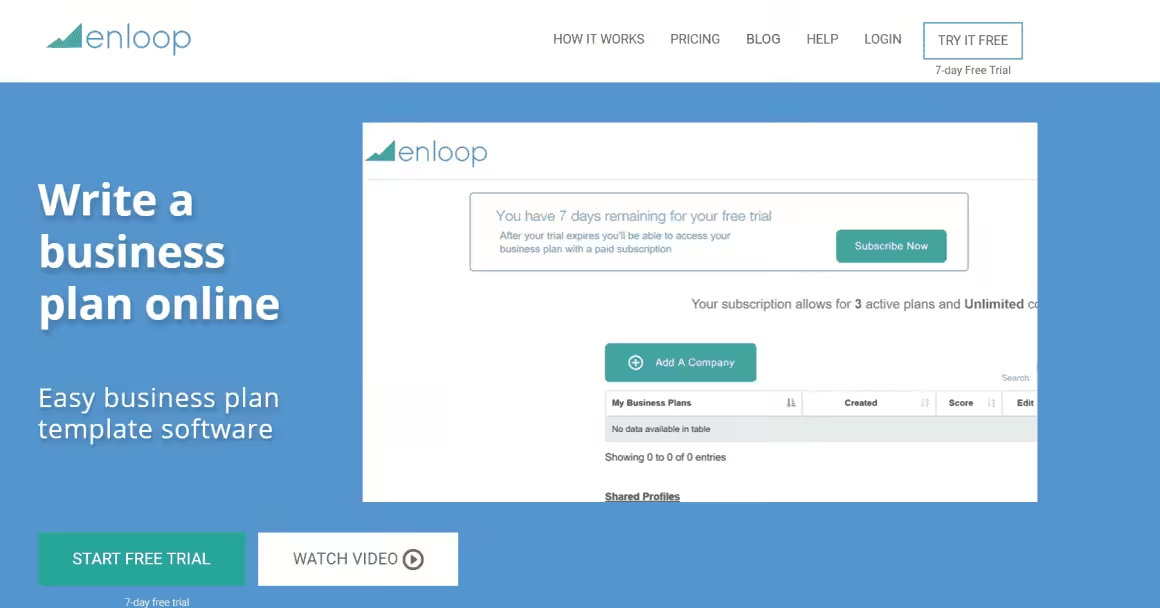
Best for: Budget-conscious founders who want automatic financial forecasting and a performance score for their plan.
Enloop is the most affordable business plan software that still delivers serious functionality. Its headline feature is automatic financial statement generation — input your revenue assumptions and costs, and Enloop builds your income statement, balance sheet, and cash flow projections automatically. For founders who aren’t finance-savvy, this alone is worth the subscription.
Enloop also gives your plan a real-time performance score, comparing your projections against industry benchmarks. This pass/fail scoring system helps you identify weak spots before an investor does. The auto-write feature generates text for certain sections of your plan based on your inputs, though you’ll want to customize the output — auto-generated text reads generic.
The free 7-day trial requires no credit card, which makes Enloop worth testing before you commit. Paid plans start at $11/month (billed yearly) for the Detailed plan, which includes up to 3 business plans. The Performance plan at $24/month adds financial comparisons and more advanced reporting. The main limitation is customization — Enloop’s templates are more rigid than LivePlan or BizPlan, so you have less control over the final look of your document.
PlanGuru
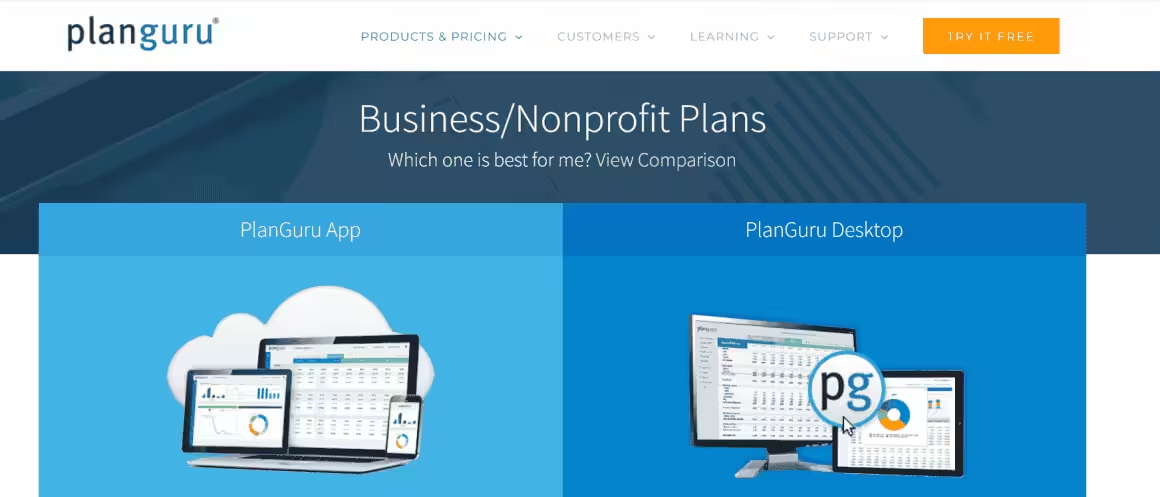
Best for: Startups and SMBs that need deep financial modeling with 10-year forecasting and accounting integrations.
PlanGuru isn’t a traditional business plan builder — it’s a financial forecasting and analysis tool. If your primary need is building detailed financial projections with multiple scenarios, PlanGuru is the most powerful option on this list. It offers 20+ forecasting methods and can project up to 10 years out, which is far beyond what most competitors provide.
The software integrates with QuickBooks, Xero, and Excel, so you can import your existing financial data and build projections on top of real numbers. PlanGuru is cloud-based but also offers a Windows desktop version for users who prefer local software. The reporting is detailed — you get balance sheets, income statements, cash flow forecasts, and ratio analysis, all presented in formats that accountants and investors expect.
The downside is price and complexity. At $99/month (or $899/year), PlanGuru costs significantly more than the other options here. And because it’s focused on financial modeling rather than full business plan creation, you won’t get the narrative templates and guided writing that tools like LivePlan offer. The 14-day free trial helps, but this tool is really built for founders who already understand financial statements and need a powerful engine to model them. If you just need a basic business plan, PlanGuru is overkill.
BizPlanBuilder
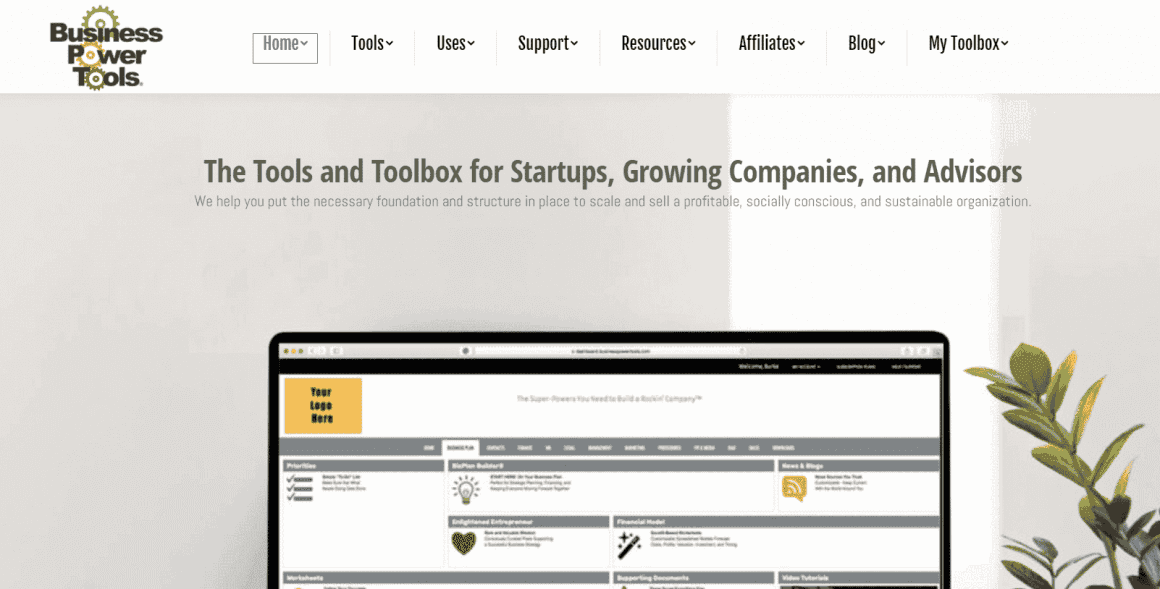
Best for: First-time founders who need structured guidance, video walkthroughs, and pitch deck creation alongside their business plan.
BizPlanBuilder is part of the Business Power Tools suite, and it takes a more educational approach to business planning. Every section of the plan includes explanation tabs and video walkthroughs that explain not just what to write, but why investors care about it. For founders who’ve never created a business plan before, this hand-holding is genuinely valuable.
The software is available both as a cloud app and a downloadable desktop version. It includes templates for different business types, a built-in pitch deck builder, and the ability to create 5-10 financial models. There’s also a business plan workshop feature that walks you through understanding investor expectations — essentially a mini-course built into the tool.
BizPlanBuilder offers a free guest account with limited access, which is useful for exploring the interface before committing. Paid plans range from $27/month for planning and startup features to $97/month for the full Business Power Tools suite (which adds employee policies, marketing templates, and sales tools). The pricing gets confusing because you’re buying into a broader suite, not just a business plan tool. For pure business plan creation, the $27/month tier covers what most startups need.
How to Choose the Right Business Plan Software
Your choice comes down to what stage you’re at and what you need most:
If you want the easiest all-in-one solution: LivePlan. 500+ templates, guided writing, real-time financial tracking, and the cleanest interface. Best value at $15/month annually.
If you’re actively fundraising: BizPlan. The Fundable integration gives you direct access to investors, which no other planning tool offers.
If you’re on a tight budget: Enloop. Free trial with no credit card, automatic financials, and plans starting at $11/month. The performance scoring is a useful reality check.
If you need serious financial modeling: PlanGuru. 20+ forecasting methods, 10-year projections, and accounting software integration. Overkill for a basic plan, perfect for data-heavy investors.
If you’ve never written a business plan: BizPlanBuilder. Video walkthroughs and explanation tabs for every section. The educational approach is worth the extra hand-holding.
For most first-time founders, LivePlan or Enloop will cover everything you need. Start with the tool that matches your budget and upgrade if you outgrow it.
Do I really need business plan software, or can I use Google Docs?
You can write a business plan in Google Docs, but you’ll spend days formatting financial tables and projections manually. Business plan software automates financial forecasting, provides guided templates, and produces investor-ready PDFs. It turns a weekend of frustration into a few focused hours.
What’s the best free business plan software?
Enloop offers a 7-day free trial with automatic financial forecasting, which is the closest you’ll get to a full-featured free option. BizPlanBuilder has a free guest account with limited access. For truly free tools, you’re looking at SBA.gov templates and Google Docs, but you’ll miss out on automated financials.
How much does business plan software cost?
Pricing starts at $11/month for Enloop and goes up to $99/month for PlanGuru’s advanced financial modeling. LivePlan, the most popular option, costs $15/month. Most tools don’t require annual commitments, so you can cancel after your plan is finished.
Can business plan software help me get funding?
Yes. LivePlan and BizPlan both produce investor-ready documents with professional formatting and financial charts. BizPlan even includes a built-in investor networking feature that connects you with potential funders directly from the platform.
Which business plan software is best for first-time founders?
BizPlanBuilder is designed specifically for first-time founders with step-by-step video tutorials and guided prompts. LivePlan is another strong choice because it walks you through each section with clear instructions, so you don’t need prior experience.
Do investors actually care about business plans anymore?
Yes, especially for bank loans, SBA funding, and early-stage VC pitches. The format has evolved, though. Investors want concise plans with solid financial projections and market validation, not 50-page documents. Tools like LivePlan help you hit the right level of detail.